
One of the questions I get asked most often is how do you film a wedding ceremony, and this is the most detailed answer I’ve ever given. Part three of the behind the scenes on Noah and Mal’s wedding film, covering the gear, how we set it up, the angles, and the whole ceremony from beginning to end.
If you haven’t seen them, part one covers pre-production and establishing shots and part two covers bride and groom prep. And here’s the finished film if you want to see what all of this turned into.
Thirty Minutes Out
At this point we’re going into crazy ceremony prep mode. Honestly it sounds more relaxed than it is, because we do have thirty minutes, but there are a lot of moving parts and they all have to land.
Rachel goes to a 70-200 on her camera, but she keeps the 50mm on for the walk down the aisle first and switches to the 70-200 once everybody is up front. I get the other 70-200 onto the Sony FS100 and onto a second tripod, ready to roll.
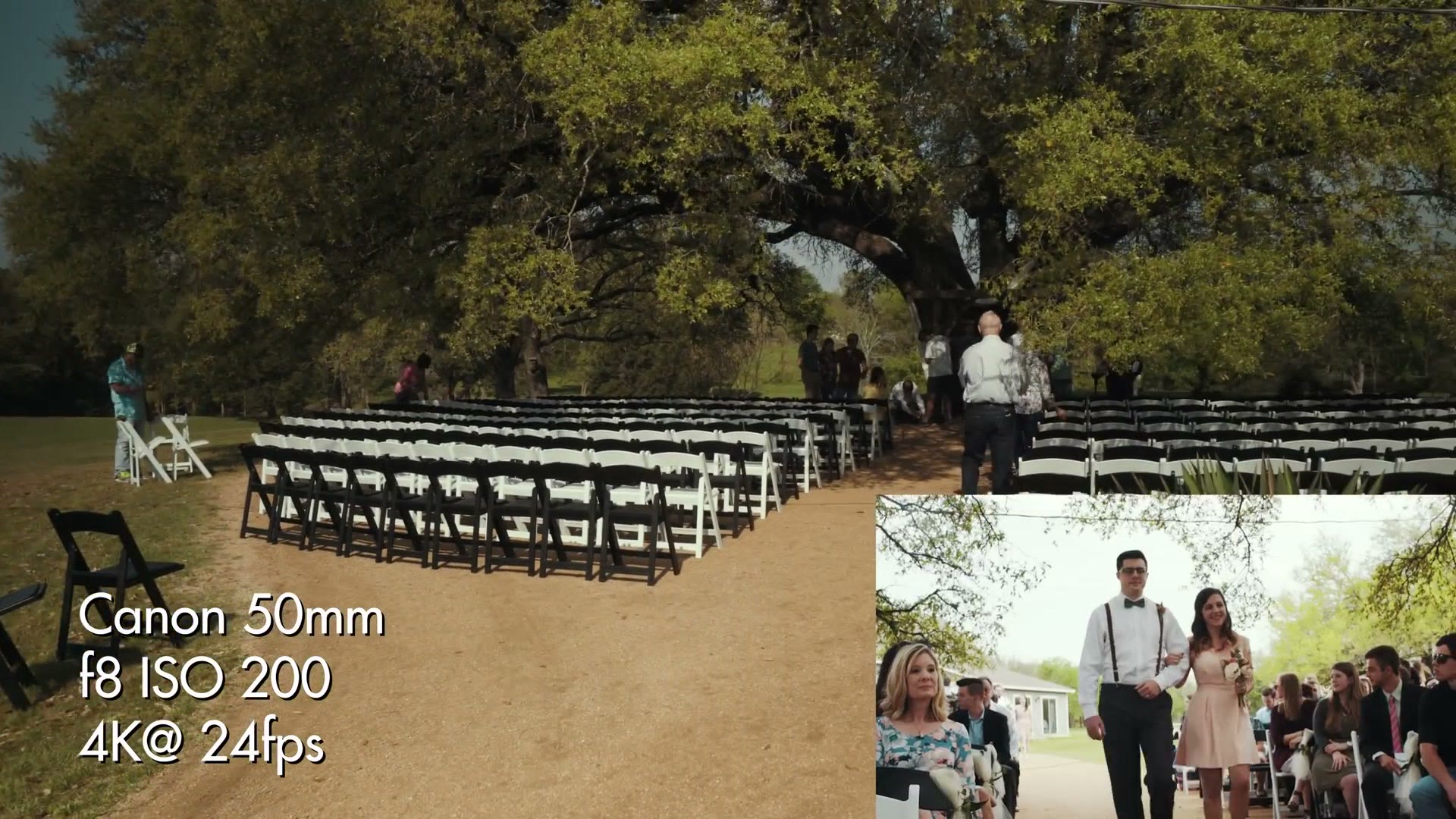
You can always tell the officiant, by the way. They’re the one holding an iPad or a Bible.
The Ceremony Plan
Everything here is subject to change, but this is what we’re going in with.
Rachel is up at the front, crouched down at the side, for the processional. The groomsmen come in and do their weird hugs and handshakes with the bridesmaids, everybody gets into position, and the important thing is that Rachel is up there to catch Noah turning around and losing it when he first sees Mallory.
I’m at the back next to Mallory. I follow her up, move to the side of her to get her reaction when she sees him, then follow her down the aisle. So we’ve got her face going in and his face receiving her, from two positions, at the same moment.
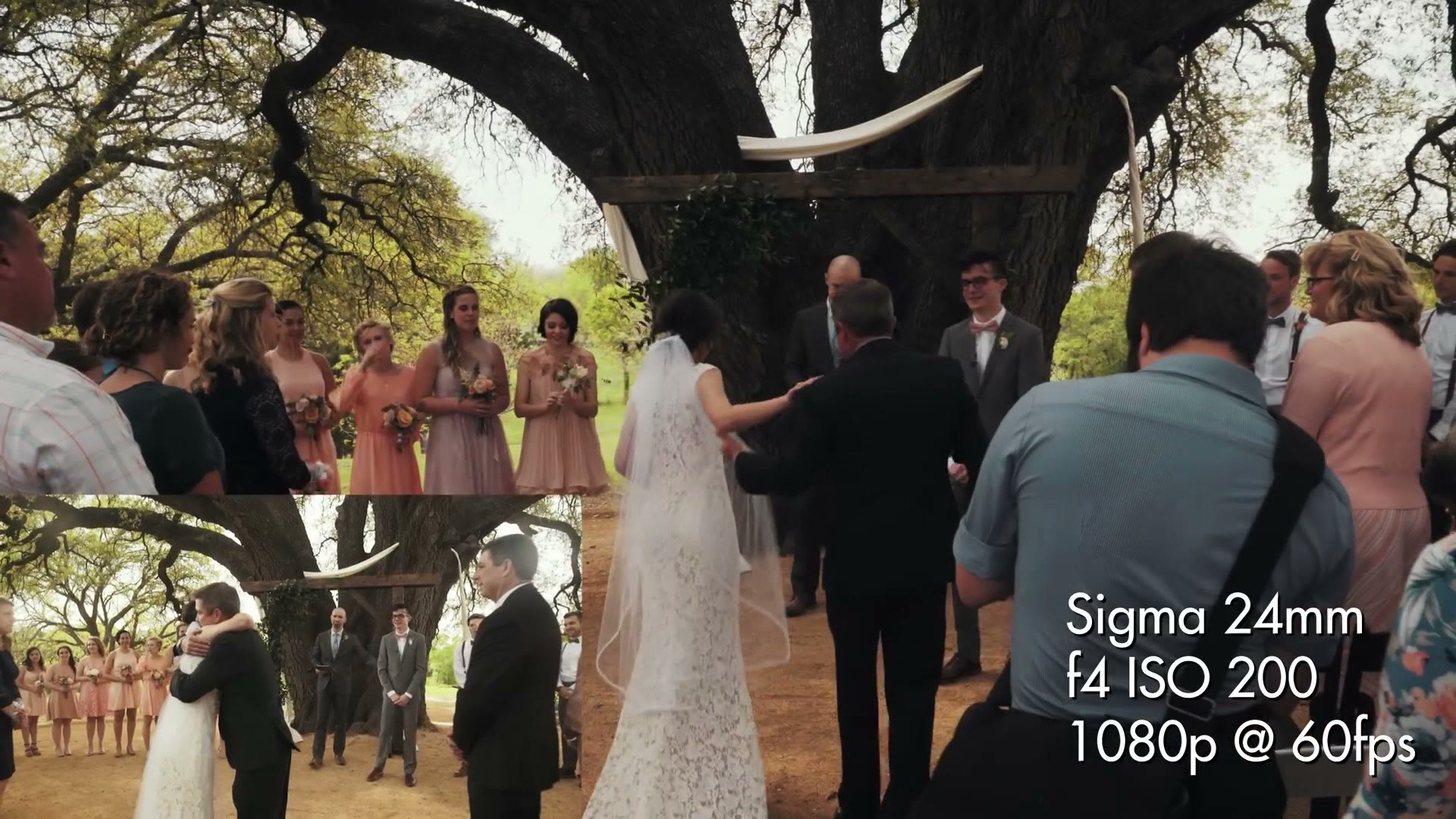
Then for the ceremony itself, two tripods, one on each side. Rachel operates one, I operate the other, but I’m also roaming, so I lock mine off on the FS100 at a slightly wider shot and just leave it. Rachel is on the a7S II getting the detail. That guarantees us a good ceremony angle no matter what, which frees me up entirely, because I honestly don’t care that much about my locked angle. I’m off getting pushes and slides and the creative stuff.
We don’t bother with a third safety angle. Two fixed cameras plus one person roaming gives us more than enough coverage to cut a full ceremony edit if the couple ever orders one.
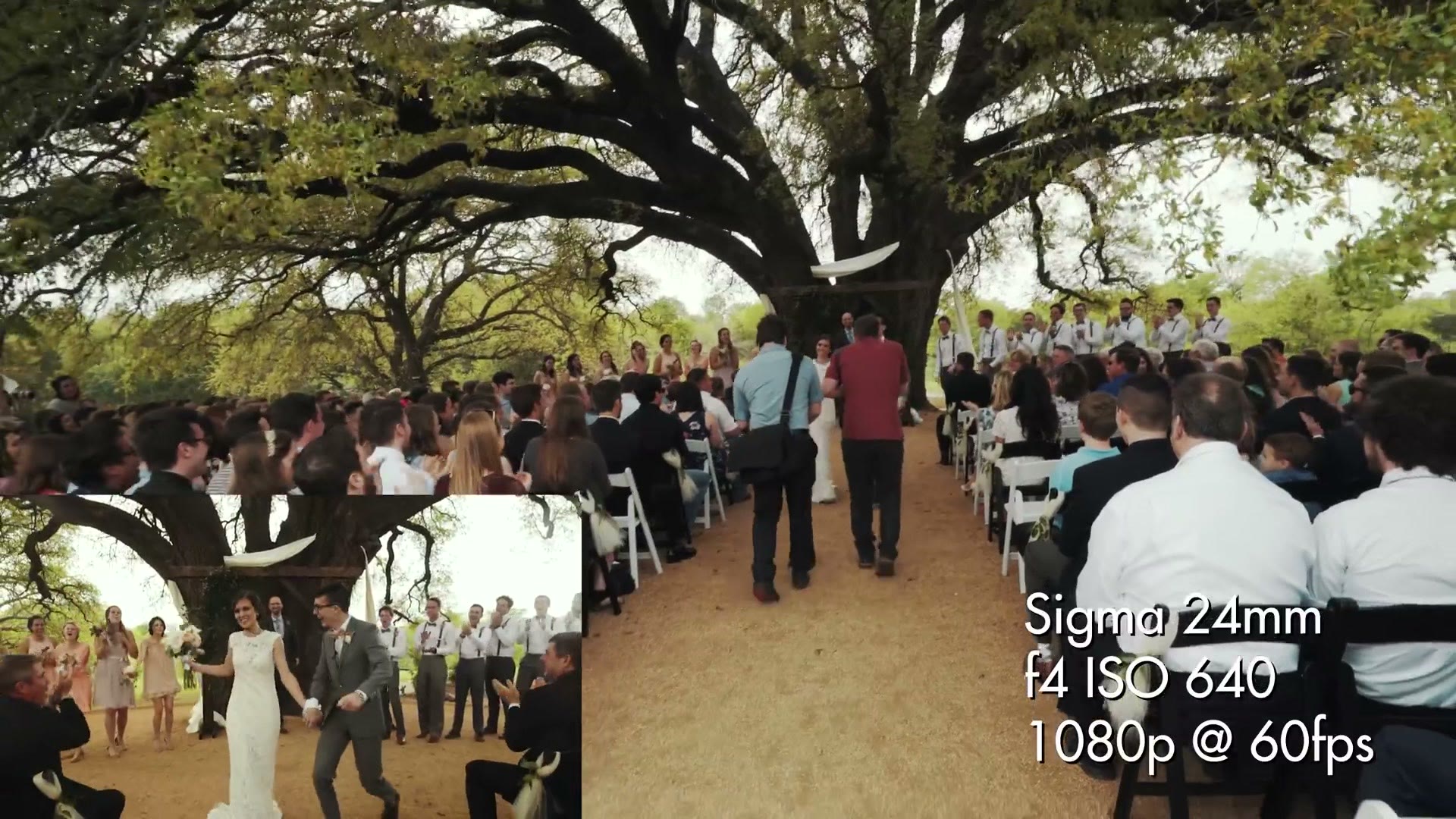
For the exit, I come back to the back of the aisle, get the kiss, then get out on the Glidecam ahead of them as they come.
Couple Time Right After Is The Priority
The thing I protect above almost anything else is the few minutes immediately after the ceremony ends, because that is when both of them are genuinely freaking out. Later, when you’re posing them and asking them to do things, they get a little stiffer, a little more performance based. That first moment alone together is not like that at all.
So the second I’m done gliding out, I’m ready to go straight into that. Rachel throws her camera back on a monopod and runs after me. Usually I’ll get the bride coming down, kill the roaming camera, kill the other camera on the far side, and run.
Audio, And Why I Run Four Sources
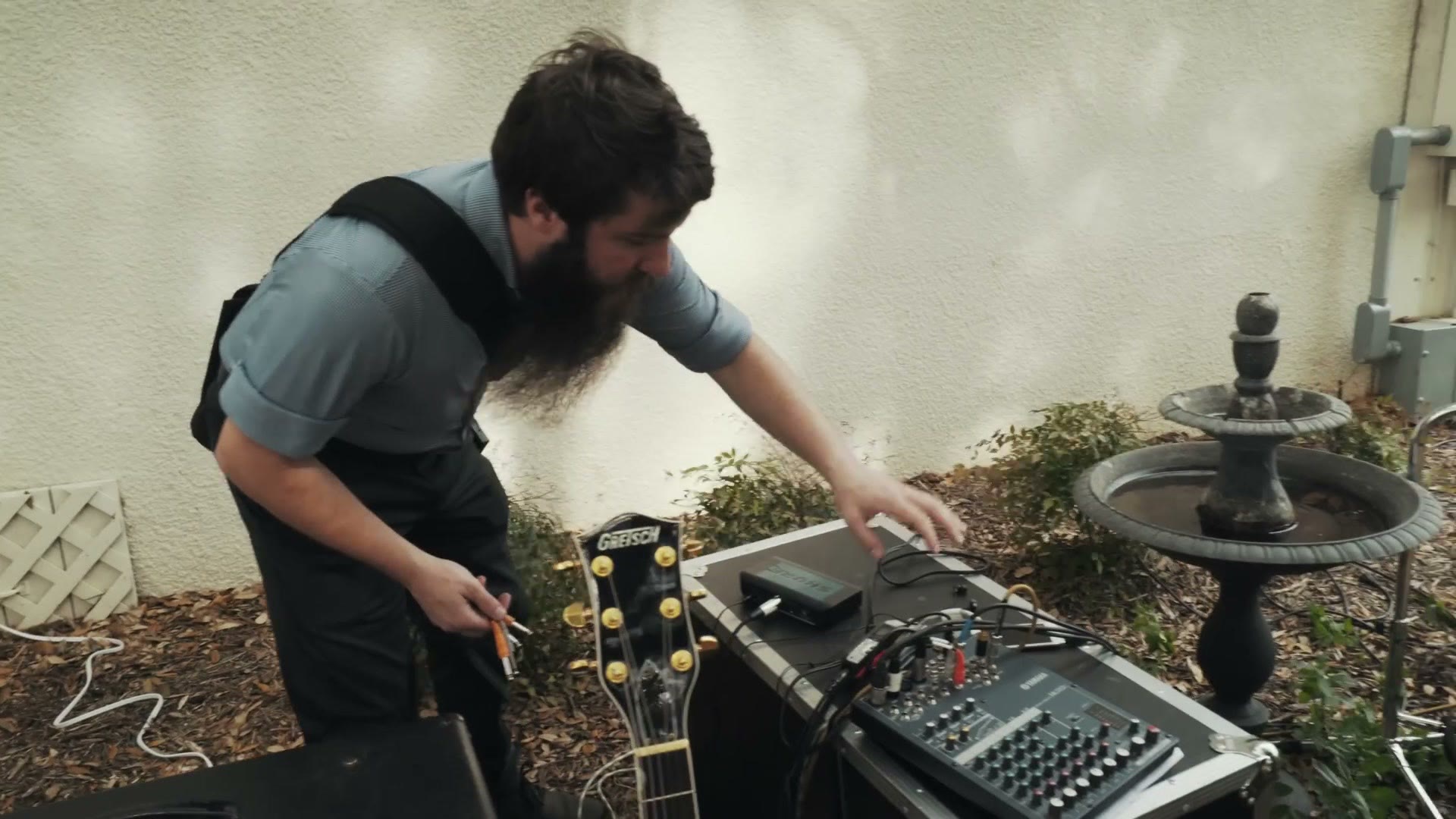
I believe in backups, and then I believe in backups for the backups. Here’s everything rolling during this ceremony:
- A Sennheiser G3 on the groom, running into the Sony FS100.
- An Olympus DM-620 recorder with a lavalier, also on the groom.
- A second Olympus DM-620 with a lav on the minister.
- A Zoom H4n plugged into the record out of the venue’s soundboard, so I get the house mix and the musician.
The receivers at the board all have XLR and quarter inch outputs, so I can also run straight out of the minister’s receiver into the same recorder. Hit record once and it takes both the minister and the house feed onto one device, and the H4n auto levels so I don’t have to stand there monitoring it. Set it, walk away, think about other things. Worst case I still have two sources rolling before I’ve miked a single person.
Every single piece of audio gear I use is listed here.
Mic Them Late, Not Early
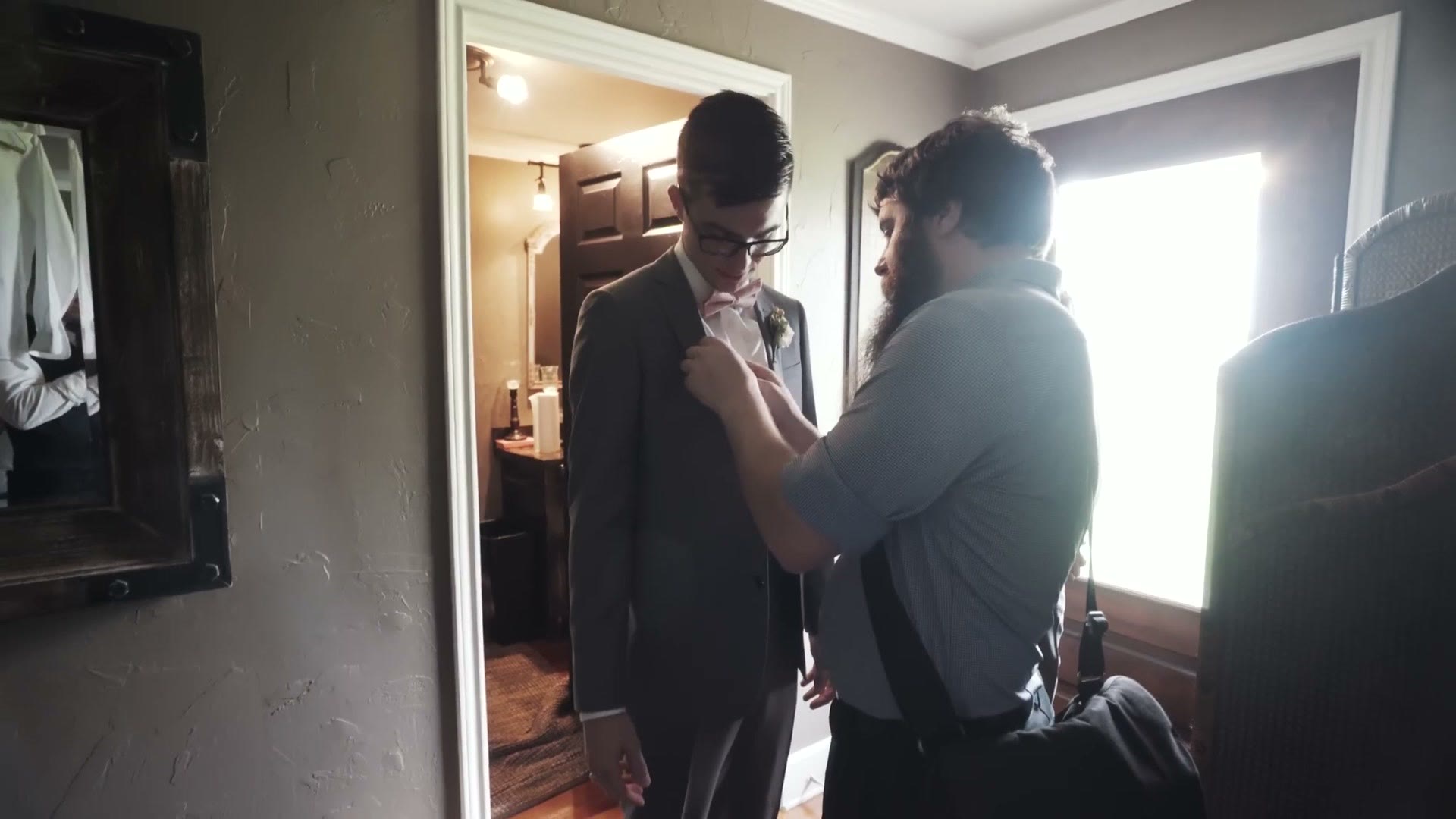
I wait until about fifteen minutes before the ceremony to mic the groom and the minister, and that’s deliberate. The earlier you mic somebody, the more time there is for them to forget it’s there, take their jacket off because they randomly decided to change, go to the bathroom, or do any of the hundred things that will wreck your audio. Doing it as late as you can get away with is ideal. It’s also the most stressful part of the day, so you will be running around like a chicken with its head cut off while looking like you know exactly what you’re doing.
Two things I do every single time:
- Slate every recorder out loud. The moment I hit record I say “this is Noah and Mallory minister mic.” Then months later when I’m going through audio files, I hit play and I know instantly what I’m listening to.
- Transmitter in the inner jacket pocket. It hides the pack and it shields the lav from wind. This day the wind was hurricane force, so I also put fuzzy over covers on the lavs, which I don’t normally bother with.
And if you ever have to tell the officiant you’re miking them, promise them what I promise: if it’s a private moment, it does not go in the video. I’m not really in this for the blackmail.
Every Setting I Used
The description promised camera, lens, aperture and ISO for every shot, so here they are as they appear on screen through the ceremony:
- Processional and aisle: Canon 50mm, f/8 to f/14, ISO 200, 4K at 24fps. Stopped down that far because it’s the middle of a bright Texas afternoon under open sky.
- Roaming during the ceremony: Sigma 24mm, f/4, ISO 200, 1080p at 60fps, so it can be slowed down in the edit.
- Locked long angle: Canon 70-200mm, f/4, ISO 500, 1080p at 24fps.
- The other long angle: Sony 70-200mm, f/9, ISO 200, 4K at 24fps.
- The exit: Sigma 24mm, f/4, ISO 640, 1080p at 60fps.
Here’s everything I used to film this wedding.
What’s Next
Part four covers the reception, which includes the toasts and how we miked them, lighting the room, the dancing, a massive lightning storm that nearly ruined the whole thing, and then the exit with lightning going off behind them as they drove away. Easily the best wedding exit I have ever filmed.
Special thanks to my friend Paul Bailey for helping film this behind the scenes. Check out his work here.
If you want to ask me anything about filmmaking directly, I offer one on one filmmaker consulting. And if you film weddings and want to book more of them, here’s a free guide with practical steps you can take right now.