📷 Favorite Wedding Filmmaking Gear
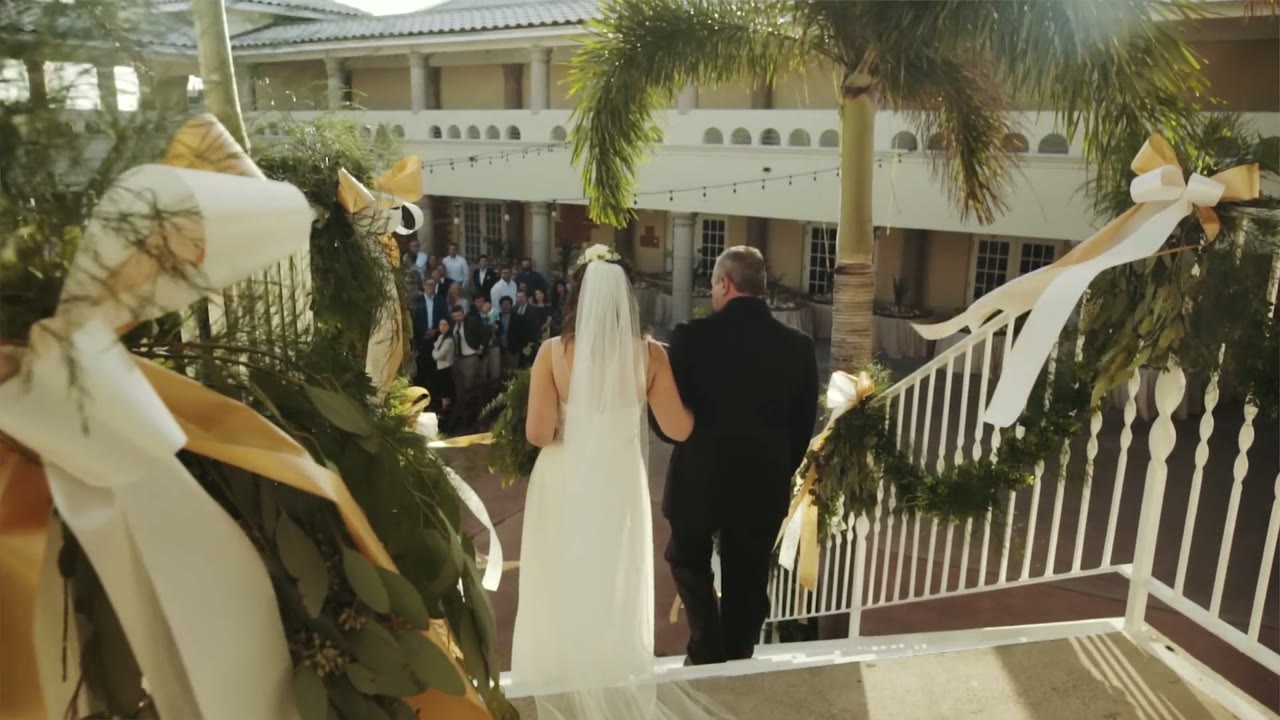
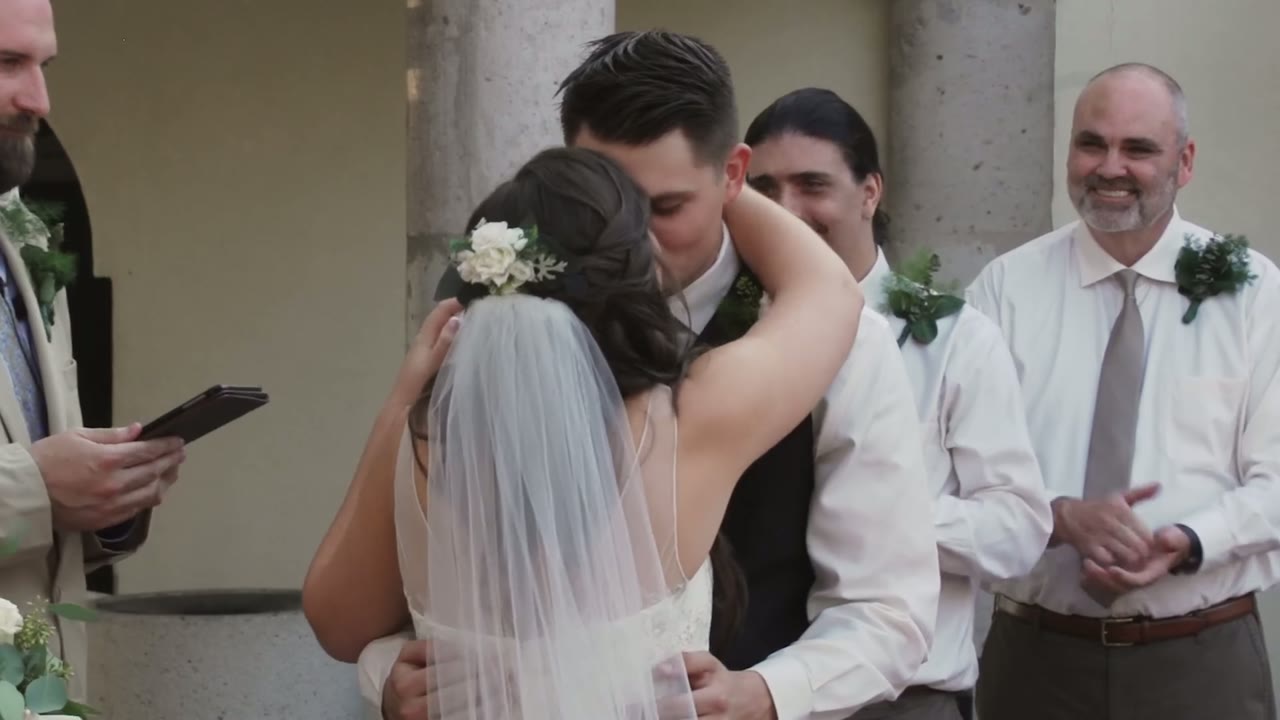
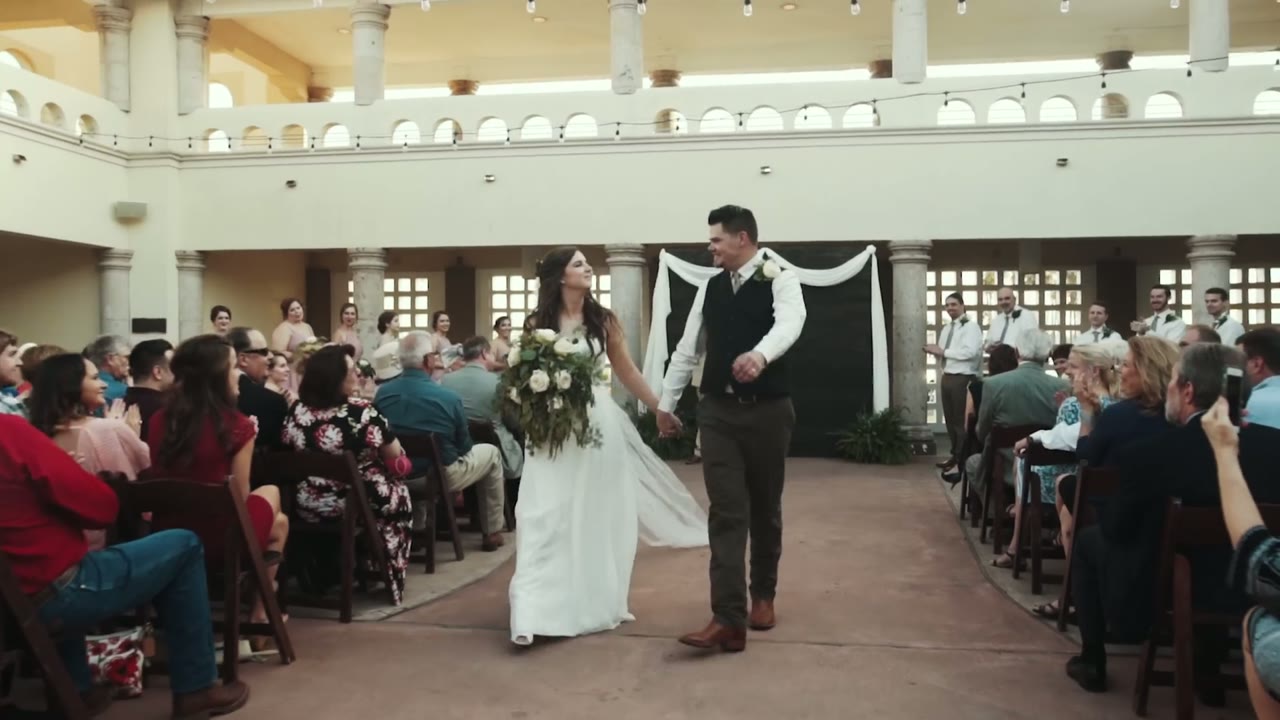
Caitlin and Tanner warned Rachel and me that there would be tears at their wedding. I didn’t know how true this would be until we showed up and Tanner started tearing up while reading a letter that he wrote to Caitlin, to which she soon followed suit when she read hers as well.
This tearful trend continued throughout the day, with the culmination point being when they saw each other for the first time. Even as Tanner heard Caitlin’s footsteps, happy tears began to fall. Looking back, it may be easier to list the parts of their wedding where someone wasn’t crying.
Couples like these two are why Rachel and I film weddings. We are so thankful that they let us share and capture these moments with them.
Getting married? Whether you’re a cryer or not, we would love to film your wedding. Please get in touch!
Want to learn to film weddings? I’m now offering one-on-one filmmaker consulting! Check it out!
Music used in this film:
🎵 Write My Name Alt. Version by CHPTRS
Songs licensed from Music Bed
Music licensing sites I recommend:
ART LIST – (free extra 2-months when you subscribe using this link!)
Sound Stripe – (use the coupon code “WHOISMATT” for 10% off a yearly or monthly subscription!)
Filmstro – (use the coupon code “WHOISMATT20_ANN” for 20% off all yearly licenses)
I’m required to state that I’m a part of affiliate programs for Amazon, B&H, SoundStripe, ArtList, Musicbed, and Adobe and that some of the links above are affiliate links.
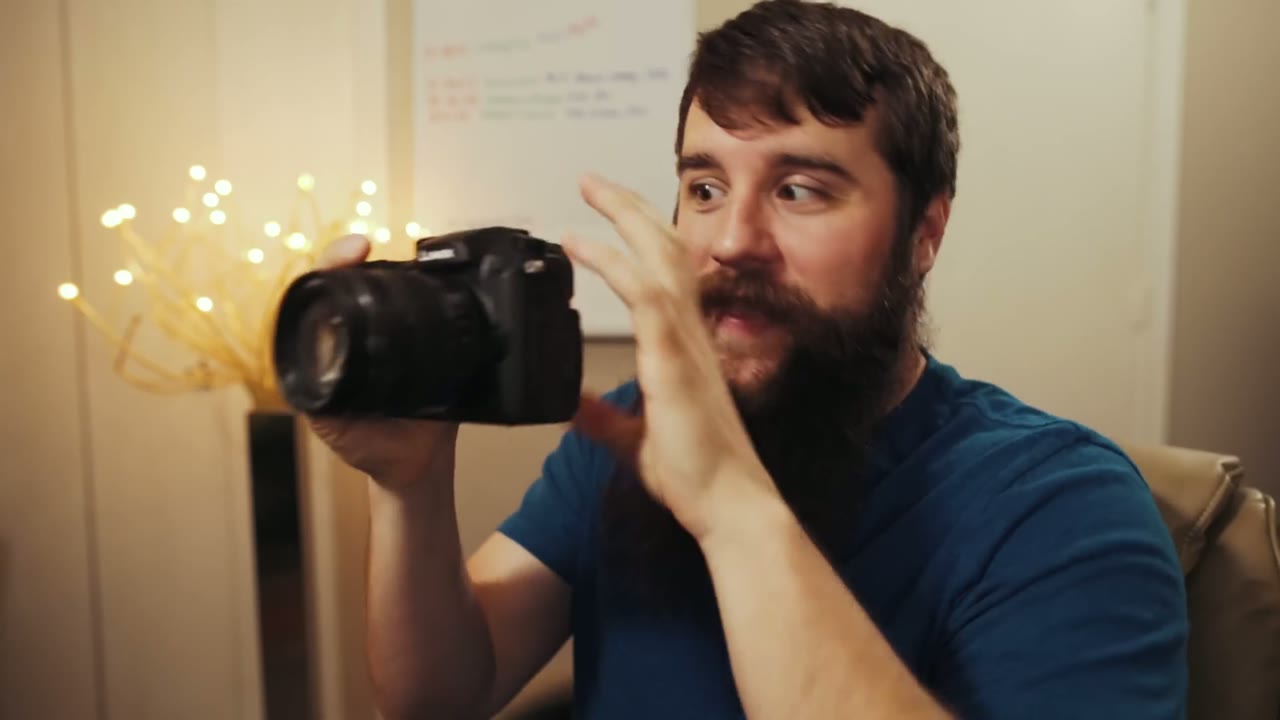
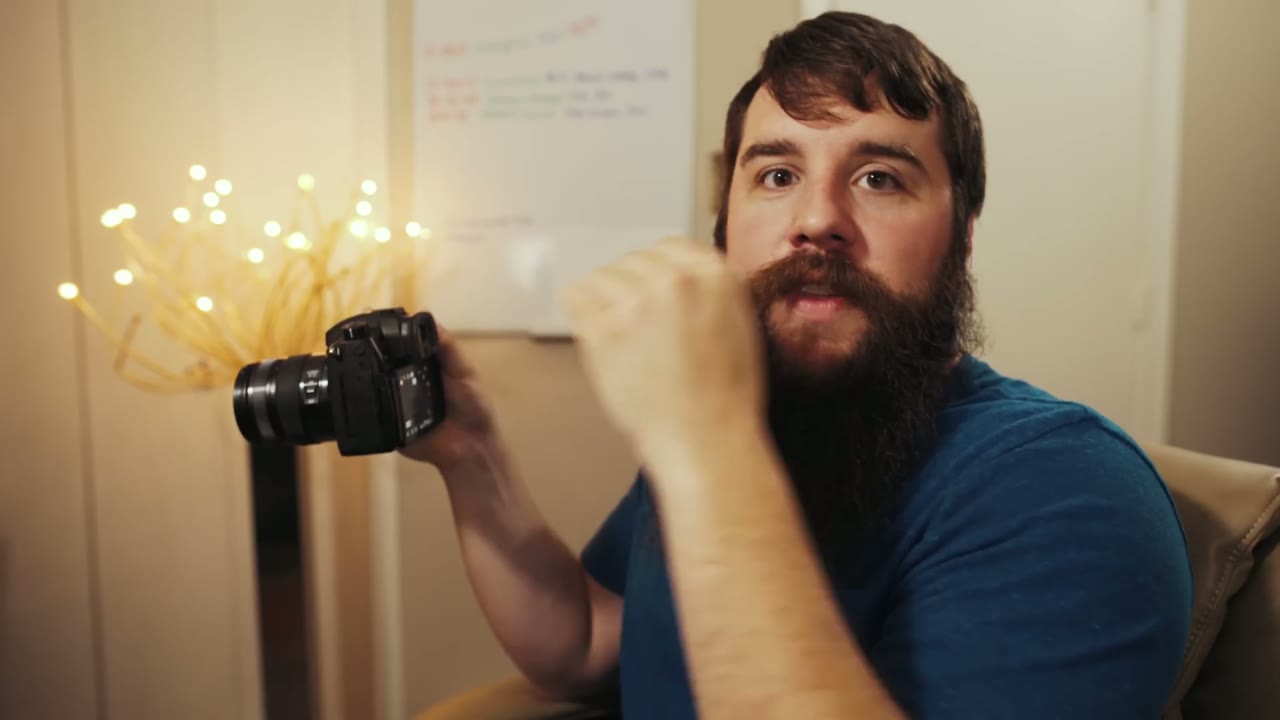
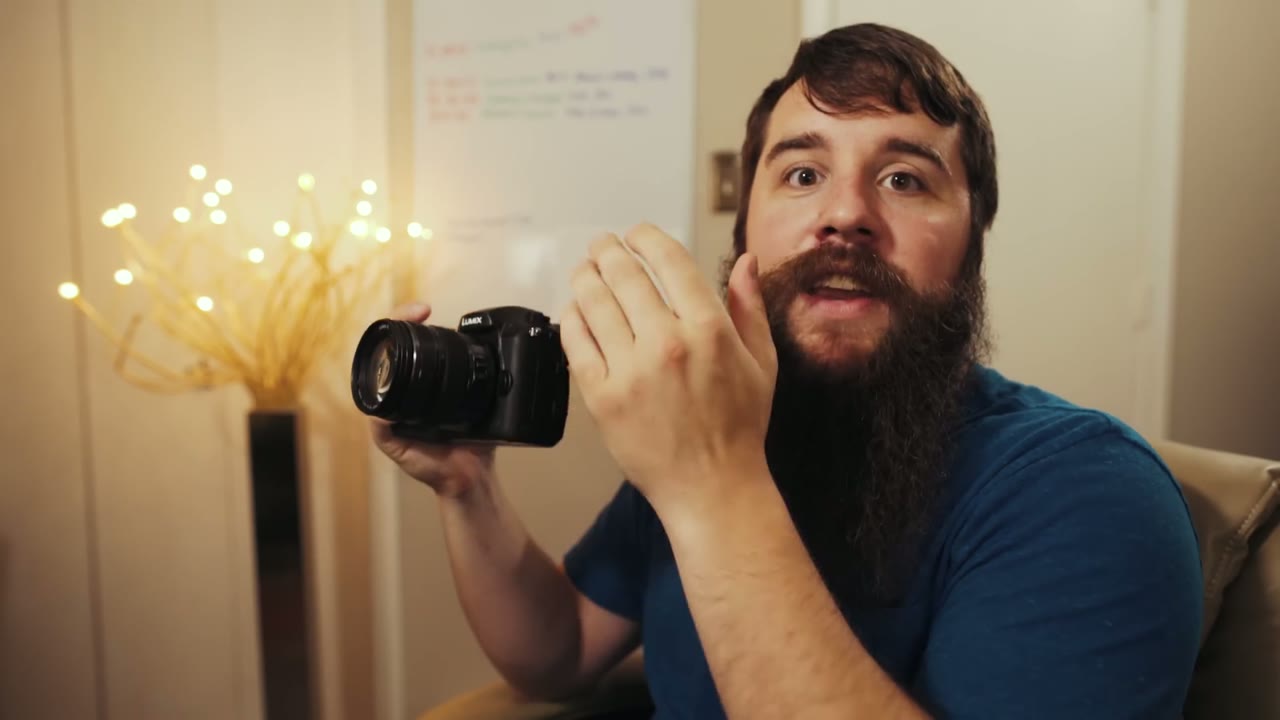
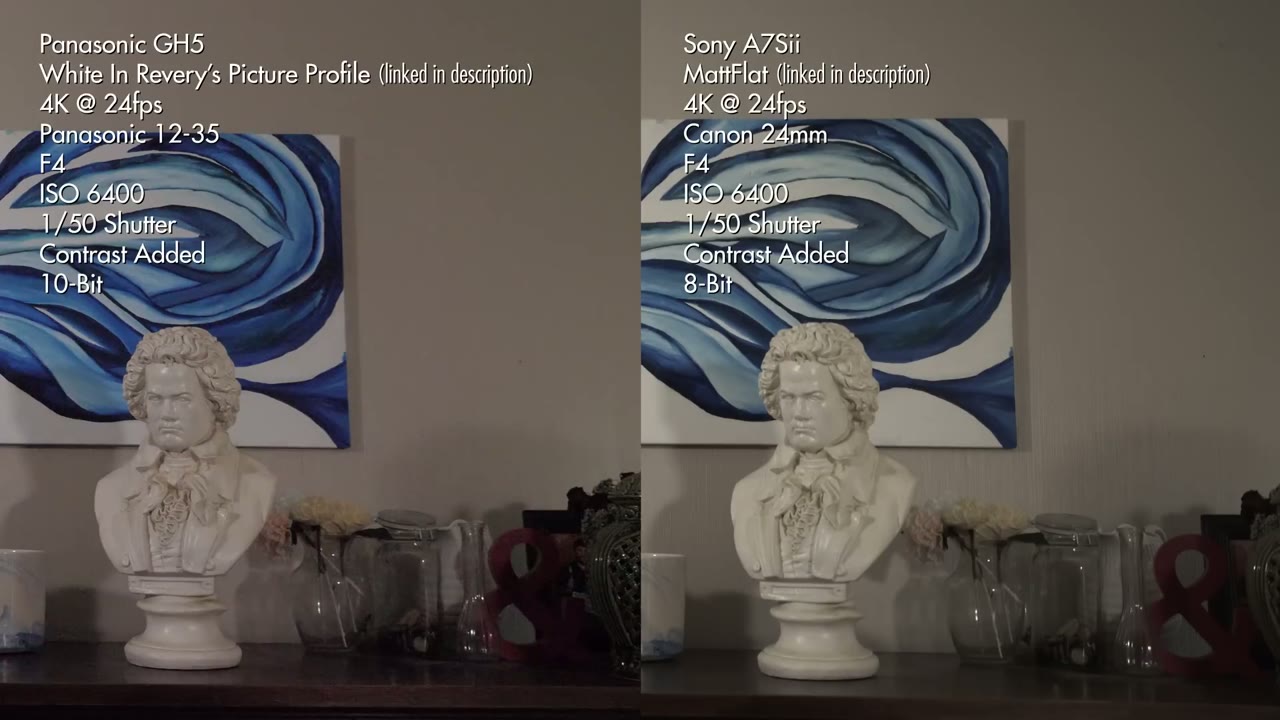
The Panasonic GH5 has amazing specs, but is it the best camera for wedding filmmaking? Heads up: this link goes to the newer Panasonic GH7. And how does it compare to the Sony a7S II?
This camera is currently the darling of the wedding filmmaking world, because for the price it has features you genuinely cannot get without spending significantly more money. From a video quality standpoint it’s phenomenal. So it figures I should talk about it.
Worth being upfront: this isn’t my camera, it’s a rental. I shoot with the a7S II and I love it. A few months ago my friend Taylor, who helps run a wedding videography company out of Austin, Texas, asked if I wanted to second shoot a wedding with him on a GH5. In Portugal. I said yes to all of those things very quickly, and now I’ve spent a full wedding day with this camera and have enough to review it honestly.
One note on perspective: I’m reviewing this from a professional wedding filmmaking standpoint. If you shoot weddings, events, or anything run and gun where you only get one chance, this is aimed squarely at you. If you shoot corporate, studio work, or indie films it should still help, but that’s not the lens I’m using.
Build Quality
I really like it. It’s built like a tank, with a ton of buttons and dials, and two things in particular stand out.
First, this camera is built for an adult hand. You can hold it without a battery grip and your pinky isn’t dangling off the bottom. On the a7S II, without the grip, your little finger has nowhere to go and it gets uncomfortable. I buy the grip anyway so I don’t deal with it, but it’s a real point in the GH5’s favor that you don’t have to.
Second, the flip-out screen. Oh my gosh. It rotates all the way around so you can watch yourself while recording, which the a7S II simply cannot do. If you vlog at all, buy this camera for that feature alone.
In-Body Image Stabilization Will Make You Throw Away Your Monopod
Once you’ve shot on a camera with IBIS you will never willingly go back, because any lens you put on it becomes a stabilized lens.
Need a tripod or monopod shot? Hold the camera still. The camera removes the shake.
Forgot your slider? Sway the camera side to side while holding it steady and you get the parallax without the rail.
Want a gimbal shot where you’re running after the couple through a field? I’m sorry, that’s too far. It won’t take your footfalls out.
For the record, the a7S II has had IBIS for years and I love it there too. The more cameras that ship with it, the better.
The Menus Don’t Suck
We’re never going to get a perfect menu system, because manufacturers keep adding features and features need somewhere to live. But Panasonic has done one of the best organization jobs I’ve seen. Color coding between sections, a touch screen, and, crucially, dedicated video headings, so all your video settings are in one place and you’re not digging around going “where is the frame rate, I’m missing shots.”
Even better is the custom menu, where you park your most-used settings up front so the obscure ones stop being obscure. And the camera actually explains what settings do, in plain English, or as plain as camera settings ever get.
Sixteen Custom Buttons
Sixteen. That is insane. There’s even one hidden down on the body I didn’t know existed until I went looking.
And Panasonic, in their unlimited genius, lets you start recording with the shutter button. Thank goodness. Finally. Meanwhile I’m over here on the a7S II burning a custom button on record because the shutter isn’t available in video mode, which, you know I’m in video mode, just let me press the button.
I only actually assigned four:
Fn1: punch in while recording, to check focus, because I pull a lot of focus manually.
Fn2: the level, so handheld shots stay straight.
Fn3: the teleconverter, which instantly gives you a 1.4x zoom in 4K and a 2.7x zoom in 1080p. Panasonic crops the sensor to do it and claims no image deterioration. In 1080p at the back of a church, you can count the groom’s nose hairs.
Fn4: the monitoring LUT, so V-Log doesn’t look flat on the screen and I can actually judge white balance.
Between the custom menu, the function settings, and the dedicated white balance and ISO buttons already on the body, I basically never went into the menus.
Synchro Scan: Never Fight Flickering Lights Again
This one’s buried and it’s brilliant. Normally your shutter speed steps in fixed increments: 1/50, 1/60, up to 1/125 and beyond. Turn on Synchro Scan and suddenly you’re adjusting in tiny fractions: 50.1, 50.2, 50.3.
Why does that matter? Because if you shoot weddings, at some point in your life you will walk into a room whose cheap lights are out of sync with your camera, and you’ll get flickering or rolling bands across your footage. With Synchro Scan you nudge the shutter until the banding disappears, in camera, on the spot.
My Biggest Frustration With The GH5
I like shooting off saved custom presets: C1 for 4K 24, C2 for 4K 60, and C3 hiding three more slots of its own. At a wedding, flipping between those instantly matters enormously.
Here’s the problem. Whenever you’re on a custom preset and you turn the camera off and back on, it reloads that preset, wiping any changes you made.
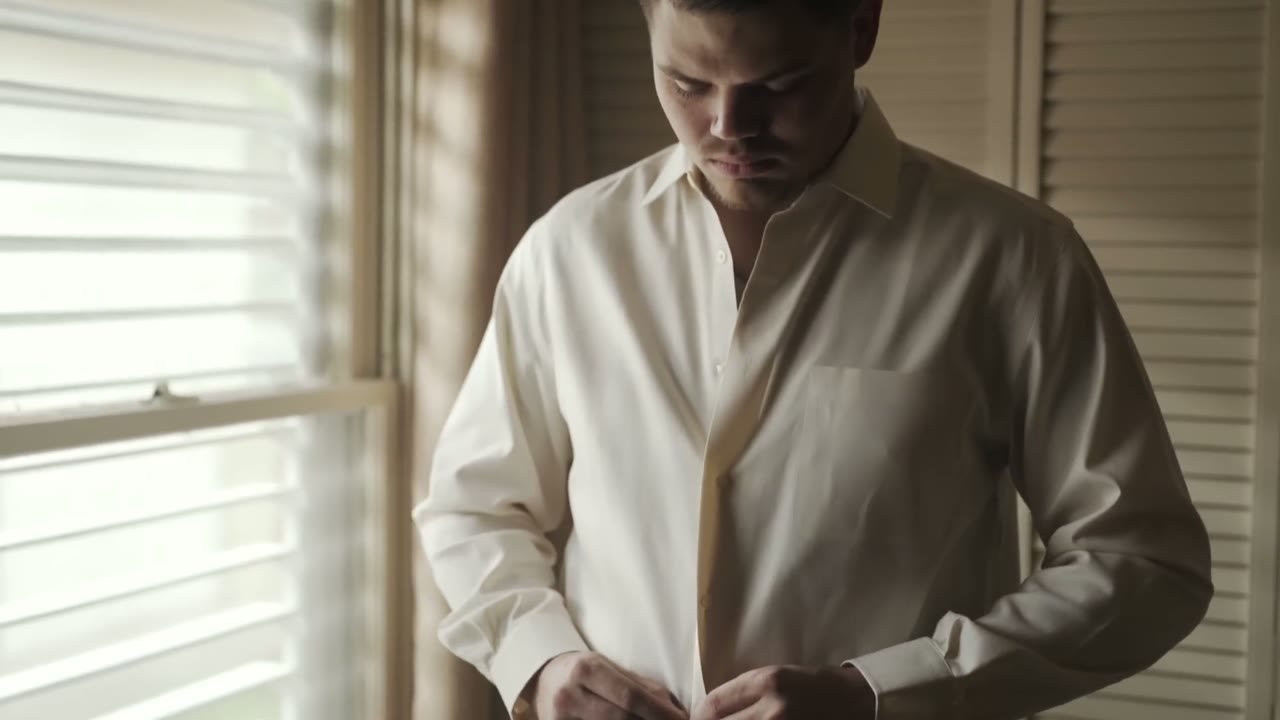
At the Portugal wedding the bride and groom were getting ready in adjacent rooms, so we ran back and forth all morning: her makeup, his groomsmen, her hair, him getting dressed. Different white balance, different aperture, different exposure in each room. I’d set the camera for the groom’s room, then switch it off to save battery, then switch it back on still standing in the groom’s room, and my settings had reverted to whatever was saved back in the bride’s room. So I’d be re-dialing white balance and aperture while moments happened in front of me.
Every other camera I have ever used, including the a7S II, remembers the last settings you had. This is the only one that doesn’t. To be fair, it only affects the custom memory presets: in creative video mode the camera remembers everything normally. But if you want presets, you have to remember to overwrite them every single time before powering down.
Battery Life
Good, and better than the a7S II. I’d put a GH5 battery at roughly 1.5 times a Sony one.
But not the mind-blowing figure the internet led me to expect. I’ve read posts from people who shot a whole day on two batteries. Between establishing shots, both prep rooms, and a ceremony of about thirty minutes, I’d burned through three and wasn’t even halfway. Some of that is on me: once I discovered the preset-reset problem I started leaving the camera powered on for five and ten minute stretches rather than risk it, and that has a cost. I’m giving you the context so you can weigh it yourself rather than just taking my word against everyone else’s. The battery grip smooths most of it out.
Resolution, Frame Rate, And 10-Bit Color
This is the good stuff, and it’s the reason most people want this camera. 4K up to 60fps. 1080p up to 180fps. Firmware 2.0 also added 6K, but in anamorphic, so unless you own anamorphic glass you’re capped at 4K.
We shot all the couple’s time together after the ceremony, sun going down behind them, at 4K 60. The crispness blew me away.
To put it in perspective: at the time, a Canon that shoots 4K 60 meant $6,000 for a 1D X Mark II, and a Sony that shoots 4K 60 meant $7,500 for an FS7. This camera is two grand.
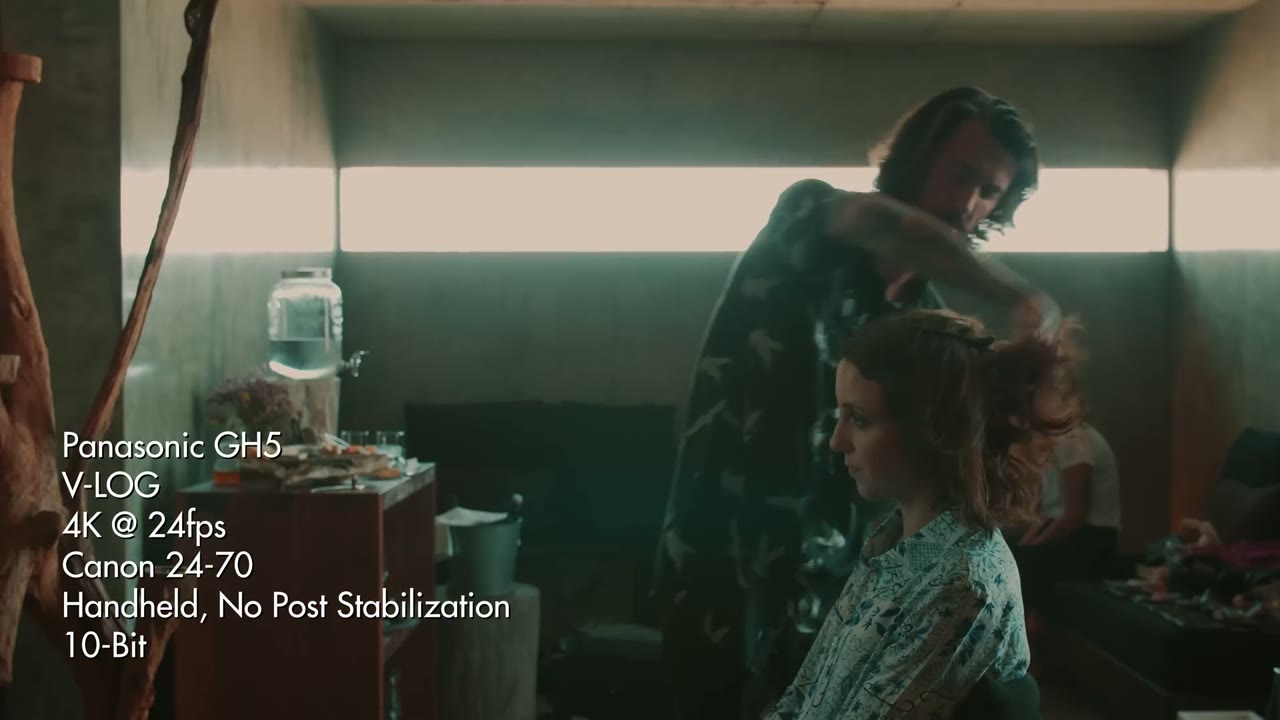
And 4K at 24 and 30 looks even better than the 60, because at those frame rates the GH5 records 10-bit color. More color information means more room to push a grade before anything falls apart, and paired with V-Log it gives you a flat picture that turns genuinely gorgeous once you grade it.
Dual SD Card Slots
Two slots, which for a one-shot event is the difference between a bad day and a catastrophe. It also opens up nice workflow options, like sending time lapses to one card and everything else to the other so neither fills up at the wrong moment.
Lenses, And The 2x Crop
The micro four thirds mount takes an absurd variety of glass. Panasonic, Nikon, Canon, Leica, and with adapters, nearly anything. On this wedding I shot Taylor’s Canon lenses, mostly a 24-70 and a 70-200, adapted with a Metabones Speed Booster.
The a7S II’s E-mount is also very adaptable (I run a Sigma Art with a Nikon mount on mine), but in 4K you’re limited to lenses that cover a full frame sensor, unless you drop to 1080p and crop the sensor.
Which brings us to the controversial part. The GH5 has a 2x crop sensor. Put a 24mm on it and you have a 48mm. All your wide lenses get tighter, all your tight lenses get way tighter.
Why does everyone get worked up about this? Honestly, I think it’s culture. Most of us start on a crop body, mine was a Canon 7D at 1.6x, and everyone we look up to is shooting full frame telling us the bokeh is better and the low light is better and our camera is trash. The whole industry pushes bigger, bigger, bigger. The GH5 walks in and says buy a smaller sensor, which just sounds wrong the first time you hear it.
I don’t think it’s a big deal, because the lens makers know about the crop and build for it. You don’t go buy an 85mm and get stuck with a 170mm. Panasonic makes a 42.5mm that gives you the full frame equivalent of an 85mm. The system accounts for itself.
The Biggest Con: Low Light
Here’s where it hurts. In my unscientific testing, which amounted to shooting clips at a range of ISOs on both bodies and judging by eye what looked equivalent in noise, ISO 1600 on the GH5 looked about like ISO 32000 on the a7S II.
That is an enormous gap, and half of filming a wedding happens after the sun goes down. For a wedding filmmaker that is a big issue, not a footnote. If you buy this camera, buy lights to go with it.
So Where Does Each One Win?
Both of these are big upgrades over most of what’s on the market, and either one will shoot a wedding well.
The GH5 beats the a7S II in daylight and well-lit image quality. Prep in a room with sun coming through the windows, an outdoor ceremony, a reception you’ve brought enough lights to cover: the 10-bit image is unreal. It also wins on slow motion, 4K 60 and 1080p 180 against the Sony’s 1080p 60 and 120.
The a7S II beats the GH5 in low light, and it isn’t close.
Am I Selling My a7S II?
No.
I still believe the Sony a7S II is the ultimate camera for filming weddings. It remembers my settings when I power it off, it’s full frame, the low light performance is ridiculous, and it handles anything I throw at it, light or dark. I plan on shooting with it for the foreseeable future.
But Which Should You Buy?
Buy the GH5 if you shoot a variety of work: YouTube videos, interviews, talking heads, music videos, indie films, with weddings as a supplement rather than the core. The colors are gorgeous and it’s a fantastic camera whenever you have enough lights and a more predictable scenario than a wedding.
Buy the a7S II if the majority of your work and income is weddings. It’s the best at run and gun, and the best at handling the sheer variety of situations a wedding day throws at you.
That said, whenever the a7S III shows up, hopefully with 4K 60 and 10-bit, oh my gosh. I would absolutely love for Sony to build an answer to the GH5. Hasn’t happened yet. We can dream.
For Zac and Lindsey, it was the quiet moments that Rachel and I wanted to capture the most.
Their wedding absolutely had loud in it. There was dancing, some genuinely crazy moves, and an exuberant shout of joy the second they were pronounced husband and wife. But for every one of those, there was an equally small and more intimate moment that nobody saw except us and them.
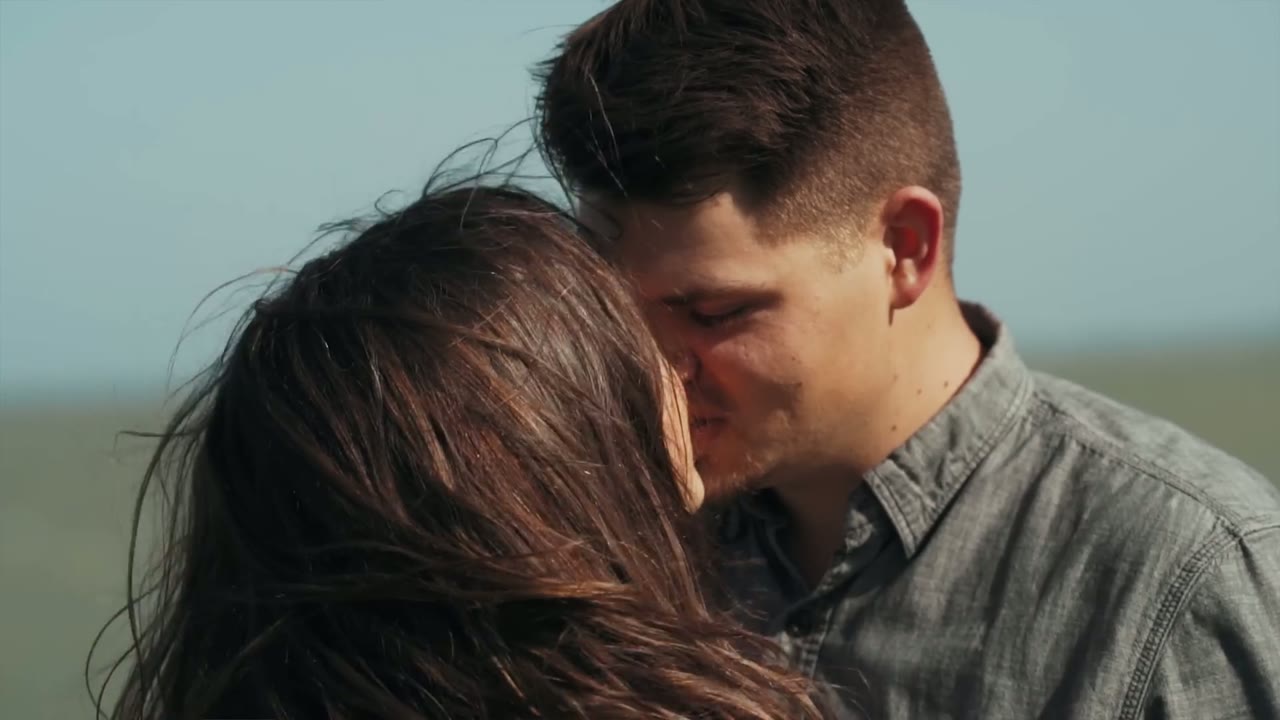
In place of funky dance moves, there were warm embraces in the sunset. And though nobody knew it at the time except the handful of people standing closest to them, their pronouncement of marriage included the two of them whispering “no, I love you more” back and forth to each other.
That’s the whole film, right there in one line. That’s why it’s the title.
The Letters Come First
The film opens on the two of them writing and reading letters to each other, which is my favorite way for a wedding film to start. You get the couple’s own voices, saying their own words, before a single guest has arrived and before anybody is performing for a room.
If you’re a couple reading this and you’re wondering whether it’s worth the time to write something down, it is. It’s the single best thing you can hand your filmmaker, and you get to keep it either way.
Corpus Christi
Corpus Christi gives you the Gulf, palm trees, and light coming off the water that you cannot fake anywhere inland. Everything about the day sat against that.
Shooting For The Small Moments
Filming a wedding like this is mostly a question of where you decide to point the camera. The big beats take care of themselves. Somebody is always going to catch the aisle and the first kiss and the cake.
The quiet ones don’t announce themselves. A couple leaning into each other for two seconds while everyone else is looking somewhere else, a hand on a back, something whispered that you can only tell happened because of what her face does right after. You get those by staying with people longer than you think you need to, and by keeping a long lens on so you’re not standing on top of them whenever it happens.
The Music In This Film
🎵 “Acoustic Noodle” by Feverkin, licensed from Marmoset
🎼 “You Never Leave” by Loud Harp, licensed from Musicbed
Whether you’re loud and wild or quiet and intimate, or honestly both at different hours of the same day, we would love to talk about filming your wedding. 🎥 Please get in touch.
This is the fourth and final part of my behind the scenes of Noah and Mal’s wedding film, and it covers the entire wedding reception from beginning to end, including the massive lightning storm that rolled through and nearly ruined the whole thing. They had to move everything inside, everyone panicked, and I genuinely thought the wedding might be over at that point. It wasn’t! But I did not promise you a perfect wedding here. I promised you a real wedding with real people and real chaos, and that is exactly what you’re gonna get.
The ceremony is over, which means the most stressful part of the day is behind me, and it went faster than I thought it would because I was busy miking people up. I walked outside thinking I had some time, and people were already lined up. No time at all. So the transition into reception mode starts immediately: move all of the audio gear over to the sound board, make sure the spotlight is set up, and use the few minutes of downtime while the photographer is shooting group shots and family photos.
Miking people up is what eats the time you thought you had. I walked outside expecting a gap and everyone was already lined up.
The nice thing here is that the reception audio setup is the exact same setup I used for the ceremony. Same recorder, same connections, because the venue is running essentially the same board.
Setting Up The Audio For The Reception
I plug into the tape output on the board, black into the left, and hit the test record button so the recorder starts receiving signal. And immediately it’s maxed out with nothing happening, which tells me there’s signal but it’s just buzz, because the mic situation isn’t sorted yet. So I go find the sound guy who was running music during the ceremony, ask him to talk into the mic, and stand there giving him a thumbs up if it registers.
This is the part nobody puts in a highlight reel and it is the single most important thing you will do all reception. If the toasts don’t record, you do not have a wedding film, you have a music video. So my rule is two sources of audio, always: my recorder plugged into the board, and a backup recorder sitting up on the mic stand with a mic wrap holding it in place. Whenever one of them fails, and one of them will eventually fail, the other one saves the film.
Normally we don’t take the couple out until after they’ve eaten, so around 6:30. But my phone was telling me there was a severe thunderstorm watch in the county and there was a really big line of weather heading our way, so we asked if we could steal them for five minutes out in the field. The photographer took them out, we followed along, got some great stuff, and then I jumped in and worked with him to get images I’m genuinely excited about.
Sony 135mm at f/2, ISO 200. We pulled the couple out early because the radar said a storm was coming.
The direction I’m giving is not complicated. Walk together, laugh, look back at him. Put your back to him and snug up against him, then flip around so you’re turned toward the light. That’s it. And then we had two more minutes while people were still walking in, so I grabbed them one more time and put them up against a big oak tree, and with the wind blowing it looked unbelievable in slow motion.
I want to be clear about the slow motion thing, because I don’t shoot everything in slow motion. Shooting slow motion for everything is overkill and it flattens the whole film out. But for a moment like this, where they’re holding onto each other right after getting married and the wind is doing something you could never art direct, slow motion is gold. That is what it’s for.
The Confetti Cannon Entrance
Earlier in the day we learned the bridesmaids and groomsmen had bought confetti cannons and wanted to fire them off after the toasts, and we said that’s not super compelling, could you do something else with them. So they moved it to the reception entrance instead, which is so much better, and the only rule they were given was that it had to happen indoors so it could be cleaned up easily.
The confetti cannons got moved to the reception entrance, which is where they actually meant something.
My plan for the entrance is simple: I’m on the glidecam backing up through the doors as they come in, and my second shooter is off to the side getting detail shots. Two angles, two very different jobs, and we’re never both filming the same thing the same way. If you do not have a second shooter, filming a wedding solo changes how you plan all of this.
Checking The Lighting In The Reception
Before the couple enters, go stand inside and look at your image. I hadn’t checked the reception lighting yet and I should have done it sooner. Sure enough, the chandeliers in that room were giving me banding, and for the entrance specifically I decided to live with it, because there was no time to do anything else.
That decision came back later in a much better way, and I’ll get to it, but the lesson is: walk into every room you are going to film in and roll a few seconds before it matters. Whenever you find banding at the moment the bride is walking through the door, it is too late to fix it.
Sigma 24mm at f/2, ISO 5000. Roll a few seconds in every room before it matters.
The Storm
The forecast that morning said a ten percent chance of rain. What actually showed up looked like a tornado. This is what happens on a wedding day, you cannot predict anything, so you just roll with it, and at the very minimum it was clear they were going to have to move the toasts inside, which meant I needed to move my light inside, figure out new angles, and rebuild my whole plan on the spot.
A ten percent chance of rain that morning. What actually turned up looked like a tornado.
The light I had spent about ten minutes setting up under the dance floor had to come out and go inside. I left the dimmer behind because I did not have time to crawl under the deck and unplug everything, especially since they might end up moving back outside later. It was an eighteen dollar dimmer and it’s built like a tank, so I wasn’t losing sleep over it. Somebody handed me a trash bag to cover gear with, and inside we went.
Standing there waiting for lightning to strike in the background so I could film it, in the middle of a wedding, is a pretty good summary of this job.
Lighting The Toasts
Inside, the spotlight went up even without the dimmer and it still looked good, and on top of that I brought in the LED panel I always carry for exactly this reason. We put the mic stand where the back of the frame would be the windows, hoping for lightning behind whoever was speaking, which is a ridiculous thing to get to say out loud.
The panel I always carry, for exactly this reason.
The couple sits off to one side with the LED panel angled down on them for some nice side light, and we tweak the angle once they actually sit down, because you never get it right in an empty chair. And then the thing I care about most during toasts is not the person at the mic at all. It’s the bride’s reaction and the crowd’s reaction. Those are the shots that make the toast sequence work.
Filming The Toasts
Sony 135mm at f/2, ISO 2000, 4K 24. Long lens from the back of the room so nobody has a camera in their face.
By the time toasts start, we have the recorder running into the sound board and the backup recorder up on the mic itself, everything is inside, the chandelier is doing its thing, the music is playing, and honestly it’s going great. Two audio sources, a long lens on the speaker, a second camera on reactions.
Filming The Dancing
Here’s the thing I promised to come back to. Because I had already talked to the venue owners earlier in the day and built a good rapport with them, I could walk up mid-reception and say hey, I really need these chandeliers off, they are causing horrible banding. And they turned them all off. That is not a gear tip, that is a be-nice-to-people tip, and it saved the dancing footage.
ISO 16,000 on the Sigma Art 50mm. This is what those chandeliers cost me before I got them turned off.
The other half of dancing is that Rachel and I deliberately shoot the same people at the same time from different angles, so that whenever we get into the edit we have real sequences to cut together instead of two unrelated piles of footage. If she’s on a bridesmaid, I’m on that same bridesmaid from somewhere else. We stick together while shooting dancing, just like we try to stick together on everything else.
Get in the action, get close, accept that it is harder to focus, and mix your slow motion with real speed rather than shooting the whole party at 60fps.
The Exit
For the exit, two of us walked backward in front of the couple, which is the arrangement that gets you the shot without anybody tripping over a sparkler. And then the sky did the thing.
Two of us walking backward in front of the couple. That is the arrangement that gets the shot without anybody tripping over a sparkler.
That is the best exit I have ever filmed. The lightning behind them was insane. I would like every wedding to have lightning like that somehow, and I recognize that is not a reasonable thing to want.
And then the sky did the thing. The best exit I have ever filmed.
So if you take one thing away from this video, take this: roll with it. Just roll with everything and you will be fine. Don’t stress, keep your camera on you at all times, and be ready to film no matter what happens. That is honestly what ninety five percent of filming a wedding is, rolling with it, hoping for the best, but being prepared for every eventuality you can think of ahead of time.
What I Do After The Wedding
There are three things I’d recommend doing after you film a wedding. Four, if you count stopping at Whataburger, which is required, because we’re in Texas.
Don’t drive home if it’s longer than about two hours. This one was an hour and a half, which is fine. But if the wedding ends at midnight and you’re driving until 2:30 in the morning, that’s a bad idea and you know it is. Ideally book weddings closer to home, or book a hotel room.
Back up your cards the second you get home. Don’t wait until tomorrow. You will forget something. Do it while you’re fresh and while you still remember what you shot, so you’re clicking through going this is good, this is good, this is good. Get everything into two places at minimum, on the cards and on the computer. For me that means copying every camera, the drone, and every audio recorder, which takes about an hour, and then it goes to another hard drive and up to the internet after that.
Sleep. Sleep like you are in a coma. Do nothing the next day if you can possibly arrange it. The day after this wedding we had scheduled exactly nothing except eating pizza with friends and maybe playing Settlers of Catan. Wake up at noon, eat a massive brunch to recover the calories, and then play video games for six hours. You are self employed. Taking the day off is the entire point, and if you never actually do it, being self employed isn’t worth much.
The music licensing sites I recommend are Soundstripe (use the code WHOISMATT for 10% off a yearly or monthly subscription), Artlist (two extra months free), and Musicbed.
This reception was filmed in 2017 and the post went up in November of that year. The cameras and lenses have moved on since, and I’d shoot some of this differently today, but the audio redundancy, the two-shooters-on-the-same-subject rule, and the be-nice-to-the-venue-owner advice have not aged a day.
I’m required to state that I’m part of affiliate programs for Amazon, B&H, Soundstripe, Artlist, Musicbed, and Adobe, and that some of the links above are affiliate links.
The most detailed answer I have to how do you film a wedding ceremony: the angles, how many cameras you actually need, where to stand so photographers never get in your shots, four sources of audio, and every camera setting I used.