
I recently reviewed the Tascam Portacapture X8 audio recorder, and in that review I declared it the best new audio recorder for wedding filmmakers. But hold onto your beard, because this is the new Zoom F3, and it offers some of the same features as the X8 for an even cheaper price.
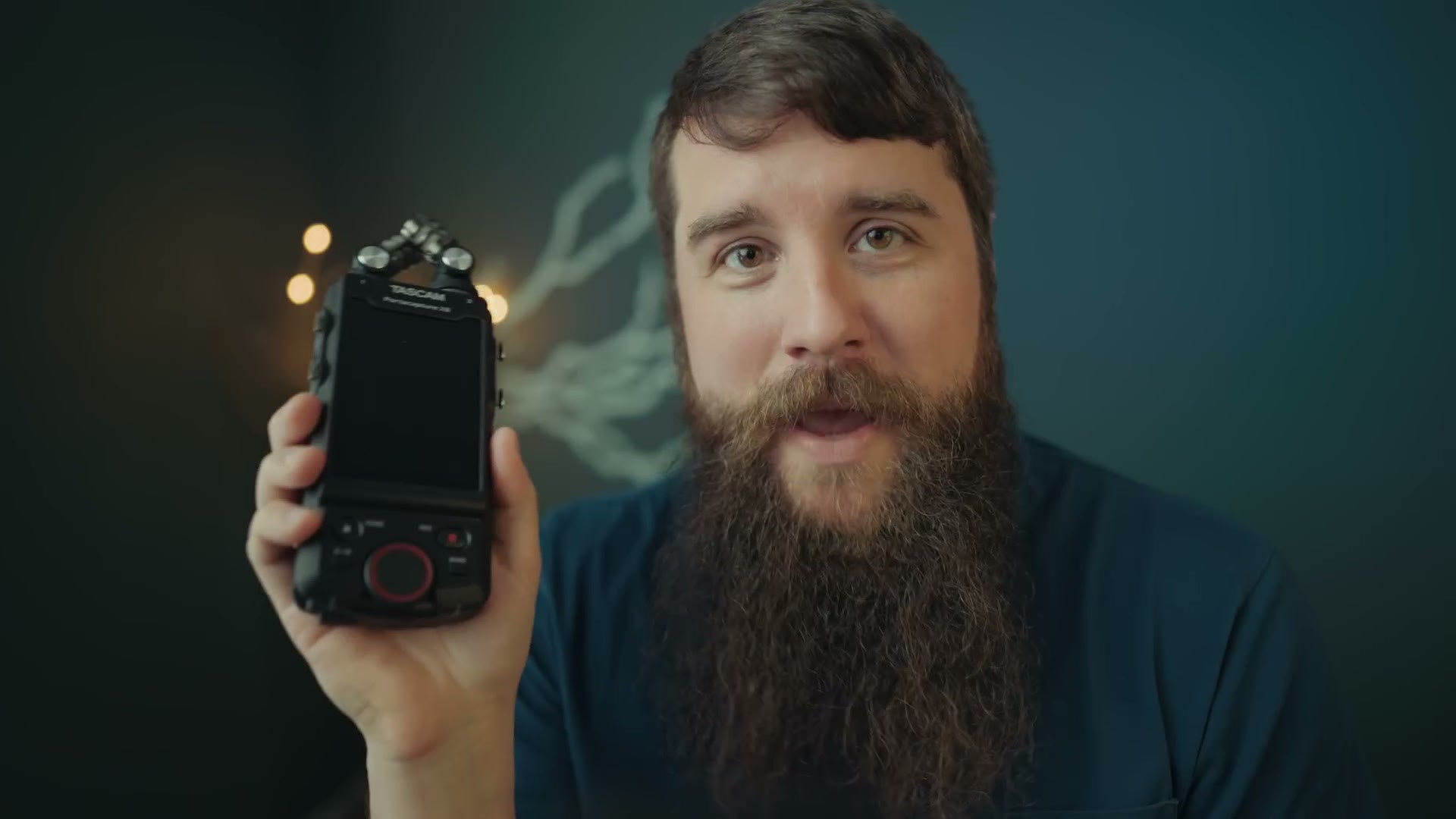
So let’s compare these two in depth and figure out which one you should buy. If you want the individual reviews, here’s my Zoom F3 review and my Tascam X8 review.
Also, a huge thank you to this video’s sponsor, Sweetwater, who were kind enough to send over both the X8 and the F3 so I could make this comparison. For the sake of ethics, I want you to know they have no say in any of this, and the first time they see it is the first time you see it.
Size And Weight Comparison
The first thing you notice putting the X8 next to the F3 is the size difference. With its microphones attached, the X8 is roughly two and a half times larger than the F3.
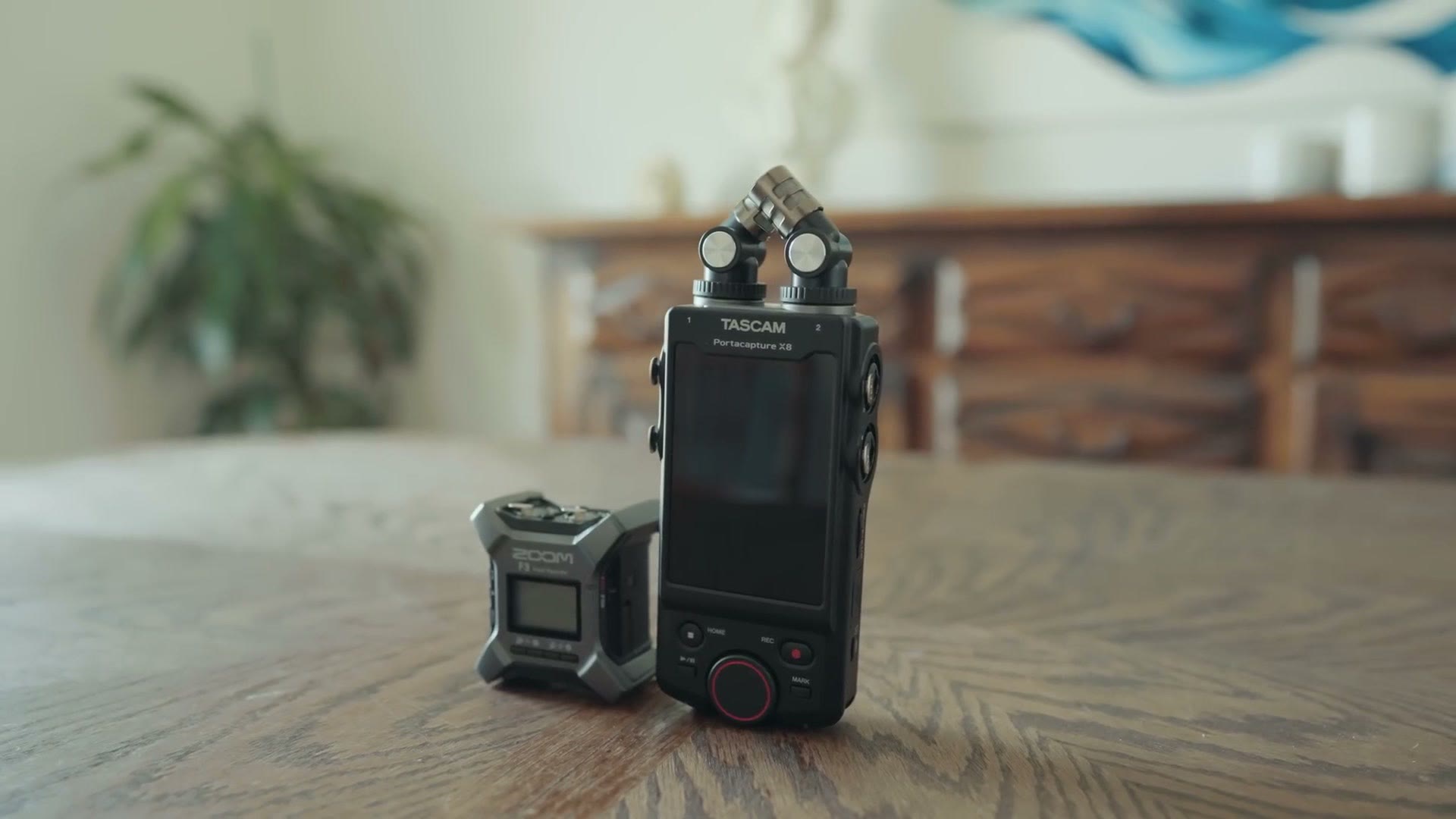
The F3 is a bit thicker from the side though, because of the metal bars that let it be strapped to a boom pole.
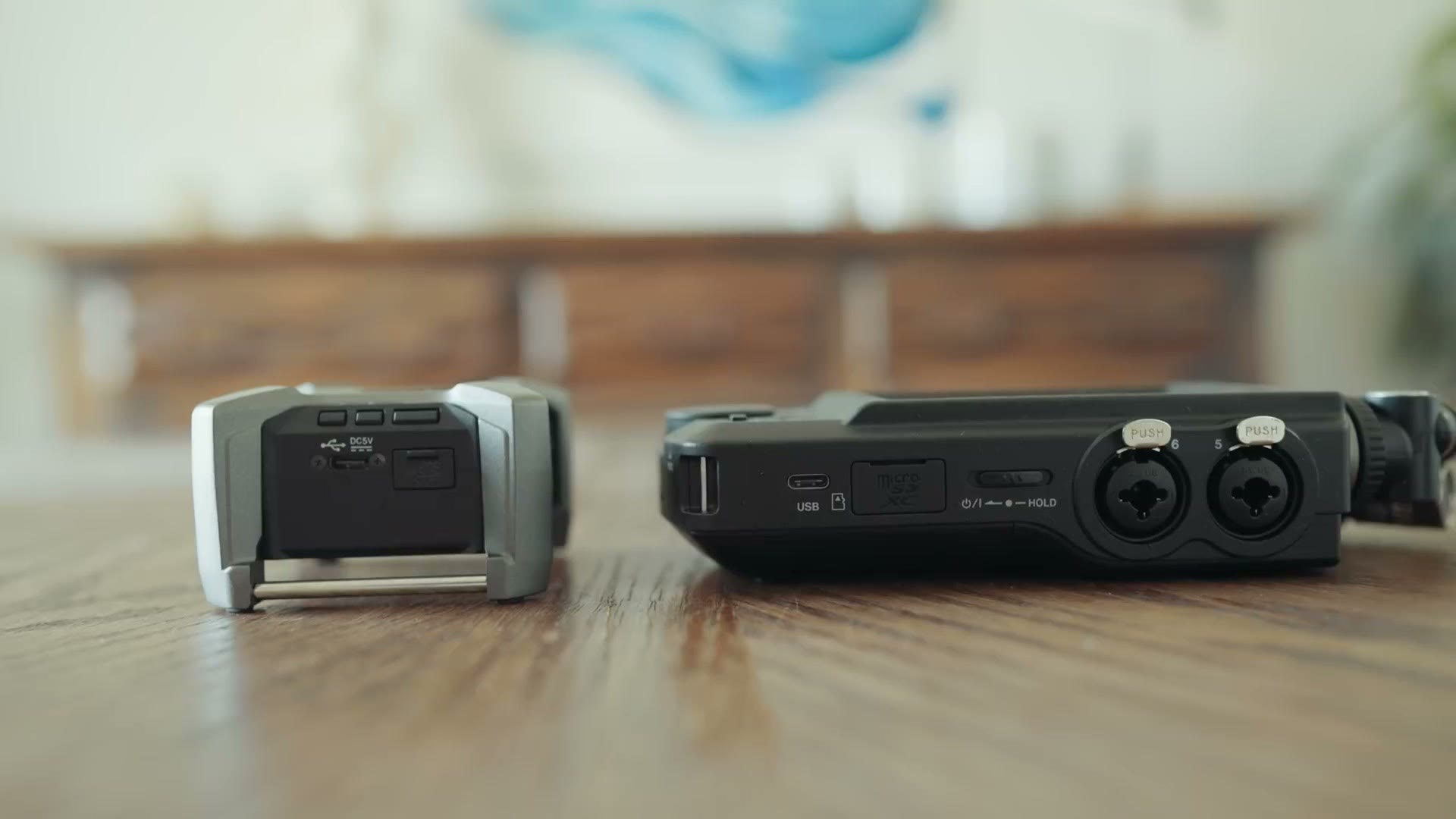
That extra size makes the X8 significantly heavier at roughly a pound, while the F3 is a surprisingly dense little thing that comes in at a little over half a pound.
Screens
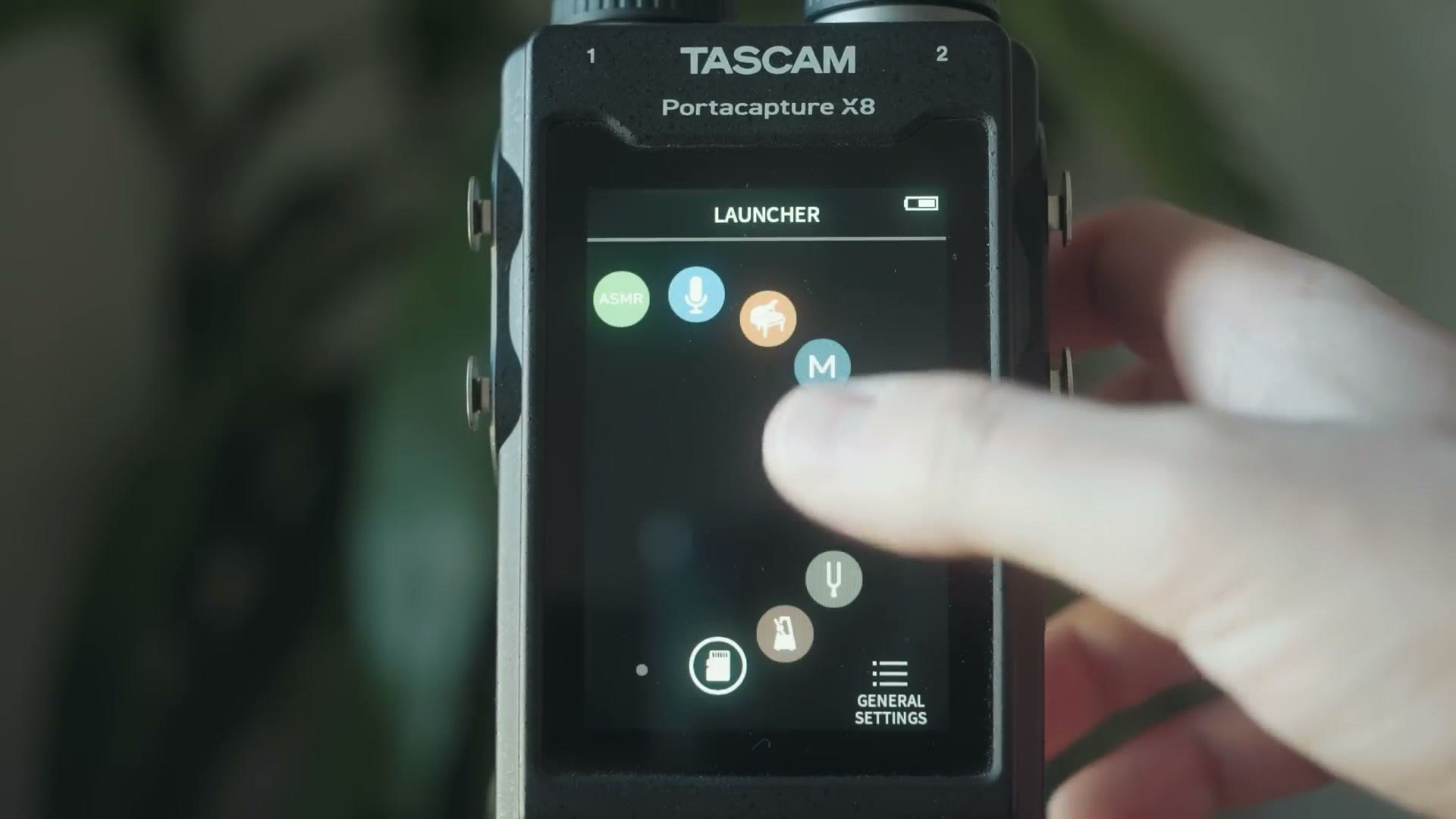
Of course the X8 is bigger because it has significantly more features, and the most notable one by far is that massive full color touchscreen on the front. With it you get access to a bunch of built in presets plus the ability to dive deep into nearly every setting you could imagine wanting to tweak.
The F3, in comparison, takes me straight back to my childhood and my first Game Boy, a Game Boy Pocket with a black and white screen. Thankfully the F3’s screen is backlit, unlike my original Game Boy. And while it isn’t winning any resolution awards, it’s plenty sharp for every bit of text on it to be legible, which is really all you need. I do wish it could play Pokémon though.
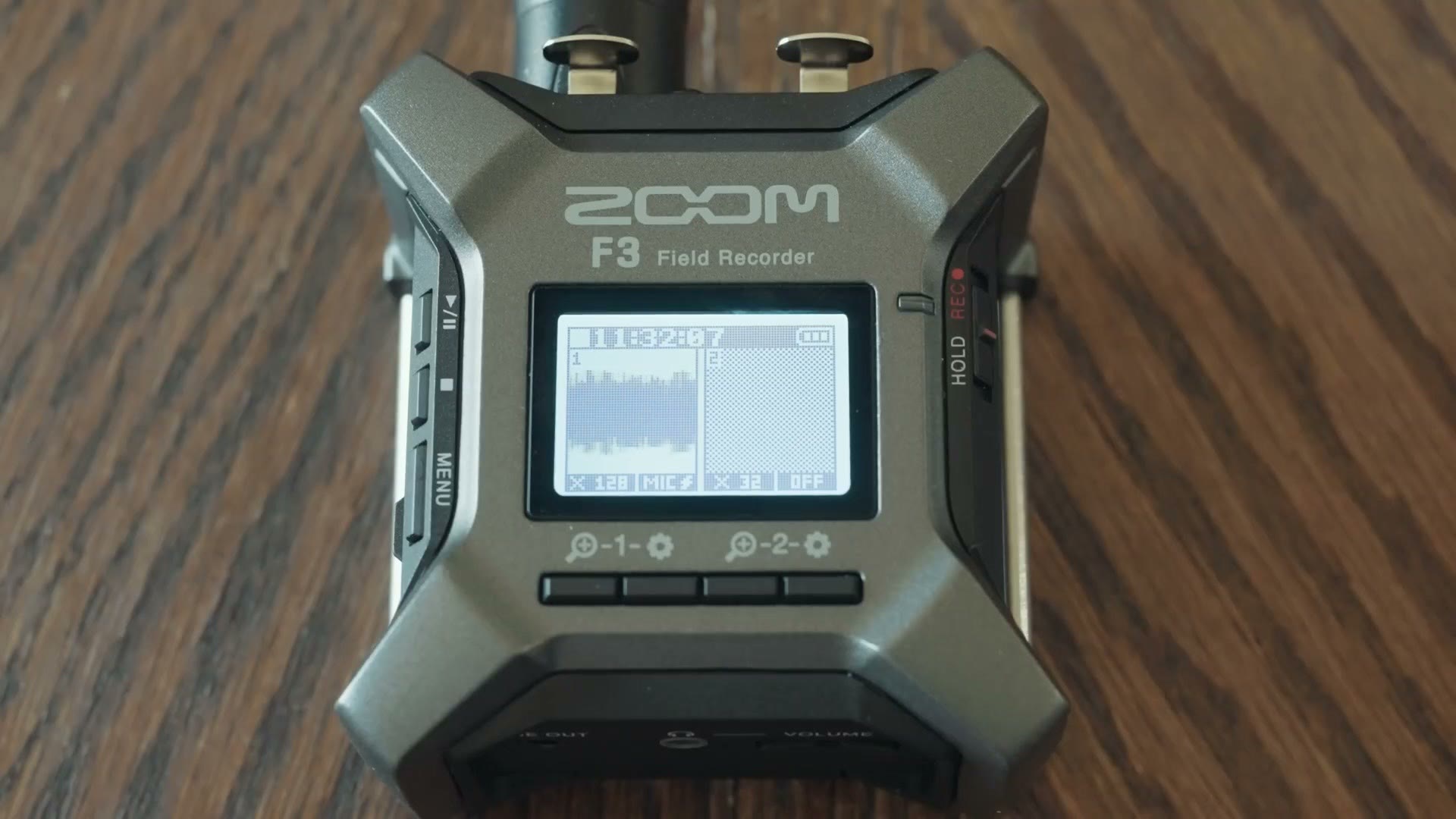
Anyways, this is going to be the running theme of the whole comparison. Tascam gives you everything and the kitchen sink with the X8, while Zoom strips nearly everything away with the F3 and gives you only what you need.
Audio Inputs
As the X8’s name implies, it can record eight tracks of audio. Specifically it has four combo XLR and quarter inch jacks plus two detachable microphones on top, which can be removed to reveal two 3.5mm mic jacks.
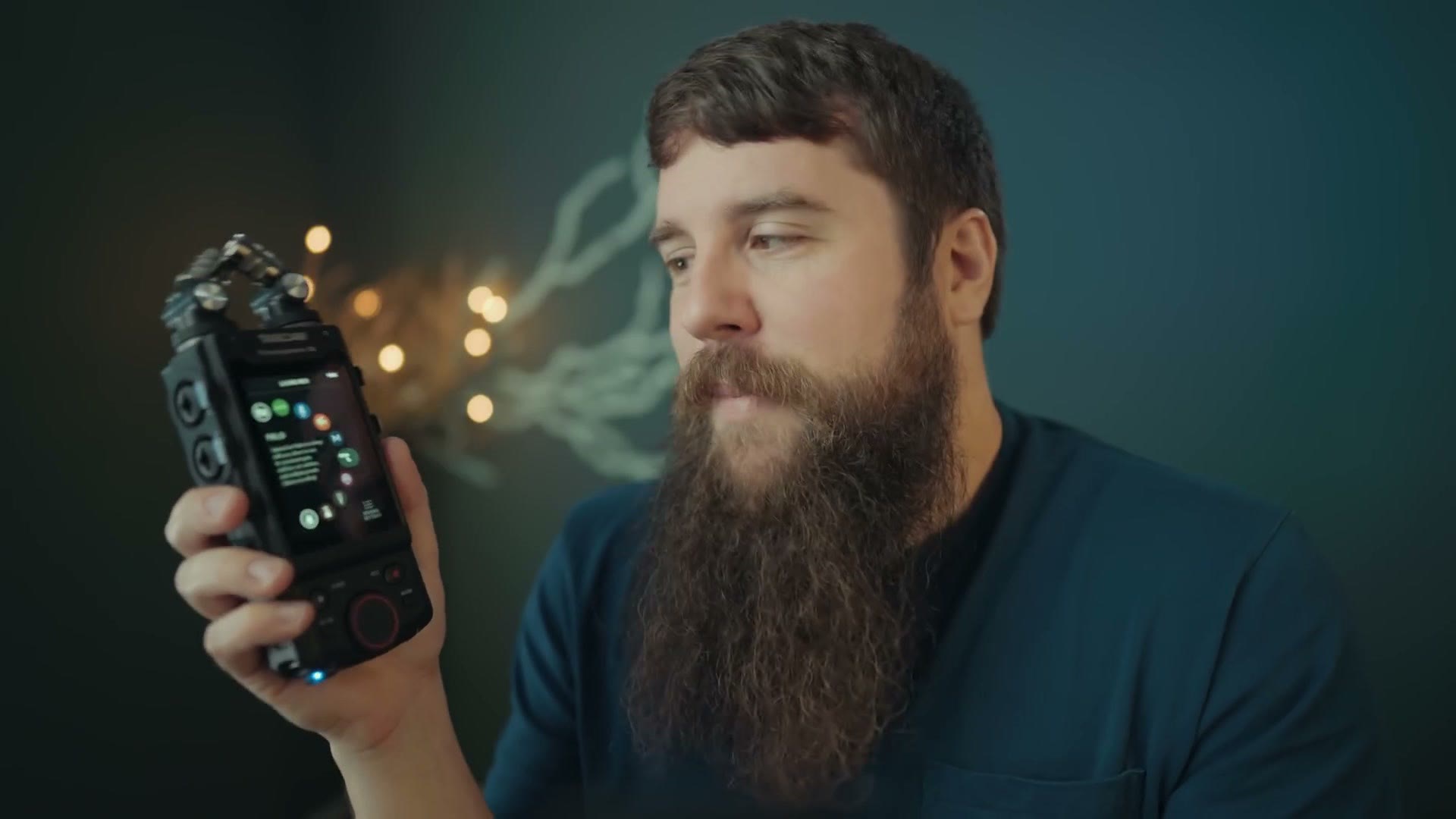
You’re probably thinking, wait a second Matt, that’s six inputs, not eight. And you’d be right, because the last two tracks the X8 records are a stereo mix of all the others. So it’s really a six input recorder that outputs eight tracks. But I’m betting Tascam figured X8 sounds fancier than X6.
Regardless, that’s a very healthy number of inputs, especially compared to the F3, which has just two XLR inputs. And yes, just like Tascam, Zoom gave this recorder a letter and a number bigger than the number of inputs it actually has. Then again, the name F2 was already taken, and that recorder only has one input. These companies should just name their recorders after the number of inputs they have.
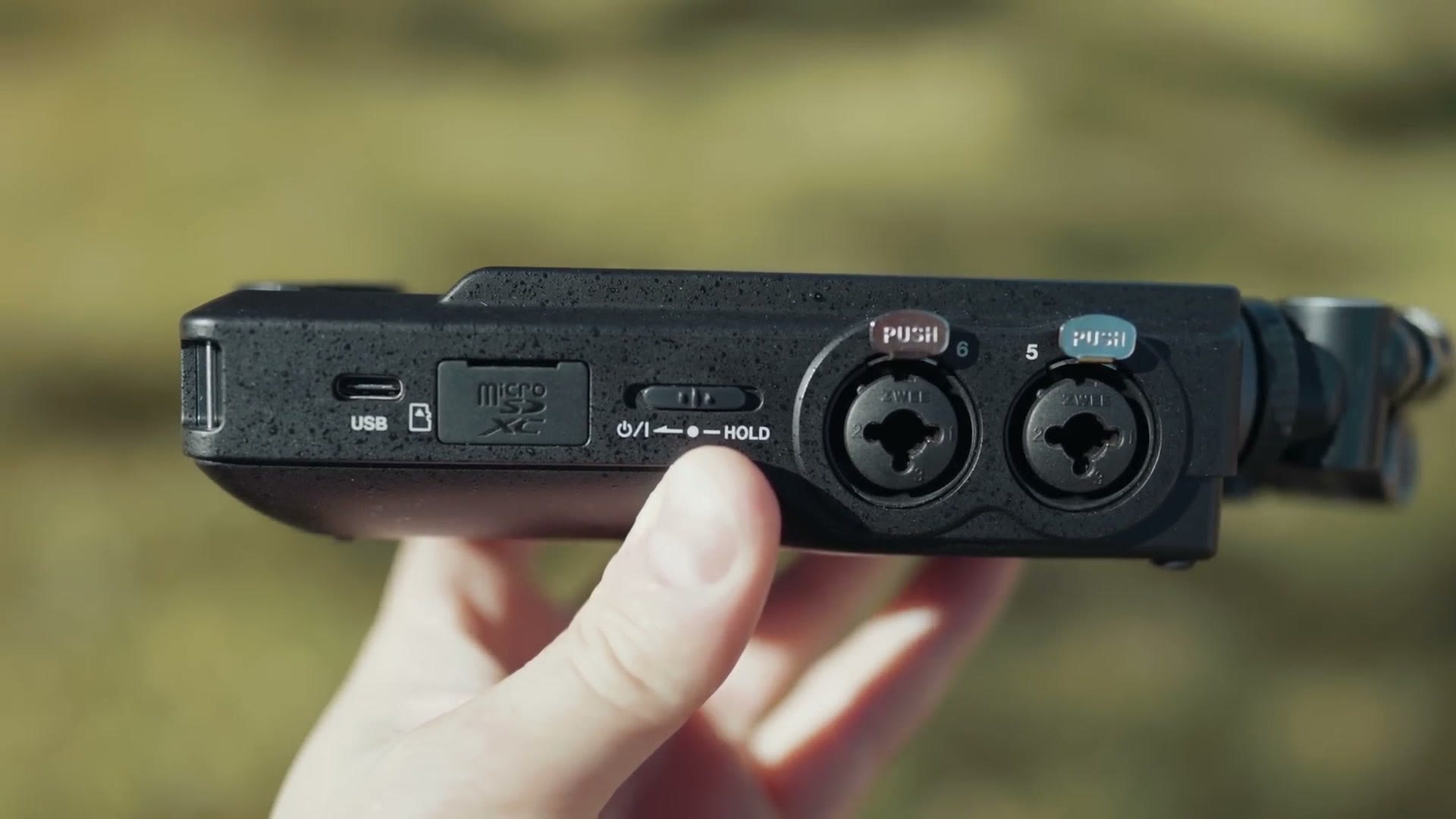
Anyways, be sure to notice that those are XLR only inputs, not combo XLR and quarter inch inputs like on the X8. That’s a bummer, because that added versatility is great. But looking at the size of the F3, I think it’s actually physically impossible to fit quarter inch jacks in there and still have it be this small. Personally I’d probably have taken a slightly larger recorder to get it, but Zoom doesn’t listen to my beard. And you can buy quarter inch to XLR adapters for about ten bucks on Amazon, so it isn’t a big deal.
What is a big deal is deciding how many inputs you typically use. If you only ever use one or two, the F3’s dual XLR inputs are going to be plenty. But if you commonly need to record more sources than that, this is where the X8 gives you everything you want.
One more thing on inputs. If you’re someone who often needs a standalone recorder with built in microphones, the F3 has XLR inputs only. There’s no hidden internal mic on it anywhere. The X8 comes with those dual detachable mics out of the box, which makes it more versatile.
Audio Quality (32-Bit Float Woohoo!)
Both of these are 32-bit float recorders, meaning they record with incredibly high dynamic range. Anything too quiet, you can bring the levels up without raising the noise floor. Anything too loud, which on any other recorder would be peaked and blown out, you just drag the levels down in post and recover all of it. It’s pretty magical.
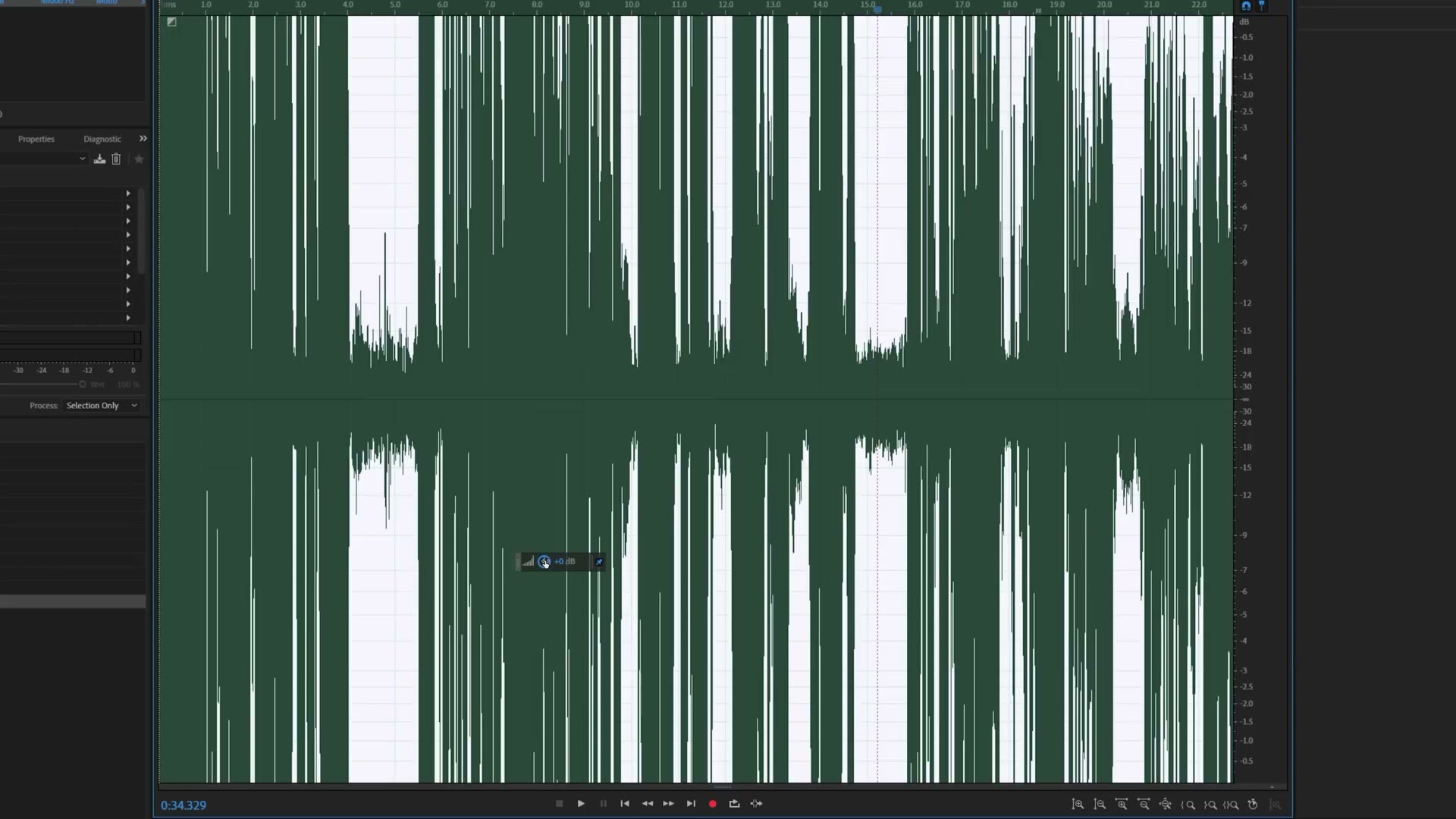
In my comparisons, speaking very quietly to test the noise floor and then shouting into the mic to see if either would peak, I found the audio quality from both of them virtually identical. I’m sure there are differences if you do very in depth testing, but for the vast majority of recording situations I would not choose one of these over the other based on sound quality.
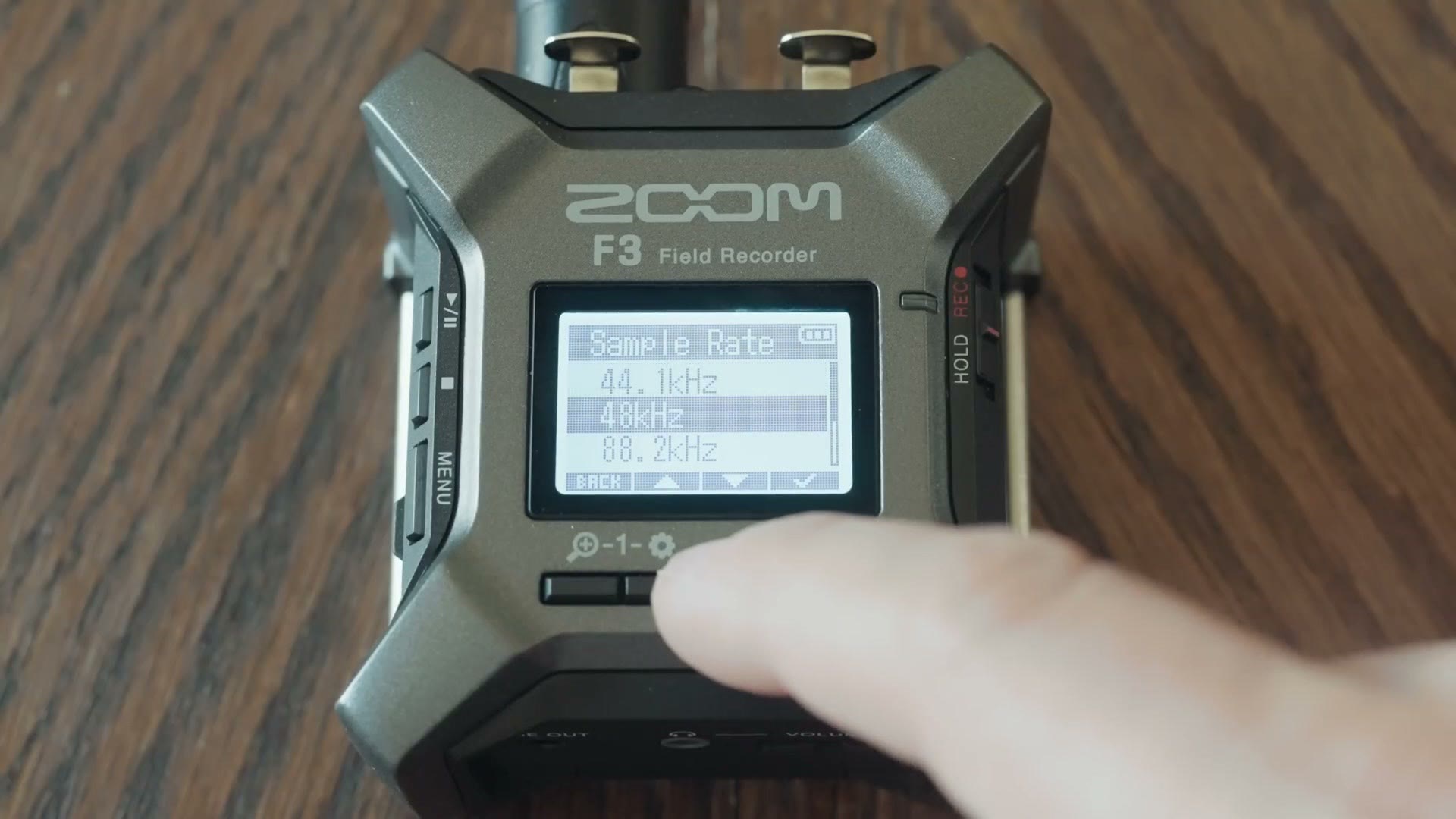
That said, both give you some control over what they record. With the F3, because it keeps things simple, you actually cannot set the audio to record at anything lower than 32-bit float. Zoom basically says, what you need is 32-bit float, so 32-bit float is what you’re getting. The only thing you can change is the sample rate, anywhere from 44.1 kHz up to 192 kHz.
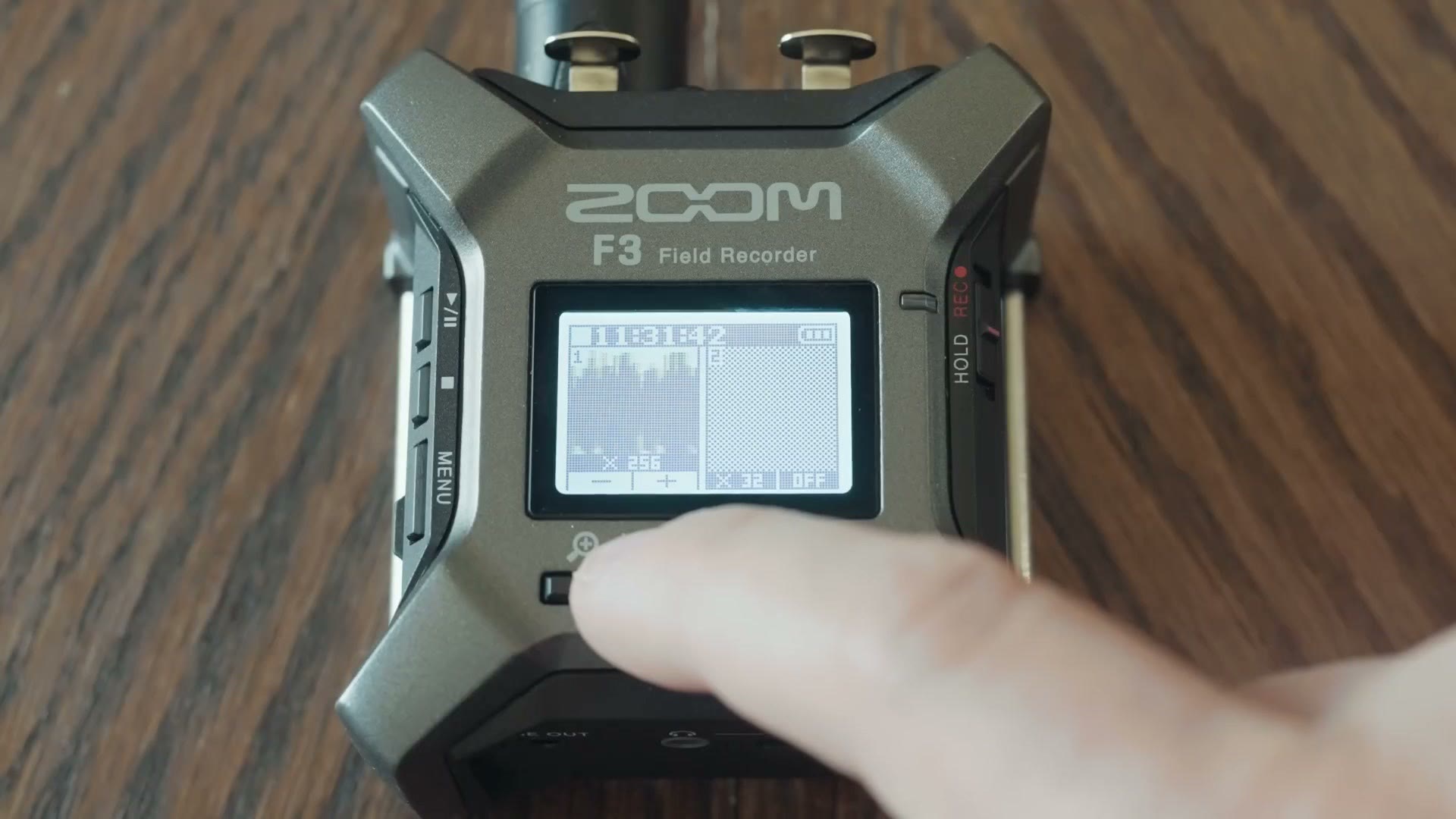
Zoom has also dramatically simplified setting your levels. Instead of dialing them in and making sure you’re peaking at, say, -12, the F3 gives you a scrolling waveform of your levels with no specific way to see the actual decibel level you’re hitting. It’s all very abstracted, which can be terrifying. But remember, with 32-bit float, even if your audio is too loud or too soft, you should be able to bring it back to something that sounds good. With the F3 you’re really just getting into the ballpark.
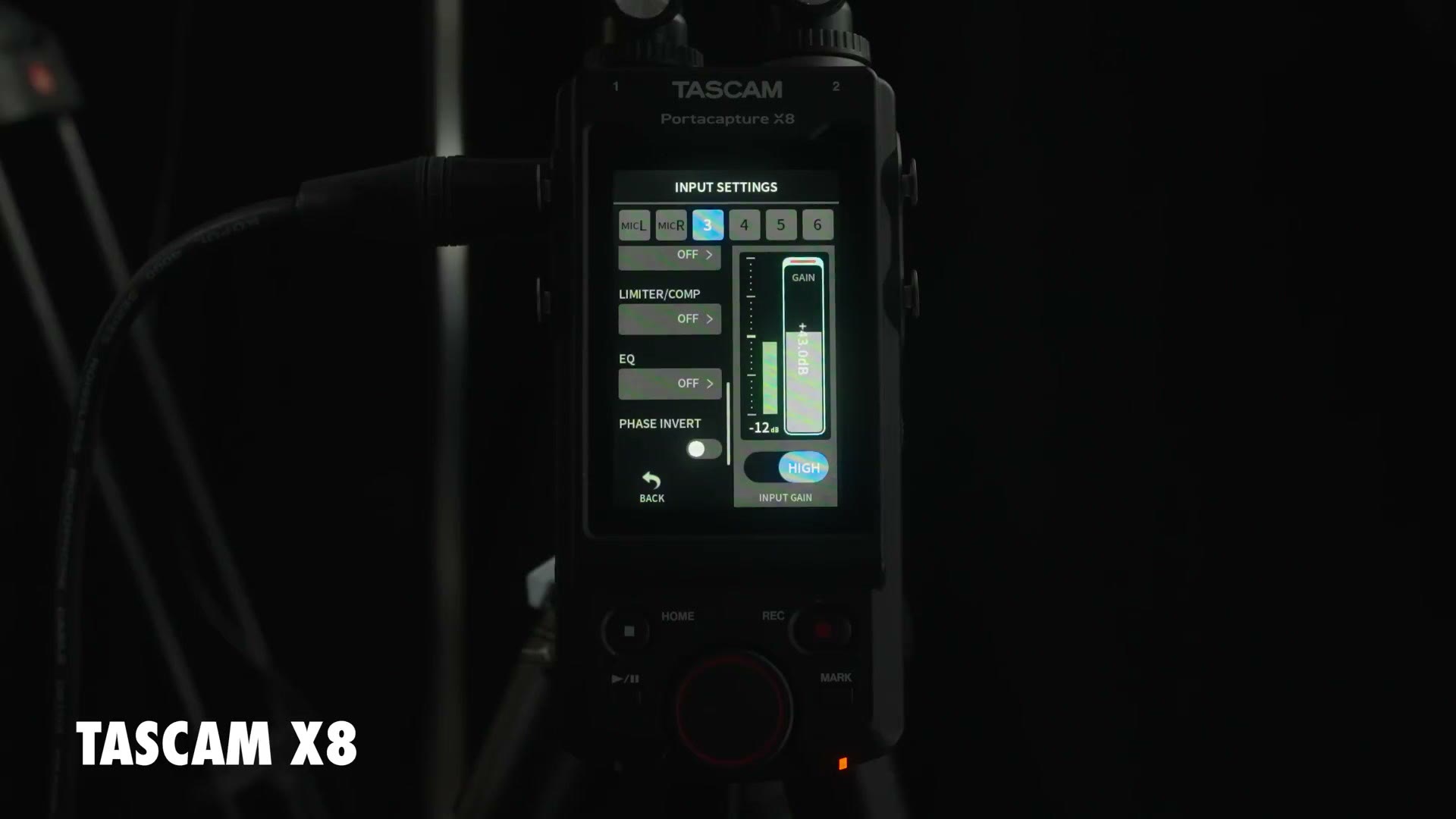
With the X8 you have dramatically more control. There’s a traditional decibel meter telling you exactly what level you’re hitting, plus a red peaking light that warns you if you’re clipping. That’s a significantly larger amount of information than the F3 gives you. You can set your sample rate just like on the F3, and you can also drop the bit depth all the way down to 16-bit if you want.
Dual Recording
The X8 can also dual record, laying down one track at 24-bit and a backup track at 32-bit float, if you want that.
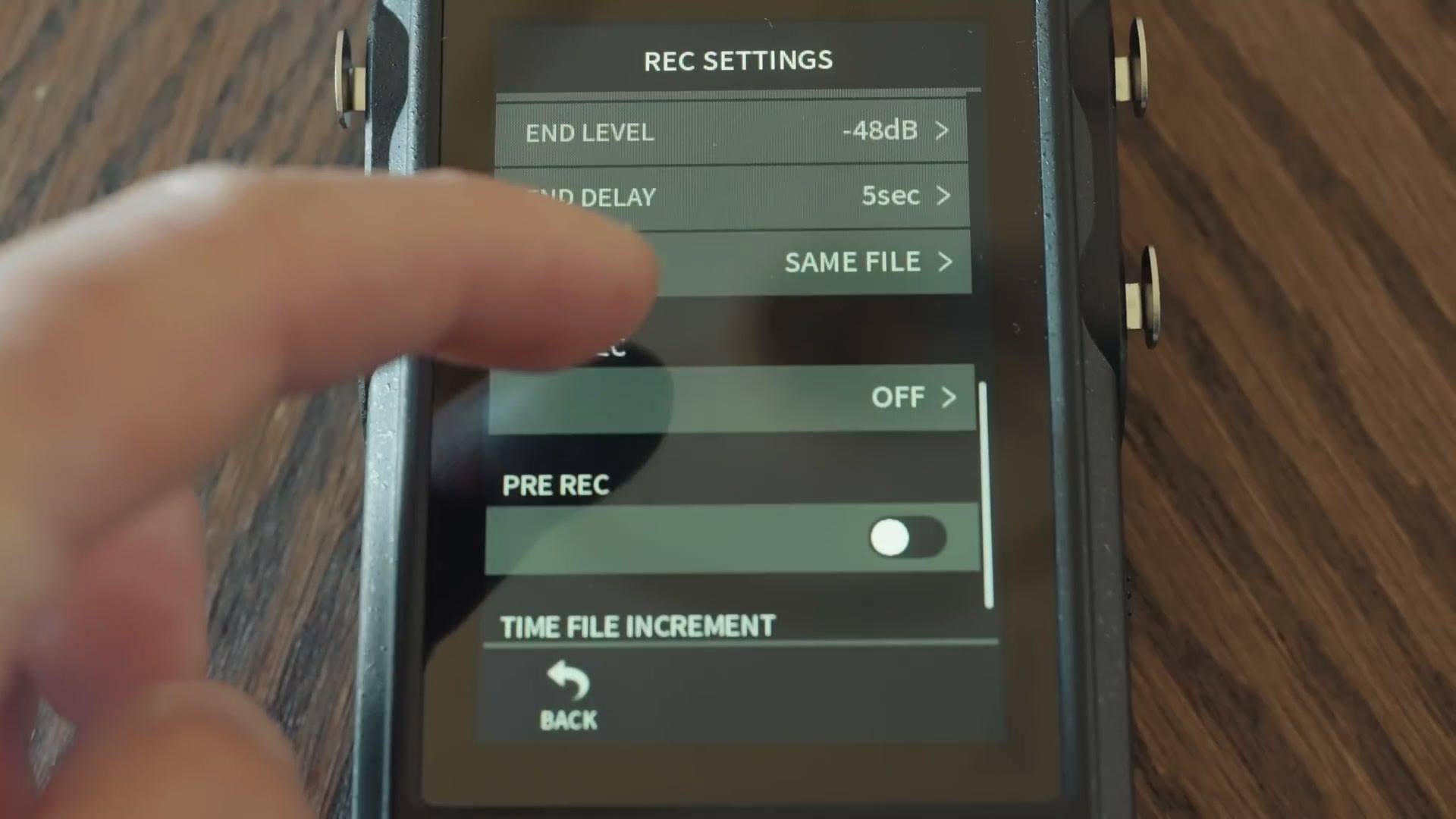
The F3 doesn’t support a backup track at all, because it only records in 32-bit float and a backup really isn’t necessary. And of course, on the X8, if you’re not recording 32-bit float you don’t get any of the benefits that come with it. But if you’re in a situation where you don’t need it and you want to save space on your card, that’s one way to do it.
Memory Cards
Both record to microSD cards, but surprisingly, this is an area where the F3 solidly beats the X8. The X8 takes cards up to 512GB. The F3 takes cards up to 1TB.
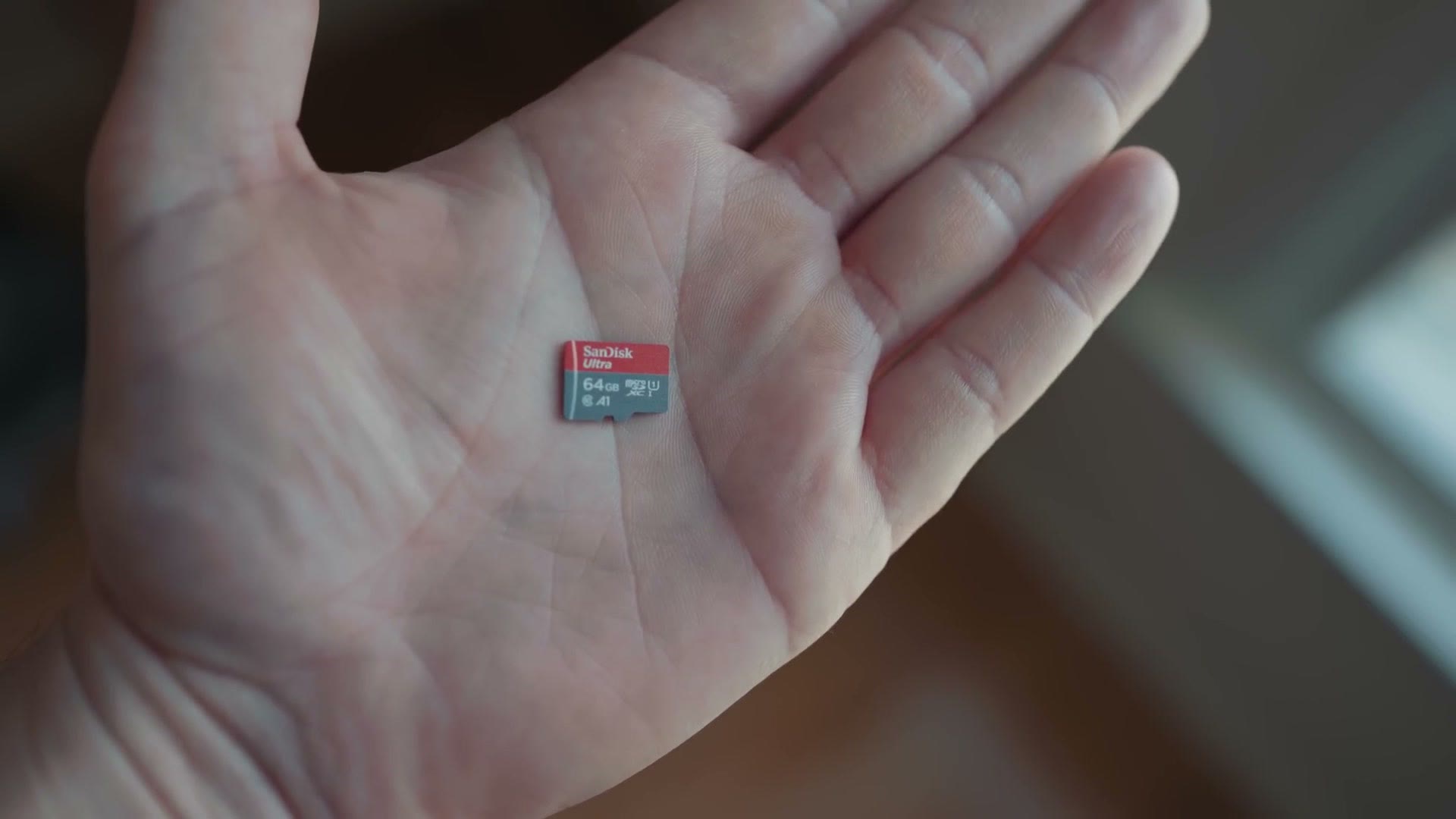
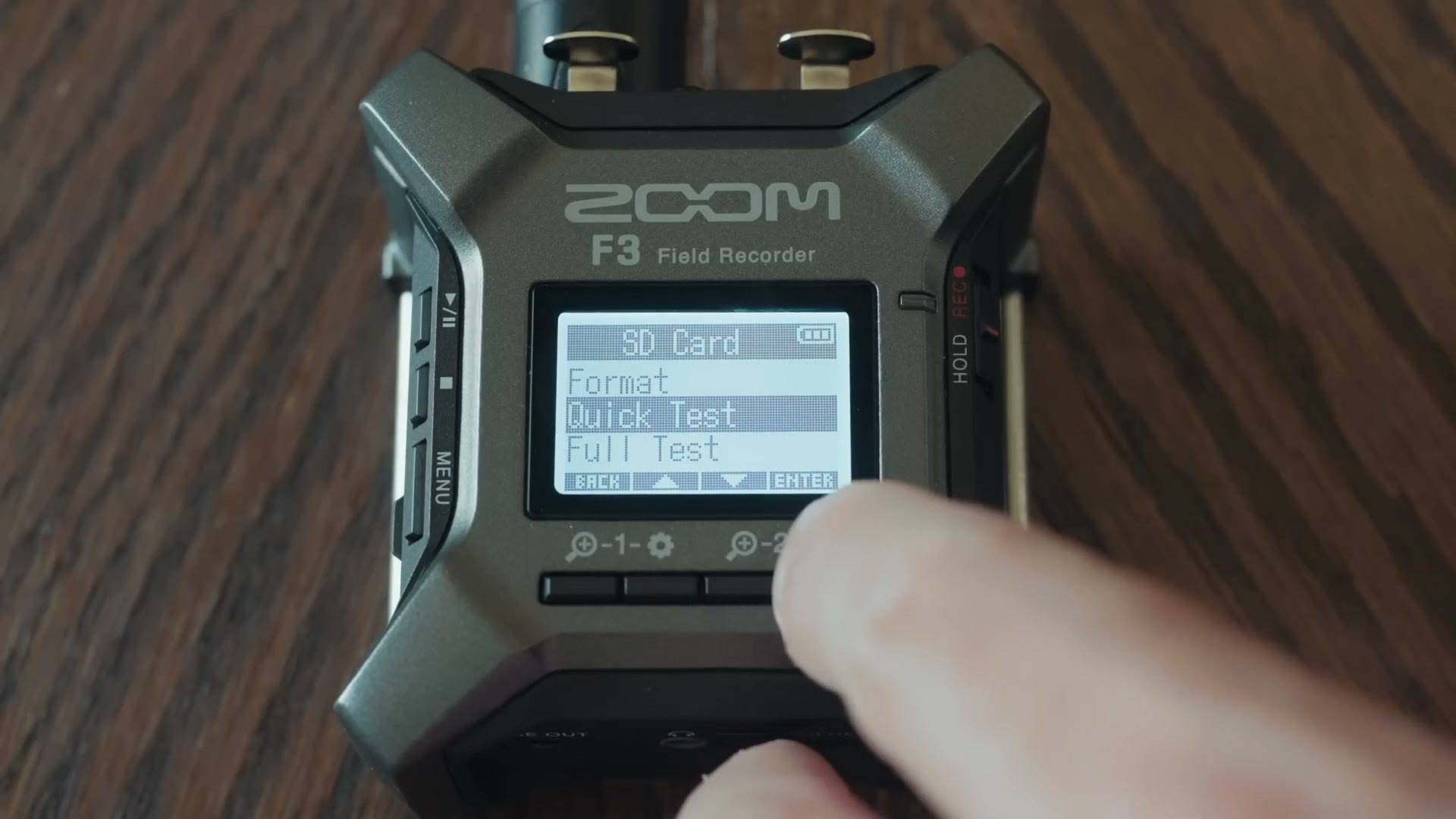
The F3 also has a very helpful memory card speed test built in, which checks your card and confirms it’s fast enough to work with the recorder. I really like that, and considering how many other features the X8 has, I’m kind of surprised it doesn’t match the F3 on either card size or that benchmark.
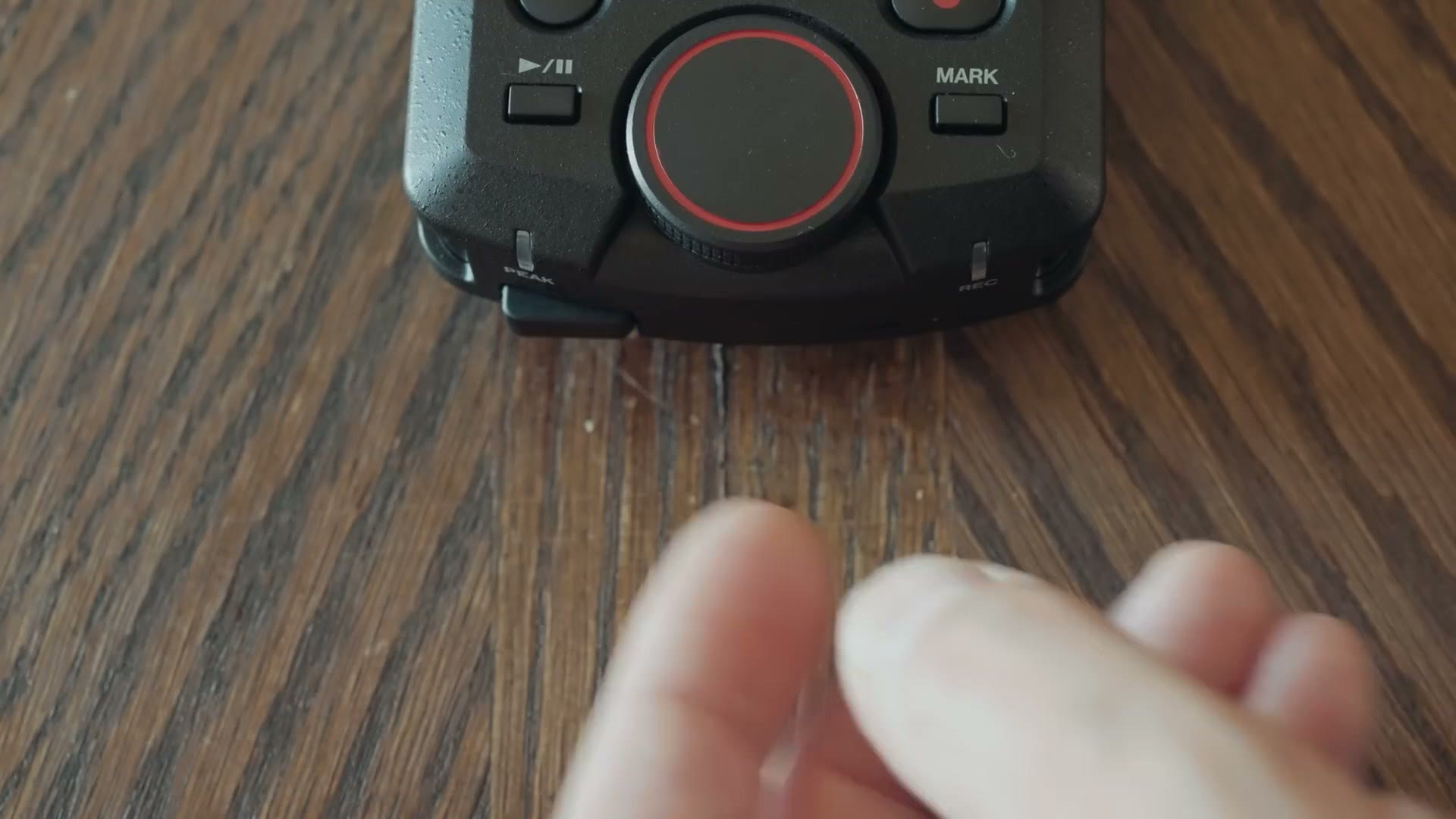
There’s one small area where I’d give the edge back to Tascam though. Zoom has made great strides improving their SD card doors, but the X8 has a wonderful rubberized door that covers the card very solidly and just feels more premium. I realize it’s weird for me to be talking about SD card doors, but I did tell you this was going to be in depth.
Timecode
Keeping with the theme of where the F3 beats the X8, let’s talk timecode. If you use it, the F3 has timecode built in and you can get at it right there in the menu with nothing extra required.
The X8 unfortunately does not support timecode out of the box, though Tascam has said they’re going to add it via Bluetooth.
Bluetooth And Apps
Bluetooth, Matt? These recorders support Bluetooth? Well, kind of.
Both Zoom and Tascam advertise Bluetooth capability, and both the F3 and the X8 have a slot on the side you can insert a Bluetooth adapter into. And I assure you that both companies are more than happy to sell you that adapter for an extra fee.
I really wish this was included out of the box. I hope, and possibly foolishly want to believe, that this is a way for these companies to cut the cost of the recorders and hand them to us cheaper, and not a way to nickel and dime filmmakers. It’s probably foolish, but I can hope.
If you want to go deeper, I’ve also got Audio Recorder BATTLE: Zoom F3 vs Tascam FR-AV2!, How To EASILY Sync Audio FASTER with TIMECODE & Your Tascam & Zoom Audio Recorders, and Premiere Pro Warp Stabilizer VS DaVinci Resolve Stabilizer – Here’s Which Effect Is Best!.
At the time of writing, both adapters cost roughly 40 bucks, and both work with phone apps available on iOS and Android. You can grab the F3 adapter at Sweetwater, B&H or Amazon, and the X8 adapter at Sweetwater or B&H.
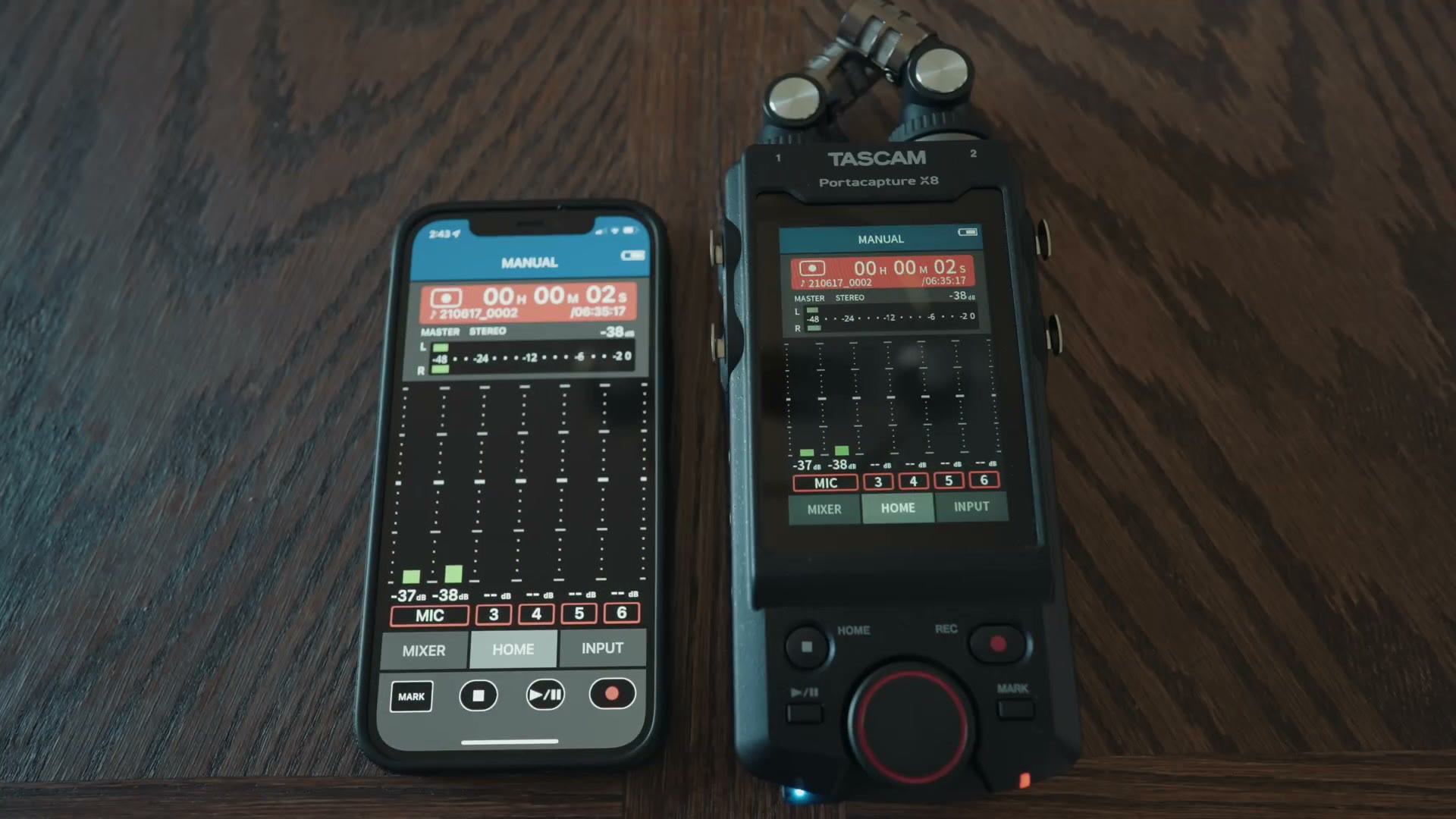
My F3 adapter is still backordered, but I do have the X8 one here, and I can tell you it does exactly what Tascam says it will. You connect it to the recorder, check your audio levels, and start and stop recording.
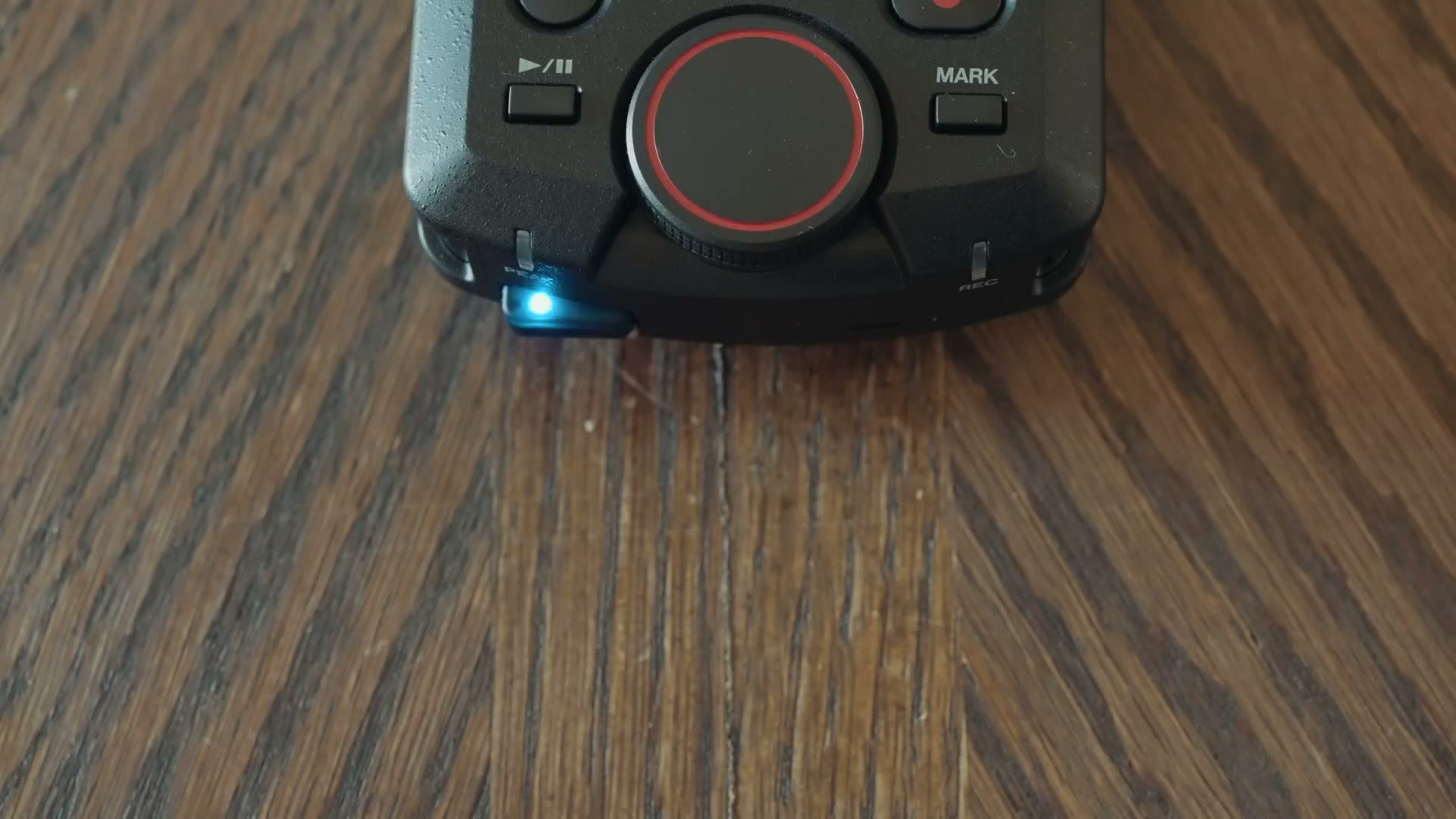
Notice I did not say monitor your levels. Only check them. Unfortunately neither Tascam nor Zoom lets you monitor audio remotely. There’s no way to have audio transmitted from these recorders over Bluetooth to your phone so you can actually listen to it. That’s a big bummer, and I’m not sure why, but it would be a big win if either company enabled it. As of writing, neither has.
Regardless, if you want wireless control, and only wireless control, I think the Bluetooth adapters are a good purchase for both.
Battery Life
The F3 runs on two AA batteries while the X8 runs on four. You might assume the X8 gets better battery life because it has more of them, but keep in mind that it also has that big beautiful color screen on the front sucking down power the entire time.
In my test, loading both up with brand new rechargeable batteries, the X8 recorded for 5 hours and 54 minutes before dying, while the F3 recorded almost an hour longer at 6 hours and 47 minutes.
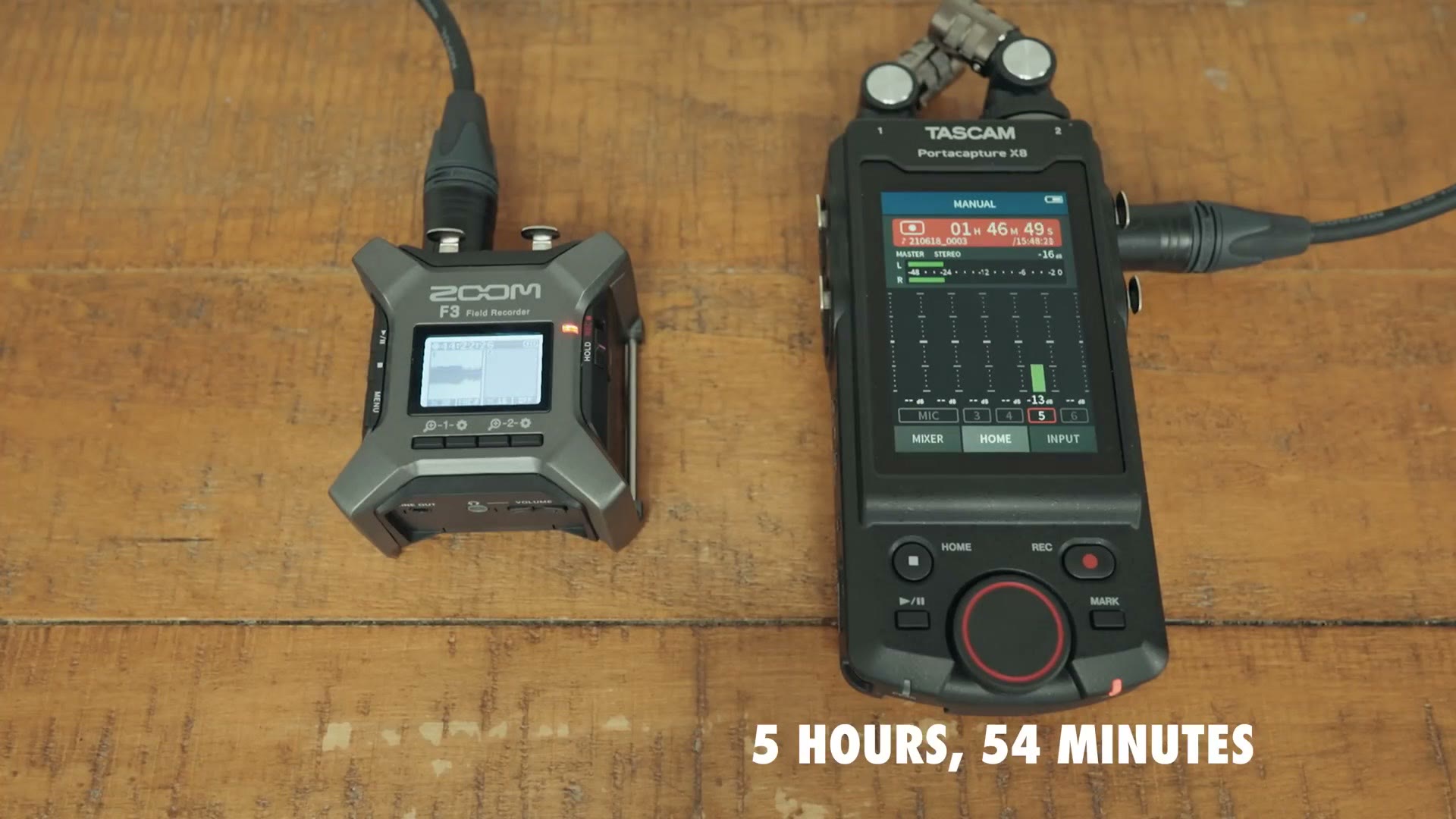
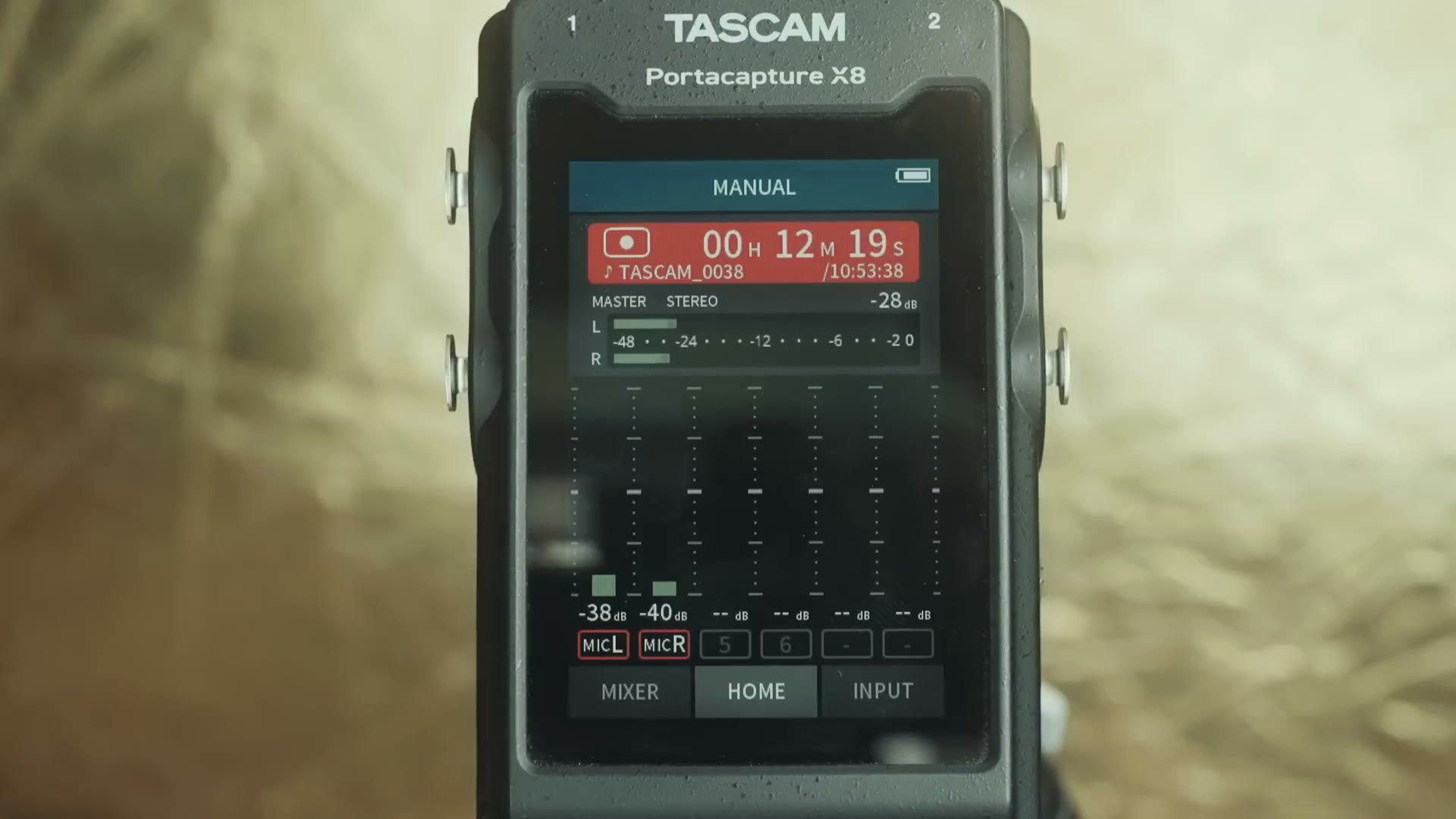
Those numbers are lower than what both Tascam and Zoom claim, and here’s why. To keep the test fair I had to use shotgun microphones requiring phantom power on both recorders, so they’d be drawing a similar amount. Without phantom power, whenever I tested the X8 using its internal microphones, it lasted 8 hours and 38 minutes. So I’d expect both to run longer than my numbers if you aren’t using phantom power. Both also support rechargeable and lithium batteries, and lithiums in particular tend to record for dramatically longer.
Startup Times
If you’re wondering about startup times, both of these are quick. The F3 powers on and is ready to record in about 3 seconds, while the X8 takes about 10.
The F3 definitely wins there. But compare either to my old Zoom H4, which would take over a minute if it had a large card inside, and both of these are fast enough that it shouldn’t be an issue for you. Heads up: the Zoom H4n has been discontinued, so this link goes to its replacement, the Zoom H4essential.
WHICH ONE SHOULD YOU BUY?!
Looking at the numbers, the F3 comes in at $349 at the time of writing, which is $150 cheaper than the X8 at $499.
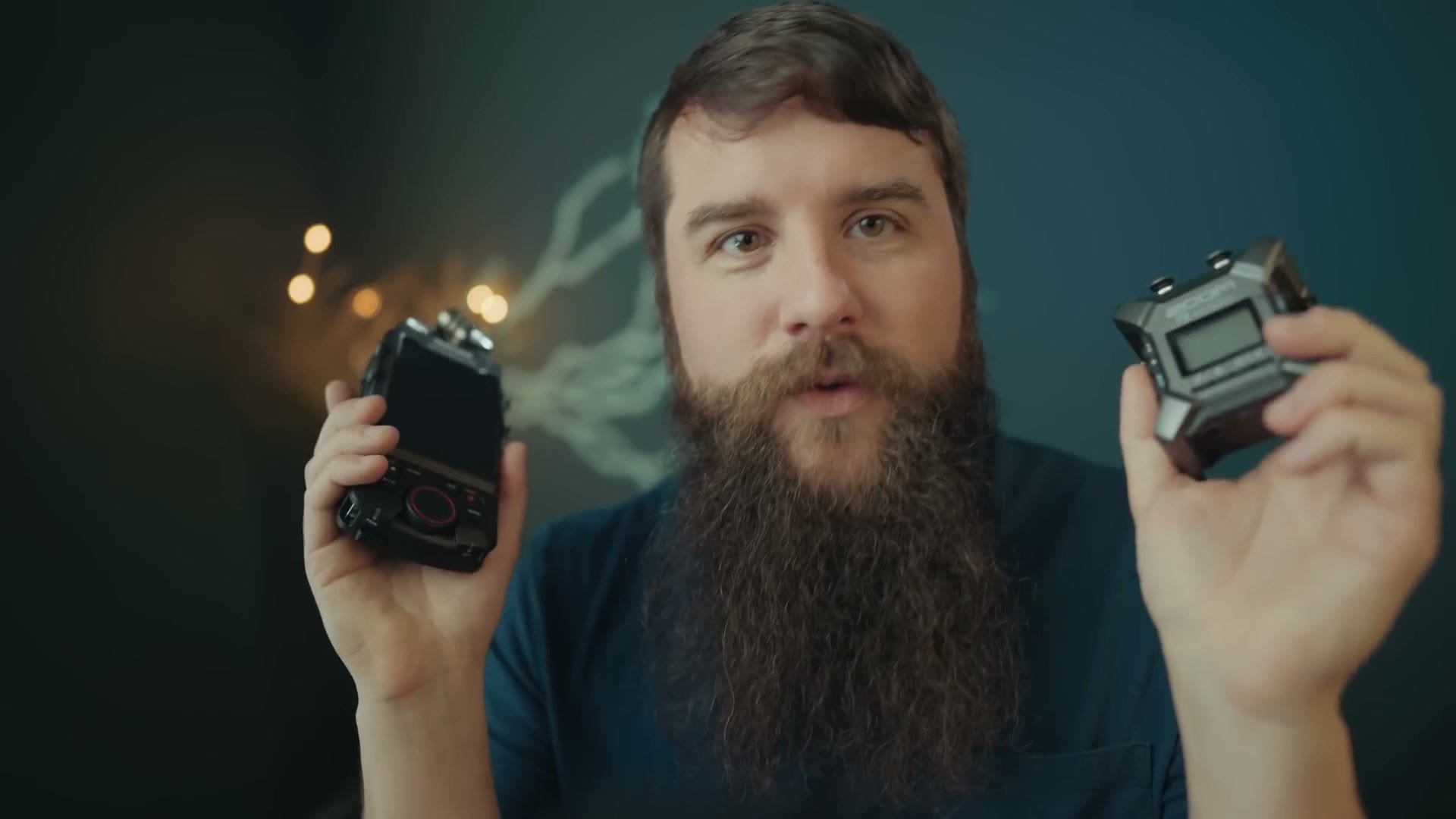
If you’re on a budget, and especially if you’re a newer filmmaker who wants an extremely simple, easy to use recorder that’s also very small, the F3 is my recommendation. You can get it at Sweetwater, B&H or Amazon.
But if you’re a more experienced filmmaker who wants more features and finer control, or you often find yourself using more than two inputs, or heck, if you just don’t like carrying extra cables and adapters and you want those combo XLR and quarter inch inputs, then the extra $150 for the X8 is a no brainer. And really it’s only $140 extra, once you account for the two quarter inch adapter cables you’d have to buy for the F3. The X8 is at Sweetwater, B&H and Amazon.
Another big thank you to my friends at Sweetwater for sending over both recorders so I could make this comparison. Whichever one you end up buying, Sweetwater is a great company to buy from.
Do You Upload Videos To YouTube?
If you’re a wedding filmmaker, and there’s a good chance you are considering this is a comparison of two audio recorders for wedding filmmakers, and you upload your films to YouTube, I put together a guide called YouTube Tips For Wedding Filmmakers. It’s completely free, and it walks you through practical things you can do to dramatically increase the views, likes and bookings you get from couples on YouTube. You can download it for free right here.

The footage here is graded with my own color presets, which live at whoismatt.com/luts. My full gear list is on kit.co, and I have filmmaking courses if you want to go deeper.
Thanks so much for reading, and have a great day!