
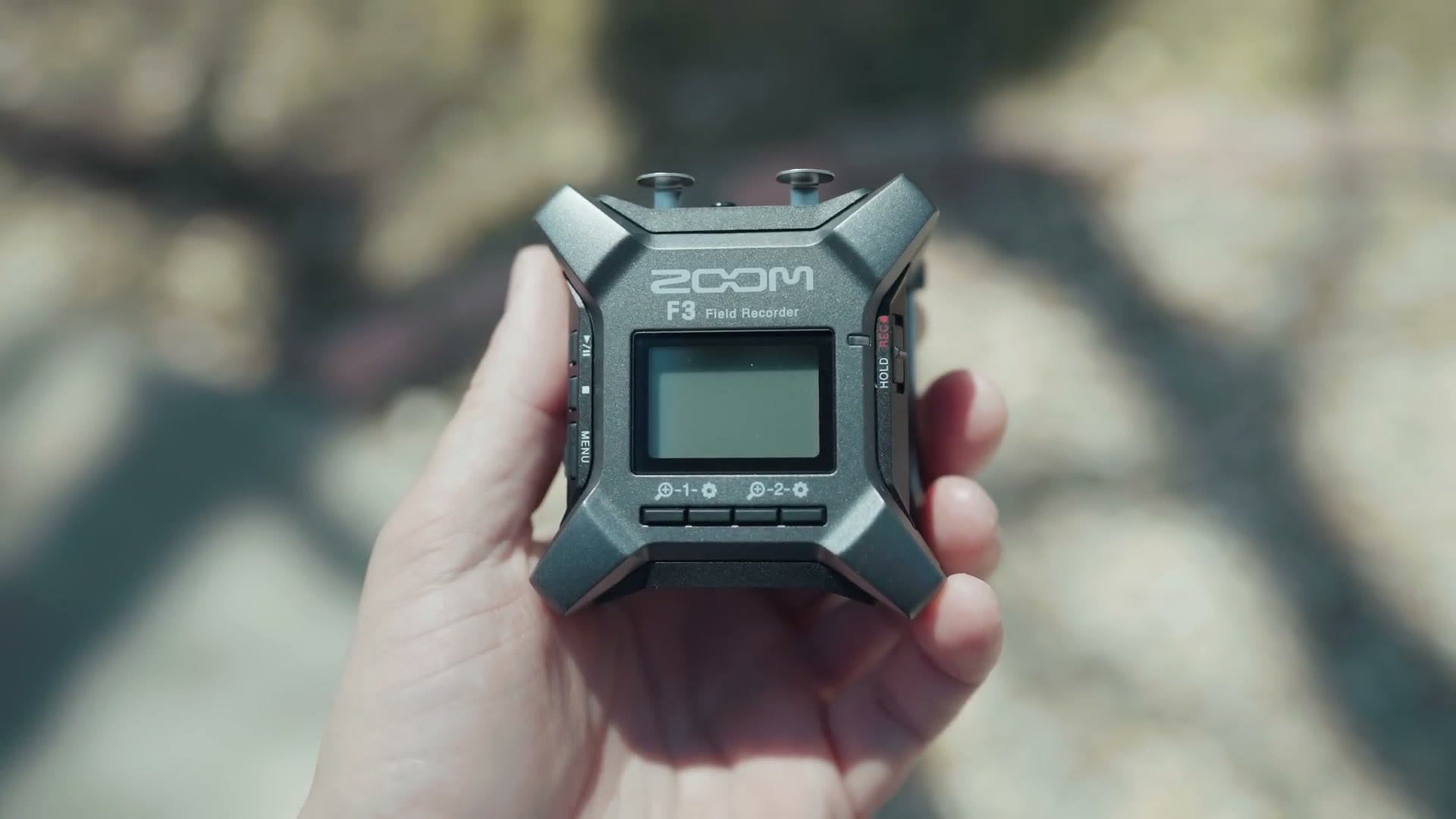
This is the new Zoom F3 audio recorder, and I want to review it from the perspective of a wedding filmmaker and tell you why it’s a great, ultra simple, set it and forget it option if you film weddings, documentaries, or anything else where you need clean audio without thinking about it.
Also, for the sake of ethics, I want you to know this video isn’t paid or sponsored by Zoom, but it does have a sponsor, and that’s my friends over at Sweetwater. They were kind enough to send this F3 over so I could make the review. To be clear, they have no say in it, and the first time they see it is the first time you see it.
Why This Recorder Is Awesome (32-Bit Float)
The single biggest reason to consider the F3 is that it records 32-bit float audio. And in fact, it is only capable of recording 32-bit float. You do not have the option to record at any other bit depth. No 24-bit, no 16-bit, nothing.
If you aren’t sure what 32-bit float does, imagine never again having to deal with audio that’s peaked and blown out, or so quiet you can’t hear it. That’s the promise. Anything too quiet, you bring the levels up without raising the noise floor, because the dynamic range is that good. Anything too loud that would be clipped and ruined on any other recorder, you just drag the levels back down and recover all of it.
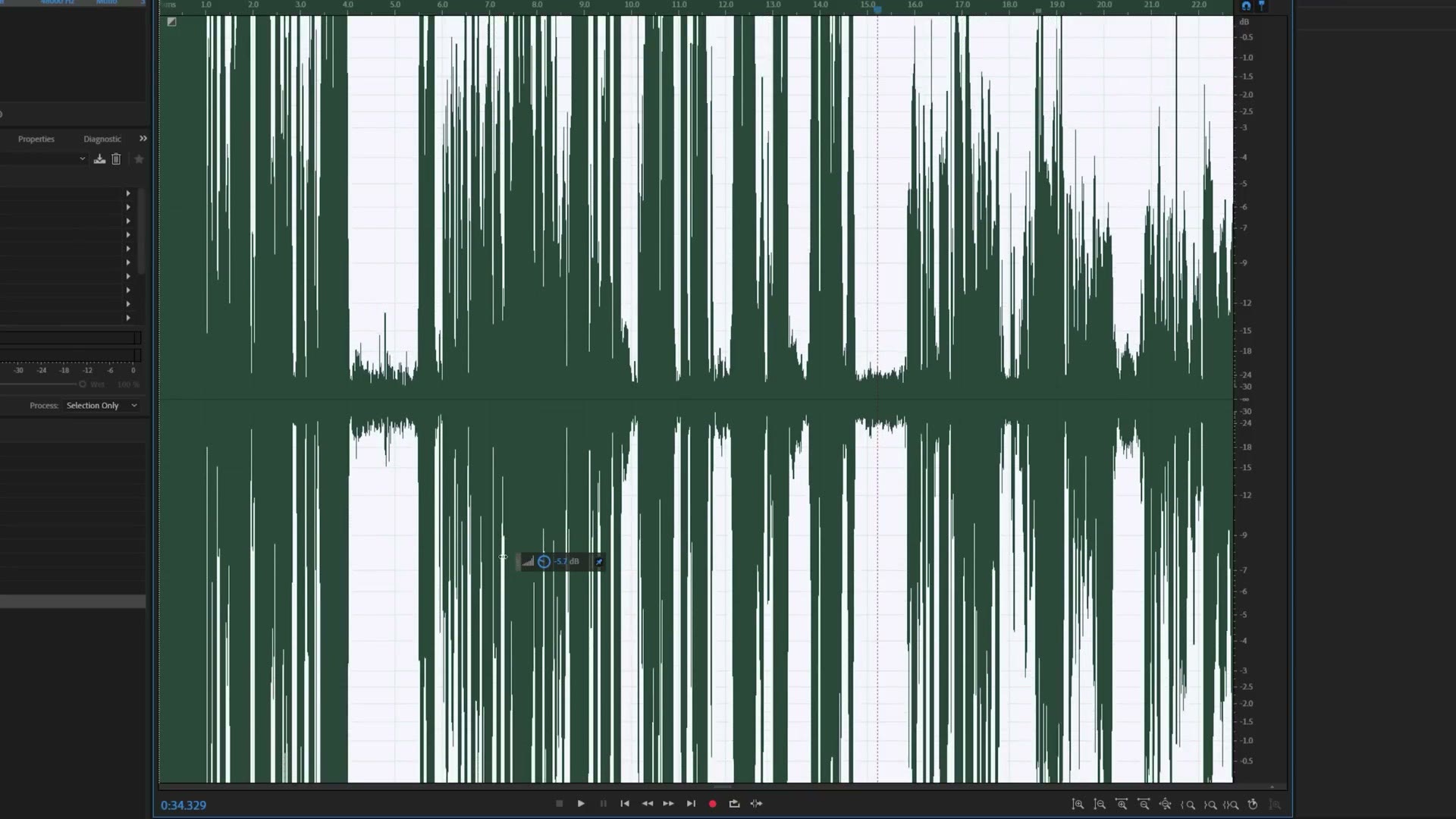
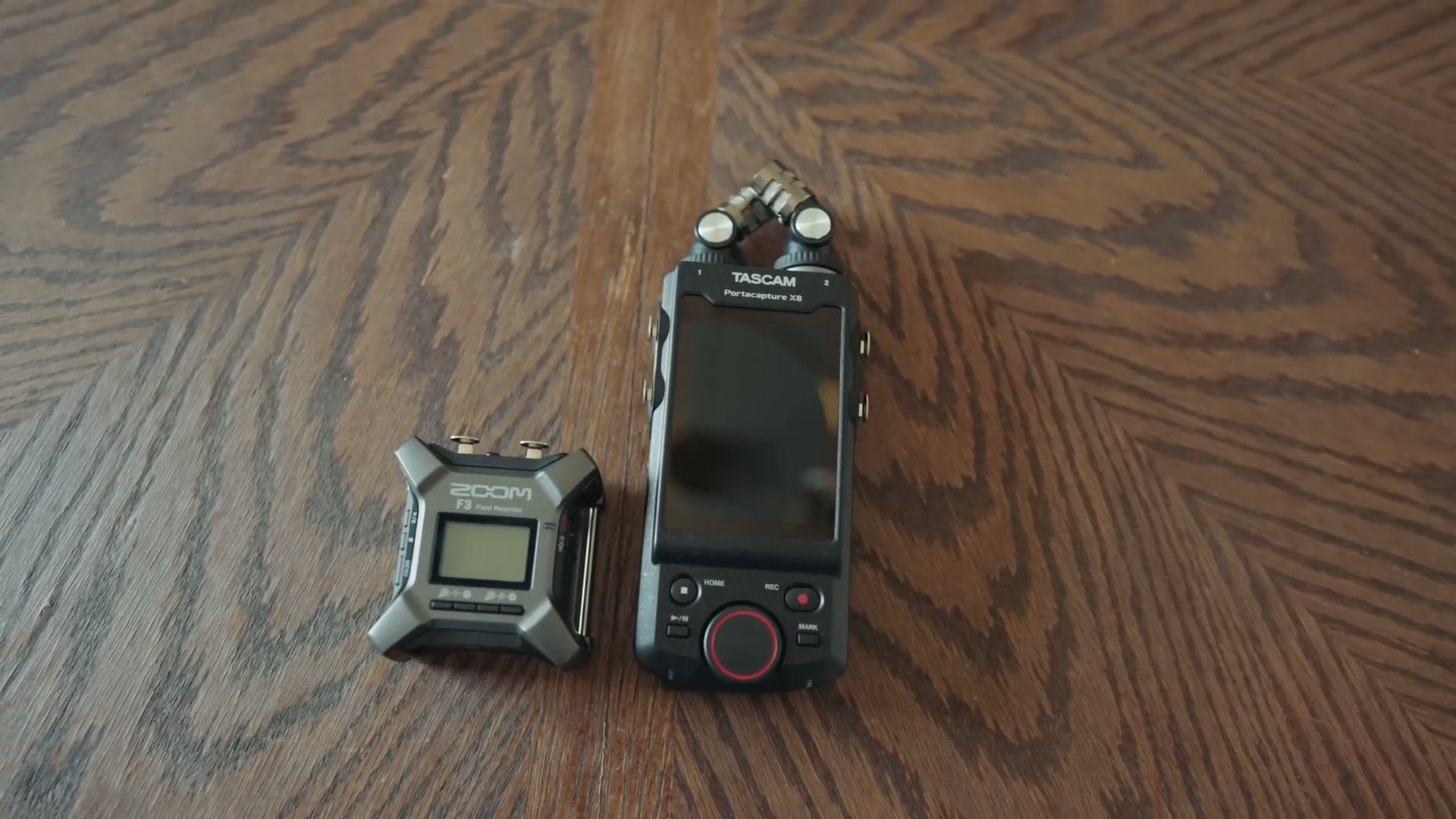
I go a lot deeper on this in my Tascam Portacapture X8 review, which is another 32-bit float recorder. And speaking of the X8, I also put the two of them head to head in a full comparison if you want to see exactly how they stack up.
Build Quality And Size
The first time you pick up the F3 you’re going to be struck by how solid and dense it feels. It’s compact, with an outer plastic shell, but it has real weight and heft to it. Like, if you’re wrapping up a wedding and carrying your gear out to the parking lot and somebody tries to mug you and this is the first thing you grab, you could adequately defend yourself with it. A rather effective bludgeoning weapon.
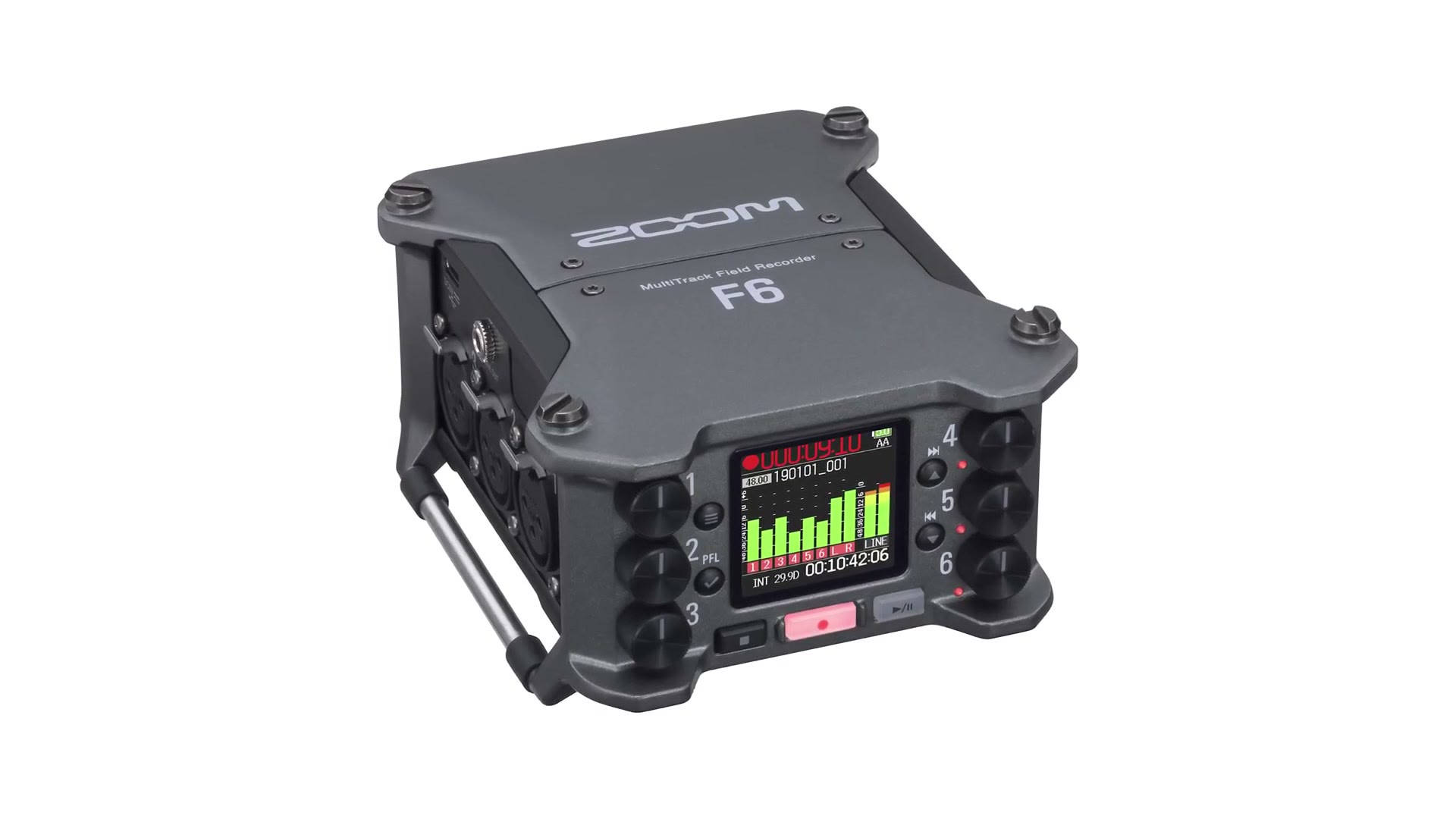
Looks wise, you can tell Zoom took a ton of inspiration from their F6, because the F3 feels like a cute little shrunken down version of it.
I do feel like Zoom could have made it smaller though. Look at the metal rods on the bottom, the ones you use to strap the F3 to a boom pole. I can’t help wishing they’d gone with a detachable alternative, because without those bars Zoom could have shaved a good 10 to 20% off the size of this thing and made it even more compact.
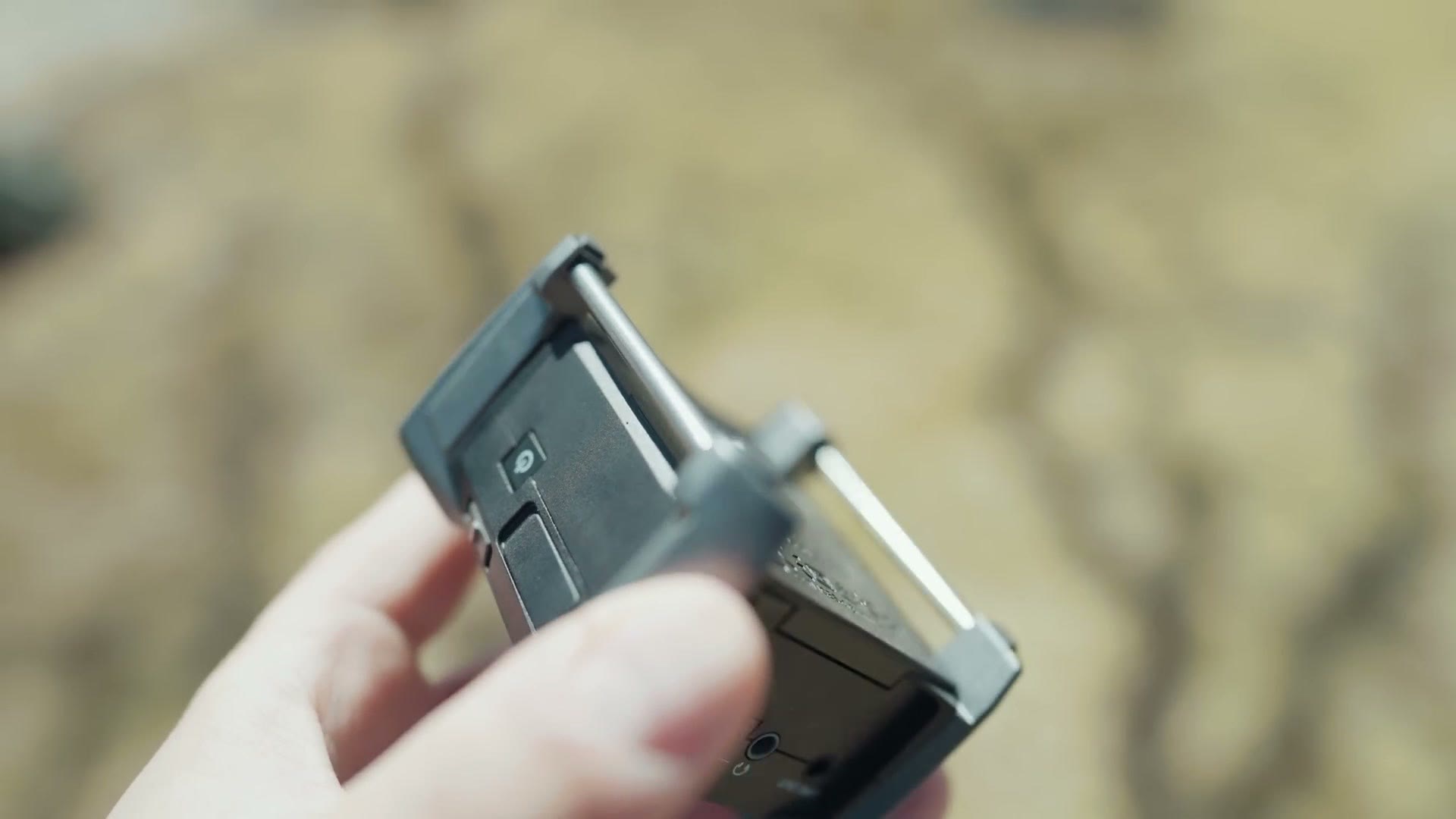
For other mounting points, there’s a standard quarter inch screw hole on the back to attach it to a stand or a cage.
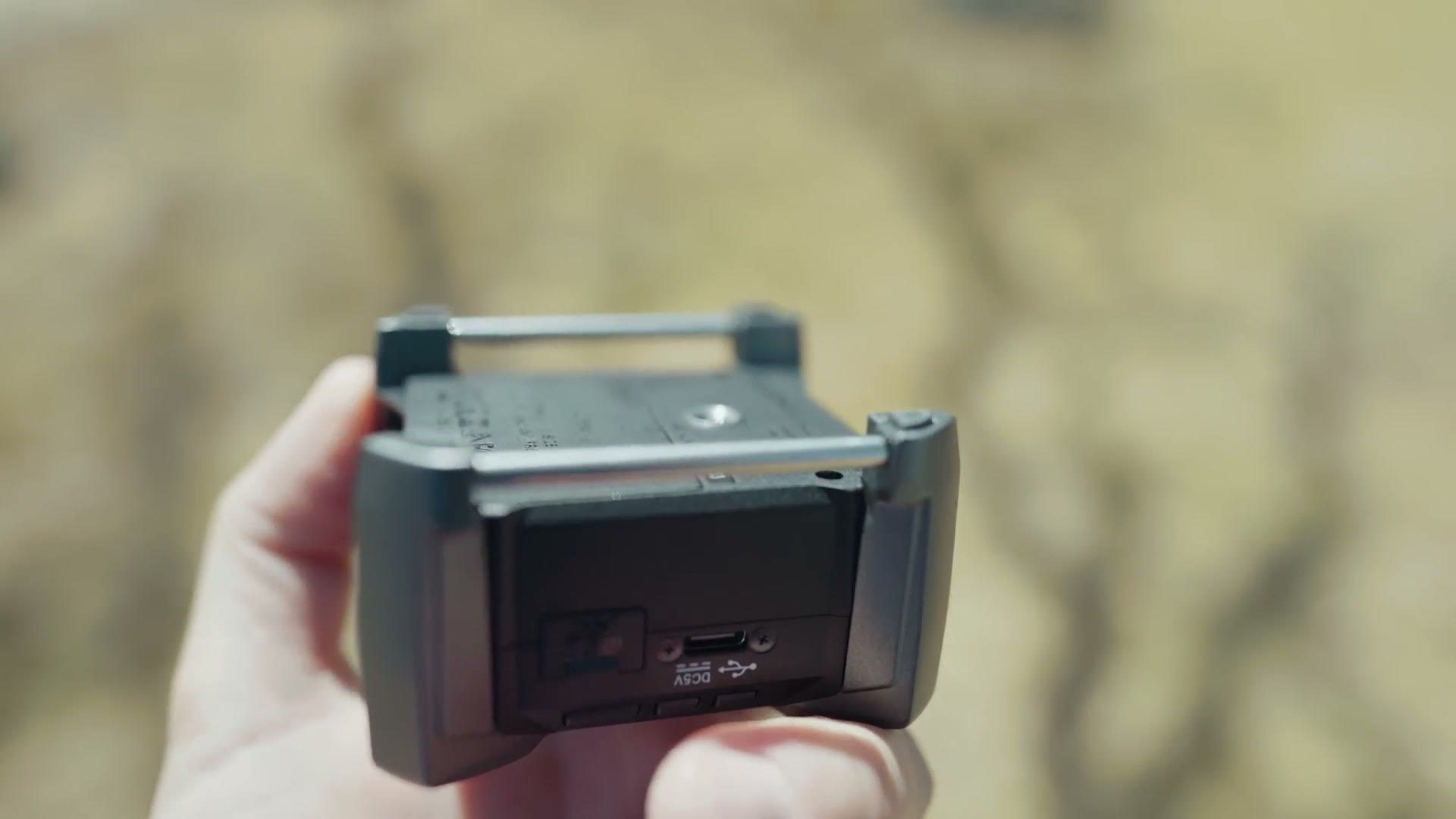
USB Input & The BEST MOST INCREDIBLE FEATURE
Flip the F3 around and on the side you’ll find a USB-C input that supports power delivery, so you can plug it into AC power or run it off a USB battery pack, which is great. It can also work as a USB microphone input for your computer.
And next to that USB port is one of the most incredible features that anyone who has ever used a Zoom recorder before will be frankly shocked by.
Am I talking about the microSD card slot that supports cards up to 1TB? No, even though that’s pretty cool. I’m talking about the microSD card door, which for basically the first time ever is not made of super brittle cheap plastic that’s going to snap immediately, and is instead a flexible rubberized plastic that actually feels like it’ll last longer than a week.
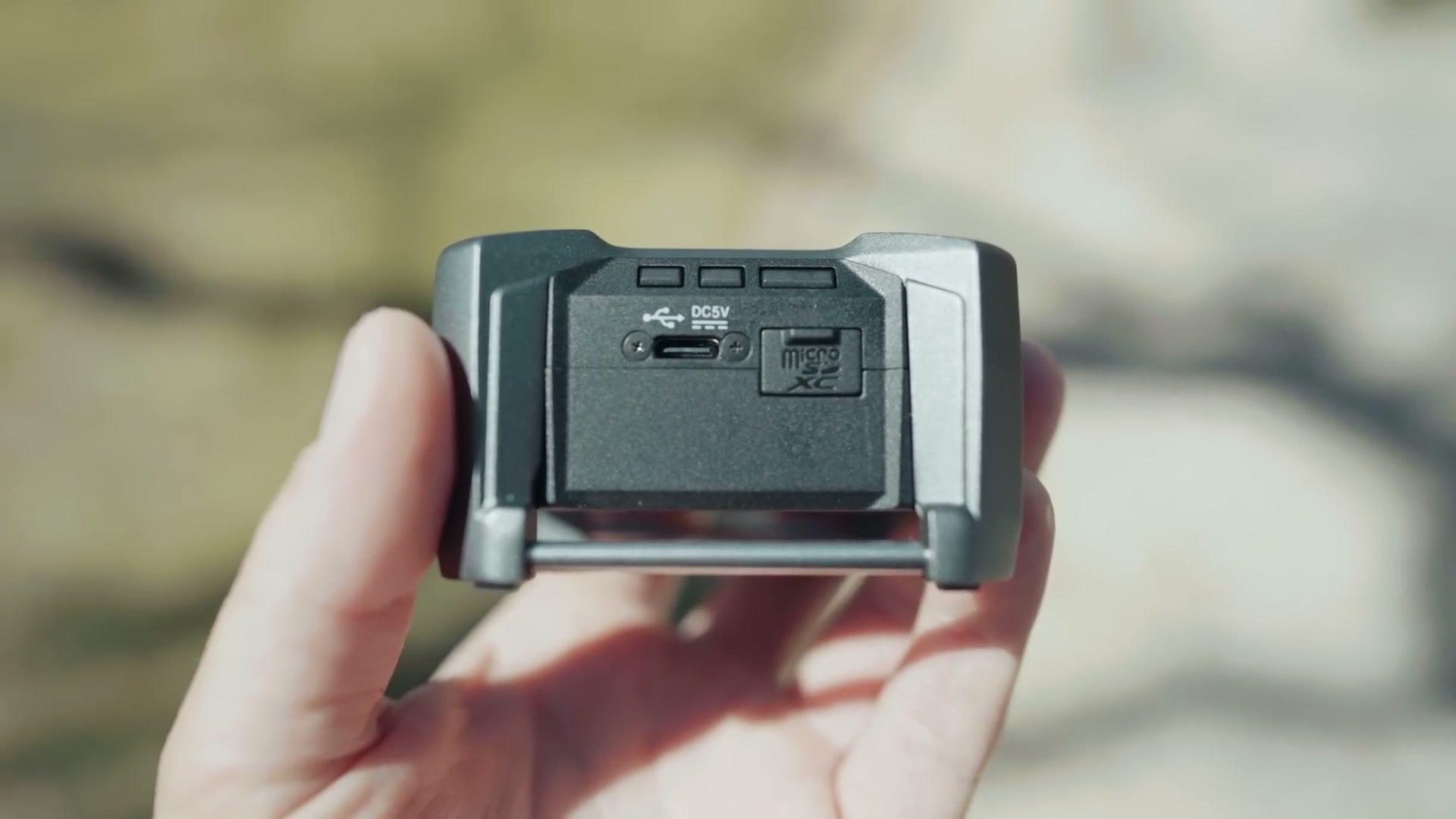
If you don’t understand why I’m this excited about a memory card door, go try any of Zoom’s other recorders, or ask any of your friends who owns one. I’m betting they have a broken SD card door or a broken battery door. It’s like a badge of honor. If you’ve broken yours, that’s how you know you’ve really broken in your recorder. Literally.
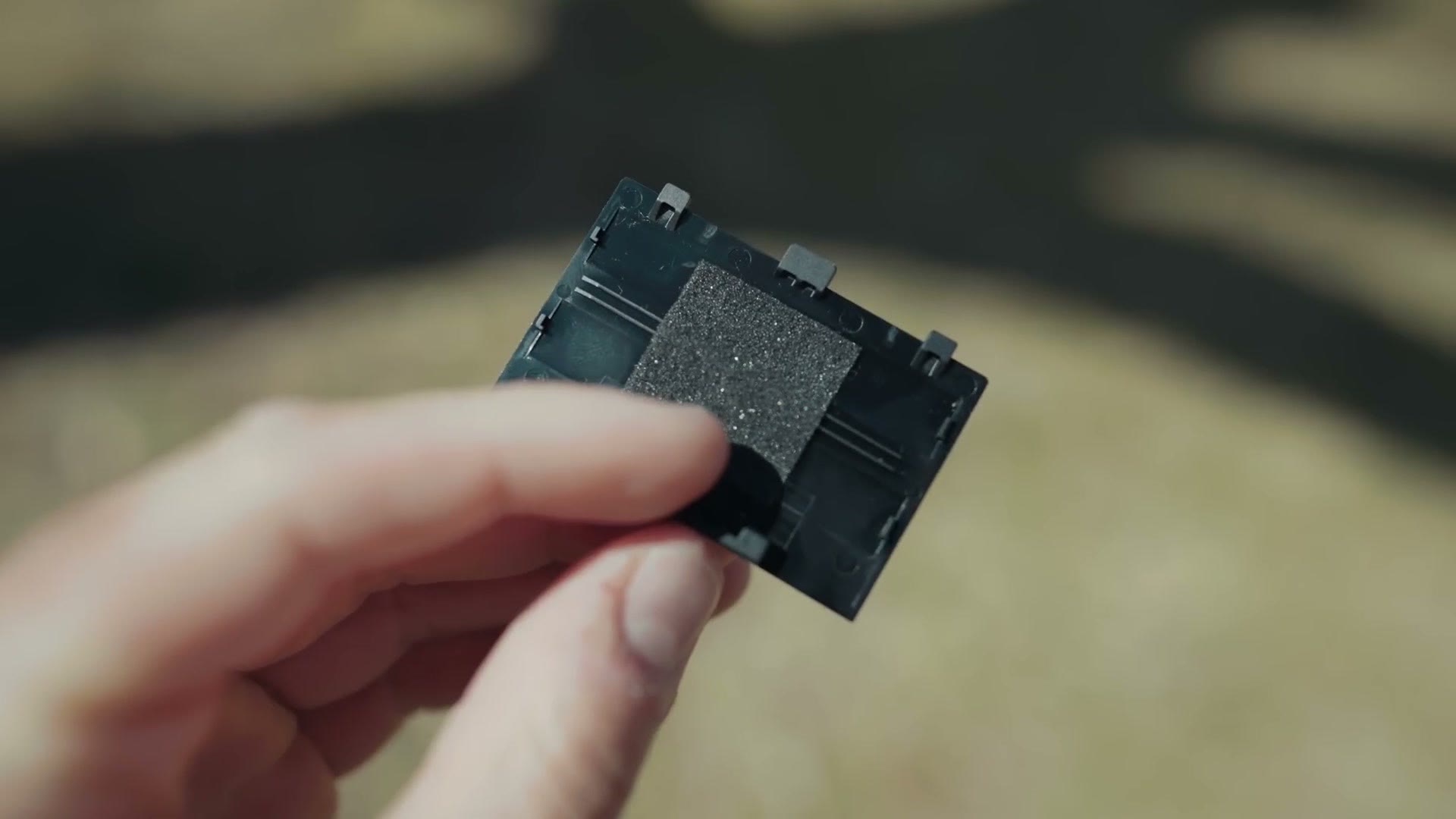
Speaking of the battery door, unfortunately that’s something that still may break on the F3. Zoom, you were so close. Why does the battery door have to be like this? The thinness and flimsiness of this plastic is rivaled only by the thinness and flimsiness of Zoom’s own F2. It’s bad, so be careful any time you’re swapping batteries.
Battery Life
Zoom claims you’ll get over 8 hours of recording with alkaline batteries. Whenever I tested it with a brand new set of rechargeables, I got 6 hours and 47 minutes before it died.
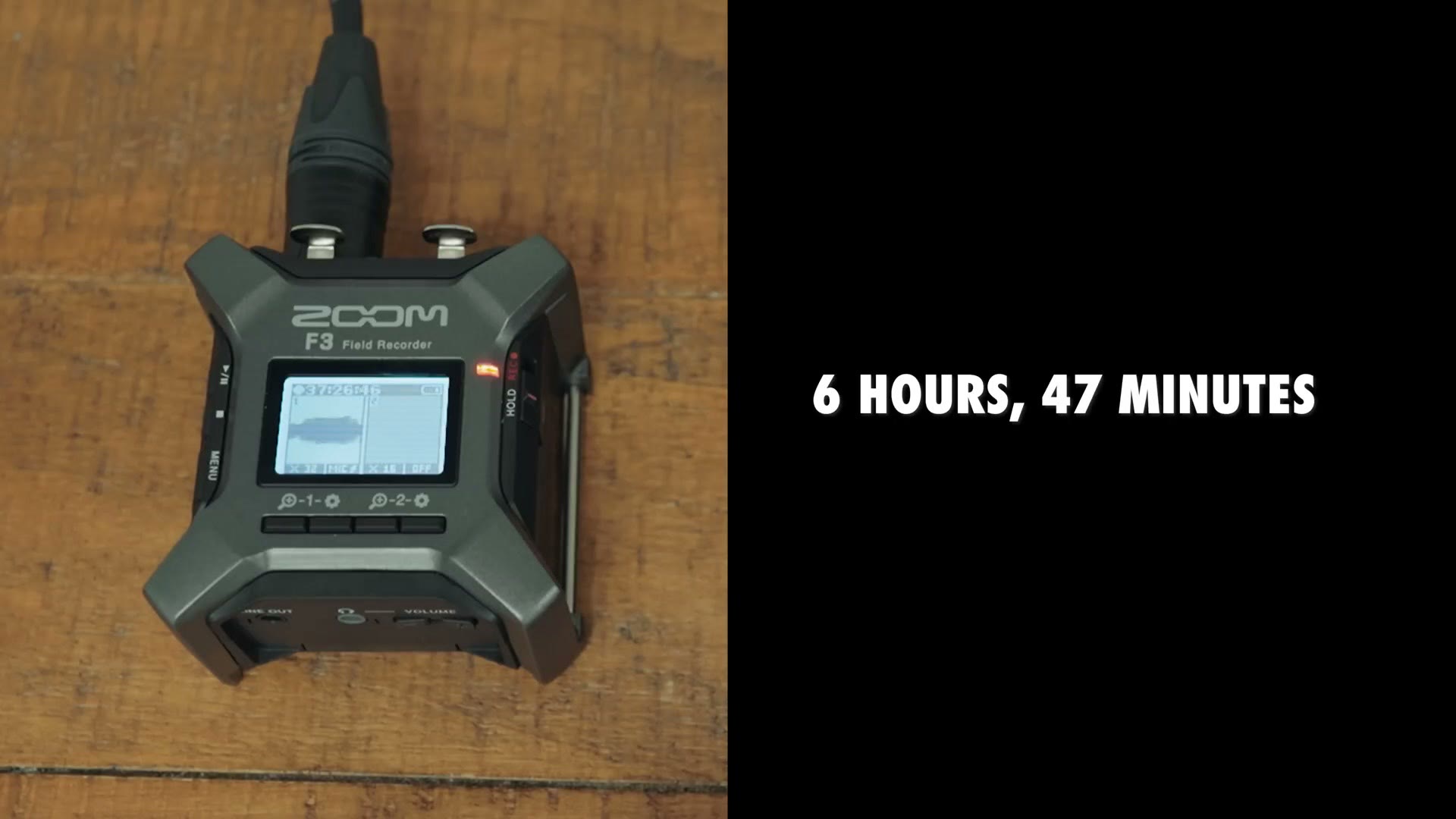
That’s less than Zoom claims, but for this test I had to use a shotgun microphone that requires phantom power, so the mic was draining the battery too. If you’re plugging into a DJ’s soundboard or using a mic that doesn’t need phantom power, I’m betting you get much closer to that 8 hour number.
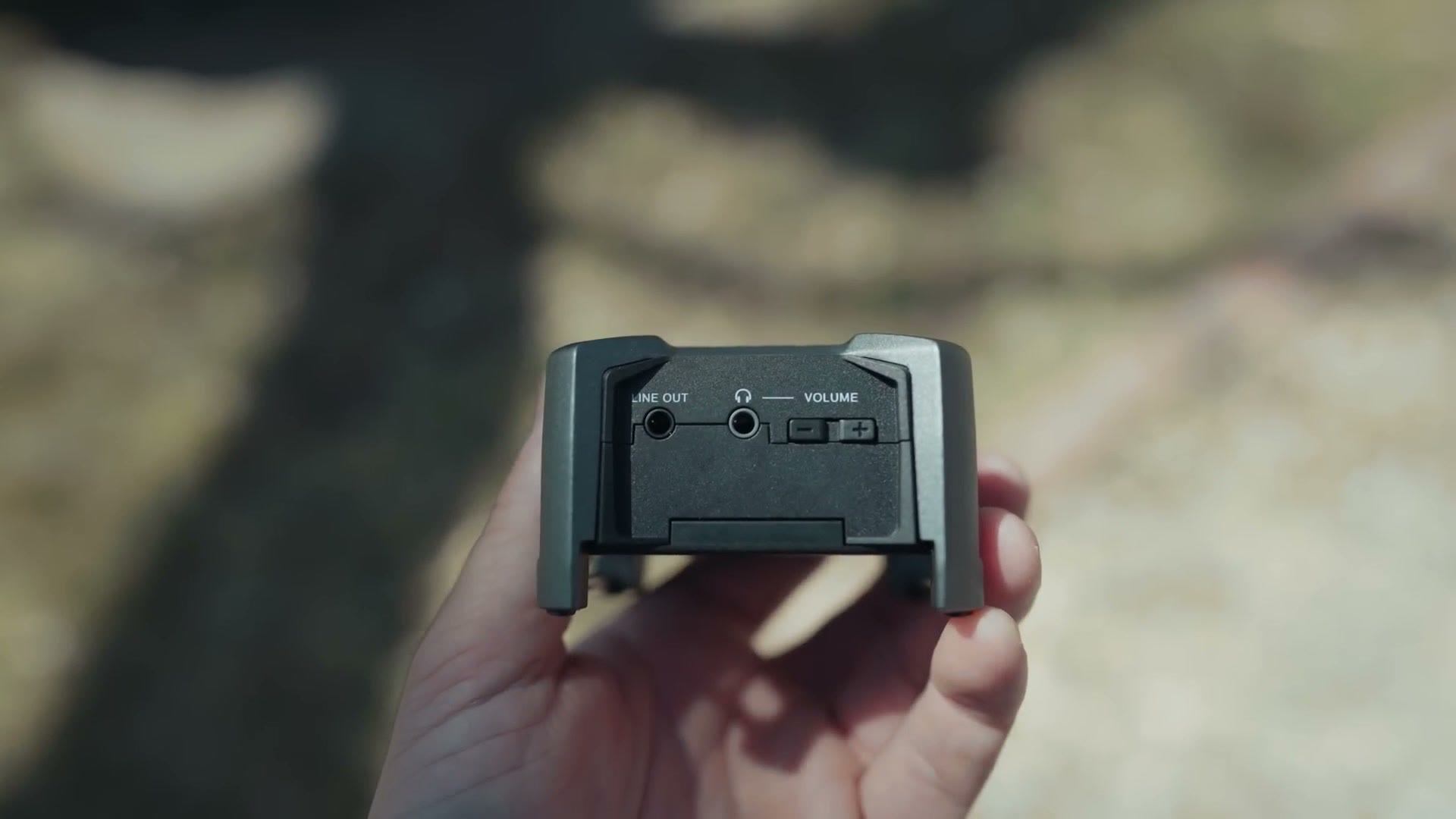
Looking at the back, there’s a line out port in case you want to run straight from the F3 into your camera, plus a headphone jack for monitoring. And even though this is a 32-bit float recorder, I still recommend always checking your levels on headphones to make sure everything is actually recording.
Power On Time (This Thing Is FAST!)
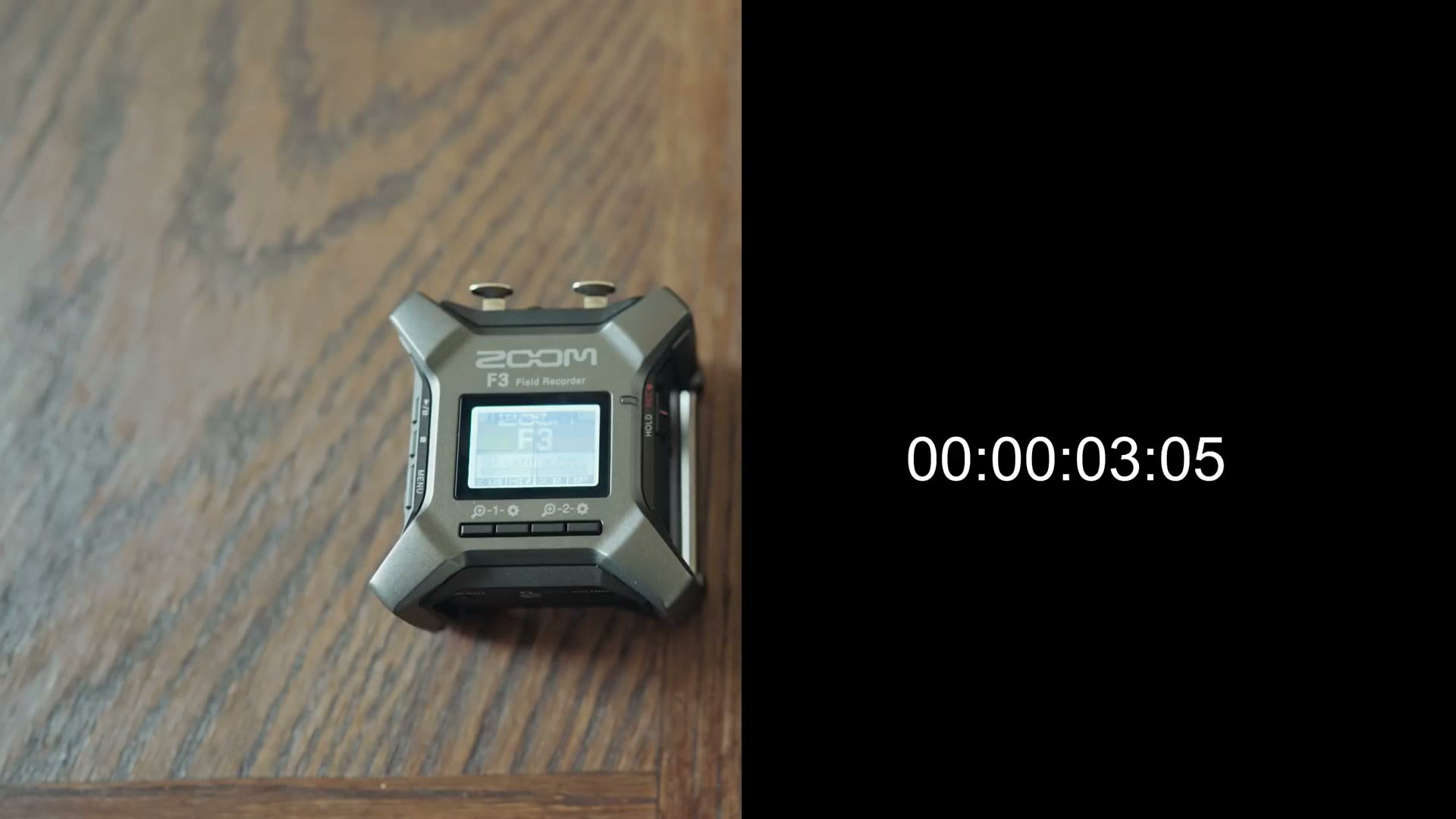
On the right side you have the power button, and I’m pleased to tell you this recorder powers on in approximately 3 seconds. So if you need to start recording in a hurry, you can.
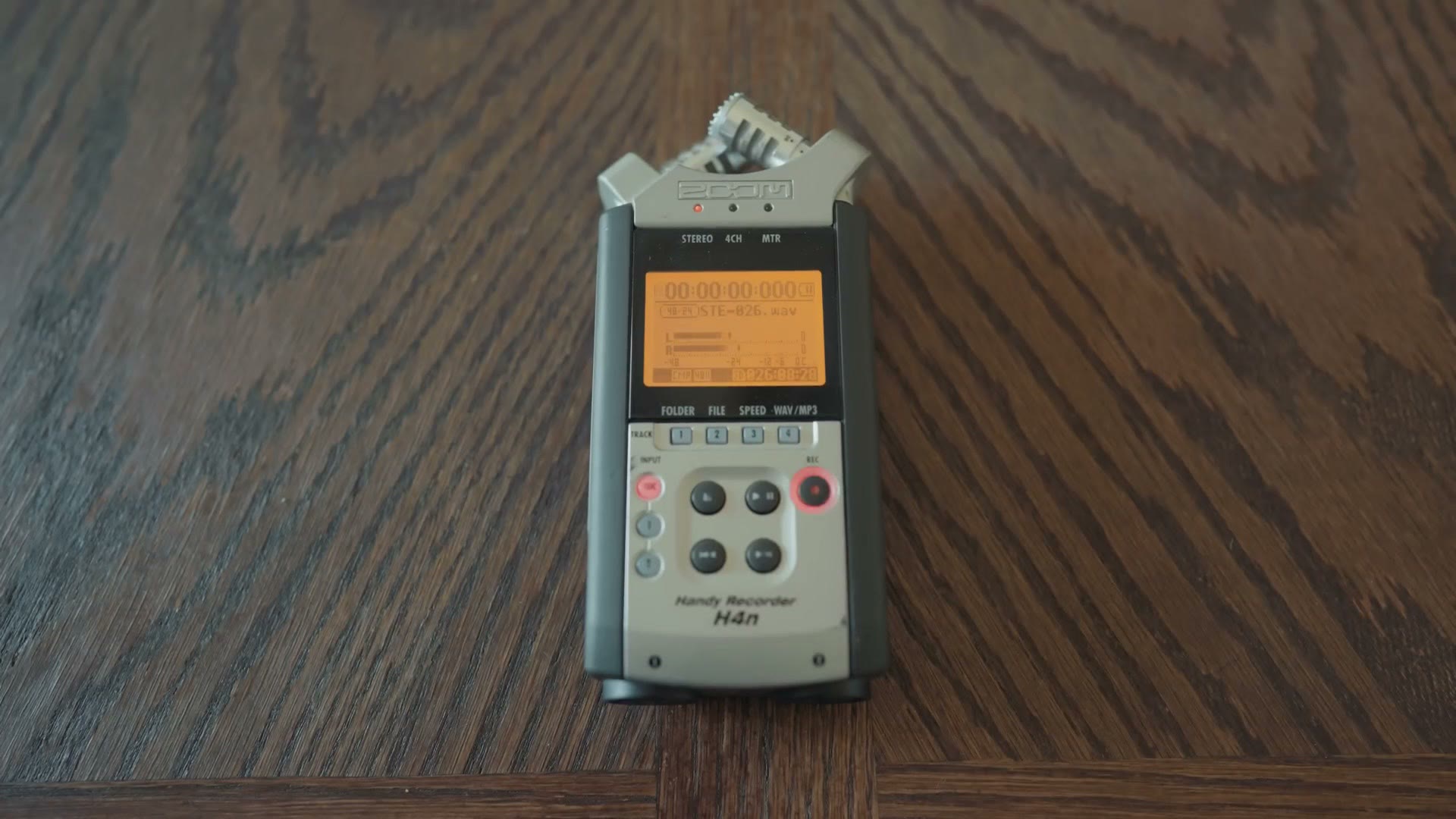
For context, my old Zoom H4n could take over a minute to boot if it had a large card inside. Heads up: the Zoom H4n has been discontinued, so this link goes to its replacement, the Zoom H4essential.
You also get a combo record and hold switch on the side. Slide it up to start recording, slide it down to engage hold and disable every button on the recorder.
Bluetooth Control
Below the switch there’s a cover protecting a gaping hole in the side of the F3, and that’s where you insert a Bluetooth control module to control the recorder from Zoom’s F3 app.
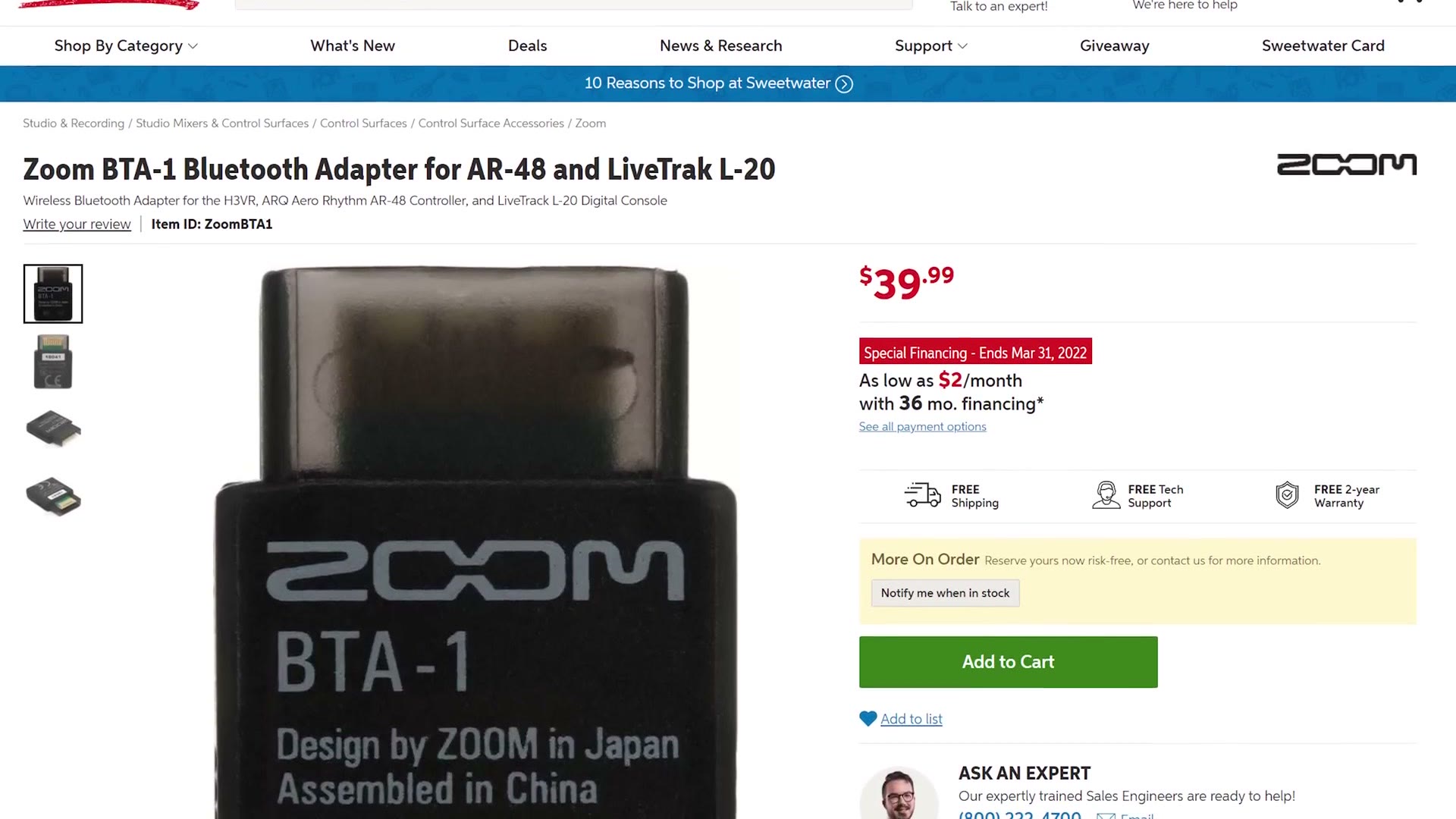
Unfortunately my Bluetooth adapter is still on backorder, so I can’t cover it properly here. But if it performs like it does on the Zoom F6, which uses the exact same adapter, you’ll be able to start and stop recording and change your levels, but you will not be able to monitor audio wirelessly. You can grab it at Sweetwater, B&H or Amazon.
XLR Inputs (Where’s Quarter Inch?!)
On the top you have two locking XLR inputs, which, judging by the size of the F3, seem to be about the maximum it could have handled anyway. Fortunately they accept both line and mic level audio.
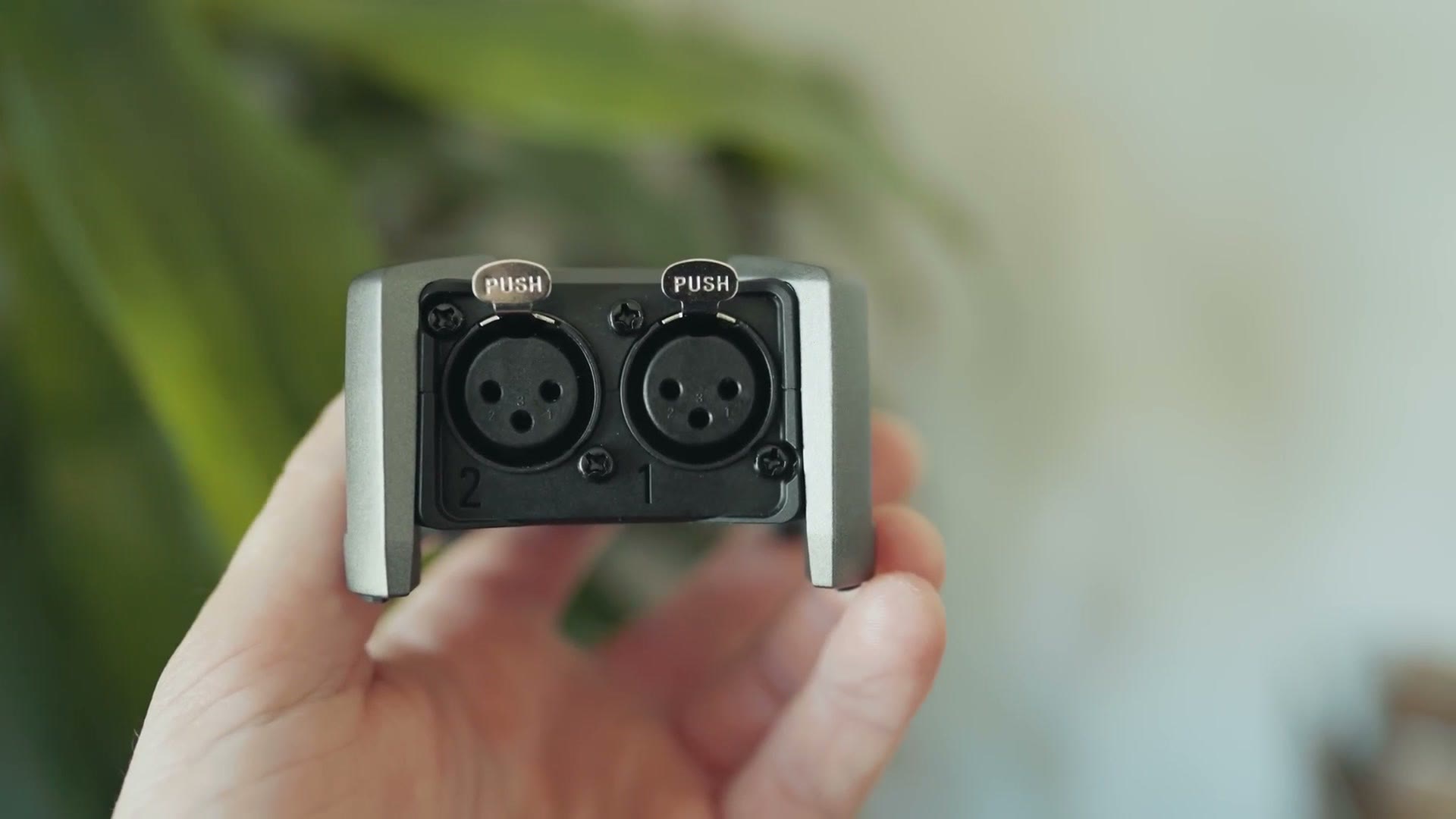
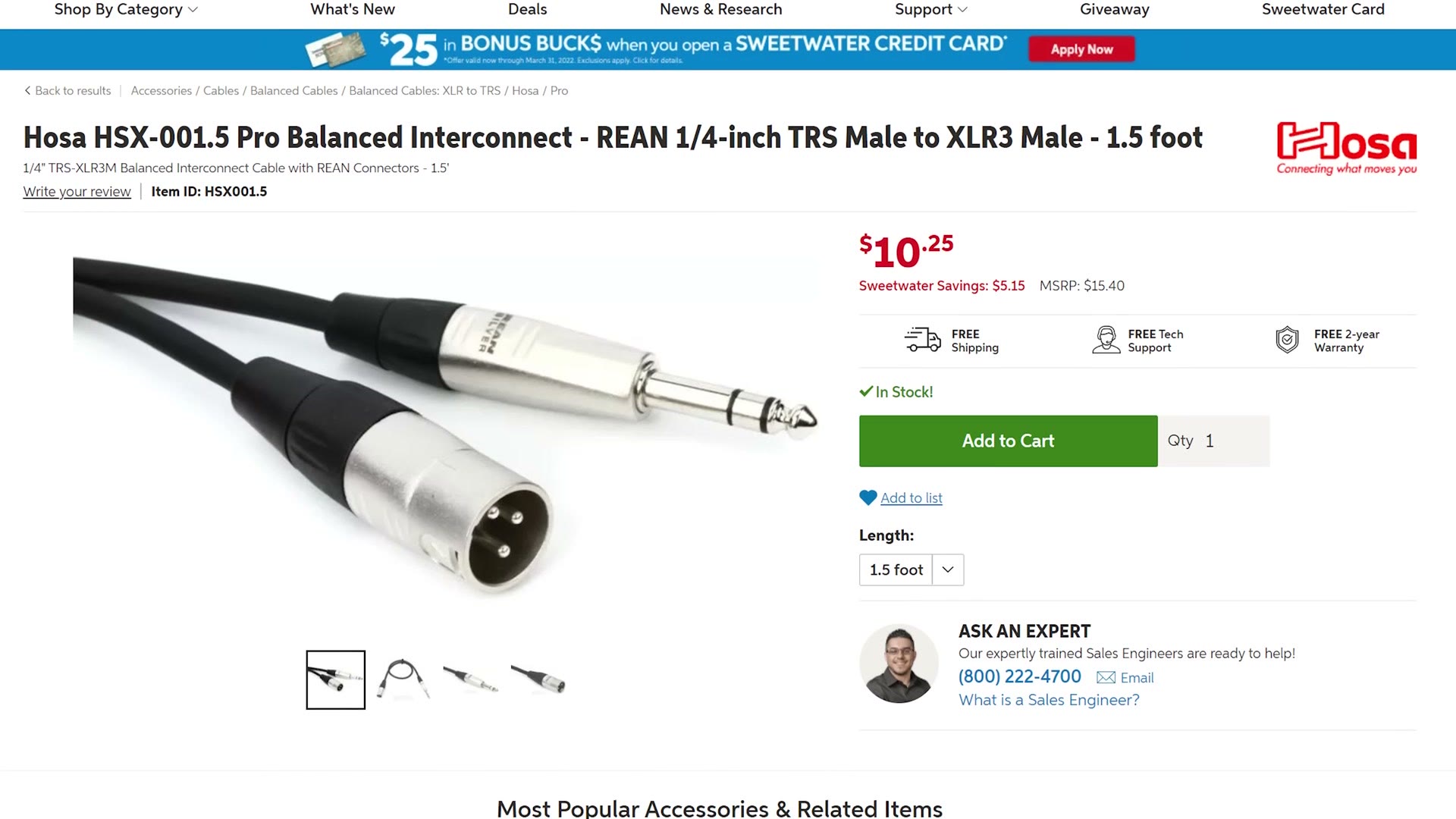
Unfortunately, these are not combo XLR and quarter inch inputs like you get on the Tascam X8. So if you need to plug quarter inch cables into this recorder, which if you film weddings I guarantee you will need to do, you’re going to need XLR to quarter inch adapter cables, which run about ten bucks. The price isn’t a big deal, but it’s one more thing to keep track of in your gear bag.
I was a little upset and confused about why Zoom didn’t include combo jacks, because I love that versatility.
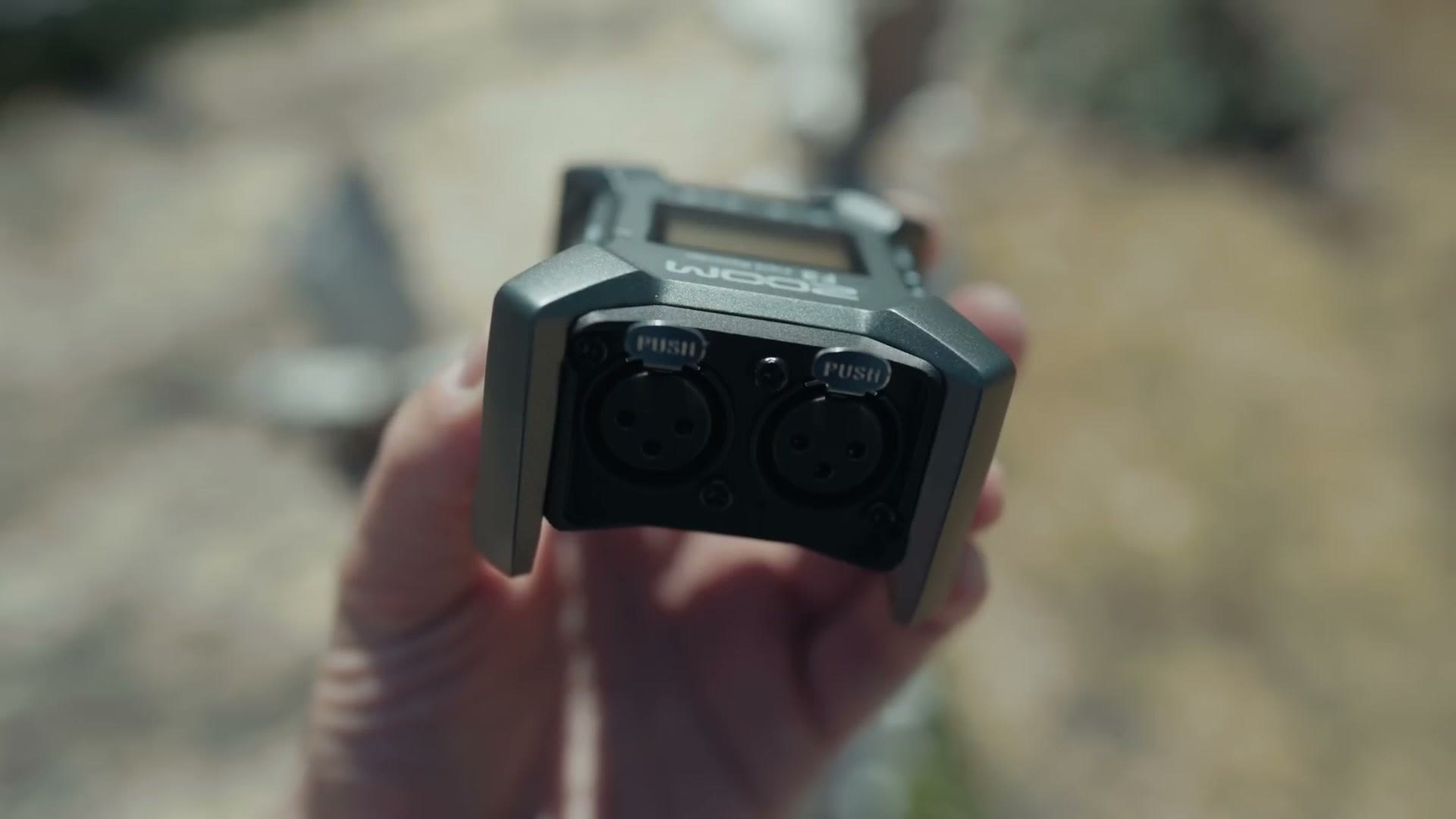
But now that I’ve held the F3 and really looked at it, there genuinely doesn’t seem to be enough size and depth in this recorder to handle quarter inch inputs. They’re significantly longer than XLR. So my guess is that if Zoom wanted to add them they’d have had to make the recorder bigger, and because they wanted to keep it compact they left them out. Just a theory though. They might also have been being cheap.
How Zoom Has DRAMATICALLY Simplified The Audio Recording Process
I said at the start that the F3 is an ultra simple set it and forget it recorder, and that’s never more apparent than whenever you actually turn it on.
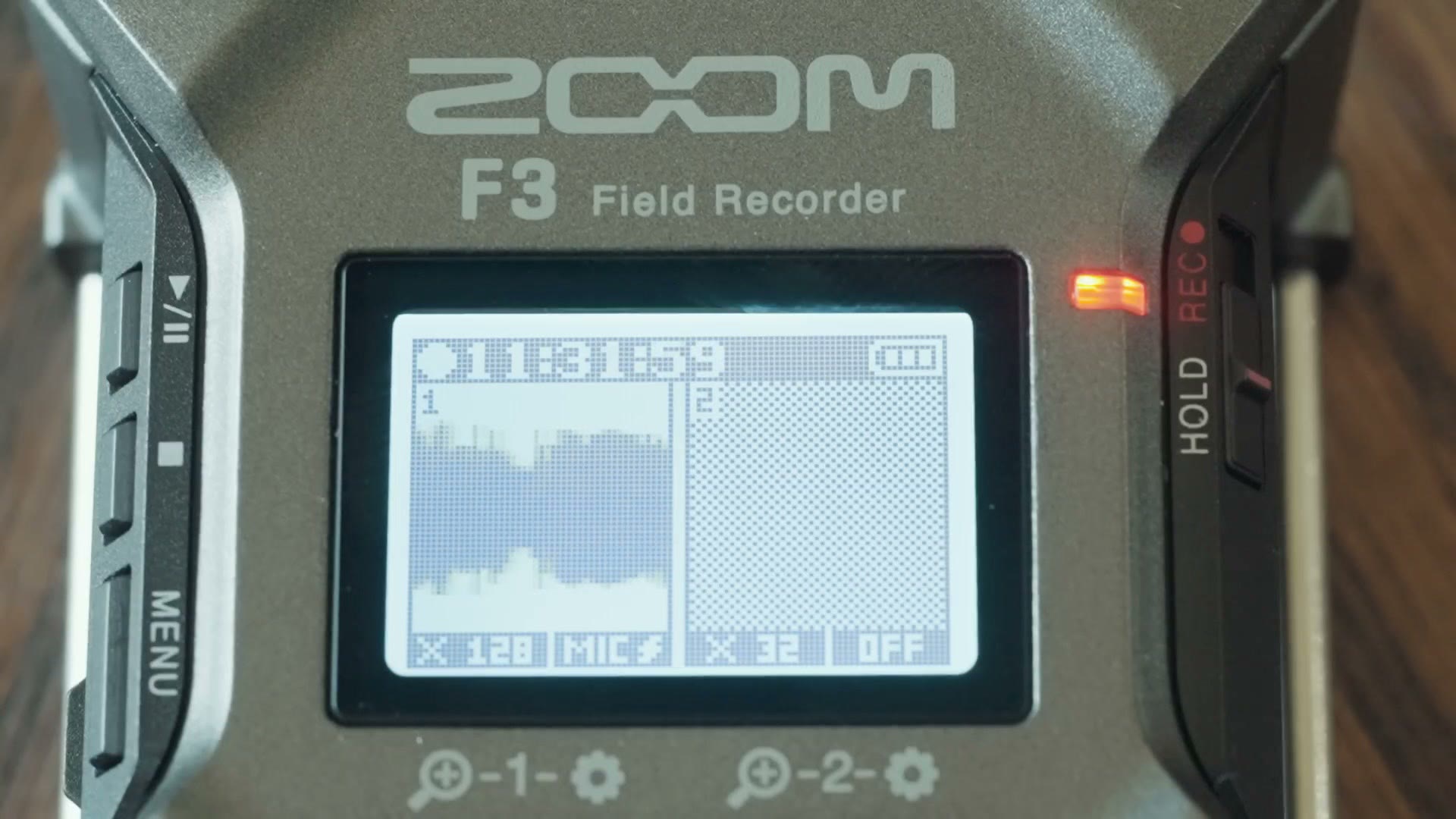
Power it up and you’re immediately presented with a scrolling waveform showing you the recorder is getting a signal. That alone should tell you Zoom has rethought how you’d traditionally use an audio recorder and stripped out a lot of what you no longer need to worry about, because you now have 32-bit float.
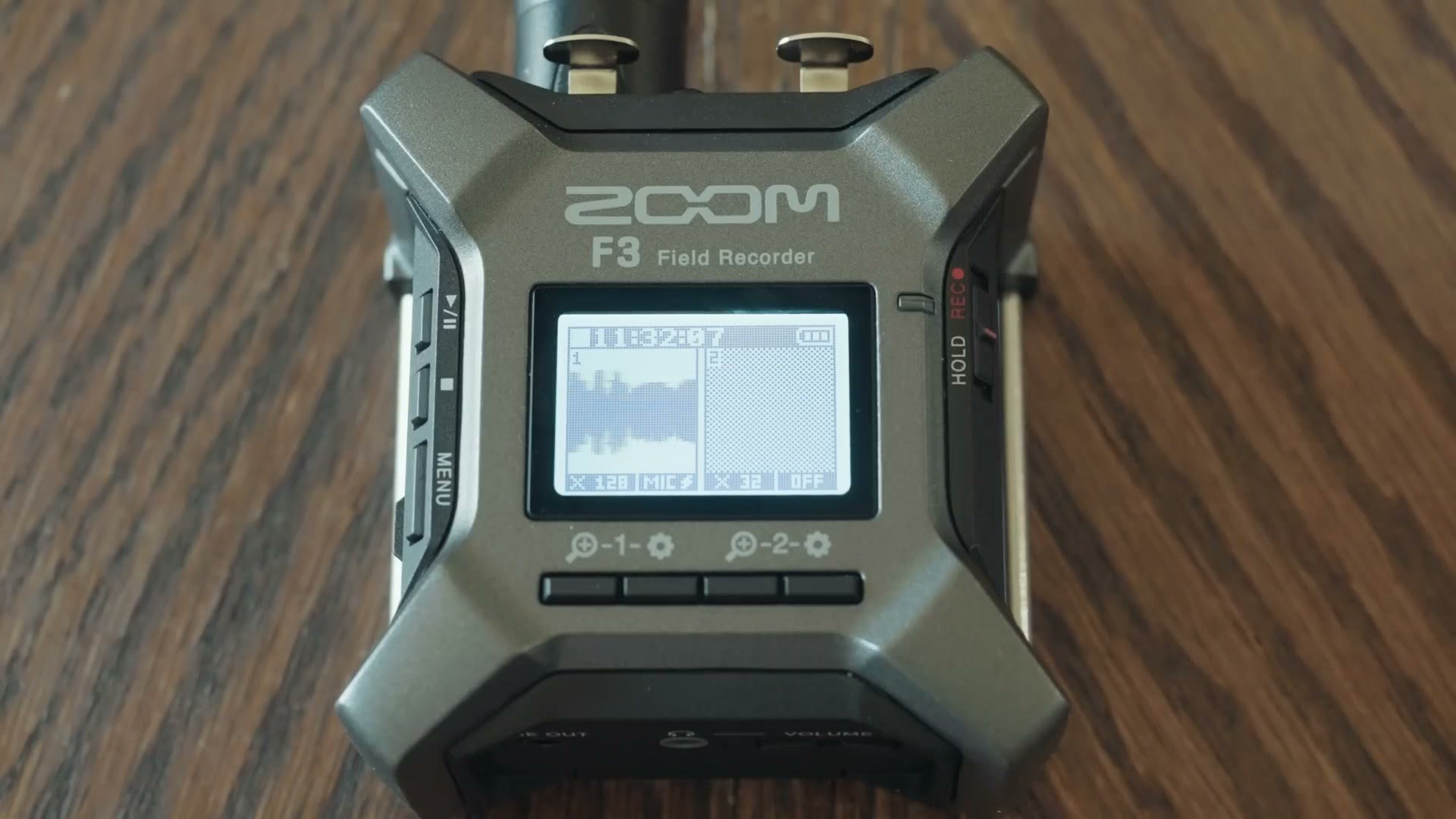
In the past with other recorders, you’d press record once to make the recorder start accepting inputs, dial in your gain levels, and then press record again to actually begin recording. With the F3 you don’t have to worry about setting your levels to exactly the right spot at all. In fact, nowhere in the menus will you find a setting that tells you the decibel level you’re recording at.
I realize that sounds crazy for an audio recorder. The waveform guide on the front is very abstract, with no numbers. And while there’s a red light telling you the recorder is recording, there’s no separate light warning you that your levels are peaking.
If you want to go deeper, I’ve also got Best Settings For The Zoom F3 Audio Recorder, Tascam FR-AV4 Review: This Audio Recorder Makes Timecode EASY!, and CHEAPEST 32 Bit Float Audio Recorder… But Who Is It For?! – Zoom H1Essential Review.
Audio Quality Test
If you’re wondering about the audio quality you can get out of this thing, I recorded the audio for the entire video this post came from using my Deity S-Mic 2 plugged into the F3 over XLR. Heads up: this link goes to the newer Deity S-Mic 3. So the whole video is the audio test.
Keep in mind though that any audio recorder is only ever going to sound as good as the microphone you use with it. Having 32-bit float is amazing, but if you pair it with really crappy mics your audio is still going to sound terrible. Use good mics.
The Surprising Way To Adjust Audio Levels
Let’s really drive home the simplicity here. On the front there’s a magnifying glass button that lets you zoom in and out on the waveform on the screen.
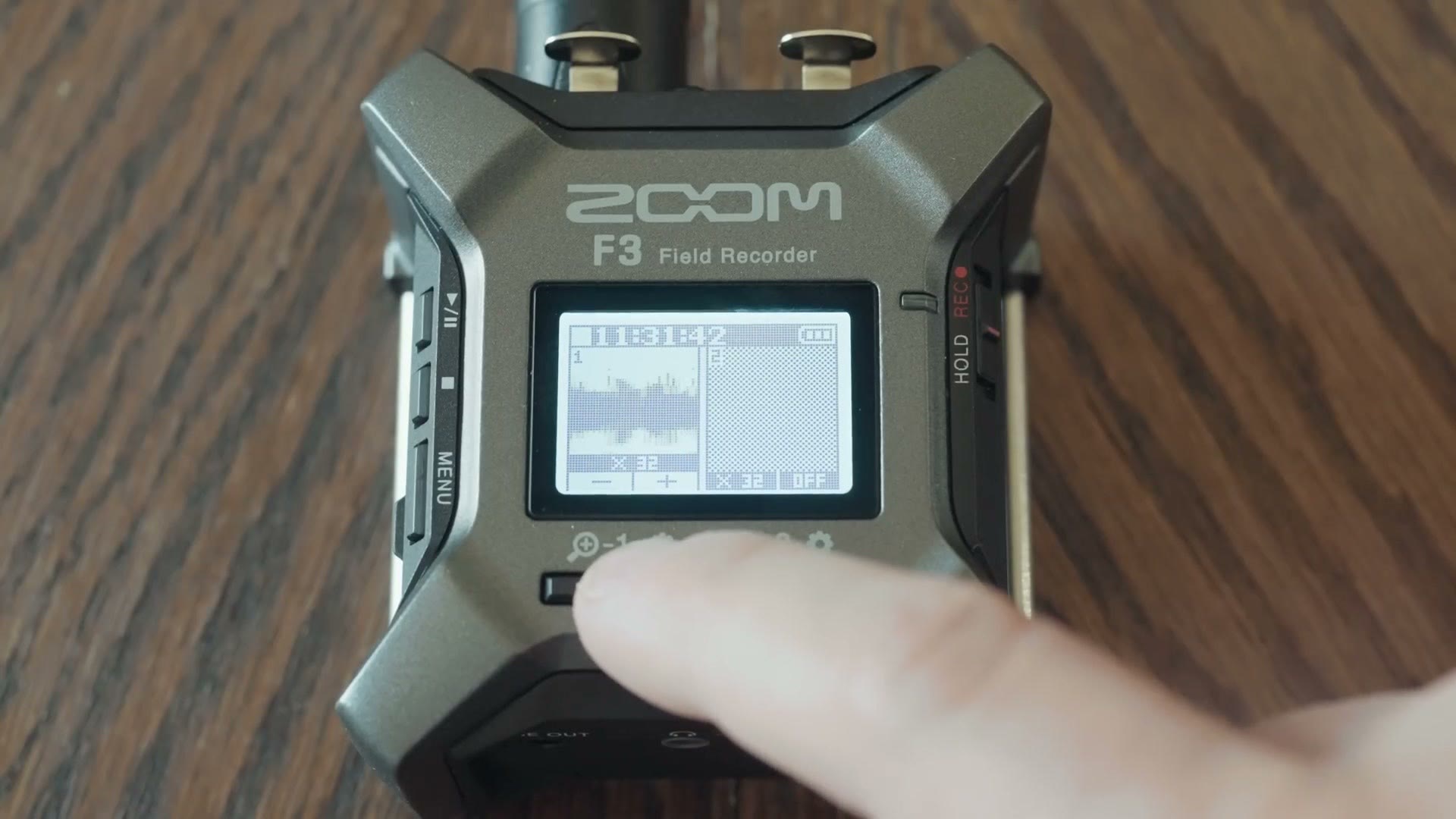
What’s crazy is that Zoom says zooming in and out on that waveform is what changes the amplification level of the audio coming into the recorder. So if you have a really quiet signal coming in, maybe from a soundboard that isn’t turned up much, or somebody whispering into a mic, the waveform will look tiny, and you zoom in on it to make it louder.
You have no control over a specific decibel level. All you’re doing is looking at an abstraction of your level as a waveform. I told you it was crazy. But remember, the F3 is recording a 32-bit float file, so the exact level you record at doesn’t really matter, because you can always bring it up or down as much as you need afterward.
Backup Audio Track?
In case you’re wondering, there’s no backup audio track feature either. You’re recording one file, and it’s 32-bit float, so you really don’t need a backup.
So everything about the F3 is dramatically simplified, and instead of dialing in all your levels manually you just get it roughly into the ballpark. Heck, get it in the parking lot of the ballpark. Get it in the same neighborhood as the ballpark.
Baseball analogies aside, to record with the F3 you literally turn it on, press a couple of buttons to zoom the waveform until it looks good, slide the record switch up, and you’re going. That’s all I did for this one, and I think the audio sounds pretty good.
Should You Buy The F3?
The pros here are numerous. You’re getting 32-bit float recording in a very compact package, and Zoom has simplified the process so much that you can be set up and rolling in seconds. For new wedding filmmakers especially, or anyone who has struggled with bad audio because they messed up their settings, Zoom has built a nearly foolproof system.
That said, I can’t help feeling some filmmakers will be turned off by exactly how simple it is. Personally, as someone used to watching meters hit a target of -12 dB so I know the recorder is doing what I want, it is a little daunting to have nothing but an abstract waveform to look at. If that’s you, and you want more data and more information about what you’re recording, this isn’t your recorder.
Likewise, if you commonly need more than two inputs, the F3 is not for you, because it literally has two XLR inputs and nothing else. For most weddings I think two is enough, but I have run into edge case weddings where I needed more. And if you really want combo XLR and quarter inch jacks, this isn’t it either.
So here’s the concrete answer. If you’re a newer filmmaker who wants a relatively affordable, dead simple audio recorder, the Zoom F3 is a great choice at $349 at the time of writing. That’s one of the cheapest ways to get a 32-bit float recorder with XLR inputs, and I think it’ll serve you well for many weddings. Then as you gain experience, film more weddings and build out your kit, if you want something more advanced with more features, that’s when I’d look at a recorder like the Tascam X8.
You can pick up the F3 at Sweetwater, B&H or Amazon, and the X8 at Sweetwater, B&H or Amazon.
Tascam X8 vs Zoom F3
I’ve also made a full review of the Tascam X8, and if you want the in depth head to head that breaks down the features and capabilities of both recorders, that comparison is right here.
And thank you again to my friends at Sweetwater for sponsoring this one.
Do You Upload Wedding Films To YouTube?
One more thing before you go. If you’re a wedding filmmaker and you upload your films to YouTube, which I assume you do, I’ve created a guide called YouTube Tips For Wedding Filmmakers. It’s completely free, and it walks you through practical things you can do to dramatically increase the views, likes and bookings you get from couples on YouTube. You can download it for free right here.

The footage here is graded with my own color presets, which live at whoismatt.com/luts. My full gear list is on kit.co, and I have filmmaking courses if you want to go deeper.
Thanks so much for reading, and have a great day!