
I am so excited to share my video editing desk setup with you, and this one has been a long time coming. People have been asking me for ages to show where I edit, and to be honest I never had a space I was really proud of until now. But I’m pretty proud of this one.
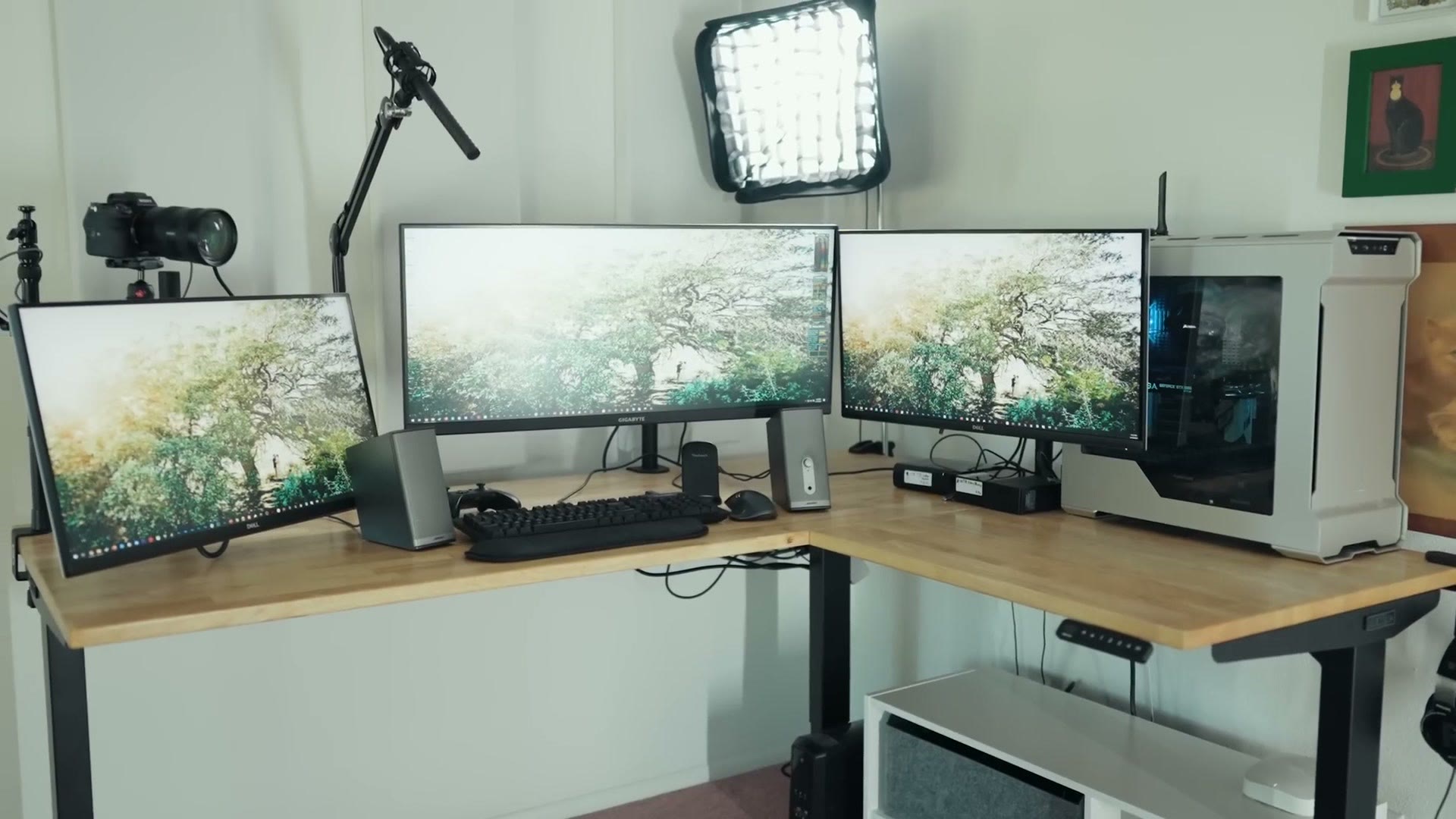
Also, for the sake of ethics, I want you to know this whole setup is not paid or sponsored by any company, and I bought pretty much all of this with my own money. The one exception is a monitor, and I’ll get to that story in a bit. If you just want the list, the full desk setup gear list lives right here.
The Standing Desk
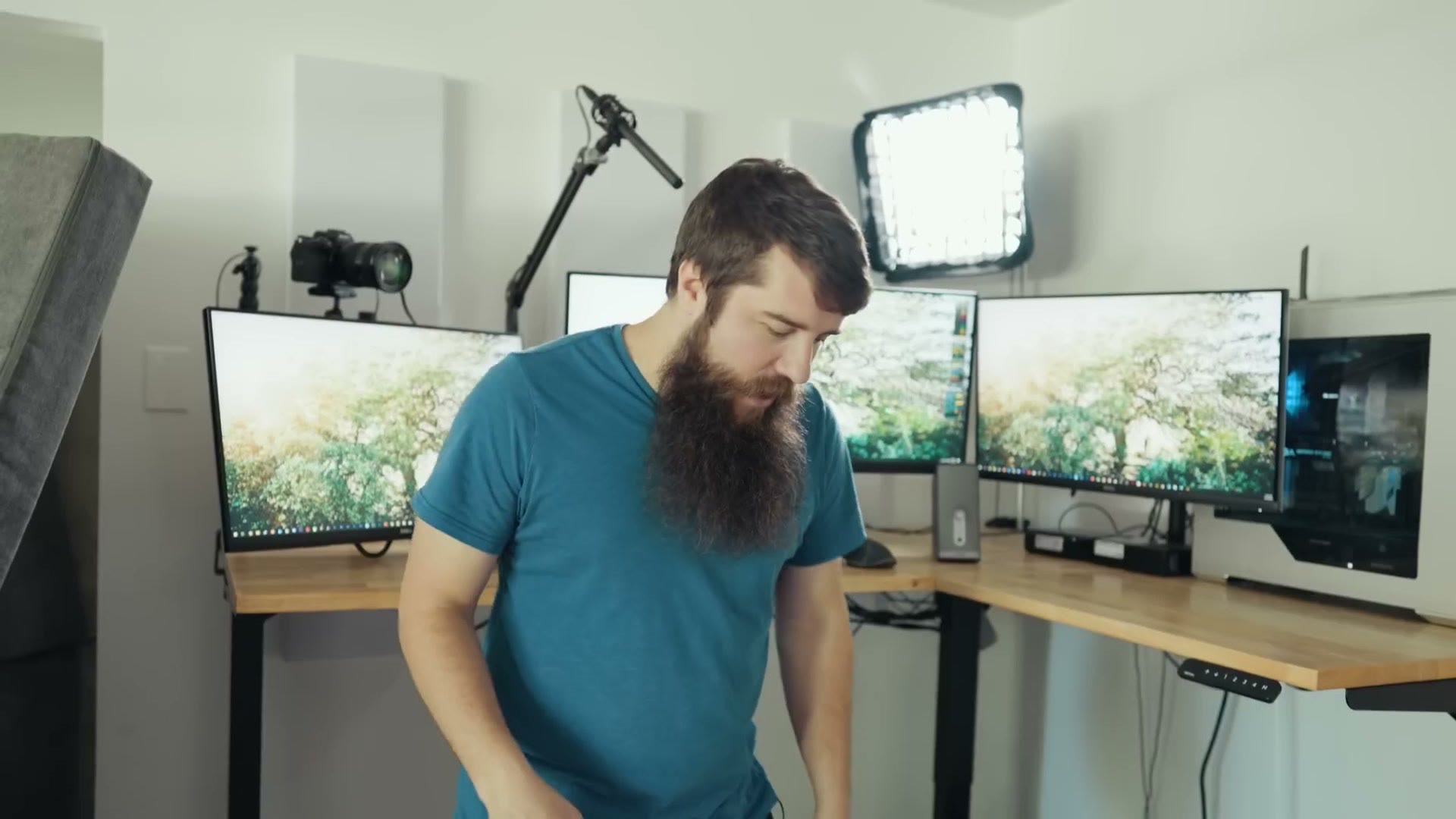
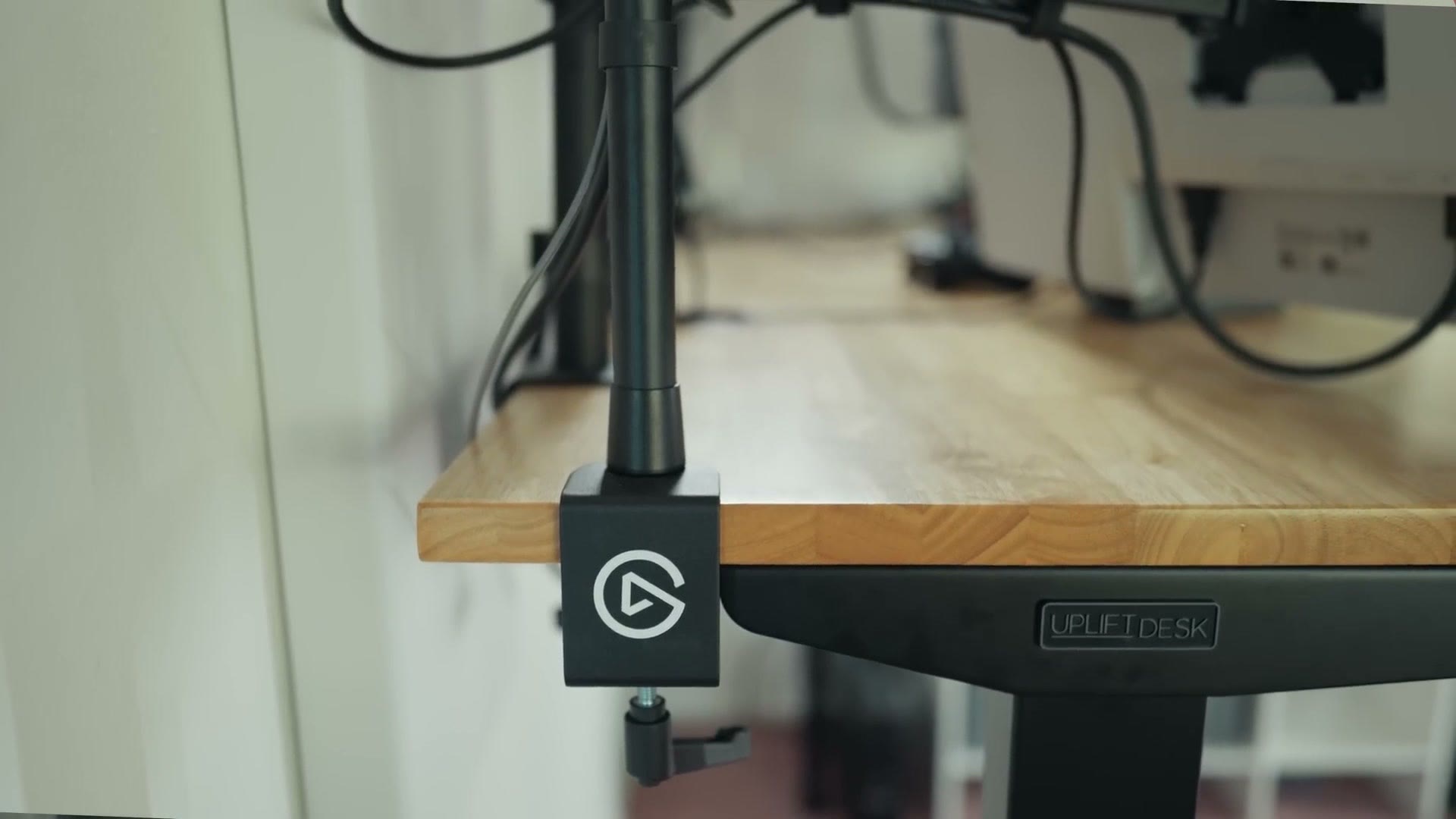
Starting off, let’s talk about the desk, which is an Uplift V2 L-shaped standing desk. I went with them because they’re very highly reviewed, and I spent about $1,500 for the L-shaped configuration, which is what I really wanted so I could put the desk into a corner. If that is more than you want to spend, I later built a YouTube desk for around $500.
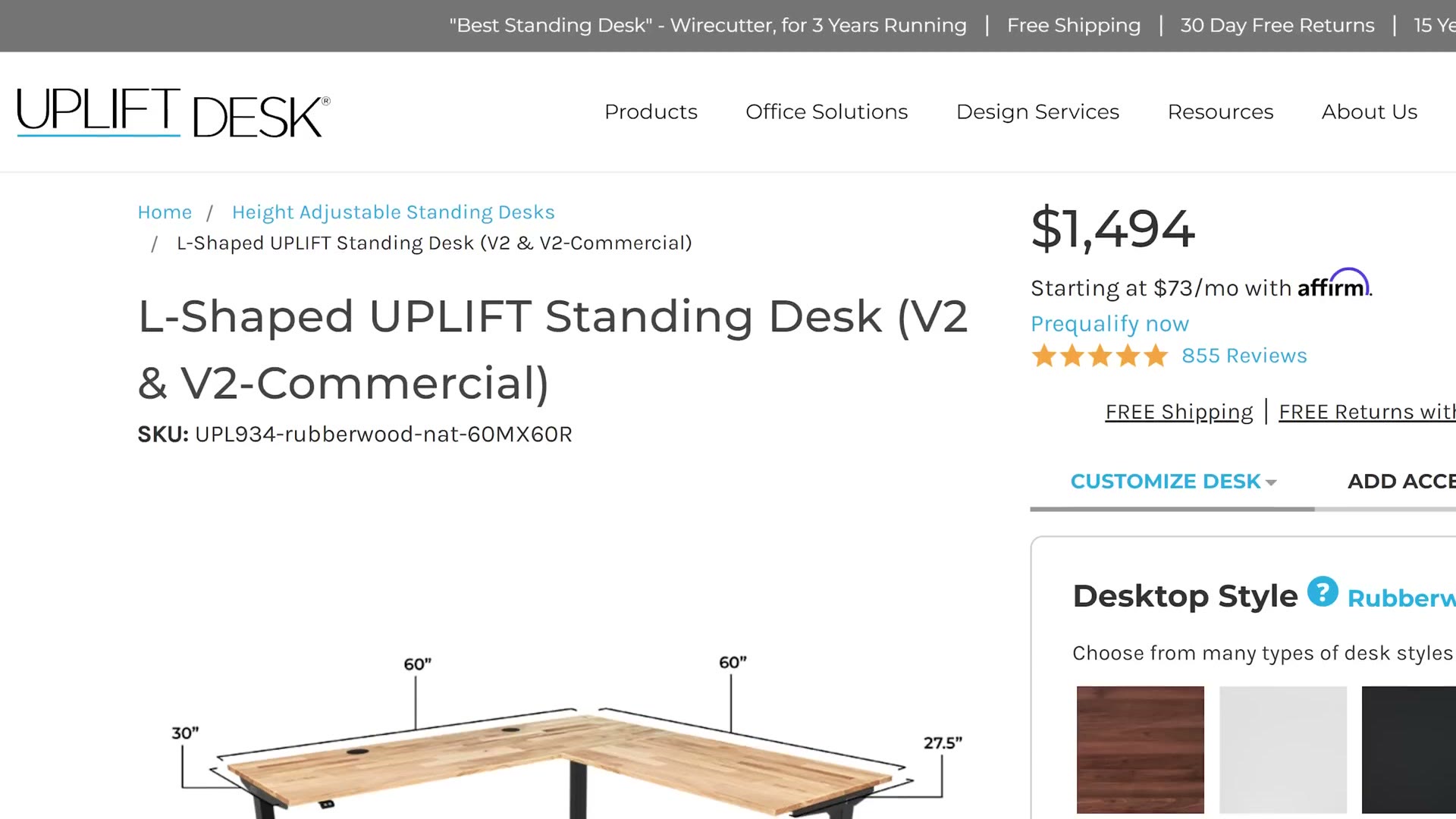
The two biggest reasons I went with Uplift are that they offer a ton of different desktop types and I really wanted actual wood, so this is their rubberwood top. And second, they’re based in Texas, specifically in Austin, which is very close to me. My thinking was, hey, if this desk ever does break, I could literally dismantle it, throw it in my car and drive it to them to have it repaired. You really can’t say that about a lot of companies that are based overseas, and I liked having something local.
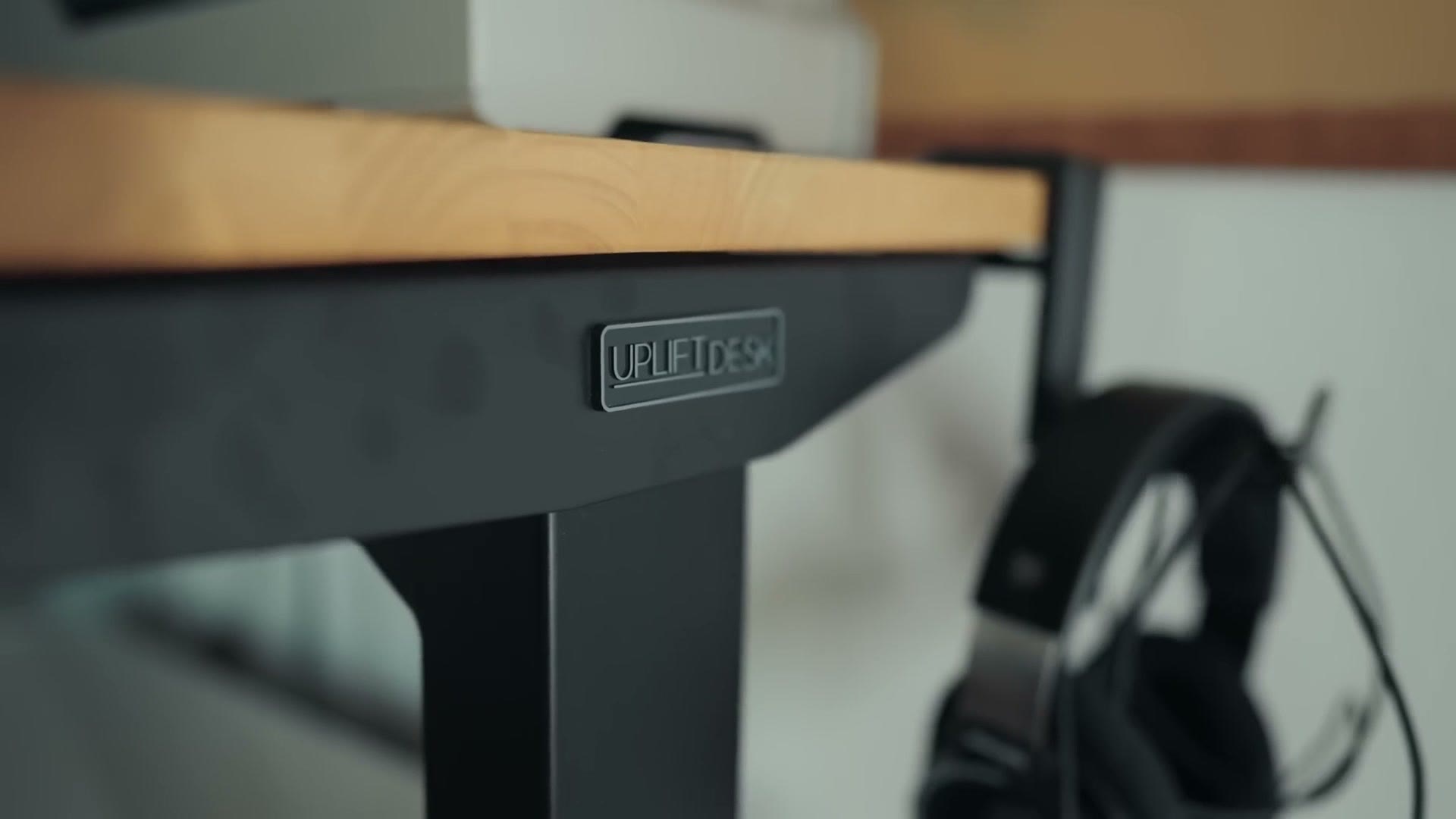
It’s in its standing configuration right now, and if I want to, I can lower it and sit.
The BEST Chair
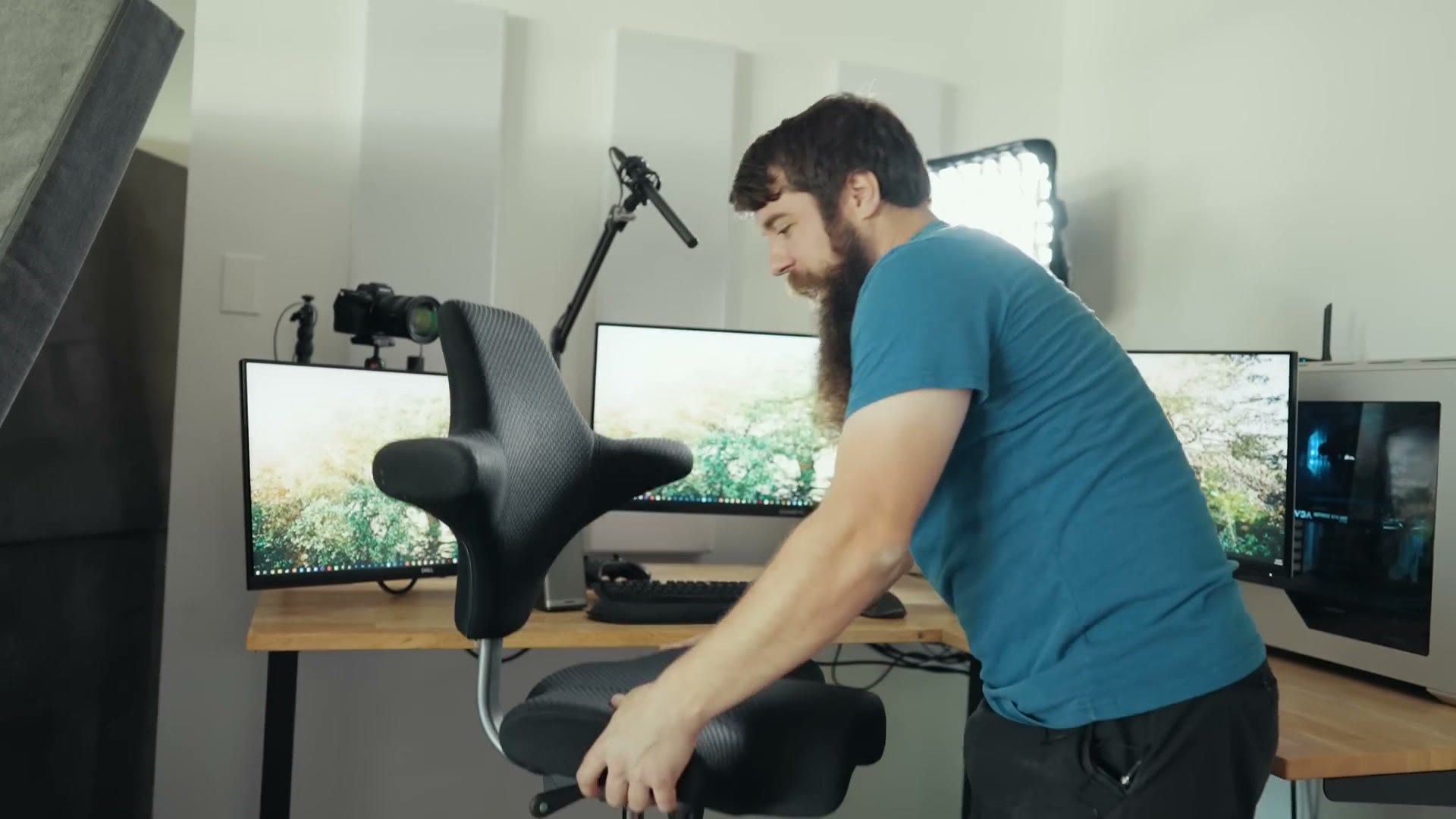
And speaking of sitting, this is the best chair on the planet, at least in my opinion. You may have seen it on Joe Rogan’s podcast, but that’s not how I heard about it. I learned about this chair from Matt Harris over at Film Poets, and if you don’t follow him on YouTube you really should, his stuff is fantastic. He told me about the Capisco chair and I said really, what’s cool about it, and he said it’s amazing. So I finally bought one, and I agreed.
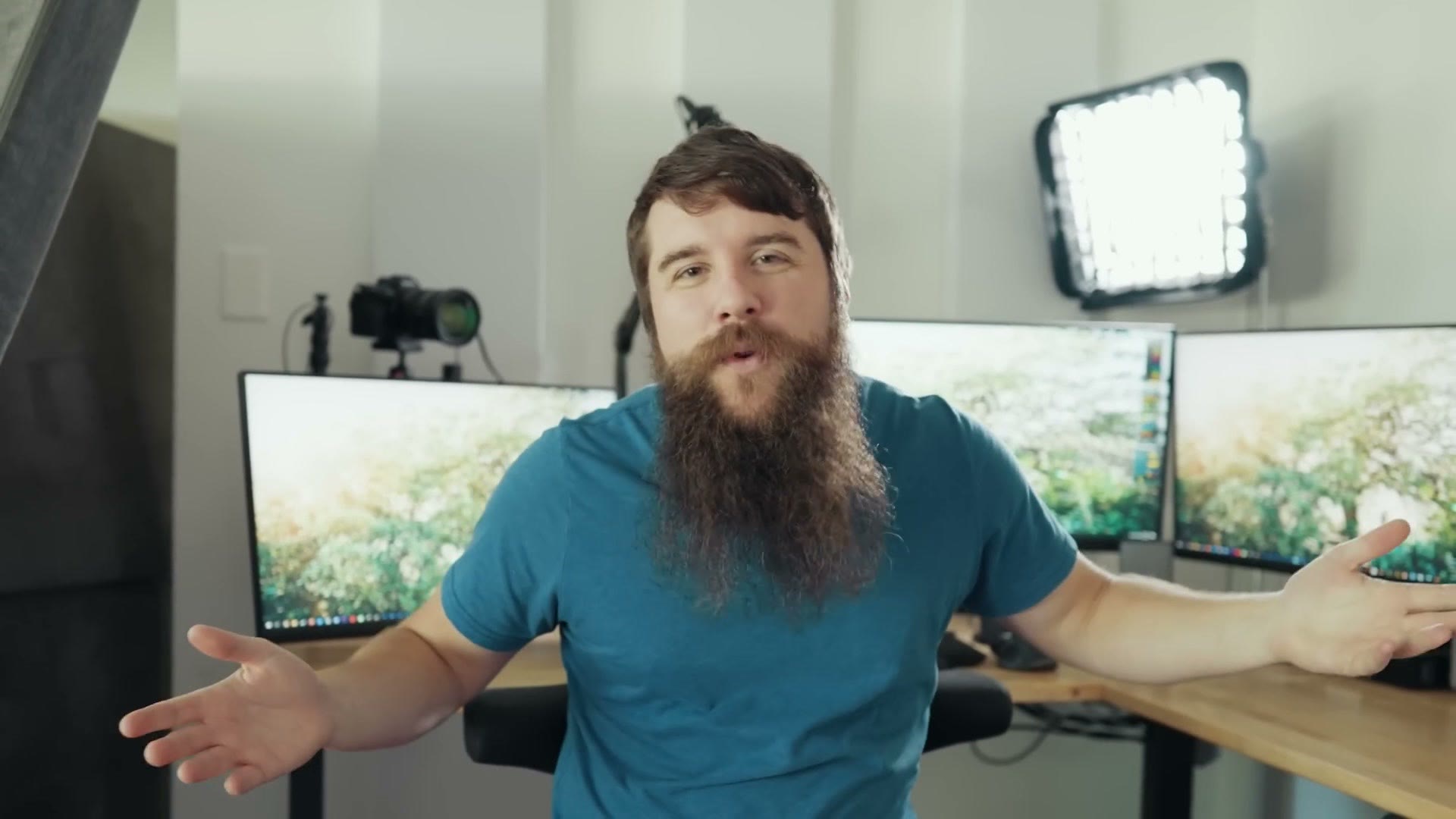
Is it expensive? Heck yes it’s expensive. But this chair is basically made for somebody like me who is always moving. I can sit like this, I can lock it, I can rotate it around and sit backward on it. That versatility is everything to me.
It’s also kind of built with a standing desk in mind, because it can go absurdly high. Like, I have to climb onto it like a horse up here and my feet ain’t touching the ground. Honestly I’m a little worried I could fall at this height. But if I want the desk up at standing height and I still want to sit, the chair just comes on up to my level, and I’ve never actually worked like this before but it’s pretty cool.
Surfboard
Whenever I bought the Uplift desk it was during a Black Friday deal, and they said hey, we’re going to throw in this little surfboard looking thing you can stand on. And I thought, that’s dumb, I’m never going to use it.
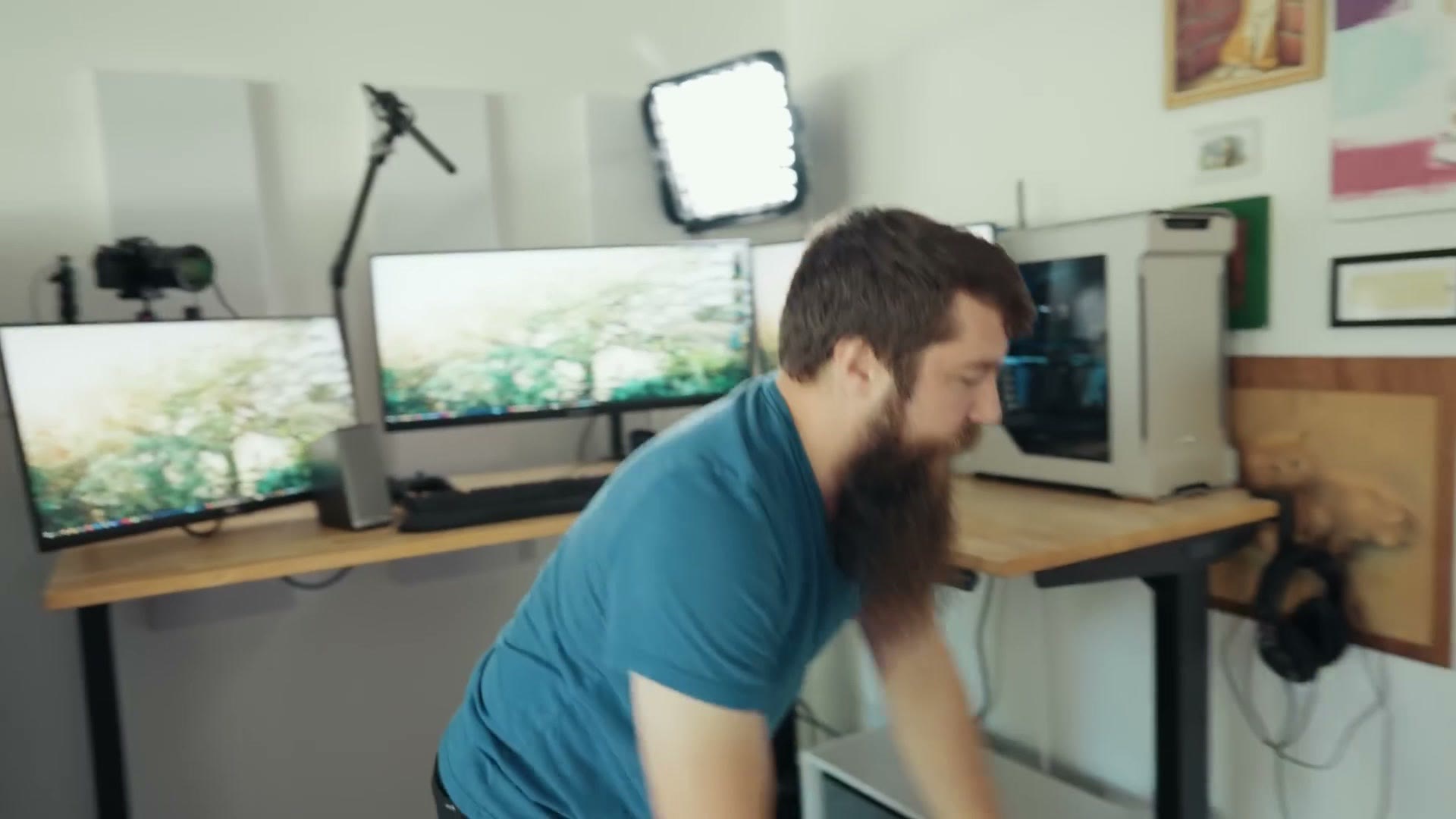
I use this thing all the freaking time. You just get on it and you’re surfing and I don’t know, I love it. My daughter likes it too. It’s great.
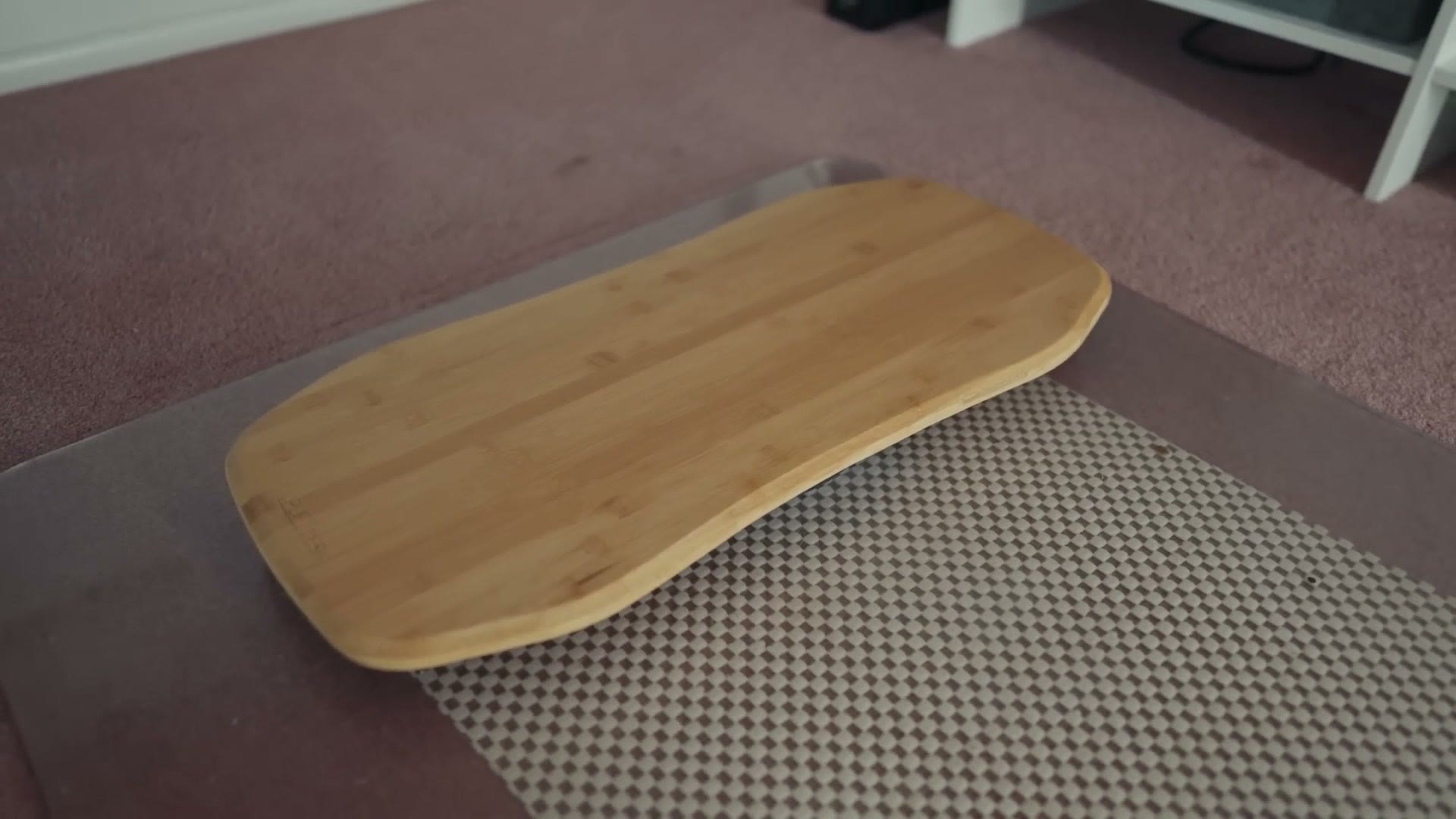
I do highly recommend a rocking board, but here’s the catch. This room has carpet, so I needed a hard plastic mat underneath first, and that’s what lets the rocker board actually work.
The Cat Wall
Let’s talk about some of the other big things you’ve probably noticed in this room, starting with the cat wall, one of my favorite things ever. I did a full tour of the whole studio a couple of months after this.
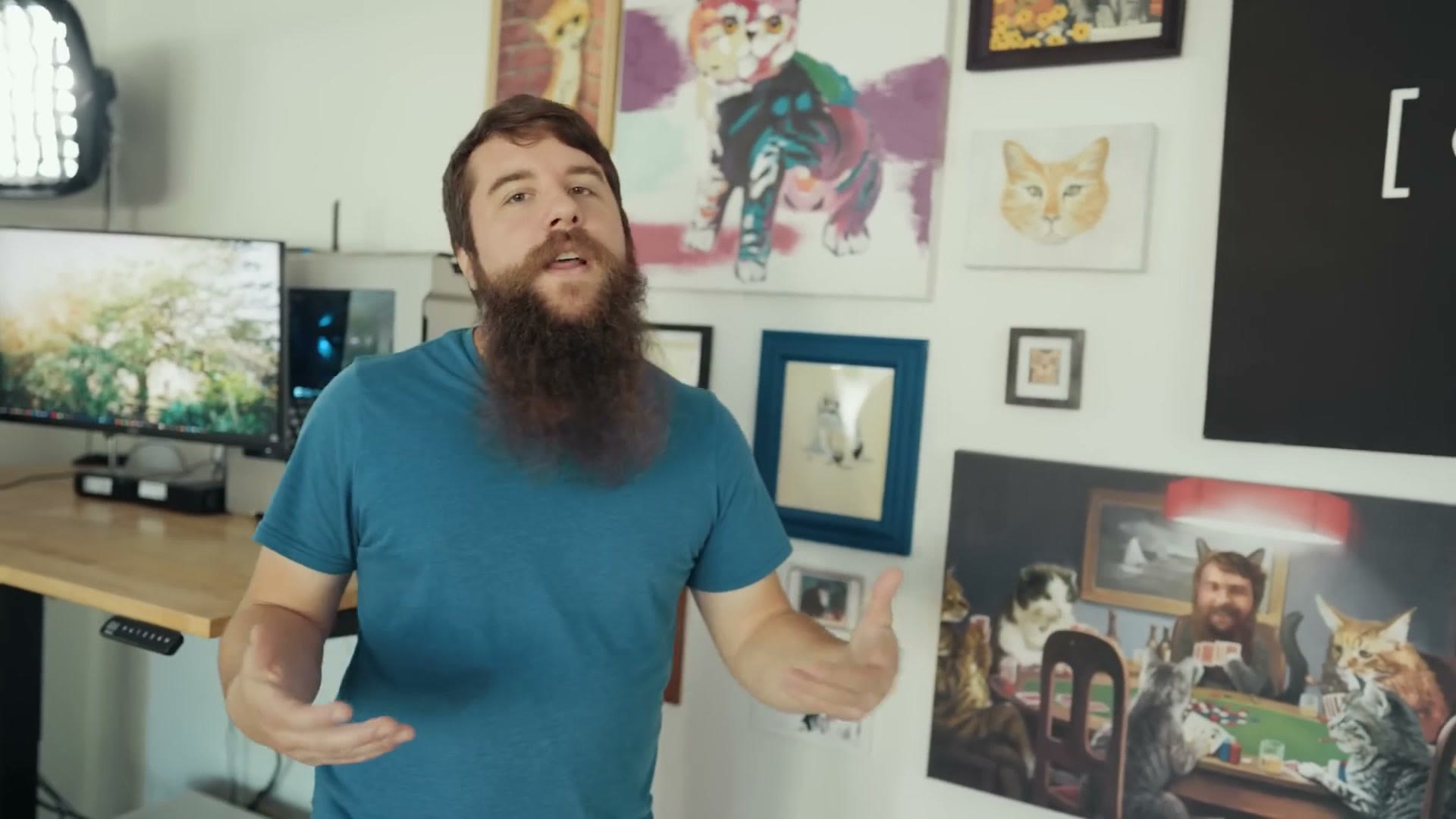
Whenever we got married, one of my groomsmen gave me a cat painting because he said his wife hated it. Which, how can you hate this? And so over the years we’ve slowly built out this collection of cat paintings we’ve picked up from all over. These came from Mexico, these are from friends of ours here in Texas, this one’s from Arkansas, this guy is from Seattle, and my brother had this one made.
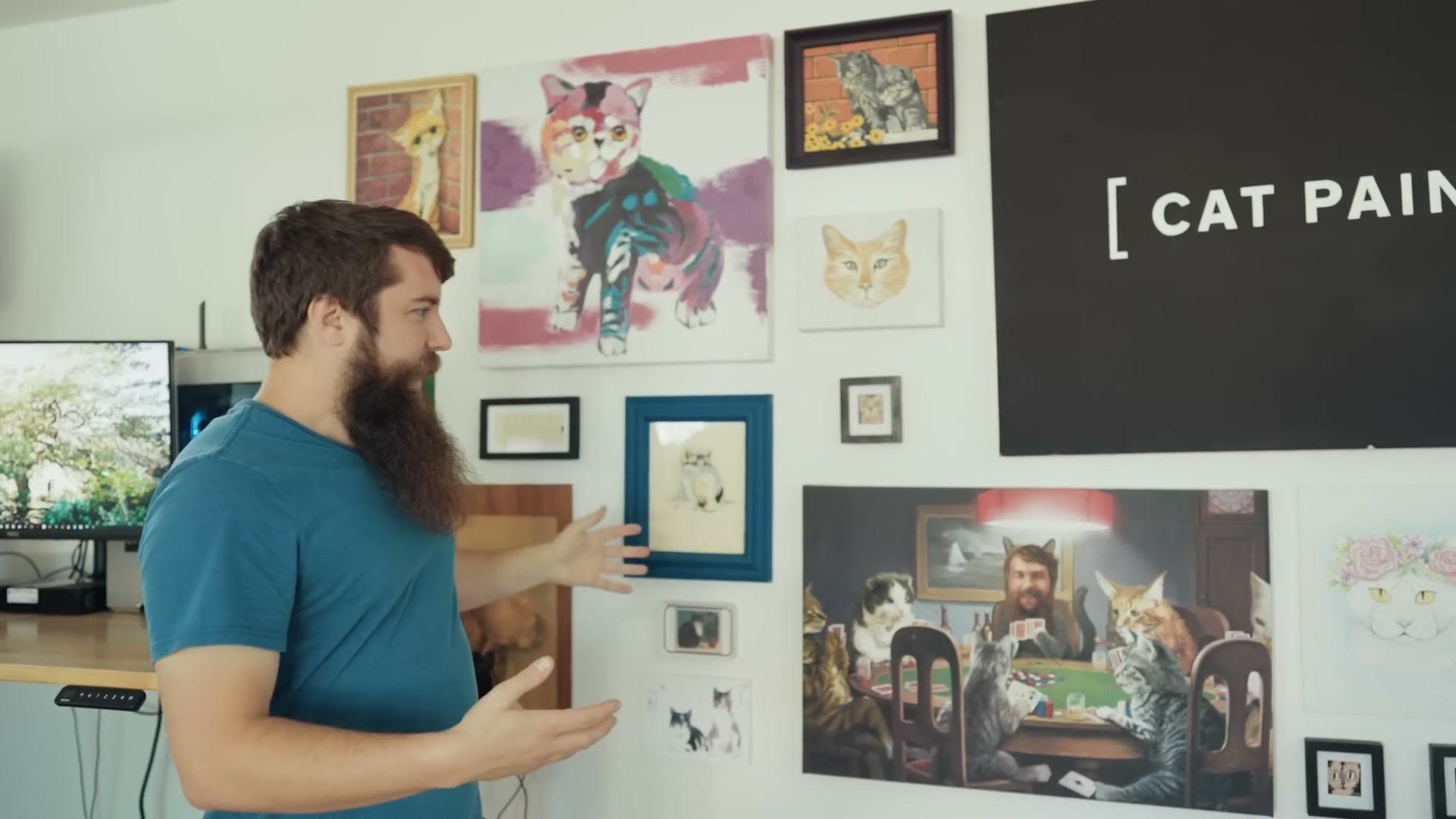
The only downside is that my three year old keeps asking me, daddy, where’s your cat suit, and we’re still trying to explain to her that it’s a painting and there is no cat suit. Anyways.
The Nugget
You’re probably wondering what this situation is over here. Well, welcome to the world of dual purpose equipment that you can use not only for filmmaking but for children as well.
This is called a Nugget, and it’s basically a set of foam pieces covered in cloth that you can build into all kinds of shapes for your kid to climb all over.
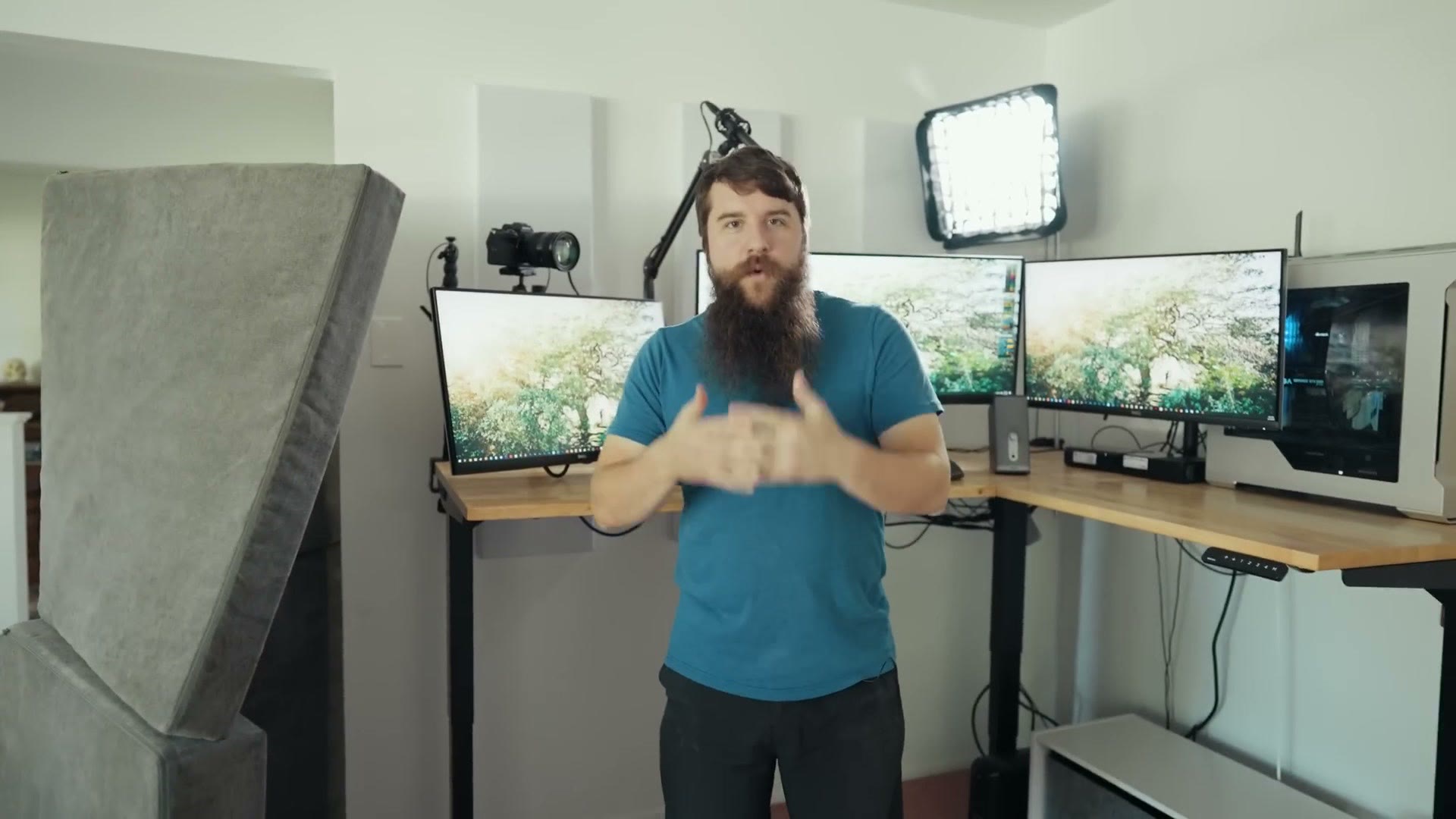
And then one day I was looking at it and I thought, you know what, sound reduction is basically just foam, right? Can I set these up vertically and block some sound? Because the room over there is the foyer of our house and there’s a lot of echo coming from that direction, and with the Nugget foam standing here it blocks basically all of it.
Yes, I know they make dedicated V-flat walls out of foam that’ll help block sound. But get one of these instead and your kids can play on it when you don’t need it. It sits over in the corner, and whenever I need it I set it up in about two seconds and I’ve got awesome sound reduction. It’s pretty amazing.
Sound Panels
I’ve got more sound reduction in the form of these white panels up here, which are kind of hard for you to see, but that’s kind of the point. I did not want them to be super disruptive. I went to a company called Acoustimac and ordered three of their 48 inch by 12 inch sound panels.
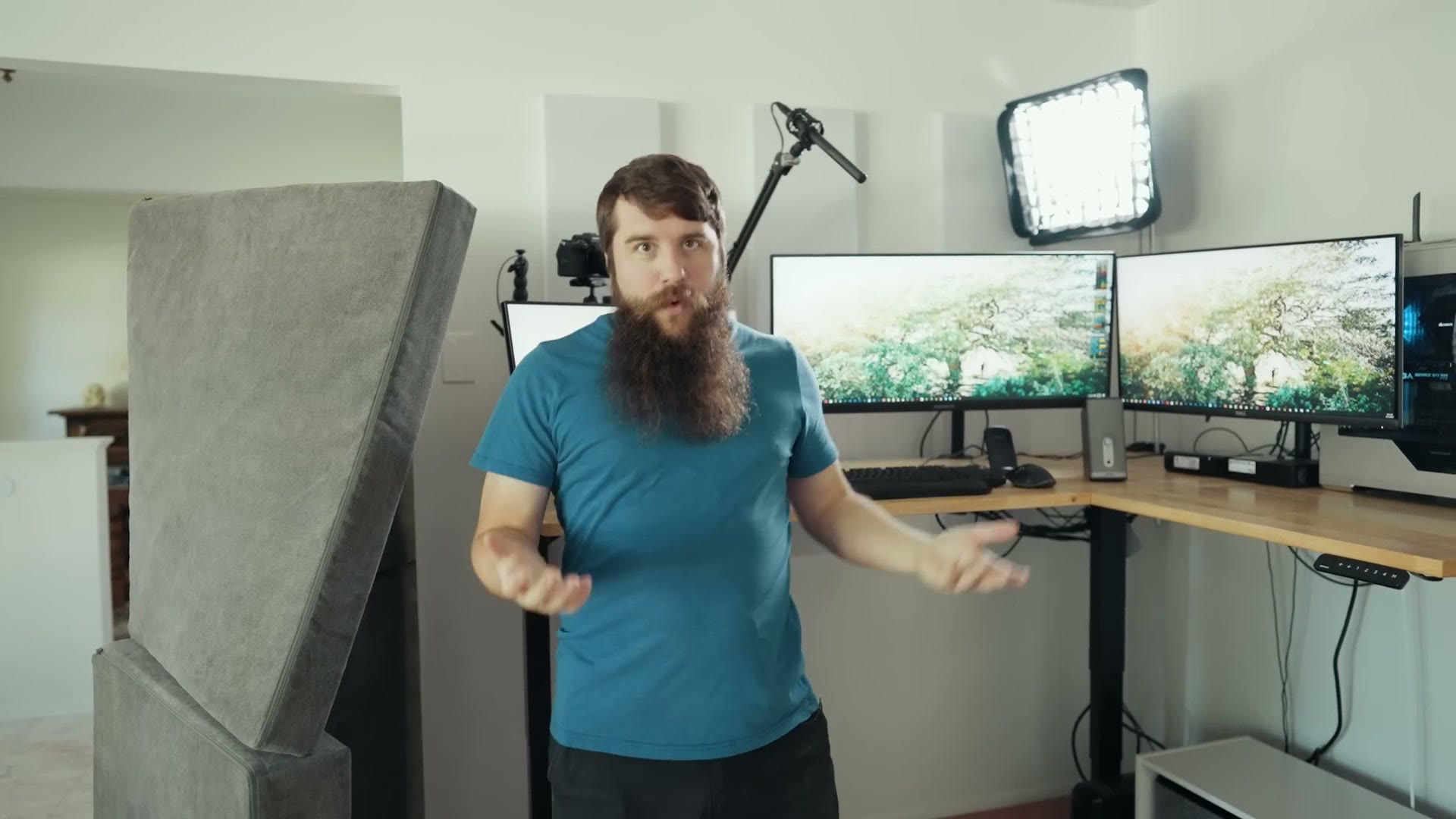
These have acoustic insulation inside, and they absorb the audio of me speaking and stop it from reverberating back. So as far as sound goes we’re doing pretty good in here. I’m talking toward the side of the room that has no treatment at all, and I’m working on that, meaning I’m working on convincing my wife that we need to add it everywhere. It’ll happen eventually. But for the most part the diffusion is pretty good, especially when I’m talking toward my camera.
Mic Arm
Still on sound, you’ll notice I have a Rode PSA1 mic arm that goes up and down. Love this thing.
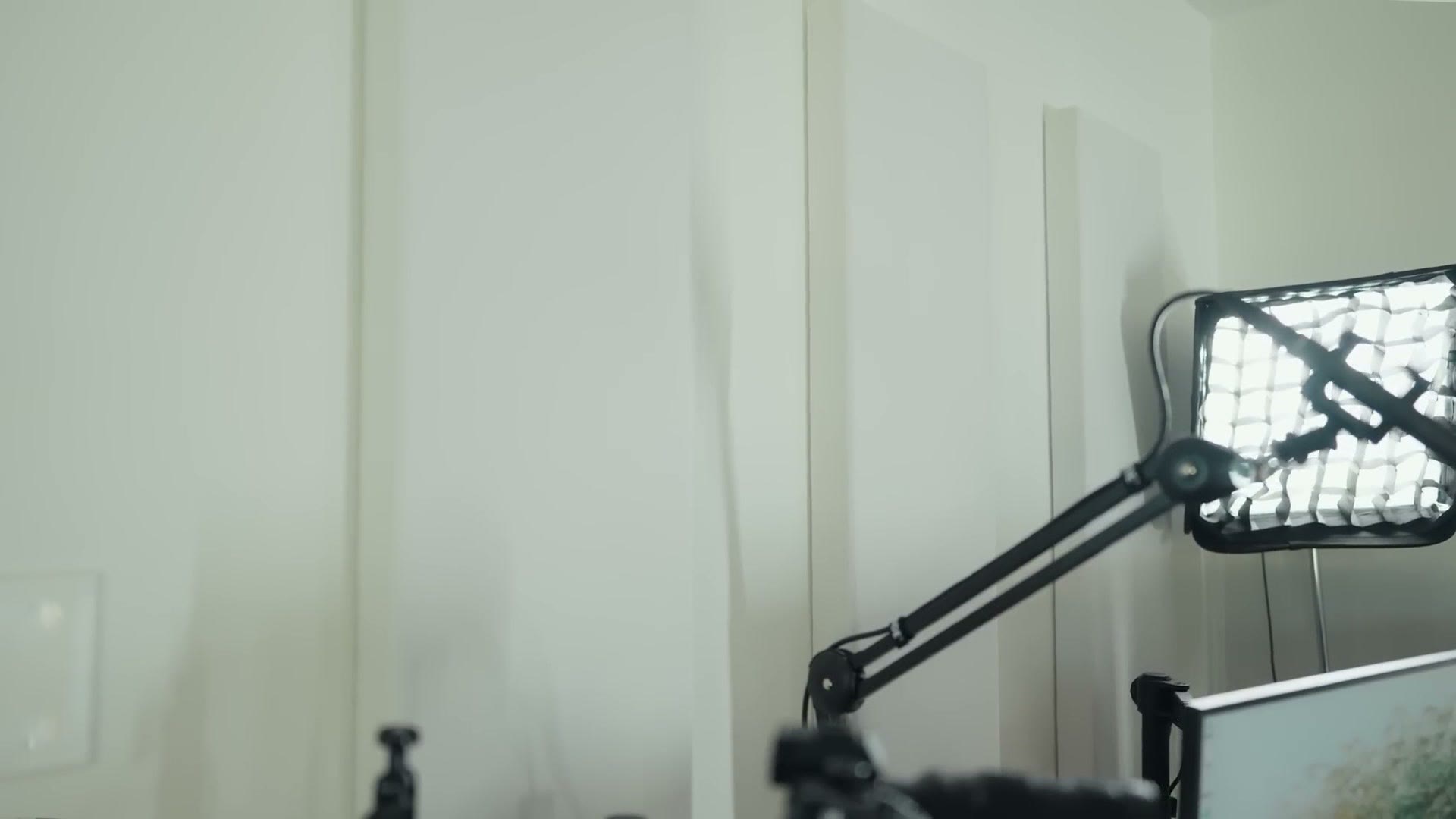
On it I have my Rode shotgun mic and shock mount, which I have had literally since 2009 and which is still going strong and still sounds great. Heads up: this link goes to the newer Rode NTG5. It’s been repurposed for live streams pretty much permanently now, and I can swing it around depending on how I’m doing a video call or a stream.
Light & Softbox
In addition to sound we also have light, because filmmaking. So I have a light set up in the corner here, clamped to the desk with a slightly janky Manfrotto clamp arm, and then a C-stand arm going up that holds my Practilite 602.
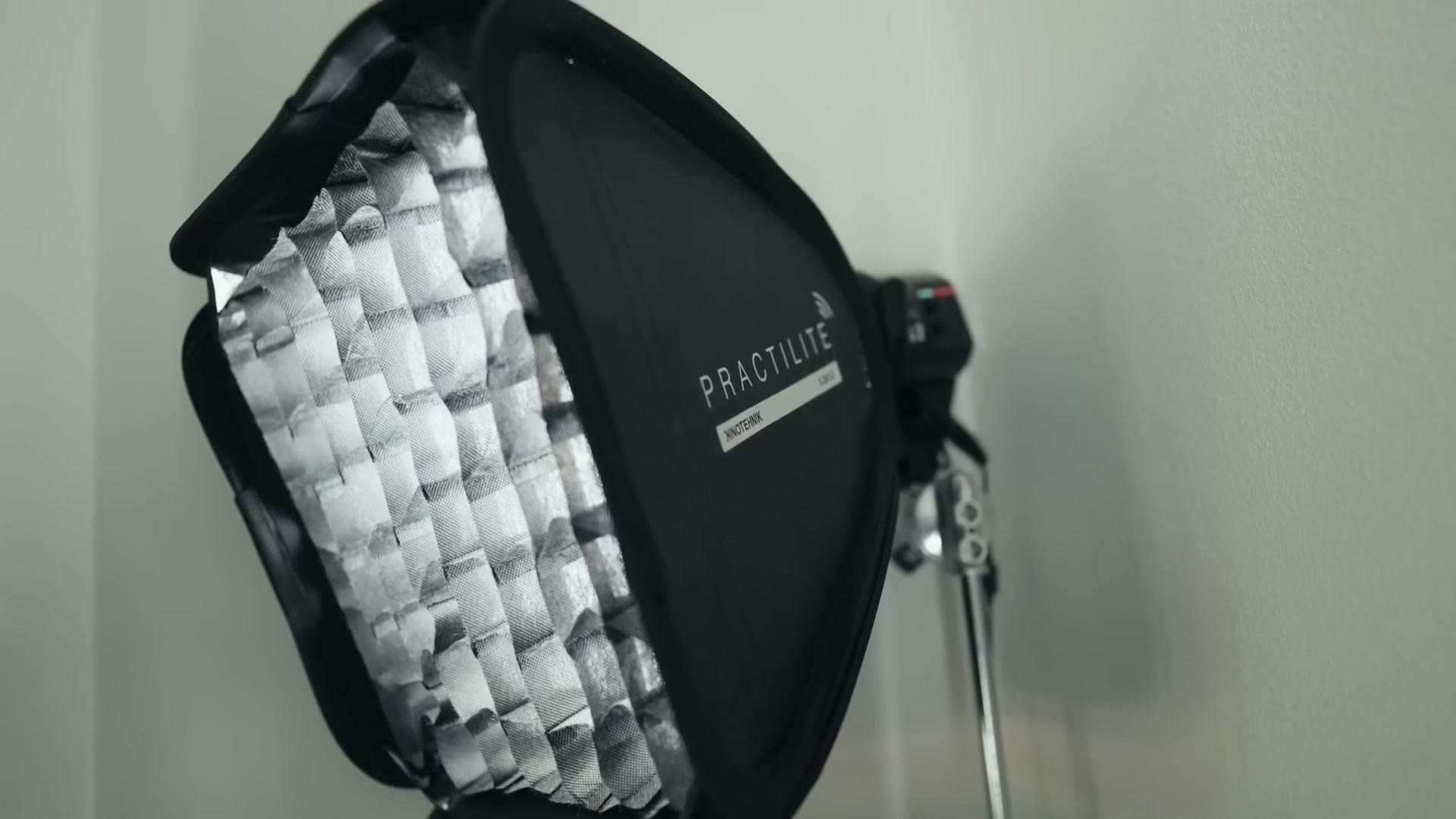
If you remember, I reviewed the Practilite a while back and I loved it for wedding filmmaking, but it’s basically been replaced in my kit by the Aputure 60x, which I love even more. So I figured, hey, I still need to be using this thing, and now it lives here. Thankfully it has Bluetooth control, so I can turn it on and off remotely instead of crawling over this desk to reach it, which is very difficult to do. You can also grab the Practilite 602 softbox at B&H.
Triple Monitors
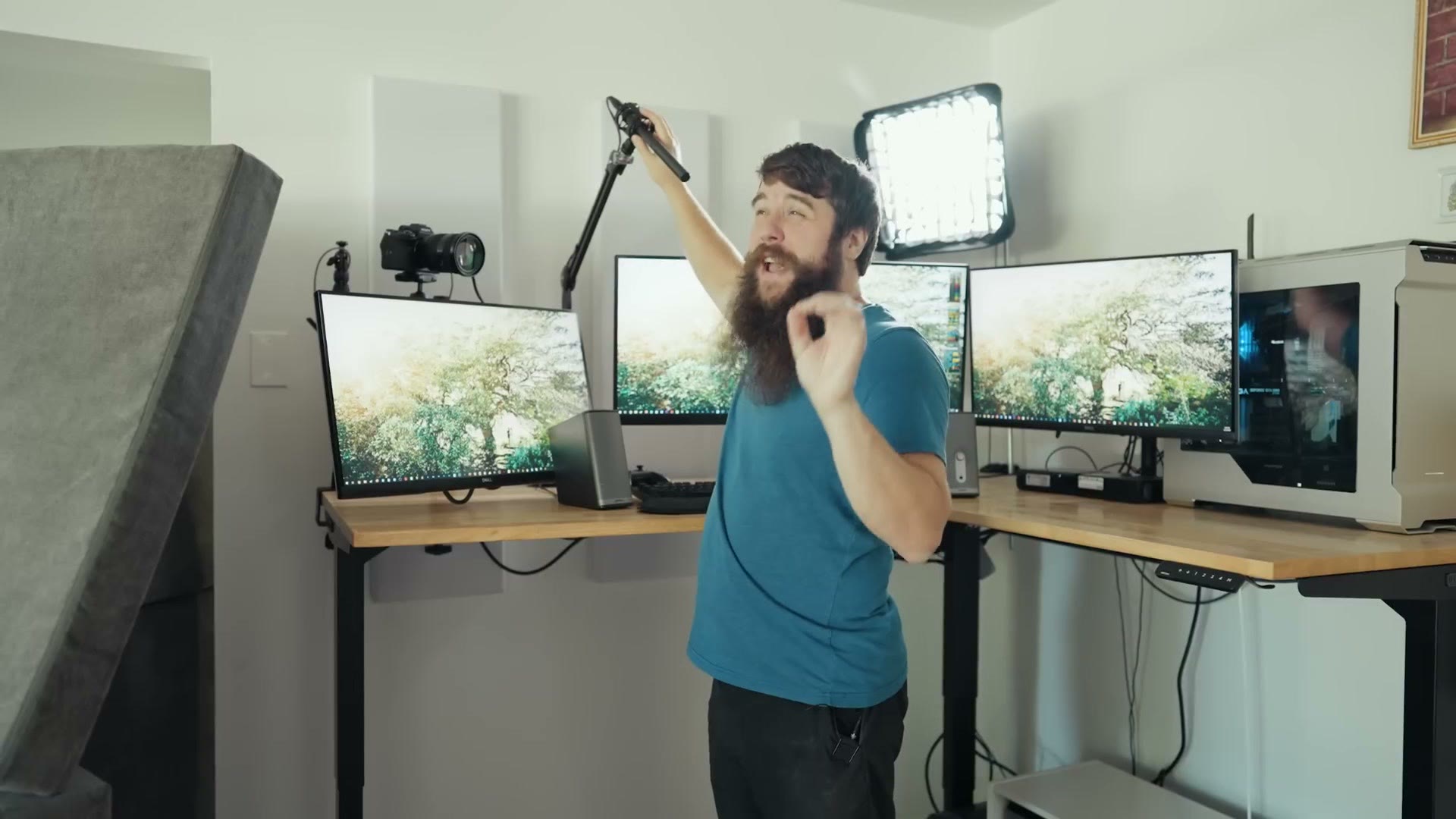
A little backstory here. I used to edit on a 32 inch BenQ monitor, which was great, but after about five years it died on me and I said crap, I need a new monitor. So I bought two 27 inch Dell monitors, which are 4K and awesome and I really, really like them.
And then literally one day after I ordered those monitors, literally one day, I get an email from Gigabyte asking if I want them to send me this ultrawide monitor to check out for video editing, which I then made a full review about.
So suddenly I had a dilemma. Do I get rid of the Gigabyte after making the video and keep the two Dells I originally bought? Or do I keep all of them, which is excessive and ridiculous? I get that it’s ridiculous. But I was already planning on two monitors, so why not throw a third one in there.
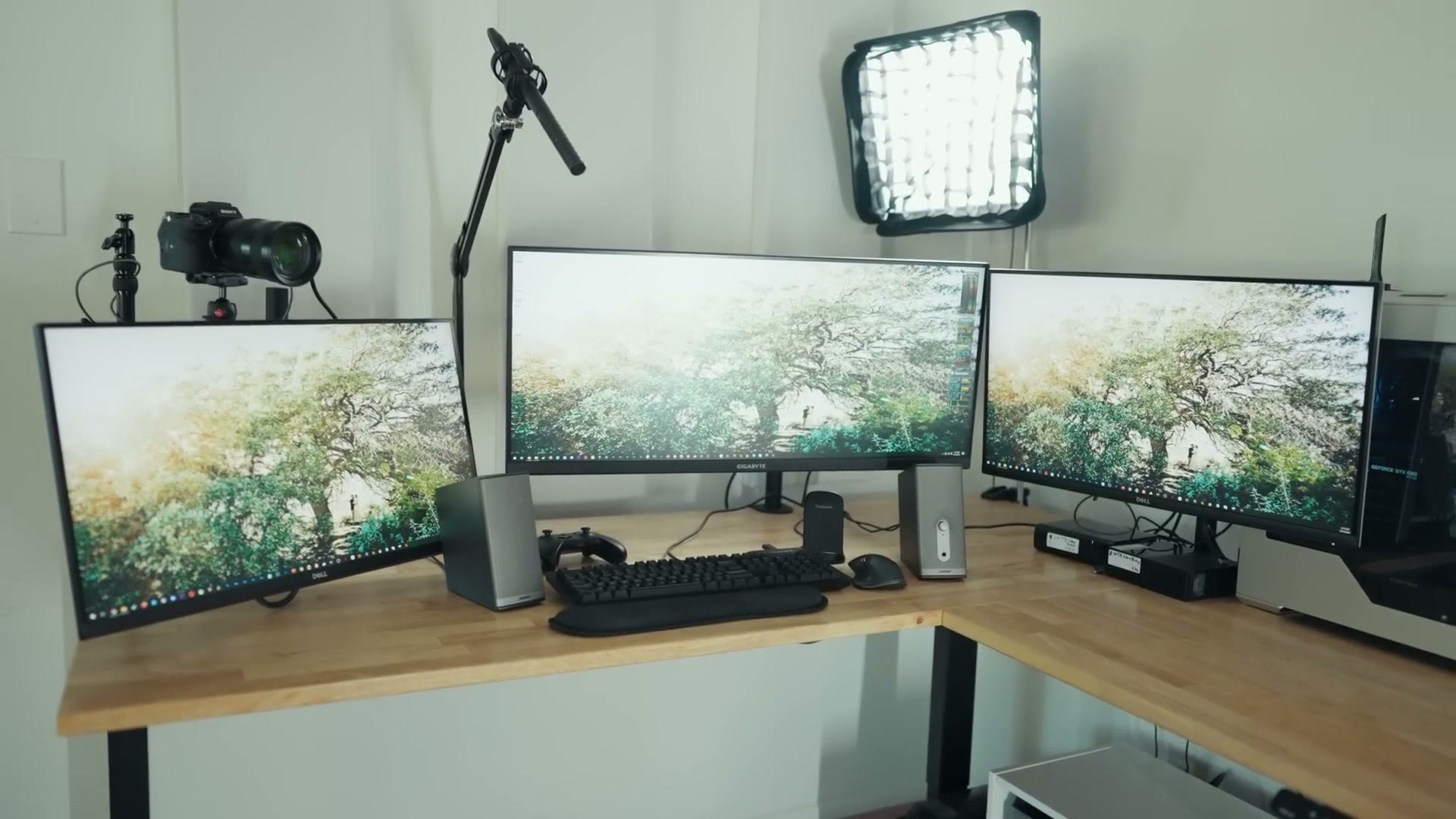
For editing I normally work from the Gigabyte, then I have a dedicated screen over here for web browsing on the side if I want a YouTube video going while I edit, and then this third monitor doesn’t get quite as much use, but it’s still very useful for things I want to keep an eye on. FTP transfers, uploads, anything with a progress bar. I park all of that over there and check on it while I stay productive on the other two.
It’s a little ridiculous. I may eventually get rid of the third one. But for now it’s here and it looks cool, and I’ll put it in the thumbnail and you’ll click on it and go oh my gosh, a triple monitor setup, this is ridiculous. So hey, at least it made you click.
Now, one thing I’m particularly proud of is how these monitors are mounted. They came with traditional stands of course, but I really wanted a more floating setup to get back as much desk space as I could. So I’m running three VIVO monitor arms that hold the monitors and levitate them above the desk, which gives me a lot more room to move things around and position stuff.
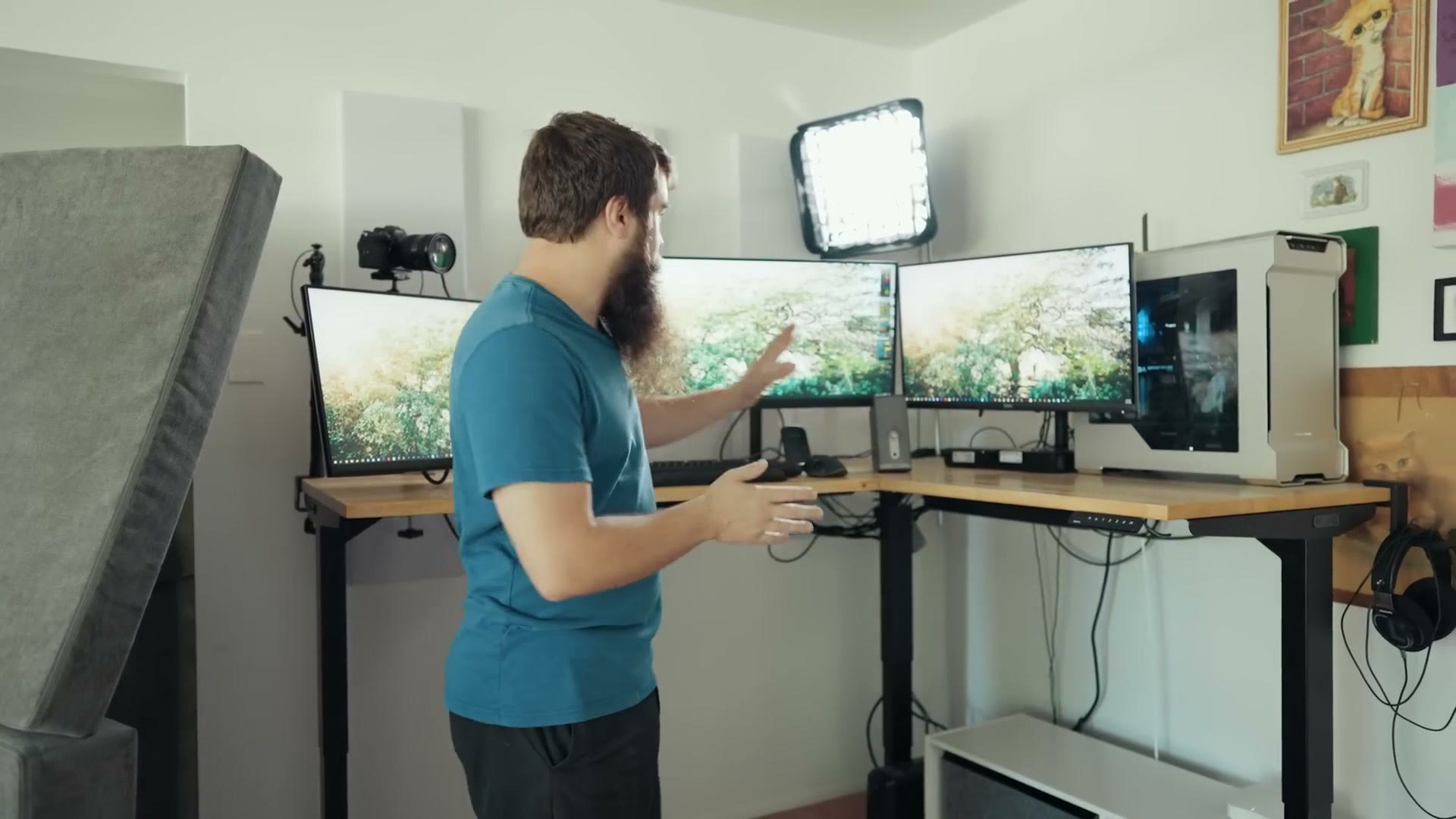
That said, I’m still not in love with the height. I wish they were a little higher and I’ve maxed out these arms, but VIVO sells slightly taller versions for about $50, so I may buy one or two of those to raise a couple of these up.
You’ll notice one monitor sits lower than the others, and there are two reasons for that. First, I have a three year old who loves watching Disney Plus, and putting this one down at her eye level is really great. She can’t see it whenever the desk is standing, but with the desk lowered it’s right at her height.
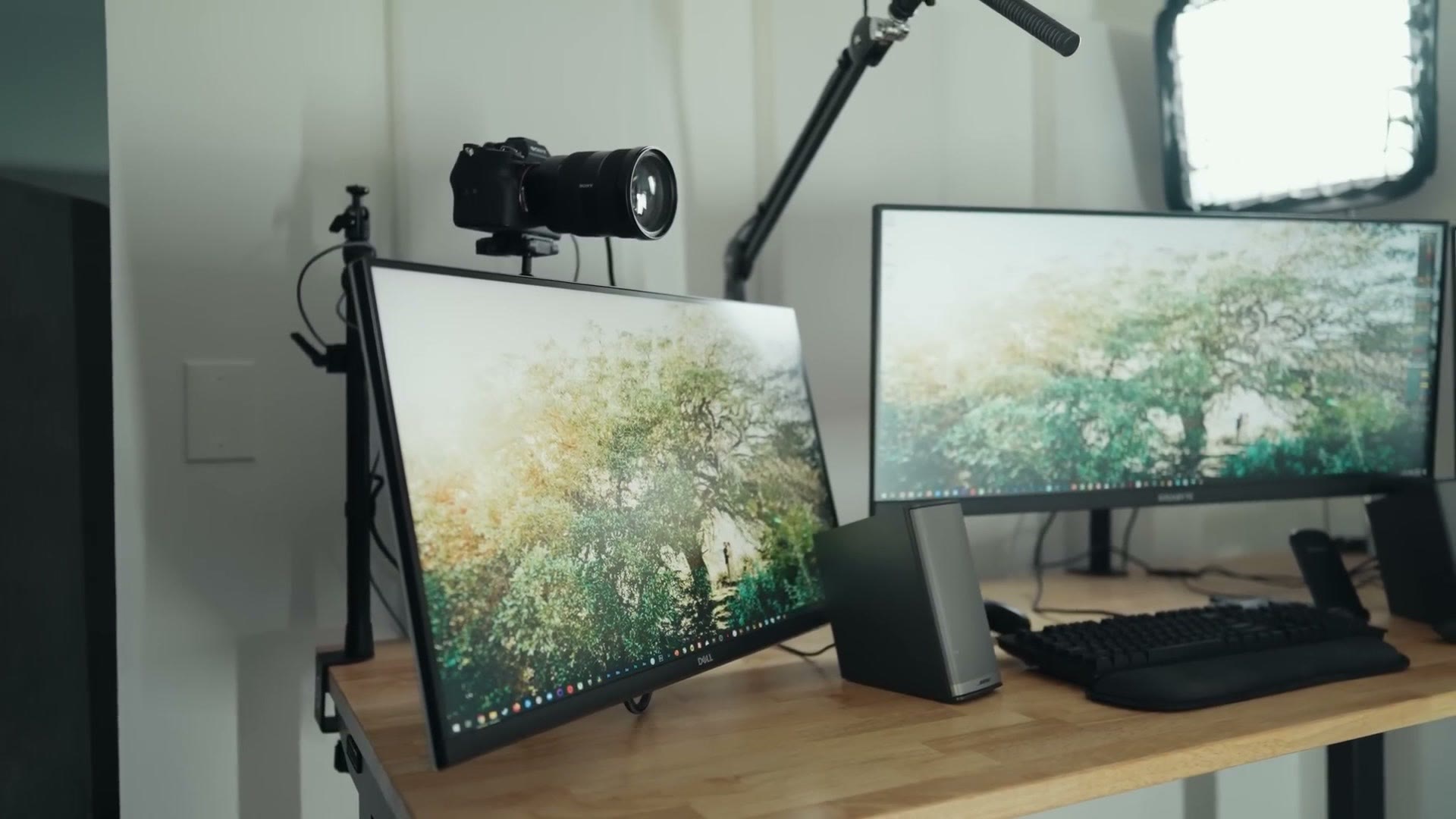
The main reason though is so I can have my camera set up right at eye level. If the camera were up higher it would be looking down at me, and that’s not cinematic. So by lowering that monitor I was able to get the camera right where I wanted it.
Camera Setup
I also love how the camera is mounted. It’s on an Elgato Master Mount, and I had to buy the solid arm extension to bring the camera in closer, because otherwise it was going to sit too far back and I wanted it as close to my face as it could get while still being at the right height. I’m really, really happy with it.
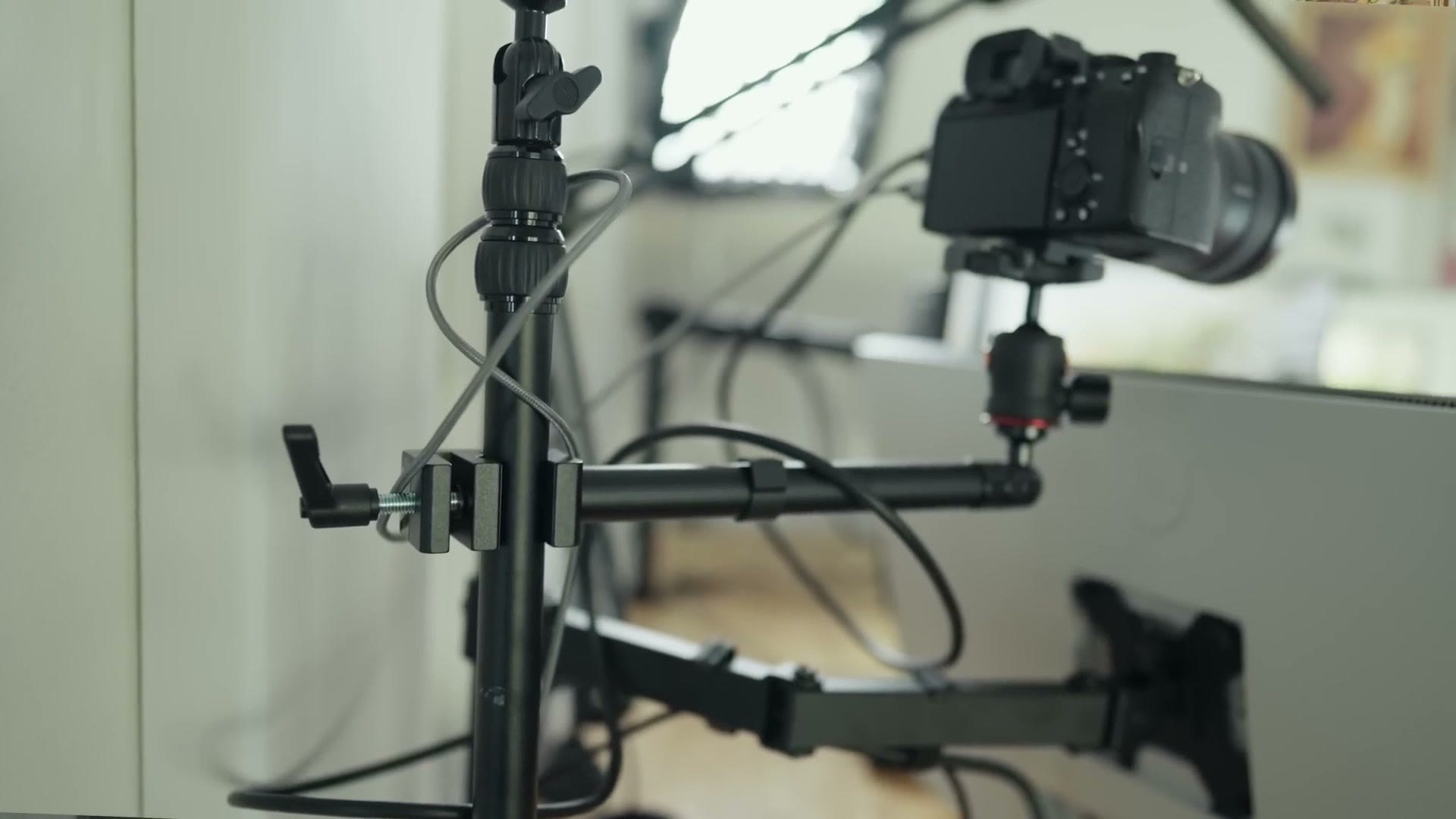
The camera itself is a Sony a7S III with the Sony 24mm, running into an Elgato Cam Link 4K for live streaming.
Cable Management
Another thing I’m really happy with is the cable management. Is it perfect? No. But over the months I’ve had this system I’ve slowly been working on it, and I’m finally at the point where I’m actually happy showing it to you.
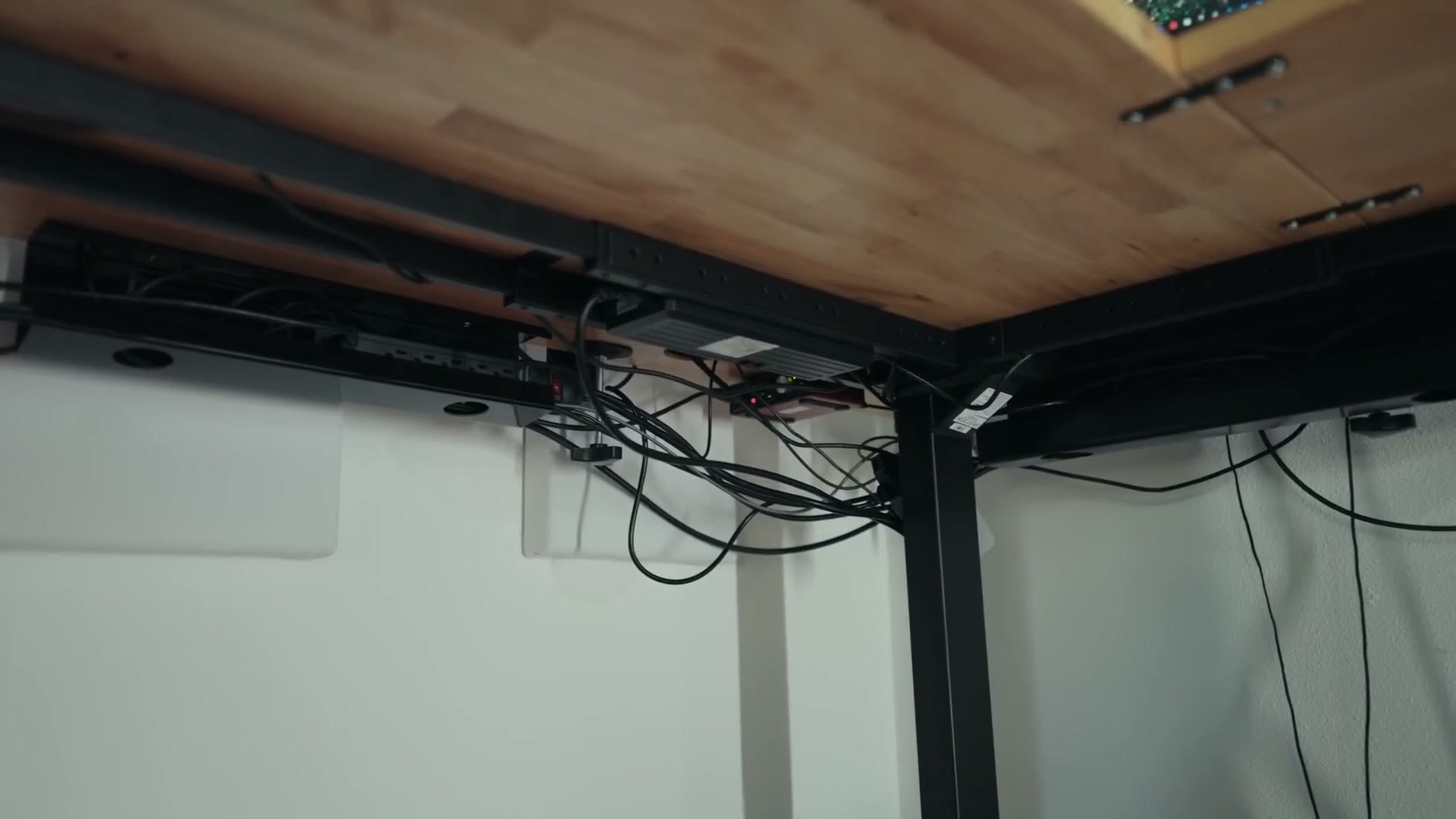
There are still some cables visible over here that I need to get routed around that column, but otherwise, if you saw the amount of cable that’s traditionally under a desk like this, holy crap, you’d be shocked. I have so much stuffed up underneath here and it’s working.
The other thing that helps is this tiny TV stand shelf from IKEA. It’s meant for a small television, and I’ve repurposed it into a cable management system. I still haven’t fully finished building it out, but as it is I have a surge protector and a ton of cables crammed into that little box, hidden away from your eyes.
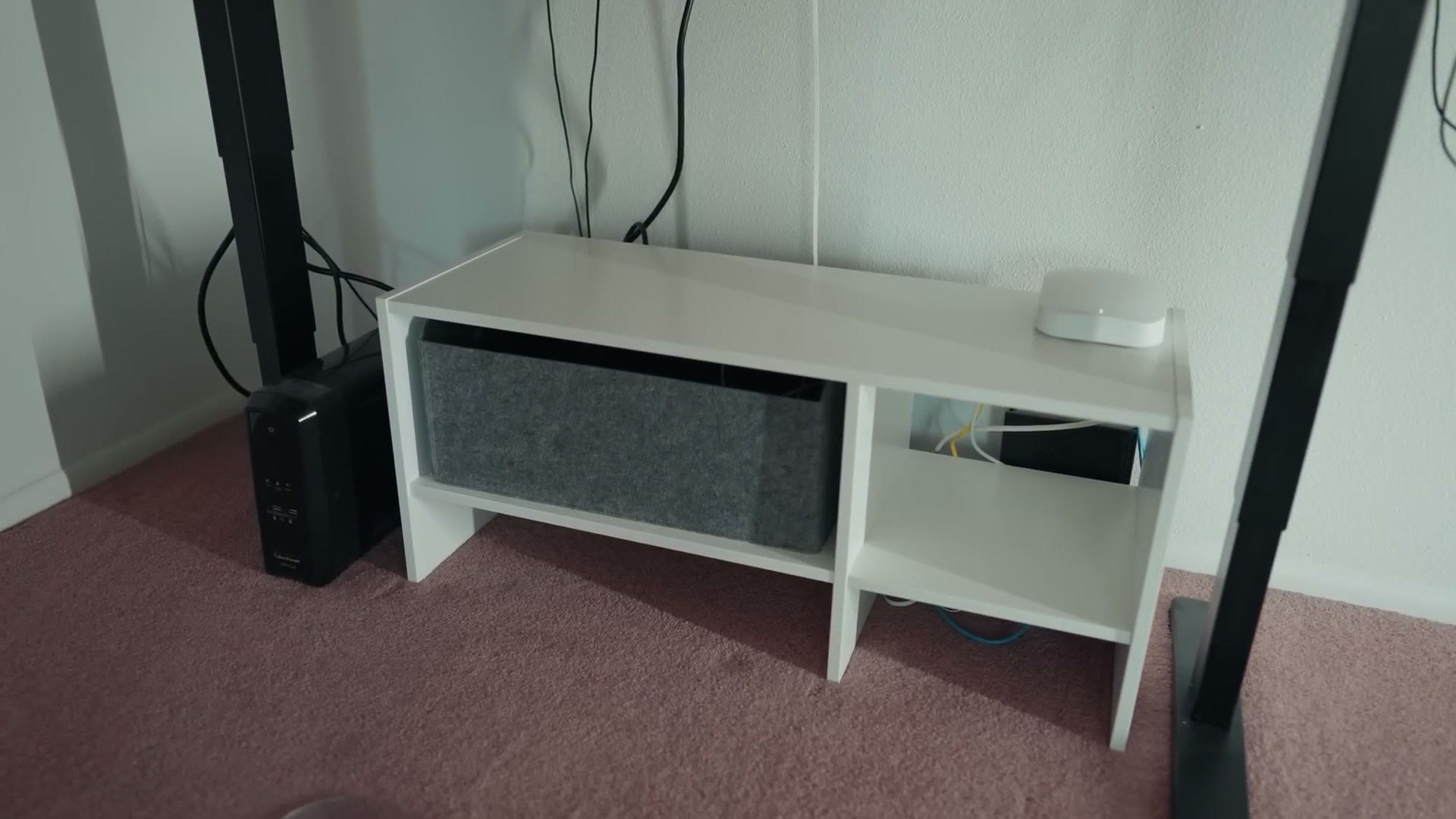
I do keep the router out in the open, because I want it broadcasting as strong a signal as possible. Otherwise this is all pretty clean and compact and the wires are mostly hidden, so I’m really happy with it.
Headphones
For headphones I have a set of Philips SHP9500s. They’re open back, they’re like 75 bucks, and I love them.
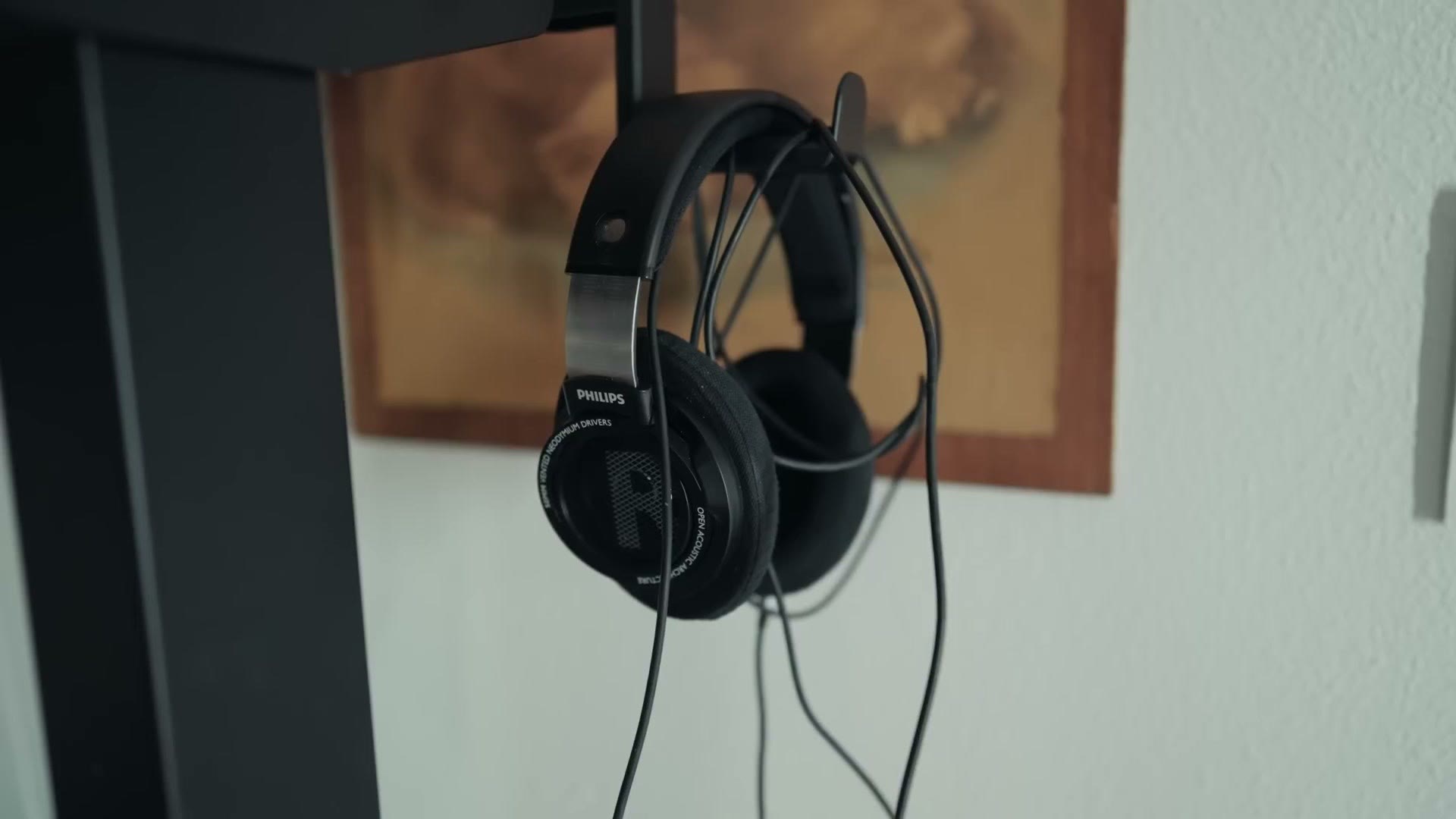
I used to have a more expensive pair, but keep in mind I have a toddler. These things get thrown around and dropped all the time, and if they were an expensive pair I’d be really sad when they broke. So these are a nice mix of quality and affordability, which is really what you want with most things. I have a mount that keeps them out of the way when I’m not using them, though 95% of the time they’re just sitting on my desk. Hey, I’m doing a tour here, I wanted you to see how pretty the desk can look without stuff cluttering it up like it normally does.
Hard Drives
I’ve got two Western Digital external hard drives here that hold whatever footage I’m currently working with, plus an internal SSD I can edit from.
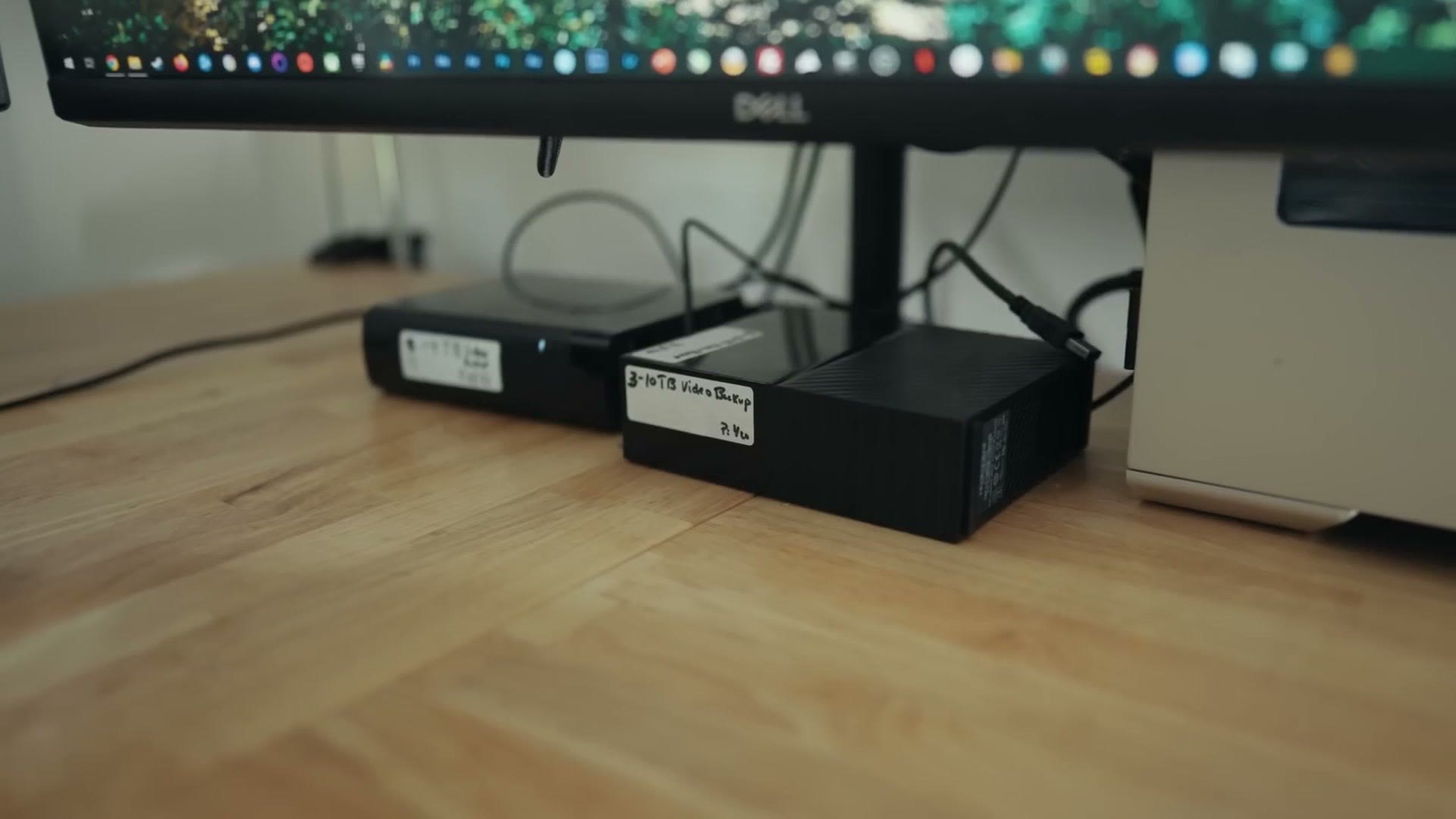
If you’re curious about the machine all of this is plugged into, I have PC build guides over here.
Clacky Keyboard
And then we have the Das Keyboard, which, oh my goodness, is so loud. So clacky. I love a good clacky keyboard. It’s great. Rachel hates it. Rachel wants the exact opposite, the quietest possible keyboard ever. I want noise.
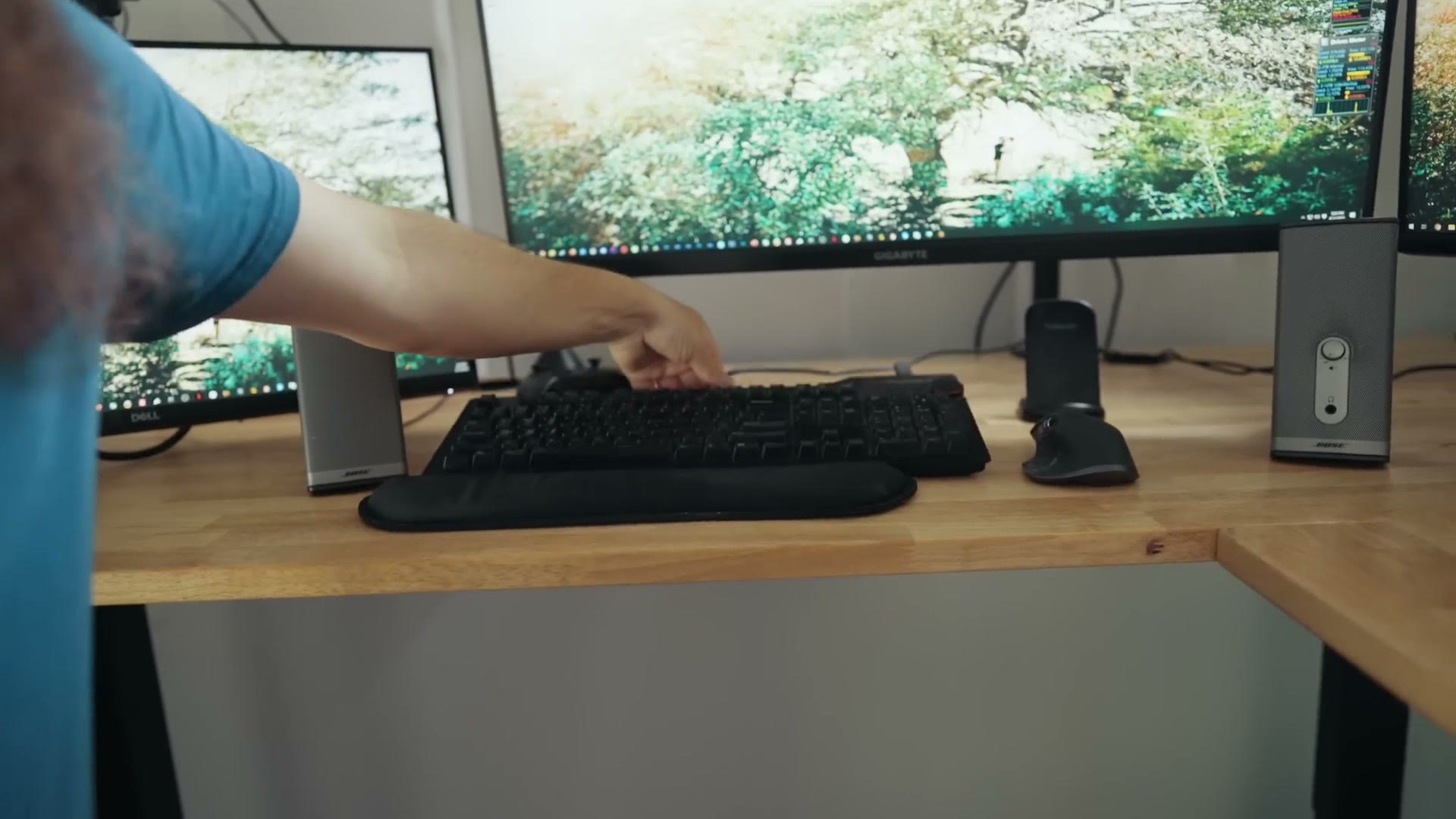
I do still need to buy a little wrist rest for it, for like ten bucks, just because the wrists are getting older, you know. The wrists. It’s a painful lesson.
Best Mouse Ever
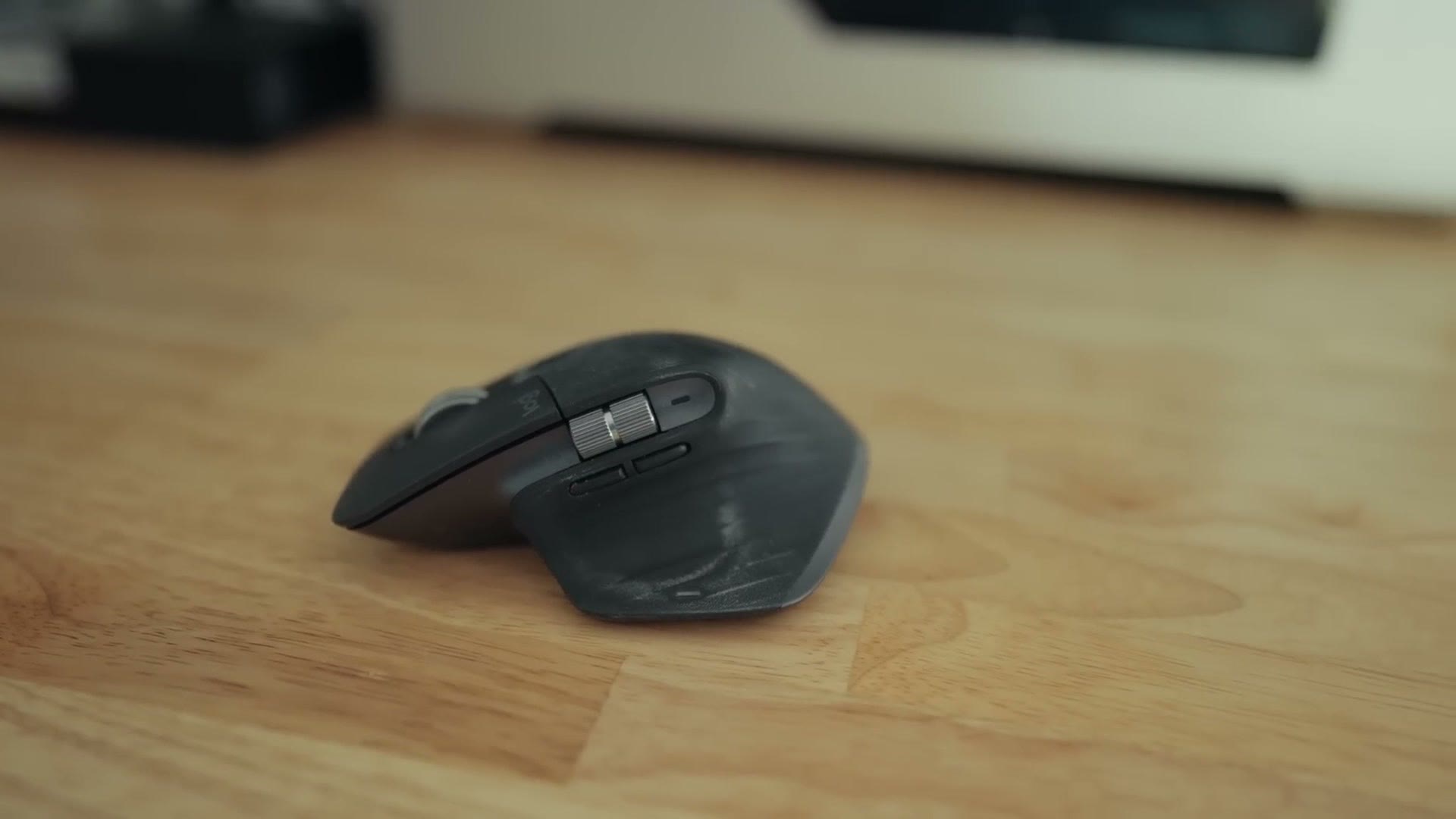
Pair that with the best mouse ever, the Logitech MX Master 3. Wonderful mouse. It’s my favorite mouse. It’s just so good. So, so good.
Speakers
We have a set of Bose speakers that I’ve had for, oh gosh, like ten years now. I really need to upgrade these.
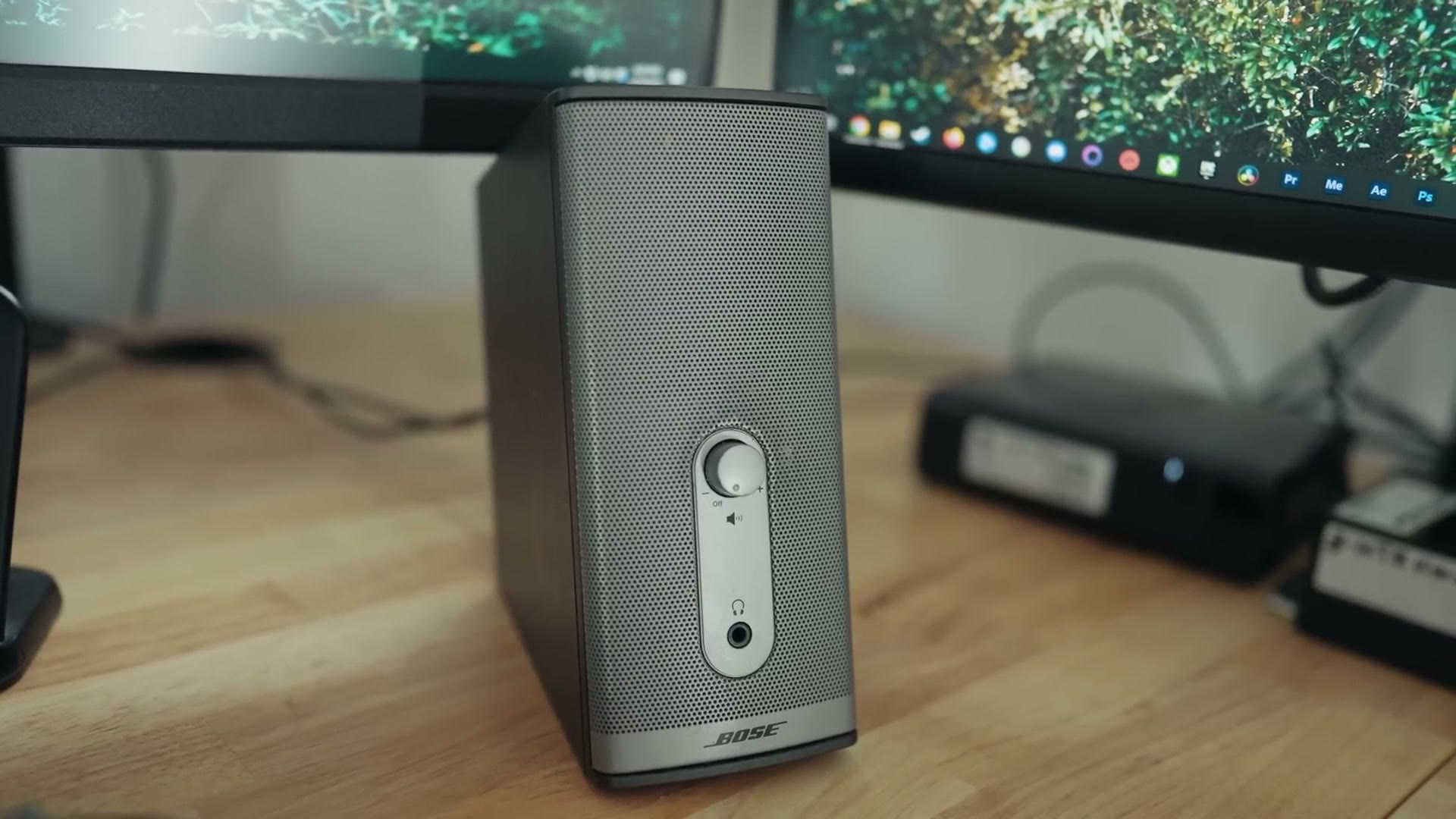
You can see how low the monitors sit in relation to them, and that’s the whole holdup. If I can raise the monitors higher, then I can put larger speakers in, so eventually that’ll see an upgrade.
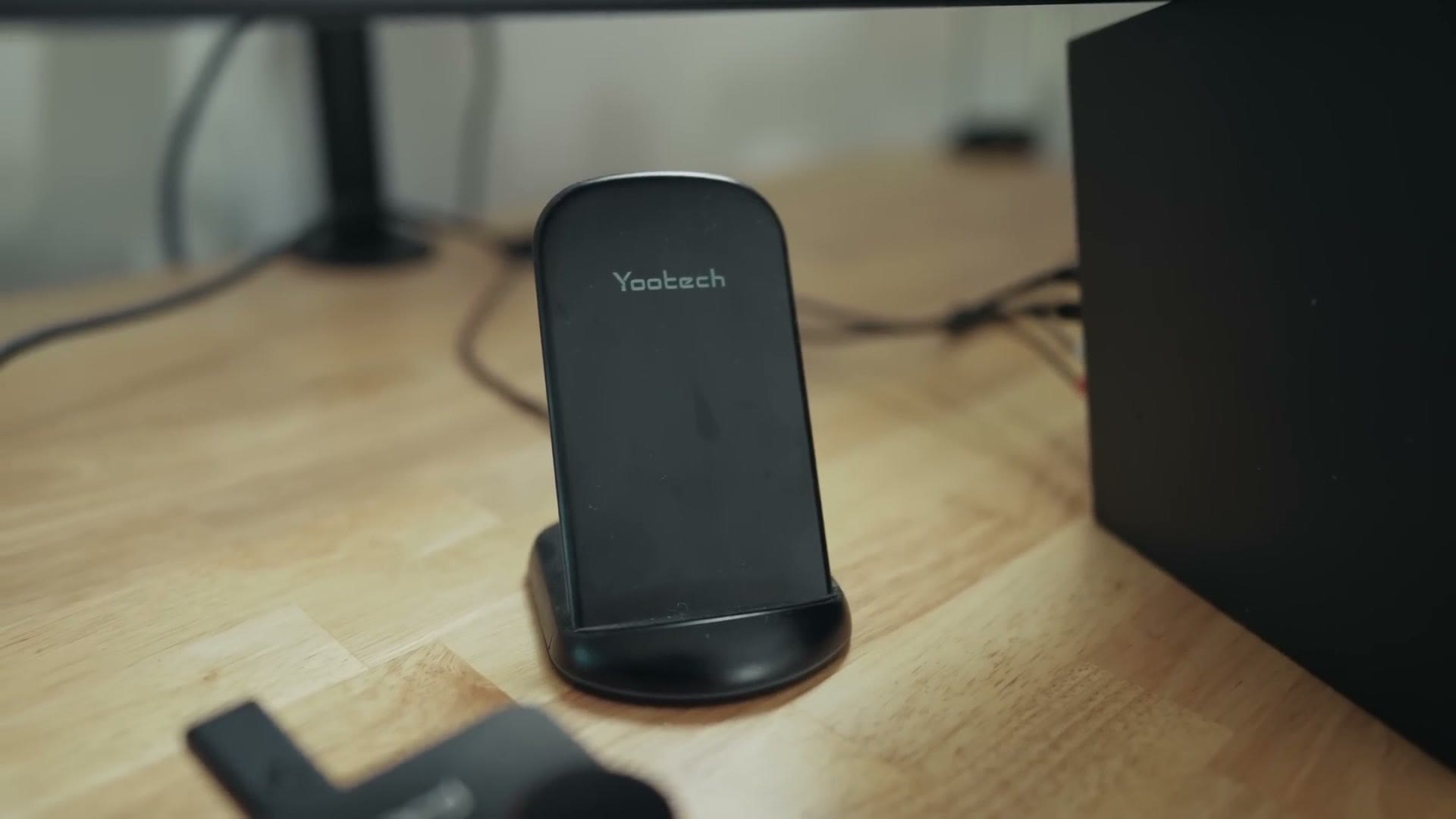
Also, of course, a wireless phone charging stand, which is really great to have. I highly recommend one on your desk.
And that is the setup. I love it. It’s a great productive space where I can get a lot done, and as somebody who likes to move a lot, I can sit, I can stand, I can do it all, and it’s really, really awesome. I hope you like it.
Color Presets
Everything you’re seeing here is graded with my own color presets, which you can grab at whoismatt.com/luts. The complete list of everything on this desk is over at kit.co, and my filmmaking gear list is separately over here.

I’ve also put together a free guide called Edit Videos Like A Pro that walks through some of the biggest things I’ve learned about editing, and you can download it for free right here. If you want to go deeper I have filmmaking courses, and if you film weddings, come join us in the Learn Wedding Filmmaking Facebook group.
Thanks so much for reading, and have a great day!