
A wedding cinematographer’s review of the DJI Ronin-M

In case you haven't been paying attention, there is a total revolution going on in the world of camera stabilization. For five of the past six years, I have used, loved, and traveled with the Glidecam HD-4000 to every wedding I have filmed. Now, with the advent electronic gimbal stabilizers such as the Movi and Ronin, it is looking more and more like the Steadicams and Glidecams of the world are becoming obsolete. Weights, muscles, and basic physics are being replaced by motors, algorithms, and computers. Okay, maybe not the muscles, electronic gimbals are plenty heavy too.

With the release of the DJI Ronin-M, I decided to jump onto the electronic gimbal train and buy one for myself. For the past few months I've been putting it through the paces, filming weddings and testing it in a variety of scenarios. I'm sure you're wondering, does it live up to the hype? Is my Glidecam now gathering dust in the corner? Do I now wish my tripod and monopod were electronic in some way too?
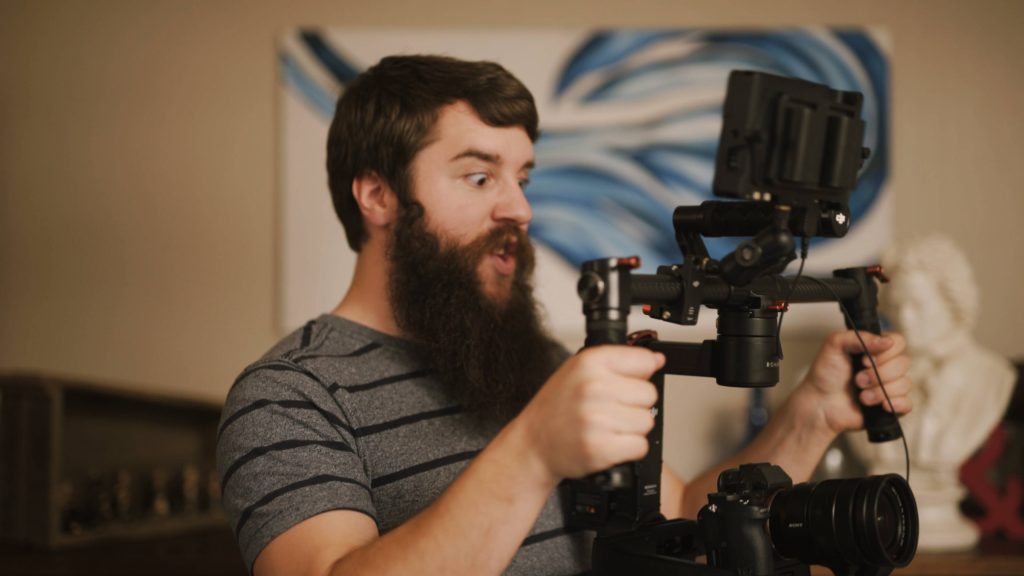
The face I make when using the Ronin-M
The face I make while using my Ronin-M

Like most things in life, the answer to these questions isn't a simple yes or no. In terms of simplicity and ease of use, the Ronin beats my Glidecam handily. But when it comes to setup time and my style of filming, I still prefer the Glidecam. In the review video above, I break down these pros and cons, as well as fully compare the Ronin-M to my Glidecam HD-4000. And like my previous reviews, I keep everything in the context of my experience using it to film weddings.

So if you are a wedding videographer, cinematographer, uncle Bob with a camera in the back of the church, or basically anyone else that wants to learn more about the Ronin-M, I hope this video is helpful to you.

Thanks for watching! Please let me know if you have any questions or comments about the review video or the camera. If I don’t know the answer, I will do my best to find it out for you.

A Wedding Cinematographer’s Review of the Sony A7S II

The first camera I ever owned was a little Sony point and shoot that could record up to 12 minutes of video to a 512mb memory card. I’ve come a long way since then, and up until October I was shooting with the Sony FS100. It has been a real workhorse that was capable of handling weddings, corporate promos, and short films (not to mention, this review vide0). But lately I have been feeling the limitations of not being able to record in higher resolutions than 1080p and with Sony’s newest color profiles such as S-Log3.

When the Sony A7S2 (or ii, or mark 2, or whatever else you wanna call it) was released by surprise in September, I was one of the first to pre-order from B&H. Thanks to B&H’s excellent shipping, mine arrived on the same day the camera was released. Over the past month and a half, I have used it to film multiple weddings in a variety of conditions, both indoor and outdoor.

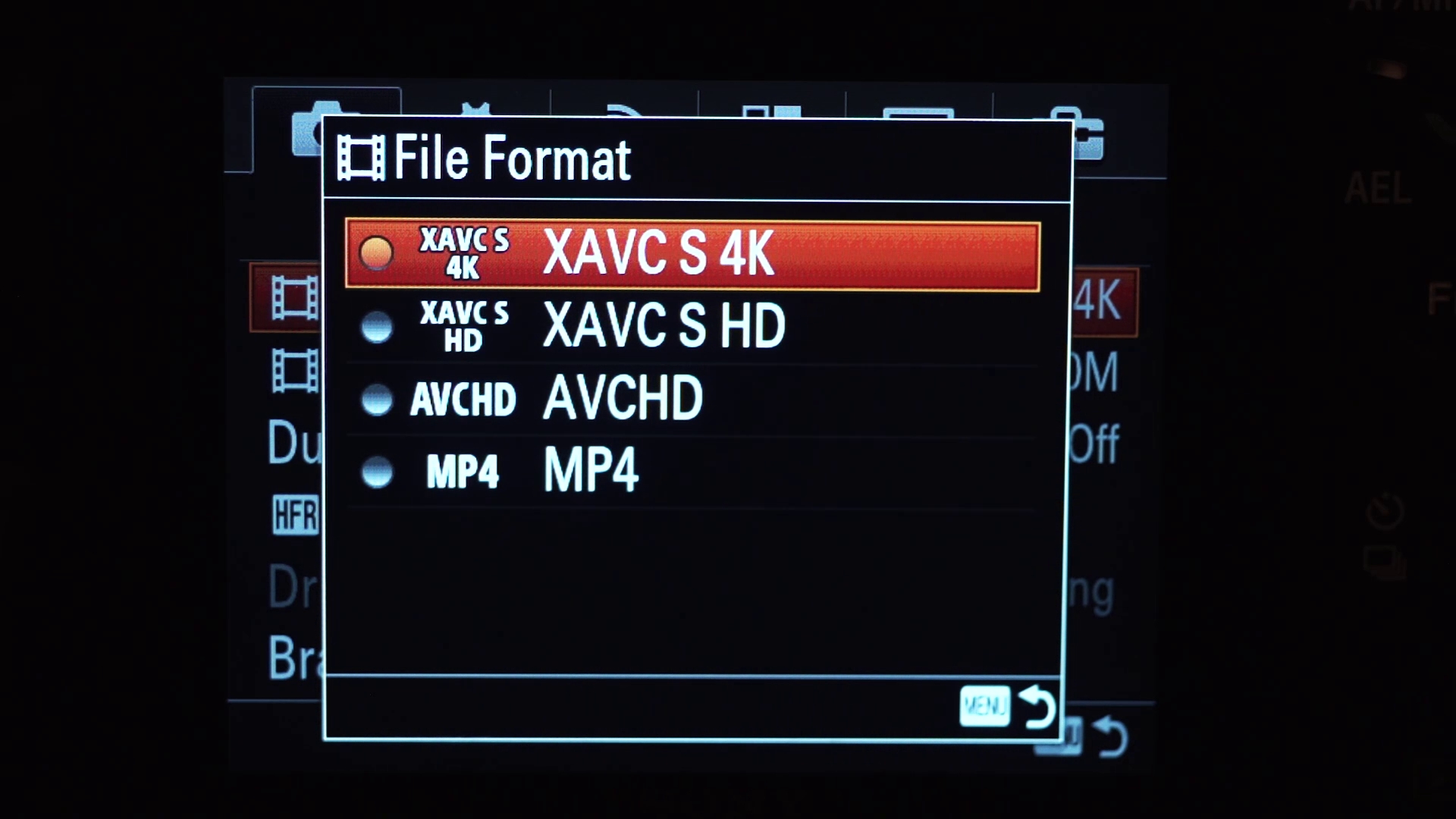
Sony A7s2 4k

The same week that the A7S2 arrived, I was having a conversation with my friend Chris about cinematography, and he suggested that I start creating reviews, tips, and training videos aimed at wedding cinematographers. I realized this was a pretty good idea, and that when I was starting to film weddings I had wished I could have free training that would help me get better. Fast forward two months, and this is my first vlog, of what will hopefully be many, aimed at helping wedding cinematographers. So if you are a wedding cinematographer/videographer/friend that was randomly asked to film a wedding/uncle bob in the back of the church with a camera/whatever, and you want to get better at filming and editing weddings, I hope this series will be helpful to you.

With that in mind, I wanted my first video to be useful and specific. Too often I find myself watching a review video of a camera where the reviewer is filming a wall, plant, or test chart and talking about settings for 15 minutes. I want real world examples! Show me what the image looks like on a real shoot! I have tried to do this for you with this review of the Sony A7S2.

Thanks for watching! Please let me know if you have any questions or comments about the review video or the camera. If I don’t know the answer, I will do my best to find it out for you.
Konova Master Pan // Setup and Review Video

The Konova Master Pan has solved a problem that I didn’t even know I had until I used it. Oftentimes when I am filming a wedding, I only have a few minutes to film details like the wedding cake, rings, and other items from the day. This means that I’m rushing to setup my tripod, slider, and camera to get the shots I need. What Konova has made here is a way to make this process easier.
I still have to setup my slider, tripod, and camera, but when it comes to actually filming the shot, things become way easier than they were before. Konova has created an attachment to their slider that allows me to replicate a commonly used sliding and panning motion, nearly effortlessly. In one fell swoop (or should I say pan) I have replaced my tabletop dolly, and my handheld pans with my slider.

The Master Pan also works with Konova’s timelapse gear, meaning that I can now shoot panning timelapses, without having to mount their Smart Head to my slider. If you have a Master Pan, and are wanting to use it for filming timelapses, I recommend watching my Konova MS Series Setup and Review video. Please be aware that the Master Pan only works with the MS Series motors and belts, not with Konova’s prior models.

If you’re intrigued, I recommend watching my review video to see some of the shots I’ve taken with it, as well as my thoughts on the Master Pan. And if you already own one and are in the process of setting it up, I’ve included how to do that in the video as well.