
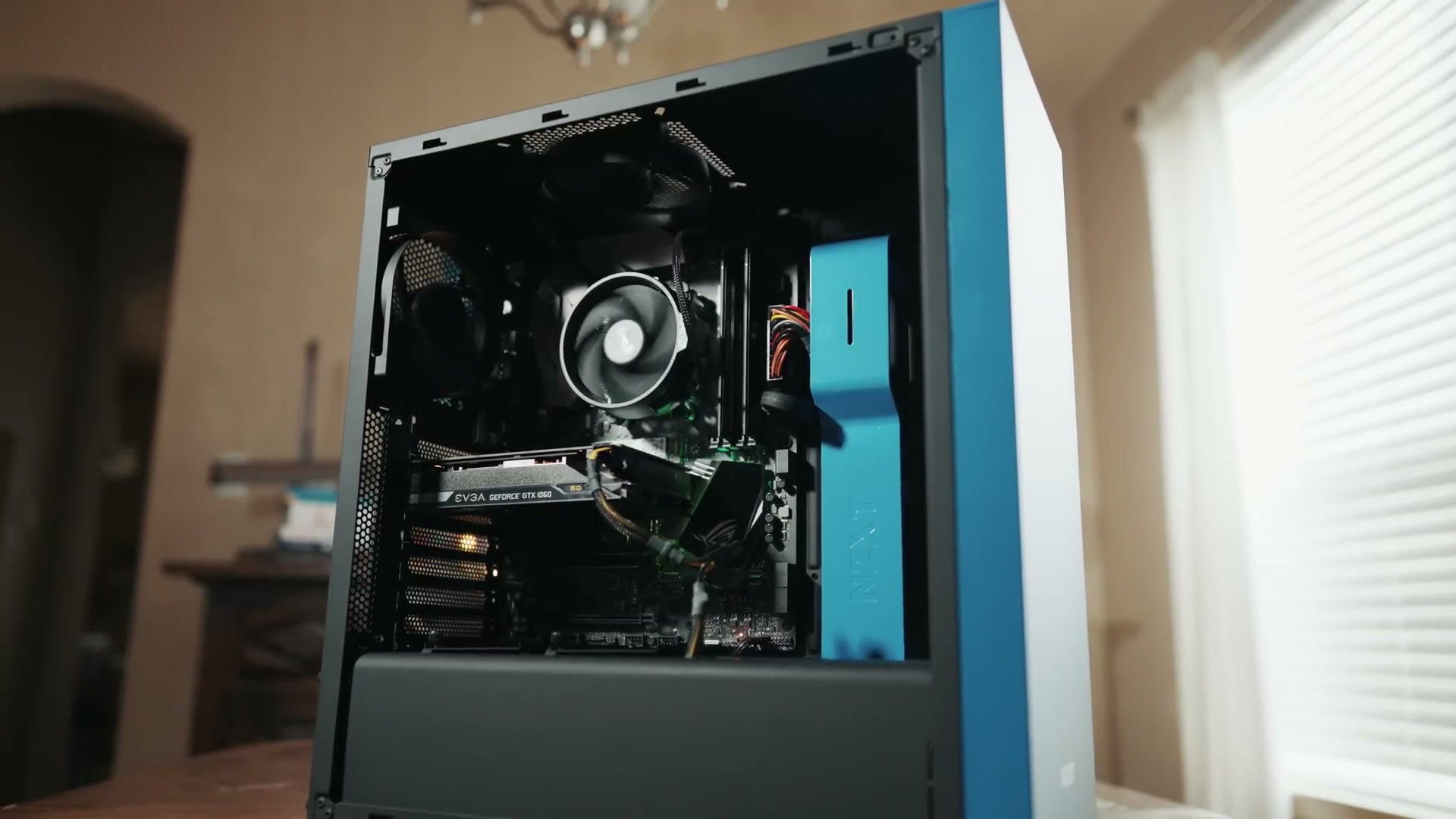
It’s early 2021, winter is upon us, and here are the parts you need to build a 4K video editing computer for around $750. This will comfortably edit 4K and HD in Premiere Pro or DaVinci Resolve, edit photos, mix music, stream on Twitch, and game, and it should hold up for years.
Four things before we get to parts.
Everything is linked below and all of it is organized together on my parts list for this build.
This is a parts list, not an assembly guide. For that I have an hour-plus step by step build guide that walks from opening the boxes to pressing the power button, and all of these parts go together the same way. Please don’t be intimidated by it. Building a PC is genuinely fun, and it’s a lot like putting together Legos.
I’ve included upgrade options throughout, so whenever you have a little extra room in the budget you know exactly where to spend it.
And if $750 isn’t your budget, I have two other guides: a mid-tier build that handles 6K and a high-end build that eats 8K and 12K.
Motherboard
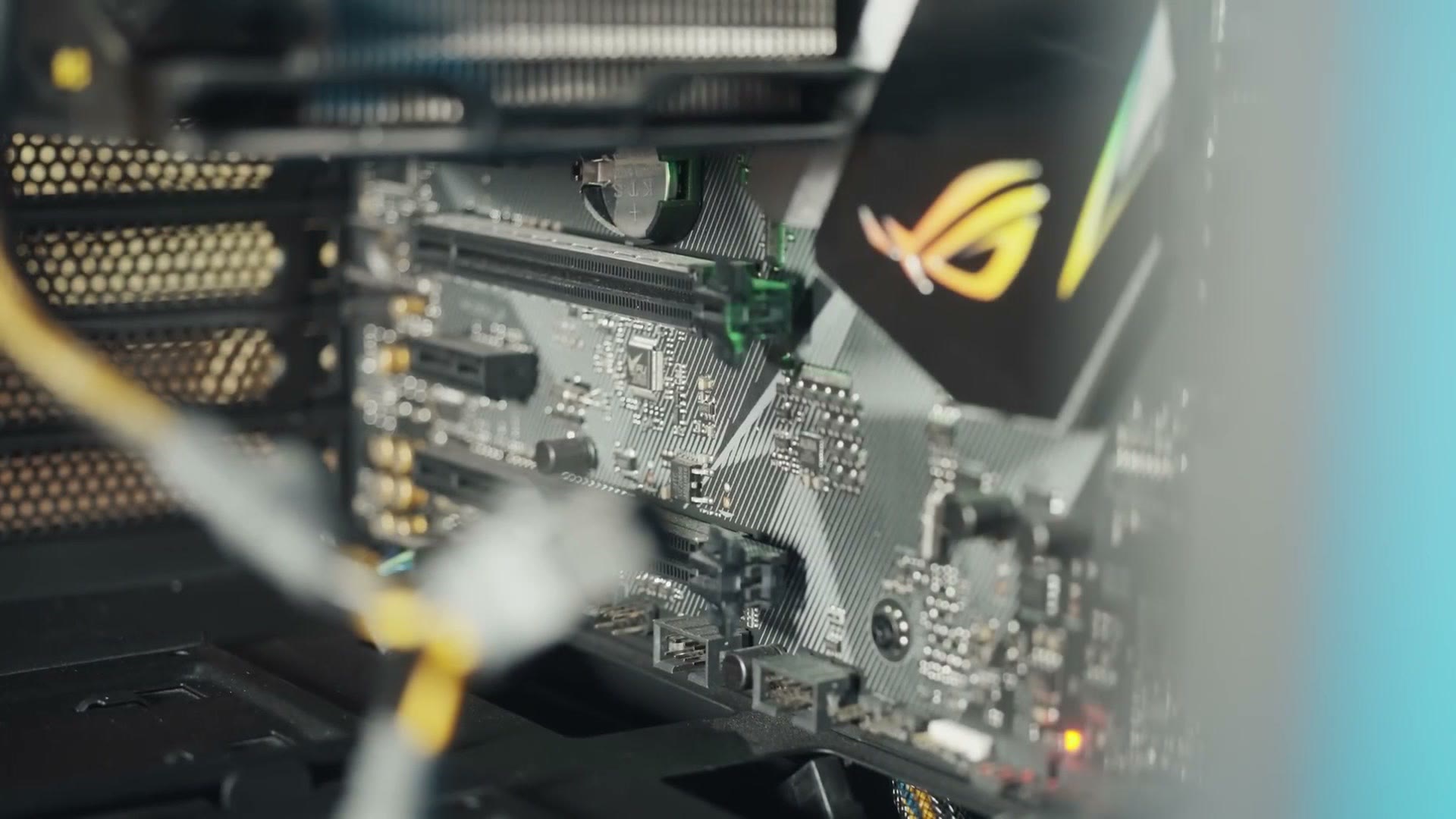
This is what everything else plugs into and what makes it all talk to each other. I recommend the MSI B450-A PRO MAX. Good mix of features for the price, and importantly it should work with future AMD CPUs, so whenever you upgrade the processor down the road you don’t have to replace the board too.
CPU, The Brain Of The Computer
Arguably the most important part for video editing, because a fast CPU with a lot of cores makes a drastic difference in how quickly your videos edit and render.
Get the Ryzen 5 3600. Six cores, twelve threads, around $200 as I record this. Great chip, great price.
Upgrade: the Ryzen 7 3700X gives you two more cores and a nice jump in performance for roughly $120 more.
Memory
16GB of Corsair LPX DDR4 at 3200MHz. That’s enough for 4K editing, but it is not quite enough for multitasking, so try not to have a pile of other programs running alongside your editor.
Upgrade: I’ve found the real sweet spot for 4K editing is 32GB. I’ve run that much in my desktop and my laptop for years and it’s been great.
SSD And Storage
The SSD holds your operating system and programs. Prices keep falling on these and it’s shockingly affordable now.
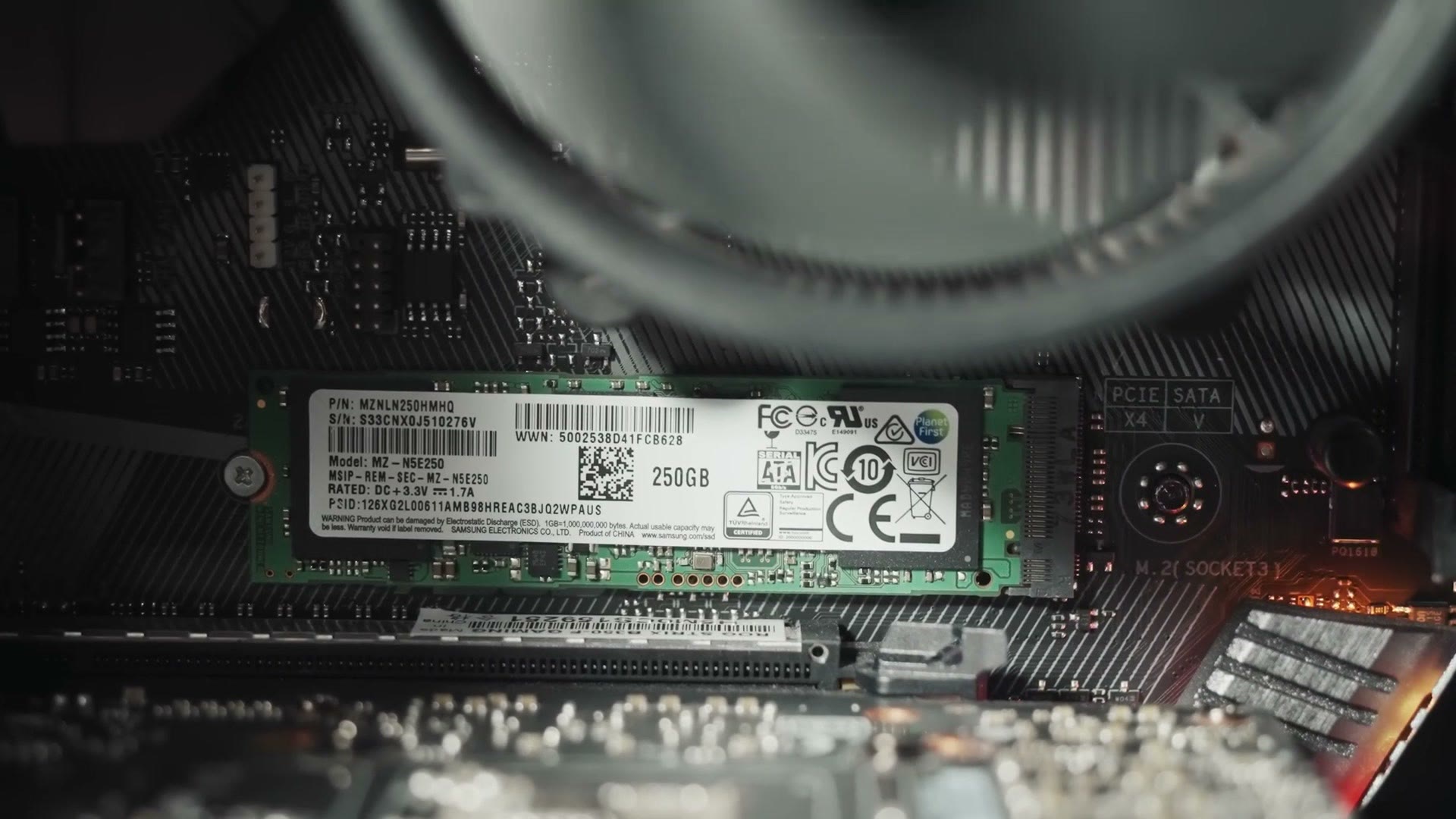
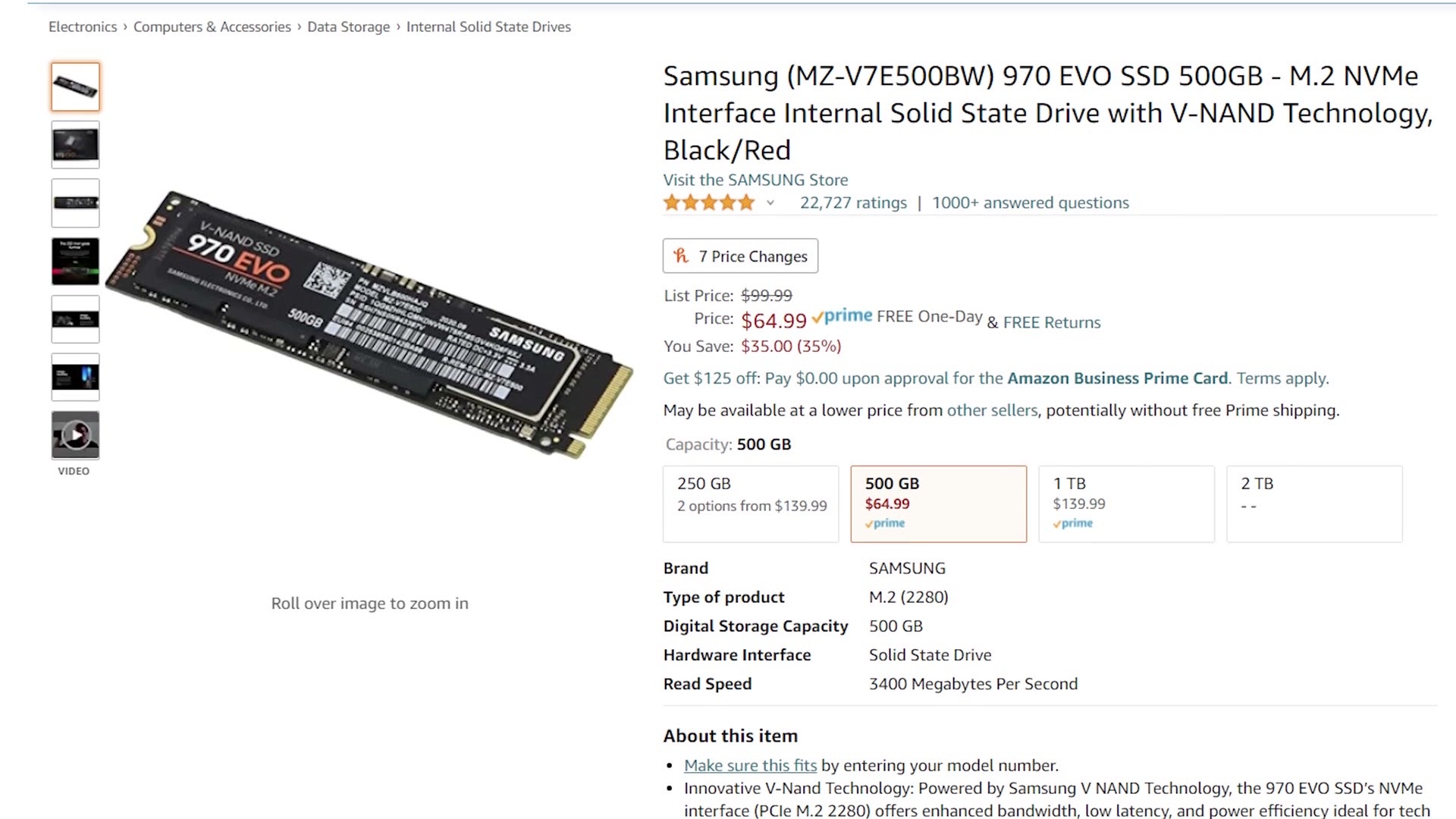
For a fast budget option, the Kingston A400 gives you 240GB for about $34, which is plenty for Windows and your programs. Want more room? The Samsung 970 EVO is around $65 for 500GB, and there’s a 1TB for about $140.
One thing I want to be clear about: only use this SSD for programs. For the fastest editing you want a smaller SSD holding your software and a separate, larger drive holding your video files. If you travel a lot like I do, get an external SSD or a large external hard drive and edit from that. This case will also take internal drives, so an internal SSD or a big internal hard drive works just as well.
Graphics Cards, And How To Actually Find One
This is where this build guide is different from every one I’ve made before.
A ton of great cards have come out recently, and you cannot buy any of them. It’s a perfect storm: a shortage of workers building the cards because of the pandemic, everybody stuck at home wanting to game because of the pandemic, cryptocurrency mining, which is always an issue, and scalpers running bots that buy up the supply the instant it lands and resell it on eBay at double MSRP or worse.
So instead of naming one brand and model like I usually do, I’m going to give you several, to maximize the chance you can actually find something in stock at a sane price.
On brands: you’ll see ASUS, MSI, EVGA, Gigabyte, ZOTAC, PNY and a dozen more. In my experience, for video editing, it does not make a huge difference which one you buy. If it’s one of those and it doesn’t have a pile of horrible reviews, you’re fine.
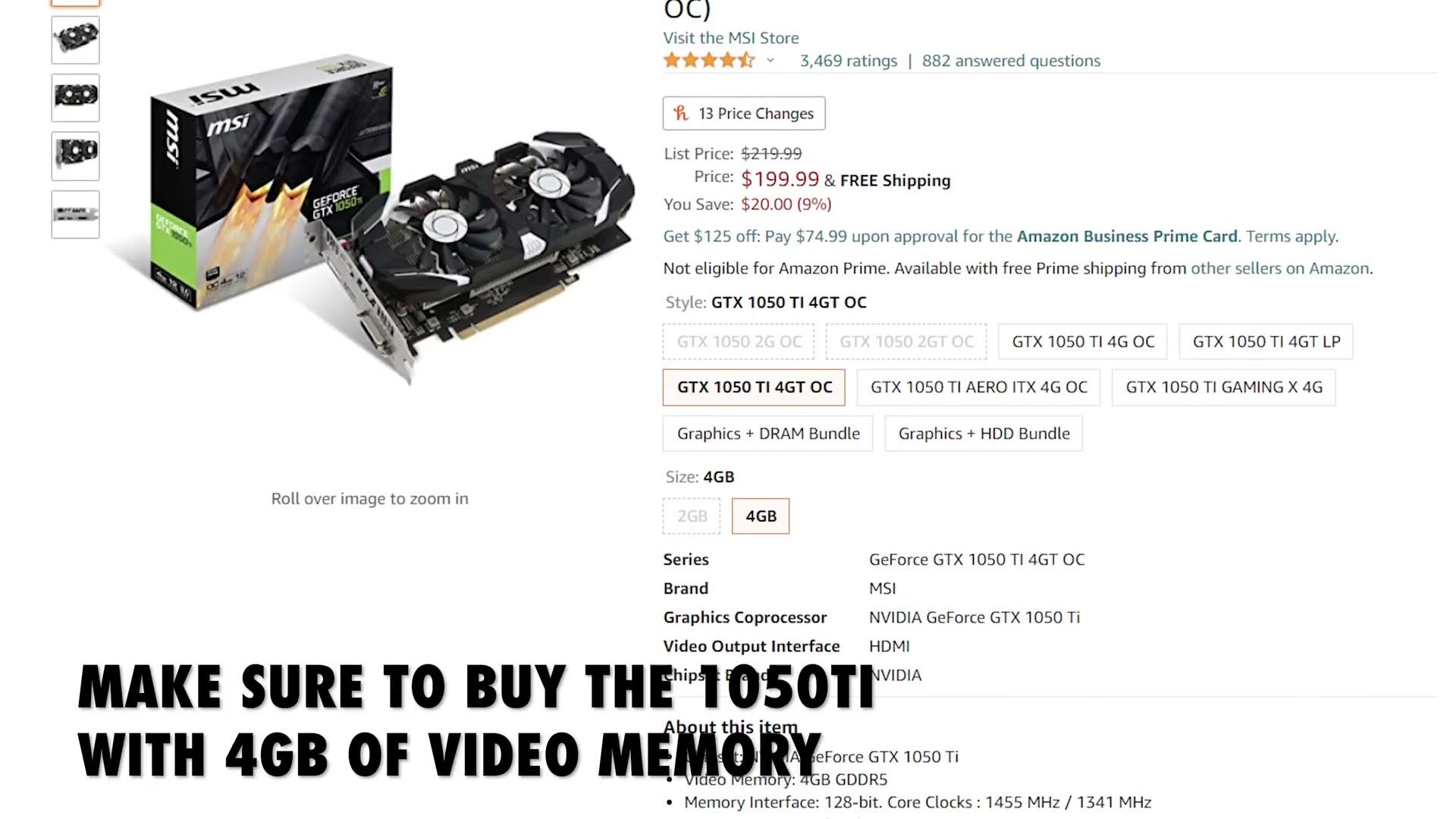
My starting recommendation is the NVIDIA GTX 1050 Ti, one of the cheapest cards you can buy that’s genuinely capable of 4K editing, and I’ve mostly been able to find it in stock under $200. Its one weakness is only 4GB of video memory, so if you can find one of the cards below instead, take it.
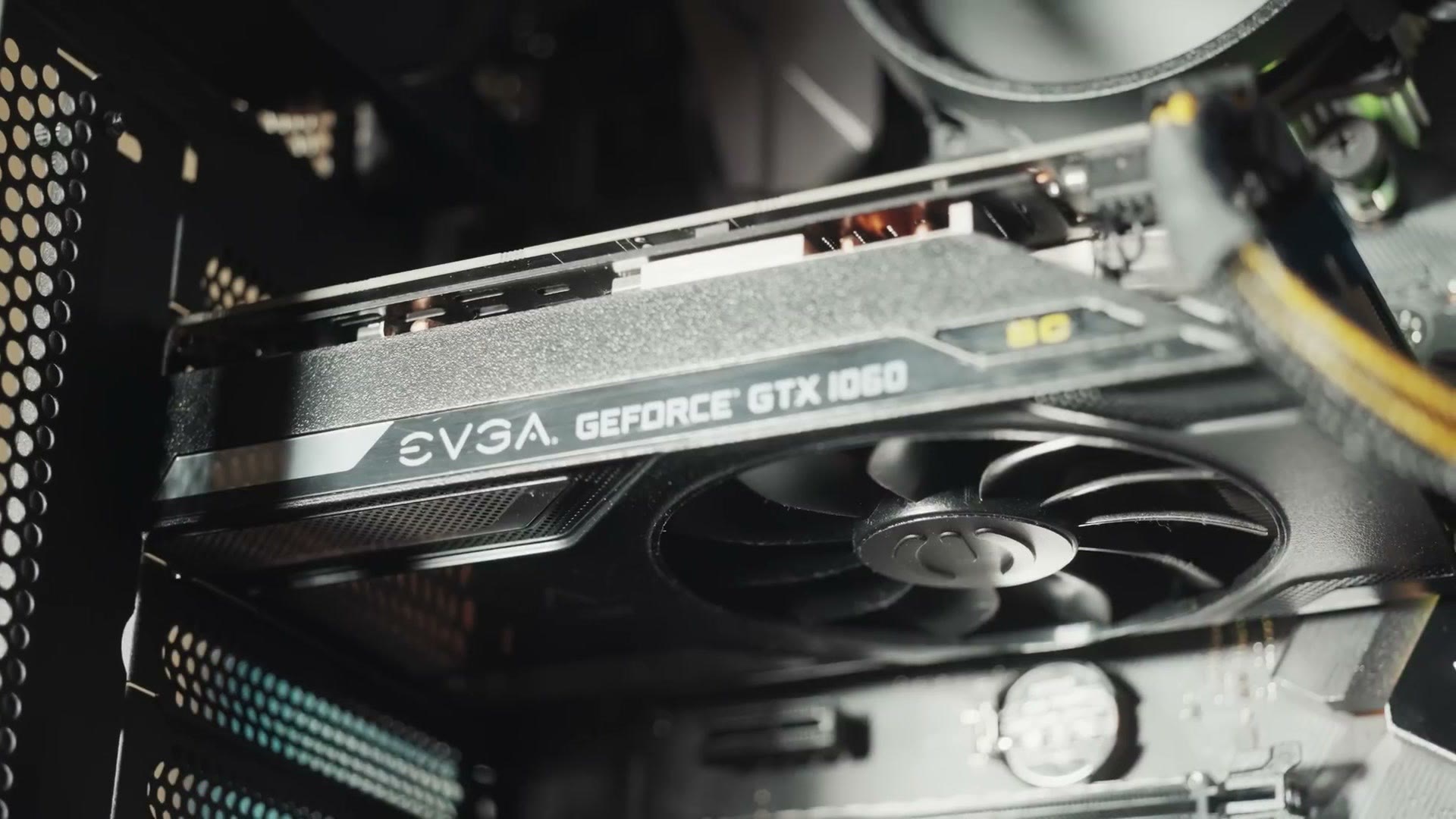
On the NVIDIA side, the GTX 1660 SUPER and the RTX 3060 Ti. Both are hard to find, the 3060 especially, but at retail you should be around $400 or less. On the AMD side, the Radeon RX 570, RX 580, 5500 XT and 5600 XT will all do 4K editing fine, but make sure you get the 8GB version. They make 4GB models of these too and they aren’t as good.
Here are the ones I found in stock as I made this, though I cannot promise they stay that way, because this changes hour to hour: option two, option three, and option four. If you have more to spend, the faster cards are here, here, here, and at Best Buy.
Two practical tips. Set up stock alerts at Amazon, Newegg and B&H so you’re notified the moment something reappears. And if you live near a Micro Center or a Best Buy, walking into the physical store gives you a much better shot than refreshing a webpage.
Power Supply
The EVGA 500 watt is a great price and quite efficient. Be aware it isn’t modular, meaning every cable is permanently attached, which makes cable management more annoying but keeps the cost down.
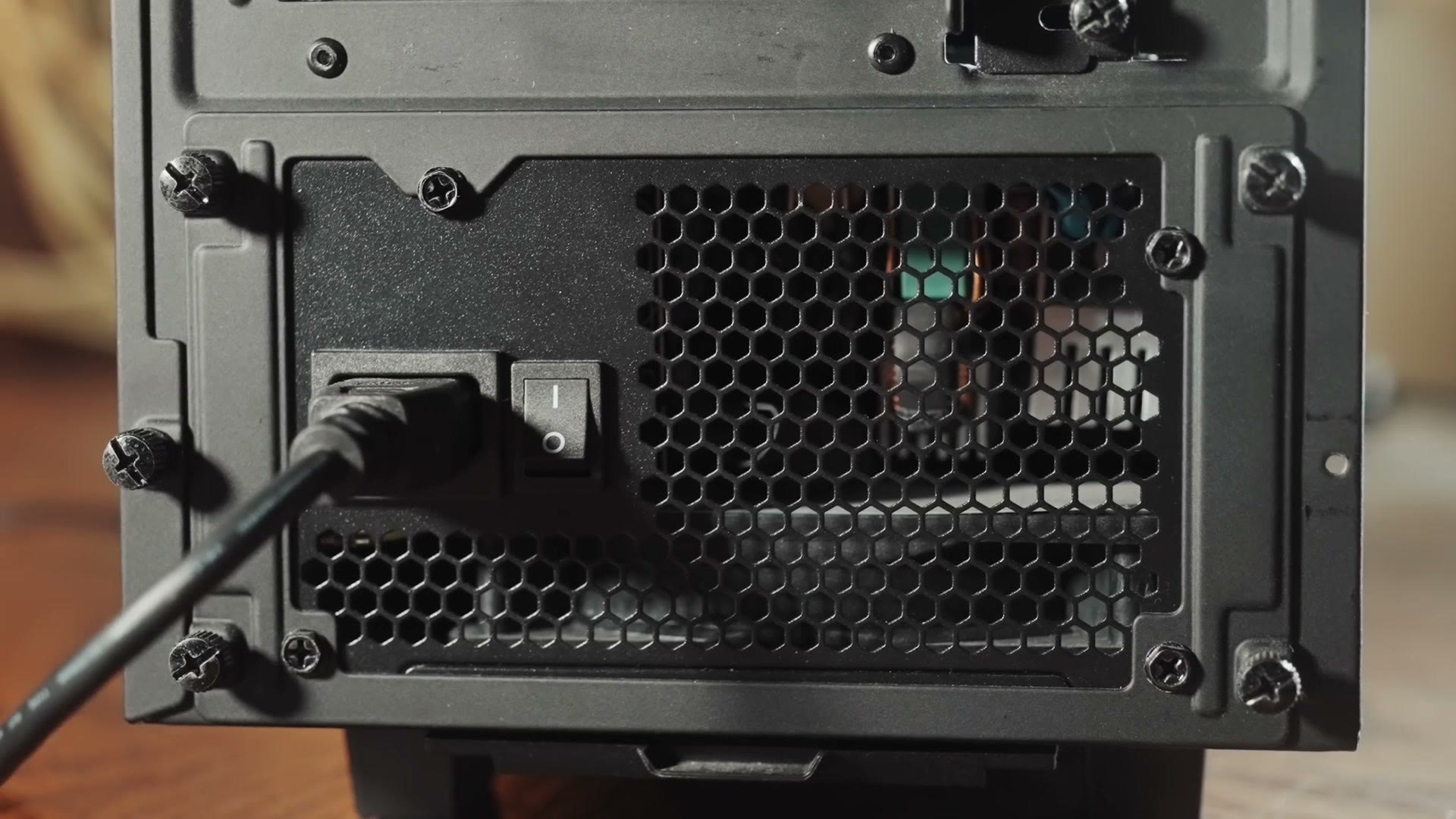
Upgrade: the EVGA BQ 500 watt is semi-modular and will give you a much cleaner looking build for not much more money.
Case
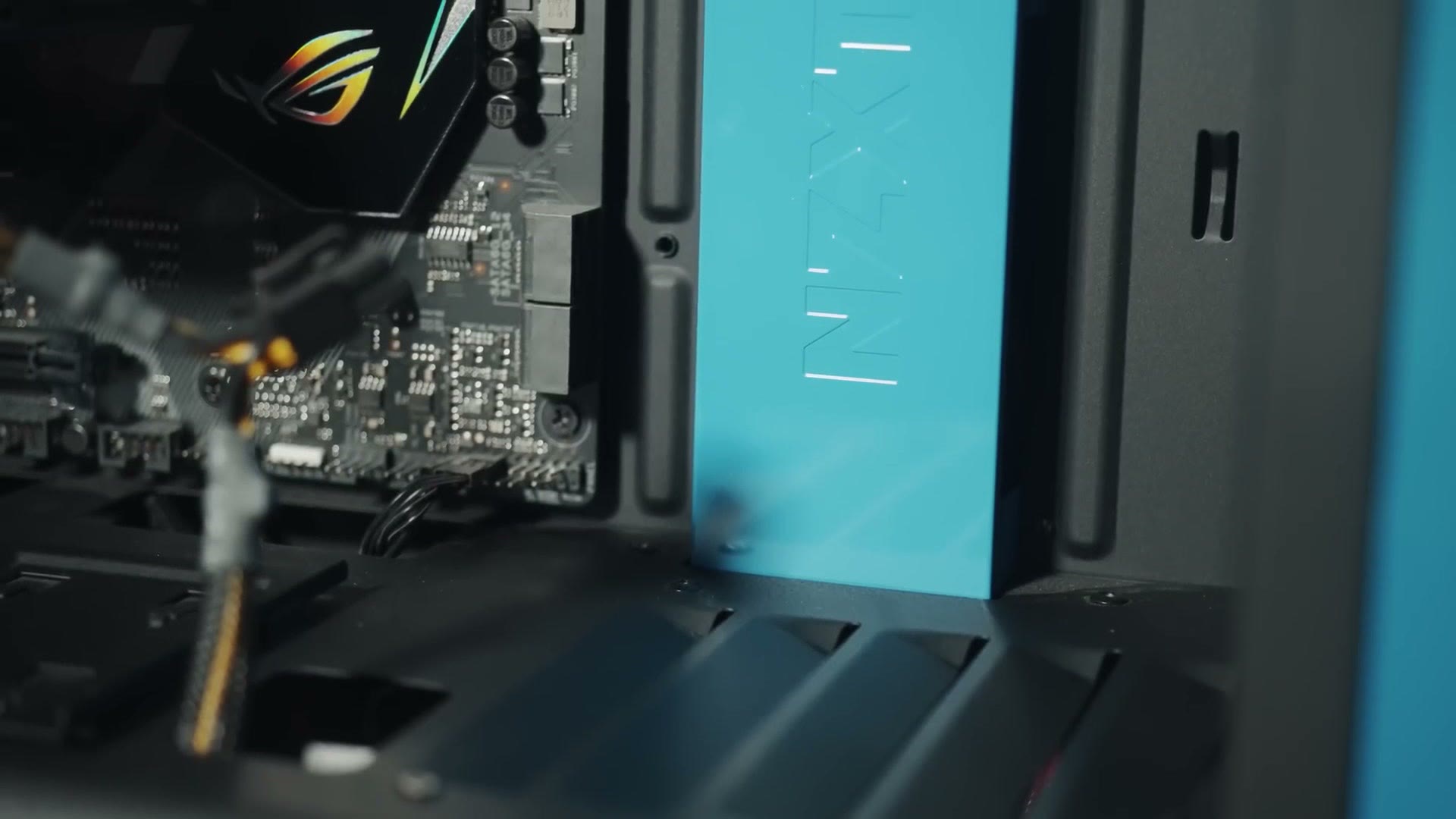
One of my favorites is the NZXT H510. It’s pretty but still looks professional, with no RGB and no crazy colors, just a well built case that looks good on or under a desk. Around $70. You’ll also want a case fan adapter to power the fans.
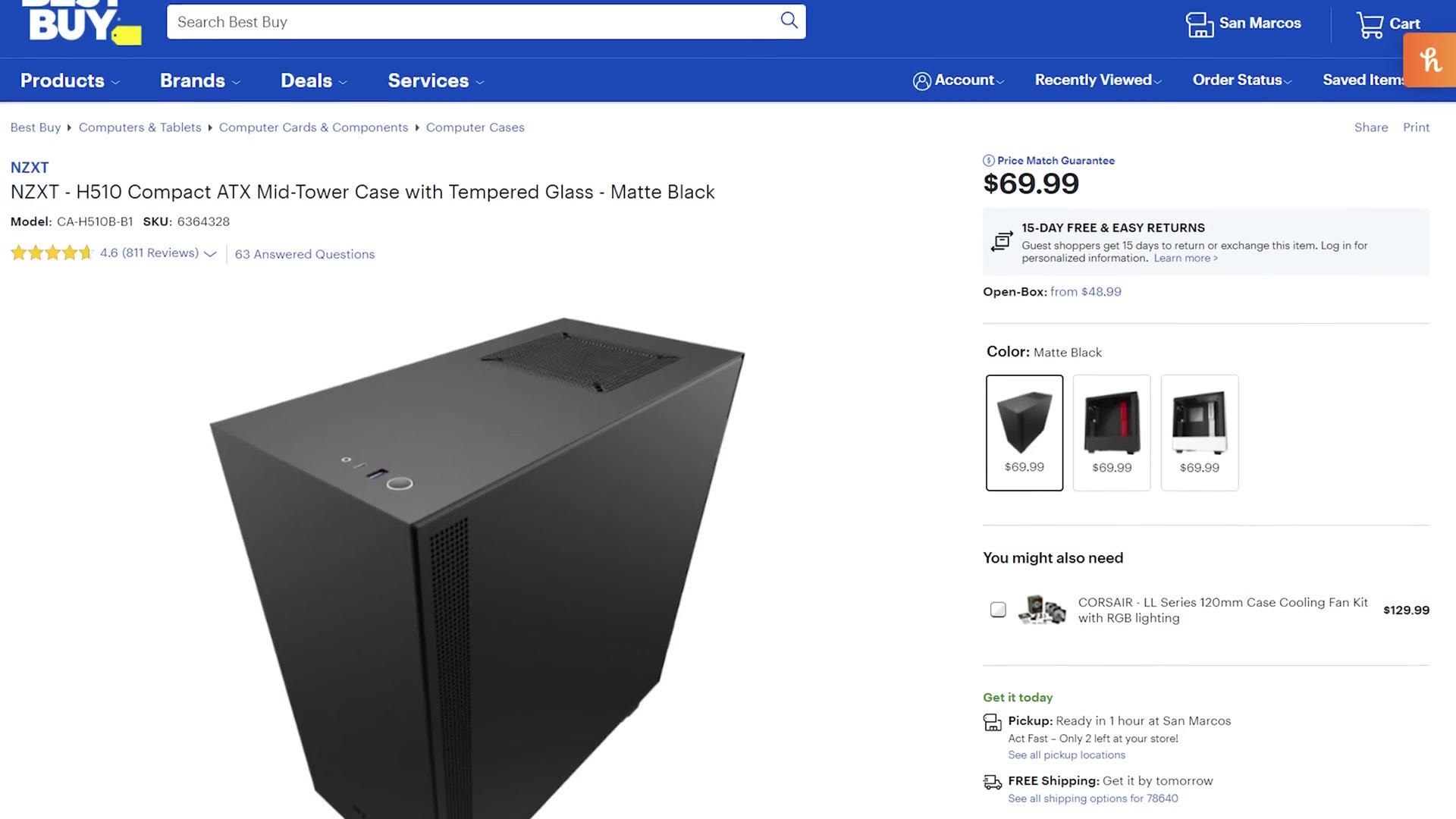
One catch: the H510 has no 5.25 inch bays, so you cannot put a CD, DVD or Blu-ray burner inside it. The easy answer is an external DVD burner for about $25 or an external Blu-ray burner for under a hundred. If you really want an internal drive, get the Cougar MX330-G instead, which isn’t as pretty but has great airflow and thousands of very happy owners.
Everything Else
Mouse, keyboard, monitor, speakers, operating system. There are so many options here that it comes down entirely to what you like, but here’s what I’d point you at: a keyboard with macro keys for editing, a good affordable 1080p monitor or, and this is what I’d personally pick, a 27 inch 4K monitor, the best mouse I’ve ever used, a quick USB wifi adapter, and some affordable but good speakers.
For the operating system, Windows 10, and this Tom’s Hardware article explains how to get a copy free or very cheap.
A Note On Prices
Prices change and parts go out of stock, sometimes very quickly, especially right now. If something on this list looks way too expensive or has vanished, let me know and I’ll swap the link for something that’s actually available.
And if you find a store with graphics cards in stock, go leave a comment on the video telling everybody else. People can sort by newest and hopefully grab one too.
Finally, if you’d rather not build at all, that’s completely fine, and I have a prebuilt video editing PC guide for you instead.