
Today I’m reviewing this powerful little fella, the DJI Mavic 2 Pro, and this review answers one of three questions. I’m certain that if you’re here, at least one of them is yours.
One: if you own an older or cheaper DJI drone, a Spark or a Mavic Pro or a Mavic Air, is it time to upgrade? Two: if you’ve never bought a drone and you want a good all-rounder, is this the right one? Three: if you already own a Phantom 4 Pro or an Inspire, is it worth buying a Mavic 2 Pro as well? I talked that exact question through with Jay Worsley in a livestream on the Mavic 2 Pro versus the Phantom 4 Pro for weddings.
Because I respect your time, I’ll spoil the answers now. Yes, yes, and it depends.
And so you know, this is not a sponsored video. I’m not being paid by DJI or anybody else. I bought this drone with my own money, because I honestly have a bit of a drone addiction that I have not sought medical treatment for. I own something like four of them now. I’m sure you understand. Just keep buying drones. It’s fine. It’s great.
Build Quality
Mavic, more like Mav Thicc, am I right? It has got a little heftier. That said it’s still quite small, especially next to a Phantom or an Inspire, and I believe I am still capable of hiding it behind my beard.
You can really tell this is a second, or really third, generation. The original Mavic Pro was well built but had some flimsy parts, like a gimbal attached with rubber bands and an exposed ribbon cable that could easily break in a crash. The Mavic 2 Pro’s gimbal is much more sturdily built, and the whole thing feels solid. Look at the tolerances on how the arms fold up against the body. This is much more precise engineering than the original.
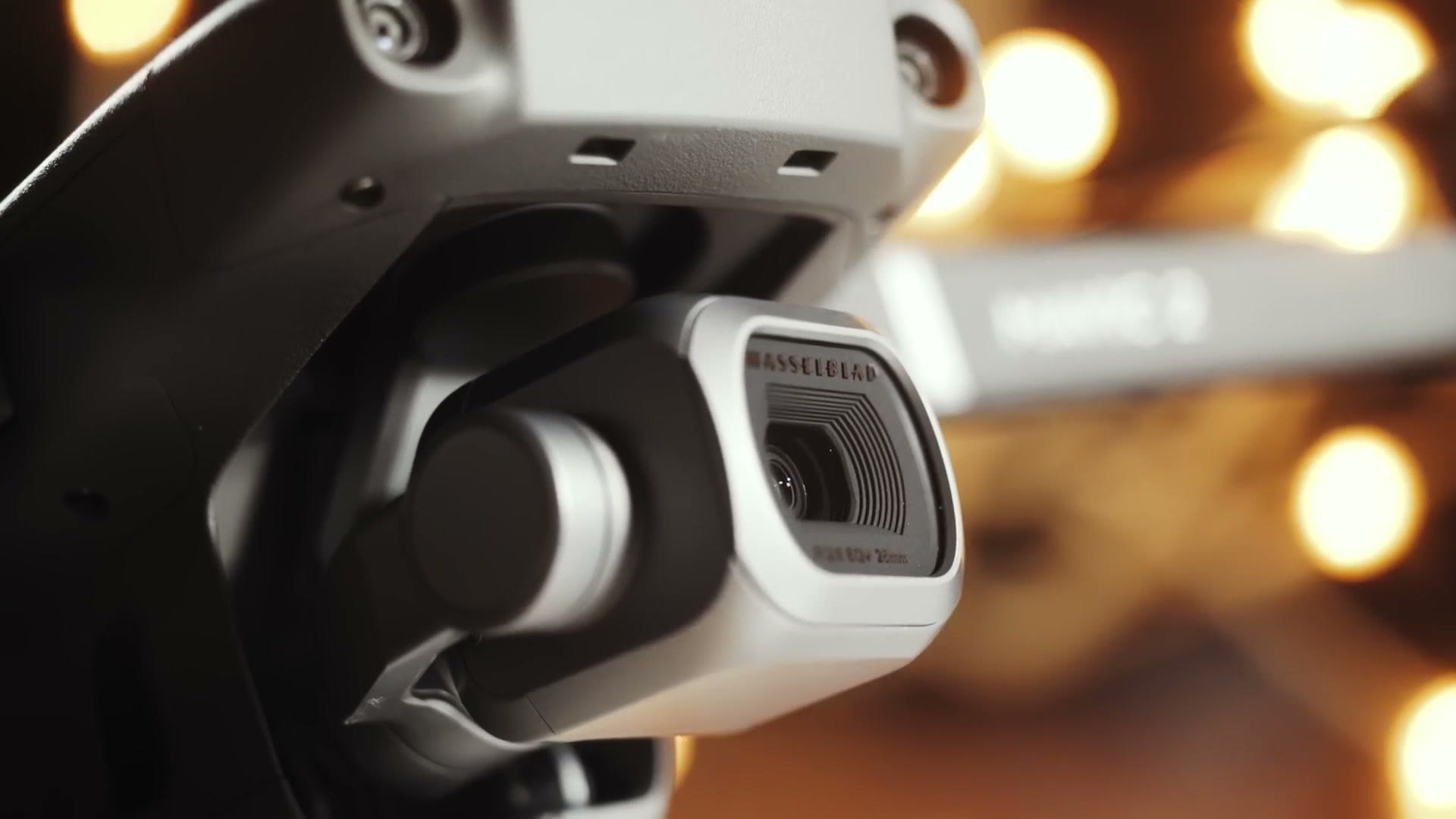
That matters to me, because I had major quality control problems with the original Mavic Pro. I returned my first one because half the lens was blurry, and my second because the gimbal was shaky. I haven’t hit anything like that with the Mavic 2, and I haven’t heard of many people who have.
There are new cameras and sensors on the sides, back and top, because DJI has added omnidirectional obstacle detection, which is a real improvement over the original’s forward and downward only.
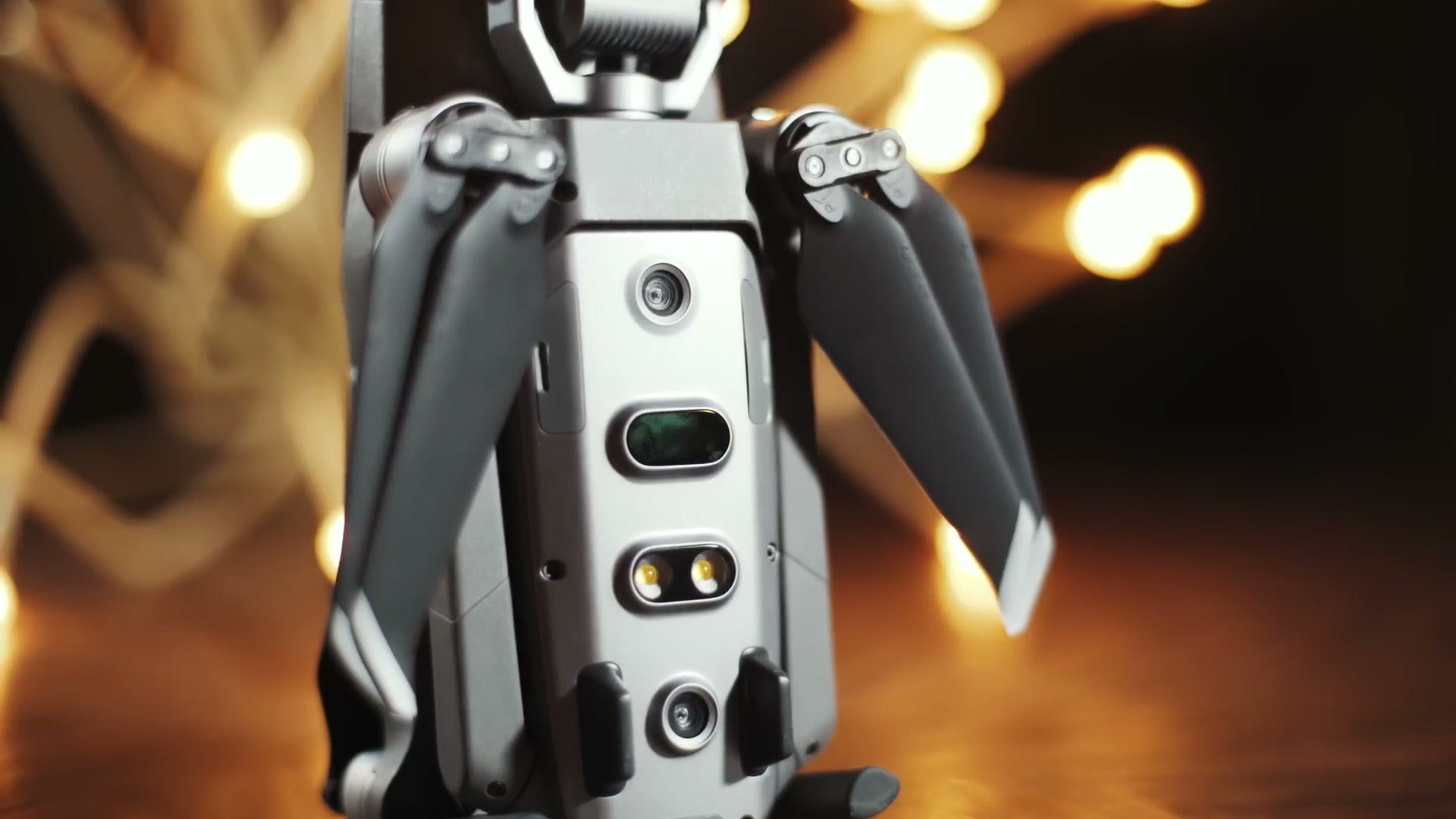
The gimbal cover has been redesigned too, and it settles an argument. People used to disagree about whether you should fly with the cover on. I always said no. Now the cover simultaneously holds the gimbal in place and protects it, and you literally cannot fly with it fitted. Better design, still a bit janky.
The motors are bigger, and you feel it. This drone has more power than DJI’s earlier ones, and it’s more responsive and more stable in wind. On the Mavic Pro I’d cruise around 20 miles an hour. On this I find myself at 30. Which puts it in an unusual place: it flies about as fast as a Phantom 4 Pro while still handling like a much smaller drone.
One nitpick. The SD card slot is buried, and getting the card out is genuinely difficult unless you have decent fingernails. You’ll be taking that card out constantly, so it’s a strange thing to get wrong.
Battery Life
The batteries are noticeably bigger than the original Mavic’s, and DJI claims about four more minutes of flight time. In practice, as somebody who starts thinking about landing at around 30%, I find the battery life comparable to the original Mavic and the Phantom 4 Pro, and noticeably better than the Mavic Air.
Shooting Modes
It shares a lot with the original, including my two favourite modes.
Tripod mode slows all your movement down to creepy-crawly speeds, which is what you want in an enclosed space, under trees, or anywhere you’re nervous about hitting something. DJI has moved it from a menu option in the app to a dedicated switch on the controller. Flick it to T and you’re in it.
Cinematic mode doesn’t slow the drone that much. What it does is slow the rotation and smooth the ramp as you accelerate and decelerate. So say you’re following a couple walking through a field and they stop suddenly. Stop the drone abruptly and it lurches. In cinematic mode you let go of the sticks and it eases gently to a halt, and your shot gets a beautiful slow-down for free. The downside is that whenever you see a tree and panic, the drone will also gently float into it while you’re frantically pulling back.
There’s also ActiveTrack 2, and from testing footage I’ve seen it tracks very well, though I haven’t tried it myself. There are a lot of automated features I haven’t used, because I’m usually flying manually.
Image Quality
Come back in time with me to early 2017, when I bought a Phantom 4 Pro. The first time I shot with it I was stunned. A one inch sensor with a 100Mbps codec was a significant step up over the Mavic Pro’s tiny phone-sized sensor, and it was enough that I started leaving the Mavic at home. I flew the Phantom to Colorado, to Iceland, to Alaska, because I wanted the better footage. The Mavic became my stealth backup. Which meant that instead of a little Mavic man bag, I was carting a huge case around.
Then the Mavic Air arrived, and while it was impressive and genuinely smaller, it compromised on enough that I didn’t buy one. It got the higher 100Mbps codec, but it kept the small sensor, it used wifi for transmission, which struggles in cities full of interference, and it didn’t include the D-Log picture profile, which I love shooting in.
What I actually wanted was Phantom 4 Pro image quality in a Mavic Pro sized body.
Enter the Mavic 2 Pro. When I first powered it up I was so impressed. DJI did it. This shoots the same quality as a Phantom 4 Pro in a much smaller package.
First, the one inch sensor. Much better video quality and much better low light. Coming from the original Mavic Pro, a Spark, or any older Phantom, you’ll see a massive jump. Coming from a Mavic Air it’s a smaller jump, because although the Air’s sensor is small it does have that 100Mbps bitrate, which puts it somewhere between the older drones and this one.
Second, an adjustable aperture. The original Mavic was fixed at f/2.2. This runs f/2.8 to f/11, which is very helpful on a sunny day. What is not helpful is that the aperture you pick directly affects image quality, and the wrong one leaves your video looking soft. Keep it between f/2.8 and f/4. It softens noticeably by f/11. Huge shout out to Matt Harris at The Film Poets, whose video brought that to my attention.
So what do you do on a bright day when you don’t want to stop down past f/4 and you don’t want to blow out your image? Not shutter speed, because raising that makes motion look bad, and I’ve explained why in shutter speed explained. Buy ND filters instead. I use PolarPro’s, and have done since I flew a Phantom 2 with a GoPro on it. My set runs ND4 to ND16, and ND16 works very well for sunny days here in Texas.
Third, H.265. Put simply, it lets the drone compress footage so you get double the image quality in half the file size.
So Should You Buy One?
If you own a Spark, an original Mavic Pro, an older Phantom, or anything with a smaller sensor, and you’ve been thinking about upgrading, buy the Mavic 2 Pro.
If you own a Mavic Air, I wouldn’t upgrade purely for marginally better image quality. I would upgrade for the better flight time and the better image transmission.
If you don’t own a drone and you want a great all-rounder, buy the Mavic 2 Pro.
If you already own a Phantom 4 Pro and you love the image quality but hate lugging it around, buy one. Same goes for an Inspire. It really is the same image quality. But if you don’t travel much, or you don’t mind travelling with a bigger drone in a bigger case, I probably wouldn’t bother.
And I know that if I don’t address this, somebody will ask about the Mavic 2 Zoom. Heads up: this link goes to the newer DJI Air 3S. I use a drone mainly for establishing shots of landscapes, buildings and wedding venues, so I want the wider lens. If you often find yourself filming people or smaller objects, getting close and pulling crazy parallax as you rotate around them, then the Zoom is the one. I haven’t tried it, but between the Mavic 2 Pro’s full field of view and its cropped HQ mode, I’m happy.
Everything I mentioned is linked above, including the Fly More kit, which I’d highly recommend picking up alongside the drone for the extra batteries and the charging hub. And if you want to see how your computer handles this footage, and how it grades, I’ve put up some free Mavic 2 Pro clips to download.
Once you have graded footage to deal with, I’ve written up how I colour grade D-Log drone footage and how to make proxies so your machine can actually play it back.