
Shutter speed for video, explained as quickly as I can manage.
What Is Shutter Speed
To understand shutter speed, first we have to talk about what video actually is.
Video is just a series of still images, also known as frames, put together and played back very quickly so that to your eyes it looks like motion. My camera recorded this at 24 frames per second, so 24 still images per second are being captured and played back, and it looks like I’m moving.
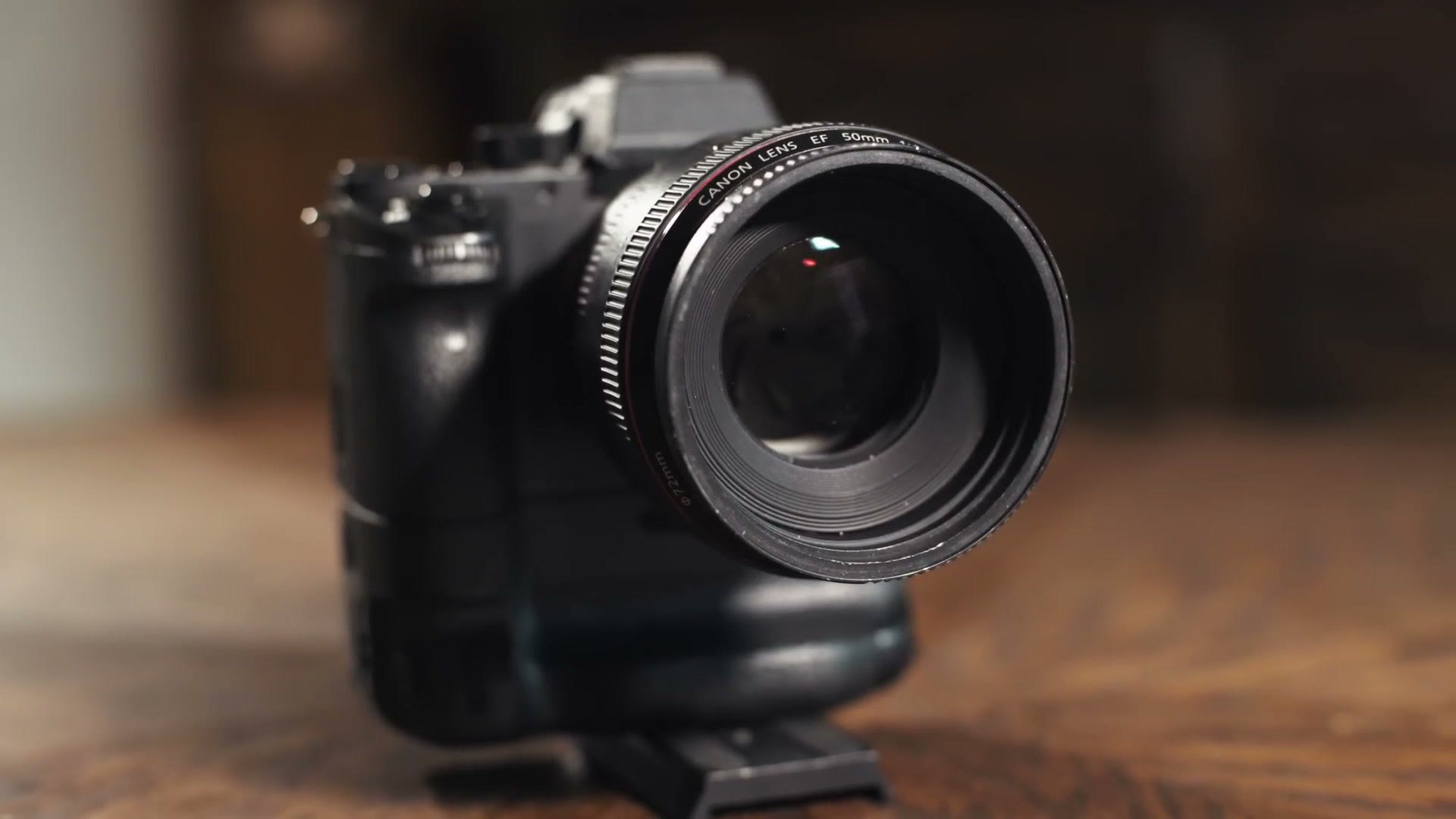
Now that we know video is just still images played back together, shutter speed makes sense. Two words there, and both matter: shutter, and speed.
Digital video cameras use something called an electronic shutter that opens and closes to let light onto each frame. The shutter speed is how long that shutter stays open, and therefore how long each of those 24 frames is exposed to light before the camera moves on to the next one.
In your camera it’s measured in fractions of a second. 1/25th, 1/30th, 1/50th.
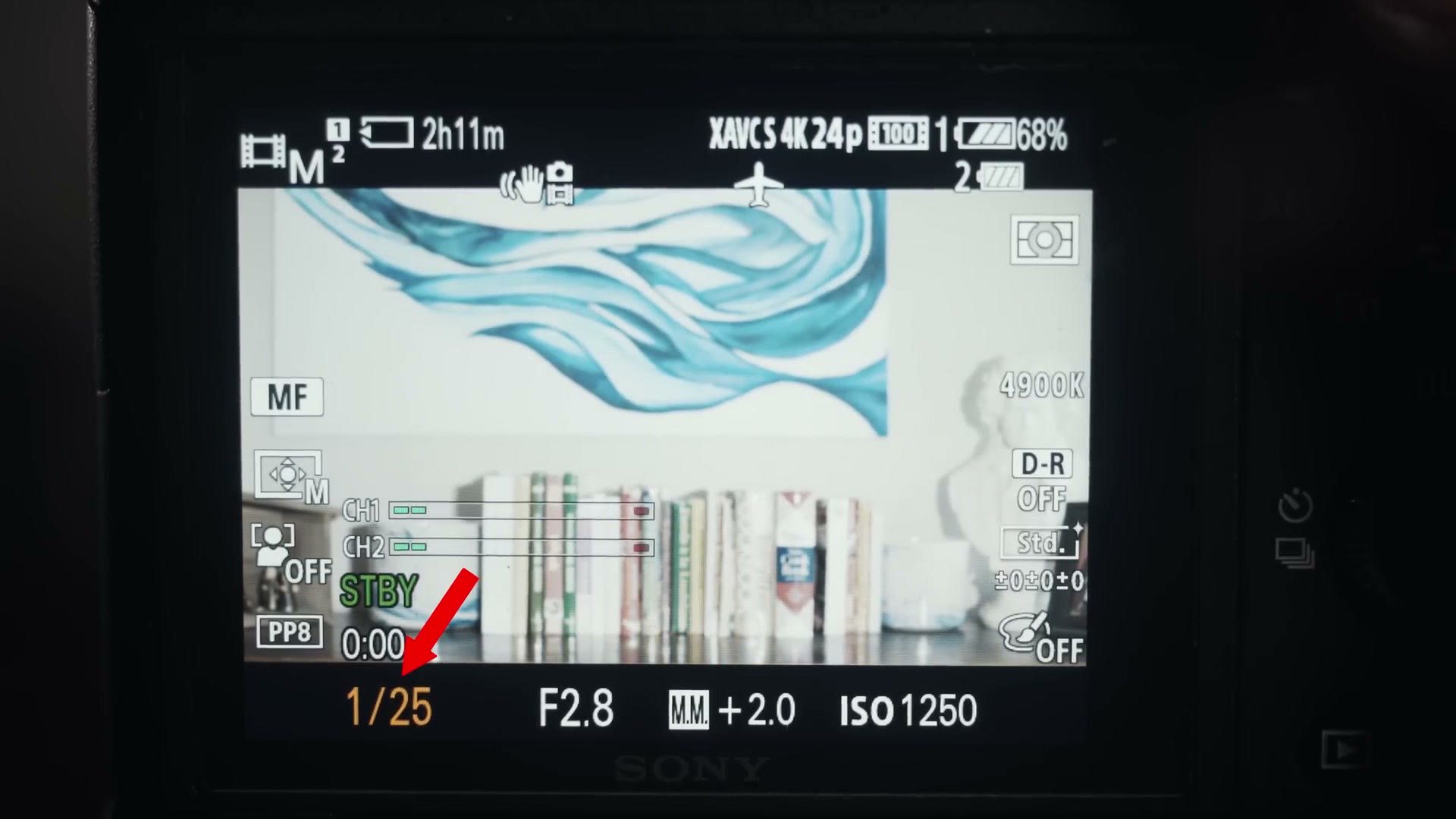
Low Shutter Speed
The lower your shutter speed, the brighter things look, because you’re letting more light into each frame.
You’re probably thinking, okay great Matt, I want things bright in my videos, so I’ll keep my shutter speed low. Awesome. Well, hold on, because there’s one other thing to keep in mind.
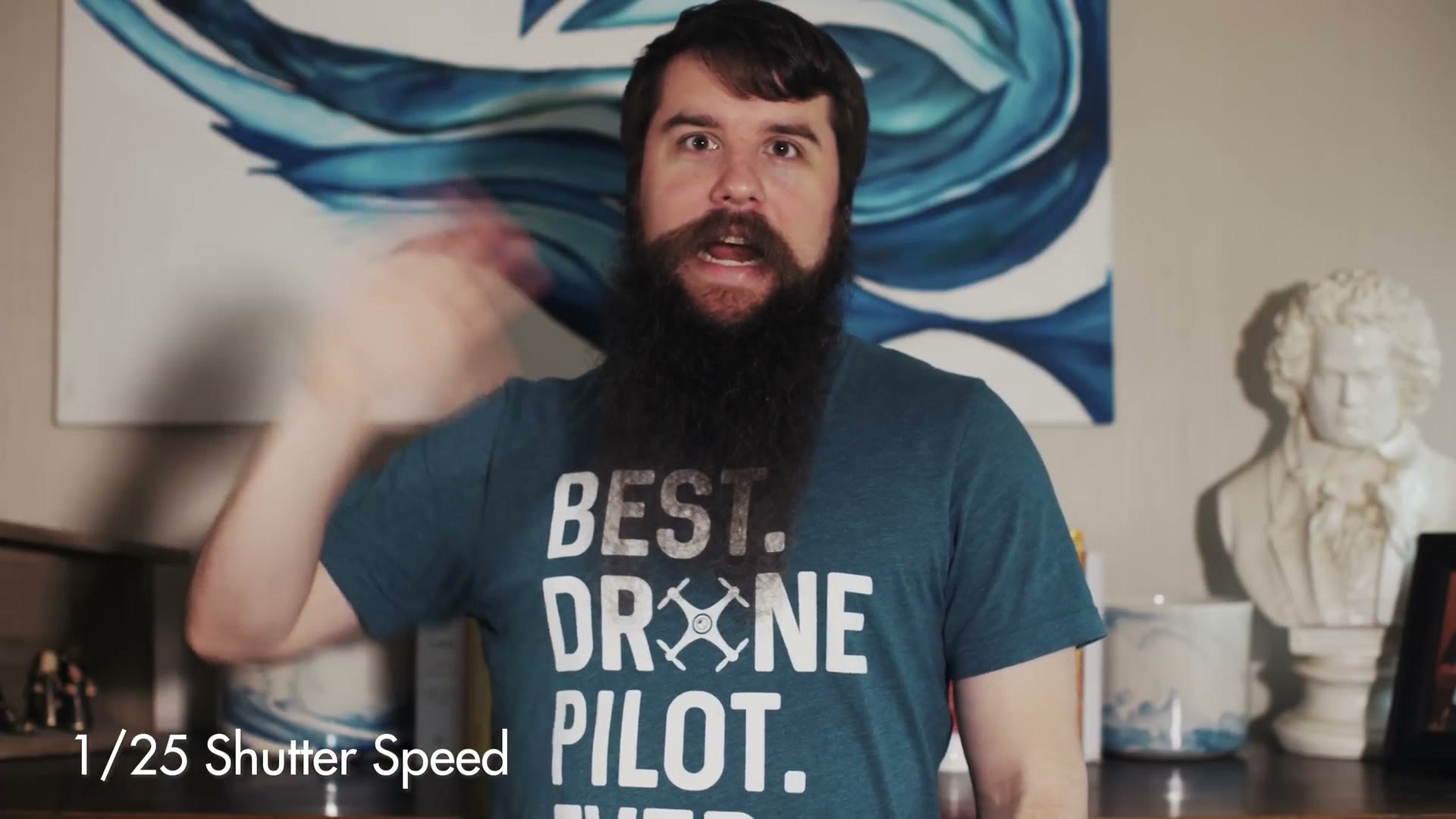
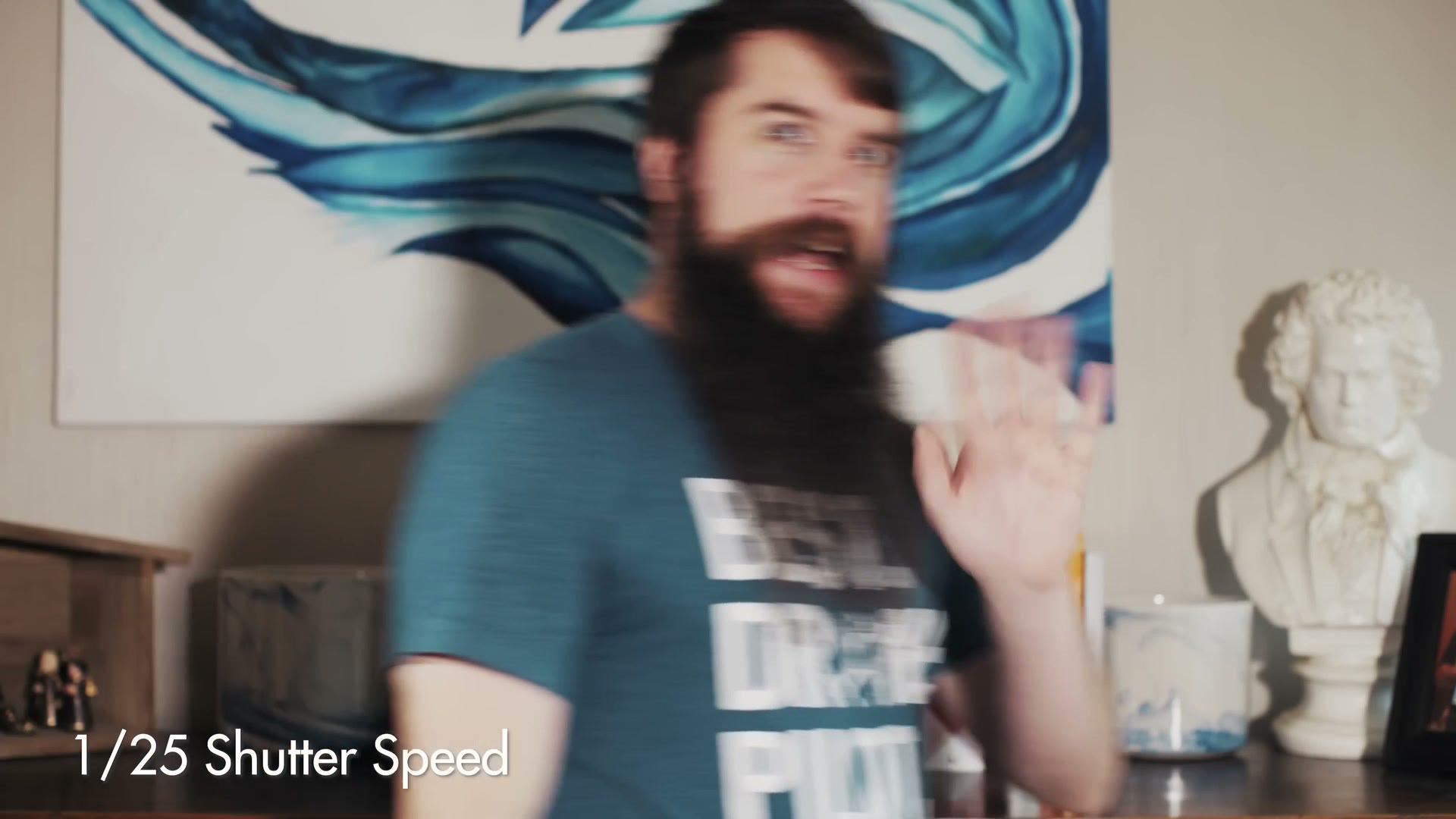
The lower you set your shutter speed, the more motion blur you introduce into every frame, because the shutter is being held open longer. Set it to 1/25th for a 24fps video and you’ll see a lot of blur any time something moves.
High Shutter Speed
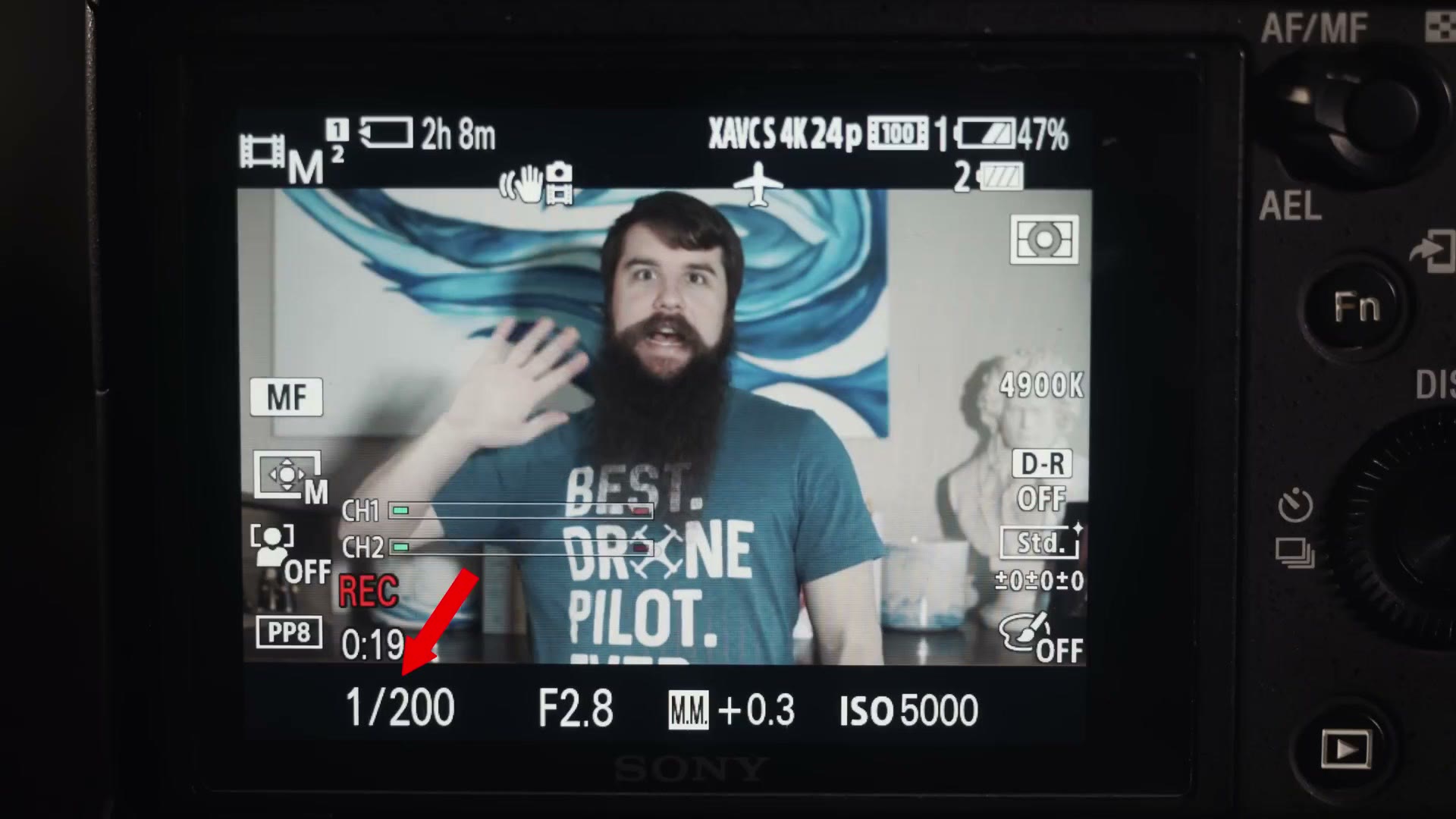
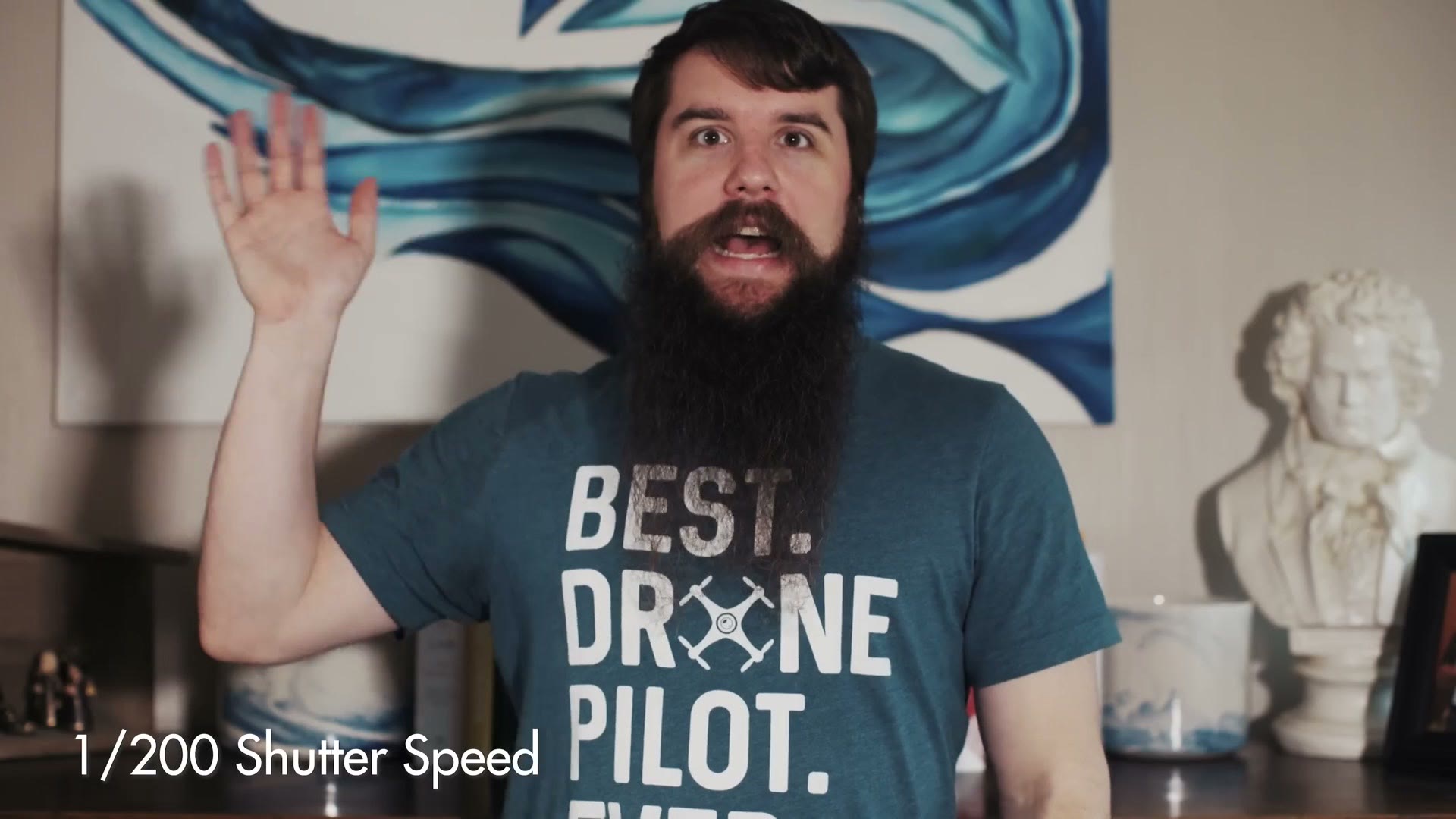
Go the other way, to something like 1/200th of a second, and your image will have basically no motion blur at all. It’ll also be much darker.
Shutter Speed Rule
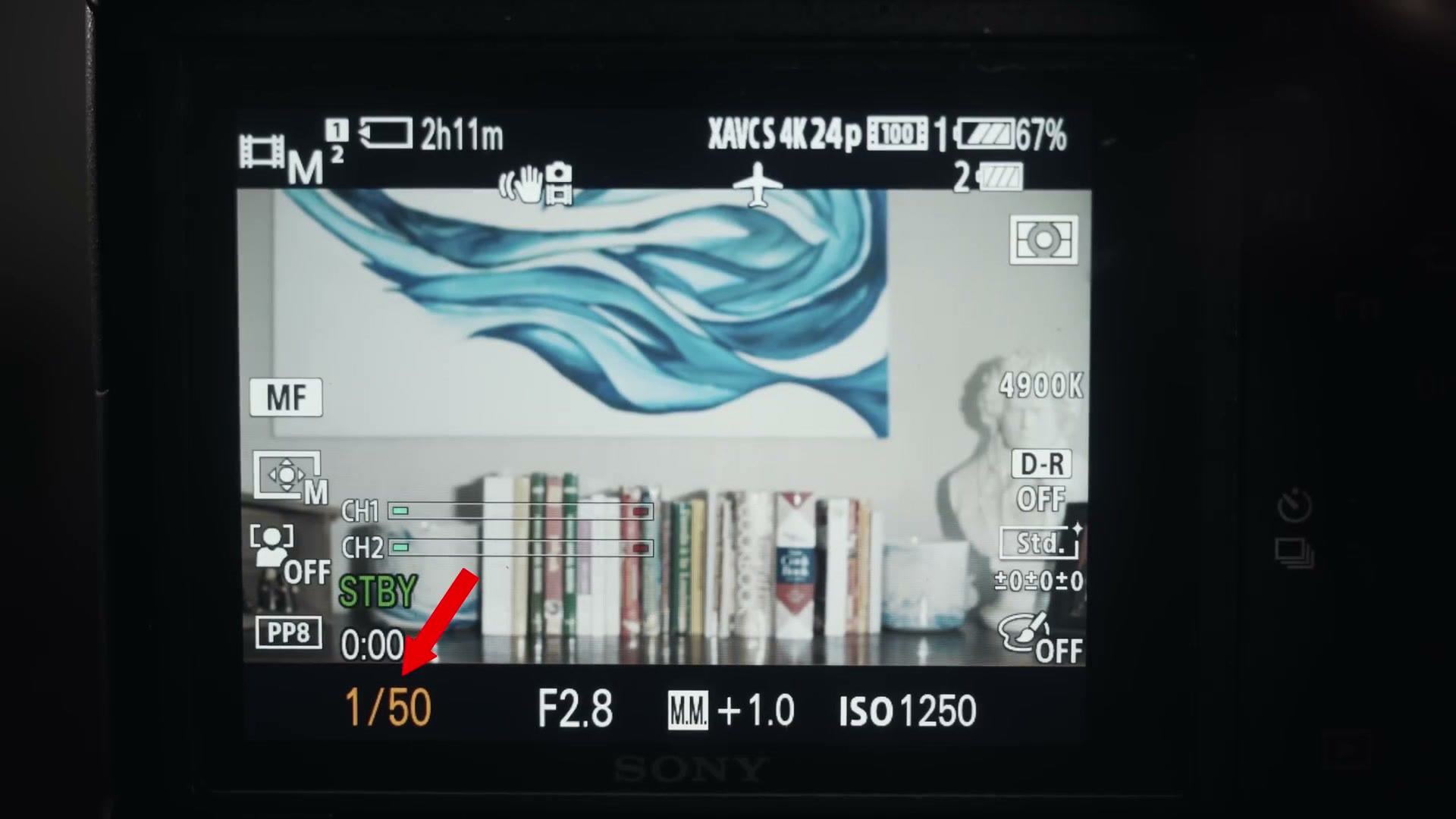
Keeping all of that in mind, the general guideline most filmmakers follow is to keep your shutter speed at double your frame rate, which gets you a nice mix of motion blur and sharpness.
So if you’re shooting 24 frames per second, set your shutter to 1/50th.
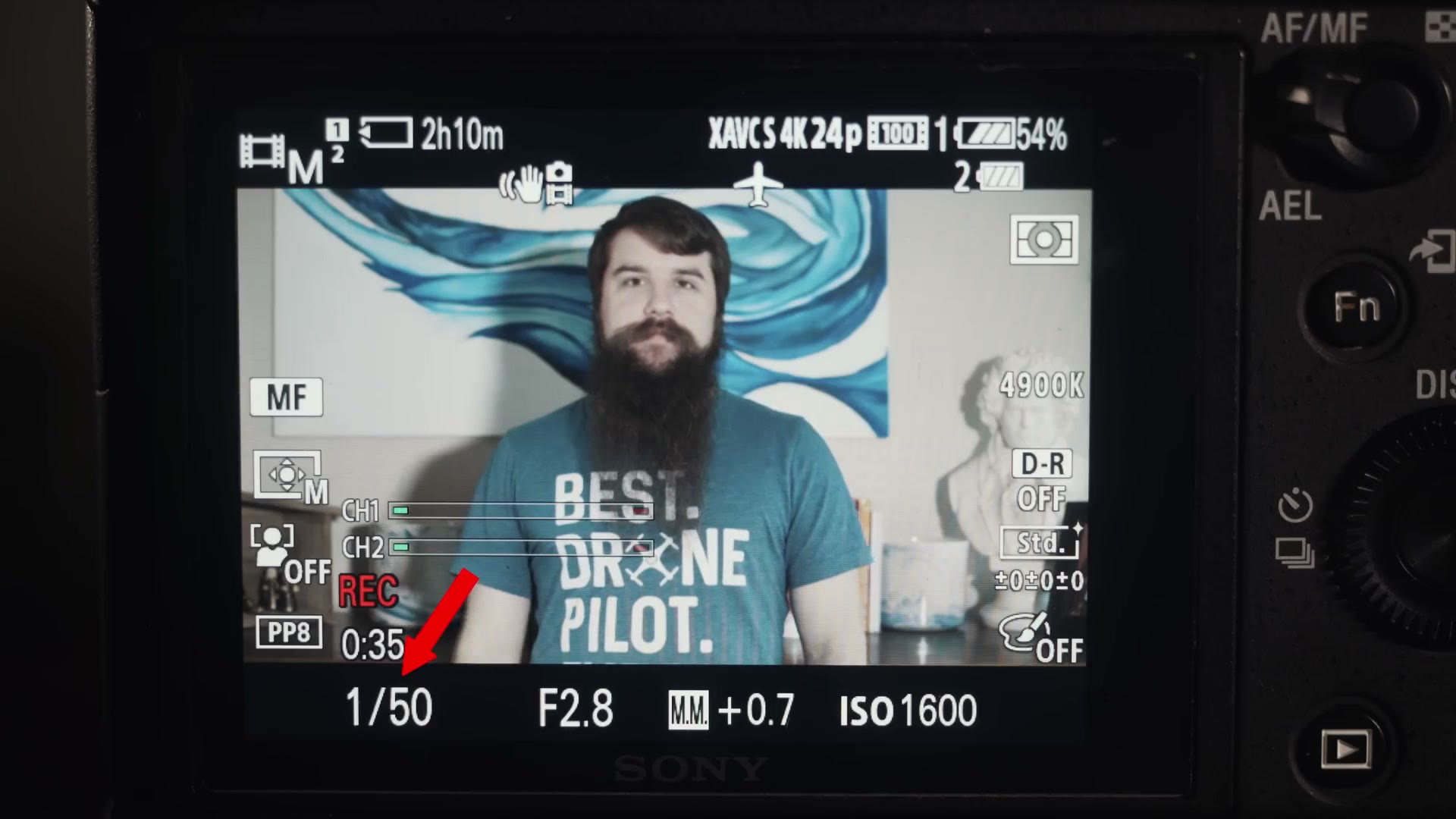
“Matt, isn’t 24 times two 48? Shouldn’t I be picking 1/48th?” Unfortunately most DSLRs and mirrorless cameras only offer 1/50th, not 1/48th. I wouldn’t worry about it. It’s close enough.
Two more things and then we’re done.
When I’m shooting at higher frame rates like 60fps, I aim for 1/125th, which is roughly double 60. But because there’s so little motion blur at a shutter speed that high, your video won’t look any different if you go higher still. So when I’m filming outdoors at 60fps or above in the bright Texas sun and 1/125th is still too bright, I’ll push the shutter to 1/500th or 1/1000th or wherever I need it to expose properly.
What about the lower frame rates, 24 or 30, where you can’t just crank the shutter without breaking the rule? In that case I’d recommend investing in a good variable ND filter. I reviewed a variable ND filter adapter, and the filters I actually use are in my filmmaking kit. If you are swapping filters between lenses all day, there are much faster ways to get an ND on and off.
The One Rule You Should Not Break
Last thing, and this is the one you want to follow unless you really want to ruin your footage.
Never set your shutter speed lower than your frame rate. If you’re shooting 24 frames per second, don’t drop below 1/25th to 1/20th or 1/10th.
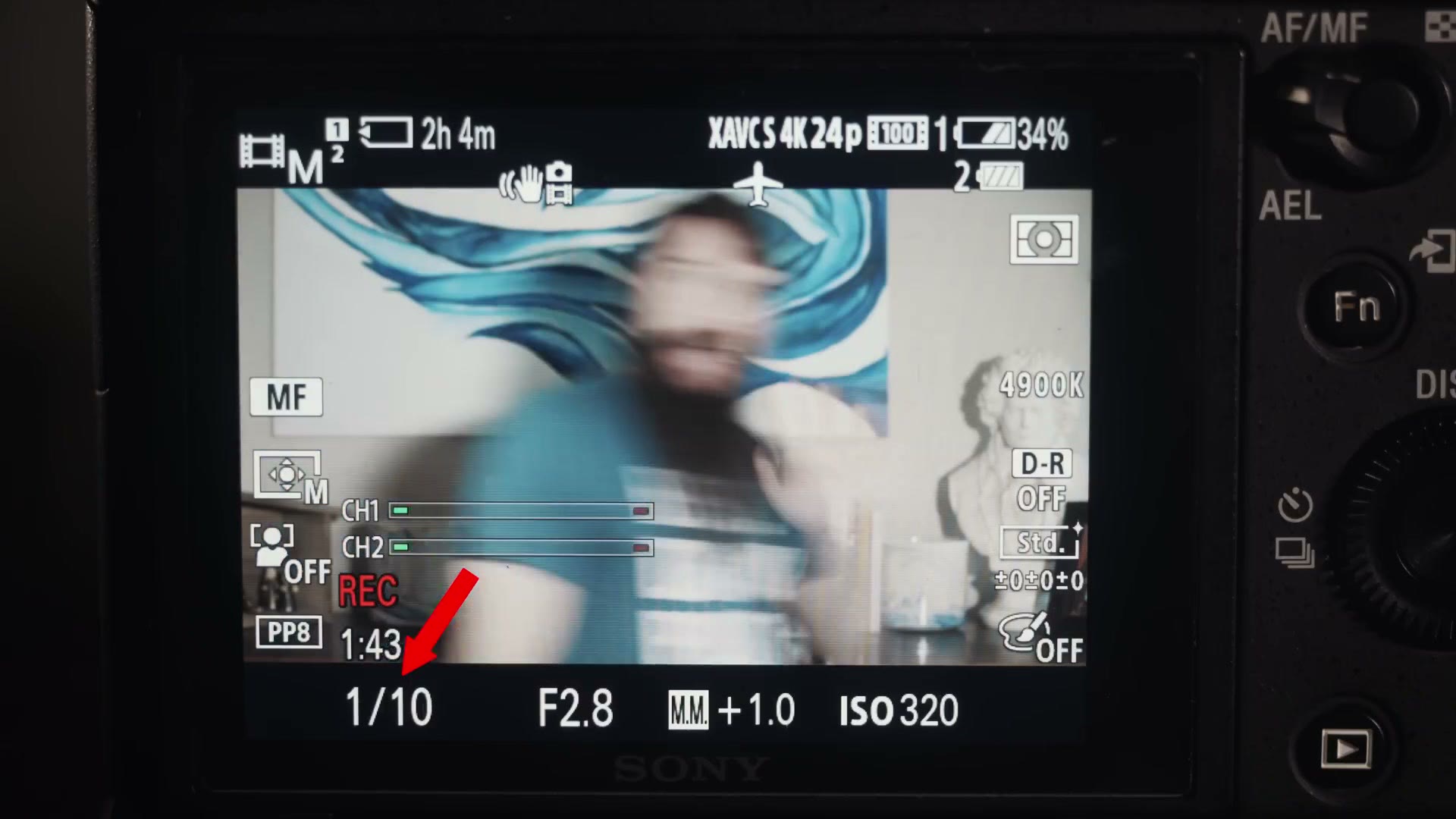
Do that and you essentially break your footage, introducing all kinds of weird motion blur that as far as I know isn’t fixable without reshooting.
And that’s shutter speed.
Keep Going
Let me know in the comments on the video what you think of this no fluff, camera basics as fast as possible format.
I’ve also got one on frame rates, which is the other half of everything above, and one on white balance. Once you’ve got the settings sorted, my LUTs handle the color, and if you want to get faster at the edit, my wedding film editing course is here.