
You’ve just bought or built a new computer for video editing and you need a monitor. It needs to be color accurate, because you don’t want your videos coming out too cool or too warm. And most importantly, it can’t be too expensive.
Heck, if you had no budget at all you could go buy an Apple Pro Display XDR for a cool $5,000. Don’t forget the extra thousand for the stand.
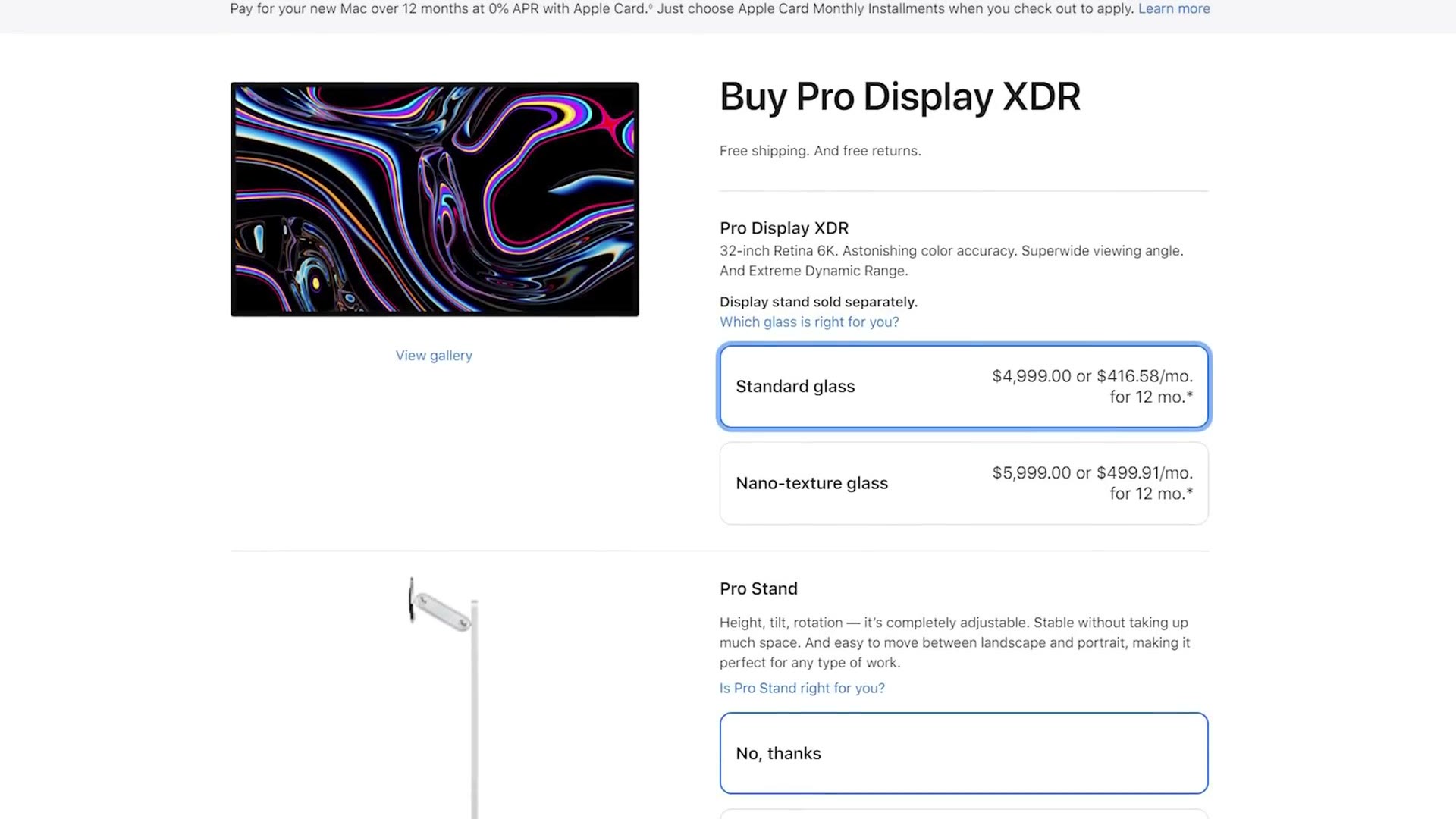
That’s kind of crazy, so let’s drop a zero off that price. Here are six budget screens at a range of sizes, resolutions and refresh rates, all somewhere between $239 and $500. Every one of them is on my gear page too.
24 Inch Monitors
Starting with the most affordable, at $239 at the time of writing, you have the Asus ProArt PA247CV. It’s nothing fancy, 24 inches, 1080p at 75Hz, but where it shines is that it covers 100% of the sRGB color space, which means it’s capable of displaying very accurate colors.
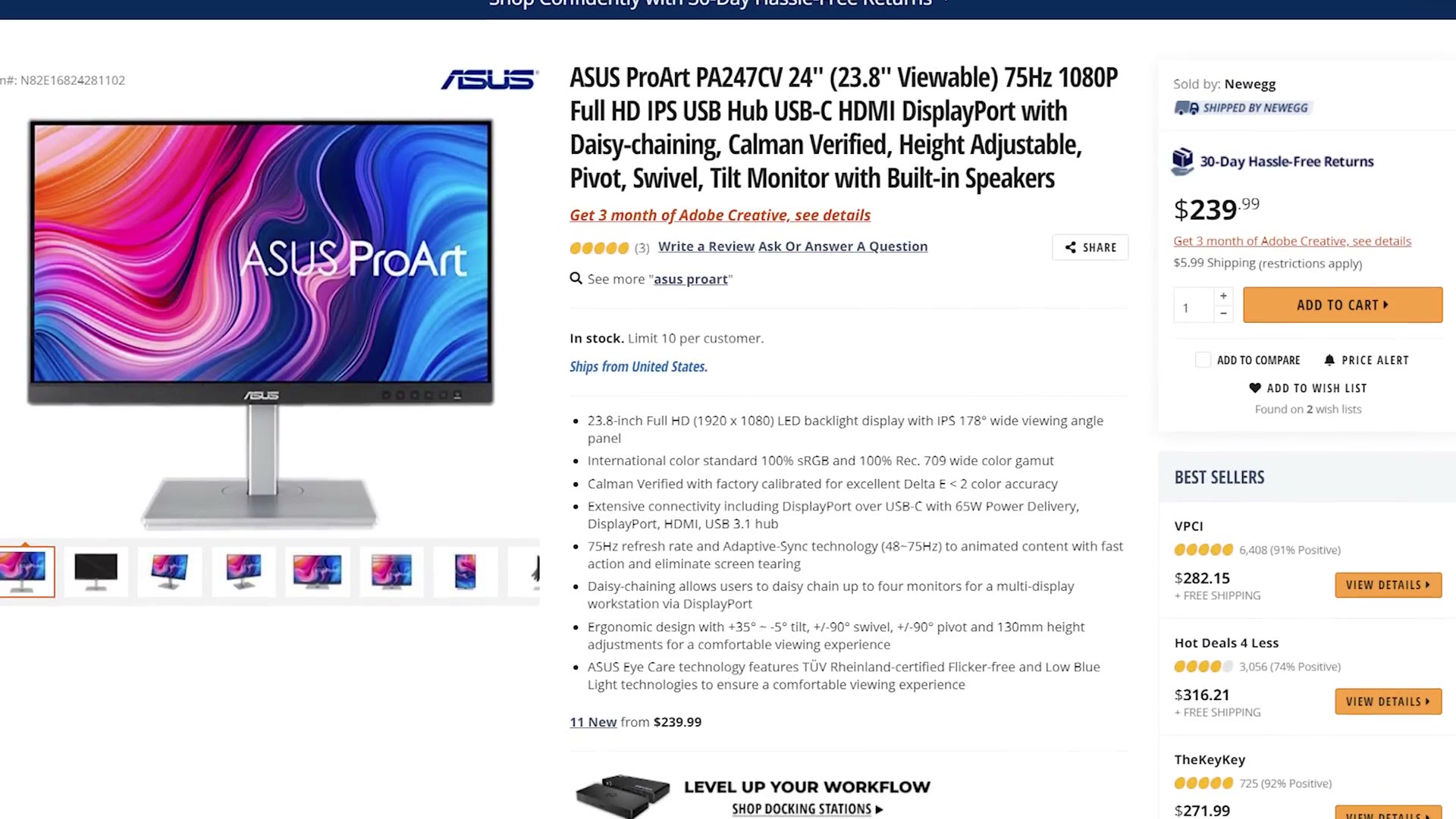
The only con I could find is that some reviewers had issues with color uniformity across the panel, so I’d definitely recommend picking up a color calibration tool alongside it. Honestly I’d recommend one regardless, because they keep your monitor accurate over time, and even when a manufacturer claims a display was calibrated at the factory, you can’t always trust that.
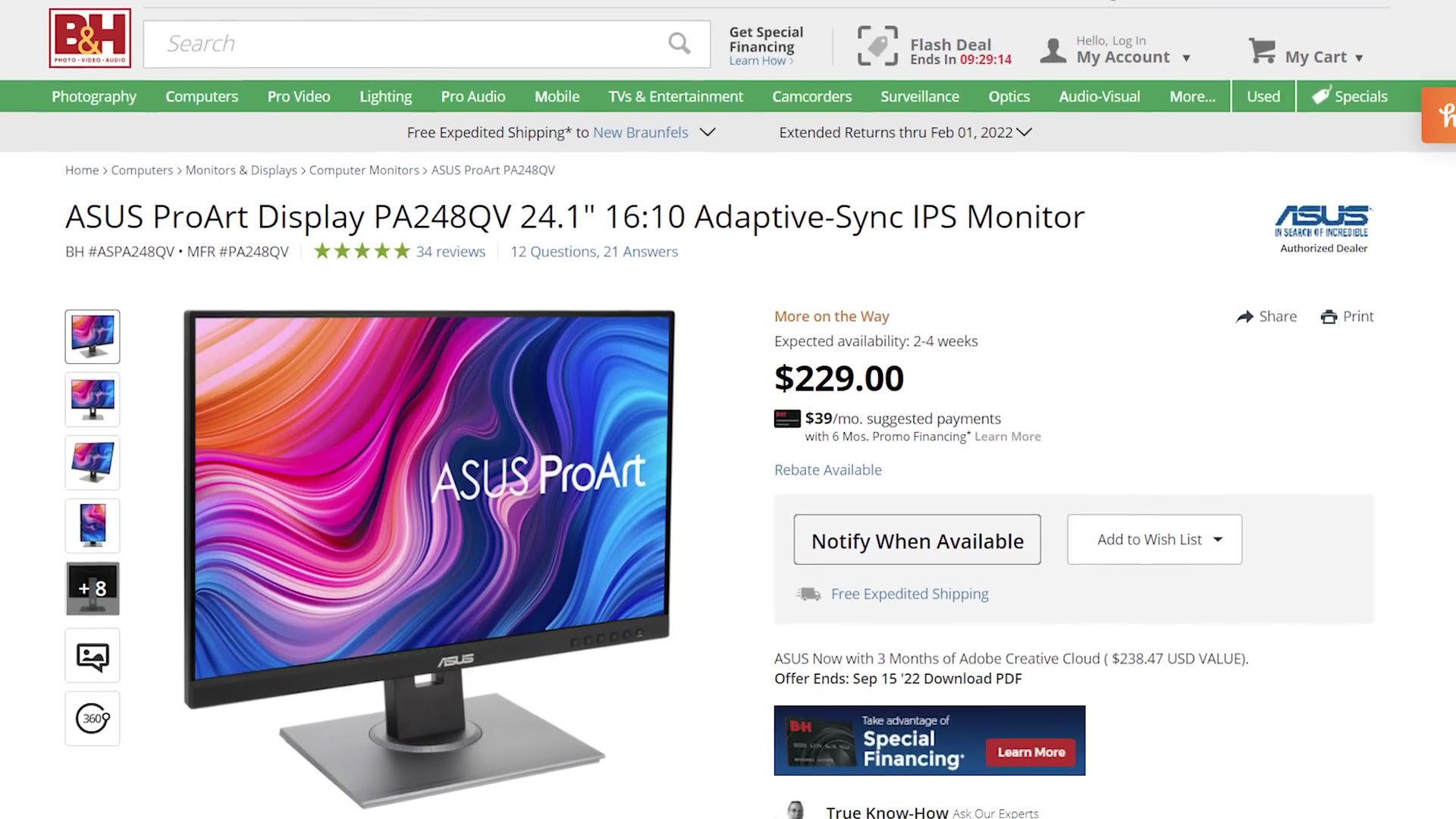
As an alternative, Asus also makes the ProArt PA248QV, which is very similar, the only real difference being that it’s a 1920×1200 16:10 panel instead of 1920×1080 16:9. It has a ton of great reviews, but it’s also sold out basically everywhere, which is why the first one is my main recommendation. If you see it come back in stock it’s a great choice, and it usually retails for about the same or a bit less.
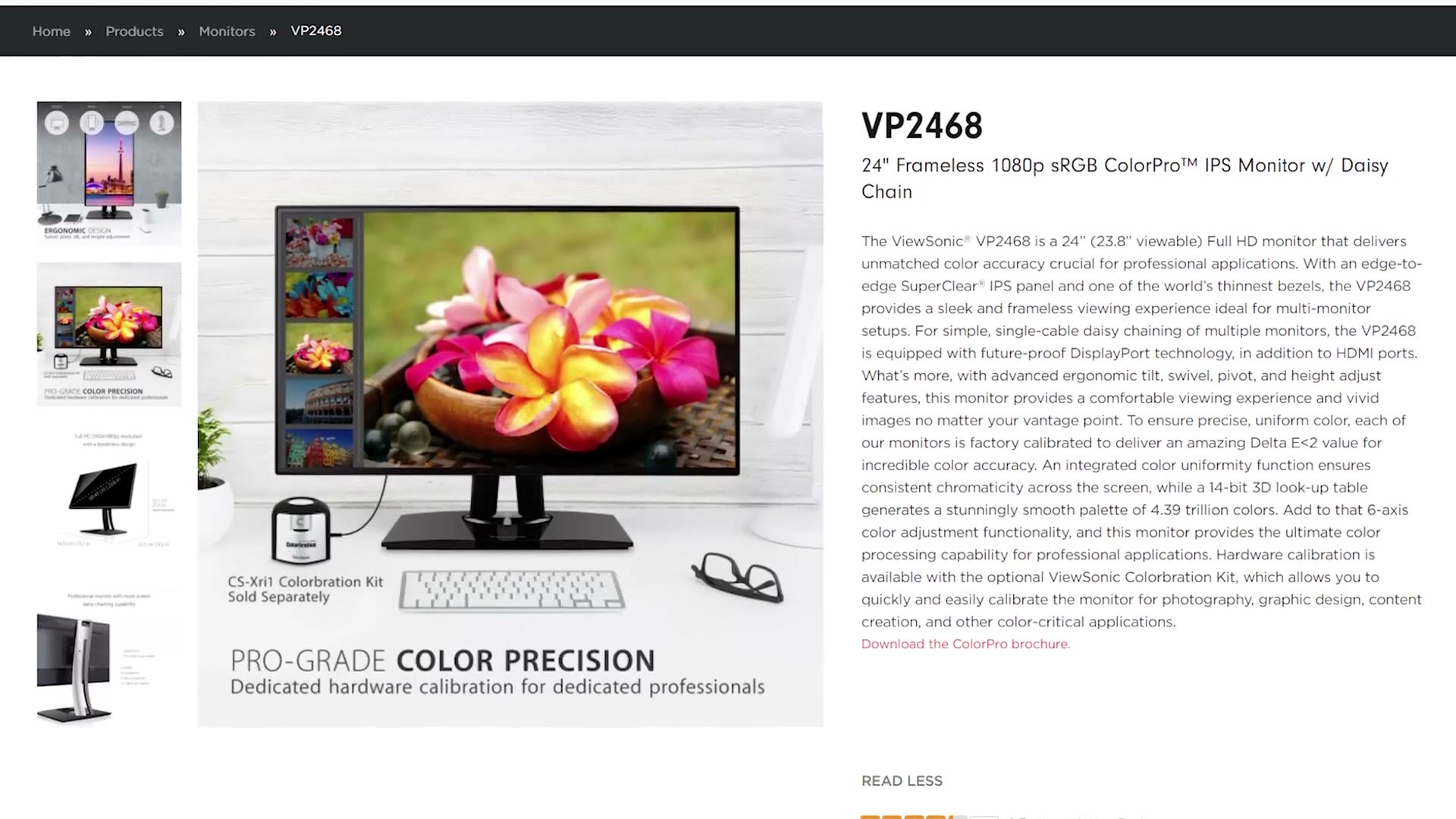
Moving away from Asus and up a bit in price, the next one is the ViewSonic VP2468. Like the Asus it’s a 24 inch 1080p panel with 100% sRGB coverage, at 60Hz, and it comes in a bit higher at $279.

What makes it different is that it supports hardware color calibration using a built in 14-bit 3D LUT. If you’re not sure what that means: whenever you calibrate this monitor with a calibration tool, that calibration gets saved to a chip inside the monitor itself rather than only in your computer’s software. That gives you a higher quality, more accurate calibration, and it’s something you usually only see on much more expensive displays, not on something under $300. I think that’s really great.
If I had to pick a 24 inch monitor for video editing, this is the one I’d take over the Asus.
27 Inch Monitors (Video Editing & Gaming)
Jumping up to 27 inches, this next one is what I’d buy if you want to both edit video and game.
Surprisingly, Gigabyte has come out with a rather impressive all rounder called the M27Q, at $319. You get a 2560×1440 screen that covers 100% of sRGB and 92% of DCI-P3, so it should be very color accurate for editing.
Where it excels for gaming is AMD FreeSync Premium with a 170Hz refresh rate, which is incredibly fast, and if you’ve got the graphics card for it your games will play like butter.
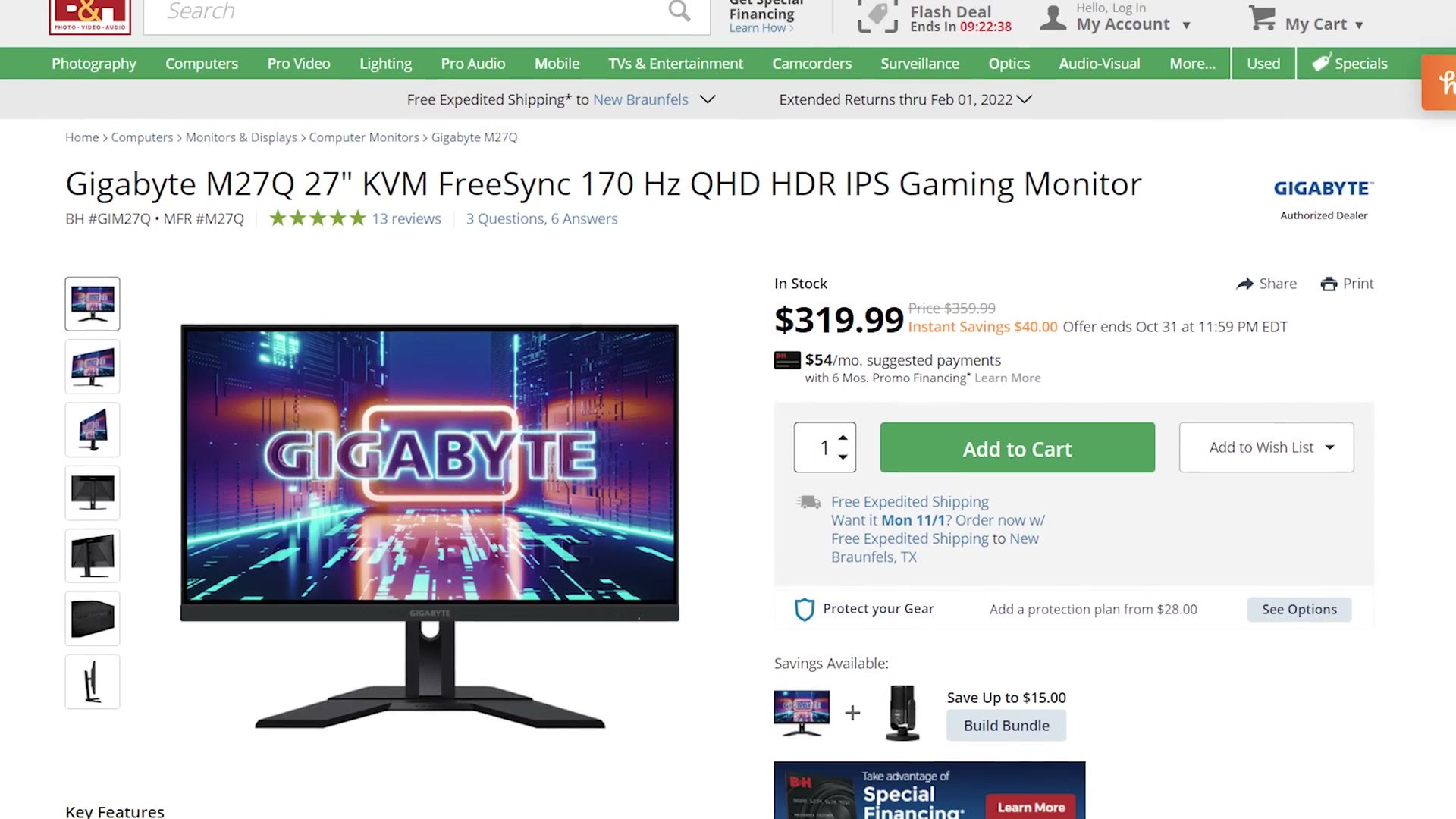
If you want a well rounded monitor that gives you a good mix of resolution and color accuracy while also being excellent for gaming, this is my top pick out of everything here.
One more 1440p option before we get to 4K, and we’re back to Asus with the ProArt PA278QV. Very similar to the 24 inch ProArt from earlier, 100% sRGB and 75Hz, but with a nice bump to 2560×1440, also at $319.
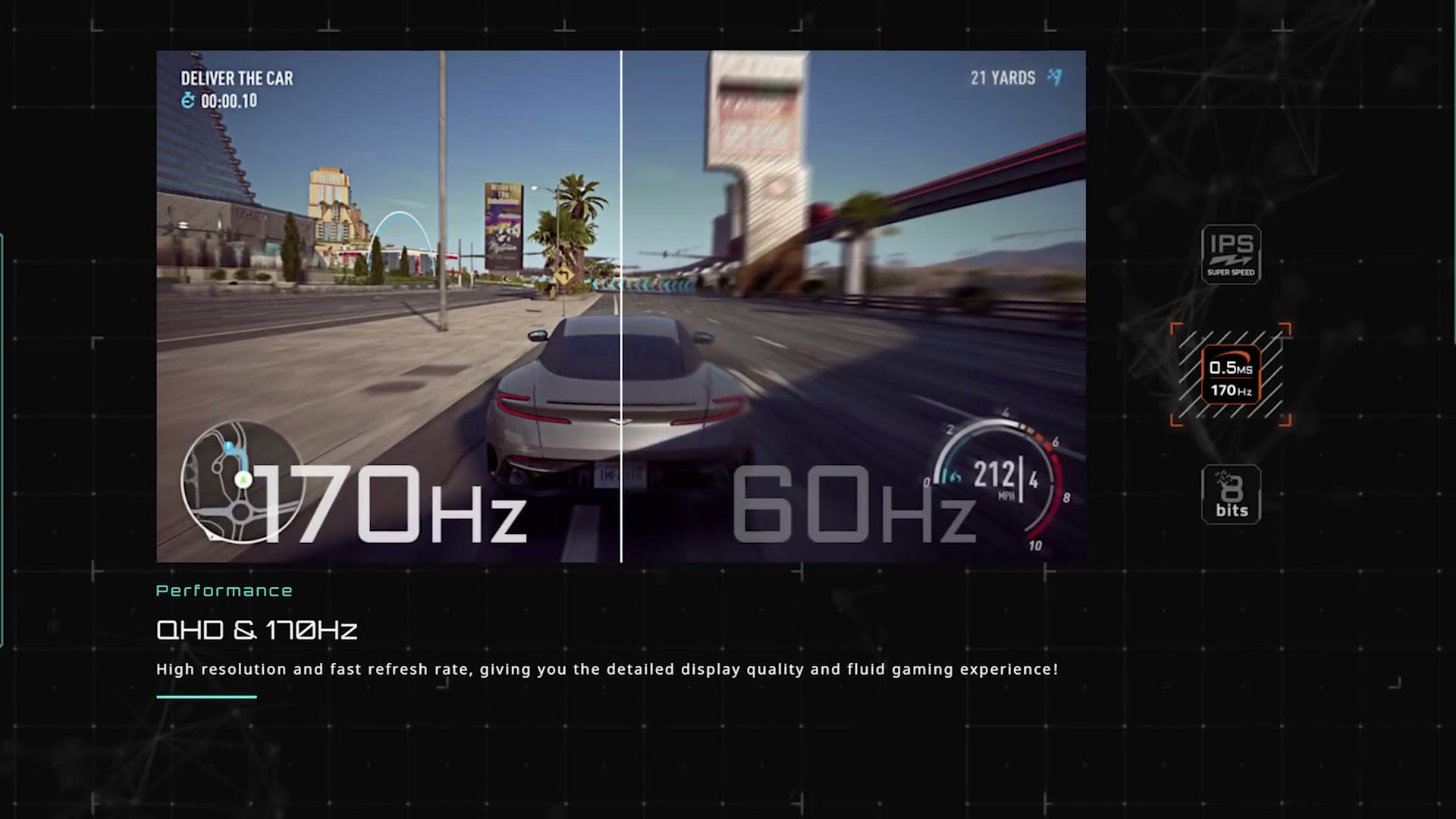
I don’t necessarily think it’s better than the Gigabyte. But if the Gigabyte is out of stock, or if you’re extremely anti gaming for some reason and you don’t even want a monitor capable of it, which, honestly, you can still game on the Asus, so that’s a dumb argument. Regardless, if you don’t want the Gigabyte, the ProArt is pretty good too and it’s the same price.
Alright. Are you ready for 4K?
We finally made it, and I have another well rounded monitor that’s good for editing and can also game. That’s the LG 27UK650-W, a 3840×2160 4K display covering 99% of sRGB. Close enough to 100, I think. It refreshes at 60Hz and comes in at $429.
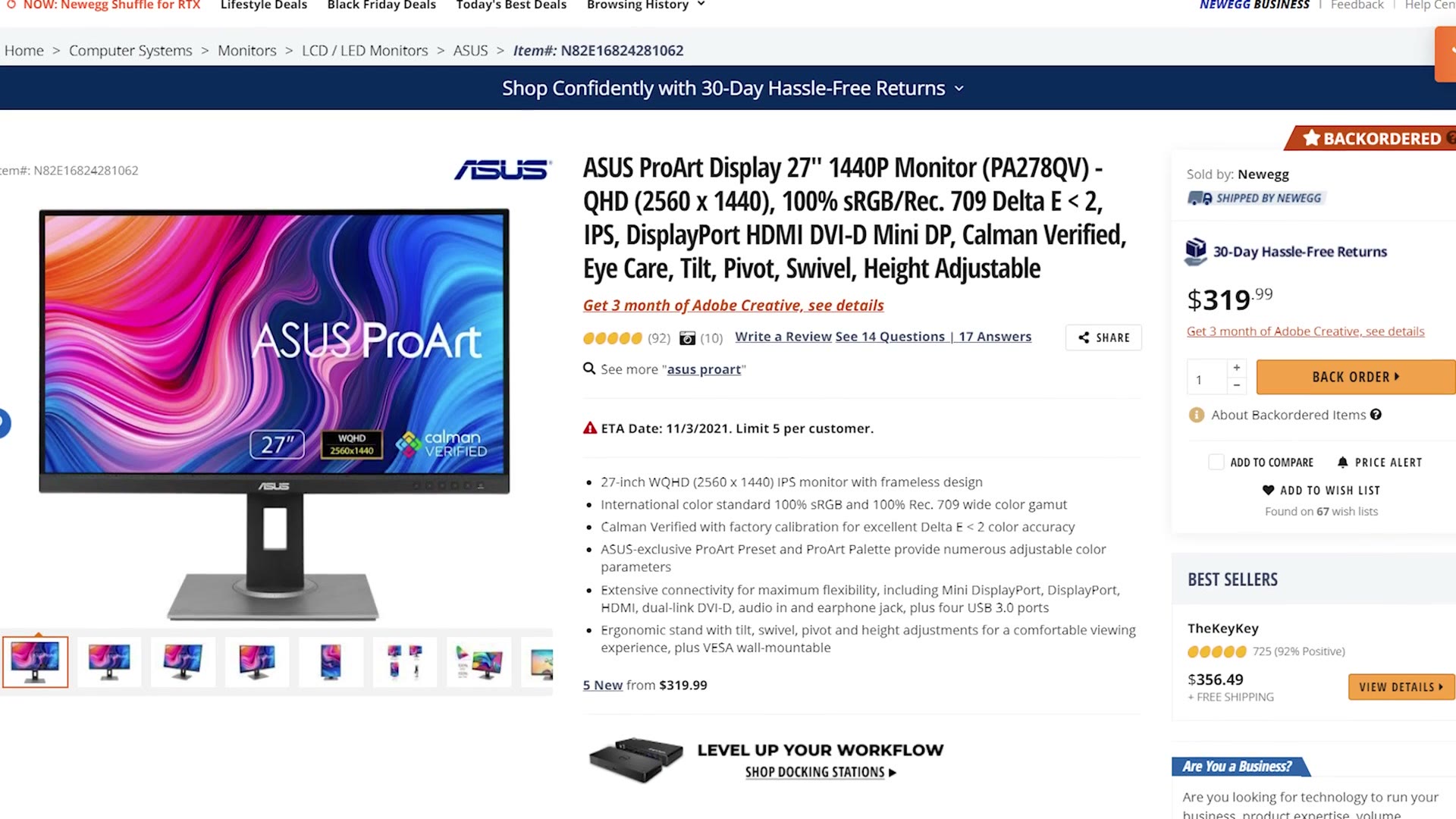
Where are the gaming features, Matt? It’s only 60Hz, that sounds kind of dull. Well, just like the Gigabyte, this LG supports AMD FreeSync, so with the right graphics card you get much smoother gameplay without screen tearing.
If you need a 4K monitor that’s also color accurate, this LG is one of the most affordable options I’ve been able to find, and the bit of gaming capability on the side is a plus.
Lastly, the final monitor, and we’re back to Asus again with the ProArt PA279CV, coming in right at $500. Yes, that’s expensive, which is exactly why I included the LG. But if you can’t find the LG, this ProArt is another great option, with a 3840×2160 75Hz display covering 100% of sRGB.

It should work very well, though if you want to do any gaming I’d still take the LG over it.
Don’t Forget A Color Calibration Tool!
As I said earlier, I really would recommend buying a color calibration tool regardless of which one of these you end up with. It’ll get you a more accurate screen, which really helps make sure the colors in your videos look their best.
And if you’re interested in building your own editing PC to go with the monitor, I’d highly recommend my build guides. They cover everything from budget to high end, and they aren’t difficult to put together. If you’d rather not build at all, there’s also a prebuilt guide.

The footage here is graded with my own color presets at whoismatt.com/luts, and if you film weddings, come join us in the Learn Wedding Filmmaking Facebook group.
Thanks so much for reading, and have a great day!