
You want to build a video editing PC, and then you look around and realize the prices for parts, especially graphics cards, are insane right now.
Contrary to what you may be hearing and seeing, it is actually possible to get a decently powerful computer with a good graphics card without breaking the bank. Intrigued? Okay. The secret is that you buy a prebuilt.
So here are some prebuilt computers capable of editing 4K video for under a thousand bucks. They’ll also be great for photo editing, music production, After Effects, 3D modeling, and even some gaming. Every one of them is listed together on my gear page.
$899 4K Video Editing PC
The first prebuilt I’d have you consider is the HP Omen 25L. It starts at $800 at the time of writing, with a six core, twelve thread Intel processor and an NVIDIA GTX 1650, which should be capable of editing 4K.
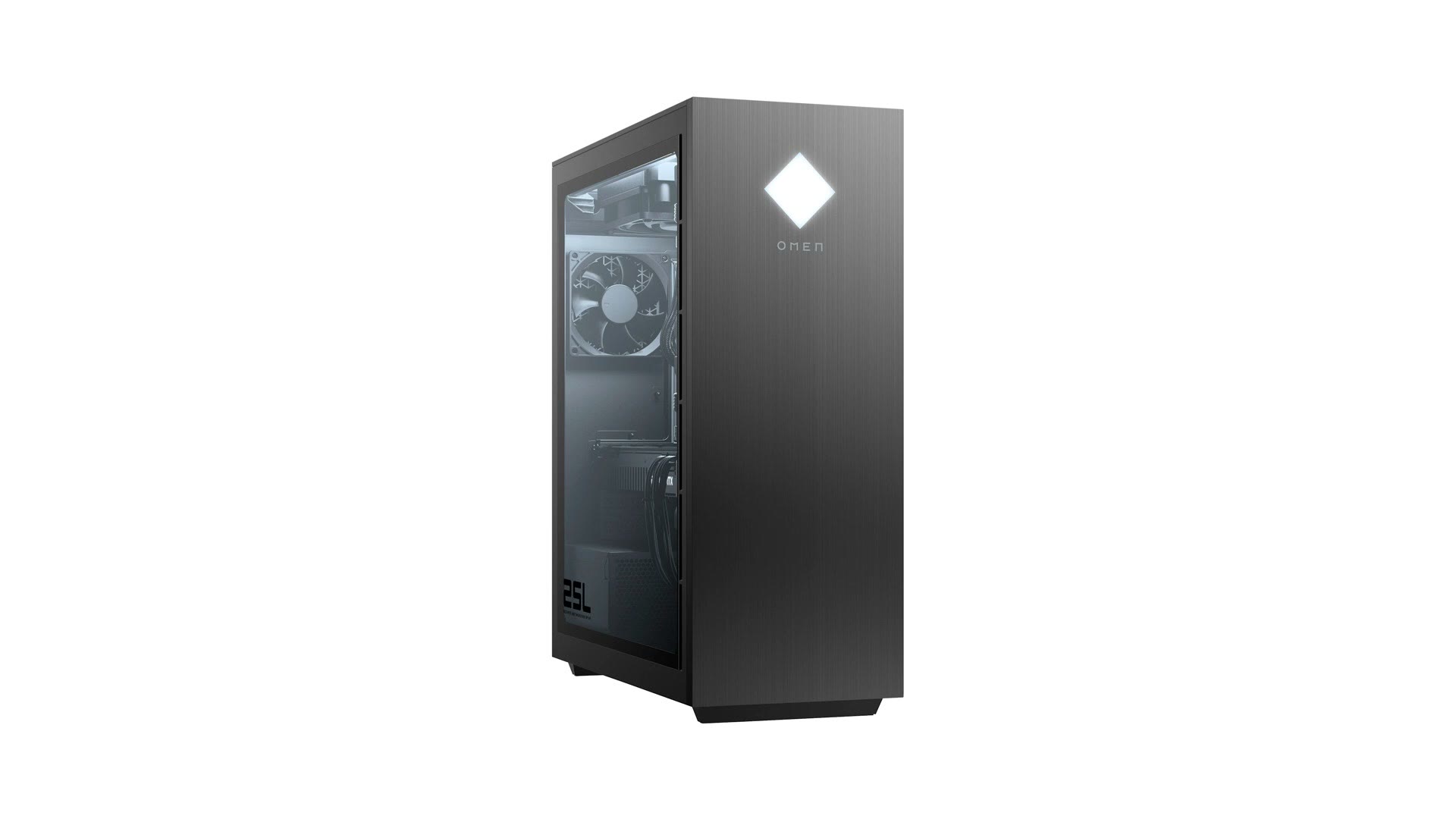
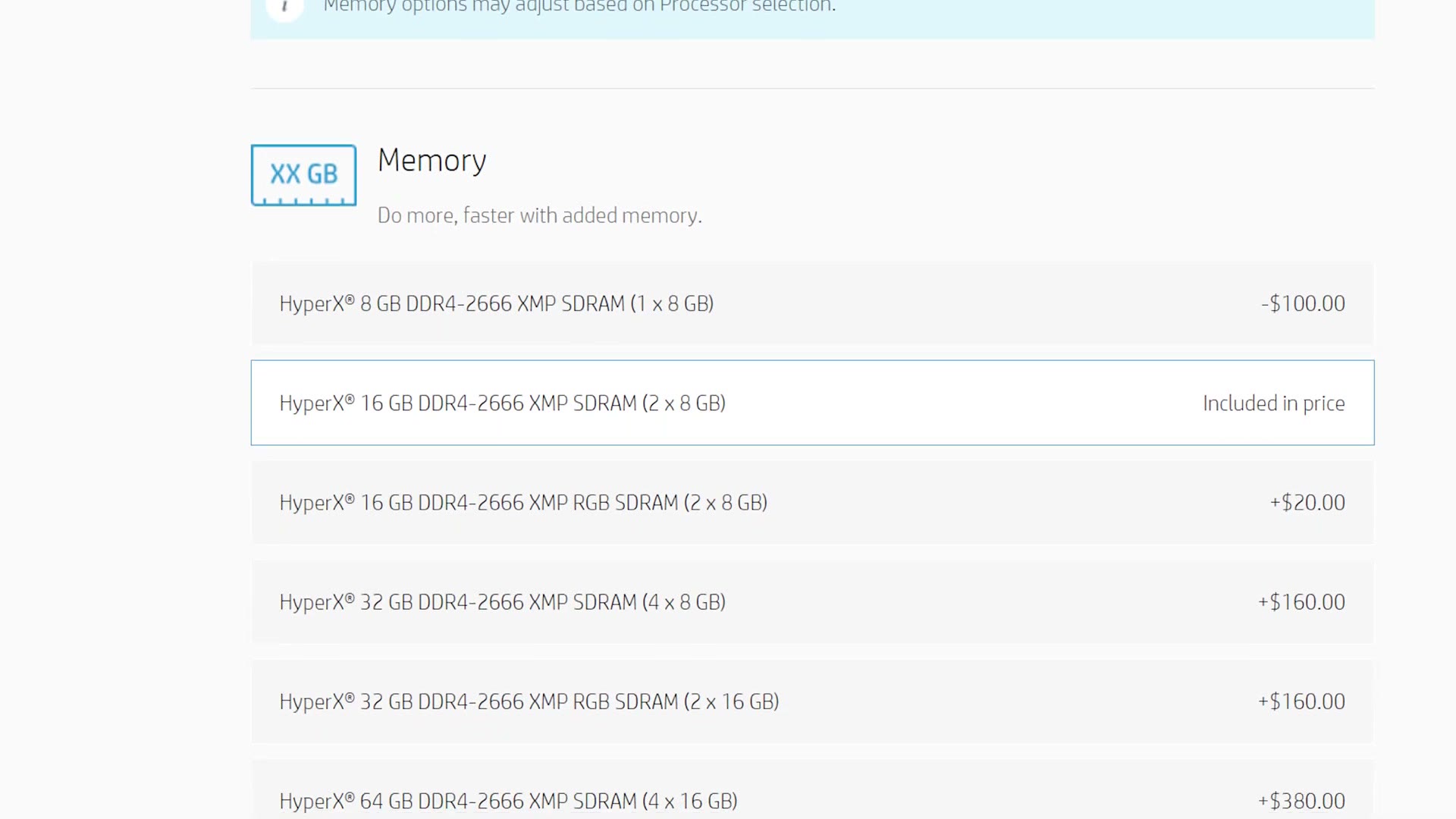
The only con is that it only comes with 8GB of RAM, and I really recommend a minimum of 16GB for video editing. So use HP’s configurator to bump it to 16GB for another hundred bucks, which brings the total to $900.
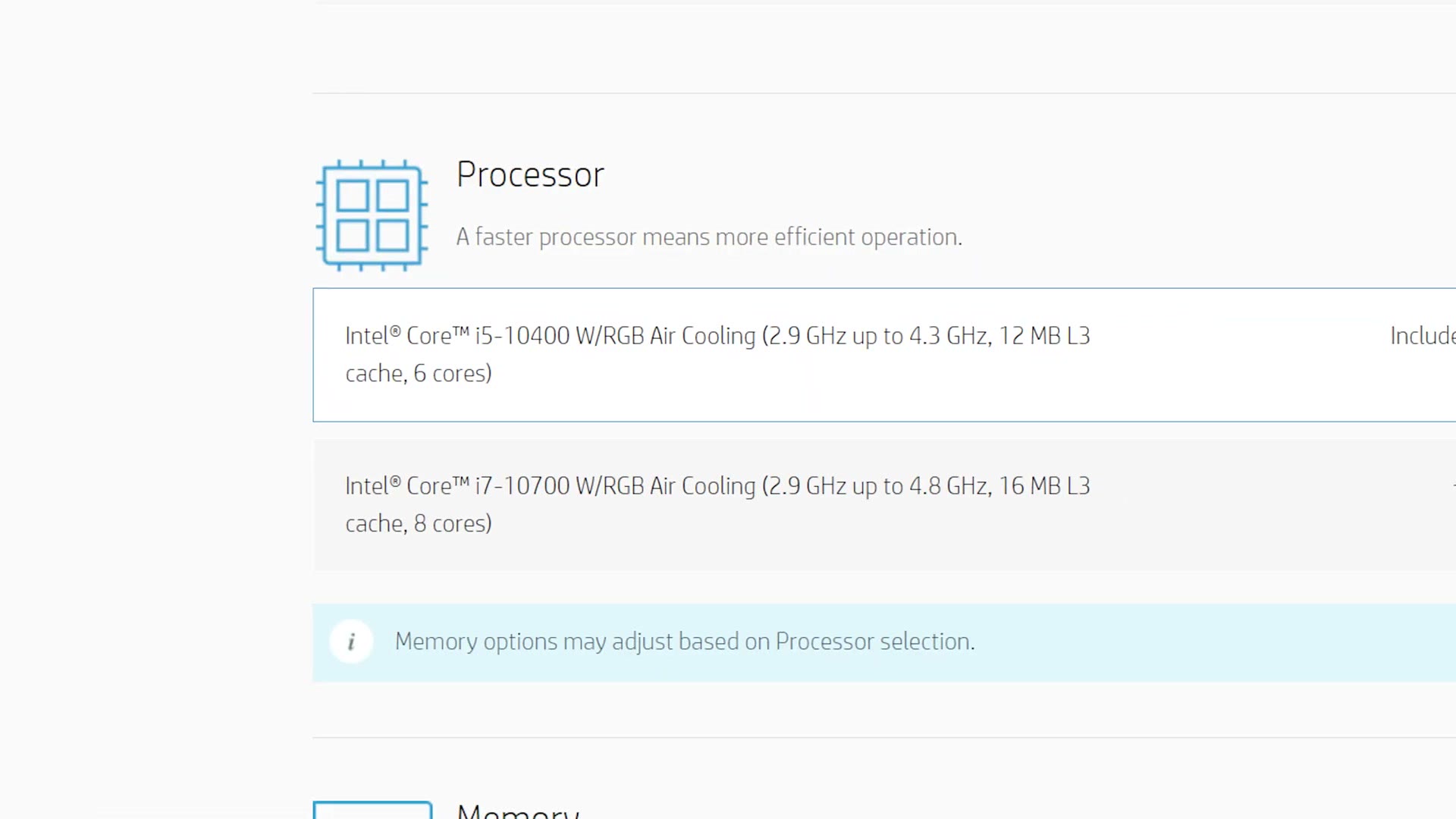
If you have more budget, I’d also upgrade the SSD to at least 512GB for only $40 more, and move up to the eight core CPU. Fair warning though, do both and the price goes over $1,000, so don’t go too crazy unless you want to spend a lot more.
$949 4K Video Editing PC
For the second recommendation we’re sticking with HP but heading over to Best Buy, which is another place HP sells their machines. This is still an Omen 25L with the same CPU, but it comes with an upgraded GTX 1660 Super, which is a pretty significant step up from the 1650.
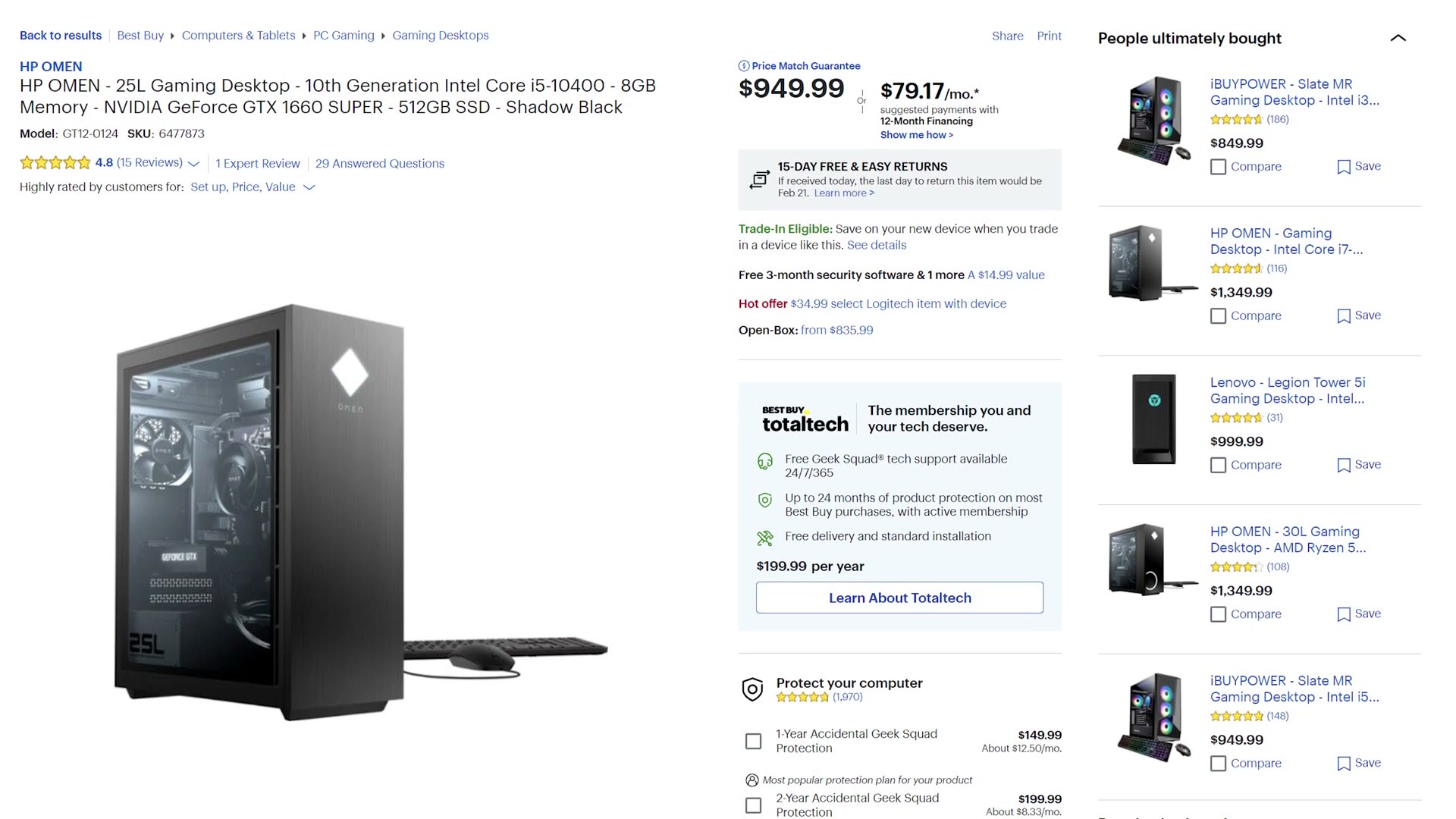
Most importantly, that card has 6GB of video memory versus only 4GB on the 1650, which will definitely help if you’re editing higher resolution footage. And if you want to game on it, it’s a significant upgrade there too, capable of pushing higher frame rates at higher resolutions.
It has the same catch though: only 8GB of RAM. It should be very user friendly to upgrade yourself, and RAM prices are still pretty reasonable, so you should be able to get to 16GB for under a hundred bucks. Without the upgrade this build is $950, and with it you’re looking at close to $1,000.
Another $949 4K Video Editing PC
One more from HP, and this is the Omen 30L. We’re also switching from Intel to AMD Ryzen here, with a Ryzen 5 5600X, six cores and twelve threads, plus a Radeon RX 5500.
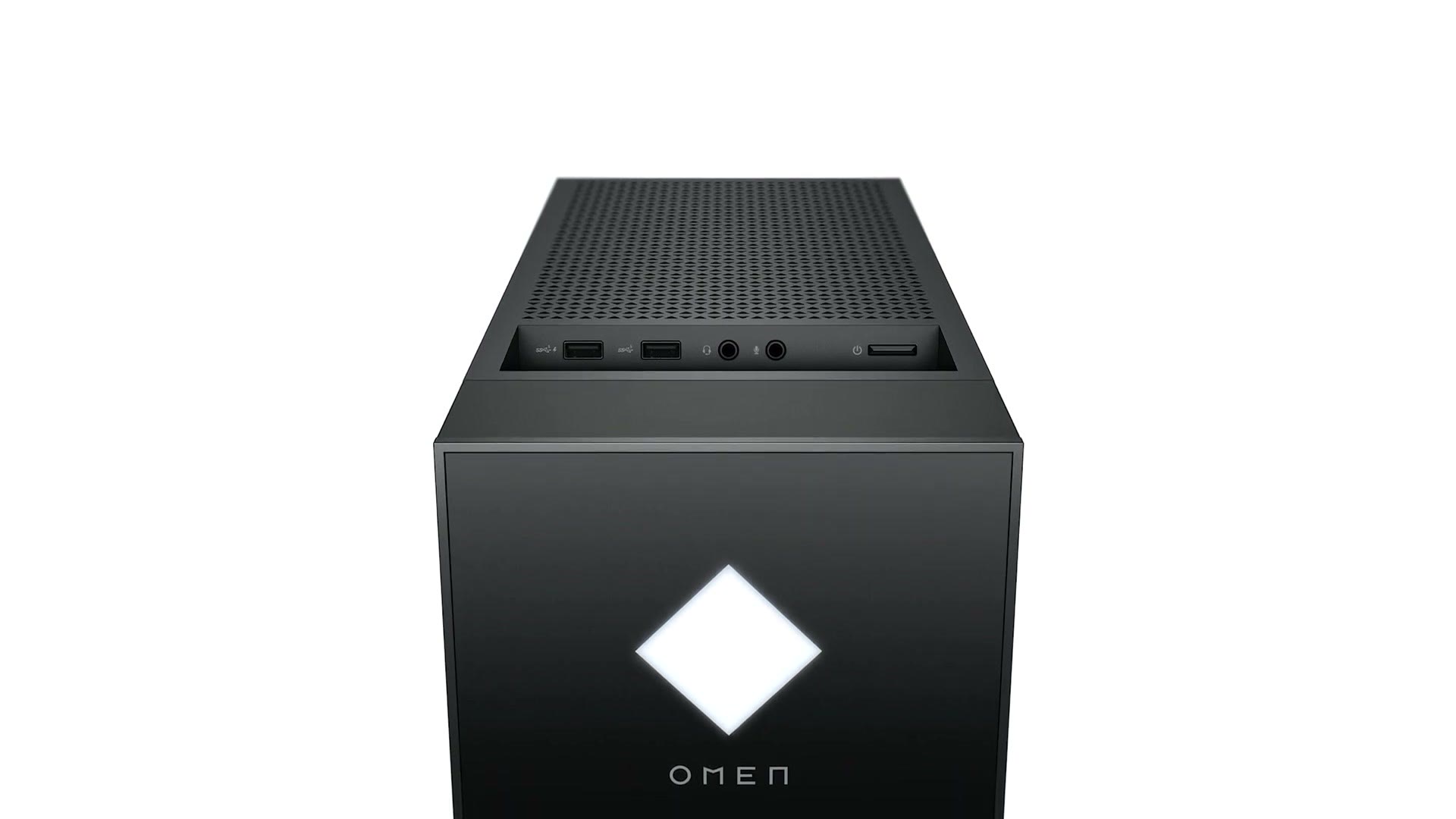
For video editing, all three of these builds should be pretty similar. If you want to game, I’d take the second option over this one.
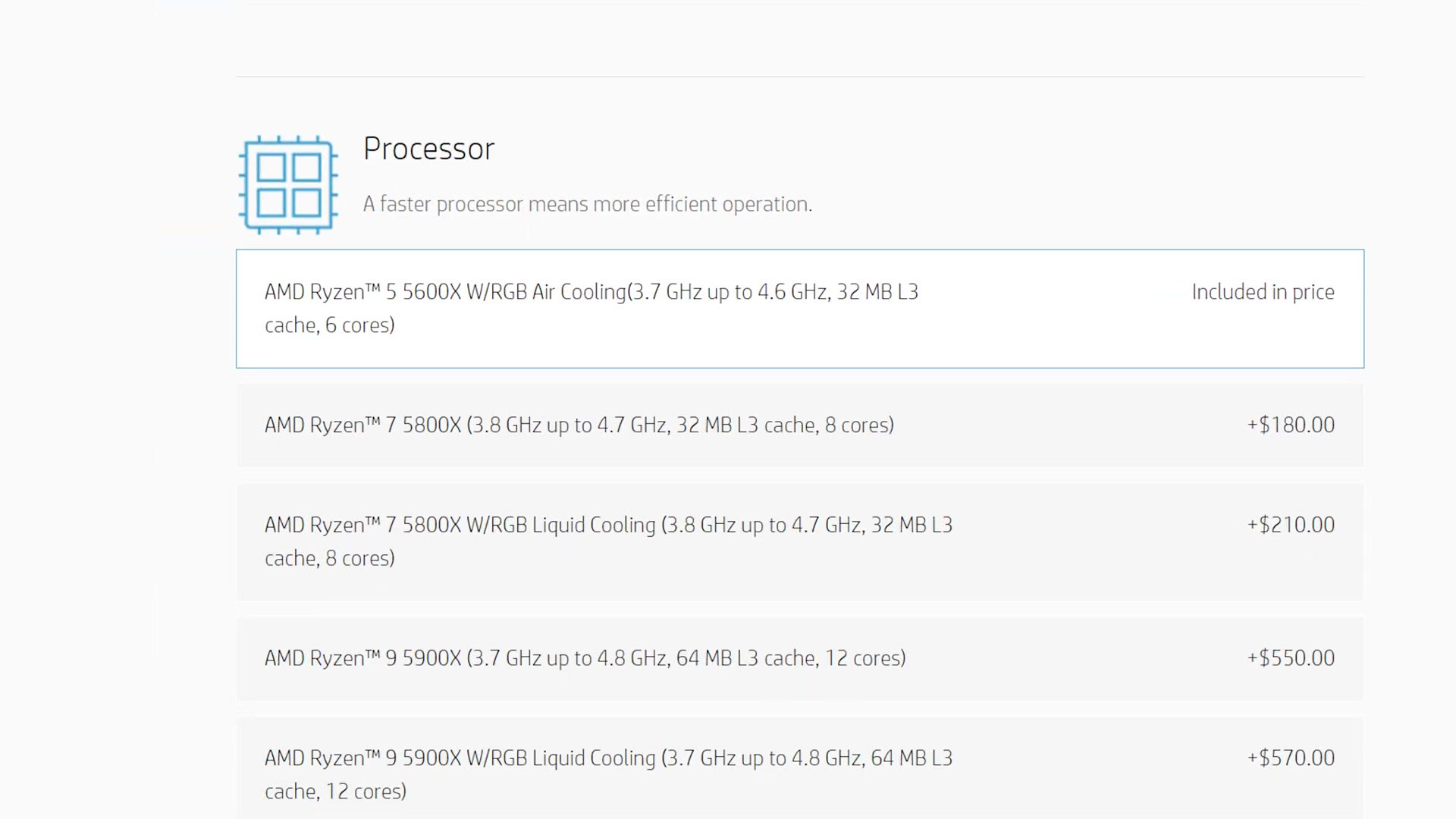
Same story on memory. You’re going from 8GB to 16GB, but you don’t have to do it yourself here, you can use HP’s configurator, and it’ll cost another hundred bucks, bringing the total to $1,050. Yes, that’s a little over budget, but if the other two are out of stock I still think this is a good choice.
Don’t forget the $40 SSD upgrade if you can afford it. And if you have more money, moving up to the eight core Ryzen 7 5800X will give you a very nice jump in editing speed.
$929 4K Video Editing PC
Finally getting away from HP, we’re back at Best Buy, but this time with Lenovo. The Legion Tower 5i at $930 is very similar to the HP Omen that Best Buy sells, but with a slightly newer Intel CPU that still has six cores and twelve threads.
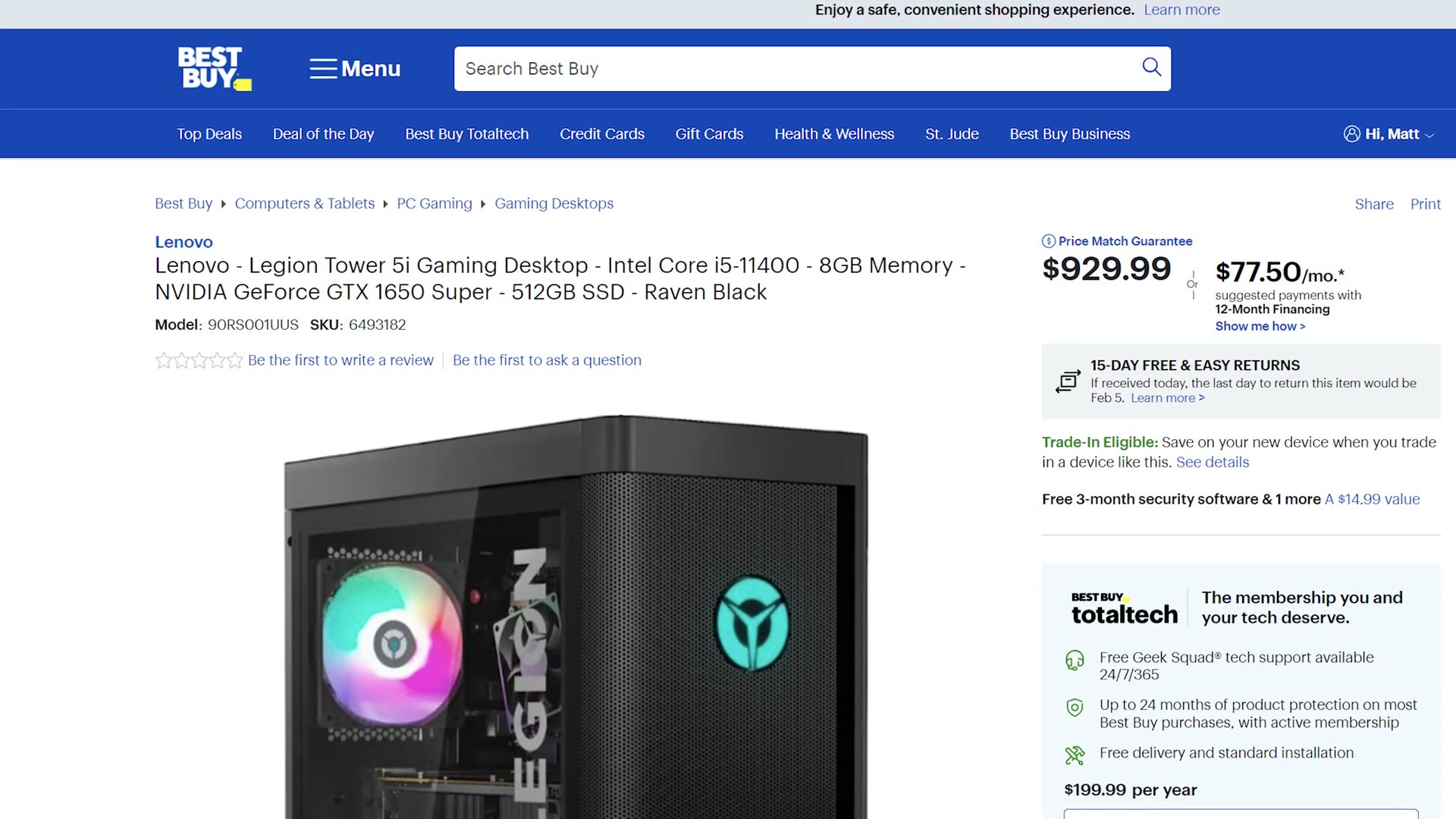
This one comes with a GTX 1650 Super, so it sits right between the first build’s 1650 and the second build’s 1660 Super. For video editing at $930, I don’t think that’s a bad choice at all, especially if the other options are out of stock.
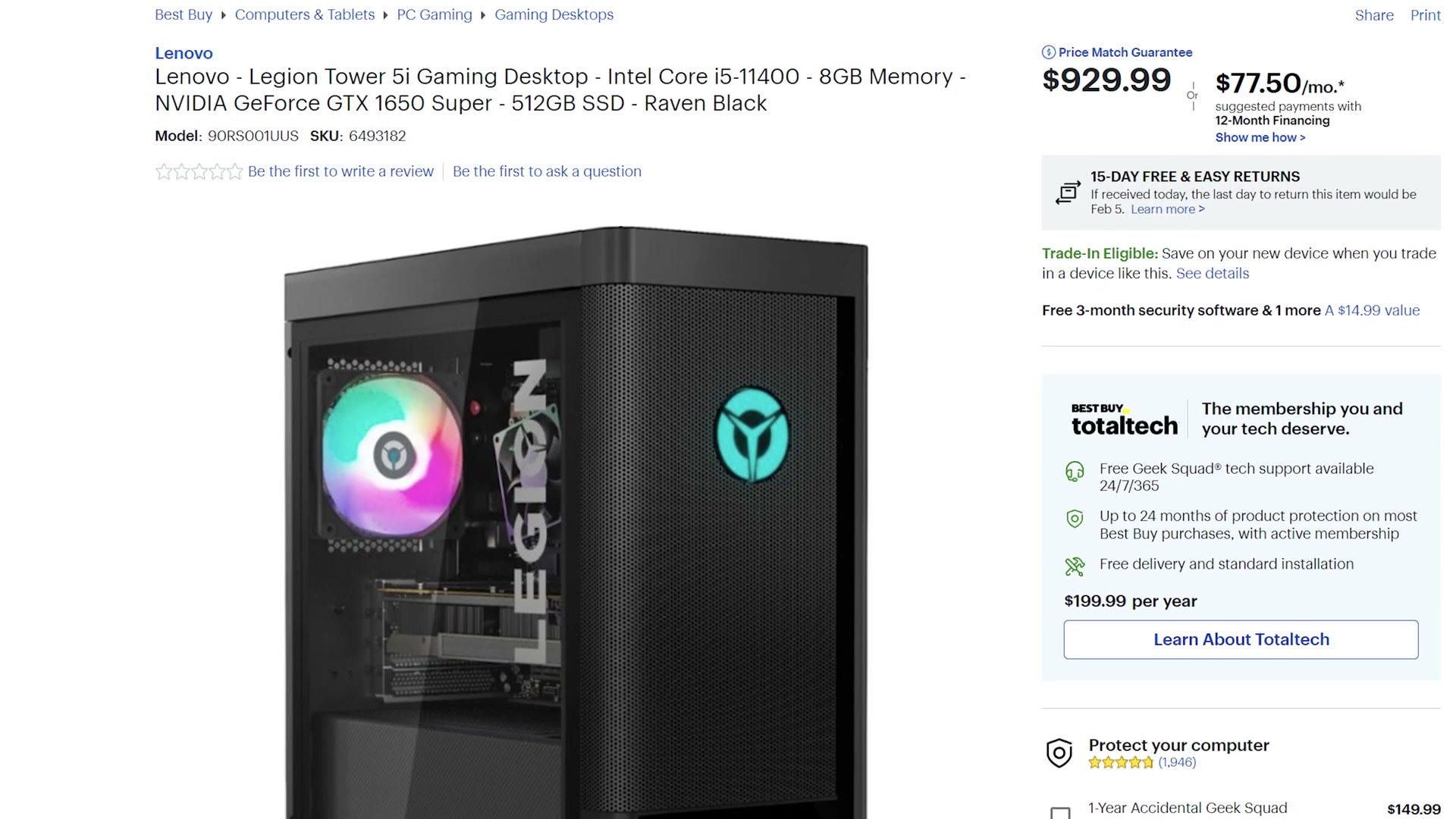
Same caveat again. It only ships with 8GB, so you’ll be upgrading the RAM yourself, and here’s memory that should work with it. With that upgrade you’re looking at around a thousand bucks.
What About Apple?!
Those are your PC options under $1,000. But I know some of you are already typing in the comments, and this is something I definitely need to address. We need to talk about Apple.
In short, what Apple is doing for video editors with their new machines is incredibly impressive, and so for basically the first time ever, I find myself recommending an Apple computer under a thousand bucks that’s genuinely powerful enough for 4K editing.
$899 Apple Video Editing PC
That machine is the Apple Mac mini with the M1 chip. People love this computer, and even though it has no fancy dedicated graphics card, the magic Apple has done with Apple silicon and its hardware encoders and decoders has made the M1 Mac mini very powerful for video editing.
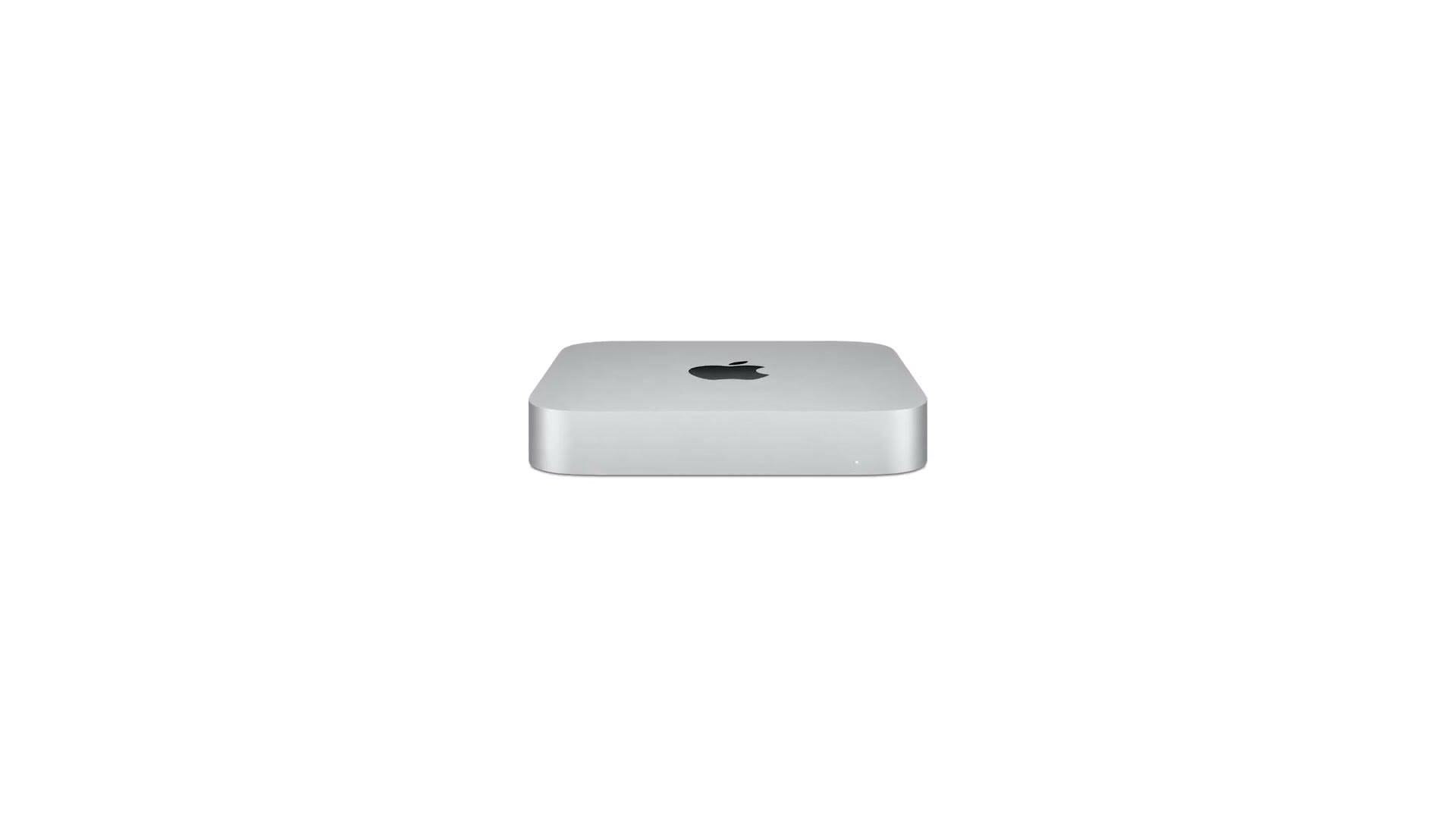
It starts at $700, and while that base model already comes with the most powerful CPU and GPU Apple currently offers on the M1, it also only comes with 8GB of memory. For 4K editing I really recommend upgrading to 16GB, which is $200 more.
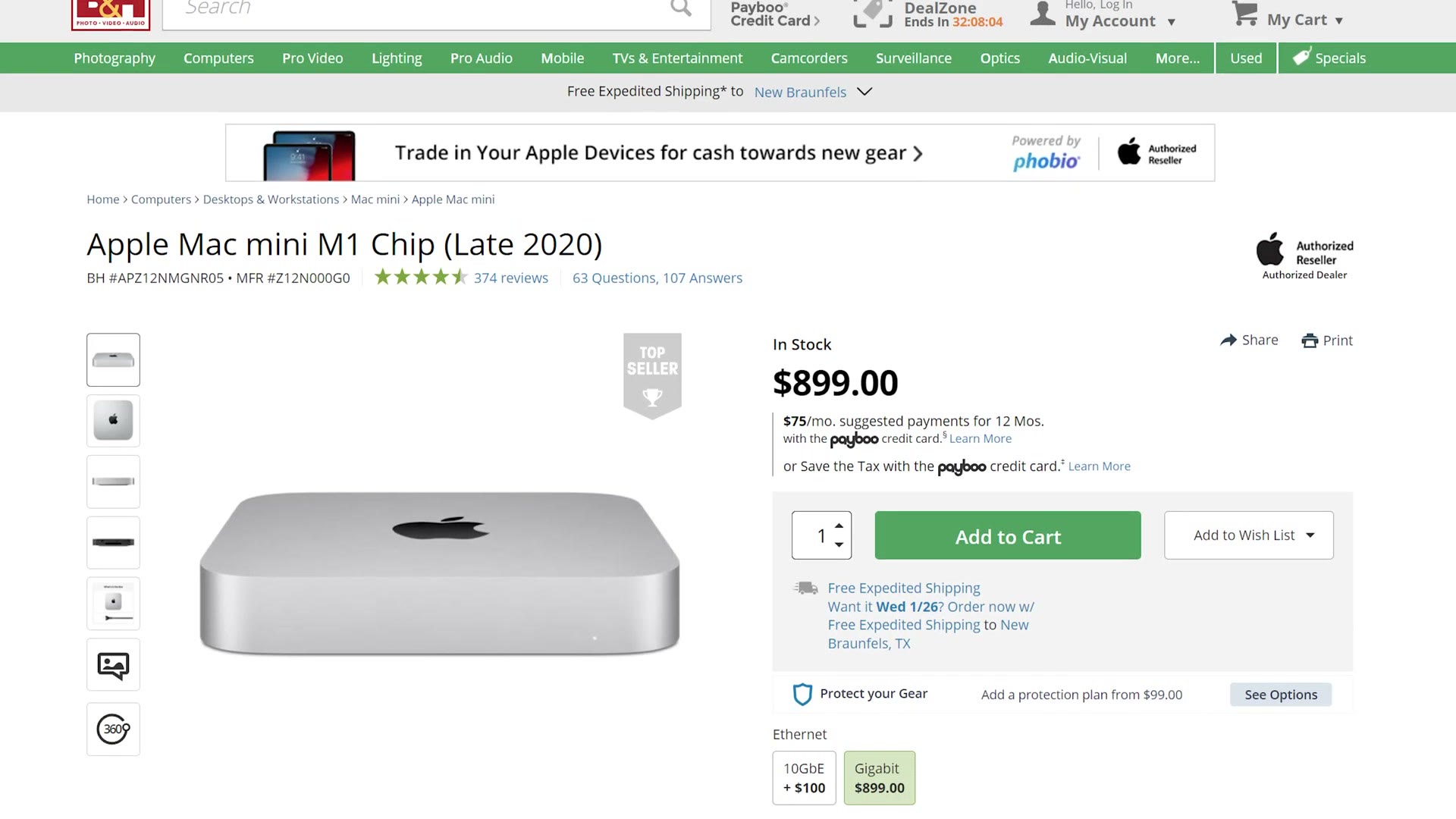
And please remember this is Apple, so that’s unified memory, meaning it’s soldered to the motherboard and fully integrated with the CPU and GPU. There is no way to open this computer up and upgrade the RAM later. If you want more memory, buy it at purchase. There is no later.
If $900 is more than you want to spend, you can save some money if you’re a student, or you know a student, or you’re a homeschool teacher, or anything else that makes you eligible for Apple’s educational discount. With that, the M1 Mac mini is $830 instead of $900. And if you’re not a student, I’ve occasionally seen refurbished M1 Mac minis pop up on Apple’s refurbished store for as low as $760, so if you get lucky that’s another way to save.
I’m really happy to see Apple make this list. And another plus is that because Apple now makes their own CPUs and GPUs, you don’t have to deal with the price gouging scalpers that come with the normal GPU market. You buy new from Apple, and there’s a very good chance it’s in stock.
So those are some prebuilt video editing computers under a thousand bucks that should be great for 4K.
And if you’re sitting there saying I don’t want a prebuilt, I want to build my own, I’m more than happy to help. I have a full under $1,000 build guide and a higher tier $1,500 plus build guide for you.

The footage here is graded with my own color presets at whoismatt.com/luts, my filmmaking gear list is on kit.co, and I have filmmaking courses if you want to go deeper. If you film weddings, come join us in the Facebook group.
Thanks so much for reading, and have a great day!