
Let’s be honest, this is really Sony’s fault for releasing a camera in the summer and then sending it to me in Texas. The only saving grace here is that we’ve had a pretty mild summer so far, including a lot of rain and flooding which has kept things cooler, but even a mild Texas summer is still gonna be a challenge for a compact cinema camera sitting out in the open.
And because I respect your time, I’m gonna spoil the ending right now: I could not make the Sony FX5 overheat. Not even close. Here’s how the test went.
How I Set Up The Test
I put the FX5 outdoors on a tripod in direct sunlight, which means it wasn’t just dealing with the air temperature, it was also soaking up solar radiation the entire time, and that only makes it hotter. Outdoor temperatures were between 88 and 90 degrees Fahrenheit while this was running.
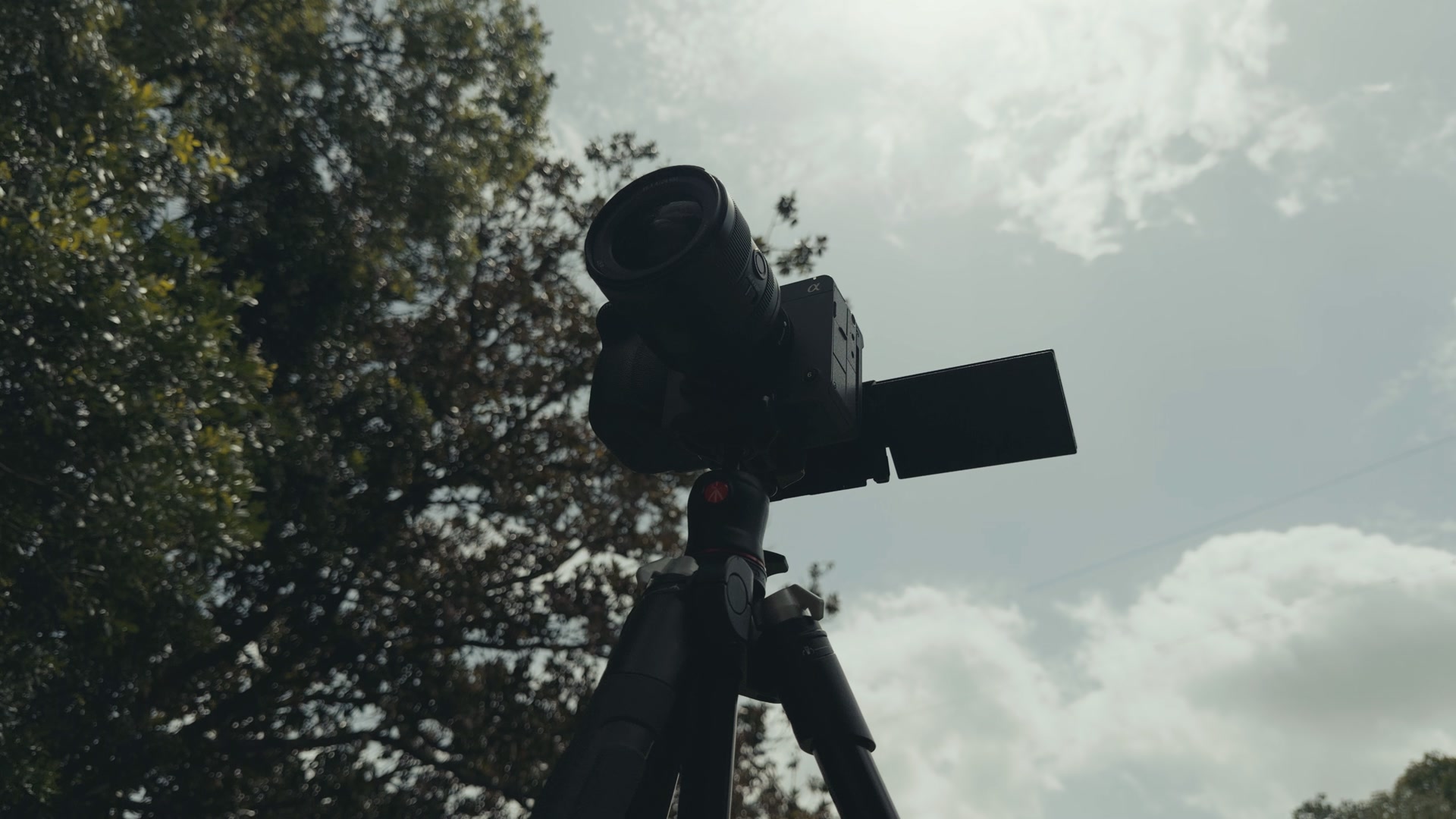
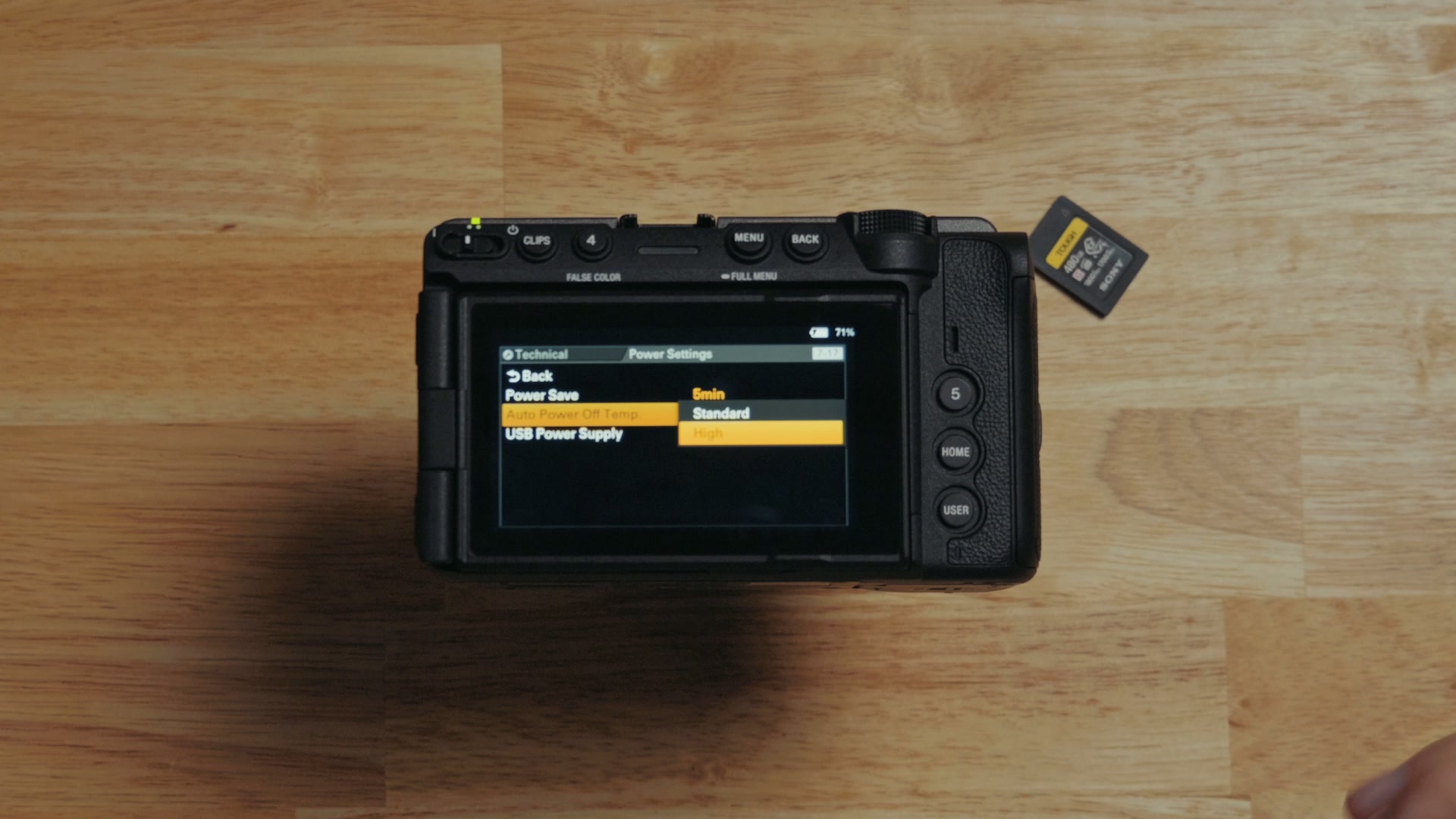
As always in these tests, I set the Overheat Protection setting on the camera to High, which lets it get as hot as it possibly can before it decides to shut itself down. And because the FX5 also has a fan, I set fan control to auto, which means the camera gets to choose how hard it needs to run that fan to keep itself alive.
I Filmed In The Absolute Highest Quality The Camera Can Do
Remember that the FX5 is the first cinema camera Sony has made, other than the Burano and the Venice, that can film not only in internal RAW but also in open gate. Those are two features that are really gonna push and test the cooling capability of a camera this small, so of course I had to test them.
So I set the FX5 to record 3:2 open gate, 5K resolution, 60 frames per second, in the X-OCN LT RAW format. That is just a ton of data. It’s almost a two gigabit per second bit rate.
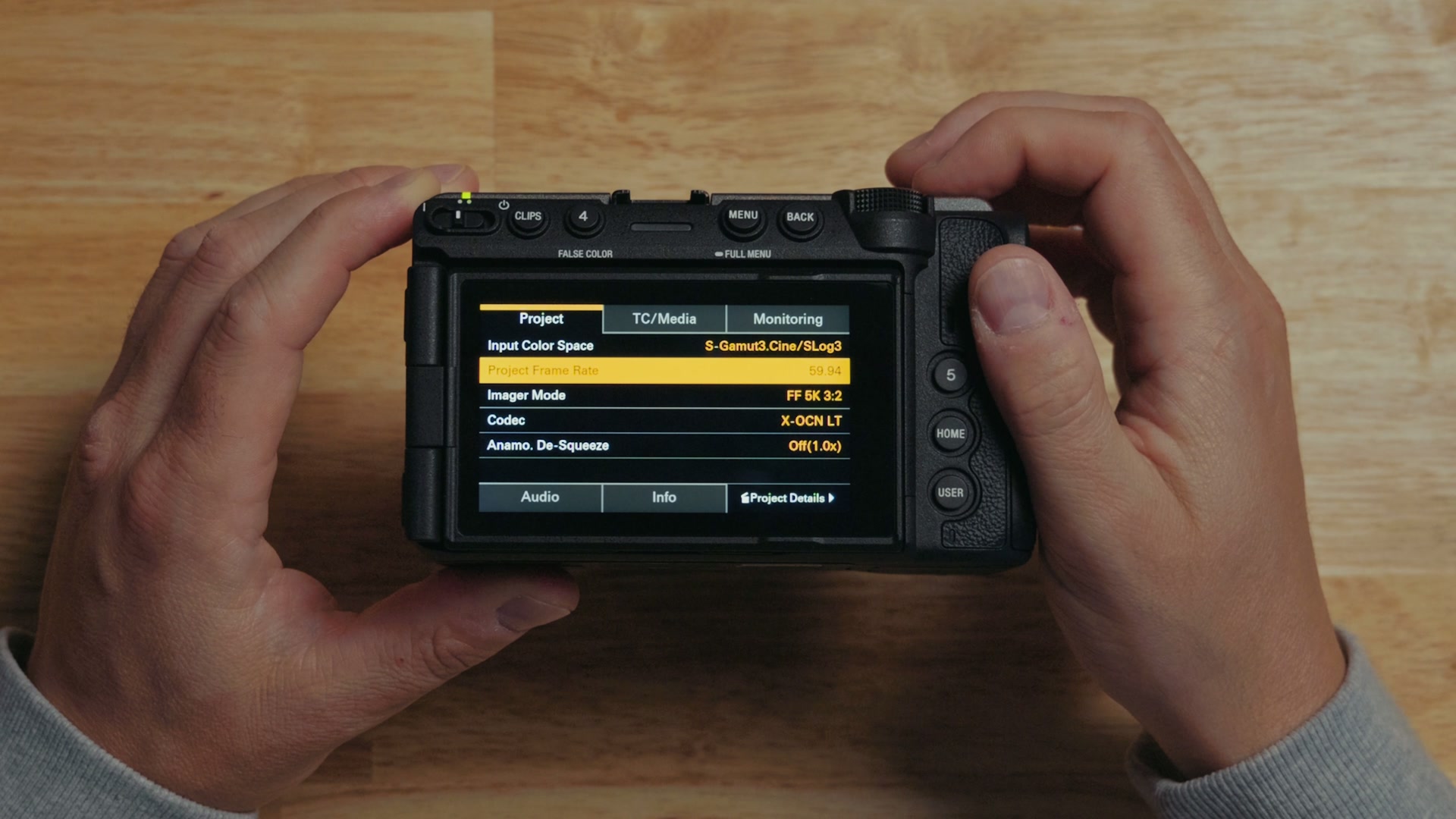
For context on what that actually means, I put a 480 gigabyte CFexpress Type A card in this camera and it only let me record for 34 minutes before it filled all the way up and I had to format it.
Is this overkill? Absolutely it is. It’s not like you’d be setting up to film an outdoor wedding ceremony at this frame rate and resolution for hours at a time. But I think it’s important to test at this level, because if the camera can keep itself from overheating with these settings, then it is definitely capable of handling anything else you throw at it, and that is really reassuring.
One other thing I want you to know: I only have one battery for this camera, and it was only charged to about 80% whenever I started. Keep that in the back of your mind for the results.
10 Minutes In: 115 Degrees
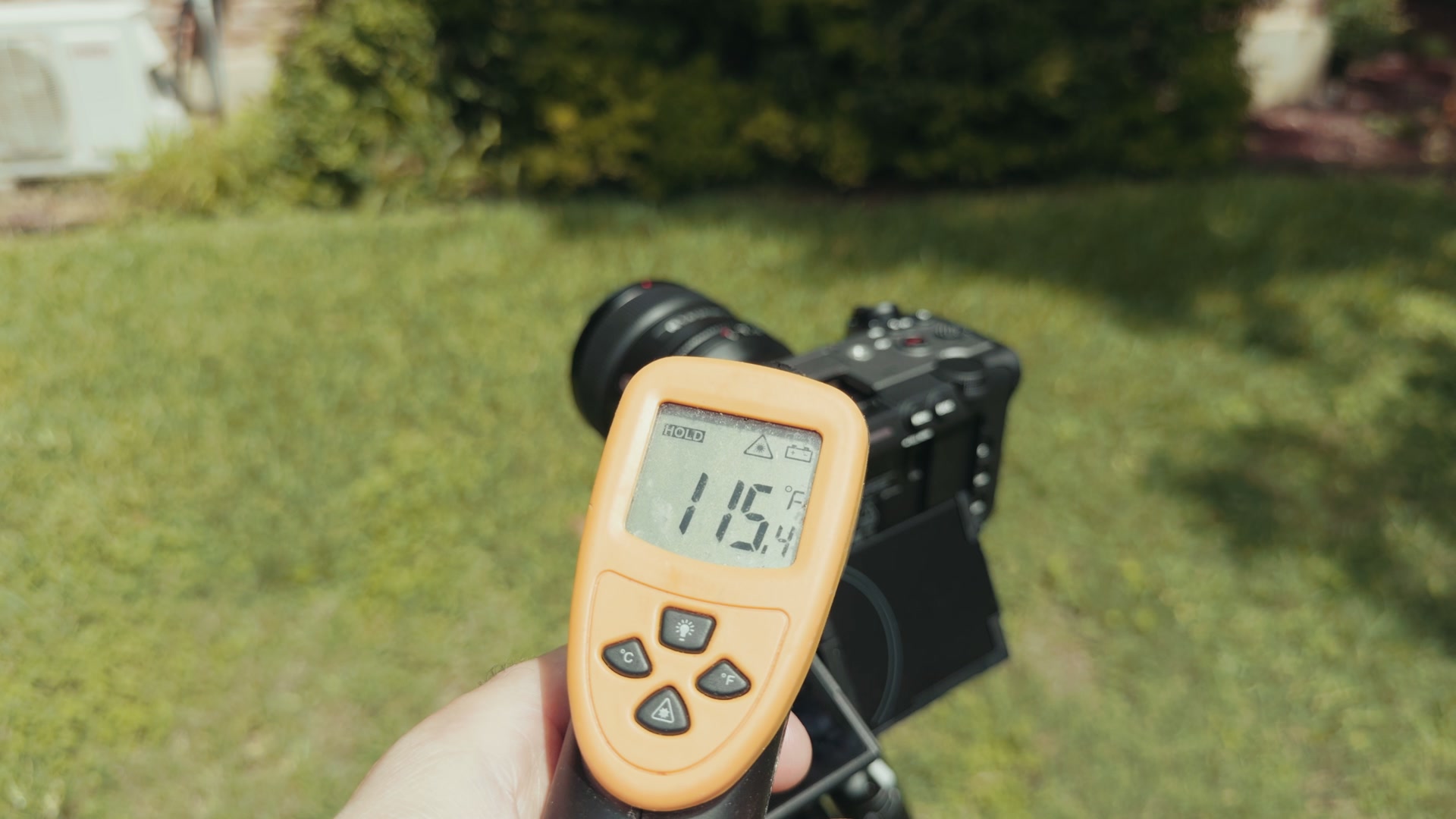
I hit record and the camera started rolling, chewing through that memory card. After only 10 minutes of recording the body of the camera reported it was up to 115 degrees, but it kept right on recording.
What’s crazy is that I couldn’t even hear the fan. It was virtually silent, and even in that heat I couldn’t tell if it was running unless I put my ear right up next to the camera.
Seven minutes later the sun went behind a cloud for a few minutes and the body temperature dropped down to 107 degrees, which tells us the fan was doing its job. Then the sun came back out, the temperature climbed again to 118 degrees, and the camera kept right on rolling.
A Warning I’ve Never Seen On A Sony Camera
A few minutes short of that 34 minute recording time, the camera started reporting that the media was nearly full and showed a yellow triangle with an exclamation point. This is really cool. I have not seen something like this on earlier Sony cameras.
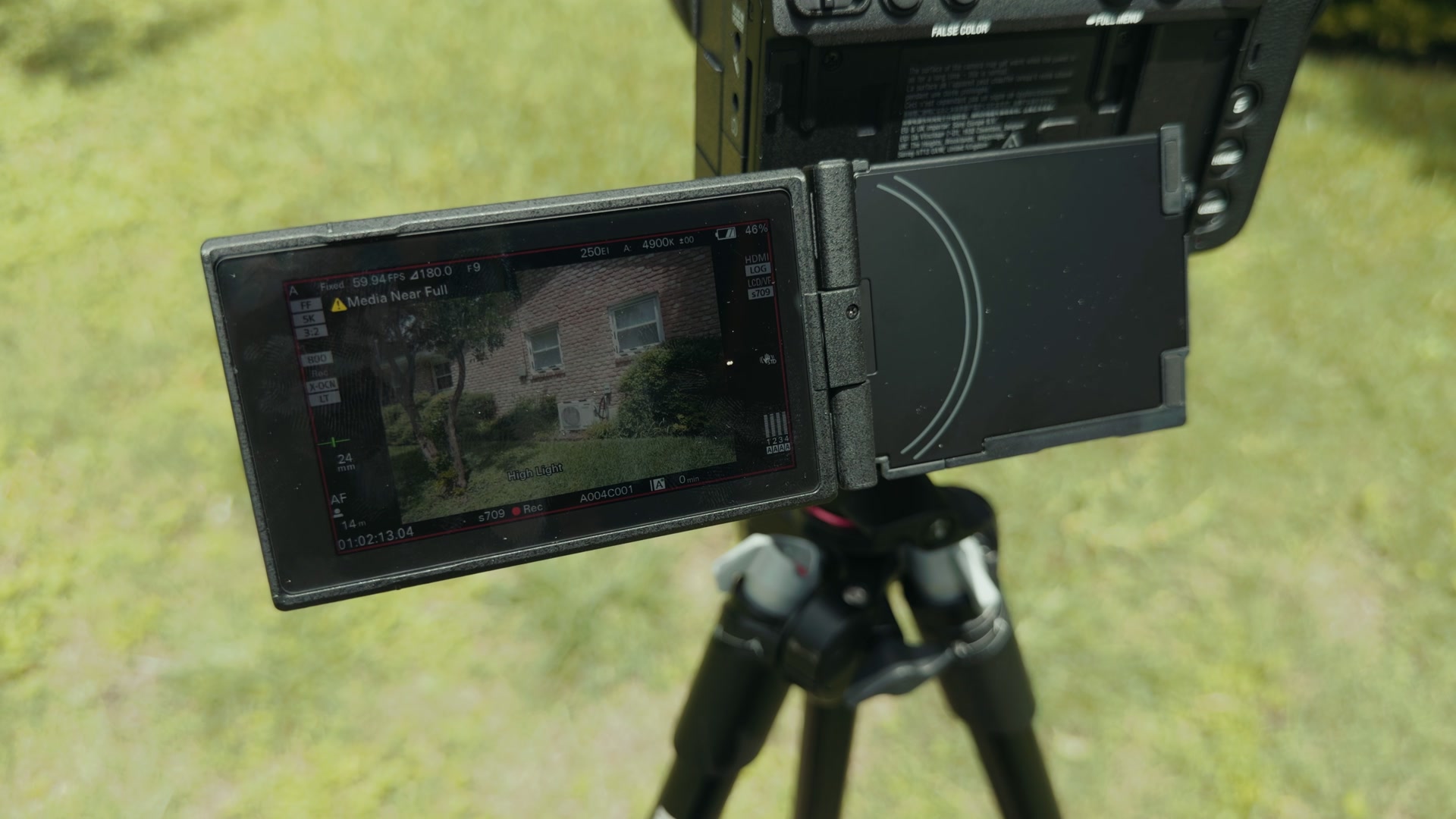
For context on why the timing of this matters: whenever the Panasonic S1RII, S1II, and S1IIE released, all three of those cameras had overheating issues that would have caused them to shut down right around this point in the recording. Panasonic did fix that somewhat in a firmware update which makes all three perform better. But then you have the FX5, just cruising right along with zero issues, and that is fantastic news.
So I went into the menu, quick formatted the card, and pressed record again to get right back to testing.
And let me just say, the whole time this test was going on I was sitting outside in the shade and it was still really hot. I was sweating for this test. Sacrificing my body for you. You’re welcome.
119, Then 123, And Still Rolling
Three minutes into the second round of recording the camera surface temperature rose again to 119 degrees, but it kept right on going with no sign of failure. Five minutes after that it climbed to 123 degrees, and the camera kept right on chugging. Zero issues. Really impressive.
How The Nikon ZR Handled The Same Kind Of Heat
The one camera I keep thinking of whenever I compare this one is the Nikon ZR, because that is also a compact cinema camera with a large screen that can record RAW video internally. The ZR can record 6K versus 5K on the FX5, but the FX5 can record open gate and the ZR can’t do that. And most importantly, the ZR doesn’t have a fan like the FX5 does.
That said, whenever I tested the ZR it still took almost an hour to overheat in 6K at 60 frames per second. Good work, Nikon. If you’re weighing these two against each other, I broke that down in detail in Sony FX5 vs Nikon ZR.
45 Minutes In And It Hadn’t Broken A Sweat
Back to the FX5. At 45 minutes into the recording this camera was having zero issues keeping up with both the high outdoor temperature and the crazy data rate. Seven minutes after that the temperature continued to climb all the way up to 135 degrees on the body, and it showed no signs of stopping. No overheat warnings. No memory card issues.
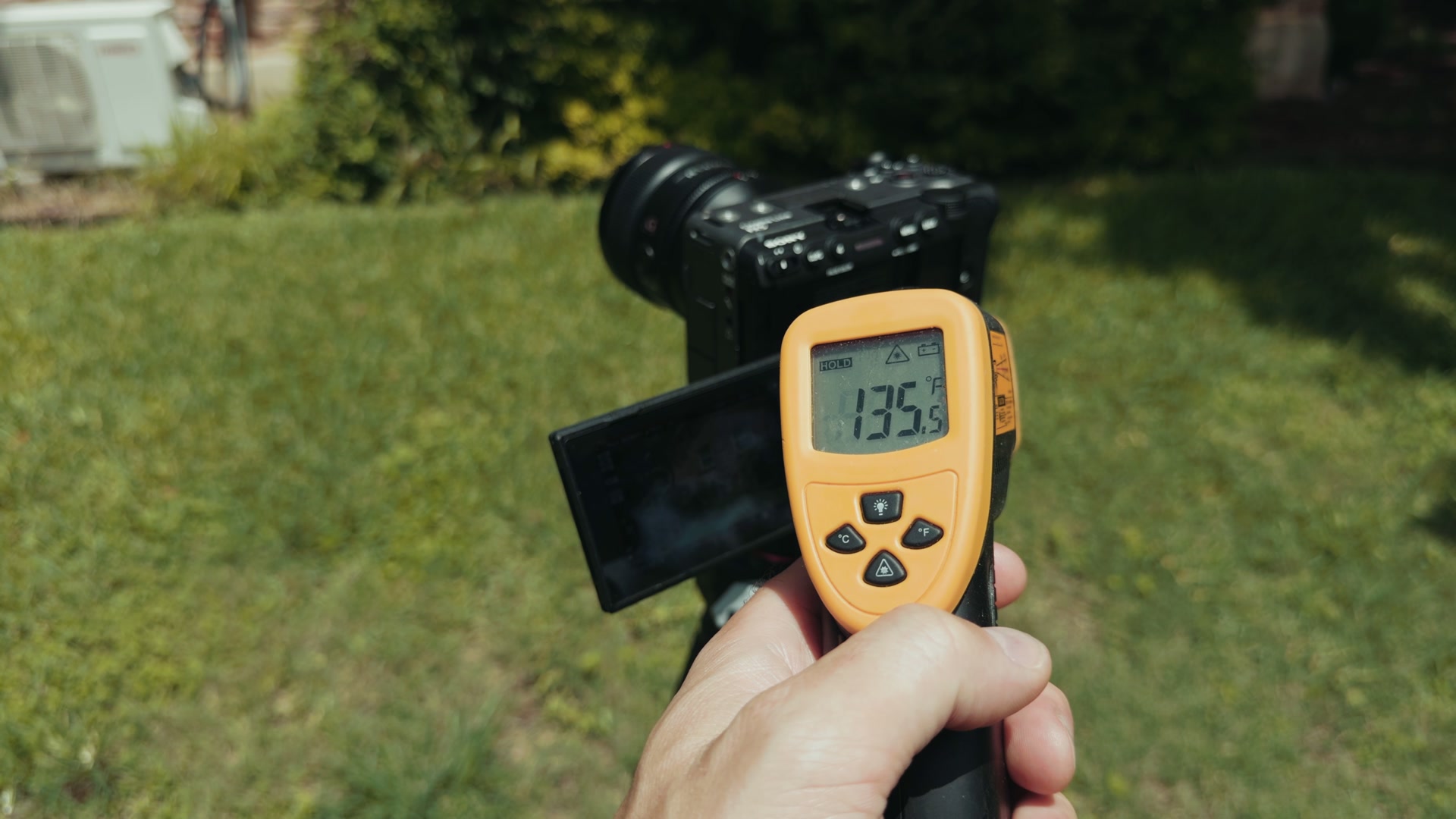
At that point, with 23% of battery remaining, I started to think this camera was going to make it all the way until the battery drained.
The Fan Finally Ramped Up
Once the camera had almost filled up the card for a second time, the fan was finally pushed to a higher speed where I could actually hear it from about a foot away. The fan kept running at that speed for the rest of the test, but I’m happy to tell you the camera did completely fill the card a second time. We’re almost at a terabyte of recording at this point.
I only had a few percentage points of battery life left, but I kept going, pressing the record button again until the very end.
The Result: 1 Hour And 12 Minutes
Finally, after one hour and 12 minutes, the camera battery died. And it showed no signs of overheating. No warnings, no video corruption, nothing like that. Just an absolute beast of a camera powering through ridiculously hot weather.
Remember, that battery was only at about 80% whenever I started this test.
You’re Going To Want More Batteries
More importantly, I want you to remember that the battery life of any camera is gonna depend on how much the fan is running, and in a test like this the fan is gonna be running a lot, especially if the camera has been sitting out in the sun for an extended period of time. So you will definitely want to buy a few extra batteries for your FX5.
Why The FX5 Beats The Heat
Between the new and more efficient BIONZ XR2 processor in this camera and the great fan and cooling system, you do not need to worry about overheating with the FX5. It gets my full endorsement to use for filming long outdoor events like wedding ceremonies in the middle of the summer.
If you’re thinking about buying this camera, go read my full Sony FX5 review next, and if you want the other side of the coin, I also wrote up 10 things Sony got wrong with the FX5.
One More Thing About Memory Cards
Did you know that if you want to film in RAW with the FX5, you don’t necessarily have to buy CFexpress cards that are really expensive? You can actually use SD cards that you may already own.
My Sony FX5 memory card guide breaks it all down for you and tells you the exact cards to buy for different formats, and I even put together a downloadable FX5 memory card cheat sheet that’s super easy to follow. It’s completely free.
And whenever you get back from that hot outdoor shoot and it’s time to actually cut the footage together, grab my free Edit Videos Like A Pro guide as well.
Thanks so much for reading, and have a great day!