
Today I’m going to explain white balance for video as quickly as possible, which is really important, because if your white balance isn’t set properly your videos may look like this.

Too cool. Or this.

Too warm. See why white balance is important?
And I know some of you are thinking right now, “Matt, my camera has an auto white balance feature, I don’t need to understand white balance.” Well, hold your horses a second there, partner, because this is not a setting that you want to leave on auto.
What Is White Balance
Let’s take this video as an example. As long as you aren’t colorblind, to your eyes this shirt I’m wearing is blue, this background over here is a dark gray, and this light over here is orange.
Let’s pay attention to that orange light for a second. You are taking for granted that the light is orange, because that’s what your eyes are seeing.
Now, scientists love measuring things, and there was this physicist with a great beard, William Thomson, better known as Lord Kelvin, who said we should have a scientific way to measure the color a light is giving off.
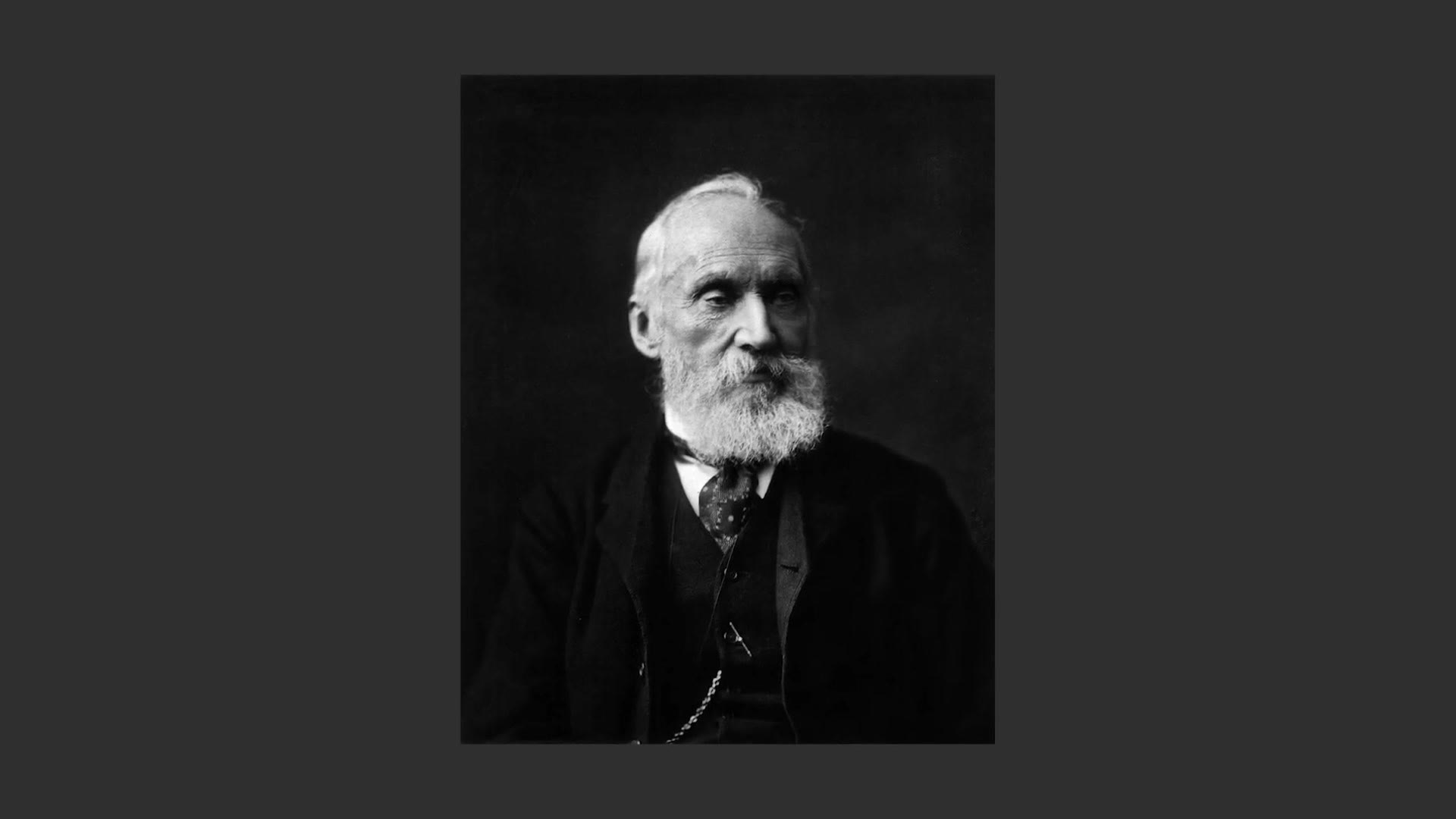
He created something called a color temperature scale, also known as the Kelvin scale. It measures the color that any white light is giving off, from a warm orange to a cool blue, and gives it a specific number from 1,000 Kelvin all the way up to 10,000 Kelvin.
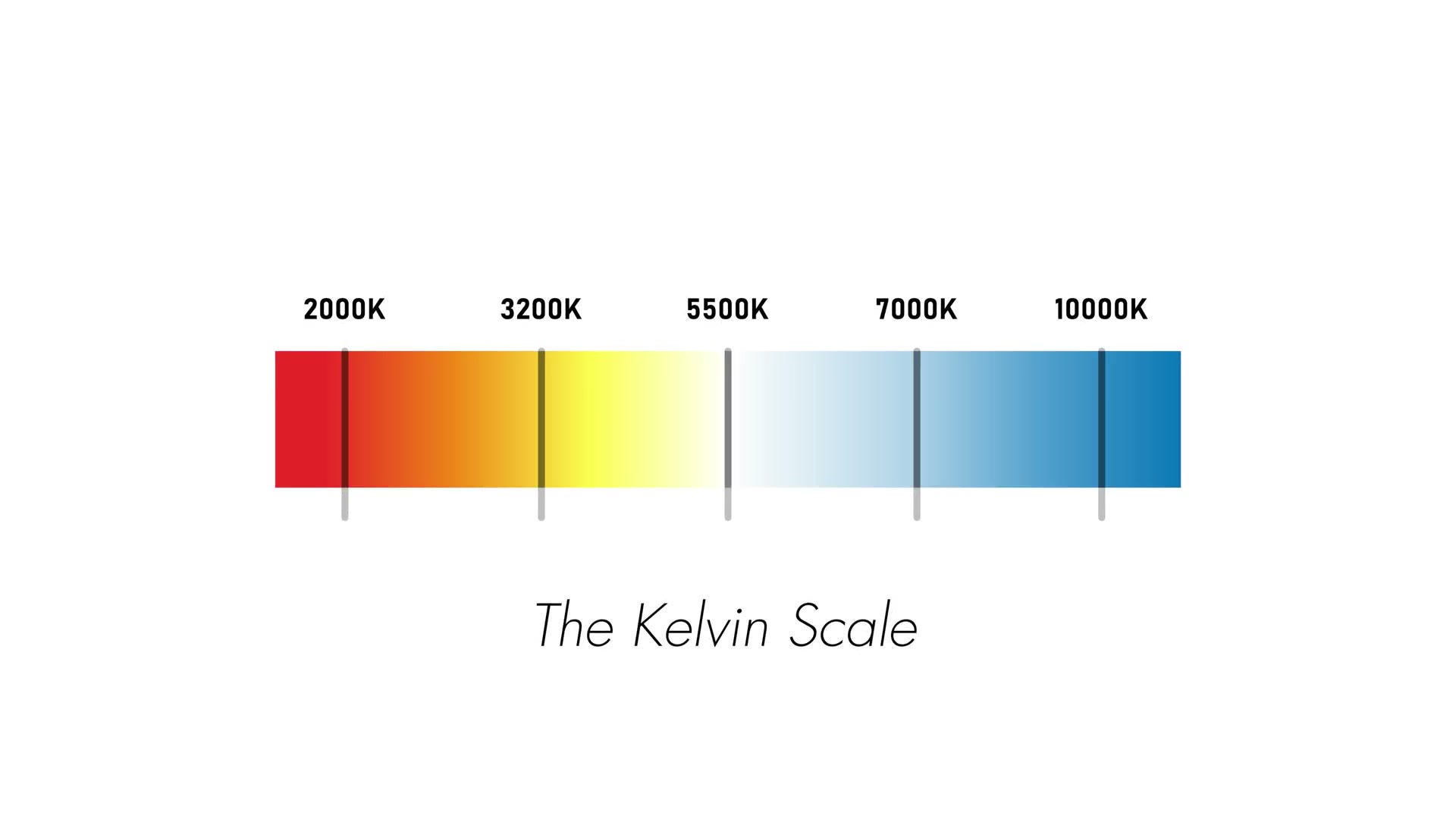
That light back there is a warm white light that measures about 2,800 Kelvin. Meanwhile the light shining on my face right now is a cool white light that measures about 5,500 Kelvin. All white lights fall somewhere on this scale.
Here’s where things get crazy though. Your camera does not know that this light is orange, and it doesn’t know that this light is blue. Your eyes take for granted that these two lights are these colors, but your camera is incapable of knowing what color temperature a light is unless you tell it.
And the way that you tell it is by using a setting called white balance.
So we’re back to the question I asked at the start. What is white balance? White balance is how you make the color temperature of a light that your camera sees match up with the color temperature of a light that your eyes see. If it isn’t set right, your colors will look weird and all of your footage may look too warm or too cool.
Auto White Balance
Every camera, whether you know it or not, has a white balance feature, and they’re all similar. Let’s use this Sony a6400 as an example. Open the white balance menu and the first thing you’ll see is an auto white balance option, where the camera guesses the color temperature of the light you’re filming.
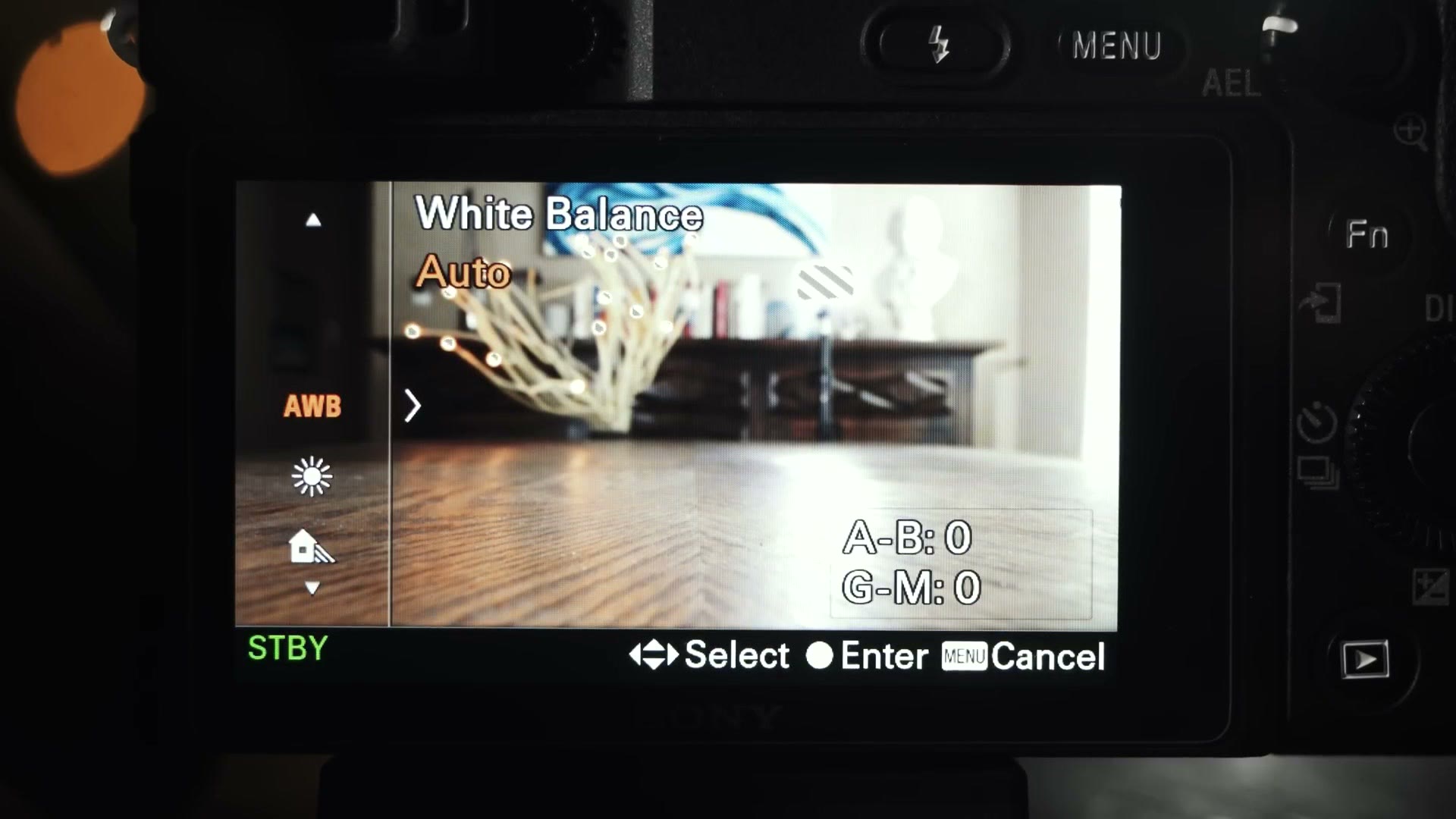
This works decently. But once you’re filming with multiple lights that have different colors, your camera’s auto white balance can get confused fast, and it may even change your white balance while recording, which can make color grading your footage a nightmare.
Also, if you’re filming a scene with two cameras set to auto white balance, you have no guarantee their settings will match up, which is incredibly difficult to fix.
Color Temperature
There are other presets, but let’s skip those for a minute and scroll down to this K icon that says C Temp/Filter.
What does K mean, Matt? Our good friend Lord Kelvin, of course. And C Temp stands for color temperature.
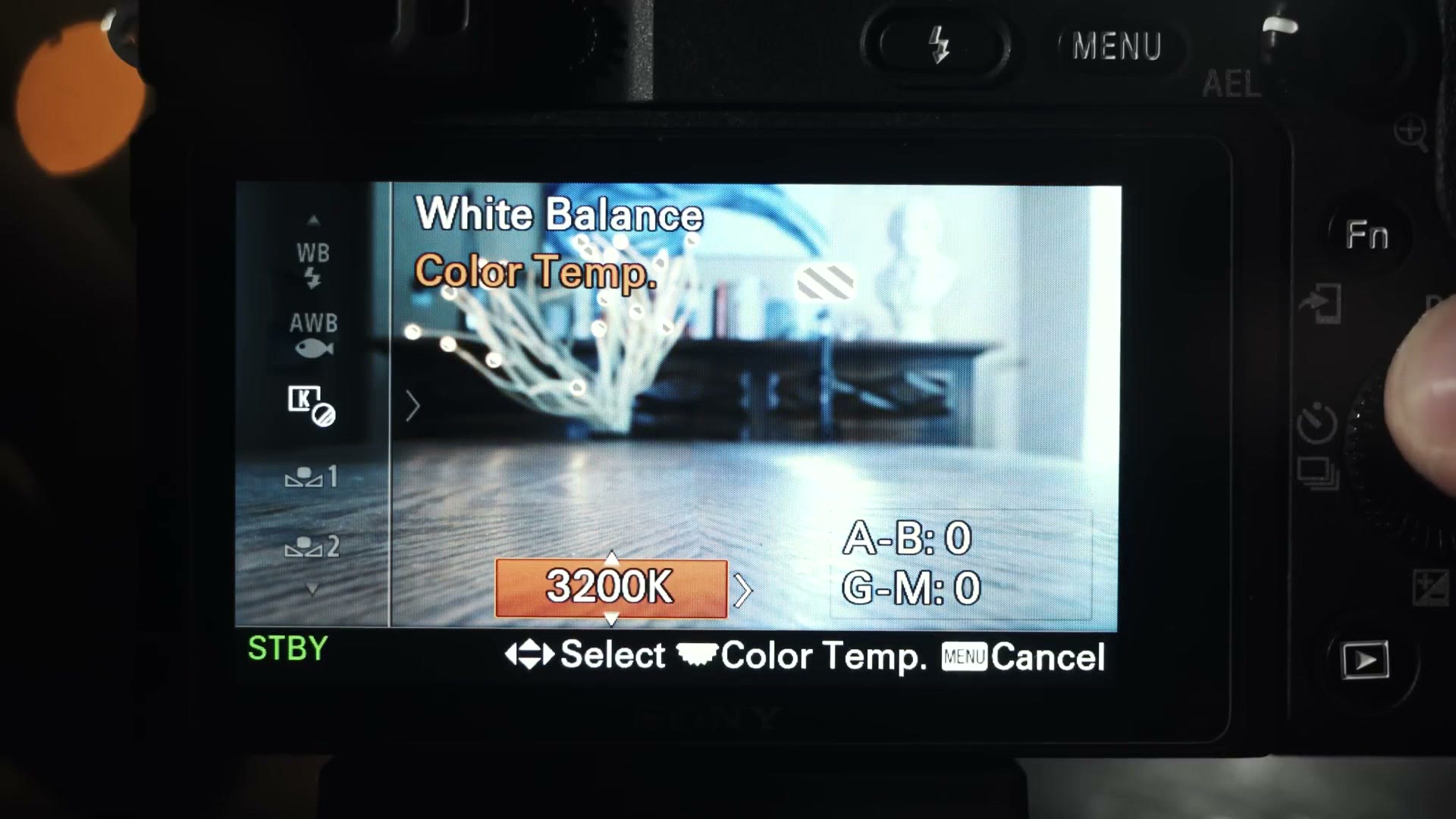
And look, you can manually set your color temperature anywhere between 2,500 and 9,900 Kelvin on this camera.
Okay, great, Matt. But how do I know what color temperature a light is when I’m filming?
Here’s an easy way to remember Kelvin color temperatures. Think of a campfire. Yes, a campfire, with burning sticks and logs.
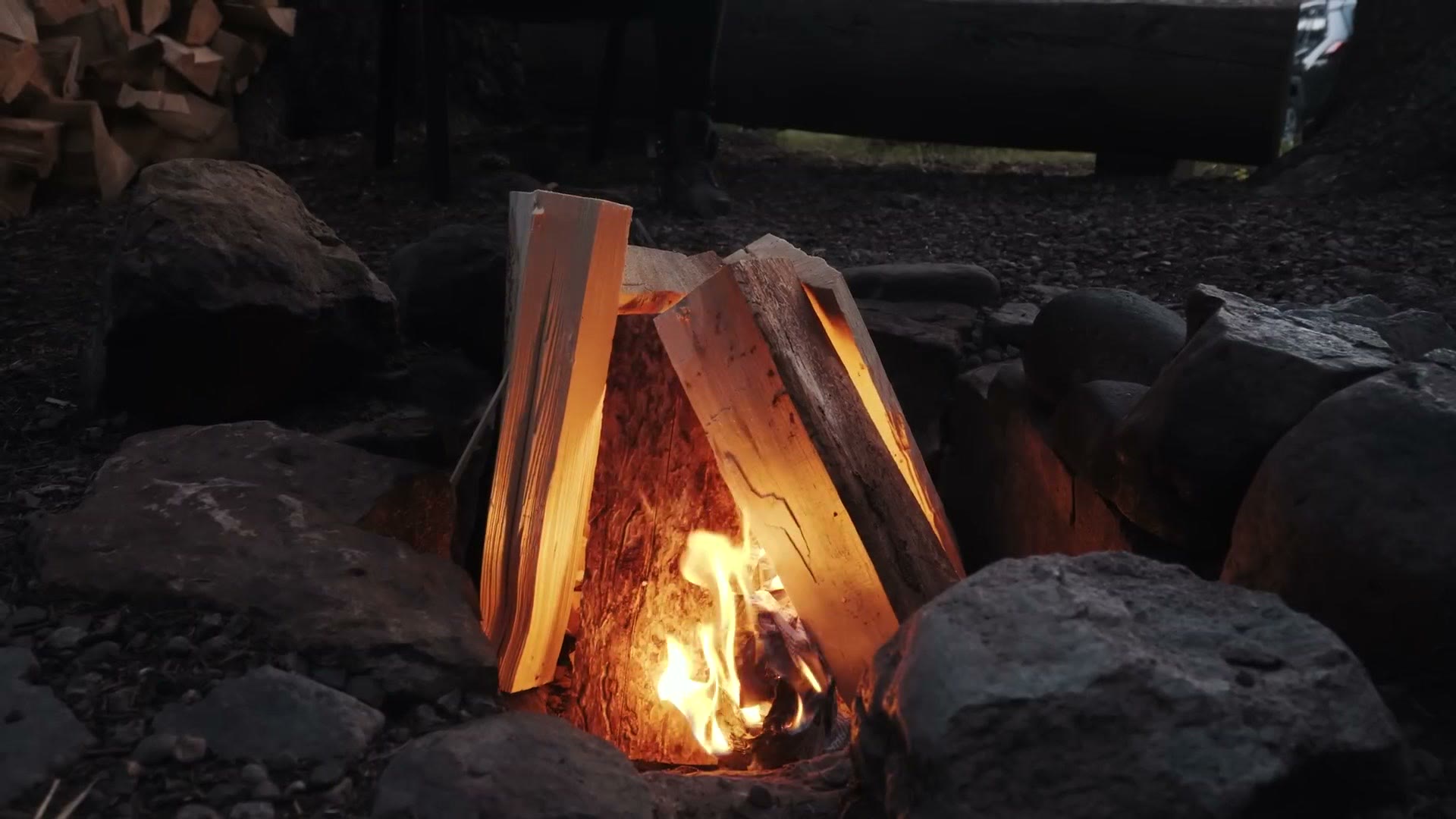
When a fire’s coals have been burning for a while, they’re usually a warm or reddish orange. On the other hand, when a fire is burning very hot, its flames burn cool blue, with the hottest parts being so blue they’re almost completely white.
In the same way, at the bottom of your color temperature scale, 1,000 to 3,000 Kelvin, your light colors are going to be really warm and reddish. At the upper end of the scale, 6,000 to 10,000 Kelvin, it’s going to be more cool blue.
If you ever get confused about color temperature, a campfire always helps me.
Color Temperature Matching
Now there’s one last thing you need to know. Certain types of light match up with certain color temperatures, and if you can memorize four of them you should be able to set your white balance correctly basically every time.
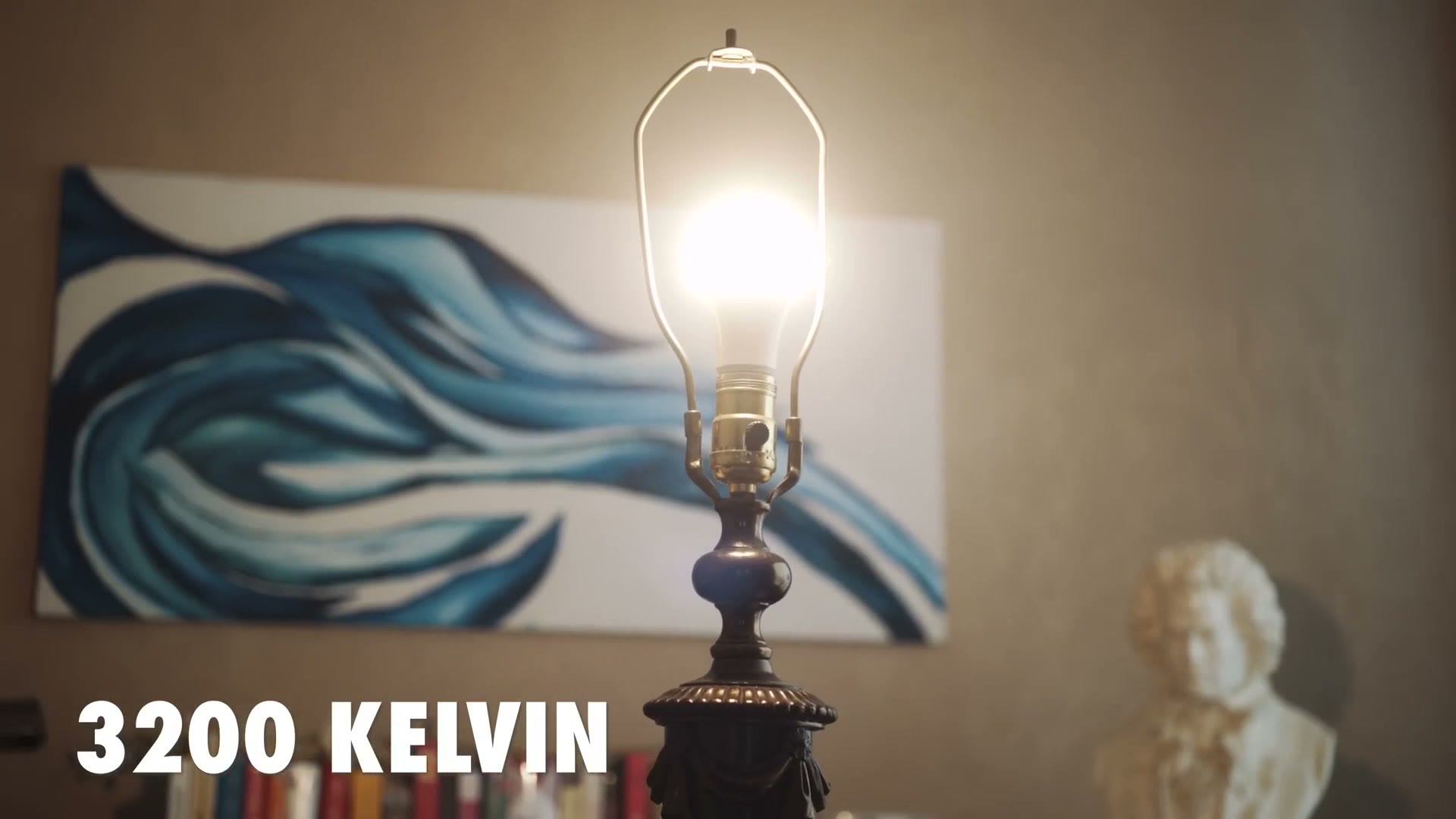
In general, an incandescent light, a normal white light bulb with a warm light, is going to be around 3,200 Kelvin. Set your camera white balance to that if you’re filming in a room with warm incandescent lighting.
Second, you have fluorescent lighting. These are typically the long tube-shaped lights you see in office buildings, and they usually run around 3,800 Kelvin.
Third, you have daylight. If sunlight is your main source of light, it’s usually 5,500 Kelvin.
Lastly, you have cloudy weather at 6,500 Kelvin. If you’re using sunlight obscured by clouds, that should work well for you.
Camera Presets
Now here’s something really cool. The four color temperatures I just listed were incandescent light, fluorescent light, sunlight and cloudy light. Let’s go back to the a6400 white balance menu.
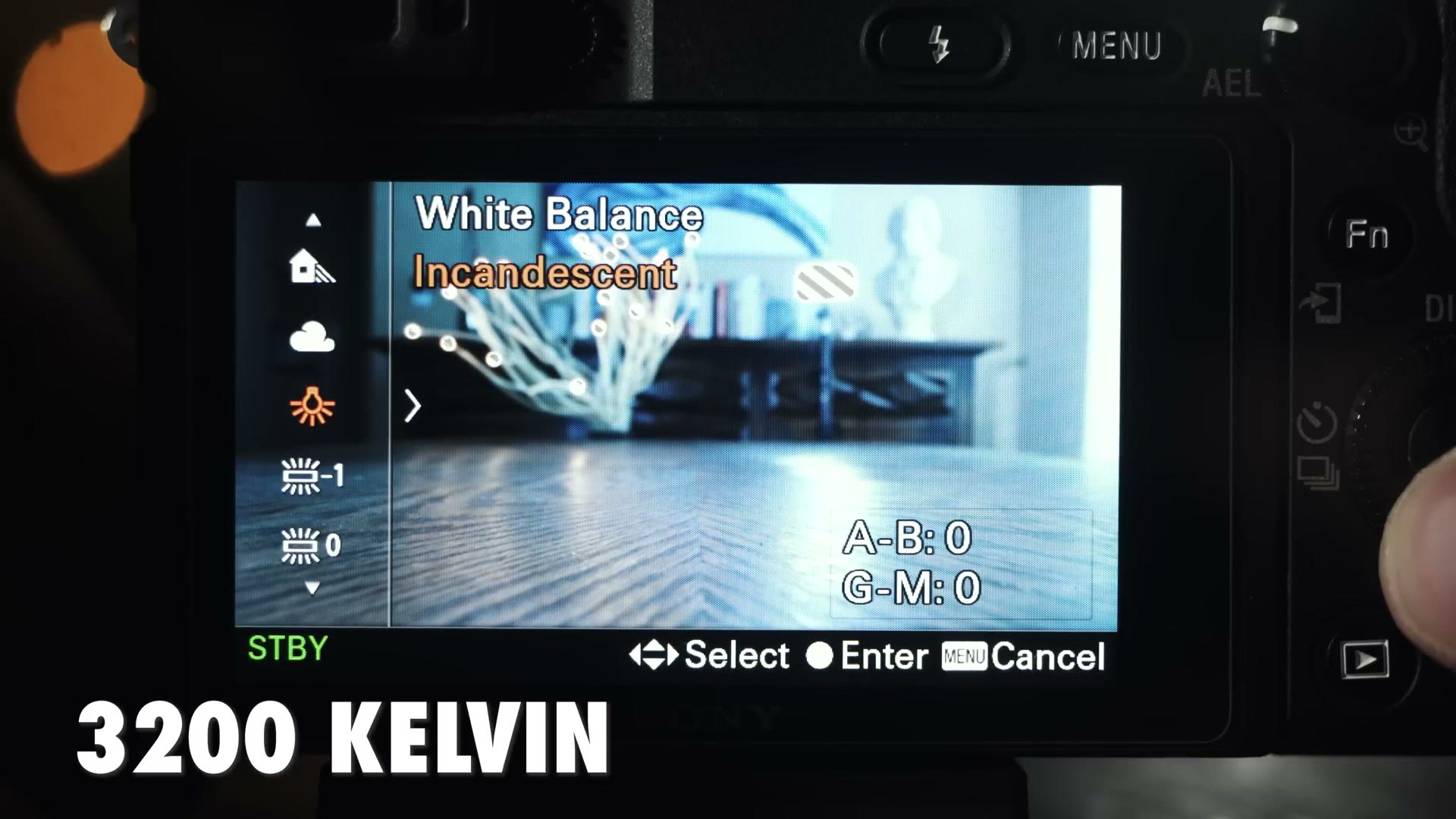
Those camera presets roughly match up with 3,200, 3,800, 5,500 and 6,500 Kelvin, and most cameras have them. So it’s up to you which you want to use.
If you’re just getting started in filmmaking, I would completely avoid your camera’s auto white balance feature and instead use those four presets. But once you start feeling more confident, start dialing in your Kelvin color temperature manually. It’s only going to help you. Soon the colors your camera sees will match up with what your eyes see.
How do you white balance? Do you still use auto, or are you dialing in your Kelvin manually? Let me know down in the comments.
If this one was useful, the other two in this series are frame rates explained and shutter speed explained, and between the three of them you’ve got the settings that matter most.
Also, if you happen to be a wedding filmmaker like me, you probably want to book more couples and film more weddings. To help you out with that, I’ve created a free PDF guide that walks you through some practical steps you can take right now in your business to start booking more couples. It’s a free gift to you.