
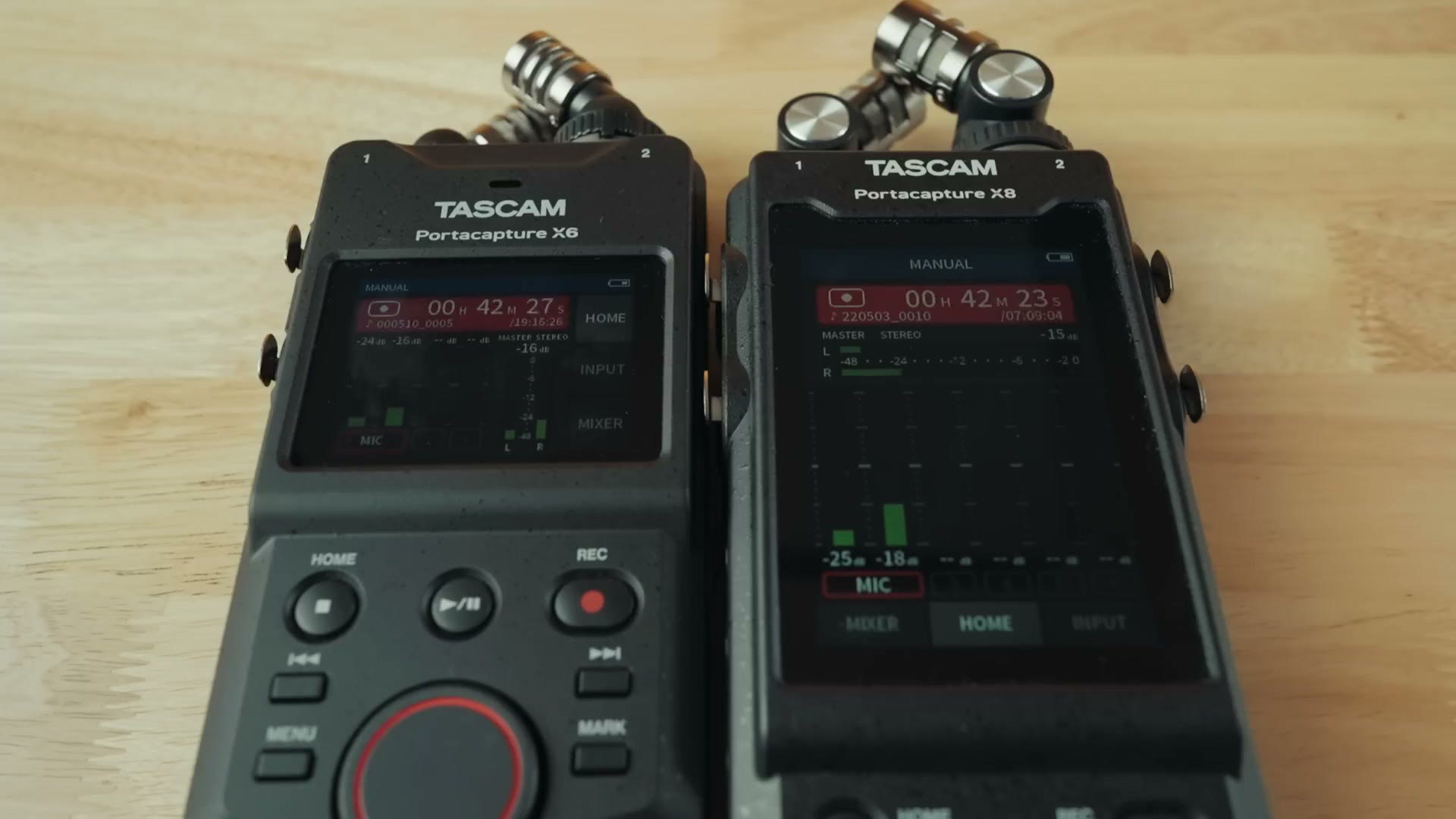
This is the Tascam Portacapture X8, the audio recorder I reviewed back in 2022 and called the best you can get for wedding filmmaking. And this is the Tascam X6, the brand new, more compact little brother to the X8.
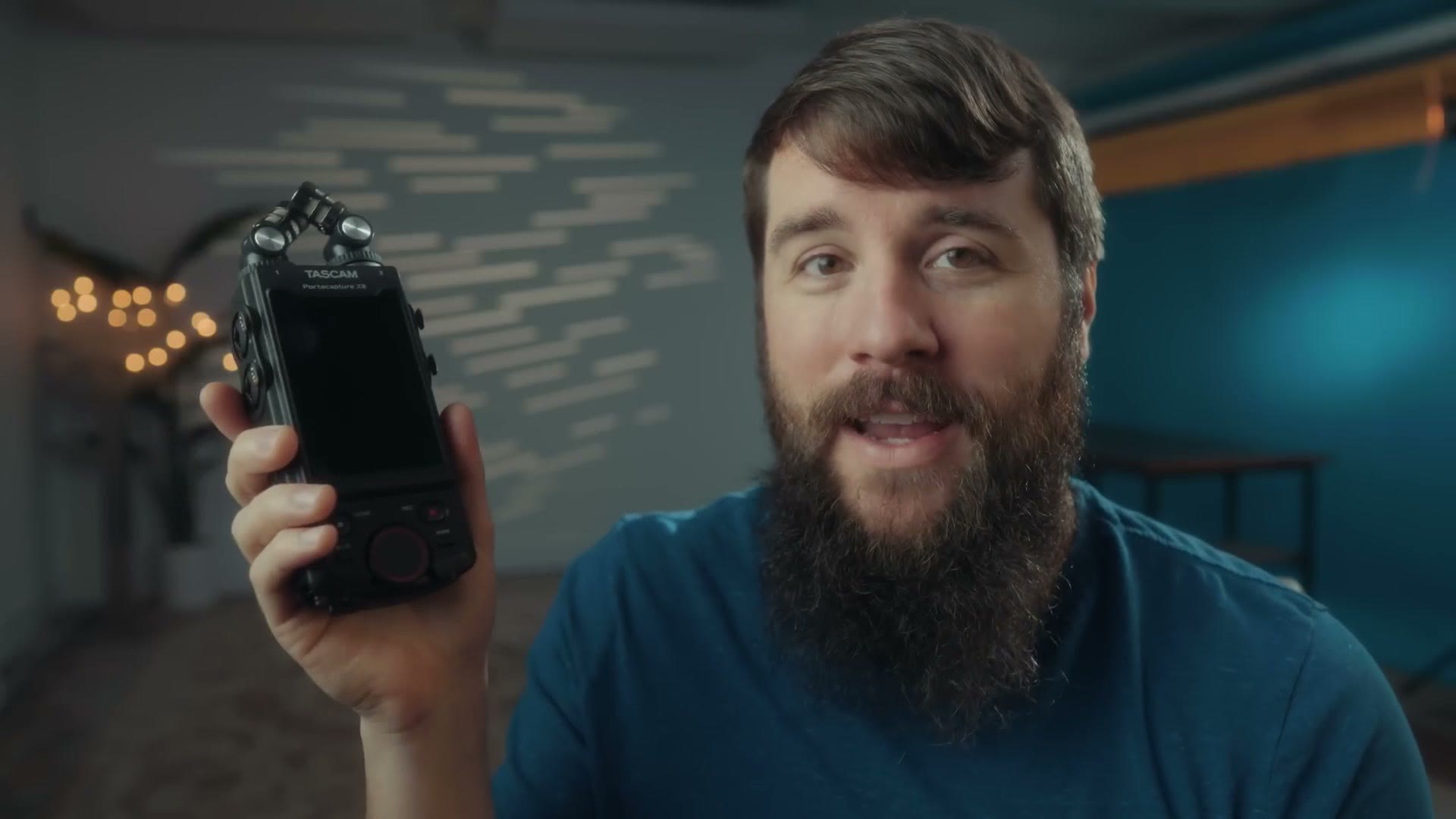
In this video I am going to review the X6 from the perspective of a wedding filmmaker and tell you whether it is a good recorder for you to buy, if you film weddings or documentaries or basically anything else where you need very high quality audio.
Also, for the sake of ethics, I want you to know this video is not paid or sponsored by Tascam, but they did send me this recorder early so I could make this review in time for the launch date. Oh, and I am going to link some sample 32-bit float audio files I recorded, so you can download them and drop them into your editing software to test how the noise floor and overall audio quality sound. Grab the free X6 audio sample here.
The Shrunken Screen
The first thing you are going to notice about the X6 is that the front of this recorder is no longer dominated by a massive screen like the X8. With the X8 that screen was so large that holding it felt like you were holding an industrial cell phone, one of those phones so sturdy it can be run over by a truck or survive a nuclear blast. You know what I am talking about.
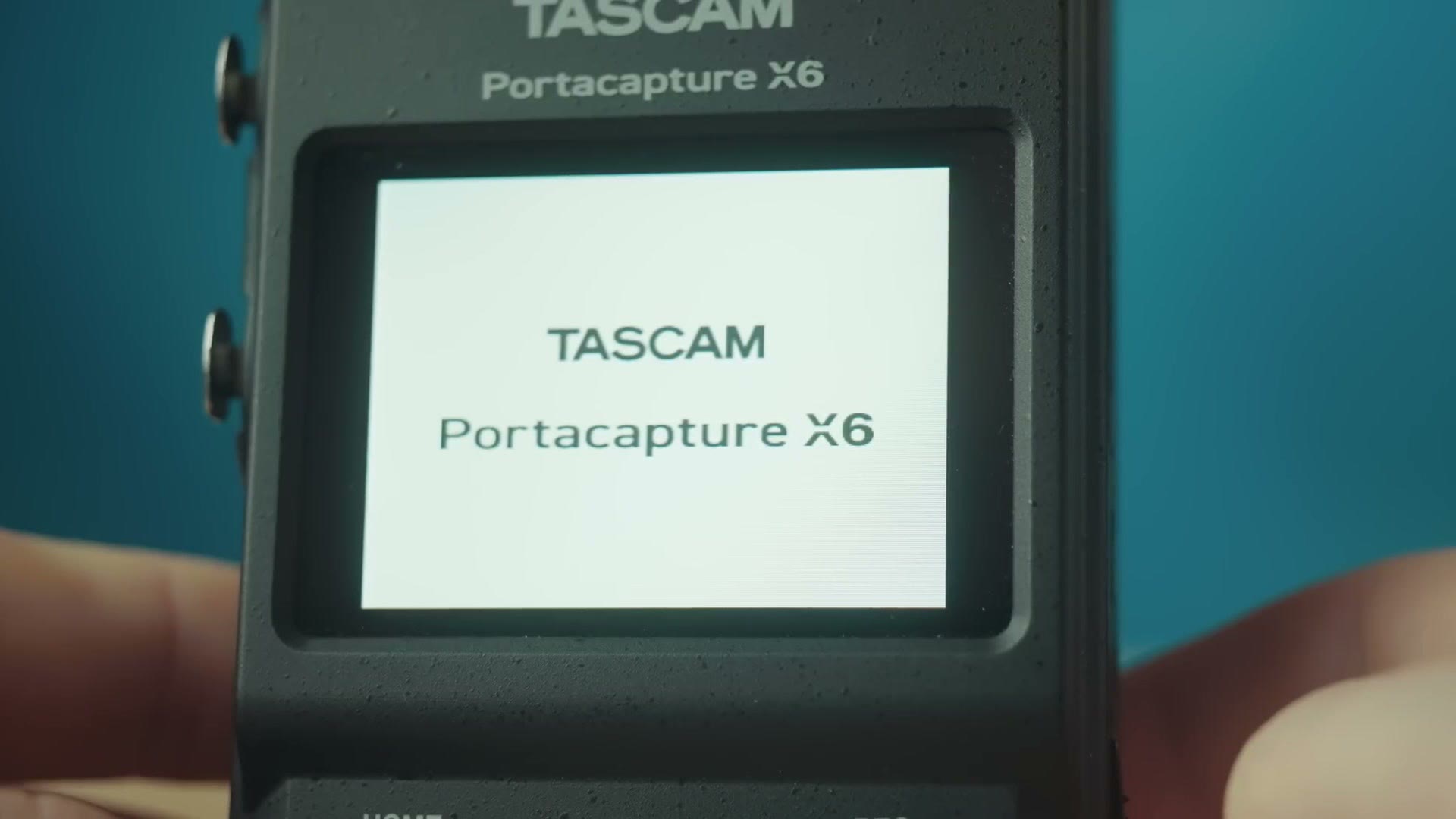
With the X6, Tascam has gone with a slightly more compact and lightweight setup where they have stripped away some features to hit a lower price point. So yes, the screen is about half the size of the X8’s, but as far as the interface goes it still offers a very similar touchscreen, and the touchscreen itself is still quite responsive. Just like the X8, the recorder turns on in about 8 seconds, and the interface includes presets like field recording, podcasting and music, as well as my favorite setting, the manual setting.
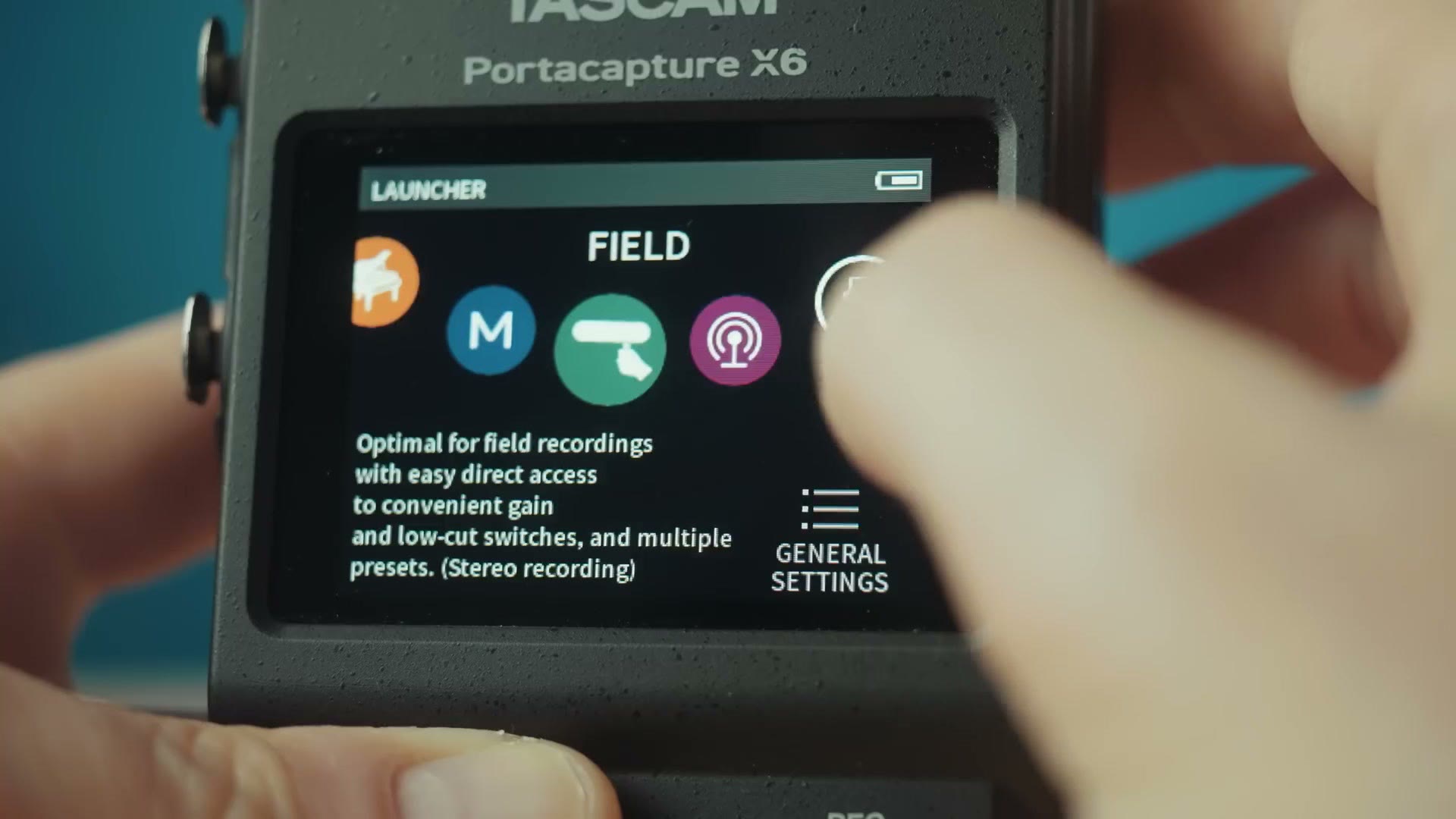
Overall I do not think the smaller screen hinders the usability of the recorder, but I do want you to be aware that things feel a little more cramped, and the X6 throws a ton of settings your way. Once you learn how it works I think you will be very happy with it, but it definitely has a learning curve.
Top Mics, Different From The X8
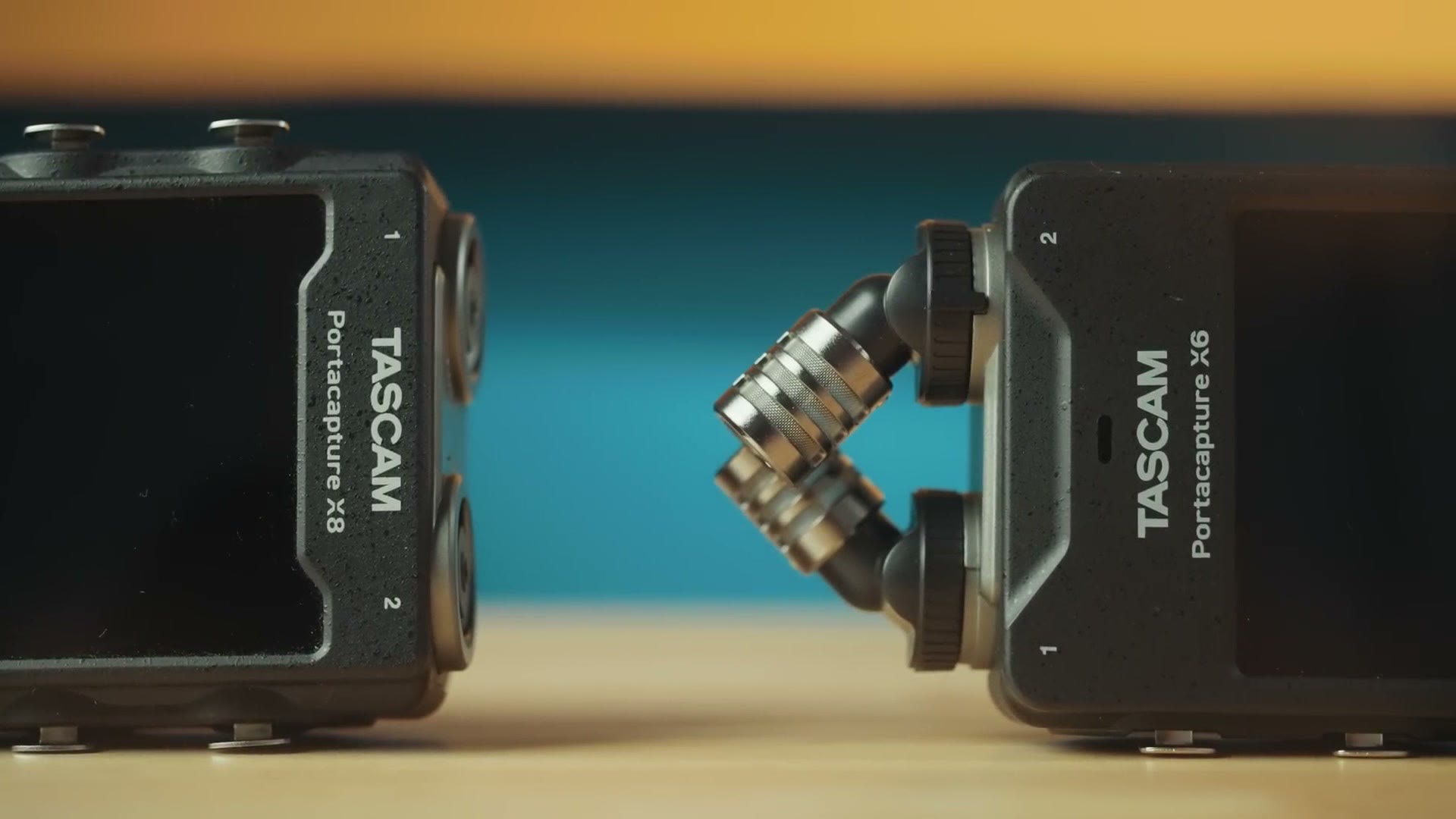
Looking at the top of the X6, you will discover a bit of a hidden change from the X8. While the X6 shares a similar top microphone pair, these top mics are not removable like they are on the X8. So you do not have the added versatility of being able to take these off and insert different mics, like lav mics.
Flip the X6 over and on the bottom you will see you also lost the hot shoe mount connector the X8 had, so you are slightly more limited in how you can mount this recorder. I do not think that is a huge deal though, because there is still a screw mount.
Bluetooth, Baby
On the opposite end of the recorder from the mics, we will call this the butt of the recorder, you will see the X6 has the same slot for a pluggable Bluetooth module as the X8, which means the X6 works with Tascam’s Portacapture Control app to change settings and start and stop recordings.
Impressive Battery Life
More interesting, open up the battery door and you will see the X6 uses the exact same four AA batteries as the X8.
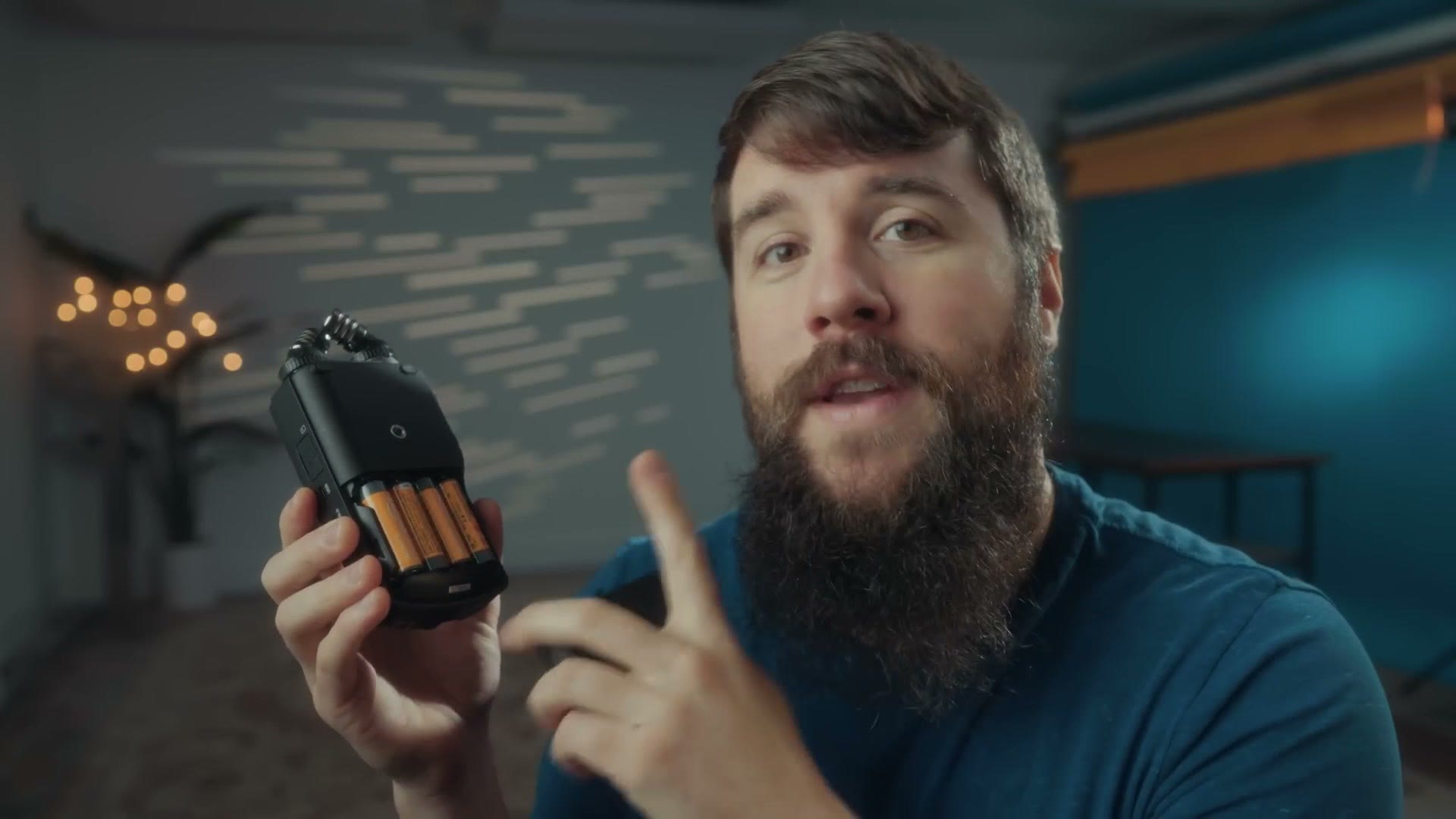
That is intriguing, because the X6 has that much smaller screen, so of course I had to test the battery life against the X8. And guess what, my theory was correct. Whenever I loaded up the X6 next to the X8 with the exact same batteries and settings, the X8’s battery died in approximately six and a half hours, but the X6, with its smaller screen sucking less power, lasted approximately two hours longer before finally dying. Pretty cool.
XLR Inputs, The Biggest Bummer Of The X6
Now turn the X6 on its side, and here is where you find the two biggest differences between this recorder and the X8. One of them is easily the biggest bummer, and it is one I begged Tascam to change and they did not.
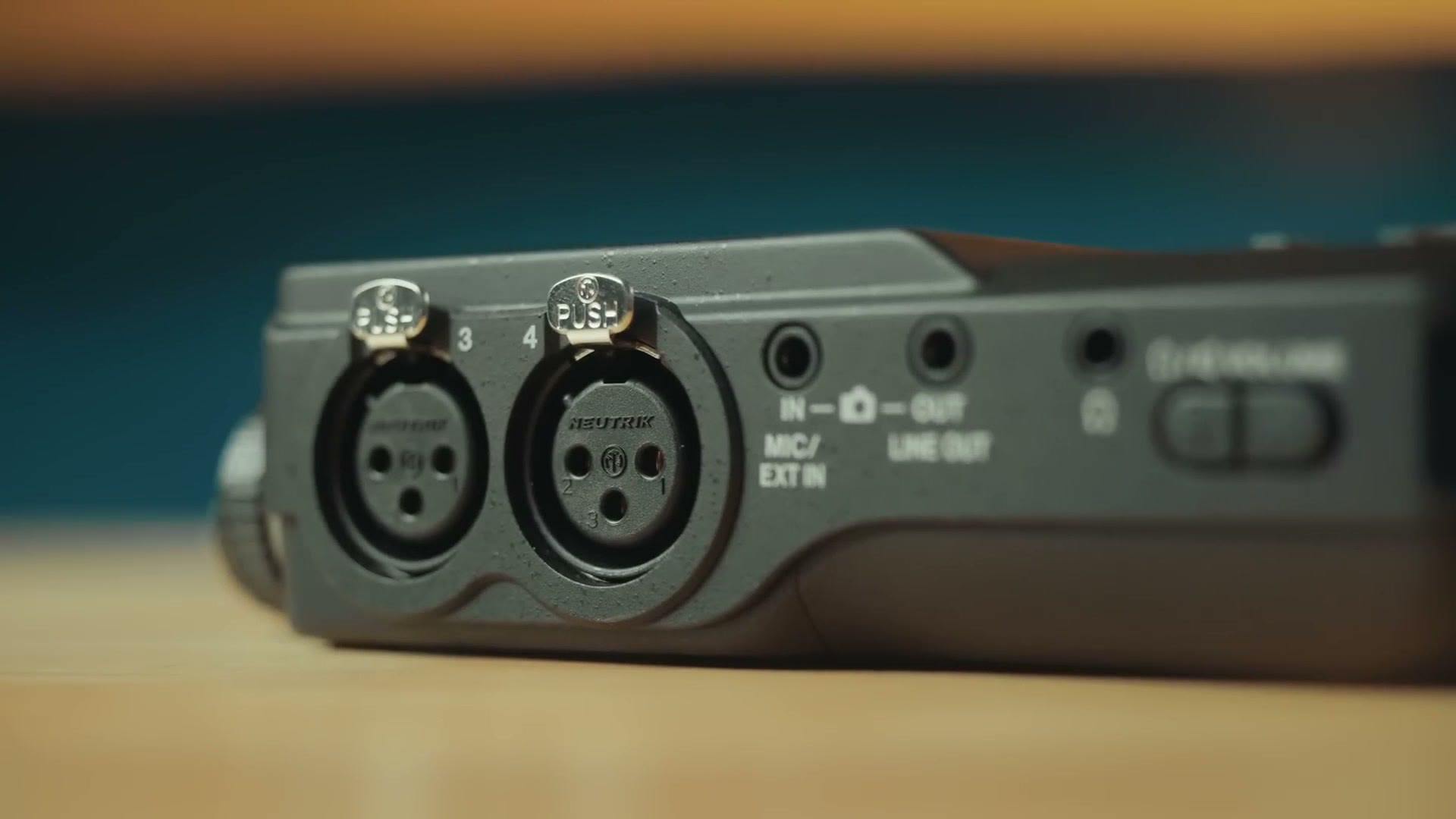
The first difference is that, as the names imply, going from the X8 to the X6 you lose two audio inputs. Where the X8 had two XLRs on both sides of the recorder, making four total, the X6 only has two XLRs on the left side. That is not a huge deal, because as a wedding filmmaker I do not think you are often going to find yourself needing to plug into more than two sources of audio at a time.
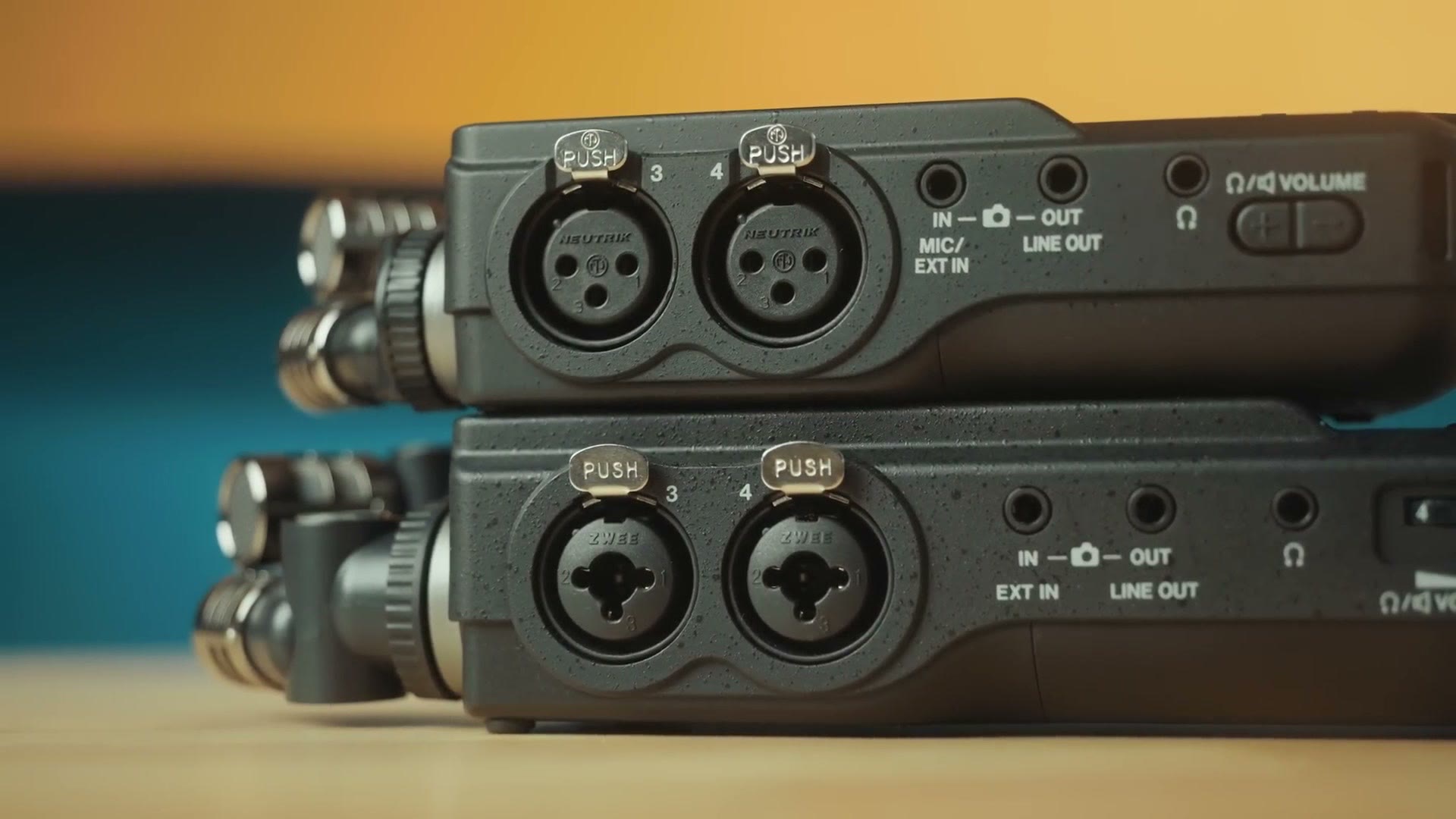
But the bigger con, and my main complaint about the X6, is that it only uses standard XLR, not the combo XLR and quarter inch jacks you find on the X8. That is a bummer, because as a wedding filmmaker plugging into a DJ’s soundboard, you are often going to need XLR or quarter inch. It is nice to only need to carry an XLR and a quarter inch cable in your bag when you use the X8, but with the X6 you are also going to need to invest in quarter inch to XLR adapter cables, which to be clear are not expensive, but it is just a bit more to carry.
I personally feel like this is a bit too much cost cutting on Tascam’s part, because the width of the X6 is nearly the same as the X8, and I feel like they could have included those jacks and it probably would have cost them only a little extra to manufacture. Like I said, it is not a huge deal, but if you ask me what the biggest con of the X6 is, that is it.
32-Bit Float Audio Test
Alternatively, one of the biggest reasons I would buy the X6 is that it still includes the most important feature from the X8, and that is 32-bit float recording.
Speaking of which, Best Settings for the Tascam X8 Audio Recorder, Audio Recorder BATTLE: Zoom F3 vs Tascam FR-AV2!, and Tascam FR-AV4 Review: This Audio Recorder Makes Timecode EASY! are worth a look too.
If you are not sure what that means, in essence, imagine being able to press record on your audio recorder and never having to worry about the levels being too quiet or too loud. If the levels are too quiet you can bring them up without increasing the noise floor, and if they are too loud and peaking you can bring them back down without dealing with ruined audio. It is pretty magical.
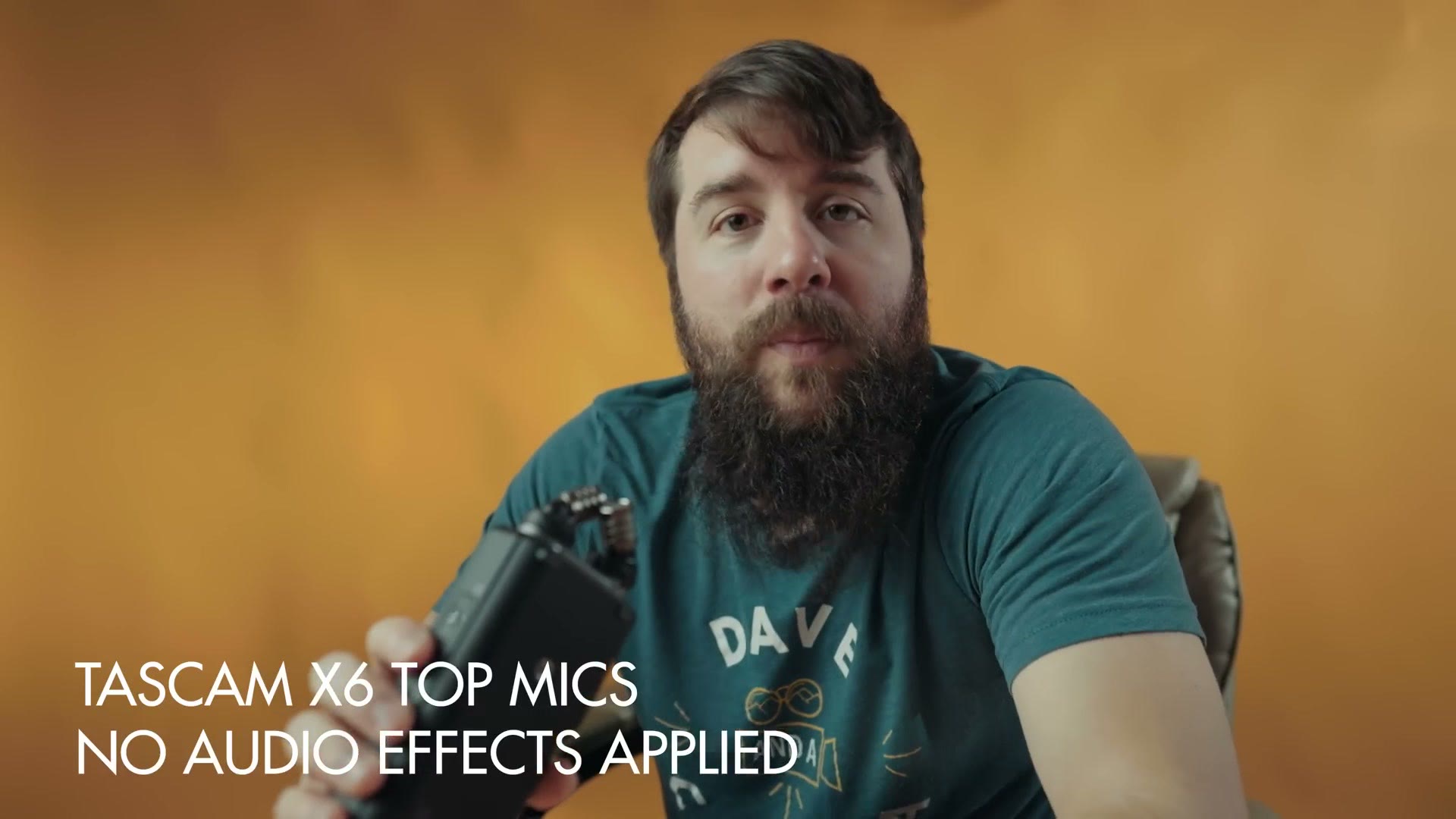
For the audio test I stood approximately six inches from the microphone speaking at a normal volume, then started speaking much louder to see if I could make the recorder peak in any way, which most likely would not happen because it is recording in 32-bit float, and then talked a lot quieter so you can hear how the noise floor sounds whenever I bring the volume up.
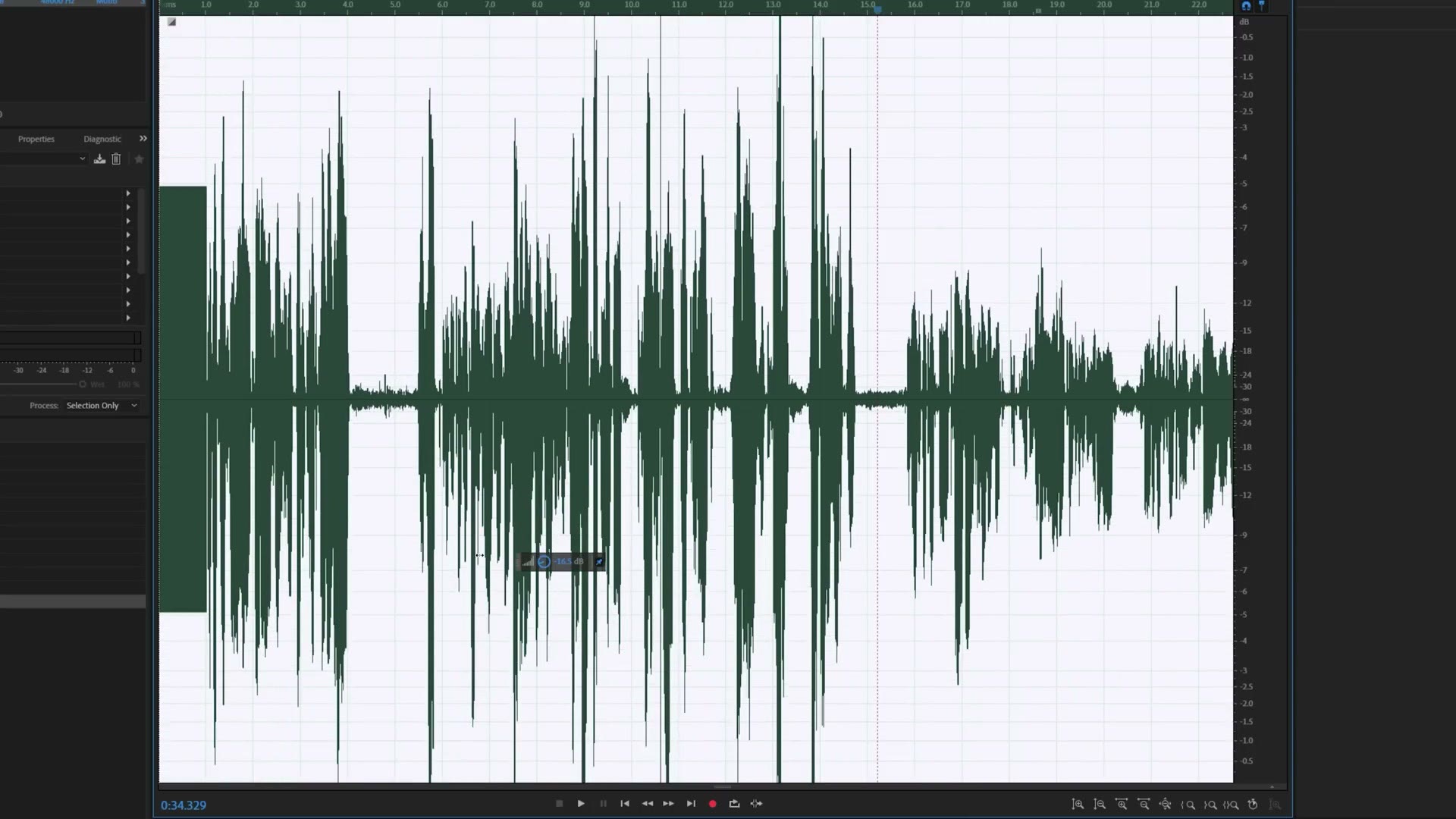
More than that, I want you to be able to test this audio for yourself, so here is a free download of audio files recorded directly from the X6 that you can import into your video editing software and play around with.
The Price, Should You Buy The X6?
Now what about the price? This is where things get interesting, because unlike the X8, which cost around $500 when it was first announced, Tascam has told me the MSRP of the X6 is going to be much cheaper at $369.
So should you buy it? In my opinion, having tested and used the X6 for a while now, Tascam has stripped out some of the X8’s features, but from an audio quality standpoint and a usability standpoint it is still very comparable. If you do not have the budget for the higher end recorder, the X6 is a fantastic choice.
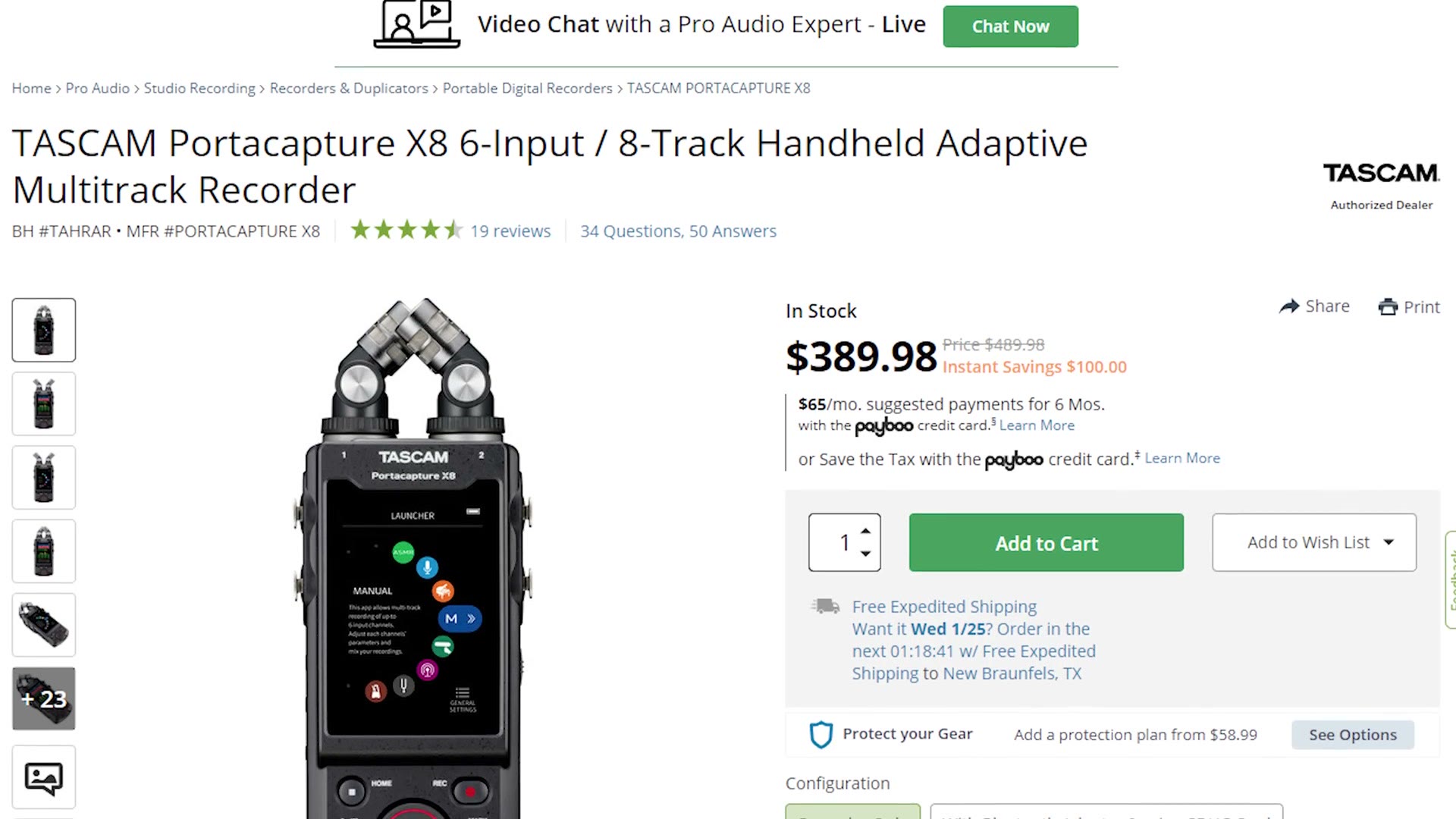
That said, the X8 has been around for a while and I have seen the price on it drop to around $400 or lower at times. So I would check around and see if you can find an X8 for not much more than the cost of an X6, and go with that recorder if you can, because the bigger screen makes it easier to use and those extra two XLR inputs that also work as combo XLR and quarter inch jacks definitely make it more versatile.
You can buy the Tascam X6 at B&H, at Amazon or at Sweetwater. And you can buy the Tascam X8 at B&H, at Amazon, at Sweetwater or at Adorama.
Bonus For Video Editors
Speaking of being more versatile, I will also link my free Edit Videos Like A Pro guide, which is going to help you be an even more versatile video editor. It is completely free.
I colored everything you see here with my color presets. If you want to go deeper, I have filmmaking courses here, and here is my full list of filmmaking gear.
Thanks so much for reading, and have a great day!