
I’ve always loved being able to see thumbnail previews of my video clips in Windows, because whenever you’re digging through a wedding day’s worth of footage looking for one specific shot, being able to see your clips instead of reading file names is the difference between finding it in ten seconds and finding it in ten minutes. But then I upgraded to a 10-bit camera and all those previews disappeared, and every single clip turned into a VLC traffic cone. Bummer!
Here’s how to get your thumbnails back, for free, in about three minutes.
Quick note before we start. The video above is from 2021 and Icaros has moved house since then, so the download link in the video points at an older version. Everything below is updated for where it actually lives today, and the setup steps inside the program are still exactly the same.
Why did your thumbnails disappear?
Windows generates those little preview images itself, and it only knows how to do it for formats it understands. Whenever your camera started recording 10-bit, Windows stopped recognizing the files, so it quietly gave up and handed the job to whatever media player you had installed, which is why you’re staring at a folder full of traffic cones instead of your footage.
The fix is a free tool called Icaros, which does the thumbnail work Windows won’t do. It’s been actively maintained for years, it’s open source, and it runs on Windows 11 as well as 10.
Where to download Icaros now
Icaros lives on GitHub these days, at github.com/Xanashi/Icaros, and the current version as I’m updating this is 3.3.6. Grab the installer from the latest release page.
You can also still get it from VideoHelp, which is the link I used in the video, and that page is still kept current. Either one gets you the same program, so use whichever you like.
Install it and switch it on
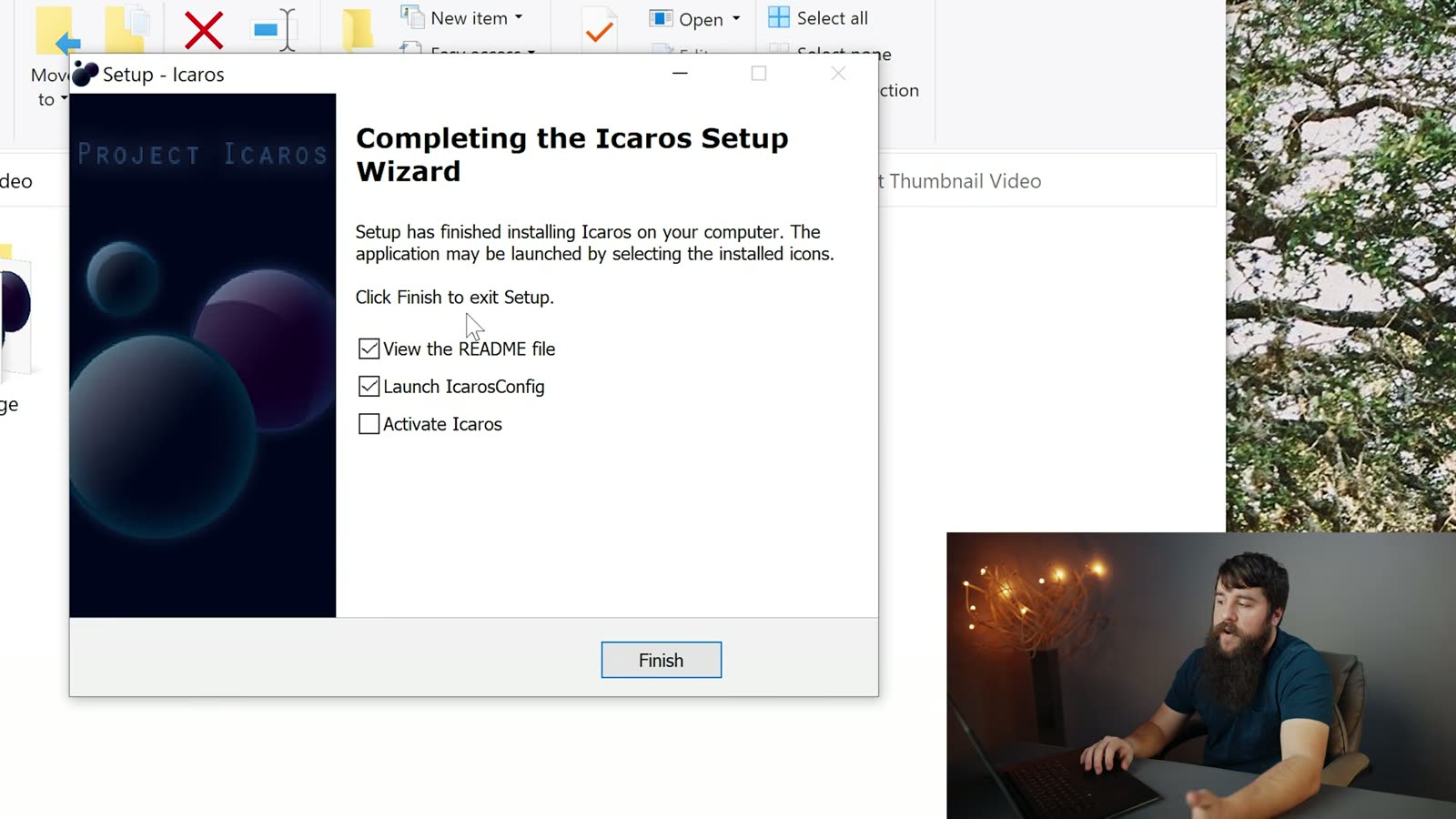
Run the installer, and at the end make sure Launch IcarosConfig is ticked before you click Finish. You don’t need the README.
Once IcarosConfig opens, you’ll see it’s currently switched off, which is what that DEACTIVATED label is telling you. We’re gonna fix that in two clicks.
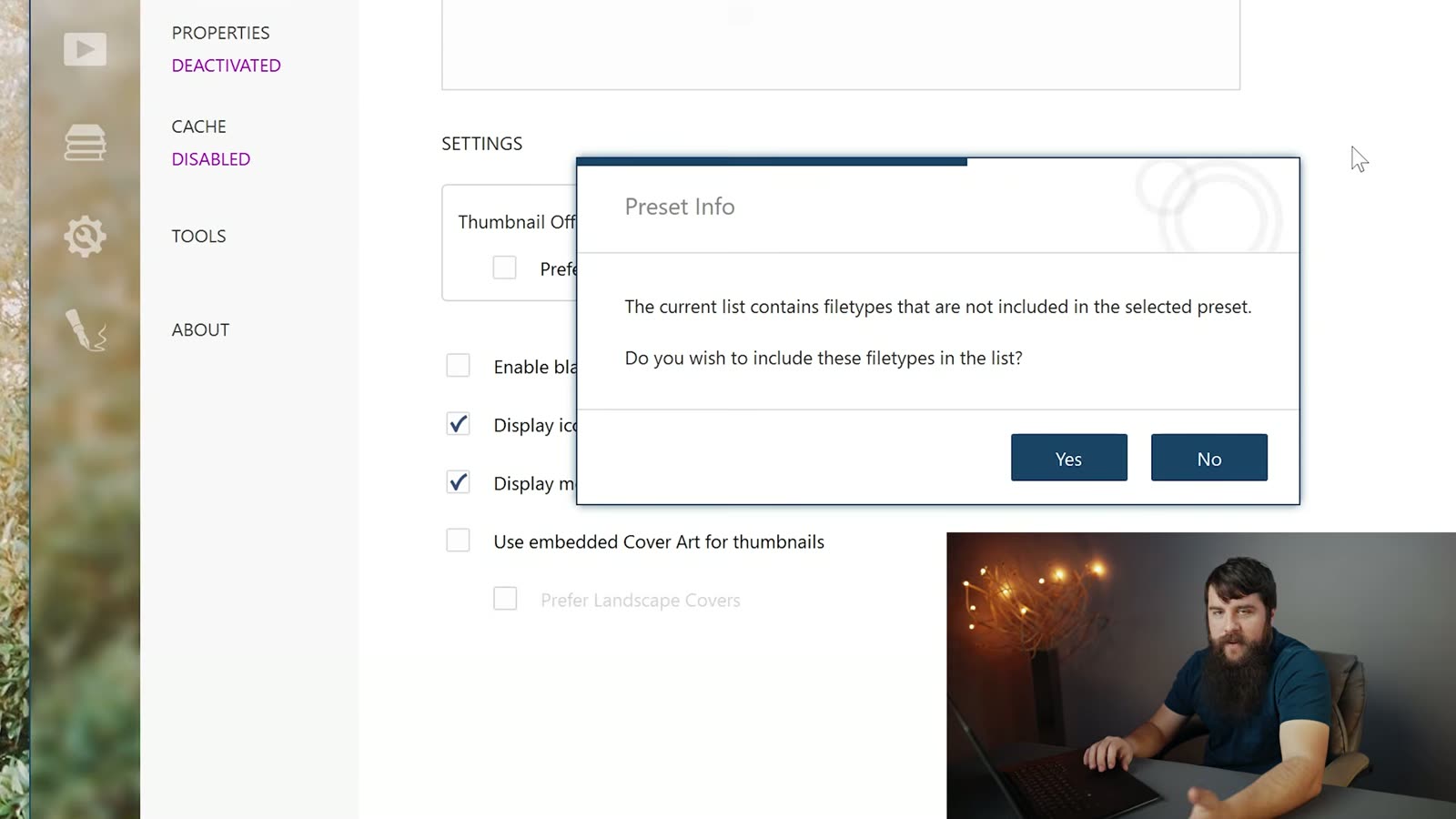
First, click the PRESET dropdown and choose Video only. You don’t need Icaros generating thumbnails for every file type on your computer, you just need it for your footage. A dialog will pop up asking whether you want to include the extra filetypes, and you can click Yes.
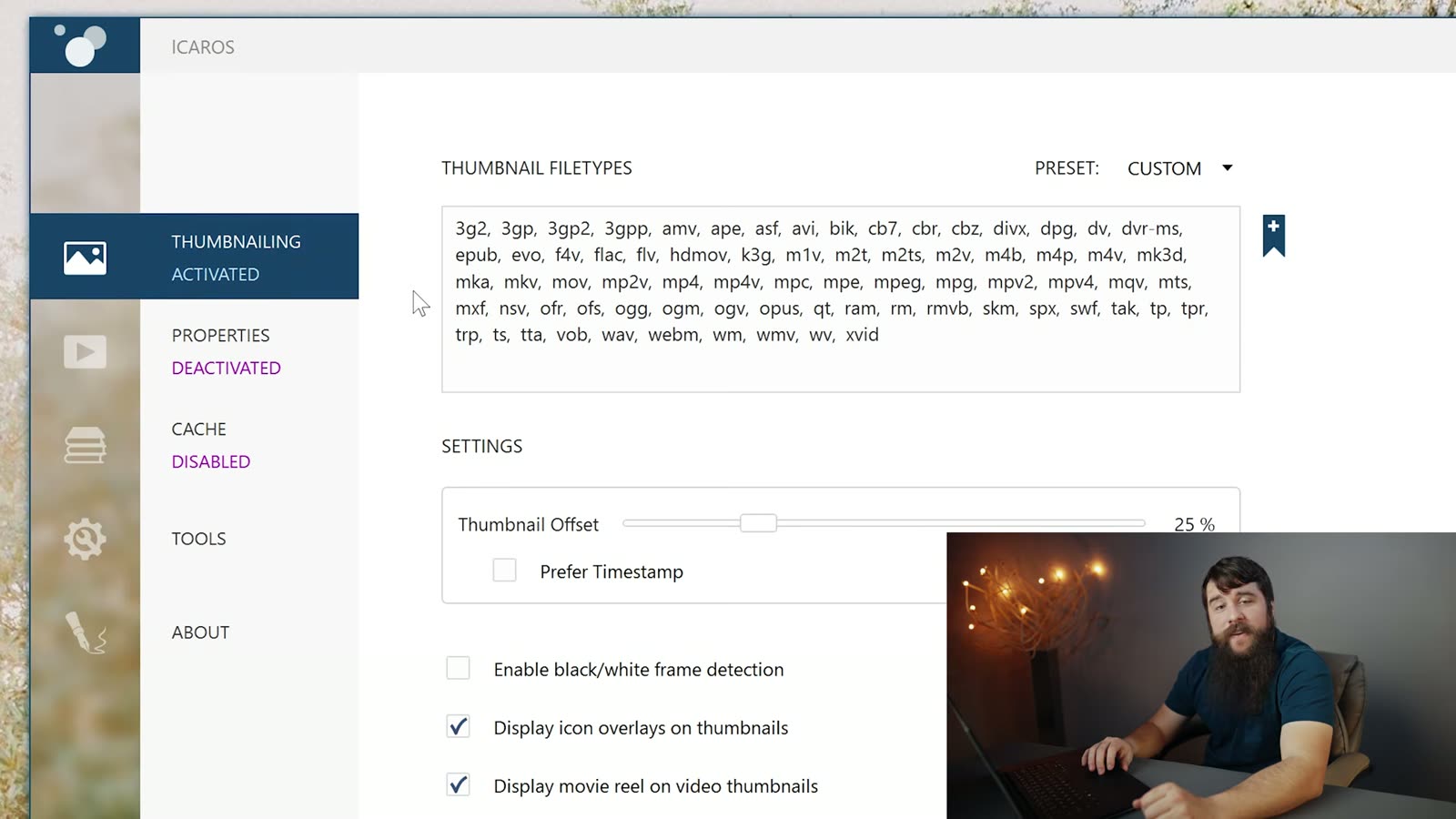
Then click that magenta DEACTIVATED text so it flips to ACTIVATED. That’s it. That’s the whole thing. Minimize Icaros, go back to your footage folder, and your thumbnails are there.

Common questions
Windows says the installer might be harmful. Is Icaros safe?
A few of you have asked me this in the comments and it’s a fair question, so here’s a straight answer. That warning is Windows SmartScreen, and it shows up whenever an installer isn’t code-signed with an expensive certificate. It is not Windows telling you it found something bad in the file. Small open-source projects run into this constantly because those certificates cost real money every year, and one developer maintaining a free thumbnail tool understandably hasn’t bought one.
What I’d tell you to do is what I do: download it from the project’s own GitHub releases page rather than some random download-aggregator site, because then you know exactly who built the file you’re running. The source code is right there to look at. If you’re still not comfortable, that’s completely fine, don’t install it, and no hard feelings.
Does Icaros work on Windows 11?
It does. Windows 10 stopped getting support back in October of 2025, so most of you are on 11 now, and Icaros supports it. The IcarosConfig window looks the same and the two steps above haven’t changed.
My thumbnails still aren’t showing up. What now?
Two things to try. First, make sure the label actually reads ACTIVATED and not DEACTIVATED, because it’s easy to click the preset and think you’re done. Second, Windows caches thumbnails aggressively, so a folder you were staring at before you installed Icaros may keep showing the old cones out of pure stubbornness. Open a different folder, or restart Explorer, and they should populate.
My 10-bit footage won’t play either. Can I fix that too?
You can, and it’s a separate free program. Thumbnails and playback are two different problems in Windows, which feels like it shouldn’t be true but here we are. I wrote that one up over here: how to play 10-bit video in Windows. Do both and your footage folder finally works like it did before you upgraded your camera.