
We’re well into spring 2020, which means Adobe has shipped new updates for their video apps. I want to walk you through three of the biggest new features for Premiere Pro and After Effects, and tell you why I think these are some of the most important updates Adobe has ever made to these programs.
Not the longest feature list they’ve ever put out. But that isn’t the point of this one, and I’ll explain why by the end.
Hardware Encoding, Up To Four Times Faster
This is the one that’s going to make you want to update pretty much immediately. Premiere Pro now supports hardware encoding using Nvidia and AMD graphics cards.
You may be a bit confused by that. I know I was. When I first heard the news I thought, doesn’t Adobe already support hardware acceleration? What about CUDA? What about OpenCL? This is new and different. Those were about playback and rendering. This is about the export itself. The latest version of Premiere can now use your graphics card to encode your H.264 and H.265 exports.
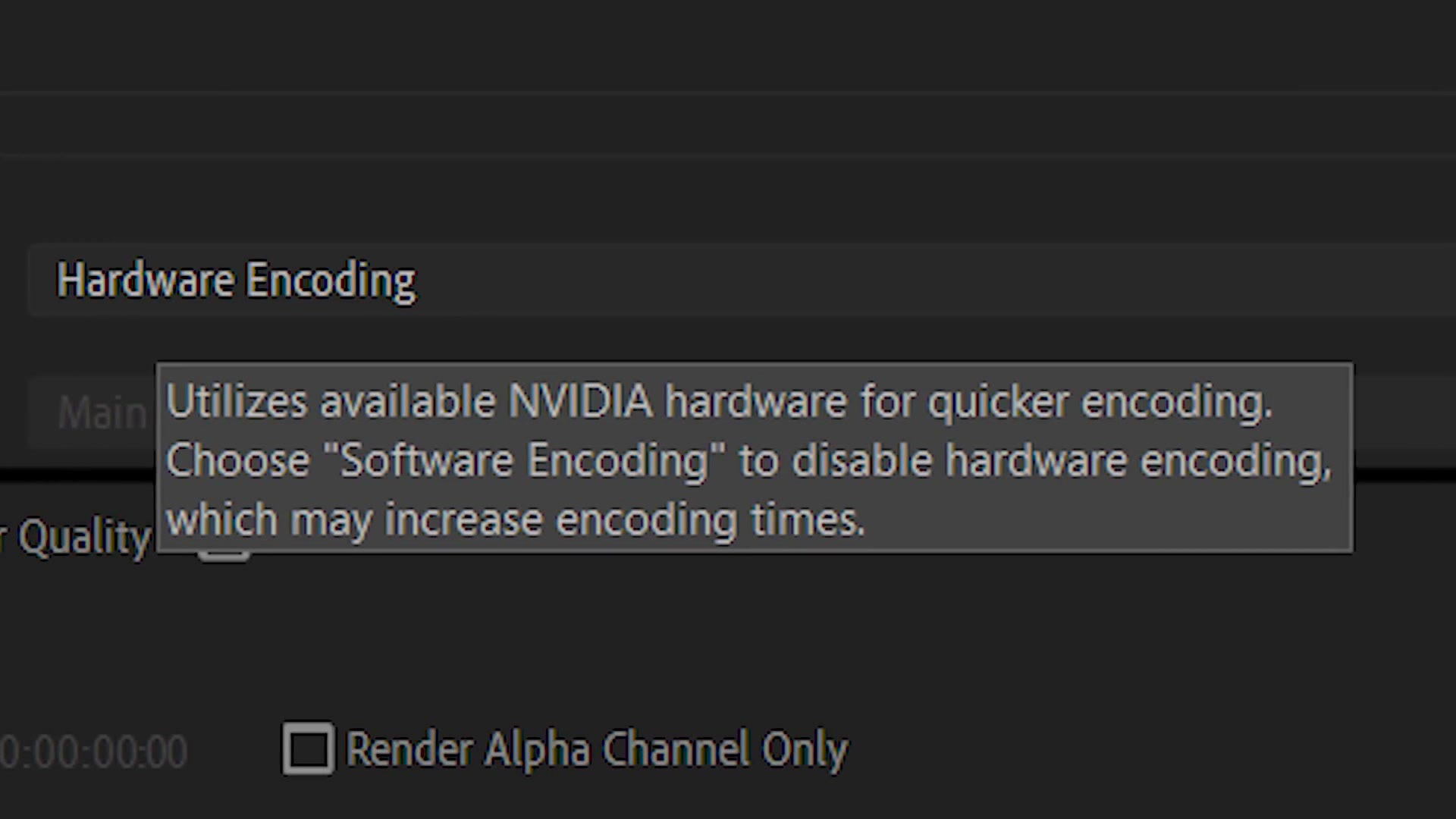
What the heck does that mean? It means your exports can be up to four times faster. A video that takes 20 minutes to export could be done in five. That’s a crazy increase in rendering speed, and from the tests I’ve seen there is no loss in visual quality.
So how do you get it? First, update to the latest version of Premiere. Then check what graphics card is actually installed in your computer. On Nvidia, anything from the 1000 series up will work, so as long as you have at least a GTX 1050 your exports are going to be faster.
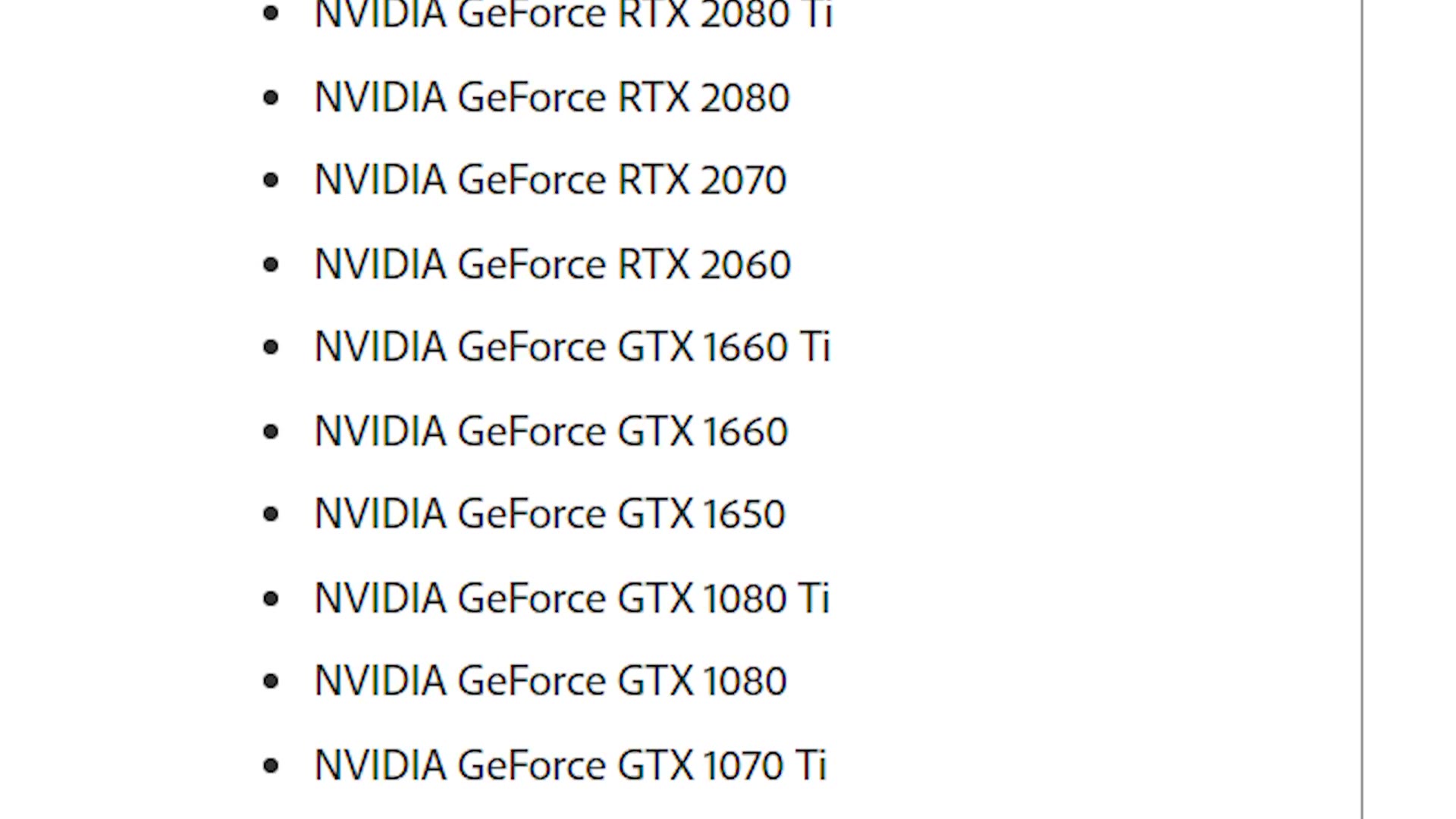
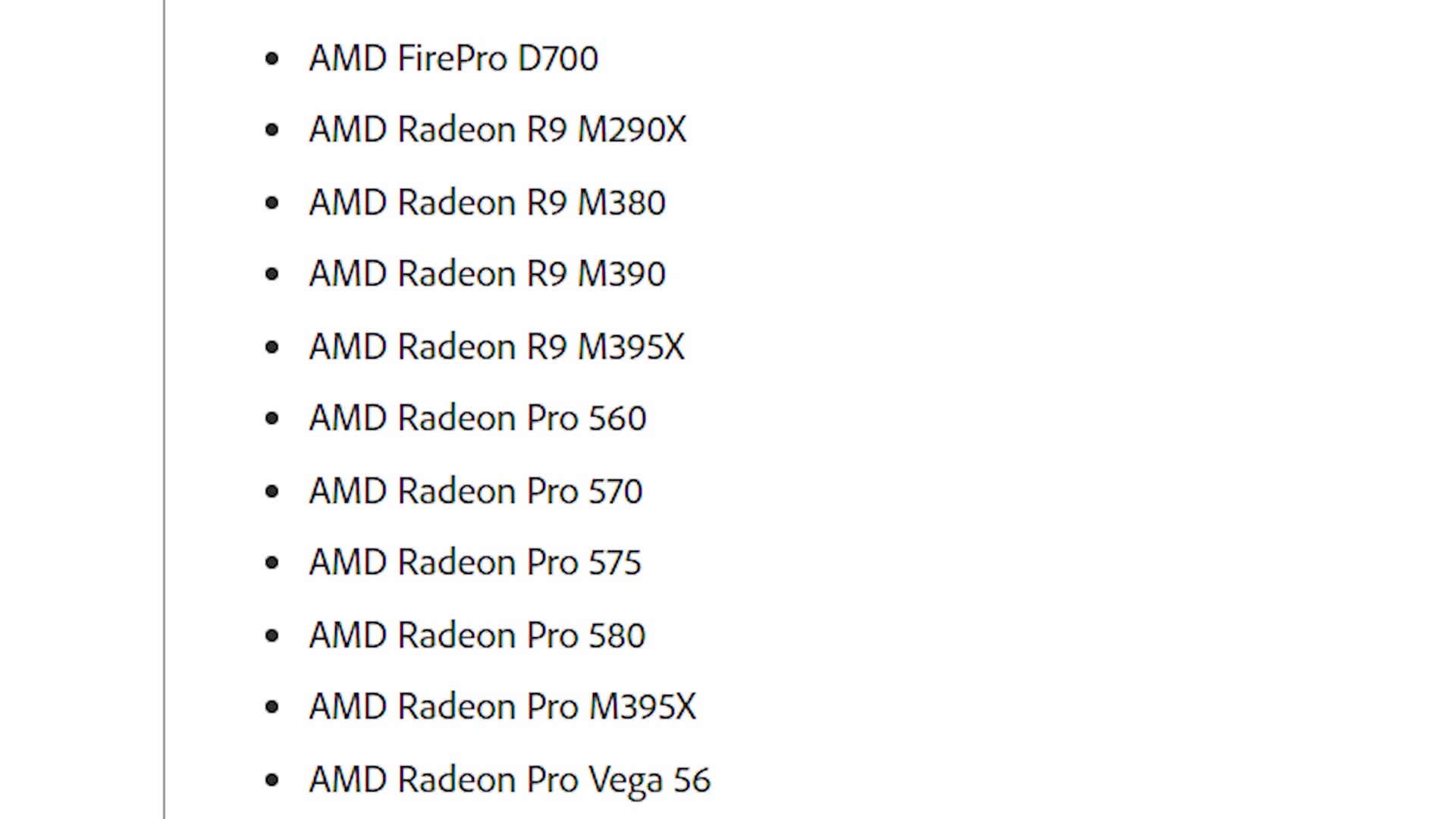
On AMD, so far I’ve only been able to confirm this working with the Radeon Pro cards. Adobe publishes the full list of supported cards, and Nvidia has their own NVENC support matrix if you want to check yours.
Keep in mind that the faster your graphics card is, the faster your exports should be.
One correction worth having here. Adobe announced this for Nvidia and AMD cards generally, but whenever I actually sat down a week later to set it up end to end, I could only get it working on PC. If you want the click-by-click version, I made a full walkthrough of turning hardware encoding on, including what to do when the box is greyed out.
ProRes RAW, Natively, On Mac And PC
Next one is for both Premiere Pro and After Effects, and both of them now support ProRes RAW natively on Mac and PC.
This is a relatively newer codec, but those of you shooting on a Nikon Z 6 or a Panasonic S1H that can record ProRes RAW externally will be happy to know you no longer need some weird workaround to make it work. It just opens.
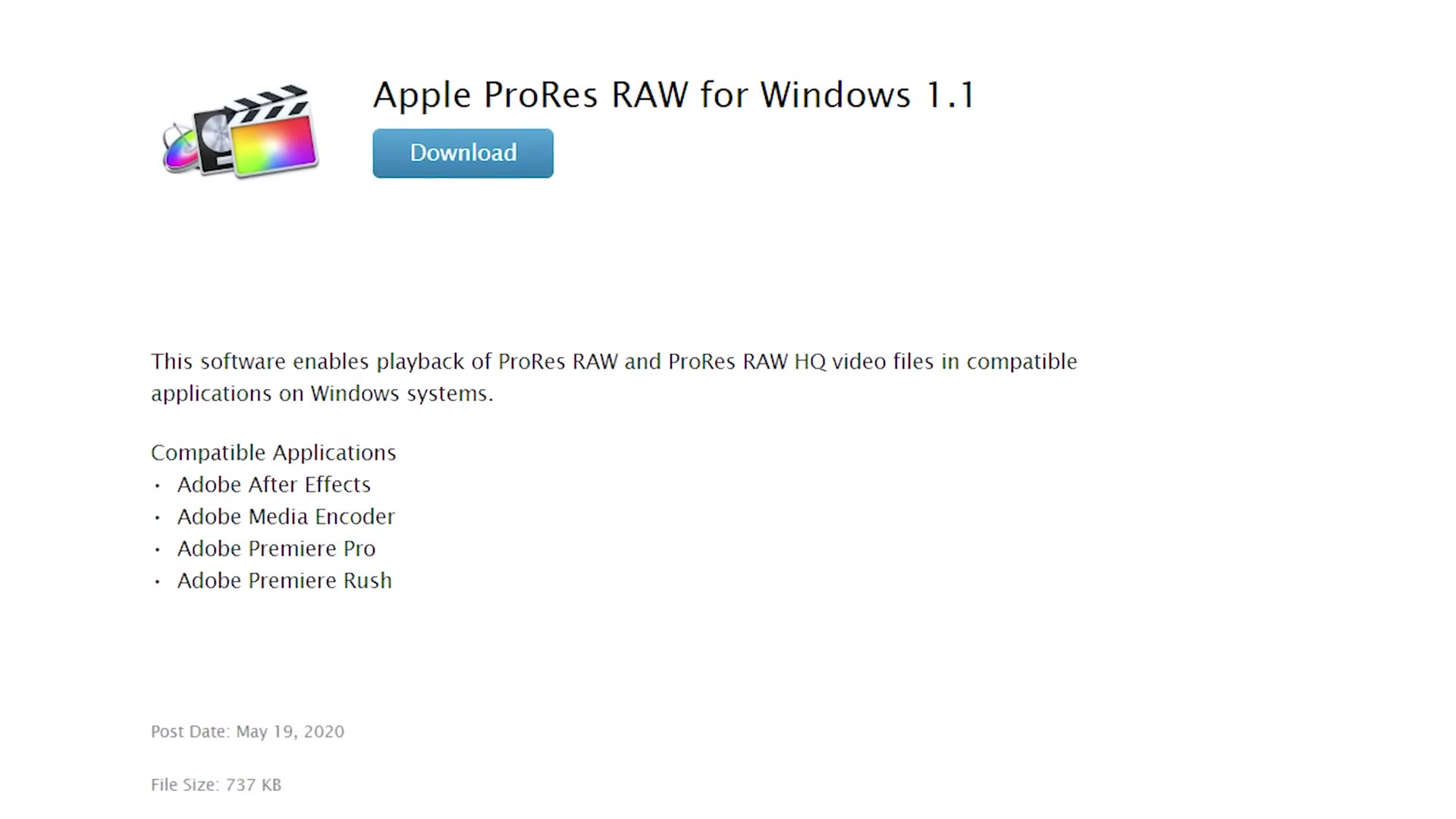
On a Mac, all you have to do is download the latest versions of Premiere Pro and After Effects and you’re done. On PC there’s one extra step: you also need the ProRes RAW decoder for Windows, which comes directly from Apple.
Performance And Stability
The last one is a bit more nebulous, because it isn’t one specific feature. It’s a fundamental shift in how Adobe approaches their video and audio applications.
Here’s MINDBLOWING New Features in Adobe’s After Effects & Premiere Pro CC 2019 Spring/April Update! too, and honestly it’s kind of wild seeing the difference.
Alongside the spring updates, Adobe published a blog post titled Performance and Stability: Our Highest Priority, laying out how over the past year they’ve changed the way they develop the software to focus on exactly those two things.
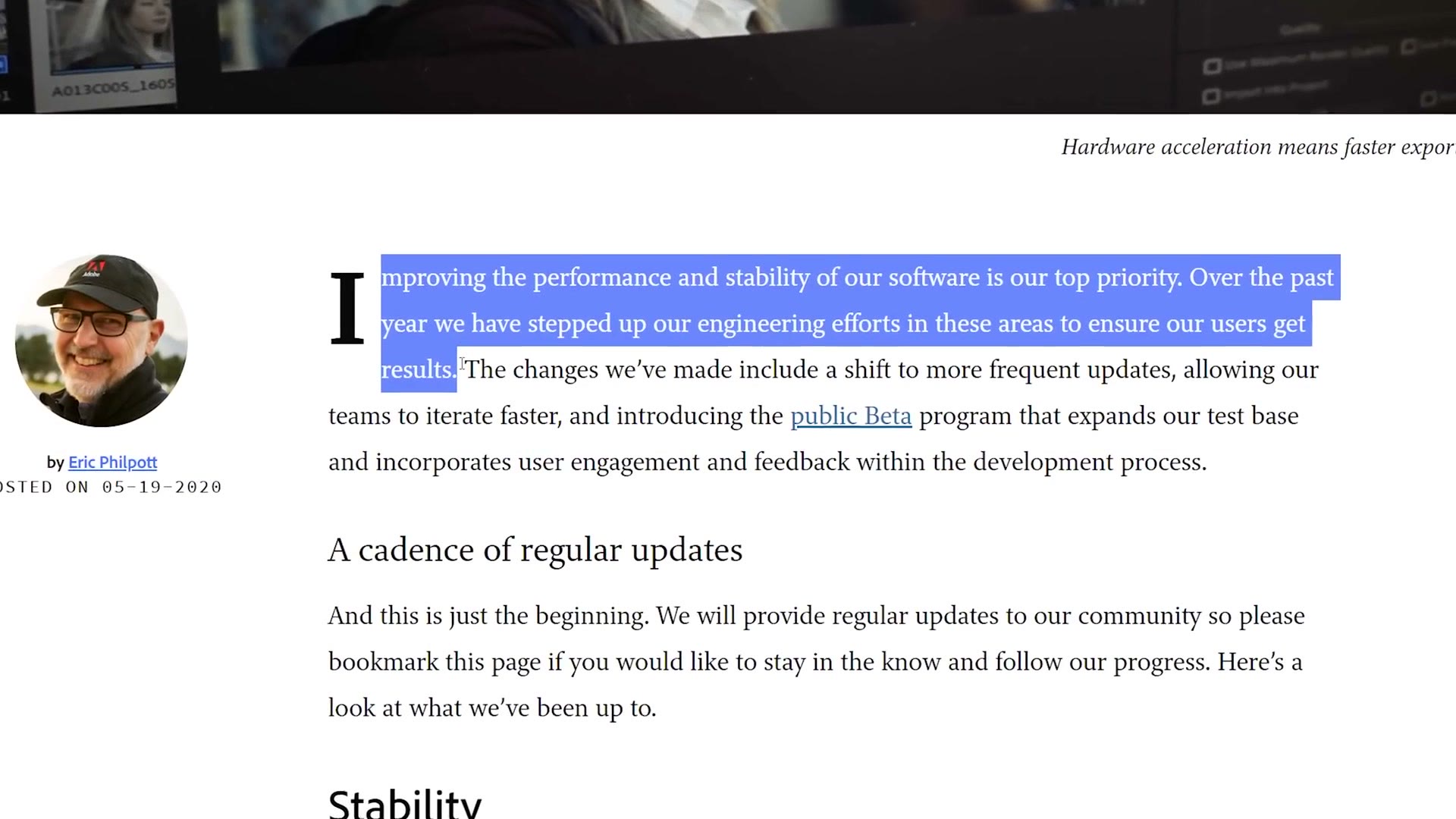
Anyone who has dealt with Premiere crashing will be glad to hear this. Spend any time on Adobe’s forums or their bug report page and you’ll know there are thousands of editors who have been unhappy with the program’s performance for years. It has felt like editors telling Adobe, slow down with the feature updates, focus on making the thing stable, focus on fixing the bugs. And with this post it sounds like Adobe is finally listening.
Half of it is about their development process, including how they’re using Premiere’s System Compatibility Report and the new public beta to catch problems earlier. The other half is about performance. According to Adobe, this version of Premiere can play back seven simultaneous streams of ProRes where the previous version managed four.
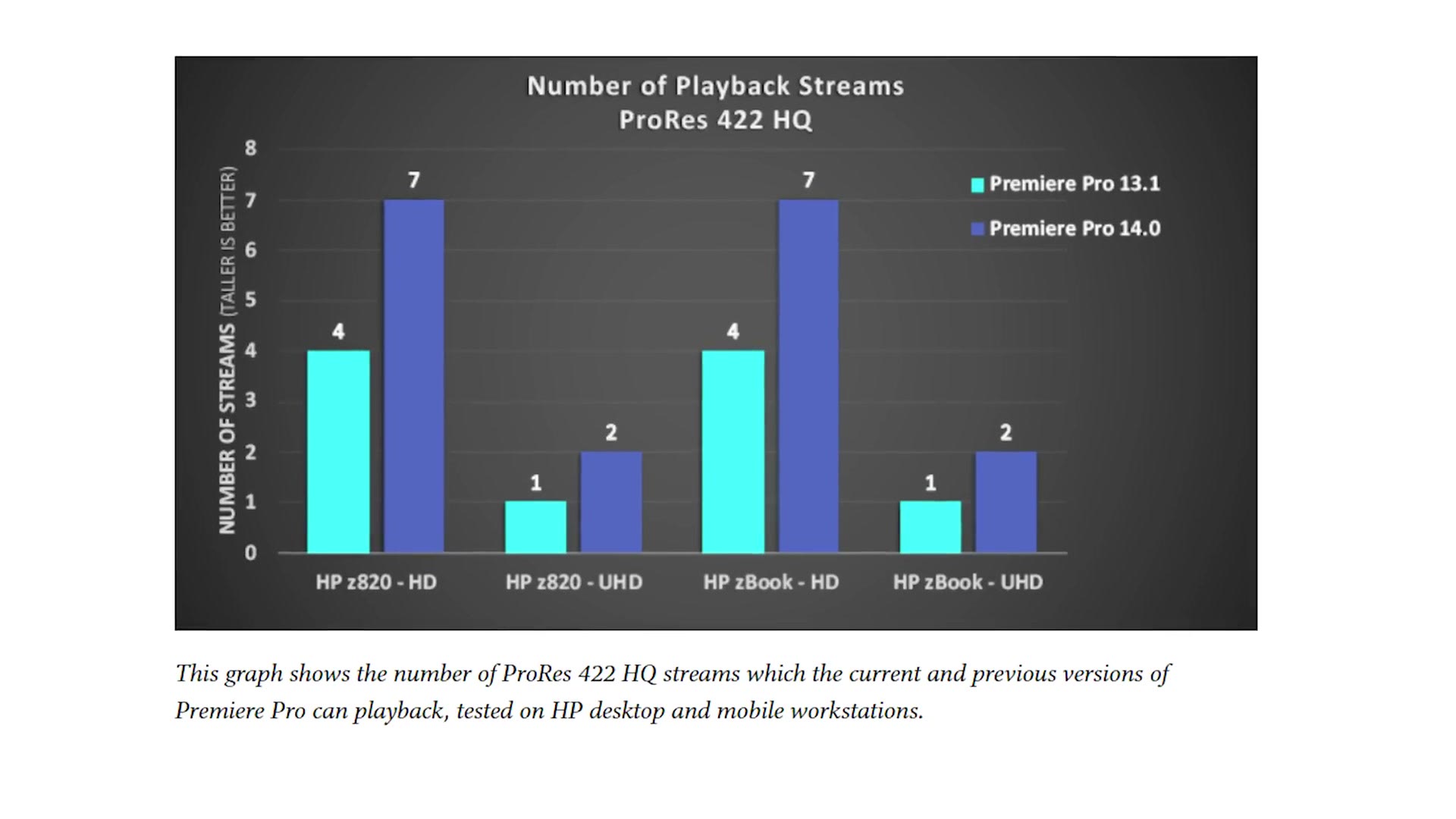
So this update is going to let you edit and export quicker without you needing to upgrade your hardware. I love that.
So Is This Actually A Big Deal?
This spring update doesn’t bring a long list of features that completely revolutionize video editing. I don’t think that was needed. Instead Adobe showed they’ve been listening to editors and are starting to make changes focused on the fundamentals, stability and performance.
Am I still skeptical? Of course. I’ve watched Adobe downplay issues with the speed and stability of their software for years. If they had just published that blog post saying performance and stability are our top priorities and shipped nothing to back it up, I probably would have rolled my eyes and moved on. But alongside the post we got four times faster exporting and smoother playback while editing. That wasn’t an empty claim. They’re actually listening to us.
That’s why I think these are some of the most important updates Adobe has ever released. There’s too much competition from Final Cut and DaVinci Resolve for Adobe to keep shipping buggy software. I’m hoping this is them turning over a new leaf, and that from here on out we get software that’s stable and fast. But only time will tell.
If you want to read the whole thing yourself, Adobe published a full list of the Premiere Pro updates. And if you don’t have Premiere yet, there’s a free trial here.