
It’s April, which means Adobe just released their spring updates for Premiere Pro and After Effects, and some of these are genuinely cool. Here’s a quick tour of the changes that jumped out at me.
Content Aware Fill For Video
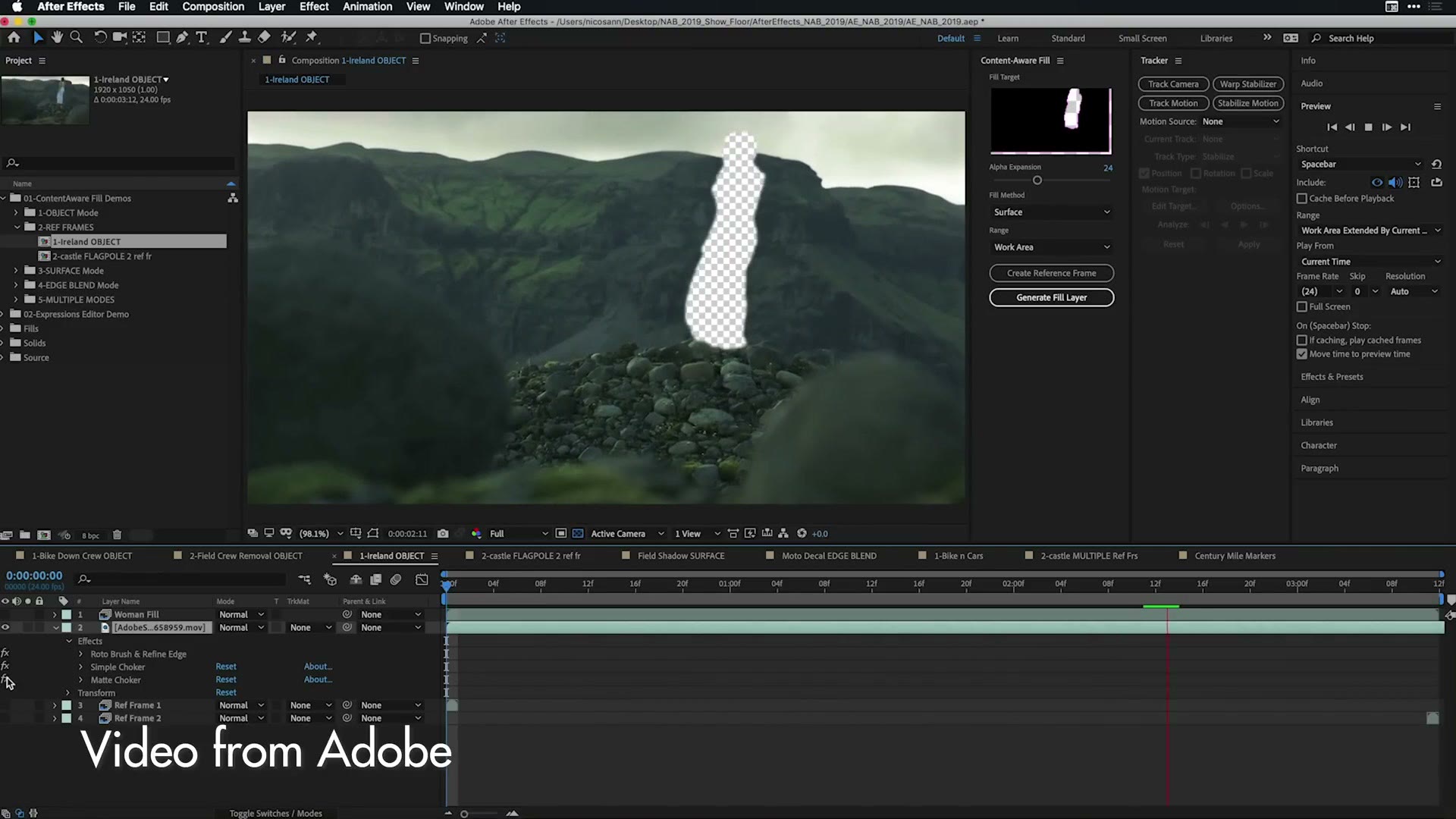
This is the big one. Way back in 2017 Adobe demoed something called Project Cloak, which took the tool photographers use constantly in Lightroom and Photoshop to remove objects and people from photos, and brought it to video.
Everybody was a little skeptical about that. Were we actually going to be able to pull moving people and objects out of our footage with a few clicks?
Turns out yes. Adobe has shipped that technology in the After Effects spring update, they’re calling it Content Aware Fill for video, and what’s crazy is that it works surprisingly well. The demos aren’t easy static locked-off shots where the removal could just as well have been done by rotoscoping. These are moving shots in 3D space.
To put that in perspective, removing an object like that used to take hours of work, if somebody untrained could manage it at all. Now anyone can do it in a few clicks. It’s all pretty dang ridiculous and I can’t wait to try it.
I’m also a little worried, because I’m a perfectionist whenever it comes to editing my own videos, and the thought that I can now go “I’ll delete that person back there, and that thing over there” could be dangerous for me.
Smaller After Effects Updates
The rest of the After Effects list is stuff you probably don’t care about unless you’ve been specifically waiting for it. Automatic font syncing between machines and projects, and a new expressions editor. The full list is here.
Rulers, Grids And Guides
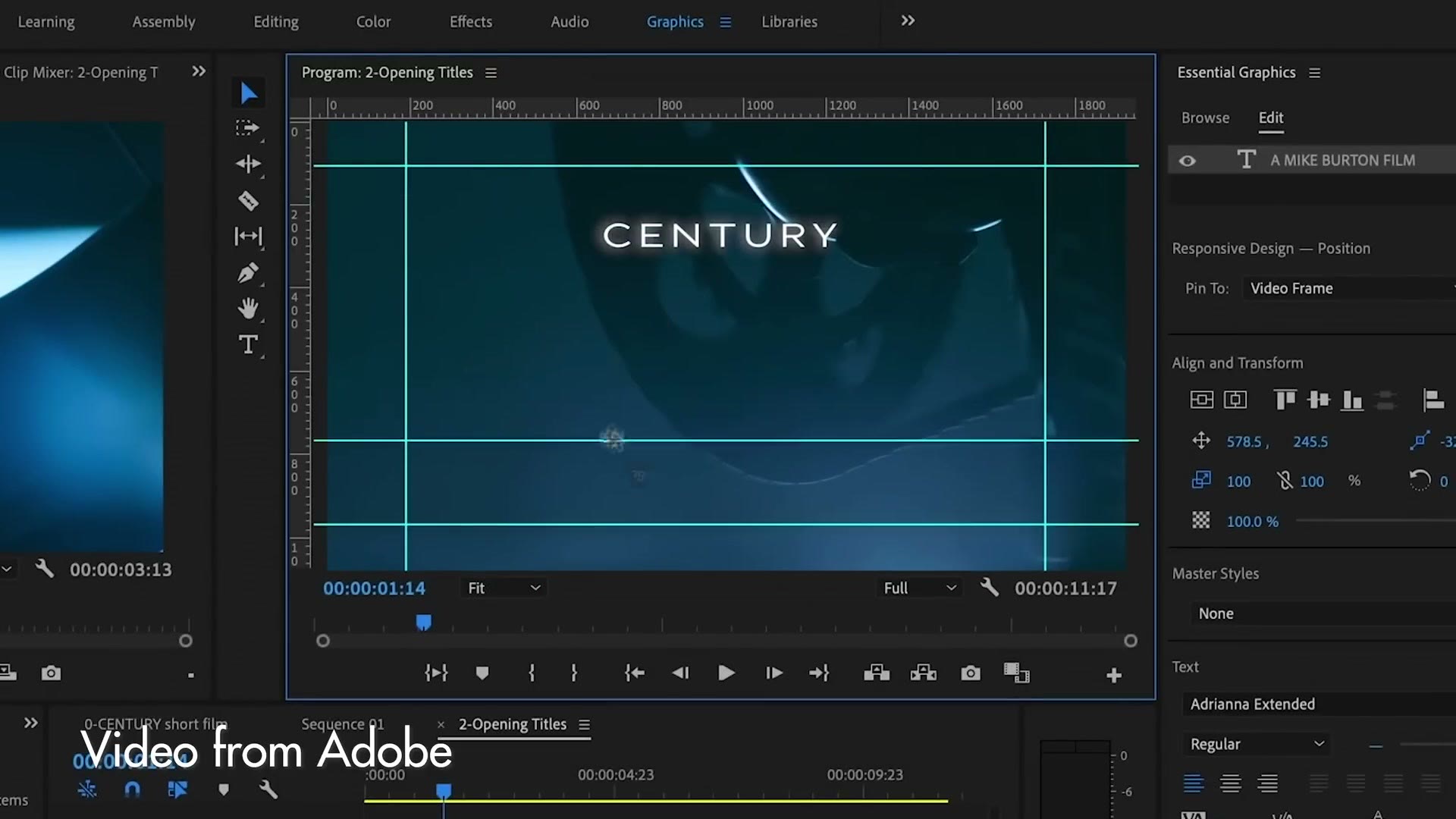
Adobe has been pushing bigger Premiere updates than this one, but this is the update I have personally been waiting for the longest, and whenever I tell you what it is you’re going to say wait, that wasn’t in Premiere already?
Premiere Pro now has rulers, grids and guides. It’s been in Photoshop forever. It’s finally here.
Why am I so excited? Because whenever I edit drone footage I want to be certain my horizon is dead level, and up to now I have just been eyeballing it and hoping. Now I can drag a guide down, line the horizon up against it, and drag it away when I’m done. That is wonderful for how I work. And obviously you can use it for lining up text and graphics too.
The Titler
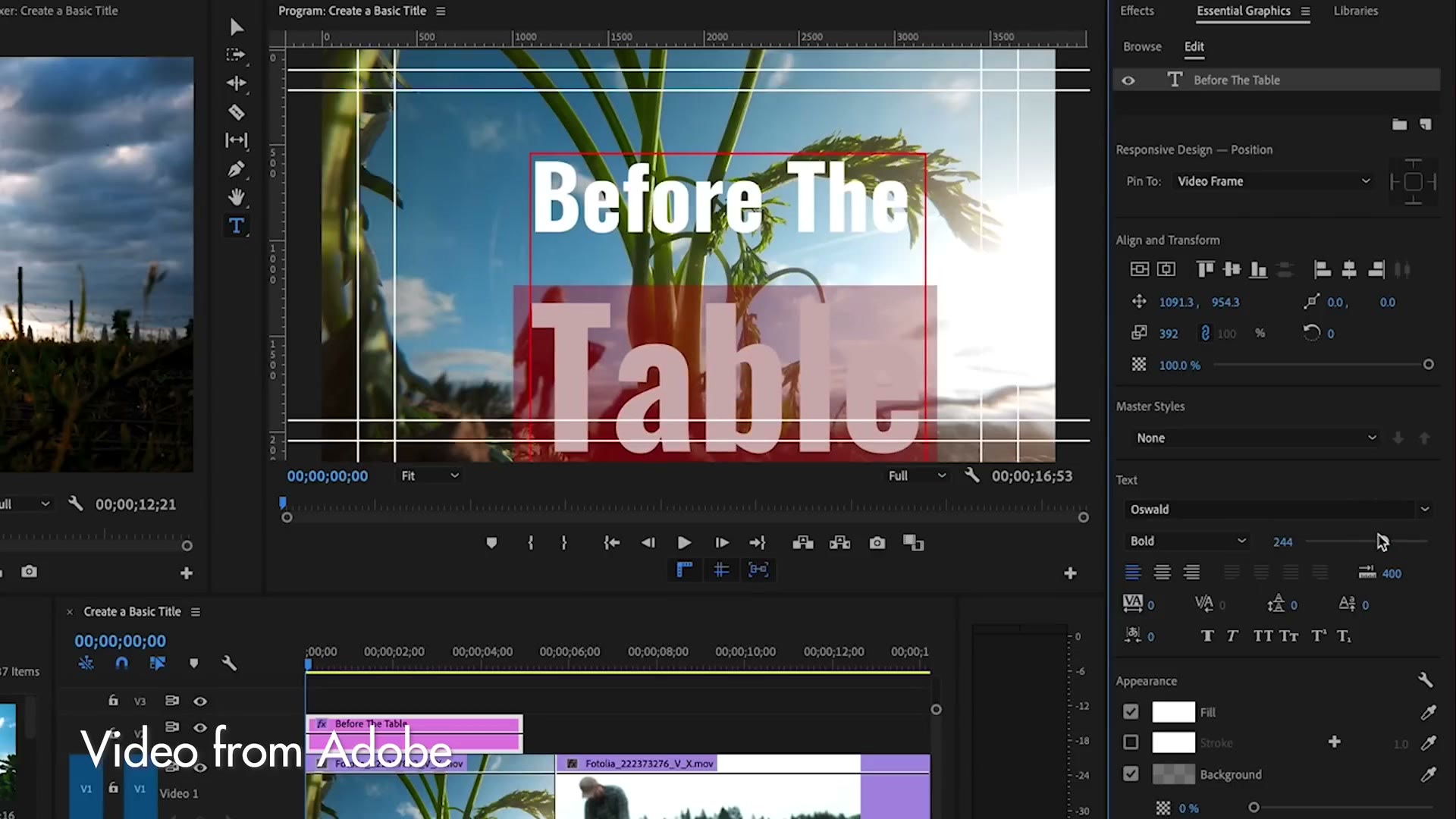
Speaking of text, the titler got a real pass. You have much more control now: resize text more easily, add a background layer behind it, mask it, and save the whole thing as a Motion Graphics Template to reuse or share.
Much like the rulers, this is really Adobe taking the features people already love in Photoshop and After Effects and putting them into Premiere. I’m not upset about that at all. The less I have to leave Premiere while I’m editing, the better.
The Freeform Project Panel
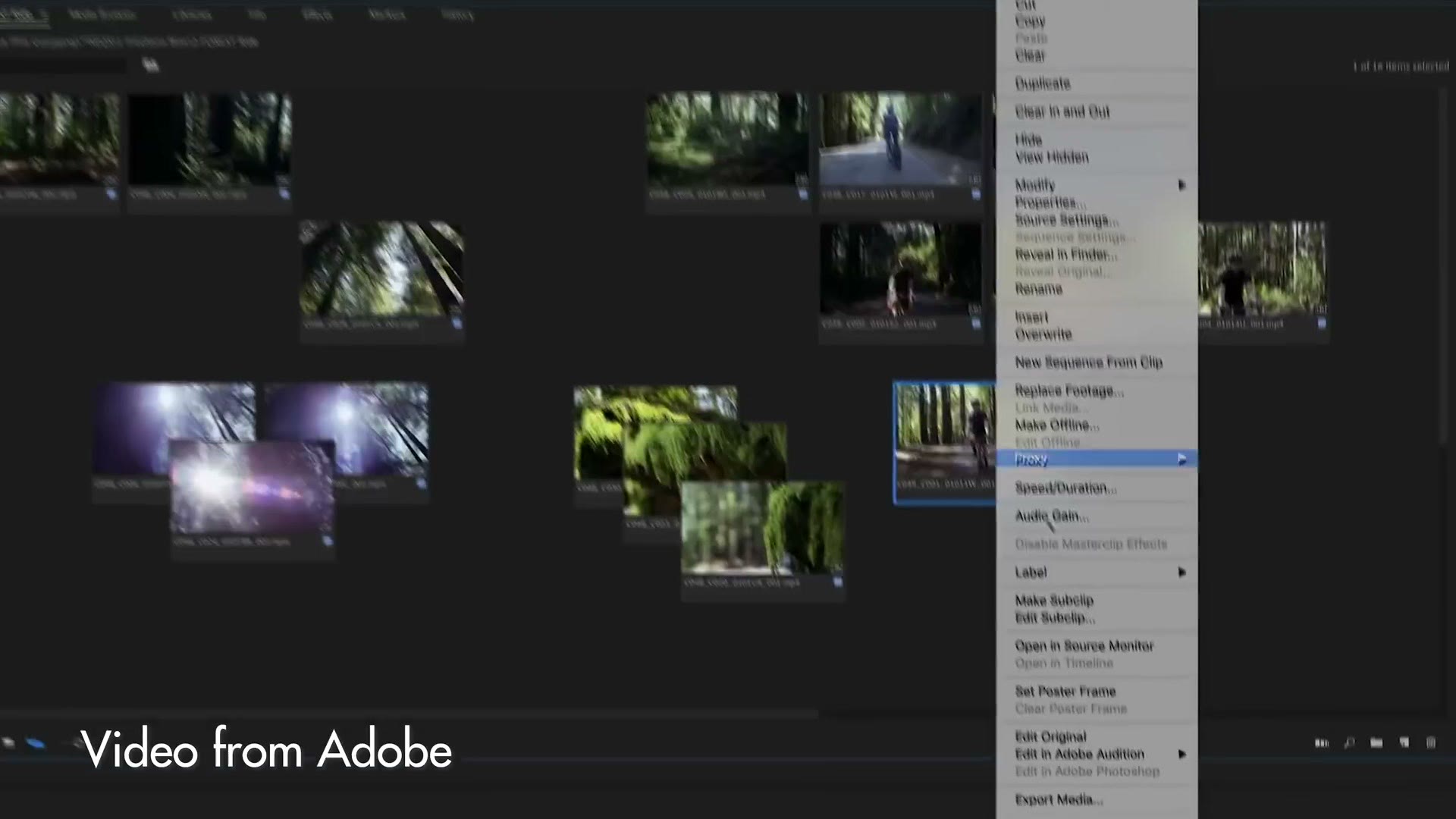
Instead of being stuck viewing your footage by filename or in a grid of stills, you can now lay it out like a storyboard. Drag clips around, stack them, add colors and labels, and assemble a rough cut before anything touches the timeline.
If you’re curious what I was recommending back then, I’ve still got JAWDROPPING New Features In Premiere Pro & After Effects | Spring May 2020 Updates.
I’ve never edited that way myself, but if you’re a visual editor who loves storyboarding, you may end up loving this.
Smaller Premiere Updates
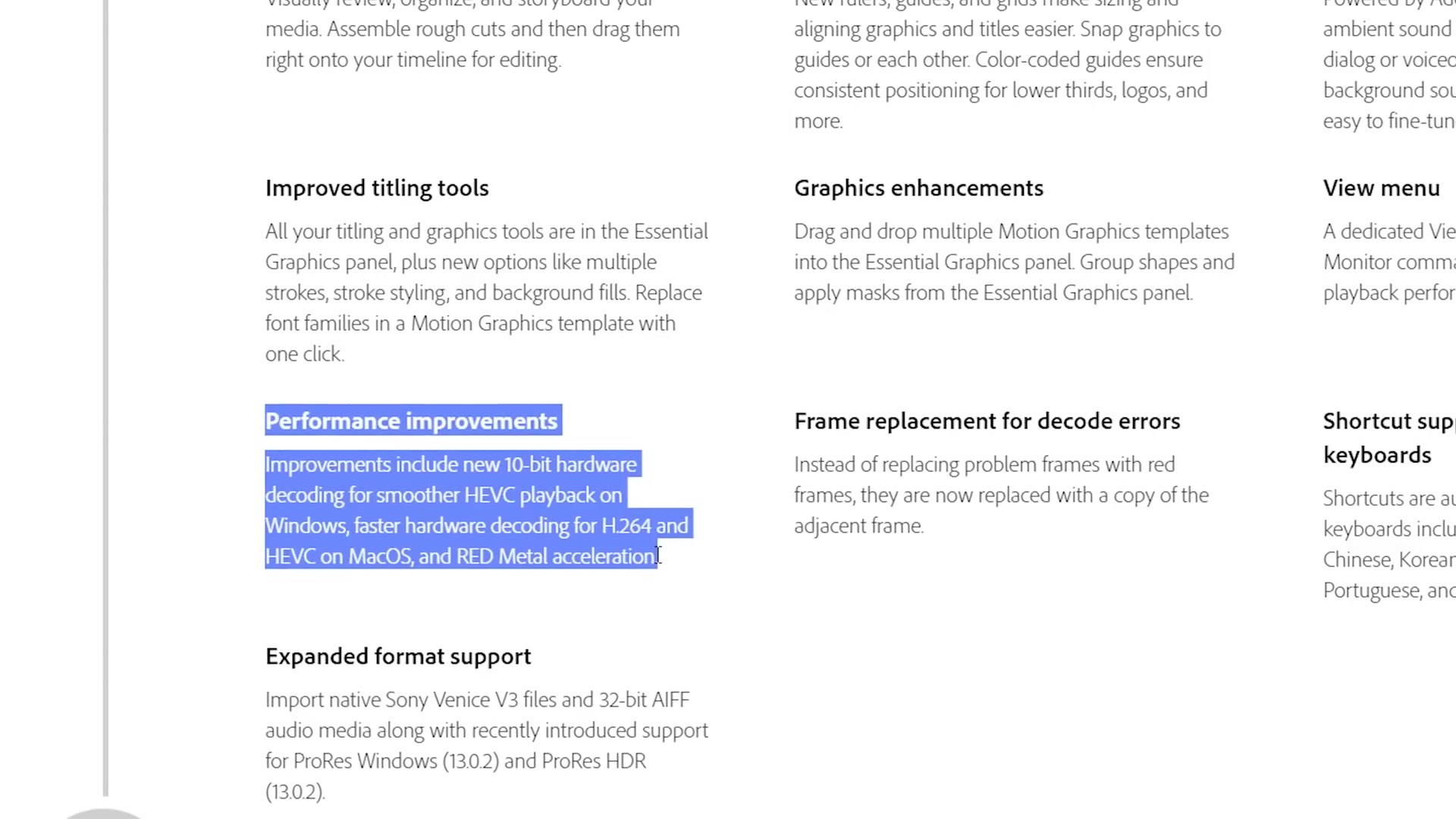
There’s a performance line in the release notes worth reading. Premiere now has 10 bit hardware decoding for smoother HEVC playback on Windows, faster H.264 and HEVC decoding on macOS, and RED Metal acceleration.
If you shoot 10 bit on a GH5, or you use one of the newer DJI drones that records H.265 10 bit, you should see a real jump in how smoothly that footage plays back. Adobe also says they’ve sped up mask tracking, which should help color grading and effects work. Full list here.
One side note, if you’re still on the 2018 version of Premiere Pro. Back in December Adobe added the ability for Windows users to export ProRes. Mac users, surprise surprise, could always do this. For the rest of us encoding ProRes simply wasn’t possible, so having it in CC 2019 is one more reason to update.
Should You Update Yet?
These are all available right now through the Creative Cloud app. But as always, if you’re in the middle of a project, or you’re at all worried about stability, you might want to hold off. Adobe usually ships a point one update within a month or so that fixes whatever came out broken, and that’s normally when I recommend upgrading.
Let me know in the comments which update you’re most excited about. I suspect for a lot of you it’s Content Aware Fill, but honestly, for me it’s the rulers and guides. That’s the one I’ll use every single time I edit.
If you aren’t a Creative Cloud subscriber, here’s a free trial of Premiere Pro and After Effects.