
From a general tech reviewer standpoint, the iPhone 18 Pro vs 17 Pro comparison looks like a non-event: the battery is larger, it comes in a new color, and that’s it. But if you are a filmmaker or photographer, the 18 Pro is actually a massive upgrade, thanks to a brand new main sensor, a variable aperture, and a much bigger vapor chamber. Whether it’s worth buying comes down to which iPhone you are upgrading from, and I’ll tell you exactly where I land at the end.
Maybe you need a new phone and you’re deciding between the brand new hotness or saving some money on last year’s model, the iPhone 17 Pro. Either way, I want you to know that I’ve created a set of color presets specifically for the iPhone 17 and 18 Pro, and the Apple Log 2 conversion LUT is completely free to download, so grab it if you want incredible looking colors from your iPhone footage.
Identical Specs On PAPER
From a tech spec standpoint, these phone cameras look very similar. They both record 4K video at up to 120 frames per second with a 48 megapixel sensor, and they have identical ultra wide and telephoto cameras.
On paper, and even holding them in your hand, it would be very difficult to tell them apart aside from the color. But when you look closer at the main sensor, that is when things start to come into focus, as it were. Pun intended, because this is a post about cameras.
The NEW Sensor Apple Barely Explained
You probably think I’m gonna start with the new variable aperture, right? Wrong! We need to talk about the sensor first, because Apple says the 18 Pro has a new sensor.
Sadly, Apple did not go into any major detail about what this sensor actually improves, other than the generically phrased “better image quality,” whatever the heck that means. That’s like an iPhone app update saying it has bug fixes and performance improvements. It means nothing! They did also say this camera is 50% better in low light, though, and thankfully I did some testing for you.
Low Light Test: iPhone 18 Pro vs 17 Pro
In my tests, the iPhone 18 Pro does look a bit better than the 17 Pro. It’s a bit cleaner and a bit sharper. It’s not a huge jump, but it is there, and it’s a noticeable increase in quality. Here are two ungraded clips side by side so you can pixel peep for yourself.
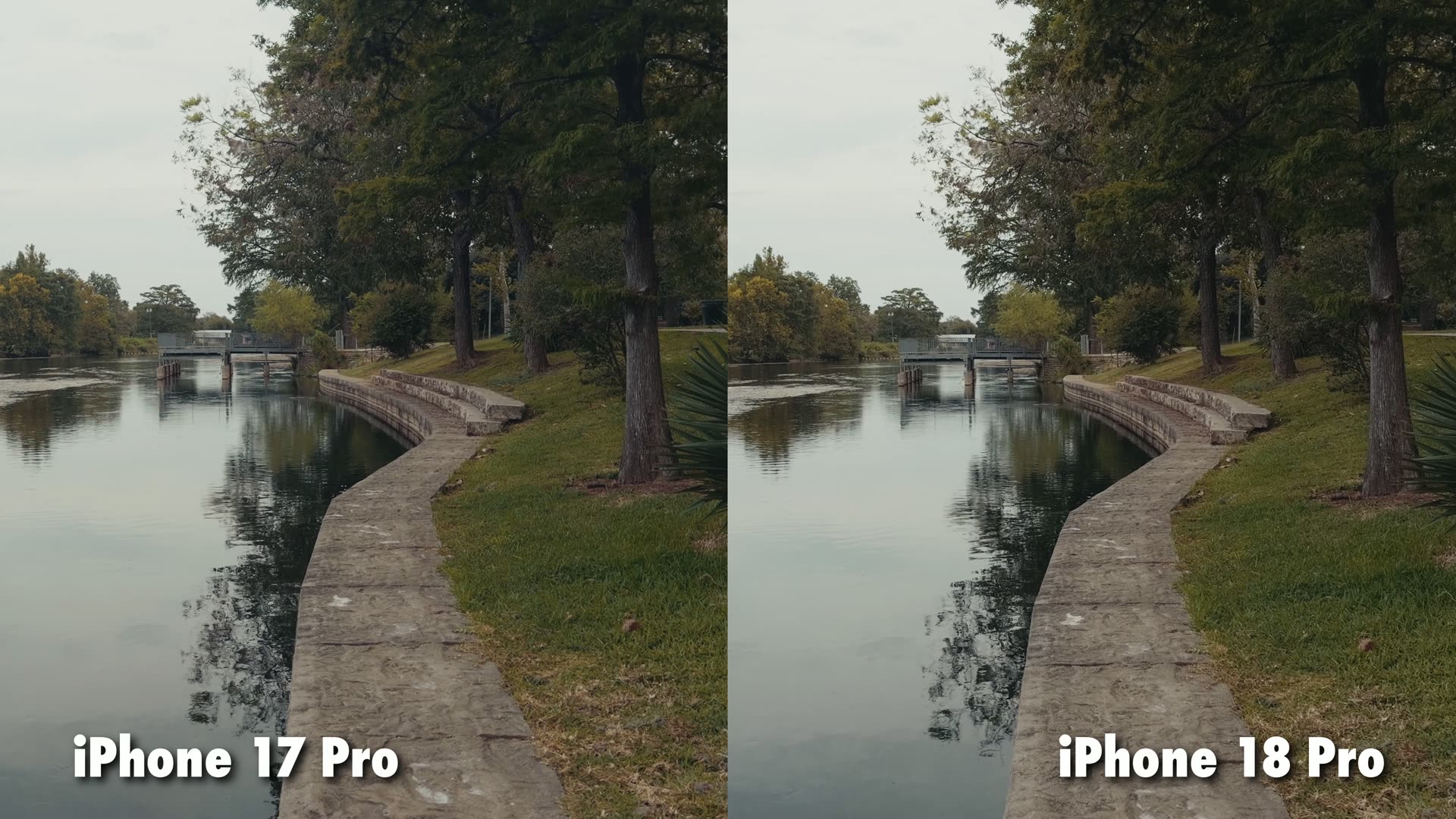
But what about that 50% better low light claim? Well, there is one other thing that is definitely contributing to the image quality besides the sensor.
The VARIABLE Aperture Finally Arrives
Yes, the variable aperture on the main camera was the highlight feature of the iPhone 18 Pro keynote, and we’re finally talking about it. The iPhone 17 Pro, like every iPhone before it, has a locked aperture, so it’s basically stuck wide open. The 18 Pro finally gets the pro level feature of a variable aperture, meaning it can open or close to let in more or less light.
And even better, while the 17 Pro had a maximum aperture of F1.78, the 18 Pro opens up to F1.48, which is about a half stop improvement. That is where Apple’s 50% low light performance claim comes from.
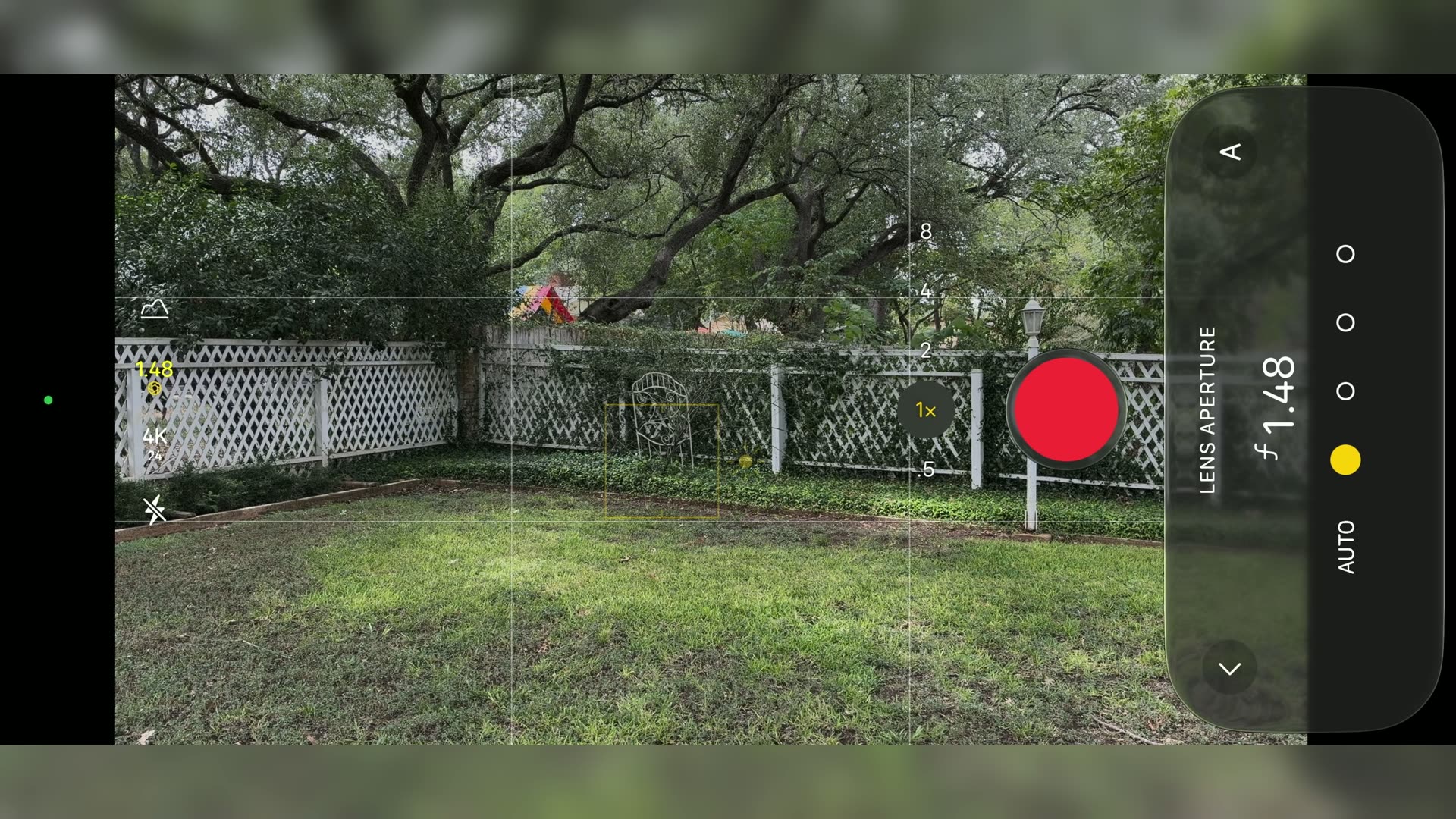
In real world use, that means you not only get a bit more bokeh behind whatever you’re focusing on up close, it also lets significantly more light hit the sensor, which gives the 18 Pro a nice little bump in low light performance over the 17 Pro. I went deeper on this feature in my full iPhone 18 Pro review for filmmakers.
F1.48 vs F1.78 Side By Side
I set up a test where the iPhone 17 Pro and 18 Pro were recording with the exact same settings, the only difference being the 18 Pro set to F1.48 versus F1.78 on the 17 Pro.
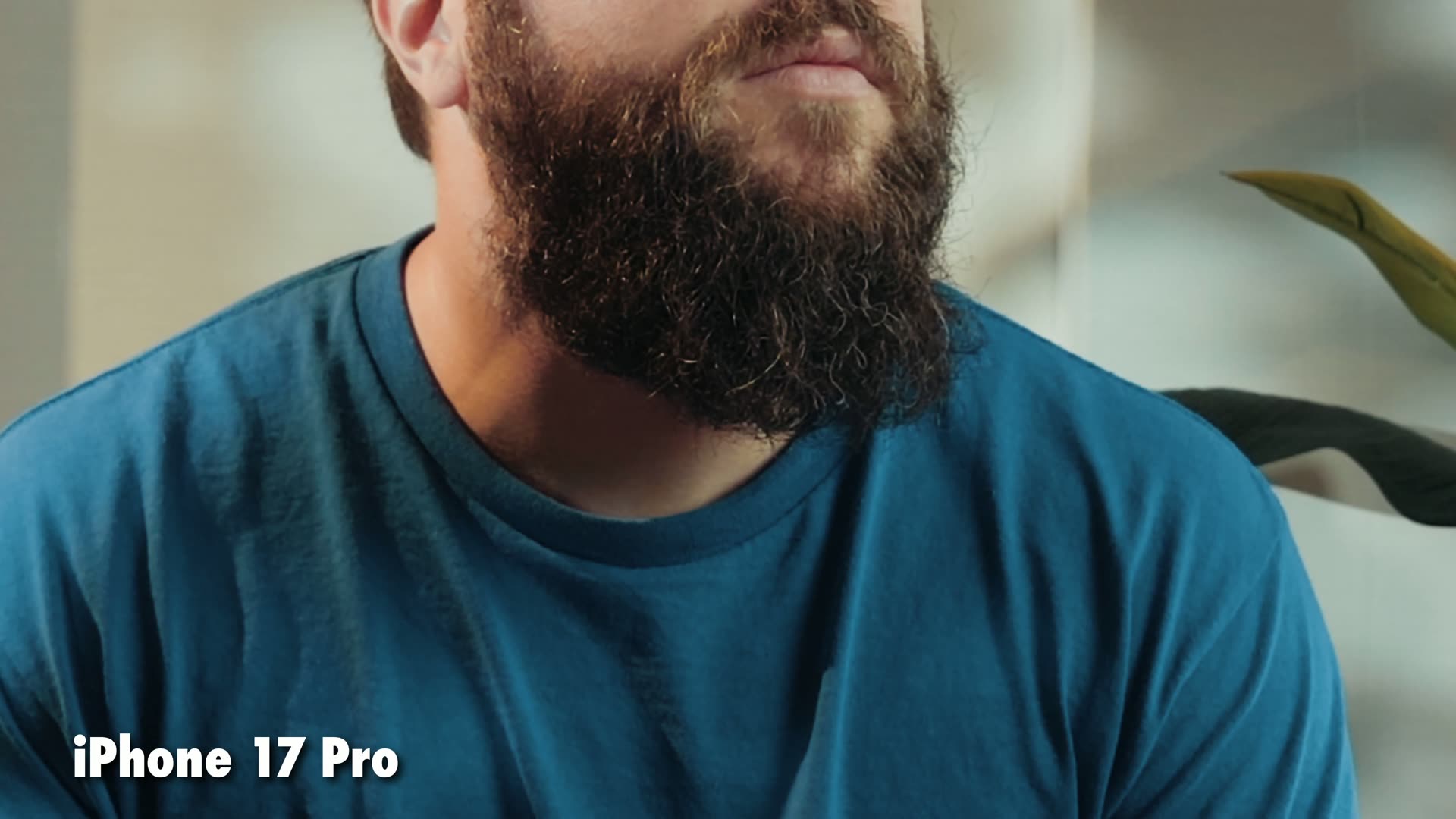
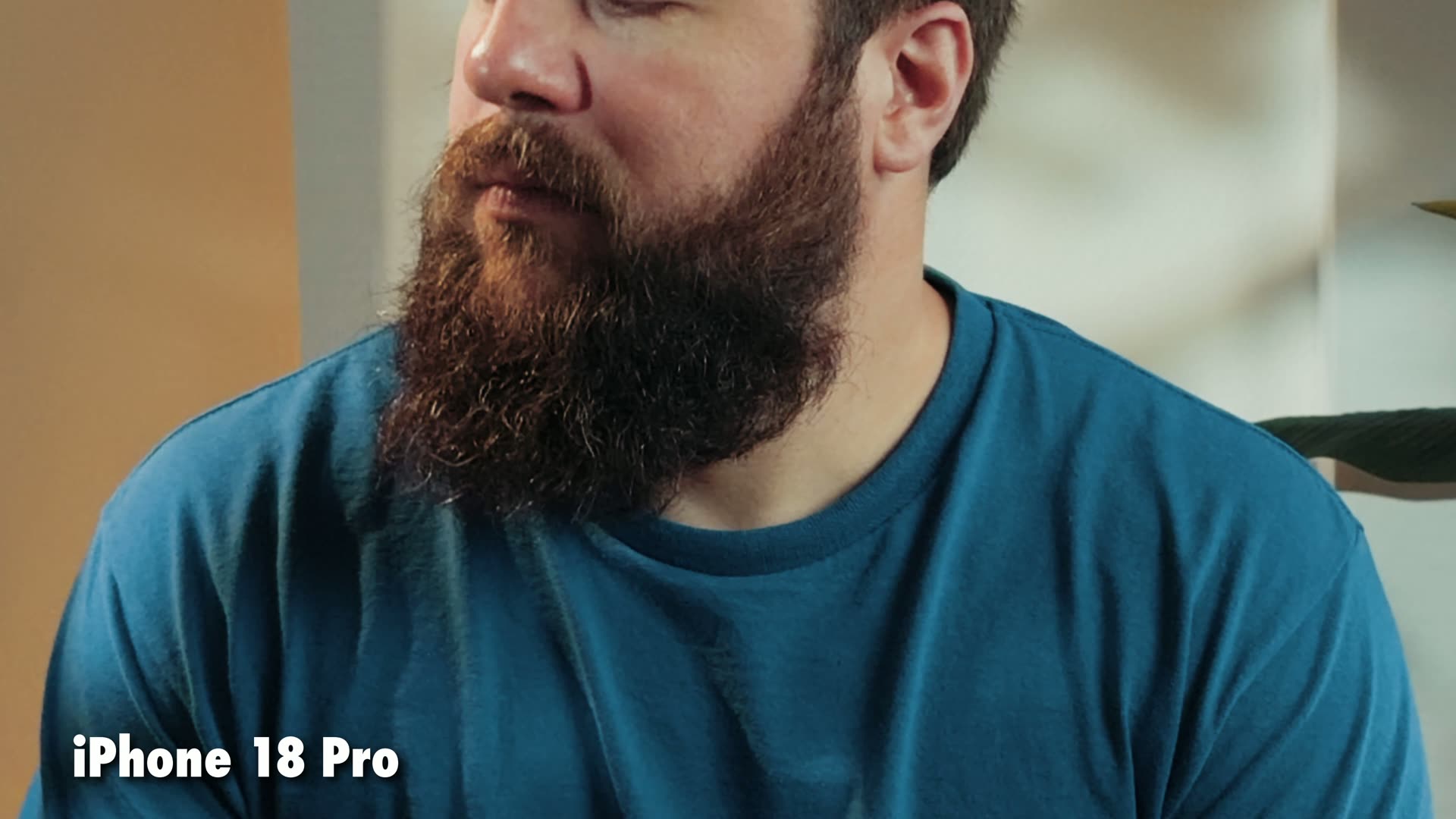
When you pixel peep, you can see that not only is the image unsurprisingly brighter, the extra sharpness is visible too, especially in my beard. It is a crisper overall beard from the 18 Pro, and who doesn’t love a crisp beard? My wife loves it, okay?
In short, if you often film in darker conditions, the 18 Pro will definitely serve you better.
Stop Down Instead Of Using An ND Filter
If you want to film with your phone in brighter conditions but don’t want to deal with an ND filter, being able to stop down the aperture on the 18 Pro really helps. You’ll still need an ND filter like the SmallRig iPhone 18 Pro VND filter for midday filming, but in the morning or evening I’ve enjoyed being able to hit the correct shutter speed just by stopping down to F4.
The CATCH: Starbursts When You Stop Down
As a warning, though, the iPhone 18 Pro does produce starburst reflections on any lights in your frame when you stop down the aperture. Some people love it, some people hate it, just keep it in mind.
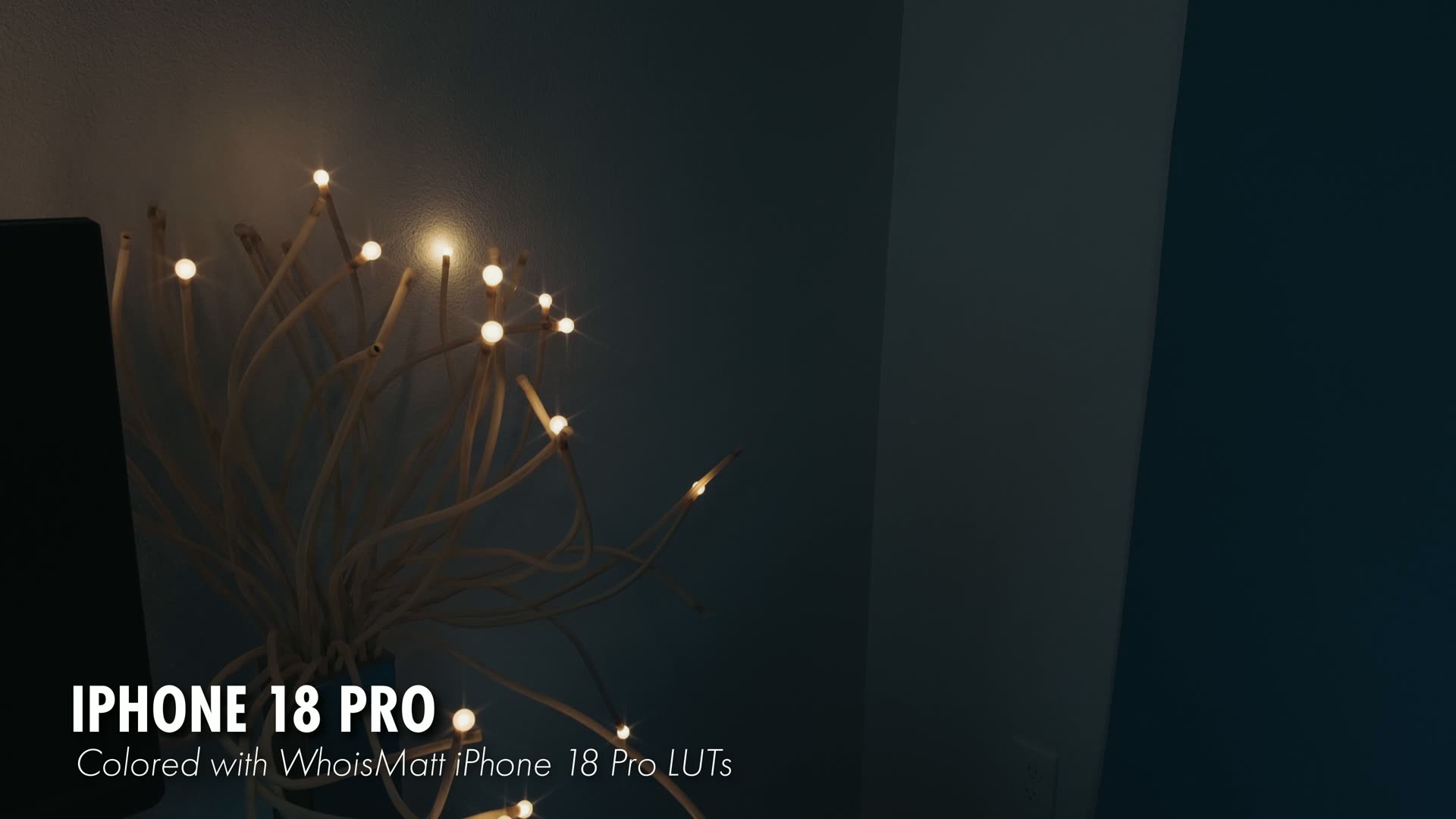
My BET On What Apple Does Next
If I was to bet, I could see Apple not only expanding the variable aperture in the future to give us an even wider range, but also adding a variable aperture to the other two cameras on the iPhone as well. You gotta wait for like the iPhone 21 for that, though.
Pro Controls LOCKED To The 18 Pro
Looking at the native camera software, there’s a big jump here as well. Apple has surprisingly chosen to lock many of the advanced capabilities of the iPhone camera app, like the white balance controls and shutter speed, to only work on the iPhone 18 Pro, even though I’m pretty sure the 17 Pro could very easily do it too.
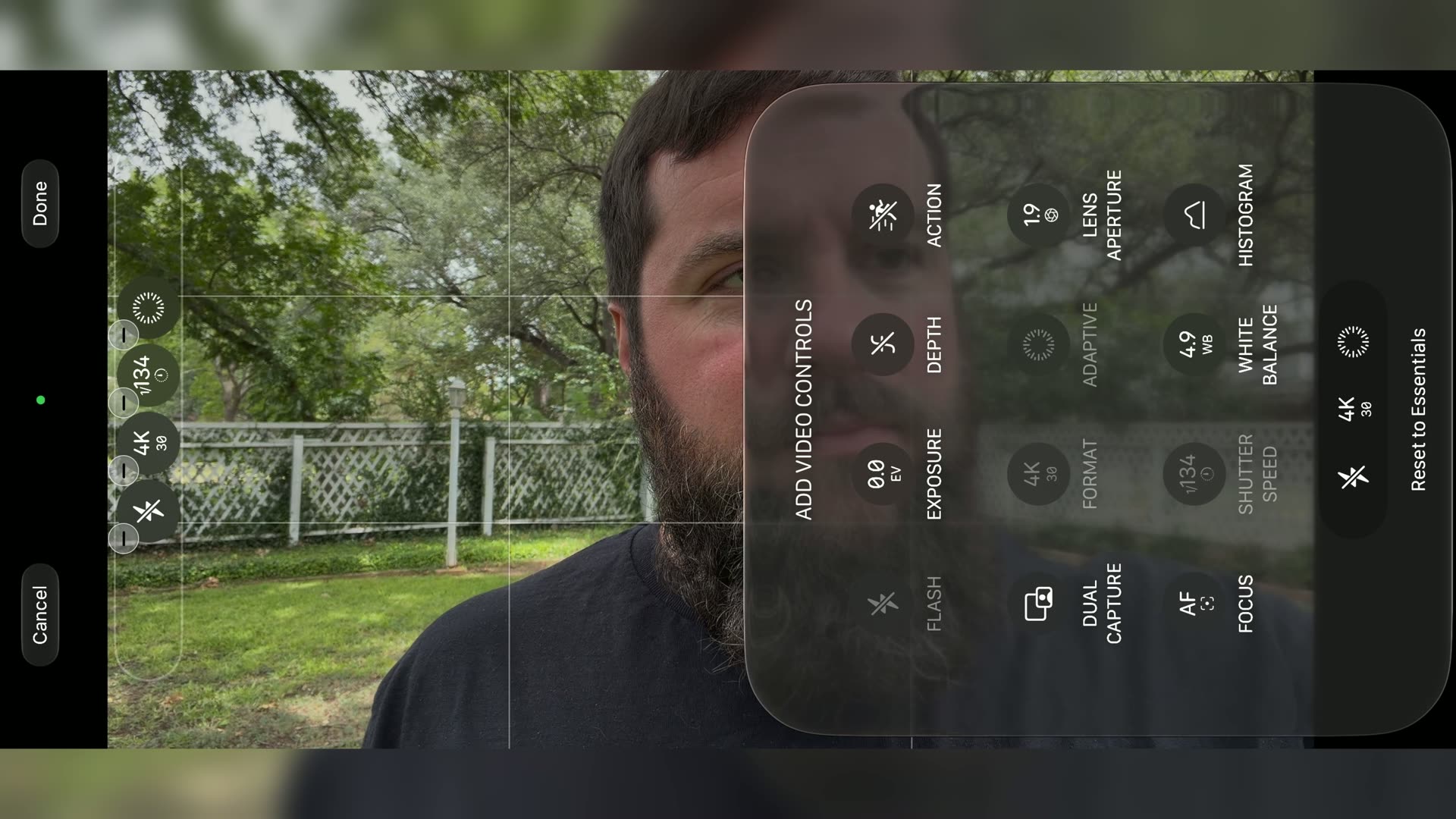
It’s a very strange omission, but thankfully you can get around it with something like the Blackmagic Camera app, which gives you those controls on either phone. If you’ve never used it, here’s how I film in ProRes RAW with the Blackmagic Camera app on the iPhone 17 Pro.
The BIGGER Vapor Chamber
Last but not least, there’s another big internal difference you can’t see from the outside, at all actually: the internal vapor chamber. The iPhone 17 Pro was the first iPhone Apple introduced with a vapor chamber, and when I ran my iPhone 17 Pro overheating test against the 16 Pro, the 17 performed significantly better than the iPhone 16 Pro.
Now with the 18, Apple has significantly increased the size of the vapor chamber even more, which is great news for a passively cooled phone like this. Can you imagine, though, if they made an ultra version of the phone with a fan, like the Sony FX3 versus the Sony a7S III? Yeah, we put a fan in. That’d be pretty gnarly!
Less Screen DIMMING In The Heat
Anyways, I’ve lost track of how many times I’ve been filming with my iPhone on a bright and sunny day and the screen dims because the phone is getting hot. So any help with that is appreciated.
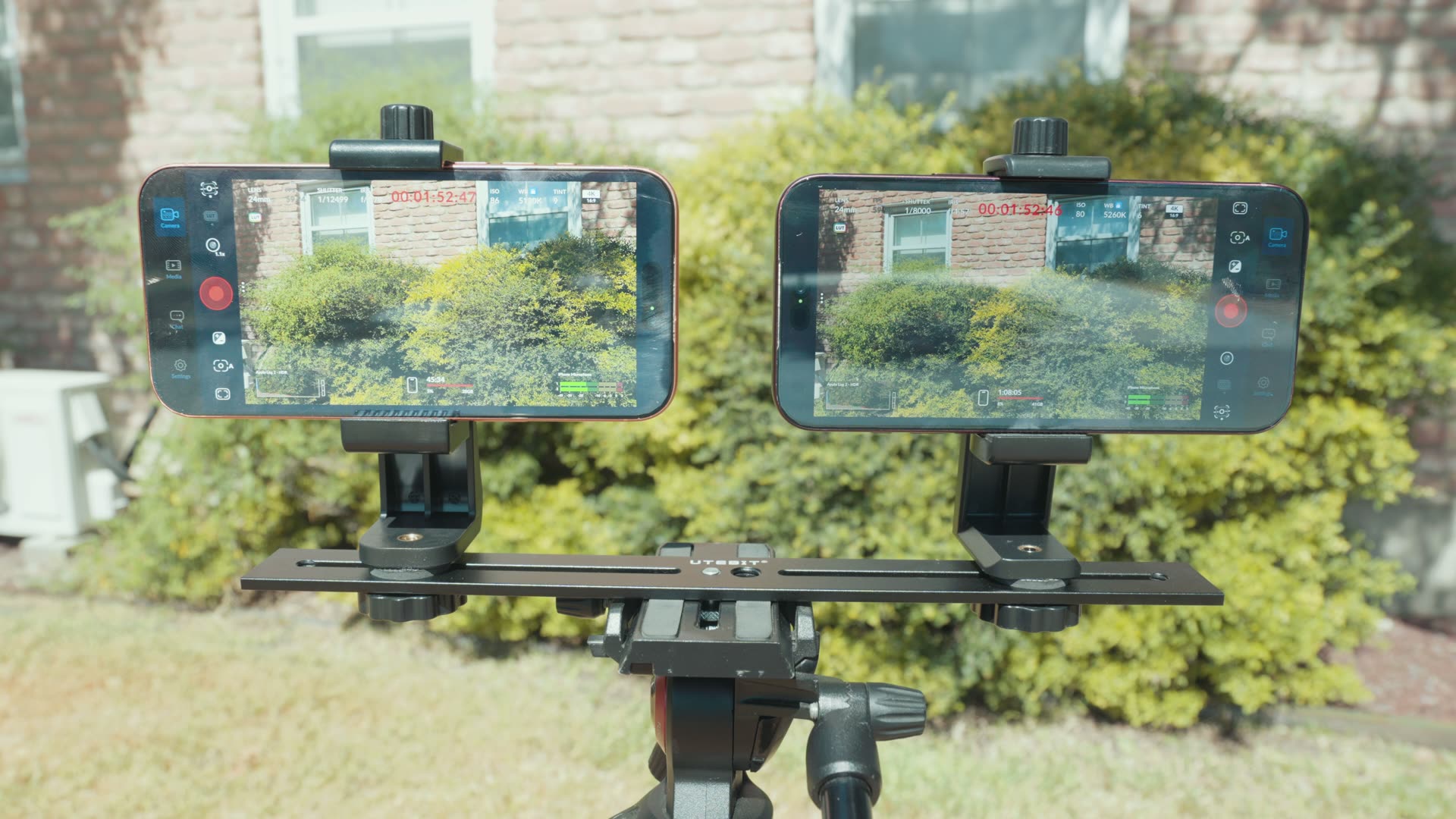
When I ran my iPhone 18 Pro overheating test next to the 17 Pro in the Texas sun, I was very happy to see that the iPhone 18 Pro screen stayed significantly brighter than the 17 Pro without dimming, and I believe that is down to the much larger vapor chamber. Check out the full test, because it gets crazy!
So Should You UPGRADE?
Like I said at the start, on paper and even in your hand these phones look very similar. But beneath the surface, the 18 Pro is a significant upgrade, especially for photographers and filmmakers, with a brand new sensor, a variable aperture and a bigger vapor chamber.
- Coming from an older iPhone, like an iPhone 14 Pro or earlier? If that list of upgrades is appealing to you and you’re buying a new phone today, I would get the 18 Pro. I know a lot of people are still rocking those, okay?
- Already own a 16 Pro or 17 Pro? I would probably keep it, unless you film a lot in low light, or outdoors in hot weather where the screen dimming is driving you nuts. The 18 Pro should be able to fix that for you.
Download My FREE iPhone LUT
I made my iPhone 18 Pro LUTs specifically for the Apple Log 2 footage you can record on both the iPhone 18 Pro and 17 Pro, so grab them if you want the absolute best colors from your camera. And remember, the Apple Log 2 conversion LUT is completely free. It takes you from that flat log image to something that looks much better in just one click. You can browse the rest of my presets on my LUTs page.
And if you want more, here’s my playlist of all my other iPhone 18 videos.