
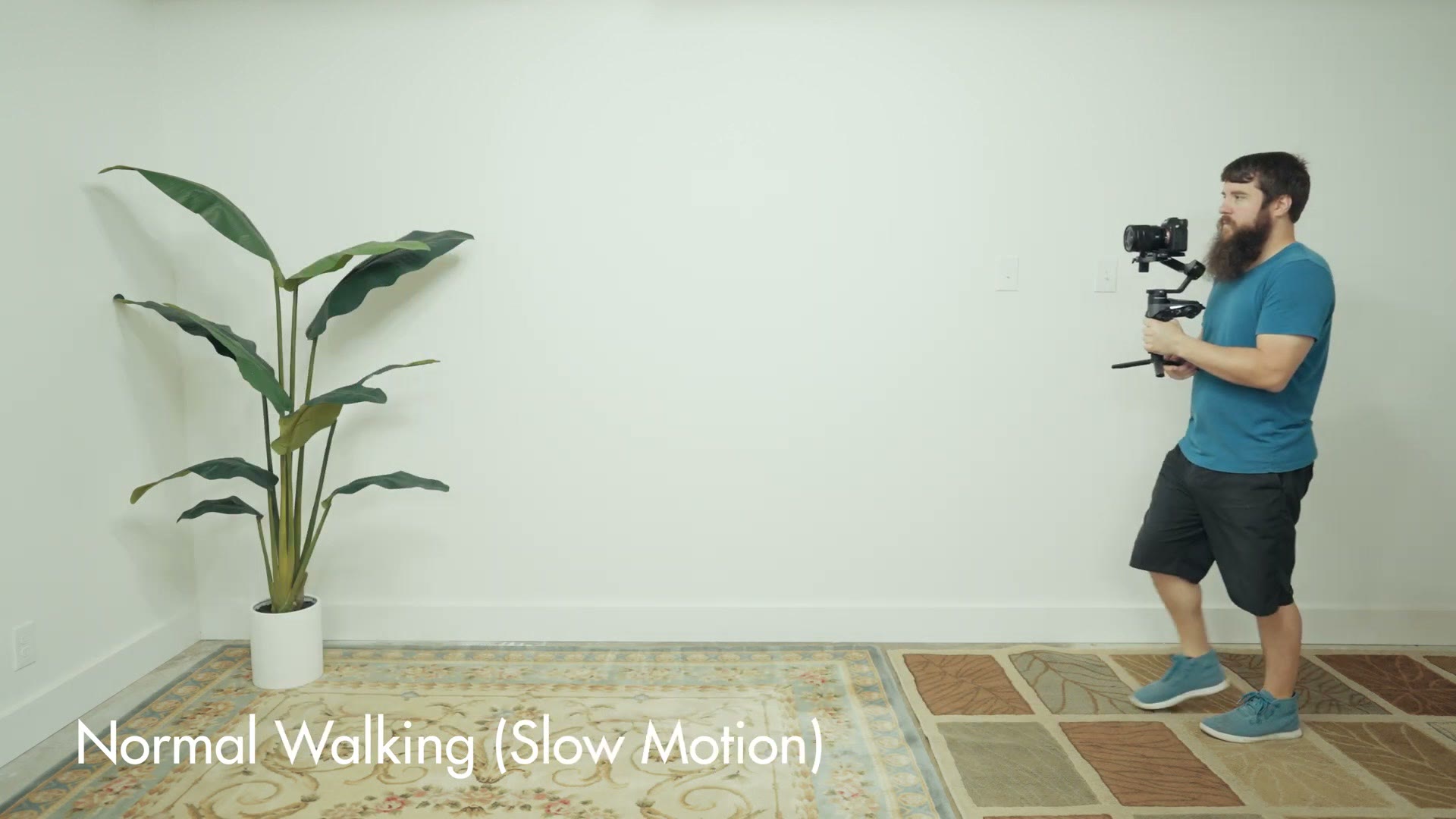
If you’ve ever walked with a fancy schmancy electronic gimbal, you may have noticed that your footage has a bit of vertical bounce in it whenever you walk, and that bounce is what makes your footage look electronic instead of organic, which is another way of saying it looks bad.
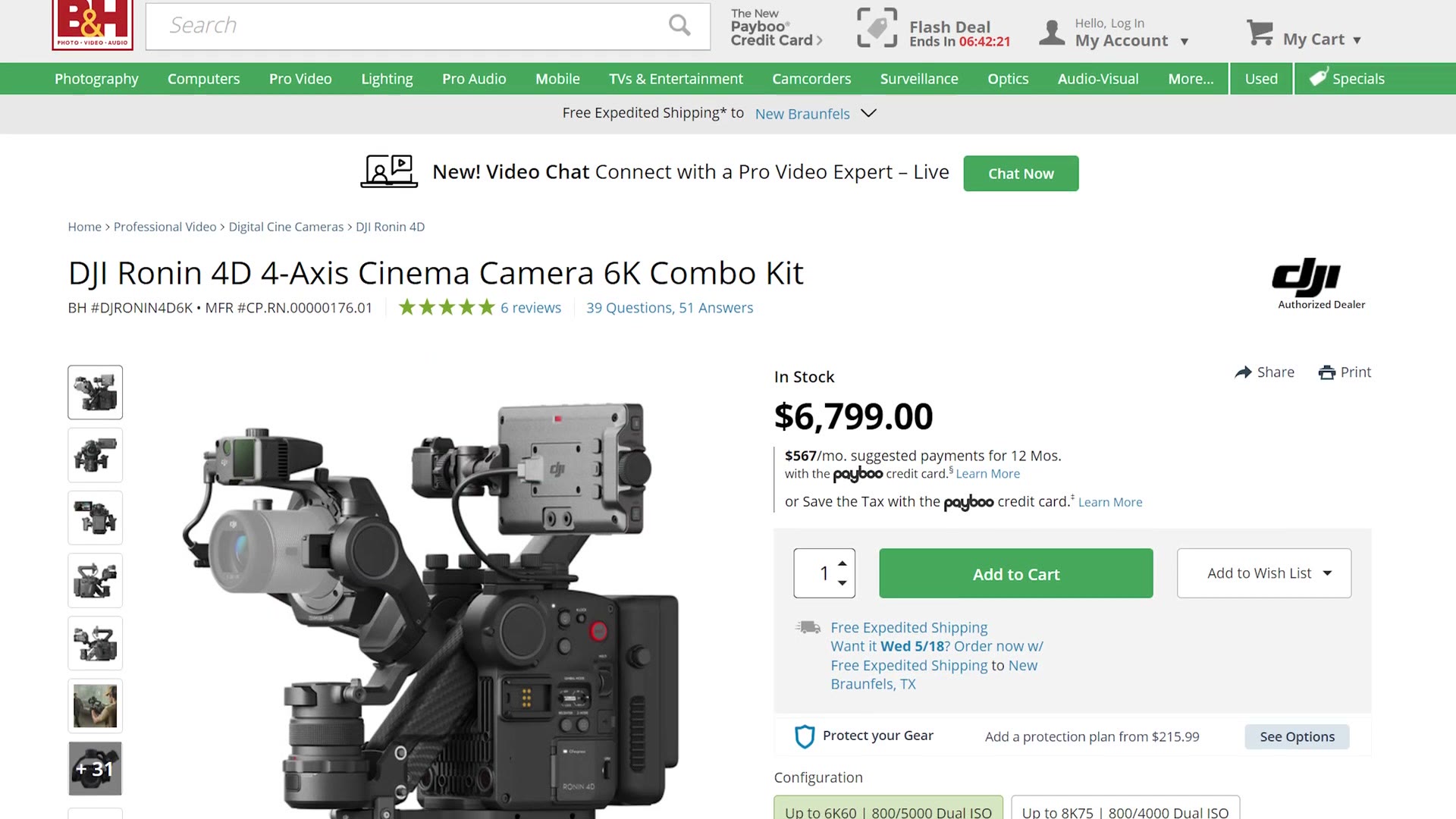
The reason this happens is that the vast majority of electronic gimbals only reduce left to right and forward and back movement. Unless your gimbal has a set of vertical stabilization arms, like the DJI Ronin 4D does, nothing on that gimbal is dampening vertical movement, which means you are going to have to change the way that you film to get rid of the bounce yourself.
So here are two filming techniques that will help you completely eliminate that vertical bounce whenever you’re walking with your gimbal, plus one bonus tip that will give you dramatically smoother and more organic looking shots. None of these cost you a dollar.
Technique 1: The Roll Step
Have you ever been in a band? And not like a cool punk rock band, but like a slightly nerdier marching band? I personally haven’t, but I learned this first walking technique from a friend who was, and it’s called the roll step. Marching bands use it to help the members walk as smoothly as possible while simultaneously playing an instrument, which is a pretty good description of what you’re doing with a gimbal too.
Here’s how it works. Typically whenever you walk, your body isn’t focused on smoothness at all, it’s focused on not letting you fall over, so sometimes you put your weight on the ball of your foot, sometimes on the side of your foot, sometimes on your heel, wherever your body needs it to keep your balance.
Roll stepping is a far more intentional form of walking, where instead of letting your body decide where your foot lands, you are optimizing every step to be as smooth as possible. You want every single step you take to land on the back of your heel and then roll forward to the front of your toes, and then you step and do it again with the other foot. Rather than a flat foot slapping down, your foot should look like it’s rolling from heel to toe.
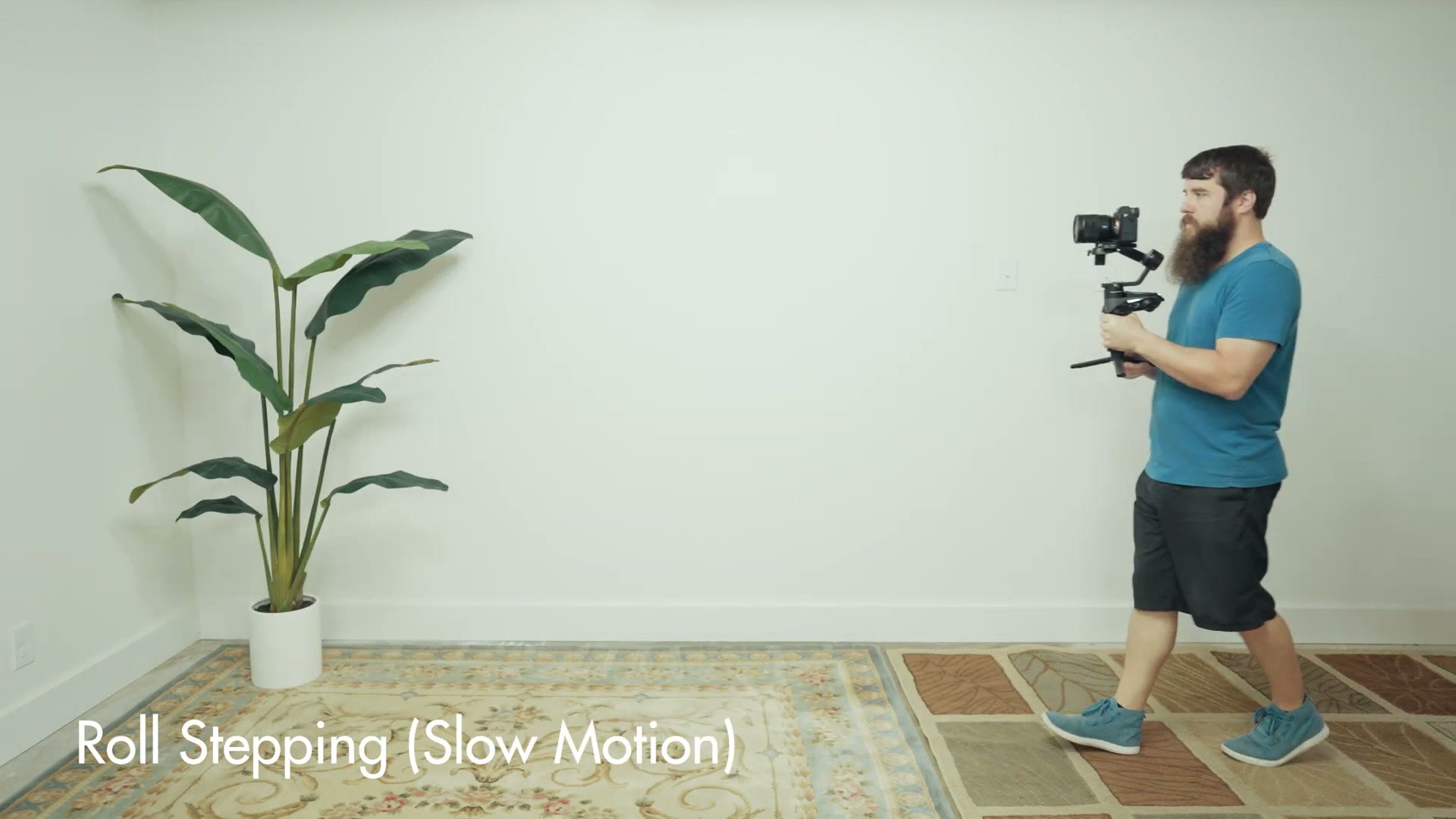
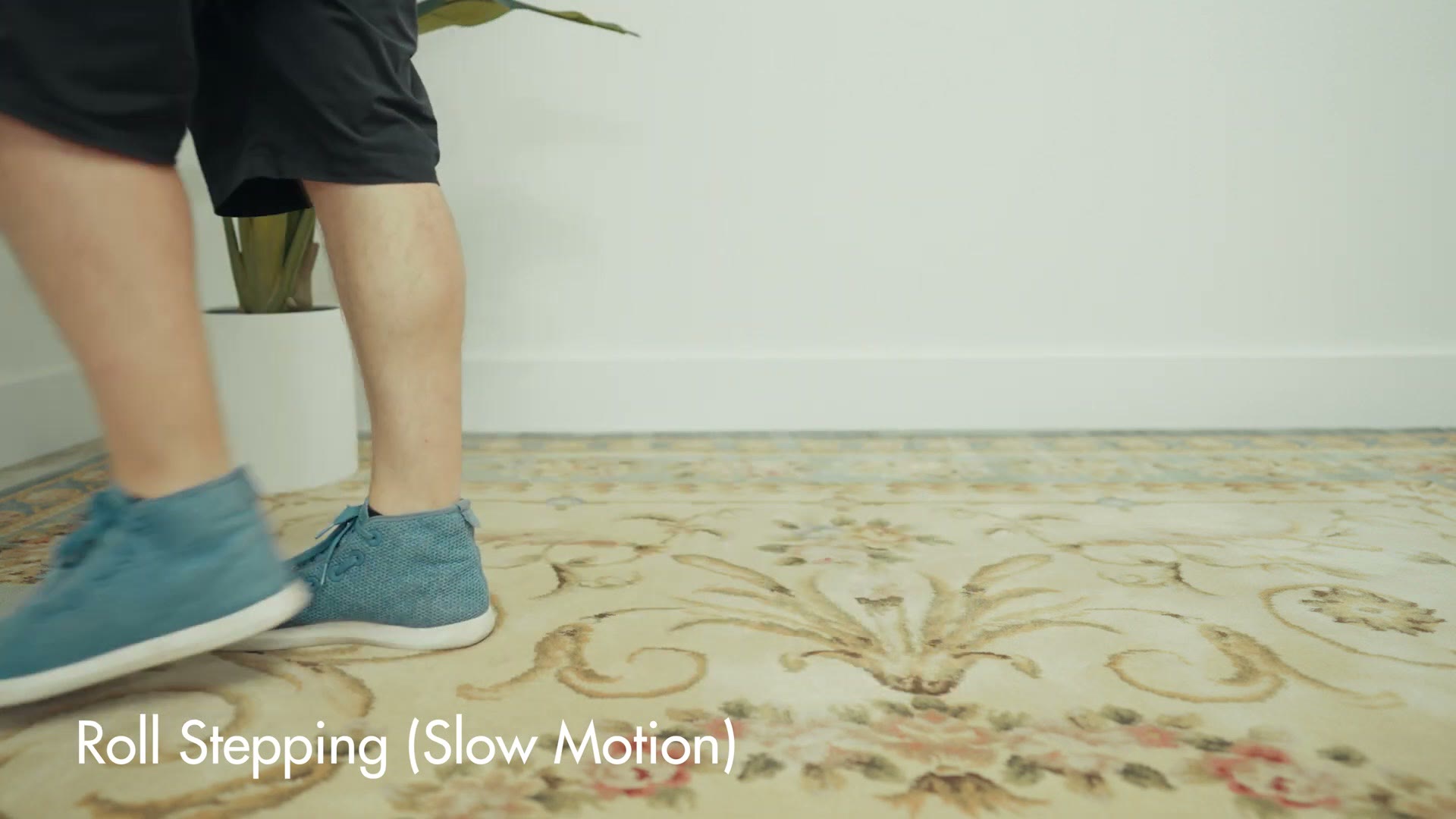
This is going to feel really weird at first, because you are typically not used to paying any attention at all to how your feet land whenever you walk. But whenever you’re holding a gimbal, roll stepping makes a massive difference to your smoothness and stability. Instead of your feet slamming into the ground with every step, you get a very smooth motion from one step to the next, and that dramatically reduces the vertical bounce that shows up in your footage.
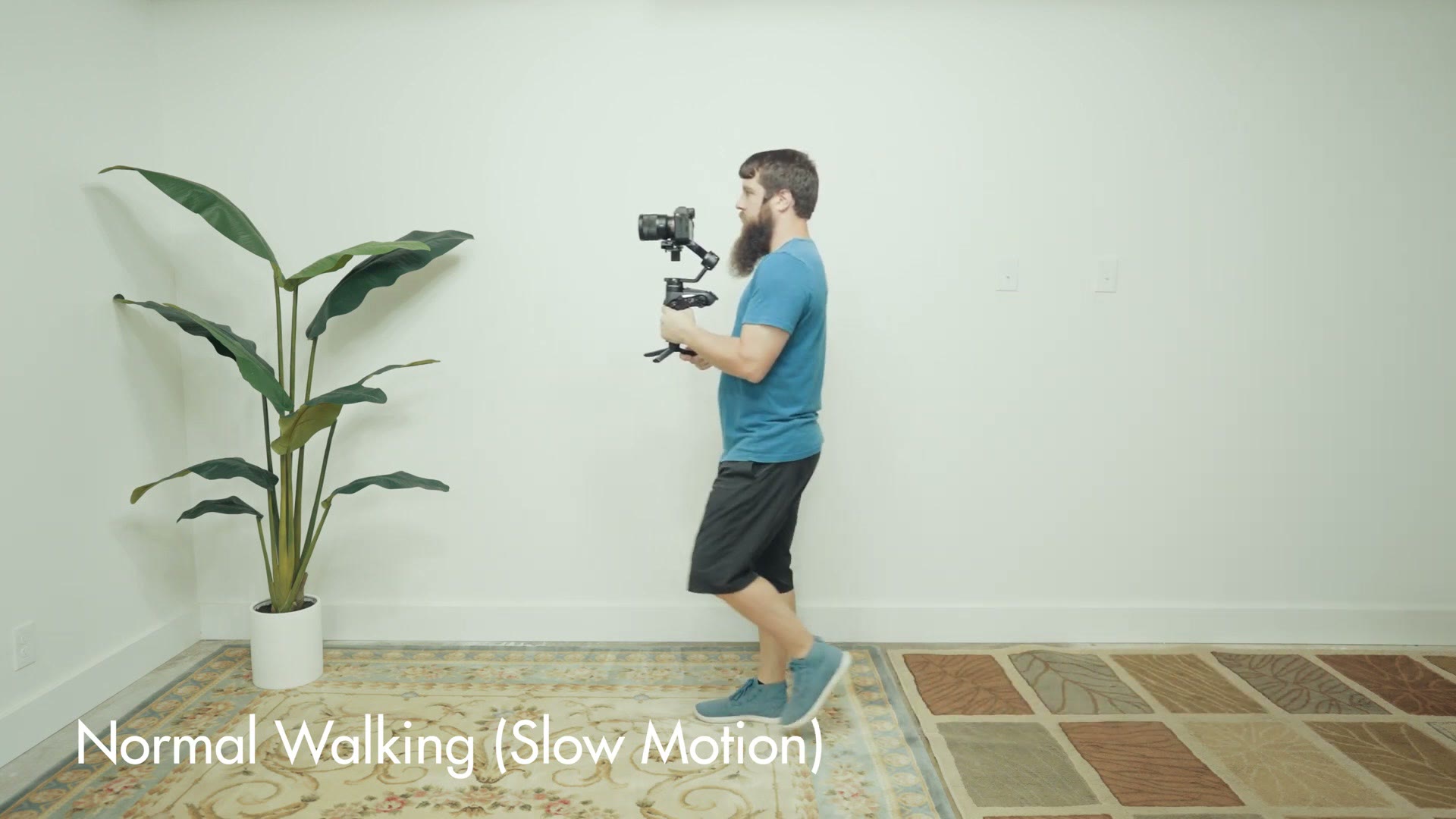
I highly recommend grabbing your gimbal and practicing this until it feels natural, and once it does, it’s time to combine it with the second technique.
Technique 2: Lock Your Elbows
We’ve talked about your feet, so this second one is all about your arms. If you want to stabilize your gimbal, and especially if you want to reduce vertical movement, you need to lock your elbows down at your sides.
If you hold your gimbal way out in front of you with your arms extended, which is going to get exhausting really quickly anyway, any bounce in your steps gets transferred straight into the gimbal with nothing in between to absorb it.
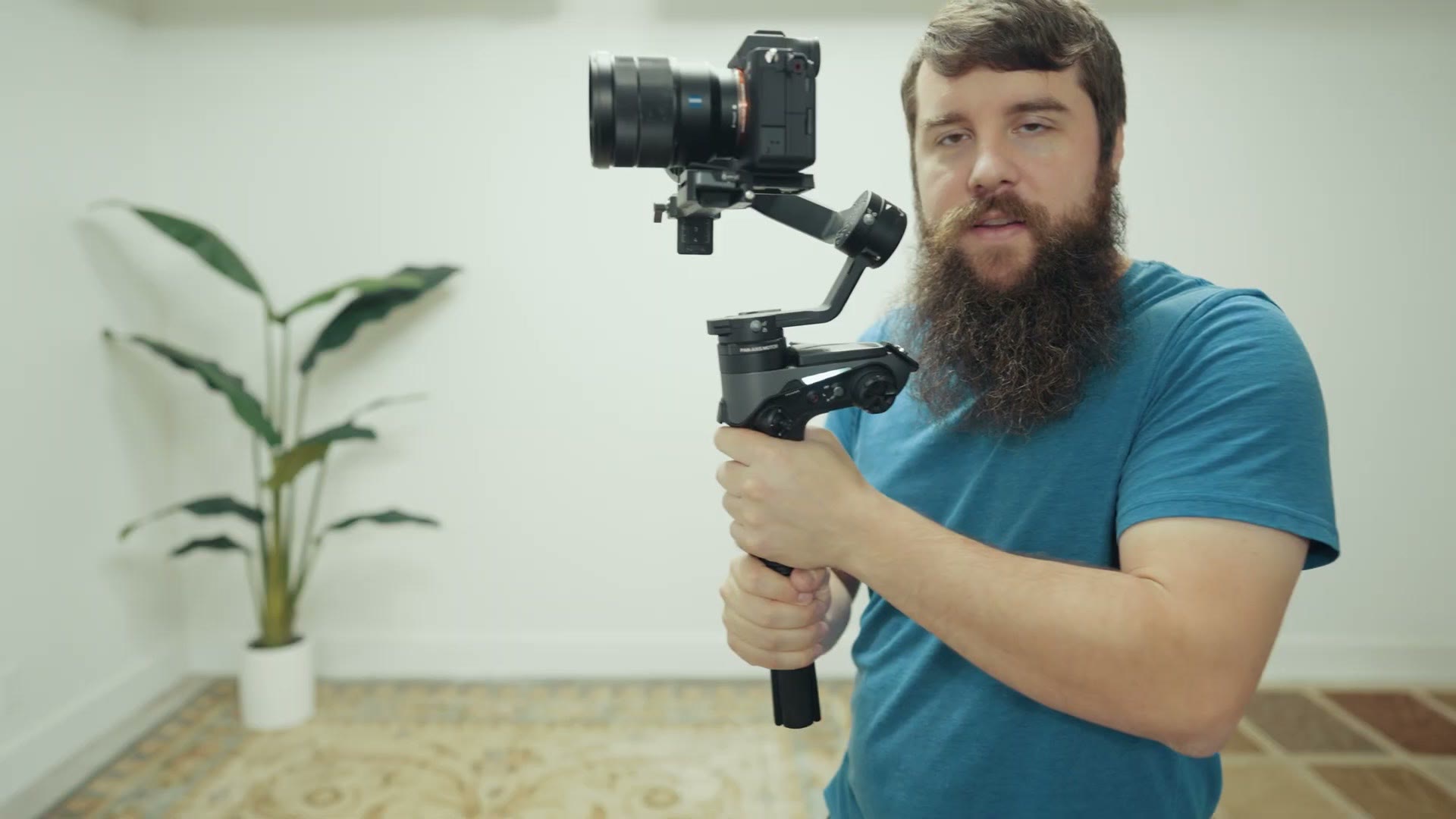
Instead, if you lock your elbows down at your sides and then hold the gimbal out in front of you from there, you can use your forearms as vertical stabilizers. To do it properly, put your elbows down at your sides, then bring your forearms up while holding the gimbal, and then while you’re walking, focus on reducing any vertical movement of your forearms. Your locked elbows should make that very easy to do.
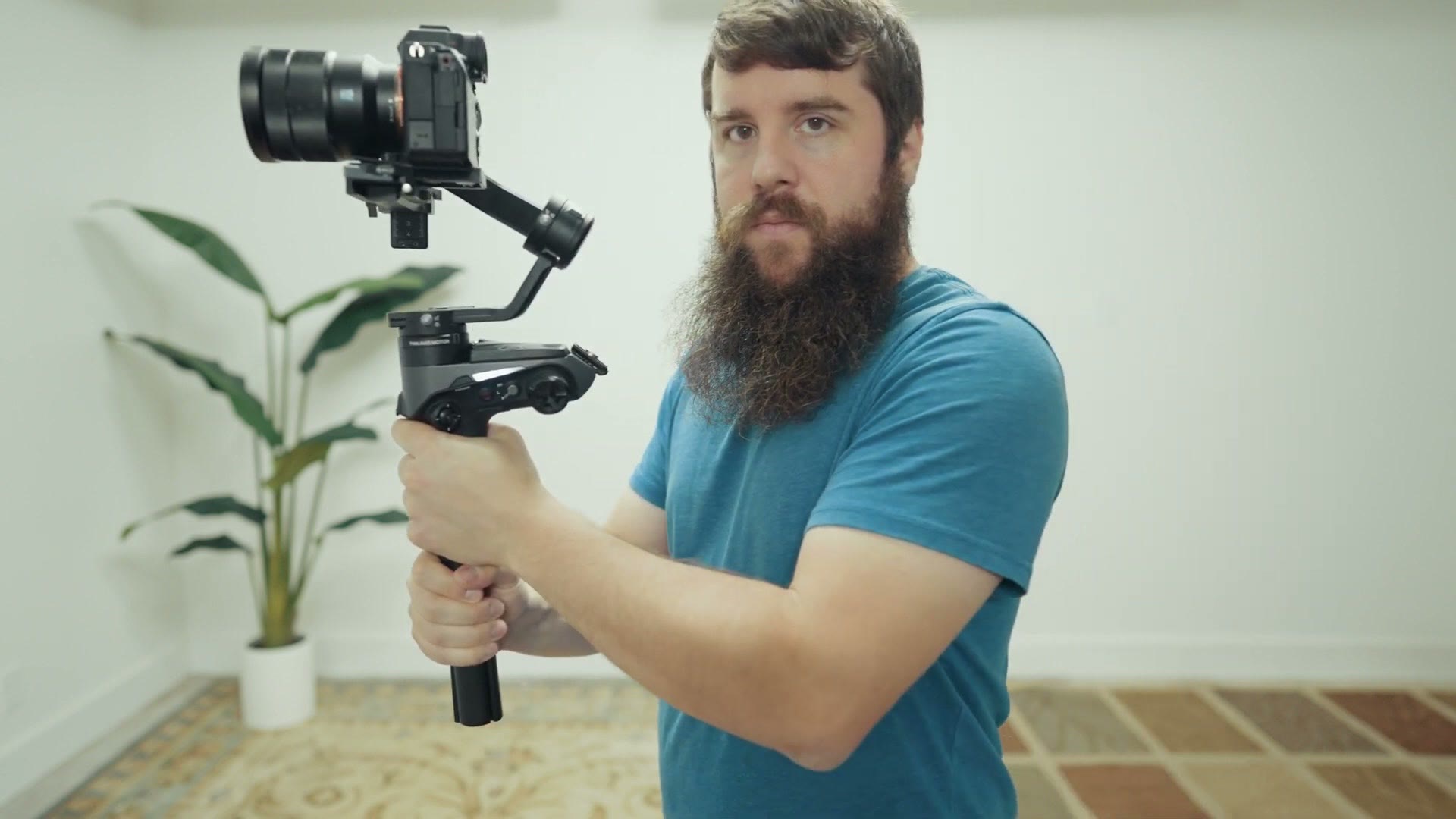
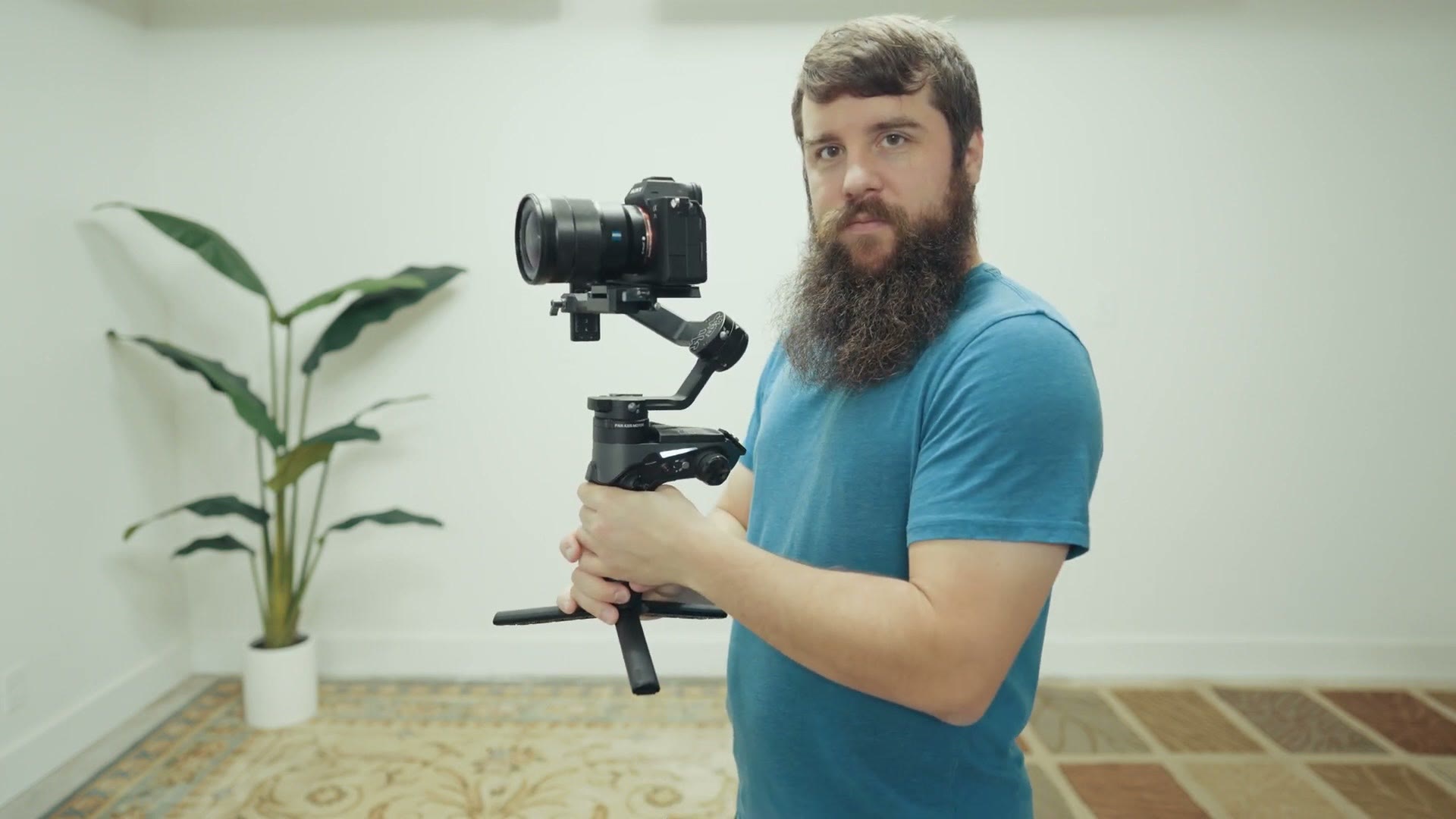
And then whenever you combine this with roll stepping, which is already knocking down your vertical movement from the ground up, your gimbal walking shots are going to be smoother than they have ever been.
Bonus: Turn Down Your Deadband
Before we wrap up, I have one more bonus tip, and this one isn’t a walking technique at all. It’s something I highly recommend you do with every single electronic gimbal you ever own.
While you’re here, take a look at Warp Stabilizer EXPLAINED – Fix Shaky Video in Premiere Pro and Sony Camera Overheating? Here’s How To Prevent It!.
Any time you get a new gimbal, go into your settings and find a setting called deadband.
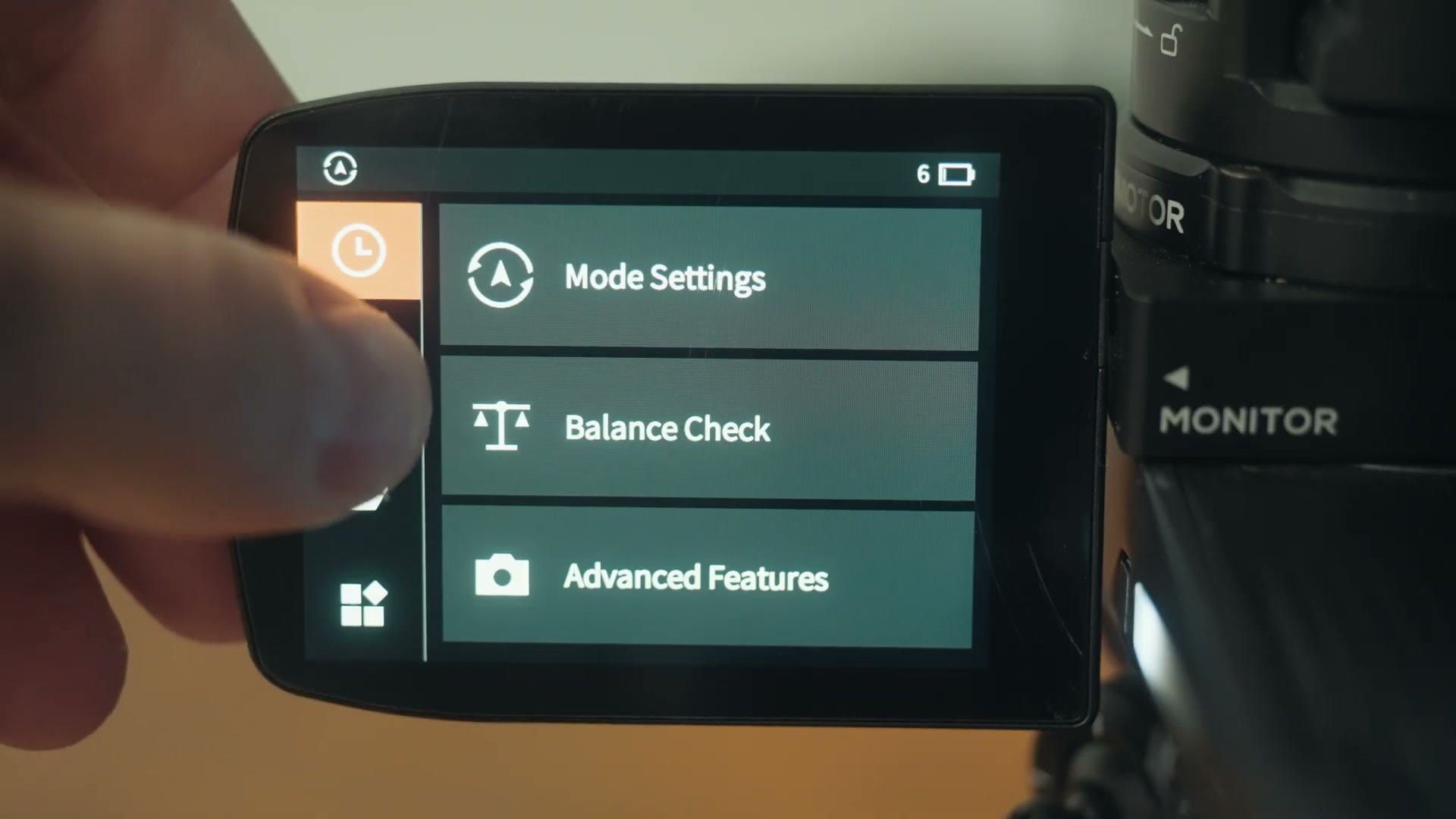
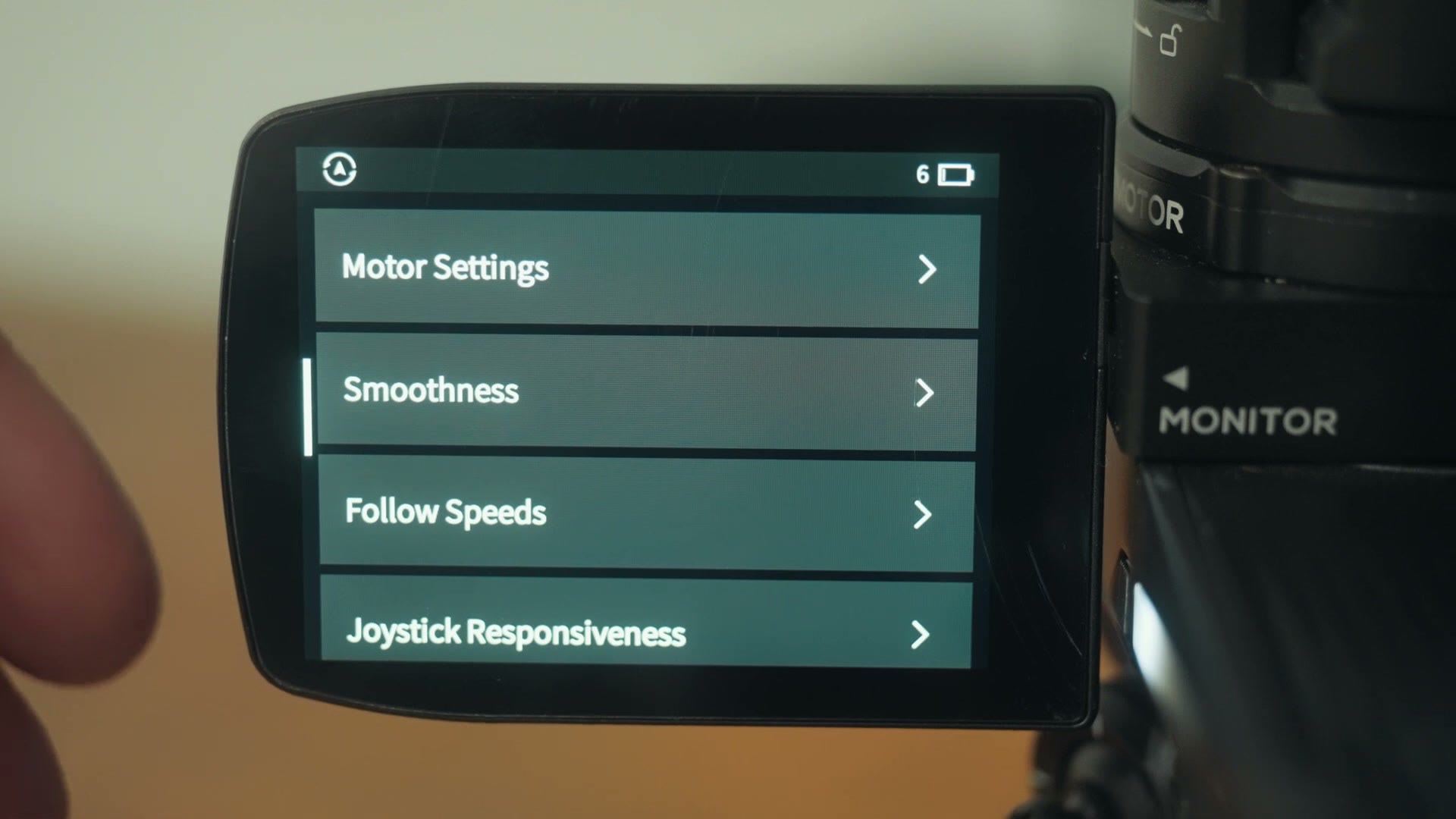
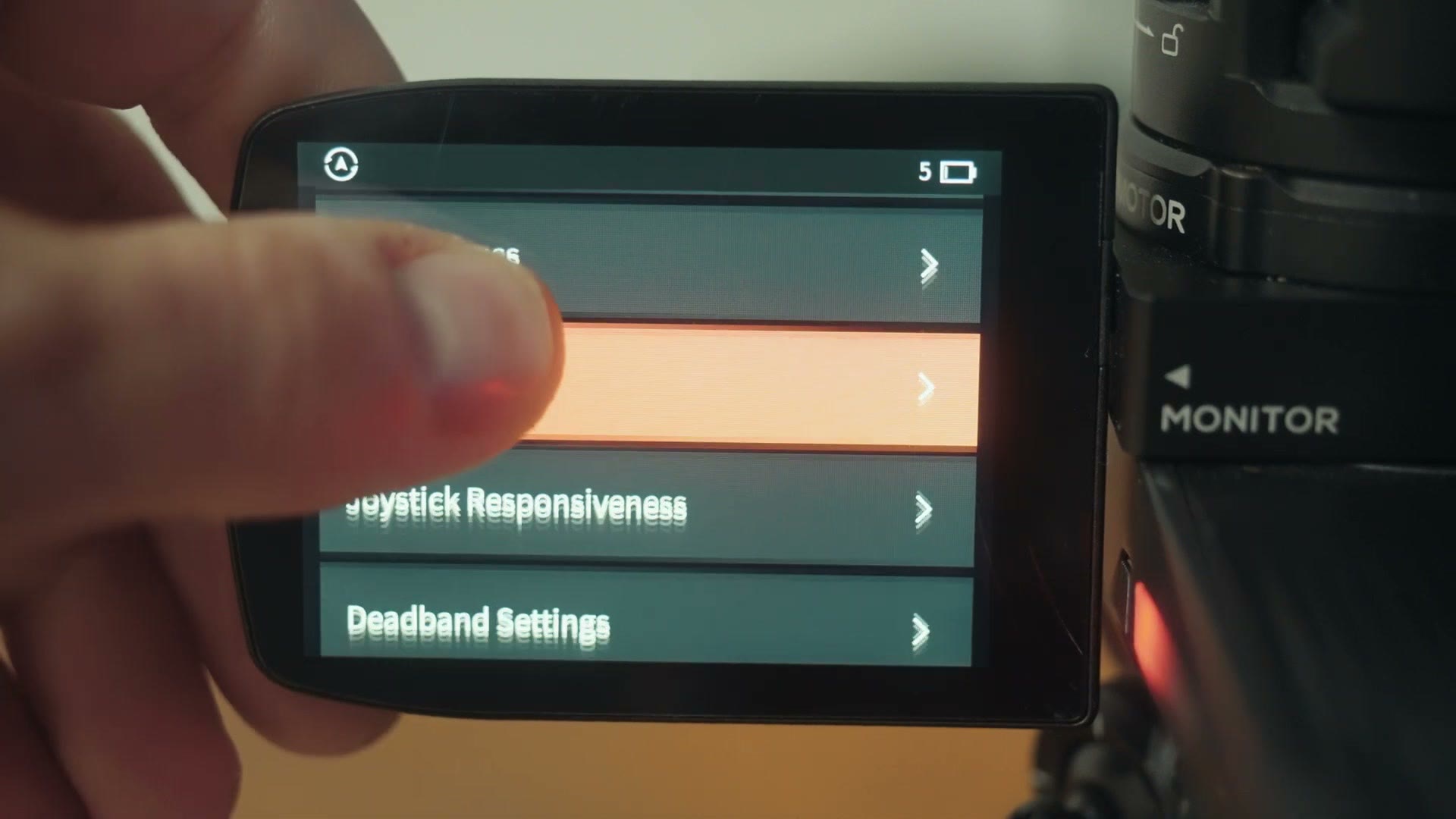
Deadband is what controls how sensitive your gimbal is to movement, with the pan deadband controlling how sensitive it is to rotations of your wrist, and the tilt deadband controlling how sensitive it is to the forward and backward arm movements that make the gimbal tilt up and down.
Out of the box, every single gimbal I have ever used has these deadbands set to high, which makes the gimbal overly sensitive, and that is the main reason so many filmmakers say gimbals feel too electronic. If you want your gimbal movements to feel more organic and natural and less robotic, try turning your deadband settings down significantly.
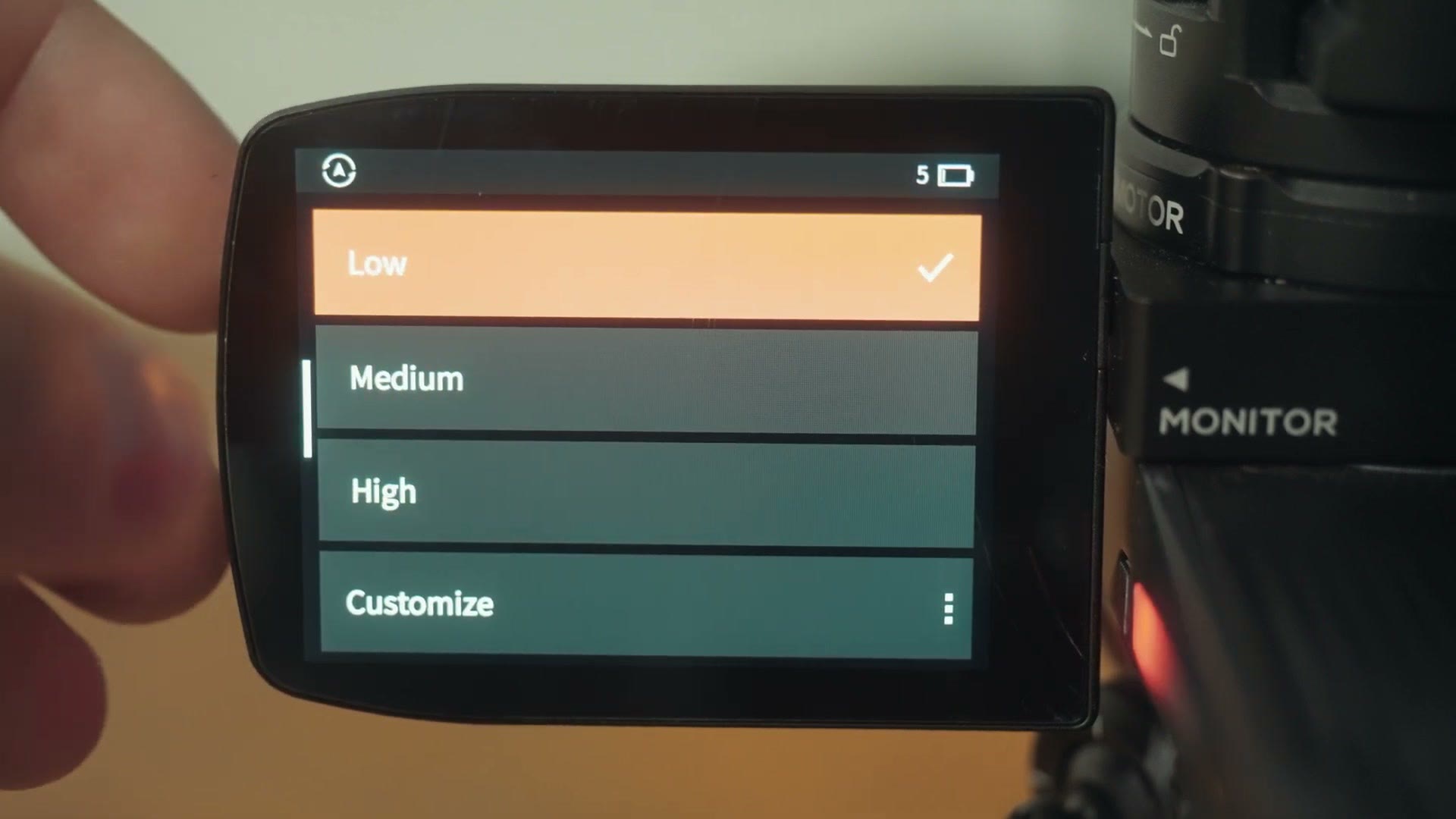
This is going to take some testing because every gimbal is different, but the effect is that your gimbal will require you to move your arms more before it reacts, and that alone can make your movements much smoother overall.
And there you have it. Practice your roll stepping, lock your elbows, and turn down your gimbal sensitivity, and you’ll be well on your way to gimbal footage that’s smoother than extra creamy peanut butter. I don’t know. You get it.
Anyways, if you’re wondering whether you even need the gimbal in the first place these days, I put a modern camera’s in-body stabilization up against one to find out, and you can read that whole test right here.
Edit Videos? Here’s Something For You
I would love to help you out even more, so I’ve put together a guide called Edit Videos Like A Pro that teaches you some of the biggest things I’ve learned about video editing, the stuff that took me many years to figure out. It’s completely free and you can download it right here.

The footage in this one is graded with my own color presets, which you can grab at whoismatt.com/luts. My full list of filmmaking gear lives over on kit.co, I have filmmaking courses if you want to go deeper, and if you film weddings, come join us in the Learn Wedding Filmmaking Facebook group.
Thanks so much for reading, and have a great day!