
If you film with a Sony camera, the odds are that at some point you are going to experience overheating, where the camera tells you it is too hot and needs to shut down and cool off. That can take anywhere from a few seconds to several minutes, and during it you cannot film.
So in this post I am going to share three things you can do to prevent overheating, regardless of which Sony camera you own, plus a few bonus tips that are virtually guaranteed to keep it from happening.
Technique 1: Set Auto Power Off Temperature To High
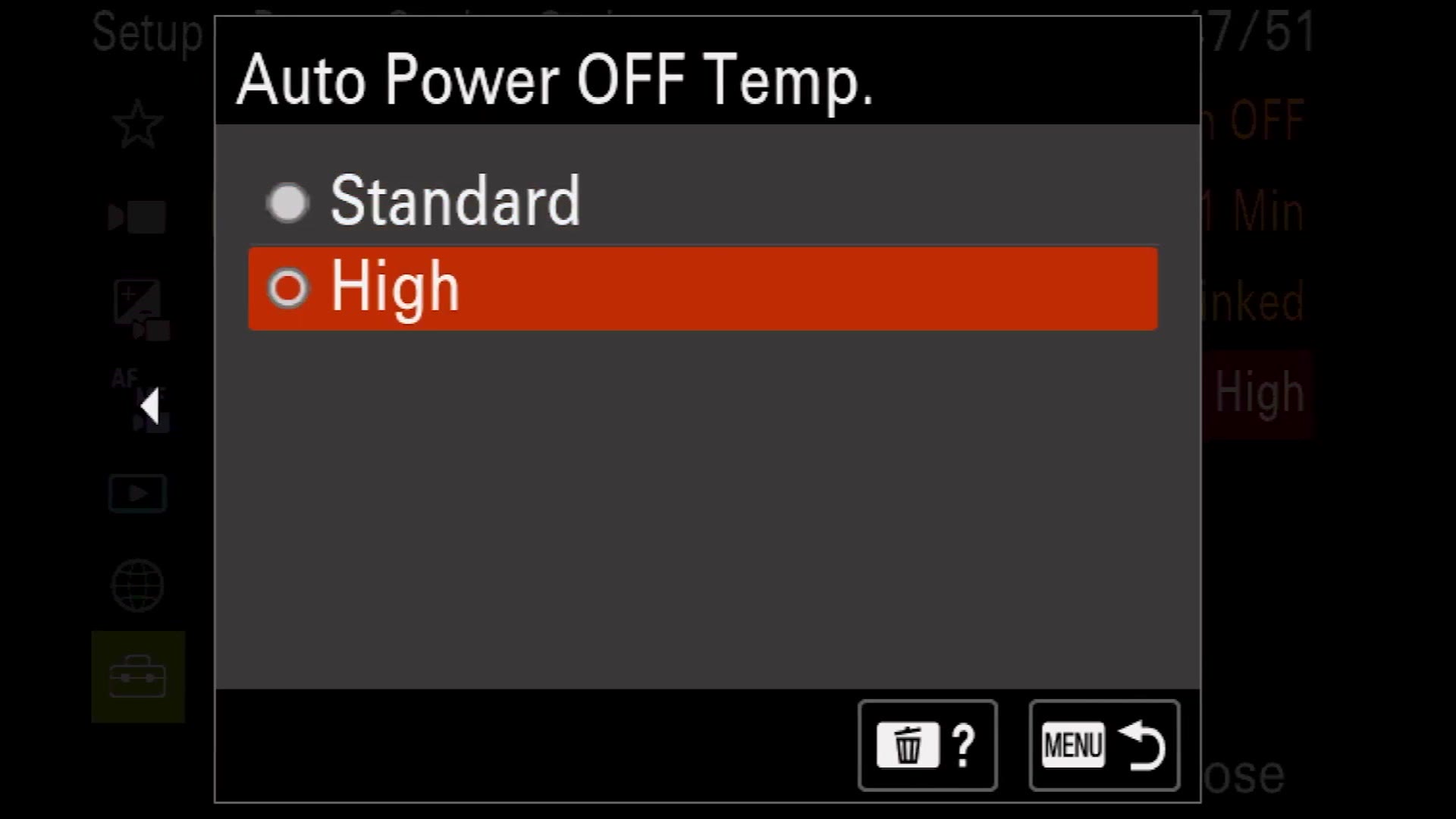
Nine times out of ten, whenever I talk to someone who tells me their camera overheated, it is because they have never gone into their settings and enabled this. It is one of the main reasons I made this video.
If you have a newer Sony camera with the new menu system, like the a7S III, FX3, a1 or a7 IV, go to the yellow toolbox setup icon, then down to Power Setting Option, and change Auto Power OFF Temp. from Standard to High.
The camera will most likely warn you that it could become hot to the touch. Do not stress about that. It is not going to get hot enough to burn you, but it will let the camera run significantly warmer before it shuts down, and the odds are that in most situations it will cool itself off before it ever overheats.
If you have an earlier Sony camera with the older menu system, like an a7 III, a6600 or a6400, the setting is there too. Open the toolbox menu and you will find the same Auto Power Off Temperature heading, which you can also change from Standard to High.
In the vast majority of situations, that one change is all you need to do and you will virtually never deal with overheating again.
Techniques 2 And 3: Open The Camera Up
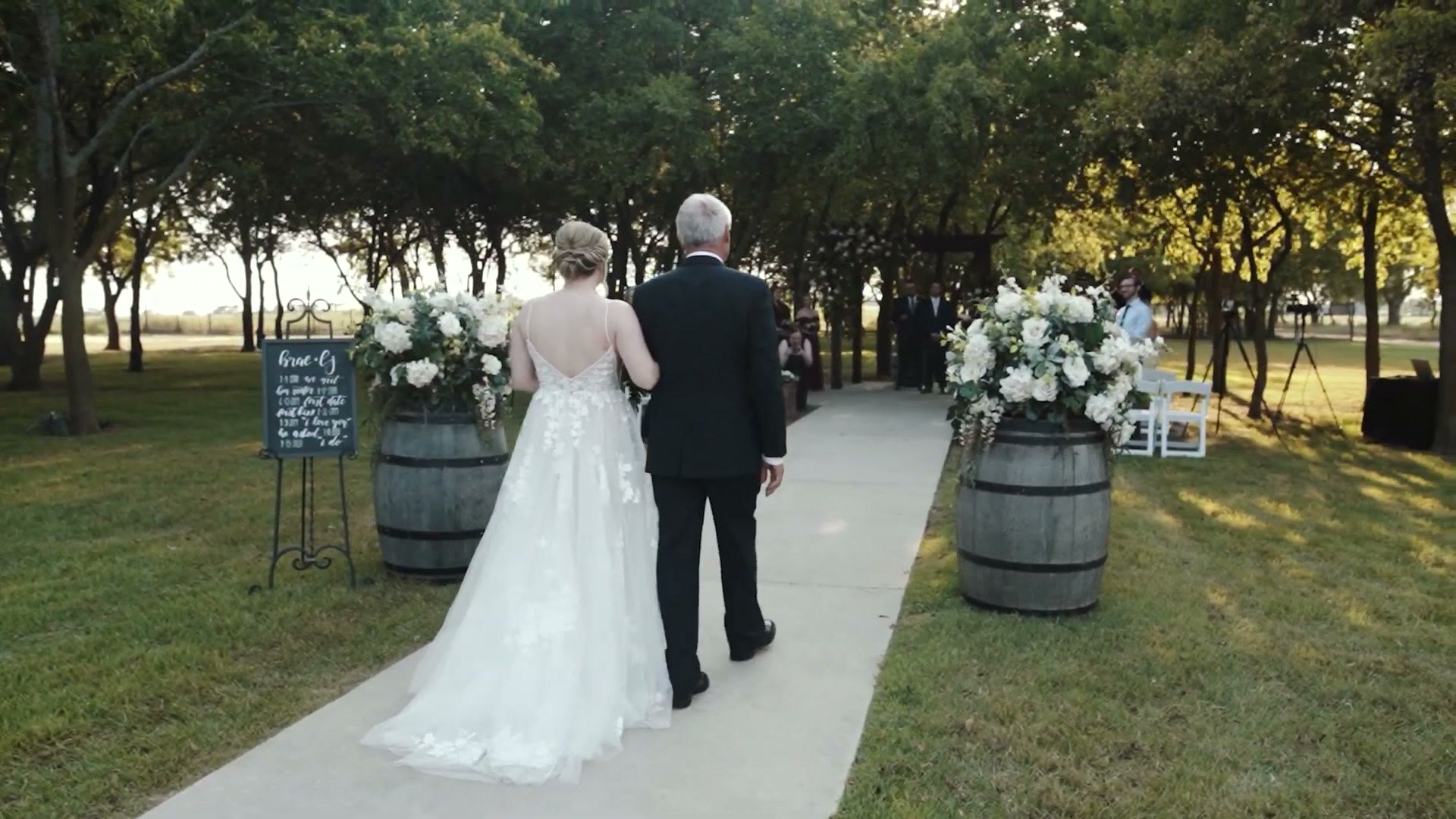
That said, there are edge cases. Let’s say you are filming an outdoor wedding ceremony like I commonly do in Texas, where for some reason a couple decided to get married in the middle of July or August whenever it is easily over 100 degrees. In that situation you may still deal with overheating. So here are two more techniques.
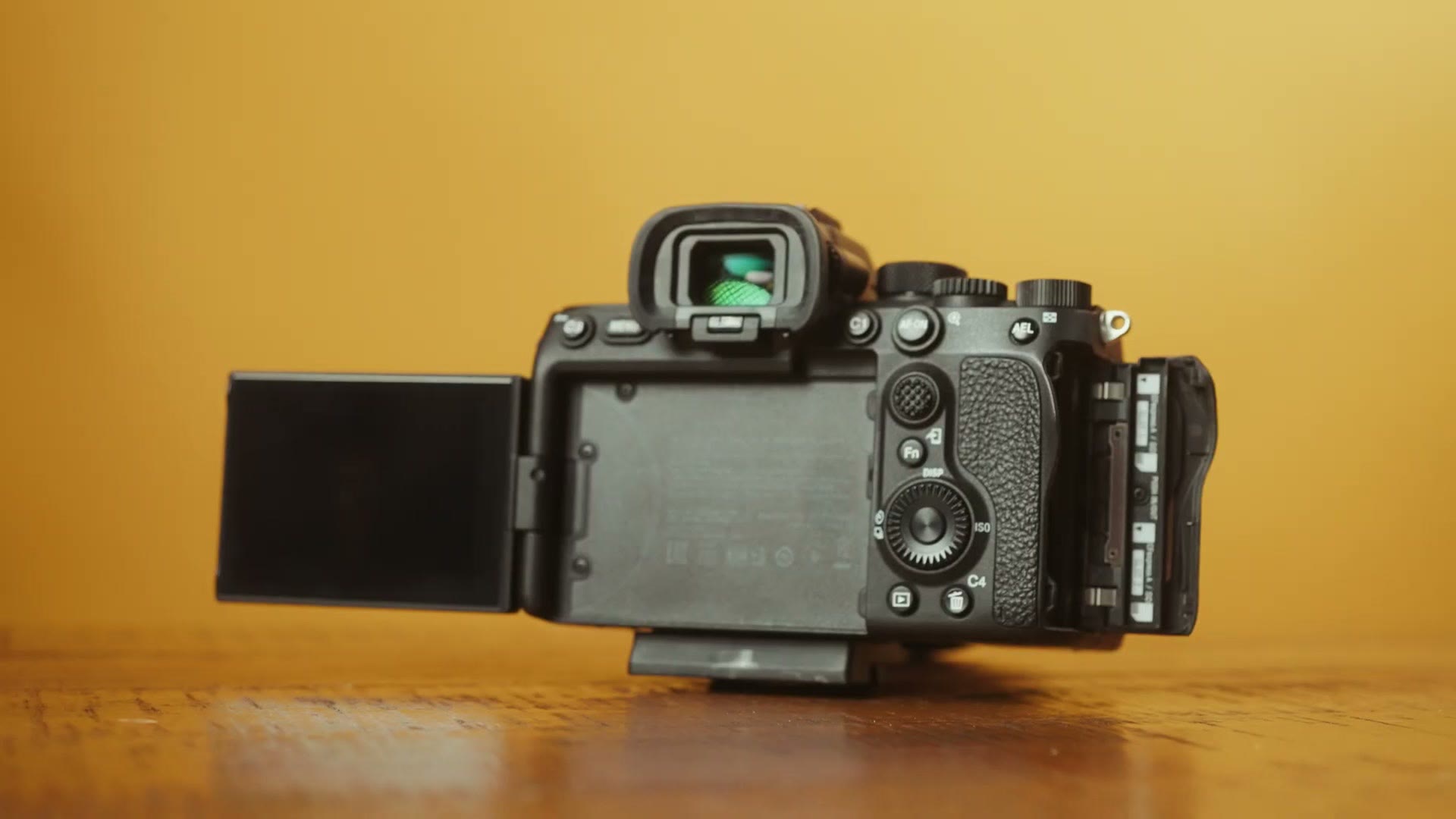
The two simplest things you can do are to pull your camera’s screen out from the body, and open up the memory card door and any other doors on the camera. That gives you a little more ventilation, which helps the camera dissipate heat.
Most importantly, keep in mind that the screen is one of the largest heat generators on the camera. So if you can pull it away from the body, that keeps the whole thing from heating up as much.
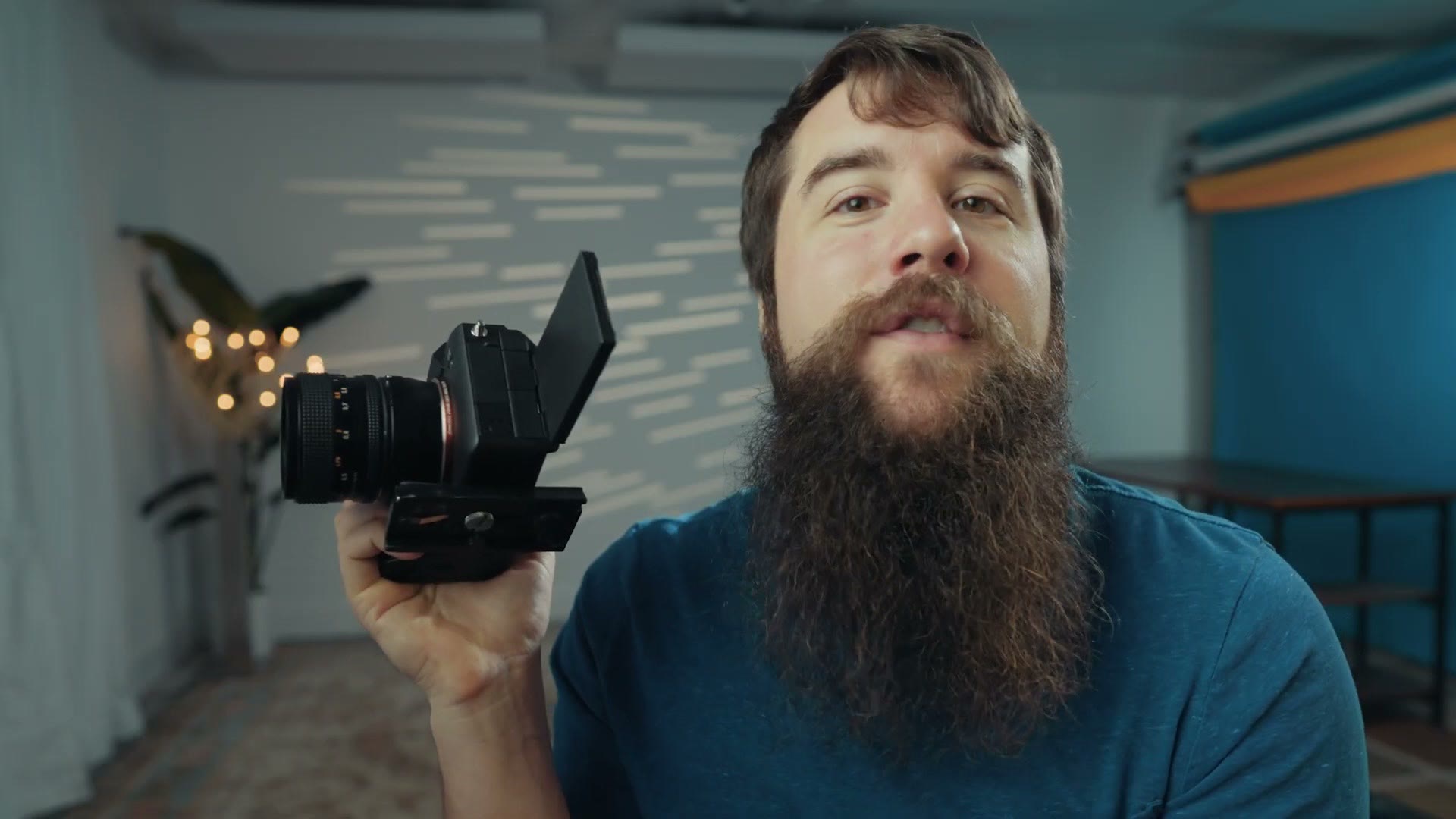
If you have a newer Sony with a flip out screen, like an a7 III or a7 IV, pull it out to the side. And if you have the older style screen that only tilts up and down, just pull it out from the camera a few inches. That will help it dissipate heat.
Accessory 1: A Battery Grip
Now let’s say you are doing all of that but you are also filming outside for a very long time on a very hot day, and the camera is showing you a little thermometer on the screen and you are starting to get nervous. Do not stress. We are not done.
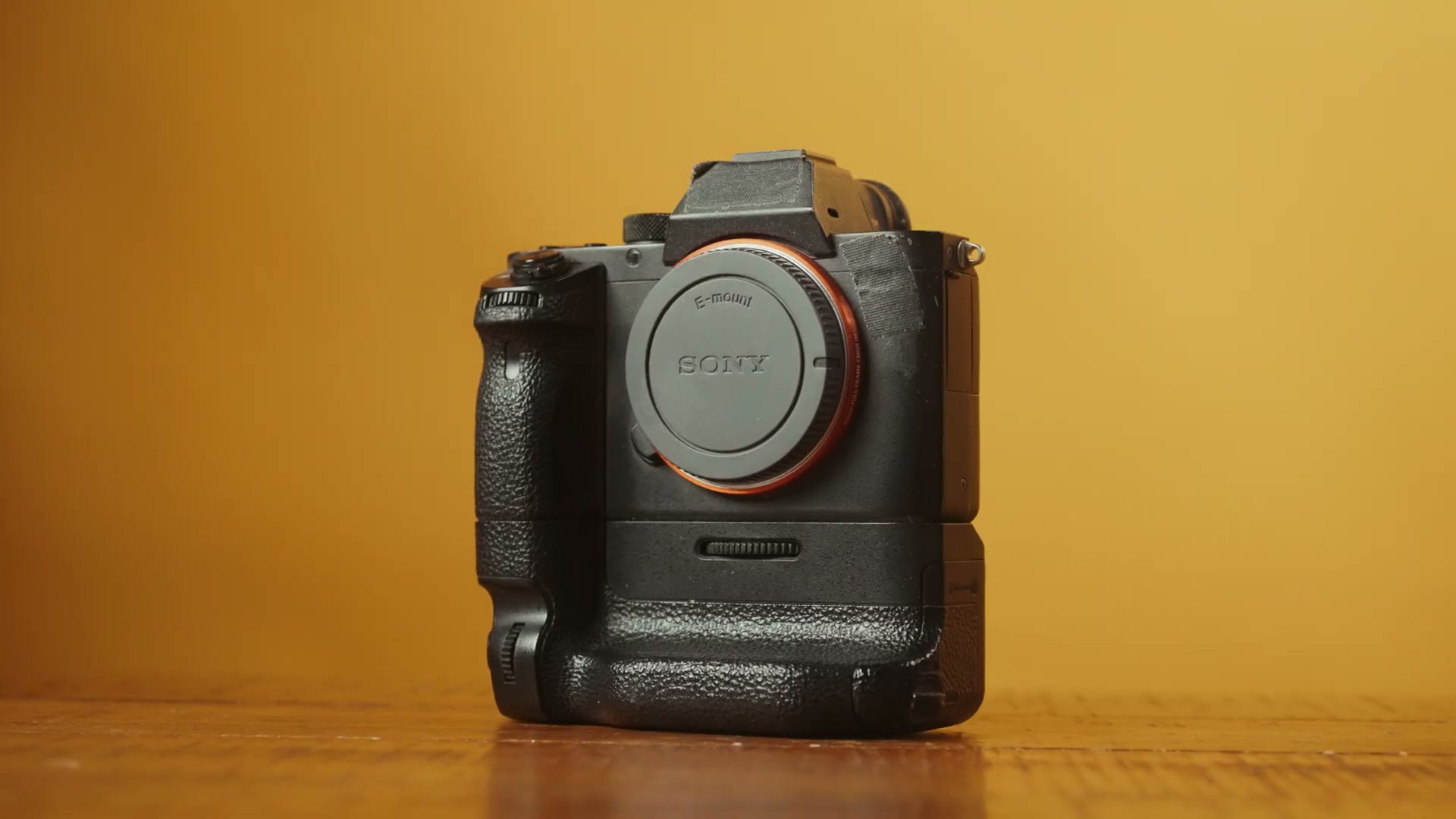
A battery grip extends the height of your camera vertically and gives you the ability to run two batteries to extend your battery life. So what does that have to do with overheating?
Well, if you look at a Sony camera when it is starting to overheat, one of the hottest parts is the battery, because that is a dense metal rectangle stuck up inside the body, and once it gets hot it is very hard to cool down. By taking that battery out of the camera and housing your batteries in the grip below it instead, you can significantly reduce the temperature inside the main body, which helps prevent overheating.
This is a technique I personally used for many years with my a7S II, not only to prevent overheating but also to help with that camera’s rather atrocious battery life.
Battery grips, by camera:
- a7 IV and a7S III: Amazon or B&H
- a7 III: Amazon or B&H
- a6300 and a6400: Amazon or B&H
- a6500: Amazon or B&H
Accessory 2: A Dummy Battery
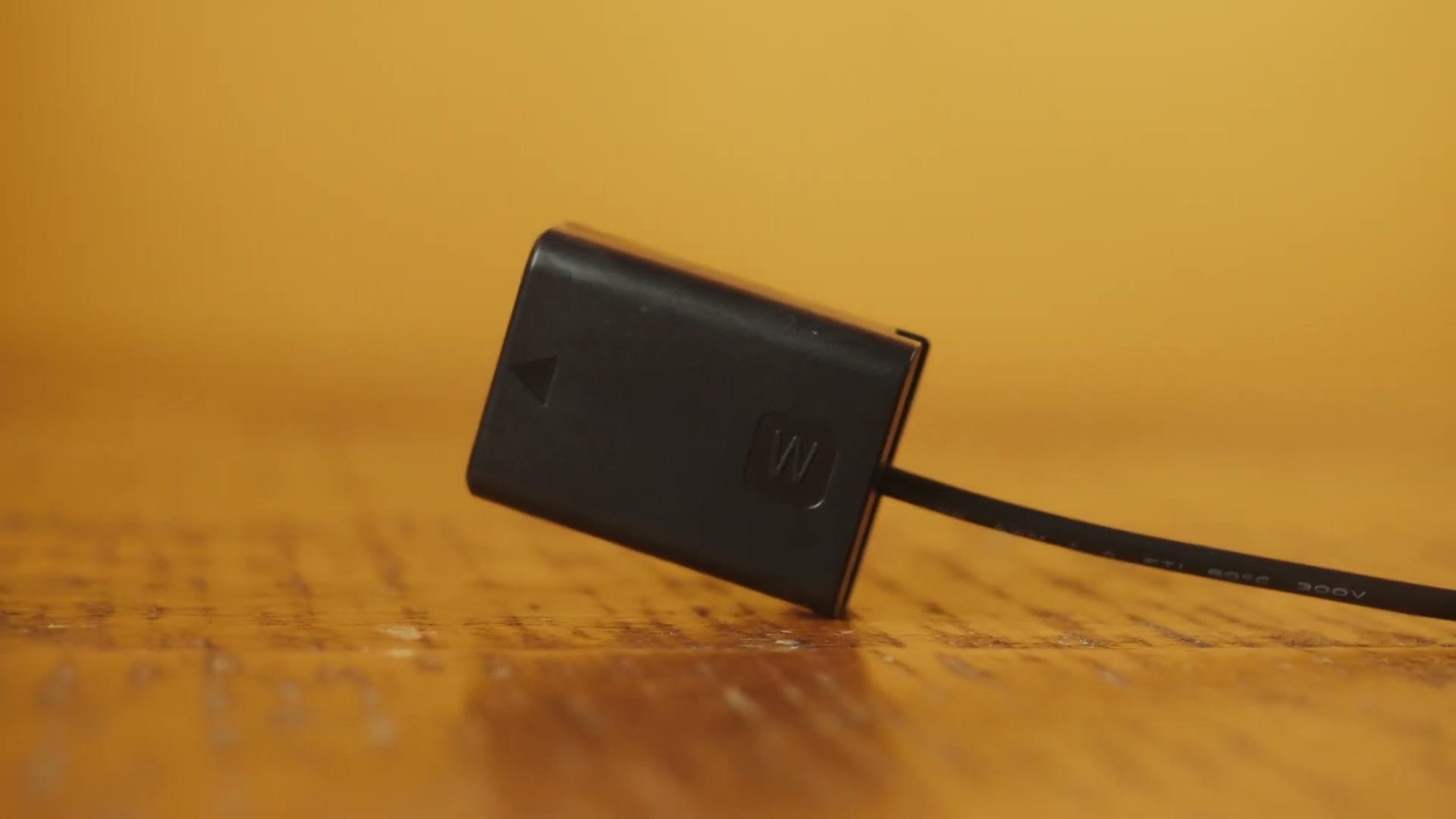
If you do not want to go the battery grip route, the alternative is a dummy battery. This is a hollow plastic battery with a cable running out of it to your real power source, which now lives outside the camera. You can then power the camera from something bigger like a V-mount, or just plug it into the wall.
Just like a battery grip, by removing the battery from the camera and replacing it with a hollow plastic shell, you are making it significantly easier for the camera to stay cool.
Of course, this requires you to rig up a different power source and makes your setup significantly larger, so I personally do not use this for things like wedding ceremonies where I want to stay as compact as possible. But I know a lot of filmmakers who do.
- Dummy battery for the a7 IV: Amazon or B&H
- Dummy battery for the a6300, a6400 and a6500: Amazon or B&H
Where The Heat Actually Comes From
Before I share the final technique, we need to talk about the science of heat for a second. Whenever your camera overheats, the internals get too hot and the camera shuts down to keep them from essentially melting on the inside. So where does that heat come from? Three places.
The first is the camera’s own electronics, which generate heat because they are encoding and saving high quality video to a memory card.
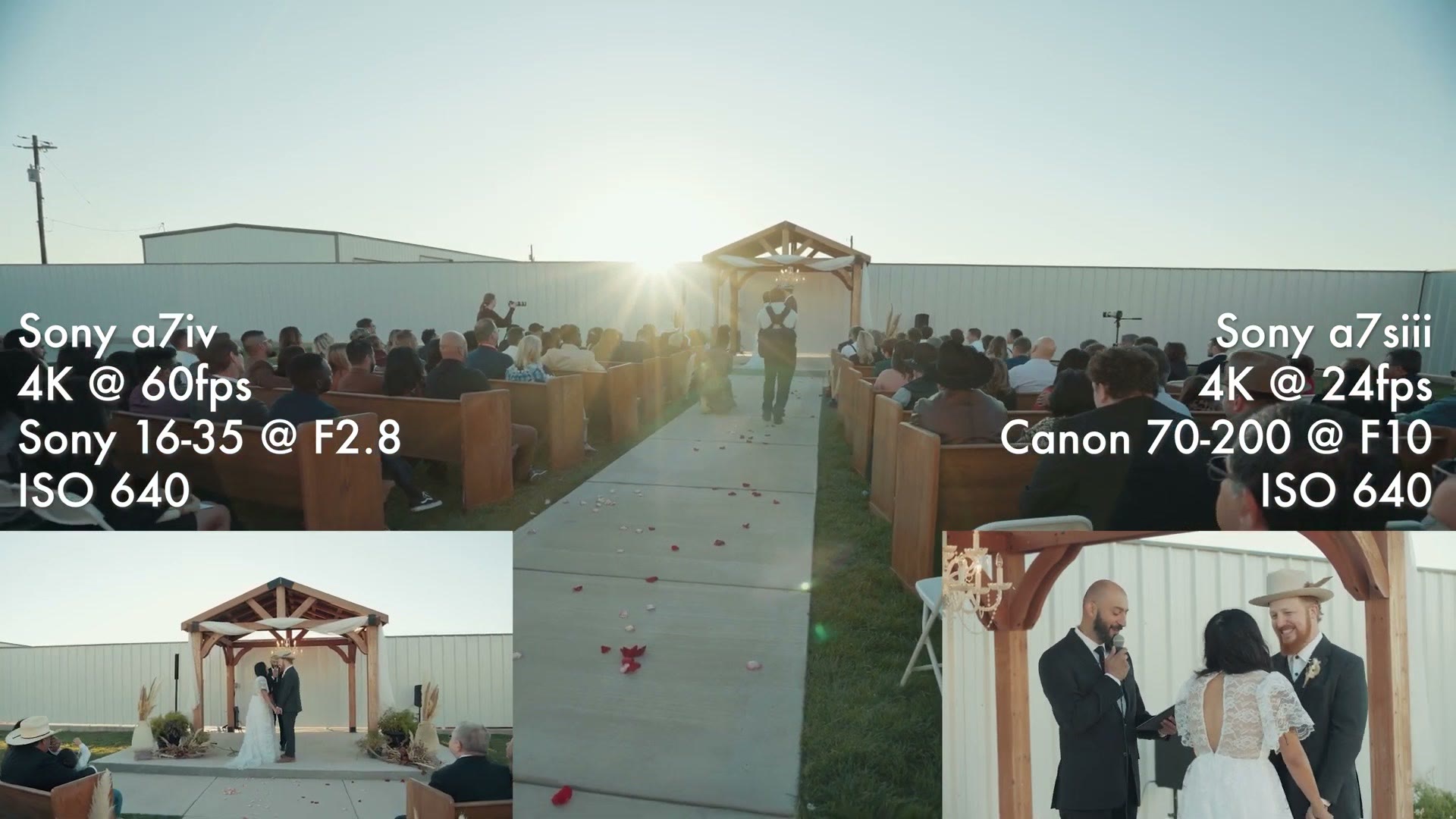
The second is the ambient temperature, meaning whether you are filming in an air conditioned room or outside on a very hot wedding day.
With just those two, I feel fairly confident telling you that as long as you have the auto power off temperature set to high and your screen pulled out, you should be safe.
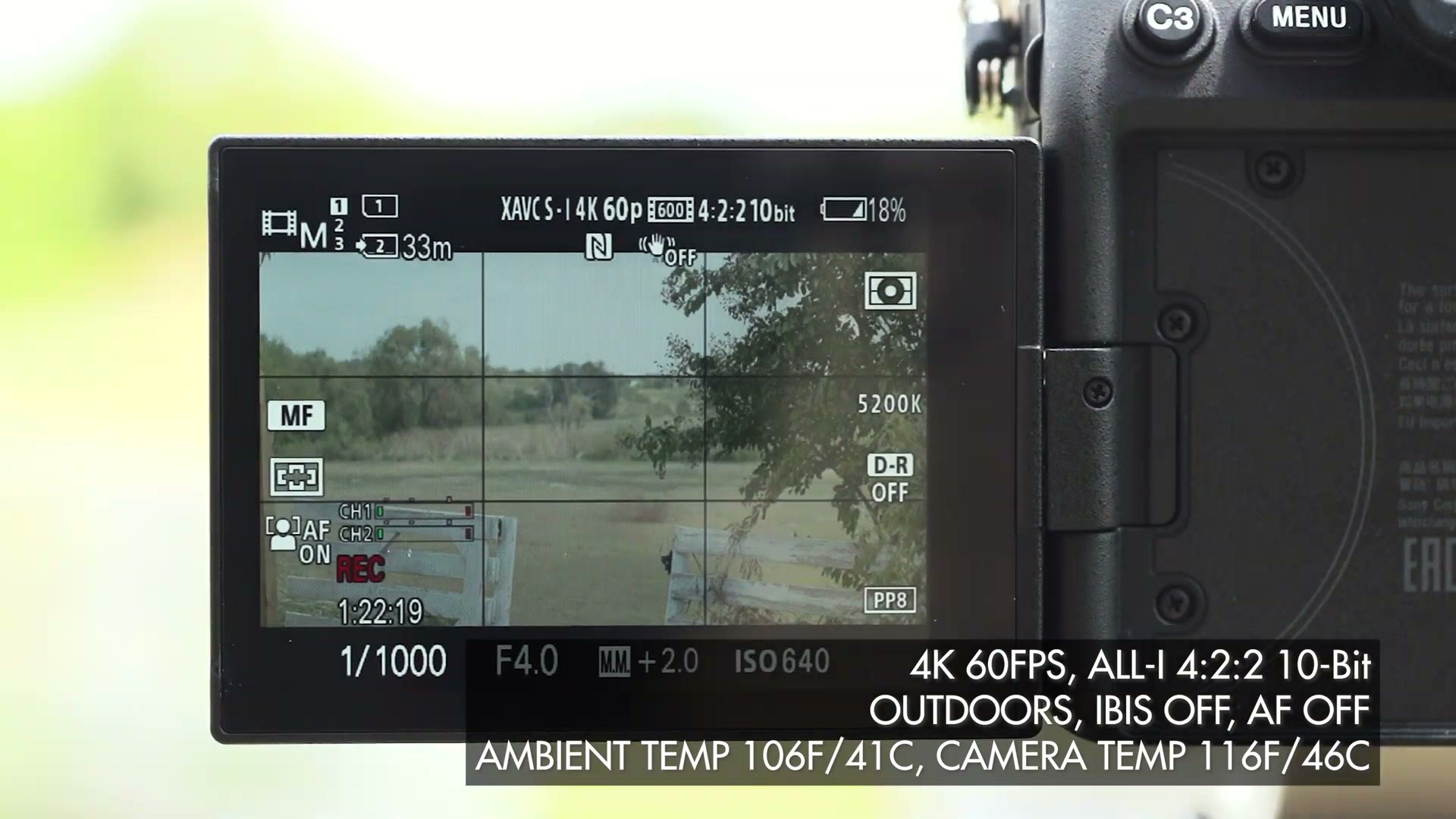
But we need to talk about the third source, because this is what trips up a lot of filmmakers and this is where you will deal with the most overheating. It is there any time you are filming during the day, and it is the sun.
The sun emits infrared radiated heat. And whenever you consider that your camera is essentially a black box, and black is the color that most absorbs heat, if your camera is sitting in direct sunlight on a hot day it is going to heat up dramatically more than it would in the shade, and the odds of overheating go up significantly.
Make Your Own Shade
So how do you protect your camera from the sun? You make your own shade.
With this final technique you are building a custom sunshade for your camera that attaches to the hot shoe very quickly and easily. It is super simple, and all you need is a camera hot shoe screw, also available at B&H, plus some cardboard or foam board.
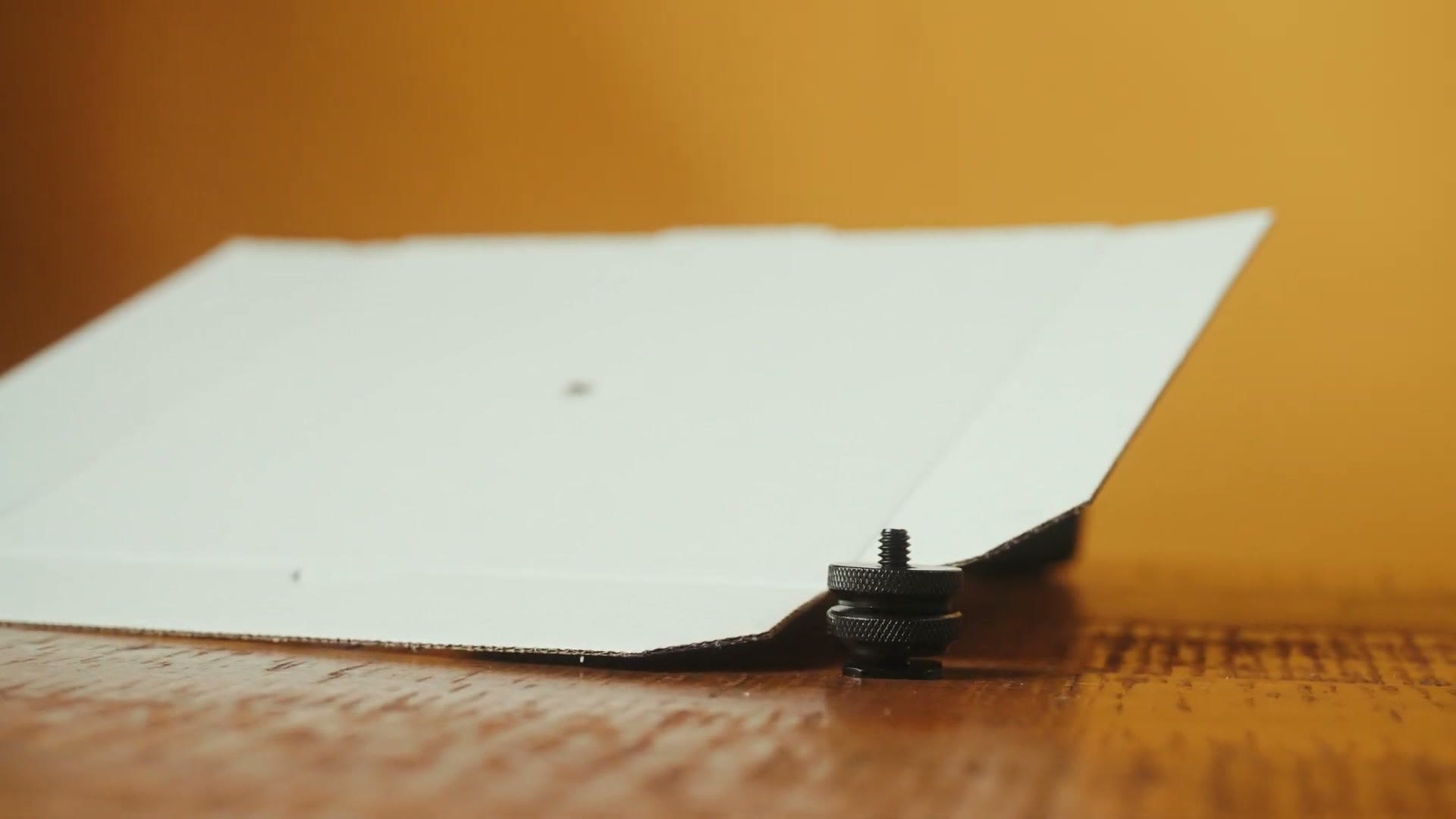
Measure the size of your camera, plus a few extra inches of length to give the shade some added coverage in the event the sun is not directly overhead but down at an angle, and cut your board to fit.
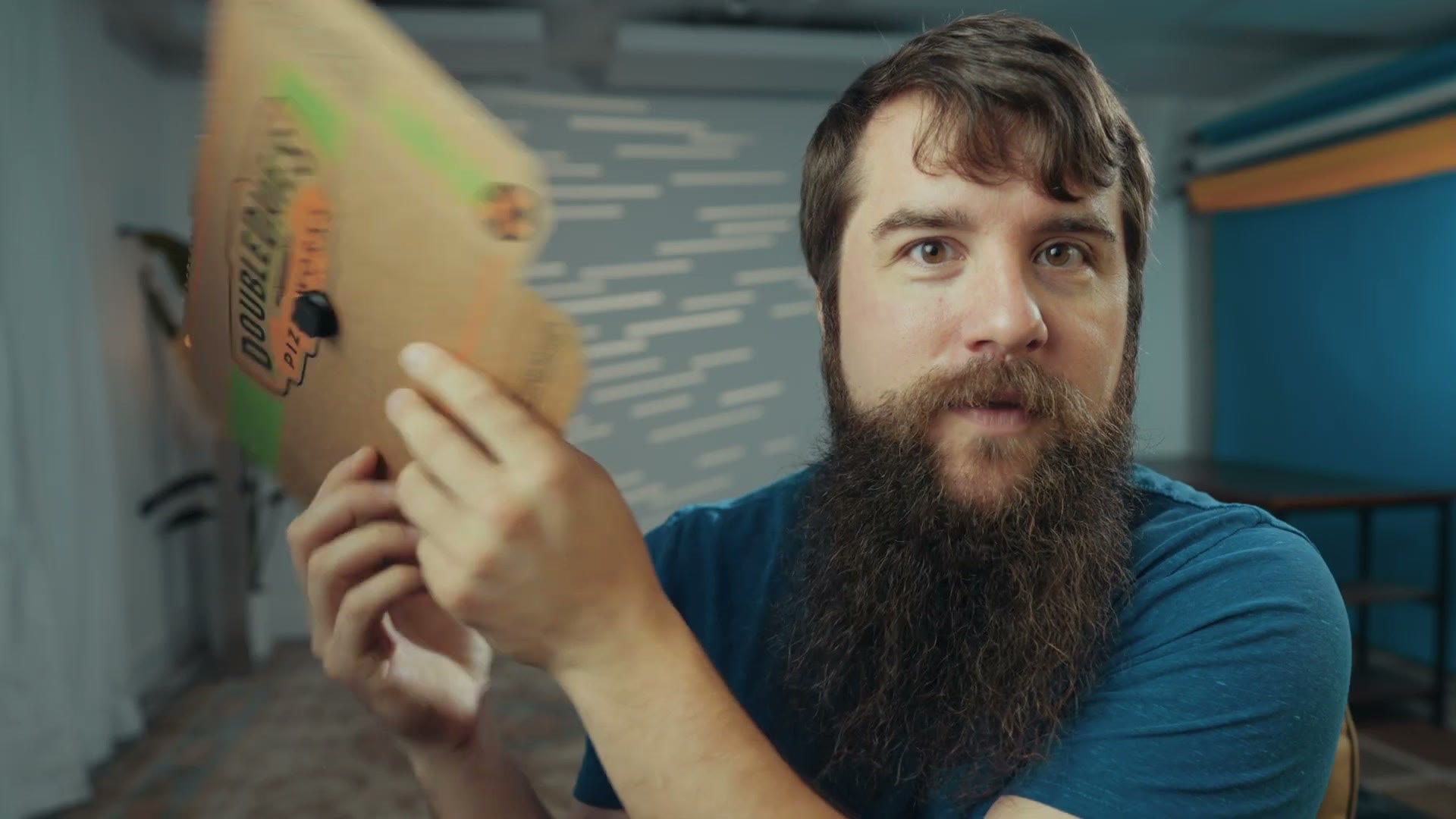
Or, if you are lucky like me, you have a spare pizza box lying around that is already the perfect size. Just keep in mind you do not want the board to be too large, because then it may show up in your camera’s field of view.
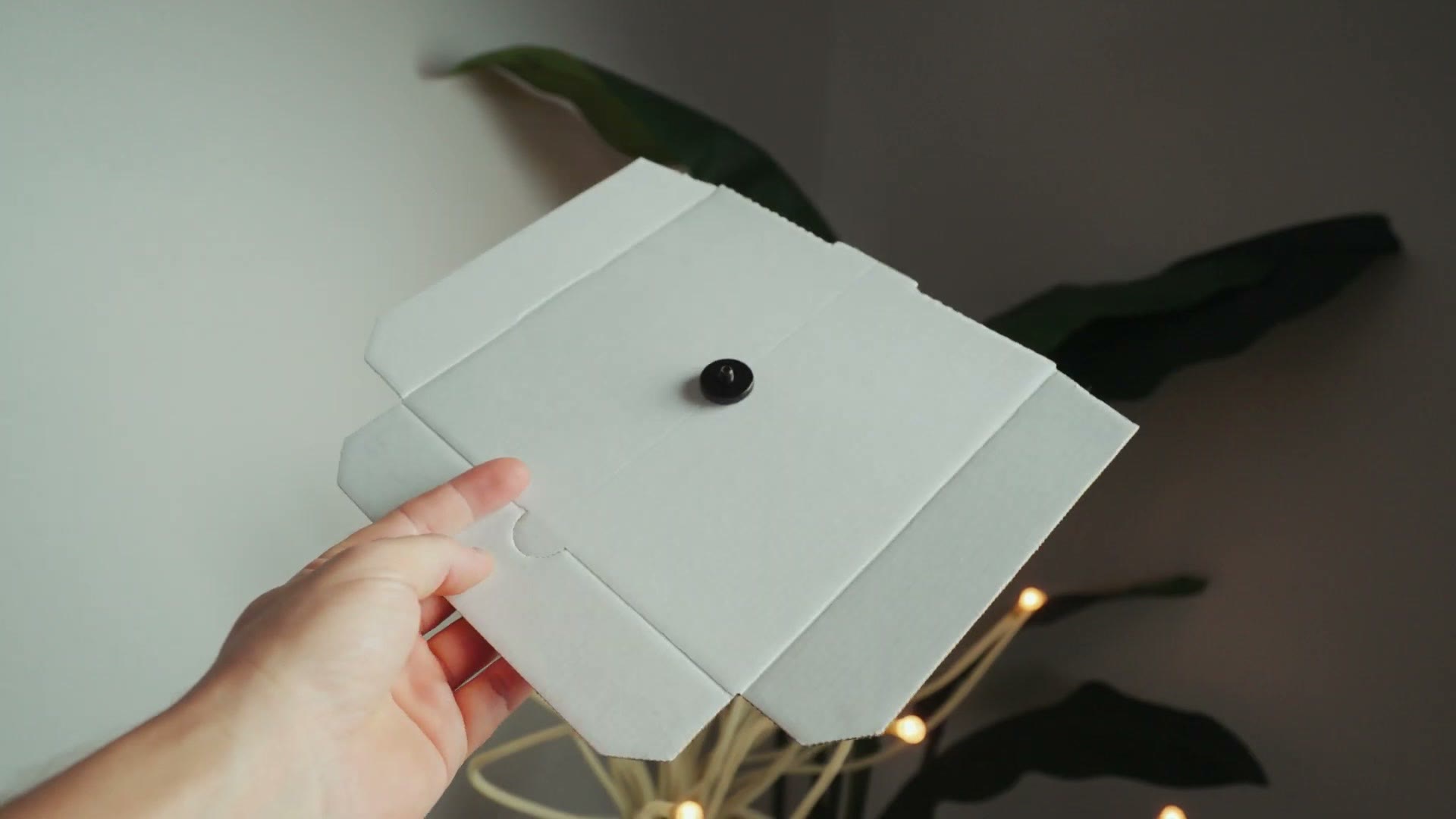
Then here is the easy part. Unscrew the top screw from the hot shoe mount, stab your board down onto the mount, and screw the top back on to hold it in place.
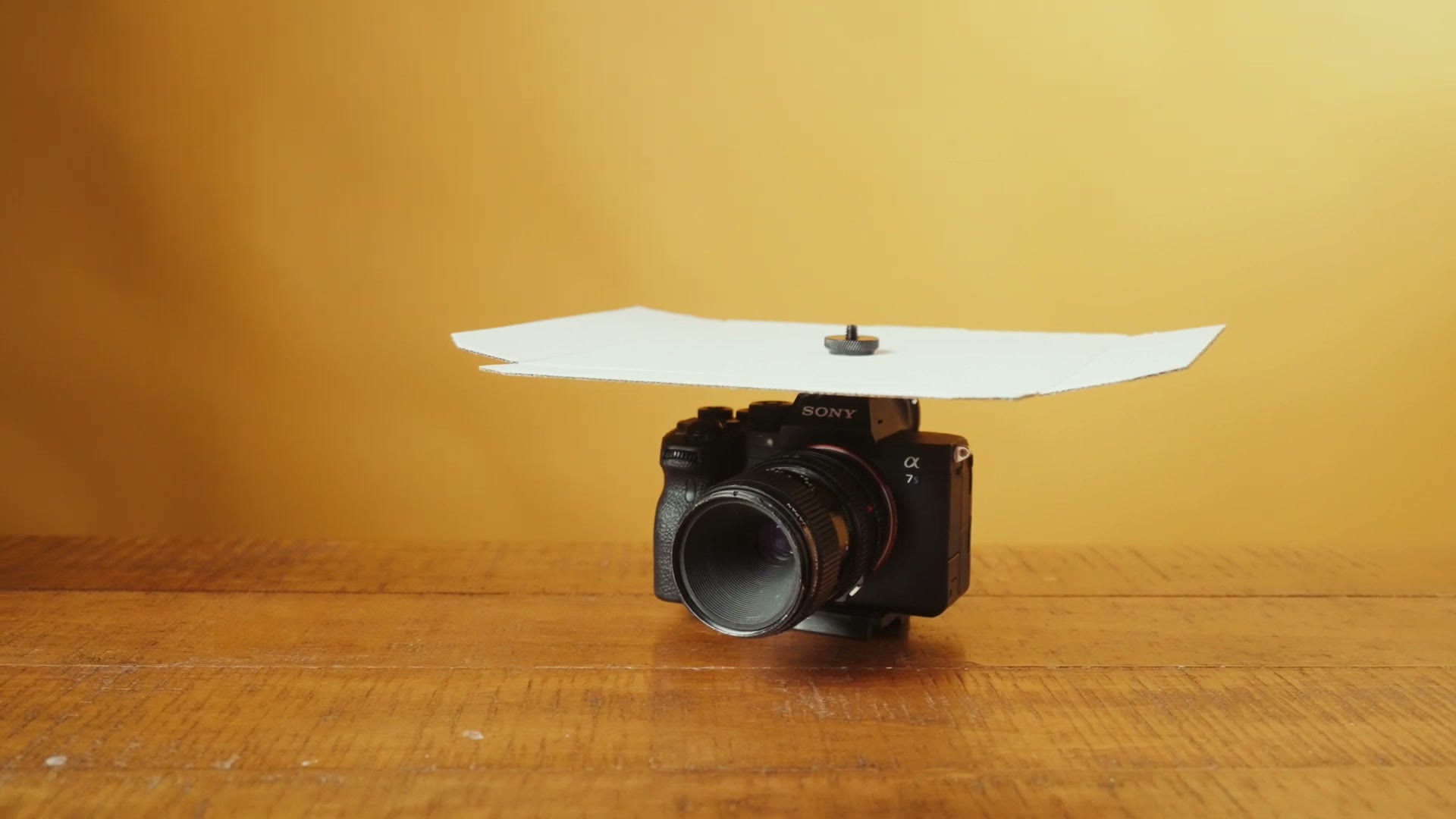
Voila. You have built a custom sunshade you can slide into the hot shoe whenever you need it. I love this setup because it is so lightweight, and the good news is that if the board ever breaks, repairing it is as simple as grabbing another piece of cardboard, which, if you are like me and you order a lot of things online, you probably have lying around everywhere.
To Recap
Set the auto power off temperature to high, pull your screen away from the camera body, use a battery grip or dummy battery, and if it is really hot out, build yourself a custom sunshade. Do that and you should never have to deal with overheating again.
Before you go, if you happen to film weddings and use YouTube like I do, and I know I used a lot of wedding examples here, I have created a free guide with some of my biggest and most important tips that took me years to learn. It is completely free, and it is going to make a huge difference in the views, likes and bookings you get from YouTube.
My color presets are worth a look too. I have tuned them to work with a lot of cameras, and considering this whole post is about Sony cameras, I think you are going to like them.
Thanks so much for reading, and have a great day!