
I’ve been using Adobe Premiere Pro since CS5, way back in 2010. But over the last several years I’ve also been learning DaVinci Resolve, and I want to give you my honest thoughts on Resolve from a Premiere Pro user’s perspective.
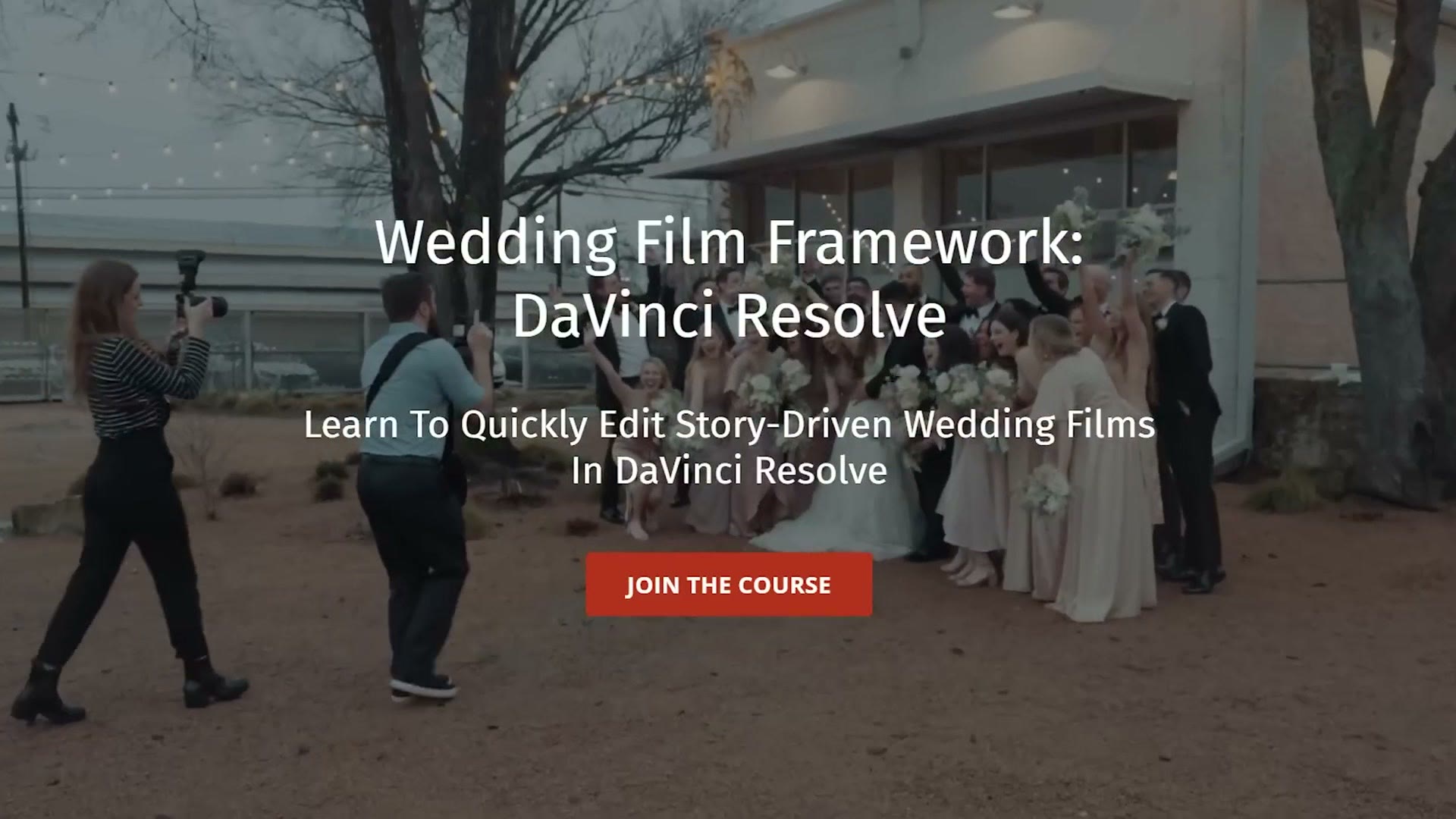
Also, if you have been thinking about learning DaVinci Resolve, especially if you’re a wedding filmmaker, I want you to know I just released a brand new course called Wedding Film Framework: DaVinci Resolve. It shows you literally everything you need to know to quickly edit story driven wedding films in Resolve. So if you’ve been considering switching from Premiere Pro or Final Cut Pro or any other editor, this course shows you how to do it easily, and I’ll be with you through every step, showing you my proven and efficient system for editing.
How Similar DaVinci Resolve Is To Premiere Pro
Coming from Premiere Pro and learning Resolve, the first thing I noticed was just how similar it felt.
If you’re someone who’s worried about needing to spend a long time learning Resolve, I would fight against that fear, because once you open it and get into it, as long as you know your way around Premiere Pro, you should be able to pick up Resolve fairly quickly.
Let me put it this way. What you’re going to discover, like I did, is that DaVinci Resolve makes sense in the same way that Premiere Pro makes sense. In both programs there’s a timeline you’re editing and cutting video on, and those timelines have tracks that feel very familiar.
I would say going from Premiere Pro to DaVinci Resolve is significantly easier than going from Premiere Pro to, say, Final Cut Pro, because with Final Cut you have to learn the magnetic timeline, which is definitely a different way of doing things.
Adobe’s Creative Cloud Apps Vs DaVinci Resolve All In One
Getting away from the similarities for a second, easily one of the biggest differences between Premiere Pro and DaVinci Resolve is that Adobe built Premiere to work inside an app ecosystem, where you have Premiere Pro to edit your videos, Adobe Audition to do advanced sound mixing, and After Effects to do advanced graphics work. You have to open each of those programs separately to use them.
One cool feature of the Adobe apps is called Dynamic Link, which lets you edit a clip that’s in your Premiere timeline over in After Effects or Audition in real time. Unfortunately, Dynamic Link is not always the most reliable, and you can leave me a comment if you agree with that take or not.
But that leads us into how Resolve is different. With Resolve, you can basically think of it as having all of those separate Adobe apps in one, and you just toggle between different pages to get to them. If you want to edit your video, you use the edit page or the cut page. If you want to add effects, you use the Fusion page. And if you want to mix the audio, you use the Fairlight page.
There are no separate programs, and there’s no Dynamic Link to worry about, because you never leave DaVinci Resolve. It’s all there. It’s great! And if you think about Resolve as an all in one program that replaces a bunch of the Adobe Creative Cloud programs, it’s going to make a lot of sense to you.
That said, I’ve heard plenty of feedback from other editors that while it’s great that Resolve has all of these features like Fusion and Fairlight, they are still not quite as robust as having the full After Effects program or the full Audition program. This is something I’ve seen Blackmagic working on, and they’re constantly adding new features to both pages. But I want you to know that if you do advanced After Effects motion graphics work, or really in depth audio editing, you may still find Resolve lacking in some ways. For the majority of video editors out there though, I think you’ll be very happy with what these pages can do.
What Resolve Has Added
Speaking of features, we need to talk about two big things you’re going to notice if you start using Resolve coming from Premiere. One is something Resolve has added that Premiere doesn’t have, and the other is something that, in my opinion, is missing.
Let’s start with what Resolve has added. One of the biggest differences between the two is that both the color page and the Fusion page in Resolve use nodes instead of layers when you apply effects.
This is easily one of the most intimidating parts of going from Premiere Pro to Resolve, but once your brain gets it, you will understand. I actually spend a lot of time in the Wedding Film Framework course explaining how nodes work to make it easy for you. For the sake of this post, just know that nodes are a different way of thinking about editing, and you are going to have to learn them if you want to use the color page or the Fusion page.
What Resolve Is Missing
Now let’s talk about what’s missing from Resolve, and this one is really fascinating, because I consistently see people sharing such positive opinions about Resolve that whenever I say Premiere Pro has a feature Resolve is lacking, people tend to be rather surprised.
The feature you will find yourself missing if you switch from Premiere Pro to DaVinci Resolve is the lack of an Adobe Media Encoder equivalent.
What that means is that in Resolve you can queue up multiple videos to export, but whenever you click render, Resolve is not going to let you do anything else in the program until those videos are done. That is significantly different from Premiere Pro, where you can queue videos up in Adobe Media Encoder and then go right back to Premiere and keep editing other videos to stay productive. With Resolve, you’d better make sure you have time to render, because you are not going to be able to do anything else.
And while Blackmagic has started to introduce programs that can render in the background, like the Blackmagic Proxy Generator app, which not many people know about but is actually really awesome, and which I also cover in the Wedding Film Framework course, Resolve still does not have a dedicated standalone rendering app like Media Encoder. I think most filmmakers would really appreciate one, because it helps us stay productive even while we’re rendering.
Does Resolve Crash As Often As Premiere Pro?
Speaking of staying productive, we need to take a moment to talk about one of the biggest productivity killers you may have experienced editing in Premiere Pro, and that is bugs and crashes.
In short, the sentiment from most video editors who used Premiere Pro and then switched to Resolve is that one of the main reasons they switched was that they found Premiere prone to crashing at the worst possible times, which would cause them to lose work.
I have two thoughts about this. First, and this is purely anecdotal, in my experience as someone who edits on a custom built, powerful PC, I have not experienced nearly as many crashes as friends of mine who edit on a Mac. I’m not sure why that is, but at least in my experience, and from hearing feedback from other filmmakers, Premiere tends to crash more on Mac.
While you’re here, take a look at HUGE DaVinci Resolve 20 Updates For Wedding Video Editors, A Video Editor’s Review Of The Dell XPS 17 9700 Laptop, and A Video Editor’s Review of The Zotac Magnus Mini PC (vs Mac Mini).
Which leads into my second thought, and this may be a bit of a hot take, but in my experience I have had a pretty similar number of crashes in both Premiere Pro and DaVinci Resolve. Heartache, I know, but it’s true. When I’m editing in either one of these programs, I deal with a few crashes per month. That’s usually not a huge deal, but it is interesting that the two of them are pretty even in this aspect.
Why Resolve Handles Crashes Better Than Premiere
Which leads us into the final difference, because while both of these programs crash at roughly the same rate in my experience, the way they handle crashing is dramatically different. Let me explain, because this may blow your mind if you’ve never used Resolve.
I’m not going to go super deep into the intricacies of Resolve’s database system here, I saved that for the Wedding Film Framework course and it’s super helpful by the way, but here’s one of the biggest benefits of Resolve using a database.
Unlike Premiere Pro, which uses a .prproj file to save all of your project information into one nice little file, Resolve uses a database, which has a ton of benefits, one of the largest being a feature called live save.
Here’s the difference. If Premiere Pro crashes while you’re editing and you reopen your project, you are at the mercy of the last time you either manually saved, or the last time Premiere auto saved, which by default is anywhere from five to twenty minutes between saves.
With DaVinci Resolve and their database magic, because it has live save, every single click and button press you make while editing is instantly saved. So in the event that Resolve does crash, whenever you reopen the program you’re able to pick up exactly where you left off, and you’re not going to lose any work.
This is a huge benefit. The first time I experienced it, Resolve crashed and I reopened it and it was magical, because everything was right where I left it. I knew I would have lost a significant amount of work in Premiere, and I didn’t lose any of it in Resolve.
Want To Learn DaVinci Resolve?
Above all, I’m really impressed by what Blackmagic has created with DaVinci Resolve. And while I still see myself using both Premiere Pro and Resolve going forward, especially because I know Adobe is working to improve Premiere to catch up, and I like seeing that competition, I really do feel like so many filmmakers are intrigued by what Resolve has to offer.
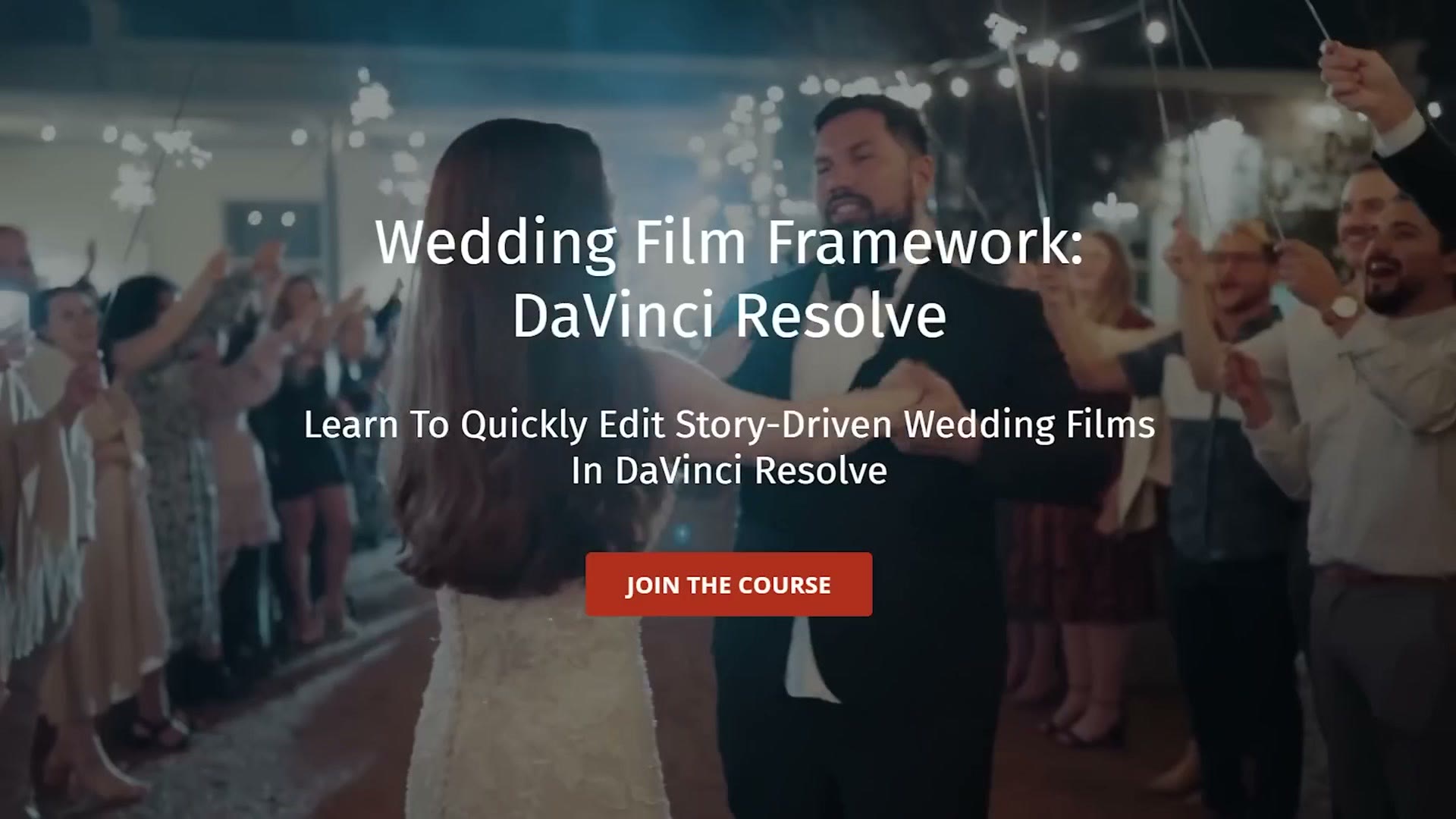
So if that’s you, if you’ve been intrigued by DaVinci Resolve, especially if you’re a wedding filmmaker who currently edits in Premiere Pro or Final Cut Pro, I would love for you to check out Wedding Film Framework: DaVinci Resolve. It shows you how to quickly edit story driven wedding films in Resolve, and even if you have never used the program before, I’m with you every step of the way showing you how to edit fast.
Speaking of editing fast, maybe you’re already editing in Resolve but you’re wondering whether there’s a faster way of doing things. In that case I’d say give the course a chance, try it out, I’m betting you’re going to learn some things. And what’s great is that it comes with a 60 day money back guarantee, so you can watch the whole thing, and if you don’t learn anything, no sweat, I’ll give you your money back. There’s no risk to you.
Let me know if you have any questions about the course, or if you have thoughts about either DaVinci Resolve or Premiere Pro.
Thanks so much for reading, and have a great day!