
Short version, and I’m gonna spoil it right now because I respect your time: your computer is almost certainly fine. I edited Sony FX5 XOCN RAW footage on the cheapest laptop Apple sells, a fanless M5 MacBook Air, and it played back like butter in DaVinci Resolve with color grades applied, text on top, and three RAW video tracks stacked on each other. Premiere Pro is very close behind, and Final Cut Pro cannot open the video at all right now.
Before you read another word, download my free Sony FX5 XOCN RAW footage here. It’s real RAW clips I filmed with the FX5, it’s free, and it took me a while to put together. Load it into whatever you edit with and see how your own machine handles it, because that’s a much better answer than anything I can tell you.
Is XOCN RAW Really Too Hard To Edit?
There were a lot of people I saw online fear mongering in the comments that this footage was gonna be hard to edit and that it would slow your computer to a crawl, because XOCN RAW is so compressed and your poor processor would have to work overtime decompressing it. That has not been my experience at all, not even a little bit.
So rather than argue about it, I loaded the footage into the most popular editing programs and tried to break them. Here’s what actually happened.
The DaVinci Resolve And Premiere Versions You Need
This part matters, because if you’re on an older version none of the rest of this applies to you and you’ll just think the footage is broken. In DaVinci Resolve you need to be running at least version 21.0.4, and in Premiere you need the Premiere Pro Beta, version 27.0. Anything older than that and you’re not gonna be able to play FX5 RAW at all.
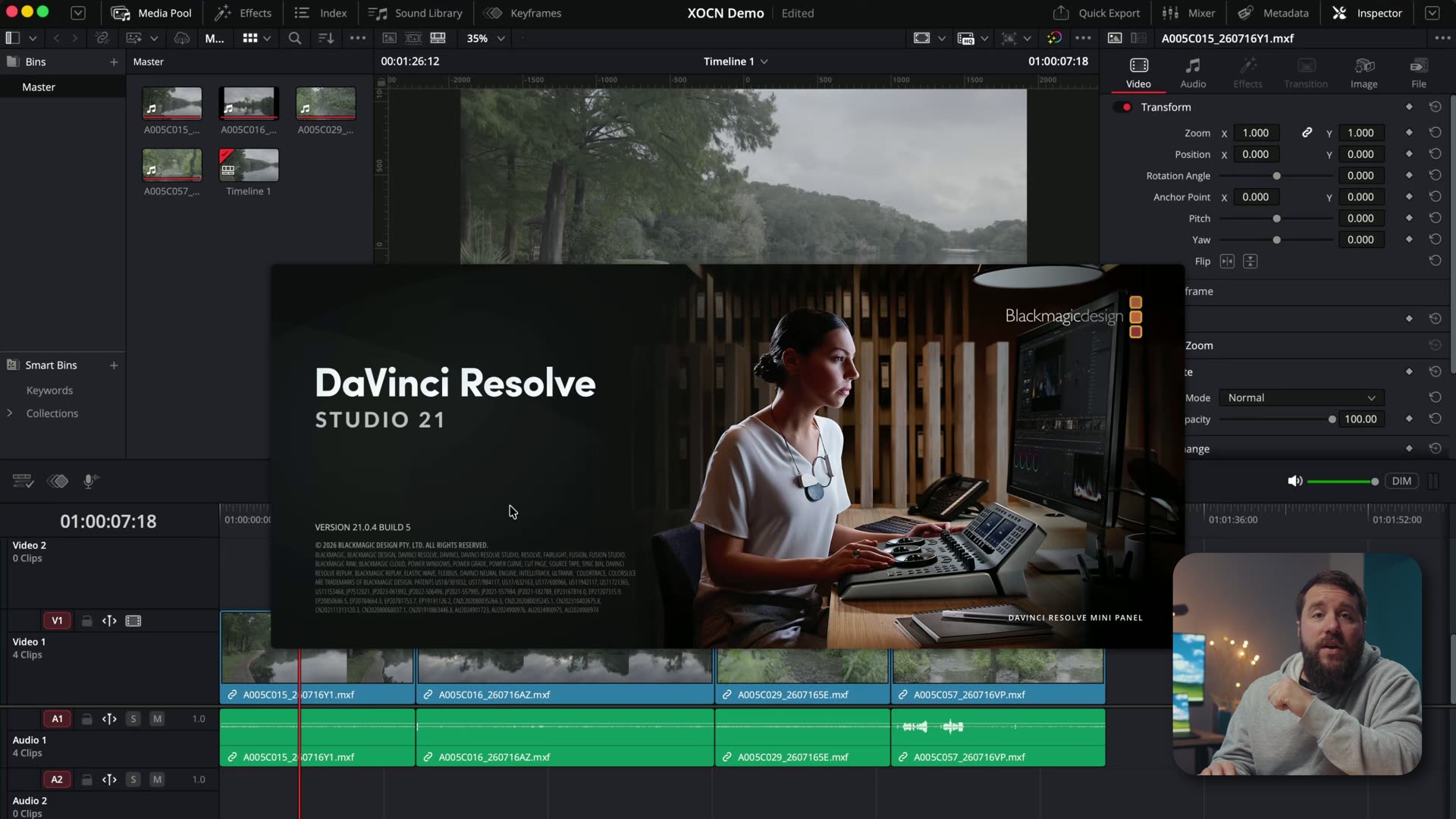
If you’re behind on Resolve anyways, it’s worth catching up, and I broke down every new feature in DaVinci Resolve 21 so you can see what else you’ve been missing.
DaVinci Resolve Plays FX5 RAW Back Like Butter
I imported the footage, dragged it to the timeline, and started scrubbing. That’s all I did, no prep, no optimizing. And it was smooth. No proxies, no optimized media, no shortcuts of any kind, just RAW video playing back natively in Resolve at the full 24 frames per second.
I want you to sit with that for a second, because it is genuinely not what I expected either.
I Tested This On The Cheapest MacBook Air Apple Sells
Here’s the part that should actually convince you. The laptop I did all of this on is an M5 MacBook Air. Not a MacBook Pro, not a Studio, not some maxed out tower. Heck, this laptop doesn’t even have a fan.
Full disclosure, I did mod this laptop for better cooling, and I’ve got a video about that coming soon. But I want you to know that mod does not make a meaningful difference with this footage, and a completely stock MacBook Air would still edit this XOCN RAW just fine. If you want the longer breakdown of that machine, here’s my full M5 MacBook Air review for video editors.
So if you edit in Resolve and you’re sitting there wondering whether your computer can handle Sony FX5 footage, it probably can, because the cheapest MacBook Air can. It’s awesome!
Open Gate, LUTs, And The RAW Controls You Get
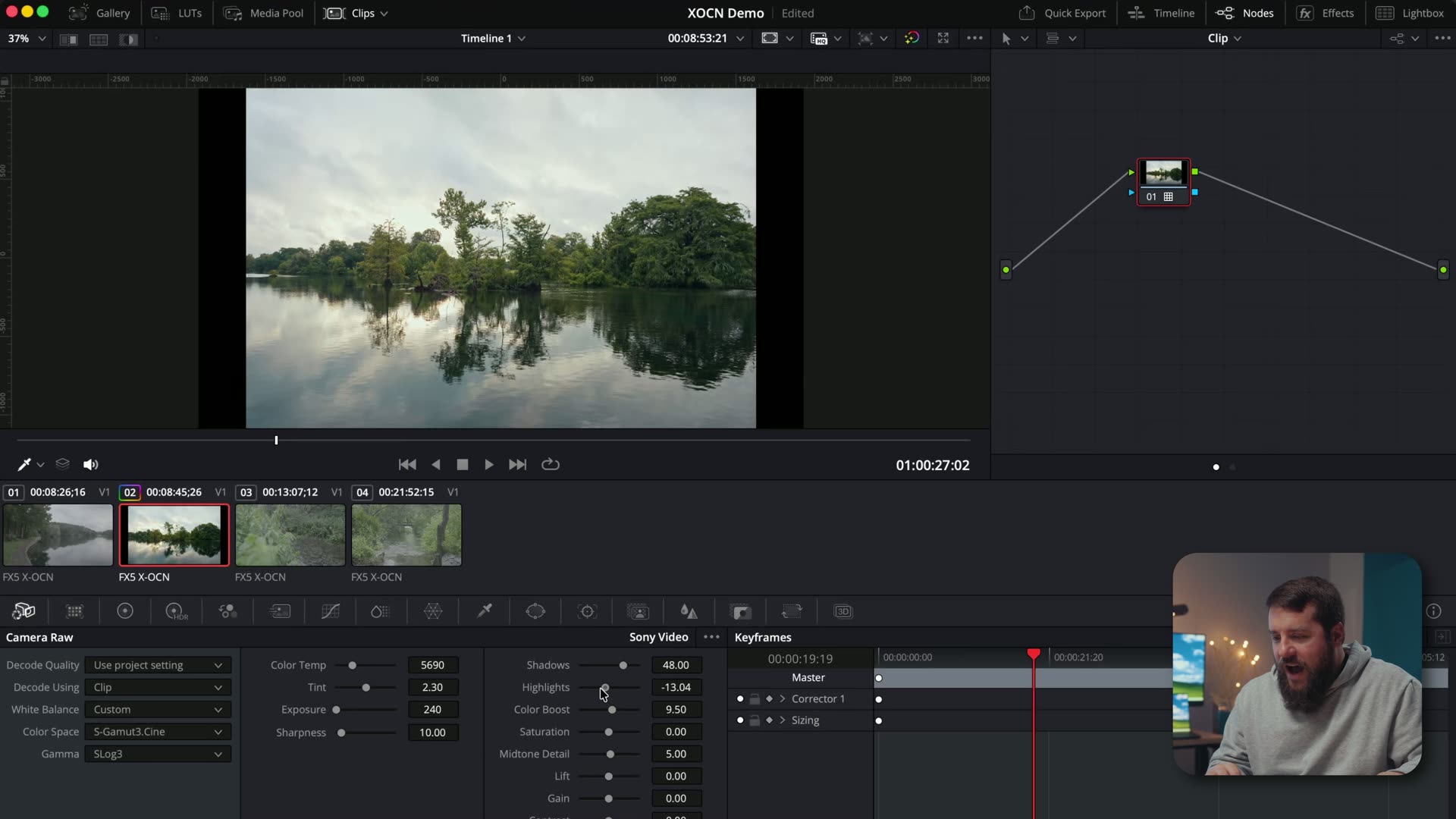
Now I could hear you getting ready to comment, “Matt, that’s just footage sitting on a timeline, make it tougher.” Fine! So I jumped over to an open gate clip, which is even higher resolution, went to the color page, and threw one of my LUTs on it. Still looking great, still playing fine.
And look at all the RAW controls you get here, because this is one of the real joys of shooting RAW. Highlight recovery, shadows, color temperature, tint, exposure, all of it adjustable after the fact, non-destructively, on the clip itself.
Those are my color presets, and they look fantastic on Sony footage if you want to grab them. And if you’d like a full color grading tutorial specifically for FX5 footage, let me know in the comments, because I would love to make that for you.
Can You Stack Three RAW Video Tracks?
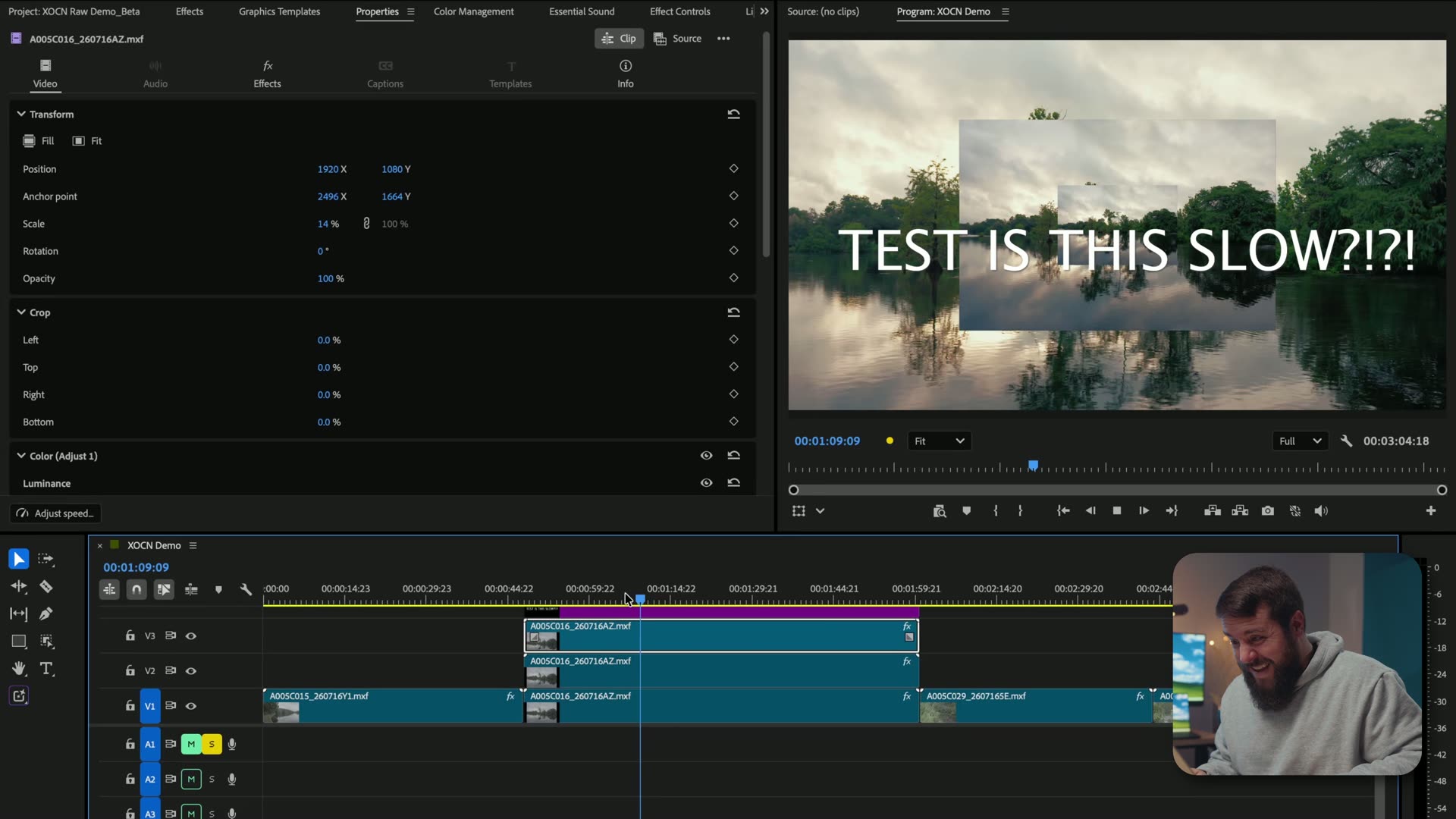
Okay, so let’s really stress this thing. I added color grades to all four clips on the timeline, then added text on top, and playback was still perfectly smooth at the full 24 frames per second with no issues at all.
Then I added a second video track and scaled it down. Still playing. Then a third RAW video track, just to see if I could break it. Nope. Perfectly smooth. What the heck!
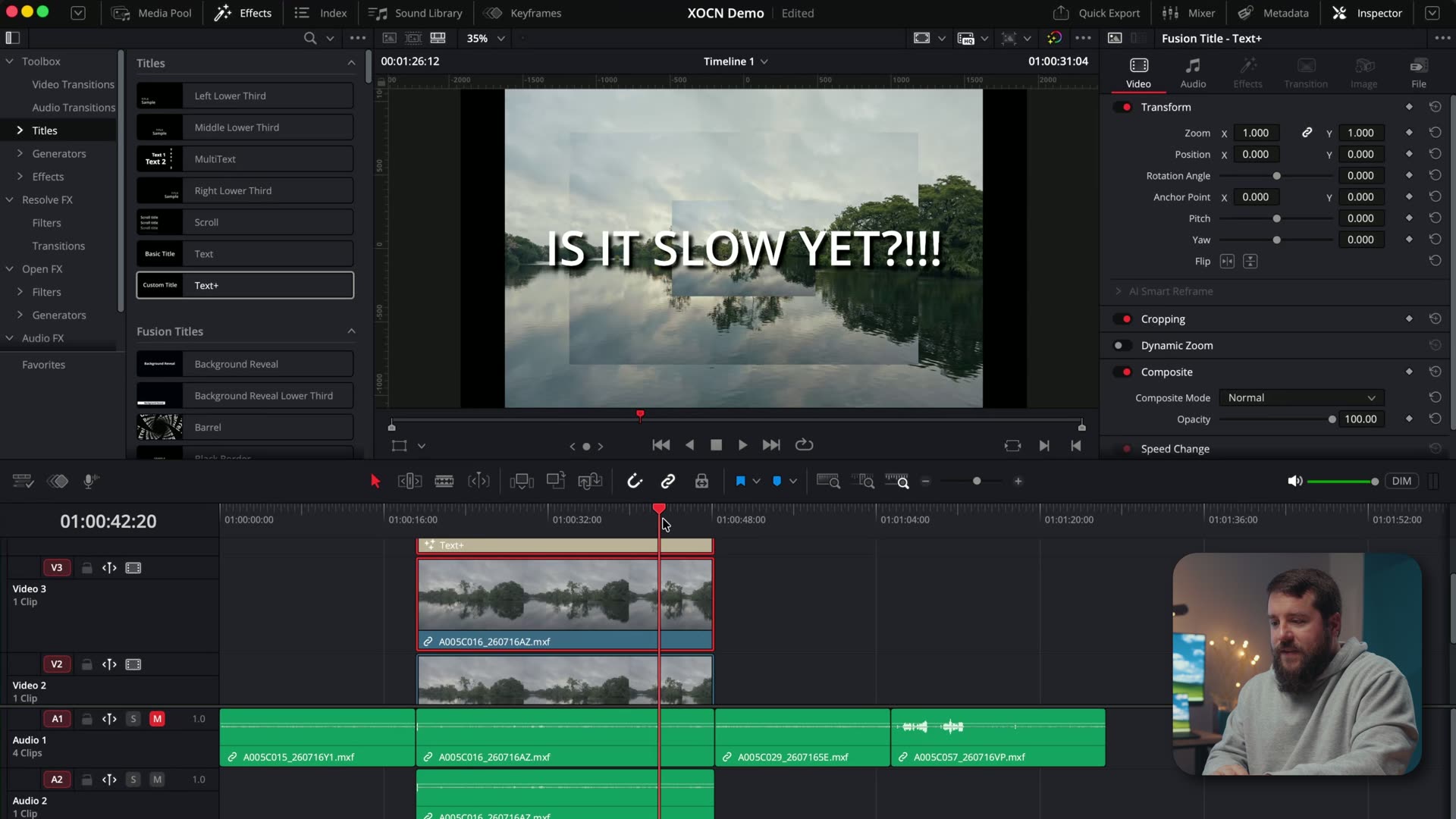
What that tells you is that even if you’re doing multicam work with a bunch of different RAW video tracks recorded on the FX5, it’s still gonna play back smoothly. That is a big deal for anyone shooting multi-camera interviews or ceremonies.
The Twist: All Of This Was XOCN C2
Here’s what I didn’t tell you until now. The FX5 records RAW at multiple compression levels. You’ve got XOCN LT, which is the highest level of compressed RAW you can film with on a Venice or a Burano, and then Sony also gave us two even more compressed options with smaller file sizes, XOCN C1 and XOCN C2, with C2 being the most compressed of the lot.
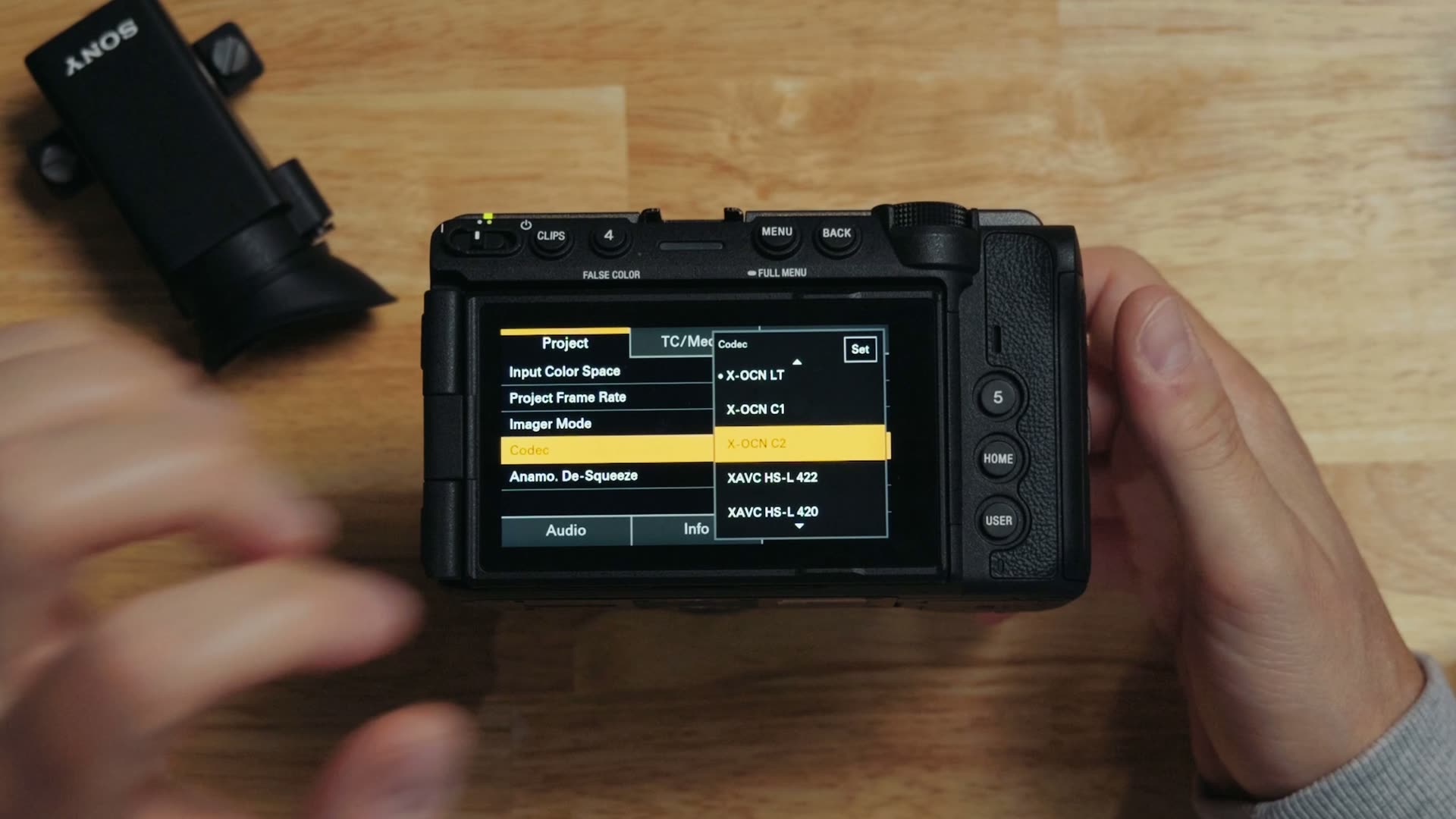
A lot of people were commenting that XOCN C2 would be so compressed that your computer would have to work much harder to decompress it, which would make everything slower. Plenty of them tied that argument back to the Nikon ZR, which is less compressed and therefore supposedly easier to edit, even though its files are about four times larger than the FX5’s.
Well, every single clip I’ve been editing on this timeline was filmed in XOCN C2. The highest compression level. And it’s still playing back ridiculously smoothly in Resolve. The free footage I linked above is all XOCN C2 as well, because I didn’t want the download to be enormous.
Even better: if your computer can handle XOCN C2, it can definitely handle C1 and LT too, because those are less compressed. If you’re weighing these two cameras against each other, I went deep on it in my Sony FX5 vs Nikon ZR comparison, and you can grab the Nikon ZR if you want to test its files yourself.
How Does Adobe Premiere Pro Handle FX5 RAW?
Premiere has not always been known as a fast program, but Adobe has made major strides over the last several years on speed and reliability, and honestly I was still nervous importing FX5 footage into it. I shouldn’t have been. Scrubbing is just as smooth as DaVinci Resolve.
On playback it may drop a frame or two, so I’d call it about 98 to 99% as fast as Resolve, which is still really impressive for Premiere Pro. I threw a LUT on, added text, and it kept up with only a little stutter.
Two video tracks is where I started noticing more lag, and by the third track it got pretty darn stuttery. So Resolve clearly wins the smooth playback category here, though I’d point out that this might be more of a Premiere Pro issue than an XOCN RAW issue.
If you’re weighing the two programs generally, I wrote up a brutally honest DaVinci Resolve vs Premiere Pro comparison that goes well beyond RAW playback.
Why Your External SSD Is Slowing You Down
This is the single most useful troubleshooting tip in here, so don’t skim it. Everything I tested was played back from the internal SSD of the MacBook Air. Whenever I tested playing the same footage back from an external SSD, I did notice lag.
So if you’re experiencing stuttering with your FX5 footage and you’re reading this thinking I’m wrong, try copying it to your internal drive first. There’s a good chance your bottleneck is the drive and not the codec at all.
Can Final Cut Pro Edit Sony FX5 RAW?
Sadly, no, and not because I didn’t try. I have Final Cut installed on this same laptop, but Apple has yet to release an update that enables support for FX5 RAW footage.
You can import the clips, and there they are, but wait a second. It’s just audio. You get lovely, buttery smooth audio playback in Final Cut Pro. Congratulations! Oh, you wanted to edit the video too? I’m so sorry, that is not possible right now. It’s basically useless.
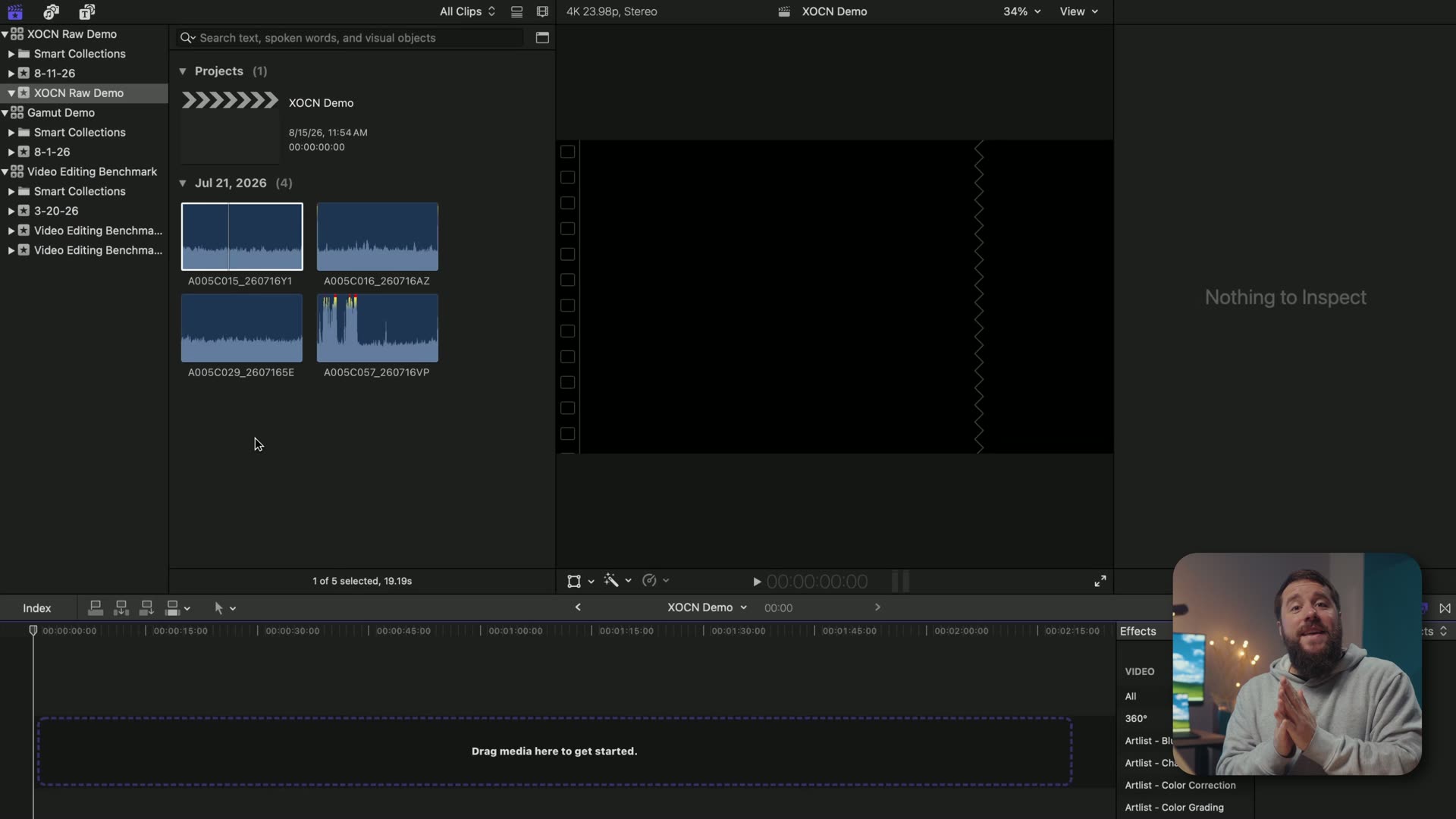
So I’m gonna have to hold off on any real XOCN testing in Final Cut. When Apple does enable support I’ll make a follow-up video, or at the very least a YouTube Short about it. And you can still download the RAW footage even if you’re a Mac and Final Cut person, that way you’re ready the instant support gets added.
Download The FX5 RAW Footage And Test It Yourself
If you haven’t grabbed it by now, what are you doing! The free FX5 XOCN RAW footage is right here, and I know it’s gonna be helpful to you. Nothing I say is as convincing as watching it play back on your own machine.
And if you want more on this camera, I’ve got a whole Sony FX5 playlist going, plus my full Sony FX5 review and my FX5 memory card guide, because figuring out which cards actually record RAW can get confusing fast.
And whenever you’re ready to make the edit itself better and not just faster, grab my free Edit Videos Like A Pro guide. Thanks so much for reading, and have a great day!