
Today I want to share four budget video editing laptops you can buy for under $1,000.
These will be capable of editing 4K, or 6K, or even higher resolution video in Premiere Pro or DaVinci Resolve, or basically any video editing software other than Final Cut, which is Mac only. They’ll also be great for sound mixing, editing photos, After Effects, 3D graphics work, basically any content creation. Or gaming.
That sounds great, Matt. How the heck are we getting laptops that can do all that for under a thousand bucks?
Why Now Is A Good Time
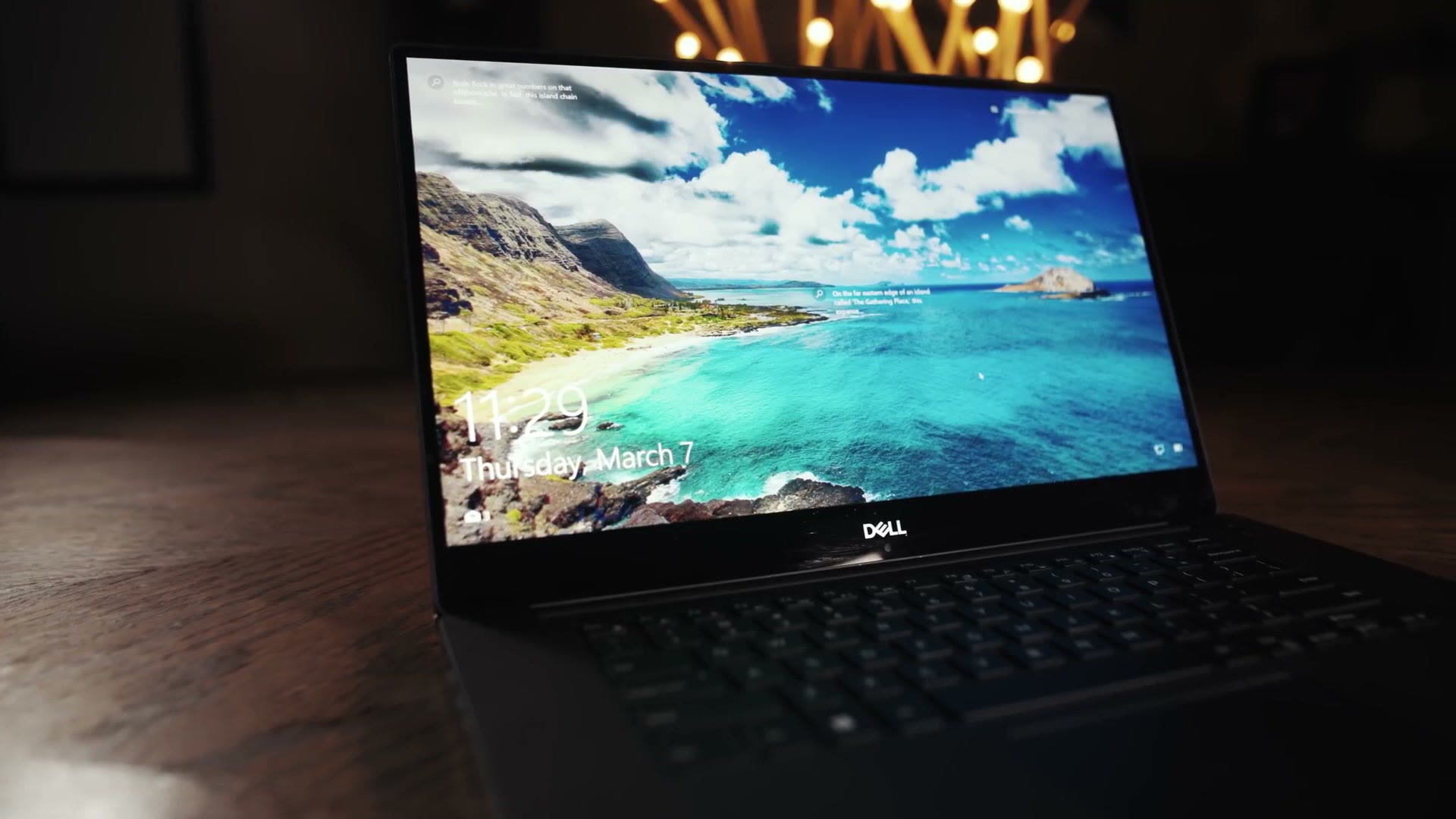
This is my Dell XPS 15 9570, which I bought in 2018 for over $3,000. I spent that much primarily because it was one of the few laptops available at the time with a six-core, twelve-thread processor, which is great for editing video.
Jump ahead two years, and you can buy a six-core, twelve-thread laptop that is just as fast as this one for 860 bucks. What the heck. What a discount. And if you want even more power, say eight cores and sixteen threads, how does $100 more sound?
Can you see why I’m so excited about video editing laptops right now?
That said, when you’re dealing with budget laptops there are always compromises made to reach that price. So let me walk you through the ones I recommend, plus the upgrades I think you should make.
Dell G5 15 SE
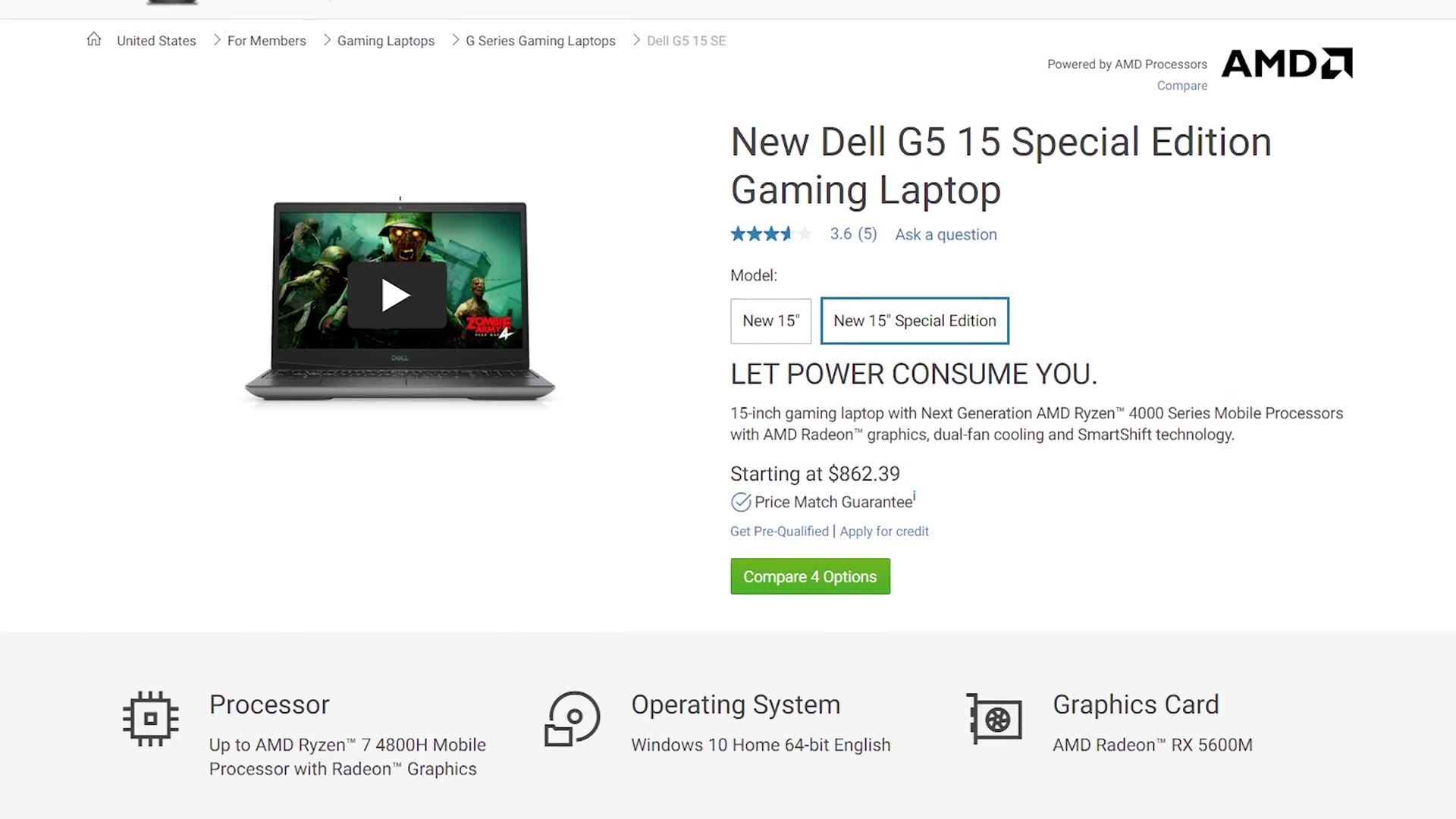
The cheapest 4K editing laptop I recommend is the Dell G5 15 SE, which as I write this is right at $862. I think this is the best all-around budget video editing laptop available today.
It has a decent keyboard and trackpad, a 256GB SSD, a Radeon 5600M graphics card, USB 3.1 and Type-C, HDMI, and even an SD card slot, which I love seeing on a laptop.
To be clear, this is not a pretty laptop. It is definitely cheaply built with lots of plastic. But where it sacrifices looks it more than makes up for it in speed. If you’re a video editor who doesn’t care what your laptop looks like in a coffee shop because you’re actually getting work done, the G5 is a great choice.
It comes with a Ryzen 5 4600H, six cores and twelve threads, which is great for 4K editing. But there are two compromises beyond the looks.
First, the $860 model only comes with 8GB of RAM. The good news is you can upgrade it to 16GB cheaply yourself, and all you need is a screwdriver.
Second, the screen. It’s a 60Hz panel that, from all my research, doesn’t appear to be very color accurate. It should be fine for the editing part of video editing, but once it comes time to color grade I’d invest in an external monitor or in Dell’s upgraded display.
Here’s the good news though. If you have a bit more room in your budget, I’d actually recommend the tier right above the base model. You get 16GB of RAM so you don’t have to install it, and more importantly you get a much better 144Hz screen that’s quite color accurate and should work great for grading. And the upgrade to the eight-core Ryzen 7 4800H will significantly speed up your editing, so I’d highly recommend it.
MSI Bravo 15
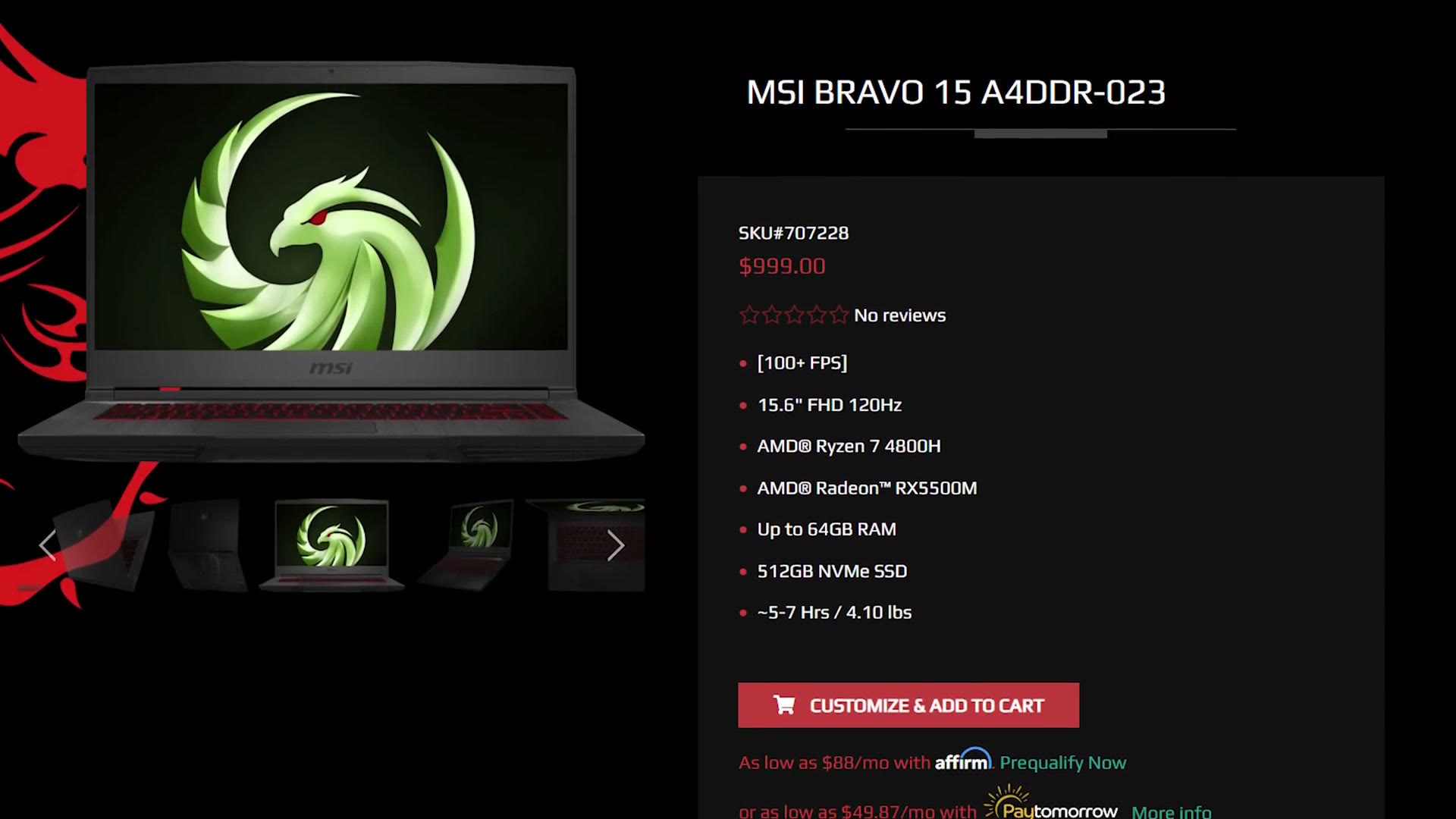
At $999, the MSI Bravo 15 just barely squeaks under the limit, but dang do you get a lot for the price: a Ryzen 7 4800H eight-core, 16GB of RAM, a good keyboard and trackpad, and a Radeon 5500M. This laptop is going to crush whatever footage you throw at it. It’s also at Best Buy, XoticPC and B&H.
There’s got to be a catch though. With any $1,000 laptop there’s always a corner cut somewhere. Dell cut corners on how the laptop looks. MSI cut corners on the screen. From my research its panel only covers about 60 percent of sRGB, so it is not very color accurate. Fine for editing, but again, get an external monitor for grading.
Lenovo Legion 5
My third recommendation goes slightly over budget, but this company has sales all the time, so I’m betting you can pick it up under a thousand.
As I write this, the model I recommend of the Lenovo Legion 5 is $1,060 with a Ryzen 5 4600H six-core, and its all-black design doesn’t give off a super gamer-y vibe, which I like. It’s also at Amazon and Newegg.
The first thing you’ll notice researching it is that there’s a cheaper model with the same CPU at $999. And then you look closer and realise it also has a bigger SSD and a 120Hz screen, while the $1,060 model only has 60Hz. What’s up with that? Why am I recommending the more expensive one?
I do one of these every year, so Buy A Prebuilt 4K Video Editing PC For Under $1000 In 2022, Build a Budget 4K Video Editing PC for Under $1000 in 2024!, and Build a Budget 4K Video Editing PC for Under $1000 in 2022! Intel Computer Build are still up if you want to see how much has changed.
Because the $1,060 model comes with a much more color accurate display. Upgrading its SSD to 512GB only costs $60 on Lenovo’s customisation page, and I’d definitely add 16GB of RAM there too for $50. If you have the budget, upgrading the CPU to the Ryzen 7 4800H for $100 more is also a great choice.
I realise we’re getting pretty high over the $1,000 budget here. But remember, Lenovo has sales all the time, so check this one, and check every other laptop here. You never know when one is going to be discounted.
Asus TUF A15
My last recommendation comes with some controversy, so I’d definitely do your own research on this one.
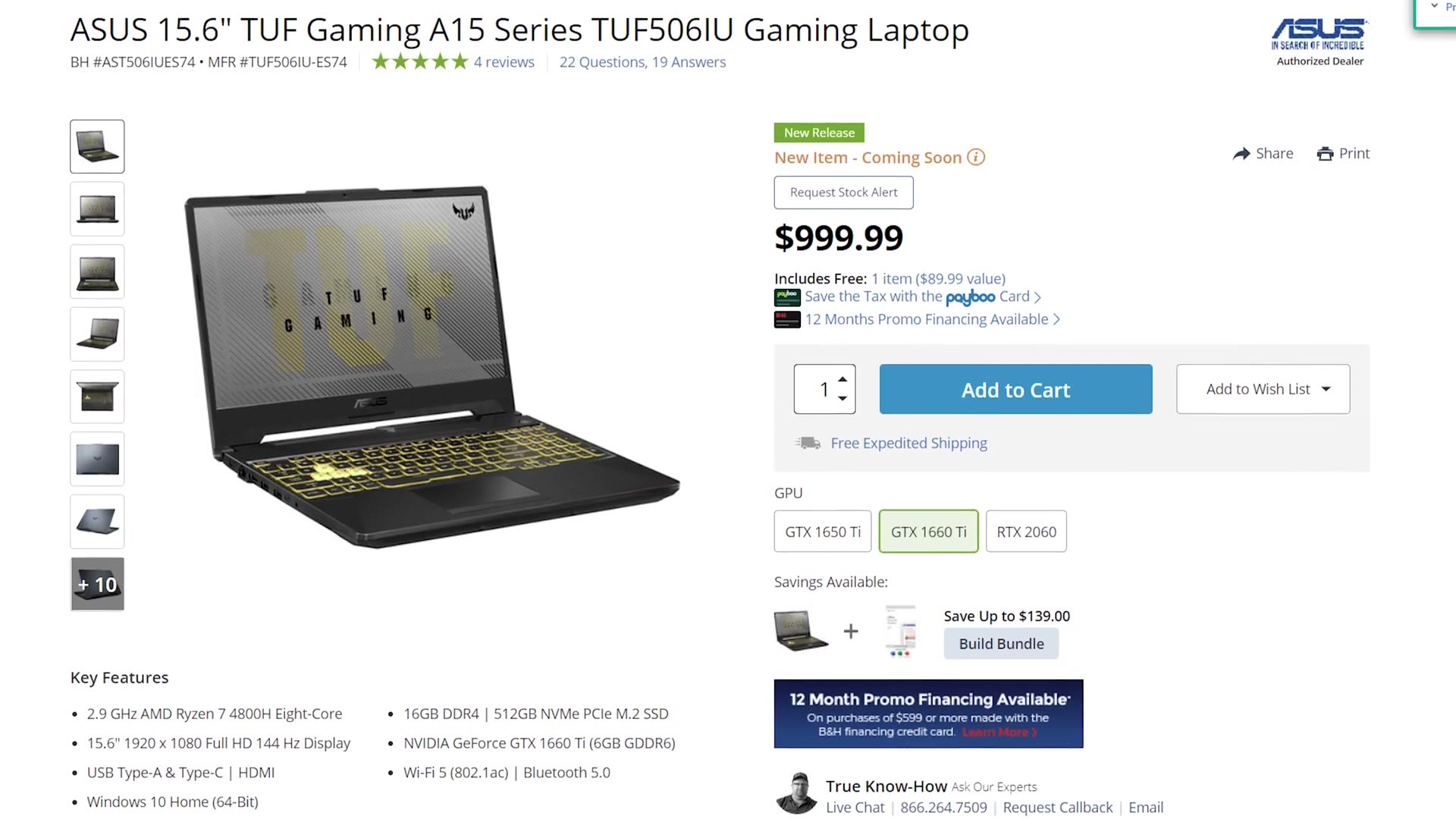
On the surface, the Asus TUF A15 resembles the other options with good overall build quality, though definitely more gamer-aesthetic with lots of RGB and over-the-top styling. Ryzen 7 4800H eight-core, easily upgradeable 16GB of RAM, a 512GB SSD that can also be upgraded, and a capable Nvidia 1660 Ti. At $999 it’s beating all the others on price. It’s also at Best Buy and Amazon.
So what’s the catch? Same as MSI: the 144Hz panel has a mediocre color gamut, so you’ll want an external monitor for grading.
But what about the controversy? Another YouTube channel, Hardware Unboxed, reviewed this laptop and found horrible cooling issues, enough that they felt Asus had intentionally designed it badly so people would buy their more expensive laptops. Big claim. Asus has denied it, and Hardware Canucks, another reputable computer review channel, said their A15 didn’t have any cooling issues at all and praised how cool it stayed rendering a 3D model in Maya.
See why this is controversial? That’s why I’m only cautiously recommending it. There’s new information coming out all the time, so do your own research. And if you do get the A15, buy it from a reputable site with a good return policy, so that if yours does overheat you can send it back easily.
Or Build Your Own
If you find yourself editing from home rather than out of a bag, I’d honestly recommend building your own machine instead. My $650 4K video editing PC build guide shows you every part you need to buy, and there’s a full walkthrough of the building process too, from taking the parts out of the box to turning the computer on.
All four of these are also in one list if you’d rather compare them side by side.
One thing to keep in mind. This is a snapshot of summer 2020, and specific models come and go fast. What holds up is the shape of the advice: buy the Ryzen 7 over the Ryzen 5 if you can, get to 16GB of RAM, and assume the panel on a sub-$1,000 laptop is not good enough to grade on, so budget for an external monitor.