
If you haven’t been asked to live stream a wedding yet, I’m sure it will happen to you at some point. Inevitably a couple will tell you, hey, we have friends and family members who can’t attend because of health reasons, or they’re out of town, or out of the country and can’t fly in. Would you live stream the ceremony so they can tune in and watch?
So today I want to give you a broad overview of the live streaming equipment and apps you can potentially add as a service whenever you film a wedding. Three ways to do it, from simple to complex, so depending on your level of experience and budget you should be able to find something that fits. Everything I mention is in one list if you’d rather just shop it.
Your Phone
The quickest and easiest way to live stream a wedding ceremony is to use a cell phone.
Grab your smartphone, a tripod and a phone mount, set it up near the front of your ceremony site, open the Facebook or YouTube app, and as long as you have a fast enough cellular data connection or Wi-Fi, you’re good to go.
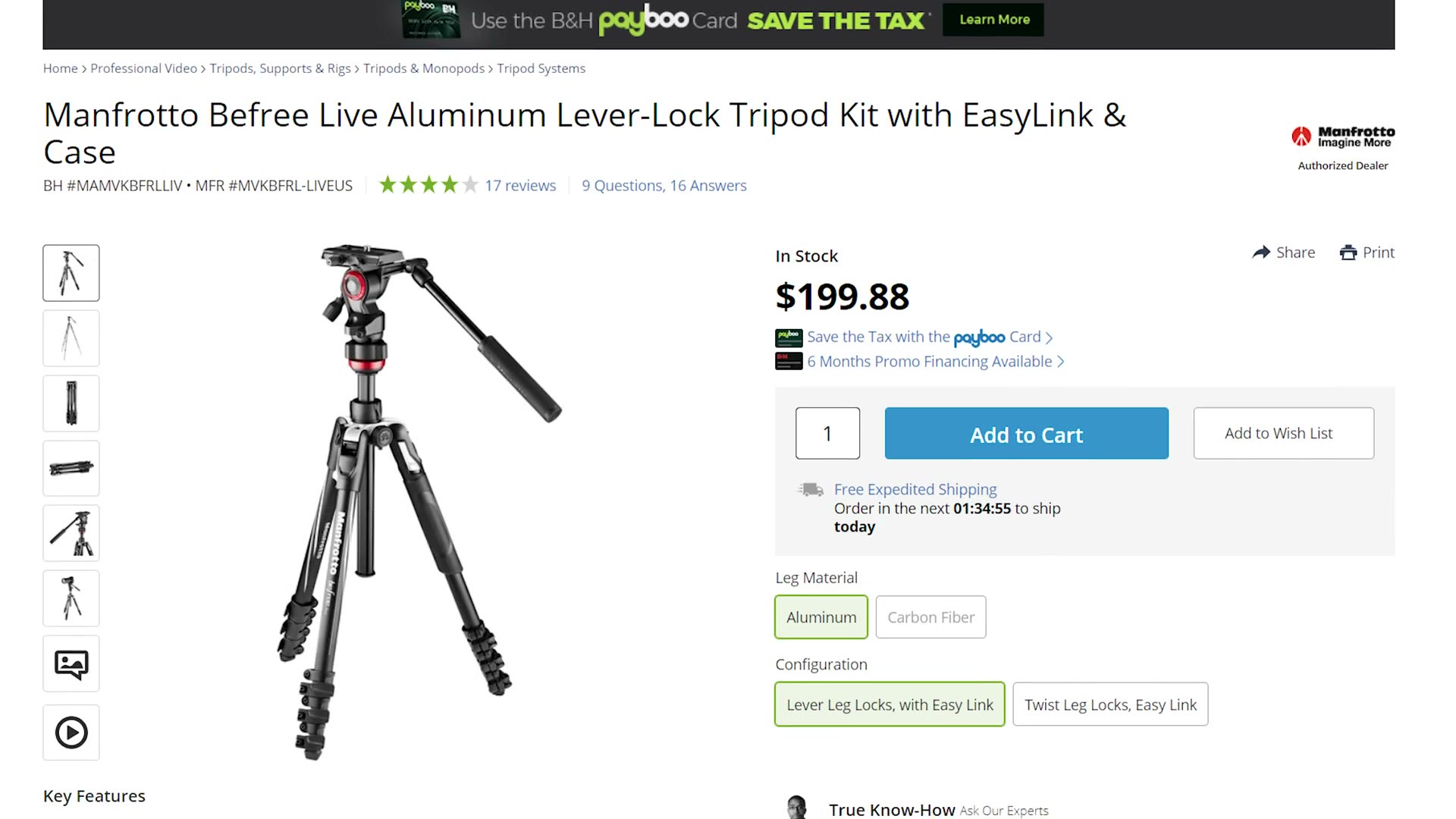
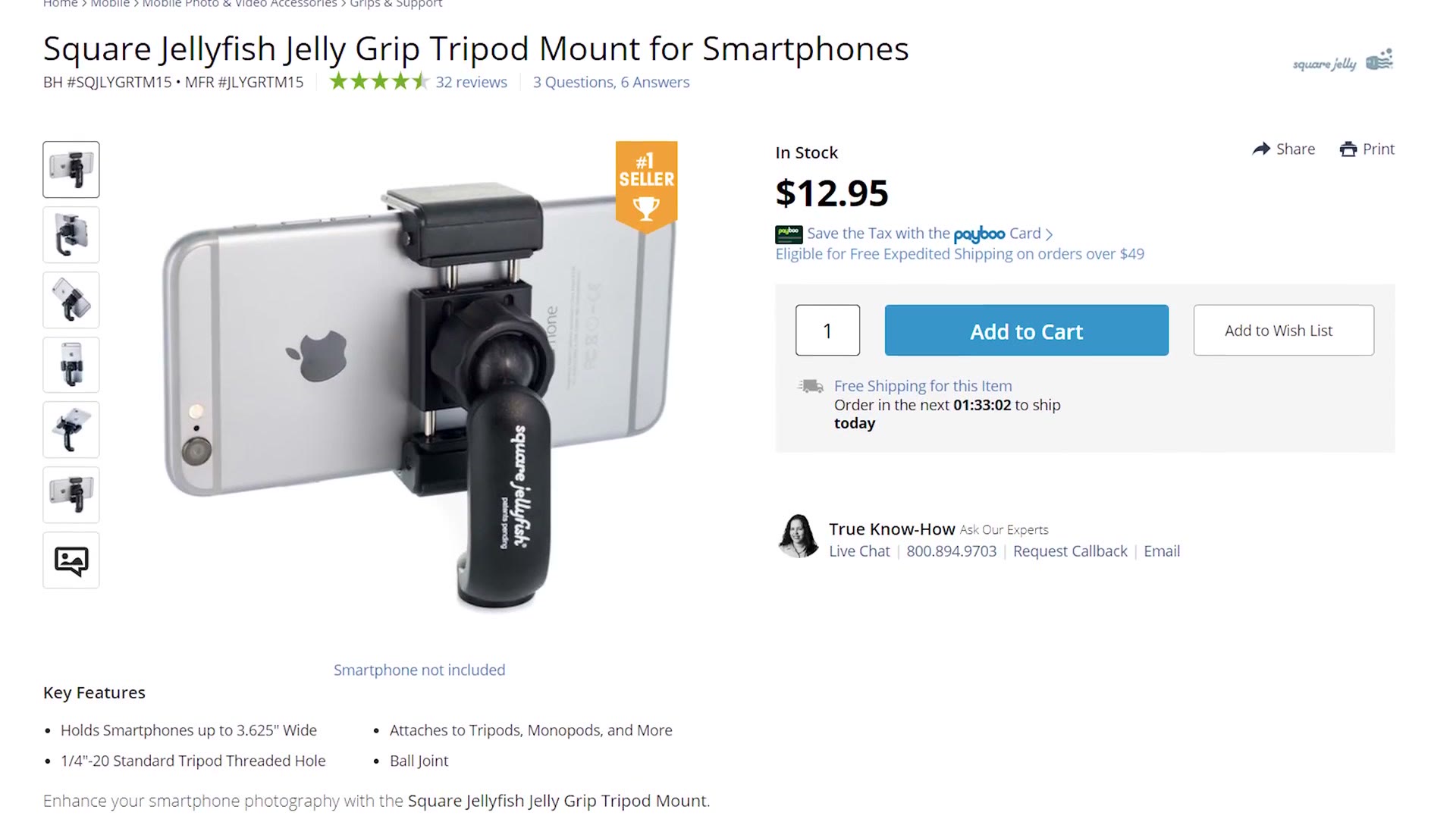
You can even have Facebook go live to a set audience, like the couple’s family, or make the stream unlisted on YouTube and have the couple share the link with the people who couldn’t make it.
The main pro of this setup is that it’s super quick and basically anyone can do it. But there are two big cons.
The first is audio. You are at the mercy of your phone’s microphone, unless you want to rig up a wireless microphone system to run into your phone’s headphone jack, if it even has one. That is a major pain, though you can work around it with an adapter kit.
The second is that you can’t monitor the video or the audio unless you stand nearby and watch the back of the phone. You have no way to know if it’s still recording properly, if your shot is still composed well, if your audio is still transmitting without issues. And it’s not like you can run over to check it all the time. You have a wedding to film with your main cameras.
You could hire someone to babysit the phone, but then that kind of defeats the purpose of this being the quick and cheap option.
A GoPro
The second option is the one I consider the sweet spot, because it solves all of those smartphone problems without breaking the bank. And my recommendation may not be the first camera that comes to mind for live streaming: it’s a GoPro.
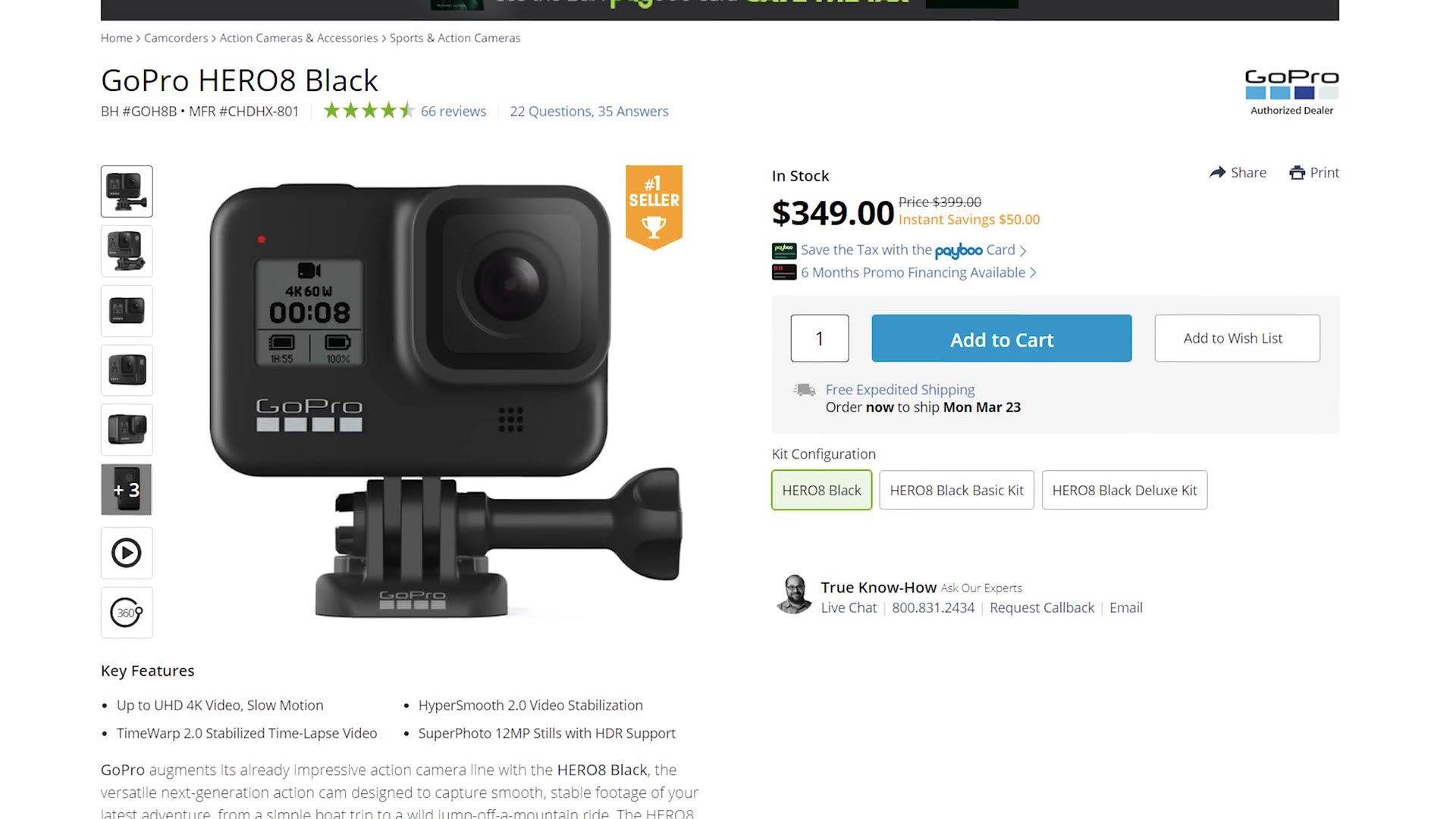
I would go for the Hero 8 Black, because it’s the first GoPro to live stream in full HD 1080p, and it currently retails for around $350.
Why a GoPro? Because this camera lets you wirelessly monitor your live stream from across the room, from the comfort of your cell phone. You can be filming the wedding with your main camera while still checking that everything looks and sounds good on the stream. And as long as you have a phone plan that lets you use your phone as a Wi-Fi hotspot, the GoPro will use that connection to stream straight to the internet.
So the GoPro fixes the monitoring problem. But what about audio?
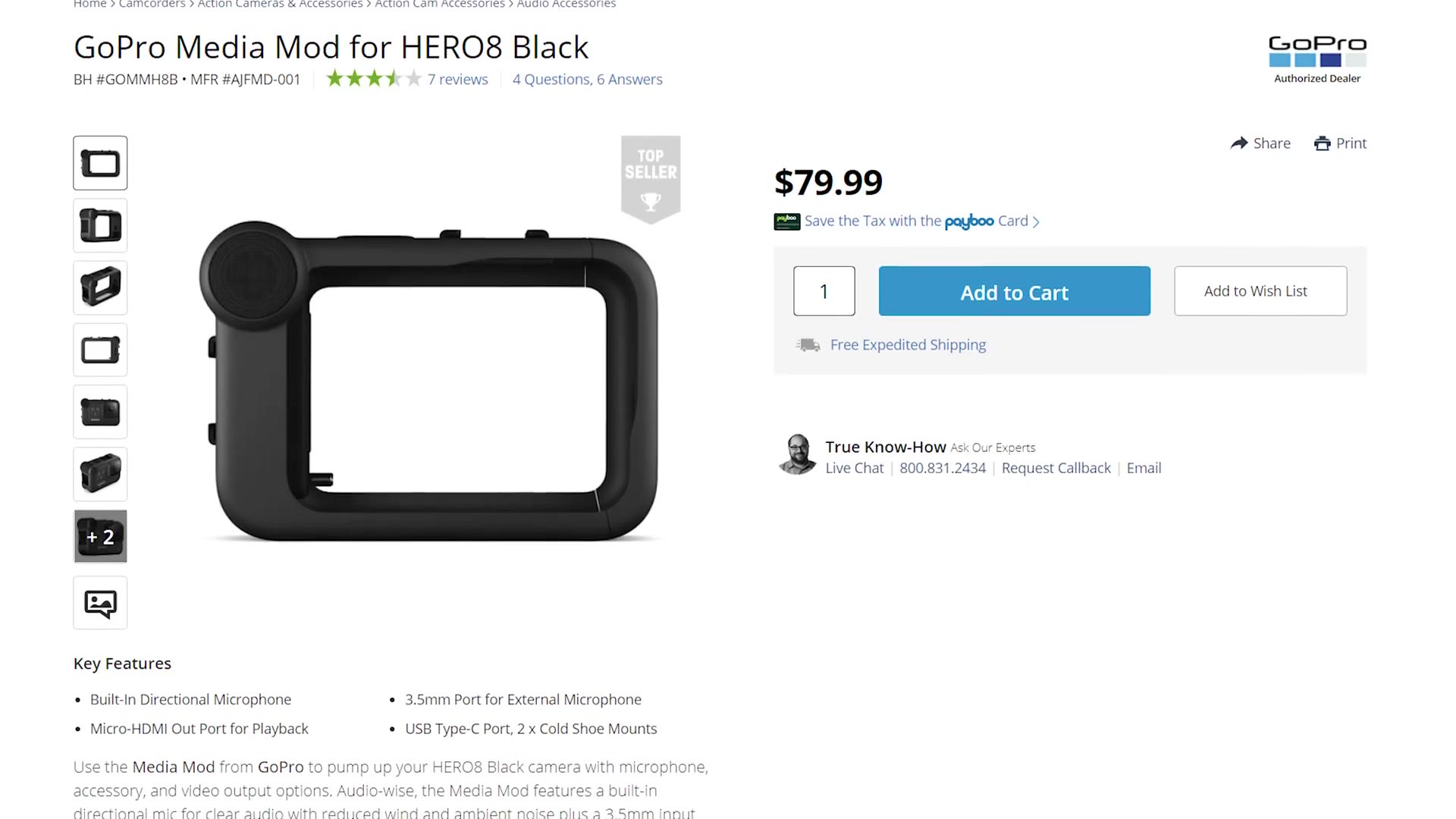
Good news there too, because you can buy the GoPro Media Mod for $79, which gives you a 3.5mm audio jack. Plug in a wireless lav like the tiny Rode Wireless GO and boom, for a little over six hundred dollars you have a dedicated live streaming setup. As a plus, you also have a nifty little action camera you can use to grab some cool angles of wedding moments.
Two quick recommendations for it. First, GoPros are not known for their stellar battery life, so to make sure it lasts the whole ceremony I’d bring along a USB battery pack and plug it into the USB-C port on the Media Mod to keep it running. Second, GoPros are known for their fisheye effect, so I’d use the narrow field of view option in the settings, which makes the view much tighter, and set the camera as close to the officiant and couple as possible without blocking the guests’ view.
A Camera And A Capture Card
Full disclosure: this is by far the most complex setup, but it also results in the best quality.
If you want to go deeper, I’ve also got How To Film A Wedding Ceremony, Filmmaking & Beards Q&A! Camera & Facial Hair Tips | LIVE STREAM, and Sony 70-200 F4 Lens Review For Wedding Filmmakers – Best Wedding Ceremony Lens?.
You’ll first need a DSLR or mirrorless camera, say a Sony a6400. The only requirement is that it has an HDMI port. Second, you need an HDMI cable and an HDMI to USB capture card, though you can also skip the capture card entirely. There are a ton of capture cards out there, but I’d recommend the Elgato Cam Link 4K, which I own and love, at about $130.
You’re going to connect the Cam Link to a laptop. Yes, you’re going to need a laptop. I told you this was going to be more complex. And then that laptop needs to be connected to Wi-Fi or to a wireless hotspot.
FYI, I would not trust most wedding venues’ Wi-Fi, especially once 300 guests arrive and all try to connect to it at once. It’s really in your best interest to bring your own hotspot or tether to your phone.
Lastly you need software to make all of this work.
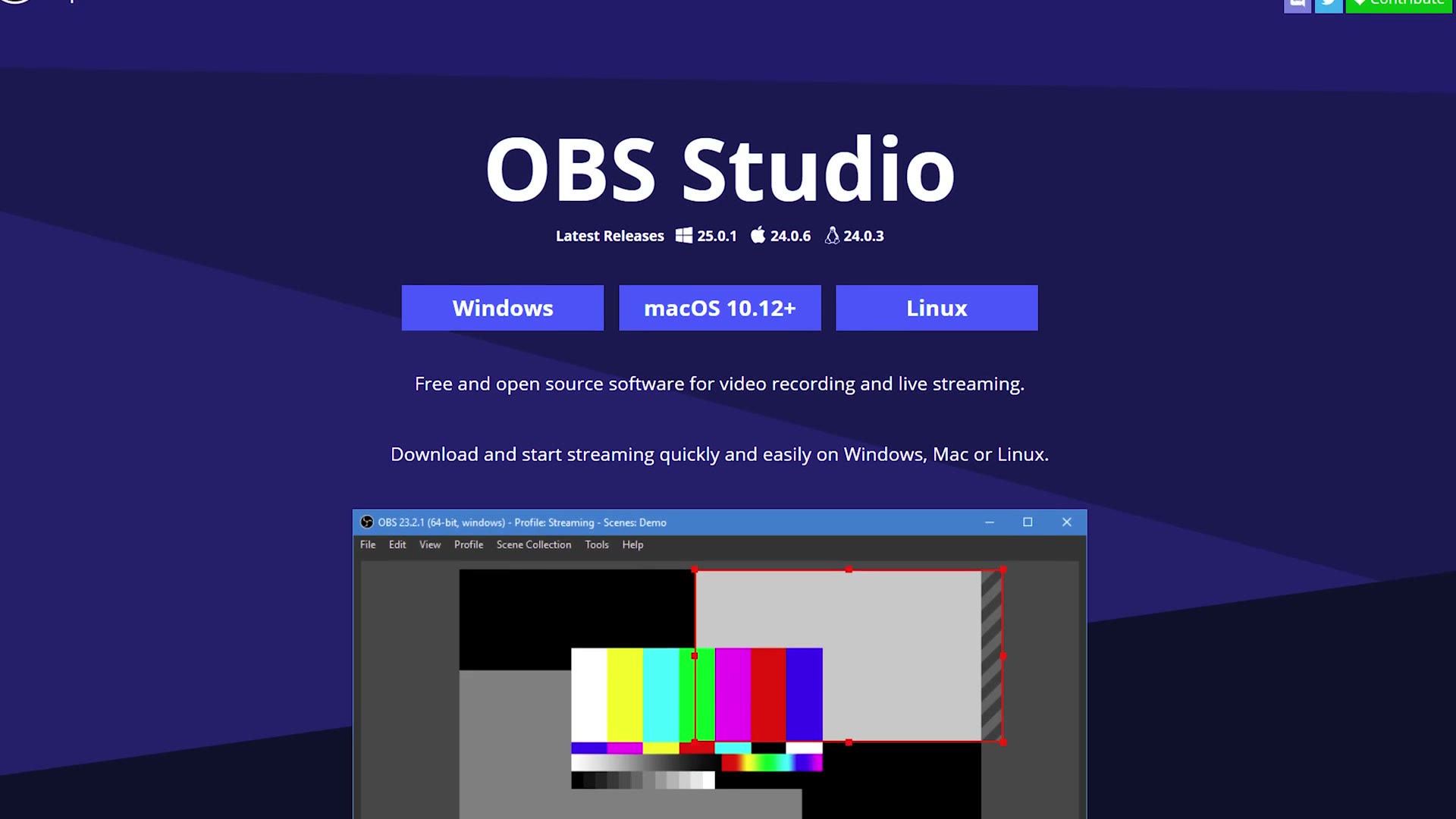
I’d recommend OBS Studio. It works on both Mac and PC and will let you set up your stream to Facebook, YouTube, or anywhere else you want it to go.
What about audio, Matt? More good news: the Cam Link sends your camera’s video and audio to your computer. Ideally your camera has a mic jack on it, and heck, if you’re shooting with a larger video camera you might even have XLR inputs. So you can set up a wireless lav system, run it into your camera, then out through the HDMI to the Cam Link, to your laptop, and out to the internet.
It’s the most complex option, but it results in the best quality, with your live streaming audience getting your bokeh-licious video and crisp, clear lav audio.
So there you have it, three different ways to live stream your wedding ceremonies. Have you used one of these before? Do you have a different method? Leave me a comment and let me know.
Since making this, dedicated all in one streaming boxes have gotten a lot better and a lot cheaper, so if you want the current version of the complex option without the laptop, read my complete Yolobox guide.
Also, if you’re a videographer, I know you probably want to book more couples and film more weddings. To help you out with that I’ve created a free PDF guide full of practical changes you can make to your business to immediately start getting more bookings. It’s a free gift to you.