
This is the Sony ECM-B1M shotgun microphone, and here are three reasons why, if you film with a Sony camera, I think this is one of the best on-camera microphones you can buy for wedding filmmaking.
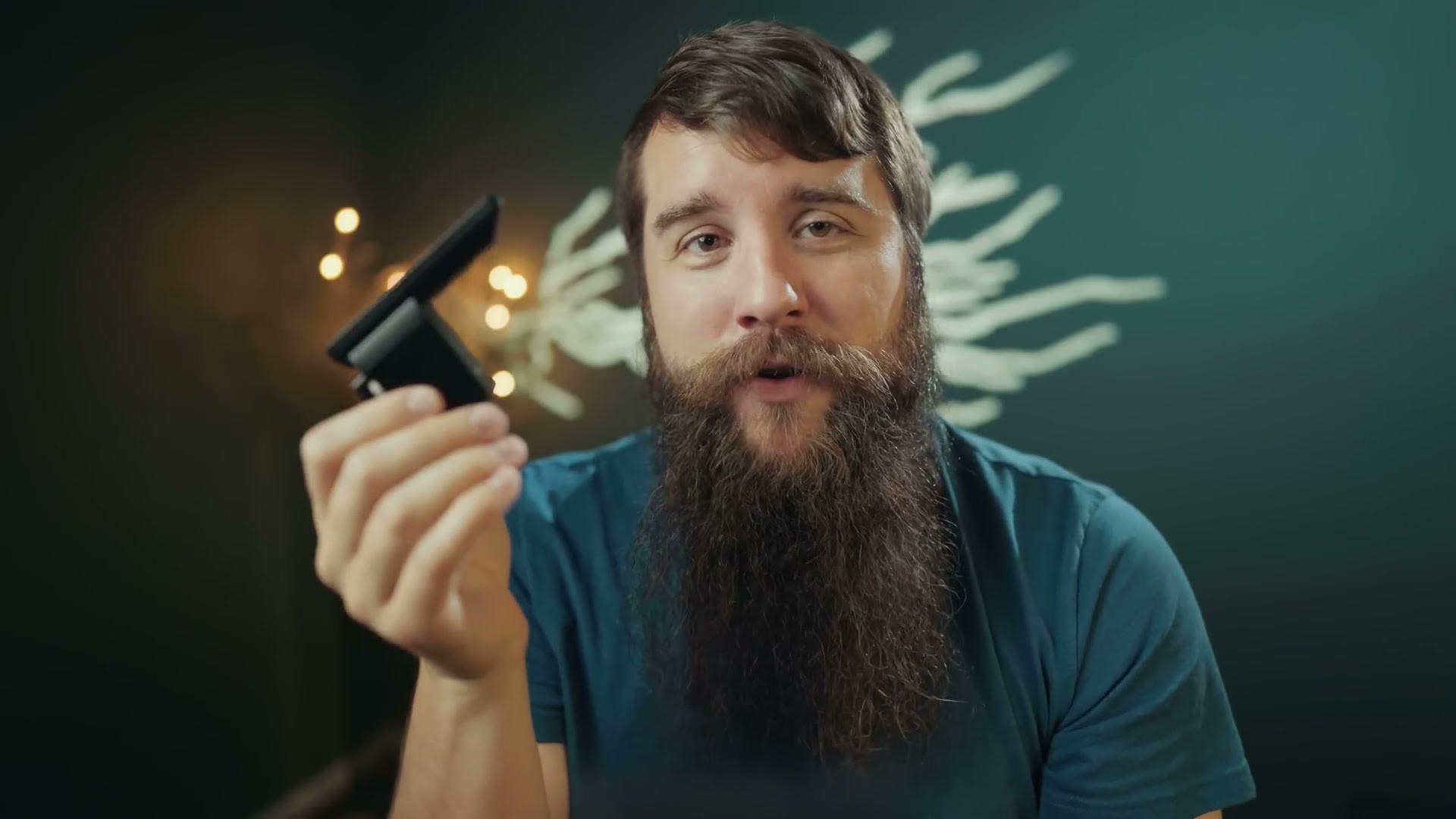
Yes, this is going to be a positive review. But to be clear, I’m not being paid or sponsored by Sony. I rented this mic with my own money using my Sony PRO Support membership, because I’d heard good things and I wanted to try it at a wedding and see how it performed.
Reason 1: This Mic Is TINY & Lightweight
The first reason I love this microphone is also the first thing you’ll notice about it. This thing is tiny, and you can’t tell from a video, but it’s also very lightweight.
When I first took it out of its case I was taken aback by how small it was, because I typically use a Rode VideoMic Pro+, which is one of the largest on-camera shotguns you can buy. My first thought was, this is it? Is this tiny little thing really going to compete with the Rode?
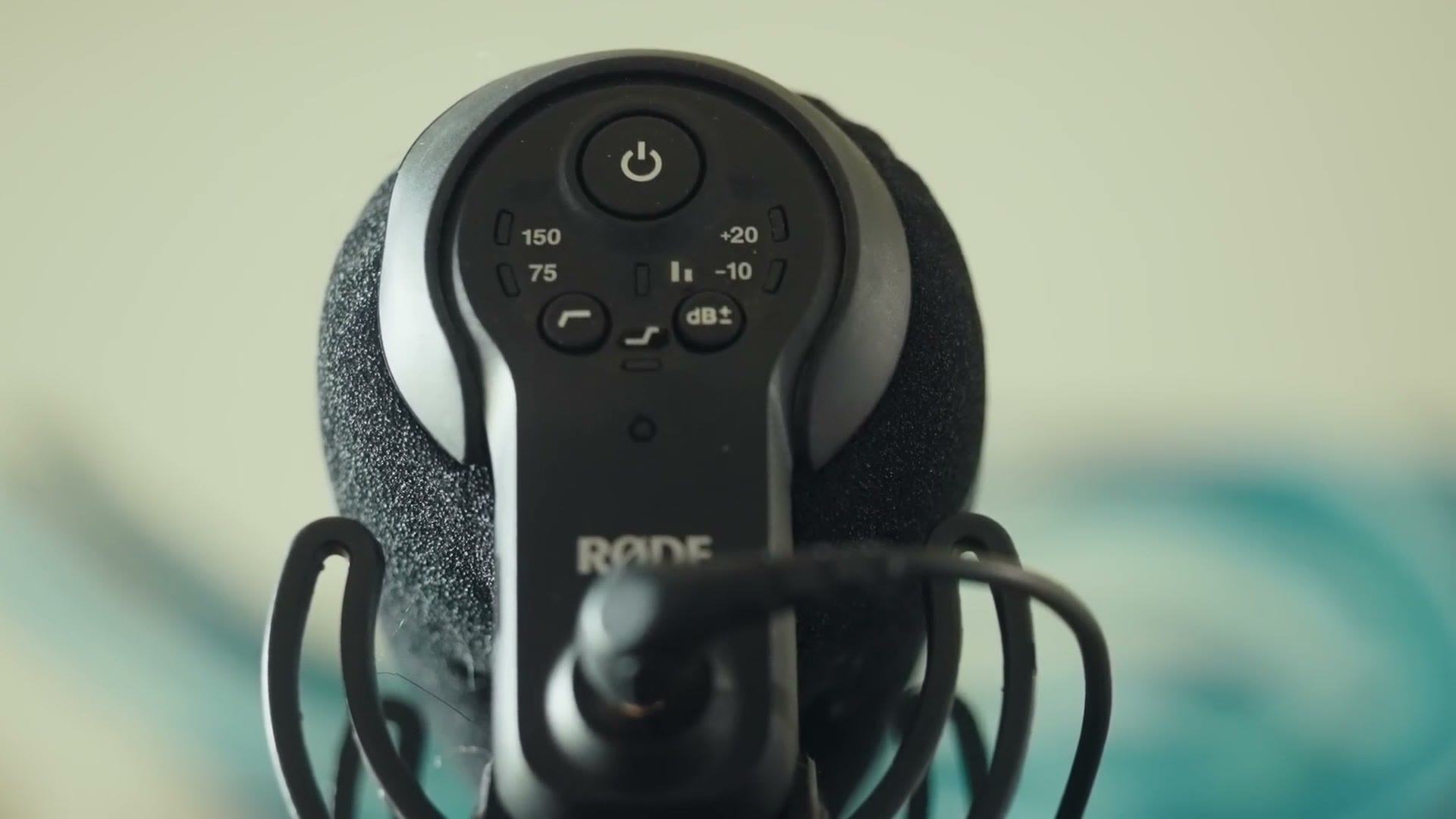
For size, this Sony is 3.9 inches long, while Rode’s VideoMicro and Deity’s D4 Mini are 3.1 inches. Heads up: this link goes to the newer Rode VideoMicro II. But the reason those two are so small is that they’re low powered mics that just sip at the little bit of power your camera’s 3.5mm jack can give them. Don’t get me wrong, the audio they record is an upgrade over your camera’s built in mic, but not necessarily a huge one.
Until recently, that meant if you wanted to significantly upgrade your on-camera audio you had to invest in a powered mic like the VideoMic Pro+, or a Shure on-camera mic, or the Deity V-Mic D3 Pro, all of which are battery powered. They give you much better audio, with the major con being one more battery to remember to charge. And whenever those batteries die you’re in trouble, because if you aren’t actively checking your levels you suddenly aren’t recording any on-camera audio at all until you notice. Which sucks, and has happened to me a few times.
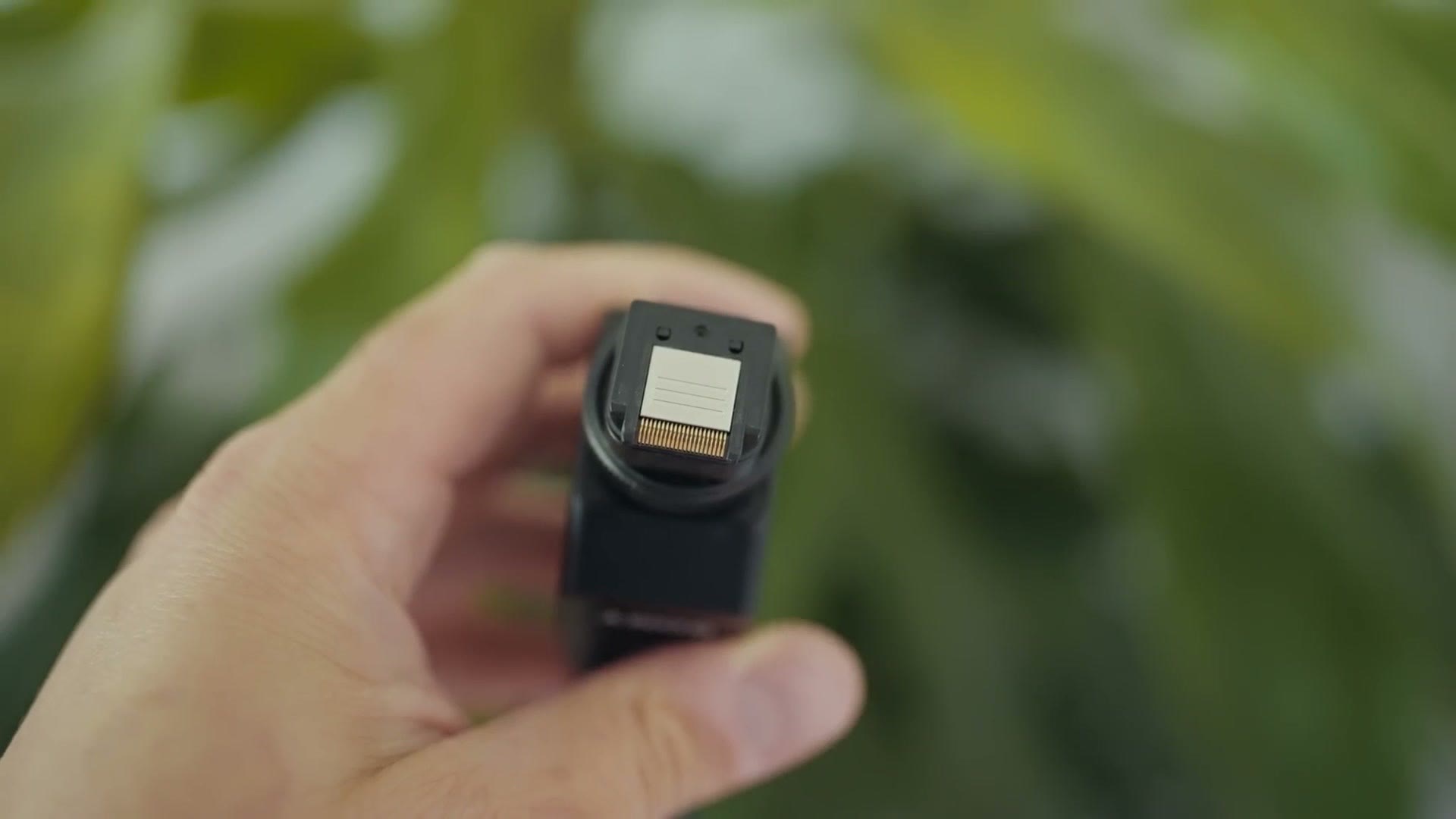
Back to the ECM-B1M, because it has no internal battery at all. It’s powered directly by the camera’s hot shoe. Your Sony camera has a tiny set of electrical contacts in the shoe that interface with the contacts in the microphone to power it.
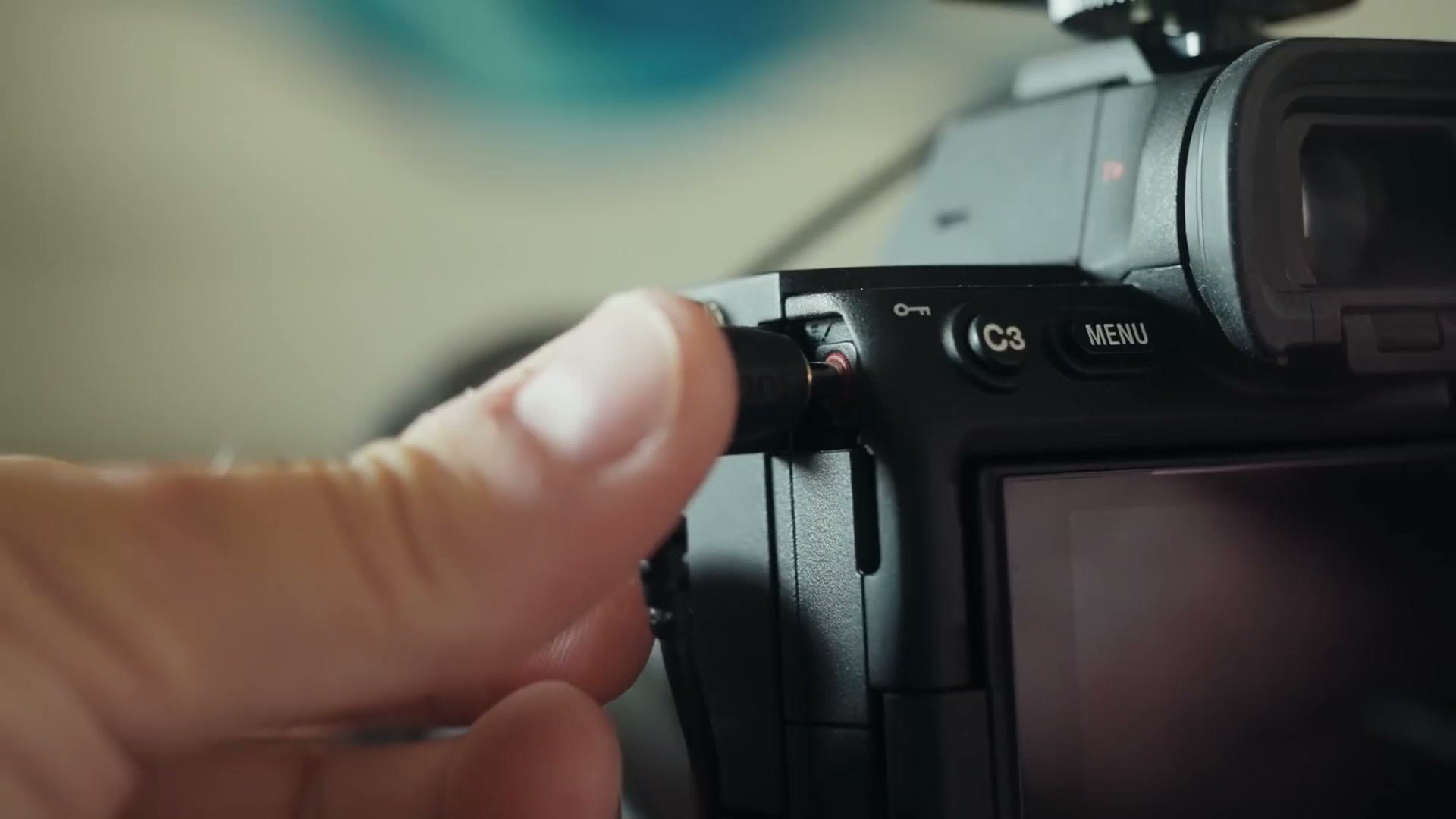
And if you have a newer Sony body, like the a7S III, a1 or a7R IV, those cameras can use a digital audio interface, which basically means the audio passing through the hot shoe is cleaner and has less noise than audio going through a 3.5mm cable. Heads up: this link goes to the newer Sony a1 II. There’s a switch on the back for digital or analog, so newer cameras get digital and older ones get analog. Sony has a full compatibility list here.
I think that’s pretty magical, because Sony is giving you the best of both worlds. A shotgun mic as small and light as a VideoMicro, with all the power and performance of a much larger battery powered mic, except you don’t need the battery. It’s great. I love it.
Reason 2: No 3.5mm Mic Cord Needed
Ask anyone who’s used an on-camera microphone for a while. Take a vlogger like Casey Neistat. One of his biggest complaints about on-camera shotguns is how fragile the 3.5mm mic jack is on most cameras, and I remember watching his vlogs where he broke multiple jacks over the years.
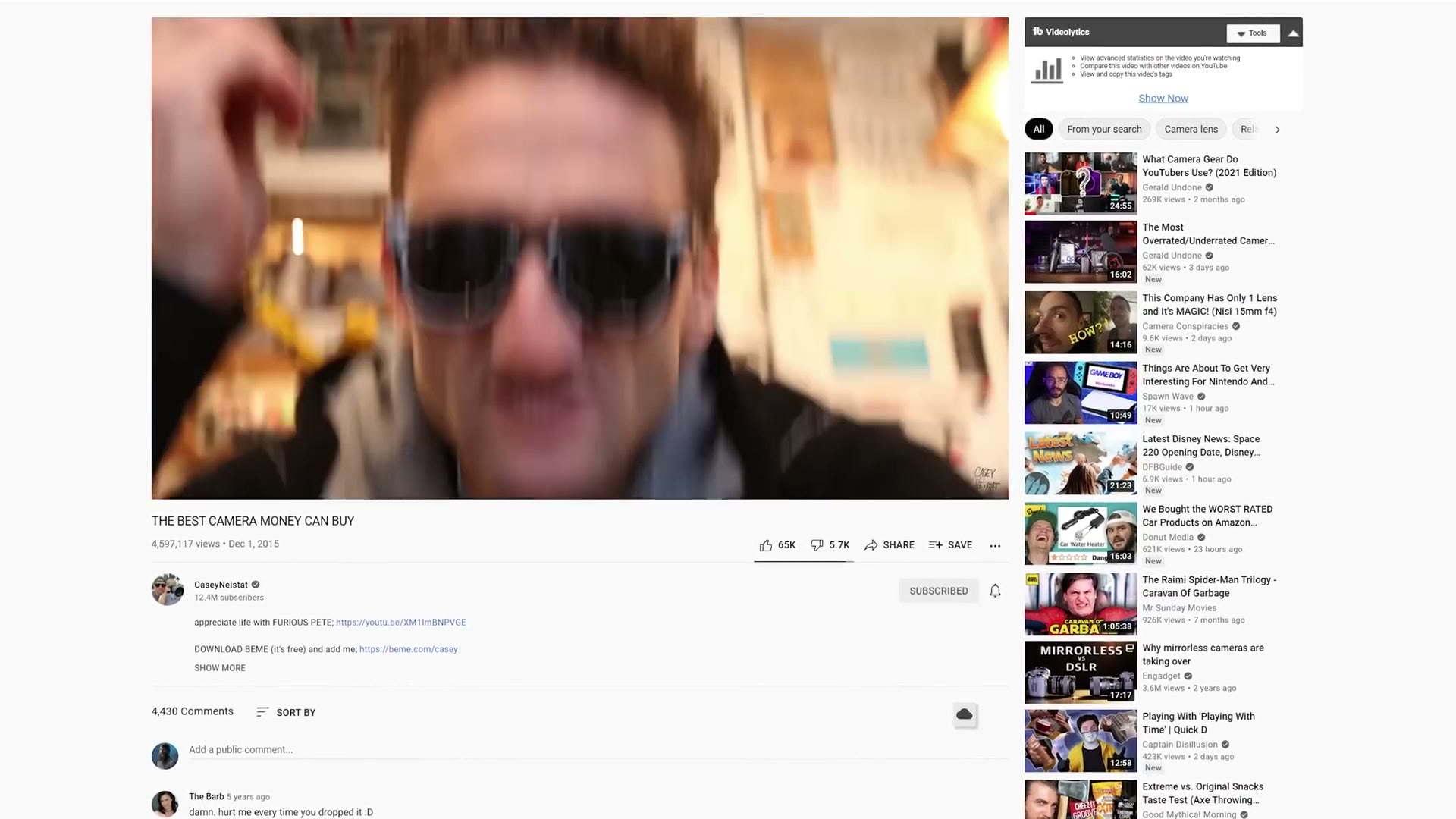
I’ve always tried to be careful with mine, but I’ve still bumped that jack a few times and terrified myself that I’d broken the camera. It’s got to the point where if I have to lay a camera down, say on a monopod, I always lay it on the opposite side from the mic jack so there’s no pressure on it.
With this Sony mic there’s no cord and no jack, so I’m not worried about breaking it. The only connection to your camera is the hot shoe, and if you break that, dang, your camera probably has other problems.
Reason 3: The Controls
Because this mic is made by Sony and talks directly to the camera, it can do things other microphones can’t.
As soon as you slide it into the hot shoe it turns on and starts working. Any time you power the camera off and back on, the mic is immediately live and replaces the camera’s internal microphone as the main audio source. Other mics do this too, the VideoMic Pro+ among them, which is one of the reasons I bought that one. But if you aren’t used to the feature it’s really nice to have, and it will save you if you’re someone who forgets to turn their mic on. Like I have.
The mic has an auto level setting. If you’re filming somewhere the levels are going to swing from quiet to loud constantly and you’re too busy to monitor them, flip the switch from manual to auto and press record. The microphone handles it and makes sure nothing peaks.
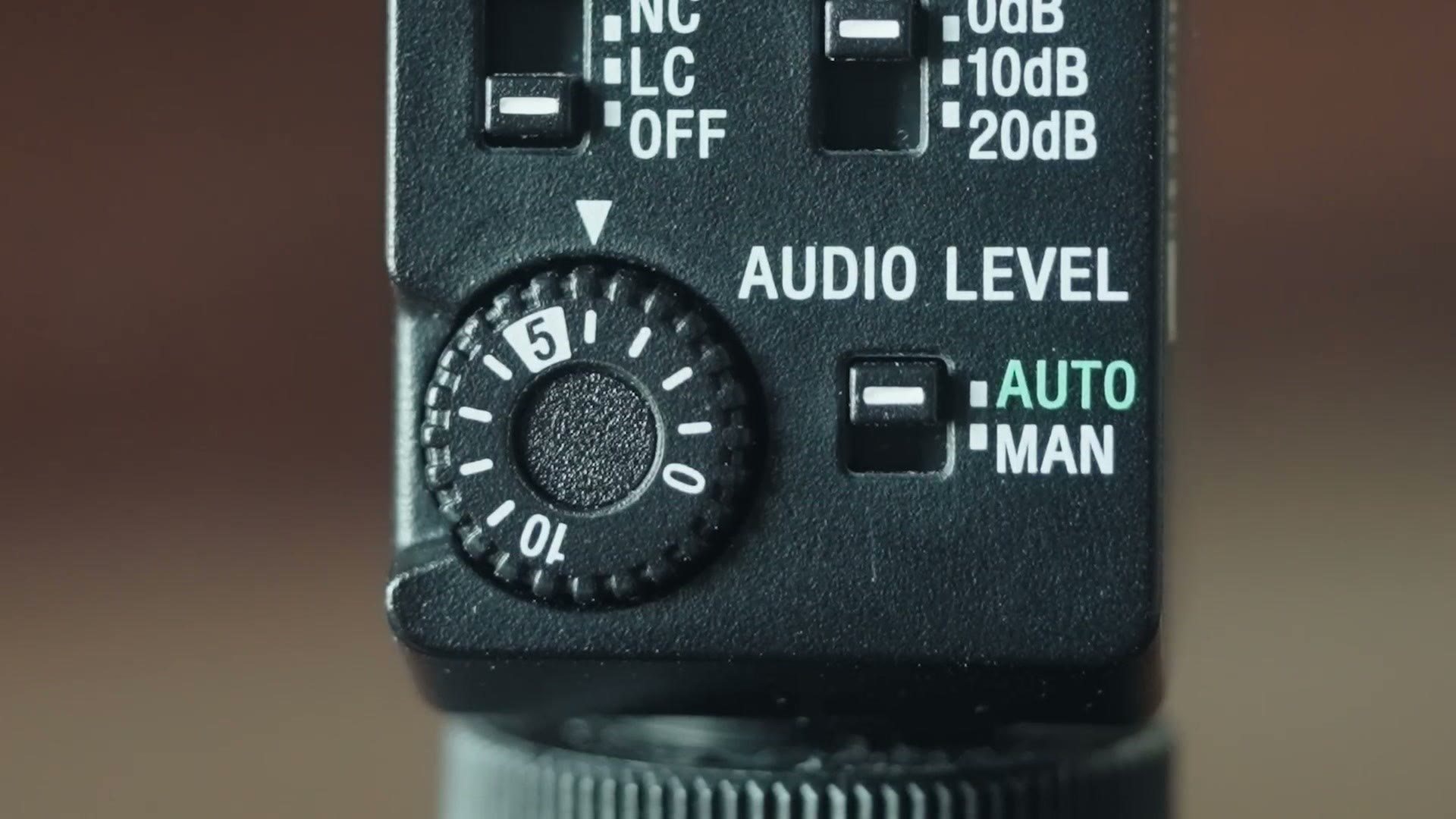
I was really impressed with the auto level quality. And with the switch set to manual, your gain is completely controlled by the dial on the back of the mic. You don’t have to dive into the camera menu to adjust gain anymore, it’s all right there. I love the simplicity of it.
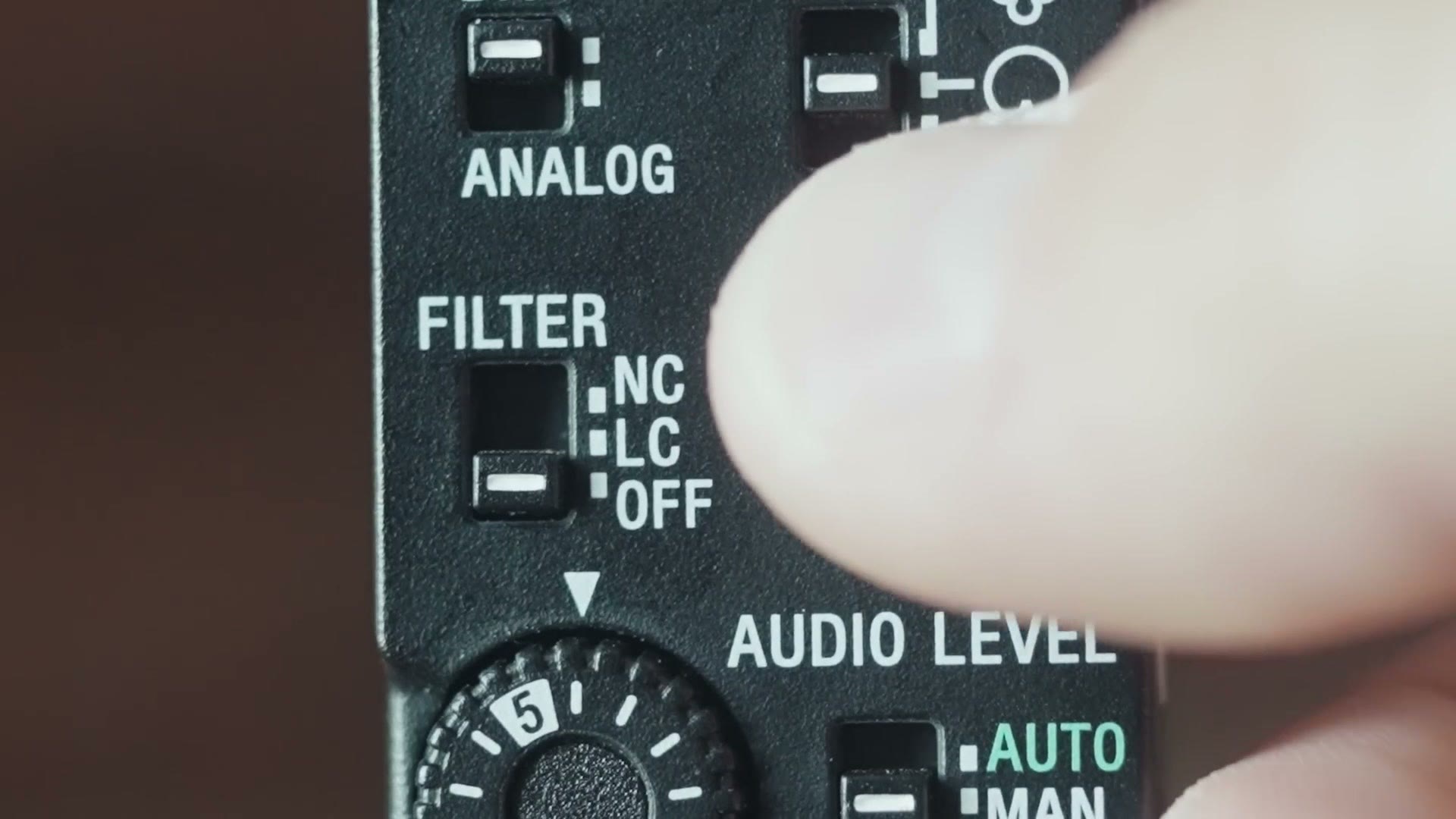
There are other controls back there too. ATT, which I believe stands for attenuate, lowers what you’re recording by 10 or 20 decibels if your audio is too loud. In my experience I never needed it, but it’s nice to have.
Then there’s Filter, with two settings, LC and NC. LC is a low cut filter, which removes low rumble, like an air conditioner blowing or a windy day. NC is a noise cut filter, which cuts higher pitched noise and enhances the frequencies of the human voice, so if you’re recording somewhere loud it can help a voice cut through everything else.
The Coolest Setting On The Microphone
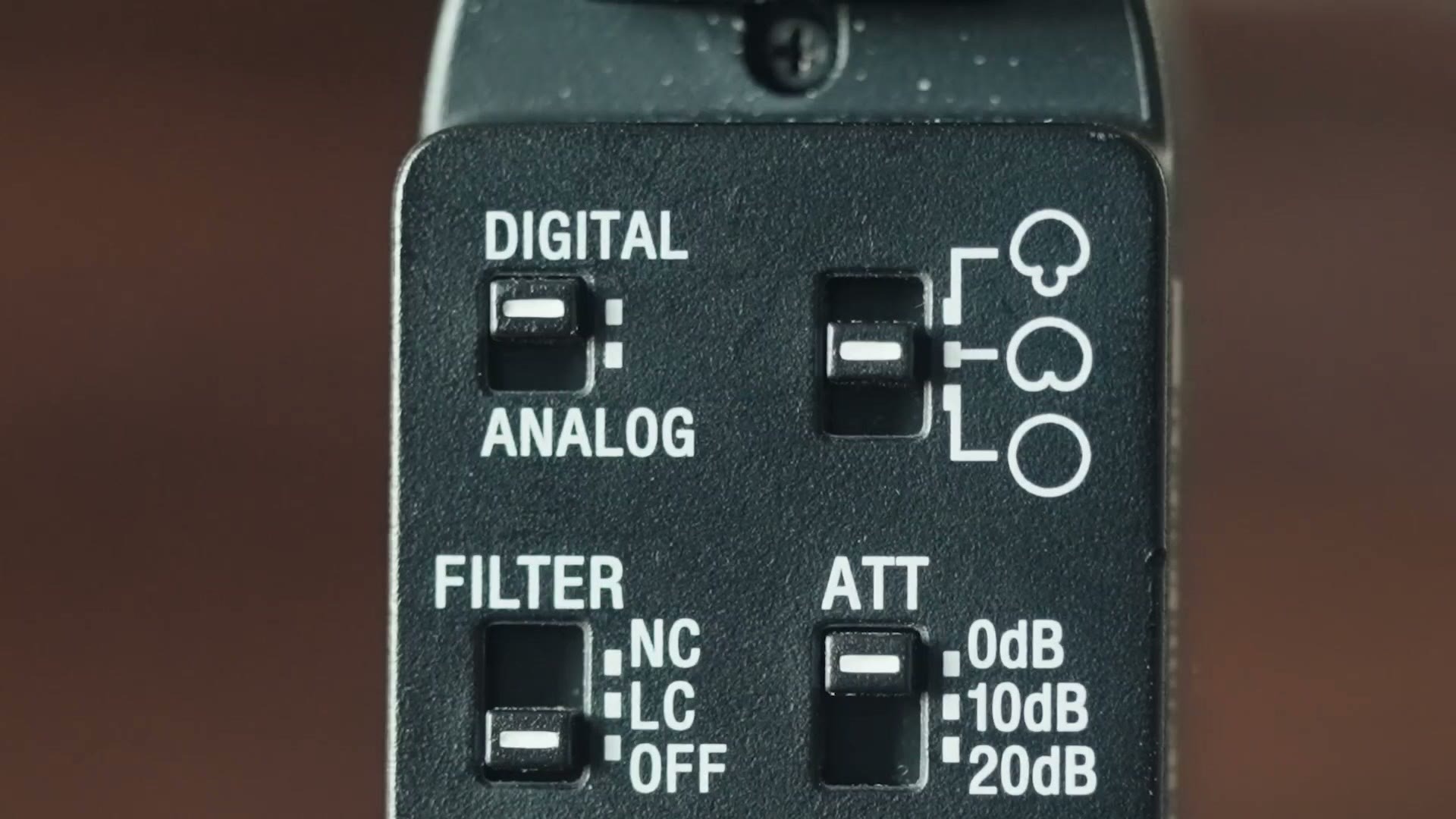
In the top right there’s a switch with a circle, an oval that kind of looks like a butt, and a mushroom. This is not a Super Mario setting. It’s the coolest switch on the mic, because it lets you choose how directional the recording is.
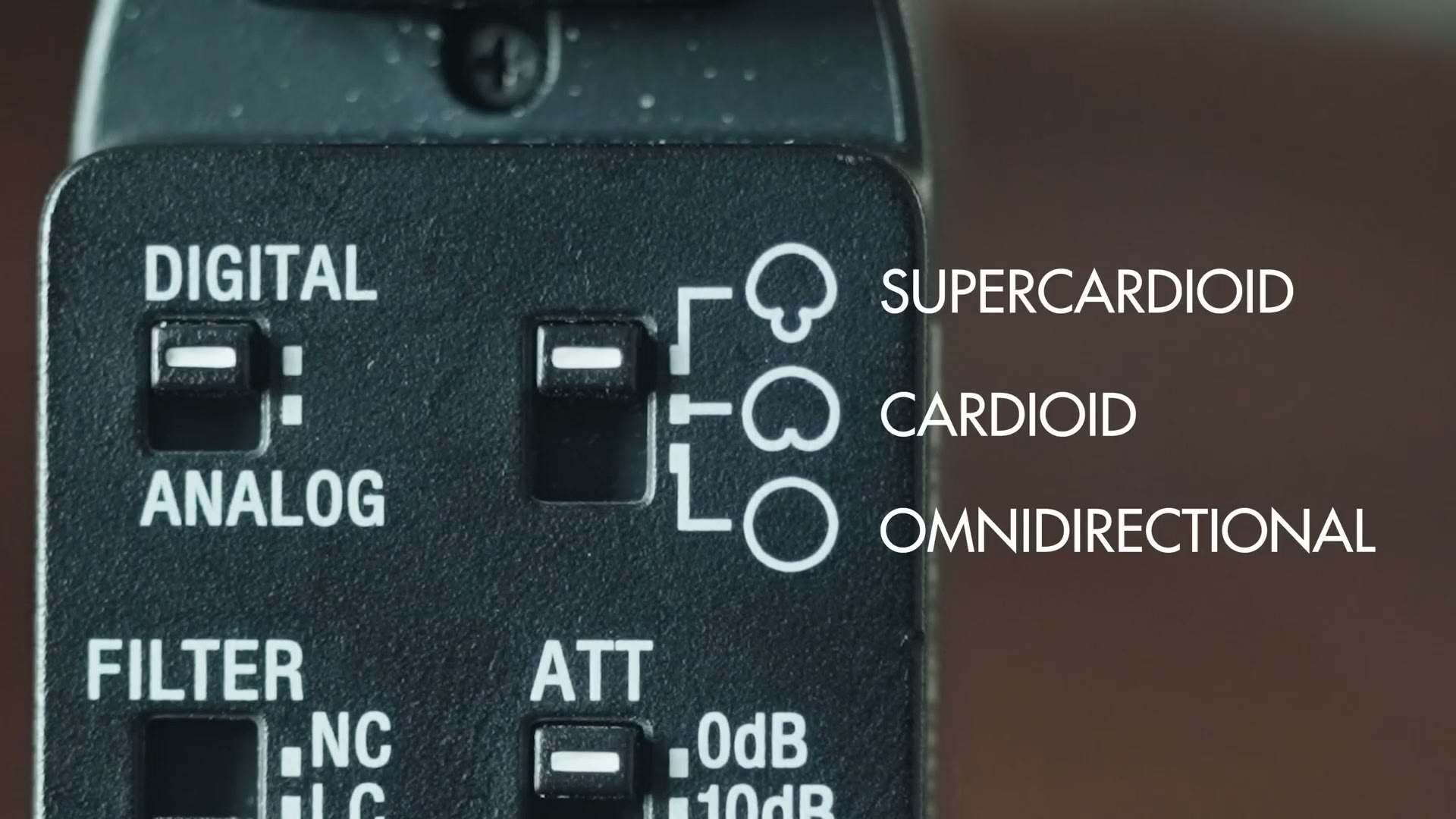
The mushroom is supercardioid, the most directional setting. It only picks up what’s directly in front of it and ignores the sides. This is what I’d choose for someone speaking straight into the camera, like a bride or groom telling a story on a wedding day.
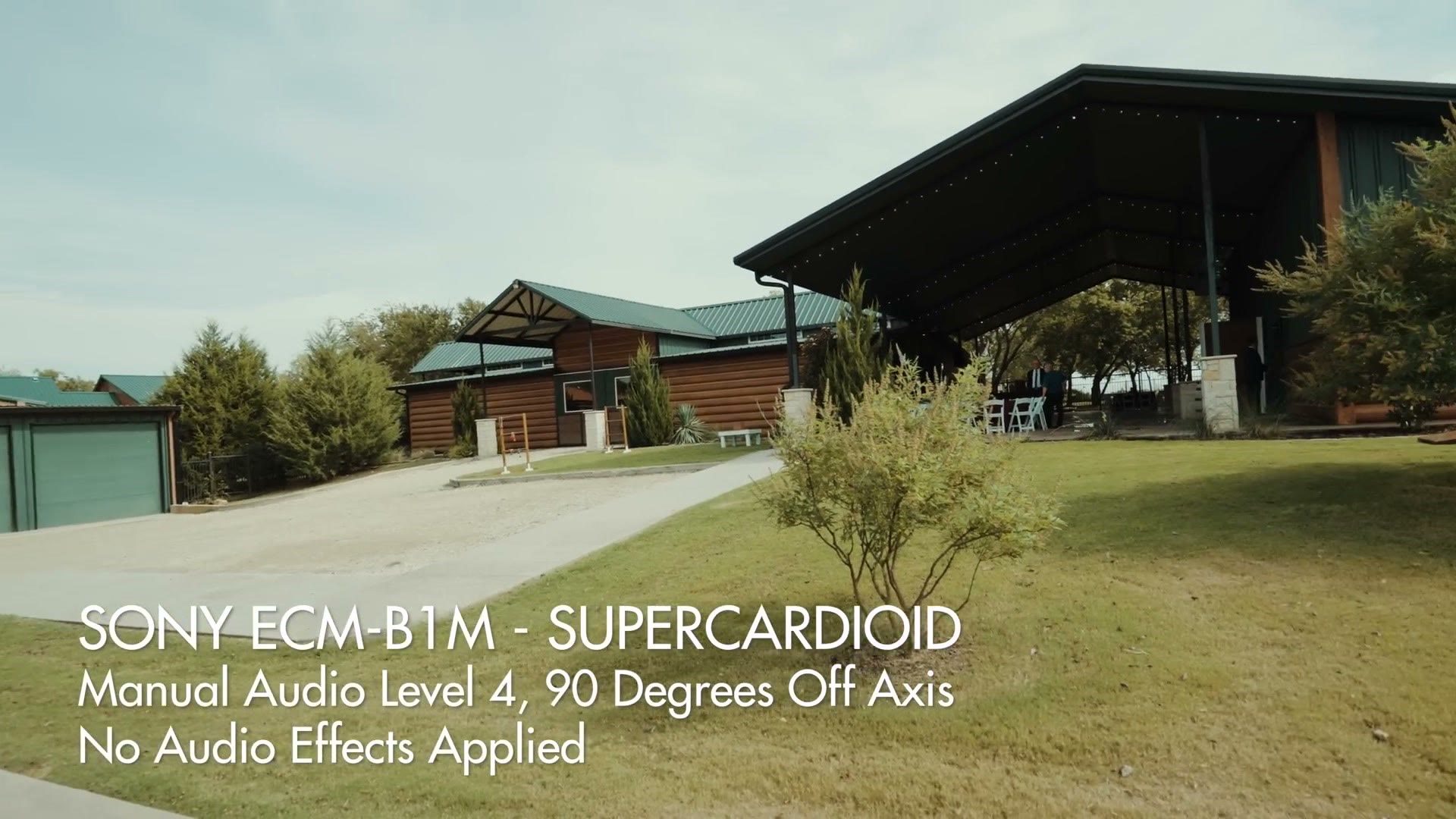
The butt is cardioid, which records everything in a roughly 180 degree area in front of the mic. This is great for a group of people, and it’s the setting I found myself using most often.
Speaking of which, COOLEST Mic Sony Has Ever Made? ECM-M1 Review and This mic looks big, right? – Sony ECM-G1 Review are worth a look too.
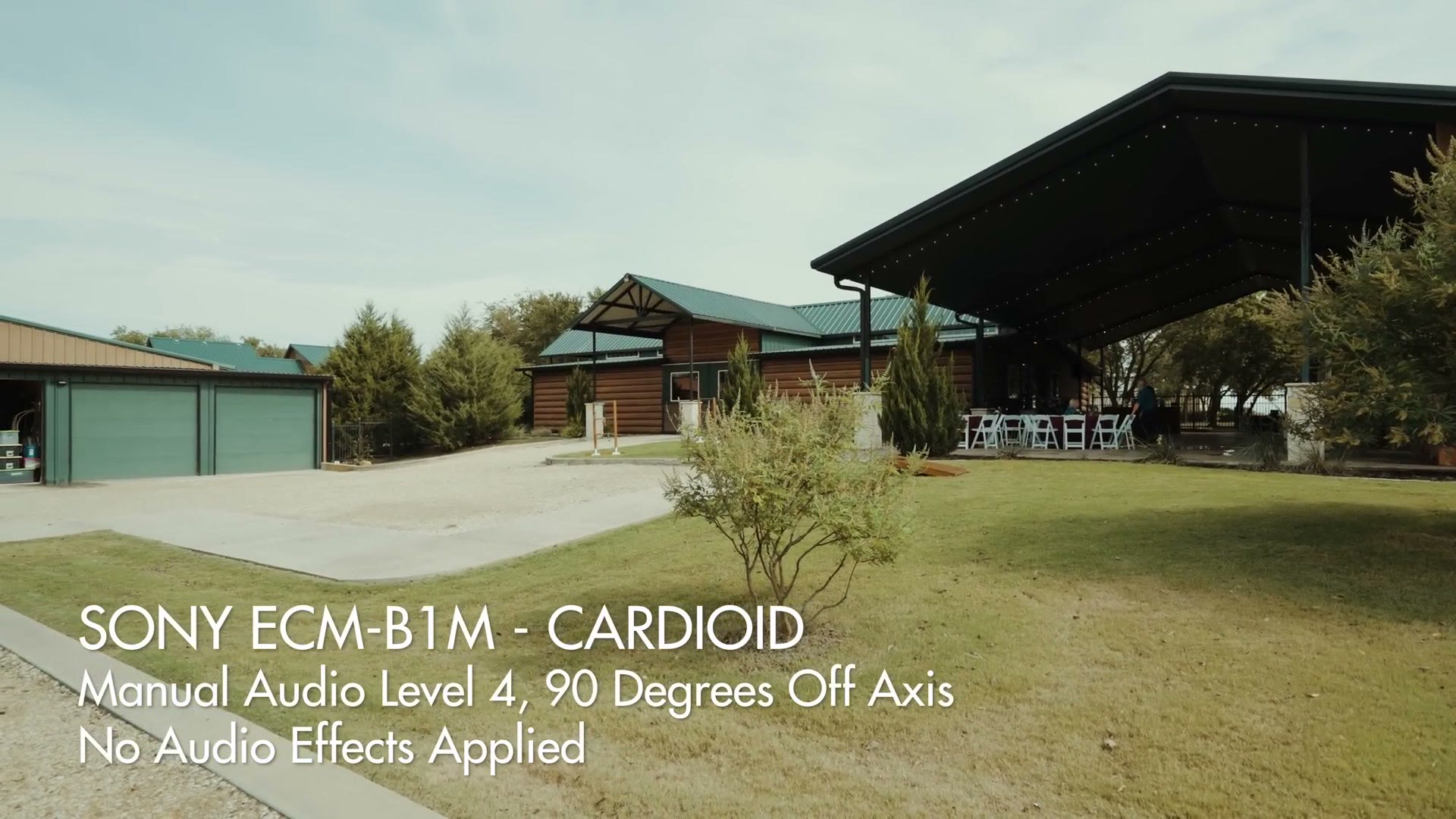
And the circle is omnidirectional, which is genuinely unique, because it turns a shotgun mic into a 360 degree recorder. That’s great if you’re interviewing someone and you want your own questions picked up as well as their answers. The con, of course, is that it also picks up a lot more ambient noise, so I’d use it sparingly.
Con 1 Of This Mic – Stabilization
There are two cons I want you to know about before you put your hard earned beard coin down.
Notice how the VideoMic Pro+ has a large, well built shock mount. That isolates the mic from movement and stops it picking up sounds from your camera body while you’re moving.
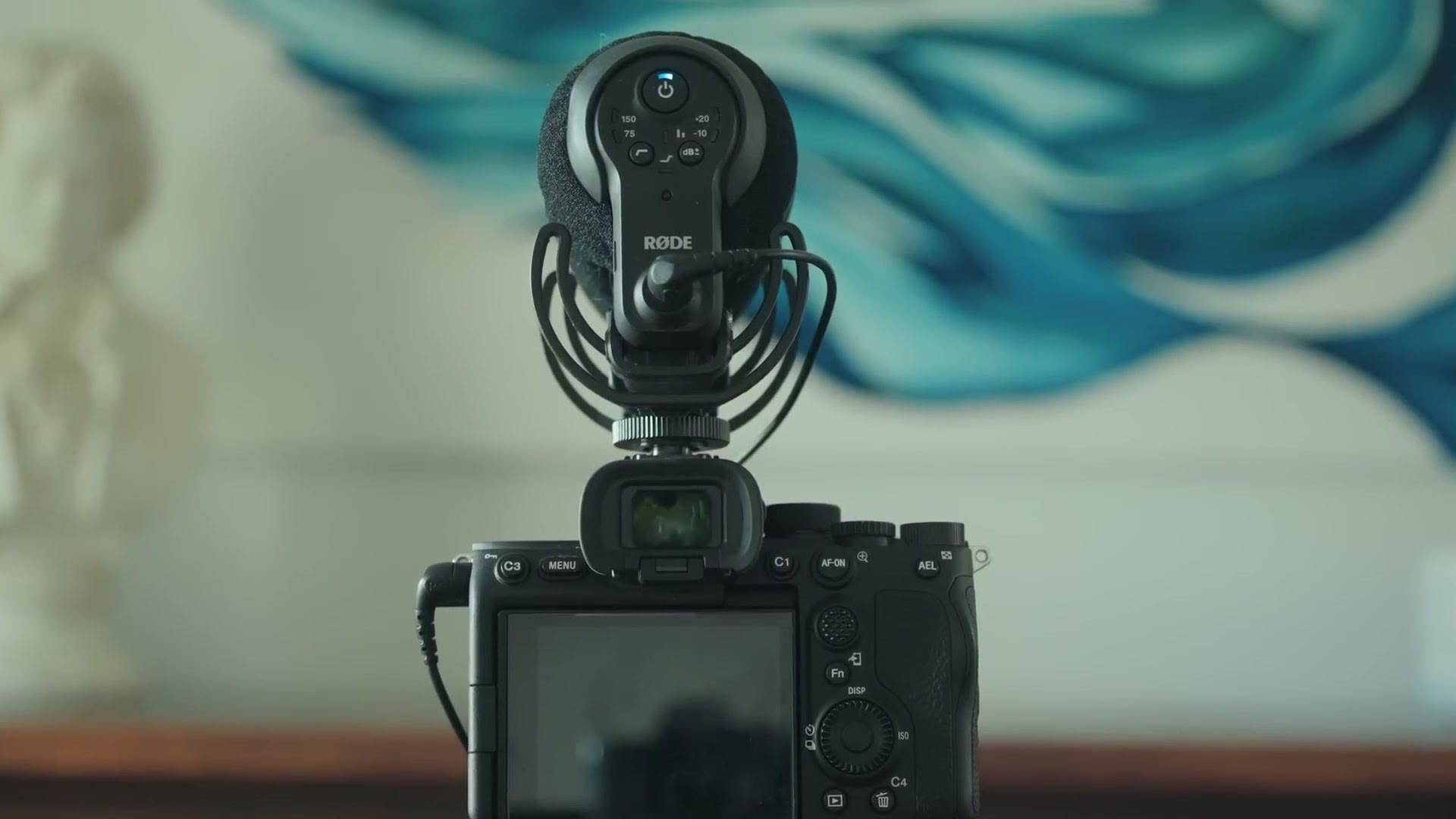
The Sony has no visible external stabilization, though if you look down near the hot shoe you’ll see it’s actually a free floating mic with some stabilization on the main shaft. The con other reviewers have mentioned is that the mic can bump into that support shaft and record the noise, and I was able to confirm that.
But I was only able to confirm it in certain scenarios. Handheld with smaller, controlled movements, I’m confident you’ll never hear it. Vlogging while walking at a slower, controlled pace, you should be fine too.
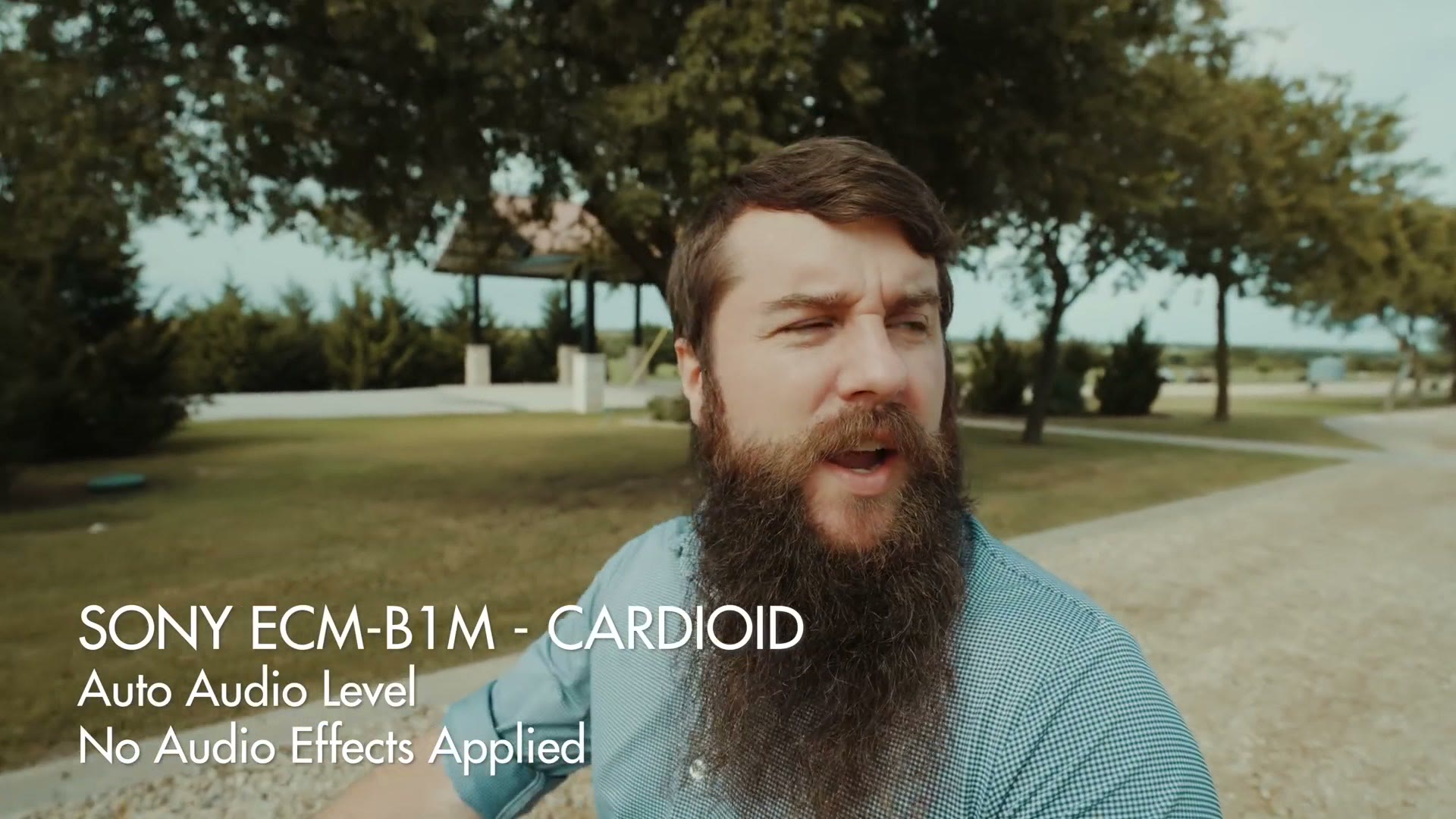
Where you do hear it is walking at a much higher rate of speed, power walking, almost running, which isn’t something I ever really do while vlogging. There’s a bassy bumping noise in the audio. So if you typically film fast paced videos where you’re jogging or running or shaking the camera violently, I cannot recommend this microphone. But if you’re like me and most of your shots are controlled and smooth, I have zero qualms recommending it.
Con 2 Of This Mic – Price
At $348 at the time of writing, this is significantly more expensive than the Deity V-Mic D3 at $200, and $50 more than the Rode VideoMic Pro+.
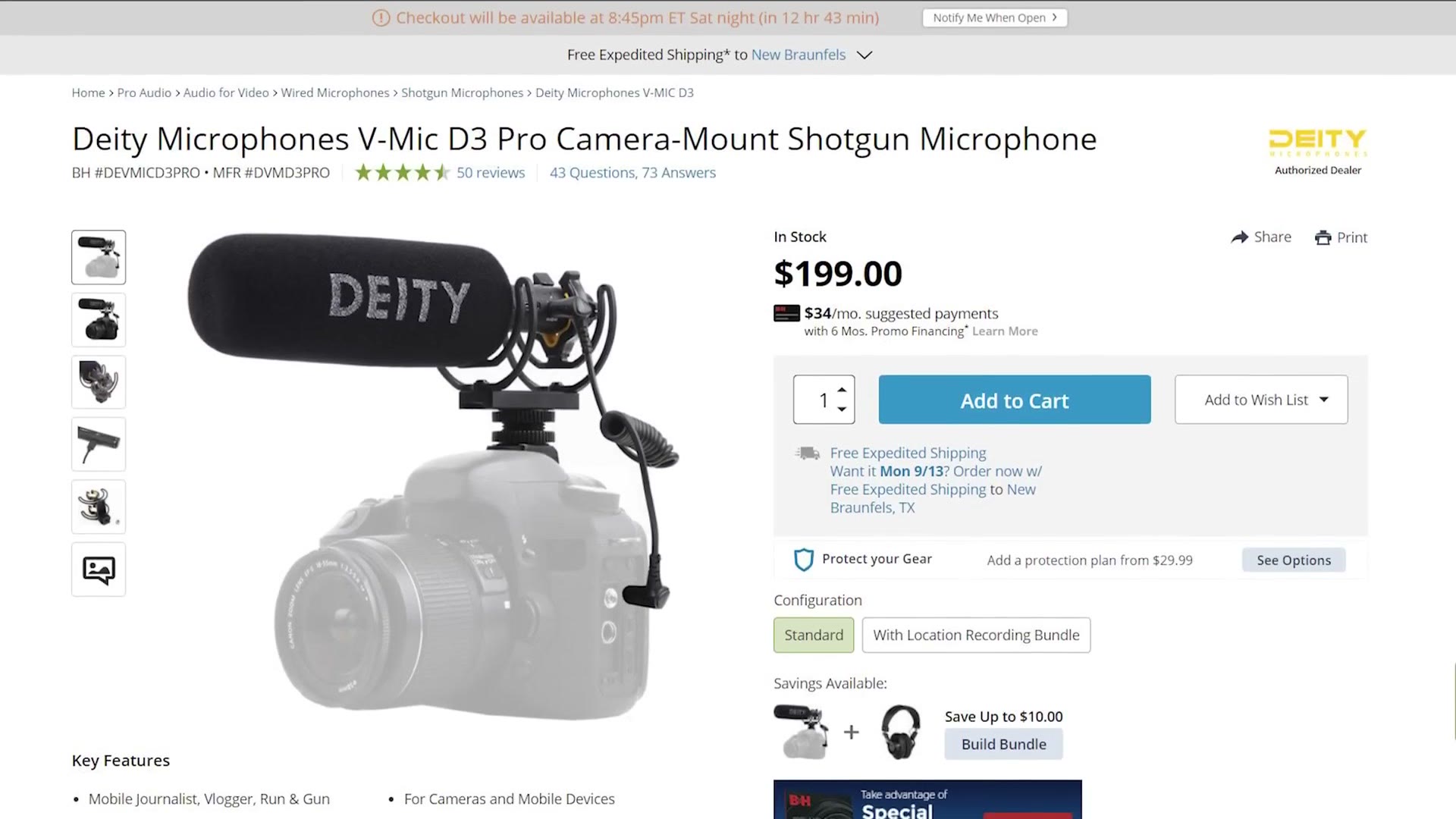
Though I’d consider that the Sony does come with a dead cat wind cover, while the VideoMic Pro+ does not.
Should You Buy This Mic?
If you don’t see yourself using the unique features, and you aren’t annoyed by a cable running around to your mic jack the way I am, or you shoot on multiple camera brands and some of them aren’t compatible with this microphone, then I wouldn’t recommend it and I’d go with one of the mics from Rode or Deity instead.
But if you want a compact powered microphone that integrates seamlessly with your newer Sony camera and gives you a ton of features and great audio quality, I think the ECM-B1M is a fantastic choice.
Free Guide For Wedding Filmmakers
If you happen to be a wedding filmmaker, which you probably are given I’m reviewing this from a wedding filmmaker’s perspective, you probably want to book more couples and film more weddings, and I’d love to help. I made a free guide that walks you through practical steps you can take right now in your business to do exactly that, and you can download it right here.

The footage here is graded with my own color presets at whoismatt.com/luts, my gear list is on kit.co, and if you film weddings, come join us in the Learn Wedding Filmmaking Facebook group.
Thanks so much for reading, and have a great day!