
Let’s say you’re filming a wedding reception. Everything’s going great, you’re getting a ton of awesome footage, and then it comes time for toasts. You have your audio recorder plugged into the DJ soundboard, you’ve already done a mic check before the reception started, and their wireless mic sounds good.
Then the first person starts speaking, and the mic cuts out.
The instant I heard that happen, I knew that audio was unusable. And it’s not like I could go up to the person giving the toast, interrupt the whole reception, and say hey, could you just do that whole toast again for me? That’s not how it works.
And regardless of the amount of preparation and testing you do beforehand, I guarantee this is going to happen to you at some point. So what do you do about it?
You need a backup for everything, and that includes the audio you record at a wedding. In this post I want to show you two very affordable pieces of equipment that I use to back up my audio for toasts. One of them you’ve seen before, but one of them is completely brand new, and if you own a Rode Wireless GO you’re going to love it.
Mic Sleeve
If you’ve read how to record amazing audio in your wedding films, you already know what this is. It’s a mic sleeve made by a company called MicFX, and it’s also on Amazon.

This sleeve is going to be your backup audio lifesaver at a wedding when your main source of audio goes bad. Take the DJ’s mic, take your mic sleeve, slip the sleeve over the microphone, then get a recorder like the Sony UX560, which is also at B&H, and slip it down into the sleeve.

Voila. You now have a fully self-contained audio recording of whoever is speaking at a wedding.
And in the video above you can hear the difference for yourself: it’s the same toast, once through the DJ’s soundboard where it drops out, and then again off the recorder sitting in the mic sleeve, which sails right through the part that failed.
Rode Wireless GO
I have one other piece of audio backup equipment I’d recommend you check out. This one is more specific, and only applies to you if you use a Rode Wireless GO microphone system, also at B&H.
These tiny little wireless mics are super popular among wedding videographers for recording officiants, grooms and brides during wedding ceremonies. But what about toasts at a reception?
Now, you’re probably thinking I’m talking about running up to the person giving a toast, putting one of these on them, taking it off as soon as they’re done, and putting it on the next person. That can get old fast, especially if you have a lot of people toasting. So instead, I have another option for you.
The guy behind Maverick Sound Solutions reached out to me and said he loved my video about using mic sleeves to mount a recorder to a wireless mic, and that he’d decided to make a product that worked the same way, but for the Rode Wireless GO.

He created a product with one of the funniest names, the Piggy Backup Pocket Mount, and this little accessory is made specifically for videographers, and it’s gonna save your bacon.
Now, you could just put a Wireless GO in a mic sleeve, but this is a far more elegant solution. Turn on your Wireless GO, clip it into the pocket of the Piggy Backup.

Then slide the Piggy Backup onto the microphone.

And that’s it. You now have a backup source of audio that your talent is holding right up to their mouth while they speak.
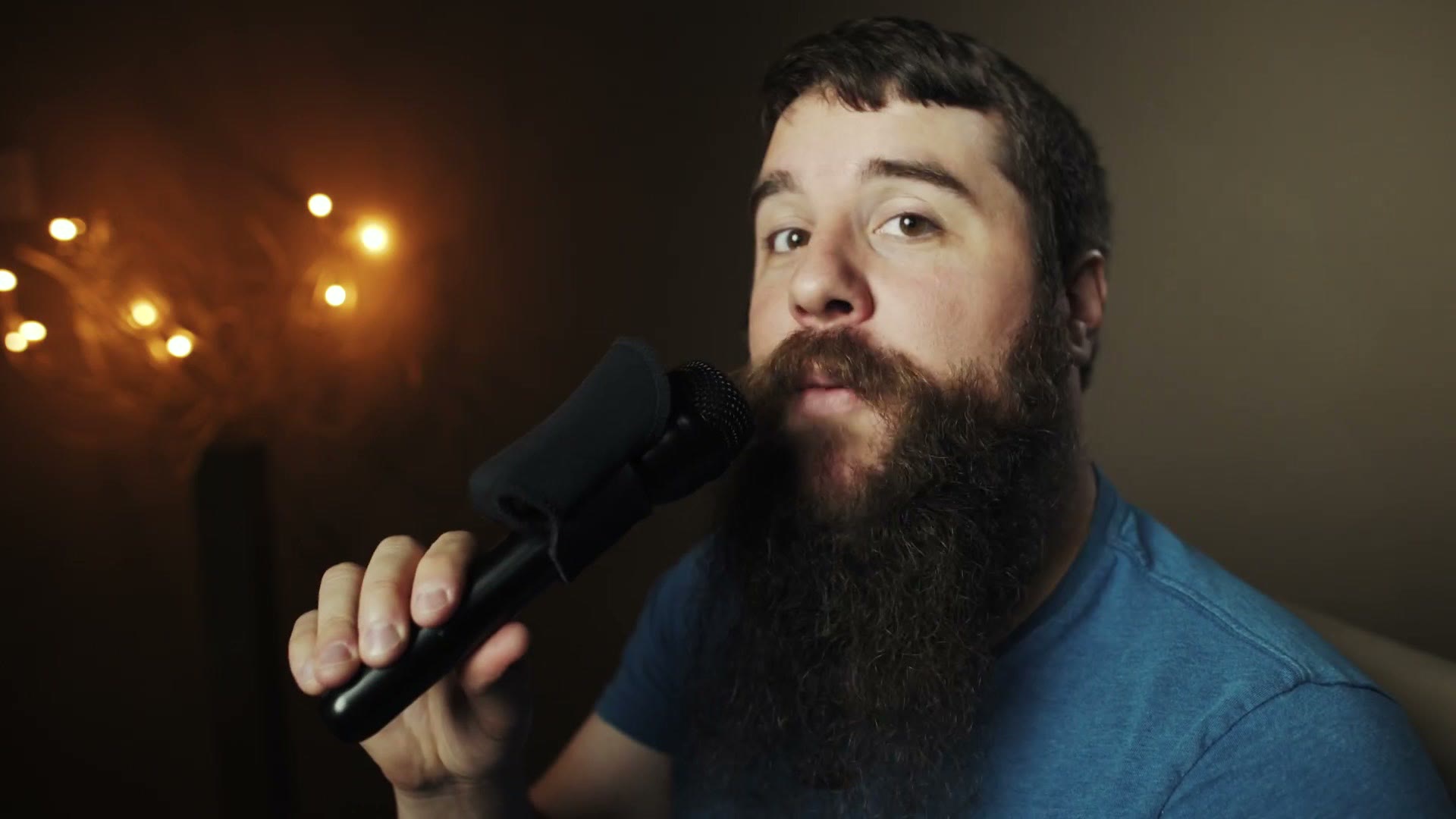
As another bonus, you also get the ability to wirelessly monitor your audio from the Rode Wireless GO to make sure it sounds good.
Conclusion
Now, I really prefer using a non-wireless audio backup recorder, that way I can remove signal loss and degradation from the equation. But if you already own a Rode Wireless GO and you don’t want to invest in a mic sleeve and another recorder right now, I think the Piggy Backup is a great option. It retails for thirty bucks, and you can also get it direct from Maverick Sound Solutions.
Also, in the interest of ethics, I want you to know that this isn’t a sponsored video and I haven’t been paid to make it, but he did send me the Rode Wireless GO and the Piggy Backup to try out.
Everything I use for wedding audio lives in one list if you want the rest of it. And if the venue doesn’t even have a DJ to plug into, that’s a different problem with a different answer, which I covered in no DJ, no problem.
Are there any other backup devices you use that are different from these two? If so, leave me a comment and let me know. There’s always new weird stuff people are using for backups and it’s always fascinating to learn about.
Lastly, if you’re a wedding filmmaker like me, you probably want to book more couples and film more weddings. To help you out with that, I’ve created a free guide that’s gonna walk you through some practical steps you can take right now in your business to book more couples and film more weddings. It’s a free gift to you.