
The gimbal to buy for vertical and horizontal filmmaking is the DJI RS4 Pro. With this gimbal you’re getting all of the excellent features from the much loved RS3 Pro, plus the ability to switch from horizontal to vertical filmmaking in as little as ten seconds. Heads up: this link goes to the newer DJI RS 4 Pro. Which, if you’re a wedding filmmaker or someone else who needs to film very quickly and your clients are constantly asking you for vertical clips they can post to social media, even though you were originally hired to film a traditional horizontal video, is a big deal.
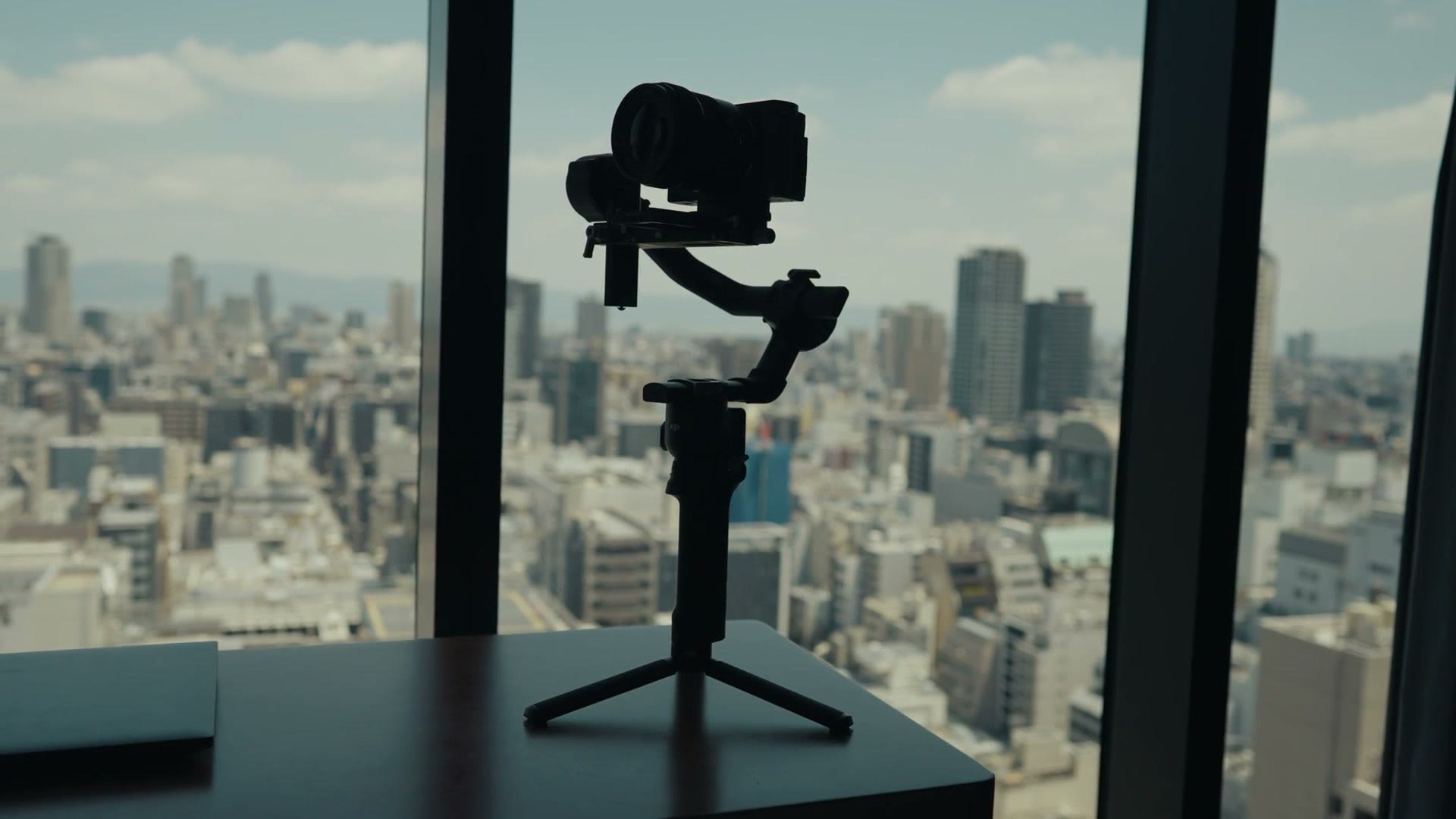
That’s why I love this gimbal, and there’s the spoiler out of the way for how I feel about it. I’m reviewing it from the perspective of a wedding and professional filmmaker, so if you use your gimbal to make money, keep reading, this is for you.
Also, for the sake of ethics, I want you to know this review is not paid or sponsored by DJI, but they did send me this gimbal so I’d be able to make it.
And if you’re a wedding filmmaker, or you’re considering becoming one, I want you to know I’ve put together a free workshop that shows you how to book your first wedding film in 30 days or less. It’s completely free.
Getting right into it, the first thing you’re going to notice is that the RS4 Pro is very similar to the RS3 Pro. This feels a lot more like an iterative evolution than a big change, and that’s fine in my opinion. Gimbals as a whole are a relatively mature product, and just like how Glidecam came out with their stabilizer many years ago and kept essentially the same form factor, we’re seeing the same thing happen with electronic gimbals.
All that said, there are five aspects of the RS4 Pro that in my opinion make it an excellent choice if you’re a wedding or commercial filmmaker. Some of these apply to the RS3 Pro as well, and I’ll let you know when they do.
Vertical Filmmaking In About Ten Seconds
This first one is easily the biggest upgrade DJI has made to the RS4 Pro, and that is that this gimbal is excellent for vertical filmmaking.
With the RS4 Pro, DJI completely redesigned the mounting plate system, meaning you don’t need to take the camera completely off its plate and rework the arms if you want to film vertically.
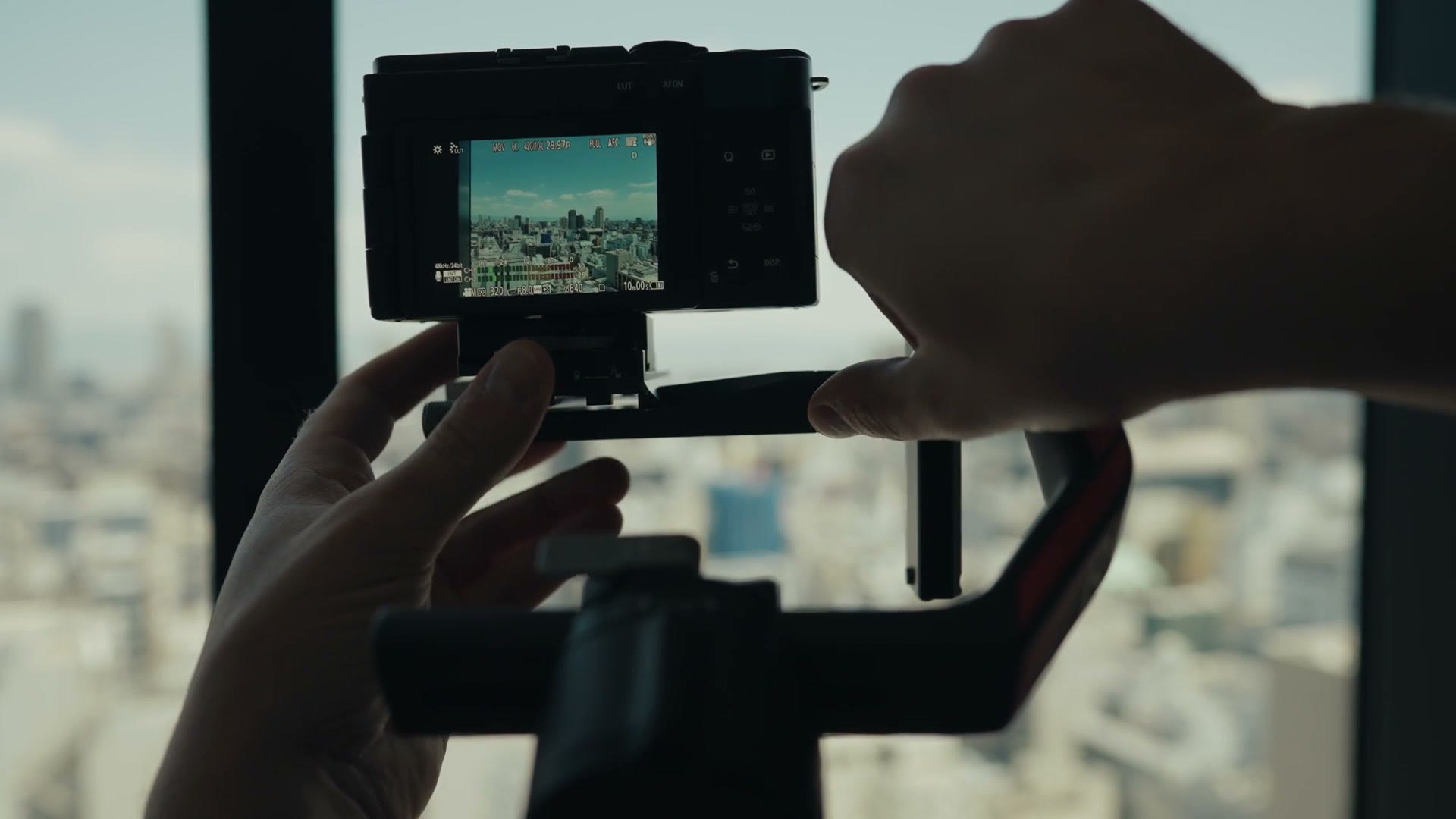
All you have to do is loosen one knob, press the quick release button, pop off the entire base of the arm, reinsert it vertically, and lock it into place.
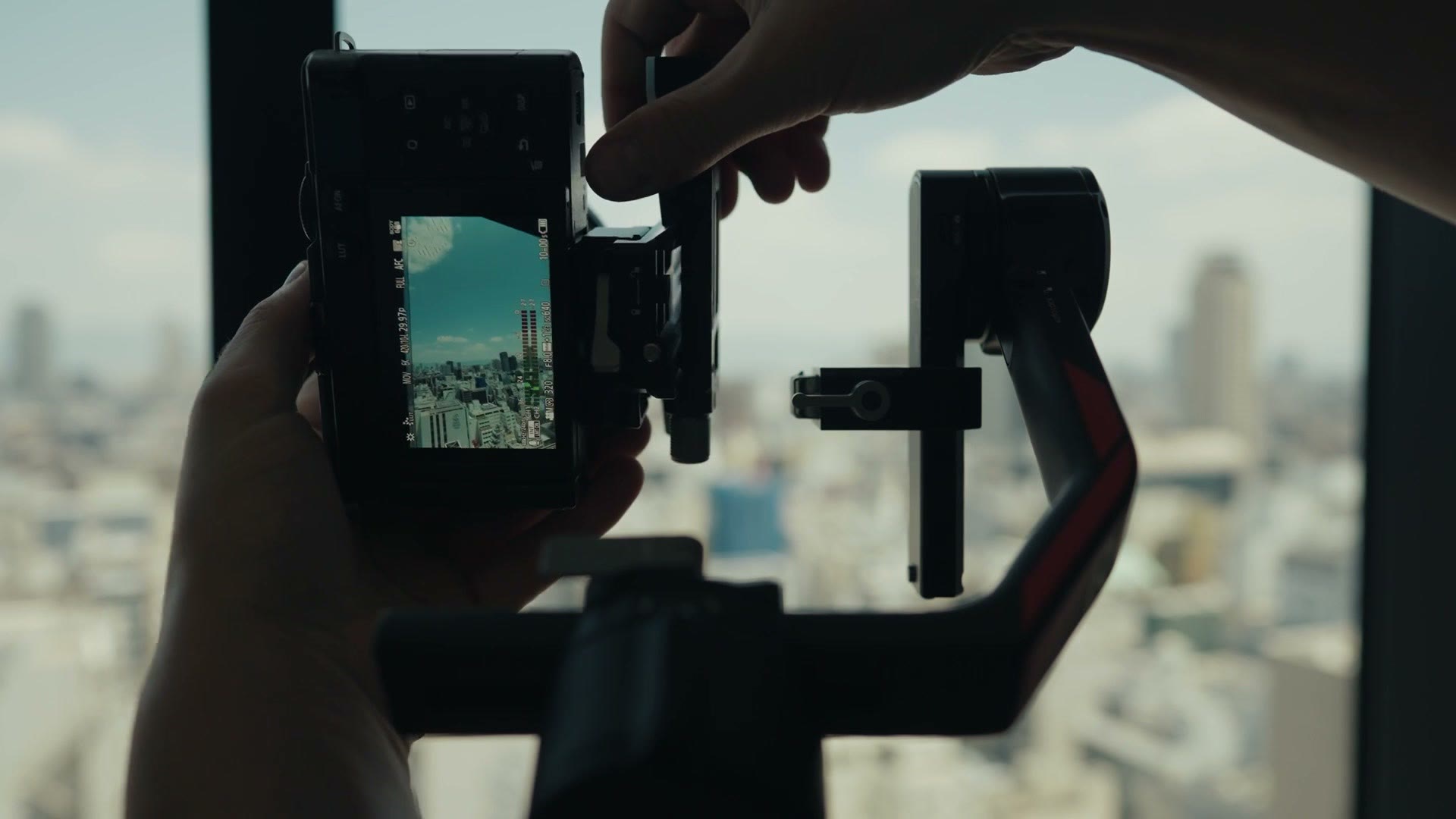
Once you do that, you’re filming vertically.
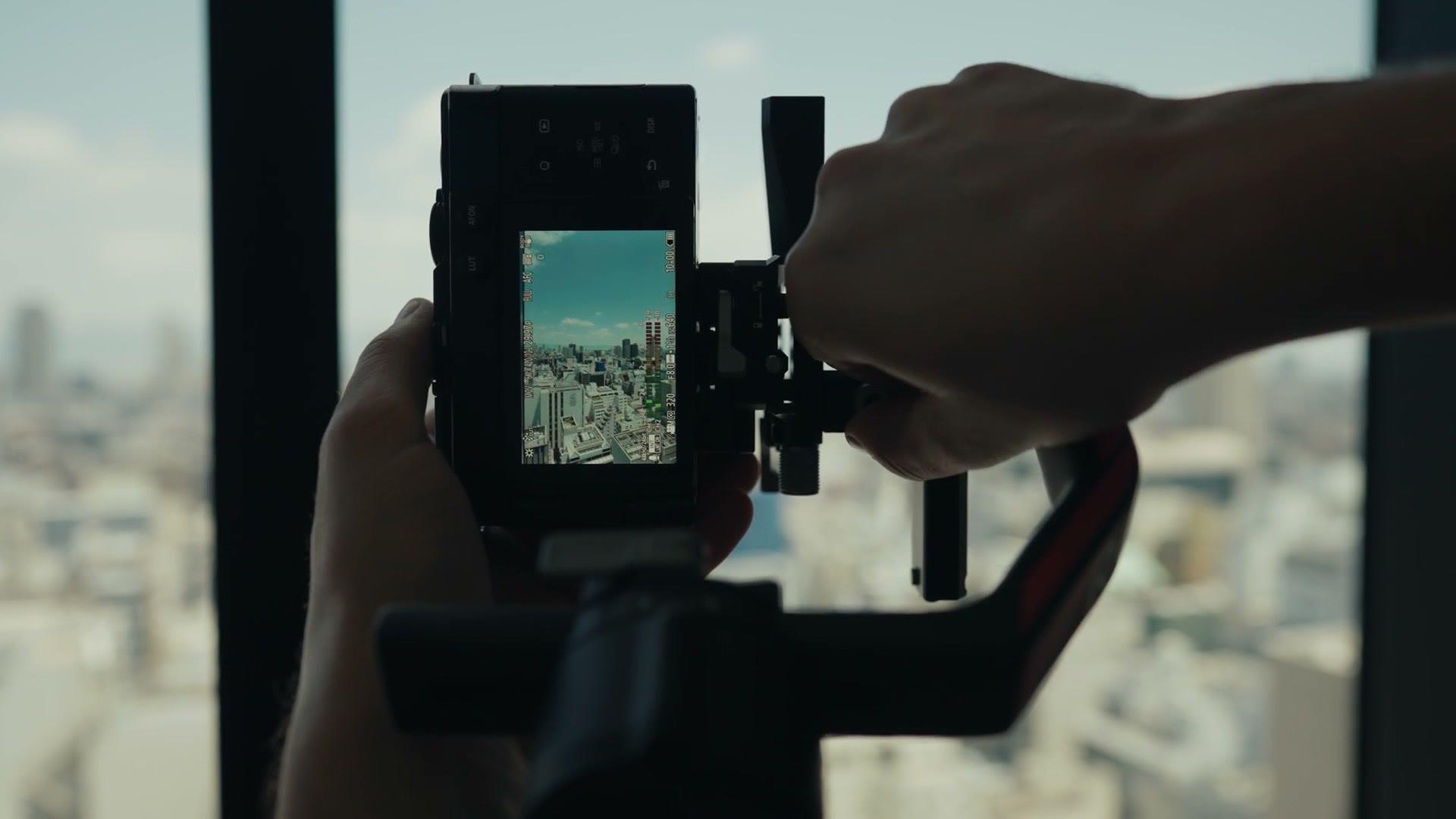
I think this is such a game changer. If you’re a filmmaker who doesn’t want to rig up some sort of complicated horizontal and vertical dual camera filming apparatus, and you want to swap very quickly between the two, this is one of the best ways to do it on a gimbal. These days a lot of wedding couples are interested in having vertical social media clips from their wedding day, and with the RS4 Pro you can get very high quality vertical video very quickly.
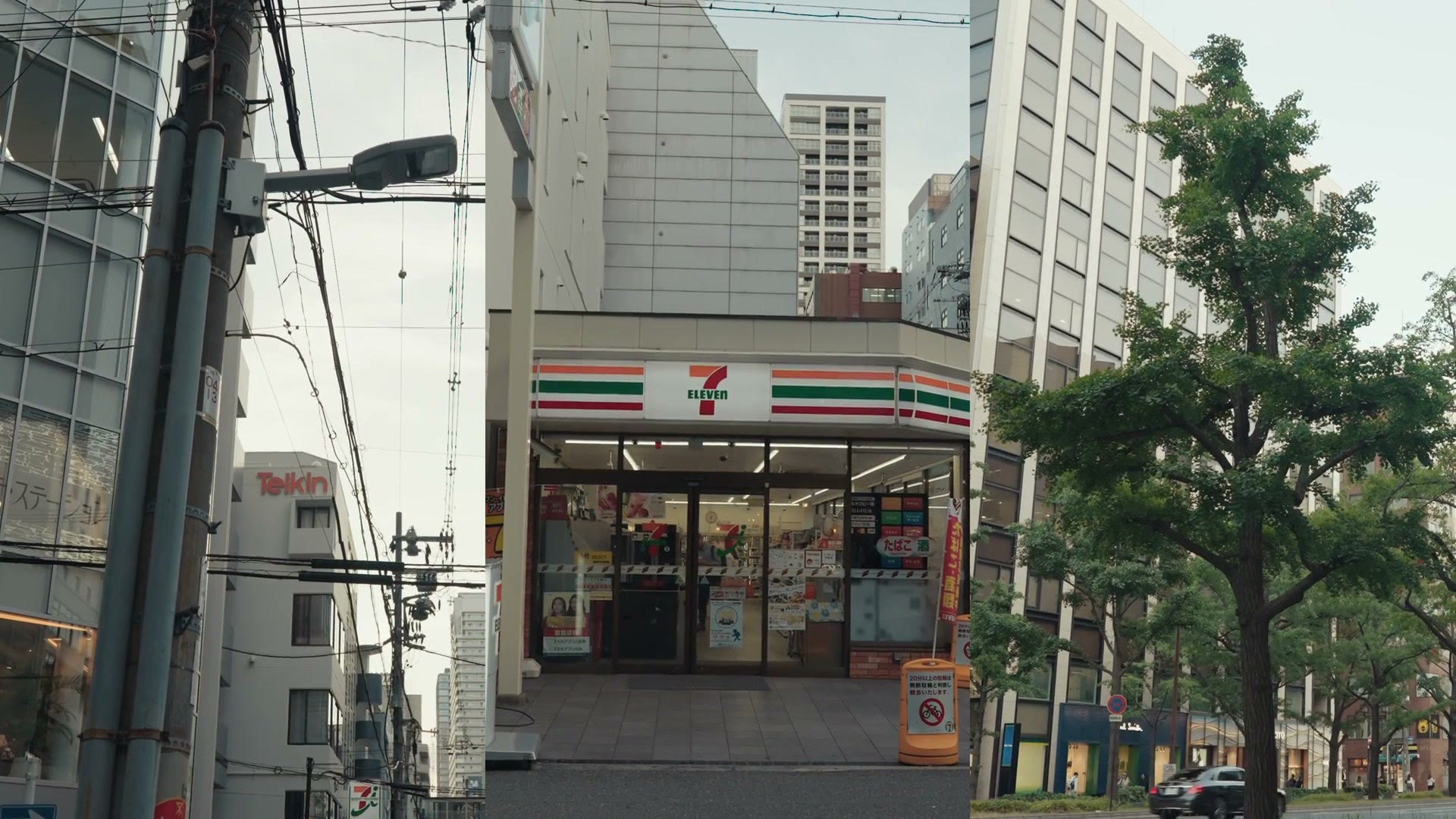
Another use case I’ve already been using a lot is stock footage. Many stock sites are now accepting vertical video, and they really want you to film in a native vertical format and not just reframe your horizontal video. What’s great is that with this gimbal I can easily film a stock clip horizontally, then switch to vertical and film a similar looking clip. So the RS4 Pro has essentially doubled the number of clips I’m able to get, which is going to double the income I can make as a stock filmmaker.
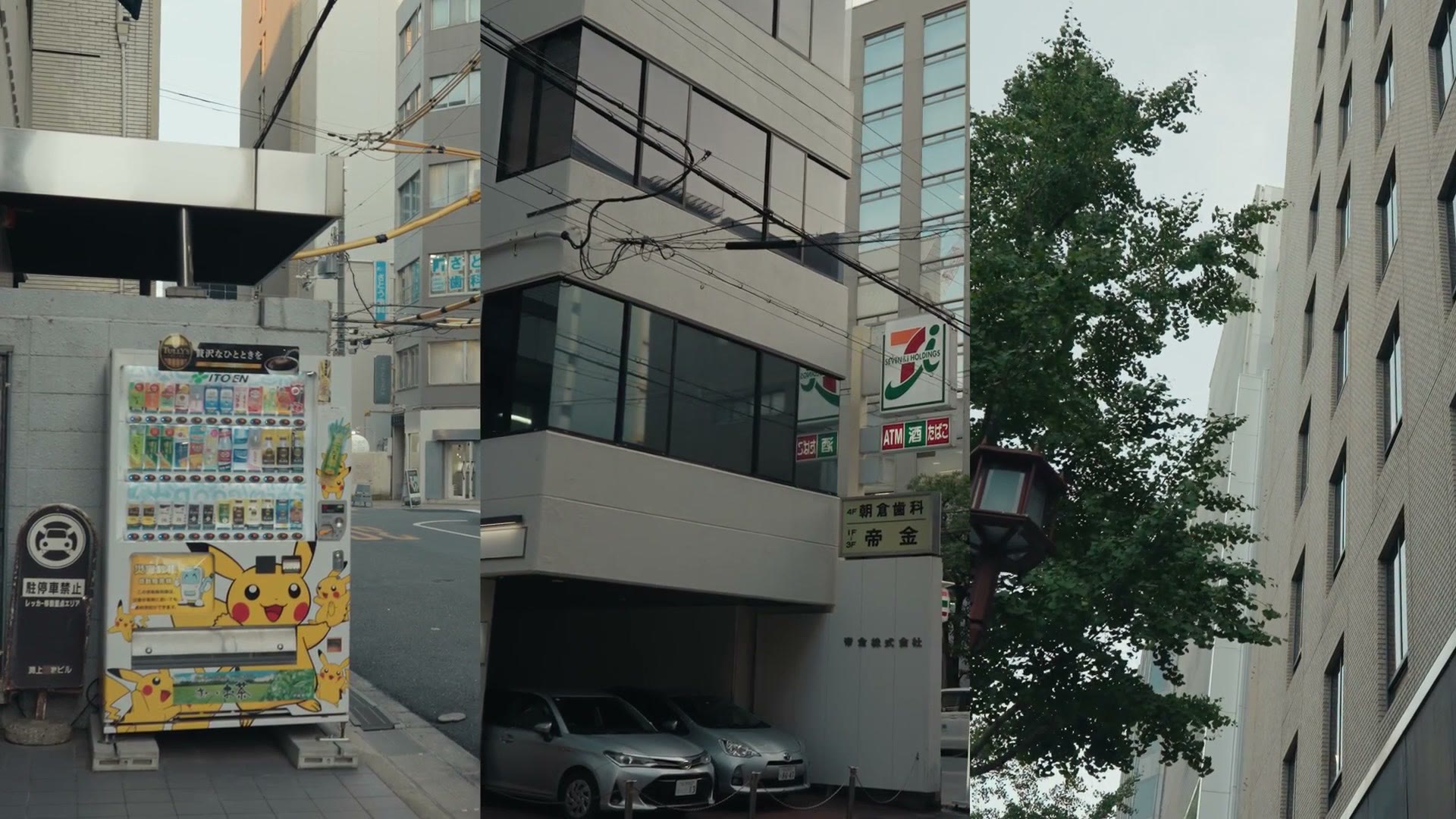
Now, to be clear, because I know I’m going to get comments about this, whenever you switch the gimbal from horizontal to vertical it is not going to retain the same level of balance. If you balance it horizontally it won’t be balanced vertically, because of course your camera’s center of gravity changes.
This isn’t a big deal though, because in my testing the motors on the RS4 Pro are easily able to handle that shift without rebalancing. I do want you to be aware that I’ve only tested this with smaller mirrorless cameras like an a7S III and the new Panasonic S9. I haven’t had the opportunity to put a big FX6 or FX9 sized cinema camera on here and really see if it can handle flipping vertically, which would be cool to see. I should probably get my hands on one to test it. But just know that for small cameras you should have zero issue quickly switching to vertical.
The Auto Locking Arms
The next feature that makes the RS4 Pro an excellent choice for a wedding or commercial filmmaker is one that was on the RS3 Pro but has been improved, and that’s the auto locking arms.
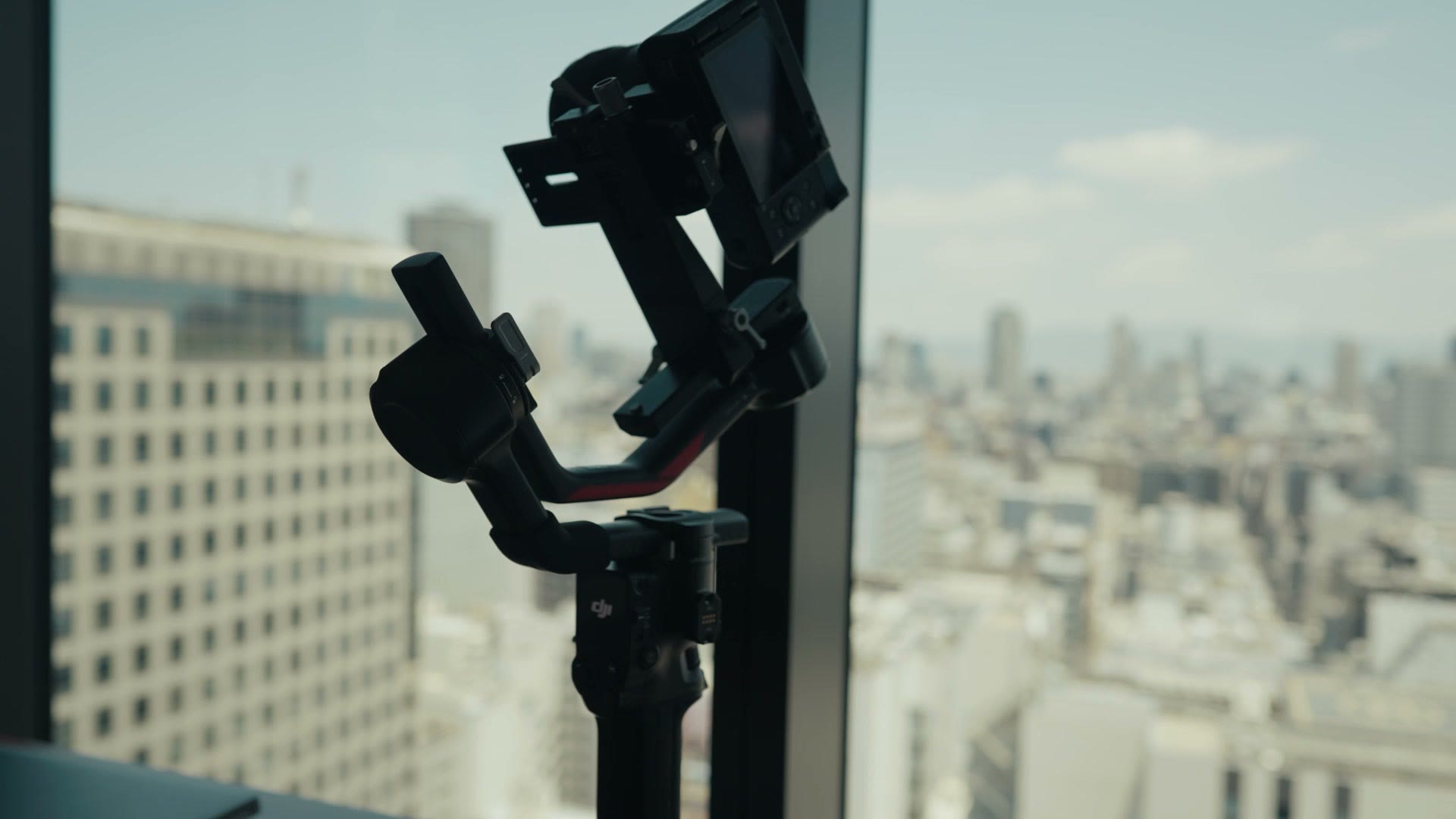
Put simply, any time you put the gimbal to sleep or turn it off, the arms automatically lock themselves. If you’ve used an electronic gimbal without this feature, and I have, you’ll know it takes a few extra seconds to lock all of the arms. And while that may not seem like a big deal, once you get used to auto locking arms it is so much faster and more convenient, and it’s really hard to see myself ever going back to a gimbal that doesn’t have them.
Like I said, the previous RS3 Pro also has auto locking arms, so don’t buy the RS4 Pro just for that feature. You can save money with the RS3 Pro. But I do want you to be aware that DJI says this is their second generation of auto locking arms, which they claim has a little less give. So if I put the gimbal to sleep here it locks the arms, and that’s just one button press on the power button. If I push on the arms, you can see they seem very well locked. There’s really no give or wiggle.
Battery Life
Closely related to the auto locking arms, we need to talk about battery life, because I’m happy to tell you that you should be able to expect easily a full day of usage out of this gimbal, even if you’re filming a really long wedding day.
If you want to go deeper, I’ve also got DJI RS4 Mini Review: The Best Small Gimbal Gets Better.
Here’s the deal. You can expect about 13 hours of battery life with the RS4 Pro, but in my experience, because the auto locking arms work so well, you find yourself pretty consistently either putting the gimbal to sleep or completely shutting it off throughout the day whenever you’re not using it.
With older gimbals that didn’t have auto locking arms, I found myself leaving the gimbal on more often because I didn’t have the time. Like, hold on, don’t kiss yet, I gotta unlock my gimbal and go through all the locks on it. No. With the auto locking arms it’s just, okay, now it’s ready to film. You see how fast that is? So you can turn the gimbal off or put it in sleep mode, which saves your battery and gives you easily enough for even the longest wedding day.
The Auto Locking Touchscreen
The fourth aspect is a small one, but it’s such a great improvement, and that’s that the touchscreen on the back of the gimbal auto locks after 30 seconds, meaning that if you accidentally brush it or touch it, you’re not going to change any of your settings.
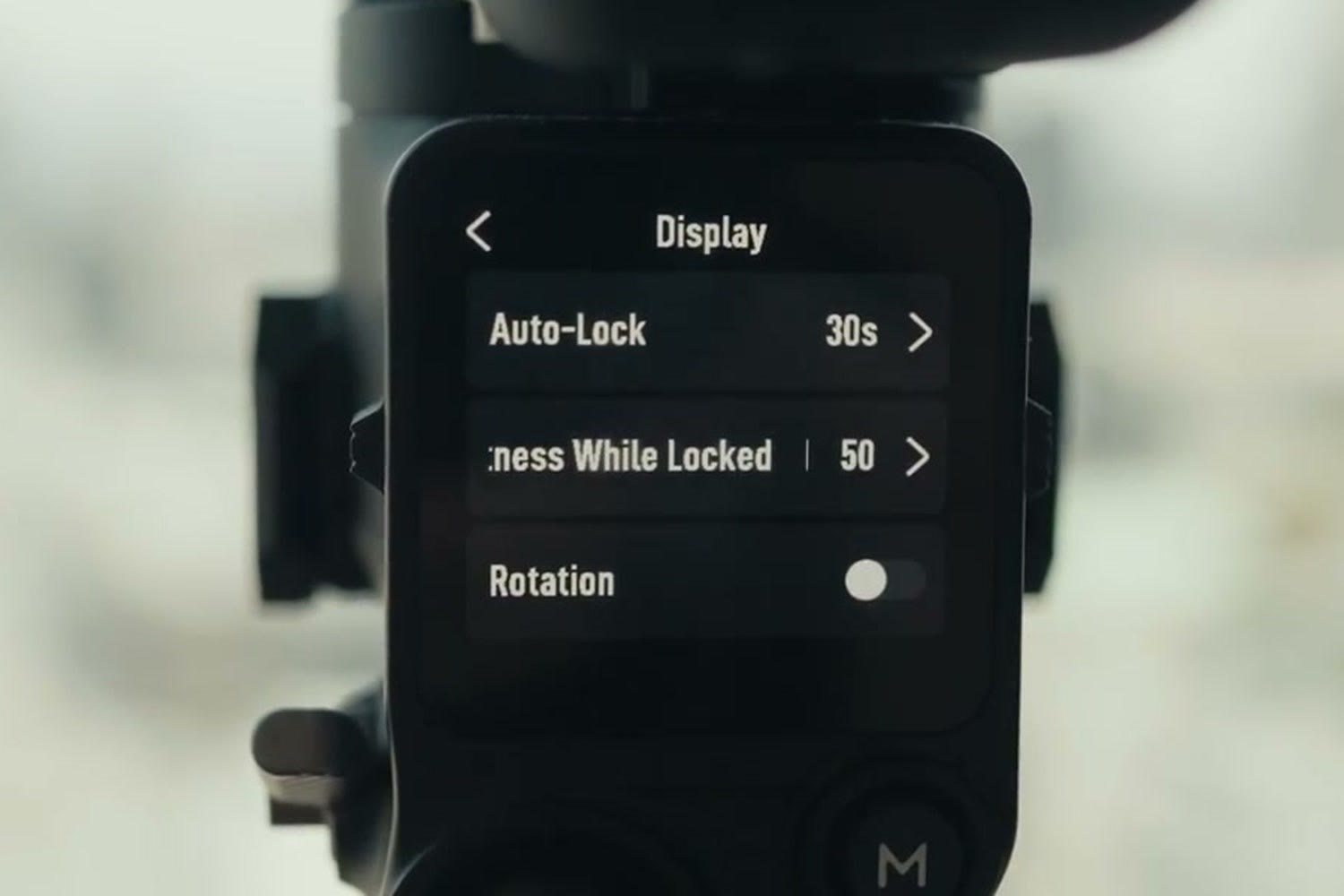
With my RS3 Mini, which I love, don’t get me wrong, I’ve lost track of the number of times over the last year where I’ve accidentally brushed the screen or bumped it and suddenly completely changed my settings. It’ll be deep in the menus and I’m like, how did I brush it so much to get so deep in there? Dang it. So this auto locking screen is such a nice little feature to have. Of course you can also disable it and always have the screen usable if you need to.
Accessories And The Ronin Ecosystem
Last but not least, and this mostly applies to the RS3 Pro as well, with the Ronin series being such a mature platform for DJI there are just so many additional accessories and tools you can use in combination with the RS4 Pro to kit it out.
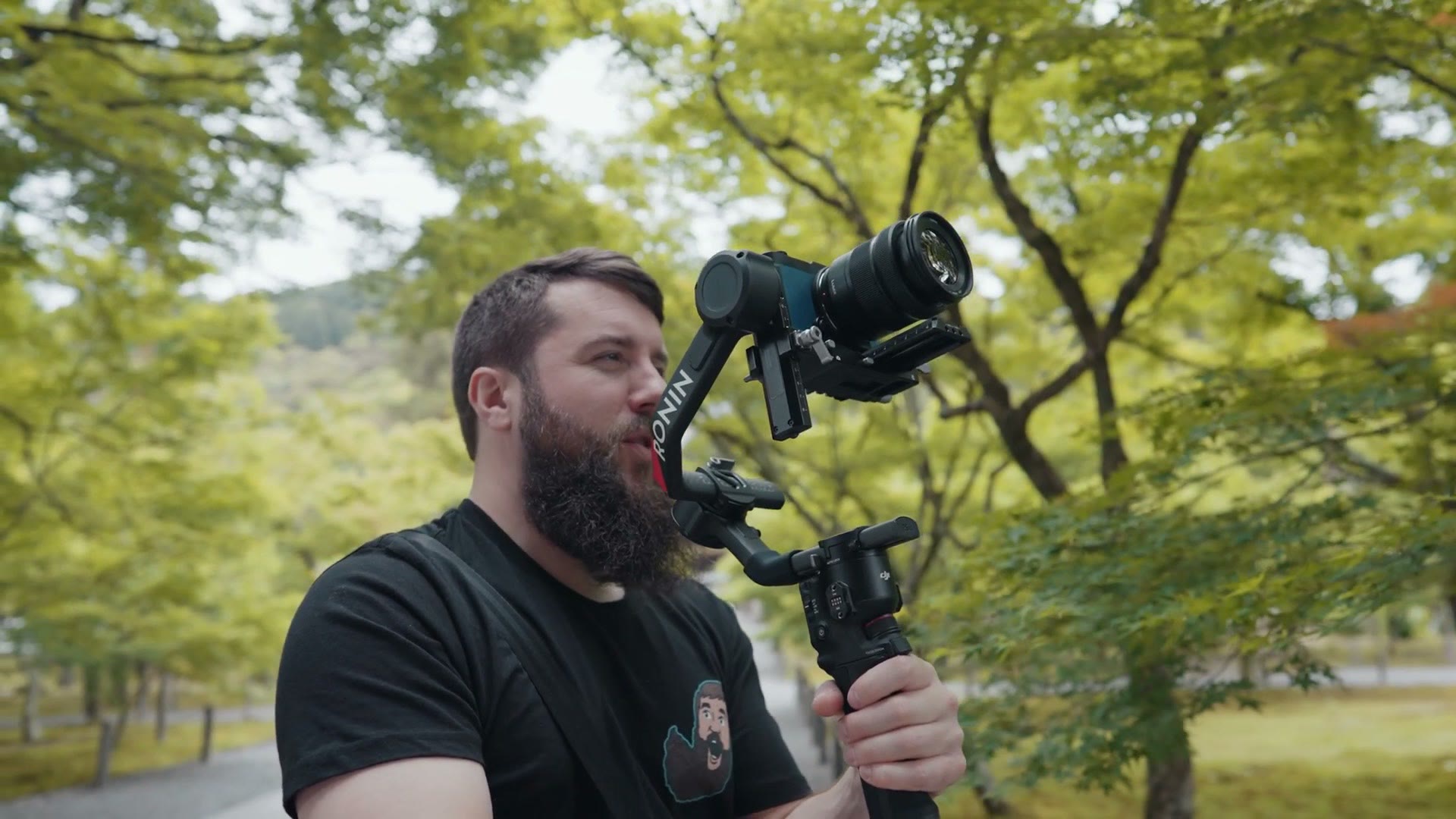
To be clear, I’m someone who prefers to film as lightweight as possible, which is one reason I really do love the RS3 Mini. But if you want more, the RS4 Pro is compatible with a huge array of accessories, like an updated LiDAR focus controller, which I haven’t used yet but which will give you autofocus on vintage and anamorphic lenses, which is an incredible feature to have. The gimbal can track you. It’s also compatible with two motors, so you can use one for autofocus and another for zooming your lenses. There are just a ton of features and accessories here.
So Should You Buy It?
Here’s my overall take. Gimbals as a whole, especially with DJI, are a relatively mature product segment. We’re not going to see any crazy changes, and pretty much any gimbal you buy these days is capable of keeping a camera stabilized and giving you smooth footage. So any updates you see are really more about refinement and comfort.
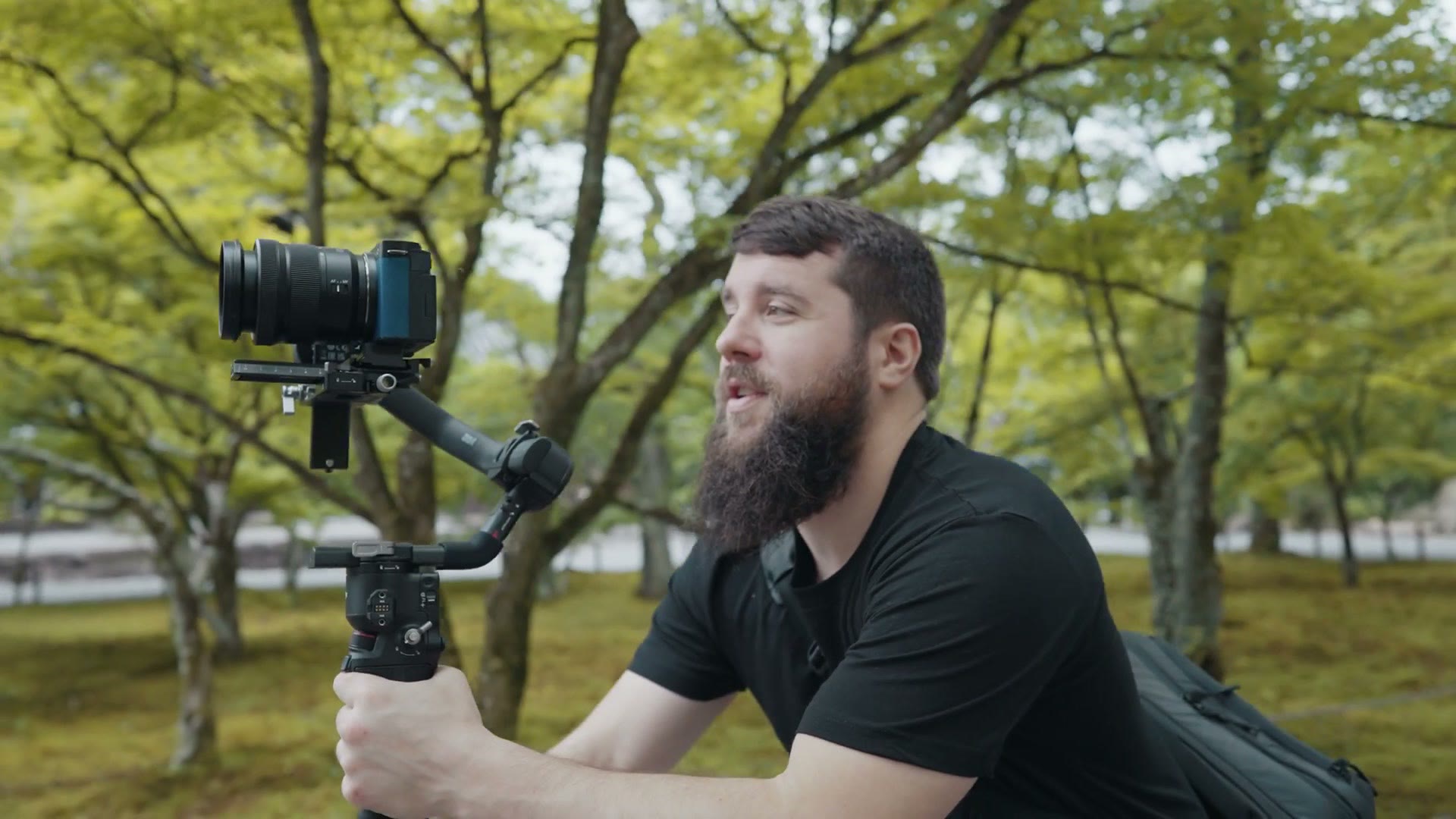
My recommendation is that if you think you’ll benefit from being able to switch super quickly between horizontal and vertical, then the RS4 Pro is a no brainer. But should you upgrade if you already have an RS3 Pro? I don’t think so. The RS4 Pro is an incremental evolution and not a dramatic rethinking of the Ronin platform. And that’s fine. Filmmakers love the RS3 Pro, so why would DJI change it if it’s already something filmmakers love?
So you’ve got three options. If you want the latest and greatest gimbal and you film a ton of vertical video, get the RS4 Pro at B&H or at Amazon. If you don’t film as much vertical and you want to save some money, get the RS3 Pro. And if you want to save the most money and still get a really capable gimbal that can also film vertical, although it’s nowhere near as fast to transform between horizontal and vertical, get the RS3 Mini.
Thanks so much for reading, and have a great day!