
Premiere Pro versus DaVinci Resolve. Here are five reasons that Premiere Pro is better than DaVinci Resolve, and you’re really going to want to stick around for number five, because it’s a spicy hot take.
And before anybody starts typing, yes, I know I’m the guy who uses Resolve. I have a whole other video making the exact opposite argument, and I’ll link to it at the bottom of this post. But these five things are real, and if you edit in Resolve every day like I do, you have absolutely run into all of them.

A Truly Customizable Interface
Unlike DaVinci Resolve, Premiere Pro has a truly customizable interface. If you want to set up your panels in literally any orientation, Premiere Pro lets you do that out of the box. Adobe gives you presets for how these panels can be laid out, but you can also just click and drag them wherever you want.

So if you don’t want your video preview in the top right, you can move it to the top left, or the bottom left, and it doesn’t matter, because Premiere gives you an insane amount of control over how you orient your panels, and you can even unlock them and have them floating on a second screen if you wanted to. You have a ton of customizability there.

Resolve, on the other hand, only lets you toggle panels off and on, and you cannot move them around. So from a customizability standpoint, which is something professional editors really appreciate, Premiere Pro wins.
Adobe Media Encoder

The second reason Premiere is better than DaVinci Resolve all comes down to a little program that Adobe requires you to install whenever you install Premiere, and that program is called Adobe Media Encoder.
One of my biggest personal annoyances about Resolve is that whenever you queue up a video, or multiple videos, to render and export, you are stuck waiting for all of those videos to finish, and you can’t do any more editing in Resolve until the export is done.
That doesn’t happen with Premiere Pro, because Adobe Media Encoder is a completely separate program. You can send any video file you want to export over to Media Encoder, your computer will use that program to render it, and you are left free to keep editing the same project, or open up a totally different project. It doesn’t matter.

This can be a huge productivity boost, and I’m really hoping that at some point Resolve updates their software to let you keep editing while a video is rendering.
A Simpler Project Workflow

Reason three that Premiere Pro is better than DaVinci Resolve is that it has a much easier and simpler workflow for how projects are saved and moved between computers. This relates to the core way that both of these editing softwares work, with Premiere Pro using a simple .prproj project file to store your edited video.
This is very similar to using a .doc file to store a Microsoft Word document, or a .xls file to store an Excel spreadsheet. In essence, if you have this .prproj file, you can edit your video, and if you want to move your project to another computer or send it to someone else, that is as simple as copying and pasting this one file onto a hard drive, or sending it to somebody over Dropbox.

This system that Premiere Pro uses is very traditional, and if you have ever used a computer before, it’s pretty easy to understand.
DaVinci Resolve, on the other hand, uses a database system to store all of your edits, which has plenty of benefits, don’t get me wrong. But if you want to transfer your project from one computer to another, it is a bit more work, and you also have to think about things like backing up your database from time to time, which is something you never really need to think about with Premiere Pro.

More Plugins
Reason four that Premiere Pro is better than DaVinci Resolve is that it has been around longer, and there is support for more plugins. This is an area where I’m happy to say Resolve is starting to catch up, but for a long time Premiere Pro has been known as a software that’s easy to create plugins for.
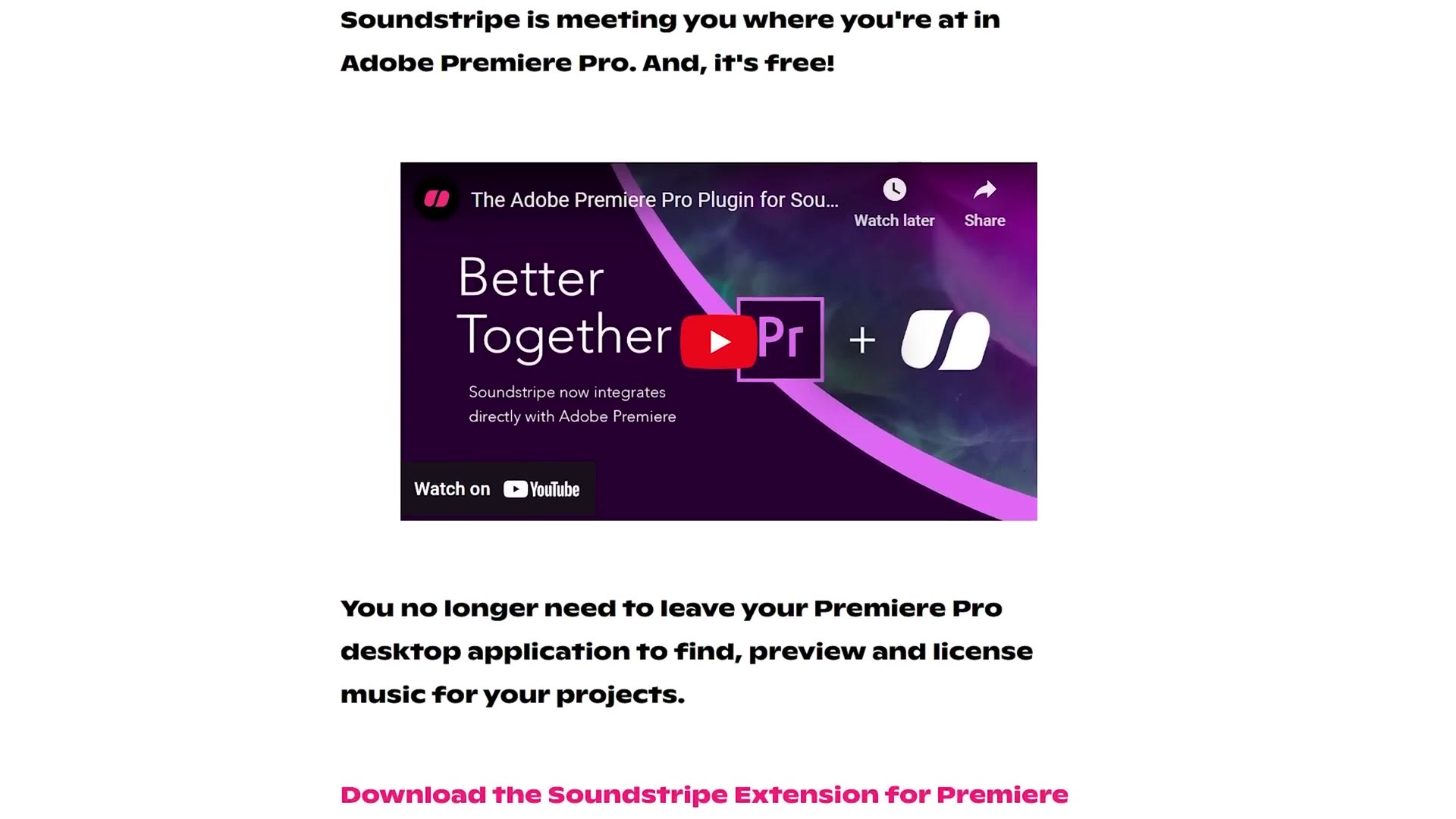
So whenever you see a company like Soundstripe offer a licensing plugin for video editing software that lets you download songs directly into your edit, who did they first create a plugin for? Premiere Pro.
Likewise, there’s a very popular plugin that made waves in 2023 called AutoPod that will edit your podcasts, and even your full wedding ceremonies, and I made a whole tutorial about it. Which editing platform did AutoPod first make a plugin for? Premiere Pro.
If you want to go deeper, I’ve also got 3 Reasons Why You NEED A NAS For Video Editing!.

It’s simple. If you want more plugins, the odds are they’re going to be on Premiere Pro. But like I said, I am thankful that it’s looking like Resolve is starting to catch up here.
Easier Color Grading

Lastly, we have made it to reason five, and I promised you a spicy hot take, so here it is.
DaVinci Resolve is known for having the best color grading tools, because it got its start as a professional color grading software that eventually turned into an editing software. But I would argue that while DaVinci Resolve has more professional color grading tools, Premiere Pro has more user friendly color grading tools, and they’re better for quick fixes, especially if you are a beginner video editor.
Hear me out.
If you want to color grade a video clip in Premiere Pro, the first thing you see is a super basic color grading panel with sliders pulled directly out of Adobe Lightroom, because so many filmmakers got their start as photographers and this is a very familiar interface. Changing your brightness, your contrast, and your color temperature are all a simple click and drag away.

And for most people, that is all they need to color correct and color grade their video. This setup is not intimidating at all.
Open up Resolve on the other hand, and while you have vastly more control, there are no easy to use, in your face sliders in sight. No, you get to learn an entirely new interface that looks different from any other editing interface you have ever used. Pull up a chair, kids, because it’s time to talk about nodes.

Let me put it this way. Once you take the time to learn the color page in DaVinci Resolve, you will be a wizard who can do basically anything with the colors in your videos, and I absolutely love it as a professional. But it is overkill for a lot of people, and that is why the simpler, easier to use color grading interface in Premiere Pro is better.
Upset? Watch My Video About Why DaVinci Resolve Is Better
You can fight about this take in the comments down below. And if you’re still mad and upset, remember that I have another entire video that is literally the mirror image of this one, where I share five reasons that DaVinci Resolve is better than Premiere Pro. And I’ve got to tell you, if you thought I had some hot takes in this one, you ain’t seen nothing yet.
While you’re here, grab my free guide called Edit Videos Like A Pro. It covers some of the biggest things that took me years to learn as a video editor, and it does not matter whether you use Premiere Pro or Resolve, because everything I teach in that guide applies to you either way. It’s completely free.
Thanks so much for reading, and have a great day!