
A while back I made a video about a cheap and easy hard drive backup system for video editors, where I recommended that you purchase an external SSD to edit from quickly, plus external hard drives for long term storage of your video files.
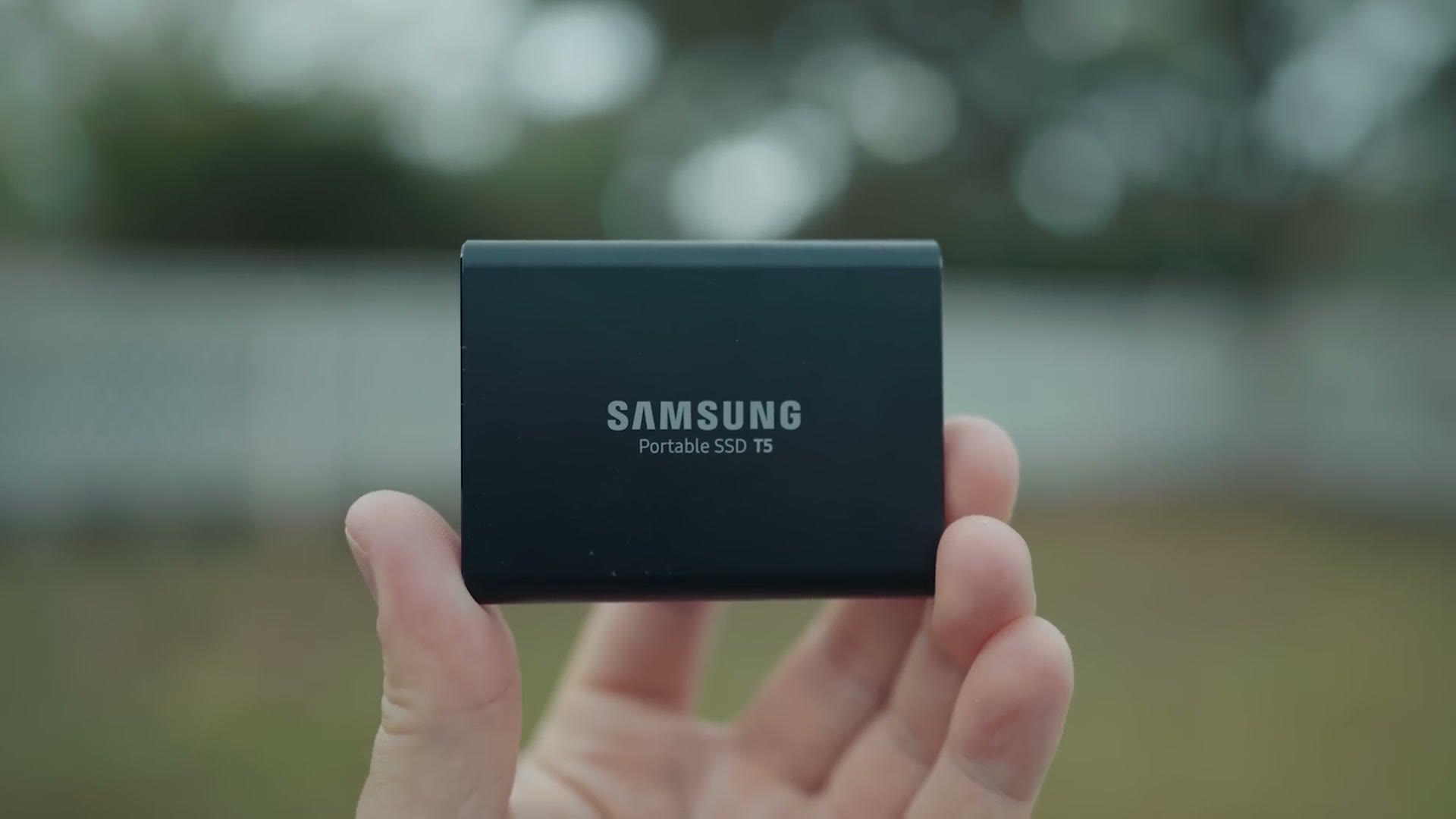
A lot of people liked that video, but I also got a ton of comments in the days and weeks and months after I posted it asking me, Matt, what about network attached storage? What about a NAS? What about a RAID array? What about a bunch of hard drives all synced up together, storing files you can access quickly on your home network?
Thankfully QNAP, a company that specializes in making network attached storage for video editors, reached out and said hey, we would love to sponsor a video. So this post is sponsored by QNAP, and in it I want to tell you about the NAS they sent me that should work great for you as a video editor, plus three reasons why you should consider buying one.
The QNAP NAS I Use
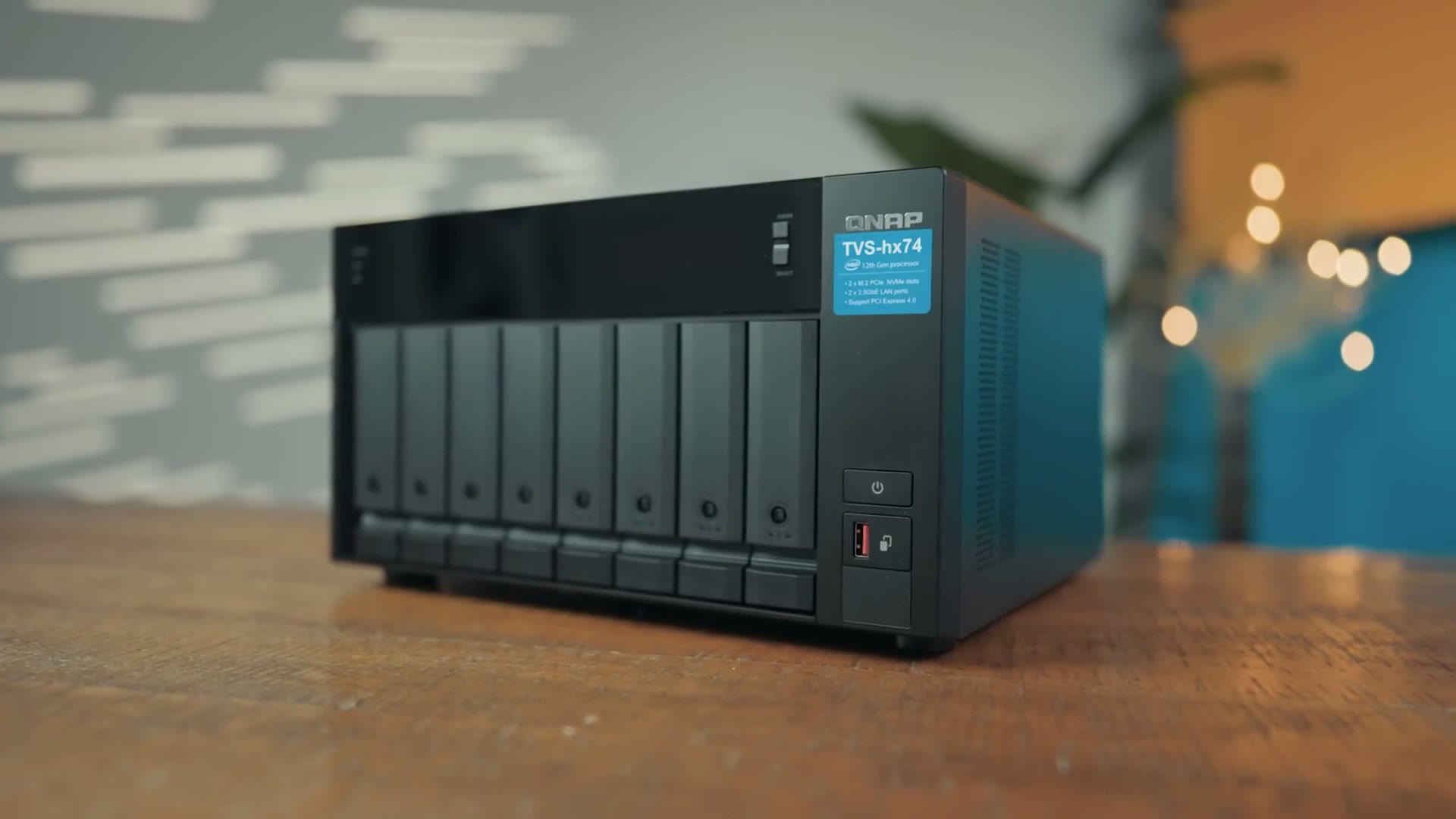
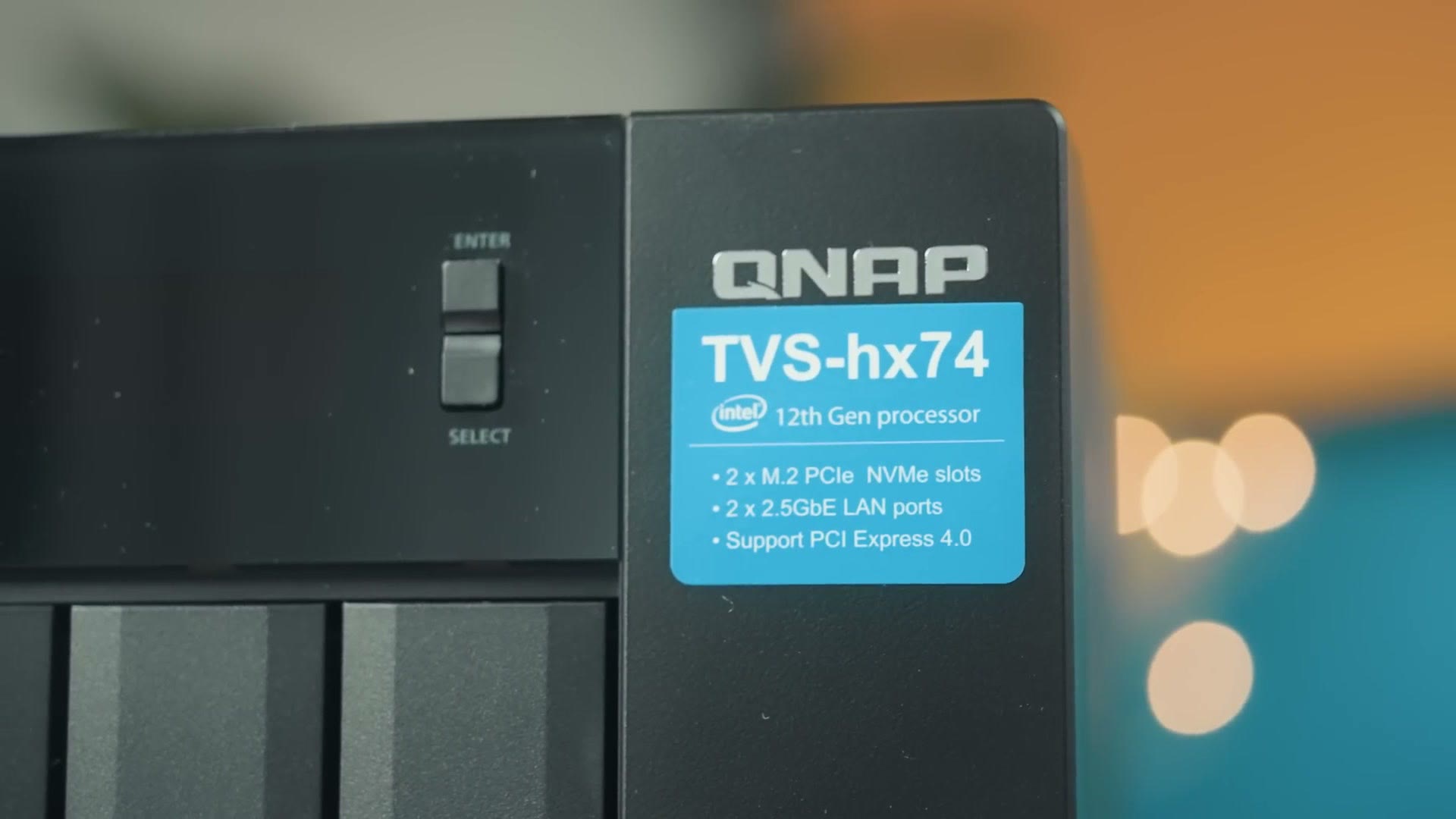
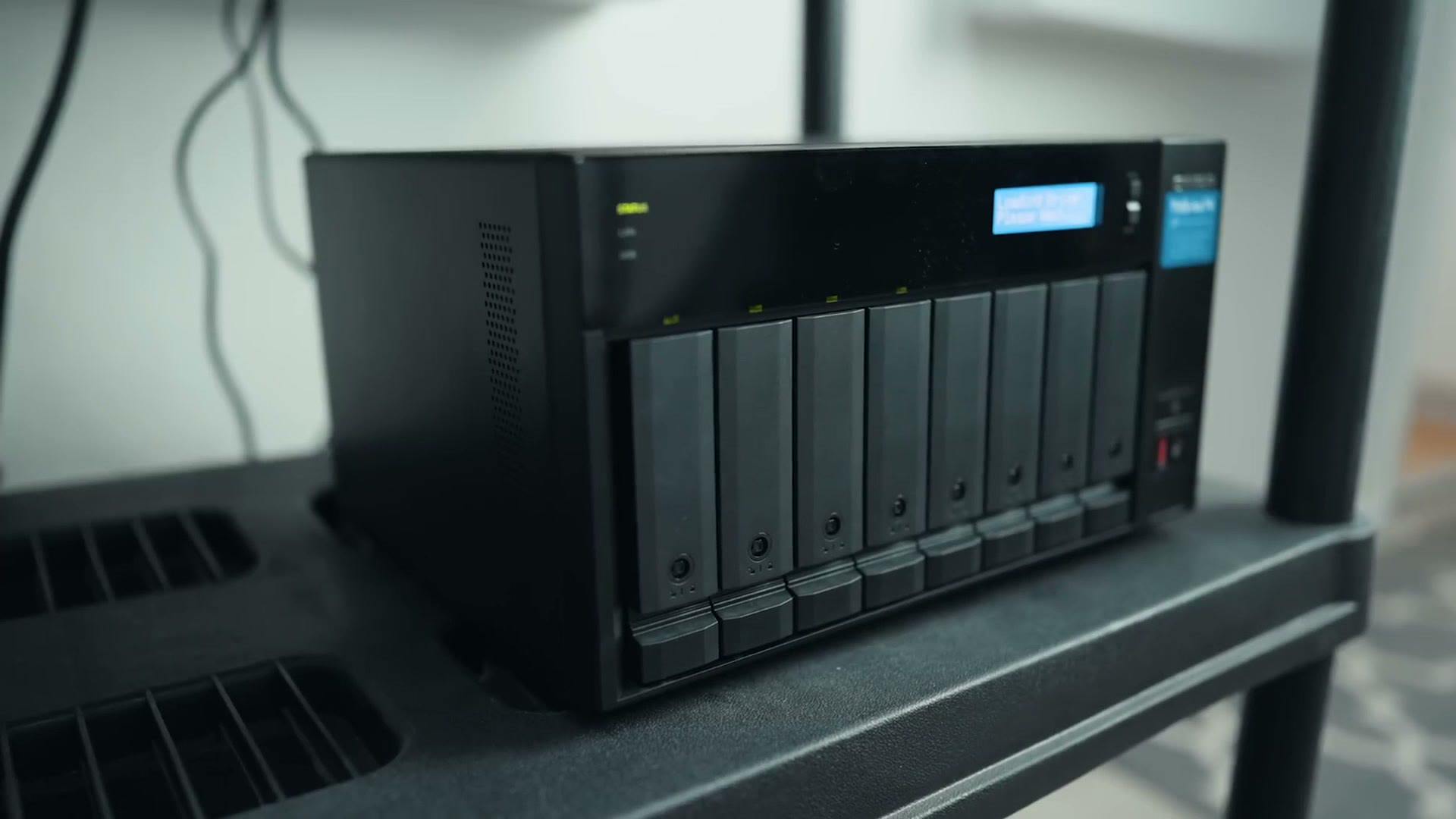
This is the new QNAP TVS-h874, which is capable of holding up to eight hard drives, which means it can hold up to 176 terabytes of data at the time of writing this. Which is kind of nuts. And it could store even more once bigger hard drives come out. Wow.
In this case I did not go with that much space, but Western Digital was kind enough to send along some hard drives to use in it, and they sent over four of their four terabyte Red Plus drives, which are purpose built for use in a NAS, meaning they are built to run 24/7 nonstop.
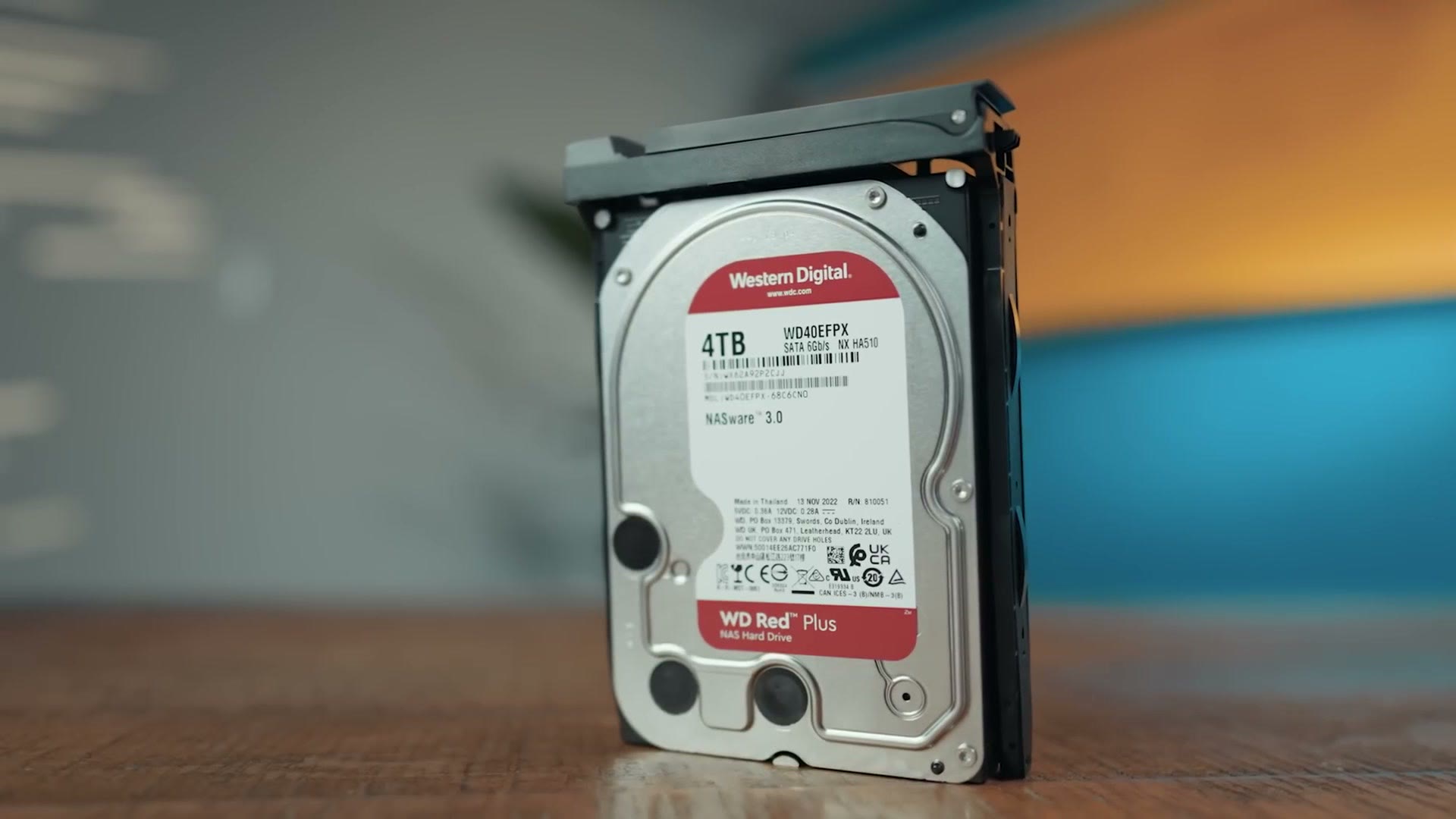
I have pretty much exclusively used Western Digital drives for over a decade now, and I find them to be incredibly reliable, and they are my go to choice and recommendation for video editing.
You can get a QNAP NAS here, and you can get the Western Digital Red Plus drives here.
The 10Gig Upgrade
The reason I was really happy to work with QNAP is that their NASes, and yes, NASes, that is the word we are going with, are made to let you transfer and play back video files as quickly as possible.
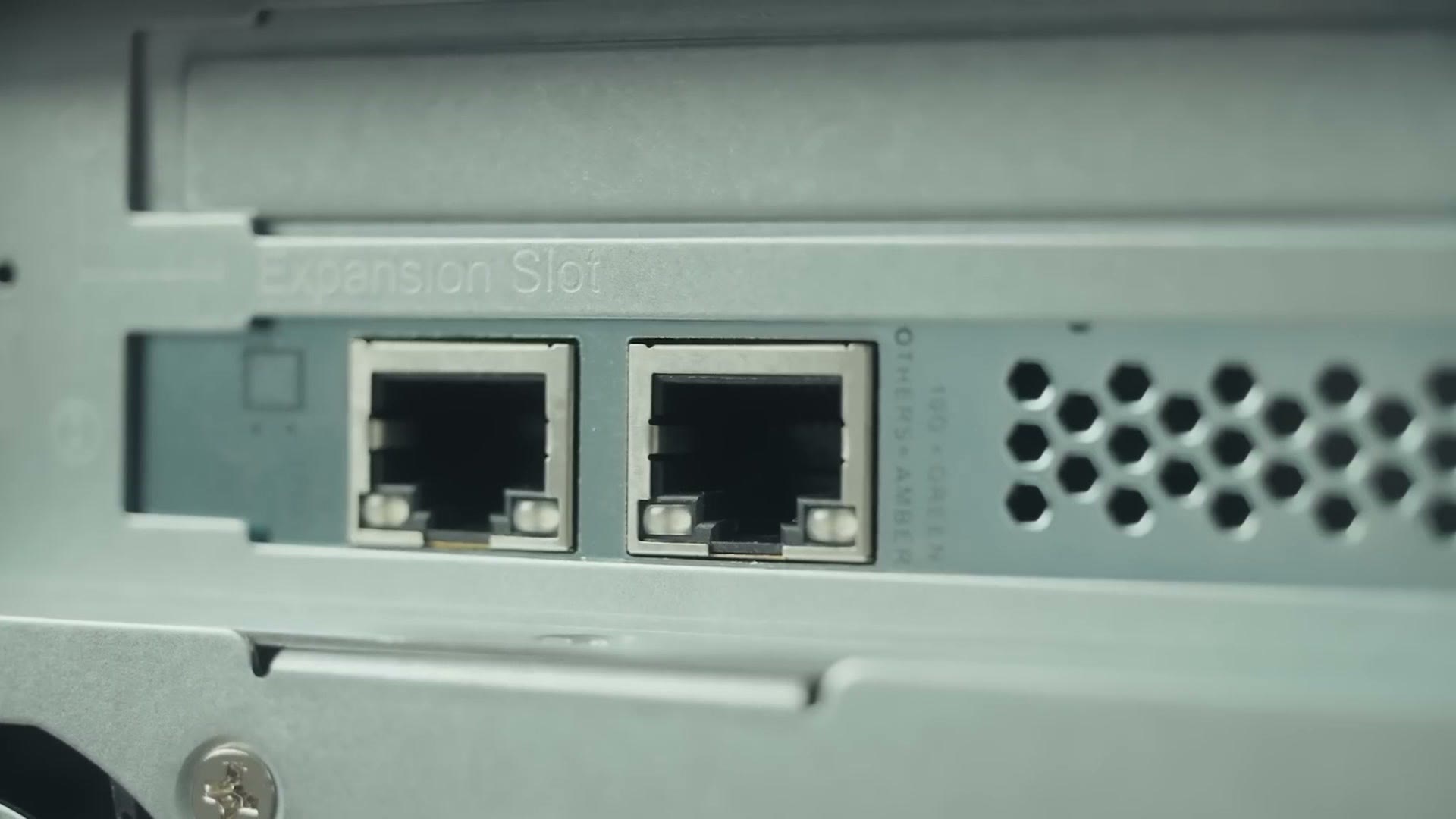
This one comes out of the box with two 2.5 gigabit Ethernet ports for fast transfers over a Cat5e or Cat6 cable. But what was really intriguing to me is that I also had the option to expand the speed by installing a ten gigabit Ethernet card, which I happily did, along with investing in some Cat6 cable.
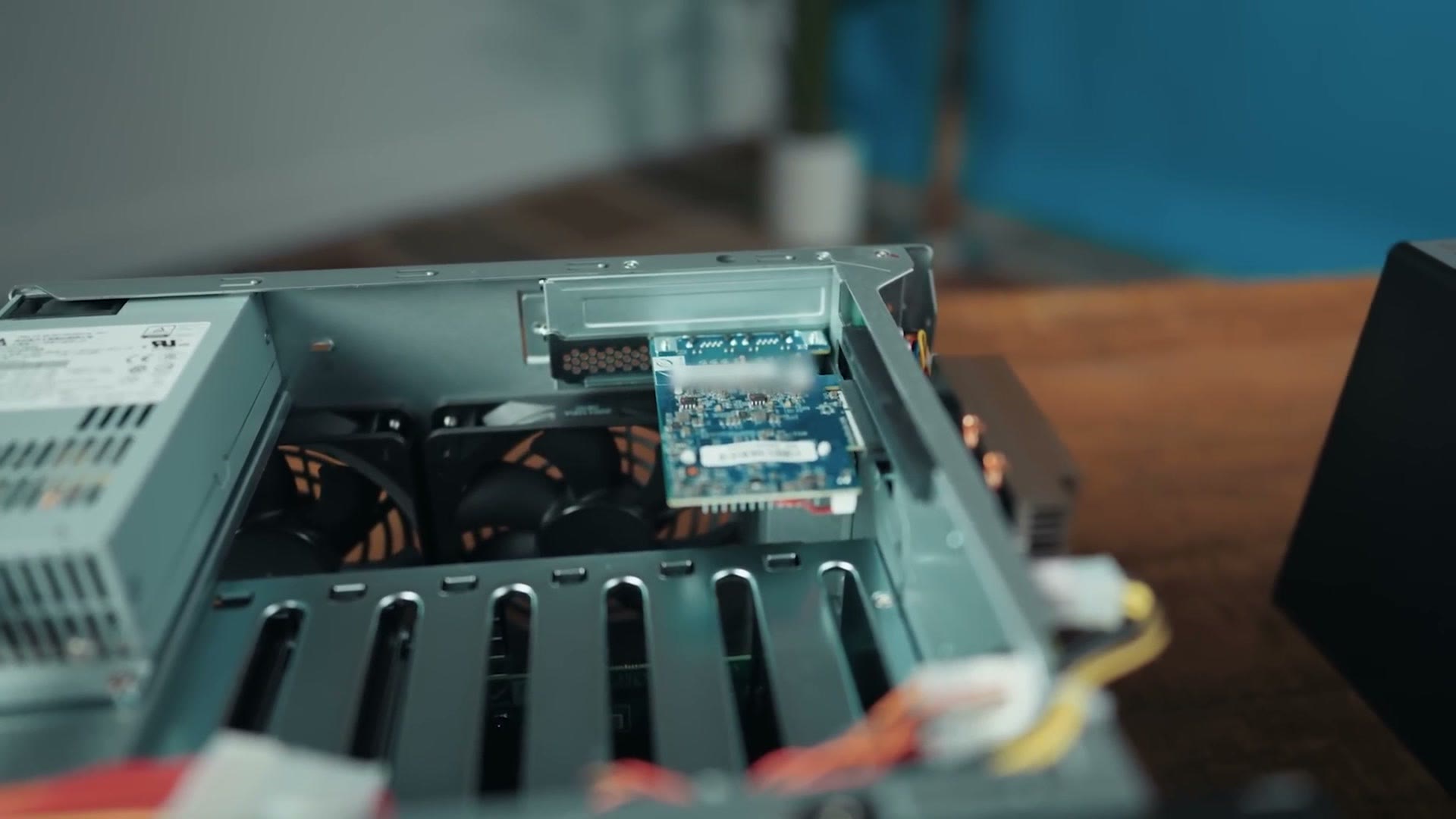
It was super easy. Unscrew the three screws on the back, slide off the cover, drop the new ten gig networking card into the slot at the top, and screw it back in. It took about two minutes to get a dramatically faster network connection.
The reason I wanted to go ten gig is that I wanted to put the NAS out in my studio, because the last thing I need is one more thing on the desk in my office. And I did not really have the option of putting it under my desk, because I have children, and bright flashing lights draw them like moths to a flame, and I do not want them messing with this thing. Thankfully this NAS does come with hard drive locks, which will help keep my kids from pulling the drives out if they do manage to find it.
I do want you to know that if you want your NAS closer to you, QNAP makes other storage options that support Thunderbolt, which are incredibly fast as well, so that is an option out there for you too.
All in all I got this thing up and running in an afternoon, and I now have access to 7.15 terabytes of storage that is not only backed up across redundant hard drives inside the NAS, but is also accessible so quickly that playback of 4K video files while editing is essentially instantaneous.
Reason 1: An Expandable Pool Of Storage
A NAS gives you access to an expandable pool of storage that can grow dramatically larger than a single hard drive ever could. And if you film weddings or YouTube videos like me, I am sure you know how quickly you can run out of space.
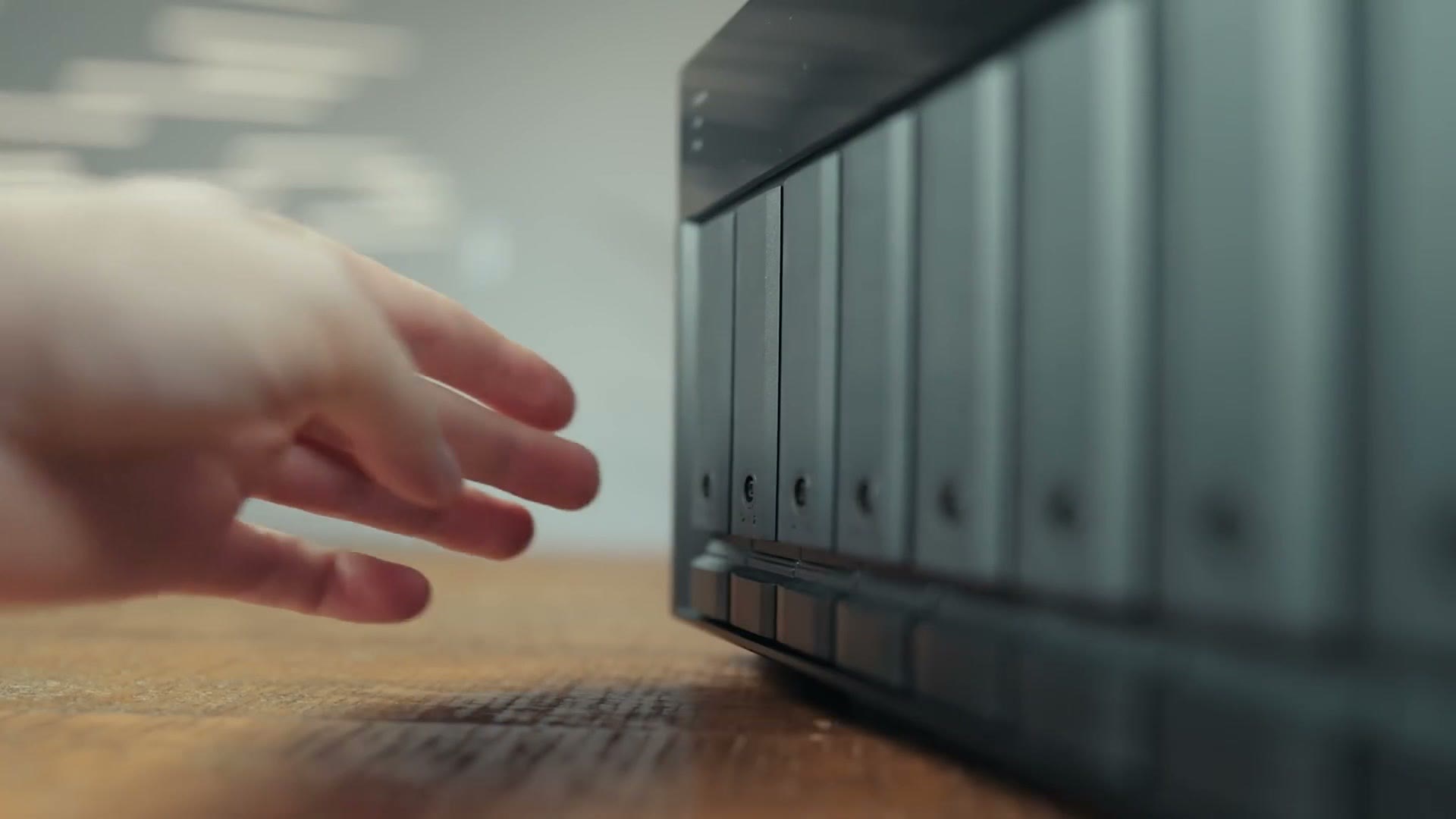
Right now this thing only has four four terabyte drives in it, but I have four more empty bays, and on top of that I can swap all of these drives out for even larger ones later whenever I want to upgrade.
The other reason I was really interested in a NAS is that I wanted easy access to my most commonly used files. Whenever I am editing a YouTube video I oftentimes find myself needing older rendered videos and effects, and in the case of wedding films and client work I need to get back to the older wedding films I have made. You may have a client lose their copy of a film you made for them and inevitably need you to send them a link to the rendered video again, and instead of digging back through piles of old hard drives trying to find which one has the right video on it, a NAS gives you plenty of room to store all of those older files for quick, easy, searchable access whenever you need them.
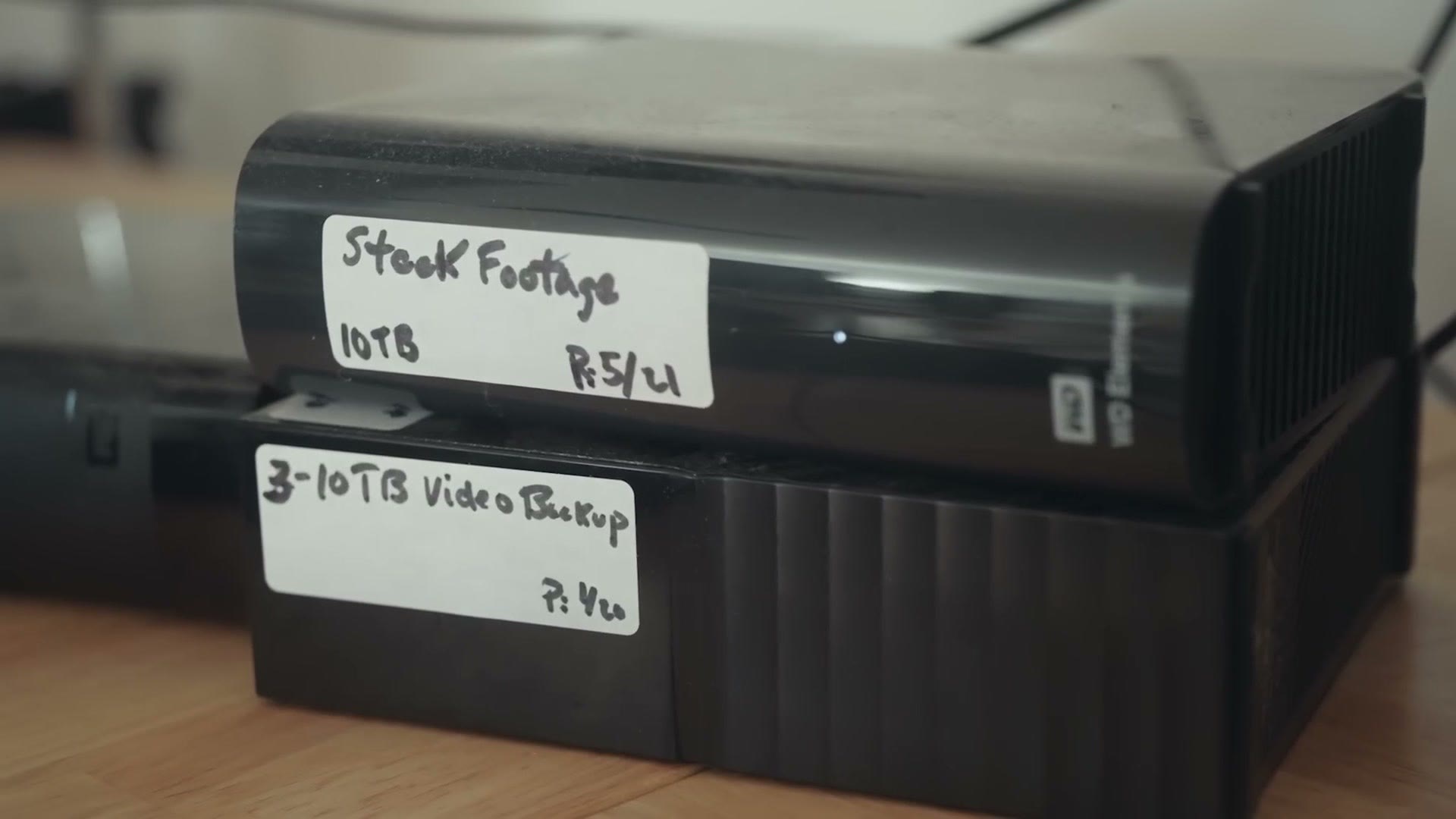
For context, I currently have six hard drives sitting on my desk right now because I keep needing to get at this older data. But with this setup my desk is about to be dramatically cleaner, and I will even have room for more snacks on it. Which is important. I love snacks.
Reason 2: Faster Video Editing
This one may be a bit obvious but I have to say it: a NAS is going to give you faster video editing regardless of the size of your project. Cameras these days are only moving toward higher resolutions with larger file sizes, and no matter what you are filming, the odds are you are going to need dramatically more space than you ever did before.
While you’re here, take a look at DaVinci Resolve Vs Premiere Pro: 5 Reasons Resolve Is BETTER and Premiere Pro Vs DaVinci Resolve: 5 Reasons Premiere Is BETTER.
Heck, I can remember when I started filming weddings in good old high definition, where even with three cameras it was really hard for me to exceed 200 gigabytes total on a wedding day. Man, those were the days. Because here in the age of 4K and higher, I have multi-day wedding projects that typically reach one to two terabytes in size, and I know the odds are they will just keep getting larger. Oh, and if you film raw video with a Blackmagic camera, I am sure you are looking at me thinking that only one to two terabytes is a small project. That’s great.
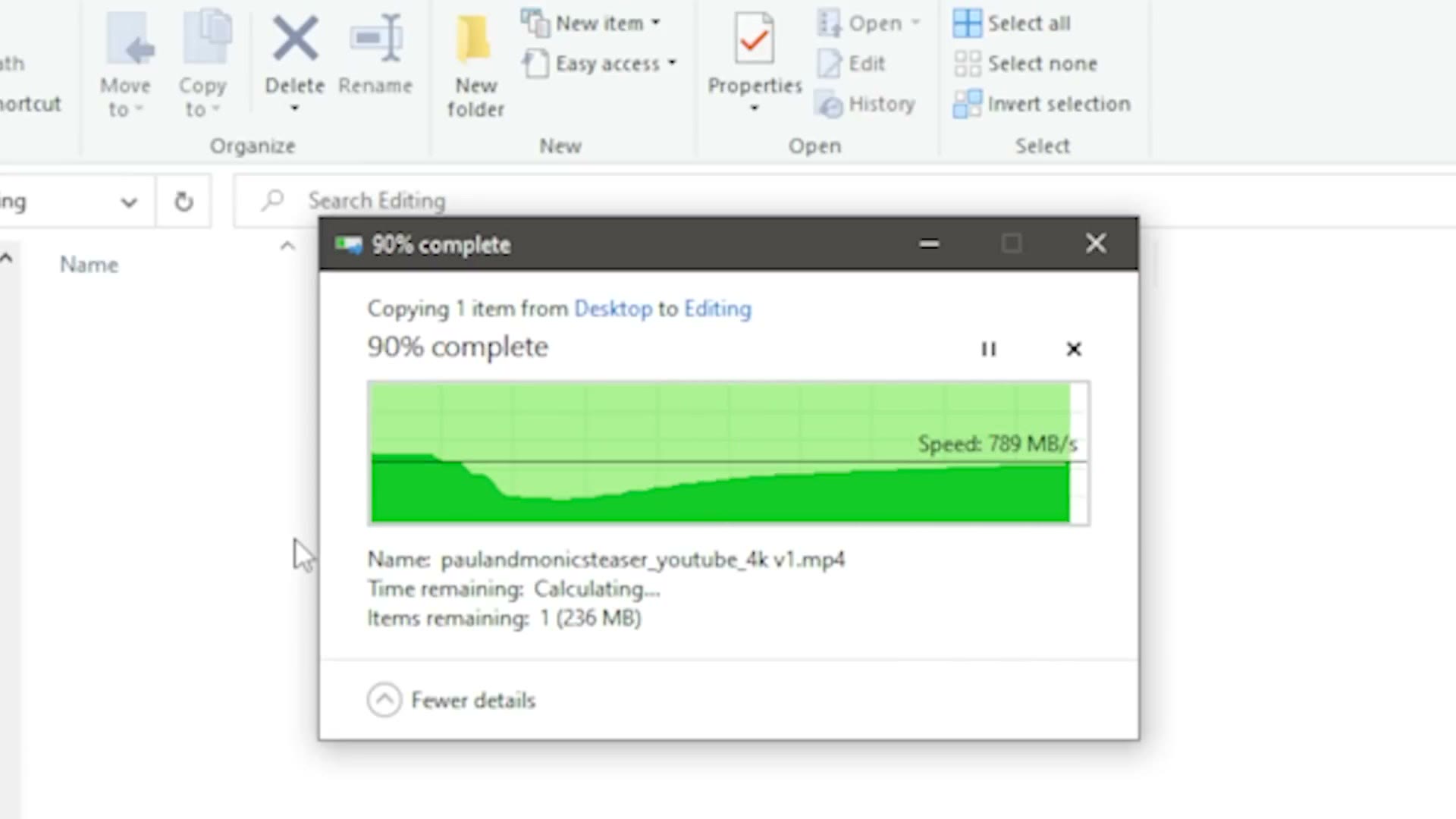
In my previous video about editing and storage I recommended you edit from an external SSD, and I still think that is a great way of doing things if you have a smaller project. But as file sizes keep getting larger, SSDs are still significantly more expensive than traditional spinning hard drives while also being far more limited in how much storage they can offer. The alternative is a NAS, which gives you SSD-like speeds with massively more space than an SSD could only dream of. A NAS just makes sense if you are commonly editing multiple terabyte projects that you need to access quickly.
With this one in particular, it also supports the installation of two NVMe SSDs for caching, which can make for even faster performance, and that is an upgrade I am definitely looking to make in the future.
Reason 3: Redundancy
I will be the first to tell you that using a RAID array like the one you will find in a NAS should not be your only backup, to be clear. I still want you to have your critical client files backed up to other hard drives that are not in your NAS.
But regardless, using a NAS gives you more redundancy, because all of your files are stored in multiple places across all of the hard drives in it. So unlike editing from a single external SSD, where if it fails you had better hope you have a recent backup of your project and video files, which has happened to me before, with a NAS, if one of your drives fails all you have to do is swap out the drive and you still have all of your files. It is a much quicker fix with much less chance of disaster.
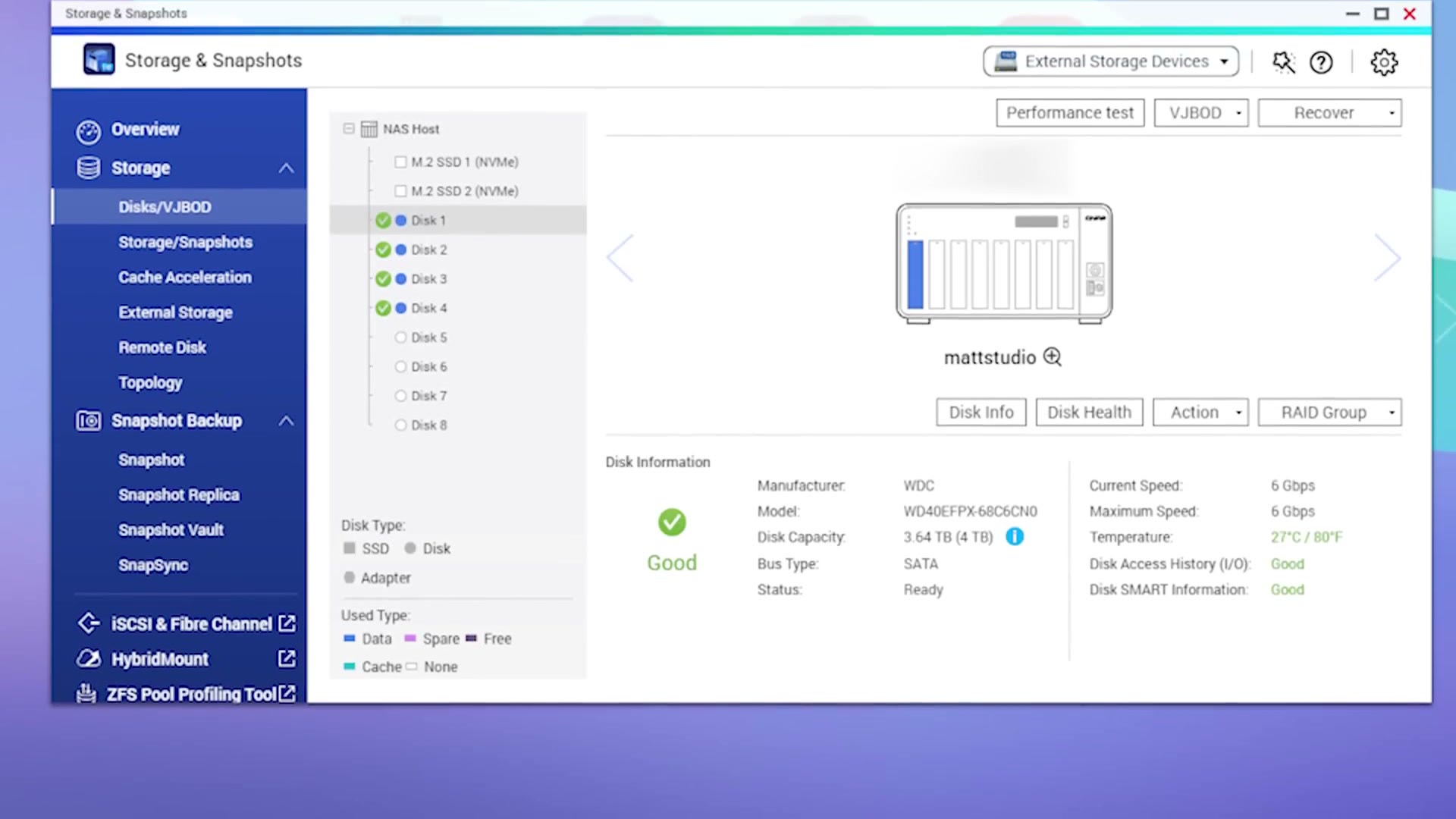
Side note, I also love that QNAP gives you so much information about the state of the hard drives inside, where you can see things like their temperature and health and generally just make sure everything is running properly and smoothly. It is really cool and it helps keep me from stressing.
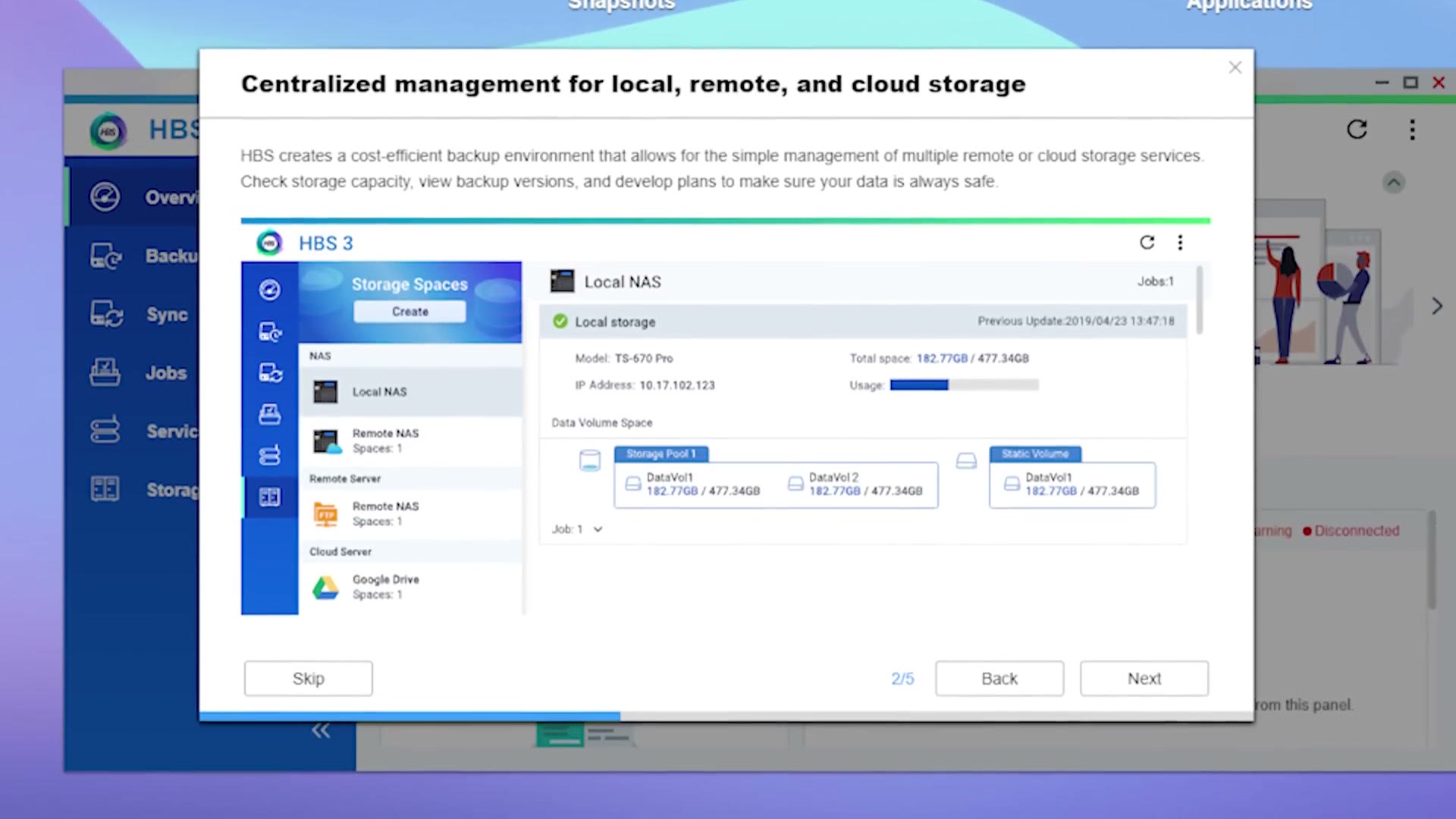
Back to redundancy and backups though, another great feature of this NAS is that it offers something called Hybrid Backup Sync, which basically lets you back up to not only another NAS or other hard drives, but also to different offsite cloud services, including ones I recommend like Backblaze and Dropbox. I always recommend storing at least two copies of your video files and projects on site as well as one offsite in the cloud, and with a NAS this makes backing up your files even easier.
Should You Buy One?
That is three reasons why you should definitely consider purchasing a NAS like this QNAP TVS-h874. I love saying that name. This is one of those tools that you buy and, as soon as you get it set up, you find yourself thinking, dang, why didn’t I buy one of these years ago?
You can get a QNAP NAS here, and the Western Digital Red Plus drives I am using are made for long term reliability in a NAS.
I have also put together a free guide called Edit Videos Like A Pro, which shows you the steps and techniques I use in my editing that took me years to learn, and I know it is going to be extremely helpful to you. It is completely free.
Thanks so much for reading, and have a great day!