
If you make videos, you need to make sure your footage is backed up in at least three places. Two local and one off site. Hard drives fail, files get lost, and I do not want that happening to you.
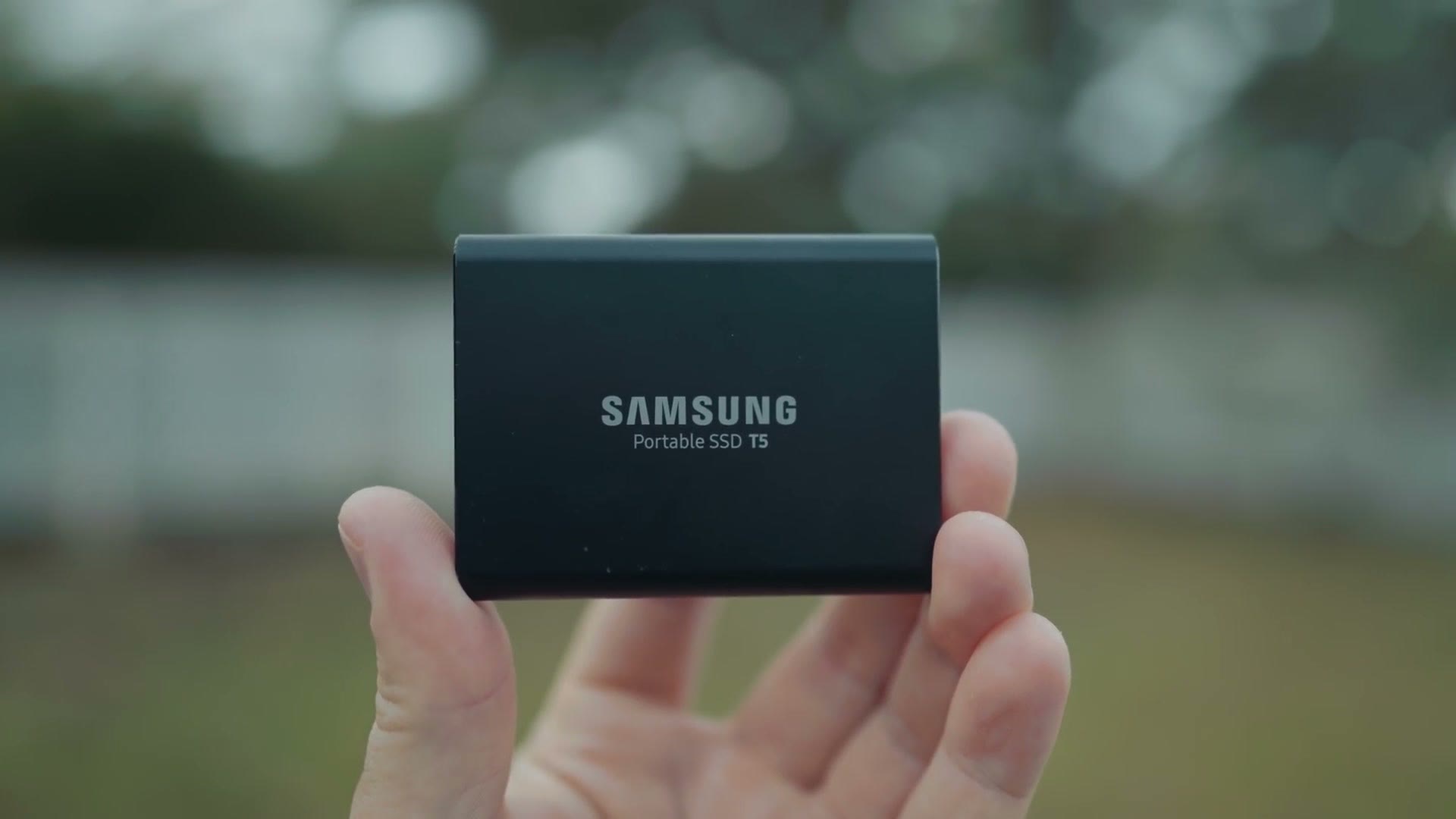
I recently covered my super simple backup system for on site backups, including how many hard drives you should buy and how to set them up. And while it’s great having your files backed up at home or in the office, that’s only one piece of the puzzle. Because what if disaster strikes and your house burns down, or someone breaks in and steals your computer along with all your drives? What then?
That’s where having an off site backup, with your files stored online where they’ll always be accessible, becomes so important.
Why I Stopped Recommending G Suite
If this sounds familiar, way back in 2018 I made a video about the best places to back up your videos online. So why am I doing it again?
Because at the end of that video I concluded that one of the best options, if you could afford it, was G Suite, Google’s all in one productivity tool that also happened to offer unlimited online storage.
Unfortunately, Google did what Google usually does and decided to get rid of something. They renamed G Suite to Google Workspace, and in the process removed unlimited storage unless you sign up for one of their enterprise plans, which are much more expensive. So the business plan I used to recommend now gets you five terabytes instead of unlimited. That sucks.
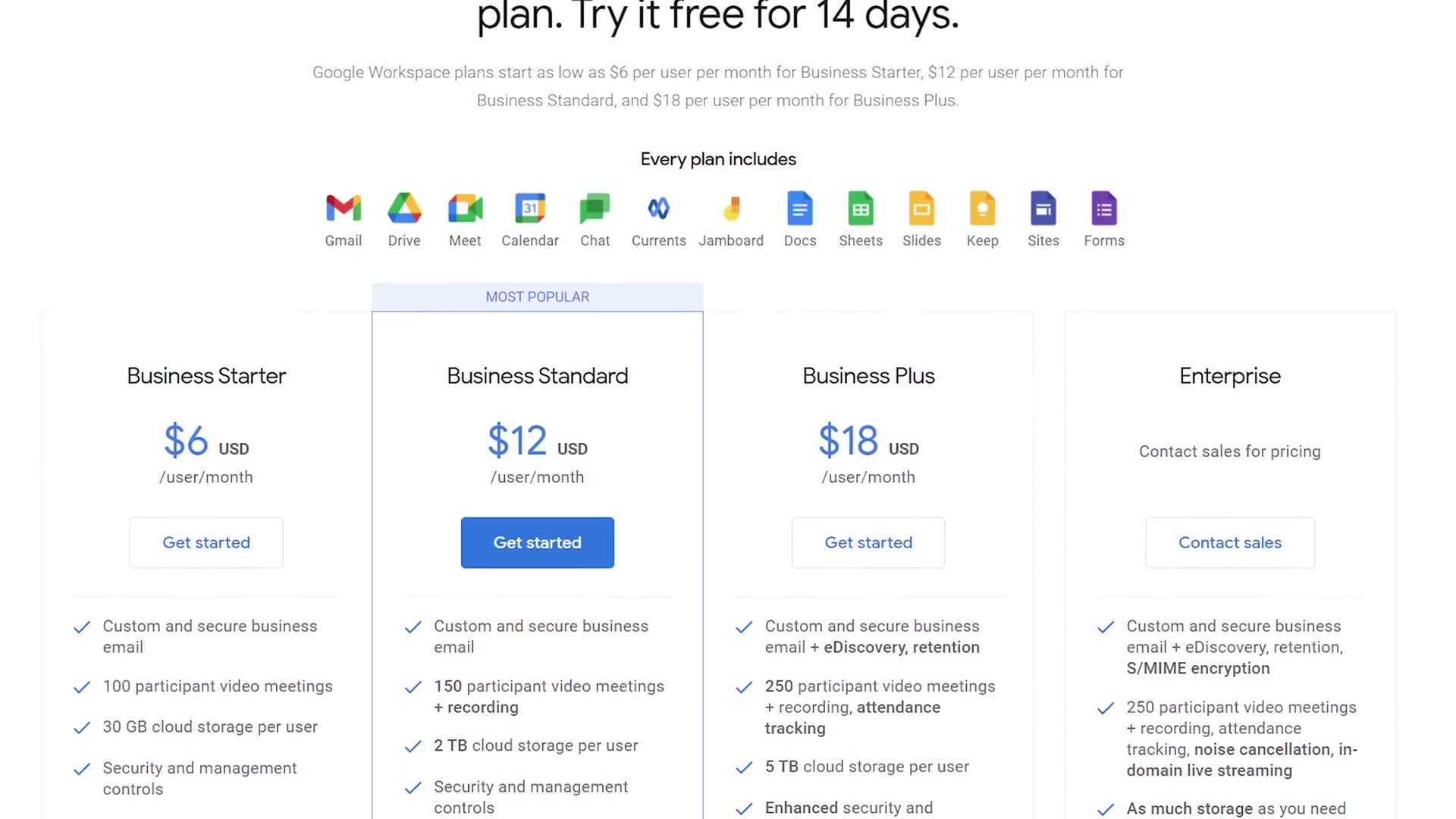
So think of this as an update, with new services I recommend for online backups. These offer unlimited storage, meaning they can handle even your massive 4K, 6K or 8K files.
As an aside, for the sake of ethics, I want you to know this isn’t paid or sponsored by any of these companies. None of them even know I’m making it. But at the time of writing I am an affiliate for Backblaze, so if you sign up through my link I may make a commission.
Budget Unlimited Online Backups Recommendation
If you’re on a budget and you need a quick, very affordable way to back up a ton of footage online, then just like in 2018 my main recommendation is Backblaze. It’s seven bucks a month and you get unlimited storage of any and all of your files.
What a deal, right? There’s got to be a catch.
Yes, there is. Backblaze ideally wants the hard drives you’re backing up to always be connected to your computer.
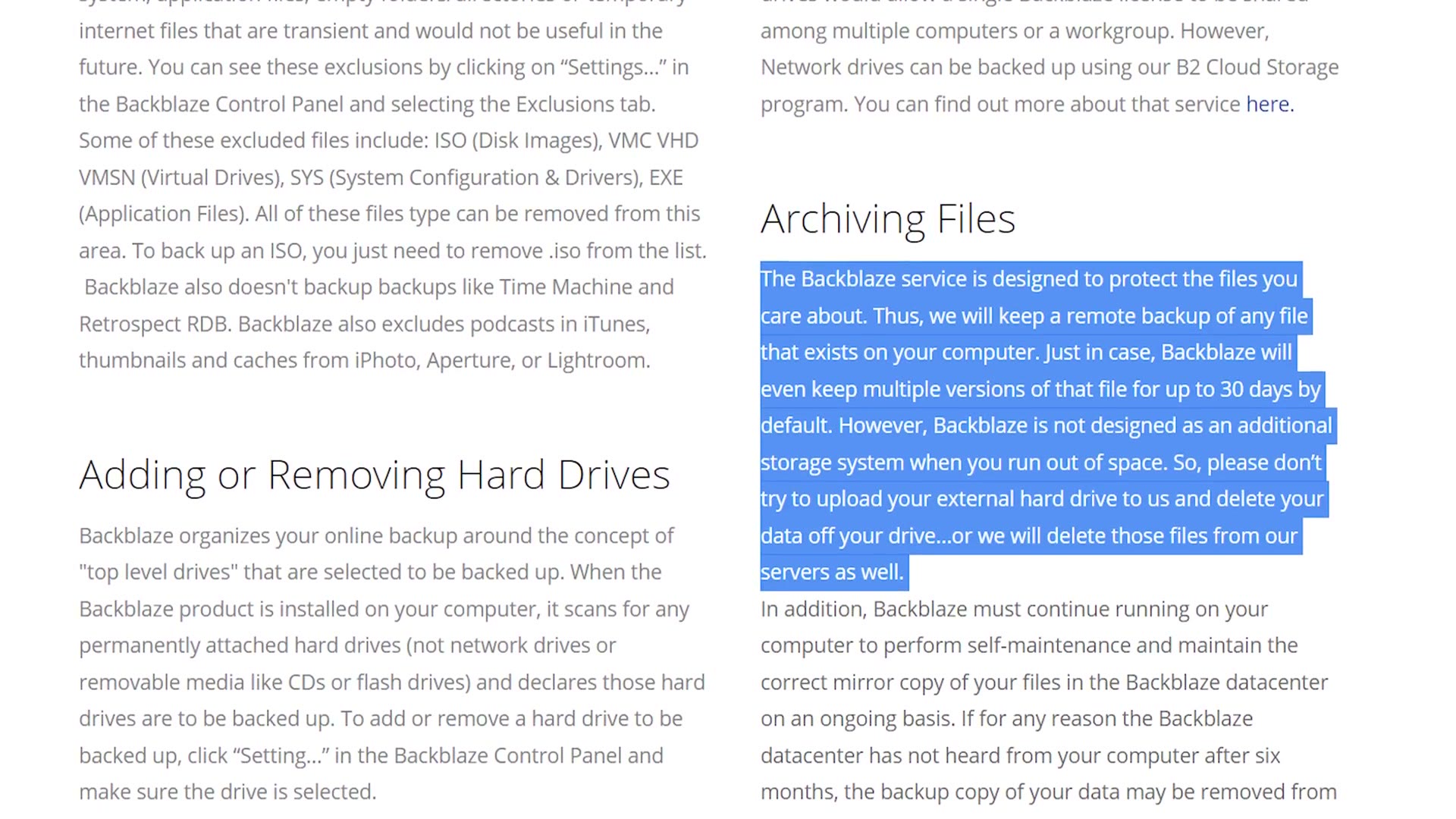
I realize that sounds ridiculous if you have a pile of external drives. Backblaze does give you a 30 day grace period, which basically means that if you have a lot of drives backed up, you need to plug each of them into your computer at least once every 30 days so Backblaze can register that you still have those files and keep them backed up.
That can be a bit of a pain. But if you’re backing up onto large external drives, which is what I recommend in my on site backup video, it should still be pretty easy, especially if you’re just getting started and don’t have a ton of files yet.
I put together The Best Online Backup Services For Filmmakers (Store UNLIMITED Footage For Cheap) as well, which covers the part I skipped over here.
Expensive But Less Hassle Option
But what if you do have a ton of files? What if you’re like me, with terabytes on terabytes of footage, looking for somewhere to keep it all online in case you ever need it back?
In that case my second recommendation is Dropbox Business Advanced at $20 per month per user. That doesn’t sound bad for unlimited backups, but read the fine print. If you want truly unlimited storage on Dropbox you need at least three users, which means you’re actually paying 60 bucks a month.
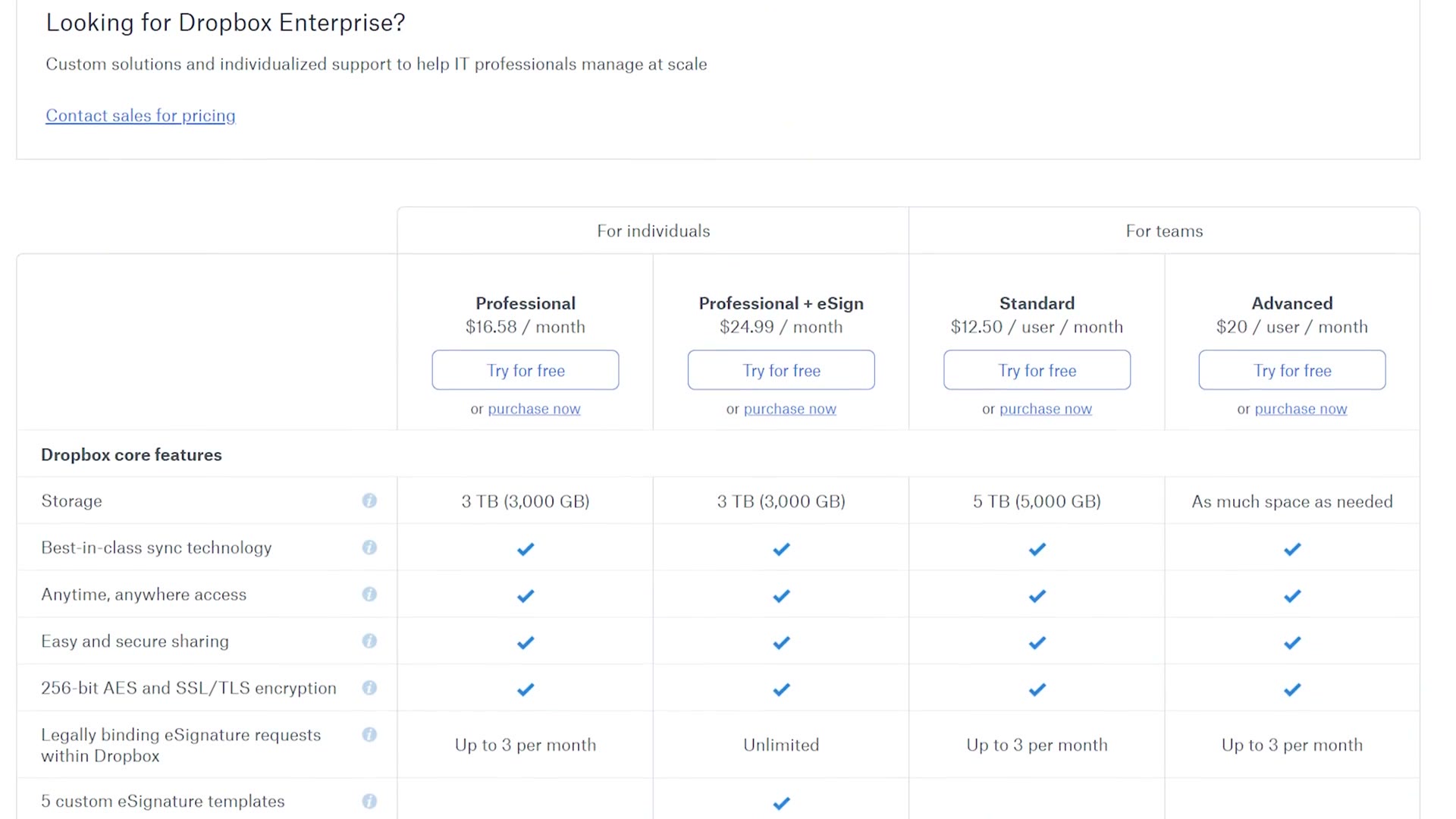
I realize that’s a lot of money, especially next to Backblaze. But like I said, if you need to store terabytes on terabytes and you don’t want to deal with the hassle of plugging in external drives on a schedule, I think Dropbox is completely worth it. As a plus, you can also use it as a file delivery system for clients, so it’s quite versatile.
Dropbox also has some really nice features, including Smart Sync, which lets you access your files on demand. All of your files and folders are visible on your computer, but they aren’t actually taking up space on your drive, they’re sitting in the cloud. Whenever you click one to open it, it downloads on demand.
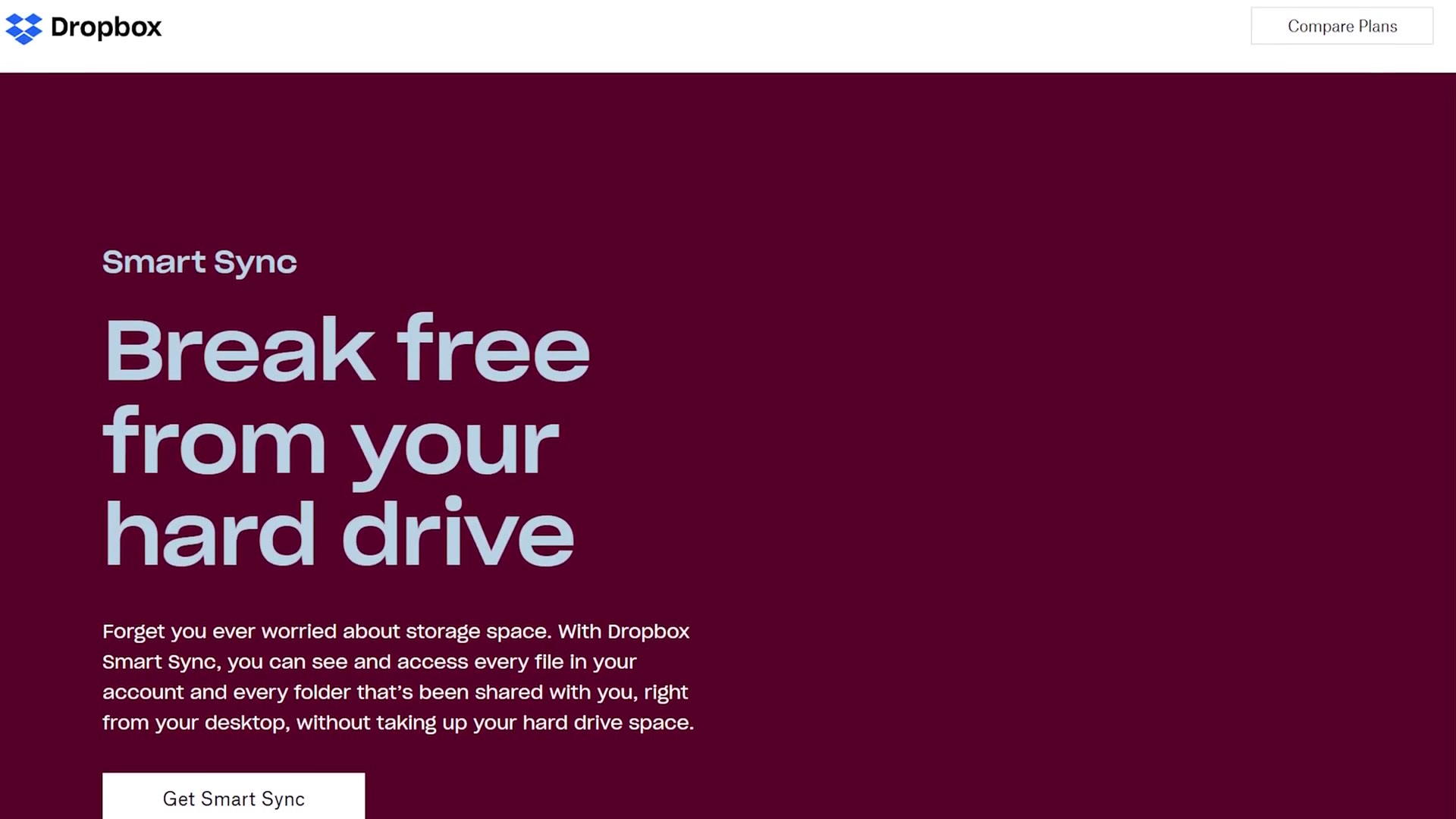
For me, that means I only have a two terabyte drive holding my Dropbox files, while my actual Dropbox has something like ten terabytes in the cloud. I can get at any of it whenever I need to, and none of it is eating my drive. I love it.
And those are the two online backup services I recommend. If you’re a filmmaker, a photographer, or really anyone with a computer, you need to be backing up your files. So if you haven’t watched my on site backups video, please do that. And if you aren’t using an online service as well, I highly recommend starting.
The footage here is graded with my own color presets at whoismatt.com/luts, my gear list is on kit.co, and if you film weddings, come join us in the Learn Wedding Filmmaking Facebook group.
Thanks so much for reading, and have a great day!