
A big update for the Sony a7S III is here for filmmakers, and I’m going to walk through everything that’s in it.
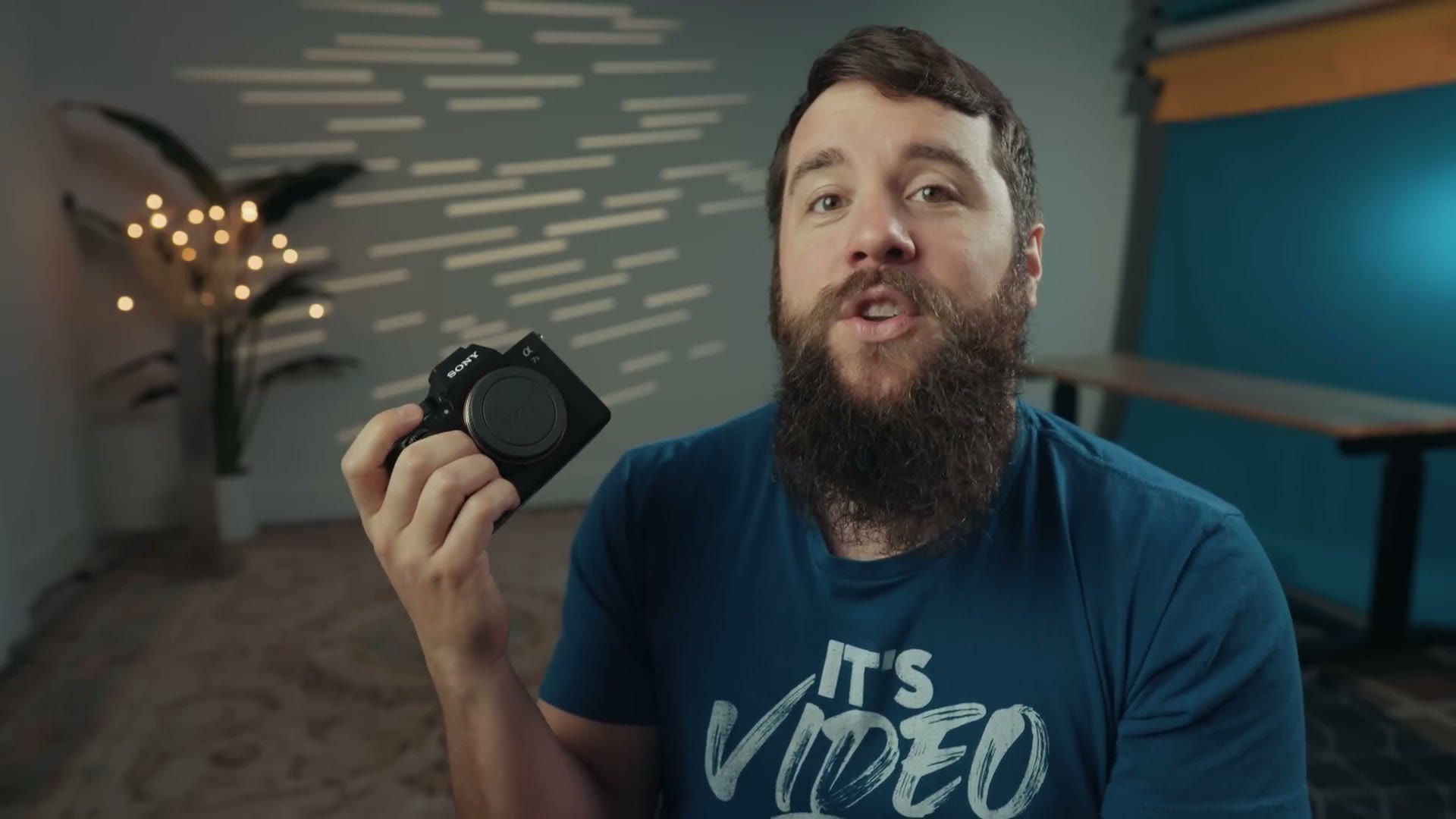
To start, you should totally go download this update for yourself.
One warning first though. Whenever you update the firmware on this camera, it wipes any of your presets and custom button settings, and you’ll have to recreate them all. To save you the time, I’ve already put together a set of presets I recommend for the a7S III that will help you film faster with it, and I’ve updated that file to work with this new firmware. It’s completely free, and there’s a setup guide video showing you exactly how the presets work. I highly recommend downloading it, because it’ll save you a lot of time.
Focus Breathing Compensation
This is the headline feature and easily the most exciting one. If you don’t know what focus breathing compensation is, it was first introduced on the Sony a7 IV, and essentially it eliminates focus breathing from your camera if you’re using a compatible Sony lens.
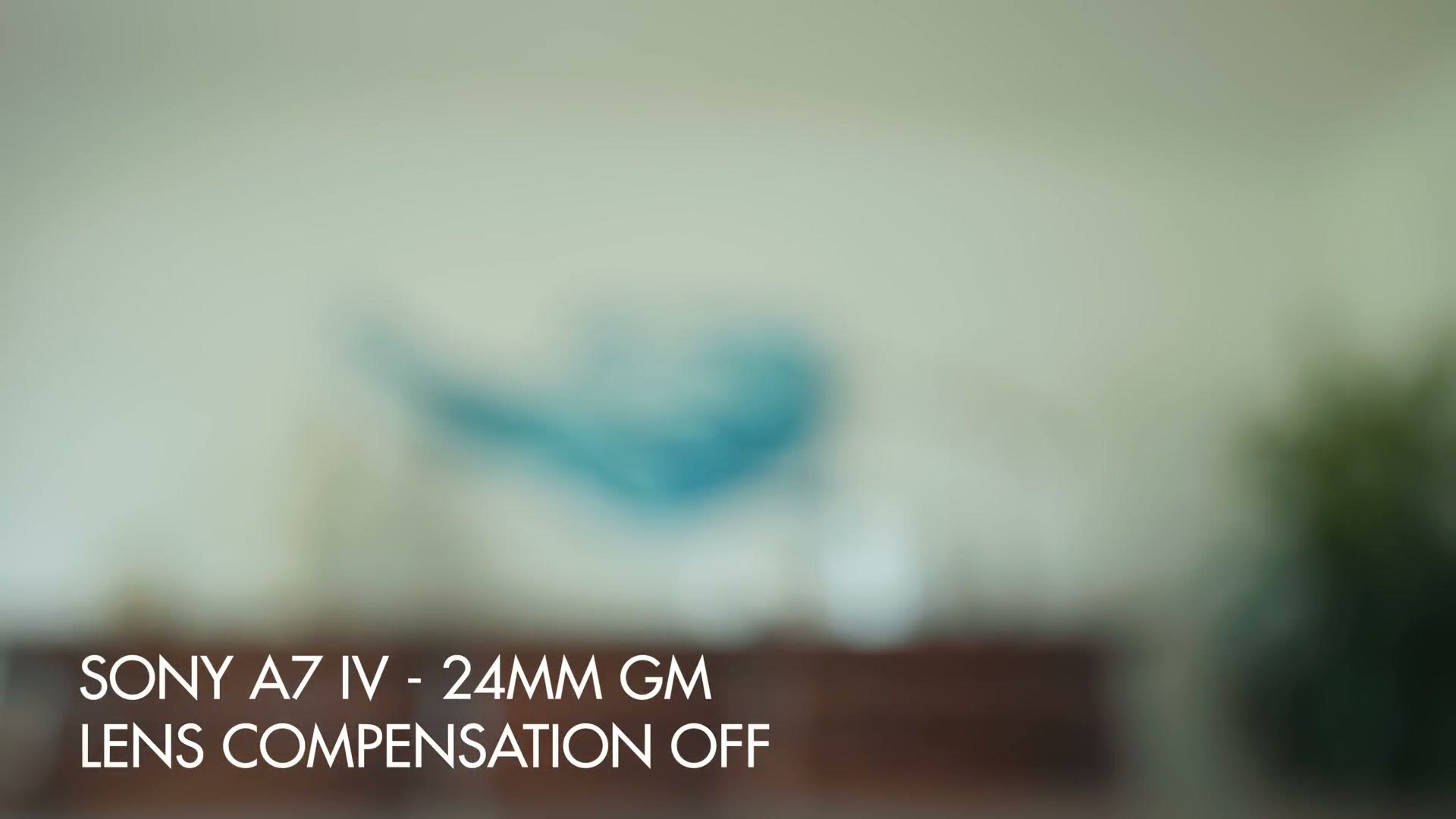
A lot of people complained about the Sony 35mm GM having too much focus breathing, for example. Turn compensation on and that issue is gone.
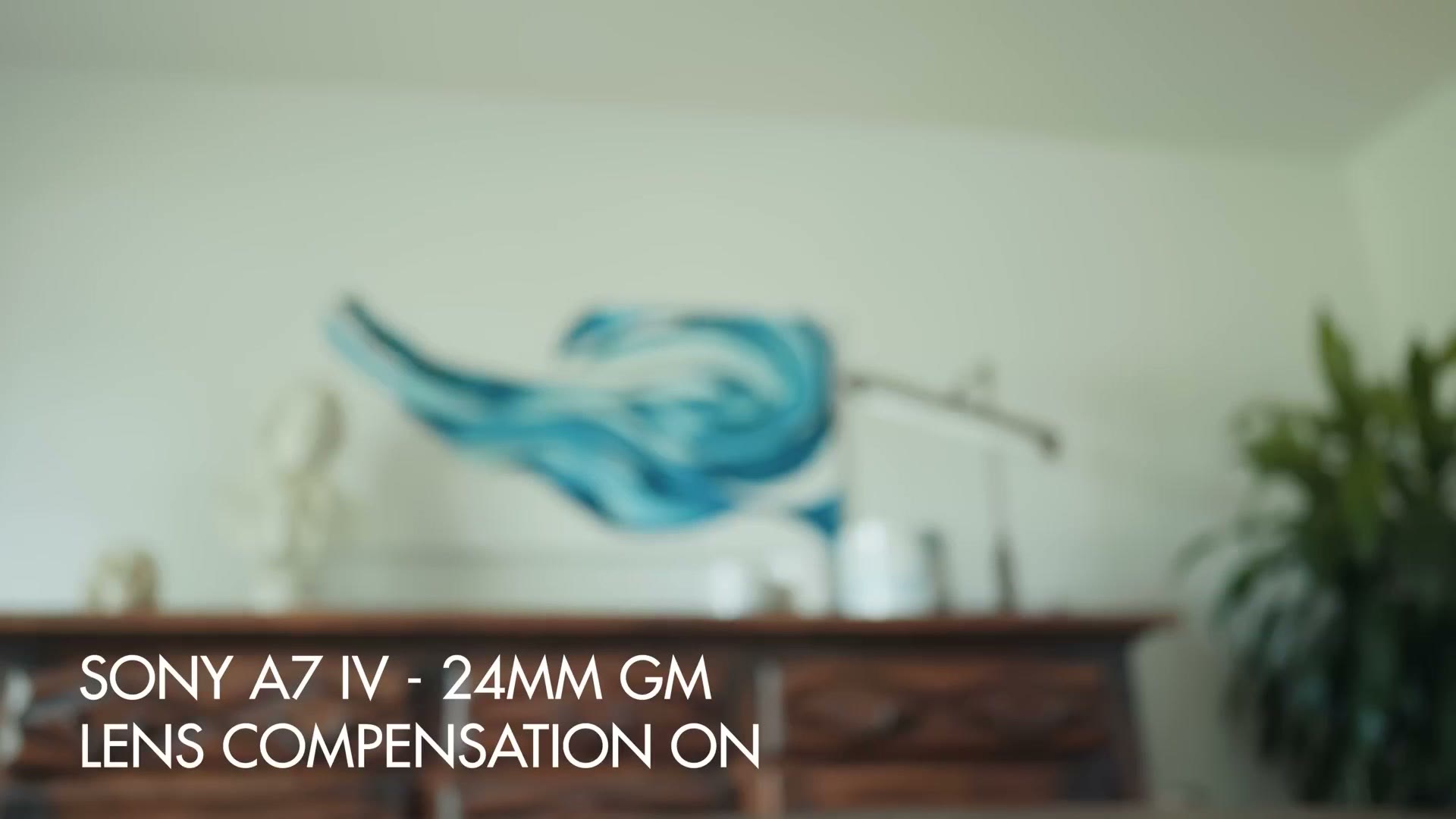
It’s pretty darn magical, and you can really think of focus breathing compensation as a way to significantly improve the quality of your lenses for filmmaking.
DCI 4K
The next one is a little more niche, but it’ll still be very useful if you have a need for it: this update lets the a7S III record in DCI 4K.
You may be confused right now, thinking the camera already records 4K. But DCI 4K is different. It’s a slightly larger resolution, where the camera records 4096 by 2160 pixels instead of 3840 by 2160. So it’s just slightly wider.
If you’re filming something that’s going to be presented in DCI 4K, you’ll be very thankful this feature is here. That said, if you’re just exporting for YouTube or for normal 16 by 9 screens, I’d avoid DCI 4K and just film in regular UHD.
True 24.00p
This update also enables true 24 frames per second, and you may be confused again, thinking the camera already supports 24fps. Here’s where things are slightly technically different.
Up until this point, when the a7S III said it supported 24fps, that wasn’t quite true. If you selected 24fps, the camera would actually record at 23.976 frames per second, which is a standard that came out of Hollywood. Everyone calls it 24fps, but it’s really just rounding the number up from 23.976.
With the advent of more and more digital cinema cameras, those cameras have been able to record at a true 24.00 frames per second, no rounding required. So if you’re filming with a variety of cameras that all support 24.00 and you want your a7S III to match, now you can. Don’t worry, 23.976 is still available as an option too. You just have more options now.
Timecode Over USB
This one is going to be very welcome if you use timecode. Up until now, Sony’s cinema focused cameras like the FX3 and FX30 have supported timecode over a separate micro USB cable, but if you wanted timecode on the a7S III you had to record the signal directly into one of the camera’s audio channels.
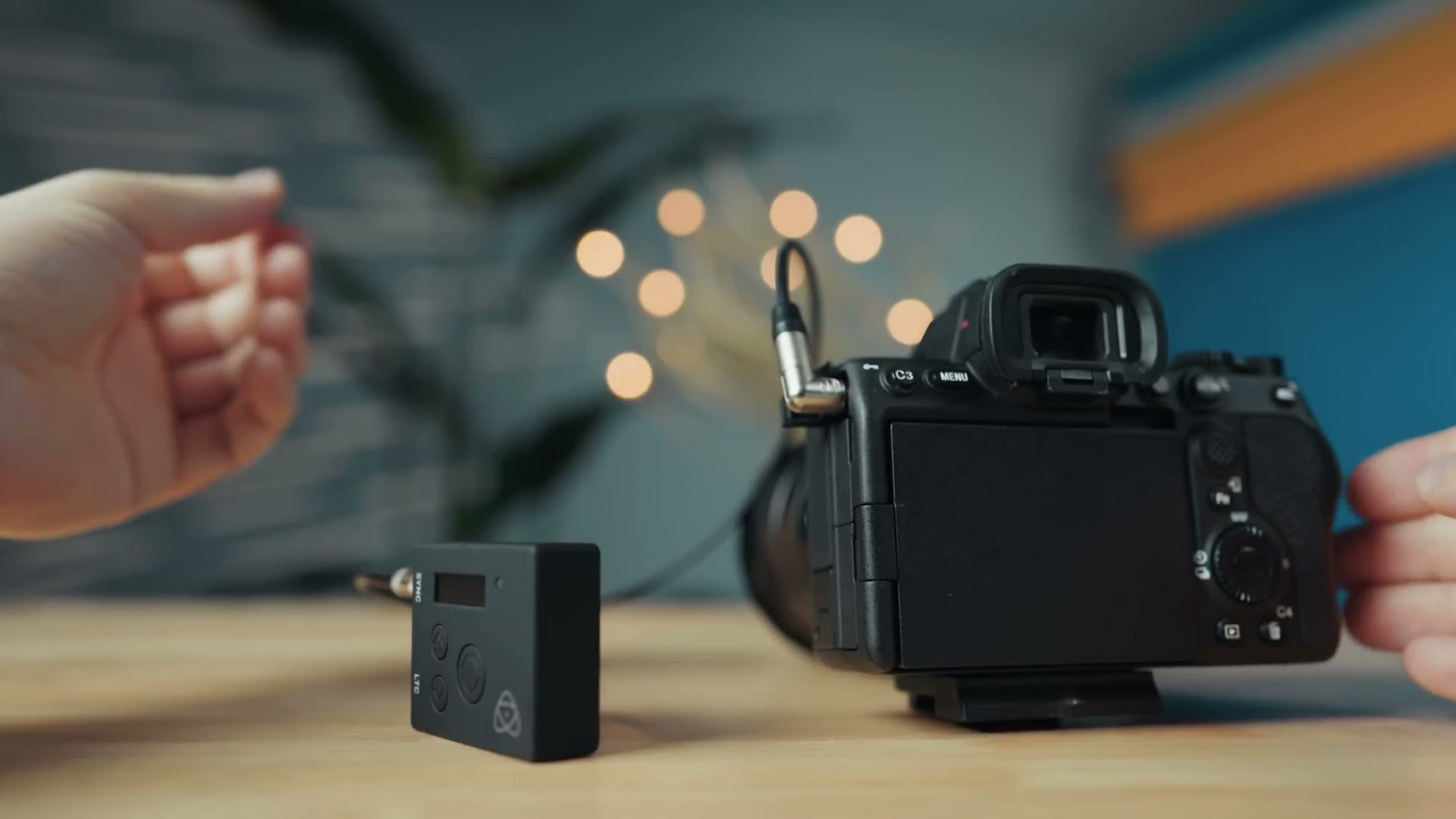
With this firmware, Sony has updated the a7S III to also support timecode over that micro USB cable.
Incidentally, if you have a Zoom or Tascam audio recorder and you want to learn how to use timecode with your Sony cameras, I’ve put together a complete guide showing you how to do it, and in that guide I also cover using this micro USB cable, so I highly recommend watching it.
If you want to go deeper, I’ve also got Rain Killed My a7S III Here’s How I Revived It….
The Smaller Updates
Two new apps
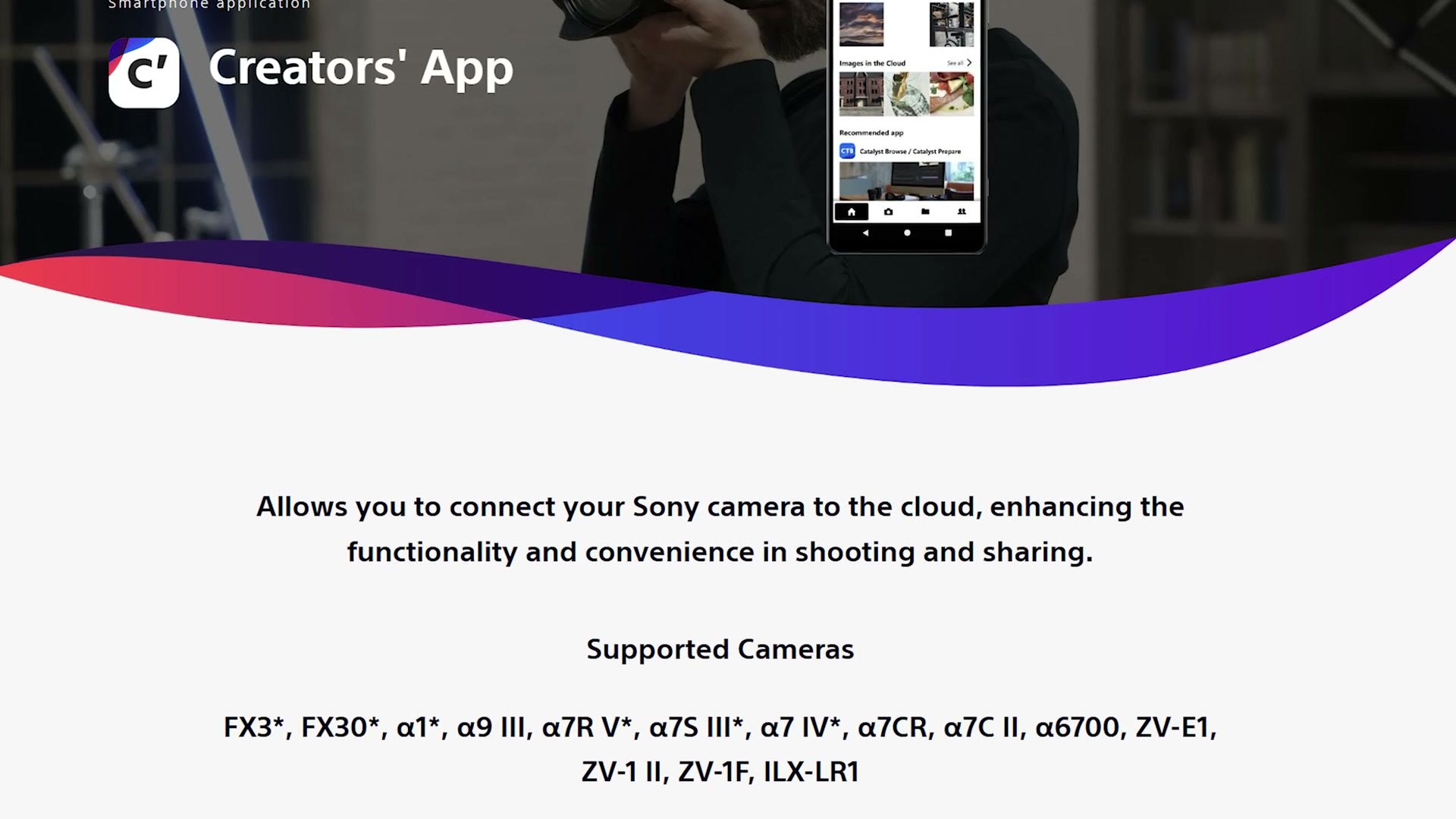
Sony has added support for two of their apps with this camera. The first is the updated Creators’ App, which replaces their Imaging Edge Mobile app and lets you copy and transfer files from your a7S III.
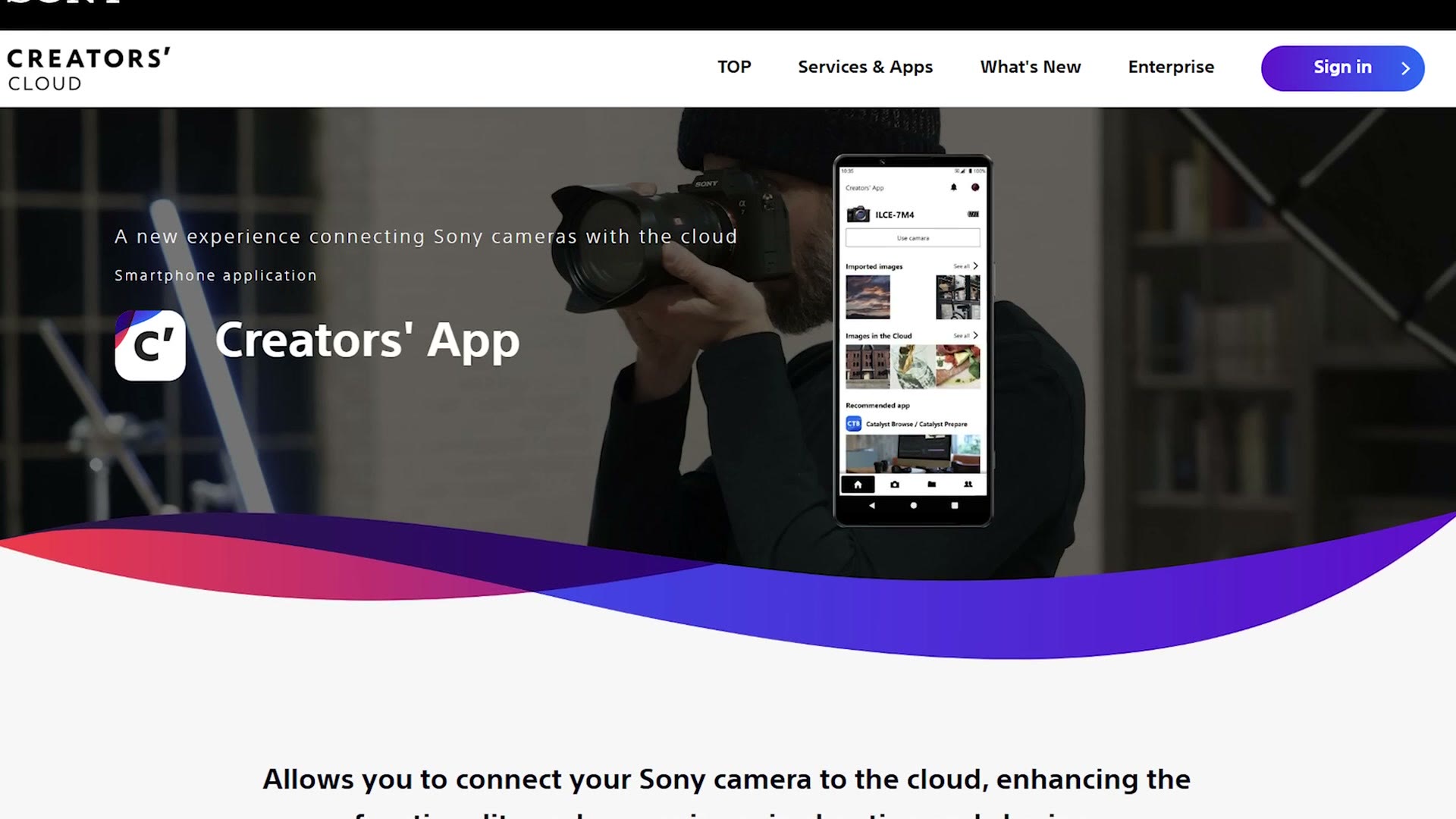
If you’ve heard of camera to cloud, which is a new functionality a lot of camera companies are adding, where you record a video to your camera and then as you’re recording it uploads to the cloud where it can be edited, that’s basically what Sony is enabling with the Creators’ App.
The other app is called Monitor & Control, which as the name implies lets you wirelessly monitor your a7S III and control it. Both apps essentially replace the older Imaging Edge Mobile app, and in my experience they work much better, with a significantly improved interface.
Custom grid lines, for a price
Now we get into the bizarre updates. Sony has added support for custom grid lines on the a7S III, which lets you overlay different grids in your camera. So if you’re filming a project where your footage needs to be framed in a very specific way, you can add custom grids to do that.
Where’s the bizarreness? Here’s where it gets weird. Sony is charging for this functionality. The Custom Grid Line License is a separate $149 purchase, permanent per camera.
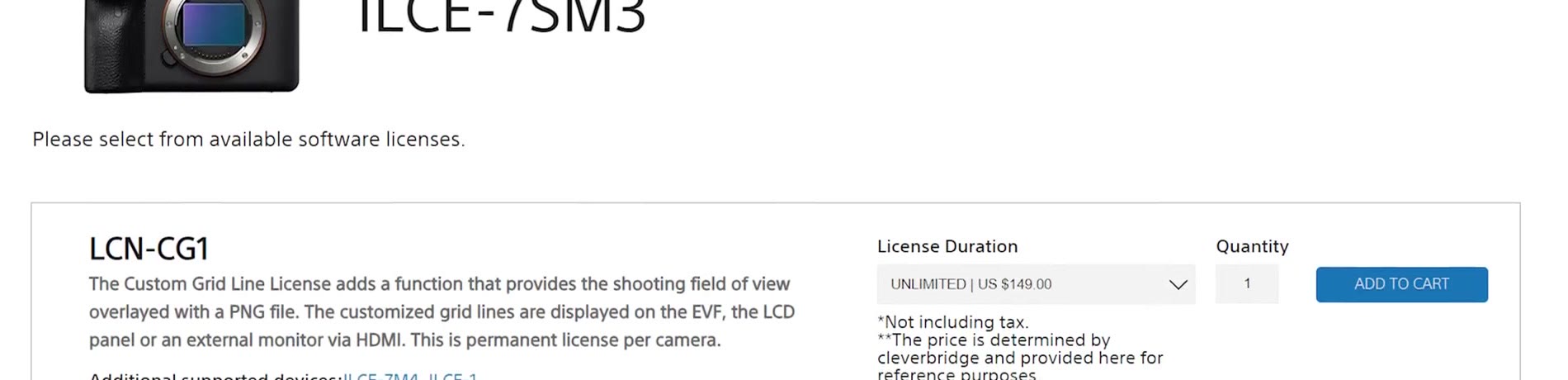
That feels like a very weird thing to charge extra for. So if you want it, great, you can pay for it. Otherwise I wouldn’t.
Exposure stability at extended ISO
Sony also says this firmware improves exposure stability when using extended ISO during movie recording. What that sounds like to me is that if you were seeing flicker, where the exposure was changing while you were filming in a very dark scenario at a very high ISO and it wasn’t caused by the lights, that could have been a bug with the camera. Sony has fixed it in this update, which is awesome.
Before You Update
Remember, you can download my a7S III settings presets, which will get your camera back up and running very quickly after you apply this update, because the update wipes all of your custom buttons, presets and settings. I’d hate for you to have to spend an hour getting your camera back into working shape. It’s free, and it’s going to save you a ton of time.
Thanks so much for reading, and have a great day!