
Gather round, kids. It’s time for me to tell you the story of how I killed my Sony a7S III and brought it back to life the next day. Like Jesus, but one day instead of three.
If you have watched the recent behind the scenes, you already know it started with “welcome to the thunderstorm” and ended with a dead camera. A lot of you have been commenting and messaging asking what actually happened, so here it is.
How I Feel About Rain & Cameras
Let me start with my general attitude, because it explains everything that follows.
Unlike some people, I am not afraid of getting my camera wet. As far as I am concerned, if I can get an amazing shot, I am going for it, even if it is raining. I always bring a backup camera in case one fails, and until this day I had never actually had one fail, even in pretty heavy rain.
Being braver with my gear has got me a lot of cool shots at a lot of cool weddings, so I have no regrets. And as I said in the BTS, that is what insurance is for. If a camera dies, I am willing to pay the deductible to have it repaired or replaced.
Holly & Luke’s Wedding Had INSANE Rain
Which brings us to Holly and Luke’s wedding, which had rain unlike any wedding I have filmed in ten years of doing this.
100% rain all day. It briefly dropped to about 90% in the middle. And at the single most crucial point, the ceremony, it was raining the hardest.
Rachel and I started the day on establishing shots in a light to medium rain. Not a sprinkle, and more than a lot of people would be comfortable with, but I needed those shots and I did end up using them in the final film. We were out there in rain jackets with our cameras uncovered, wiping the lenses whenever the drops built up.
And I hear you: Matt, why not just use a rain cover, don’t be dumb. I would love to. I have yet to find a rain cover that works well on my camera while it is on a gimbal, and mine was on a Zhiyun Crane 2S for basically the entire day. So that was not an option.
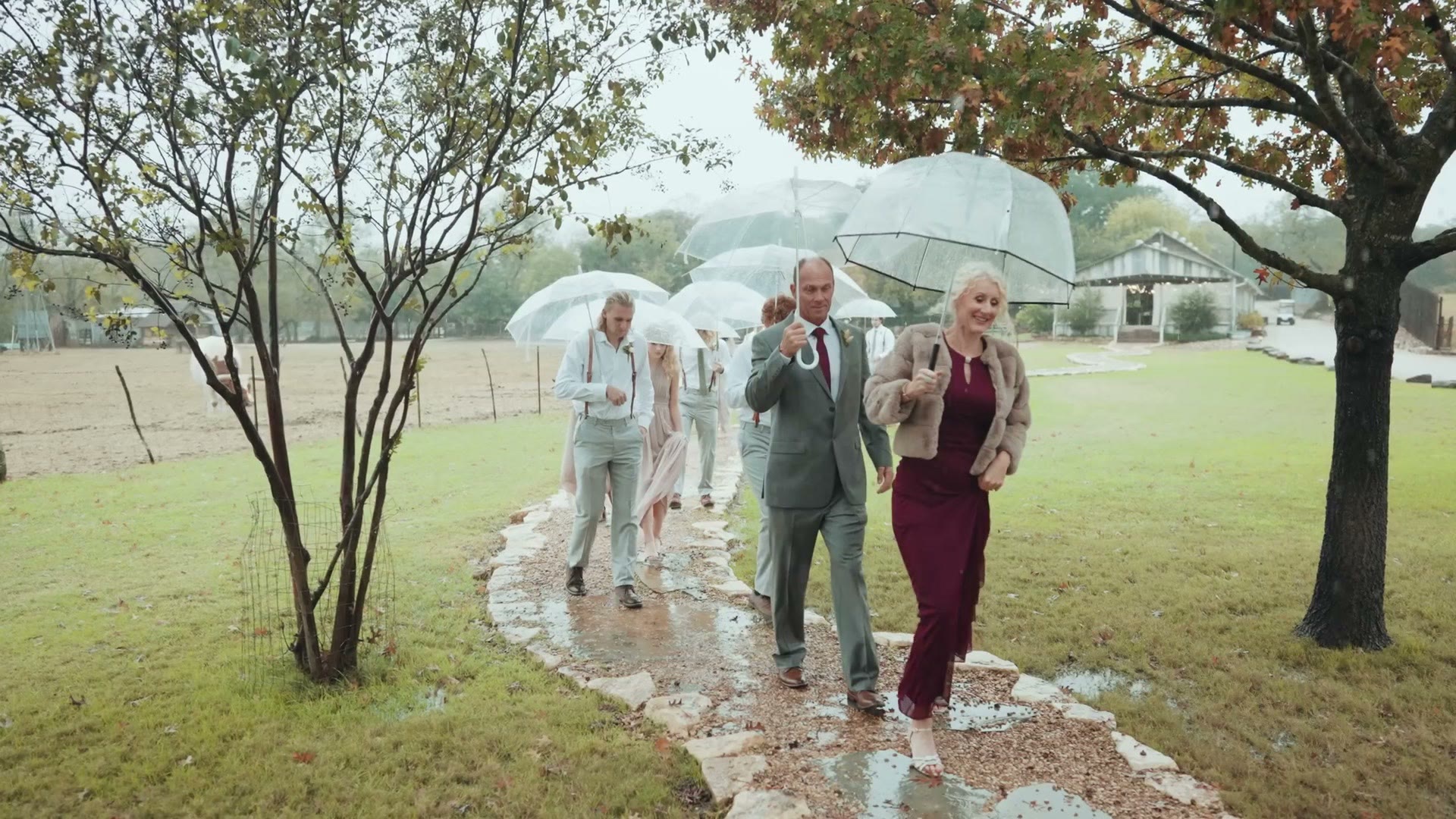
Now the ceremony. The chapel had no rain protection at all at the front, where the wedding party entered. Which meant if I wanted to film them coming in, I had to be out there getting rained on. So I was. Just me and my gimbal, fully exposed, while the wedding party had lovely clear umbrellas that I was honestly a little jealous of.
I got the family walking in. I got the groomsmen. I got the bride. All of it in 4K at 120 frames per second, and the footage looked amazing. Completely worth getting soaked for.
When My Camera Died
Once the entrance was done and I was under the chapel roof, I thought the worst was behind me. The rain eased off during the ceremony and I figured I had dodged it.
Then about 30 minutes after the ceremony we decided to push a bit further and get some shots of the couple outside, in the rain, again. It was not coming down as hard as before, but it was still coming down at a decent rate.
And that is when it went wrong. The second we finished and started walking back into the reception hall, with the couple due to enter in two minutes, my camera threw this up on the screen:
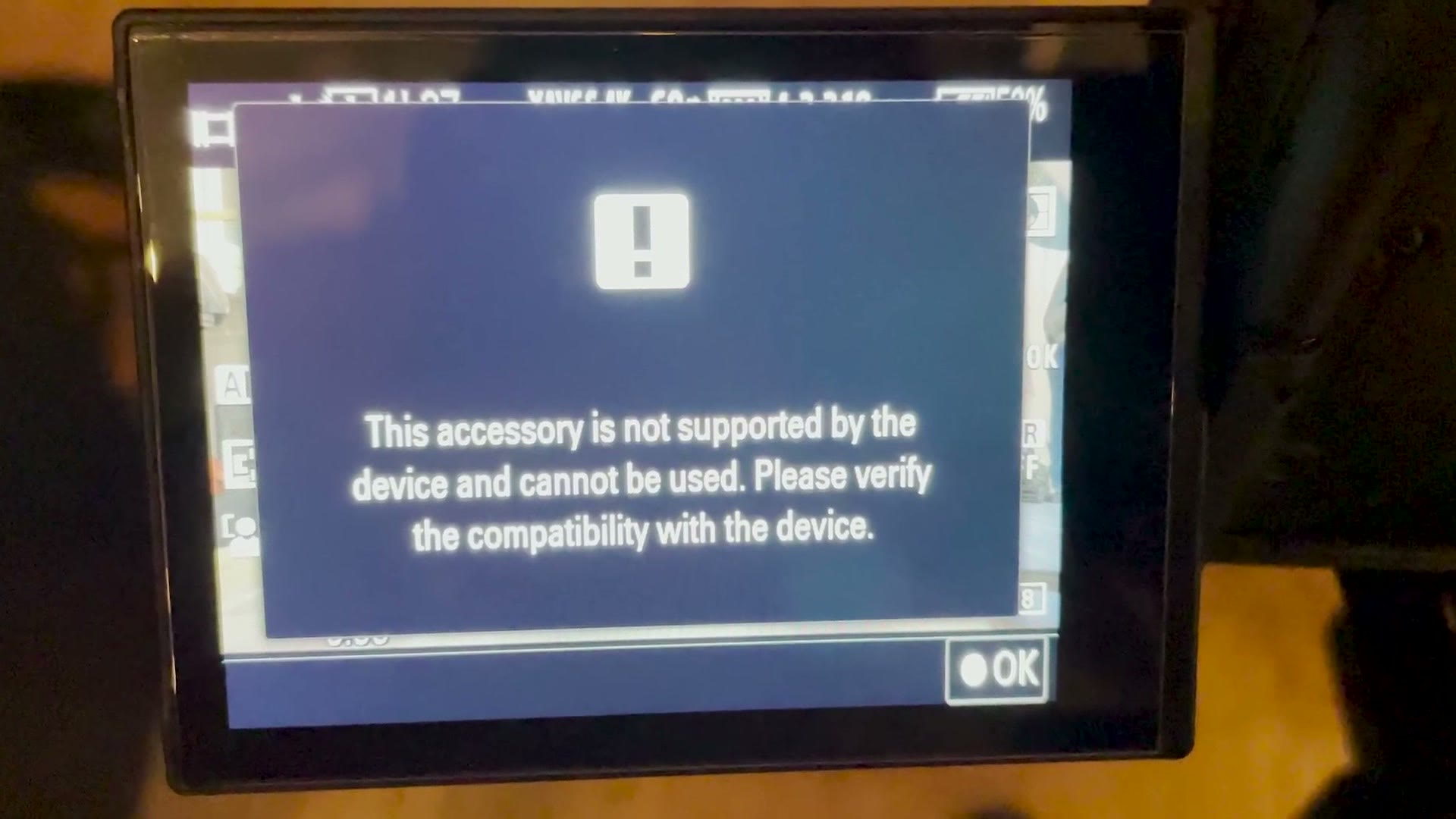
“This accessory is not supported by the device and cannot be used. Please verify the compatibility with the device.”
The camera would power on and then immediately show it. Press OK and it came straight back. I had no accessories connected to this camera at all. It had been on the gimbal all day. So why?
All I knew was that it was now functionally useless, because the error stopped it recording. As far as I was concerned that camera was dead, and I had no idea whether it was going to Sony for repair after the wedding.
The Backup Plan, And Why You Need One
The couple was entering the reception in two minutes. There was no time to diagnose anything. So: backup plan. Let this be the lesson.
My behind the scenes shooter was also on an a7S III. I own three of them, which is a lot, but it means I film with one, Rachel films with one, and there is a third for whoever is shooting BTS. So I took the BTS camera, which was already on a gimbal and, because it is my camera, already had all the right settings. I was shooting again in about 20 seconds.
I even had time to set my BTS shooter up on my Sony a6400, which is my backup for the backups, so he could keep filming the rest of the day. You can see in the BTS footage that I am suddenly on my old trusty Crane 2 instead of the Crane 2S, because there was no time to swap gimbals.
Everything worked. No other cameras died. We filmed the rest of the wedding. Always have backups, and backups for your backups.
How I Brought My Camera Back To Life
Here is the short and dumb version first, because I find it hilarious.
To fix the camera, I turned it off, left it off for a day, and turned it back on. Everything was fine.
Seriously. That’s it. What the heck? How does that work?
Here is the longer answer. First, I could have prevented this entirely with one tiny piece of plastic.
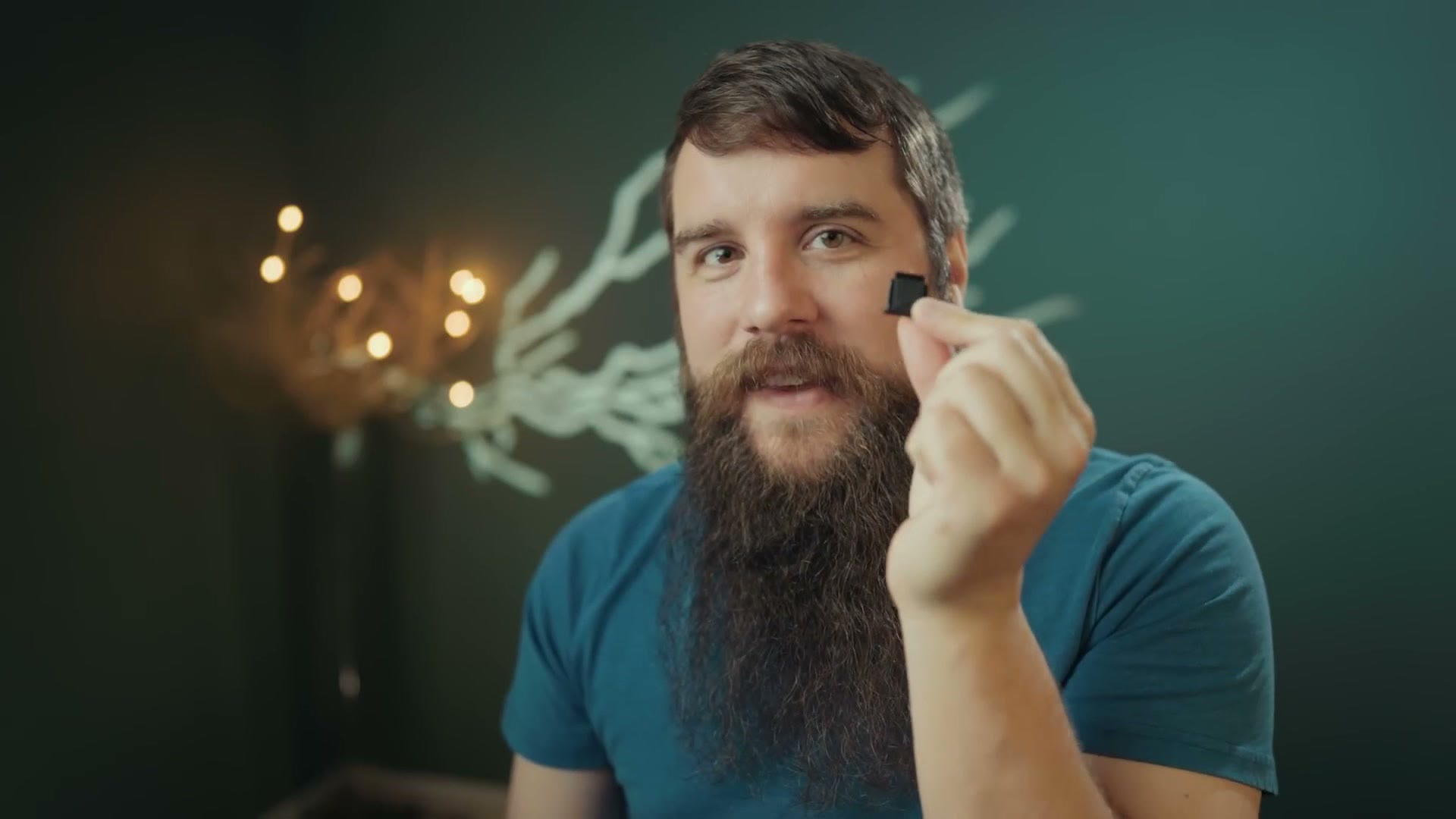
This little thing comes pre-installed on basically every Sony mirrorless camera, and it exists to protect the hot shoe from getting wet. You see where this is going.
Like a lot of people, when I unboxed my a7S III, one of the first things I did, right after removing those annoying little metal clips on the strap lugs, was pull off the hot shoe cover, throw it in the box, and never think about it again.
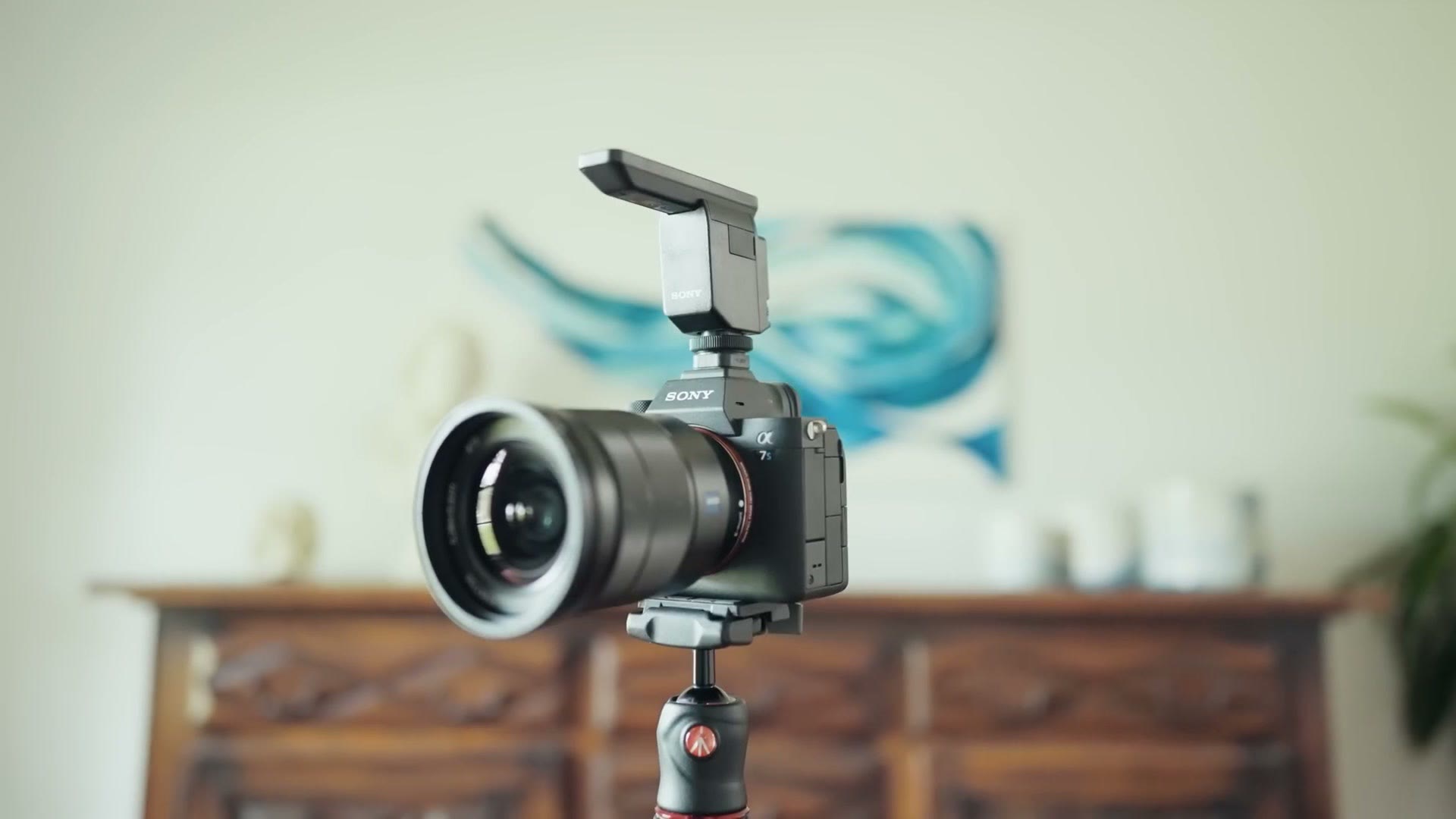
But that cover matters, because Sony cameras have an electrical connection buried at the front of the hot shoe. It is what lets the camera talk to a flash, or to the ECM-B1M shotgun mic, or to any other smart accessory.
So imagine rain landing on that hot shoe all day. Eventually a droplet works its way down to exactly the right spot, bridges that electrical connection, and the camera decides there is an accessory attached that it does not support. For whatever reason, Sony has not updated the firmware to recognise raindrops.
As long as the water was sitting up there, the camera was going to keep throwing that error. Which it did, for about a day, until it dried out and started working again.
It was also about a day later that I got around to Googling the error and found it commonly comes from a hot shoe fault. Two and two.
Would I Do It Again?
Once it dried out, the a7S III worked perfectly with zero issues, and I have shot plenty of YouTube videos and other weddings on it since.
But you had better believe that if there is rain in the forecast, those little hot shoe covers are coming with me and going on the camera.
Otherwise, I am not going to be very worried about this camera’s weather sealing. I have now put it through some of the hardest rain I have ever shot in, and I am confident that with the hot shoe protector in place it would have kept running flawlessly. Good job, Sony.
If you want the full story of that wedding, the behind the scenes series covers all of it: Part 1, Part 2 and Part 3, plus Holly and Luke’s wedding film itself.
And if you are a wedding filmmaker like me, my free guide to booking more couples is right here.