
You just bought a Sony a7 IV, or you’ve been thinking about buying one, and you’re wondering which memory cards to get. Here’s the answer.

The 4K60 Memory Card You Should Buy
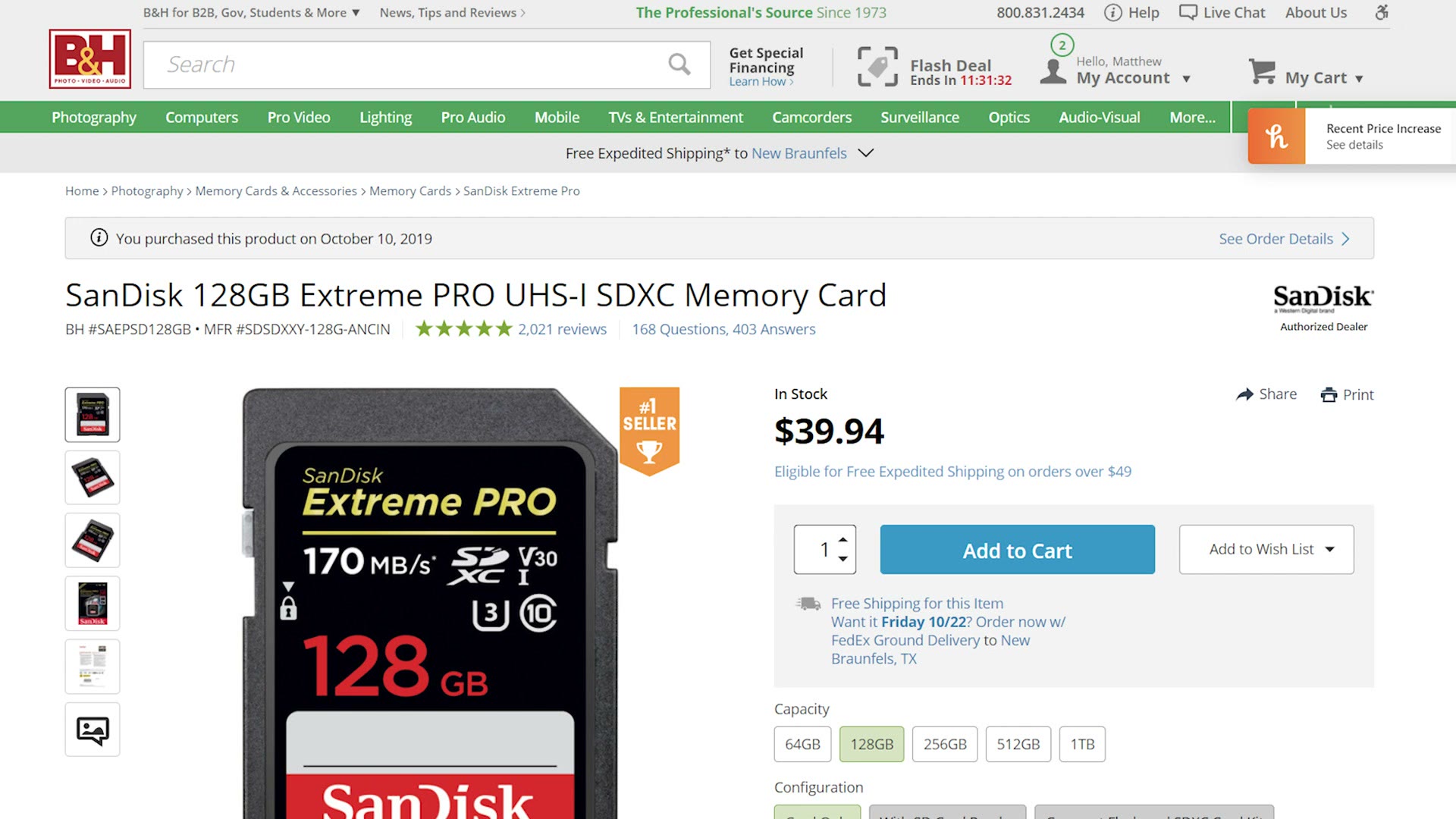
If you want to film 4K in the XAVC S or XAVC HS formats, up to 60 frames per second, I have good news, because you can buy these very affordable SanDisk V30 SD cards. The 128GB version runs about $40 at the time of writing.
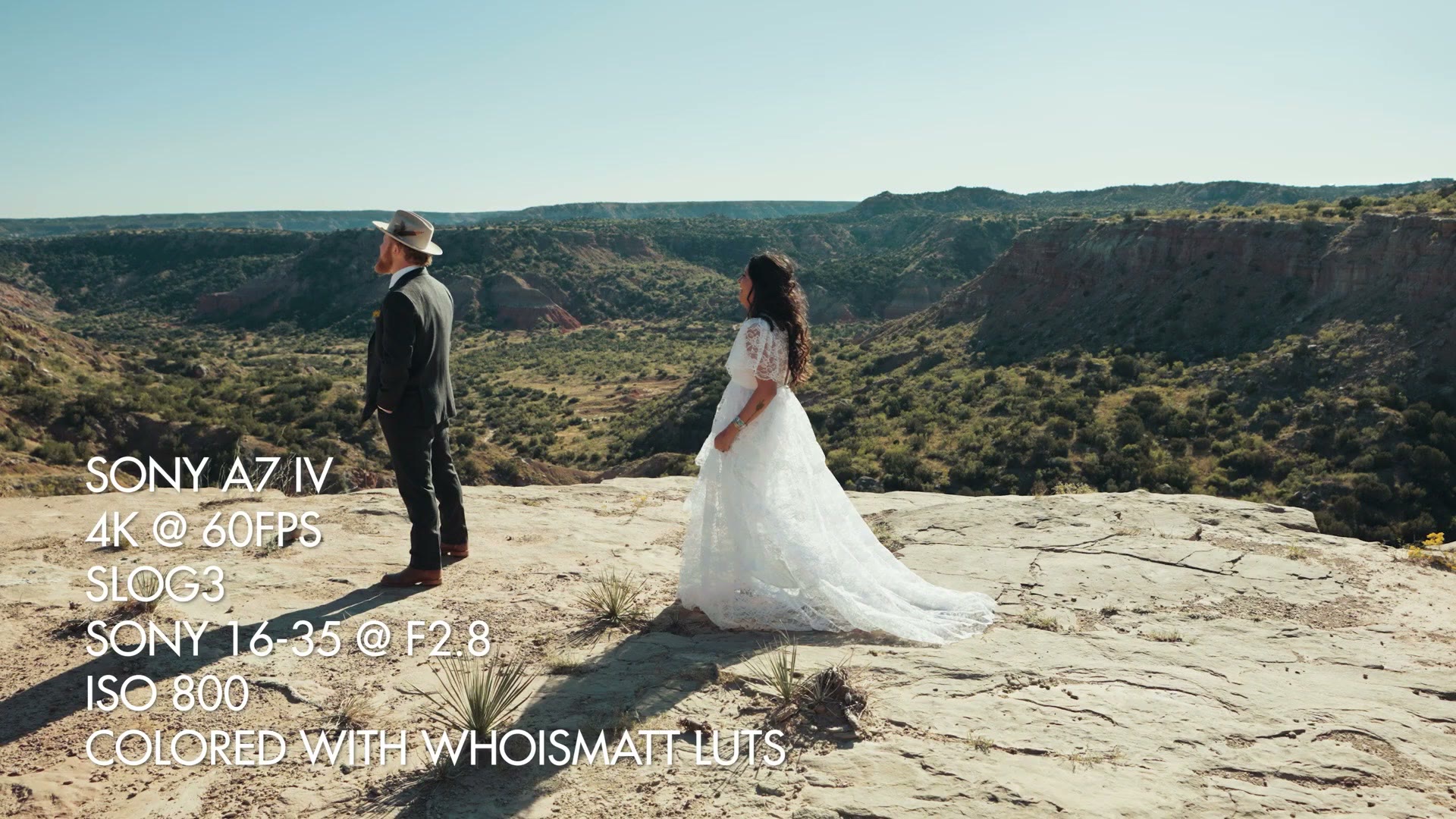
I filmed an entire wedding on one of these exact cards, shooting extensively in 4K at 60 frames per second, and it handled it flawlessly.
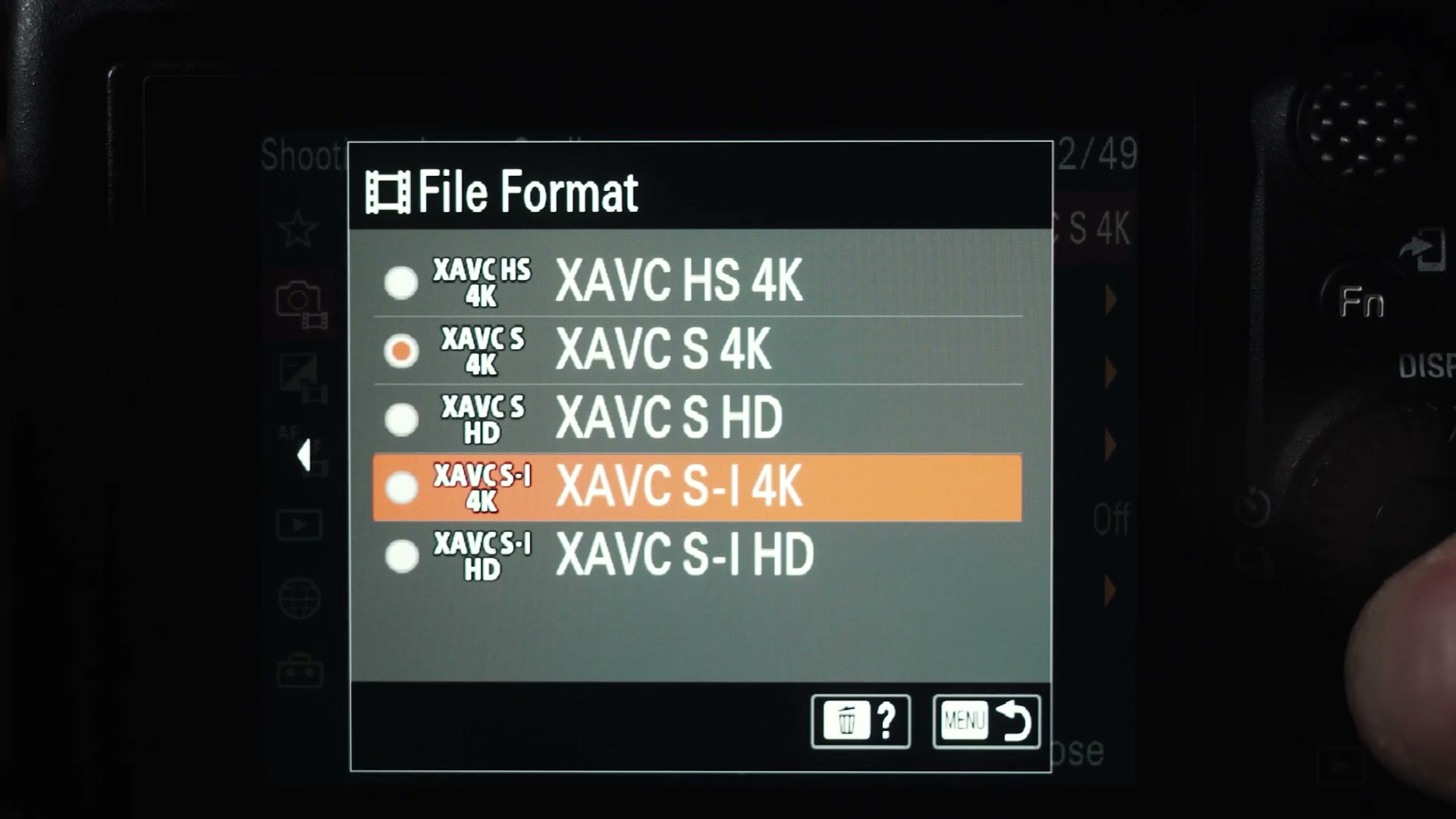
Want To Record In XAVC S-I? Buy These Cards Instead
If you want the highest possible quality, which on this camera is 4K in the XAVC S-I format, then you’re going to need to move up to V90 SD cards.
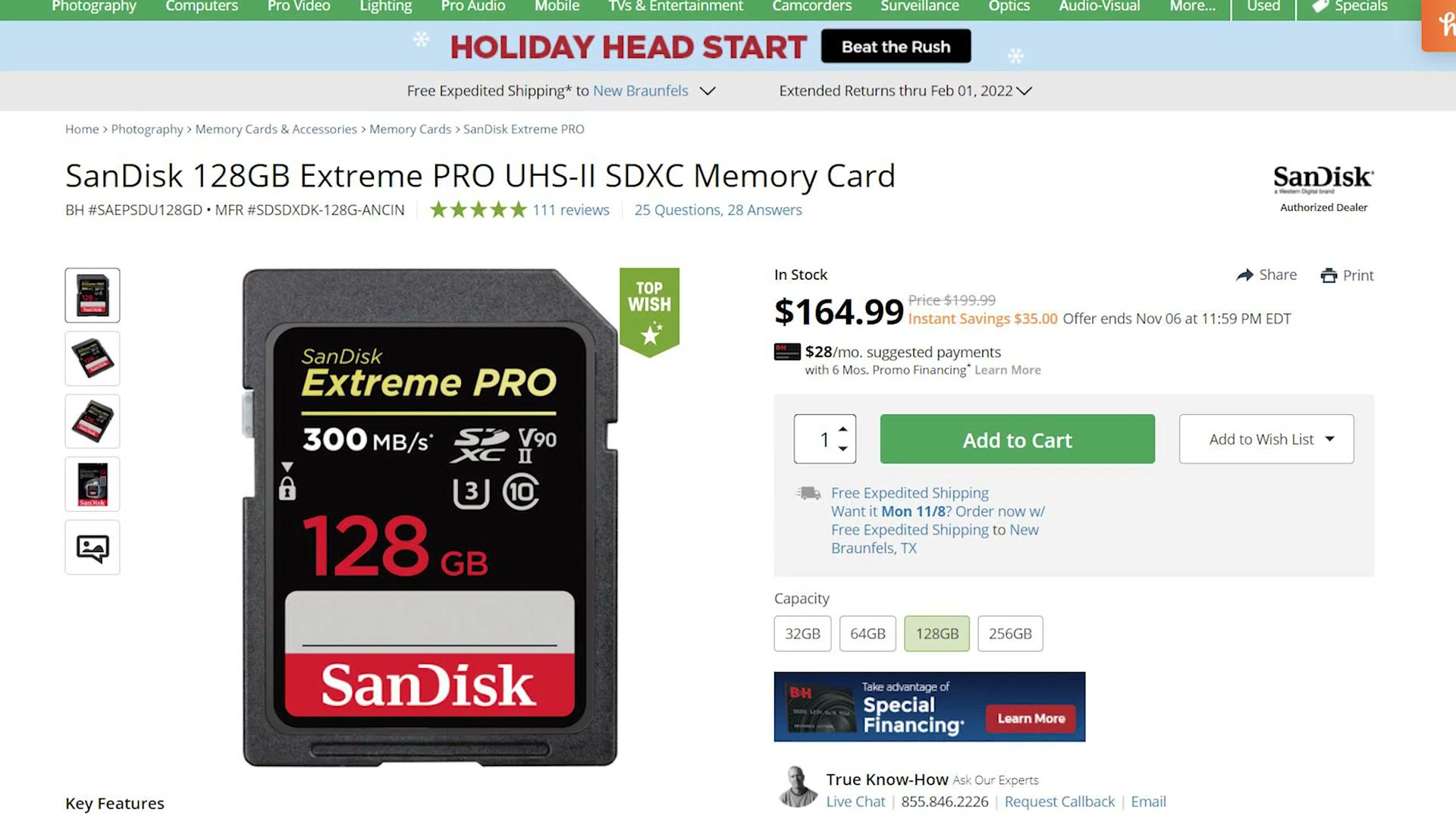
For that I recommend SanDisk UHS-II V90 cards, because I’ve found that brand to be the most reliable. Or, if you want to save some money, I’ve also had a good experience with ProGrade Digital V90 cards.
Do You Need CFexpress Type A?
Now you’re probably thinking, Matt, what about CFexpress Type A? The a7 IV has a CFexpress Type A slot. Is there any reason to spend significantly more money on one of those cards?
No. You do not.
There are zero video frame rates or formats on this camera that require a CFexpress Type A card. I’m honestly not even sure why Sony included the slot. It could be that they wanted to increase adoption of the format, or maybe they know there are people who want to offload their cards very quickly.
Regardless, for 99% of filmmakers you’re going to do great on normal SD cards, and the best bang for your buck is a cheap SanDisk.
How To Get Beautiful Colors With Your a7 IV
If you want the most beautiful video you can get out of this camera, I’d highly recommend checking out my color presets, WhoisMatt LUTs. I’ve tested them with a7 IV footage and they look amazing no matter which format or bitrate you shoot in.

While you’re setting the camera up, I’ve also written a full a7 IV menu setup guide, and if your computer struggles playing back this footage, here’s how to use the camera’s in-camera proxies, which is where card speed starts to matter again.
Thanks so much for reading, and have a great day!