
This is the smallest 32-bit float audio recorder around. The Instamic Pro Plus C, and it has a lot of upgrades over the original Instamic. I am going to be reviewing this recorder from the perspective of a wedding filmmaker, so if you are considering getting one for wedding filmmaking, because hey, they make a white version as well, perfect for a bride’s dress, or you are someone who films corporate or commercial videos or anything where you need a super tiny microphone you can mount virtually anywhere, keep reading.
Also, for the sake of ethics, I want you to know this video is not paid or sponsored by Instamic, but they did send me both of these so I could make this review.
The Only Button
The first improvement is right here on the front, looking at the only button on the recorder. The first version of the Instamic had the actual Instamic logo on the front of the device, and part of that logo was a hidden button you would press to turn the recorder on or off, or start and stop recording.
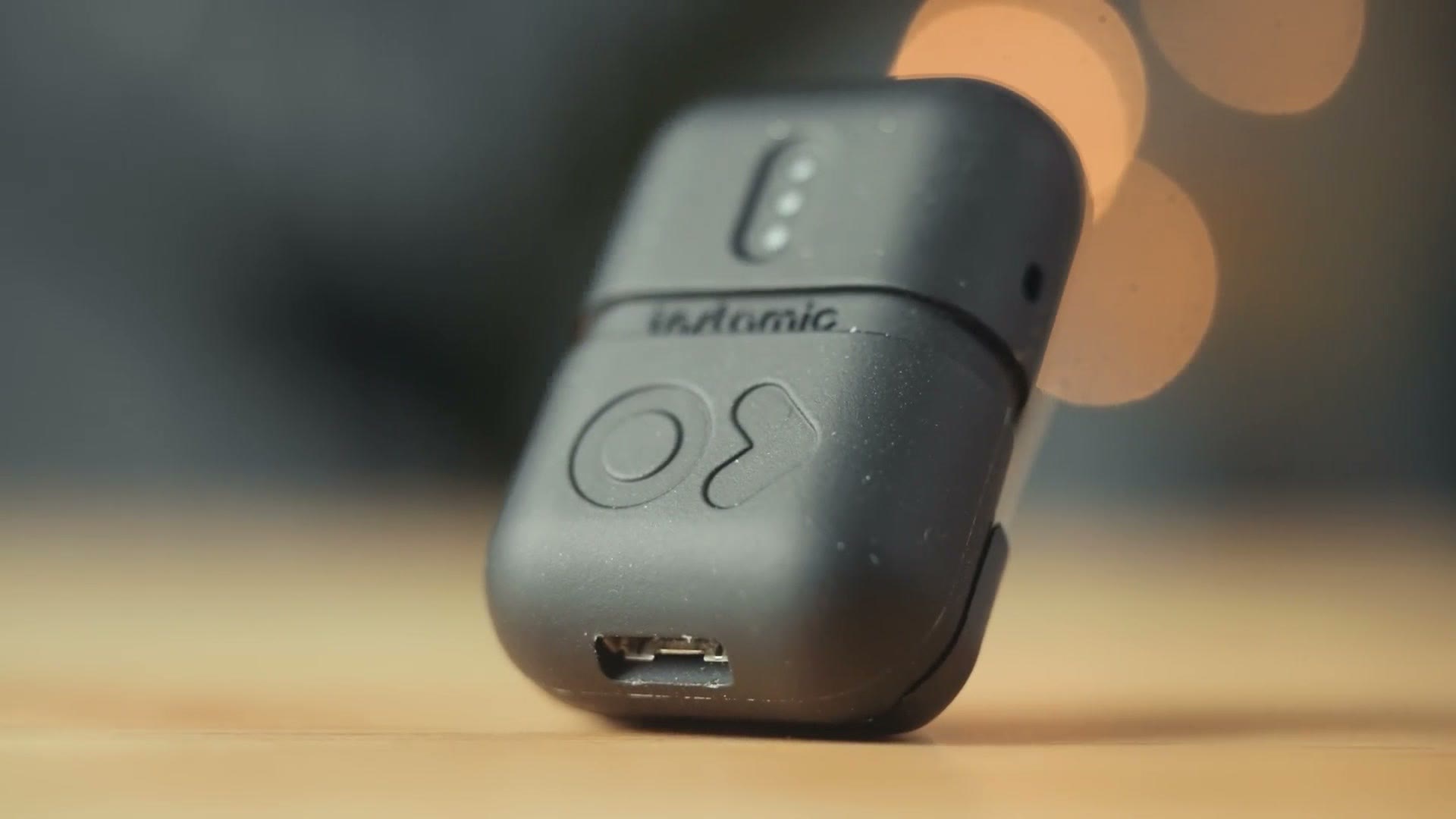
In theory this is a cool way to have the controls integrated into the logo, but from a usability standpoint it was almost like the button was too hidden, and if you did not know it was there you would not know to press it, which made using the device a little unintuitive.
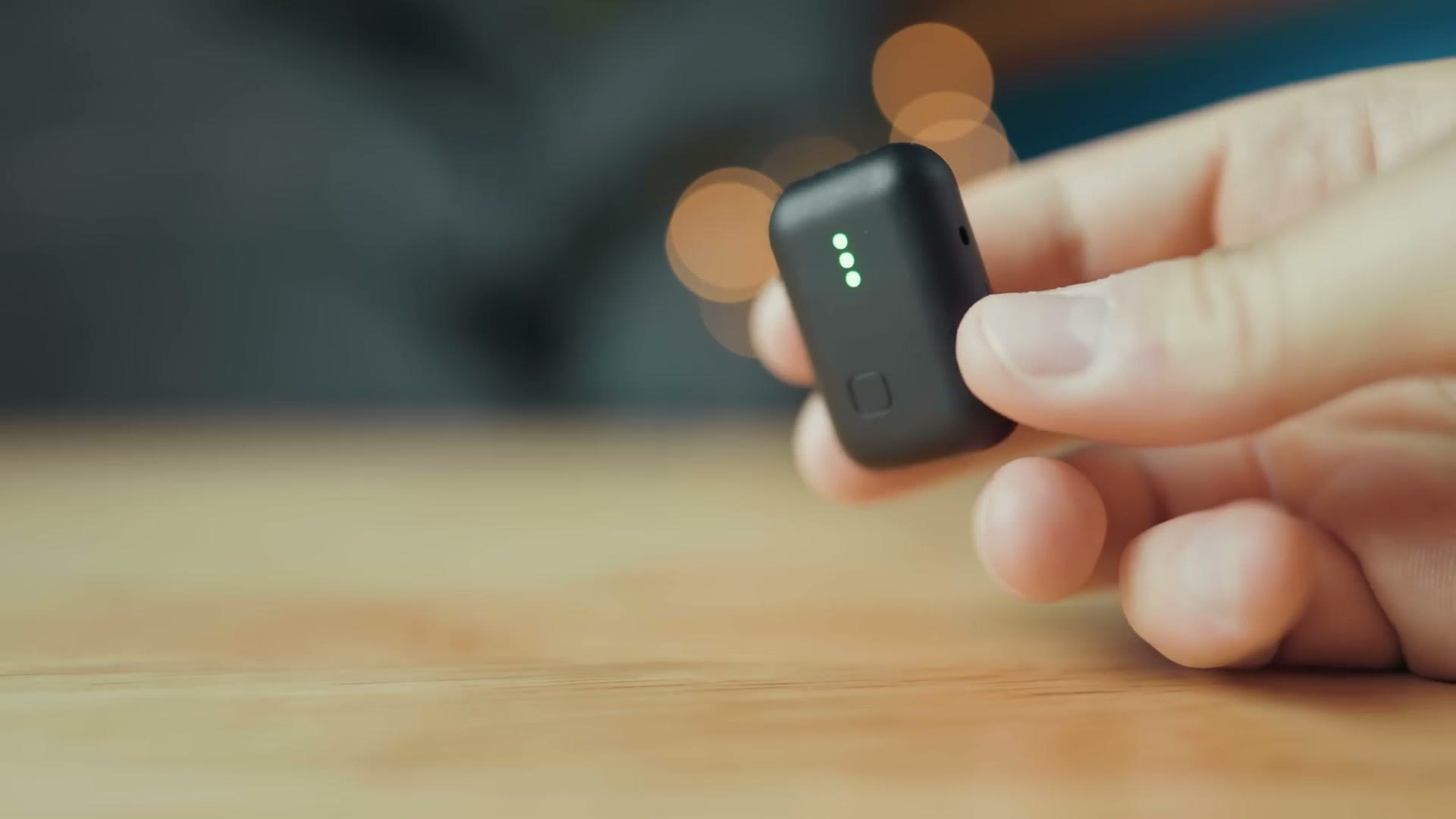
Thankfully, with the new Instamic Pro Plus C you get a simple to use button on the front that is very obviously a button and behaves just like a normal button whenever you press it, which makes it much easier to use in my opinion. Just like the original, you press it once to turn on the recorder, press it once again to start or stop recording, and then hold it down for a while until all the lights slowly turn off and the recorder itself turns off.
Memory And Battery Life
Notice too that there is no memory card slot on this device. The Instamic uses all internal memory, and it comes with 16GB of storage, which should give you approximately 22 hours of recording time in 32-bit float. That is plenty in my opinion.
Next, looking at the bottom of the Instamic, you will see it has a USB-C connector, which is always great to see, and this is where the C in the Pro Plus C name comes from. This is a wonderful upgrade after having to use micro USB on the original Instamic, and this should charge your recorder in a little over an hour.
In regards to battery life, Instamic’s website claims 3.5 hours. In my testing I found the battery lasted for four hours and 56 minutes while recording in 32-bit float to the recorder, which was great to see. Keep in mind though, that was only with the Instamic recording internally, and the life may be shorter if you are wirelessly transmitting with it.
Almost five hours of recording time should work great for even the longest wedding ceremony. But if you are someone who likes to put the mics on somebody a decent amount of time before the ceremony starts, just keep the battery in mind and be sure to check the app from time to time to confirm the percentage remaining.
Huge Connectivity Upgrades
Speaking of the app, we need to talk about connectivity, because Bluetooth is another area where the Instamic Pro Plus C has seen a major upgrade. That upgrade is that this recorder can now connect to devices like a GoPro, an Insta360, the Blackmagic Camera app on your phone, or even your Mac or PC, all over Bluetooth, to be used as a wireless microphone.
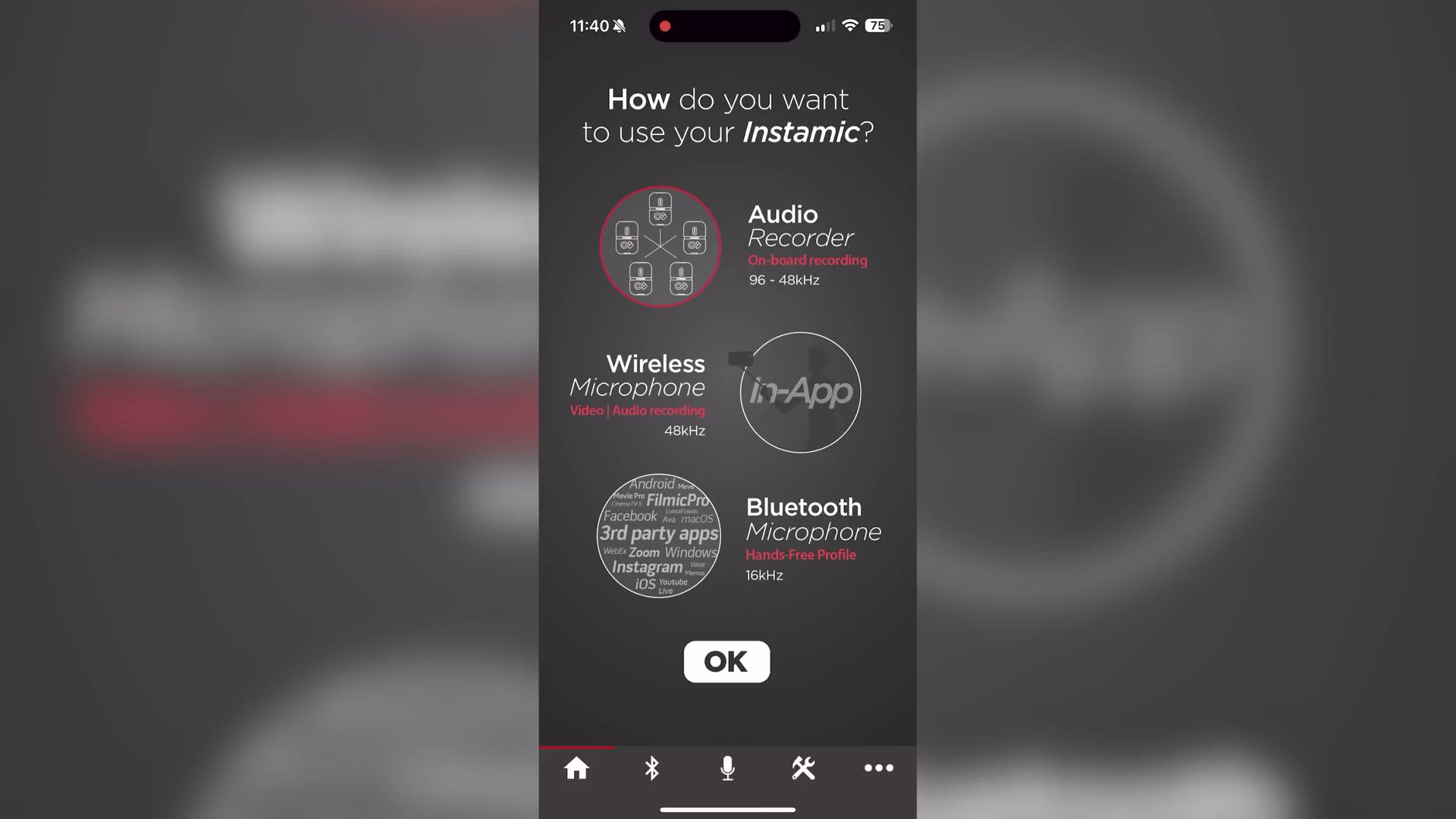
I think this is really great, and it brings this recorder in line with competitors like the Rode Wireless PRO and the DJI Mic 2.
App Control
The Bluetooth connectivity also applies to the Instamic app, and this app is really important considering that the Instamic does not have a screen on the front of it. You get three lights. That is all you get. So you really are going to need to rely on the app to change many of this recorder’s settings.
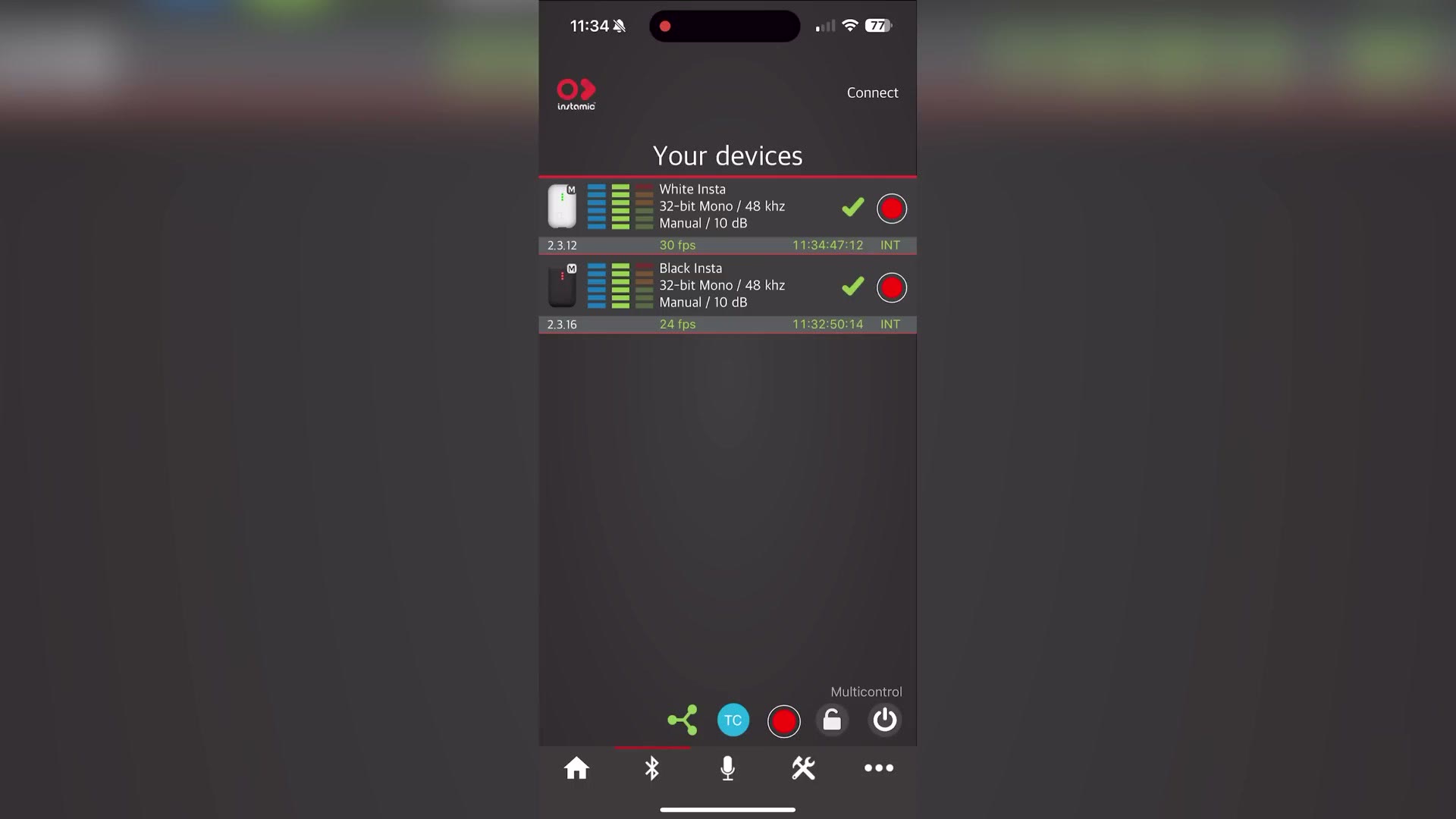
In the app you can choose whether you want to use the Instamic as a standalone recorder or connected over Bluetooth as a wireless microphone, and I am happy to tell you that you can connect up to ten Instamics to the app to adjust their settings, like starting and stopping recording, changing the sample rate, turning the lights on the front on and off in case you do not want those bright green or red lights showing, and formatting the memory.
Complicated Wireless Monitoring
Here is one feature that everyone wants but is unfortunately a bit complicated. You can monitor your audio from the Instamic in real time over Bluetooth using the app, but there are some caveats.
First off, if you connect the Instamic to your phone to use it as a wireless microphone that records audio to your phone, good news, you can monitor the audio as it is recording using the app. In addition, if you want to use this as a standalone recorder, you can also connect to it and monitor the audio wirelessly. But here is the bummer. You can only monitor the audio if the recorder is not recording. Once it starts recording you cannot monitor it, and all you can see is a waveform.
This is definitely a bummer, and maybe it could be fixed with a firmware update. I am going to request it regardless. At least you can put the mic on someone, listen to it for a little bit to hear if there is any clothing rustle, and then start the recording, which is better than nothing.
Timecode Support
I also want you to notice the TC icon in the top right corner of the app, because this is another big upgrade the Instamic has over its previous version. TC stands for timecode. Yes, the Instamic Pro Plus C supports timecode, and not just one type of timecode either.
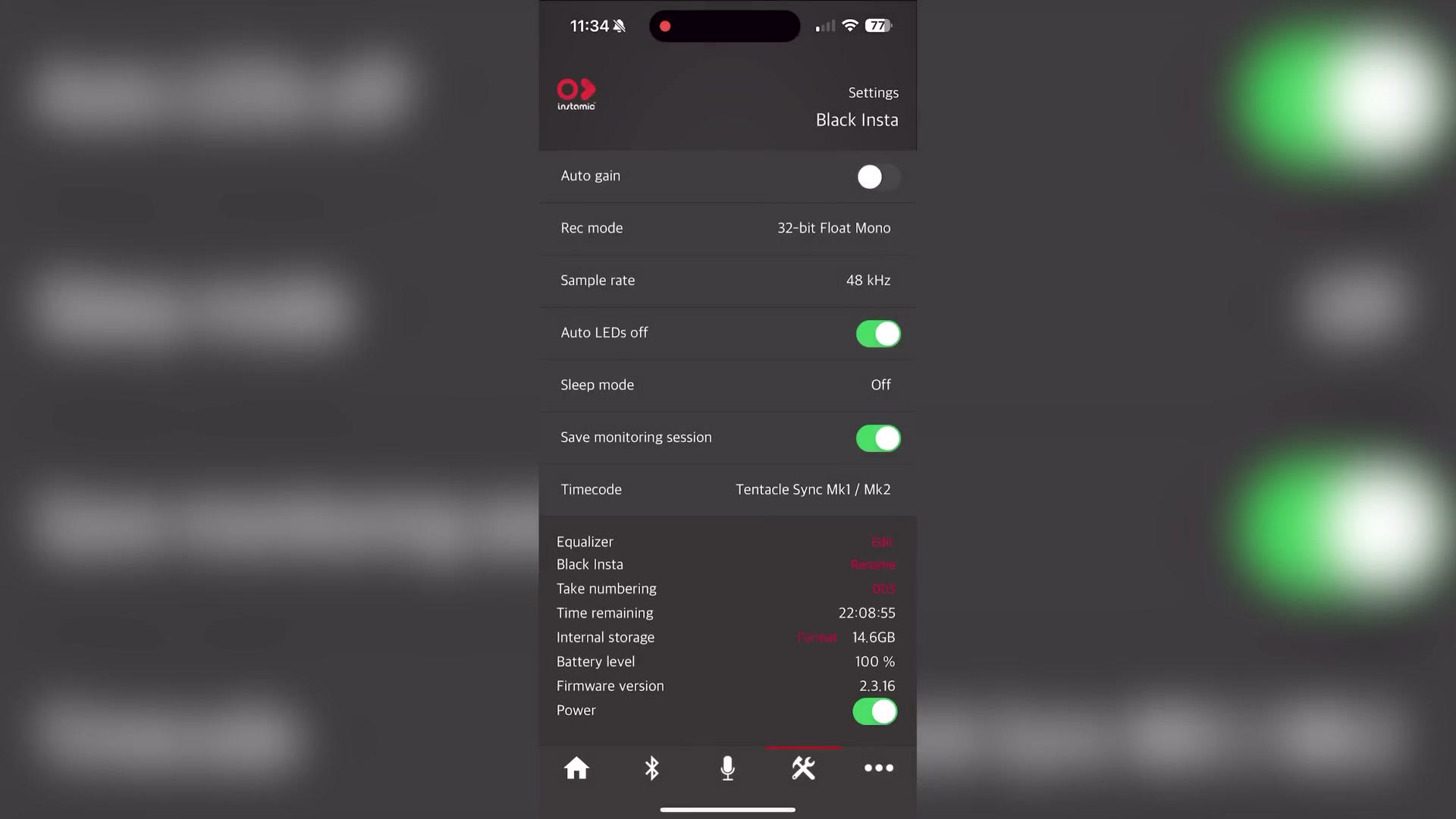
It supports timecode from Tentacle Sync devices, and in addition it also supports timecode with Atomos UltraSync devices over Bluetooth, which, if you use a Tascam or Zoom audio recorder, is going to be very appealing to you, because that means your mic will work with the same Bluetooth timecode generators those recorders support. Fantastic news.
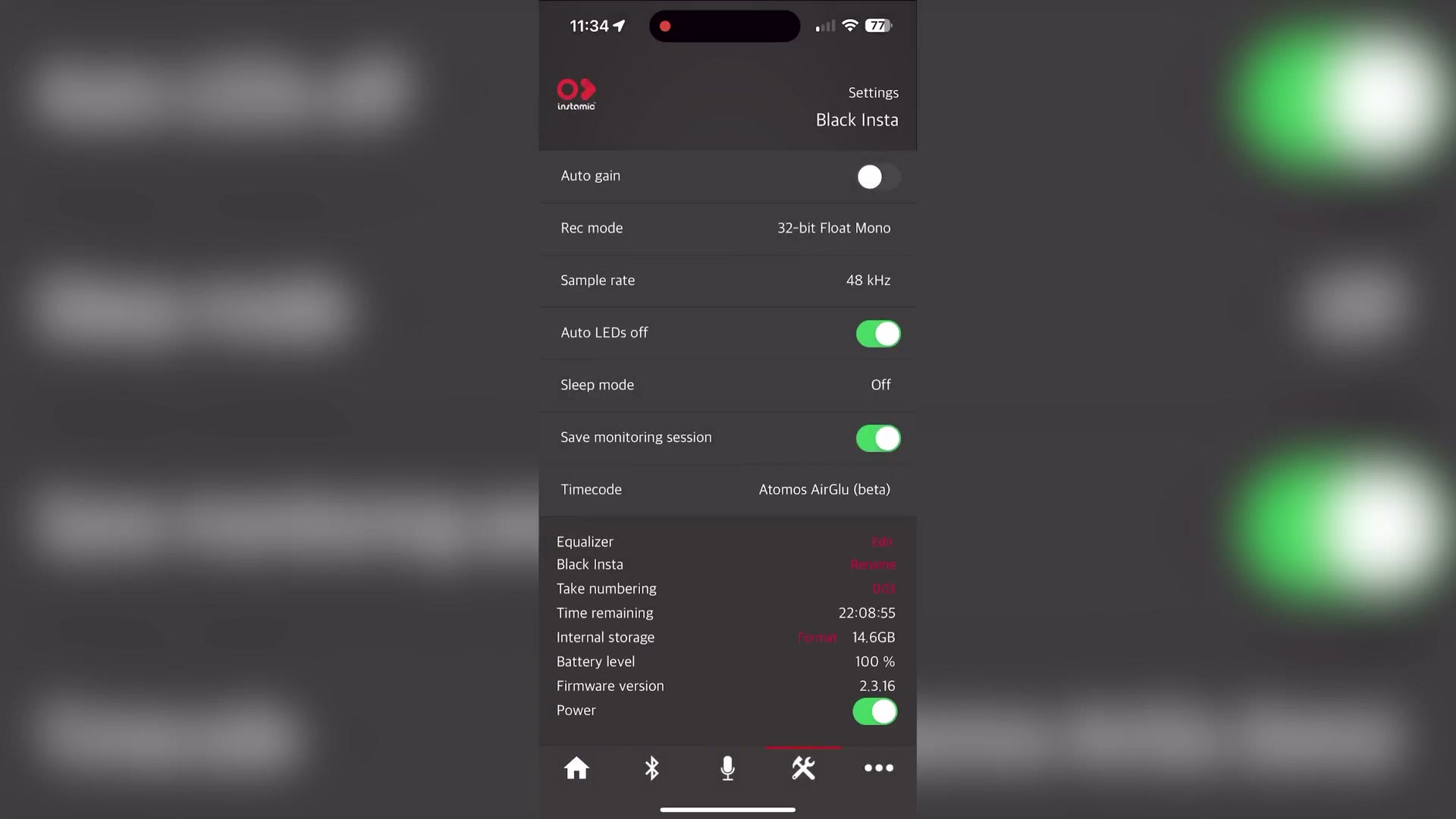
Enabling timecode is as easy as selecting your recorder in the app and then choosing the type of timecode you want to use in the settings. Then it can receive timecode from a generator and sync up with your cameras and audio recorders, saving you time whenever you edit.
Mounting Options
This is not a new feature, but if you are new to using an Instamic we need to talk about all of the many ways you can mount this recorder, because it really adds to its overall capabilities in my opinion.
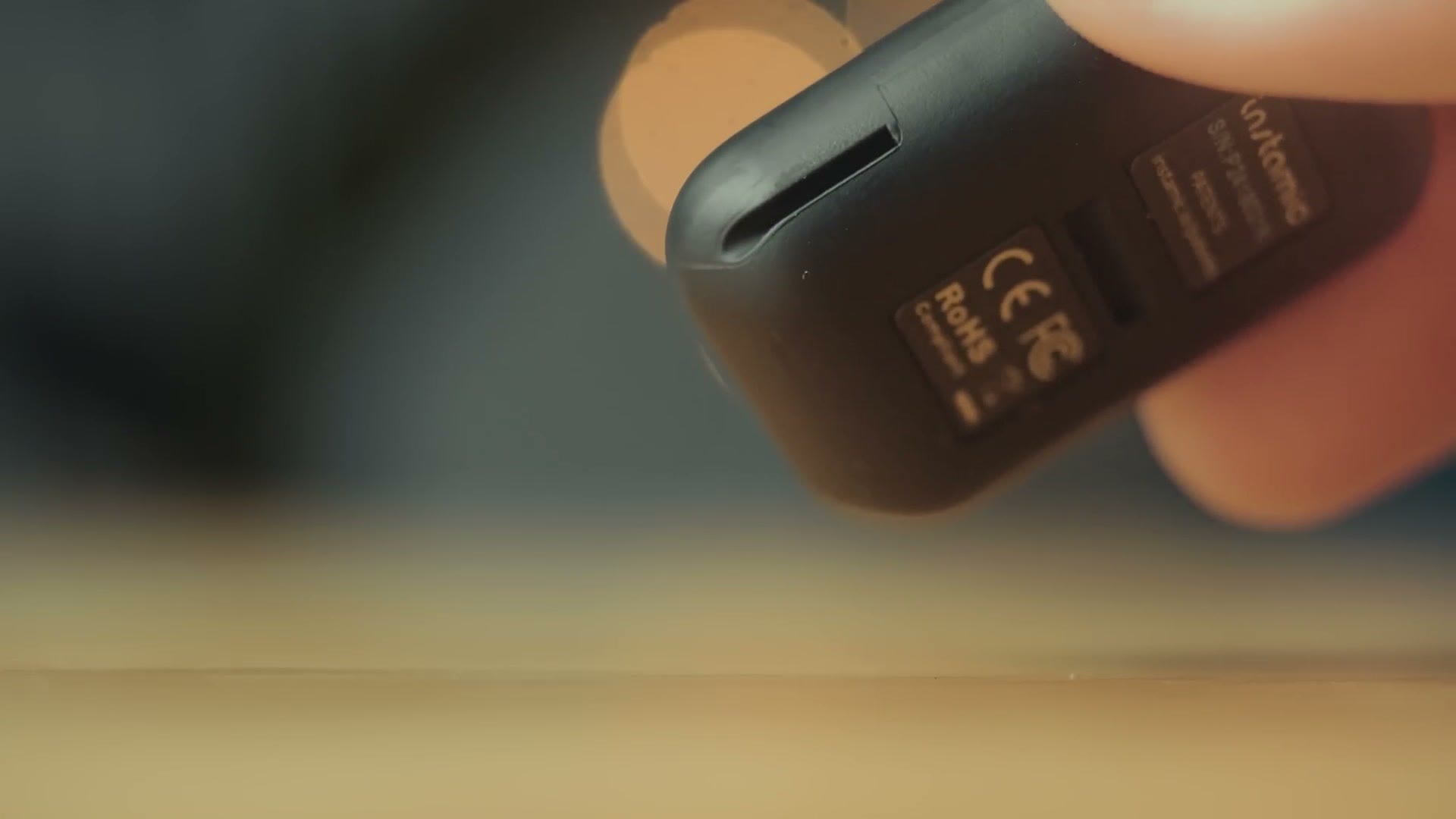
Flipping around to the sides and back of the recorder, you are going to see grooves, and this is where a lot of the versatility comes into play, because those grooves are where you can attach a variety of different mounts that come with the Instamic. Honestly, this feels similar to a GoPro. You have a ton of different ways to mount that kind of camera and you can do the same thing here. Oh, and it is also waterproof. Did I mention it is waterproof? There is another GoPro similarity for you.
If you want to go deeper, I’ve also got Affordable 32 Bit Float Audio Recorder! – Zoom H4essential Review For Wedding Filmmakers and Instamic: A Great Backup Audio Recorder for Wedding Filmmakers | Review.
In the box the Instamic comes with three different mounting options, including a Velcro option with sticky on one side so you can stick it to something and then attach and detach it from whatever you want to record, an option with three stickers on the back so you can peel it off and stick it to whatever you want, and of course high strength magnets for mounting on people. I would probably go with the magnets.
You should also know that the magnet attachment has extra versatility I have personally used before, where you have the capability of attaching the magnet mount to any piece of metal, with one of my favorites being the actual speaker grill of a DJ speaker at a wedding reception. Simply grab your Instamic, slide it into the mount, and stick it to the speaker, and that is your audio backup. Just remember to get it at the end of the night and do not just leave it on the speaker, because it is very small and that is very possible to do. Do not ask how I know that.
32-Bit Float Audio Recording Quality
What is arguably the biggest upgrade for the Instamic would be the addition of 32-bit float audio recording. Just like many other audio recorders these days, Instamic has managed to cram 32-bit float into this tiny little recorder, and I think that is a really fantastic thing, because if you are not aware, 32-bit float lets you bring down your audio levels if they are too loud and peaking and still recover them, or if your audio is too quiet you can bring the levels up without there being too much noise.
As a cool bonus, this recorder can hit much louder volumes than some of its competition, up to 135dB without distorting, so even if you are next to something like a jet engine you are probably going to get decent audio out of it, which is pretty cool.
32-bit float is really useful in such a small device, because this is really made for you to just turn it on, press record, put it on someone, and know you are going to be recording high quality audio without having to tweak settings or anything like that. You just press record. Okay, you’re good, all right, great, have a good time. And then you have high quality audio.

I think the audio sounds pretty good, especially considering how small the unit and the microphones are.
Should You Buy It?
Overall the Instamic Pro Plus C is a really full featured audio recorder that I really think lives up to the Pro name, because it gives you all the features of the original Instamic, which was very versatile, and then adds improved audio quality and pro features like timecode.
So should you buy it? Well, I think that really comes down to your use case. If you commonly find yourself filming and you need a super discreet and tiny audio recorder, I think this is a great choice, and you are going to get really high quality audio from it. In addition, just like the original Instamic, I think this is a fantastic choice if you already have a good larger audio recorder but you want something else in case that one fails.
That said, if you do not have any recorders at all and you are considering making this Instamic your first purchase, I would probably hold off on that, because you would be better served getting a small recorder with longer battery life and a 3.5mm microphone input that you could then hide on someone. I think that is going to give you a bit more versatility when it comes to general audio recording.
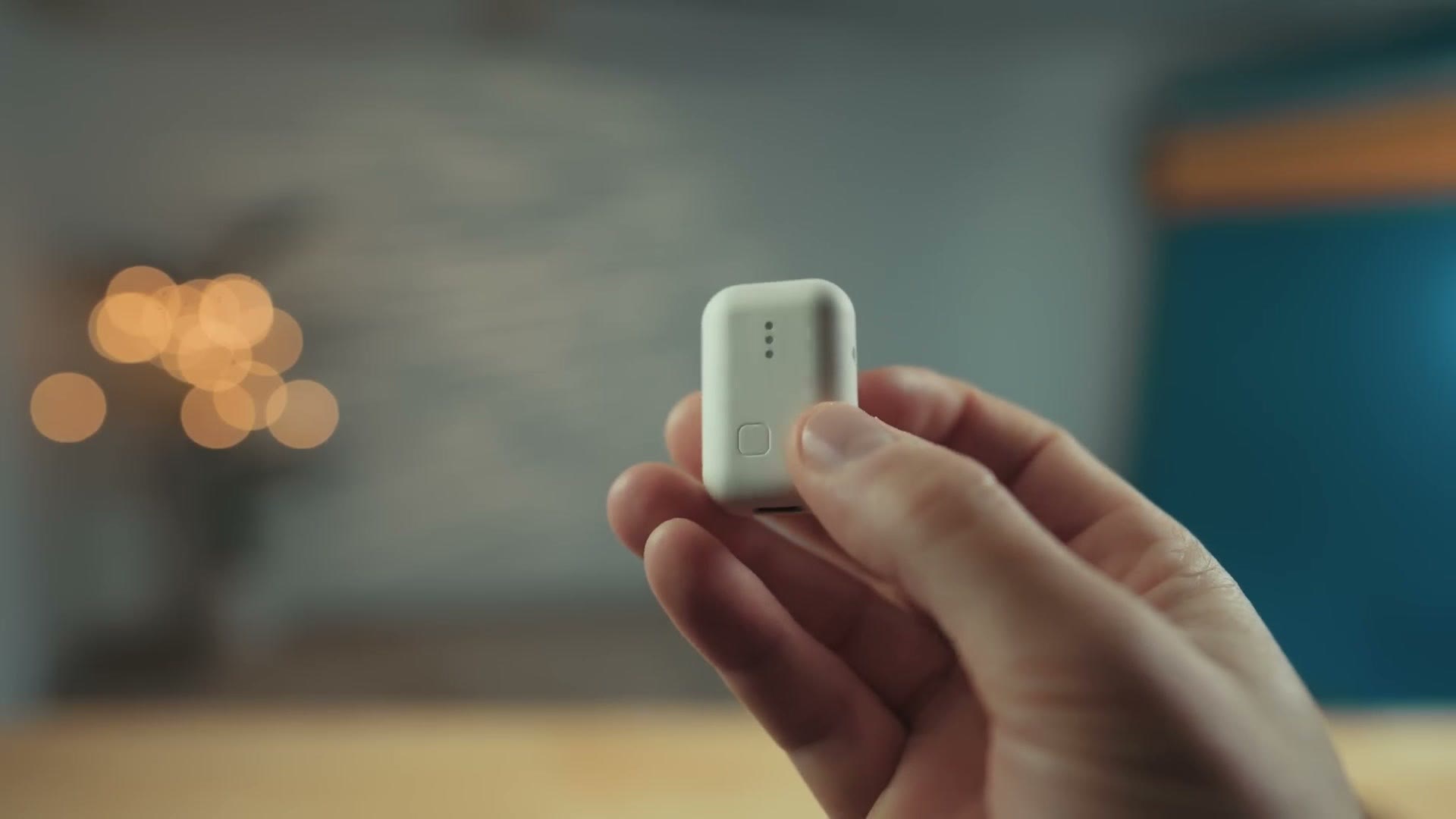
If you already have your basic audio recorders though, and you want something extra for more edge use cases like miking a bride, where you grab the white one and slip it right on her and you do not have to mess with a thigh strap or a cord or anything like that, that is where the Instamic is a no brainer.
I will also point you to my free booking workshop that is going to show you how to book your next wedding in 30 days or less. It shows you the exact steps you need to take to make sure you get a booking, even if you have never filmed a wedding before.
Thanks so much for reading and have a great day!