
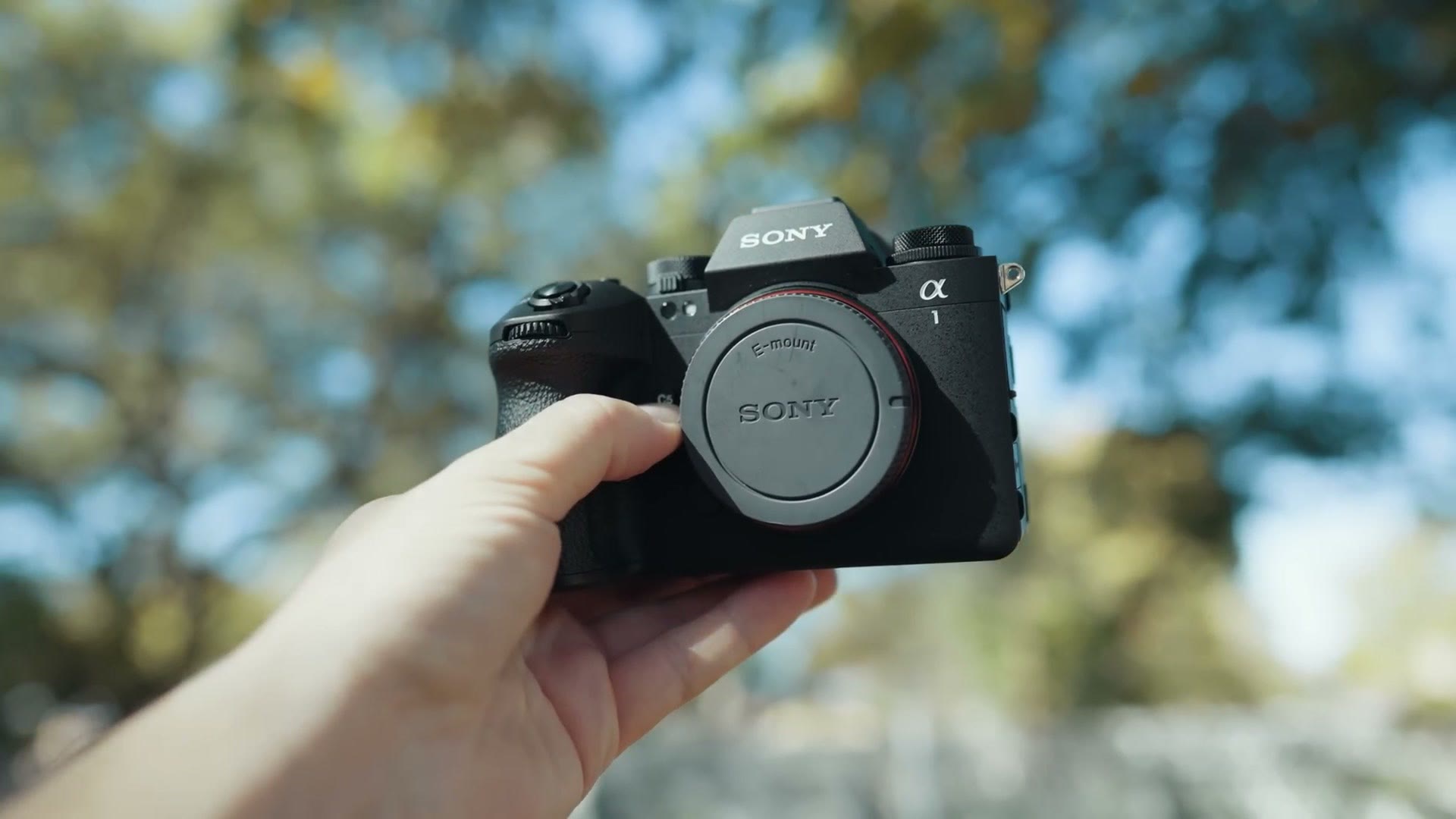
This is Sony’s flagship camera, the Alpha 1 Mark II, and it is arguably one of the best cameras you can buy if you want amazing quality for both photos and video. But whenever it comes to the video capabilities in particular, this camera has some very stiff competition from multiple other manufacturers, some of which have started to surpass Sony in a few areas. Which has really led me to question whether the a1 II is enough of an upgrade.
So I want to review it from the perspective of a wedding filmmaker and tell you how it stacks up against everybody else. And side note, if you want to know the best gear I recommend for wedding filmmaking, I’ve put together a gear guide that shows you all of the cameras, lenses and accessories you need, and it’s completely free right here.
Also, for the sake of ethics, I want you to know this video is not paid or sponsored by Sony, and this camera is on loan from them and will sadly be returned to them very soon.
What’s New With The a1 II
Looking at the a1 II out of the box, it feels more like this camera was made to bring the Alpha 1 line up to Sony’s modern design standards, not to completely reinvent the style and the look of the camera. I’ll admit I was kind of hoping for a bigger upgrade in the body, something like the jump from the a7 II to the a7 III, but instead this feels much more like a refinement, with the greatest hits of Sony’s other cameras all bundled into this one.
Just like the a9 III, the a1 II does away with the rather dated tilt only screen from the original Alpha 1 and now includes the much loved flipping and tilting screen that was introduced with the a7R V. That said, this screen feels even more refined than I remember the a7R V feeling. It’s smoother to use and articulate and it doesn’t feel fragile at all. It’s just a fantastic screen.
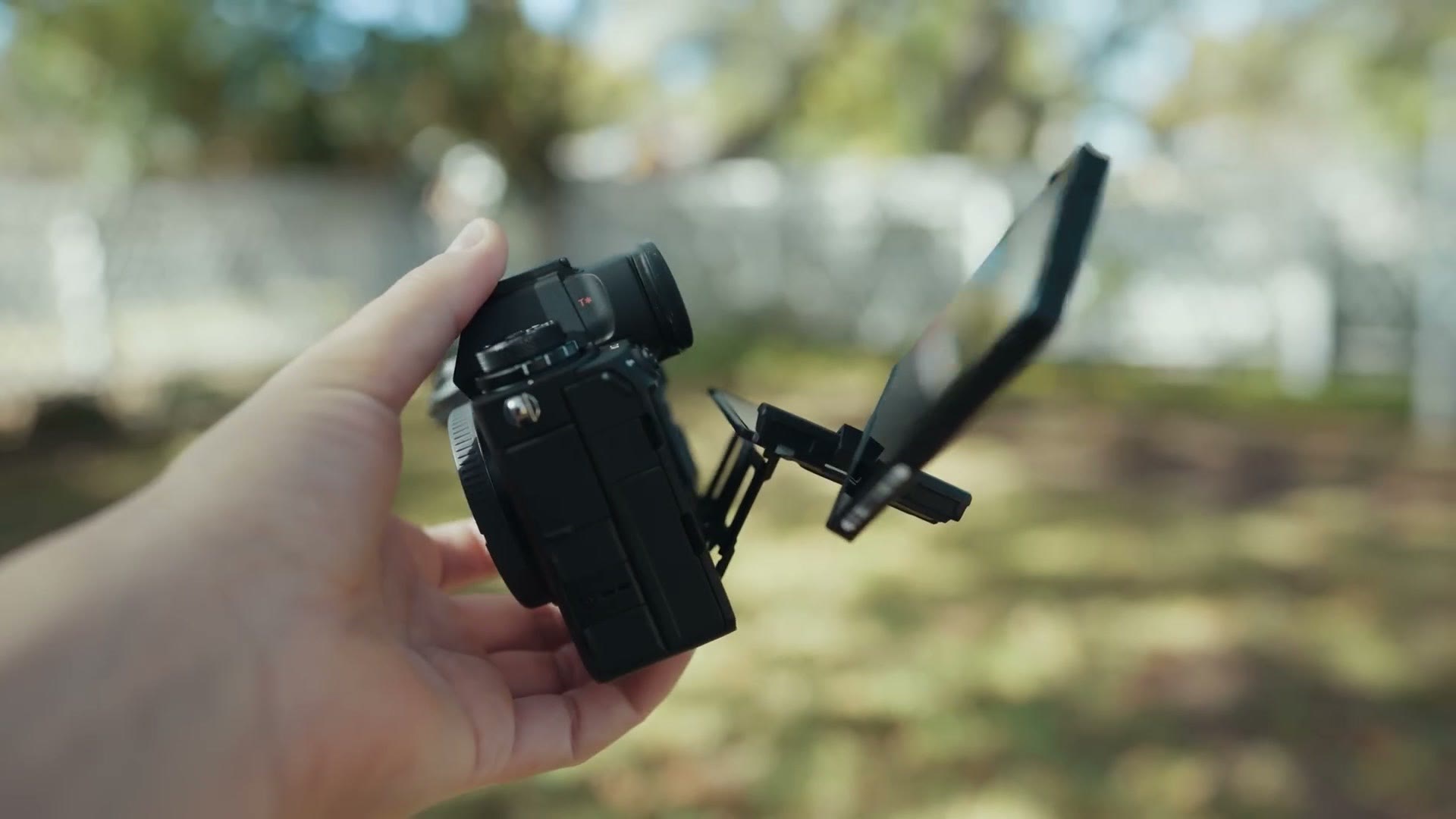
Looking at the rest of the camera, it feels very similar to the a9 III overall and I’m not really seeing any other differences. And that’s not a bad thing! The a9 III has a fantastic body and this one does too, so otherwise this is very much a situation of if it ain’t broke, don’t fix it.
Things The a1 II Does Right
The original Alpha 1 already had fantastic video quality, with a full frame sensor capable of filming in S-Log3, in 8K resolution up to 30 frames per second, and in 4K up to 120 frames per second. With the a1 II, Sony kept that same video quality with basically the same sensor while adding features that were in their other cameras but missing from the original: things like the S-Cinetone picture profile, an AI processing chip that dramatically improves autofocus, and user LUT support, where you can install custom color presets right onto the camera.
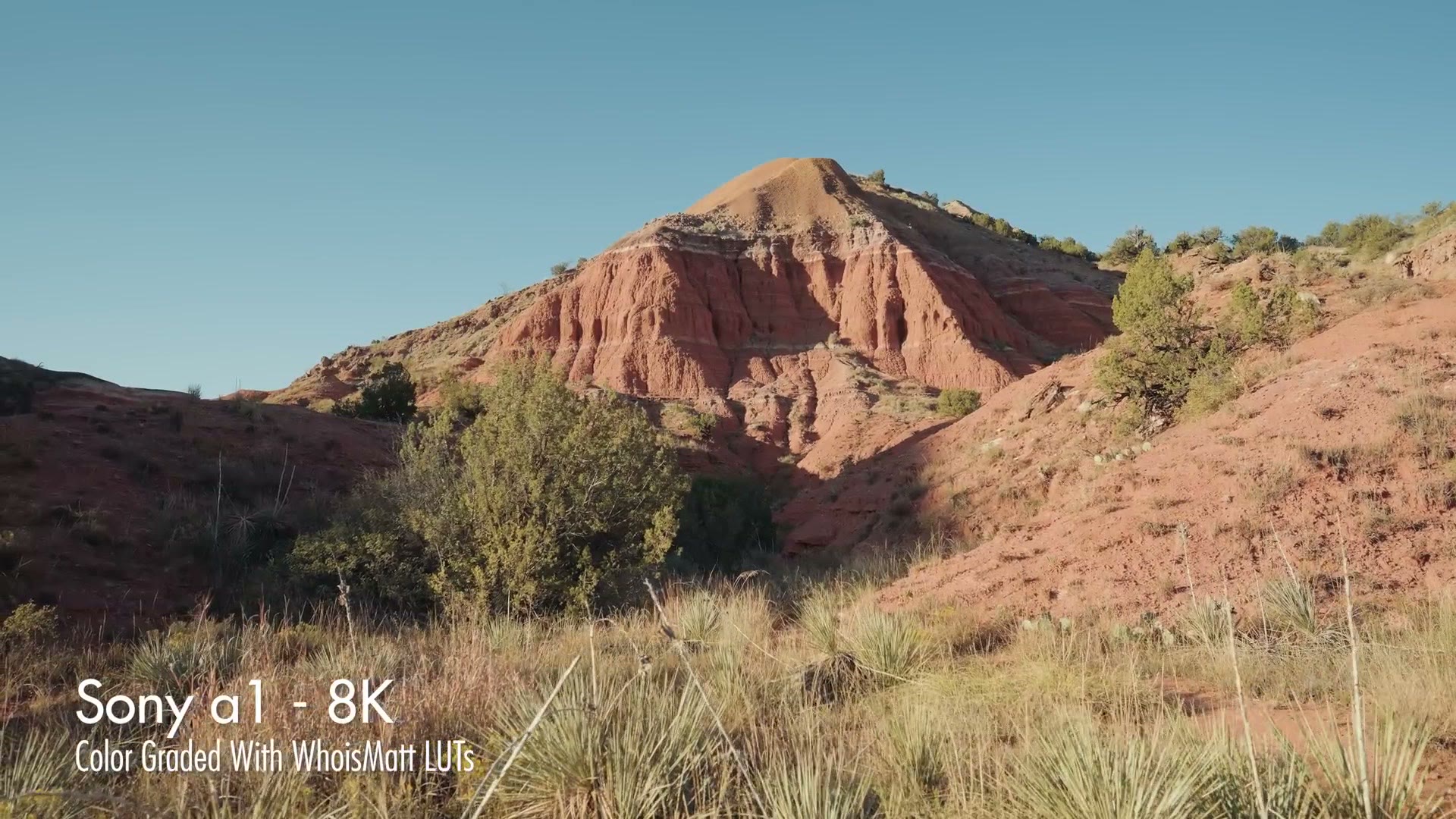
Side note, if you want your S-Log3 footage to look amazing, I’ve made a set of color presets that look absolutely incredible with footage from every Sony camera, and they work with that user LUT feature as well.
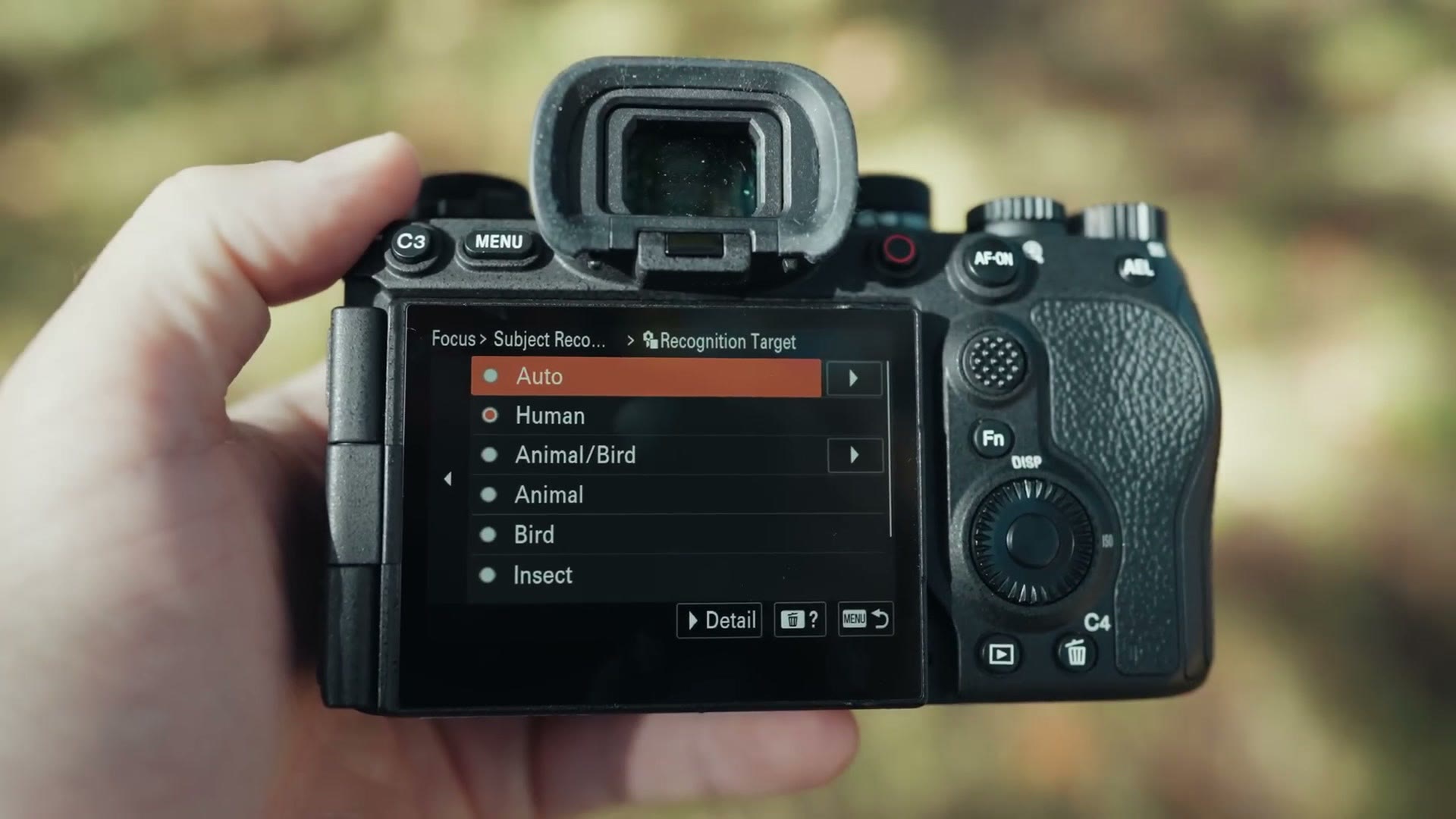
As a brand new feature exclusive to the a1 II, Sony also added the ability for the camera to automatically detect what it’s focusing on and change the autofocus type to suit the subject. It’s really cool and it works really well. This is easily the best autofocus I’ve ever seen from a Sony camera, or really from any camera for that matter.
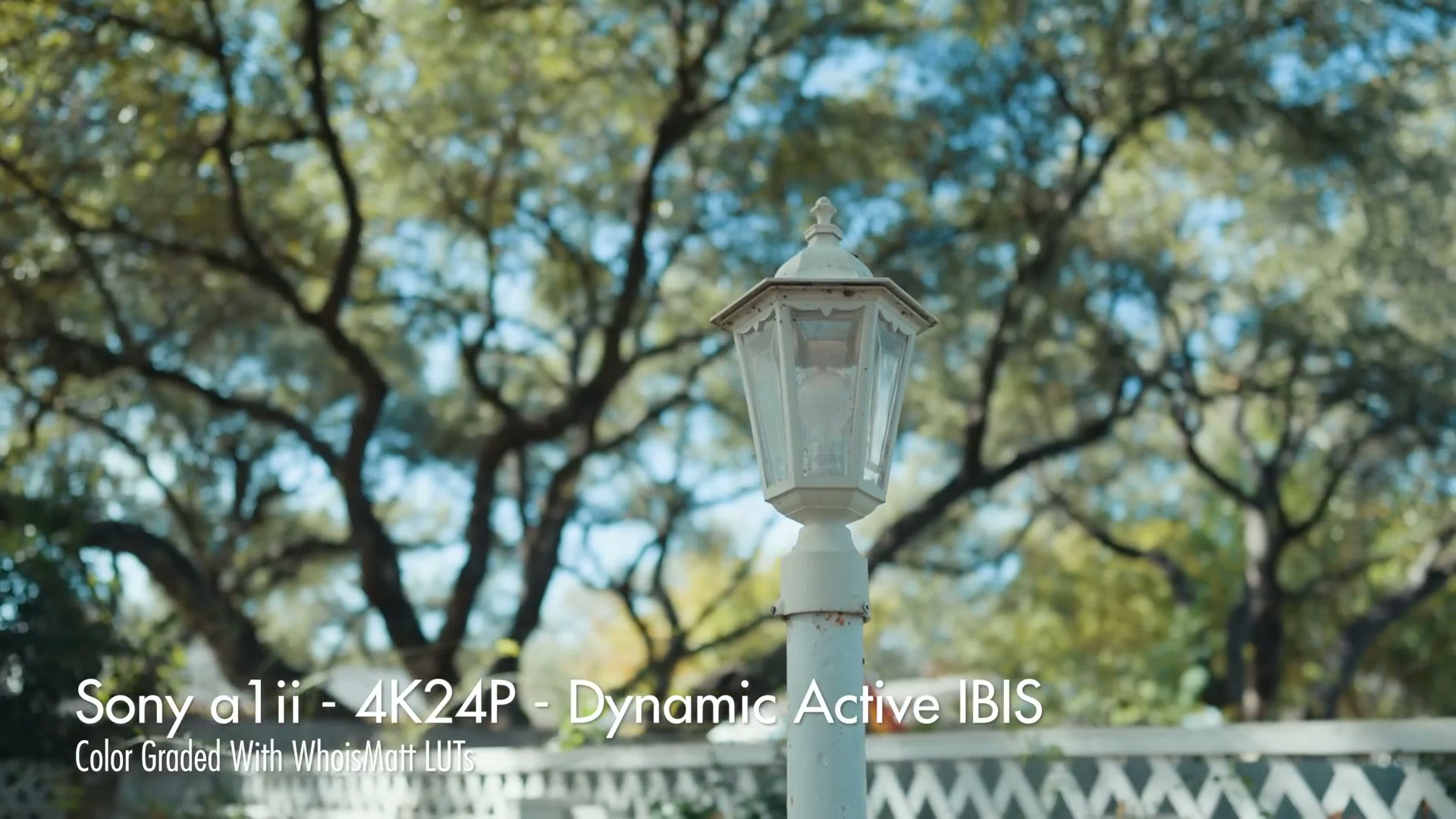
This camera also has the best image stabilization I’ve seen in a Sony body, up to eight and a half stops, which in the real world as a filmmaker means you can walk around with it in active mode, and while it won’t be quite as stable as a gimbal, it makes filming handheld very easy and very smooth, especially if you need to grab a moving shot quickly. Just be aware that some of the most powerful stabilization modes are not available whenever you’re filming in 8K, which is definitely a bummer.
Stagnant Video Upgrades
And speaking of being a bummer, this is where we need to get into the negatives, because from an overall video capability standpoint the a1 II sadly feels a bit stagnant. We’ll use that word. The vast majority of these video features are completely identical to the original Alpha 1, and that’s really concerning to me, because the a1 II is meant to be Sony’s flagship, capable of doing everything to the absolute maximum of their cameras’ capabilities. But as far as video goes, it’s barely an improvement.
It also concerns me for what comes next. In the past the Alpha 1 was considered an upgrade over the a7S III, but I don’t know if that’s going to hold true this time around, and I would hope that whenever Sony gets around to releasing an a7S IV it’s a significant upgrade over the a7S III. If it follows the pattern the a1 II just set, it won’t be a big difference at all.
Upgrades I Wish Sony Included
You’re probably wondering what kind of upgrades I’m even talking about, because you could very easily argue Sony is at the top of their game right now. They’re one of the most popular options available for filmmakers today, so many of my friends film with Sony, and they’ve built such a great camera package. What the heck could Sony actually improve?
Well, taking things in a vacuum and just looking at Sony, yeah, they are crushing it. But whenever you look at what their competition is doing, there are definitely some cracks starting to show in the armor.
No Internal Raw Video
At this point there are no Sony mirrorless cameras capable of recording raw video internally. To be clear, you can still very easily record raw externally to a monitor like an Atomos using ProRes Raw, and Sony has worked with Blackmagic to bring external Blackmagic Raw recording to their cameras and Blackmagic monitors in a firmware update later in 2025. But then you look at literally all of Sony’s competition and it’s glaringly obvious that Sony is starting to fall behind on internal raw.
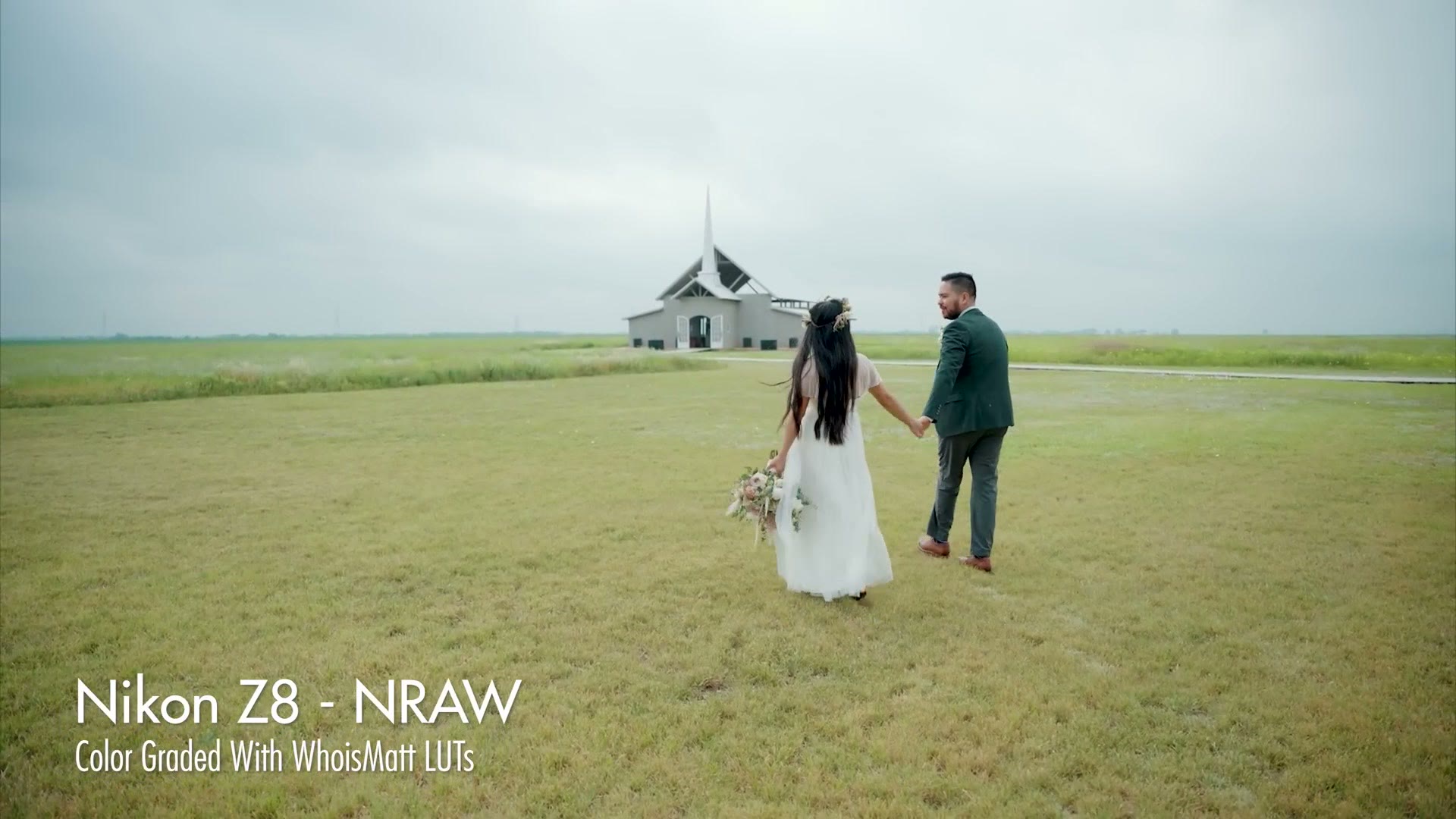
Look at Nikon. They created their own N-RAW codec and have put it in all of their new mirrorless cameras, giving you the ability to record raw video not just with a flagship like the Z9, but also with the Z8 and the Z6 III. It’s really impressive, and any time I’ve used these Nikon cameras I have loved filming with them. Nikon is really killing it whenever it comes to internal raw.
Oh yeah, and Nikon also bought RED, the company that was really the first to offer digital cameras capable of recording raw. You know they’re going to keep improving on this and merging RED and Nikon together, and I would bet we very soon see a RED camera with a Nikon lens mount. A Red-kon? A Nik-RED? I don’t know what we’re going to call it, okay, but it’s going to be something like that and it’s going to be really, really awesome.
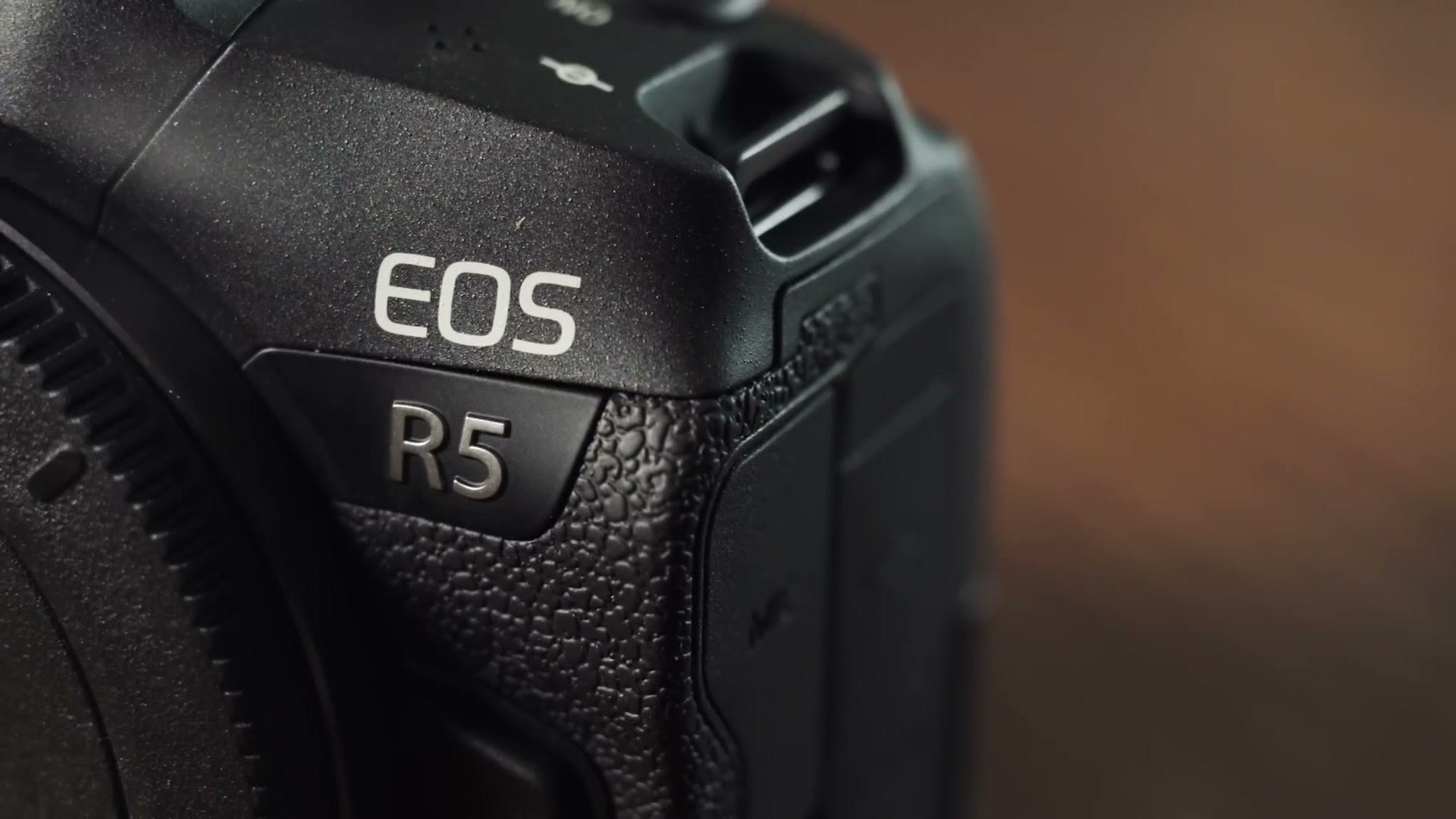
Then you have Canon, who has been putting internal raw video into their cameras for quite a while now and has continued to improve it. While I don’t know a ton of filmmakers filming with Canon cameras in raw, it’s still great that they even offer the feature, and I remember they offered 8K raw recording way back with the R5 in 2020.
Heck, let’s look at Panasonic too. Panasonic has offered external raw recording like Sony for a long time, but with the introduction of the GH7 in mid 2024 they included internal ProRes Raw recording with no external monitor required. And you can’t tell me Panasonic would just enable internal raw for the GH7 and stop. I would bet so much money that all of their future cameras, especially the full frame ones, will have it too. Now imagine pairing that with Open Gate recording, which is another video feature Sony has not added to their cameras yet, and Panasonic is going to be making some really compelling cameras that compete very well with Sony.
So whenever you look across the internal raw video landscape from all these different manufacturers, this is where Sony really starts to falter, because it’s a feature all of their competition is offering and Sony has been silent on it. And whenever you consider that the a1 II is meant to be the flagship, capable of the highest level of video quality, the lack of internal raw is a glaring omission in my opinion. I was frankly shocked it wasn’t included in some way.
No 32 Bit Float Audio
I have not had any complaints about the audio quality any Sony camera has been capable of recording since I first started using them back in 2012. There’s a flashback for you. But I was really hoping that with the a1 II, Sony would take some inspiration from Panasonic, because one of the GH7’s claims to fame was being the world’s first camera capable of recording 32 bit float audio internally.
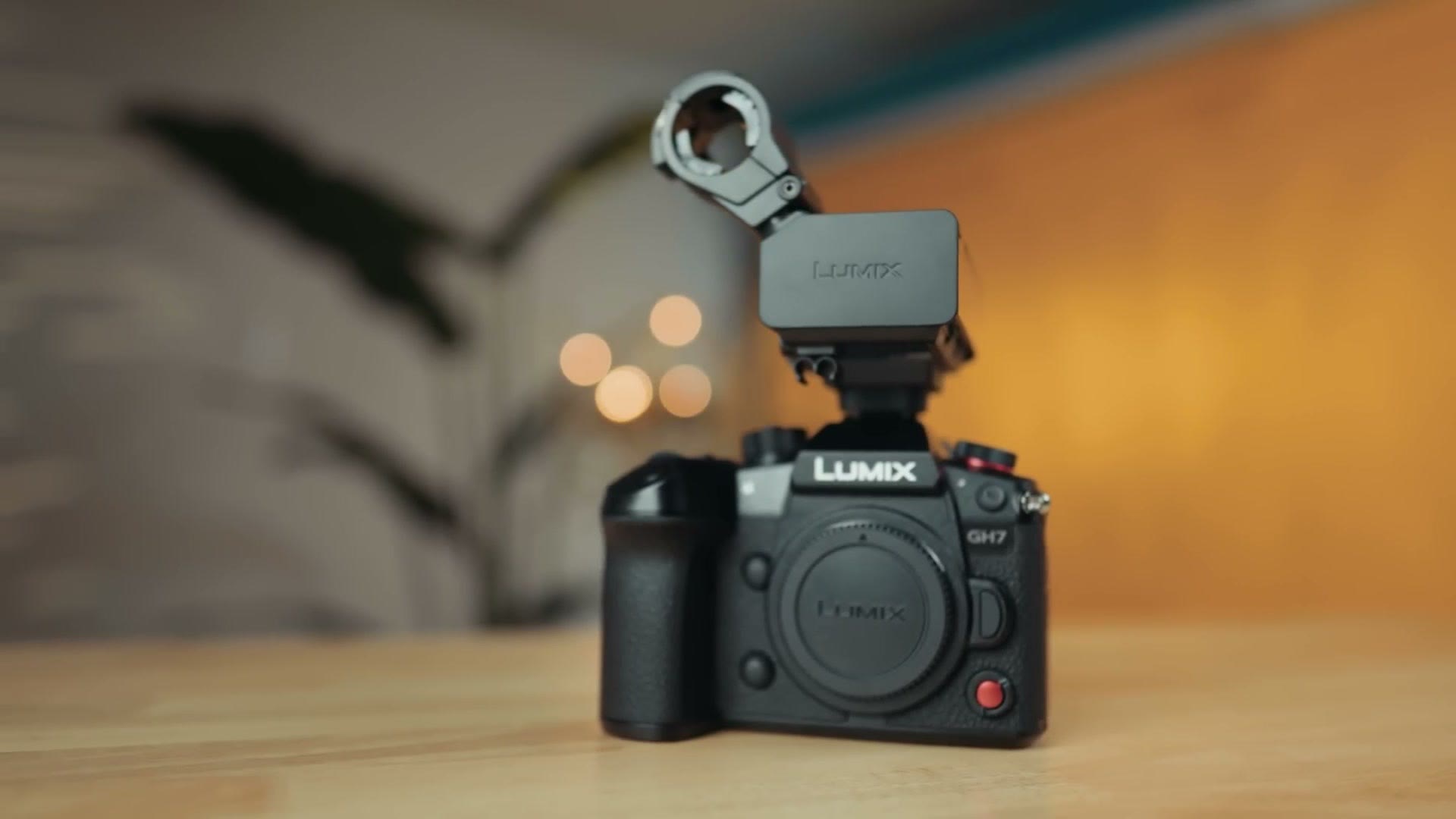
Granted, to unlock that you had to buy a new XLR hot shoe adapter for the camera. But whenever you consider that the adapter didn’t cost much more than a comparably priced external 32 bit float recorder, and that you’d also end up with your video file and your 32 bit float audio already attached to each other with no syncing required in post, that extra purchase became a no brainer in my opinion.
At least at the time of recording this, no other camera company has included 32 bit float audio internally. But if there was ever one company I’d have bet on to move quickly and compete on that, especially with their flagship top of the line camera, it would have been Sony.
Should You Buy It?
Overall the internal features of the a1 II leave it in a rather difficult position. It easily takes the crown as Sony’s flagship and their most expensive mirrorless camera. But because it carries so many of the same video features the original had when it was released three years ago, it has started to really fall behind competition that has caught up to it in a lot of ways and in some ways surpassed it. And if this is the absolute best that Sony has to offer, I’m not overly enthusiastic about their future cameras. But hey, I would love to be proved wrong.
With the original Alpha 1, the value proposition was pretty simple, because if you wanted the absolute best Sony camera capable of filming 8K and taking phenomenal photos, your choice was between that and the a7R V. The a1 II does have some nice upgrades, especially the screen and the autofocus. But from a video quality standpoint it is incredibly similar to the original a1, which means that if what you want is an 8K filming Sony camera, you may be better off looking at a dramatically discounted original a1, or at an a7R V.
Book Your Next Wedding In 30 Days Or Less
I really hope this has been helpful to you if you’re considering the a1 II, especially for filmmaking. And because I want to help you out even more as a wedding filmmaker, I’ve put together a free workshop that will help you book your next wedding in 30 days or less. It’s completely free and you can grab it right here. Thanks so much for reading and have a great day!