
My name is Matt Johnson, and this is the brand new Sony ZV-E1 that was very recently announced. In this video I am going to review this camera from the perspective of a wedding filmmaker and tell you if it is a good purchase for you, if you film weddings or documentaries or other fast filmmaking scenarios where you need to record as quickly as possible and you do not want to miss the shot.
Before I jump into the details, I want you to know this video is not paid or sponsored by Sony. I am recording this from a hotel room at Sony Cam Camp in San Diego, where me and a ton of other YouTubers and TikTokers and Instagrammers are all hanging out right now. It is a lot of fun, and we are all going to play with this camera. A lot of people have been asking me, hey, is it good for weddings? Should I buy it for weddings? Should I preorder it? So let’s talk about that.
Spoiling The Conclusion
Because I respect your time, I have got to tell you that this camera feels like Sony took a Ferrari engine and crammed it into a Honda Civic. What I mean by that is that Sony took the super powerful sensor from the a7S III and the FX3 and said, what if we put it into a much more compact body and stripped away a lot of the features?
So this camera is incredibly powerful, but it is also incredibly compromised, especially if you are filming weddings or documentaries or other professional work.
Ferrari Specs
Whenever I first saw this camera I was super excited, because I get so many messages from filmmakers saying, hey, I really want a full frame Sony camera, I really want an a7S III or an FX3, but I cannot pony up the $3,500 I need to buy one of those. And then suddenly here is the ZV-E1 offering a ton of the power of those more expensive cameras, and spoiler, this camera only costs $2,200, which is pretty darn fantastic.
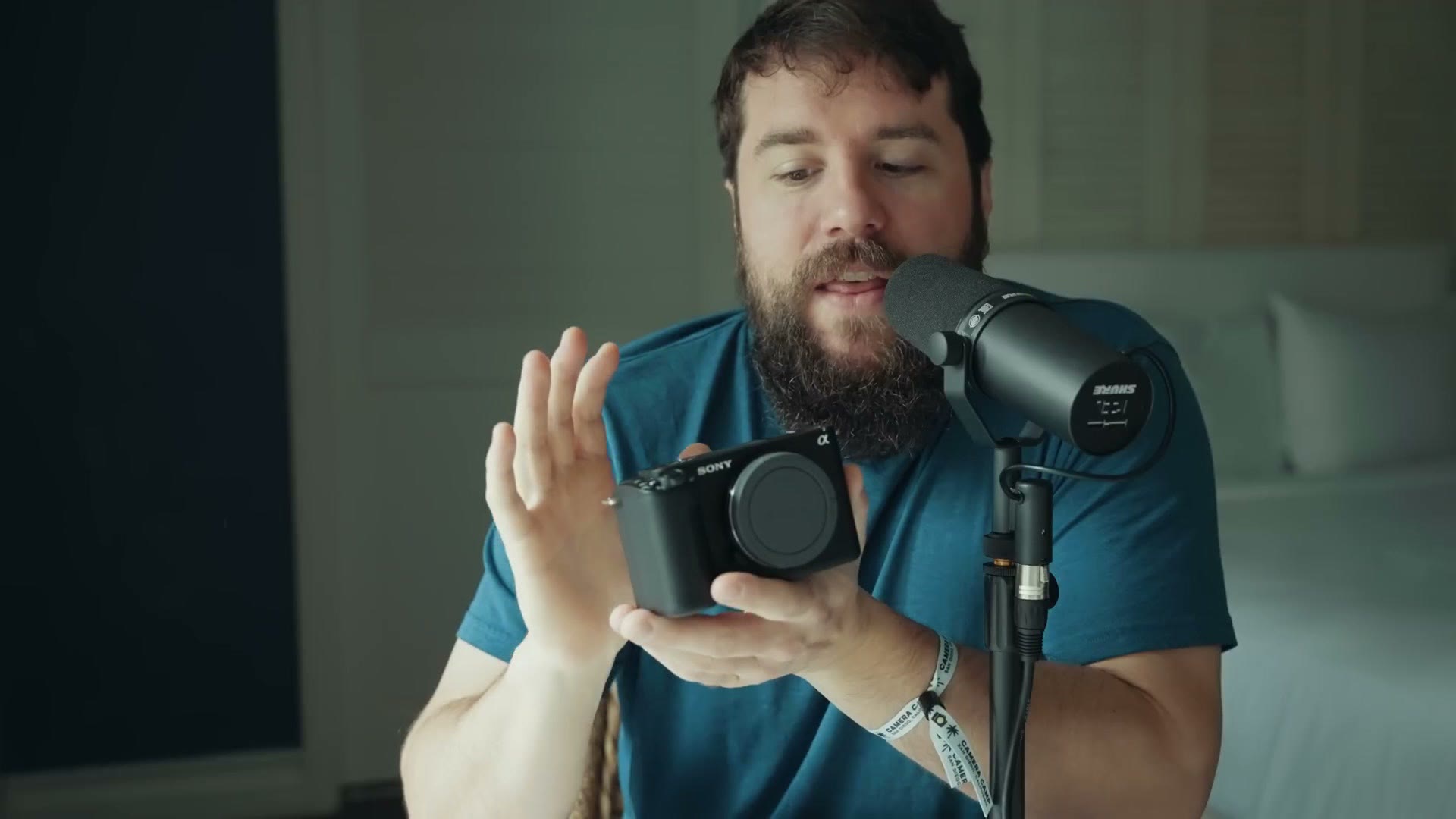
On the spec sheet this camera reads a lot like an a7S III. You are getting the same 12 megapixel sensor with crazy good low light all the way up to ISO 409,600. Nuts. You are getting the same dual native ISO at 640 and 12,800, so this camera is a total low light beast. You are getting 4K at up to 60 frames per second, and in a firmware update coming later this year Sony says they will be adding 4K at 120, which is kind of weird because the a7S III already has it, so you know the sensor can do it, but they are like, hey, we are going to hold off on that. The reason for that is to be determined, and we will talk about it in a minute.
Otherwise you are getting a lot of the other features you would expect from the a7S III or FX3. It has S-Log3, it records 10-bit video, and it also has S-Cinetone, which is great if you want beautiful looking images straight out of camera. I love S-Cinetone as a picture profile, especially if you are doing live streaming.
Another feature this one takes from Sony’s higher end cameras is the AI chip we saw in the a7R V, which is now in this much cheaper camera. With that you get things like motion estimation, where it is analyzing body parts and telling exactly where they are, and that can really help your autofocus. It is kind of scary. Just like with the a7R V, if somebody is facing away from you, the camera still knows where they are, it knows where their head is, so it can focus on them. It is a pretty stellar camera and the internals are super good.
Inside A Civic Body
Going back to that Ferrari versus Civic reference, they have taken the Ferrari engine, a.k.a. the a7S III sensor, which is stellar, and crammed it into a smaller body and stripped away a lot of the features.
So there is no EVF. You notice you cannot look through it. I remember whenever I was setting this camera up I was like, okay, I have got to put my hand back here, because I am always testing to see where the EVF sensor is so I can disable it. And then I was like, wait, there is no EVF. Okay, my bad. And then about 15 minutes into setting the camera up a Sony employee comes up and says, hey, what do you think of the camera? And I am like, I am still in the menus, give me a second. As you are probably aware, I have a lot of videos about how to customize your Sony cameras so they work as fast as possible, and this camera has a ton of buttons just like every other Sony camera, so there is a lot of customization you have to do to really get it dialed in.
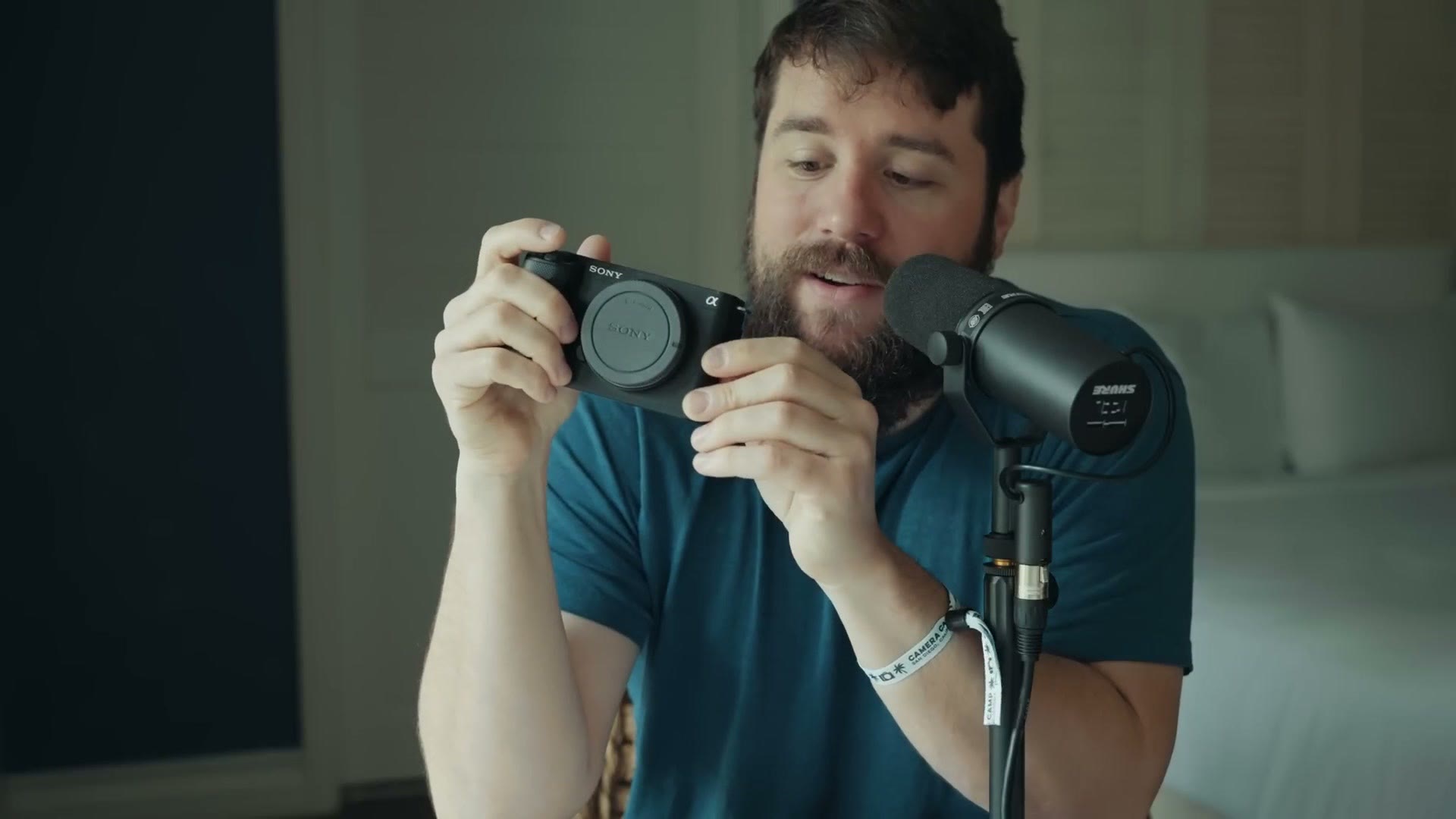
Now for the Civic aspect, and here is where the camera starts to falter a little in comparison to the a7S III, because Sony did have to cut some things to hit that $2,200 price tag.
The first thing you are going to notice, aside from the lack of an EVF, is that this camera only has one SD card slot. Yes, sorry about that, but you are not going to get dual SD card recording. You get one SD card, and this is not one of those combo SD card and CFexpress Type A slots either. This is just an SD card slot, and that is all you get. As a plus, the card does face you whenever you put it in, which is different from the a7S III, so I was like, oh look, the card feels like it should go in that way. That is nice. Notice it is also on the left side, which is weird, all the other times it is on the right side. Sony was like, hey, we put it on the left. You cool with that? All right, cool, whatever.
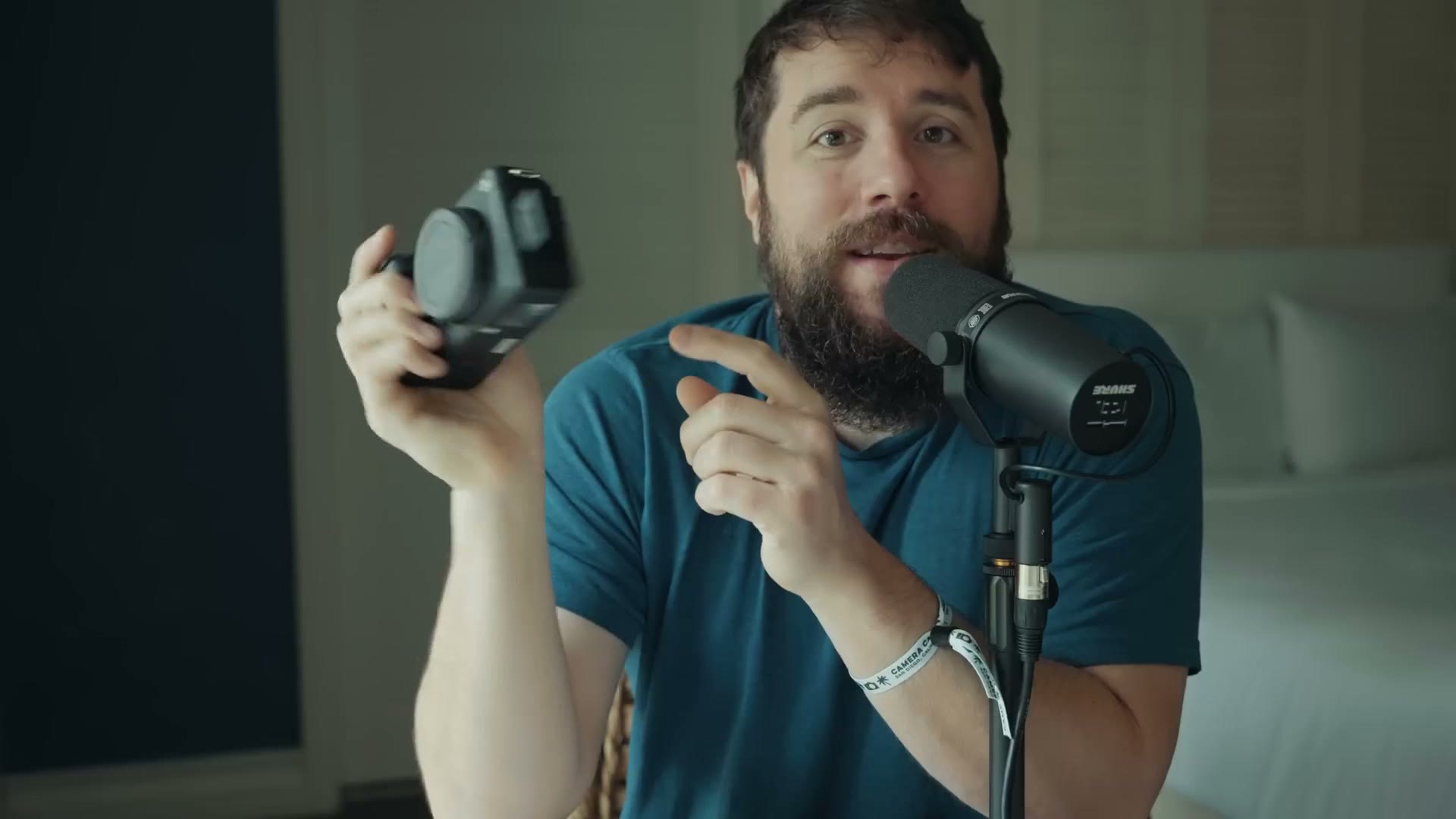
Otherwise you still get a microphone in jack and a headphone out. What is different from the other ZV cameras Sony has released is that this hot shoe mount is an active hot shoe, meaning you can connect one of Sony’s ECM-B1M mics, for example, and use it for digital audio, and it works really well. Heads up: this link goes to the newer Sony ECM-M1. That said, this camera also has a built in internal microphone like the other ZV cameras, and they have made some improvements to it, including the ability to change the directionality of the built in mic. You can have it face forward or backward, you can have an omni recording, and you can even have the camera automatically decide what it wants to be focused on, which is pretty neat. From my testing it sounds pretty good.
Back to the things they stripped though. The full size HDMI port is now gone, and in its place you get a cute little micro HDMI. It is super tiny, and it is a little janky. That is not any knock on Sony, that is just a knock on micro HDMI as a whole. If you want to use an external monitor with this camera, considering what a flimsy connector that is, I would highly recommend buying a cage. I am sure there will be cages available for this camera. Buy a cage to protect that connector, because the last thing I want to see is your cable get broken, because it is such a small and fragile connection.
One thing I am pleased to tell you though is that in regards to battery, this camera is compact but Sony still manages to fit their full size NP-FZ100 battery inside it, so you are getting stellar battery life. I am very glad to see that, because as I said, this camera has the a7S III sensor, so you know it is going to be sucking down power whenever you are recording 4K 60.
Dynamic Active Image Stabilization Is Nuts
There are some other cool features Sony has added to this camera that are super compelling, especially for professional filmmaking, and one of the most interesting to me is Dynamic Active Image Stabilization.
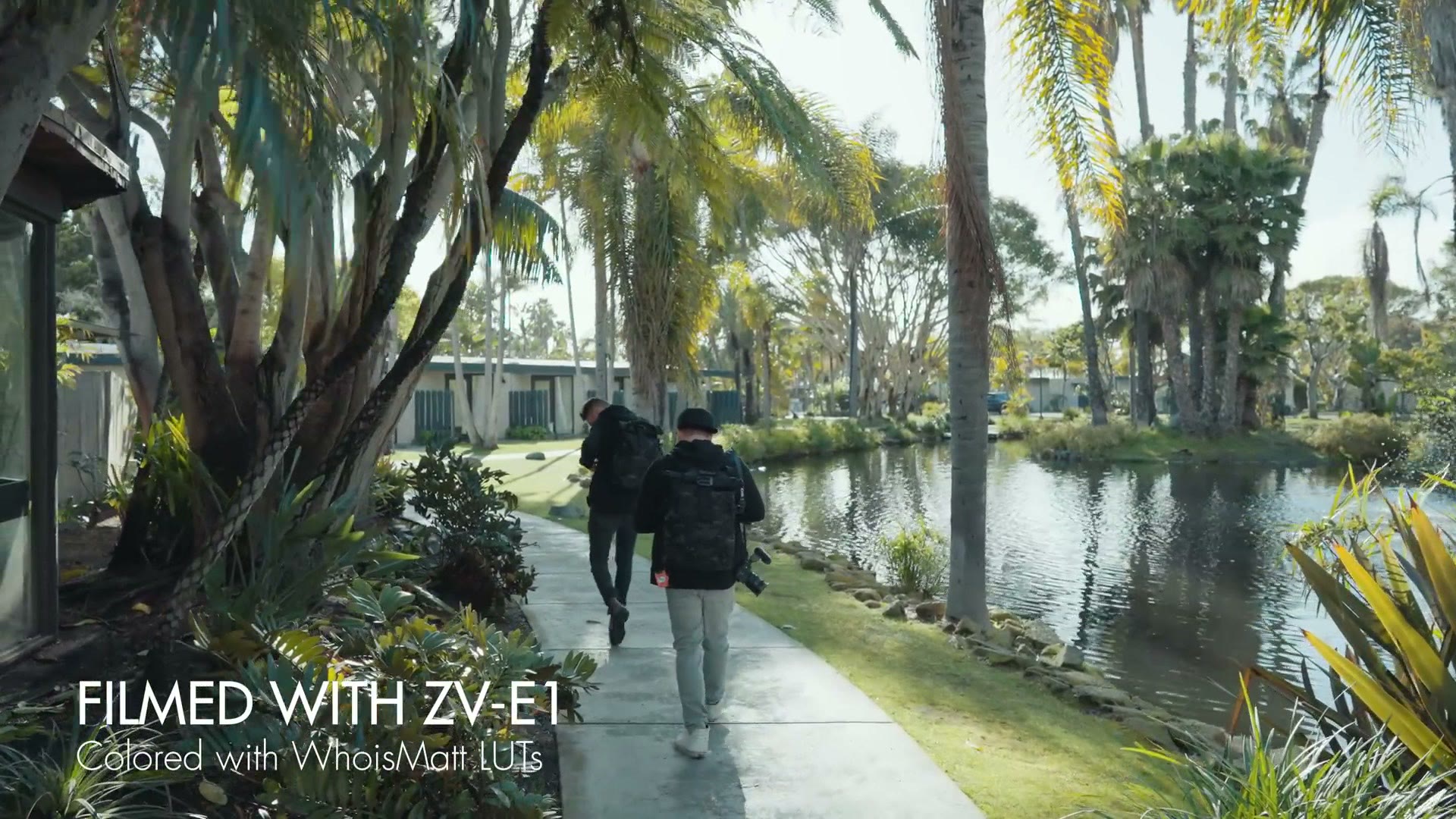
Ever since the a7S II, Sony has had in body image stabilization in their cameras, and with the a7S III Sony introduced Active Image Stabilization, where it crops in on the sensor just slightly and then does some digital magic to make the footage even smoother. Well, the ZV-E1 has added Dynamic Active Image Stabilization, and this is freaking incredible.
The way it works is that Sony has a technology they call Clear Image Zoom, which I have made videos about in the past, where essentially you can zoom in with your camera up to 1.5 times in 4K with essentially no loss in quality. It is kind of nuts. Granted, there are some caveats. If you are at a very high ISO and you use Clear Image Zoom it is going to make the footage a bit noisier, so you will want to be careful with that, because you are essentially zooming in on the sensor and that can make noise more extreme. Also, in the past, whenever you used Clear Image Zoom you would lose the ability to have eye detect autofocus, because the camera was zooming in on the sensor and it was like, I cannot do eye detect while it is zoomed in. But that has changed with the ZV-E1.
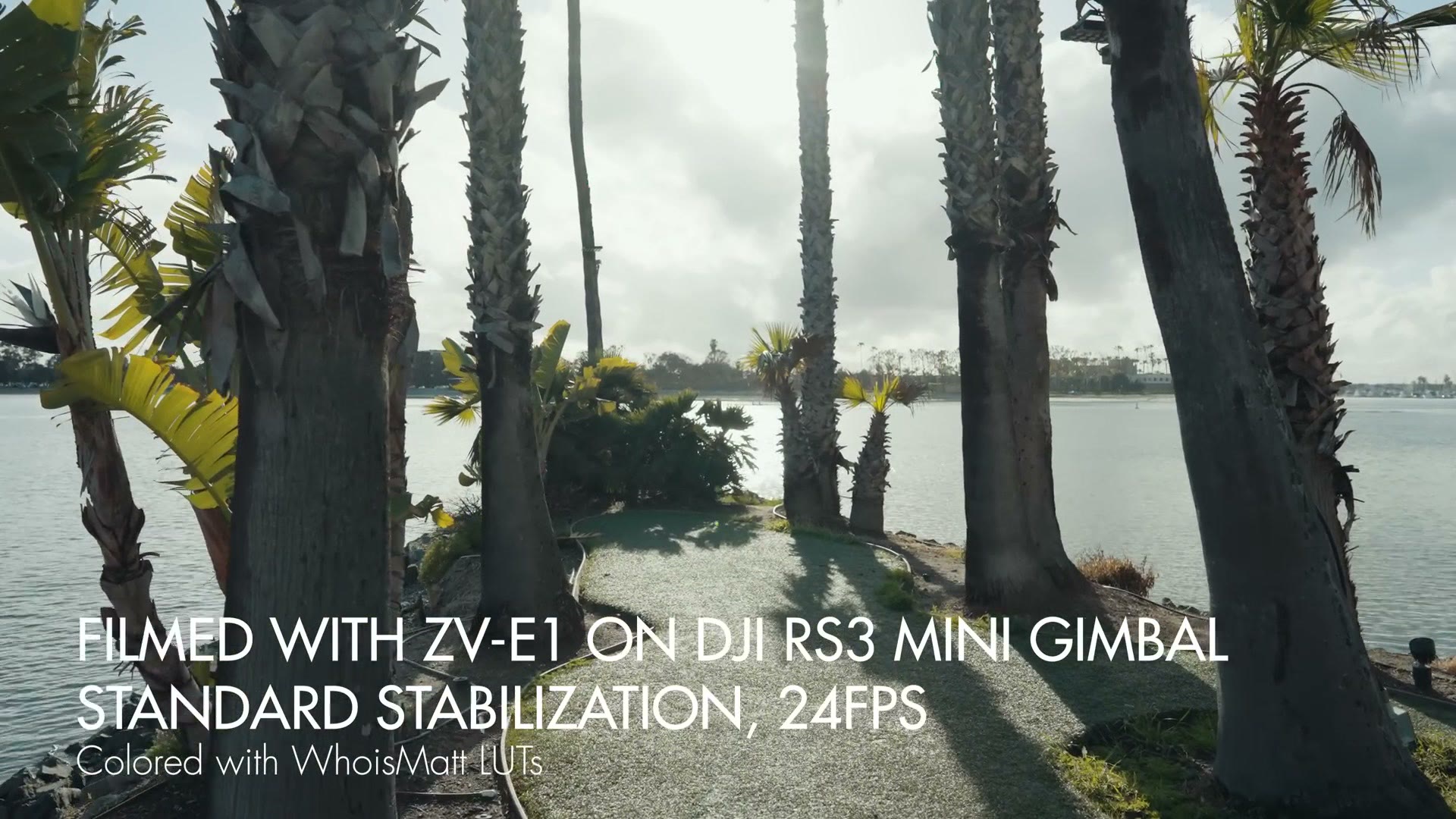
With Dynamic Active Image Stabilization the camera is essentially using the power of Clear Image Zoom to zoom in on a 4K image losslessly, so it is not losing any quality, but it is using that zoom ability to stabilize the footage even more. So you are going to see a more extreme crop, maybe 1.3 times for example, but with that the footage gets dramatically smoother.
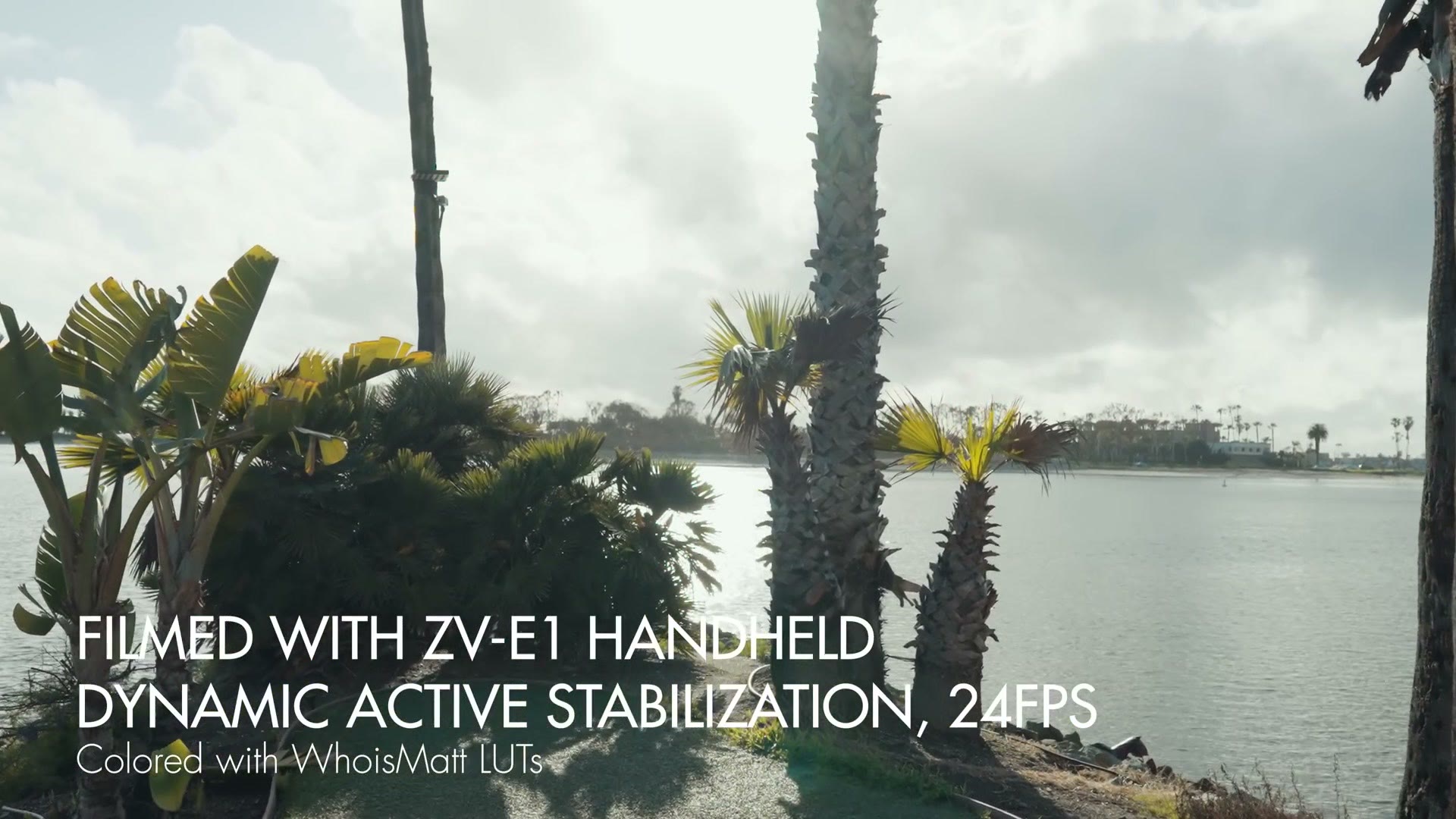
And unlike the Panasonic S5 II or the Canon R5, for example, you are not going to see the wibbly wobbly corners you oftentimes get with IBIS on those cameras, where you can tell the sensor is really working to keep things stable if you are walking. Because Clear Image Zoom is zooming in so much, it is not giving you those wobbly edges. This is super exciting to think about, Sony adding this to other cameras and other features. It is just really, really impressive, and I like it a lot.
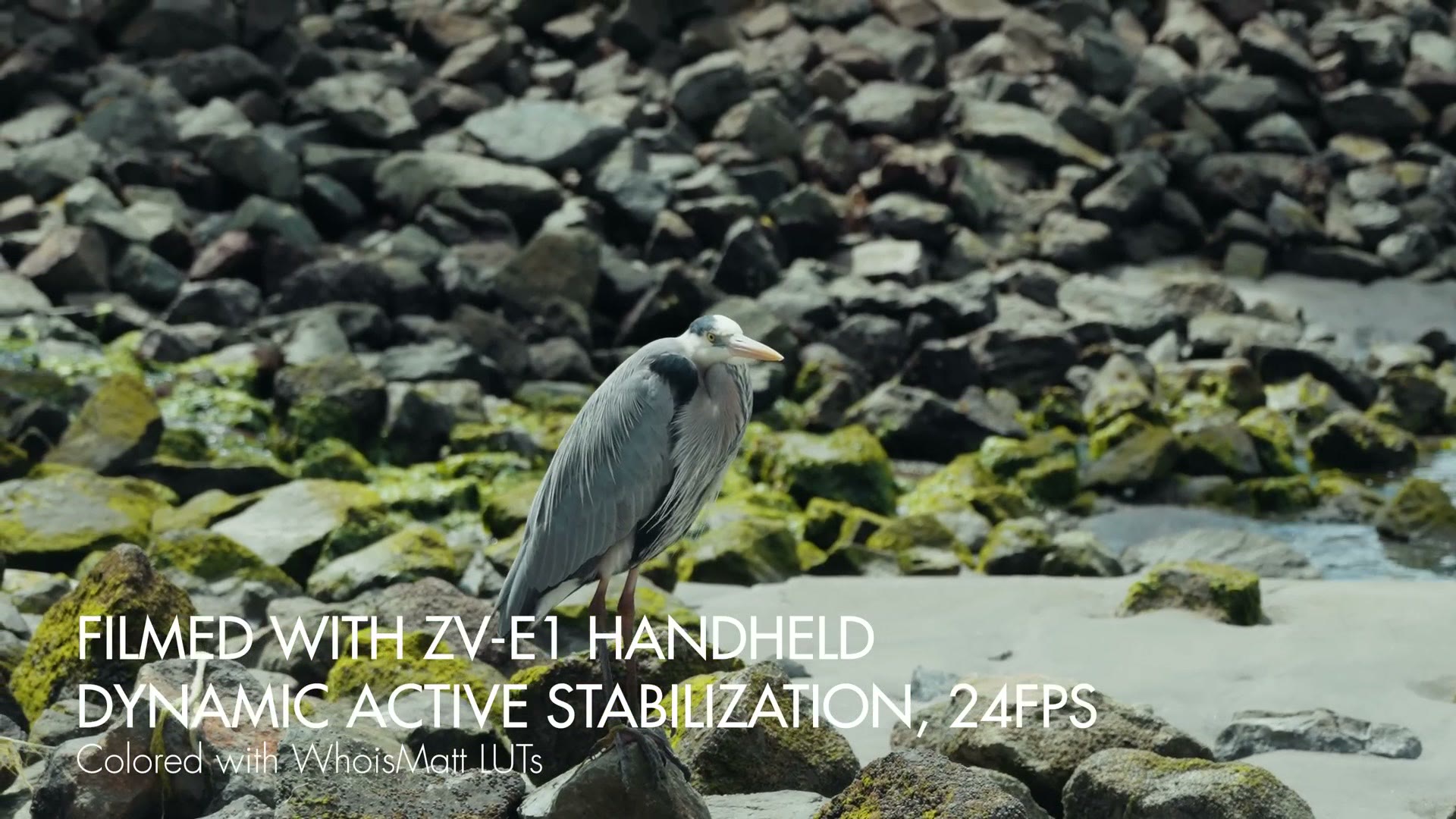
I am already thinking, dang, imagine filming a wedding and not needing to bring a gimbal, because you are just handheld and you are getting all these cool shots. As wedding videographers we could look like a photographer, just a camera and a lens. That would be crazy, right? The photographer is like, wow, you did not bring all this stuff. Just kidding, you still brought a ton of audio gear. But it is still cool to think about. I love traveling light, and this camera can enable you to do that.
Intelligent Auto Mode Is Impressive
Another new feature Sony has added is a mode called Intelligent Auto, and this unlocks a lot of really cool things. As the name implies it does use the word auto, and generally auto has been sort of a bad word in professional filmmaking circles. I know I have made tutorials where I say turn everything off auto, manual everything. But in this case the auto modes are really impressive, because I have not seen anybody doing anything like this.
For example, one of the auto features is that you can have the camera filming you at, say, f/1.4, but then if someone else steps into the frame that you also want in the video, the camera will detect there is another person and it will automatically dial down the aperture and bring up the ISO, so the image stays the same exposure but the depth of field changes and the other person is also in focus. I have done vlogging style setups before where I was filming myself and somebody else was in the frame, and it was just hard to make sure the camera focused on both of us. With Intelligent Auto it just works. It’s kind of cool. Granted, it is auto mode, so you have got to trust the camera a little bit, but these cameras are getting smarter and it is pretty darn impressive.
Another super cool feature of Intelligent Auto is that Sony has added the ability for the camera to use that Clear Image Zoom power to reframe your footage. If you have the camera on a tripod you can have it focused on you and the camera will actually zoom in on you and track you around the frame as you move. That could be really useful if you are filming yourself talking, or if you are filming on a gimbal, where you can tell the camera to make sure it keeps you in the frame. I do not know how useful that is going to be for wedding filmmakers or documentary work, but I do think it is really cool that Sony is adding features like this that we did not even ask for.
One nice thing, speaking of the camera zooming in and reframing, is that if you are using an external recorder you can set the camera up so it records the zoomed in footage internally while the external recorder captures a fully uncropped wide view for you to crop yourself in post. That is pretty neat. I personally would love to see something like that on cameras with dual SD card slots, where one card records the cropped footage and the other records the wide uncropped version. The camera is already capable of doing that if you are running it out to an external recorder. I do not know if it would affect overheating too much. This camera does not have dual SD card slots so it is not possible here, but something like that could be really cool to see.
The Biggest Issue, Overheating
At this point we have talked about all the features Sony crammed into this camera, all about the Ferrari engine of the sensor they crammed into this much smaller Honda Civic body. Now we have the last thing to talk about, and this is the big red flag.
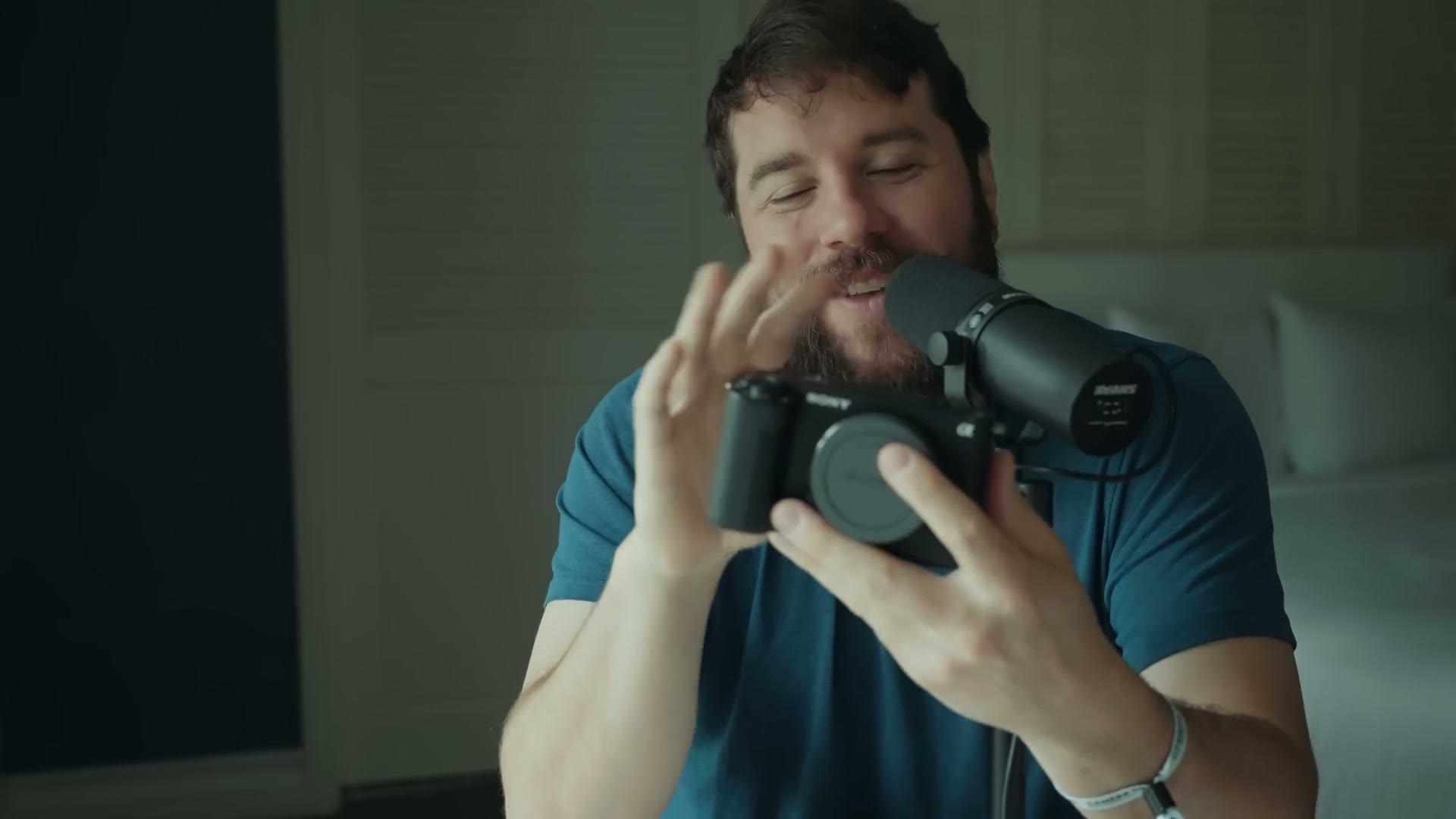
Just like with cramming a high end sports car engine into a tiny car, there are going to be compromises. Some of those compromises are pretty obvious, like oh, there is only one SD card slot, there is micro HDMI. You open up a flap and you can see them. The less obvious compromise comes from that sensor being used in a much smaller body, and I am sure you can guess where I am going with this. We need to talk about overheating.
For context, I love what Sony has done with the a7S III, which has an internal heat dissipating graphite cooling structure. It is really crazy. The point is I have done testing on the a7S III and it is incredibly hard to make that camera overheat. And then with cameras like the FX3 and FX30, Sony is like, hey, we added a fan, you do not have to worry about overheating anymore. Awesome, love that.
Look at this camera. Do you see a fan on it anywhere? No. There is no fan at all. So if we are talking compromises, this is the biggest one of all.
To be clear, I have only had this camera for a day, and I am in San Diego, which is usually bright and sunny, optimal testing conditions for overheating. But in this case it rained yesterday and it is supposed to be rainy today and it is in the fifties, so it has not been easy to test overheating myself.
That said, Sony has been very upfront that this camera should be able to record for quite a while if you are recording indoors in an air conditioned 72 degree environment. Where I am concerned is what happens if you take it outside of that air conditioned environment. Say, for example, you are filming a wedding outdoors in Texas. That is where this camera really starts to falter, and that is arguably the biggest compromise I see for wedding filmmakers, documentary filmmakers and run and gun filmmakers.
While I have not personally experienced it, I am hearing anecdotes from other people who have had a chance to test the camera. People like Dan Watson, who runs a fantastic YouTube channel. I was watching one of his Instagram stories that he just posted about filming with this camera, and he said he was in Florida, which, hey, Florida, just like Texas, hot and humid. He was outside, it was about 85 degrees, he was filming in direct sunlight in 4K 60, and this camera overheated for him in 5 minutes. I have spoken to other people who tested this camera in advance in places like Mexico, also roughly 85 degrees, and the camera overheated in 5 to 10 minutes.
So Should You Buy It?
Here is my initial review of the ZV-E1 after using it for a day and hearing those anecdotes from other filmmakers.
If you are a wedding filmmaker or documentary filmmaker who has been looking for a good quality camera and saying, hey, I love the FX3, I love the a7S III, but I cannot afford that $3,500 price tag, and then Sony announced the ZV-E1 cramming the a7S III sensor into a body for only 2,200 bucks, wow, what a deal, right? I agree, it is a deal, if you are filming things that let you use this camera to its fullest capabilities without it overheating.
But if you film weddings or documentaries or other run and gun, one take events where you have to get things right, and overheating would essentially destroy your ability to do that, the ZV-E1 is not for you. I would not recommend this camera, because it is just too risky from an overheating perspective.
I personally love the features they crammed into this camera. I love that they made the a7S III sensor accessible at a cheaper price point, and the ZV-E10 II goes cheaper still. My first thought whenever I saw this camera was, oh my gosh, this could be a great B camera or C camera. You could set it up to film a wedding ceremony and just have it in the back and it is going to record a great angle, for only 2,200 bucks. That is great. But the overheating is a big red flag, especially if I was filming with this camera unmanned where I would not be able to see whether it was overheating. Whenever you also consider that it does not have dual SD card slots, it is very hard for me to recommend the ZV-E1 for wedding filmmaking.
That said, if you primarily film talking head videos or YouTube videos, especially indoors like I am in a nice air conditioned hotel room right now, in that situation I think a camera like this makes a lot of sense, because you can record for quite a long time in 4K 24 or 4K 60, and probably even a little at 4K 120 whenever they release that firmware update. In those situations you would be perfectly fine. But if you are filming weddings, one take events where you have to get it right, I cannot recommend it.
That said, I am super excited about the technology they have added here, and about it maybe making its way into an a7S IV or another future camera that will be good for wedding filmmakers.
And if you are sad right now and you are telling me, dang it Matt, I was really hoping I could get this camera, what should I buy? Go watch my Sony FX30 review, because that camera is 1,800 bucks, so it is $400 cheaper than this one, and you get dual SD card recording and a built in fan, so it is not going to overheat. You are not getting the super powerful a7S III sensor, but you are also not going to deal with overheating either, and I think in a professional context, having a camera that is incredibly reliable and is going to last throughout whatever you are filming is what you really want.
Bonus For Wedding Filmmakers

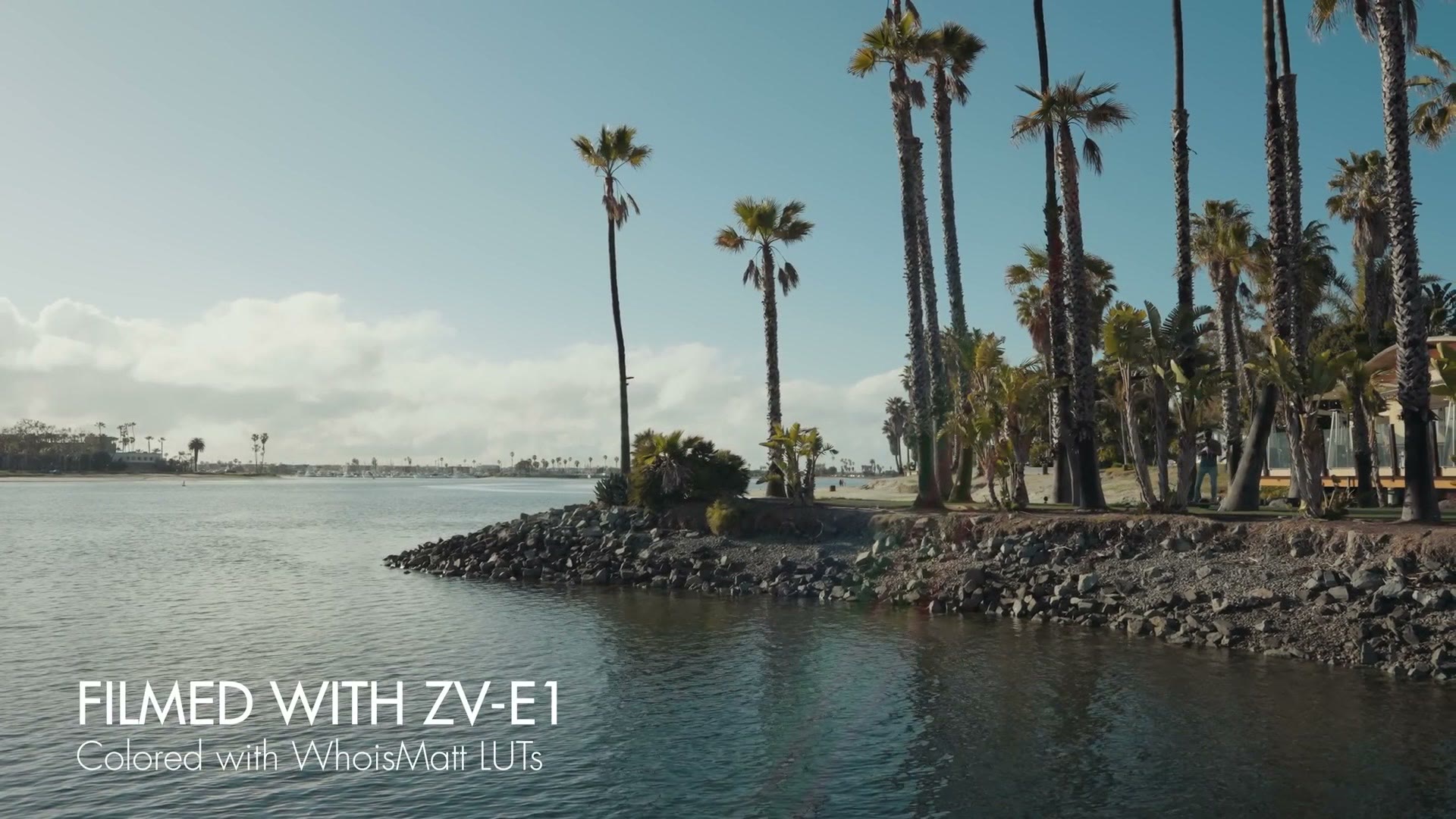
I colored everything you see here with my color presets. If you want to go deeper, I have filmmaking courses here, and here is my full list of filmmaking gear.
Thanks so much for reading, and have a great day!