
You just watched the world’s first AI generated wedding video. And you’re probably wondering, just like that Ryan Reynolds meme, but why? Why create something like this, especially if it looks believable in some clips, decent in a few, and downright bad in others?
Why Did I Make This?
That’s easy. Because AI is coming to video generation whether we as filmmakers want it to or not. And we can either put our heads in the sand, ignore it and act like it isn’t happening, or we can be aware of it and of how it could be helpful to us.
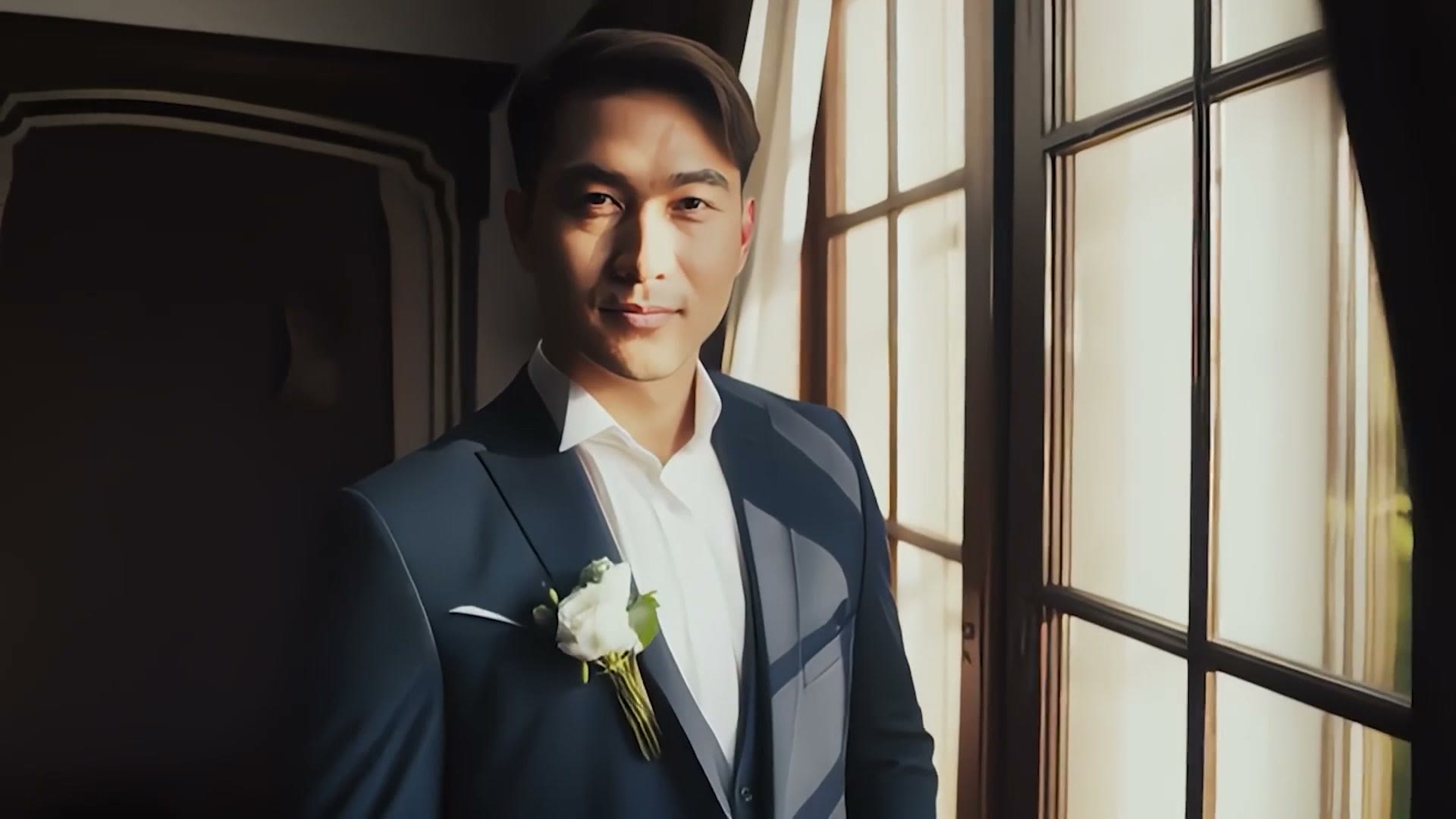
The Tool I Used
There are a ton of AI video creation tools out there, but this video in particular was created using Adobe’s new Firefly text to video generative AI, which is currently in early access private beta. Adobe was kind enough to give me access to it, and if this is intriguing to you they have a beta waitlist you can sign up for.
While I’m making disclosures about this whole thing, you should know that only the video footage was AI generated. The music was not. It was licensed from Musicbed, from a real artist, Ryan Talbot, whose work is great and who I’ve used for years. There were also a couple of sound effects licensed from Soundstripe, also not AI generated.
And I edited this video myself. I didn’t hand the editing off to AI. I put all the clips together, I arranged them with the music and the sound effects. Real handcrafted human hands, aside from the video clips themselves.
Also, for full clarification, this video is not paid or sponsored by Adobe or literally anyone else for that matter. I got access to the tool early, and as someone that’s filmed weddings for over a decade now, my first thought was: could I use this in a way that’s actually useful for wedding filmmakers?
Is It Responsible To Use A Tool Like This?
Talking responsibility first, I have good news. There’s a lot of stress and worry among filmmakers and other creative artists that generative AI is going to steal all of our jobs and essentially devalue our work. That’s definitely a possibility, and I’m not going to get deep into the nuances of it here, but let me know if you want me to make another video about that.
At least in regards to Adobe, it looks like from the very start they’ve been aware of this and very upfront about only training their AI on public domain footage or footage they have the rights to use, like footage that’s been uploaded to Adobe Stock. I feel like Adobe is approaching generative AI in the most ethical way they can, by licensing and using public domain training data, and I will say that’s appreciated.
Where It Needs Work: People
Keep in mind this is a very early version, and I’ve heard directly from Adobe that they’re working on improvements all the time. There are definitely areas where it needs a lot of work and areas where it absolutely shines. Let’s cover where it needs work first, specifically generating humans.
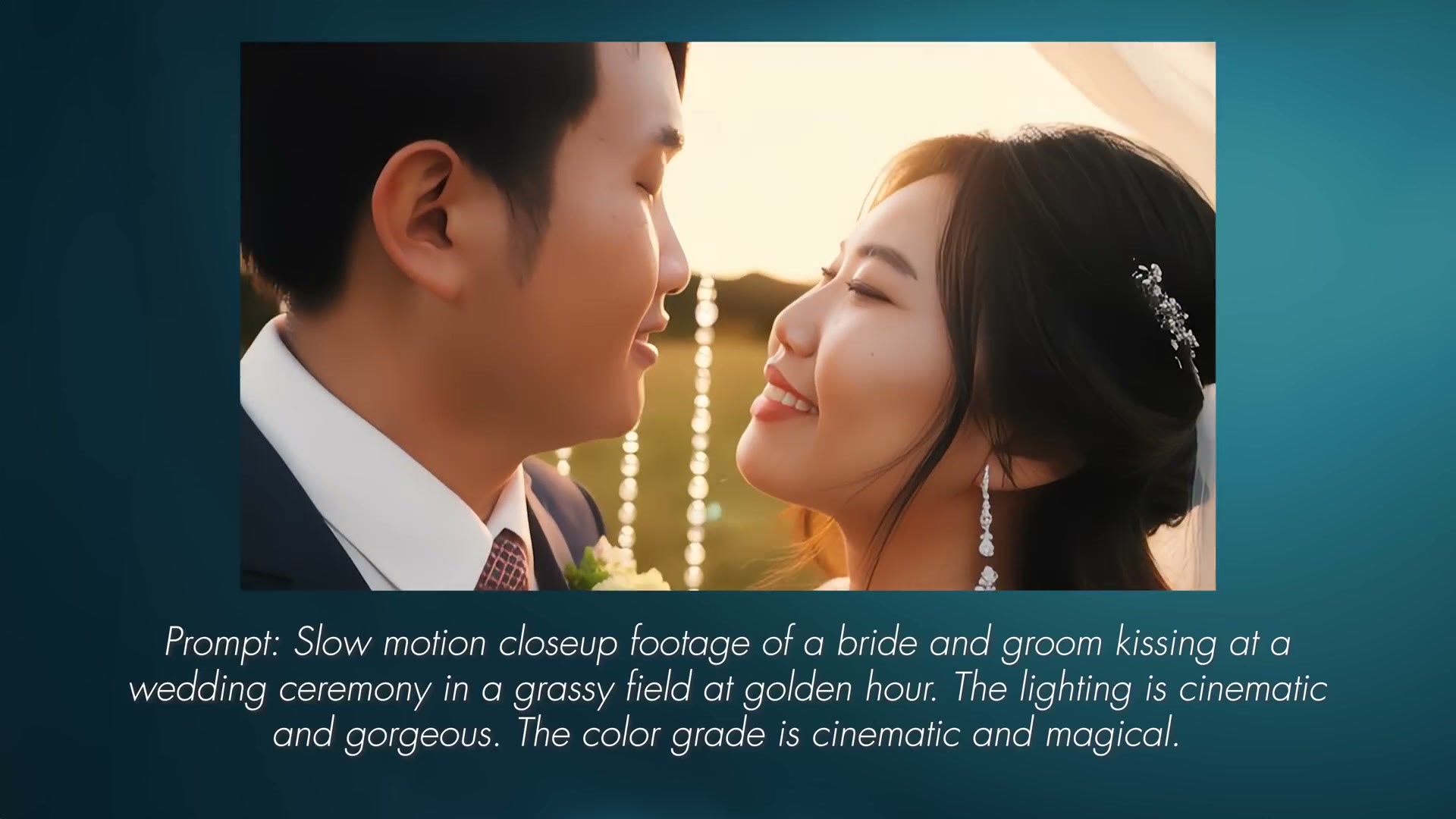
Like many other generative tools out there, Firefly struggles here. I was able to get it to generate people relatively easily, but whenever it came time to generate faces, the eyes definitely looked a bit lifeless, like a bad video game. And more than once they were incredibly symmetrical. Perfect faces, arguably too perfect, to the point they looked fake.
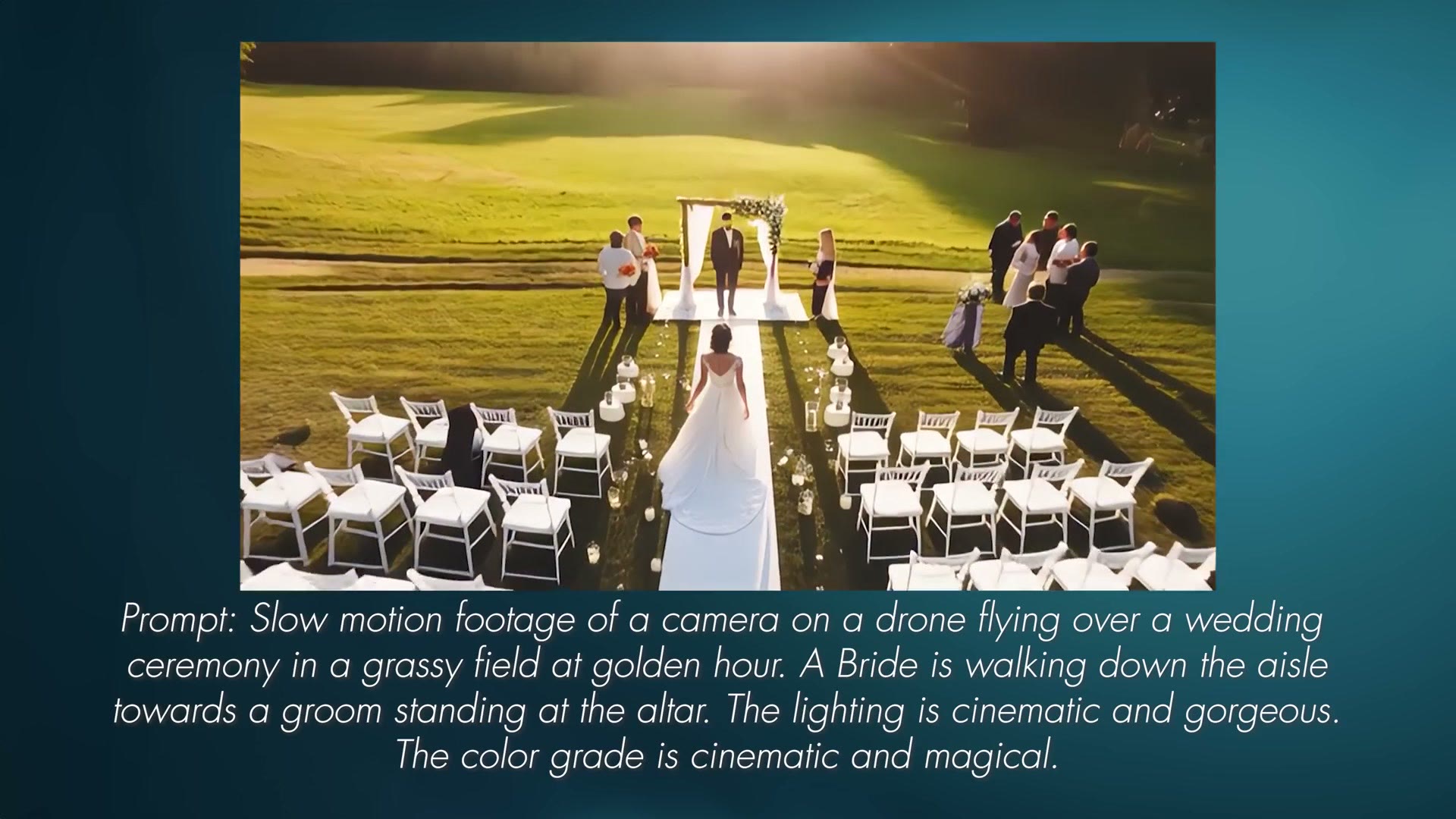
On wider shots, where I told the AI to generate an aerial clip as if a drone was flying overhead, it would get a rough approximation of a person on the ground, but more defined details were essentially non-existent. People’s faces still need a good amount of work.
Is AI Going To Take Wedding Videographers’ Jobs?
Here’s my prediction, at least in the world of wedding videography. No.
Because here’s the simple truth. Wedding videography is a highly personal, client based job where a specific couple is hiring you to create a video about them and their wedding day, and they’re paying you to film them and make them look good.
So while for the sake of this video I was able to create essentially a wedding from scratch using AI, the majority of it isn’t anything more than a proof of concept. Because as I’m sure you are aware, AI people are not real, and they are not going to pay you to film their AI wedding. At least at this point in history, we do not need AI wedding videographers.
Where It Actually Shines: Animals And Landscapes
So what’s the point then? How can a text to video tool actually be useful, not only to wedding videographers but to filmmakers in general?
Well, it struggled with faces and people, but I discovered it was actually decent with animals and extremely good with landscapes.
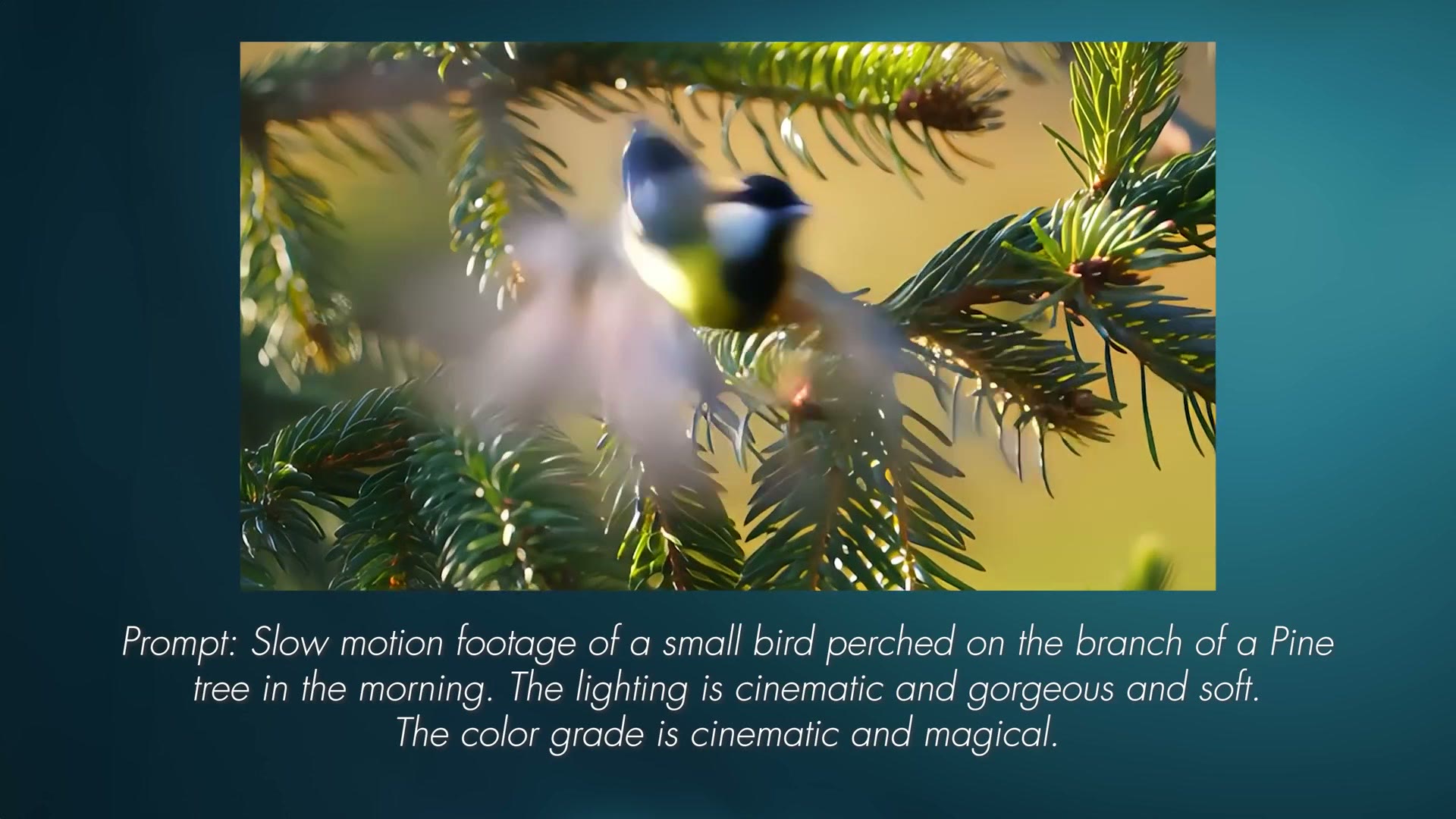
I didn’t include any animal clips in the wedding video because I wanted my example to be wedding focused and not animal focused. But whenever I told the AI I wanted to see a bird on the branch of a pine tree, it did a pretty darn good job. And I think if you were to cut to a shot like this quickly and then away from it, the audience may not even question it.
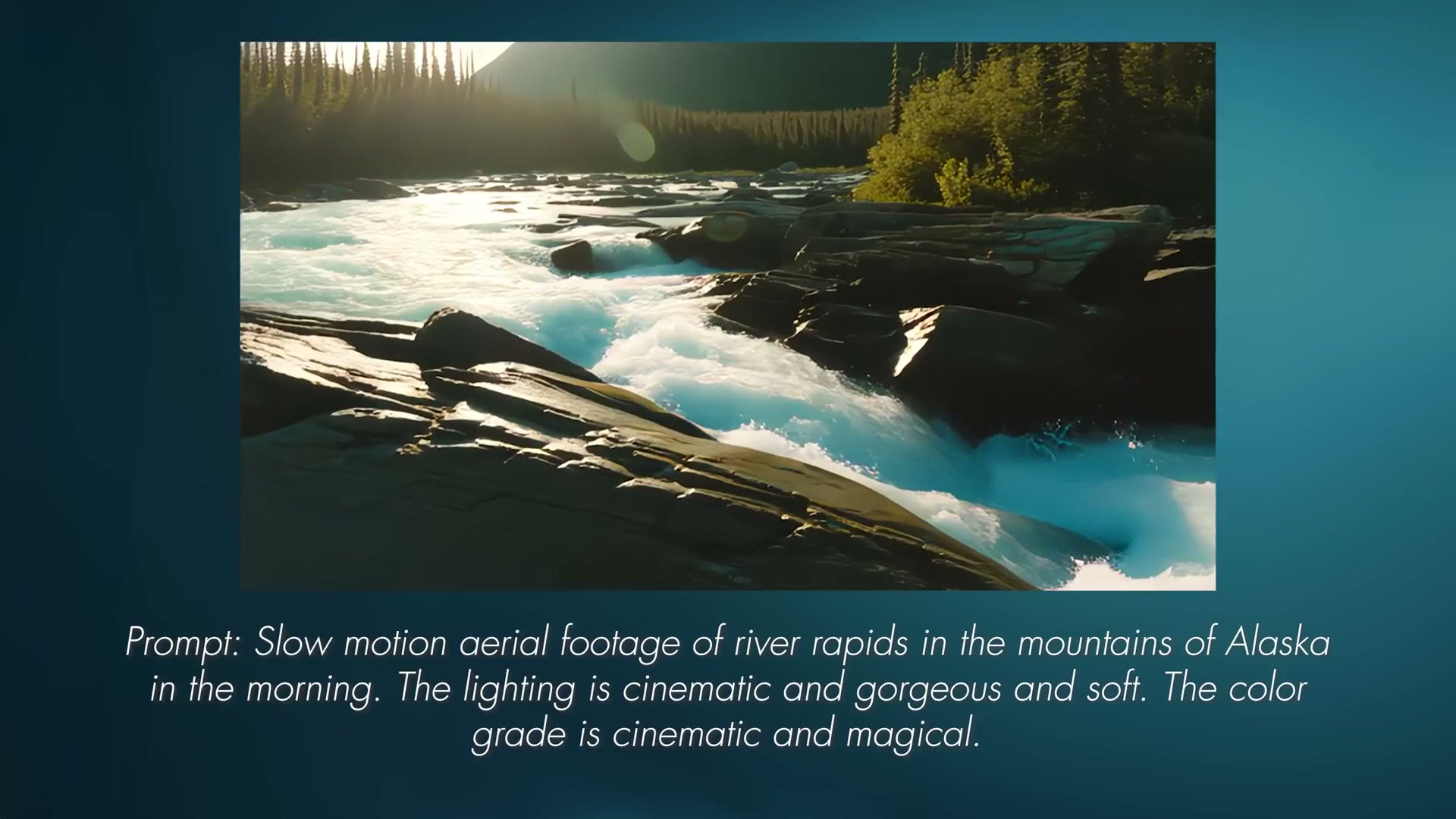
Bigger than that, we have to talk about landscapes. Notice that even whenever the AI pooped the bed, as it were, on generating people in a scene, the landscapes in the background always looked significantly more impressive and believable.
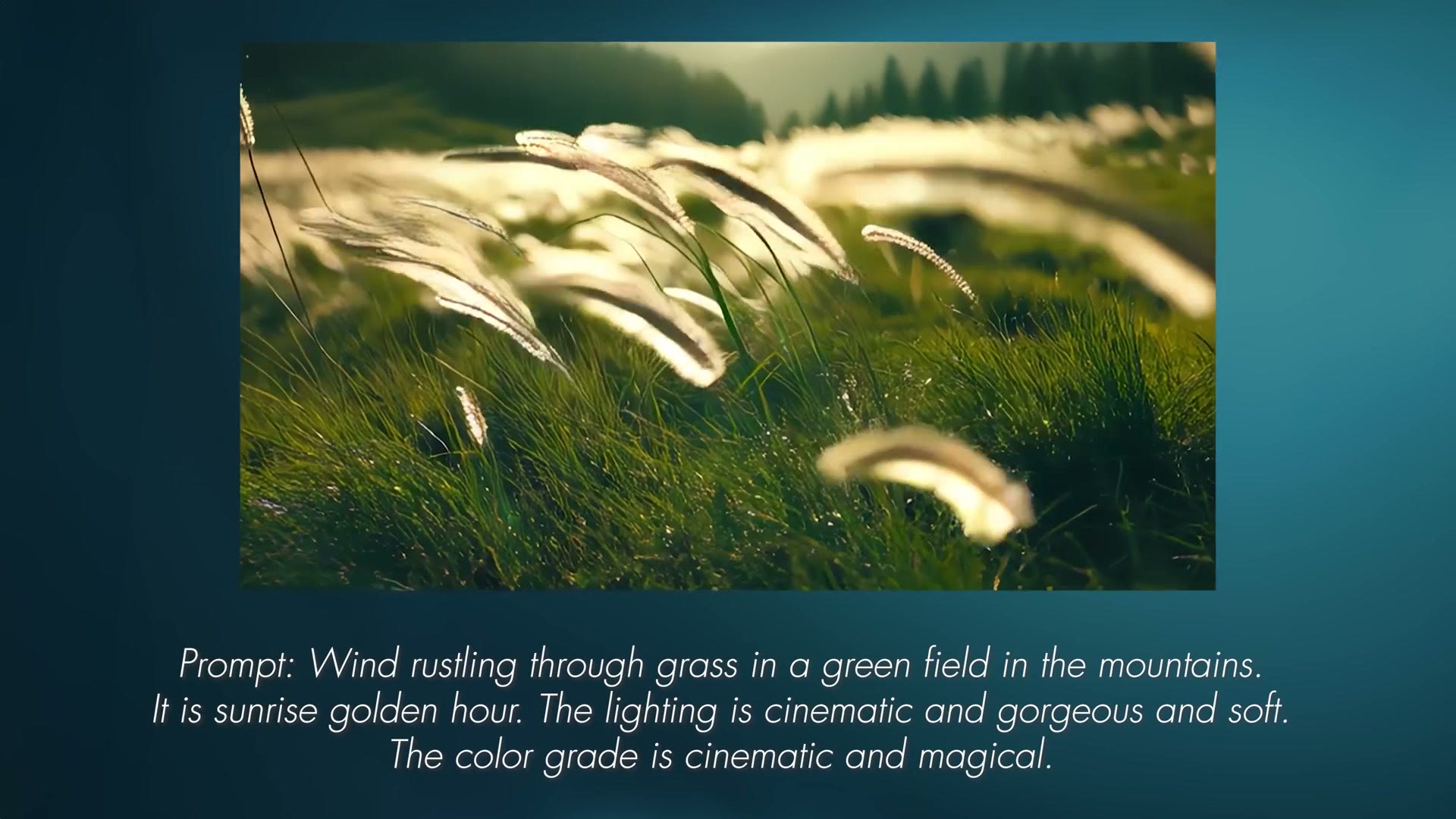
That’s one of the reasons I started the wedding video with a shot of grass blowing in a field in the mountains, because it looks really darn good. The camera was mimicking being handheld with a rack focus in to the grass. The clip looked and acted like it was shot by a real human.
How Generative AI Could Actually Be Useful To Filmmakers
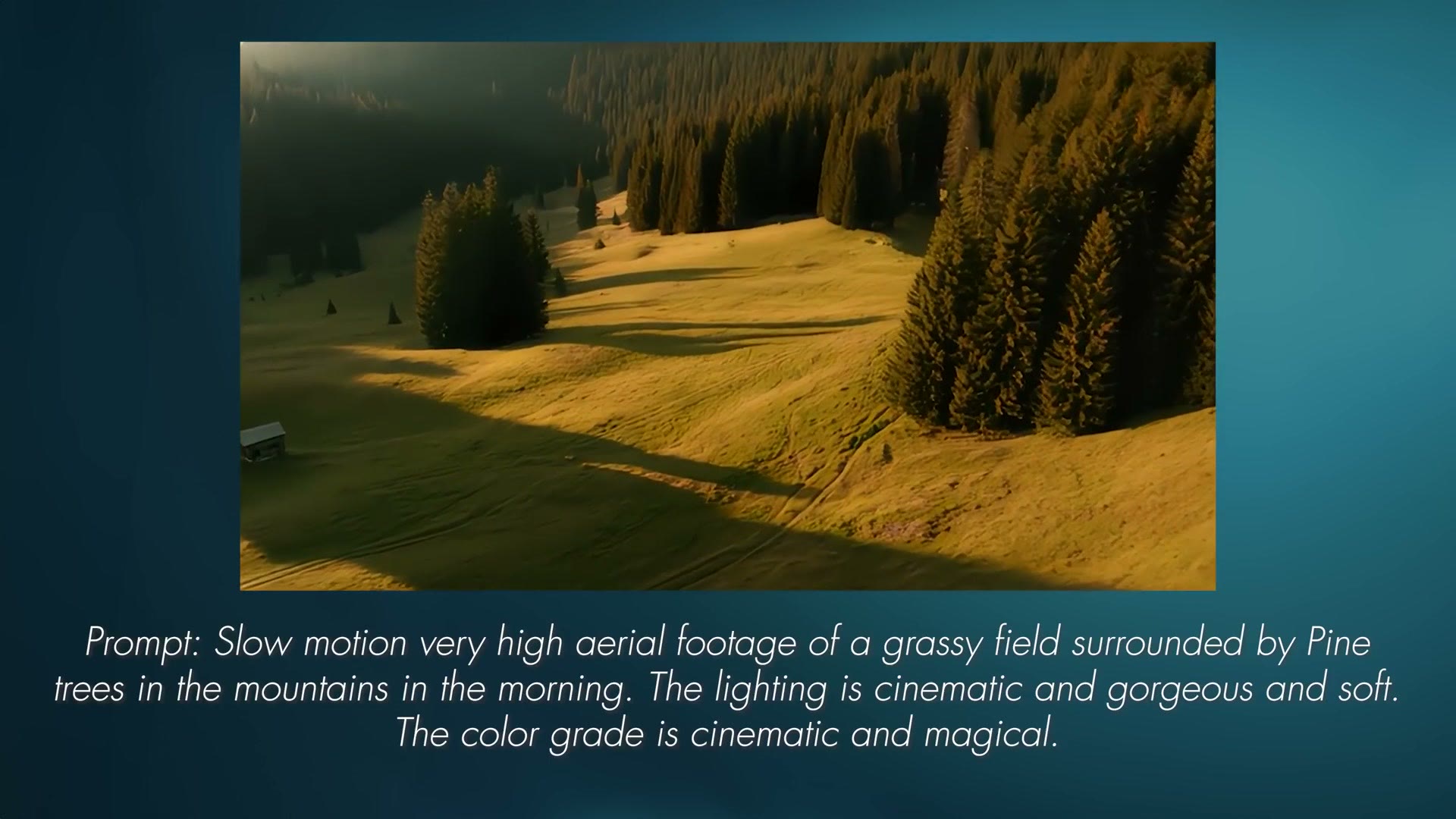
If we’re talking about sheer usability, and more importantly about how a tool like this could be useful to you as a filmmaker today, here’s the case.
Say you were filming something at a specific location, out in the mountains for this example, and you realize you neglected to film enough B-roll of the surrounding landscape. How many times has that happened? You’ve been filming something and then you’re like, crap, I need this one shot, I need this one clip, and you didn’t film it. You remember seeing it and you’re like, why didn’t I film that?
Well, what if you could use AI to create some of that ambient footage? Footage of birds, animals, trees, grass. You drop a few seconds of it into your video, nobody’s the wiser, and your client is very happy with the final product. Now that’s more intriguing.
Adobe’s text to video, just like their text to image tool, also includes the ability to use a reference photo or a still from a video as a starting point to generate a clip. To be clear, I did not use that feature when creating the wedding video example, because I wanted to show you what was possible purely from text.
But I want you to know a tool like that exists. And while it can definitely go off the rails fairly quickly, it’s a really cool thought to eventually be able to upload a photo or a clip of what we’re looking for, type a bit of text, and get B-roll that mimics the rest of the B-roll we already filmed. That would be really useful.
Is This The AI Revolution?
Here’s my take. I’ve said before, in previous videos and in live streams, that I don’t foresee tools like this text to video generator necessarily being the go-to for filmmakers.
But generative fill for video, where you can take a clip you’ve already filmed and remove objects from it, I think will be extremely useful, and it brings video in line with what’s already possible in photo editing tools like Lightroom and Photoshop.
In addition, Adobe’s Generative Extend tool that they’ve shown off coming to a future version of Premiere Pro, where you can use AI to make a clip longer, would be a lifesaver. There are so many times I film something and wish I had an extra few frames for a specific clip and didn’t want to slow the clip down to get them.
The main thing to remember is that tools like this are coming. They’re constantly being developed right now, and we as filmmakers are still in the infancy of this technology, the first years of it. So yeah, the footage may look rough, it may not be the highest resolution, it may take time to generate. But heck, think about a year from now. Five years. Ten years. This quality is only going to improve.
I just want you to stay informed about what it’s capable of.
Can I Help You Book A Real Wedding?
Considering this entire article was about a wedding video I created using AI, if you would like help booking your next wedding from a real couple, not an AI generated one, where you actually get paid in real money, I’d love for you to check out the free booking workshop I created. It shows you how to book your next wedding in 30 days or less.
Regardless of whether you’re brand new to filming weddings and have never shot one before, or you’ve been filming them for a while, this workshop is going to be very helpful to you. And remember, it’s free.
Thanks so much for reading, and have a great day!