
In 2022 I made $5,114.90 selling stock footage online, and I want to show you how I did it as well as tell you exactly how you can do it too.
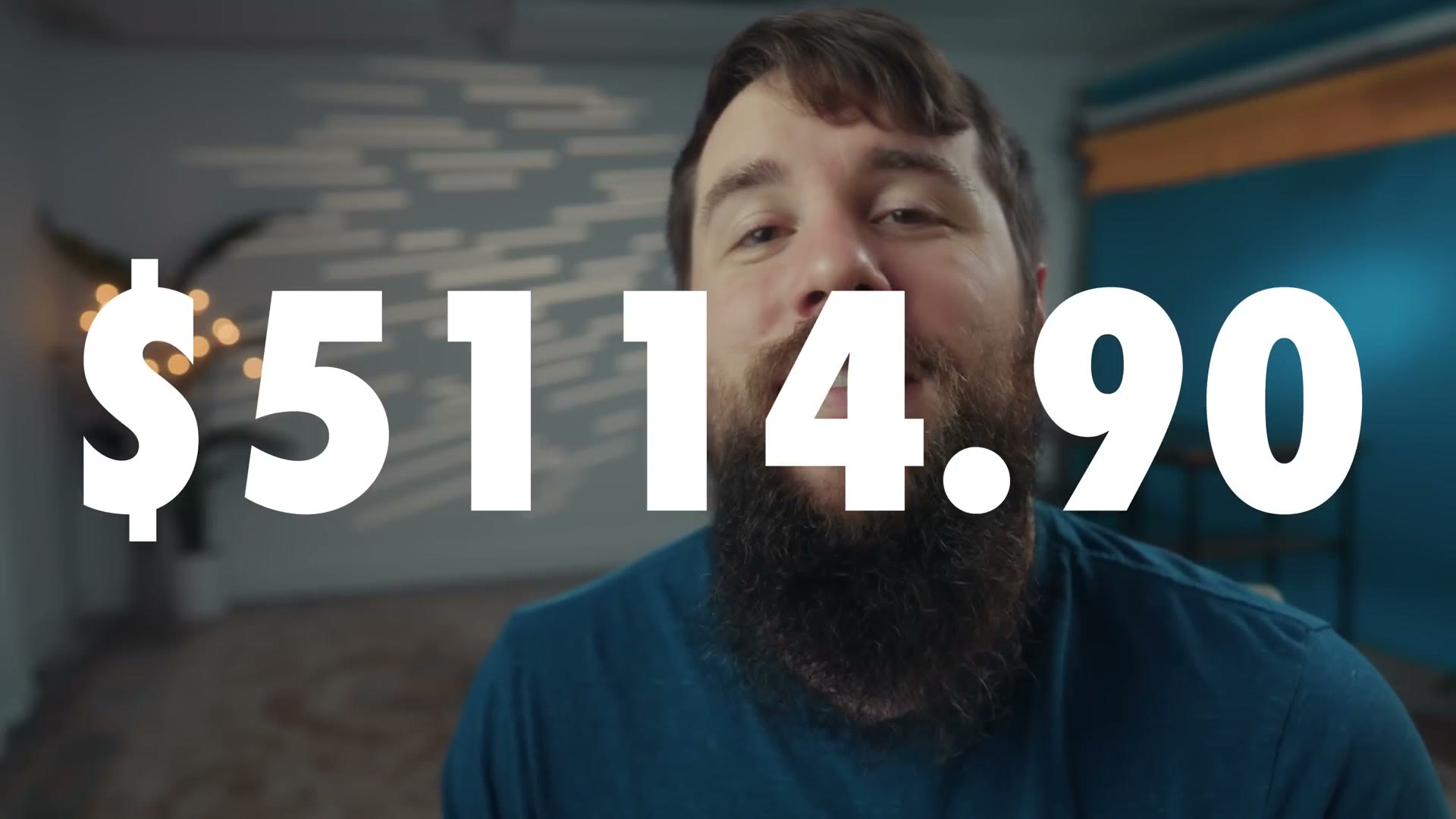
This is not clickbait, and I do not want it to be some weird flex either where I talk about how great I am doing and how much money I am making. No. I want this to be an encouragement to you.
I actually got the idea for this from my friend Eric Floberg, who makes pretty much yearly videos at this point where he talks about his income as a creative filmmaker and photographer, and I love how he really pulls back the curtain and talks hard numbers in an industry where we as creatives are oftentimes very quiet about our income. So thanks for the inspiration, Eric, and I really hope this does the same thing for you.
Let’s break down where those 5,000 plus dollars came from, as well as where I would recommend starting if you are thinking about getting into creating stock footage.
Pond5

This is one of the longer running stock footage websites, and they have literally millions upon millions of video clips on their platform. With the 279 videos I uploaded in 2022, I made a whopping $72.54 from them.
Hey, that is 72 tacos. Fun fact, by the way, because money is oftentimes really ethereal to me, I like to think of it in terms of how many dollar tacos I could get, because $72 does not sound like much, but if you suddenly think about being able to eat 72 tacos, that is a pretty good deal.
Also keep in mind that I have filmed a lot more than those 279 clips. I just need to upload more of them to Pond5, which is something I am definitely going to be working on in 2023.
Adobe Stock

Adobe Stock is also one of the most popular stock footage sites out there, and they integrate well with Premiere Pro, which is great. With Adobe Stock I pulled in $97.30 this year, with the majority of that income coming from one clip, which was a time lapse I filmed of the Dallas skyline. Pretty cool. That is 97 more tacos.

Lightstock
Now let’s talk about where I made a lot more money. Lightstock is a stock footage site aimed mostly at licensing Christian themed stock footage to churches and that sort of thing, but what is cool is that they accept pretty much any kind of stock footage, so I upload everything I film there too.

With Lightstock I pulled in a very respectable $403.11 this year. Yes, hundreds of tacos.
So right now we are sitting at a grand total of $572.95, and we only have one more site to talk about. And I am sure you are doing the math in your head thinking, wait a second, Matt said he made over $5,000 selling stock footage and he has only talked about 500 so far, so what site paid him 4,500 bucks?
I am so glad you asked.
Artgrid
The final site, where I made the bulk majority of my stock footage income, was Artgrid. If that name sounds familiar, I am sure you have heard me talk about Artlist many times, which is one of my favorite music licensing websites.

Well, Artlist is to music what Artgrid is to stock footage. So just like how you can sign up for Artlist and download unlimited songs for a monthly fee, you can also sign up for Artgrid and download an unlimited amount of stock footage for a monthly fee too.

And where do you think Artgrid gets their stock footage? Filmmakers like me, who have uploaded many hundreds of clips for them to license. I then get paid whenever those clips get downloaded, and I can then use that money to buy dollar tacos. 4,541 tacos, to be precise.

Side note, I actually made $5,046 from Artgrid, but they withhold ten percent for taxes, which is why I am saying here that I only made $4,541.95.
Anyways, that is where my stock footage income came from in 2022.
How To Get Started Selling Stock Footage
While I think numbers like this are useful to consider, especially because nobody really talks about them and everybody keeps things really private, the whole point is that you can do something exactly like this and make this kind of income too. So let me tell you how.
To start, if you want to sell stock footage you need footage to sell. The good news is that if you are already a filmmaker, let’s say a wedding filmmaker for example, you already have all of the equipment you need. You have a camera and you have lenses. You do not even need audio gear, because the vast majority of stock footage is uploaded without sound.
Now with that gear you may be thinking you need to go out and purposefully film videos you can sell as stock. People oftentimes think of really cringeworthy clips of business executives in board meetings shaking hands, or an office worker typing in a cubicle. Instead of that, I want you to think about everything you are already filming. If you are filming a wedding, think about all of the b-roll and ambient footage you get of wedding venues, churches, nature, drone shots. You have already filmed all of that.

Heck, remember that one clip of the Dallas skyline that made me money on Adobe Stock? I filmed that at a wedding reception I was working. There was a lull in the dancing, so I took a few minutes to set up a tripod, pointed it out the window of the skyscraper the reception was in, and I was able to film that time lapse in about five minutes, along with several others I now have for sale online.
While you’re here, take a look at How Wedding Videographers Can Make More $$ With Raw Footage.
So quit thinking you need to go out and film brand new things exclusively to sell as stock video. You can do that by all means, but instead I want you to think about everything you have already filmed that you could also be monetizing. And as you are filming new things, whether that is weddings or corporate or commercial work, think about any footage you are getting that you could sell in the future.

Next, once you have some footage filmed, cut it up into smaller clips that are one minute or less in length, and you are now ready to upload it and sell it as stock footage.
But where should you upload it? I recommend you do what I have done, and that is take the shotgun approach where you upload to as many stock footage sites as you can, knowing that most of them are not going to pay you much, but also being aware that over time these smaller amounts add up.
Sites like Adobe Stock and Pond5 do not require you to apply and will accept pretty much anybody as long as you have footage to sell, so you could literally start uploading there today. Alternatively, with sites like Lightstock and Artgrid, this is where things start to get tricky, because those sites require you to apply and be accepted, and in order to apply they want to know that you already have a large library of stock footage ready to upload to them.
Because of that, I would definitely recommend starting with Pond5 and Adobe Stock. Take the time to create an account, or if you edit your videos in Premiere Pro, congratulations, you already have an account for Adobe Stock and you are basically ready to go. Once you upload your clips, Pond5 and Adobe will check them for quality, and as long as they do not have any major mistakes or issues they should be accepted and published on the site for anyone to purchase.
This Is Not A Get Rich Quick Scheme
To be clear, I would not be expecting to make much money starting out. I am sorry. Selling stock footage is not a get rich quick scheme, and just like most businesses you are going to need to commit to working on this for years before you really start to see substantial income from it.
For context, I have been creating my library of stock footage for about a decade now, but it was not really until about a year and a half ago that I began going all in on seeing what kind of income I could make by uploading to multiple sites, as well as applying to the sites that are more difficult to get into. Whenever I only had a few hundred clips uploaded, I was making a few hundred bucks per year at most. But I think I am really starting to see a snowball effect begin, where the income is growing exponentially, because at the time of making this I have a little over a thousand clips for sale online, and like I said, I made over $5,000 this past year.
Now I realize you may be thinking that $5,000 is not that much in the grand scheme of having a business. But consider that stock footage is an asset you are creating for yourself, where you literally filmed the footage once, edited it once, uploaded it once, and from then on it is sitting on the virtual store shelves of these stock footage sites ready to be purchased and downloaded for the foreseeable future. If we are talking passive income, selling stock footage is pretty passive.
If you want to go deeper on this, I ended up making two follow-ups: how to easily film stock footage for passive income, and how to edit stock footage fast.
I have also put together a free guide called Edit Videos Like A Pro, which walks you through some of the biggest techniques that took me years to learn as a video editor, and I think they are going to be super helpful to you regardless of whether you are editing stock footage or anything else for that matter. It is completely free.
Thanks so much for reading, and have a great day!