
Today I have a quick and cheap camera tip about how I keep dust off my camera sensor.
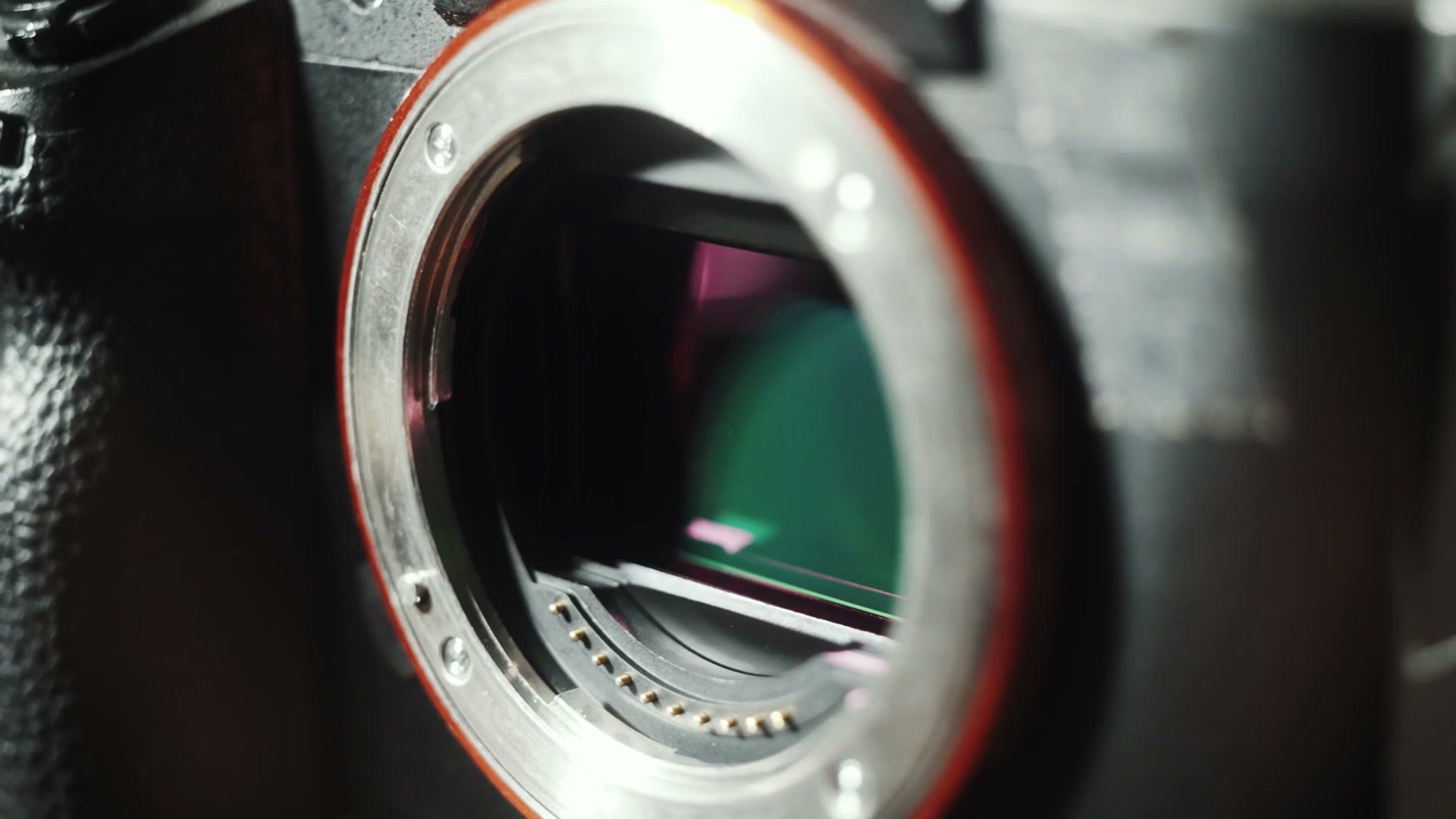
I shoot video on the Sony a7S II, and if you’re like me and you have a mirrorless camera with a very short flange distance, ha, ha, flange, then I’m sure you’ve dealt with plenty of dust getting onto your sensor too, and putting spots all over your videos and photos.
The secret to how I keep sensor dust off my camera is tape. Specifically, double-sided tape.
And I hear you now saying, “really, Matt? Tape?” Hear me out. This post is not sponsored by Big Tape or anything like that. It really does work.
Tape In Your Body Caps
Years ago I started putting double-sided tape inside the body caps of my cameras. I form it into little rings and then press it firmly into the cap to make sure it can’t come loose. The last thing you want is tape falling onto your camera sensor.
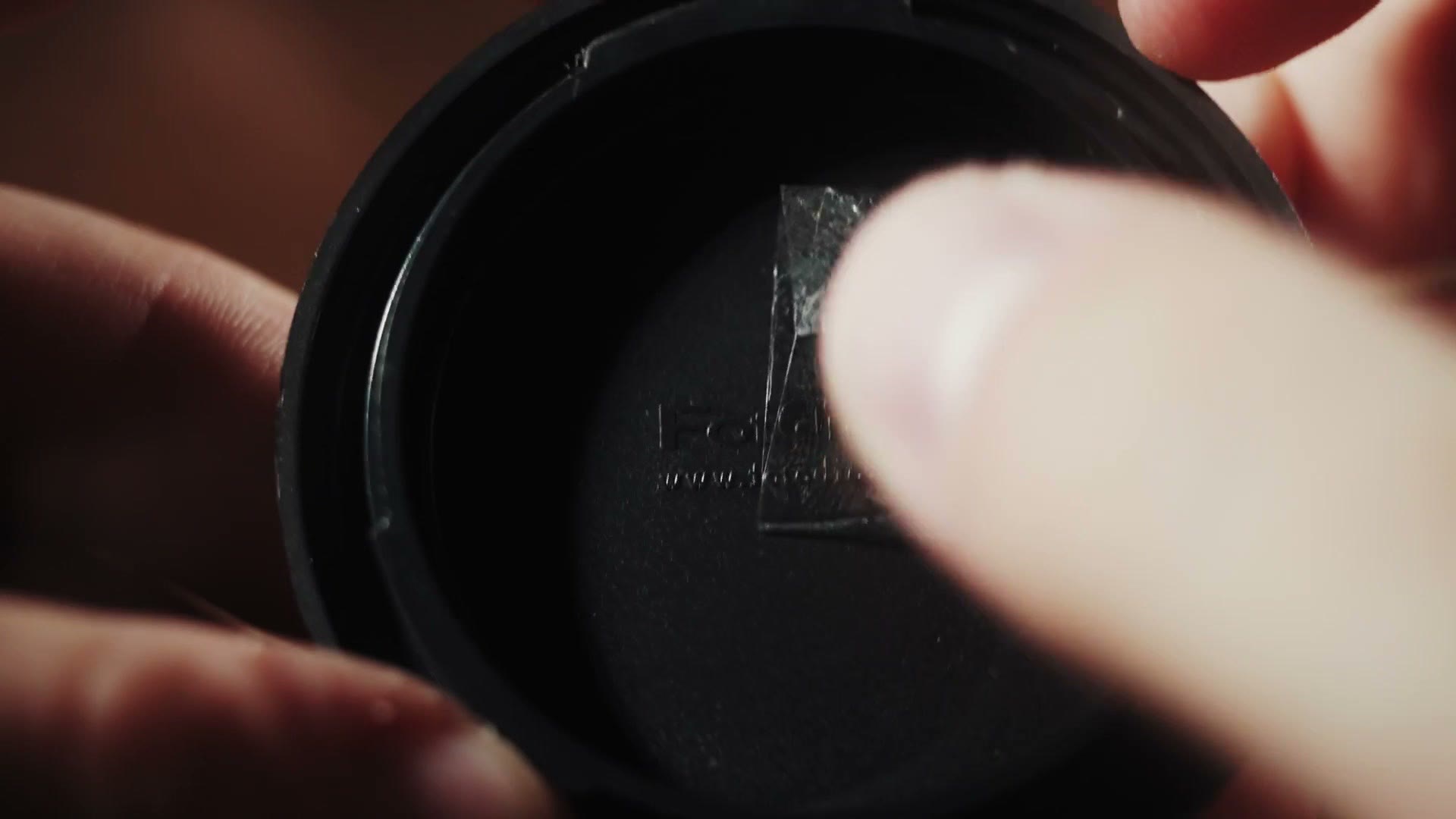
Here’s why it works. Often when you get dust inside your camera, it floats around for a while before it settles on your sensor. By putting double-sided tape inside your body cap, you’re giving that dust somewhere to land that isn’t your sensor, and the tape is sticky enough to keep it from coming back off.
Will The Tape Fail?
To be clear, I know some of you are reading this thinking it’s super dumb, and that the tape could fail and damage your sensor.
I live in Texas and I regularly film weddings that are over 100 degrees Fahrenheit. I have never had this tape fail, lose its stickiness, melt, or drip adhesive onto a sensor. It has worked flawlessly in all the years I’ve used it.
I usually replace the tape on my body caps every year or so, or whenever I notice they’re getting especially dusty.
Bonus Tip: Change Lenses Facing Down
Any time you change lenses, hold your camera with the sensor facing toward the ground while you take one lens off and put the next one on.
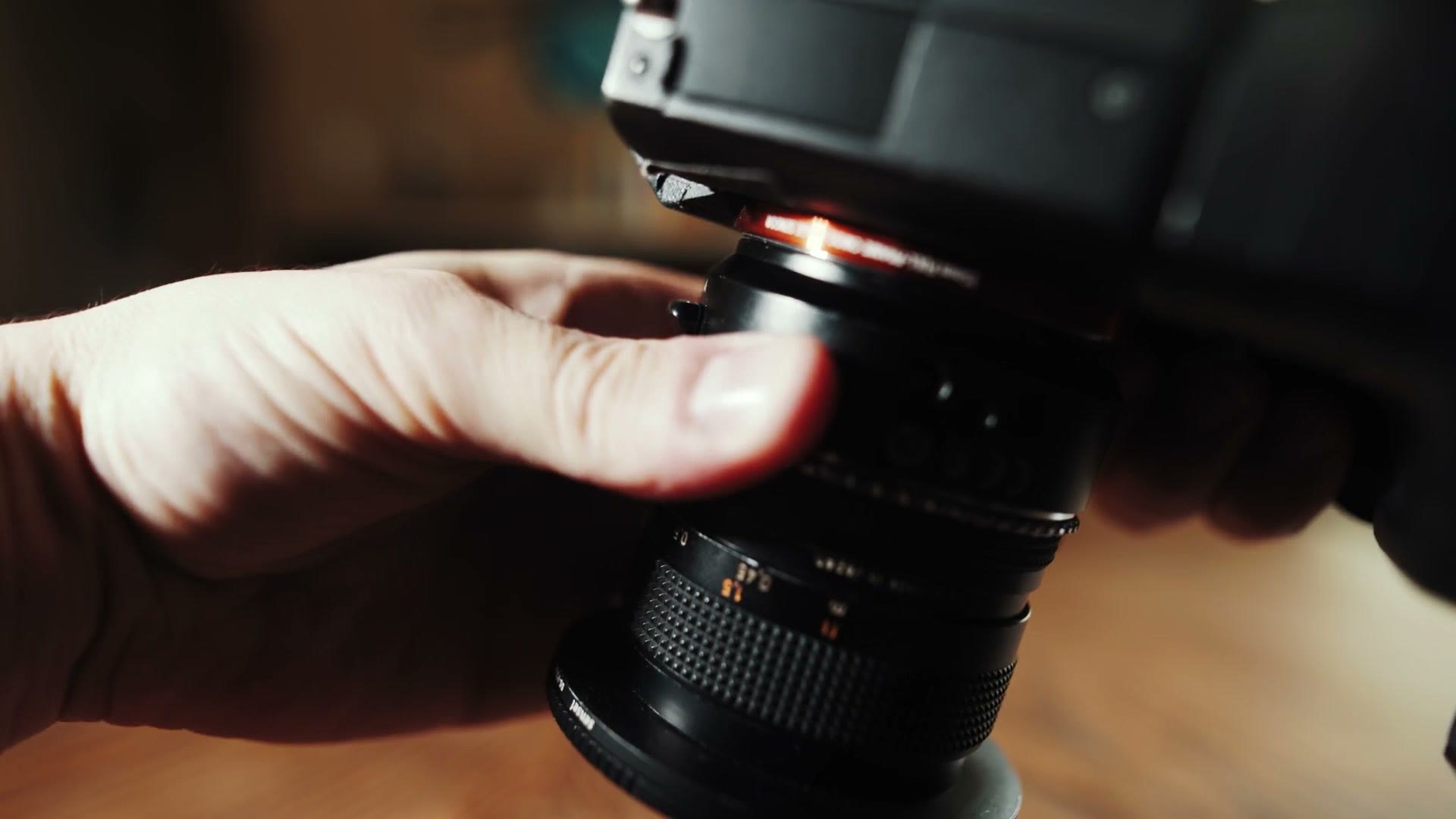
This is because of gravity. And I’m sure you’re thinking, “really, Matt? Gravity?” Trust me, this one isn’t sponsored by Big Gravity either. It’s just science.
My point is that dust usually settles downward, so if you swap lenses with the sensor facing down, you’re minimizing the chance of dust falling onto it. Unless it’s windy, or you’re in a haboob. In that case this tip doesn’t help at all.
I also want to give a huge shout out and thank you to Philip Bloom, who made a video about putting tape in his body caps years ago. When I saw that he did it, I started doing it, and it has saved me from having to clean my sensor so many times. It makes me so happy.
Lastly, if you’ve already recorded your video and it has sensor dust spots on it, and you’re telling me it’s too late, it’s already happened: here’s how I remove sensor dust spots in Premiere Pro and After Effects.
And if it’s the editing side you want rather than the gear side, that’s what Wedding Film Framework is for. There’s also a free guide to booking more wedding film clients if you shoot weddings like I do.