
Today I’m filming a wedding with the iPhone 15 Pro, and this is the behind the scenes. Whether a phone can really do this is part of a bigger shift I wrote about in the future of wedding films. I’m taking you along with me while I do it, and you’re going to see every problem and every difficulty that comes with filming a wedding on a phone.
Wish me luck, because it’s raining. And if you’ve watched my behind the scenes videos before, you may remember what happened the last time I filmed a wedding in the rain. It happened again later, when it started raining as they walked down the aisle. My camera started glitching out real bad.
If you want to see the finished product, here’s the iPhone wedding film itself.
Establishing Footage
Starting off, I know it’s a little basic, but you have to get the sign. If there’s a sign, you get the sign.
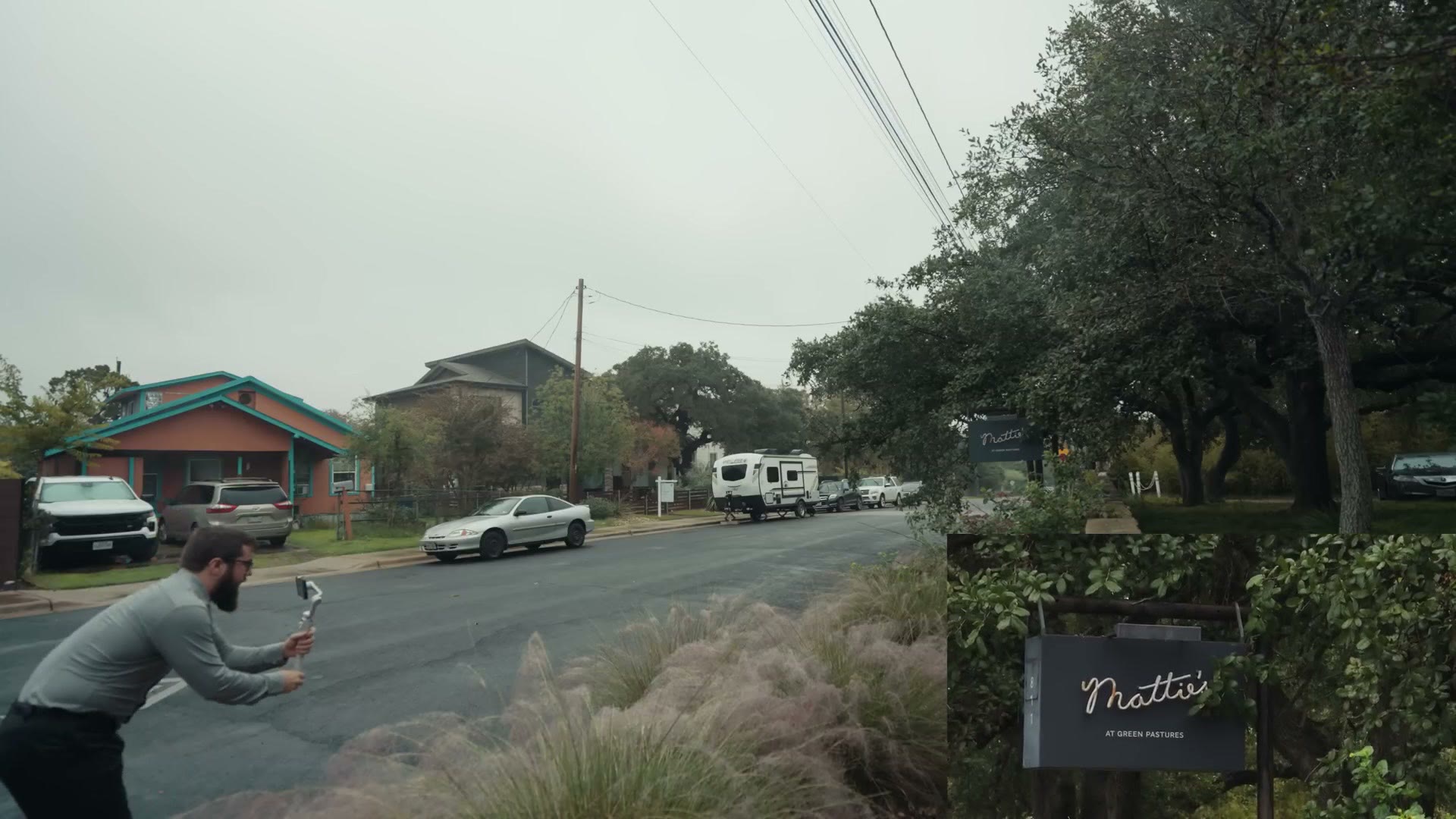
The nice thing is that with the iPhone I can get a couple of different angles really fast. A clean push in, nothing crazy, then tap over to 120mm and get it real tight. I love that I can change lenses while still recording. It’s pretty nuts.
The one thing I’m already running into with this gimbal is that everything is super sensitive and touchy. If you’re at 120mm with the tight lens and you start moving, it feels like things are going to jump around really quickly, so that’s something to be aware of.

And here’s the man himself. If you’re wondering how I got this wedding, this is actually Phil’s wedding, and I was like, hey, can I come film it with an iPhone? And he was like, yeah, okay, cool, let’s make that happen.
The whole setup is so light. It feels very weird to me. I have more gear for the beach than I do for filming this wedding.
Something struck me today. I have this iPhone I’m filming on, right, and who do you always see at a wedding? It’s always Uncle Bob or Uncle Joey walking around filming with their phone. And I’m like, that’s me now. I’m finally Uncle Bob. I’m not actually an uncle in real life yet, but for this wedding I get to feel how it feels.
Gear I Used To Film With The iPhone
I’m sure you’re wondering, Matt, what gear are you working with for this wedding? I am so glad you asked.
Up first, the iPhone 15 Pro Max, of course, because I said I was filming this on a phone. Heads up: this link goes to the newer iPhone 17 Pro. I have about 350 gigs of free space on it and hopefully that gets us through the day.
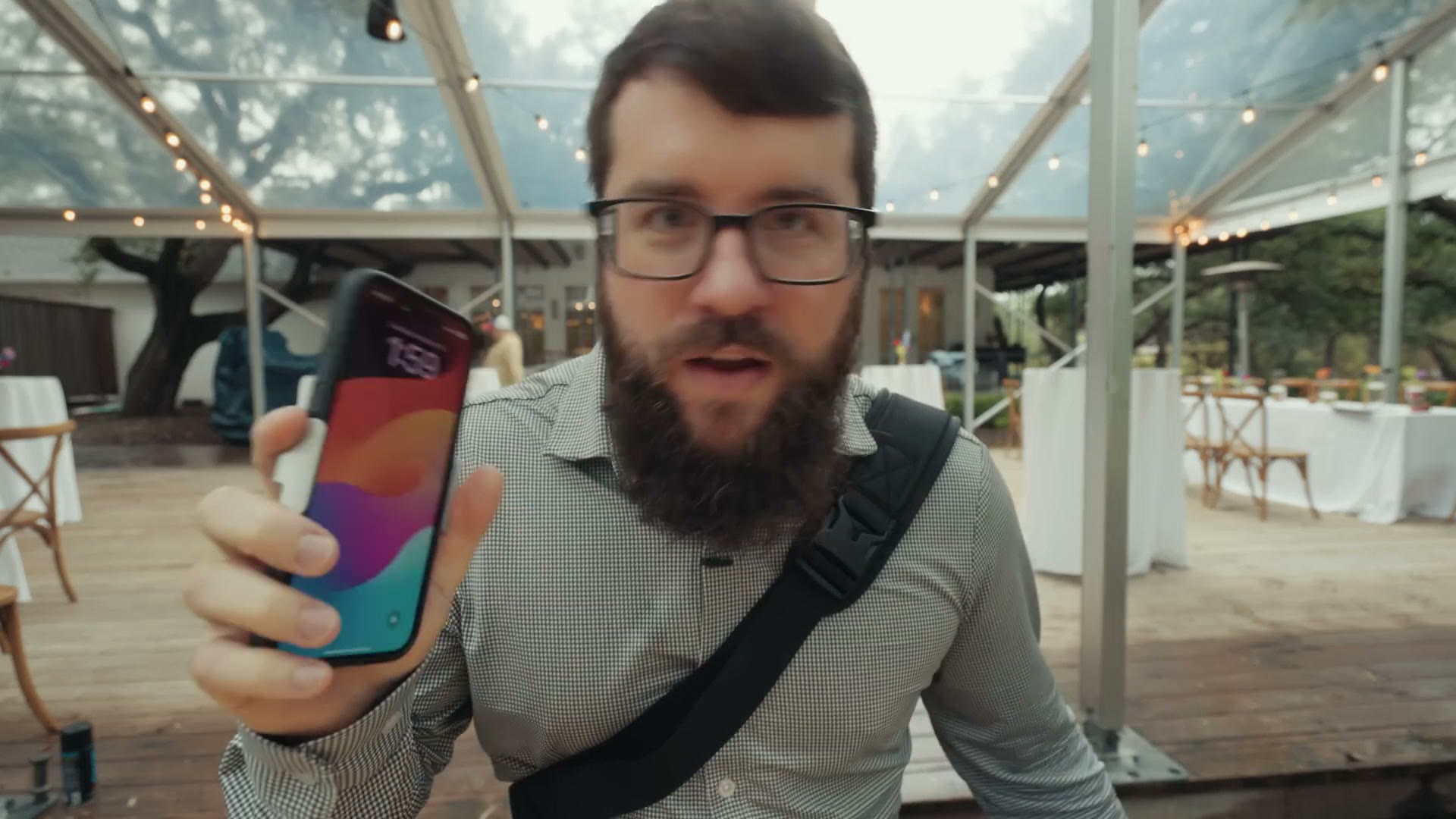
And I know you’re probably getting nervous if you think I’m filming with the stock camera app, because that records in ProRes at six gigabytes per minute. We would fill that phone up very fast. Thankfully I am not using the stock app. Instead we have the beautiful, the lovely Blackmagic Camera app, which is super cool because it gives you a lot more control, and it also lets you film in H.265, which is a significantly more compressed codec that is not going to eat six gigabytes a minute. More importantly, it still gives me similar quality to ProRes, so I’m not really losing anything, I’m just gaining storage space.

We also have the DJI Osmo Mobile 6, and thank you so much to DJI for sending this to me. It is super lightweight, so much lighter than any gimbal I’ve used in the past, even my DJI RS3 Mini. This thing is so light. It’s so nice.

And I have to thank Freewell, because they supplied me with one of their Sherpa phone cases, which is not just a phone case, because it also takes magnetic filters. So I have a magnetic variable ND filter I can pop onto the back of this thing, and then I have ND control on my iPhone. How cool is that? A protective case that lets me use filters. Super awesome.
Ceremony Establishing Footage
Let’s film a few more establishing shots. Nothing crazy here, just a nice little push, some ultrawide, a little flower shot.
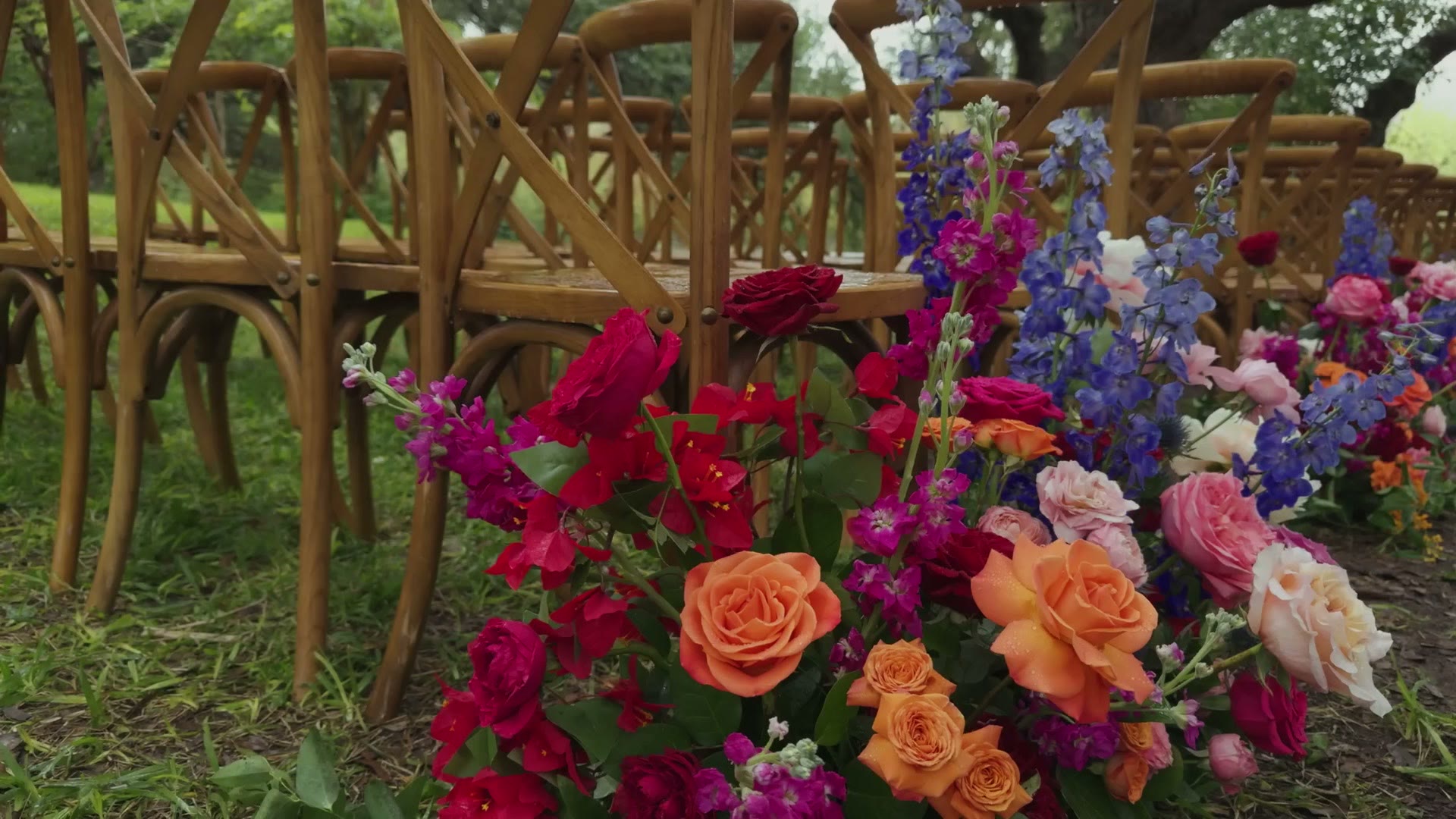
And here’s a con of the iPhone I’m running into. I’m not getting any bokeh from this shot. It’s just the flowers. So let’s go really close and see if I can get some semblance of it. There we go, we’re getting a bit. You just have to get a little bit closer than you normally would.
I’m also dealing with the fact that this camera is so light that as I’m moving it, it’s very jittery. I almost need two hands on it and I have to move significantly slower than I normally would. So one thing I’m going to do to offset that is film at 48fps instead of going up to 60. A slower, smoother shot, two times slower than 24fps, and that’s going to help remove some of those jitters and stutters.
Peacock Footage (No Animal Eye Detect Autofocus)
Nice moment here that I’m going to grab while I have time. There is a peacock, because this venue has peacocks, apparently, and a peahen just kind of roaming around.

This does not have animal eye detect autofocus, just so you know. It’s not like the newer mirrorless bodies. I’m doing this handheld, so we’re going to see how good this footage looks at 48fps with this bird.
One thing I’m noticing as I film is the iPhone lenses. As much as Apple advertises seven lenses in one in their marketing material, for video it’s really only three, because you have the ultrawide, you have the 24mm, and then you have the 120mm. And I’m definitely feeling a gap there. The jump from 24mm to 120mm is huge, and I can’t help but wish there was a 50 or an 85 right there in the middle. I know I can crop in some, but it’s still just a bit tight. I don’t love it.
Also, I’m getting legit rained on right now. These glasses are foggy.
Couple First Look
Here’s the situation we’re working with. Excuse my horribly white balanced appearance, but it is candlelight warm lighting in here and ultra blue outdoors over there.

Also, this venue is an active restaurant that closes at two, and it’s like 2:30 now, and there are still people here eating and finishing up. So we’re just here making it work, and it’s raining outside, so we’re going to put the couple over by this window and make it work.
Now I’m loving the 120mm, because I can get really close and take shots of them from a distance. I actually love how stealthy this whole setup is, because I can stay in front of them and not really get in the way.
Couple Together Footage
The gimbal is occasionally randomly disconnecting and just dropping the camera. Maybe I’m slightly off balance. That motor is feeling quite warm, so it might be overheating a bit because it’s a little heavy this way.
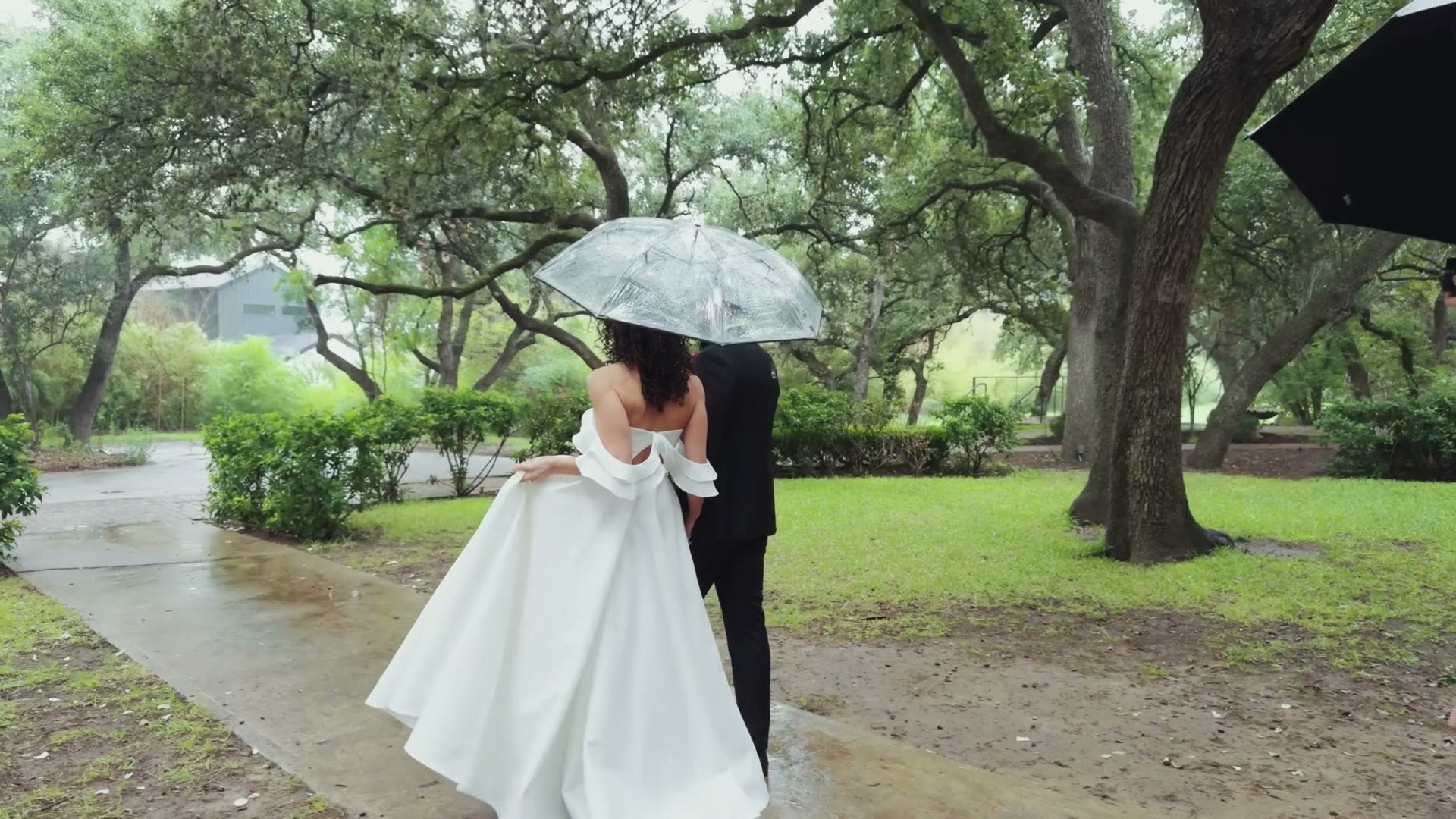
I’m falling more and more in love with the ability to change the lenses of the iPhone on the fly. A single tap and I go from 24mm to 120mm. There was a moment where the photographer stepped into my shot and I just thought, don’t worry, I’ll go to 120, and suddenly I’m zoomed past him. It’s like a lens change, but you don’t have to take the time to put down the camera and open the lens mount. It’s immediate. I want that on a big camera, dang it. I want a rotating barrel of lenses I can swap through on my a7S III. That’d be so cool.
One other weird thing I ran into. Phil asked me, hey, what’s the battery life on the Osmo Mobile 6? And I said I don’t know, I’ll look it up. And then I reached into my pocket to grab my phone, and realized my phone is on the gimbal, because I’m filming the wedding with my phone. It’s still very surreal to me.
I already know how good the video quality of the iPhone is whenever it’s a pretty daylight day. It looks really, really good, especially with Apple Log. So I feel like we’re really pushing it here. We’ve got overcast skies and it’s darker and we’re pushing the low light. I’m very intrigued to see how this turns out.
I’ve been filming a good amount and we’re still at 83% battery, so I’m feeling pretty good about that.
Filming The Ceremony
Almost ceremony time, guests are arriving. This is a bit more of a stripped down wedding for me. I do not have any tripods, because I only have one camera. I wasn’t going to go buy multiple iPhone Pros. That would be super cool, but a little overkill. This is more of a proof of concept.

I do love how easy it is to just pop the phone off the gimbal and immediately go handheld.
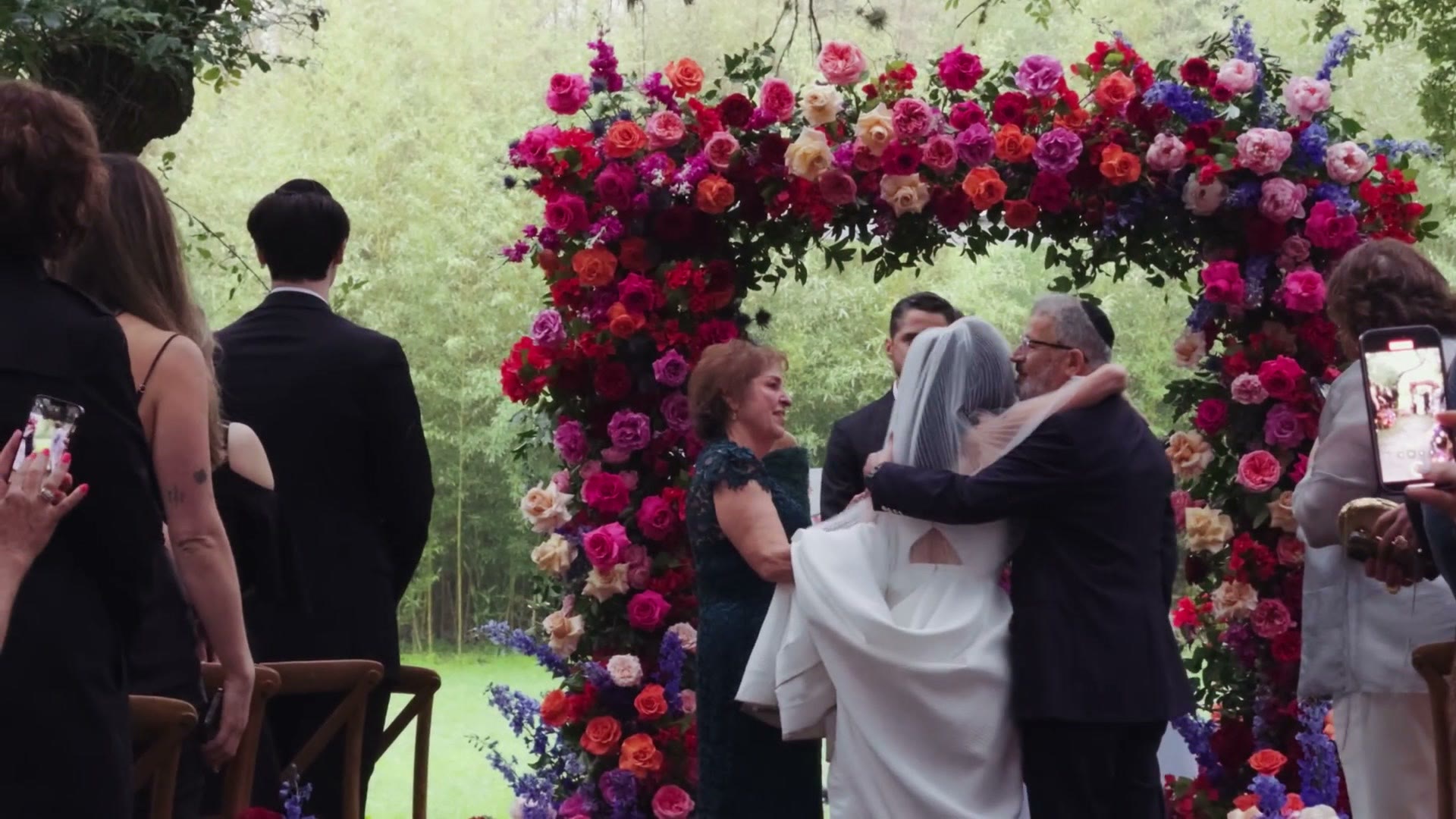
Ceremony complete, and I think that went really well. This is a moment where the 120mm zoom lens came in quite handy. Some really, really nice long gimbal shots I was able to get, and when the couple were pronounced I didn’t get in anybody’s way, I was a ways back, and it still looked really good.
Speaking of which, A Filmmaker’s Review Of The iPhone 16 Pro, Pros & Cons Of Filming A Wedding With An iPhone, and Filming A Wedding With One Of The Top Wedding Videographers: KEJ – Behind The Scenes are worth a look too.
At this point I haven’t even really looked at the footage I’ve recorded, other than on the phone screen, and you have to look at it on a computer to really know. But even then, I’m feeling pretty confident. I don’t think it looks bad.
One thing I want you to keep in mind is that if you have an iPhone 15 Pro or Pro Max in your pocket, and your camera dies on a wedding day, or you need a shot and your camera is across the room, it is entirely feasible that you could use your phone to get something you’d actually put in the wedding video. And it wouldn’t feel weird. That’s crazy.
Lowlight Stress
Decision time. Phil brought two lights that are reasonably bright, but I’m on an iPhone, so I’m nervous. And they’ve got purple and pink uplighting in here and I do not want people looking like Smurfs. So I brought in an Aputure 60x just in case.
I think I’m going to risk it. We’ve got two of these puppies, and while they’re not the brightest, they do have a good throw, and I’m thinking it will hopefully be enough. Besides, I want to really push the iPhone. I want to see how it handles.
Filming The Reception In Lowlight

It’s pretty decently dark in there, even with the two spotlights. But the low light performance is not bad.
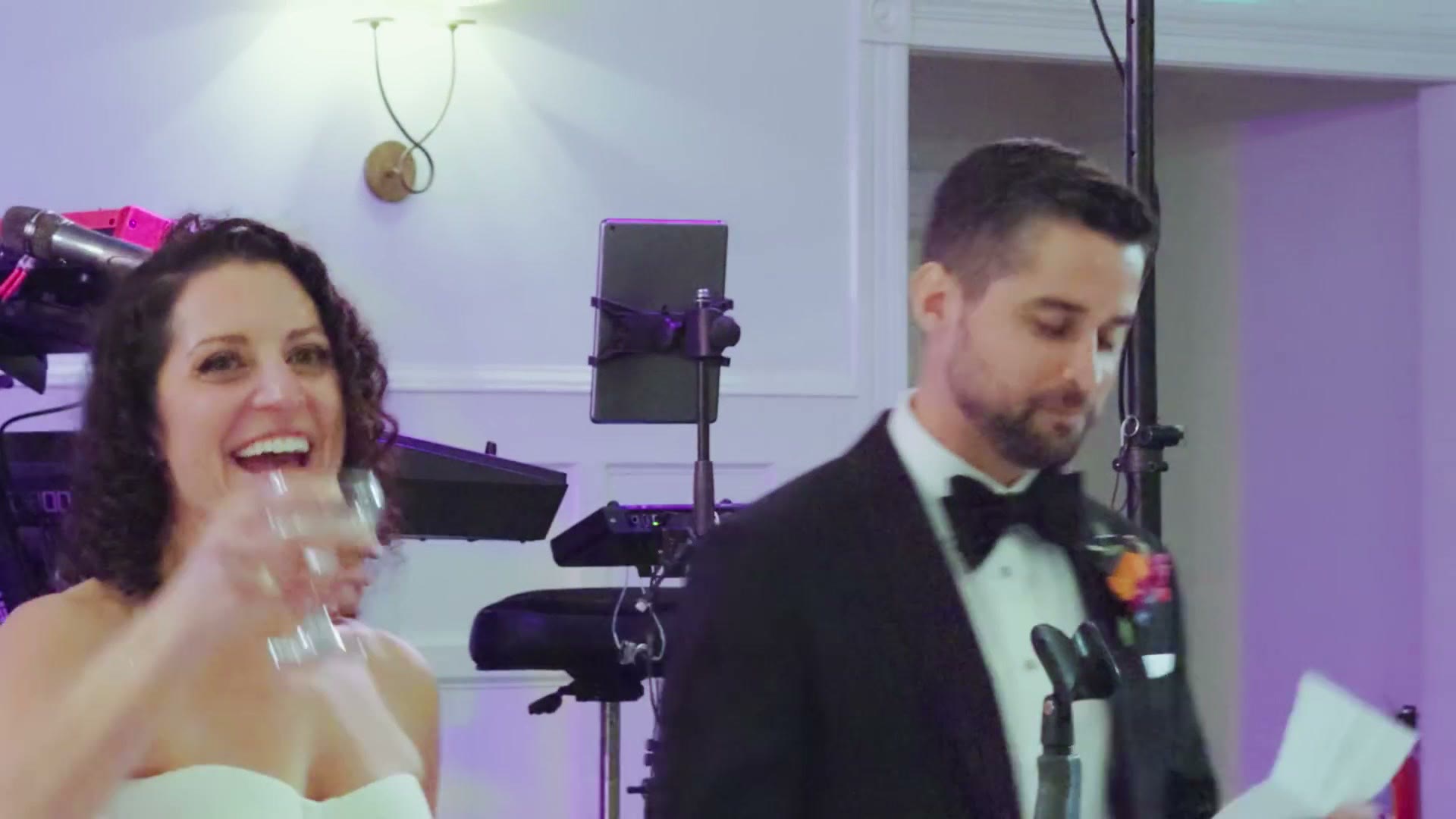
I would say definitely bring lights, always bring lights to a wedding, even with an a7S III bring lights. But the low light performance is really not bad with the iPhone 15 Pro. It’s usable.
Should You Film A Wedding With The iPhone 15 Pro?
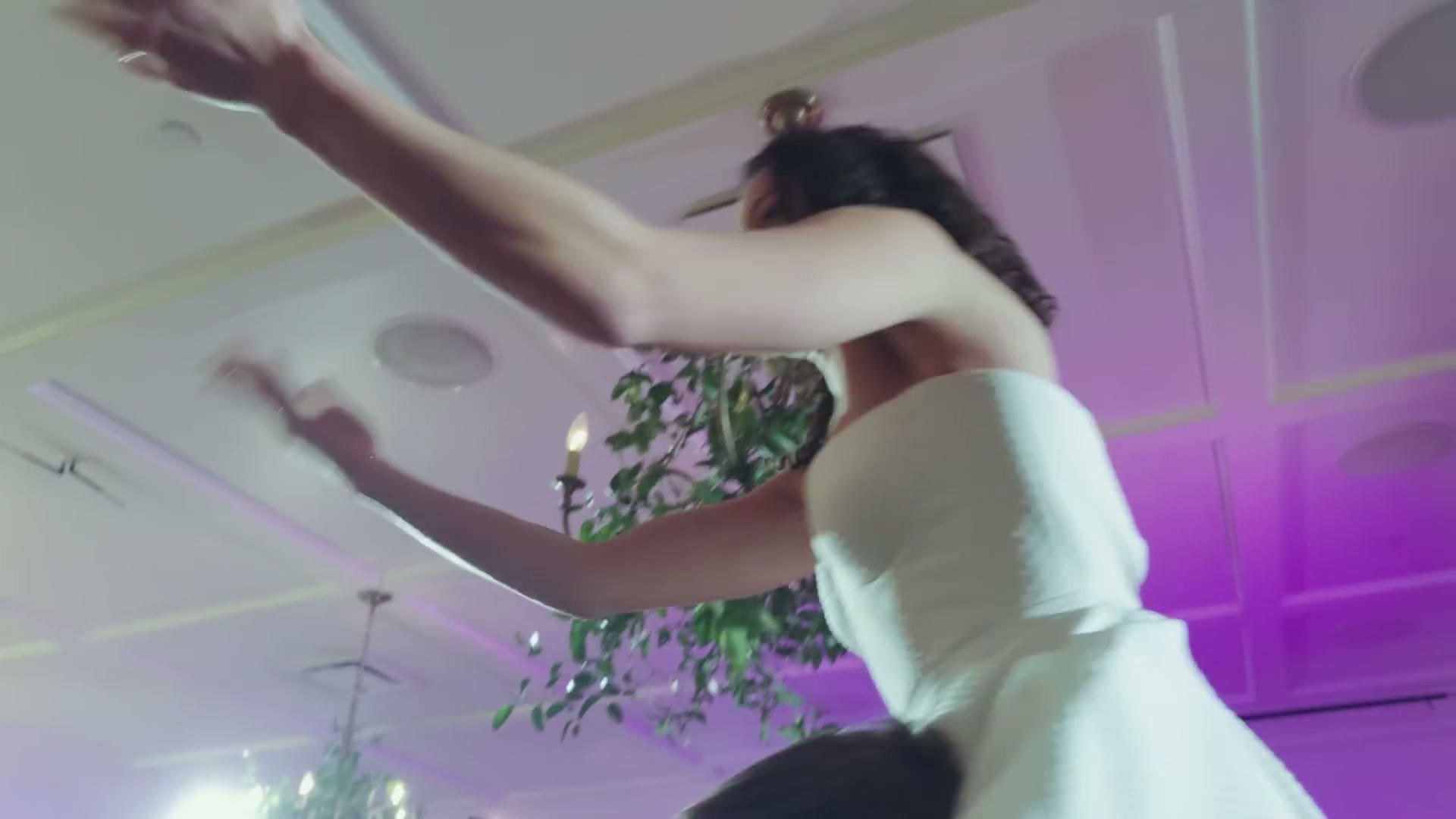
There are two things I feel the iPhone 15 Pro is lacking.
First is the lack of bokeh. I know there’s a cinematic mode where you can add it digitally, but it just doesn’t look that good, and I’m not even bothering with it for this wedding, because once you shoot it, it’s kind of baked in. So if it looks crappy, it’s going to look crappy permanently. When I was filming the toasts, people are speaking and there’s just an exit sign behind them, and because there’s barely any depth of field, even with the long lens, it’s like, wow, there’s the exit sign right there. Whereas I know that if I was on full frame I could blur that out and make it look significantly more appealing.
The other issue is lens selection. You have your ultrawide, which is about a 14mm, you have the standard at 24mm, and then you have the long at 120mm. That’s a huge gap with nothing in it. It’s kind of rough. I especially ran into this filming the dancing, because personally I prefer to film at 50 or 85mm, and 120 is a little too close for dancing, so I was stuck at 24 and everything is really wide.
So honestly, what I want Apple to do is put another lens on the iPhone. Give me an 85 or a 50, and that would look really, really great. Then give me a perfect digital bokeh that looks incredible, and you’ve got a great camera.
Overall though, really, really impressive. I loved how quickly I could switch lenses, how quickly I could do most things with the camera. And I loved how minimal the setup is. Everybody’s talking about filming with a minimal setup, just your camera and a lens. Well, how about just your phone? It’s even lighter. It’s even crazier. I’m holding the thing and my arm isn’t even tired. I’ve been holding this little DJI Osmo gimbal all day, which worked really well, and the battery is still saying full power.
And I love this phone case from Freewell. I did not have much need for the ND on this particular day, with it being super overcast and darker, but I’m excited to use it in the future, especially filming in brighter conditions.
Are You Going To Start Filming Weddings On Your Phone?
I would love to know what you think. Are you going to start filming weddings with an iPhone? Maybe you already do. Have you considered it? Are you going to consider it now?
Also, if you’re interested in what gear I use to film weddings whenever I’m not filming with an iPhone, I have a free wedding filmmaking gear guide that lists everything.
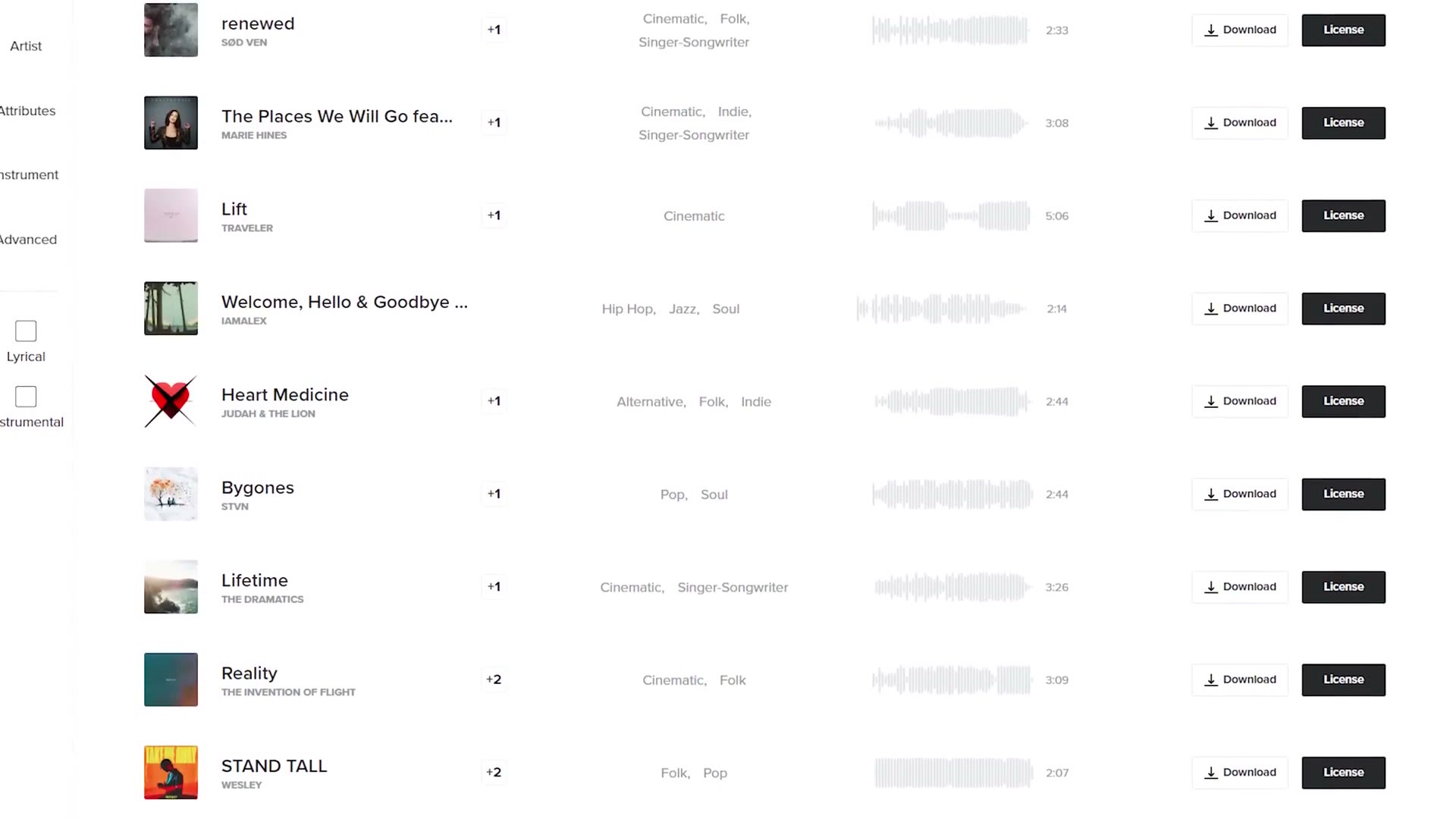
This one was sponsored by Musicbed, which is my favorite place to find music for my projects. With the largest roster of independent artists and over 40,000 songs, I can always find the right one.
I’ve always said that music is what drives the emotion in your wedding films, and Musicbed’s artists are handpicked to do that, giving your audience a greater connection with the film they’re watching. A couple of real world examples of songs I’ve used from them over the past decade to create those moments: the fun and excitement of a couple whitewater rafting to “Where I Want To Be” by Daisy Chain, and a powerful emotional indie folk track like “Hold On To Your Love” from Family and Friends during a wedding ceremony.
To hear the difference their music makes for yourself, sign up for a free account, and use the code MATT2MONTHS at checkout to get two months free when you purchase an annual subscription. In the past Musicbed has only ever offered one month free, so this is a good one.
Thanks so much for reading, and have a great day!