
Every film has an opening shot, the first scene that you see when you press play. Oftentimes, this first shot is known as an establishing shot, and it is the filmmakers introduction to the world they have filmed. Establishing shots are often of a city, countryside, or in this instance a tent in a field, that show the audience where the characters in the film are currently living. If you don’t want to start out with an establishing shot, you could have your film begin with some text that says:
- Location: Ranch in the country.
- Time: Afternoon
- Weather: Sunny with sparse clouds
- Mood: Happy
- Pollen count: High
And about a zillion other things! But why would you want to do that, when you can show the audience all of this in a few quick establishing shots.
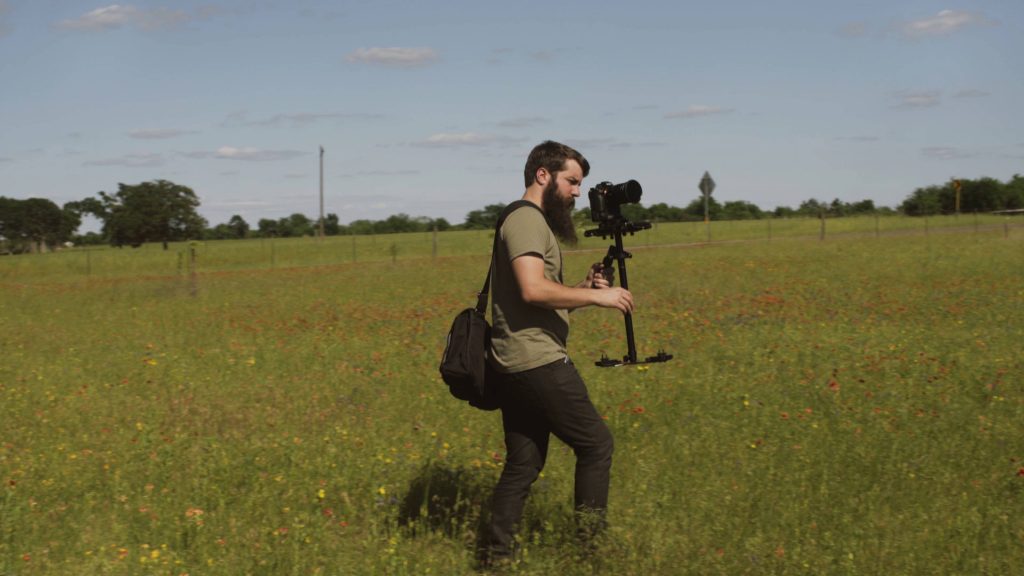
I’m sure you’re thinking at this point, “Okay Matt, but I have so many other things to film on a wedding day, why should I take the time to do this for my wedding films?” Because CONTEXT IS IMPORTANT. Remember that when you are making a film, you are showing an entire world. Without establishing shots, your world has no introduction, and a story without an introduction can be incredibly confusing.
Establishing shots also provide context for all the future actions of your characters in the world. Imagine if you immediately start off your wedding film with a shot of the bride sitting in a dark room reading a note from her groom. At this point, your audience has no idea where she is or why she is there. You as the filmmaker may know that you had to shoot in the darkened room because it was raining outside and the bride didn’t want anyone to see her, but unless you show an establishing shot of the rain falling on the house, there is a disconnect between what you know and the audience knows. And when your audience is disconnected, they are drawn out of your story, and they decide to watch something else.
Show Up A Day Early
I shot this one on the drive down to College Station to film a wedding the next day at the bride’s family ranch, because one of my favorite practices is to show up early, sometimes a full day early, and film the venue before the wedding ever starts.
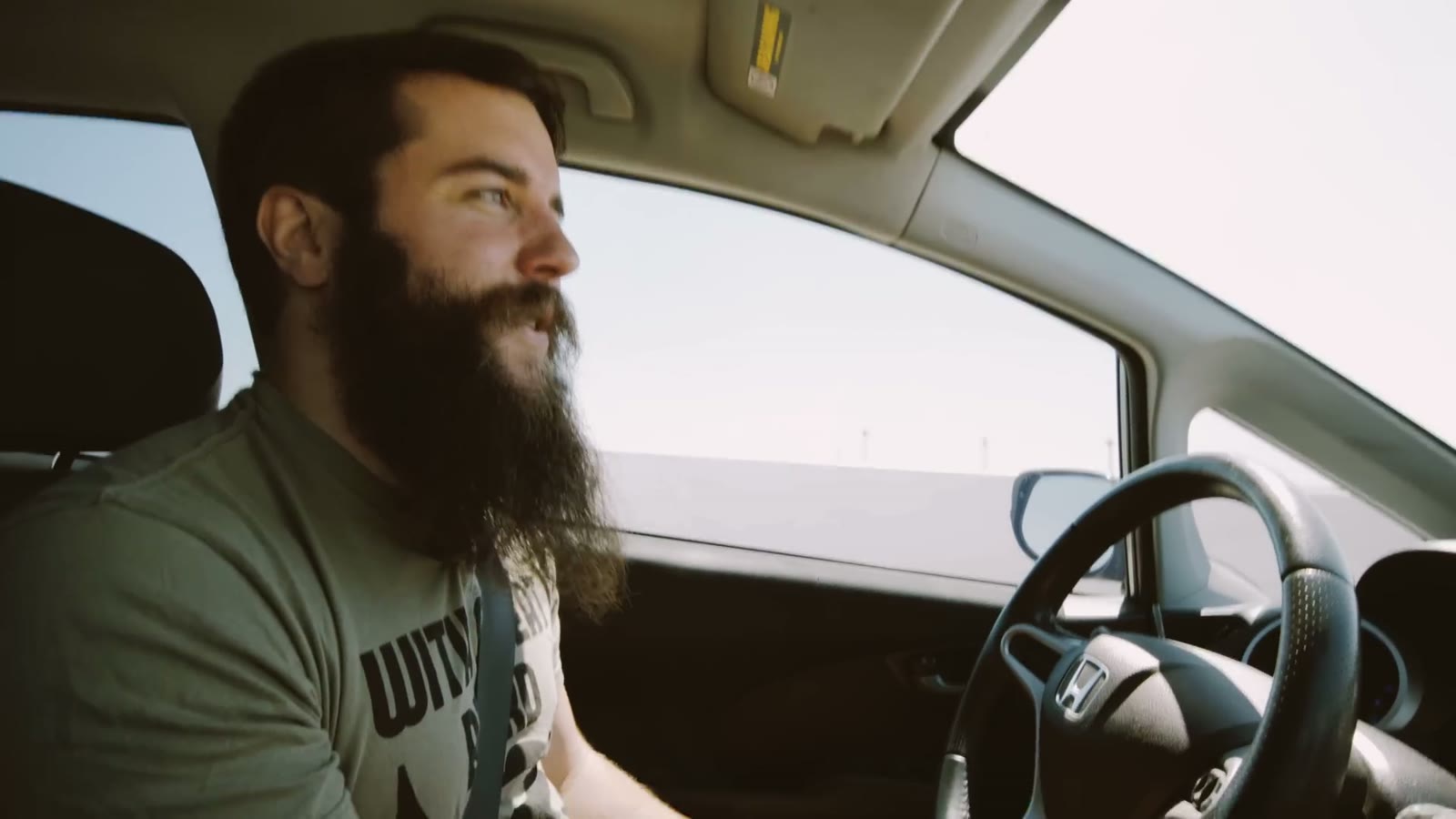
And I know how that sounds. They’re not paying you for the day before. But if you’re already driving into town and you already have the hotel, showing up a little early costs you almost nothing and the benefits far outweigh the cons, because it is genuinely amazing what you can find whenever you are not rushed. Sometimes you don’t get that. Sometimes it is a wedding day and things are out of your control and you get ten minutes to run up, grab something, and go. That happens. But whenever you can buy yourself the time, buy it.
Show, Don’t Tell
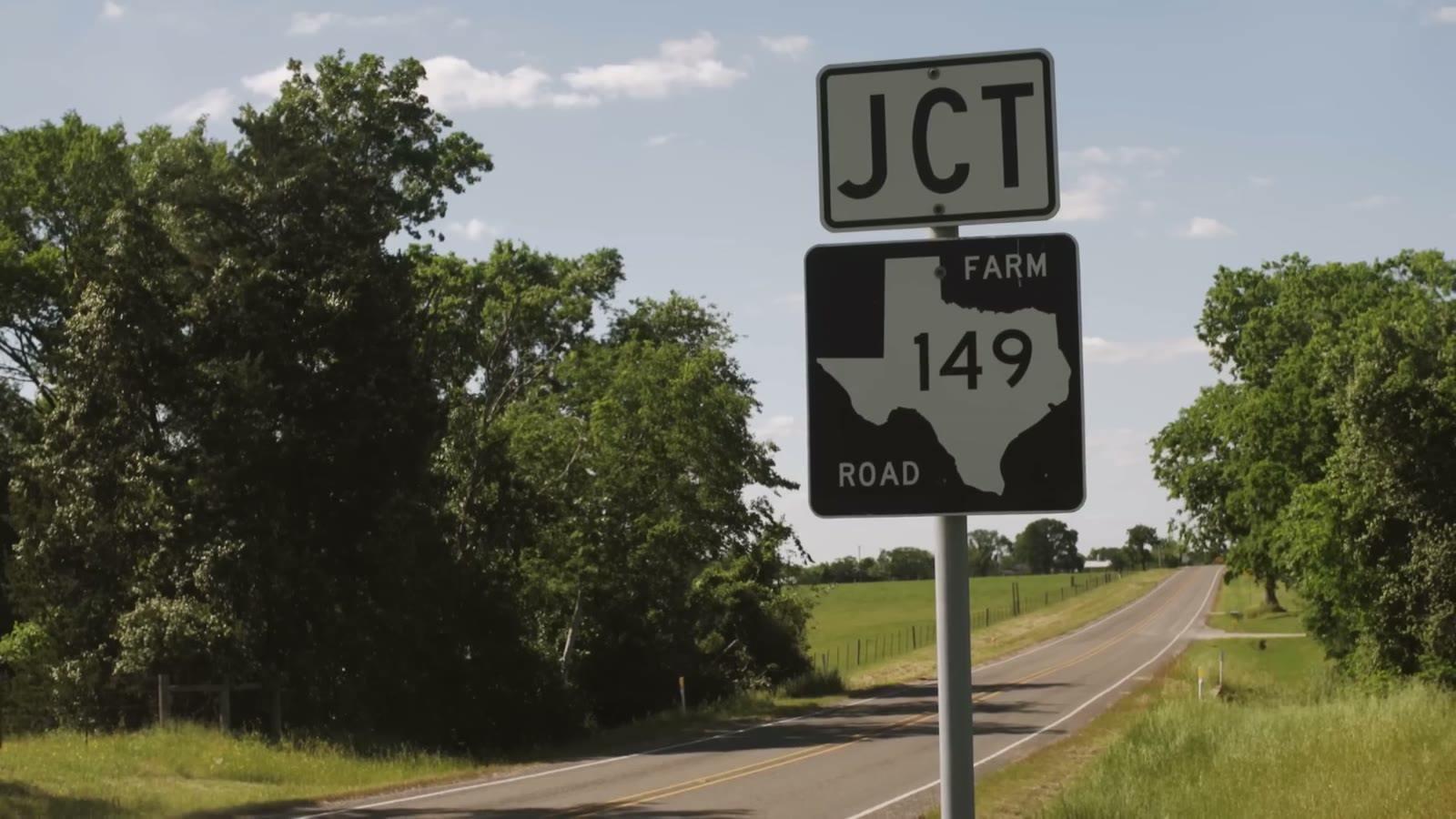
I’m a big proponent of showing the audience instead of telling them. I could throw text on the screen that says “we’re at the ranch.” Or I could show you two seconds of the ranch and your brain goes “oh yeah, the ranch, okay, great” without you ever consciously processing it, because that is how we’re hardwired.
Here’s the part that matters: your audience notices when an establishing shot isn’t there. Not consciously. They just get a little lost and a little confused about where they are, and being confused pulls people out of a story. Two seconds of context and instead of being pulled out, they’re pulled further in.
Hollywood Gets This Right, And Sometimes Very Wrong
Nearly every good movie does this well. One of my favorites at the time I made this video was Midnight Special, and there’s a sequence in it, no spoilers, where people are rounded up at a church and taken to a high school. The way it plays is: show the church, an actor says they’re taking everyone to the high school, show everybody getting on a bus, show the exterior of the high school. Place to place to place, and you always know exactly where you are.
The bad example, and this is genuinely one of my biggest peeves about it, is Batman v Superman. It cuts between what Batman is doing and what Superman is doing and what Lex Luthor is doing so fast, and with so little location context, that the whole thing gets jarring. Are we in Gotham? Are we in Metropolis? Are we in the Batcave? I don’t know! Even Hollywood screws this up sometimes.
The wedding version of that problem is time shifting, which most of us do constantly. Whenever you cut from getting ready to the reception and then back to getting ready, your establishing shots are the only thing keeping your audience oriented. Show the hotel, show them getting ready at the hotel, show the venue, show them at the venue. Then you can jump around all you want.
Drone Shot
Whenever I get to a venue, the drone goes up first, especially if the weather is good, because I have no idea whether it’s going to stay good. Check the forecast beforehand, look the place over, make sure you can legally fly there and there’s no airport nearby, and then get it in the air while the light is cooperating.
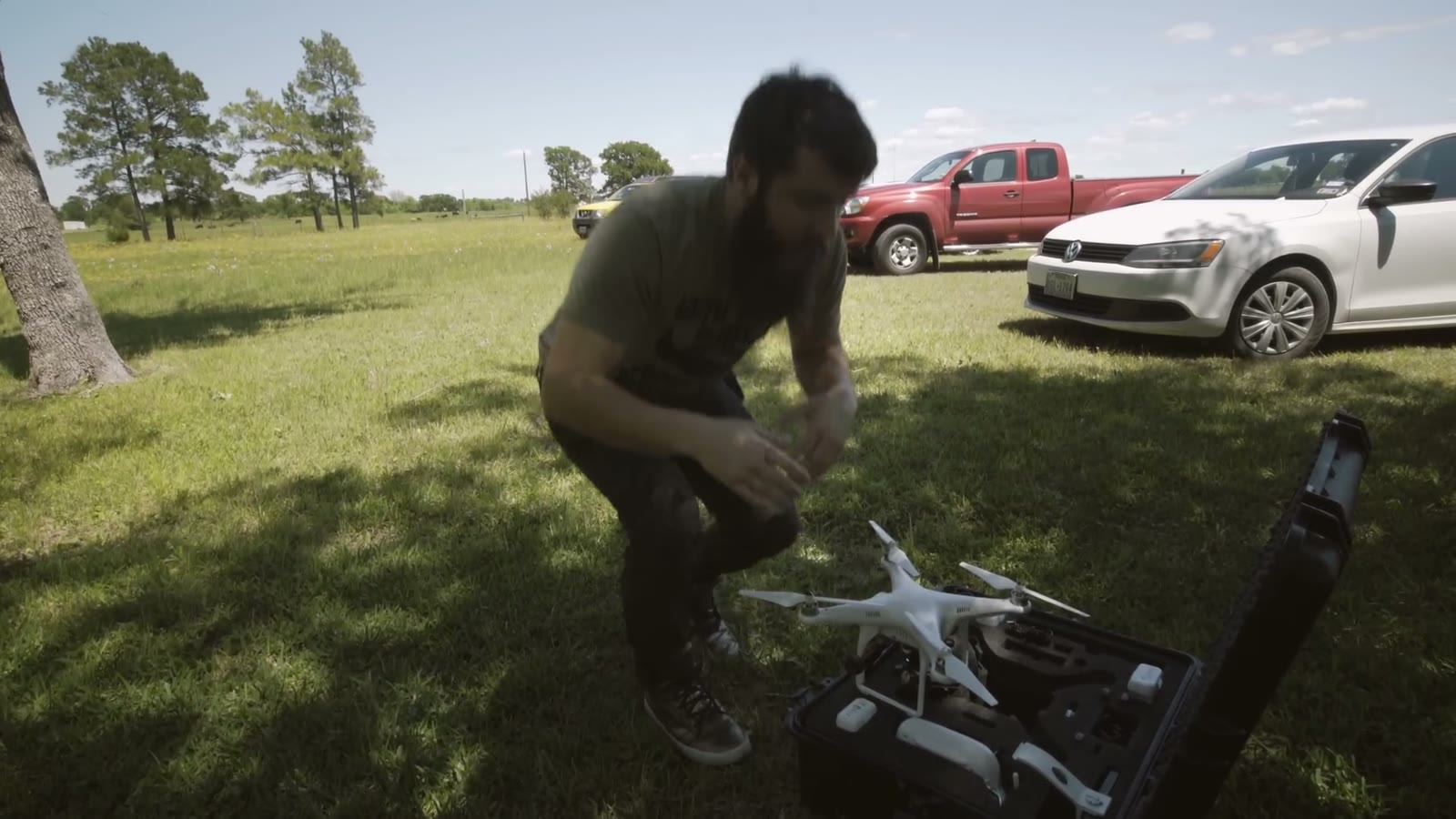
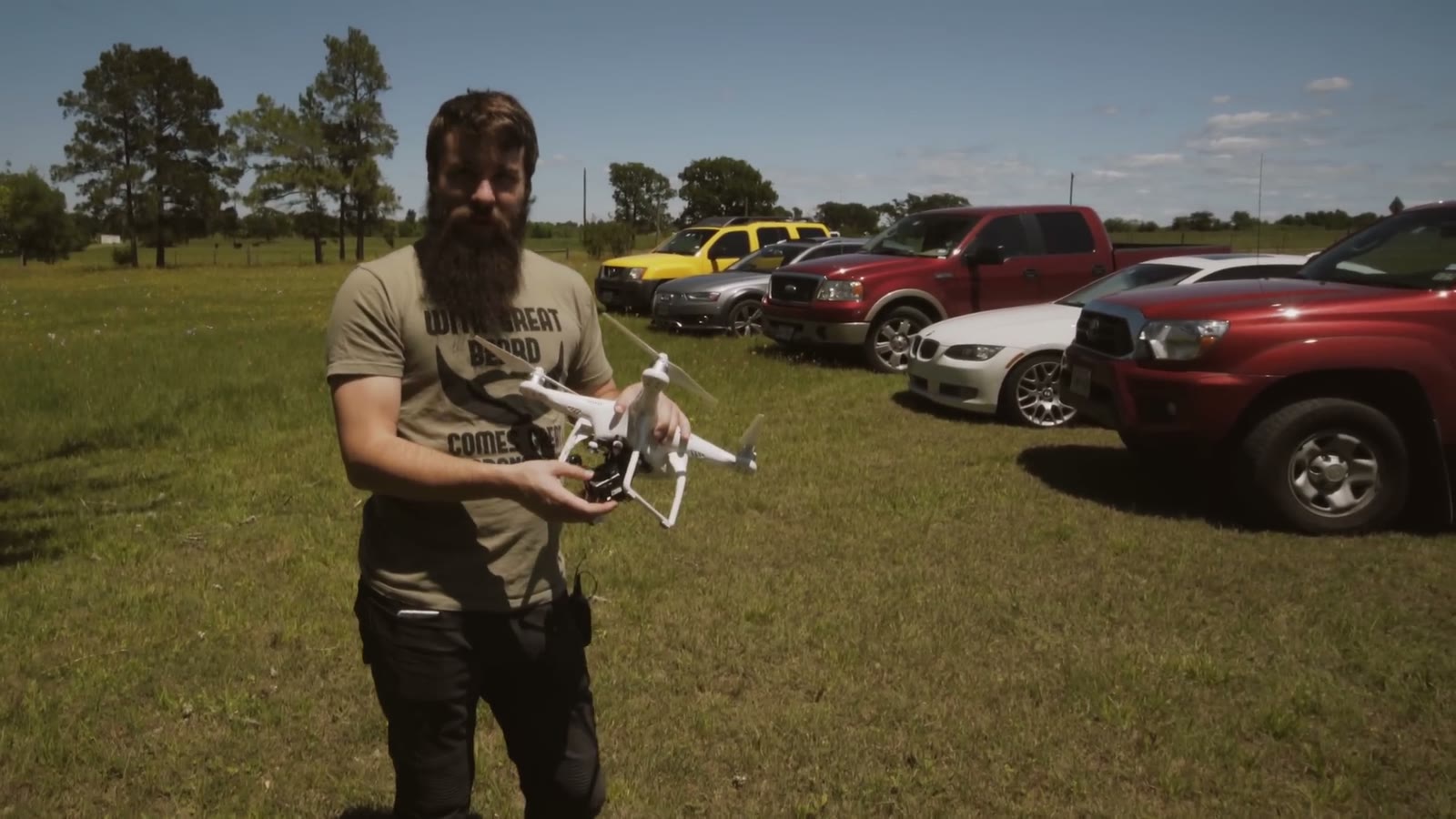
Think in terms of wide, medium, and tight for all of your establishing coverage. A wide of the venue, a medium of the venue, a tight of the venue. I consider the drone to be almost a mega wide, something absurdly wide, especially on a small sensor.
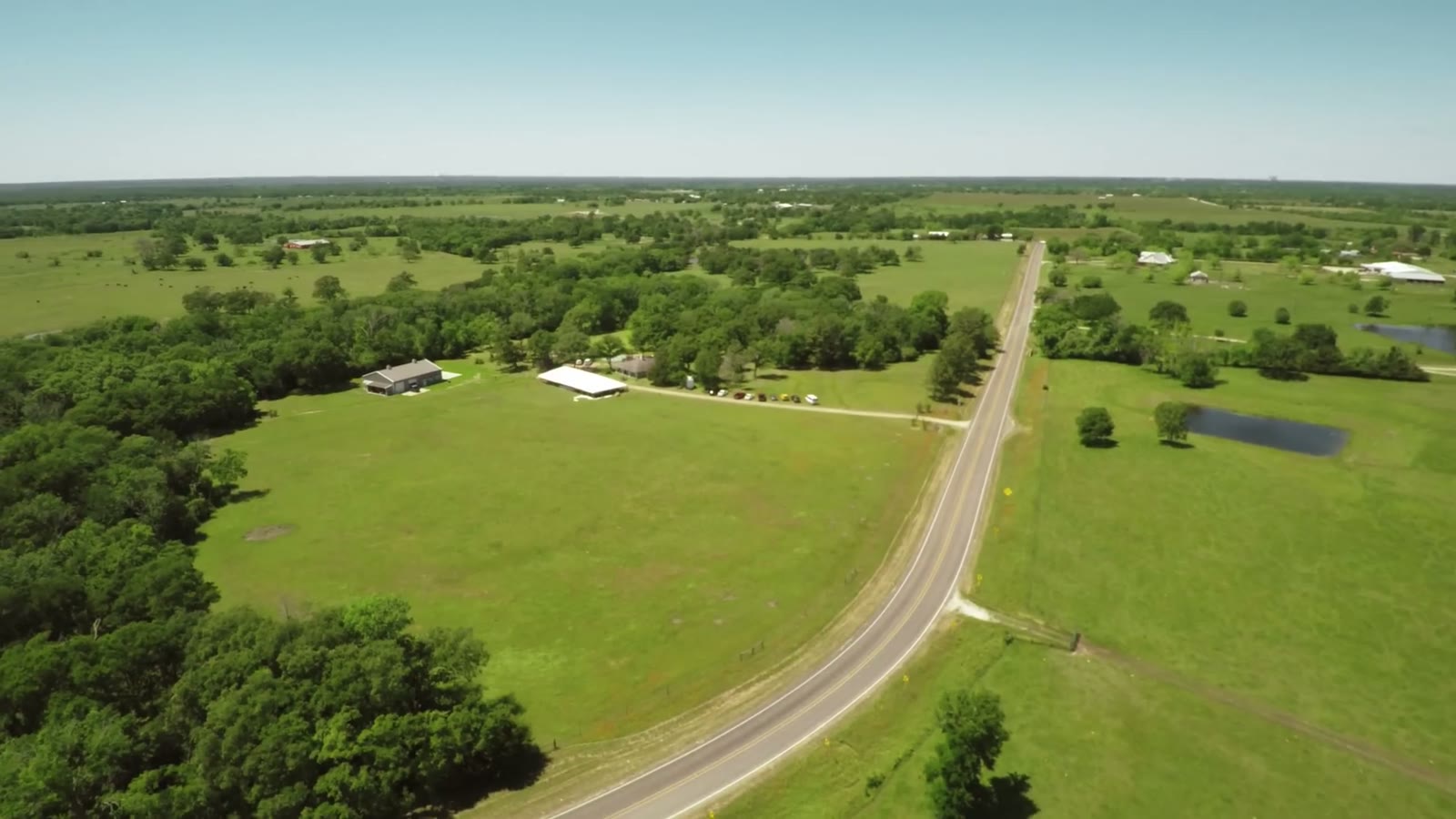

Which brings me to the thing everybody overdoes. Don’t use too many drone shots. In a wedding video I might use two or three total, because a drone is essentially one focal length, and a sequence of nothing but ultra wides is not compelling to watch. That said, don’t come home with only one either, because if you’re doing a lot of time shifting you’ll need a few different wides for all the different places you’re establishing.
Get High And Get Low
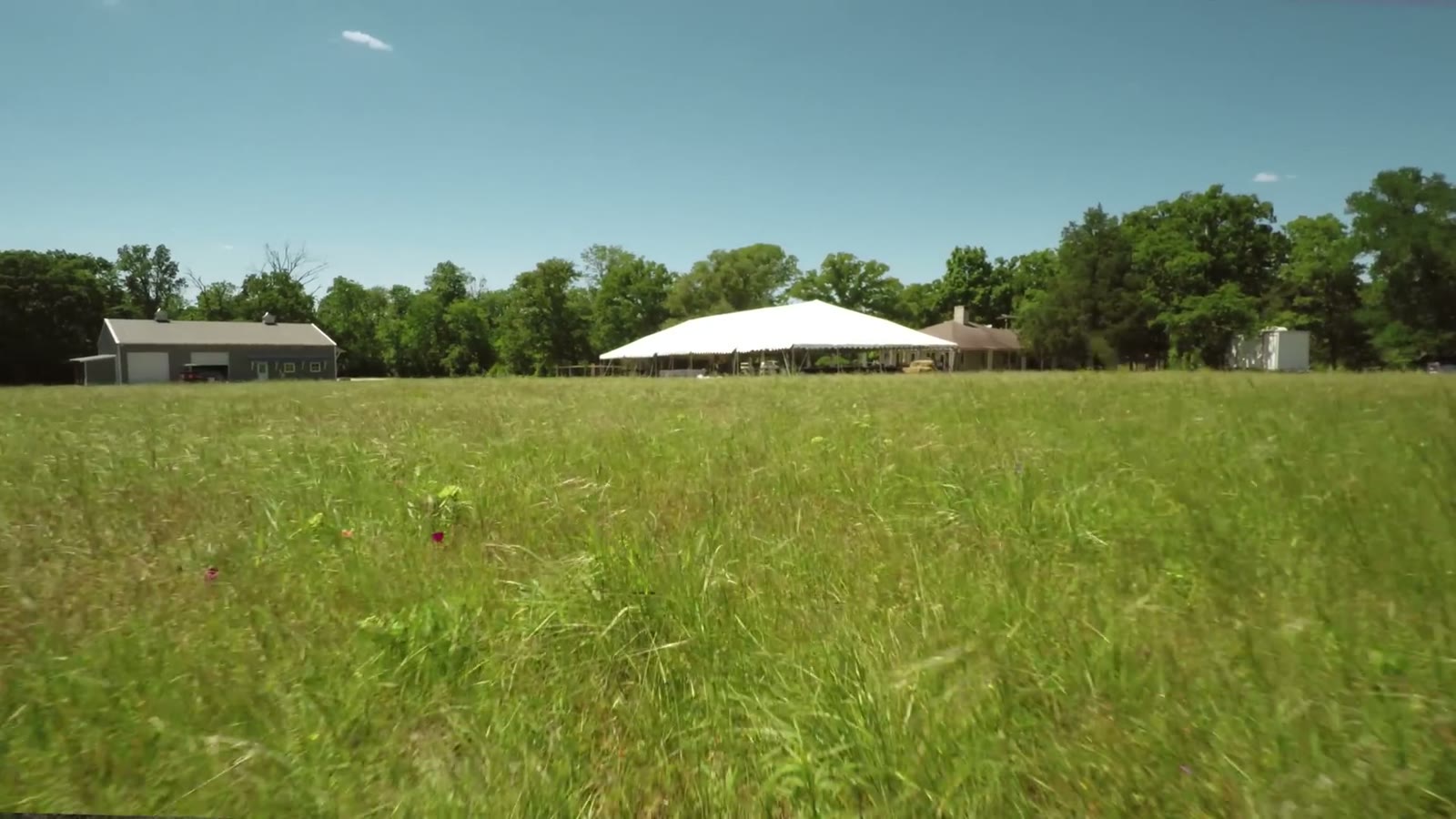
This is my favorite drone rule. Do the high wide, obviously. But then get the thing down low, almost into the grass. Not so low you’re going to crash it, but low enough that you’re risking it a little, because that is where the shot gets dynamic. Down there you get real motion and real parallax, and it stops looking like a map and starts looking like a movie.
Glide Cam
Once the wides are handled from the air, I pick up the Glidecam and get ground level wides, and then put a zoom on it for the tighter stuff. High, low, down in the grass, whatever gets me motion and parallax.
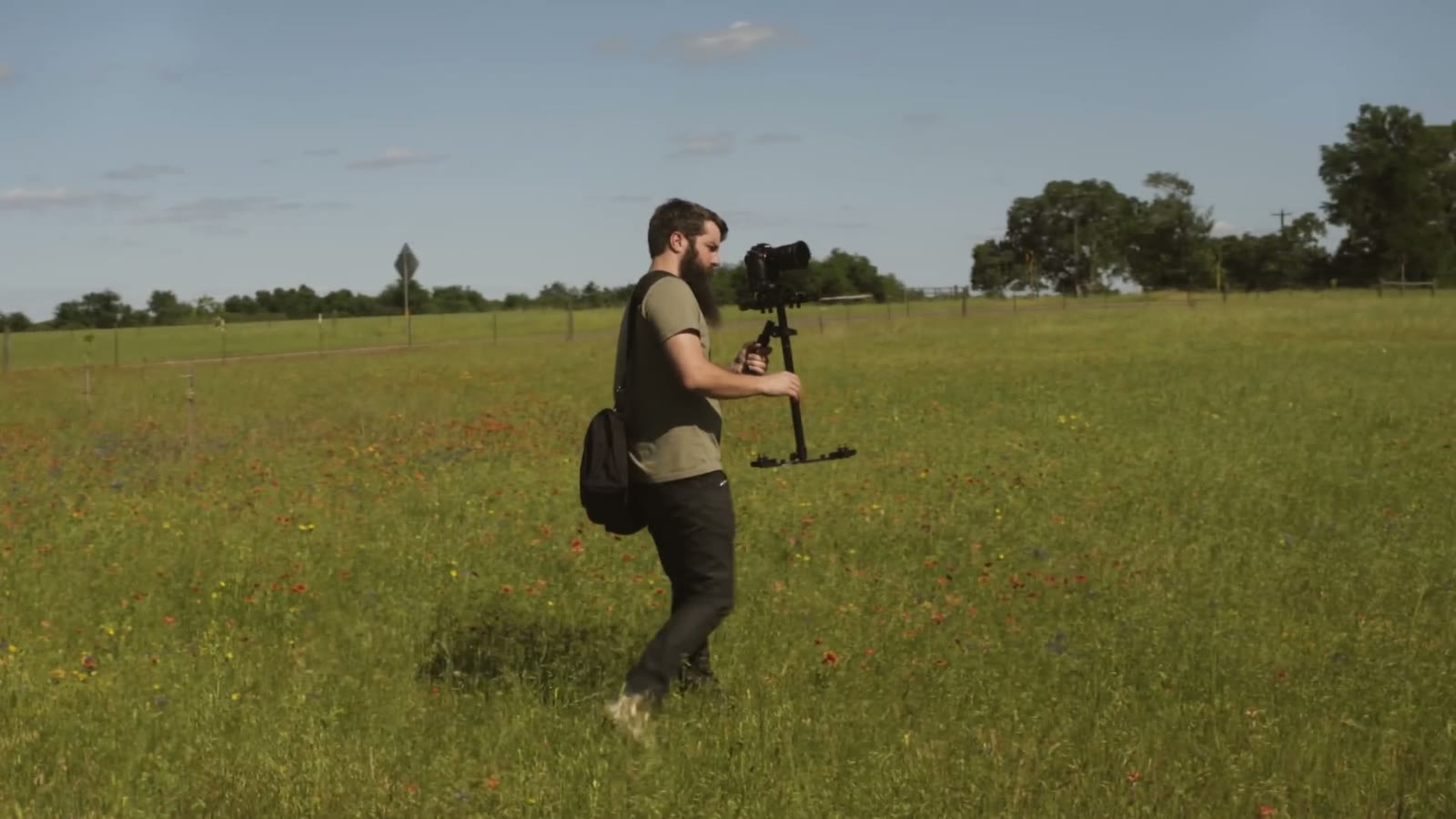
And here is my single biggest filter for what to shoot: anything that moves gets priority. Waving grass. Rocking chairs. A curtain or a tent wall breathing in the wind. Leaves. If it moves on its own, it belongs in your establishing sequence, because a static photograph of a building is not a shot, it’s a slide.
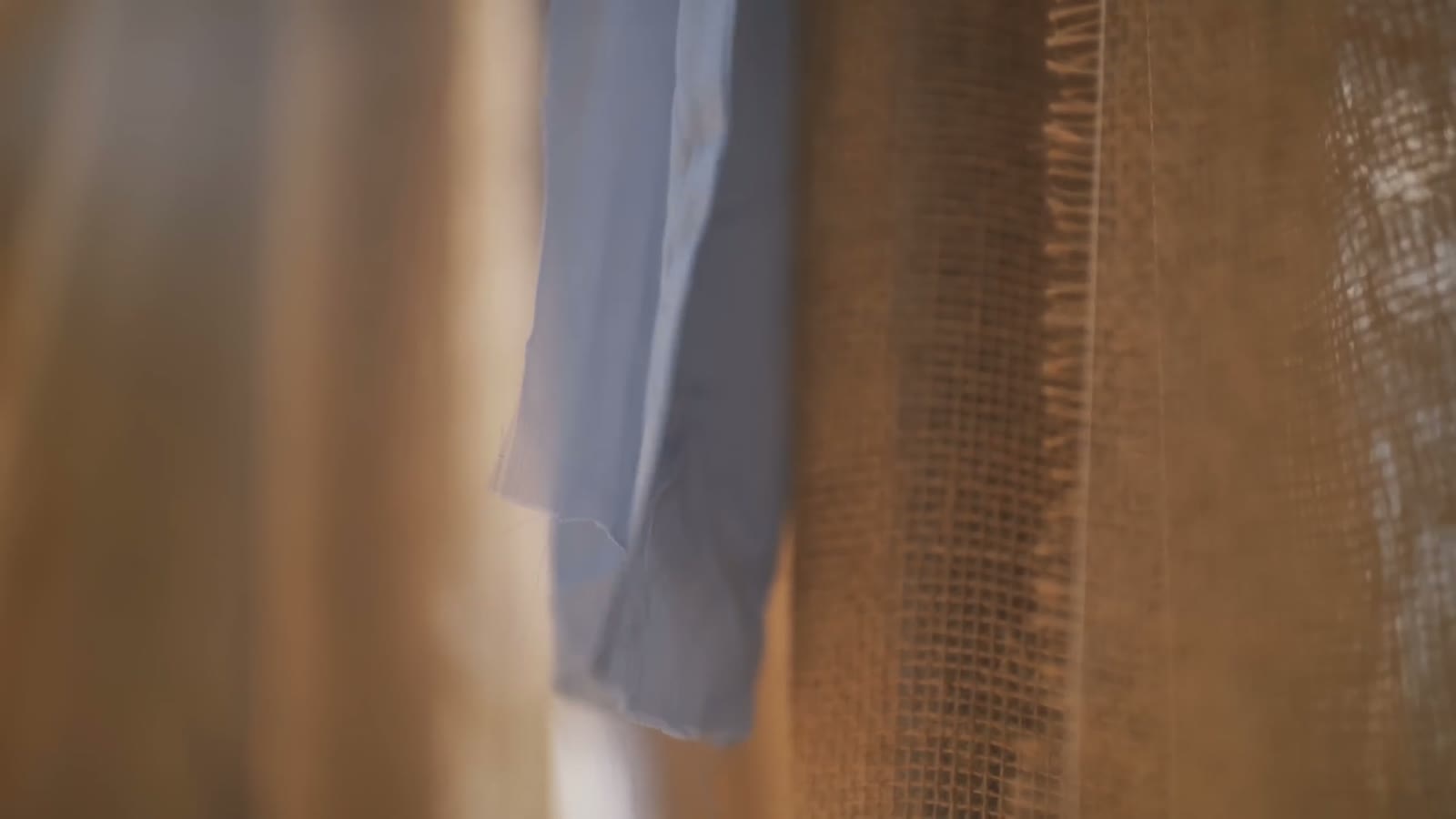
While I’m doing that, I’ll usually have my second shooter on a slider or a monopod picking up other details, and if there’s decent cloud movement or anything else slow and pretty, I’ll set up a timelapse and let it run while I keep working.

By the time I’m done I have more than enough coverage for anything the edit throws at me. To help the story be told as clearly as possible, I try to film establishing shots of all the locations on a wedding day. It doesn’t take too long to do, and the results are definitely worth it.
If you have any questions or comments, feel free to leave one below, or get in touch.
Related Tutorials
- A Wedding Filmmaker’s Guide to Posing The Couple
- How To Film Incredible Dancing Footage In Your Wedding Films
- How wedding filmmakers can get along with photographers
The Gear
This one is from 2016 and the bag has turned over a few times, so here’s what I reach for now rather than exactly what I was carrying across that field:
- INSANE lowlight main camera on Amazon
- My favorite wide angle lens with AF on Amazon
- Ultra-versatile medium lens with AF on Amazon
- Best drone ever on Amazon
- Filters for the best drone ever on Amazon
- BEEFY electronic gimbal on Amazon
- Fantastic video monopod on Amazon
- Ridiculously tiny audio recorder and mic on Amazon
- Prism for fancy in-camera effects on Amazon
- FAST video editing laptop on Amazon
- Indestructible camera case on Amazon
- Light & sturdy travel tripod on Amazon
- Portable LED Lighting Kit on Amazon
The full list is on my favorite filmmaking gear page, everything is graded with my own WhoisMatt LUTs, and the music comes from Sound Stripe (coupon code “WHOISMATT” for 10% off), Art List (free extra 2 months through that link), or Musicbed.
If you want more of this, my wedding film editing course goes deep on the edit, there’s a free Learn Wedding Filmmaking Facebook group, and I have a free quick tips guide on how to book more wedding film clients. Whenever I need help with an edit I use Archaius Creative, who’ll take 10% off your first project. You can also follow along on Instagram.