
Seven months of editing 4K wedding films on the road with the XPS 15 9570: the screen, the CPU that cut a 94 minute export to under seven, the warranty nobody talks about, and the one spec I would not buy again.
Continue reading
Seven months of editing 4K wedding films on the road with the XPS 15 9570: the screen, the CPU that cut a 94 minute export to under seven, the warranty nobody talks about, and the one spec I would not buy again.
Continue reading
If you’re just getting started in wedding filmmaking, or you’re thinking about it, and you want to know what you actually need to buy to make a beautiful wedding film without breaking the bank or going into debt, this is the guide I made for you.
Everything here is linked, and I’ve kept the whole list together on my budget wedding filmmaking gear page as well.
In my opinion the best budget camera for wedding filmmaking right now is the Sony a6400, at around $900.
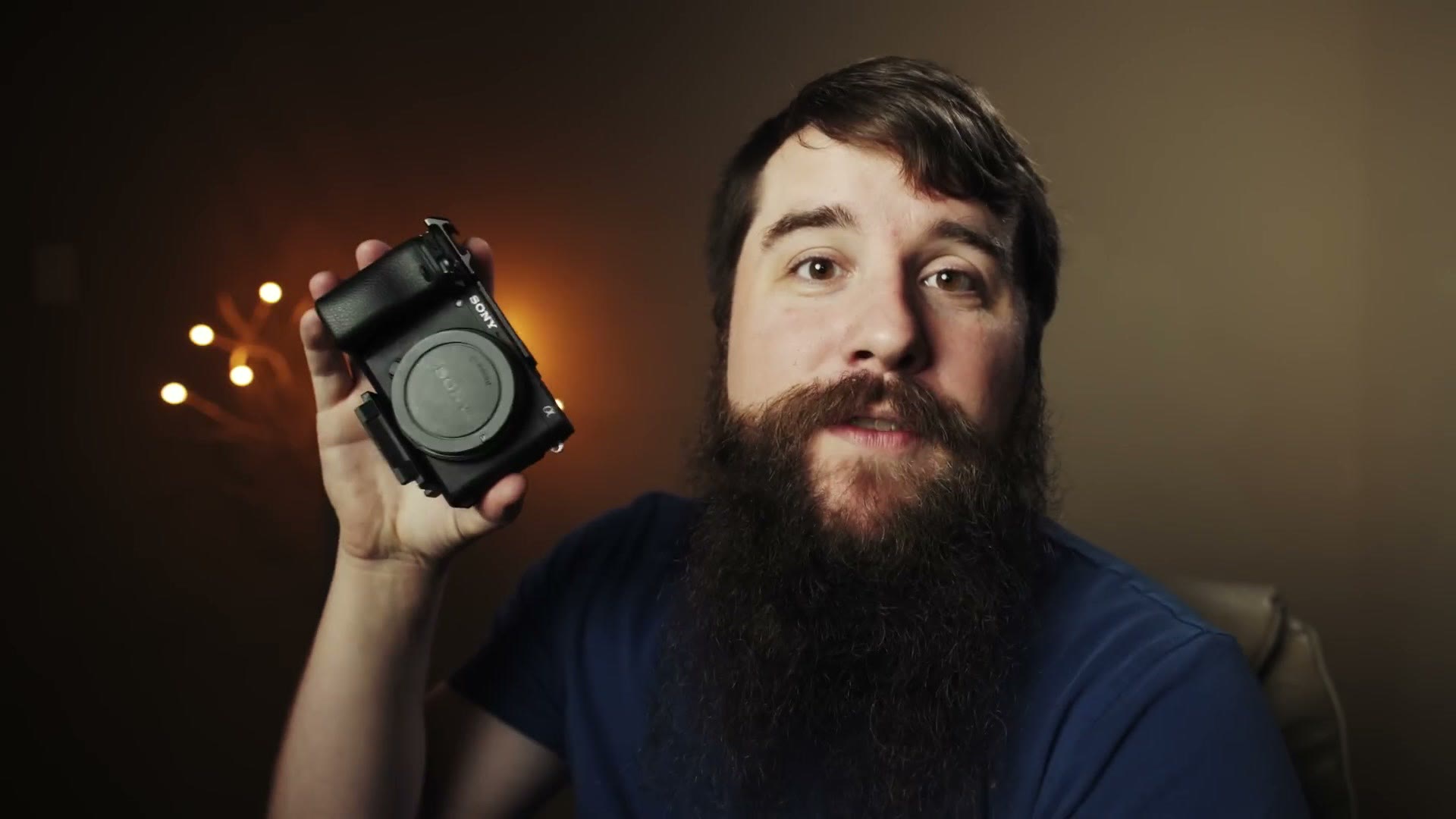
It shoots 4K, the autofocus with face detection is amazing, the battery life is improved over previous Sony cameras, it’s very resistant to overheating, you get all the Sony picture profiles, and you have access to an absolute ton of lenses. I own this camera and I love it, and for under a thousand dollars I think it’s some of the best video quality you can get.
The only two things I wish it had are in-body image stabilization and better battery life. Keep that first one in mind, because it comes back later and it affects which lens you buy.
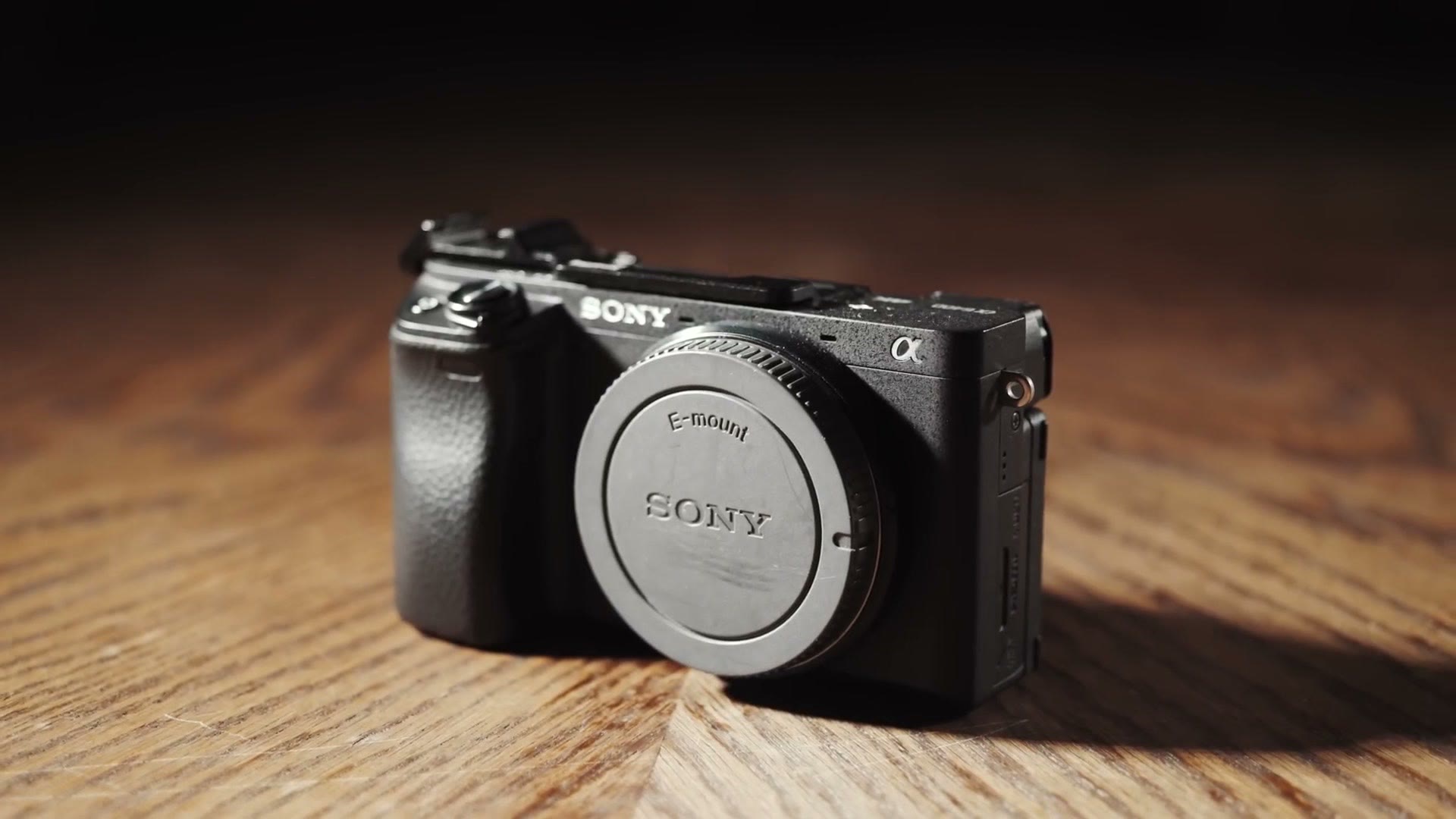
The upgrade: if you have more than $900 for your first camera, get the Sony a6600 at around $1400. You get in-body stabilization, much better battery life, and eye-detect autofocus for video, which is very impressive.
Two things your camera doesn’t work without, and the place people always under-buy.
On my a7S II, which uses the same batteries as the a6400, I go through about four batteries on a typical wedding day. So buy at least four NP-FW50 batteries, and bring your charger to the wedding so you can top up during the day. If you went with the a6600 instead, the battery life is much better and I’d expect one or two on a wedding day, but I’d still buy at least three NP-FZ100 batteries to be safe.
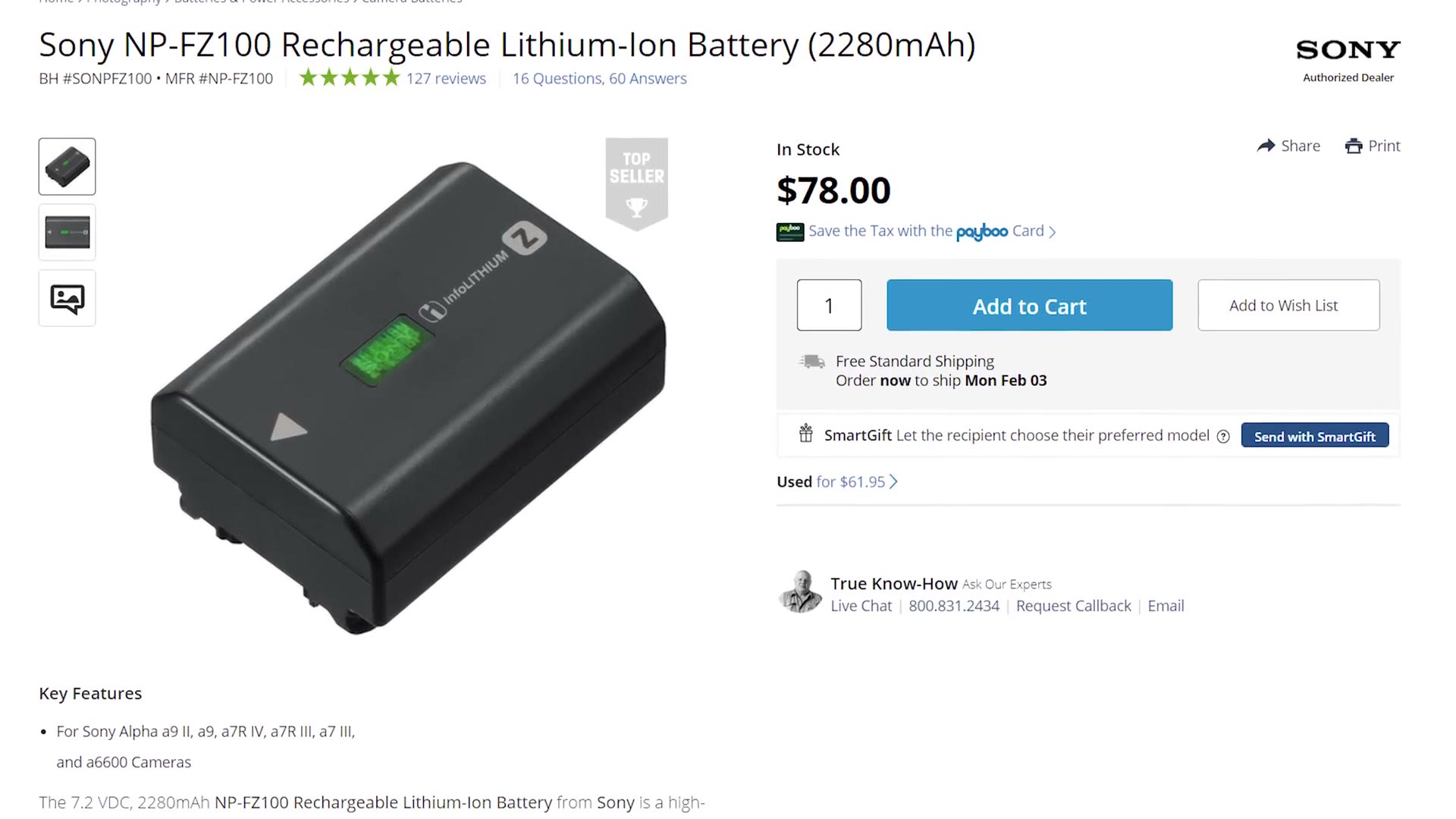
If you have the budget, the Watson dual battery charger is worth it. I’ve used mine for years and it charges fast. You’ll want the matching battery plates with it.
Memory cards are one of the cheapest things you’ll buy, so spend the extra few dollars on a decent brand. For under $40 these SanDisk 128GB SD cards are plenty fast and give you roughly 2 hours 45 minutes in 4K, or over 5 hours in 1080p. I usually go through one card plus a bit of a second, so pick up three.
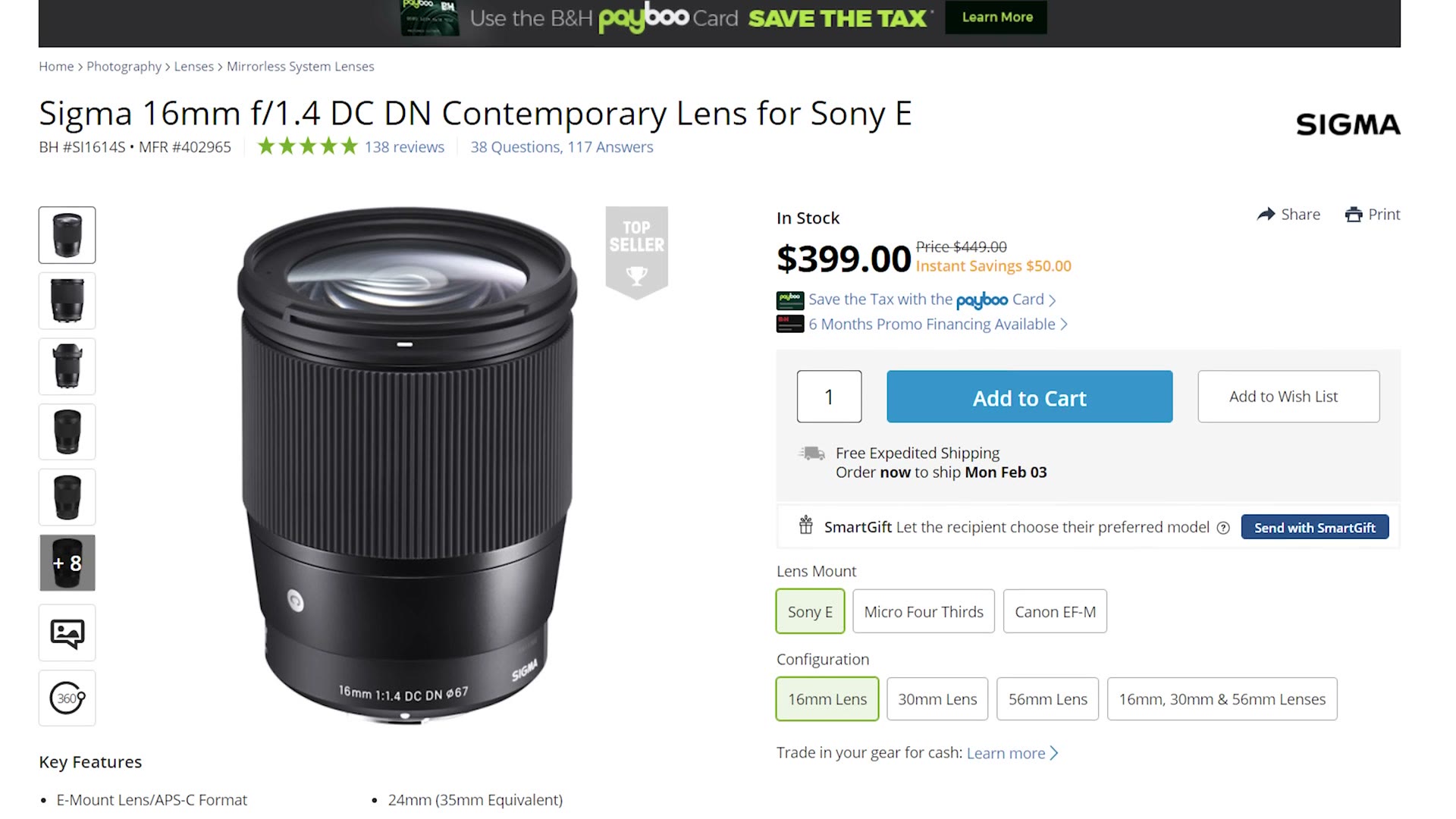
Wide. You want a good wide lens so you can show your audience a beautiful establishing shot of the venue, and for a budget wide it’s no contest: the Sigma 16mm f/1.4. Great autofocus, amazing in low light, and I’m still a little shocked at how Sigma priced it.
Medium. The Sigma 30mm f/1.4 is a great option with the same autofocus and low light strengths. One real con: it’s focus by wire, so if you pull focus manually there’s a slight lag between turning the ring and the focus actually moving.
Which is why I’d point you at the Sony E 35mm f/1.8 instead if you can afford it. It’s more expensive, slightly tighter, and doesn’t let in as much light, but it’s much better for manual focus and it has Sony’s optical stabilization built in. Remember the a6400 has no in-body stabilization, so if you want to shoot handheld on that body, you need a lens with OSS or your shots will be shaky. For that reason alone, the Sony 35mm is the better buy.
Tight. Here’s where I’m going to disagree with what you were probably expecting. On a budget I’m not going to tell you to buy an 85mm or a 135mm prime. Buy a zoom instead, because it gets you those long focal lengths for close-ups of the couple and covers you during the ceremony, whenever you’re stuck at the side of the chairs or pinned to the back of a church and you need the reach.
A 70-200mm is the standard here. The problem is that Sony’s cheapest 70-200 runs about $1400, which is an enormous bite out of a budget kit. It’s a great lens and I love mine, but there’s a better move.
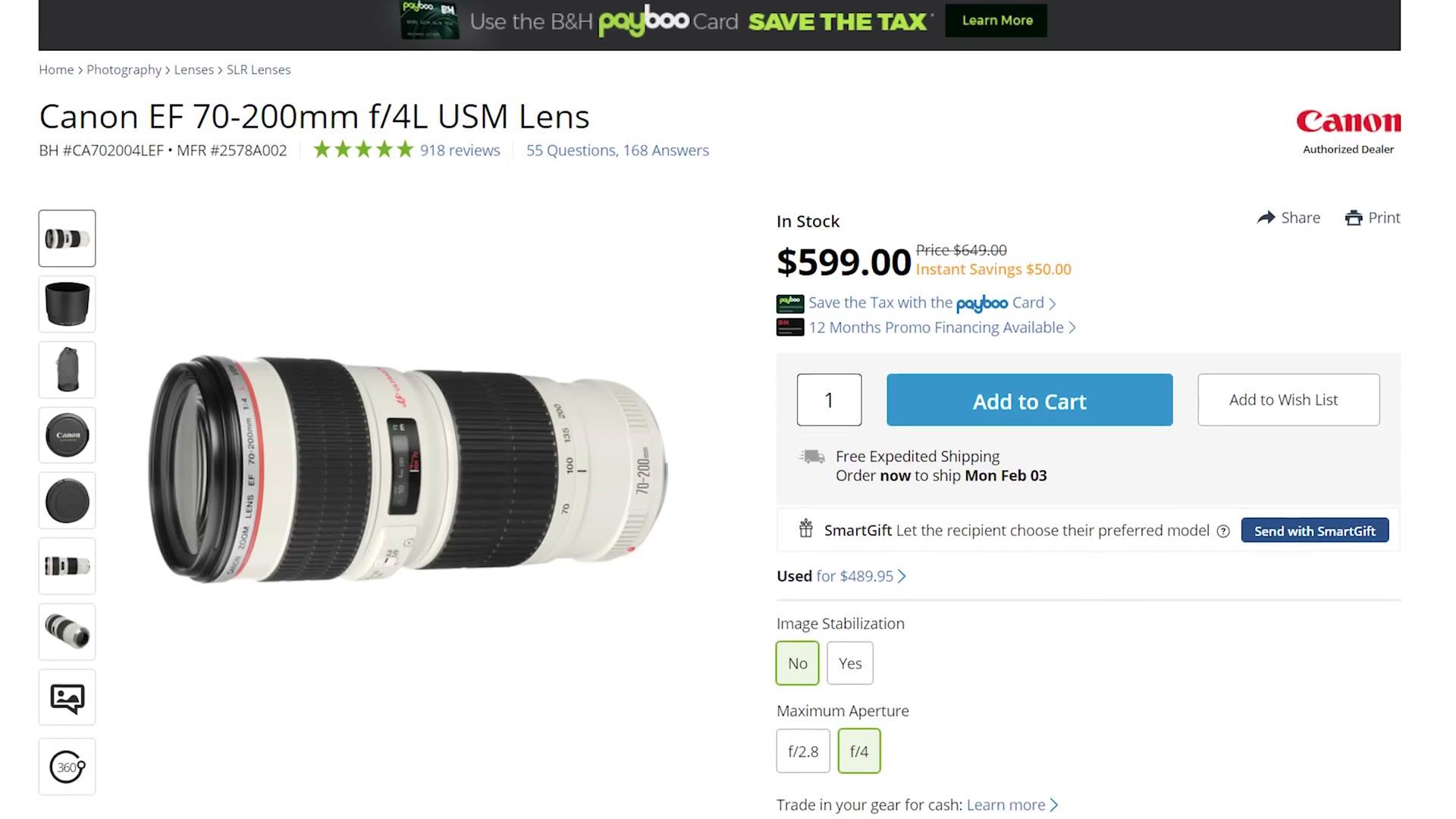
Buy Canon’s 70-200mm f/4 for around $600 and a FotodioX Canon EF to E-mount adapter for $60. That’s roughly $660 for a zoom that will do close-ups and ceremonies both. The catch, and it’s a real one: no autofocus. If you need autofocus you have to pony up for the Sony version.
Those Canon 70-200s are also plentiful used, so you may do better than $600. And if you want to go cheaper still, look at the Canon 70-300mm, which sells new around $377 and which I’ve seen used for under $200. You still need the adapter, but that’s not bad at all for that much focal range.
Audio gear is cheaper than cameras and lenses and it is arguably more important, because your couple will forgive footage that isn’t white balanced right or that’s slightly soft. They will not forgive bad audio.
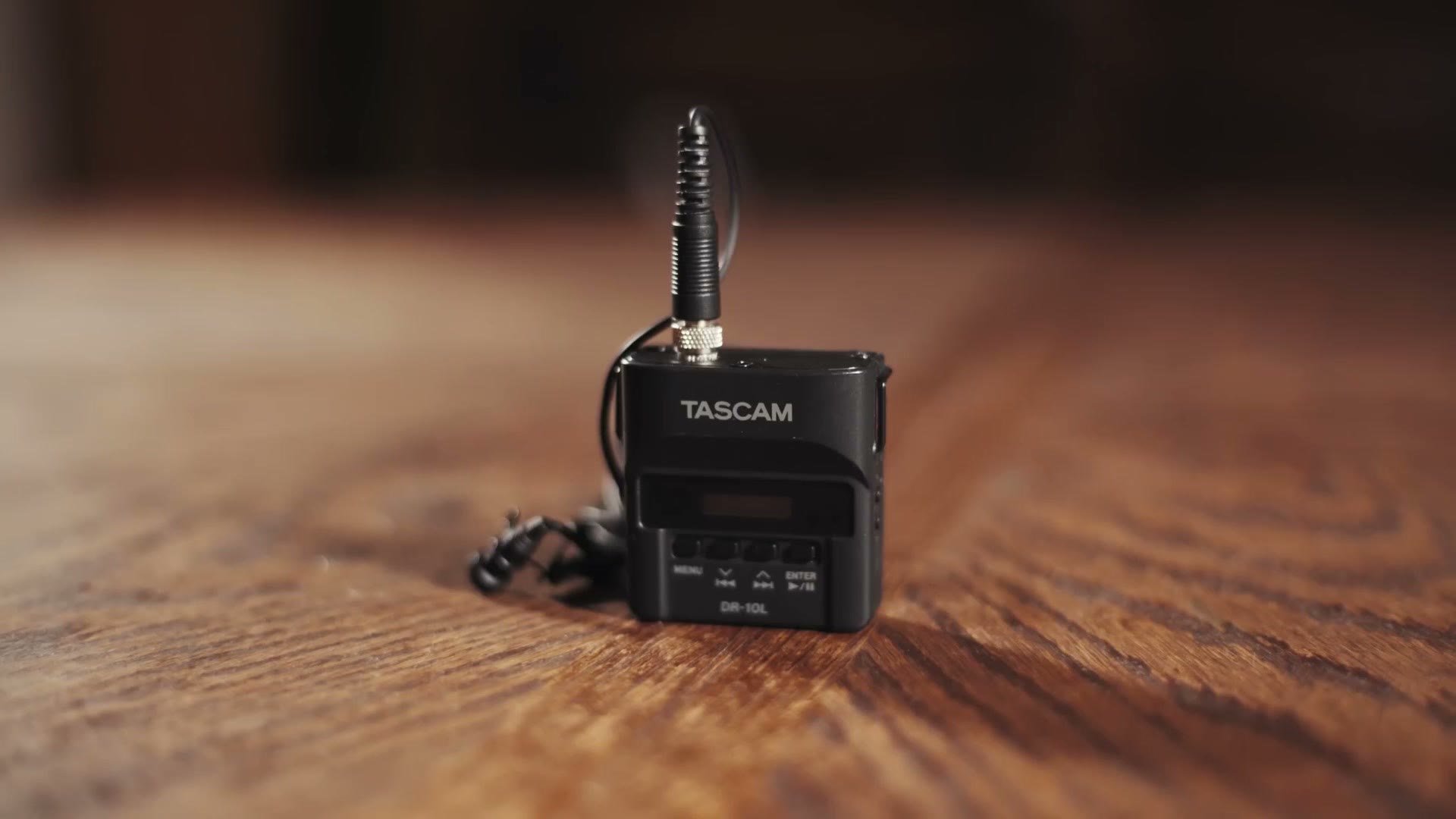
Buy at least one Tascam DR-10L, two if you can afford it. With one, put it on the groom for the ceremony so you get his vows, the bride’s vows, and hopefully the officiant’s message if they’re standing close enough. With two, one on the groom and one on the officiant, and now you’re guaranteed both. They’re also great for letter readings, or for clipping onto somebody giving a toast. Very versatile little things.
Don’t forget an AAA battery and a microSD card for each one. The DR-10L supports up to 32GB.
The second recorder to buy is the Tascam DR-40X, around $200, which lets you plug into the venue’s or the DJ’s soundboard for another source during the ceremony and reception. For that you’ll want an XLR cable, a quarter inch to quarter inch, and an RCA to quarter inch. Those three between them will connect to virtually any soundboard you’ll meet.
Also grab a full size SD card for it, three AA batteries, and any cheap set of earbuds so you can monitor and confirm it’s actually recording.
If $200 is too much right now, Tascam’s older DR-40 is basically identical to the DR-40X and there are a lot of used ones out there for a good bit less.
This is the one place I’m going to tell you to spend a bit more, because in my experience a good tripod or monopod lasts years and a cheap one does not.
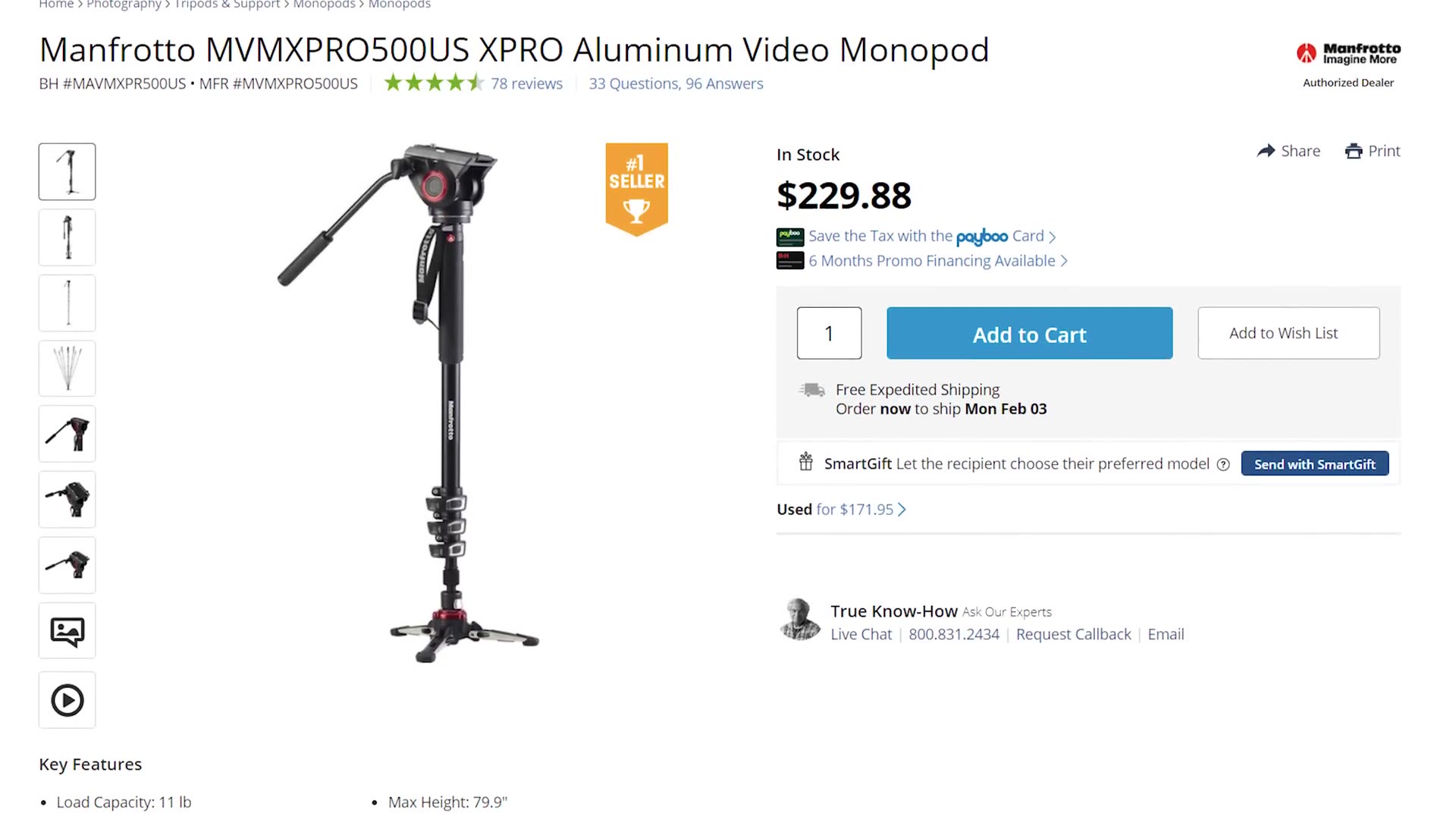
Since the a6400 has no in-body stabilization, you need something holding it steady. Start with a monopod. I use and recommend the Manfrotto video monopod, around $230. The feet at the base make it far more stable than a plain stick, the fluid tilt head is genuinely nice, and the thing is a workhorse that takes a beating. If that’s too much, honestly any photography monopod will work, it just won’t be as stable.
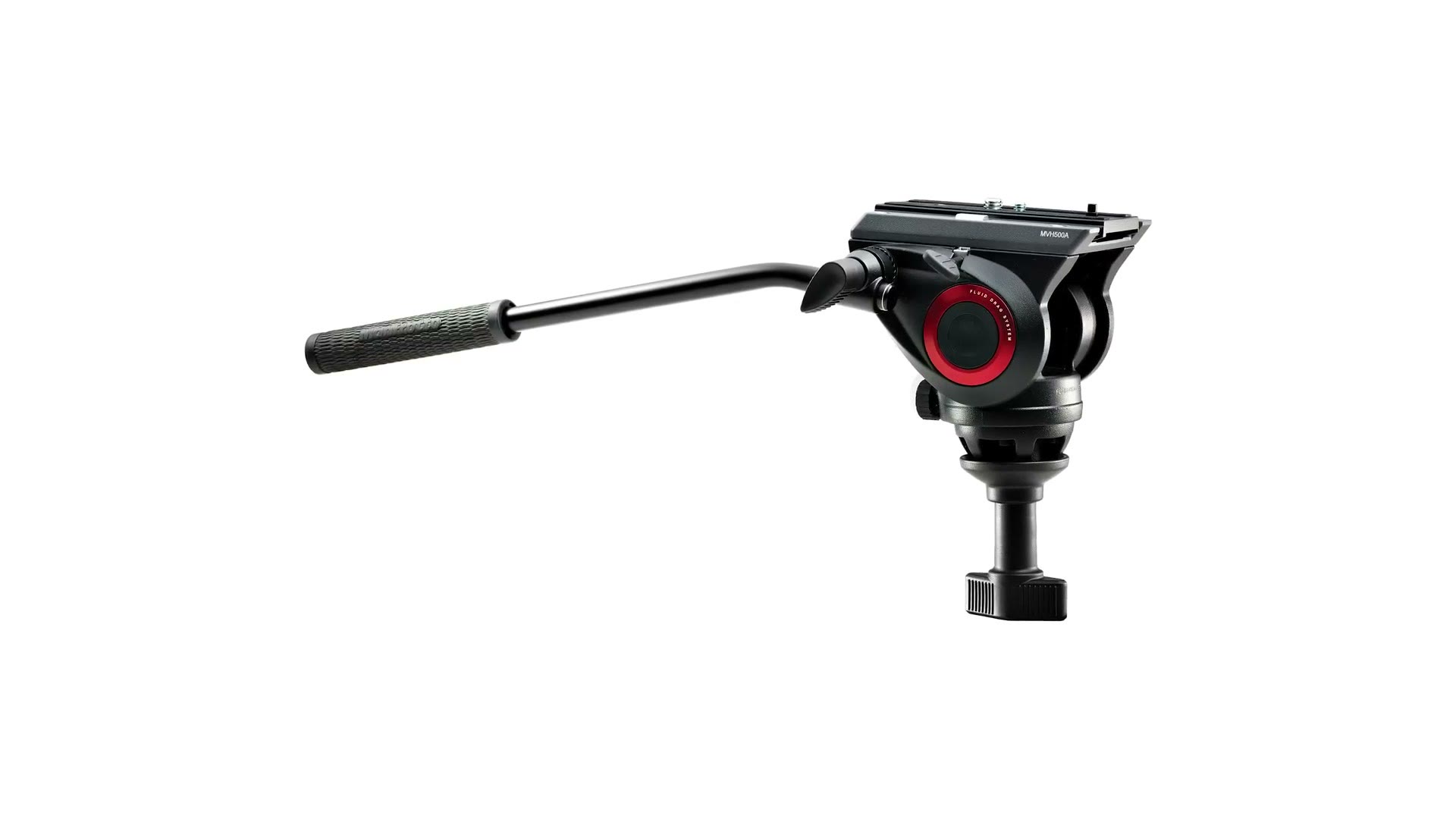
You could shoot a whole wedding on a monopod, and I know filmmakers who do, but ceremonies are long and standing there holding a camera up the entire time is a pain. So get a tripod too. For around $307 the Manfrotto MVT502AM legs with the MVH500A head are a great combination that isn’t crazy expensive. Smooth pan and tilt, and the head has a half ball mount so leveling on uneven ground is easy.
Cheaper options exist, including the Manfrotto Befree Live at around $188, which I own and love. You can also go grab the Amazon Basics video tripod, but I would not expect it to last very long.
One reason I keep recommending Manfrotto for both: they share the same quick release plate. So you can pull the camera off the monopod and onto the tripod in a couple of seconds, which is critical at something as fast moving as a wedding.
Genuinely. I filmed my first wedding with less than this.
But I know some of you are yelling at the screen right now. What about the gimbal? What about the drone? What about the slider? Notice I said need. Those are wants, and you do not need them to make a good wedding film. Spend on the needs first, and then whenever there’s budget left over, we can talk.
A second camera would be my first purchase, for another ceremony angle and for a second shooter. Ideally the same body, or at least the same manufacturer, so the colors match easily in the edit.
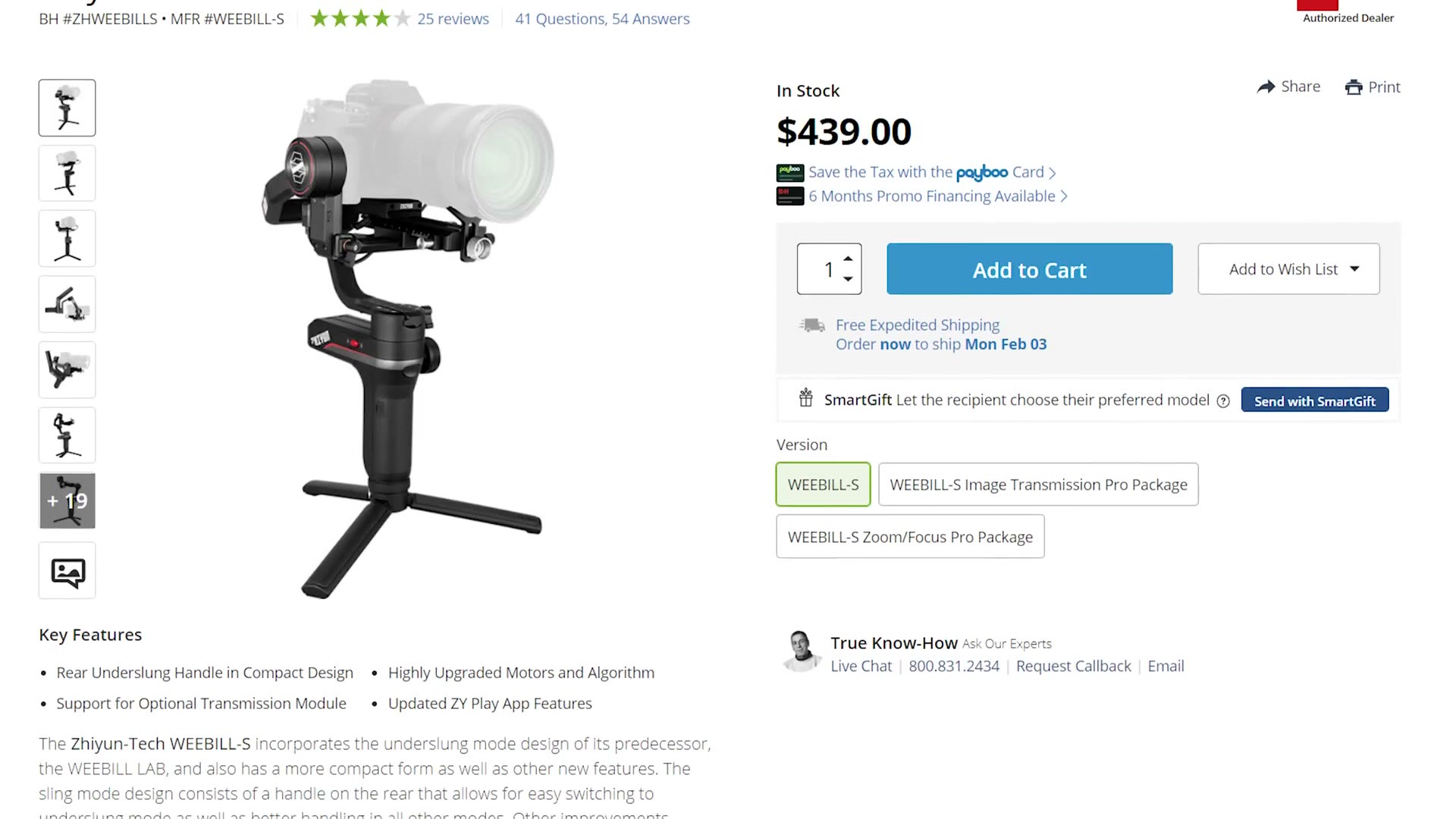
A gimbal, for the pretty walking shots. Cheap end, look at the Moza AirCross around $250, and you can often find a Zhiyun Crane V2 or Crane Plus used for that or less. Any of those will serve you fine as a first gimbal. If you have more, the Zhiyun WEEBILL-S at $439 is one of my favorite new gimbals, and the motors are much stronger, so it’ll still cope whenever you upgrade to a bigger full frame body or heavier glass.
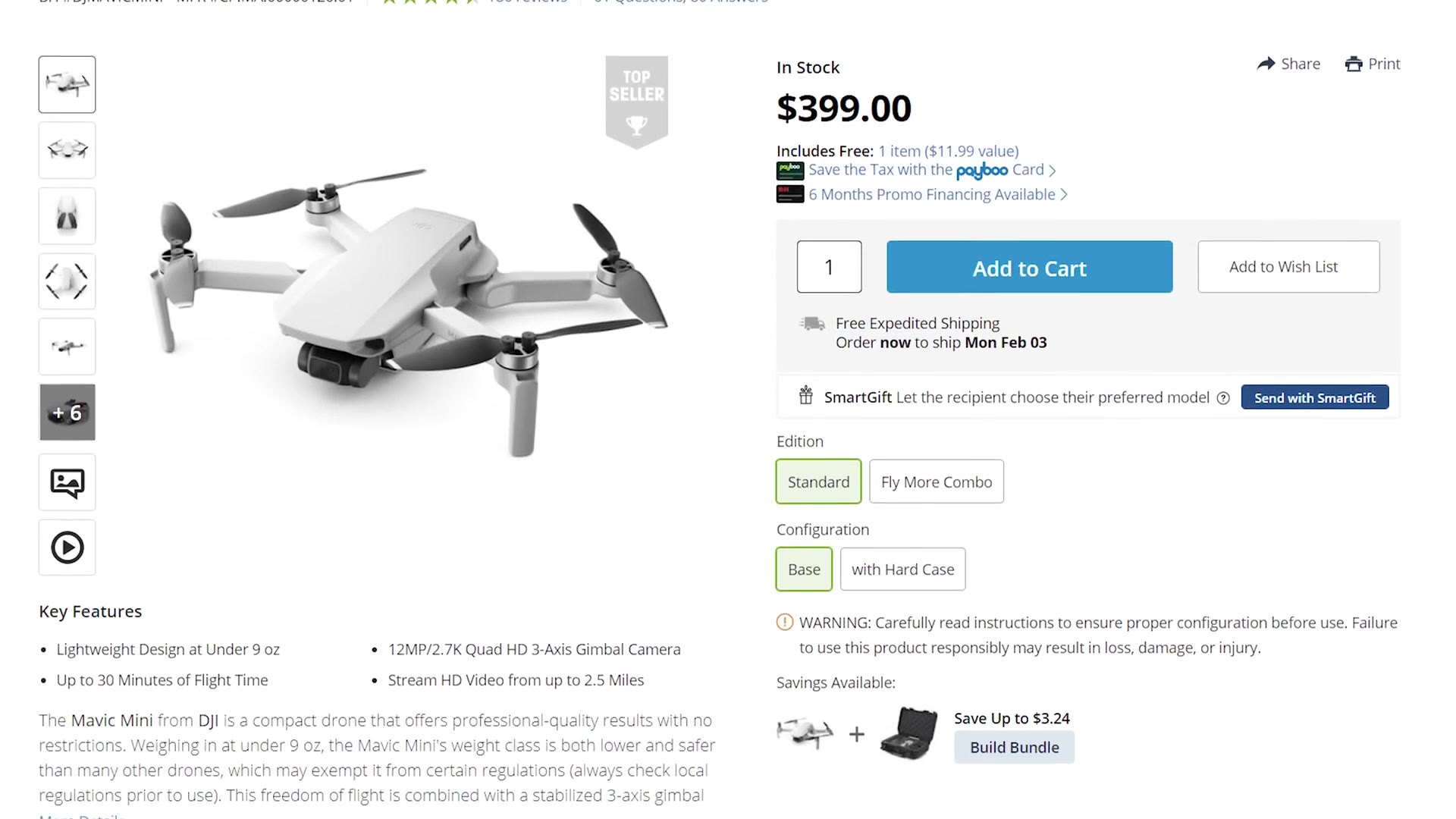
A drone. You love drones, I love drones, you don’t need one to film a wedding, and I bring mine to every single wedding anyway because if there’s a chance to fly, you know I’m flying. For a budget drone, the DJI Mavic Mini at $400 is one of the best starter drones available and the 2.7K video is perfectly decent. To upgrade, look at the DJI Mavic Air.
A slider. No. I own a slider and I haven’t taken it to a wedding in years. In the time it takes to set one up I’d rather grab ten shots with a gimbal. Buy the gimbal, skip the slider.
I host a monthly wedding film review livestream where I review films submitted by people like you, and I’d love to review yours. Sign up here and I’ll email you a submission link about a week before each one.
My full edit process is in Wedding Film Framework, my free guide to booking more wedding clients is here whenever you want it, and there are a few thousand of us in the Learn Wedding Filmmaking Facebook group. Everything in this guide lives on the gear page.

Every timelapse and drone setting from the film, why I face away from the moon, and how home video from 1992 turned a week of pretty shots into an actual story.
Continue reading
This is Allison and Seth’s wedding trailer from a December wedding at a ranch venue in Texas, and instead of just posting the film I put the camera, lens, and settings on screen for every single shot, because whenever I was starting out the thing I wanted most was to look at a wedding film I liked and know exactly what was used to get it.
So here’s the whole rundown, plus the reasoning behind it, which is honestly the more useful half.
If you watch the overlays through the whole trailer you’ll notice the pairings almost never change, and that’s on purpose. Whenever you’re at a wedding you do not have time to be swapping lenses while something is happening, so each body has a job and stays in it.
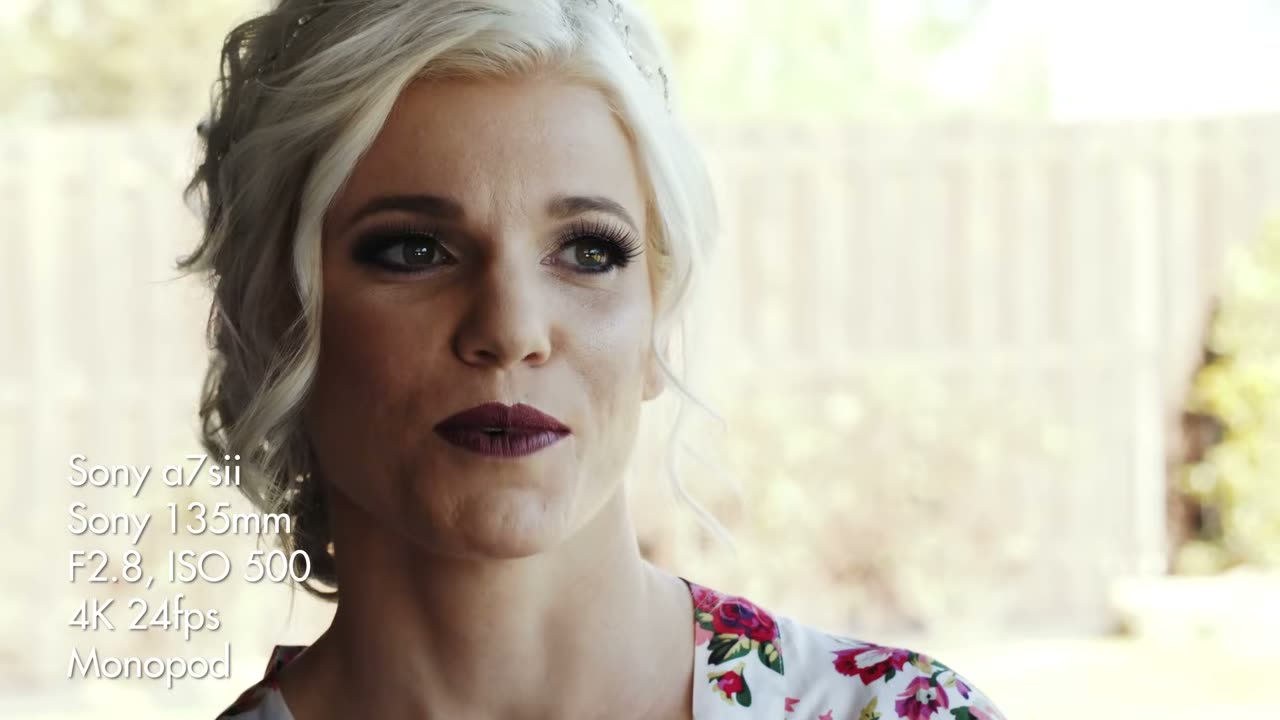
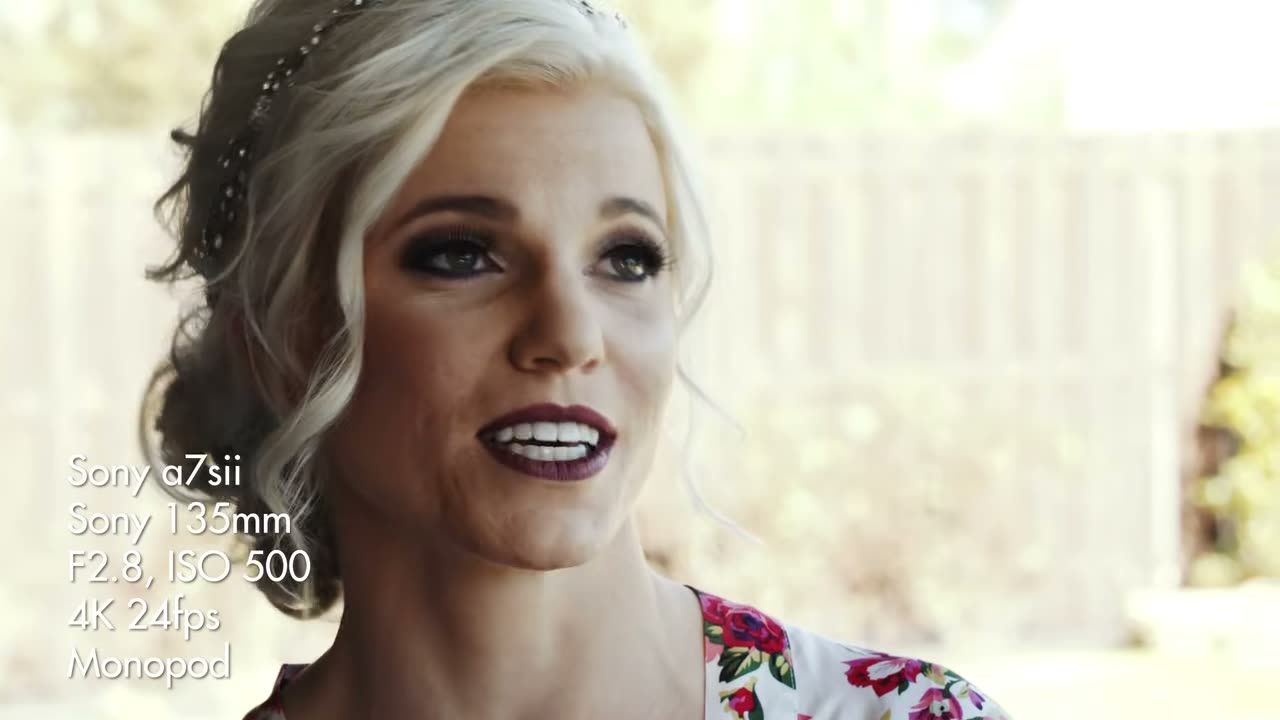
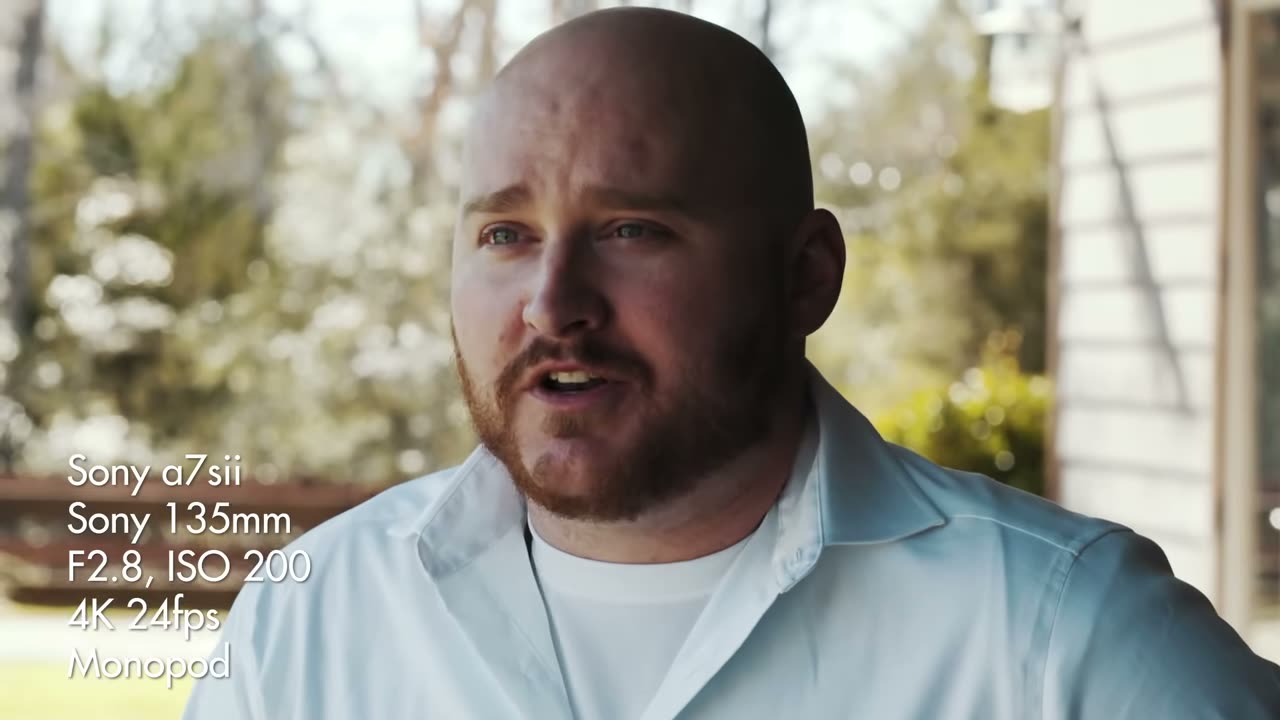
Every tight, flattering, someone-is-about-to-cry shot in this trailer is the 135mm, hanging around F2.8 to F5.6. It compresses the background into mush, it lets you stand well back so nobody feels watched, and on a wedding day that distance is the entire point.
The monopod is doing quiet work here too. A 135mm handheld will show every heartbeat, and a monopod kills that without tying you to a tripod, so you can still move whenever the moment moves.
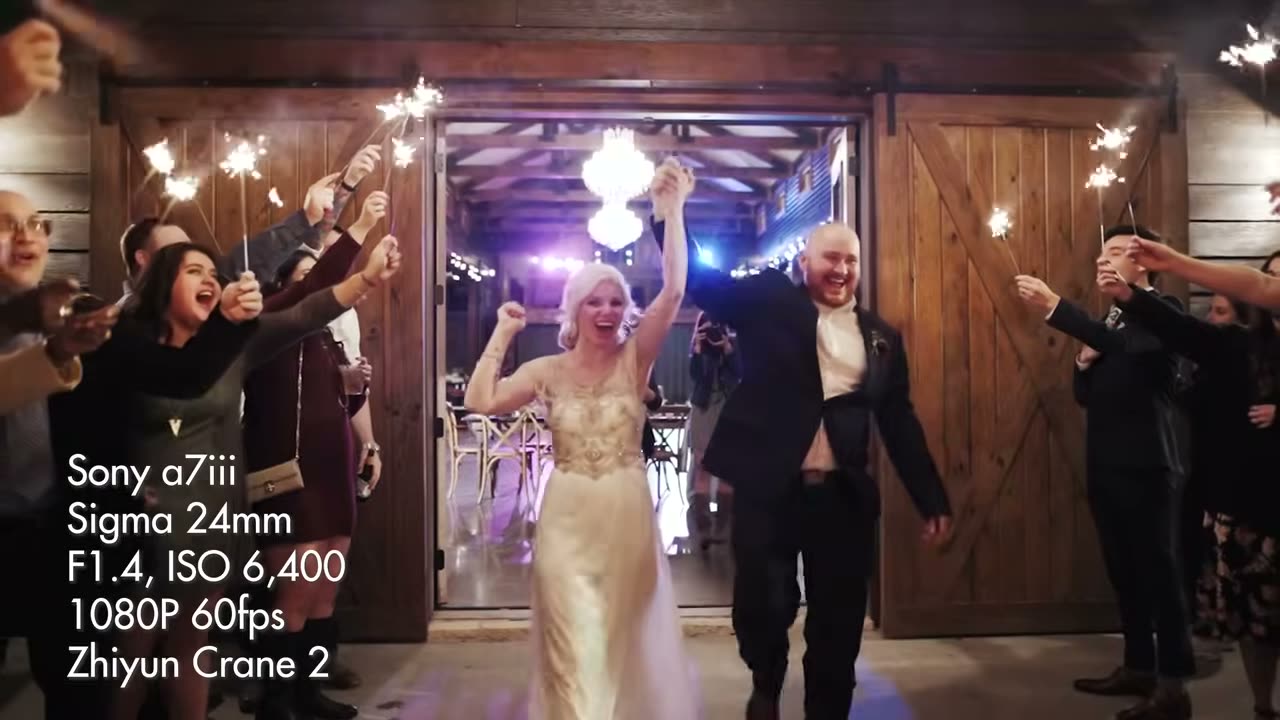
Wide lens, gimbal, and it never leaves that body all day. Look at how far the aperture swings on this one though, because that’s the interesting part. Outside in daylight for the ceremony wides it’s at F8 and even F12 at ISO 200, and then indoors for the first dance it’s wide open at F1.4 at ISO 3,200.
Stopping down that hard outdoors isn’t me being fussy about sharpness, it’s about focus. Whenever you’re walking a gimbal through a crowd at 24mm, a deep depth of field means everything stays acceptably sharp and you’re not fighting autofocus while you’re also trying not to trip over a flower girl.
The 50mm covers everything the other two don’t, and it’s the lens that goes handheld once the reception starts and the dance floor gets busy. That’s also where the ISO climbs to 5,000, which is exactly what an a7S II is for and why I kept using that camera long after it stopped being the newest thing.
This one’s worth spelling out because the pattern is completely consistent through the trailer, and it isn’t an accident.
The still, emotional, locked-off close-ups are 4K 24fps. The moving shots, gimbal walks, dancing, anything with motion in it, are 1080p 60fps. Shooting 60 gives you the option to slow it down to about 40% in the edit and have it still look smooth, and moving shots are exactly where a bit of slow motion earns its keep. A static shot of a bride’s face doesn’t need that option, so it gets the resolution instead.
You are trading resolution for the ability to slow things down, and on a wedding trailer that trade is almost always worth it.
One aerial, right at the top, doing the job an establishing shot is supposed to do: here is the place, here is the lake, here is the weather. ISO 100 because it’s the middle of the day and there’s no reason to be anywhere else.
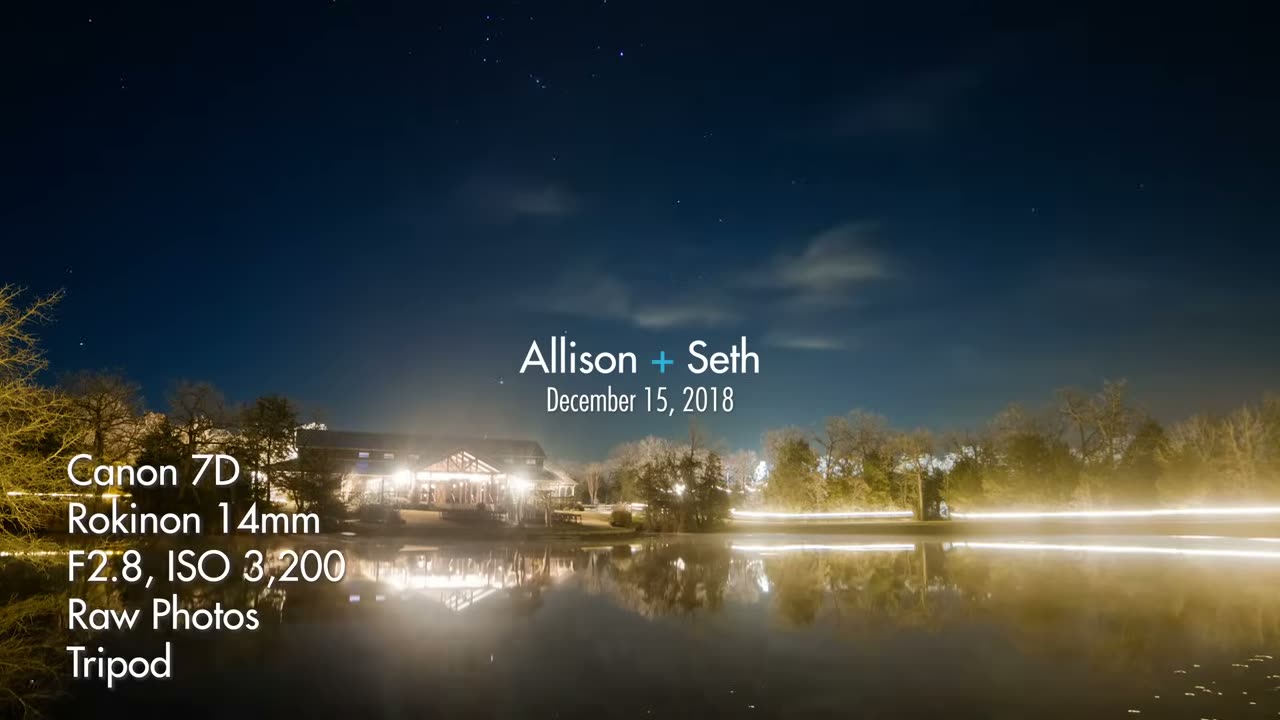
And then the title card, which is the one shot in here that isn’t video at all. That’s an old Canon 7D with a Rokinon 14mm on a tripod shooting raw photos of the night sky, assembled afterwards. A crop sensor DSLR that was ancient even in 2018, doing something none of the newer cameras in the bag were set up to do that night.
Which is the note I’d leave you on, honestly. There is nothing in this trailer that requires current gear. The a7S II was three years old at this point, the 7D was closer to nine, and the shots still hold up. Buy the lens before you buy the body.
If breakdowns like this are useful to you, let me know in the comments on the video, because that’s genuinely why I started putting the settings on screen in the first place.

Phantom 4 Pro image quality in a Mavic sized body, which is exactly what I wanted. Three upgrade questions answered, plus the aperture range you should never leave.
Continue reading
What shutter speed should you film video with, and how does frame rate affect it? Double your frame rate, never go below it, and here is why.
Continue reading