
Here are three powerful video editing laptops ranging from $1,500 to $3,000 and up. All of them will edit 4K, 6K or even 8K video in Premiere Pro, DaVinci Resolve, or basically any editor other than Final Cut, which is Mac only. They will also handle sound mixing, 3D modeling, photo work, and gaming will be fantastic on all of them.
If you cannot stretch to the $1,500 starting price, I made a budget video editing laptop guide covering machines under a thousand dollars, one of which is only $650.
Asus G15: Best Bang For Your Buck
Starting with the cheapest recommendation, which also happens to be my favorite in this whole article: the ASUS ROG Zephyrus G15, $1,500 at the time of writing.
Asus took the laptop world by storm last year with the G14, cramming the power of a bulky gaming laptop into a much smaller body with surprisingly good thermals. The G15 improves on it with an extra inch of screen and more powerful graphics options.
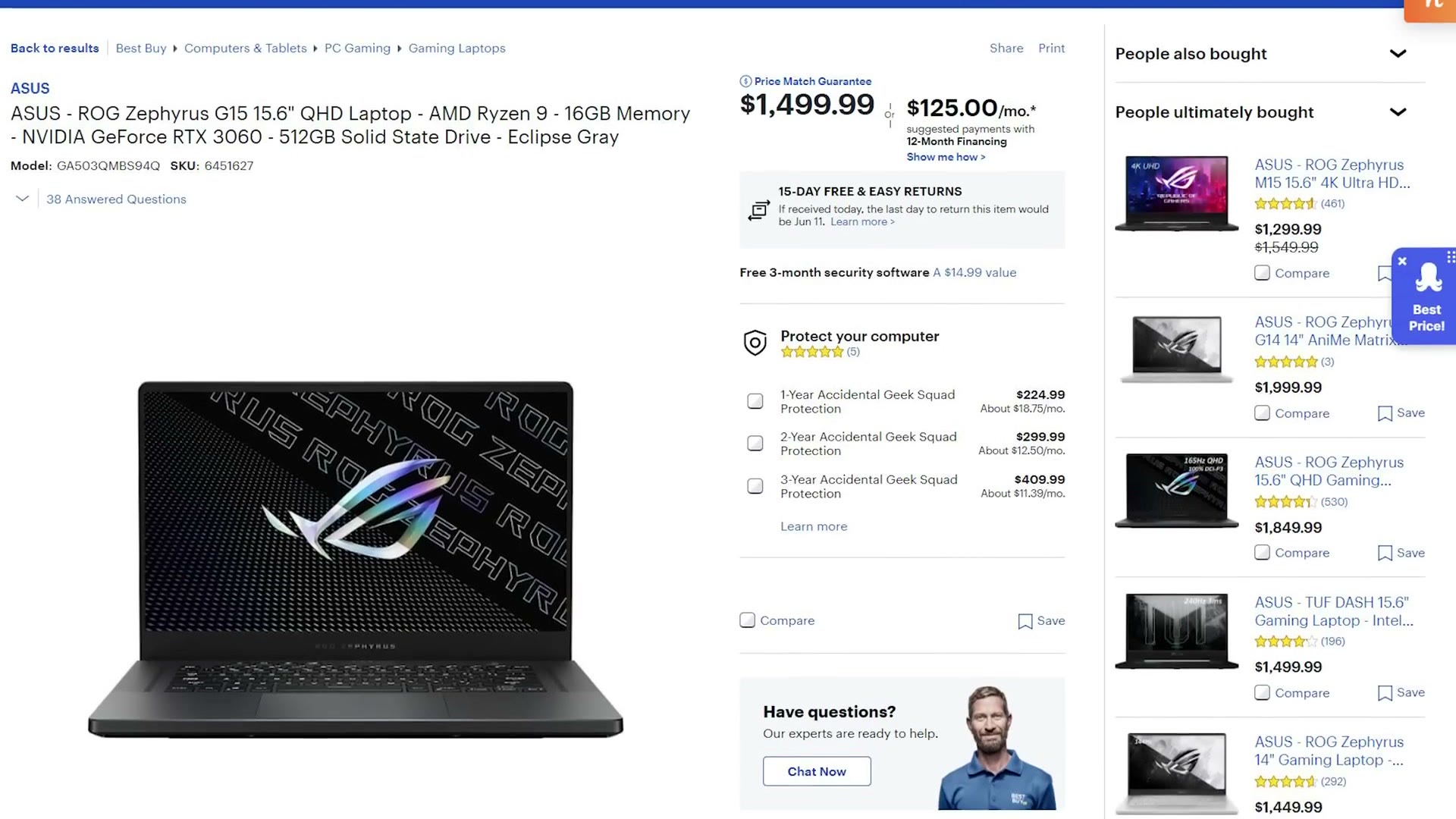
I love this one because it pairs a ridiculously powerful AMD Ryzen 9 5900HS, 8 cores and 16 threads, with a very color accurate 165Hz 1440p screen that feels built for color correcting and grading. You also get a lot of ports: USB 3.2 Gen 2 Type-A and Type-C, a microSD reader and HDMI.
Two drawbacks you need to know about:
- No webcam. At all.
- No Thunderbolt. That is the bigger one. If you edit off a stack of Thunderbolt drives, look at one of the other two.
Asus sells several versions of this laptop, so buying the right configuration matters. At minimum you want the RTX 3060 with 16GB of RAM, which you can upgrade yourself to 32GB later. That RTX 3060 is the floor I would recommend for 4K editing. If you have more budget and you are working above 4K, in 6K or 8K raw, the RTX 3070 or 3080 versions are a great move, but be aware that can add thousands to the price.
A cheaper way in: if $1,500 is too much, look at the 2020 ASUS G14, which has been going as low as $1,100. It is still an extremely powerful machine with a great screen and it will edit 4K without complaint. A great budget option if you can find one.
Gigabyte Aero 15 OLED: Gorgeous Screen
Second up, the Gigabyte Aero 15, $1,700 at the time of writing.
Same idea as the Asus, a lot of power in a relatively light and compact body. This one uses an Intel chip rather than AMD, but it is still 8 cores and 16 threads and should perform similarly.
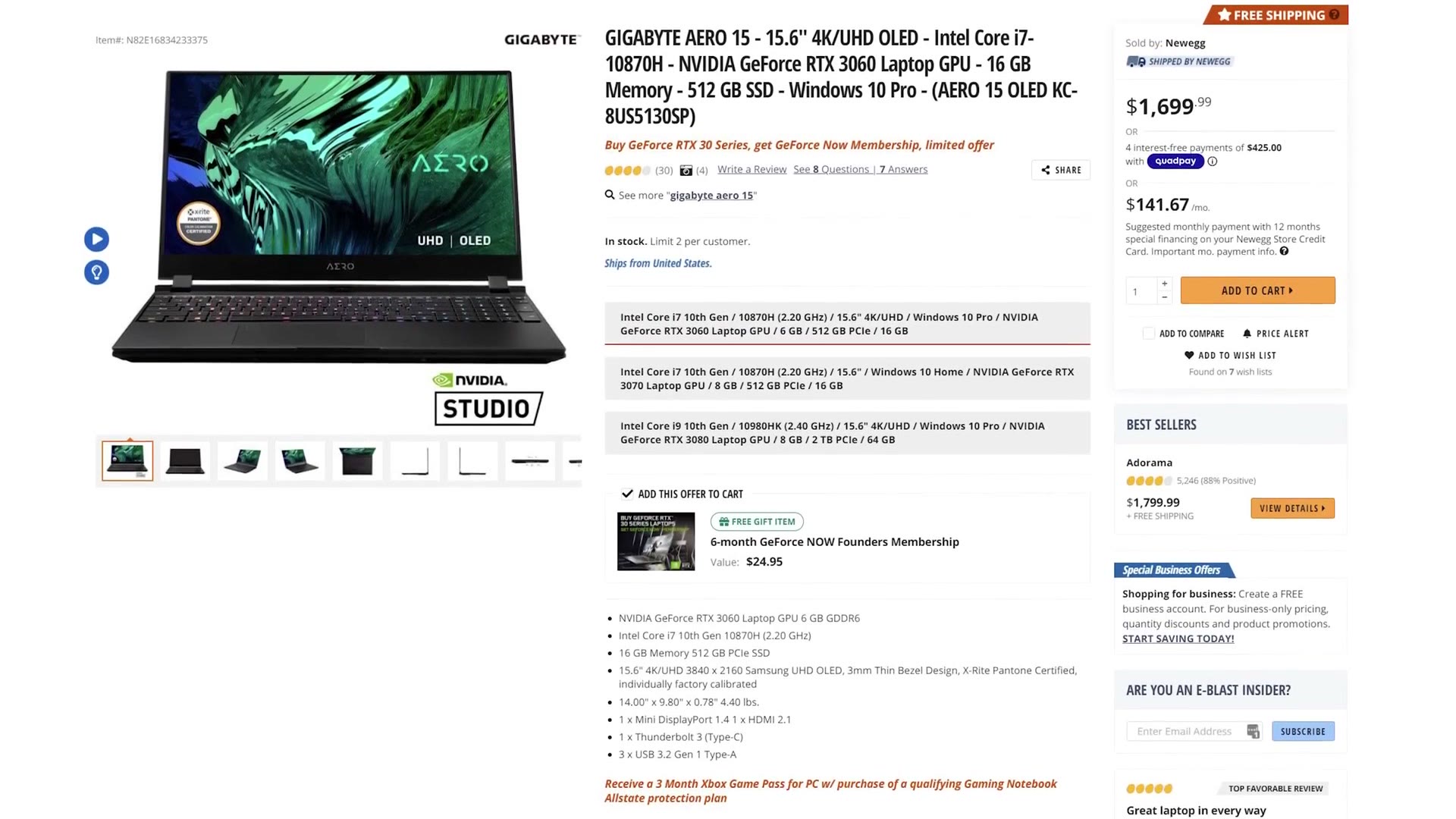
The big reason it costs more is the screen: a 4K OLED. OLED panels are some of the best you can buy, with phenomenal colors and fantastic contrast, and you can expect a near perfect experience correcting and grading on one. The panel here is a 3840×2160 Samsung UHD OLED, X-Rite Pantone certified and individually factory calibrated.
You also get 16GB of user-upgradable RAM, three USB 3.2 Gen 1 Type-A ports, HDMI 2.1, a Mini DisplayPort, an SD card reader, and unlike the G15, both a Thunderbolt 3 port and a webcam. It weighs 4.4 lbs.
Like the Asus there are higher configurations, and I am warning you now, the price climbs fast. $1,700 for the RTX 3060 model, up to an eye watering $3,500 for the 3080. In fairness that top model does come with 64GB of RAM and a faster CPU.
Both of these walk the thin line between gaming powerhouse and content creation machine, and I do not think you can go wrong with either. Personally, if I had the budget, I would take the Gigabyte for that OLED.
A Word On Battery Life
Let me knock this out for all three at once. Regardless of what the manufacturer claims, video editing is intensive. Lots of processor, lots of drive reads, and a bright screen because you are grading. Do not expect anything close to the advertised number. In my experience, whatever they claim, plan for three to five hours.
Dell XPS 15 & 17: Compact And MacBook-like
The last one is a bit different, because it prioritizes a thinner, cleaner form factor at the cost of some performance. At $2,800 at the time of writing, the Dell XPS 15, a line I have used for several years and have only positive things to say about.
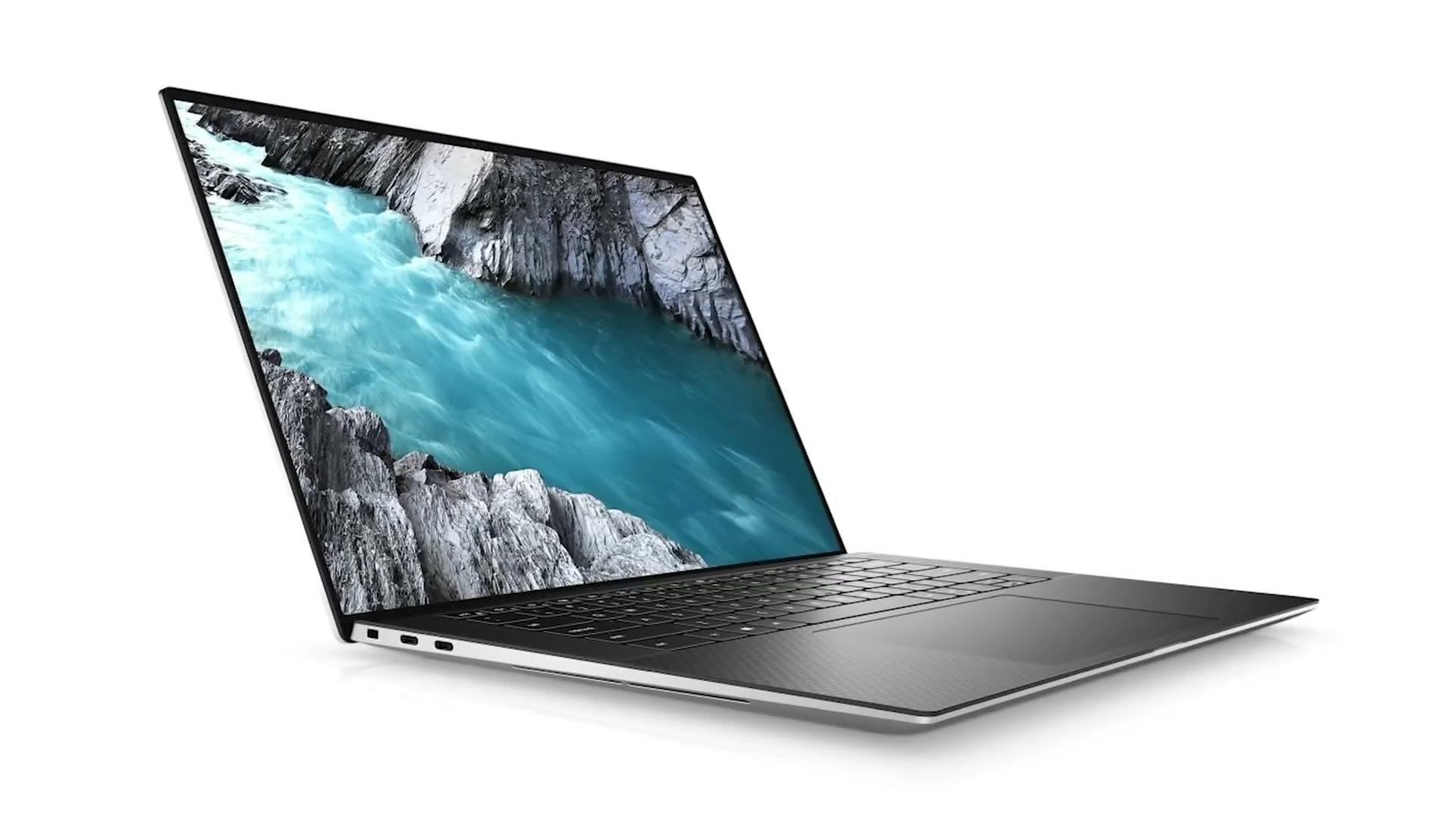
The specific model I recommend costs noticeably more than the other two, and I would call the XPS 15 the closest thing to a MacBook in style and build quality. You still get an 8 core, 16 thread CPU, but only an RTX 3050 Ti, which is not as strong as the graphics in the other two.
What you are buying instead is compactness, with a 4K OLED screen option that is very color accurate. If you travel a lot like I do and you want real power in something you can throw in a bag, that is why the XPS 15 is on this list. It has three USB-C ports, two of which are Thunderbolt 3, plus an SD card reader.
Dell also recently released the XPS 17, which is very similar but with a 17 inch screen, starting $150 higher. It also has better cooling with a vapor chamber, which genuinely helps on long renders, and a more powerful RTX 3060. I made a full review of the 2020 XPS 17 if you want the detail.
The XPS 15 is here at Dell. Both of those links are the 2020 models; the 2021 versions are coming soon.
Don’t Ignore Apple
We are not quite done, because I want to take a minute on what Apple is doing.
Historically, Apple laptops cost a premium for a machine that was relatively underpowered next to the competition. And do not get me started on the keyboards, which were mediocre until they were finally fixed in 2020. Goodbye forever, butterfly.
But all of that has changed with Apple Silicon. Right now the only M1 laptops that exist are the MacBook Air and the 13 inch MacBook Pro, and both are very impressive, especially the Air at $999.
We can safely assume more powerful Apple Silicon laptops are coming, particularly a 16 inch to replace the current Intel one. And if I had to bet, I would bet those machines end up extremely competitive with everything above, if not outright beating them on basically every performance metric.
So if you are reading this before Apple has revealed those, you may want to wait a bit and see what they have up their sleeve. If they are already out, go watch some reviews of them too, because I am betting they are impressive.
One Last Option: Build It Yourself
These are not the only laptops capable of editing video, obviously. There are plenty of other brands and models. These are just my favorites, and they are all listed together here.
But if you find yourself editing mostly at home, I would seriously consider saving the money and building your own machine instead. I have build guides for a $750 4K editing PC, a $1,500 6K machine, and a $2,000 8K one.
You will also want a proper screen to grade on, so here is the budget color grading monitor and the 4K color grading monitor I recommend, plus a fast external SSD to keep footage on.