
Let me know if this has happened to you before. You are editing a video, listening to dozens of music tracks, and you finally find what you think is the perfect song. It really matches the vibe you are going for. You love the beat. And then you hear it. There is one instrument the artist chose to use that does not match the video you are trying to create.
This sucks. And with a lot of music licensing sites out there, this is the point where you grumble to yourself and go off looking for another song, because even though that track was almost perfect it is not quite what you need, so you keep looking.
But what if you did not need to do that? What if you could remix the song and take out the instrument you did not like, so it sounds exactly like what your video needed? Does that sound cool?
Stems Are A Start
Music licensing sites are wising up to the fact that filmmakers want to modify songs to their liking, and you are seeing some of them now offer stems, which essentially means you can download separate audio files for every instrument recorded in a song and then reassemble the track yourself in your editing software.
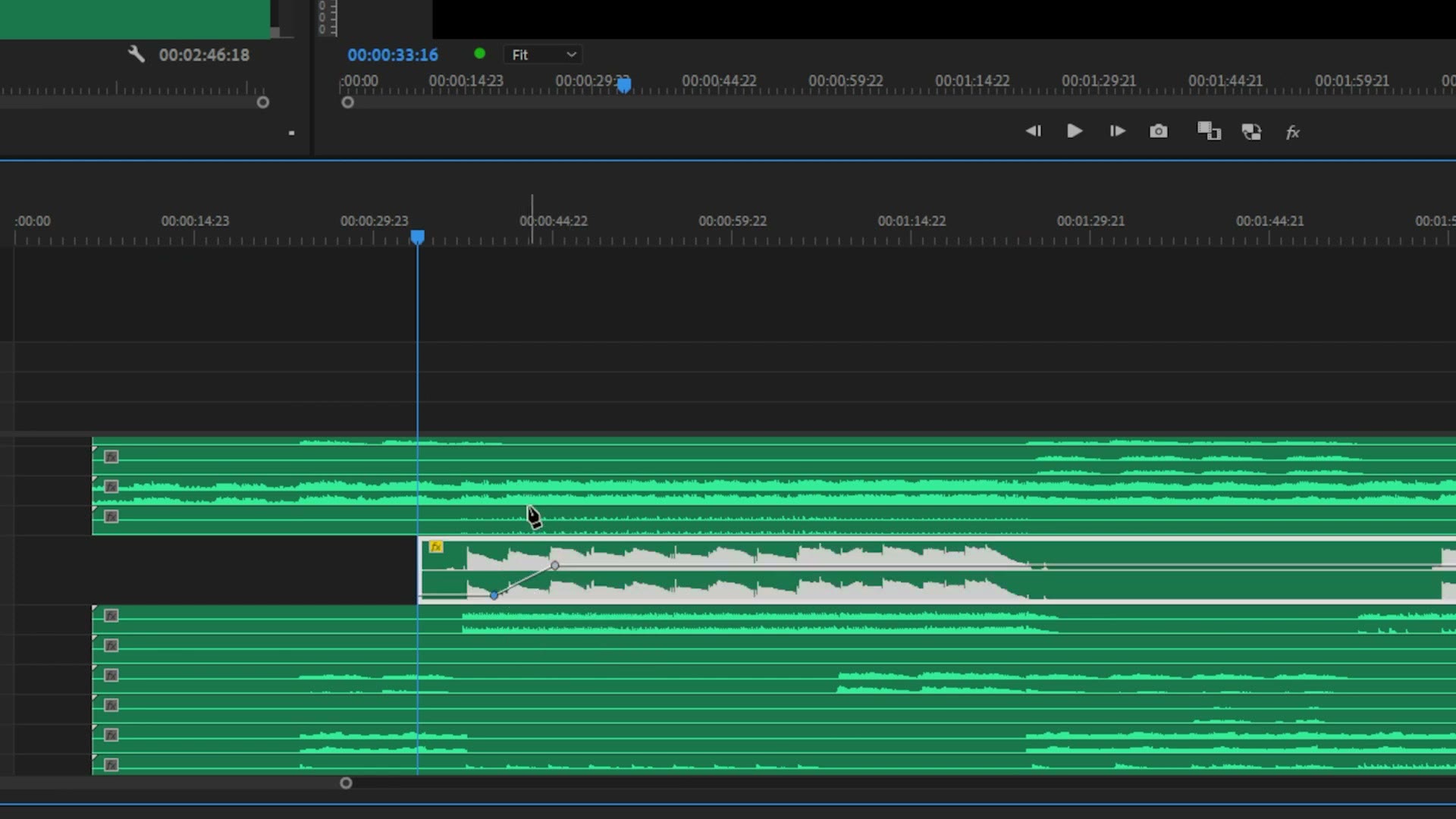
This is great, but it is still a lot of work, right? You are still spending a bunch of time assembling a custom song inside your editing software. So what if there was a better way?
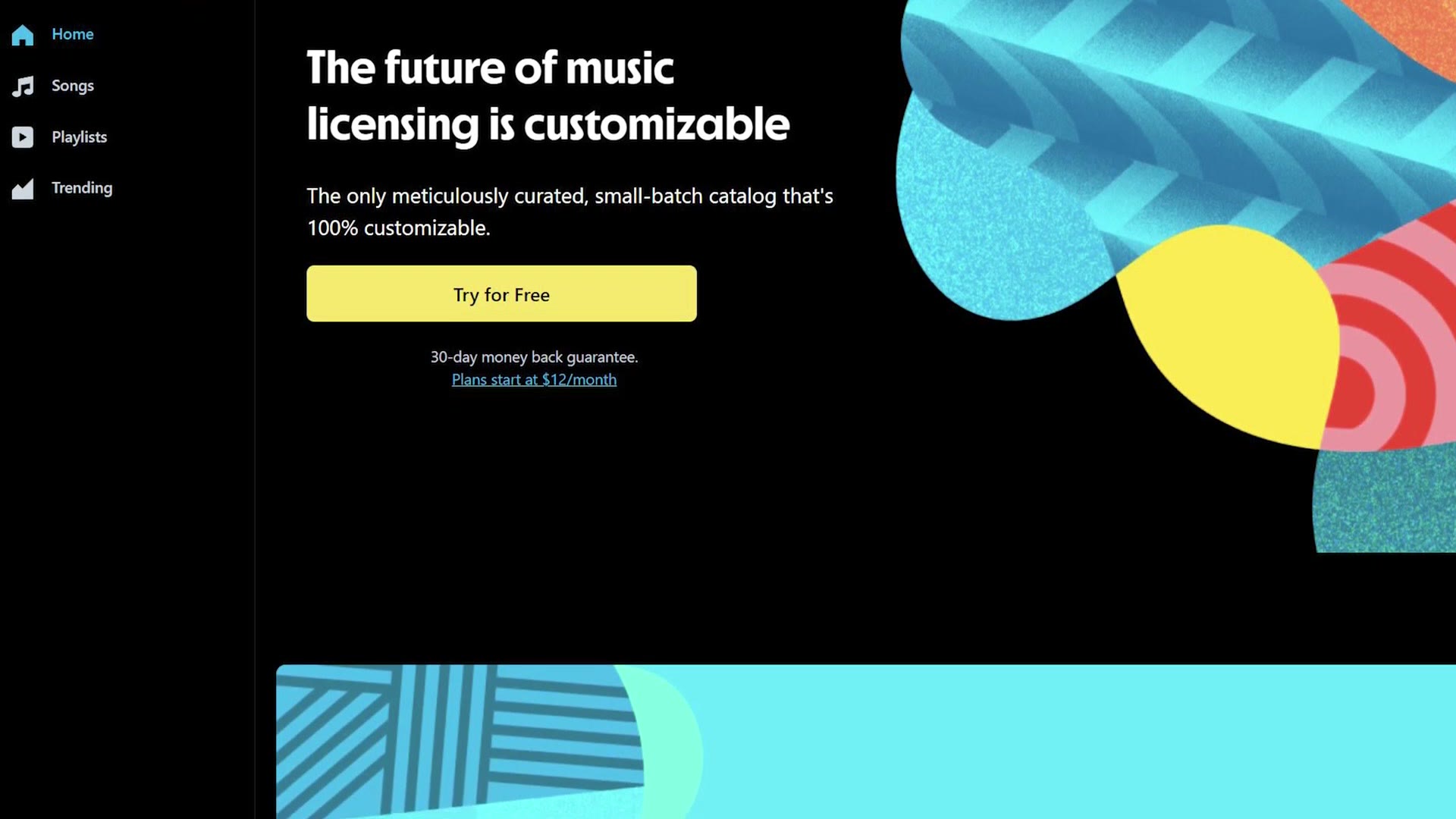
That is where a newer music licensing site called Track Club comes in. And to be clear, this video is not sponsored by Track Club. They are not paying me to make it. I am making it because I think they are offering something super cool and super unique in the music licensing space, and I think it is going to be really helpful for filmmakers like you. That said, I am an affiliate for Track Club, so if you use my link to sign up for a free one month trial after hearing how good they are, I do make a cut of your purchase.
Use MixLab To Remix Any Song
Track Club is like a lot of other music licensing subscription sites, where you sign up, pay monthly, and download an unlimited number of songs.
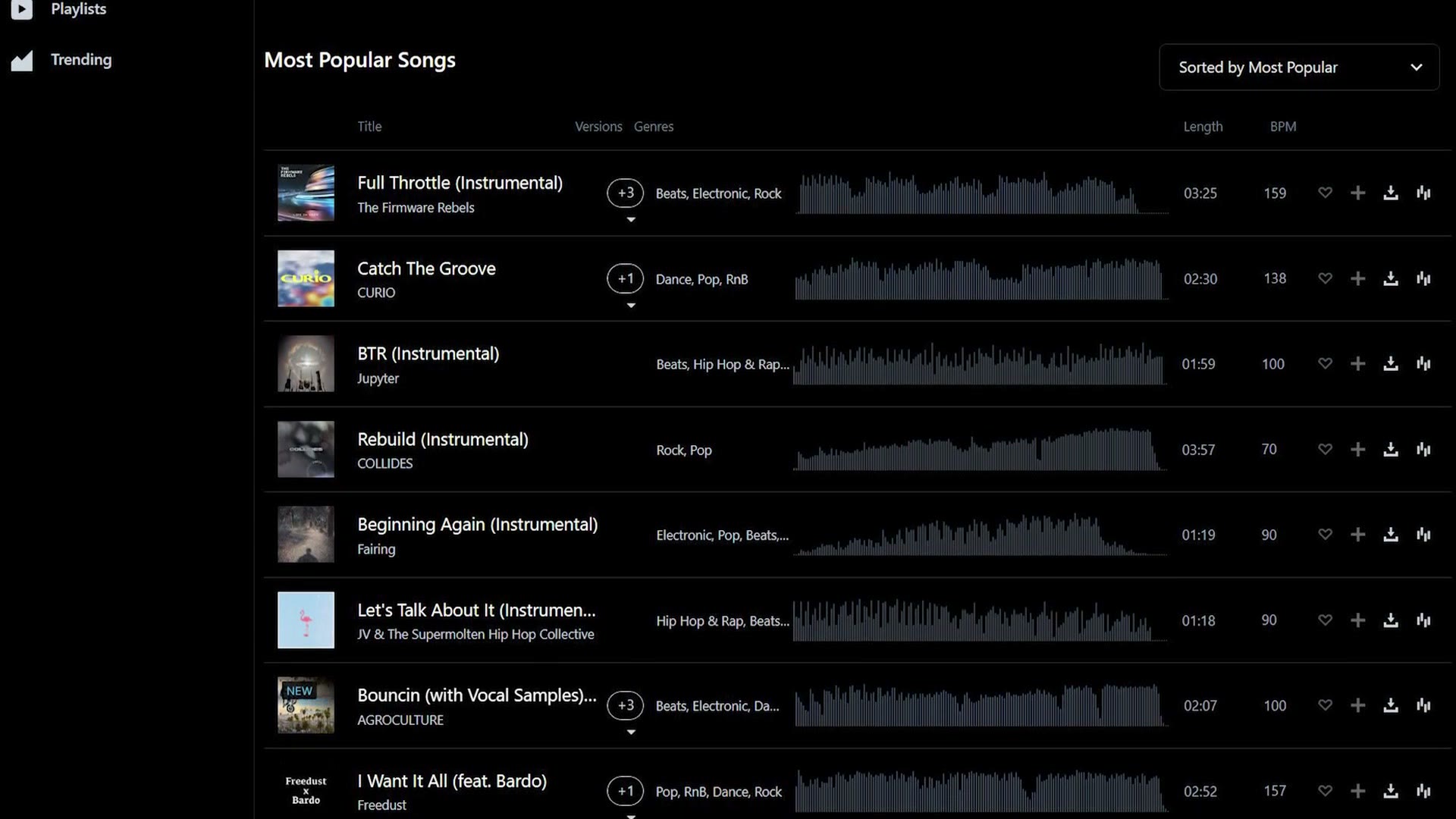
Where they differ is MixLab, which is their proprietary, patent pending music remixing system that works on the vast majority of the songs on their site.
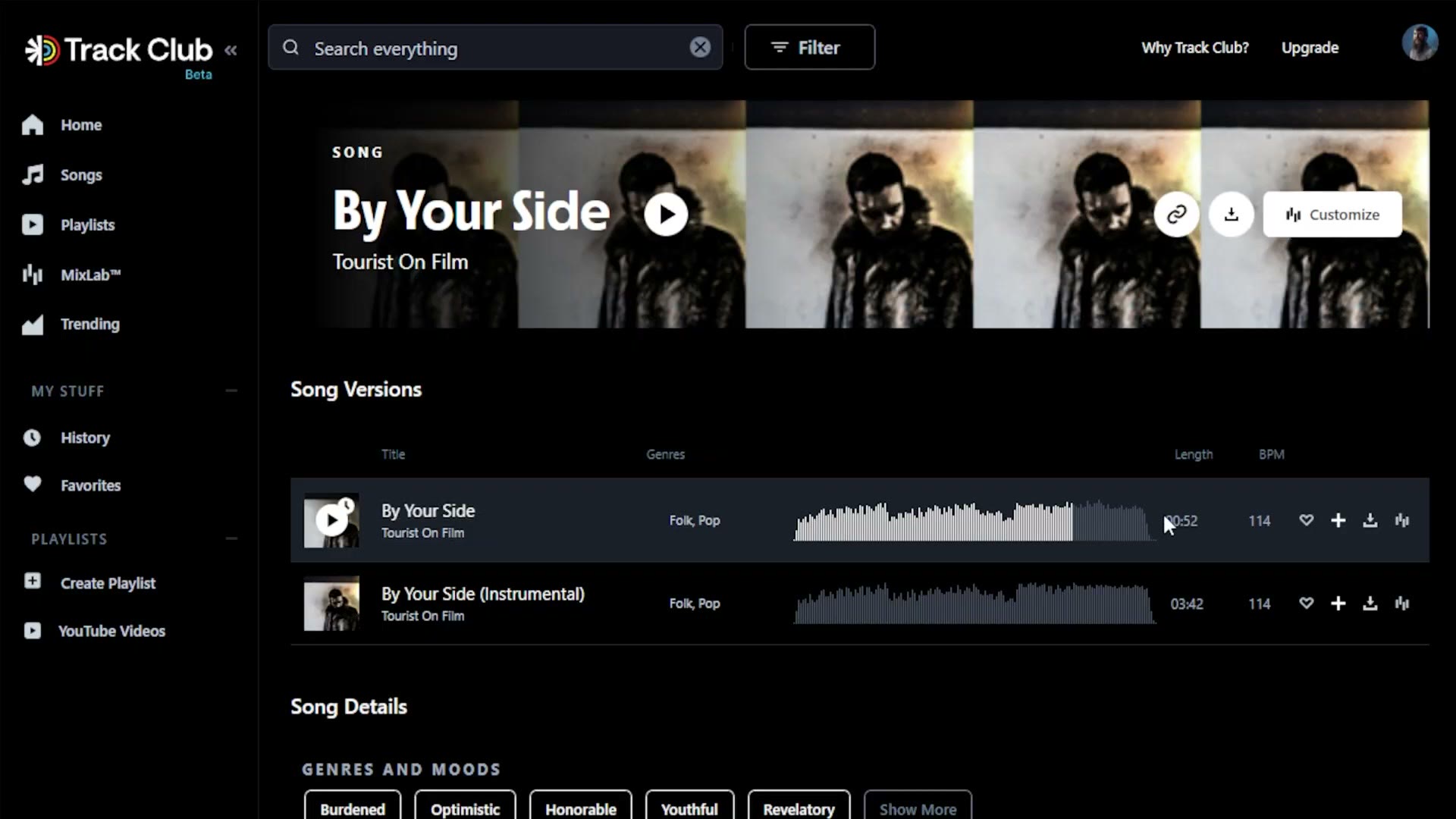
You browse Track Club to find a song that matches what you are looking for, and then if you want to modify it you click the MixLab button, which gives you a ton of controls to remix the song right there in your browser.
While you’re here, take a look at The BEST Music Licensing Sites For Wedding Films In 2022.
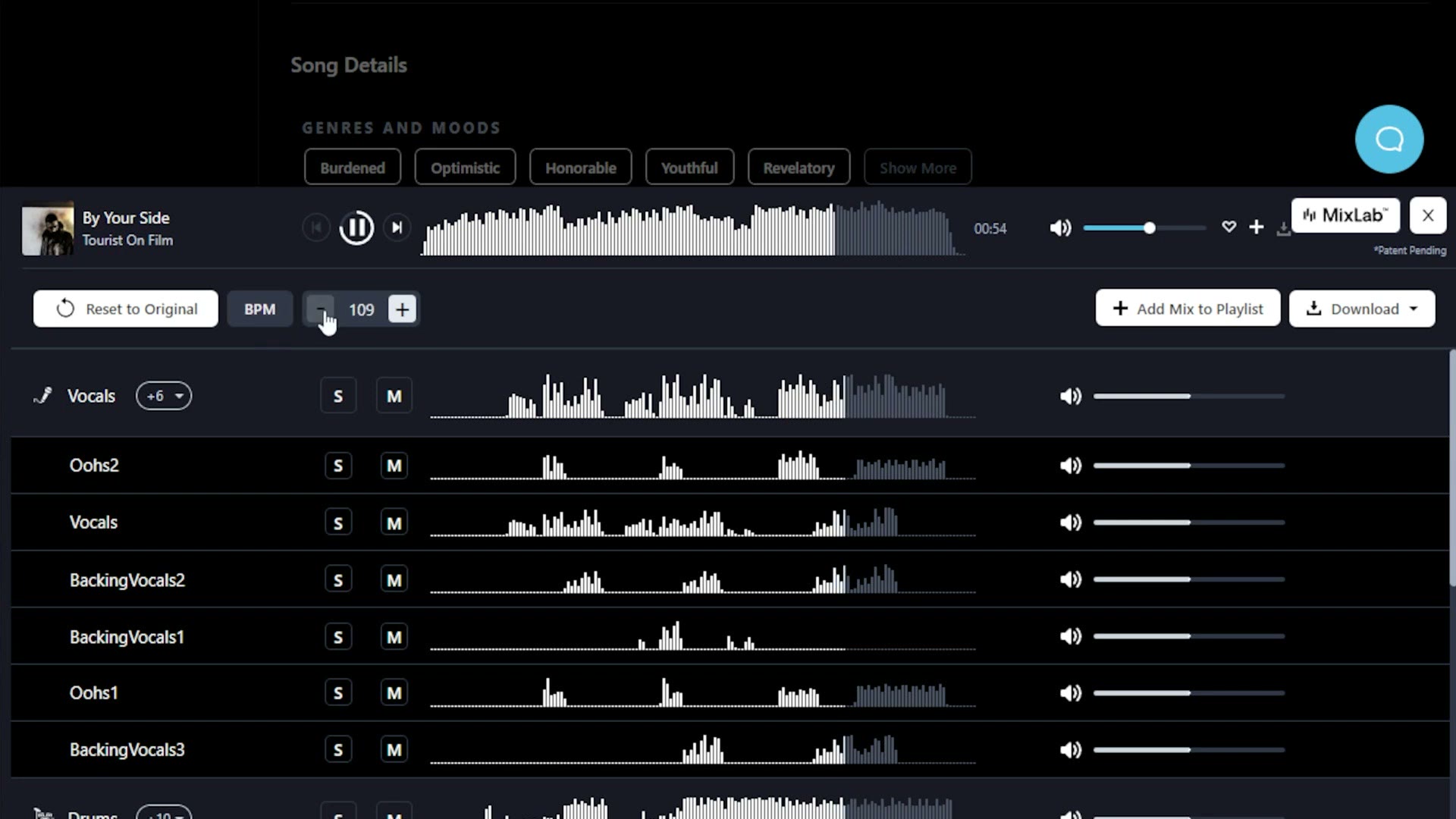
You can change the beats per minute to make the song slower or faster, which makes it much easier to match different songs up while you are editing.
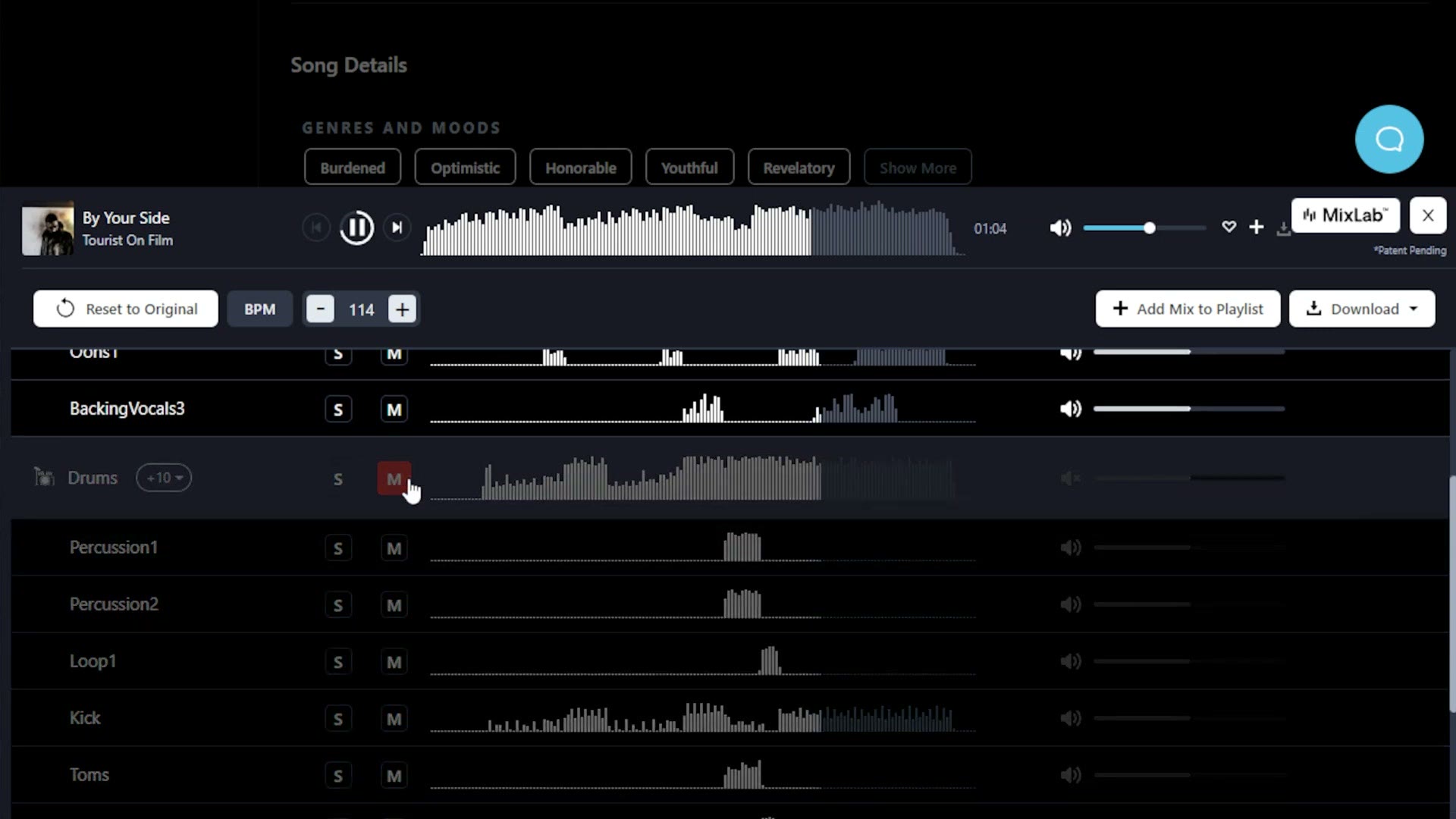
And you also get access to all of the stems, so you can mute certain instruments or vocals as well as adjust the volume of any of them. Meaning that if you are listening to a track and you think it sounds great but you wish the drums were quieter, or the piano was louder, you can control all of that with a few clicks.
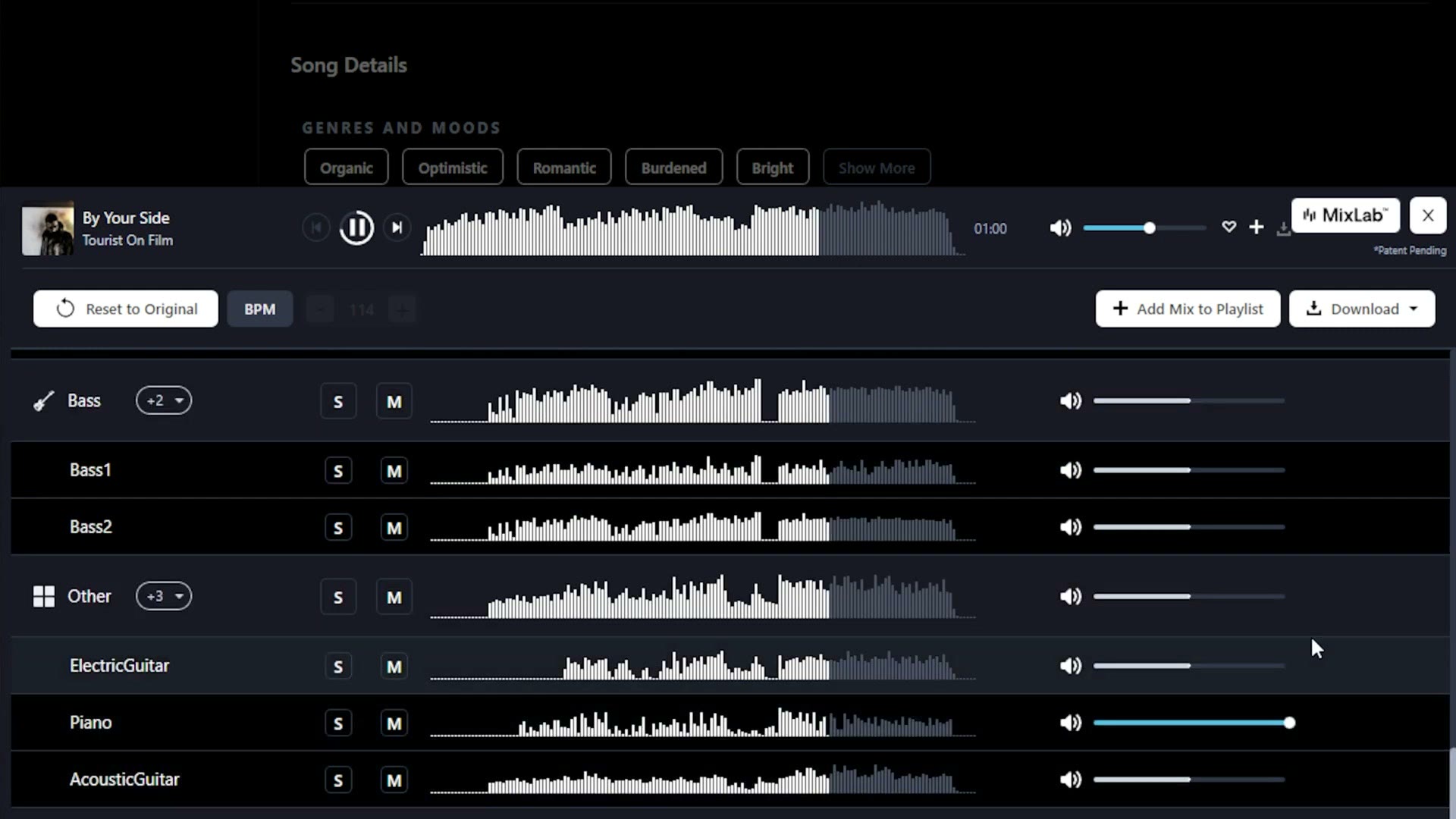
Then with one more click you download a custom wav file with all of those modifications baked into it.
Do you see where this is going to save you a ton of time, and why I wanted to make this video? This is super cool, and I have not seen any other music licensing site offer something like it, so I highly recommend checking it out.
You can get a free one month trial to Track Club here.
Speaking of being helpful, since we have been talking a lot about video editing, I have put together a free guide called Edit Videos Like A Pro, which walks you through some of the biggest editing techniques that took me years to learn and will help you edit faster. It is completely free.
Thanks so much for reading, and have a great day!