
Whenever I reviewed the Nikon Z9 a while ago, I said it is a fantastic camera for filmmaking, but that it was hard for me to recommend buying unless you had the budget for two of them, because Nikon did not have a cheaper camera offering similar video capabilities that you could use as a B or C cam.
I am so glad to tell you that has changed, because this is the brand new Nikon Z8, and in this video I will be reviewing it from the perspective of a wedding filmmaker and telling you if it is a good purchase if you are looking for a camera for filming weddings or documentaries or really anything else for that matter.
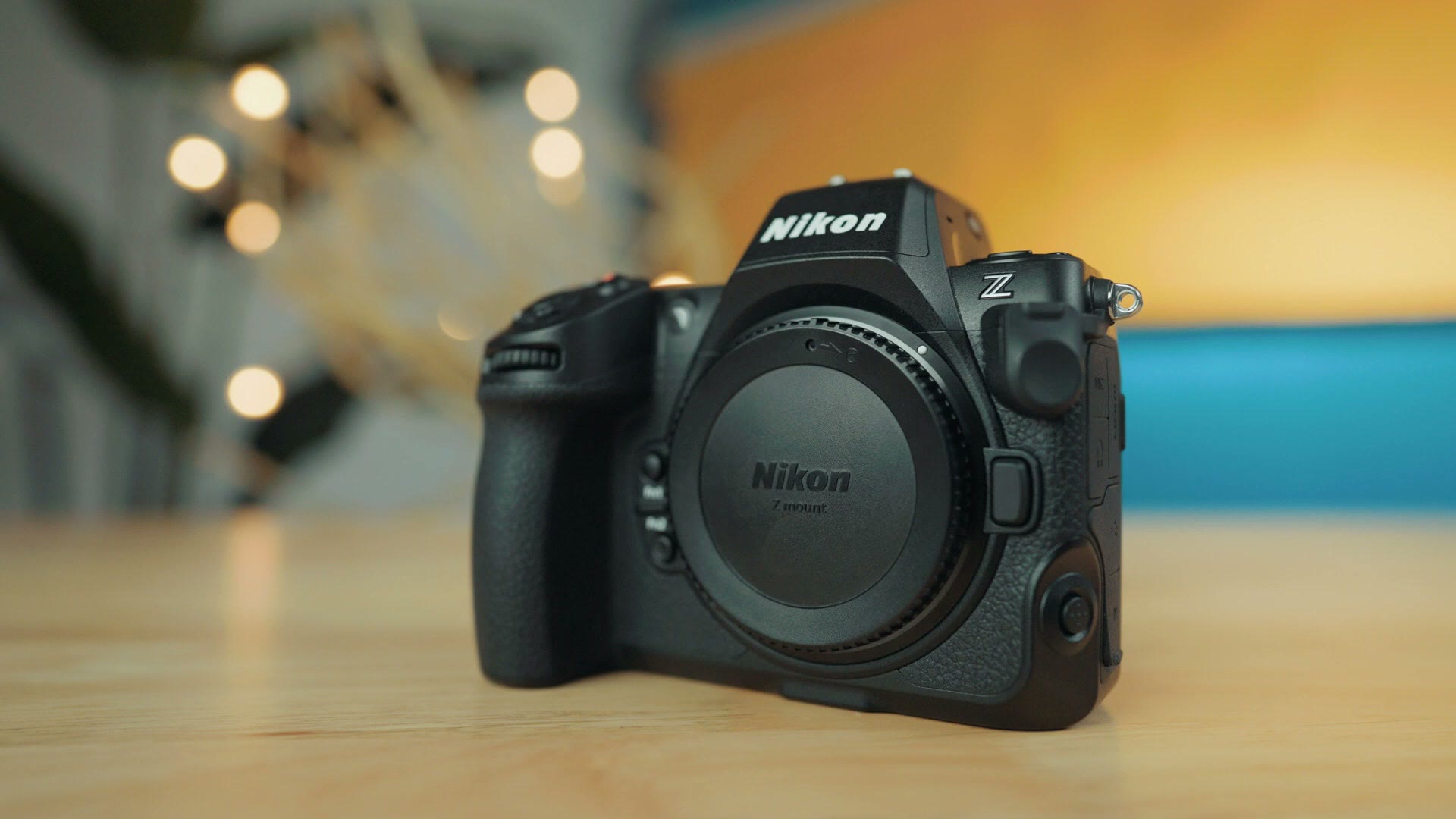
Because I respect your time, I am going to spoil the conclusion of this review early and tell you that the Z8 gives you essentially all of the features of the Z9, but in a more compact body and with a more compact price. To be clear, you could use this camera as a B or C camera for the Z9, but I do not think you necessarily need to, because the Z8 is easily good enough to be your next A camera.
Before we jump into the review, for the sake of ethics, I want you to know this video is not paid or sponsored by Nikon, but they did give me access to this camera early to test it out and it will be going back to them in a couple of days. They also wanted me to tell you this is a pre-production Z8 with pre-production firmware, and all of the footage you see here was filmed with that pre-production camera, meaning the footage and the experience you have may be slightly different with the full production model.
Dramatically Lighter And Smaller
Whenever I reviewed the Z9, I said one of the first things you notice about that camera is the size, because it was basically like Nikon said, “Do mirrorless cameras actually have to be smaller?” I do not know why I am giving Nikon that accent, but the point is that the Z9 felt like it was about the size of a DSLR. It was big, it was heavy, and it was chunky enough that you could use it as a weapon to hit someone over the head if you were getting mugged.
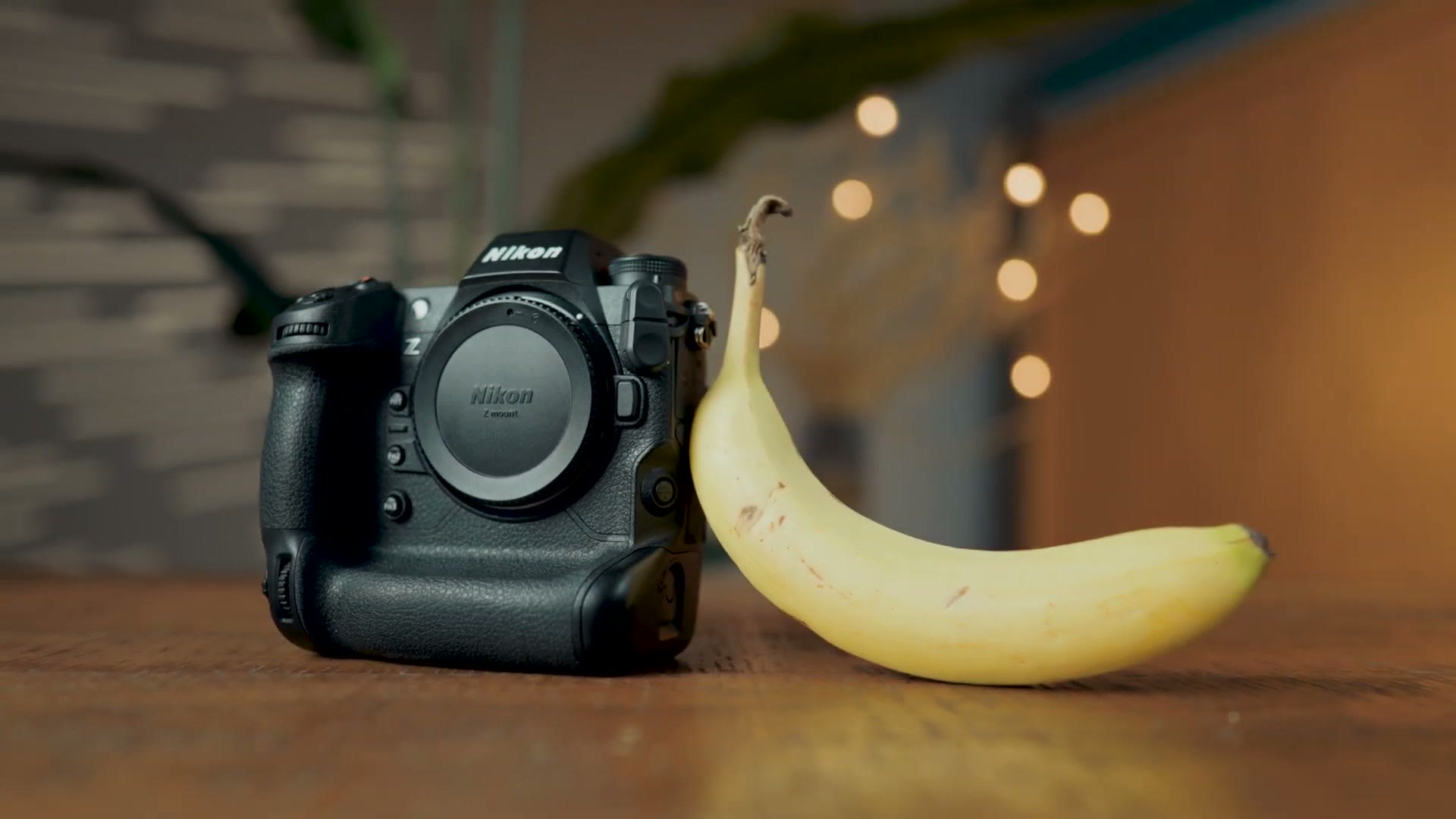
Regardless, I feel like Nikon realized they needed to make something easier to hold for extended periods, and if you are a wedding filmmaker like me who will be holding your camera for eight, ten, twelve or more hours on a wedding day, having a camera that will not completely destroy your back and biceps is always a good thing.
Enter the Z8, which I am so pleased to tell you is dramatically lighter and smaller than the Z9. This camera feels much closer in size to my a7S III, which is my daily driver for filming weddings, and I must say the Z8 is quite comfortable to hold. The ergonomics just feel great.
Screen And Ports
Like the Z9, the Z8 has the exact same screen on the back, which unfortunately is not a flip around screen, but it does articulate up and down as well as side to side, which is great for vertical video.
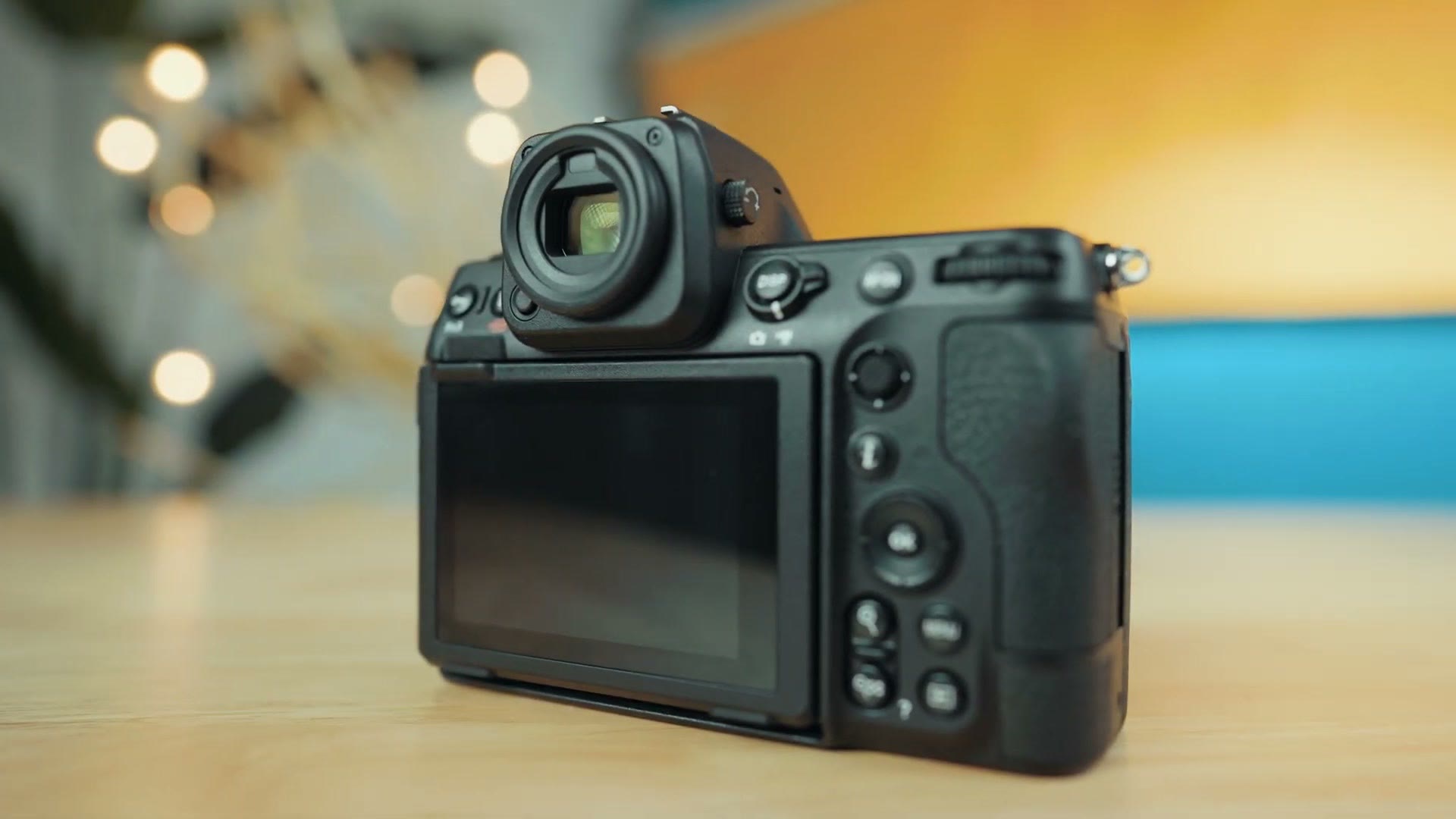
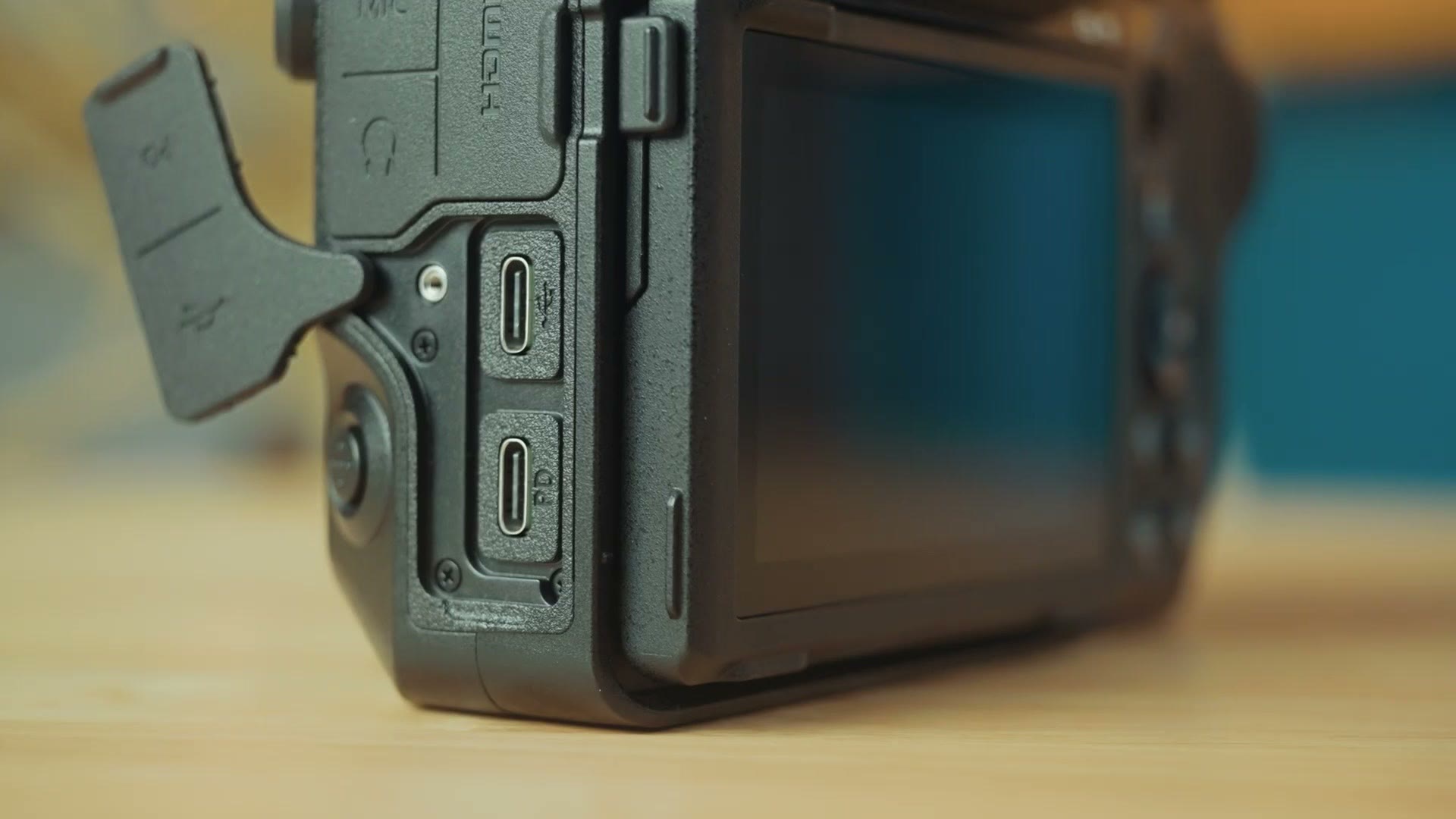
Ports wise, I am pleased to tell you the Z8 has a full size HDMI port as well as mic and headphone jacks, and most interestingly, it has two USB-C ports right next to each other, but they do not do the same thing. One is for data transfer and the other is for charging, and I think it is great that you can now do both at the same time with this camera.
Memory Card Slots, And The Biggest Con Of This Camera
This is where things get more interesting, because unlike the Z9, which includes dual CFexpress Type B card slots, the Z8 has one CFexpress Type B slot and one SD card slot.
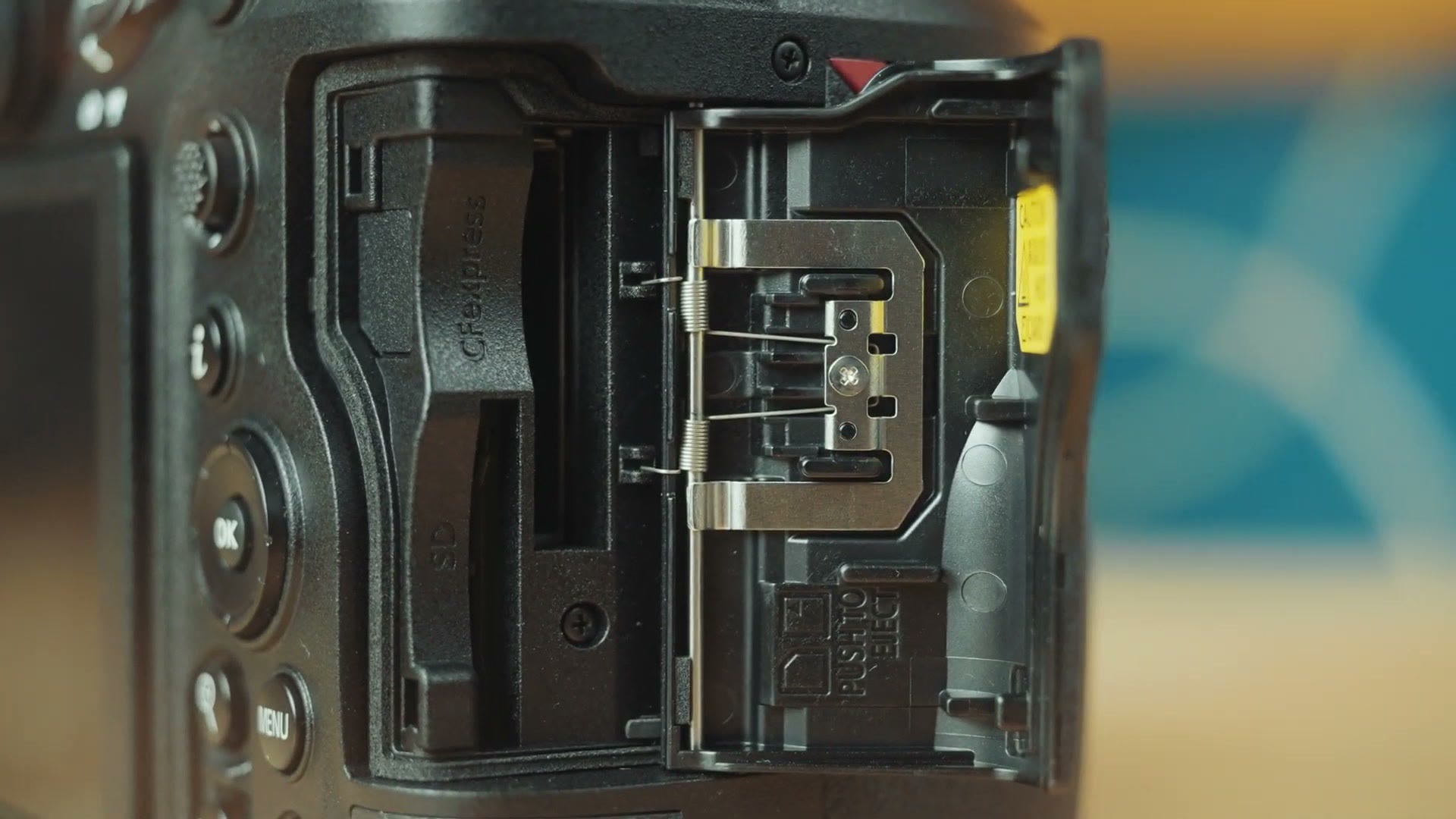
I think that is a good compromise, because if you already have a Z9, or you already own CFexpress Type B cards, they will work interchangeably between these two cameras. But if you are just starting your kit and you want to invest in significantly more affordable SD cards instead, you have that option too.
Spoiler though, only by using CFexpress Type B cards will you be able to record at the maximum frame rates and bitrates this camera supports. With SD cards you are going to be limited to recording up to 4K in ProRes 422 HQ, which honestly still sounds really good. But if you want to unleash the full power of the Z8 and record raw video, either ProRes RAW or raw internally, you will need CFexpress. I will give you one caveat here and remind you again that this is a pre-production camera with pre-production firmware, so there is like a 1 percent chance the full camera could be different in regards to the bitrates supported with SD cards. But for raw video, considering the high bitrates required, I am very doubtful Nikon would get that working on an SD card.
Moving on, there is one other general con I need to mention when it comes to these dual card slots, and this is also a con Nikon had with the Z9. While the Z8 has dual memory card slots, the camera is perplexingly incapable of recording video to both slots at the same time. It’s weird. You can take photos with this camera and it will save them to both slots, but if you try to record video, you are limited to one card slot at a time.
I have asked Nikon about this and I do not have a clear reason why, but if I had to guess, it may have to do with Nikon not wanting the camera to be too confusing, since the SD card would only be capable of recording 4K and not raw, so you would have to make sure your settings were right between the two cards. Or it could be that Nikon did not want the camera to overheat, since recording to dual cards could make it hotter. I am not sure.
Regardless, as a wedding filmmaker I filmed with the Sony a7S II for many years and that camera only had one SD card slot and it never failed on a wedding day, so I do not think it is absolutely mission critical that you get a camera that records video to dual memory card slots. But considering that the competition from the likes of Sony and Panasonic both let you record to dual memory card slots while filming, it is a bummer that Nikon has not enabled this on the Z8. Here is hoping they fix it in a firmware update.
Crazy Good Video Formats And Resolutions
Speaking of video formats and capabilities, this is where the lines really start to blur between the Z8 and the Z9, and it is also where this camera really starts to shine from a video standpoint.
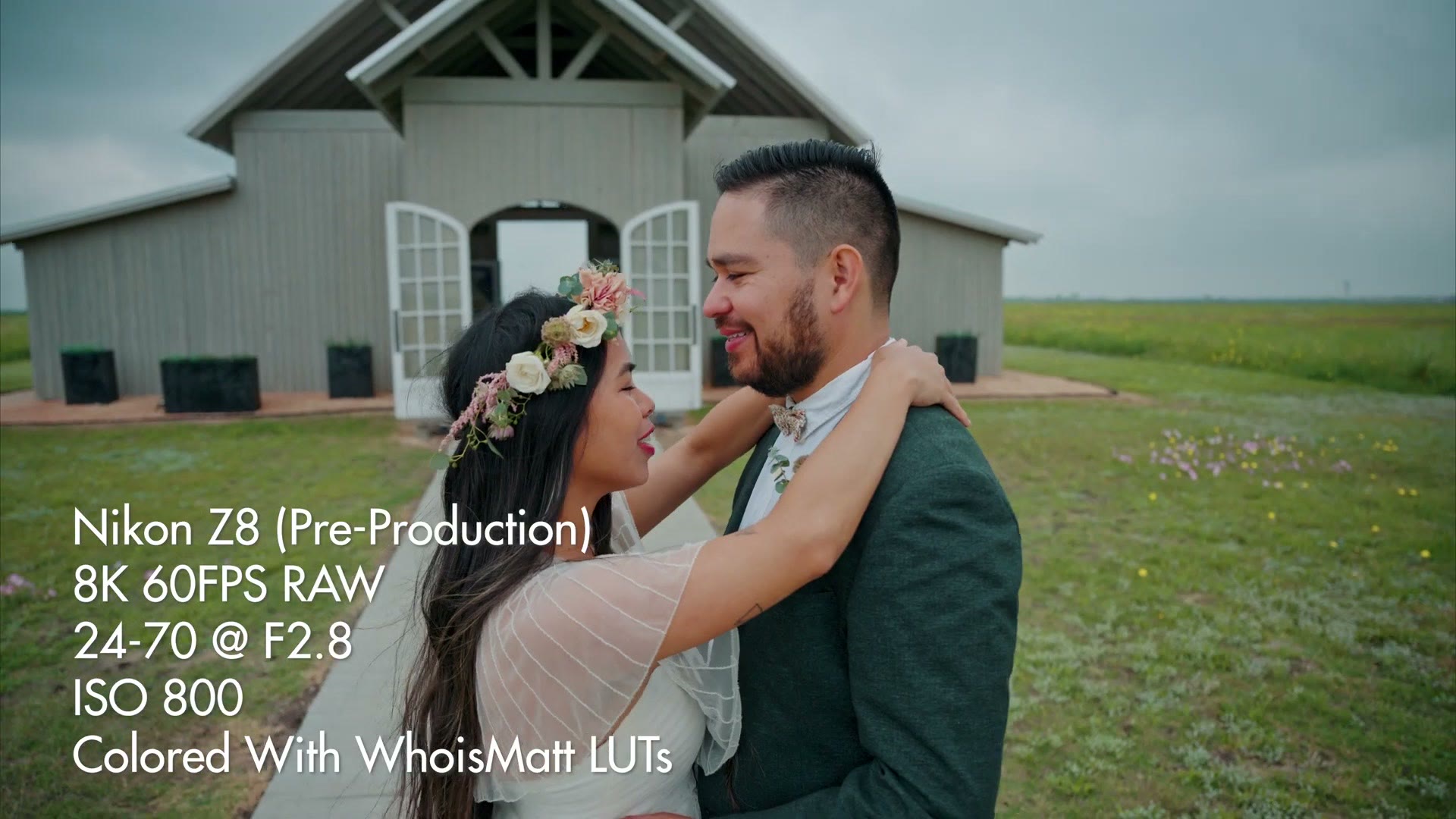
In short, Nikon made an incredible image sensor with the Z9, capable of recording 8K video at up to 60 frames per second in raw. It’s super impressive. What is more impressive is that Nikon said, hey, this Z9 sensor is great, let’s put it in the Z8 and make it cheaper. Yes, really. The Z8 has essentially the same sensor as the Z9, meaning it is also capable of recording up to 8K at 60 frames per second in raw.
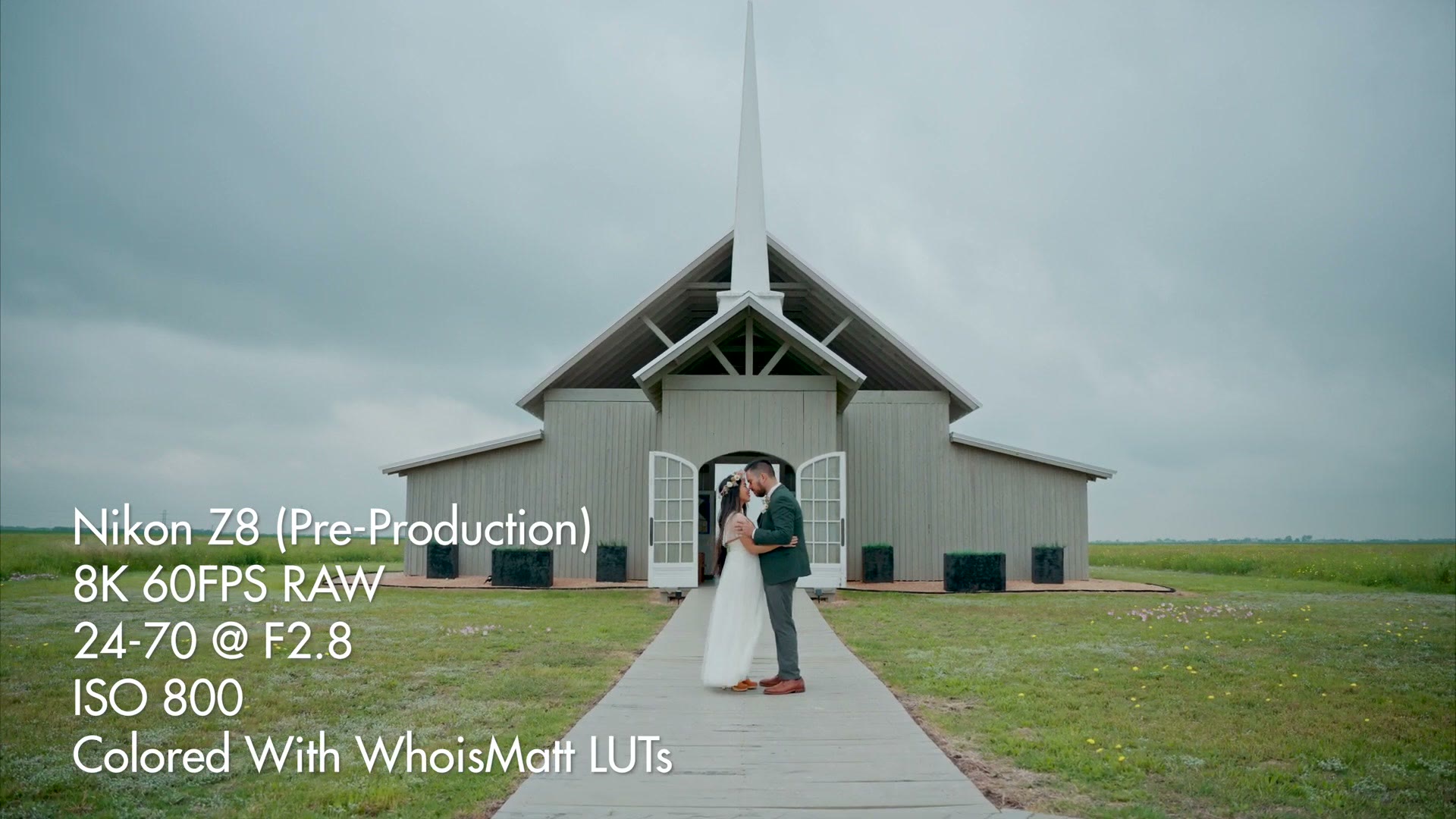
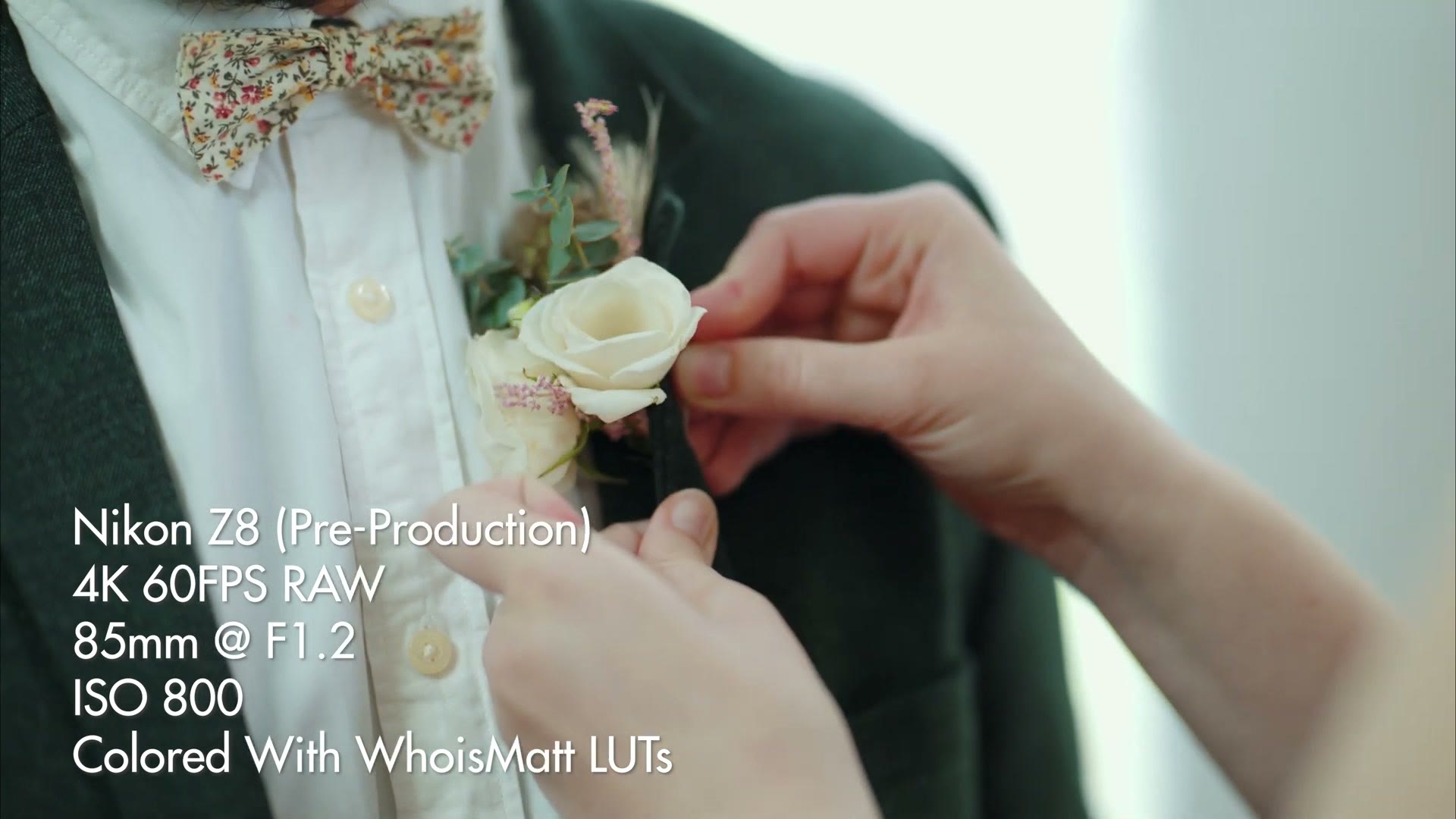
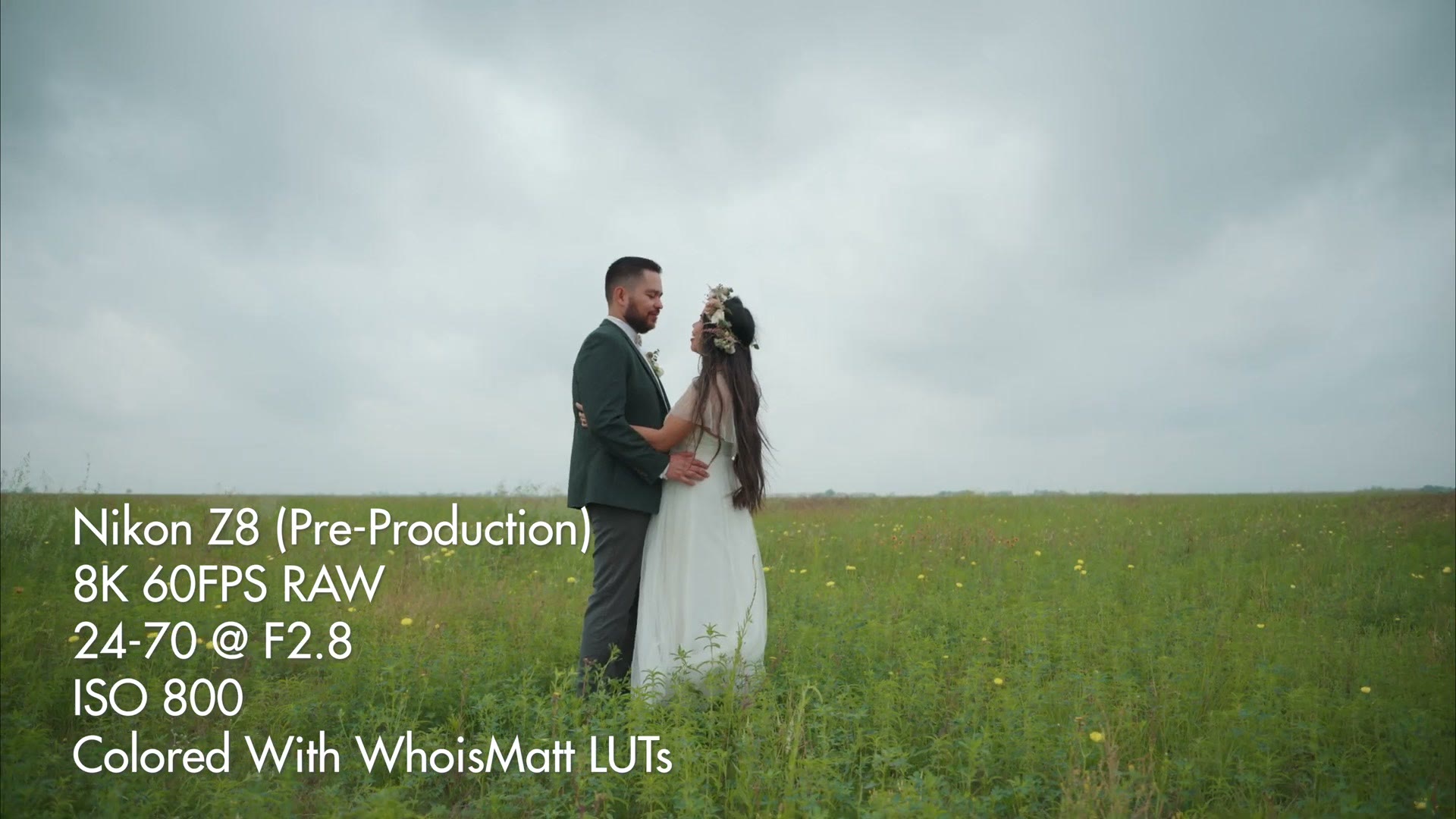
Plus you get all the other bells and whistles the Z9 includes. Not only do you get 8K up to 60fps, you also get 4K at up to 120 frames per second, and you get the option to record ProRes RAW up to 4K 60. You also get the N-Log picture profile with great dynamic range that works perfectly with my color presets, and you get great IBIS performance for smooth handheld shots.
As a weird quirk carried over from the Z9, that camera is only capable of recording for 2 hours and 5 minutes before you have to stop and start again, and it is the same with the Z8. I am not sure why that is. Two hours and five minutes, then just hit record again.
Autofocus, Manual Focus, Rolling Shutter
You also get great autofocus with AI that focuses on people and faces, as well as animals, and now airplanes. They added airplanes to this. If you film airplanes, you are in luck. Of course there is great manual focus too, with the 50mm, 85mm and 24-70mm lenses I tested with this camera.
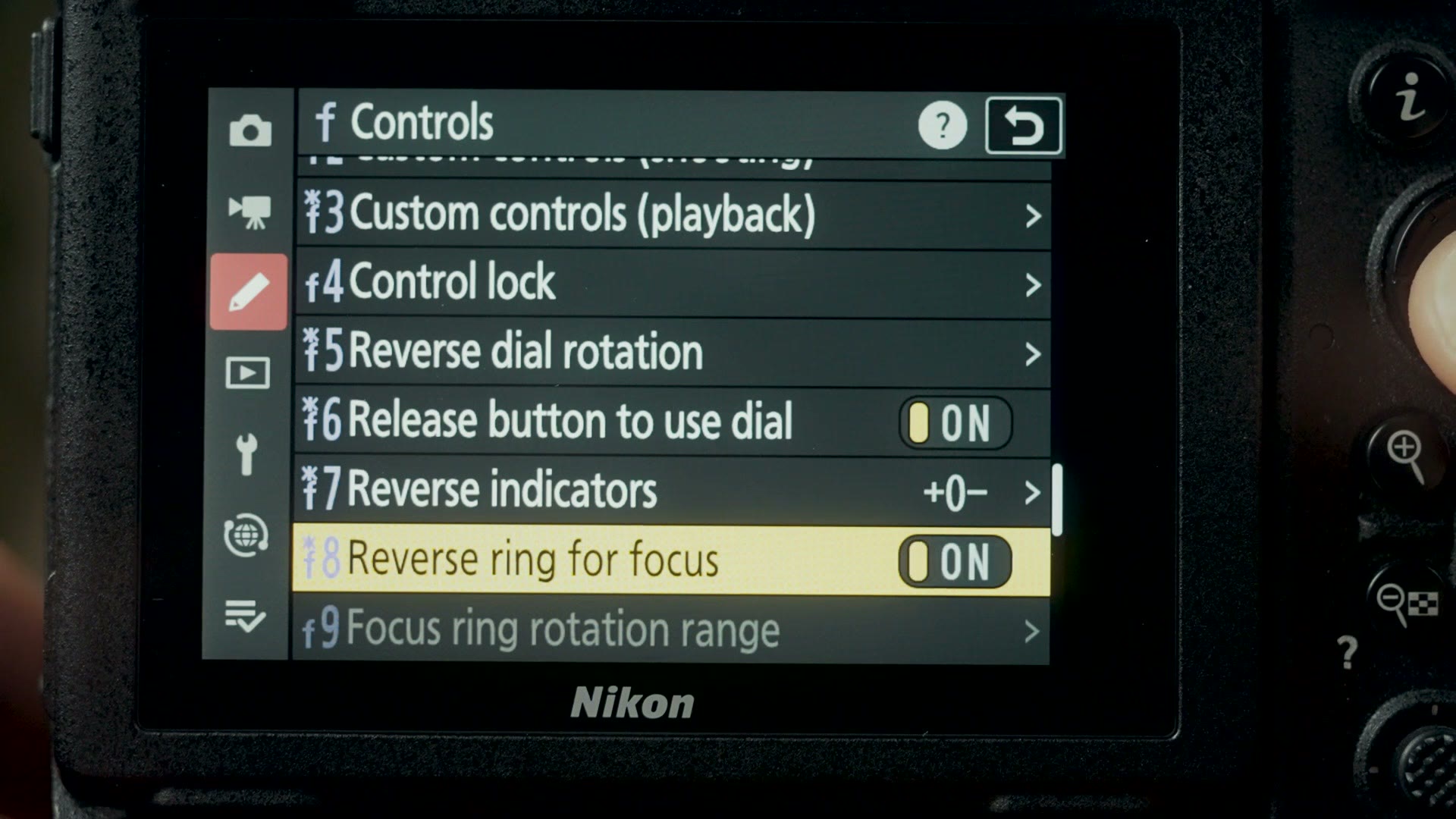
Just like the Z9, you also get the ability to change the manual focus ring rotation direction in software, as long as the lens supports it, which is great if you are coming from basically any other camera brand that is not Nikon.
Also just like the Z9, keep in mind that this is a very high resolution sensor, so if you are filming in 8K you can expect to get some rolling shutter, especially if you are shaking the camera back and forth rapidly. I want you to be aware of that. For me personally, with my wedding films I am usually going for smoother, grander shots rather than a ton of shake, so I did not experience any rolling shutter.
RED Lawsuit Update
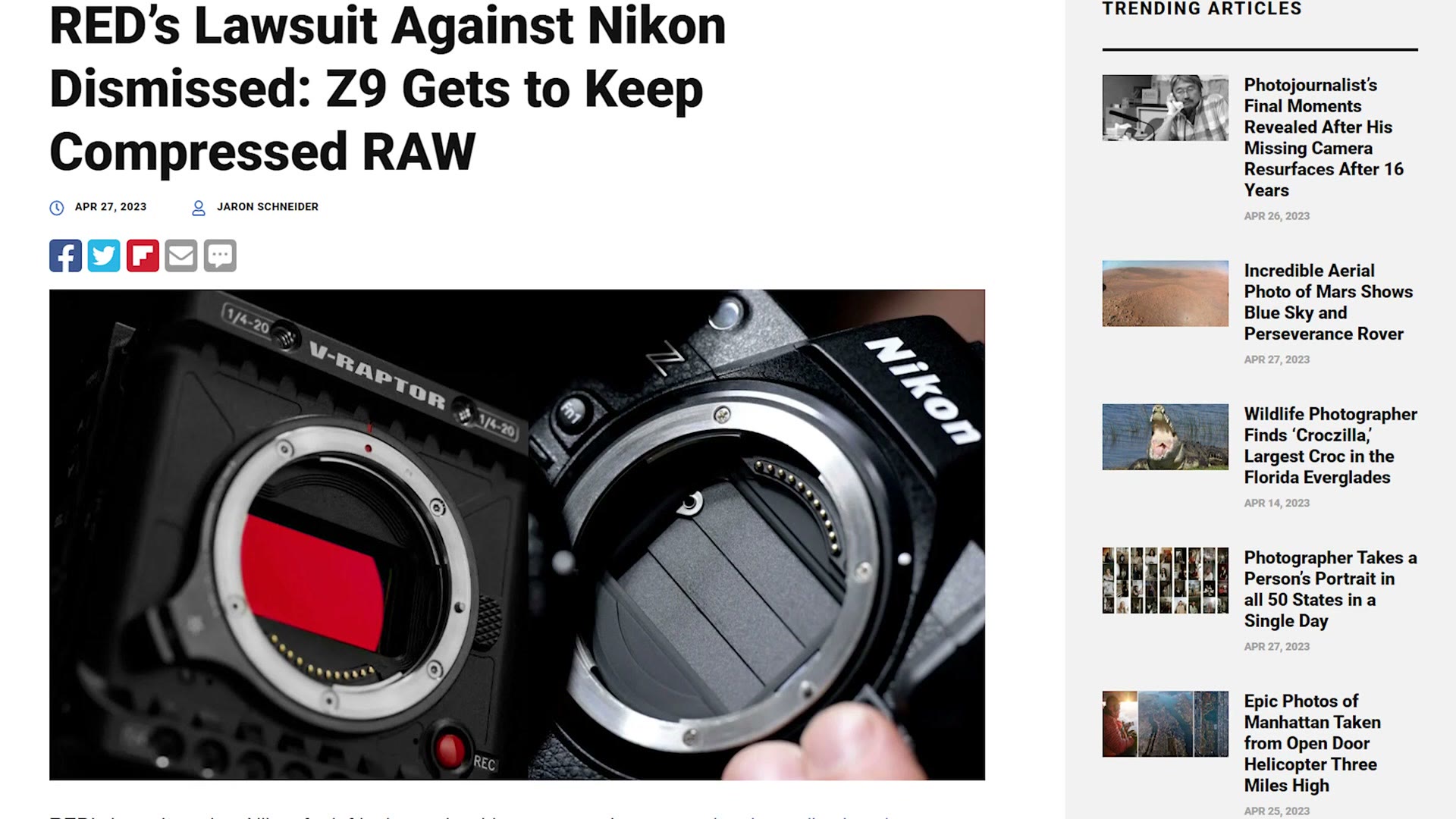
If you watched my Z9 review, one of the things I drew attention to was the fact that the Z9 has the ability to record internal compressed raw video, and that doing so drew the attention of RED, the camera company, who chose to sue Nikon because they have a patent on internal compressed raw recording.
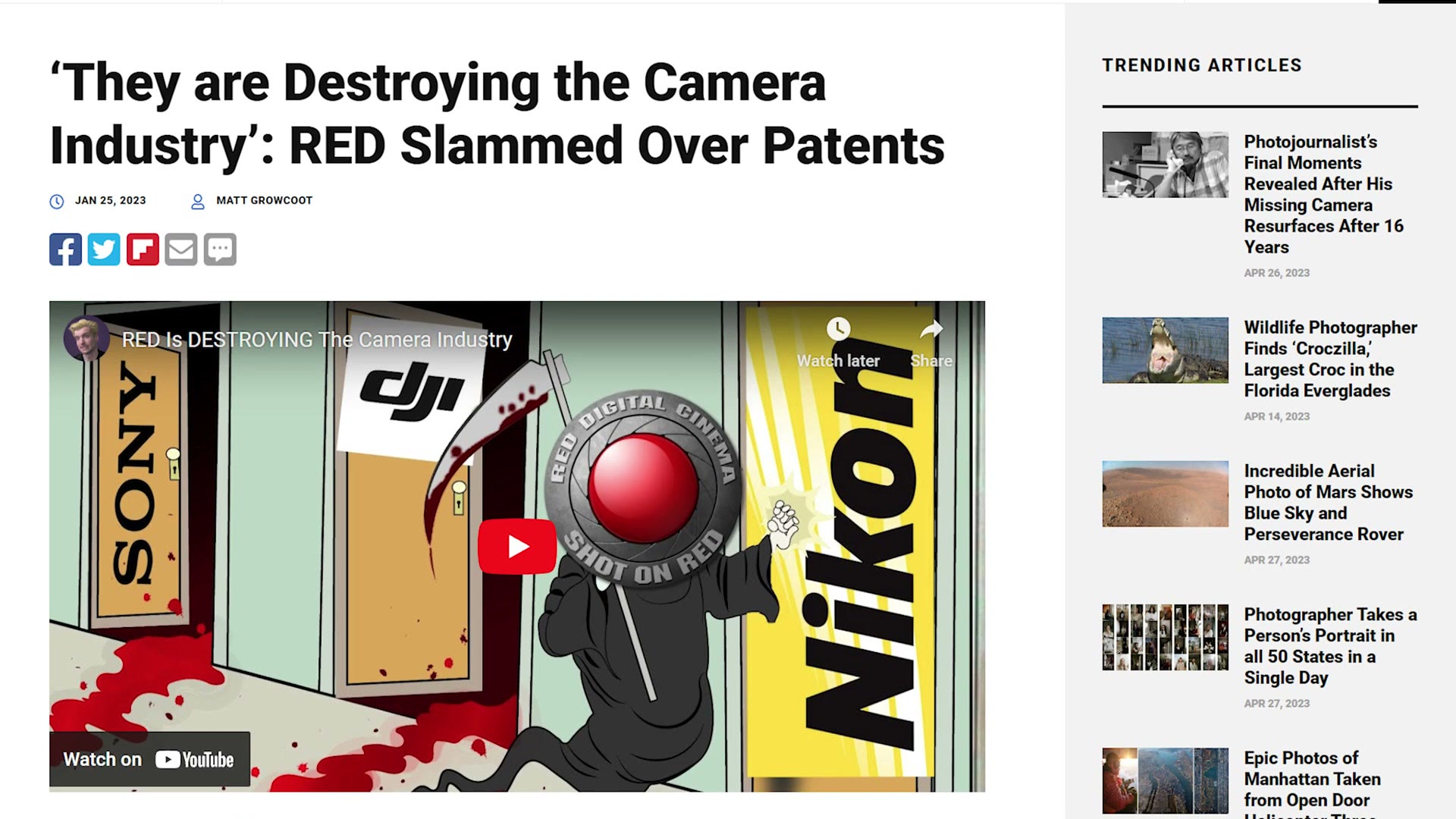
Now, you may think that lawsuit would cause Nikon to back down and not include raw recording with the Z8. But as I said earlier, raw recording is already in this camera, which is pretty cool. So if you want a camera that can record compressed raw internally, the Z8 is a great choice.
Raw Footage Eats Memory Cards
Like the Z9 though, I will warn you that the file sizes the Z8 is capable of producing, especially in 8K raw, are quite beefy. So if you are planning on recording at the highest frame rates and resolutions this camera is capable of, you can expect to blaze through your memory cards pretty fast and you are going to want a lot of them. Just like the Z9, I believe with a 640 gigabyte memory card I got about 15 minutes of recording time in 8K 60. It fills up fast.
Any Overheating?
Speaking of blazing through memory cards, let’s talk about another blaze. Overheating.
One pro of the Z9 being such a large camera is that whenever I used it I never experienced overheating, even when recording in 8K. My thinking is that one reason was the size of that camera, which really helped with heat dissipation, and the other was that I was recording with the Z9 in the middle of December. If you are up north that would be very cold, snow weather, but here in Texas we still had it sometimes at 80 degrees Fahrenheit, so it was not super cold, but it also was not the oppressive Texas summer heat that would really stress a camera either.
Speaking of which, A Wedding Filmmaker’s Review Of The Nikon Z6iii – Affordable 6K Raw Video Camera! is worth a look too.
Regardless, as we talked about earlier, the Z8 is definitely a decrease in size from the Z9, which did set off some alarm bells in my head, because the simple physics of Nikon cramming the same sensor into a smaller body could result in greater heat generation.
Unfortunately I have not had a chance to test overheating super in depth with this camera, like leaving it out in the sun for an hour, mostly because I only have this camera for a few days and it is spring in Texas, which means it rains significantly more often, and it has been rainy and cloudy all week. But here is the good news. While it has not been in direct sunlight, I have tested this camera extensively, recording a ton of clips back to back in 70 degree weather, and in all of that testing, even recording in 8K, the Z8 has not shown any signs of overheating.
So I think that if you are someone who films primarily indoors, talking head interviews or conferences and so on, you are probably not going to need to worry about overheating. But if you are filming outdoors in the blazing sun, I would probably recommend renting this camera beforehand and seeing how it handles heat for you.
Battery Life
Whereas the Z9 had a truly massive battery pack, because it essentially had a built in battery grip, the Z8 being much smaller actually uses the same battery as the Nikon Z6 and Z7.
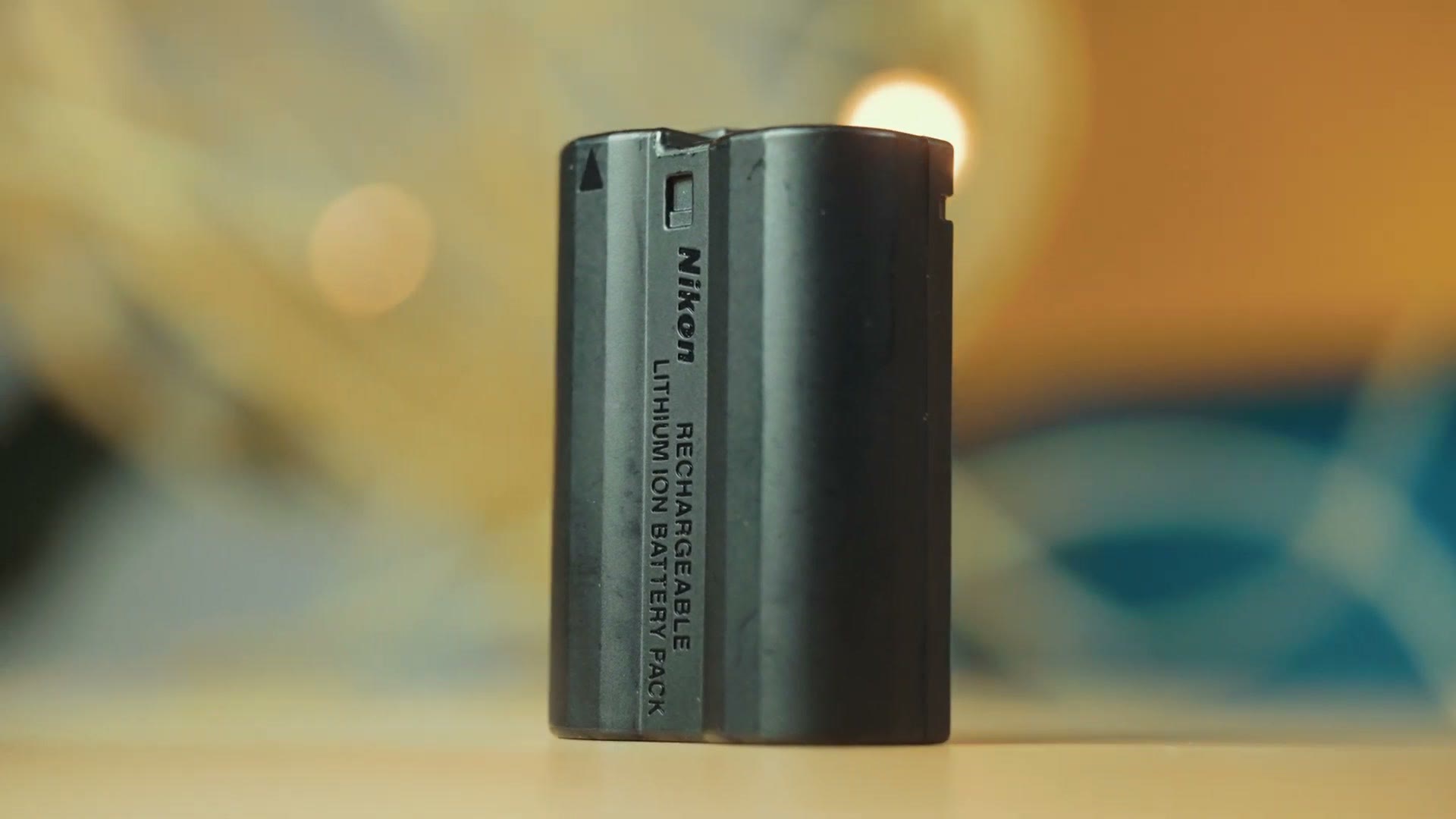
In my experience this is a great battery and it had plenty of stamina even when recording at higher frame rates, higher resolutions and in raw. I would expect to go through probably 3 to 4 batteries on a wedding day, and I do not think you will have any complaints about the battery life of this camera.
Lowlight Performance
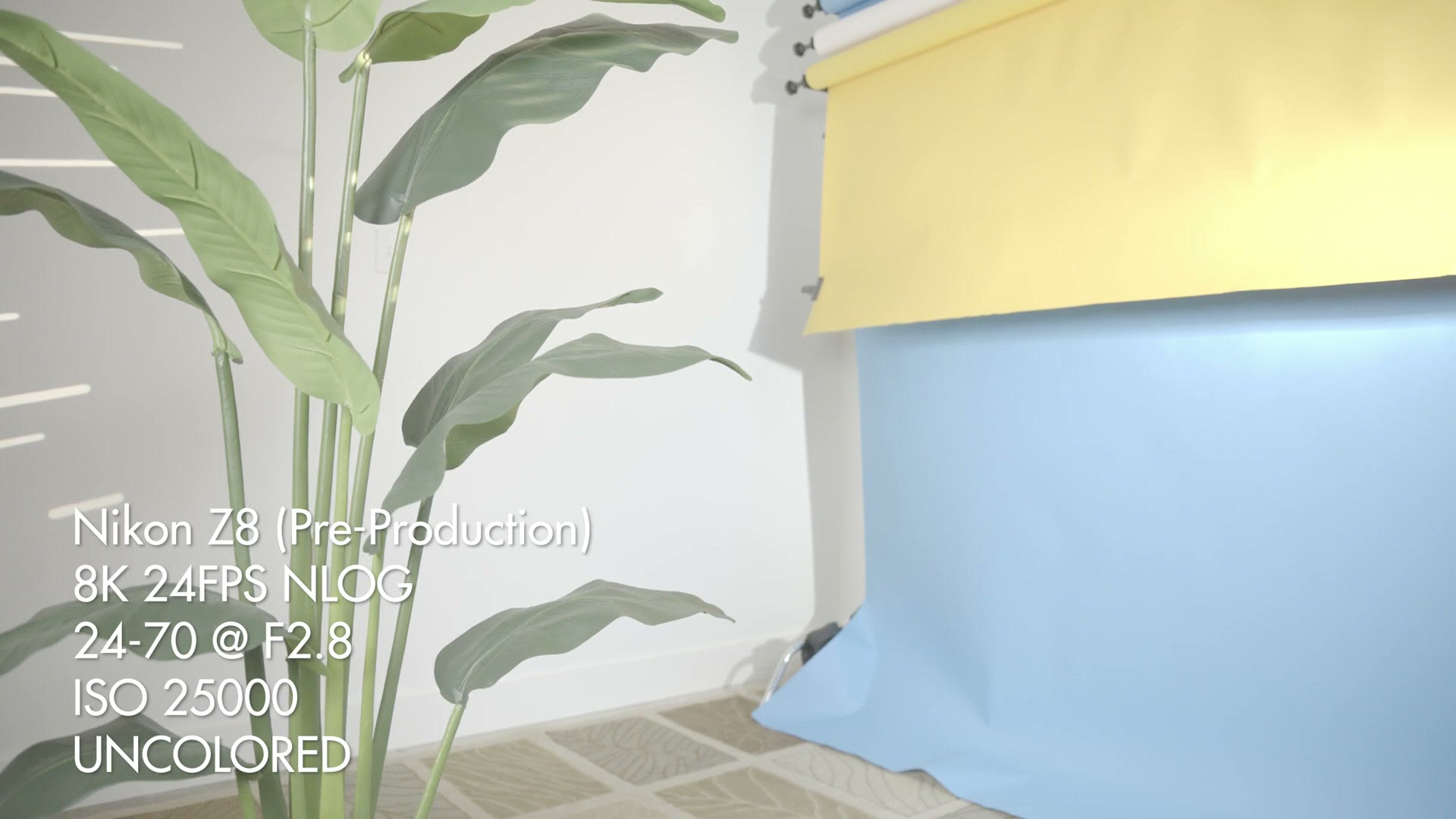
As far as low light performance goes, keep in mind this camera has essentially the same sensor as the Z9, meaning I found the image looks great up to about ISO 12,800 or so, and after that it started to get significantly noisier. But even with that extra noise, I feel like you could crank the ISO higher if you were filming in, say, a very dark wedding reception.
The Price Versus The Z9
Now let’s talk about the price of the Z8, because this is where things get really interesting in regards to the Z9, and this is where I feel like the Z8 becomes really compelling.
See, in my review of the Z9 I said that what that camera was lacking was an ecosystem of other cameras to pair it with. If you wanted a camera capable of recording amazing 8K internal raw video, you could buy the Z9 and use it as your A camera. But if you wanted a B or C camera that you only used for, say, filming wedding ceremonies, there was not a cheaper option. Your only choice was to buy another Z9 if you wanted the video quality to match between your two cameras. That made building out a kit super expensive, and it is the main reason it was harder for me to recommend the Z9.
Thankfully, it really feels like Nikon was aware of this, because with the Z8 they have filled that gap in their product line perfectly. In essence you are getting essentially the same video quality as the Z9, but now instead of costing the rather eye watering 5,500 bucks you would spend at the time of making this video for the Z9, Nikon has told me the Z8 is going to be priced at approximately 4,000 bucks, which is fantastic and very competitive.
You can buy the Nikon Z8 at B&H or at Adorama.
Do I Recommend The Z8?
The Z8 is looking like an incredibly compelling B or C camera to pair with the Z9. But what is even crazier is that the Z8 is so good you can really think of it as an A camera and save some money. For $4,000 you are getting an incredible camera that is easily capable of filming a wedding day, and building out a kit of multiple cameras is going to be even more affordable than trying to add a Z9 into the equation. Not to mention that the Z8 is dramatically smaller and lighter than the Z9, which is going to make holding it all day on a wedding day even easier as well.
So if you are looking for a super capable camera system for wedding filmmaking, documentary filmmaking, or pretty much anything else for that matter, I highly recommend the Z8, and I am really glad to see Nikon being so competitive.
Speaking of things I highly recommend, I know I mentioned it earlier, but if you are filming in a log picture profile like N-Log on Nikon or S-Log3 on Sony, I highly recommend checking out my color presets. They are going to help you get amazing colors in your footage in one click.

If you want to go deeper, I have filmmaking courses here, and here is my full list of filmmaking gear.
Oh, and really quick, if you happen to deal with people coming up to you while you are filming and asking you to take their picture, and you are like, “no, I’m filming, it’s a video, it’s not photo,” well, I made sure to help you out with that. It’s video. You can point to the shirt and people know. Oh, it’s a video. Okay.
Thanks so much for reading. Take care!