
This is the Dell Precision 5680, and it is one of the best PC laptops I have ever used for video editing. Mild spoiler for how I feel about it out of the way. I’m going to review this laptop from the perspective of a video editor, so if you’re someone looking for a powerful video editing laptop, keep reading.
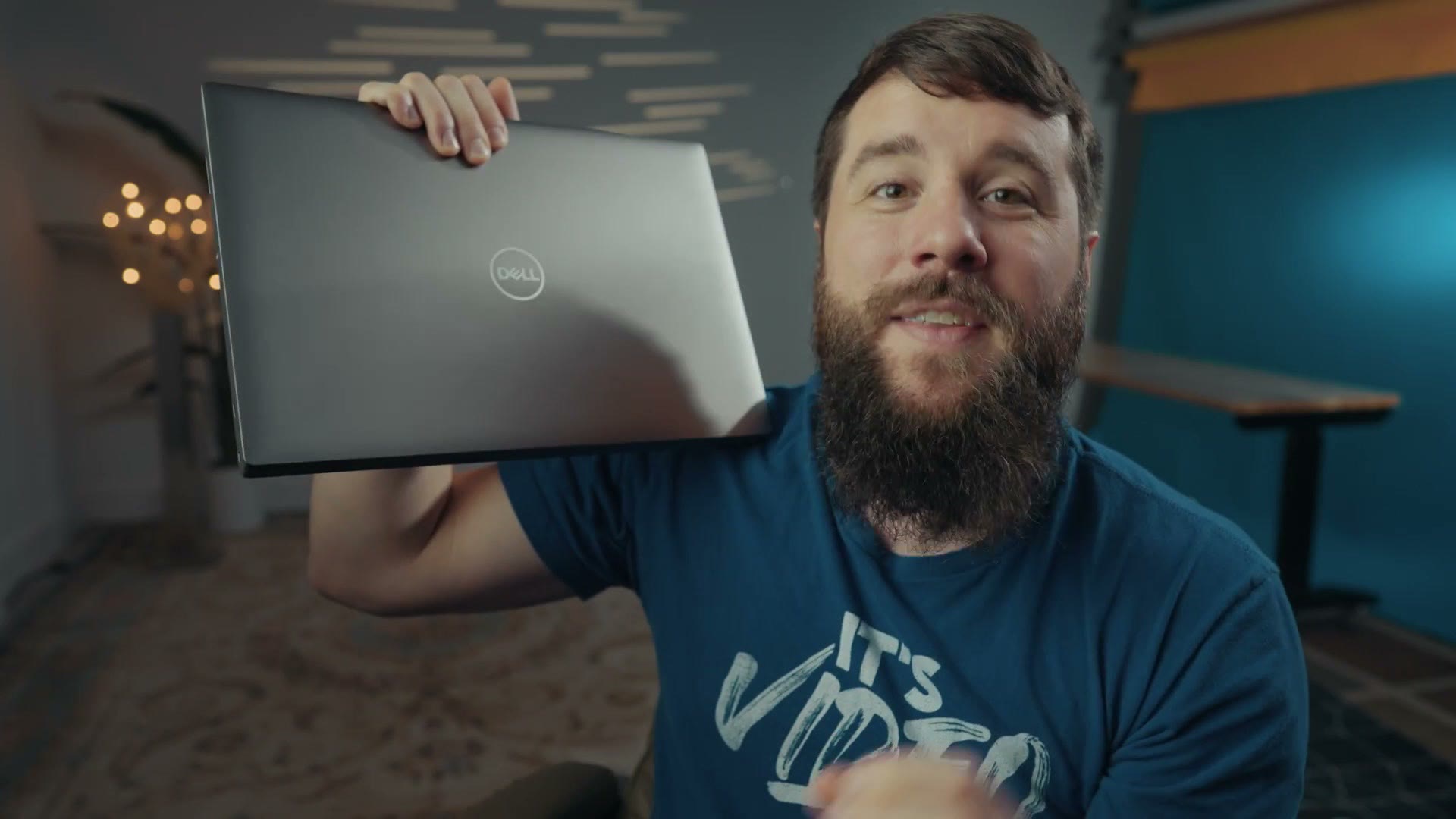
Also, for the sake of ethics, I want you to know this video is not paid or sponsored by Dell, but this laptop was provided to me by them.
Comparing To The XPS 15 And 17
If you’ve watched my previous videos, you’ll know I reviewed the XPS 15 in 2018 and the XPS 17 in 2021. This laptop is different, because it’s from Dell’s Precision line of workstation laptops, meaning it’s significantly more focused on productivity than anything else. And while you could technically game on it, the graphics card in it is one of Nvidia’s Ada GPUs, which is really more focused on high level productivity like video editing than on games.
Build Quality
This is easily one of the best built PC laptops I have ever used, and I’d say it competes very well with one of Apple’s MacBook Pros. Everything is well put together. There are no weird gaps and no chassis flex.
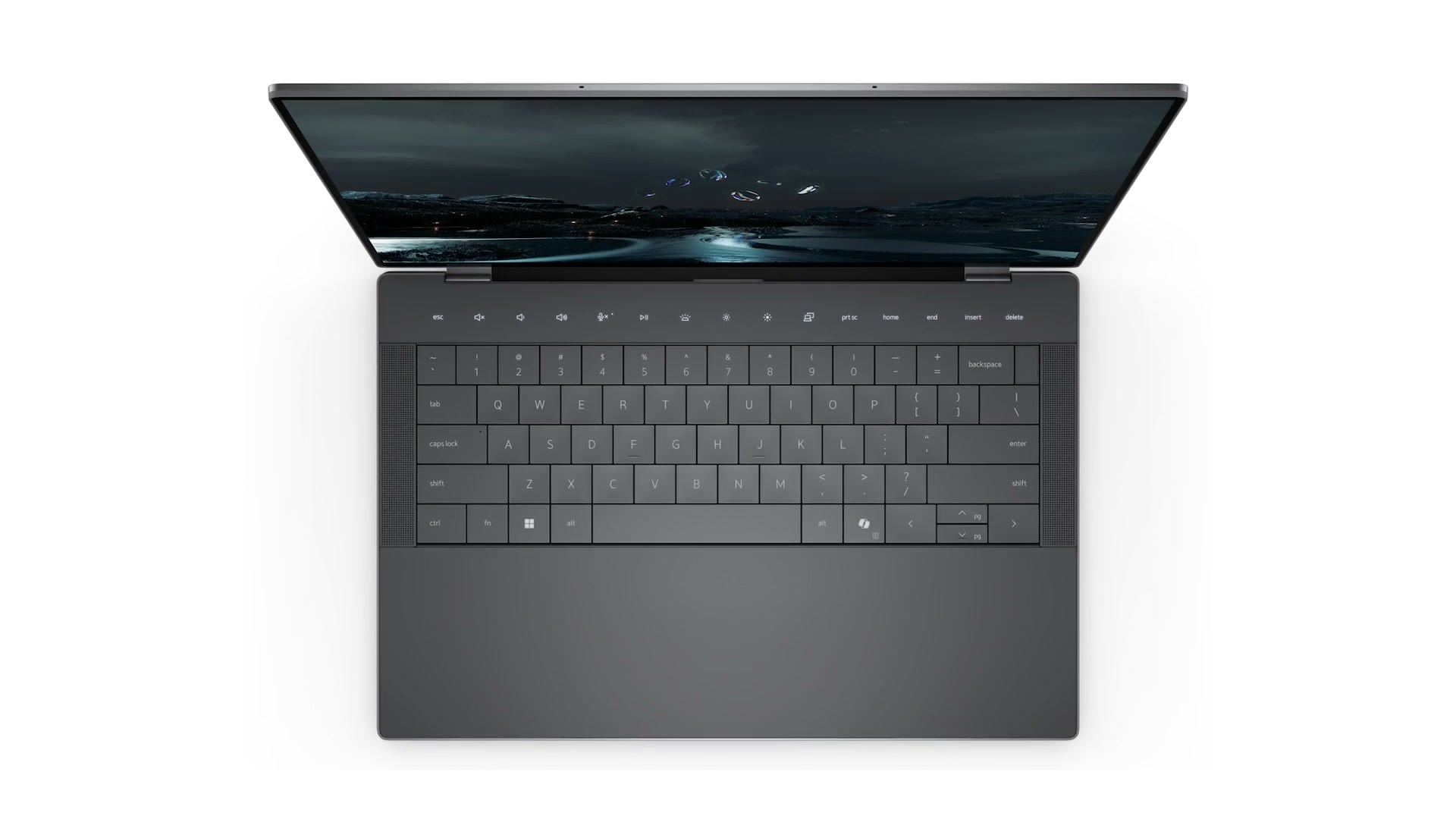
And most importantly, in my opinion, Dell is not chasing trends and fads with the Precision line the way they have with the XPS line. Specifically, the new XPS laptops that released in early 2024 have a lot of unnecessary features and weird compromises in their design that affect you as a creator, and those are not present on the Precision.
Most egregiously, those new XPS laptops replaced the function row and the escape key at the top with a touch sensitive bar of icons that light up when you tap them. And while that can look really cool in pictures, actually using it is a major pain. In short, it feels like Dell saw everything Apple was doing with the Touch Bar on their Macs, ignored all of the complaints users had about it, and once Apple discontinued the Touch Bar, said hey, this is our time to have a touch bar now that none of our competitors do. So they added it in.
Thankfully the Precision 5680 does not have any of these issues. It has a normal function key row, it has a touchpad with edges, and most importantly, it has a full size SD card slot. Anyways, rant over. If you’re a creator, it’s a no brainer to buy the Precision with all of its features and capabilities, and I find it pretty much perfectly positioned to compete with a MacBook Pro.
Trackpad
This is a force touch style trackpad, meaning it does not actually click whenever you press down on it. Instead a haptic motor gives you feedback that feels like a click.
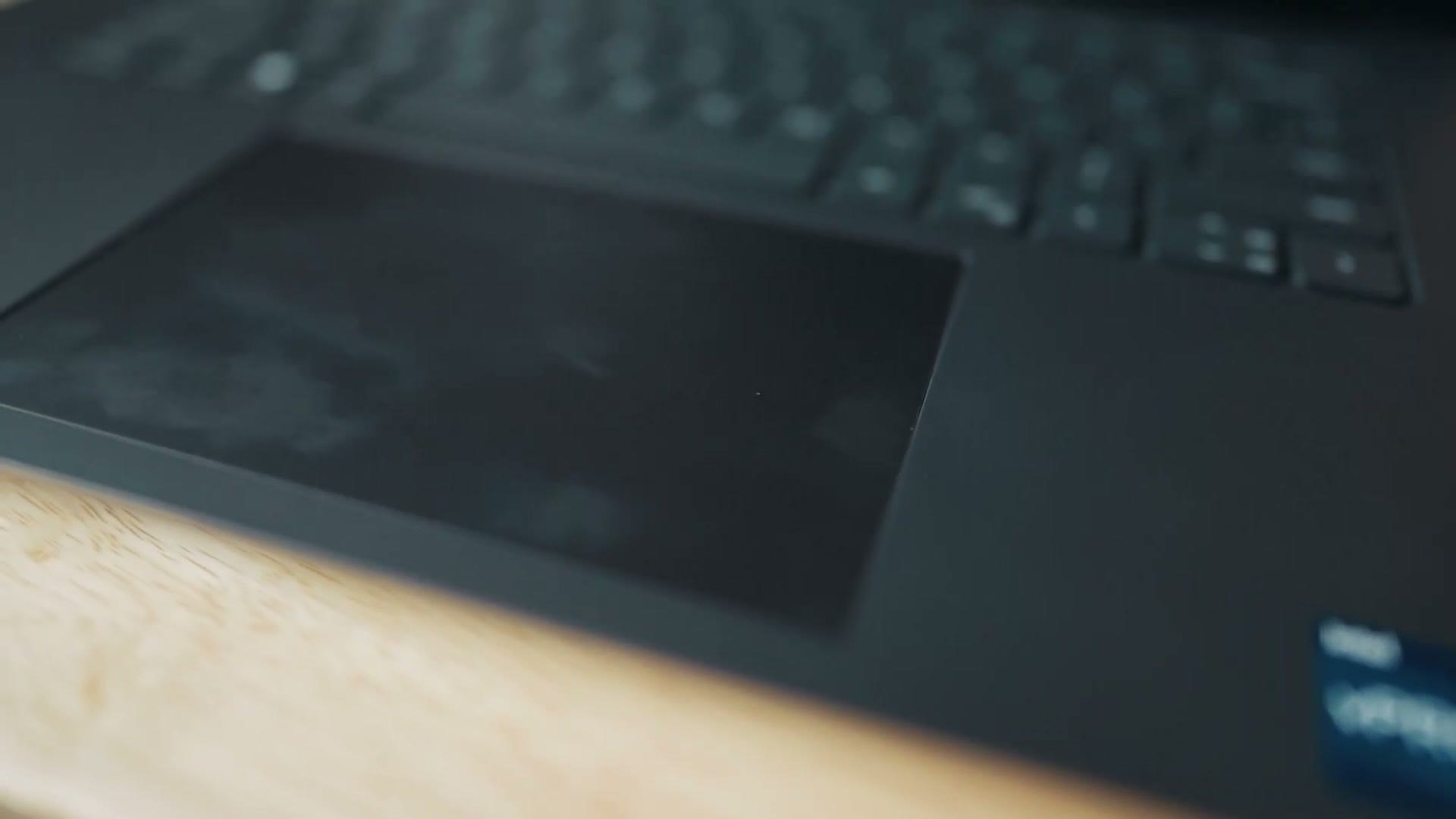
I find that click feedback to feel good, but also slightly weak. I wish it was just a bit stronger of a vibration whenever you click. That said, compared to the XPS 17 where I always felt myself needing to click in the bottom left corner, you can now click anywhere on it and the laptop will register it properly, which is great.
Fingerprint And Face Login
This laptop comes with a fingerprint reader and Windows Hello, which is the feature where the webcam scans your face and logs you in. I find this extremely convenient, and I’m frankly shocked that Apple has not introduced Face ID into their MacBooks yet. You can’t log in with your face on a MacBook, but Dell has been doing this for years. Point for them.
Speakers
In Dell’s marketing they say this has four Grade A speakers.
I’m not going to do a direct comparison between the Dell and MacBook speakers, because I don’t have a MacBook handy to do that. But to my ears these are some of the best speakers Dell has ever put in a laptop, and they sound significantly better than my XPS 17, which already had quite good speakers. That said, if you’re a video editor you’re not going to want to use the built in speakers on any laptop. You’re going to want headphones, and thankfully this laptop does have a headphone jack.
Screen Quality
Now let’s get into what video editors really care about. Following the tradition of every Dell laptop I’ve owned save for my first one way back in 2005, the Precision 5680 unsurprisingly comes with a 16:10 OLED screen, and it looks absolutely fantastic. The colors are vibrant and the contrast is unbeatable.
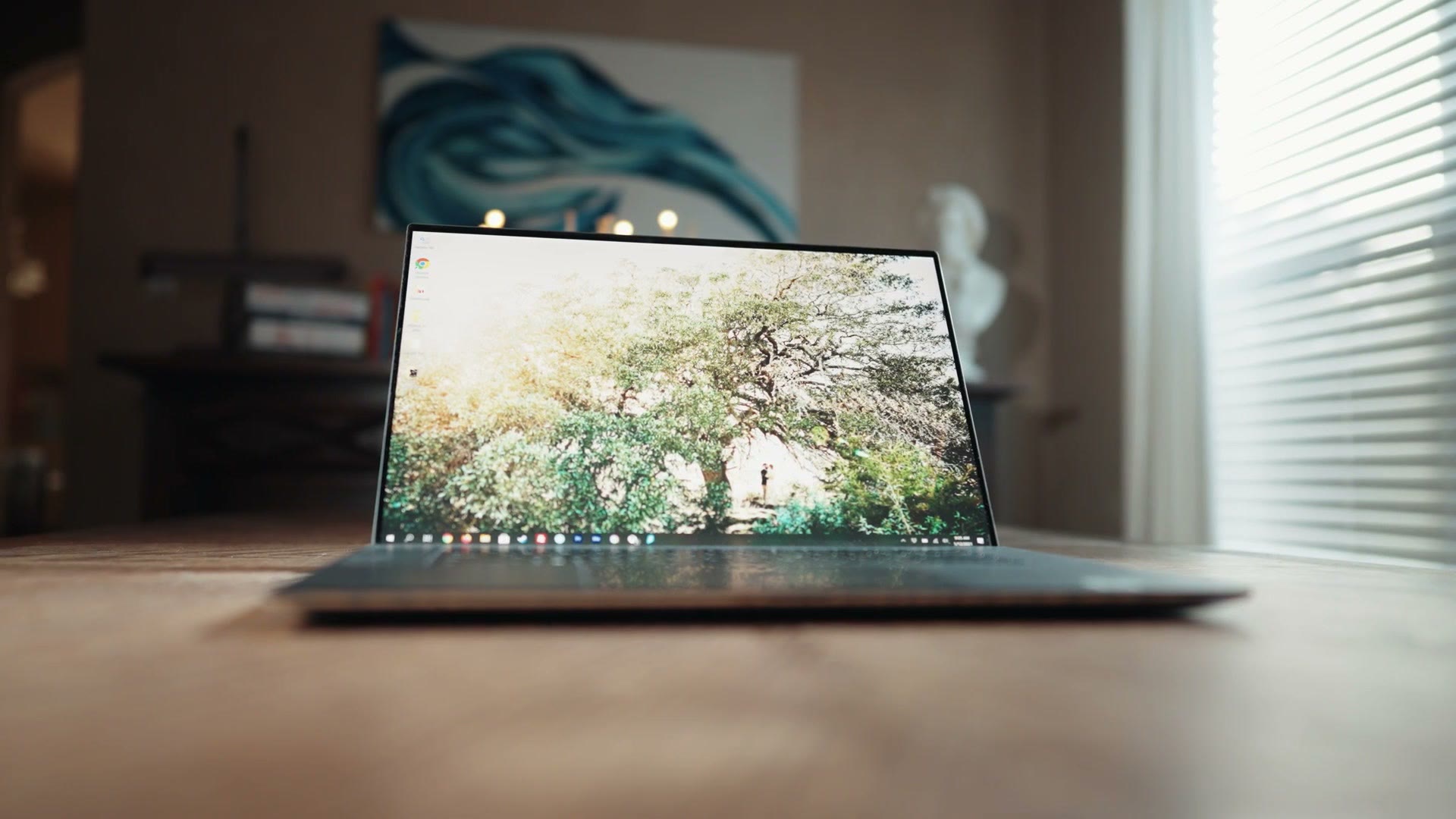
But if you’re a video editor you’re probably wondering about color accuracy, because if the colors aren’t correct on the screen you’re not going to be able to color grade your videos properly. Here’s where things get really interesting, because I ran into a significant issue with my XPS 17 screen and it took me a while to figure out.
The screen on my XPS 17 looked gorgeous, but after using it for a few months I realized that while I had calibrated it with my Spyder, which reported that the screen colors were accurate, the footage I was editing on the XPS 17 looked significantly more saturated and contrasty than it did on any other screen. I could literally color grade a video on the XPS 17, bring that same project over to a different computer, and the colors would not look nearly as good. This even led to me uploading a video I had graded on the XPS 17 and getting comments on YouTube from people asking why the colors looked so washed out.
I spent quite a while trying to fix that, including recalibrating the screen, downloading Dell’s PremierColor application which lets you adjust the colors the screen is showing, and even reaching out to Dell and making them aware of the issue. After all that, I never found a fix. And while I would still edit on my XPS 17 from time to time, I would not trust it for color grading. I’d wait until I was home at my desktop with a screen I knew had accurate colors.
So back to the Precision 5680. I am so pleased to tell you it does not suffer from any of those issues. In my testing the colors look the same on this laptop as they do on every other computer I tested against, meaning that if you want to use this laptop for color grading you can expect it to be accurate. That’s not surprising considering this is a workstation purpose built for content creation, but I’m glad to see it. And as a plus, at the time of this review Apple is still not putting OLED screens in their MacBooks. To my eyes this screen is prettier, and one of the best you can get in a laptop today.
Battery Life
This is an area where the Precision performs well for a PC laptop, but if we’re comparing it to a Mac it’s not going to do as well, and there are two big reasons for that.
First, Apple’s laptops with their Apple silicon chips are some of the most efficient laptops you can buy today, giving you great battery life even with a heavy workload like video editing. With the Precision 5680, like I said, the battery life is still good for a PC, but I’d expect it to be more in the range of 3 to 4 hours when video editing.
There is also a significantly bigger issue than the battery life, and I’m going to preface this by telling you it’s an issue that every PC laptop I have ever used has faced. This is more of an issue with Windows and how it handles laptops on battery versus how Macs do. The issue is that if your PC laptop is on battery power and not plugged in, even if you have gone into Windows settings and told it to use maximum power while on battery, Windows is going to do its own thing and it is not going to listen to you. What you’ll discover is that your computer’s power is limited on battery compared to when it’s plugged in.
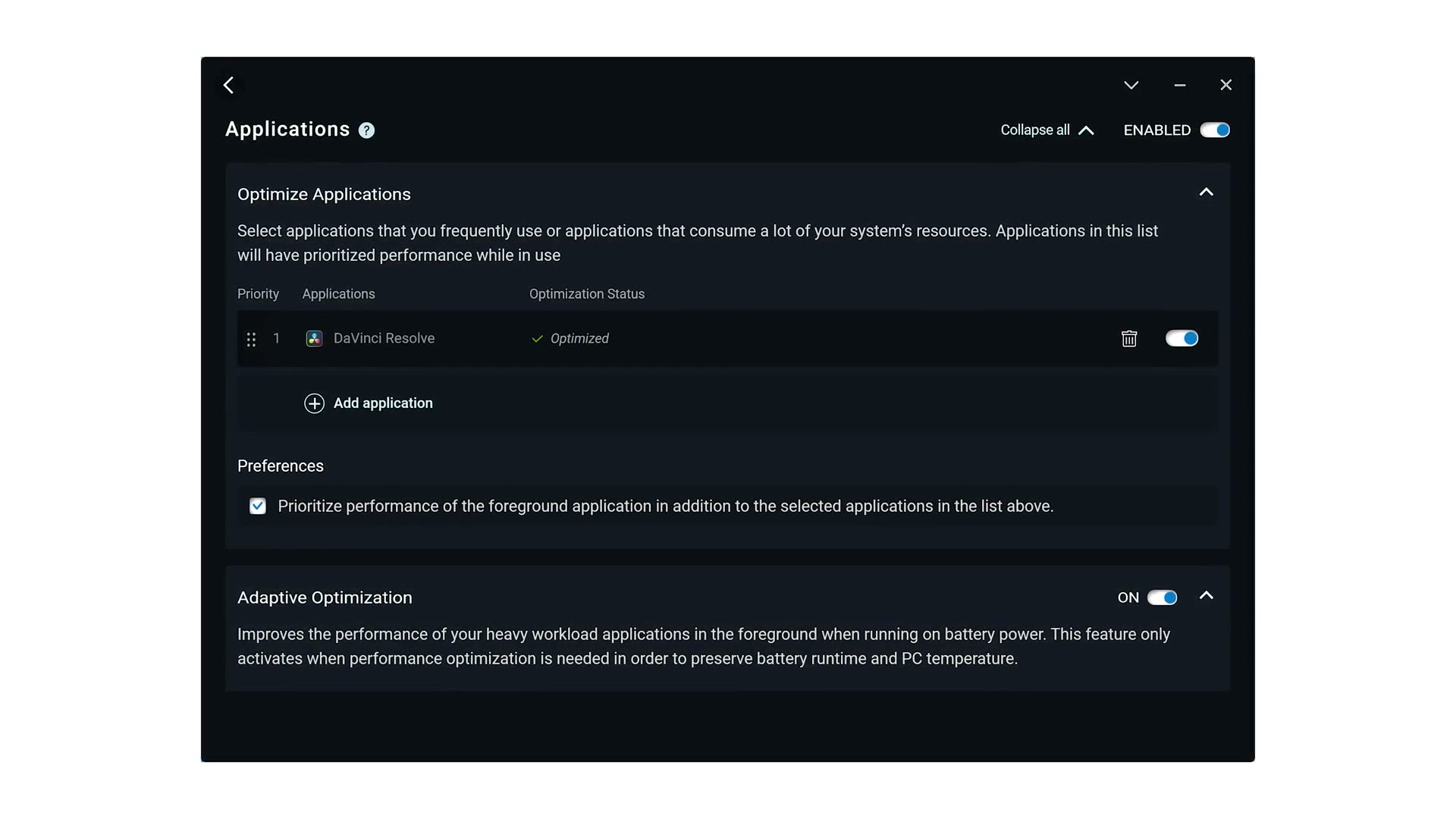
This is a known issue and Dell is quite aware of it. They even have a feature in the Dell Optimizer app included with the laptop that says it will prioritize foreground apps on battery power. But whenever I enabled that feature, I did not see any improvement in rendering speeds.
What this means is that if you’re using a Mac on battery, it will perform virtually identically to how it performs plugged in, so as a video editor you can edit and render quickly on battery. With a PC laptop like the Precision, if you’re editing or rendering on battery you’re going to notice that it feels and performs slower. It’s still usable, but you will definitely notice the difference.
Timeline Editing Performance
If you want a real world example of that difference, let’s talk about how fast this laptop is for video editing, specifically in the two ways that will actually affect you as an editor.
First, timeline performance. This is how fast and responsive the laptop is when you’re clicking around in your editing software, starting and stopping playback, making cuts, speed ramping, all the normal things you do when editing.
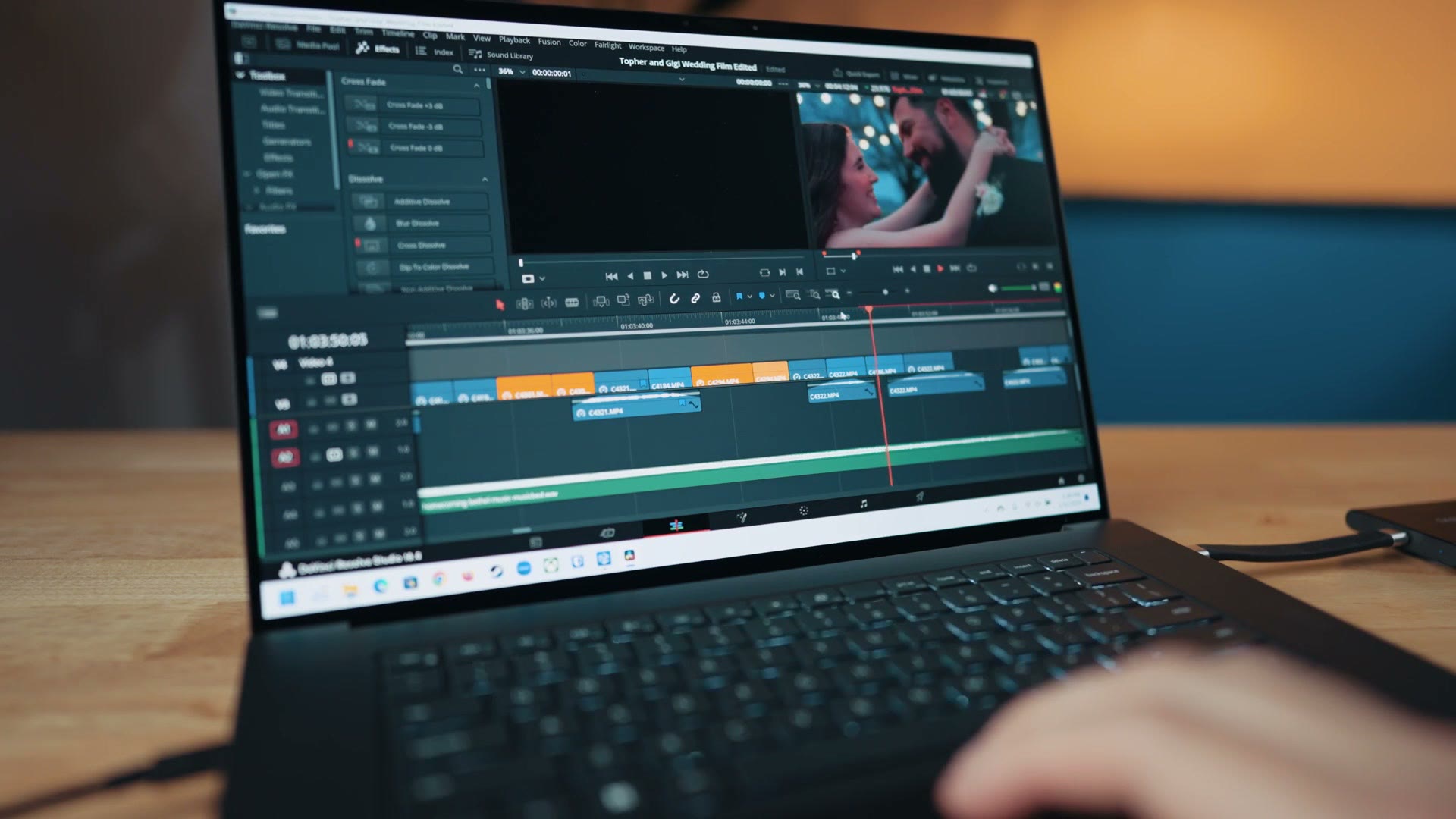
In my experience, editing with this laptop is quite fast, and I did not experience any slowdown or stutters when editing H.265 10-bit footage from my Sony a7S III in DaVinci Resolve while plugged in. On battery I got only minimal stutters, where the laptop would sometimes hitch playing back the timeline, especially with high frame rate clips that had been edited and color graded. Plugged in there were literally zero hiccups and the laptop performed flawlessly.
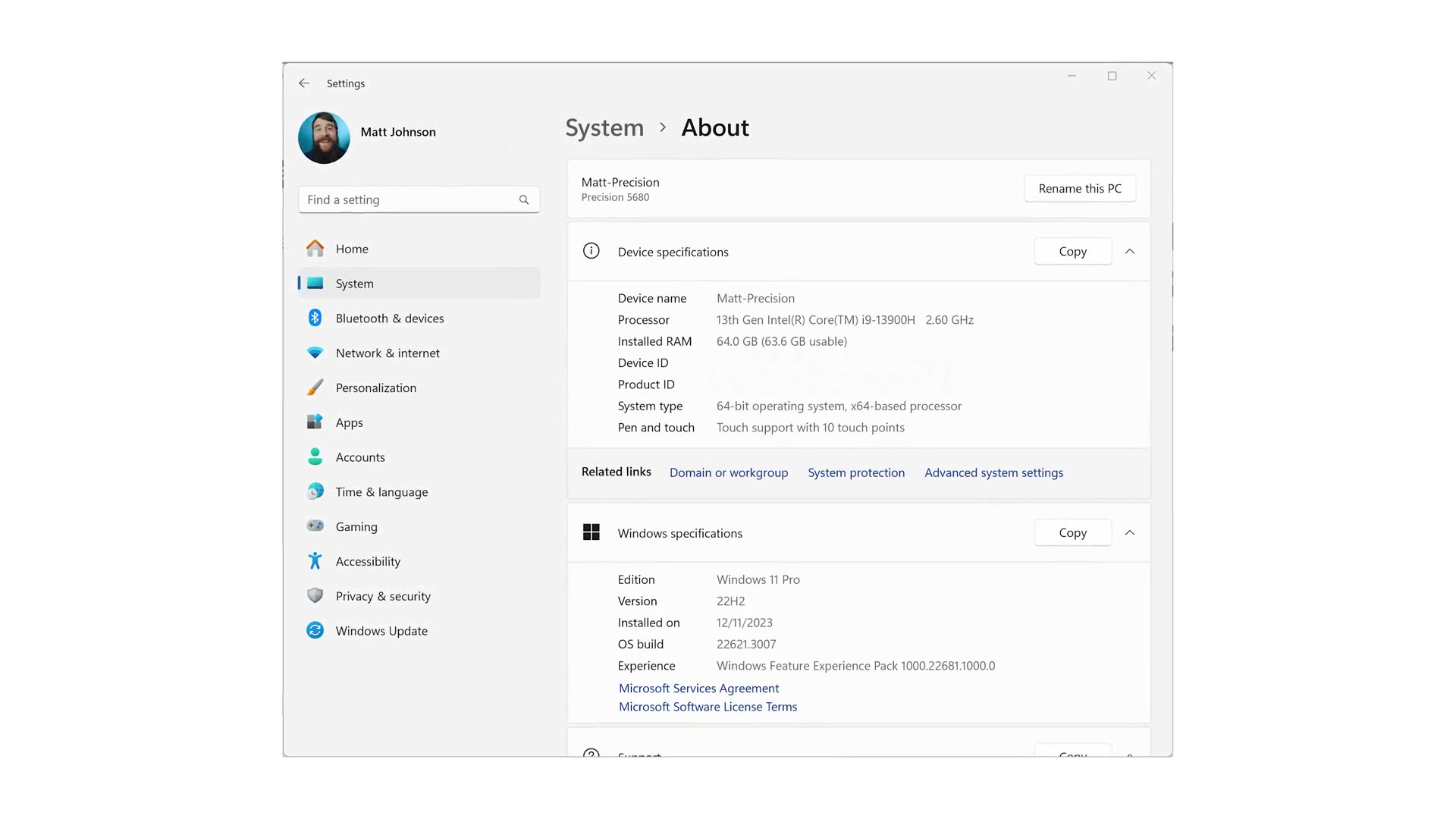
For context, the unit I tested has a 13th Gen Intel Core i9-13900H, 64 GB of RAM and an Nvidia RTX Ada GPU inside, so it is quite powerful.
Rendering Speed
The second thing that’s going to affect you is how fast this laptop can export and render a video. To be clear, you’re going to spend significantly more time editing than rendering, so timeline speed is what really matters and that’s why we talked about it first. But the nice thing about rendering is that you get a timer telling you exactly how long it took, which is a great way to benchmark a laptop.
I exported a 4K wedding video with my LUTs applied, in H.264 at 100 megabits per second out of DaVinci Resolve.
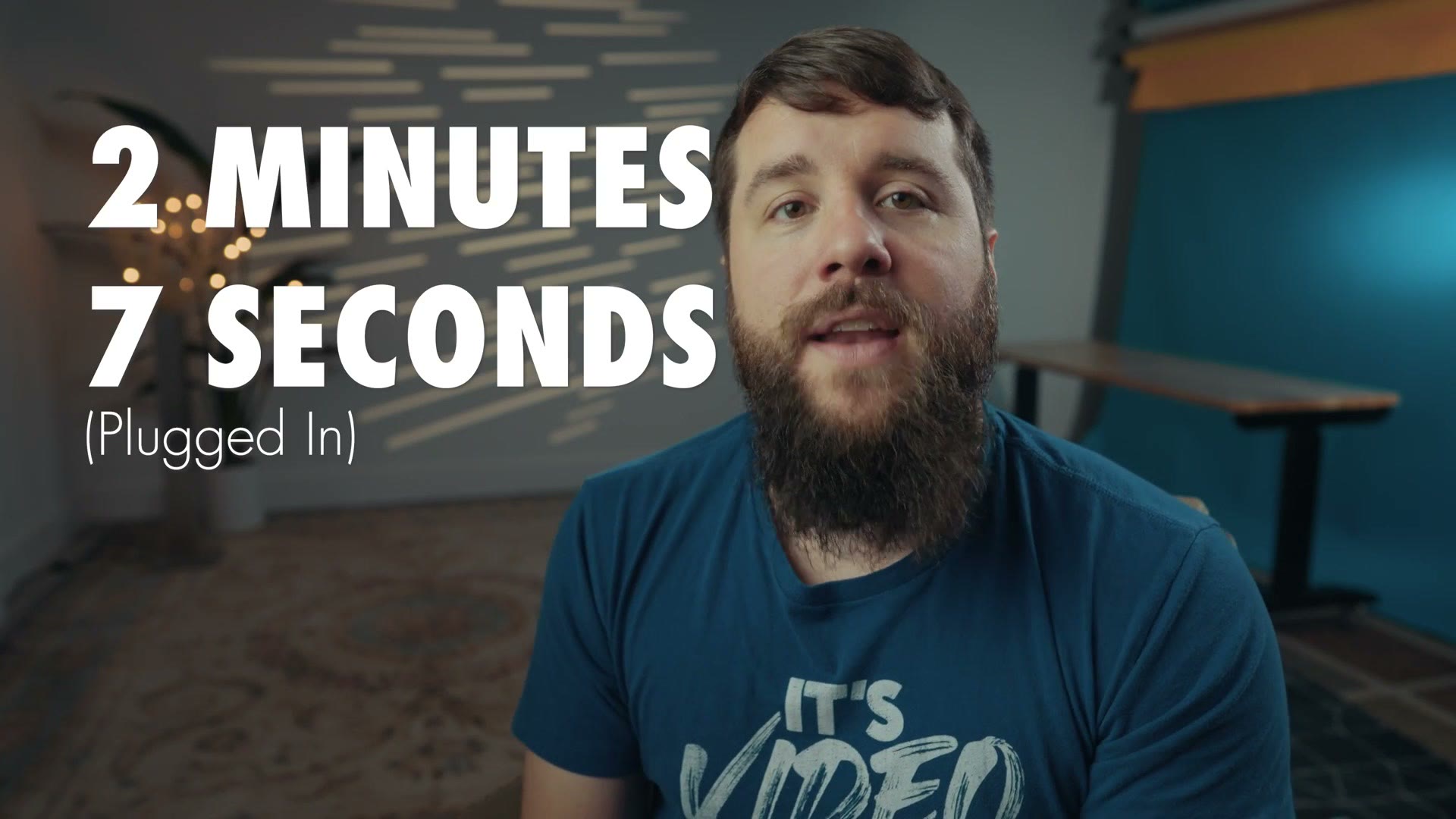
2 minutes and 7 seconds plugged in. Then, remembering that the laptop isn’t going to perform as quickly on battery, I exported that same file on battery power.
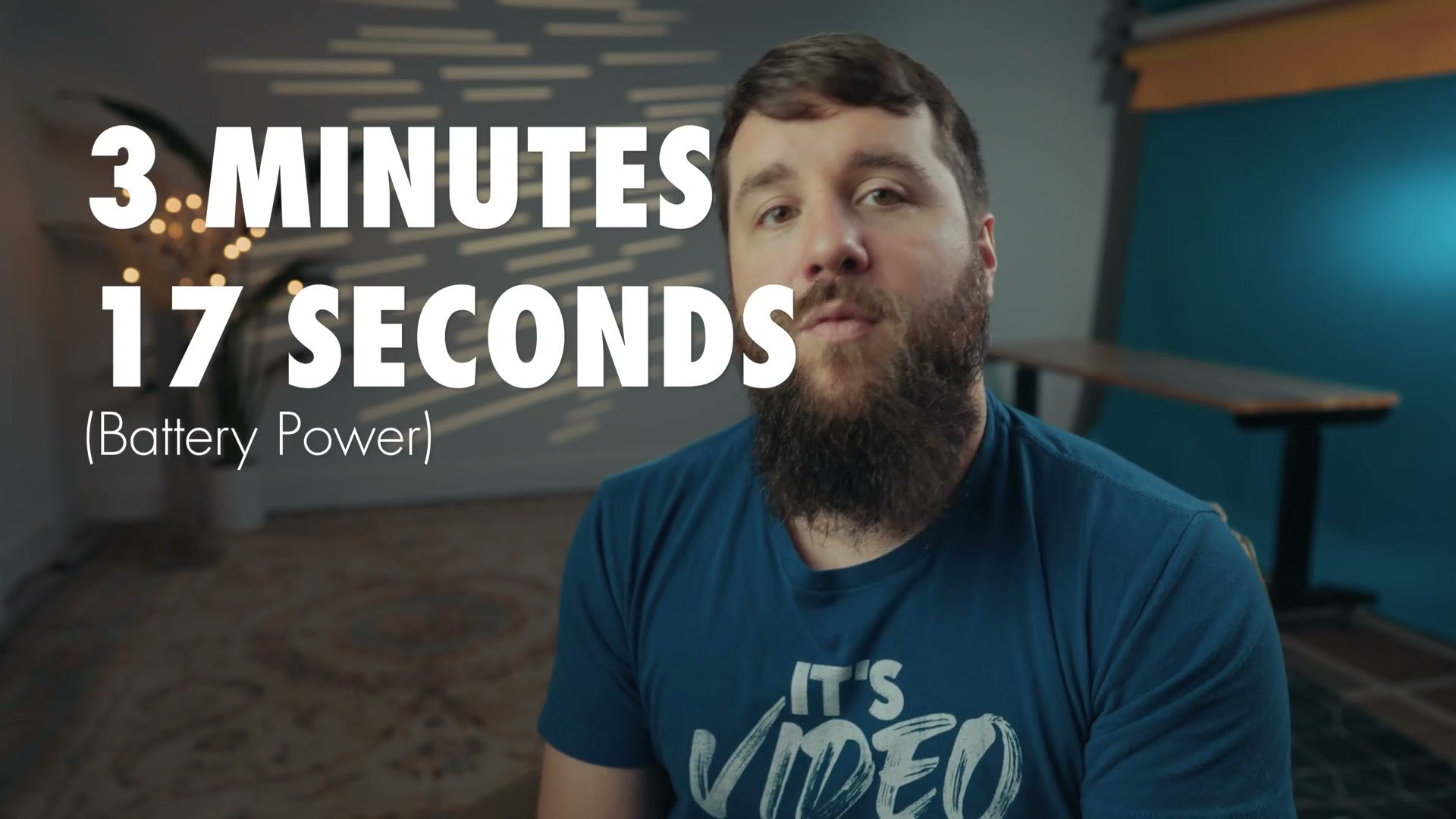
3 minutes and 17 seconds. So as you can see it is slower, but I’d still consider 3 minutes quite respectable for rendering video.
Fan Noise
Whenever a laptop renders a video everything heats up. The CPU and GPU generate heat as they process, and that heat has to go somewhere, so Dell of course has to put fans in the laptop. But how do those fans sound to your ears? Are they pleasant to listen to or not?
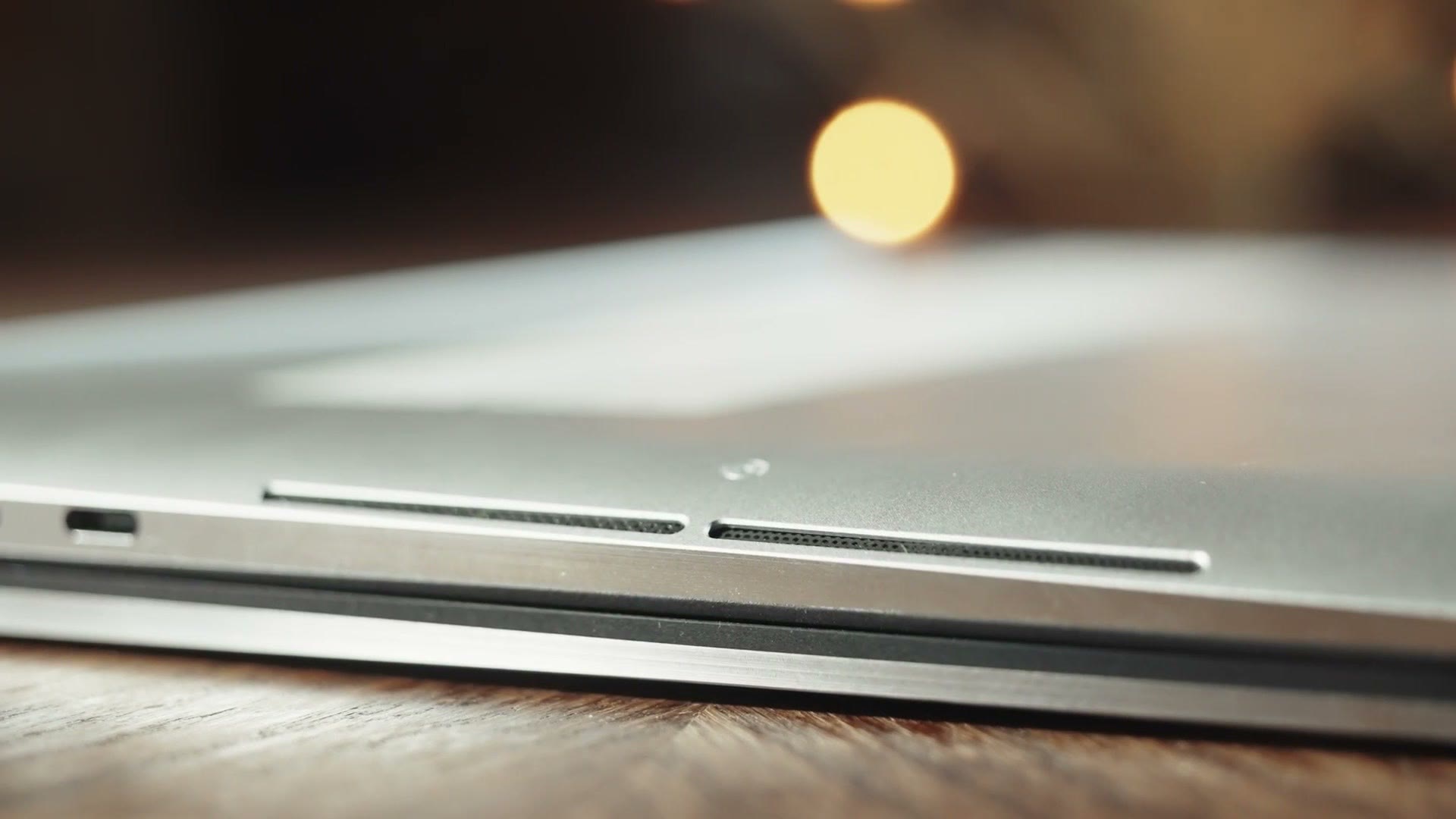
For context, with my Dell XPS 15 from 2018 I really hated how those fans sounded. Heads up: this link goes to the newer Dell Premium 16. They were loud and high pitched and you could definitely tell the laptop was straining to cool itself while rendering. Then came my XPS 17, which had a larger chassis that gave it better cooling, and the fans were tweaked to be less loud and more appealing. But I still felt like they were running maxed out pretty much all the time whenever I was exporting.
With the Precision 5680, it appears Dell has tweaked these fans again. They sound lower in tone to my ears compared to the XPS 17, which is definitely more pleasant. More importantly, they don’t seem to run as often when editing. I found the fans running pretty consistently at about half speed when they were on, but it wasn’t very intrusive. It’s only whenever I went to render a video that they would ramp up to full speed.
Should You Buy This Laptop?
If your tossup is between the Precision 5680 and a MacBook, I think each have their pros and cons, with the Dell having comparable build quality, ports and speed. The Mac is still going to win on the battery life front. But in my opinion the Dell wins on the screen, with an OLED that looks fantastic and still has me wondering why Apple hasn’t put something like this in their Macs.
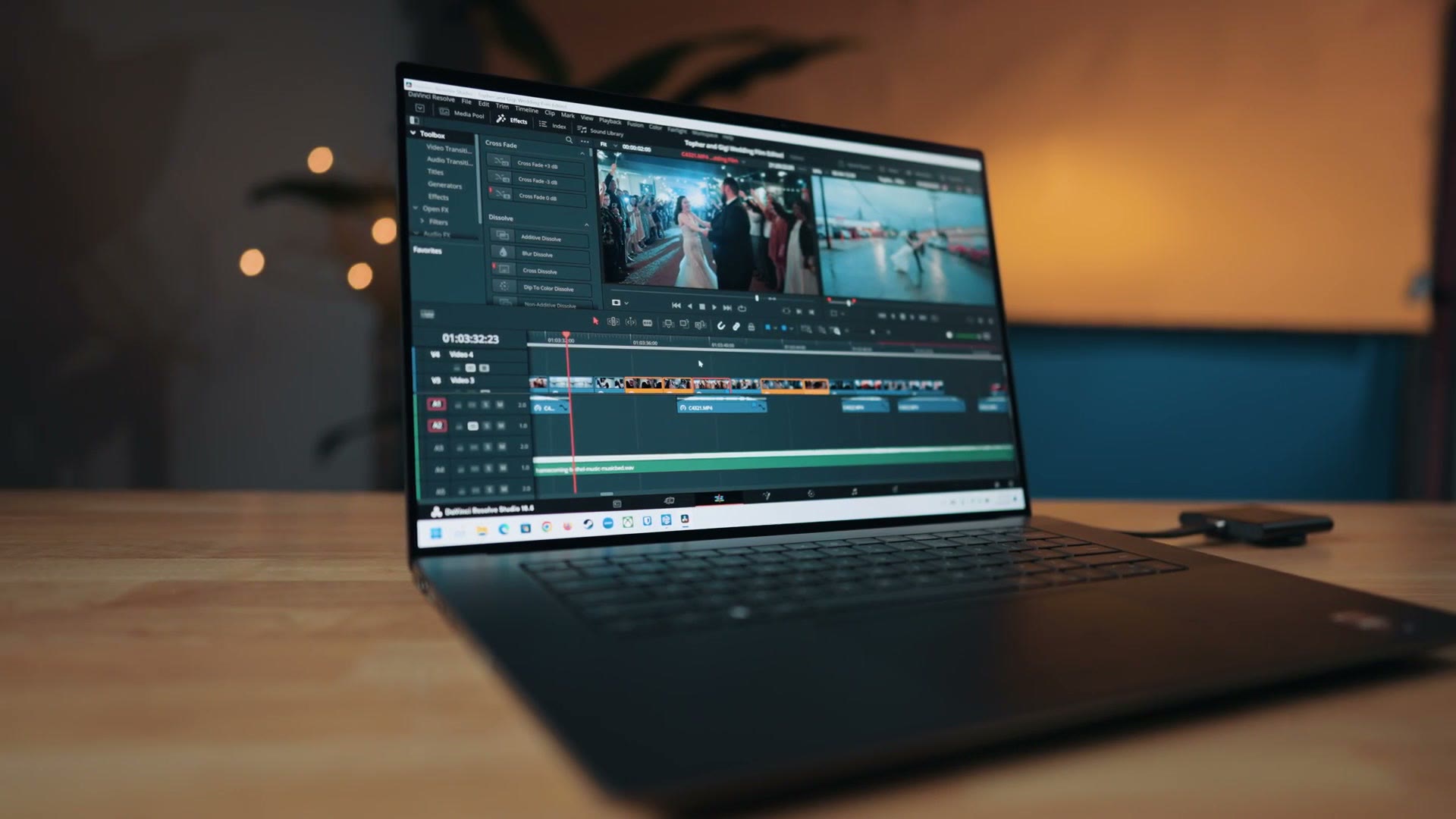
Like I said at the start, in my opinion this is one of the best PC laptops you can buy today. If you’re looking for an extremely powerful Windows laptop for video editing, I think Dell has crafted a stellar workstation here, with a fantastic build, a color accurate screen that’s free of issues, good sounding speakers, an accurate trackpad, and above all, internals capable of easily editing 4K video and the latest camera codecs. The Precision 5680 is a fantastic choice for video editors.
You can pick up the Dell Precision 5680 here.
And you know what else is a fantastic choice? Downloading my Edit Videos Like A Pro guide. This guide shows you the most important things that took me years to learn as a video editor, and regardless of what software you use you’re going to learn something from it. It’s completely free.
Thanks so much for reading, and have a great day!