
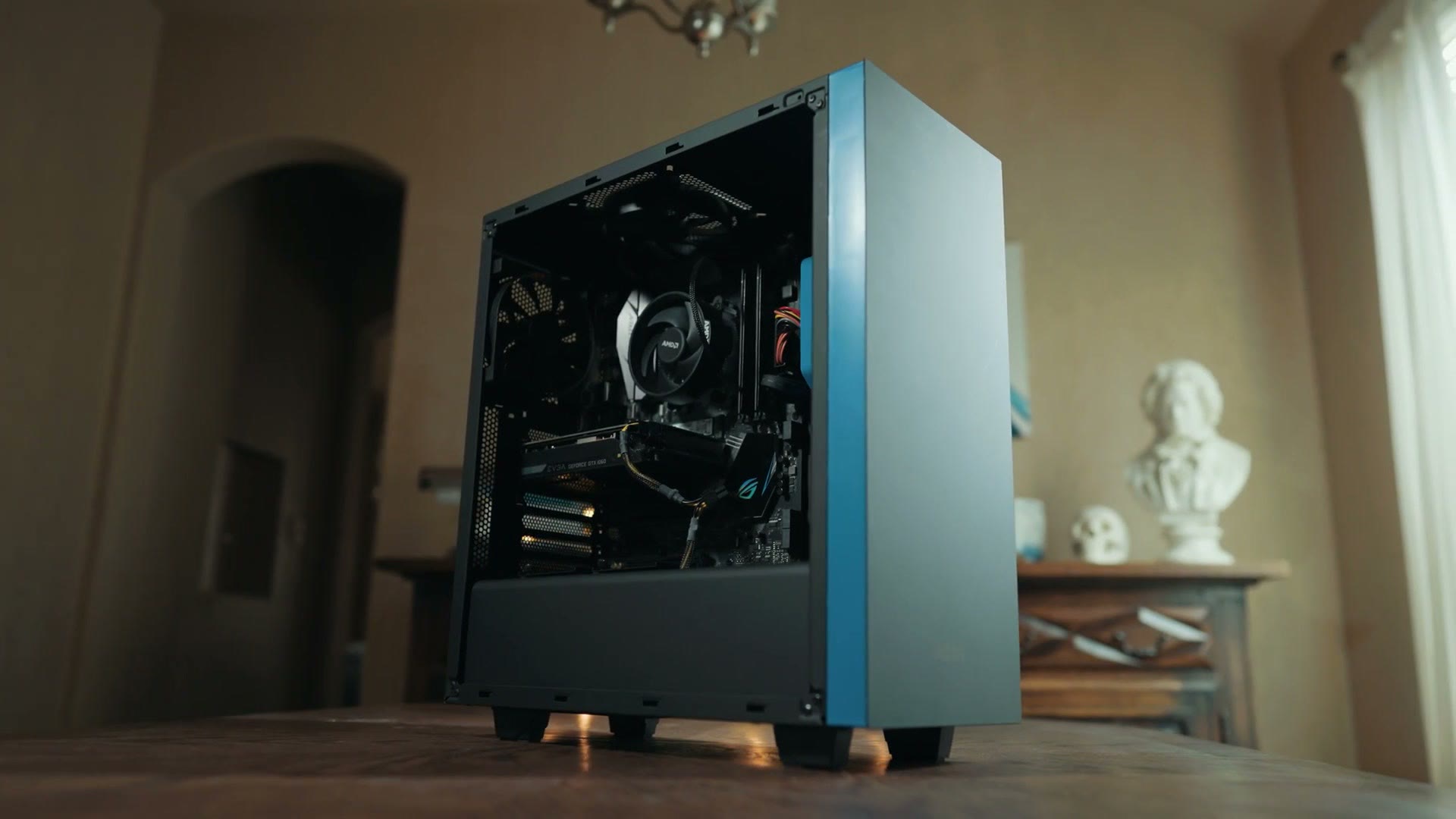
Here are all of the parts you need to build a budget 4K video editing computer for under $1,000. This is going to easily let you edit 4K and HD video in Adobe Premiere Pro or DaVinci Resolve, as well as edit photos, stream on Twitch, and even game if you want to, and it should be powerful for many years to come.
There are a few quick things you need to know before we talk about the parts.
First, everything I talk about here is linked below, as well as on my gear page, where it’s all nicely organized for you.
Second, this is just the parts you need to buy, not how to put them together. Don’t worry though, I made a video a while ago that’s over an hour long and details the entire step by step process from taking the parts out of the box to turning the computer on. You can follow along with that build guide here, and all the parts in this list go together the same way. Please do not be intimidated by building a PC. It’s a lot of fun and it’s kind of like putting together Legos.
Third, and this may be a bit controversial, but I’m going to say it. If you’re on a very low budget and you need a computer that will still be quite capable of 4K video editing, look into buying a Mac mini with one of Apple’s M1 chips inside. These are commonly available for under $500 refurbished, and I’ve even seen them as cheap as under 400, and that is a crazy deal for such a good video editing computer.
But of course, if you want to build your own PC for video editing and gaming, and you want something more powerful, and you prefer Windows and you have a budget of around a thousand bucks, keep reading.
The Motherboard
This is what you put all of your parts on, your CPU, RAM and graphics card, and it makes them all work together.
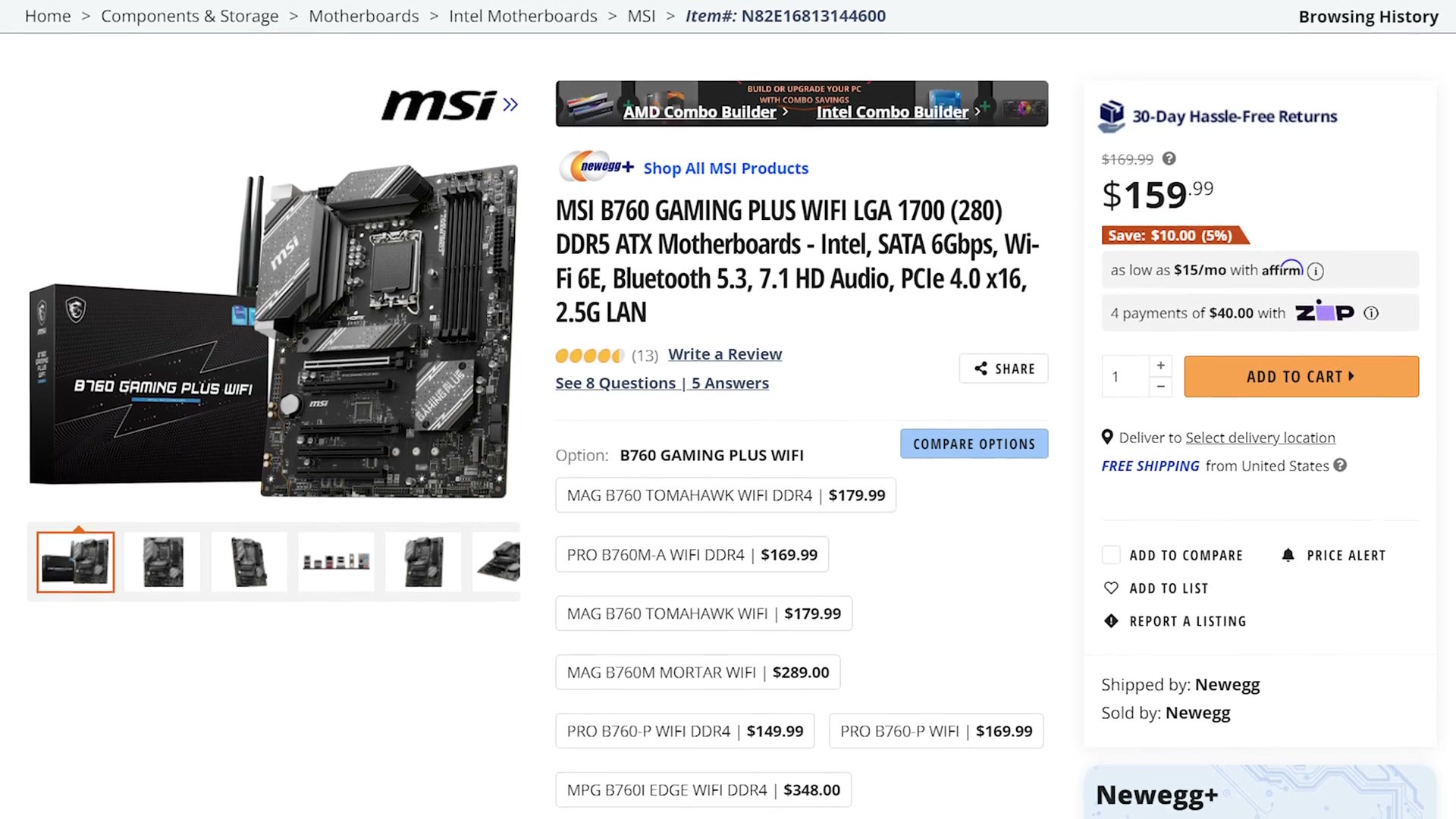
I recommend the MSI B760 Gaming Plus WiFi, which comes in at $160 at the time of writing this. With this motherboard you’re getting a good mix of features for a good price, including a lot of storage expandability, Wi-Fi 6 and USB-C.
The CPU
The brain of the computer, and arguably the most important part when it comes to video editing, because a fast CPU with a lot of cores makes a drastic difference in how fast your videos edit and render.
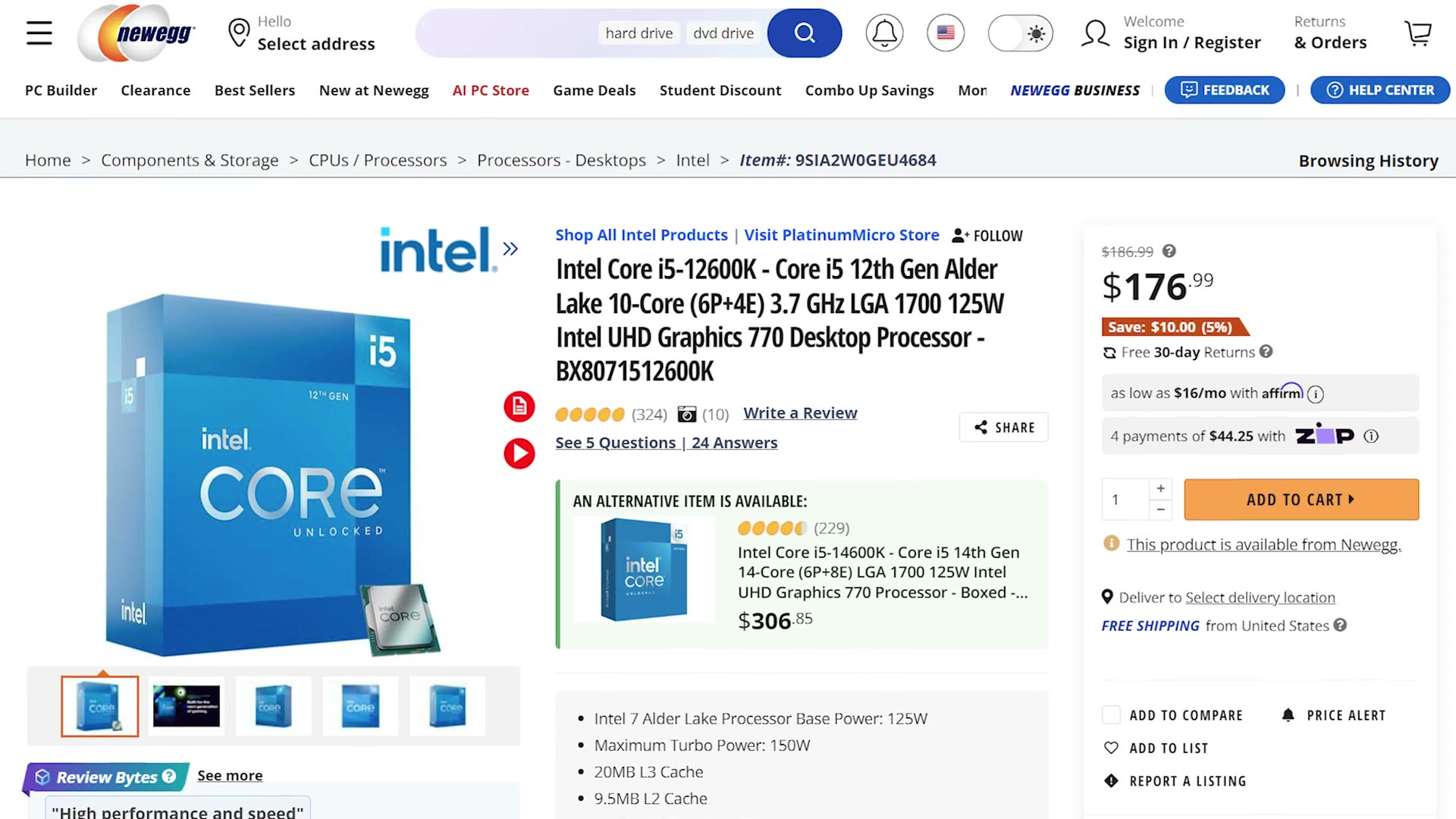
Sticking with Intel, because of course we have an Intel motherboard, get the Core i5-12600K, which has ten cores and 16 threads of performance, meaning it should handle video editing very well for a reasonable price.
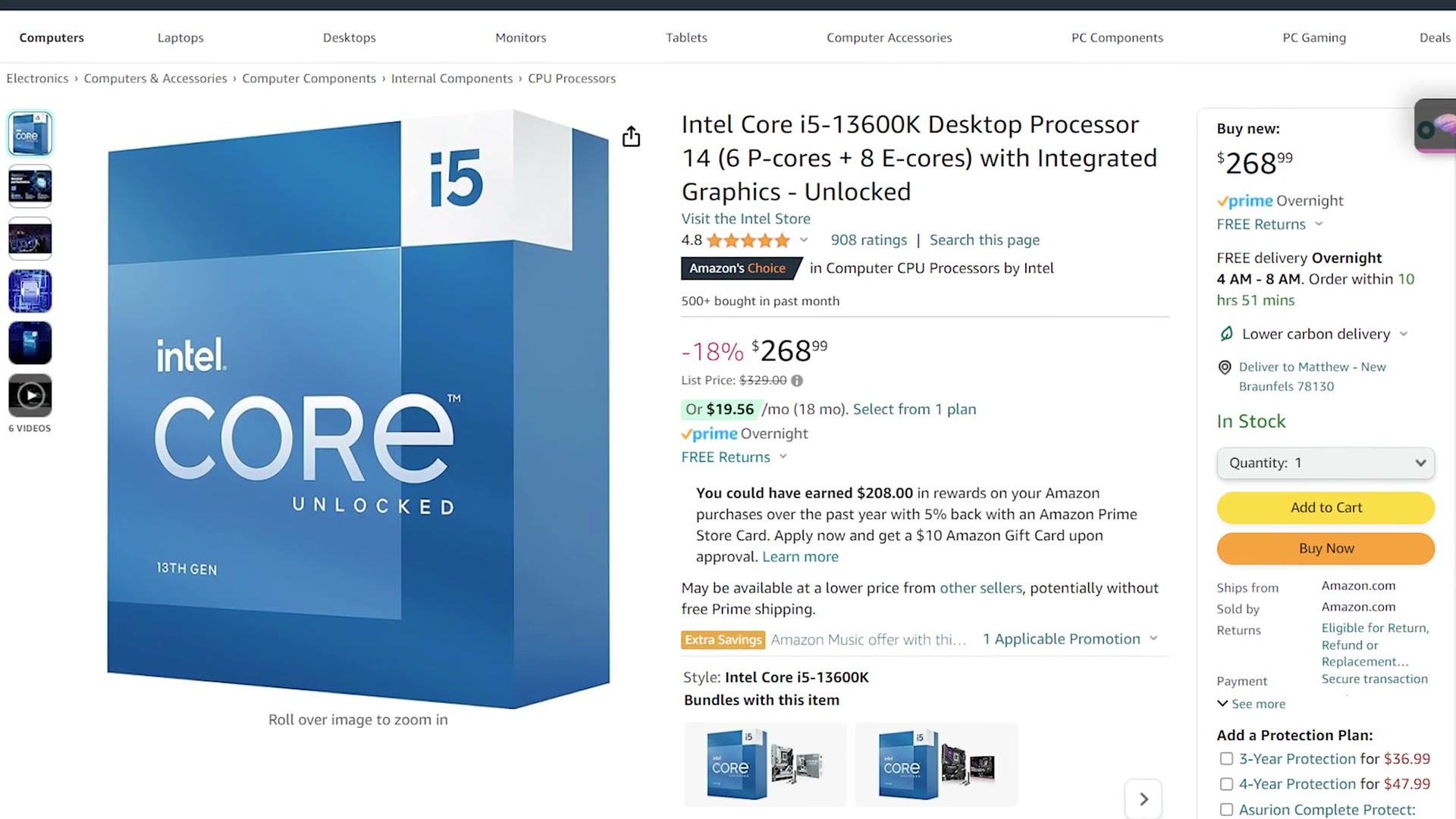
That said, if you have more money to spend, Intel’s Core i5-13600K will give you four more threads of performance for about $100 more. It’s a good deal in my opinion and it also works with this motherboard, so go with that if you have the budget.
The CPU Cooler
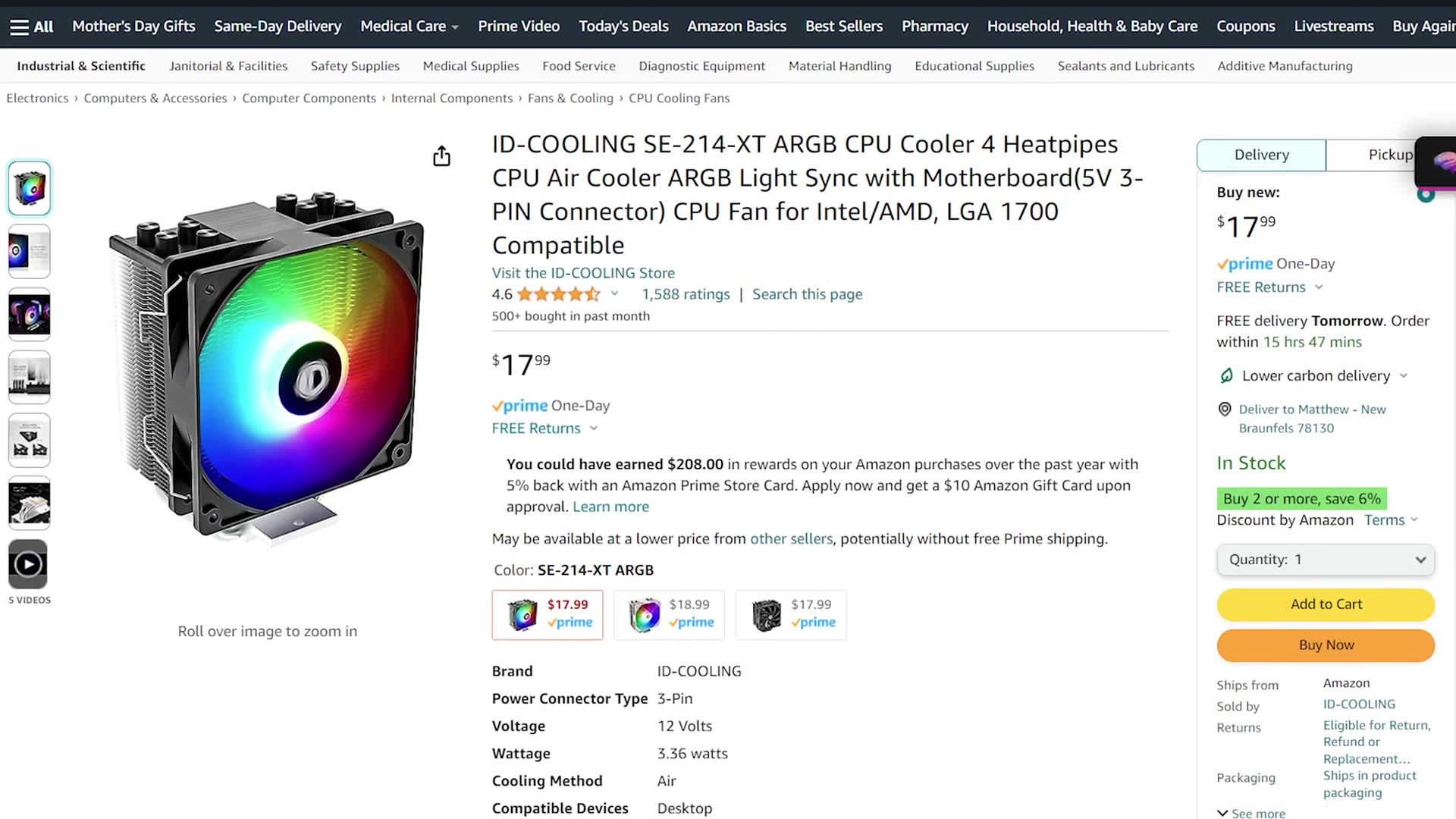
Keep in mind you’ll need a cooler for either of those CPUs, and for that I recommend the ID-COOLING SE-214-XT, which just rolls right off the tongue there, and currently retails for 18 bucks. It’s a no frills cooler that will keep your CPU cool.
RAM
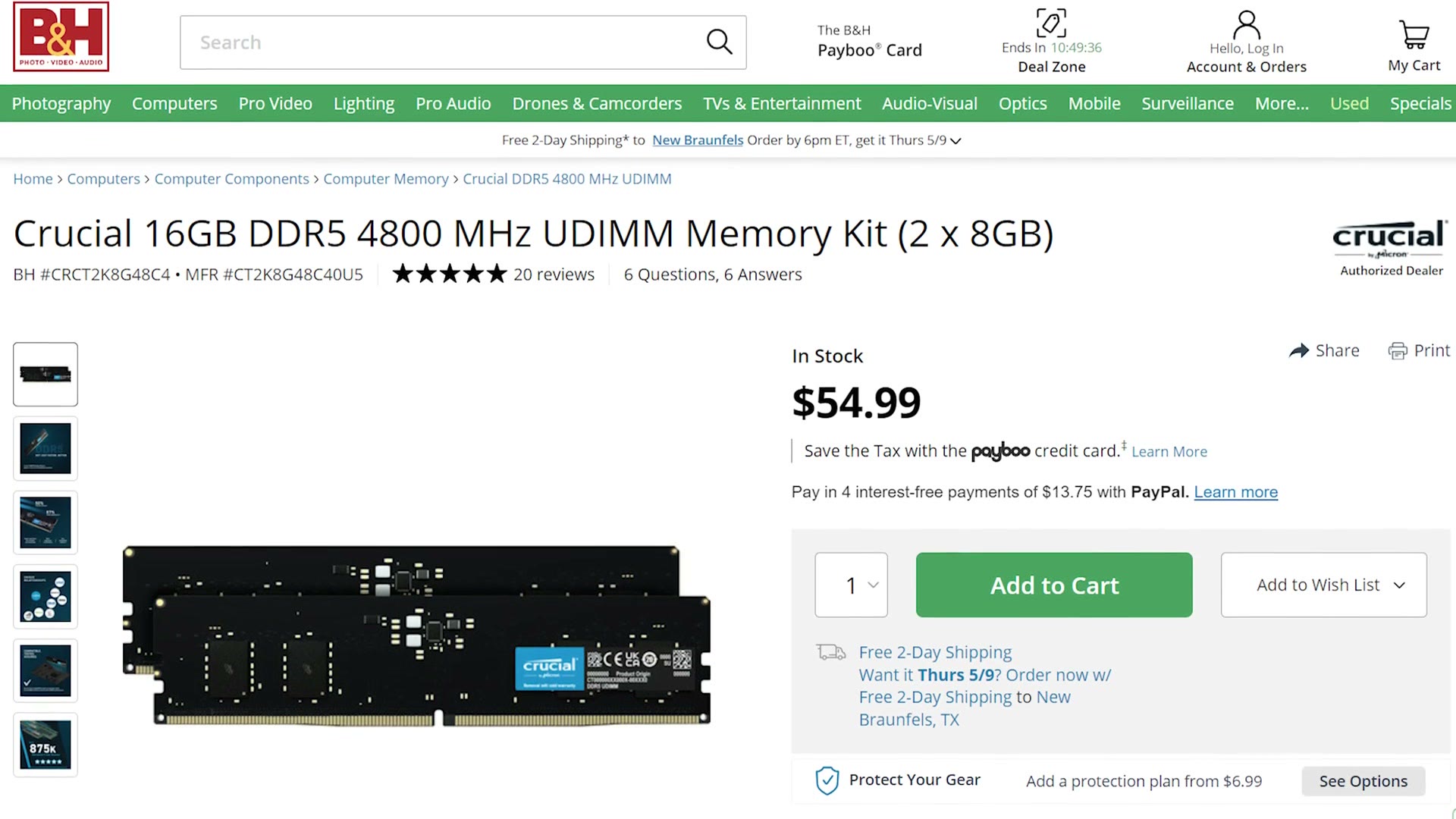
This is what your computer needs to run its programs. For RAM I’d recommend 16GB of Crucial DDR5-4800. Yes, we’re using DDR5, which is finally coming down enough in price for me to recommend it, and at 55 dollars at the time of writing this, it won’t break the bank.
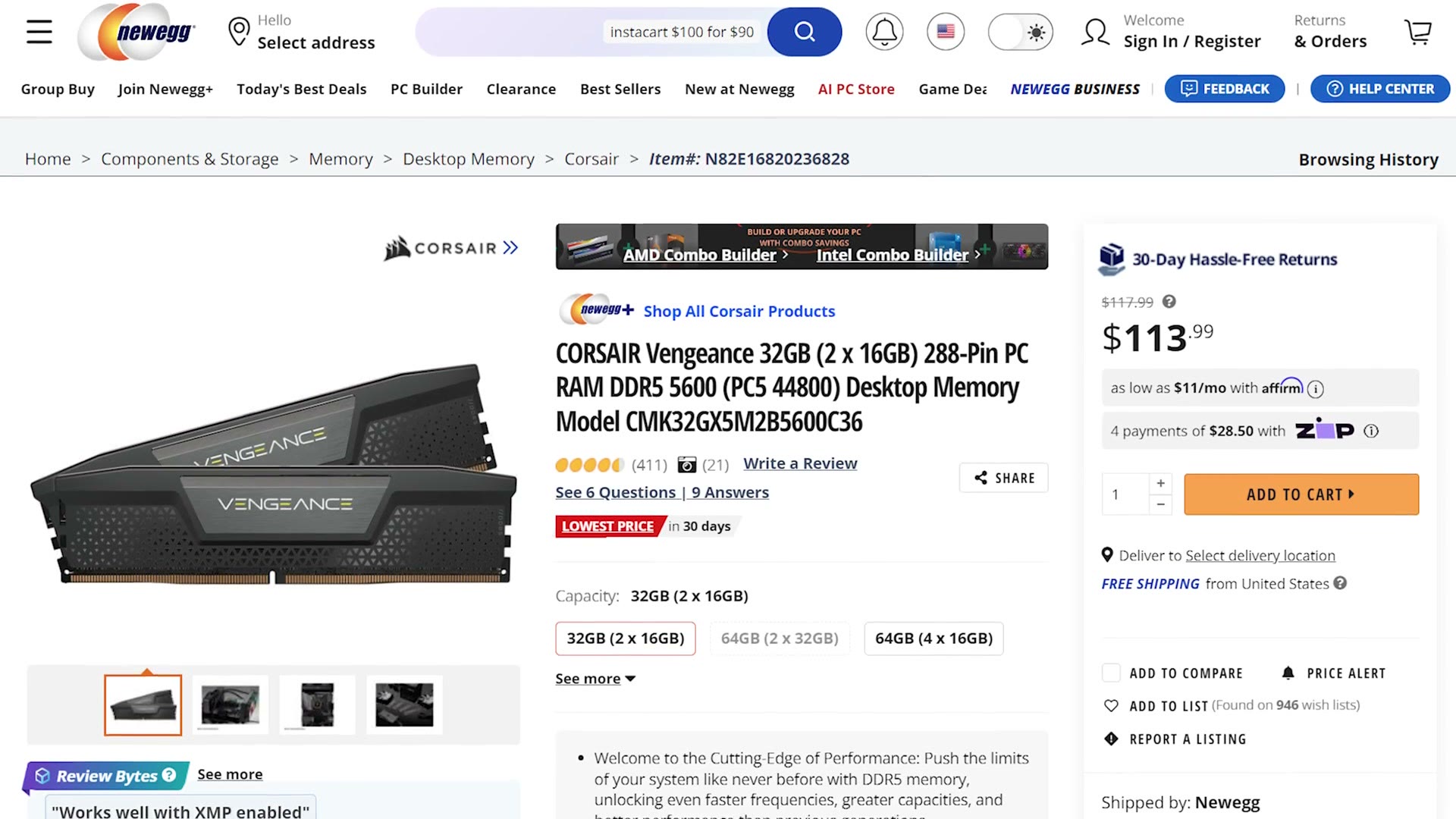
As an upgrade, I’ve found the sweet spot for 4K video editing is 32GB. For this build specifically I’d recommend 32GB of Corsair Vengeance DDR5-5600, which retails for 114 bucks.
The SSD
This is the fast hard drive that stores all of your programs while you’re editing. This motherboard supports PCIe 4.0 x4 SSDs, which basically means they’re faster than ones from a few years ago.
Specifically I’d recommend the Crucial P3 Plus 500GB M.2 SSD, which is very well loved and quite fast. But if you have the budget, Crucial also makes a 1TB version for only about $12 more, so don’t be afraid to go crazy and spend a bit extra.
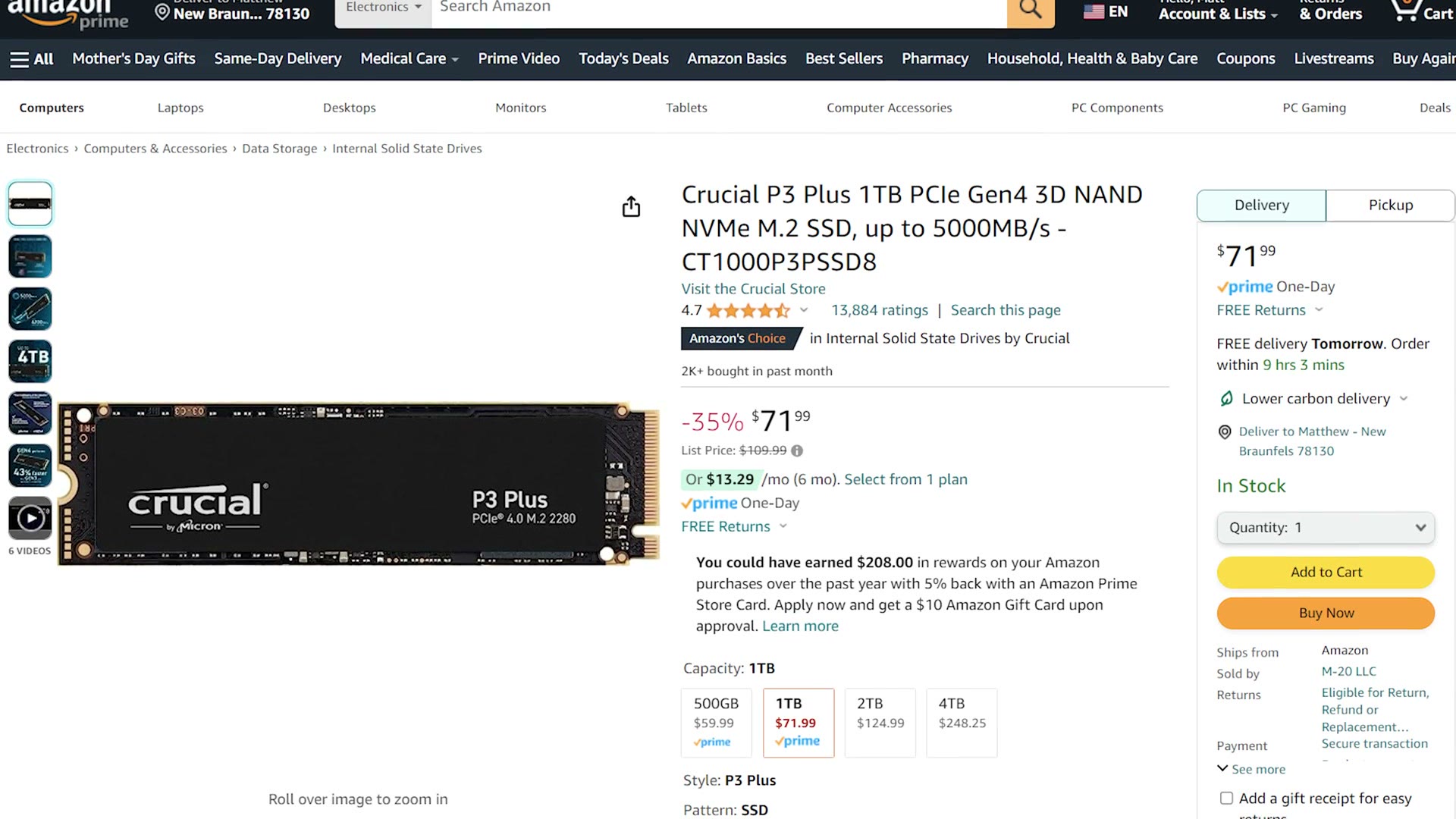
Do keep in mind that I only recommend using this SSD to store your programs. For the fastest video editing speed it’s best to have a smaller SSD for your programs and a larger SSD or a regular hard drive to store your video files. I’ve linked to the drives I recommend below, both internal and external.
The Graphics Card
Everyone’s favorite part of any computer, and this is where I can finally just make an easy recommendation, because GPU stock and prices have finally stabilized after the insanity of the last few years.
If you want a great all around option that’s going to handle 4K video editing plus some gaming too, get the MSI GeForce RTX 3060 Ventus, which retails for 289 bucks at the time of writing this.
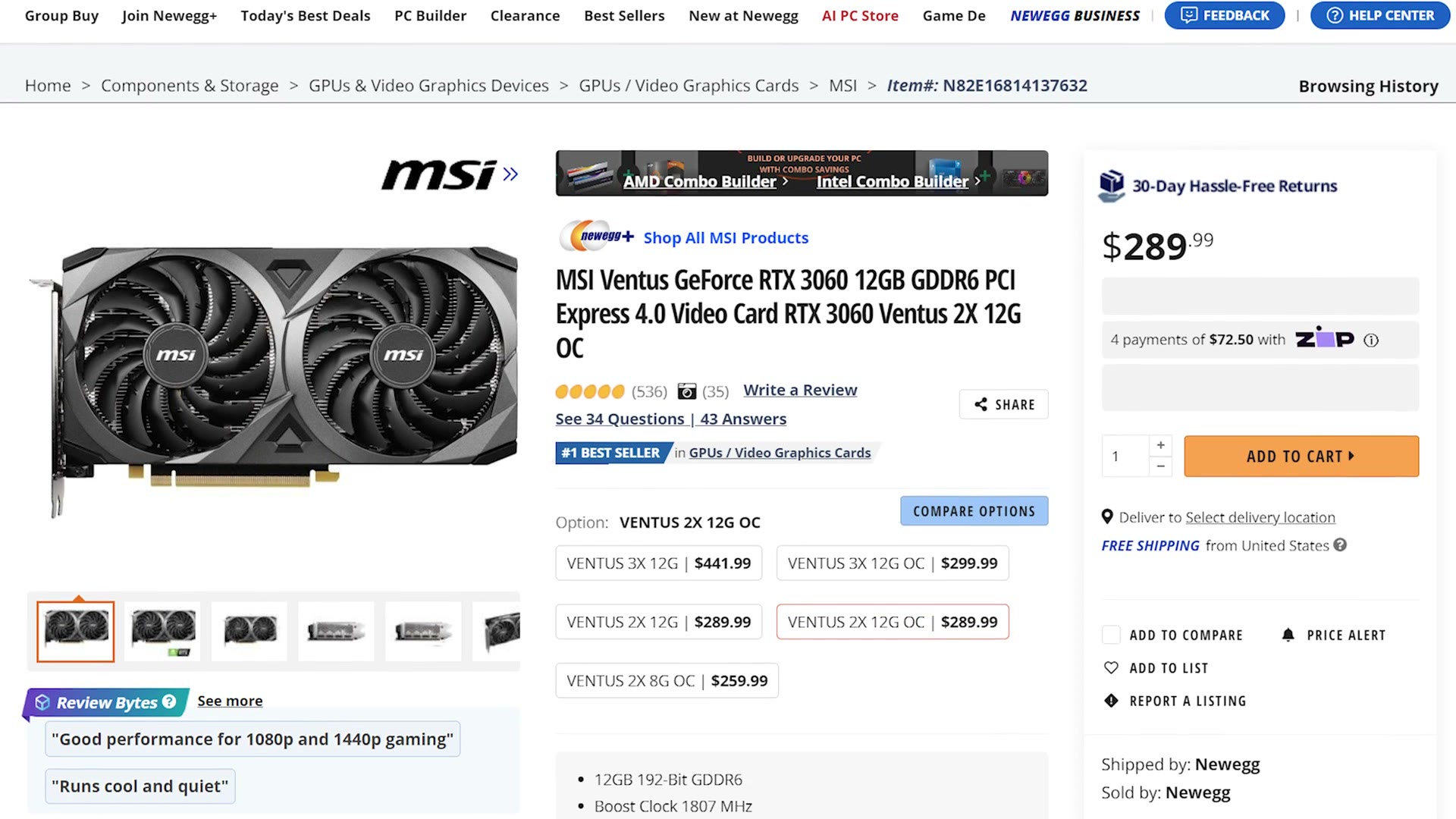
This card has 12GB of VRAM, which is very important for video editing, and because it’s an Nvidia card it supports hardware encoding for most video when rendering, which makes everything faster overall.
Just keep in mind that if this exact card goes out of stock, you don’t have to buy another MSI card. Just look for another Nvidia RTX 3060 from a different manufacturer, buy that, and you’ll be good to go.
The Power Supply
You’re going to need to give your parts all the electrical juice that they crave. That’s what plants crave. Anybody get that reference?
I’d recommend the EVGA 650 N1. EVGA is one of my favorite brands and it’s pretty much what I’ve always used in my computers, and they’re very reliable.
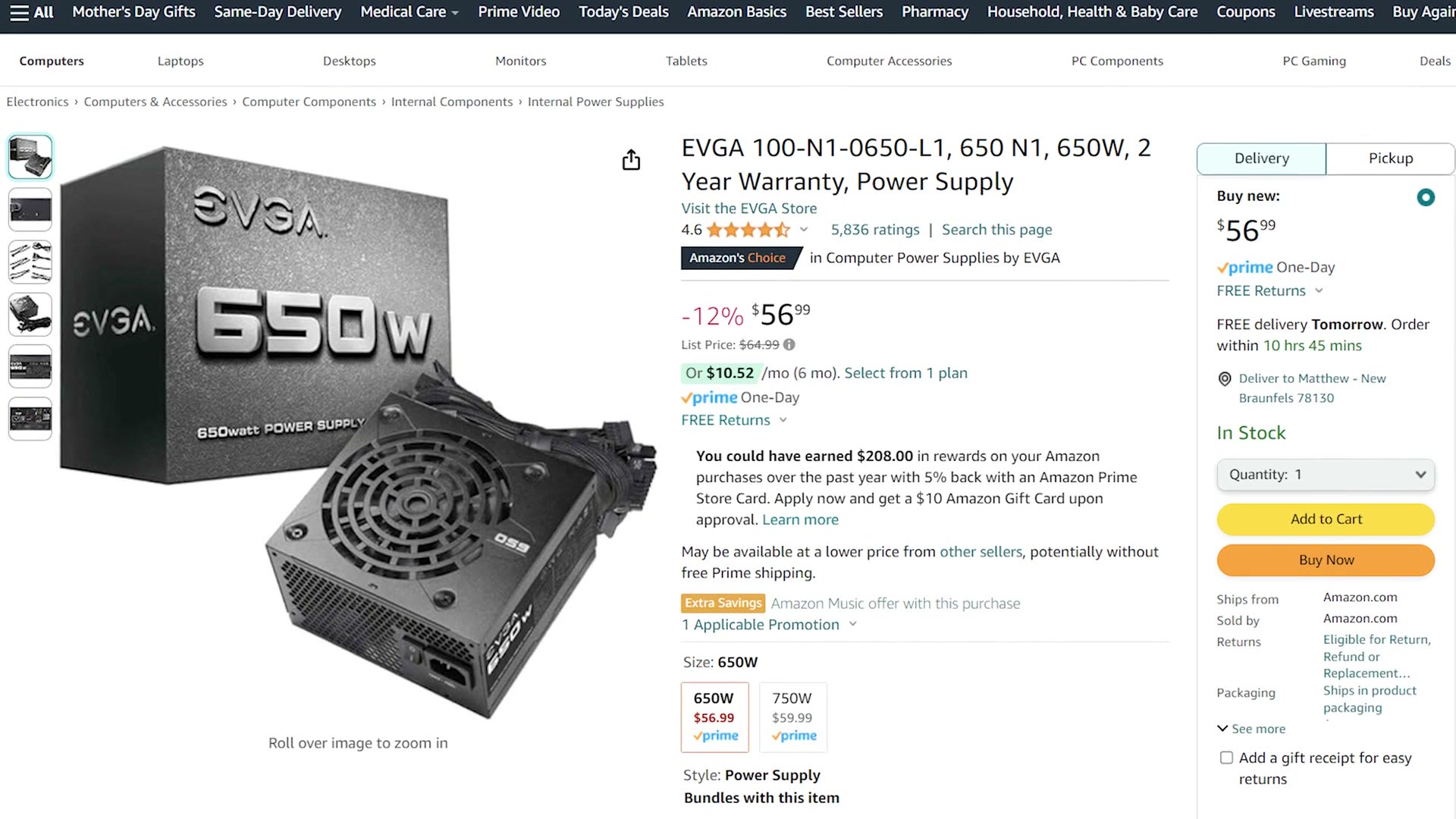
Please keep in mind this is not a modular power supply, meaning all the cables are permanently attached to the back of it, and that can make cable management a bit more difficult. But it does keep the cost down.
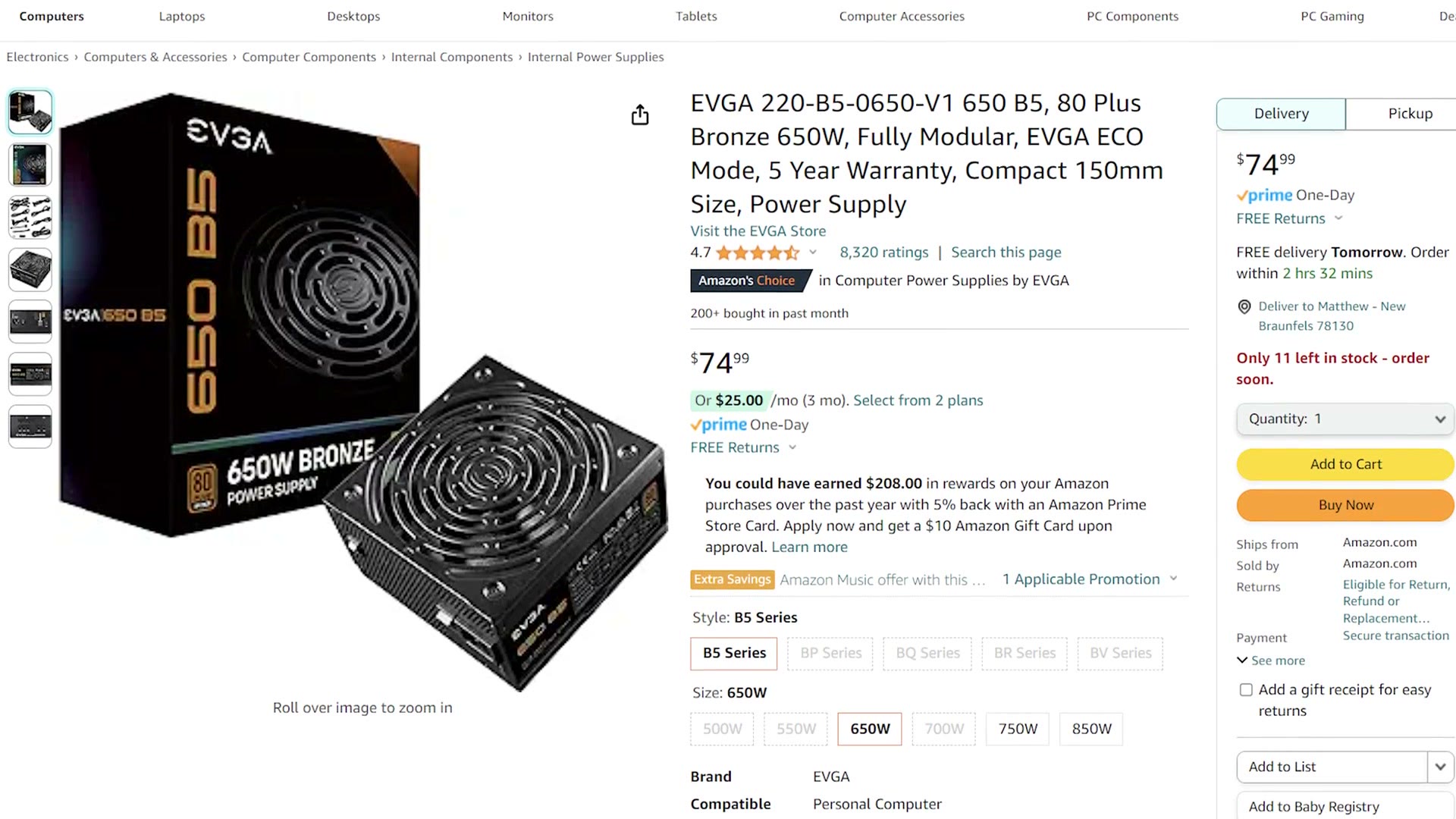
If you have some extra money and you want easier cable management, I’d recommend the EVGA 650 B5, which is fully modular and should result in a cleaner looking build for not too much more money.
The Case
Lastly, you need something to put all these parts inside. Because you’re going to be rendering and editing video, you’re going to need great airflow, so for that reason I’m recommending a case with airflow right in its name. It’s the Corsair 4000D Airflow, which has a really great design that will breathe well while also not being too flashy or covered in RGB lights that might distract you while editing. I really like the subtle look of it. It’s pretty.
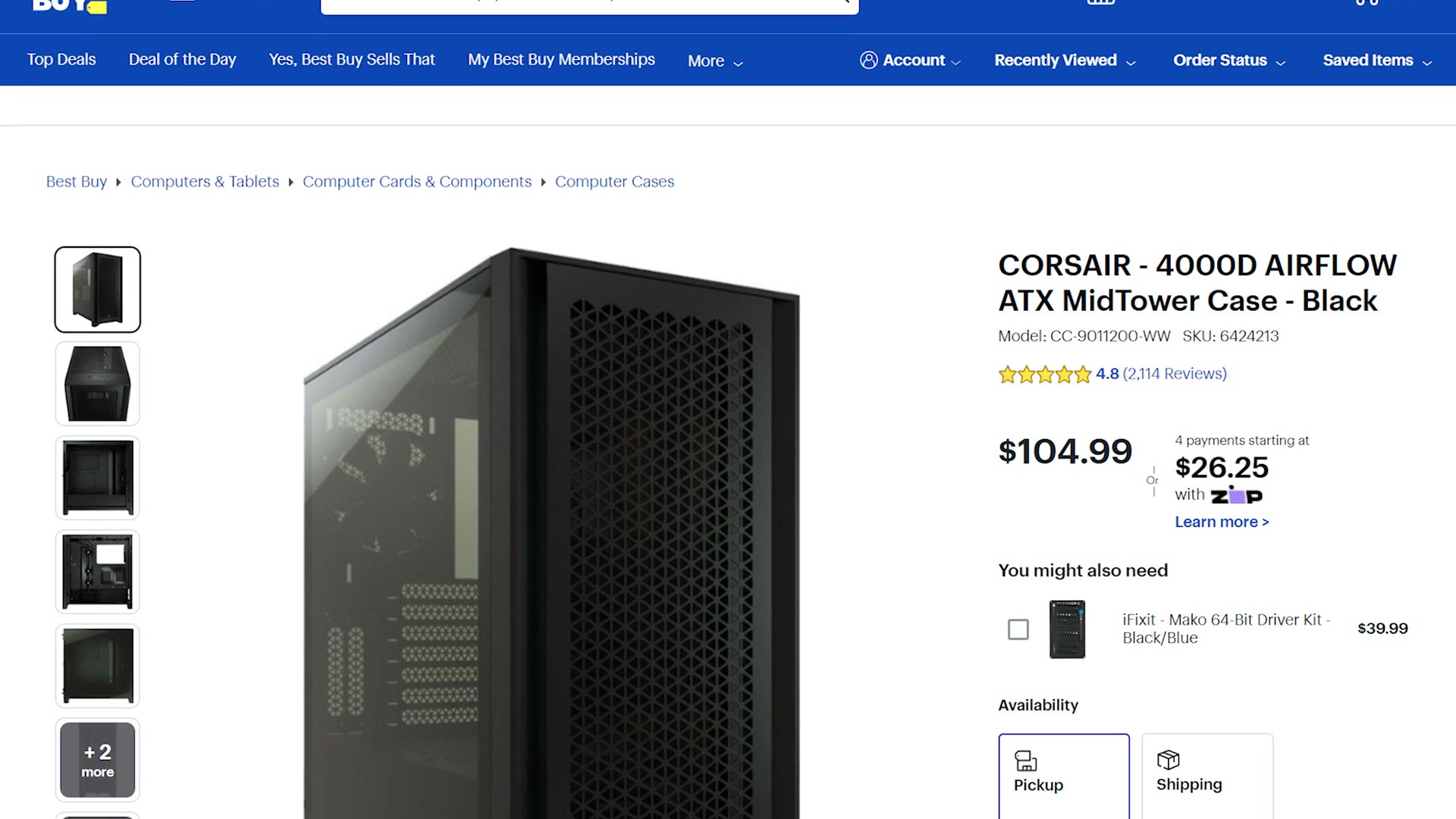
One thing to be aware of: this case doesn’t have any 5.25 inch drive bays, meaning you’re not going to be able to install a CD, DVD or Blu-ray burner inside it. If you’re one of those people who still makes discs, and I know you’re out there, that’s why I’m telling you. The good news is that you can pick up an external DVD burner for about 25 bucks, or an external Blu-ray burner for less than 100. Just get one of those.
Everything Else You’ll Need
And that is your under $1,000 video editing PC build. As always though, there’s more you’re going to need: mouse, keyboard, monitor, speakers, operating system. For all of those physical accessories there are so many options out there and it depends entirely on what you prefer, so here are my picks:
- A basic keyboard
- The best mouse ever
- Good speakers
- A color accurate monitor, in either HD or 4K. I’d recommend the 4K option
As far as the operating system goes, I’d recommend Windows 11, and here’s an article where you can read about how to get a copy for free or for very, very cheap. Love that.
If you’re interested in learning more about video editing, I have a free guide called Edit Videos Like A Pro that shows you the most important things I’ve learned to help you improve your video editing. You can download it for free.
Thanks so much for reading, and have a great day!