
The Nikon Z6 III is a truly fantastic full frame camera that takes everything great from the Z8 and Z9, like internal RAW recording and great autofocus, and puts it into a smaller and more affordable body that also has a flip out screen. That’s a mild spoiler for how excited I am about this camera and what it means for filmmakers who use Nikon, or who are considering using Nikon.
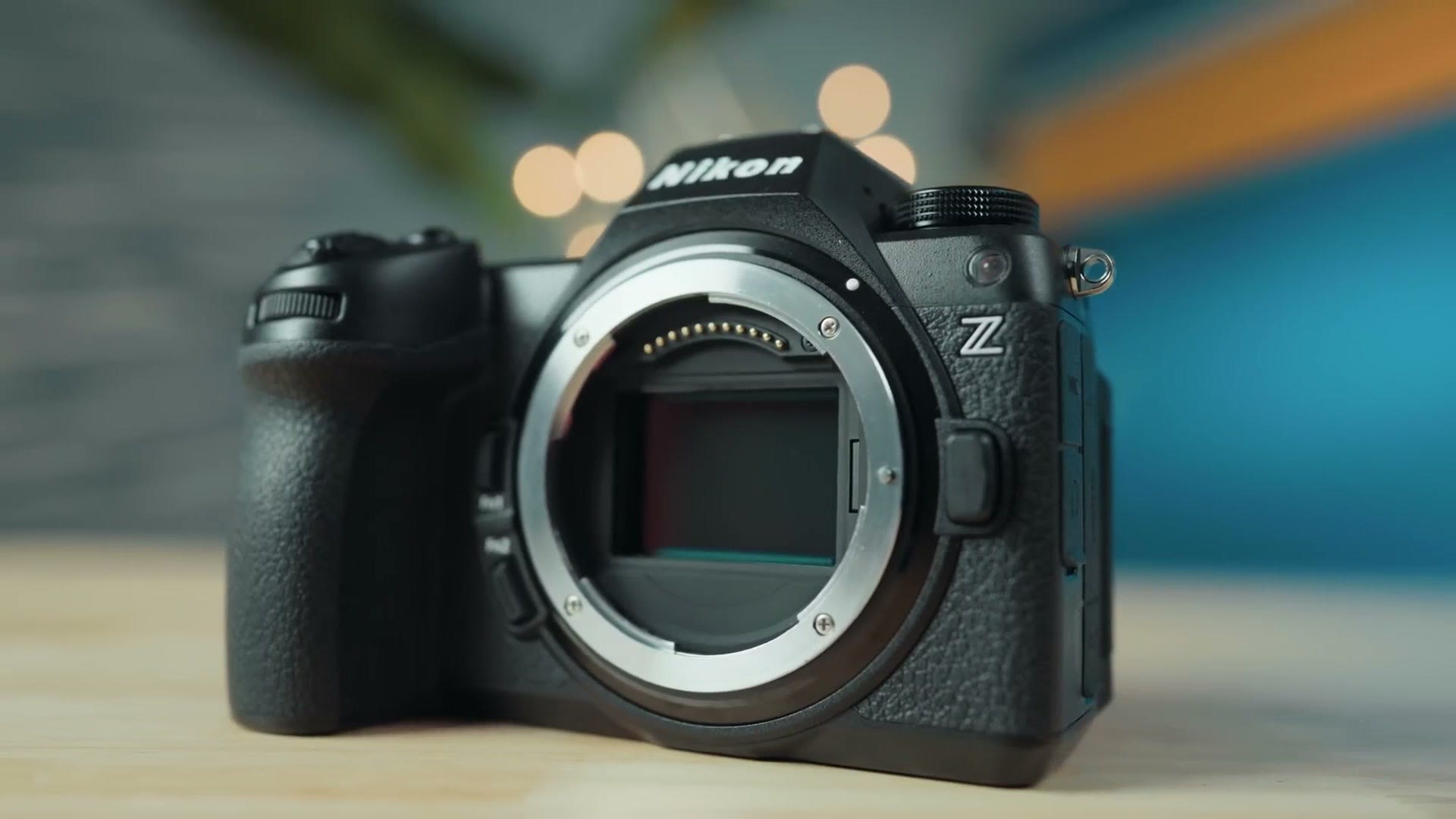
This is an early review of the Z6 III from the perspective of a wedding filmmaker, so if you’re someone who films weddings, or you’ve been considering getting started filming weddings and you’re looking for an entry level full frame camera that is still packed with features, this one is for you.
Speaking of getting started filming weddings, I’ve put together a free workshop that shows you how to book your first wedding. If you’ve been considering getting started and you’re wondering how the heck you book a couple to film, and how you turn this into a repeatable business that gives you more income over time, I highly recommend watching it.
Also, for the sake of ethics, I want you to know this review is not paid or sponsored by Nikon, but they did loan me this camera with pre-production firmware for a few days so I’d be able to make it. That’s why I’m calling it an early review, because I’m sure there may be things I missed, so please watch and read more than just my review if you’re thinking about buying this camera.
And for full transparency, when Nikon sent me this camera they also sent someone with it to chaperone it, because they’re very concerned about leaks. Very secretive. So in a few days that person is taking this camera back to Nikon with them. The camera chaperone has no input in what I’m saying here though, and neither they nor Nikon saw the script or the finished video before I uploaded it.
Body And Build Quality
Just like with the Z8 and Z9, this camera is built like a tank. It feels very solid to hold and it has some heft to it. That said, the Z6 III is noticeably lighter than those other two cameras, and this is really something you want to keep in mind if you’re a wedding filmmaker, because the heavier your camera is, the more likely you are to feel it on a long wedding day.
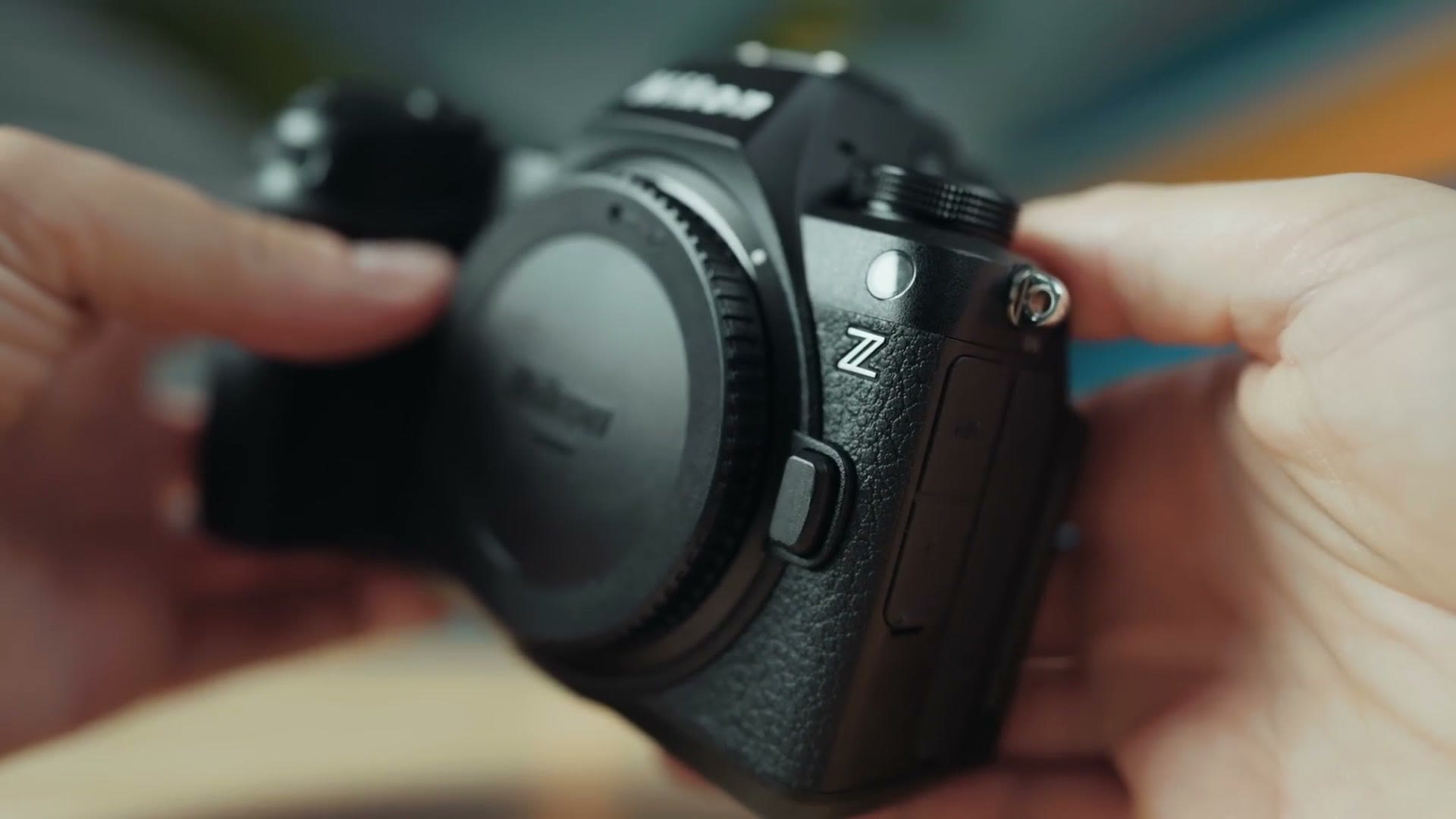
Nothing against the Z8 and Z9, but whenever I tested them I found my arms tired after a pretty short amount of time, because of how large those cameras are, and because I’m used to Sony, who makes full frame cameras that are pretty lightweight in comparison. Thankfully the Z6 III is more in line with Sony in regards to weight, and I think that’s a really good thing. This camera has a good feel to it.
The Flip Out Screen
Flip it around to the back and here’s where things start to get more interesting, because unlike the Z8 and Z9, which have a tilt screen, the Z6 III comes with a fully articulating flip around screen. So if you’re someone who needs to film at different angles, or see yourself while you’re filming, this is the camera that’s going to easily let you do it.
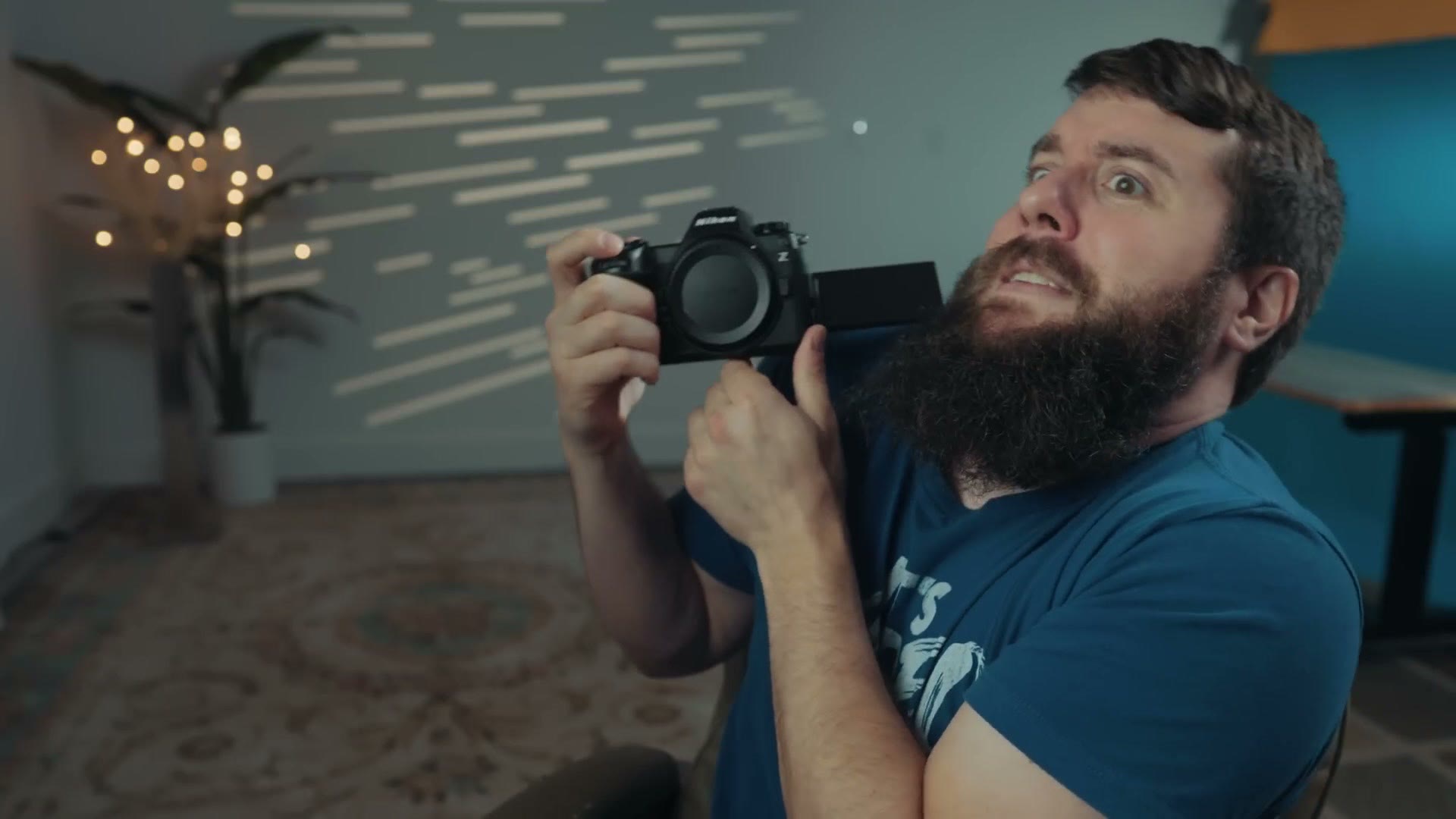
I really prefer a flip out screen, even for wedding filmmaking, because I’ve lost count of the number of times I’ve been in a cramped room and I need to put the camera in a weird position where I can still look at the screen while I’m filming, because there’s a lot of bridesmaids and I’ve gotta get this shot here, don’t mind me. So, flippy screen. Big win. And I think this brings the Z6 III in line with cameras from other manufacturers, the majority of which also offer flip screens.
The Dual Memory Card Issue
Over on the side here, the Z6 III has dual memory card slots, one being a CFexpress Type B slot and the other being an SD card slot. That’s not surprising considering the resolution and quality of video this camera can record.
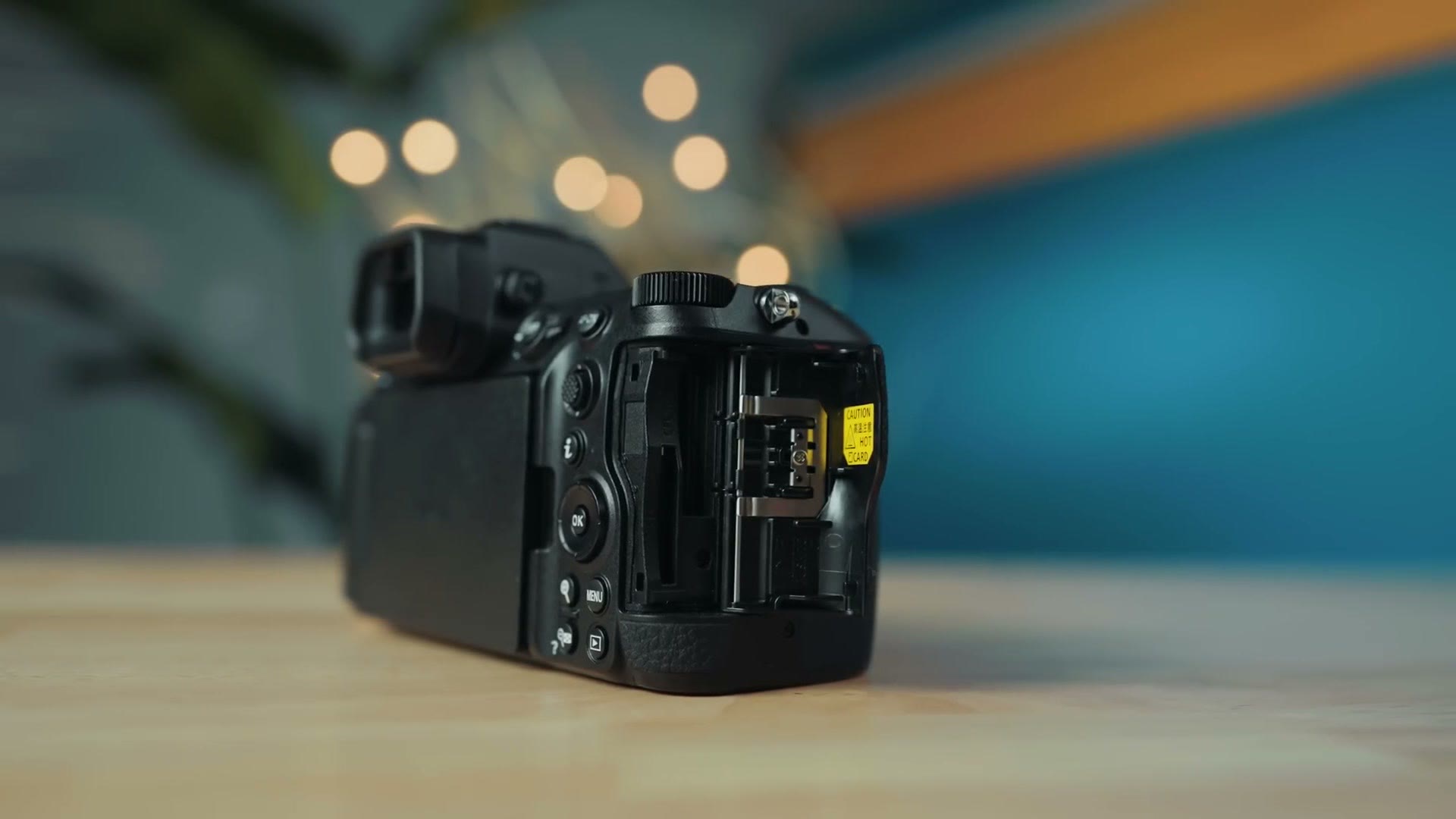
But what I do want to make you aware of is one of the biggest cons of the Z6 III in my opinion, and that is that this camera is not capable of recording video to dual memory card slots. If you want to record video with this camera you’re limited to using only one card slot, even though it has two of them. To be clear, this is just a video limitation. The camera can save photos to both card slots.
As for why this is, I don’t have an answer for you. I’ve asked Nikon and they have not been able to give me a reason why, but it’s definitely an annoyance considering that all of their competitors I can currently think of that offer dual card slots also let you record to both slots when recording video.
I feel like the argument could be made that because the camera captures such high quality video, that’s why it isn’t capable of dual recording to a slower SD card. But I would even take a workaround like other recent cameras have offered, where if you choose to record high quality video to the CFexpress Type B card, the SD card will still record a lower resolution proxy file, which is still much better than nothing in the event that you have a card failure.
To be clear, I don’t think having the ability to record to dual memory cards is an absolute necessity. I filmed weddings for years with a camera that only had one SD card slot. But I’ve talked before in other camera reviews about how I believe there’s a baseline of features most new cameras should be able to hit, and we are very quickly nearing the point where so many cameras give you the option to dual record video that it makes it a bit harder to recommend a camera that does not. That said, I know a lot of filmmakers don’t care about this feature nearly as much as I do, but I want you to be aware of the limitation.
Video Quality And Resolution
Next let’s talk video quality and resolution, because this is an area where it really feels like there are no limitations. My goodness, the Z6 III really shines here and competes directly with cameras that are significantly more expensive than it is.
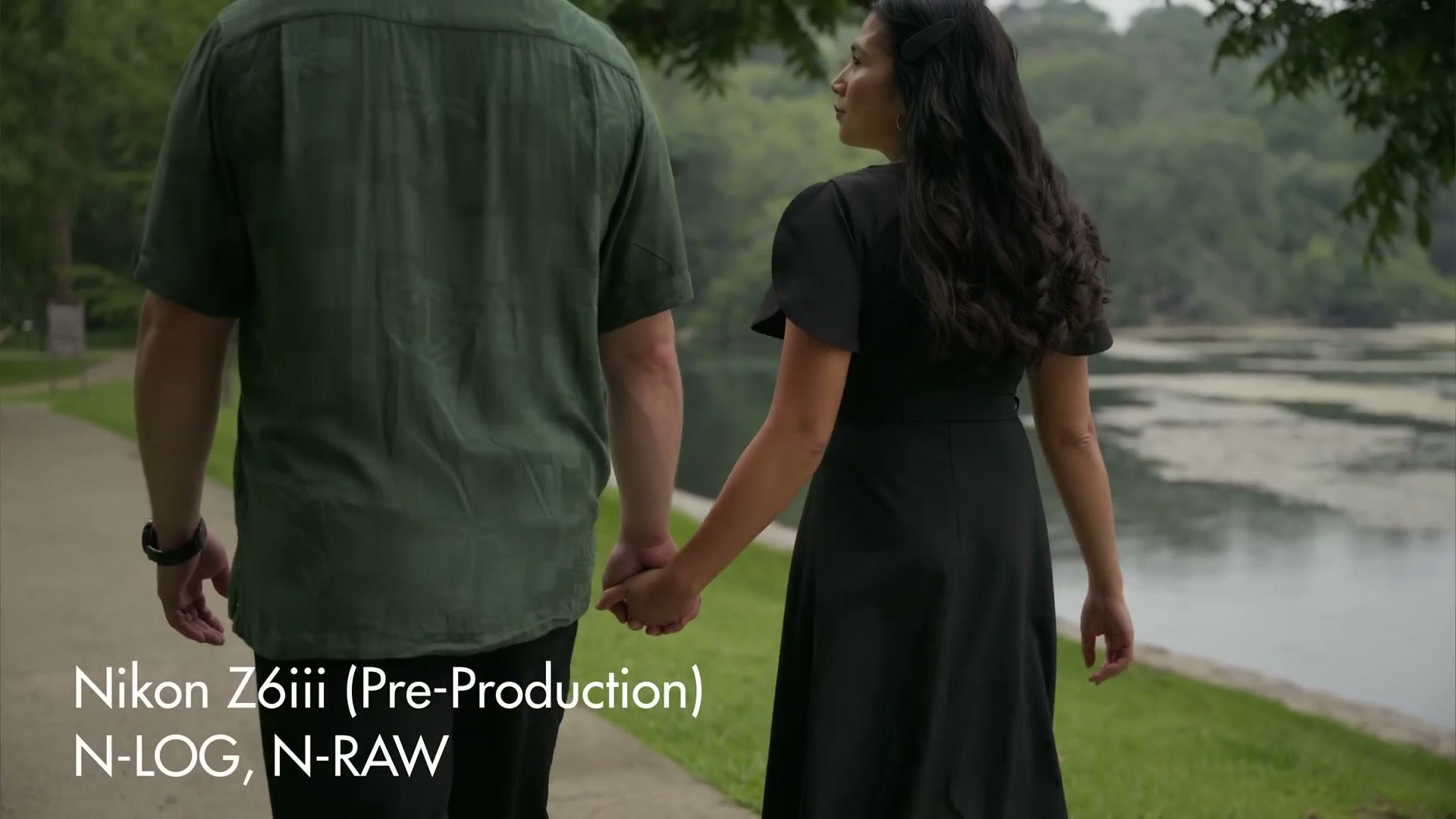
This is a brand new, partially stacked full frame sensor that is capable of recording everything from 240 frames per second in full HD, all the way up to 6K at 60 frames per second, or 4K up to 120 frames per second with a 1.5 times crop of the sensor.
And here’s where things get really great. The Z6 III can record at these frame rates and resolutions in Nikon’s N-RAW video codec, which is a very high quality raw file that lets you adjust things like exposure and white balance after the fact and gives you a ton more control when color grading. N-RAW is also natively supported in DaVinci Resolve. Can you tell that I love it? I really love it. It’s one of my favorite raw codecs I’ve ever used.
Of course, it’s not just N-RAW. You also have the option of recording in ProRes RAW, which is great to see, even if it isn’t as well supported by the pro video editing software out there. Hopefully more support is coming in the future. I can dream. Please Adobe. Please Blackmagic. What are you doing?
Side note though, ProRes RAW will only record 6K at up to 30fps, not 60, so if you want 60fps in ProRes RAW you’re going to need to drop down to 4K. There’s also regular non-raw ProRes HQ support, but that maxes out at 5.4K at 30 frames per second, or you can drop the resolution to 4K if you want 60fps in regular ProRes.
So as you can see, the Z6 III gives you a ton of video features and capabilities that before this you could only get in the Z8 or Z9, with really the only loss being two K’s of resolution, because this camera only records 6K, not 8K. But do you really need 8K? To me 6K feels like a much better middle ground, because you still get the benefit of reframing your footage without losing quality if you’re exporting in 4K, while also getting smaller files. 8K is really overkill for a lot of projects.
The Weird Recording Time Limit
With all this talk about frame rates and resolutions, I do have one other con I need to tell you about, and it’s another perplexing one that also applies to the Z8 and Z9. This complaint is a lot like my complaint about not being able to dual record, because it’s just a weird limitation.
The Z6 III can only record for a maximum of 125 minutes in any video mode. So no matter whether you’re recording in RAW or H.265, after 125 minutes, or two hours and five minutes if you want to do the math that way, the camera is going to stop recording and you’re going to have to start recording again.
Why? Why does this weird limitation exist, whenever most of Nikon’s competition lets you record for an unlimited amount of time? I don’t know, and they haven’t been able to tell me why either. Sorry. What I will say is that this recording time is significantly better than the Panasonic S9, which had a maximum recording time of only 15 minutes. So at least Nikon is soundly beating them.
Battery Life Is Solid
Anyways, once Nikon told me this camera would have the same 125 minute limit I experienced with the Z8 and Z9, my next question was, does that limit really matter? By which I mean, is the battery actually going to last long enough for the camera to record for two hours and five minutes, or is it going to die before that happens, which would make the limitation a moot point unless you’re using a dummy battery, or powering it over USB-C, or using a dual battery grip.
So I tested it. I put a full battery in the camera and had it record 6K N-RAW at 24 frames per second, and with those settings the camera recorded for approximately two hours before the battery finally died. So if you’re recording in 6K, the battery is going to get close to that two hour and five minute limit, but it will probably die before you hit it. I didn’t have time to test how long the battery would last at lower resolutions or not in RAW.
Impressive Overheating Performance
The good news is that this battery life test also did double duty as an overheating test, because in those approximately two hours of recording 6K 24fps N-RAW, it never overheated. Pretty cool.
Granted, that test was indoors in a 70 degree Fahrenheit room, and I know that, well, it’s great the camera didn’t overheat indoors, but a lot of weddings don’t happen indoors. They happen outdoors, and I happen to live in Texas, one of the hottest states in America, which we proudly brag about. It’s brutal here. We just stay inside the air conditioning all the time.
Well, Nikon chose to send me the Z6 III in the summer, so you better bet I tested the overheating performance outdoors. Remember, the Z6 III does not have a fan, and it’s a smaller body than the Z8 and Z9, so I did not have the highest hopes here.
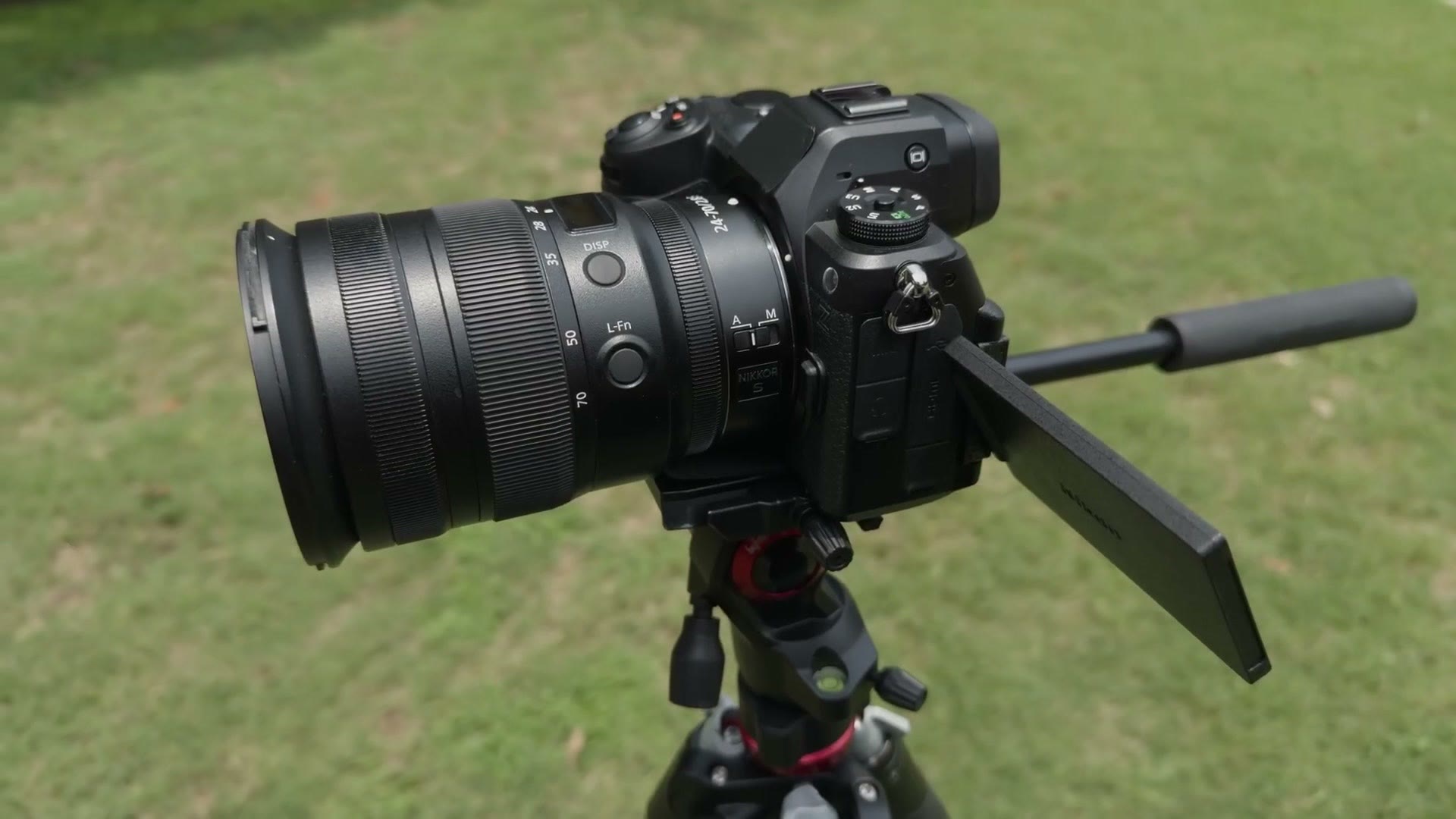
I took the Z6 III outside and set it up on a tripod where there was a mix of clouds and direct sunlight beaming down onto the camera body. The temperature for this test was 94 degrees Fahrenheit, but I’ll also note that my weather app said it felt like 104 due to the humidity. In short, it was a very, very hot day.
Then, because I wanted this to be a real torture test, I set the camera to record 6K at the maximum frame rate of 60 frames per second in N-Log, because I really wanted to see if this camera would even make it five minutes. And come on, it’s not like you’re going to be filming a wedding ceremony at 6K 60fps. Some of you may try it. Please do not. Film that at 24. Don’t be a psychopath. But hey, you may be filming a lot of clips at 6K 60fps, so it’s still a good test.
You want to know the answer, right? Hold onto your beard.
I hit record and the Z6 III recorded for approximately 22 minutes before a yellow thermometer appeared on the back of the screen, indicating the camera was getting hot. But it kept recording. Then four minutes later the thermometer turned red, indicating it was getting even hotter. But it still kept recording. Six minutes after that the word HI appeared next to the thermometer, indicating the camera was now extremely hot. But it still kept recording.
It just didn’t stop. Even with the red thermometer warning me that the camera was very close to overheating, the Z6 III just kept going, and this was so different from my experience with other cameras overheating. Usually once you see that overheat warning on say a Sony camera, good luck, you’ve got 30 seconds to a minute before that puppy is completely cooked. Sorry, that’s just how it is. And don’t get me started on the first firmware for the Canon R5, because that was a nightmare. You can look up the drama on that if you want to. We don’t talk about the R5 overheating.
Back to the Z6 III. I’m so excited to tell you that this camera recorded for 53 minutes and 7 seconds in 6K 60fps RAW, on what is essentially the surface of the sun, aka where I live in Texas, before it finally overheated.
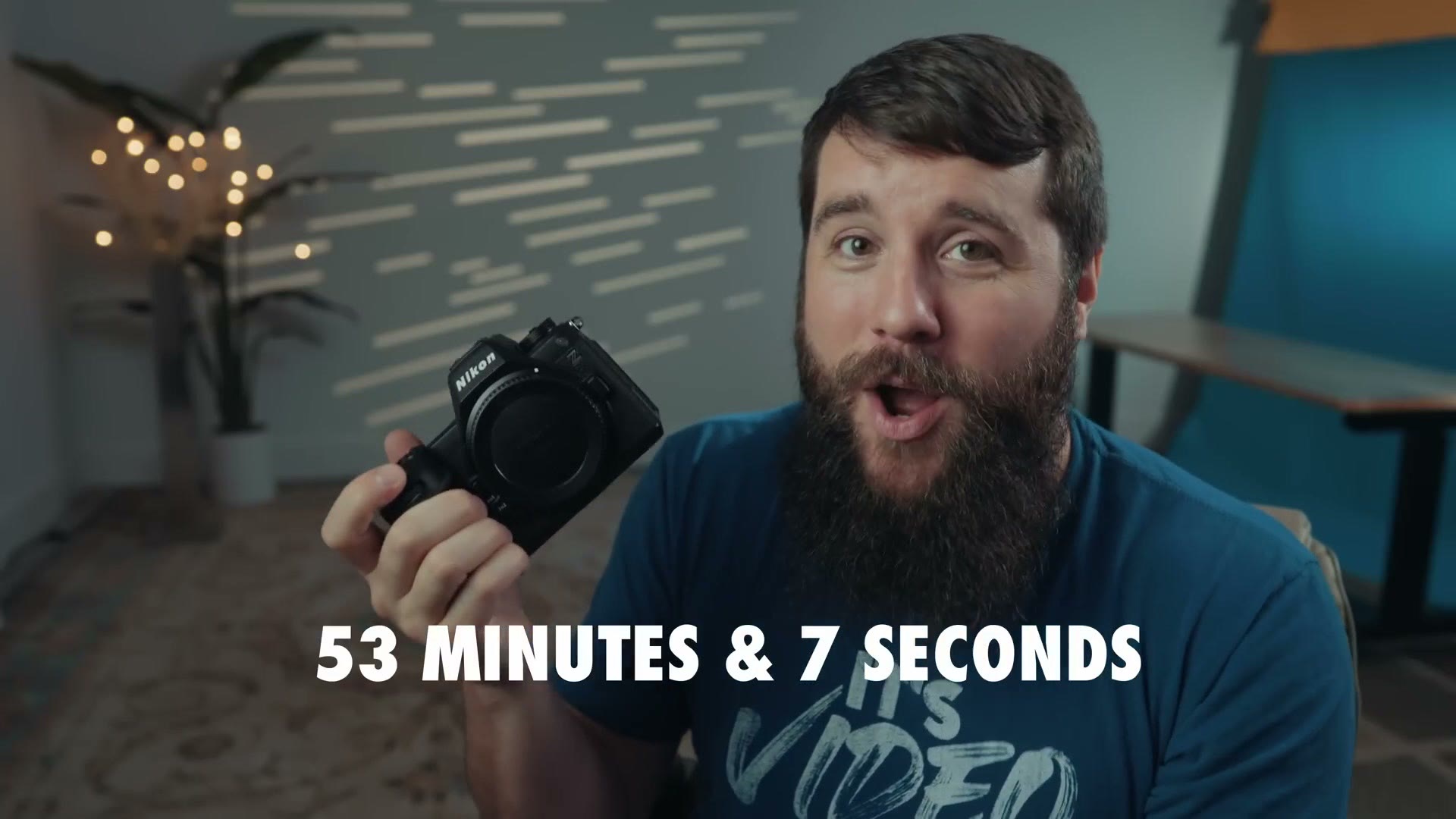
I’m really impressed by that time. I haven’t had time to test other frame rates and resolutions, but considering how much heat is generated filming at that resolution and frame rate, it gives me a lot of hope for how this camera will do at lower ones, and I feel pretty confident recommending the Z6 III if you want to use it to film a wedding. You will not need to worry about overheating.
If you want to go deeper, I’ve also got BEST Video Autofocus Settings For Nikon Cameras (Z6iii, Z8, Z9, ZR AF) and Nikon Z8 Camera Review For Filmmakers – Not just a B Cam.
Autofocus Is Great
Going back to the features you get from the Z8 and Z9 that are now in the Z6 III, we also have to talk about autofocus, because you get essentially the same autofocus system from those two cameras in this one for way less money. Tracking is fast and accurate, the eye autofocus works great, and I’m really happy with what Nikon has done here.
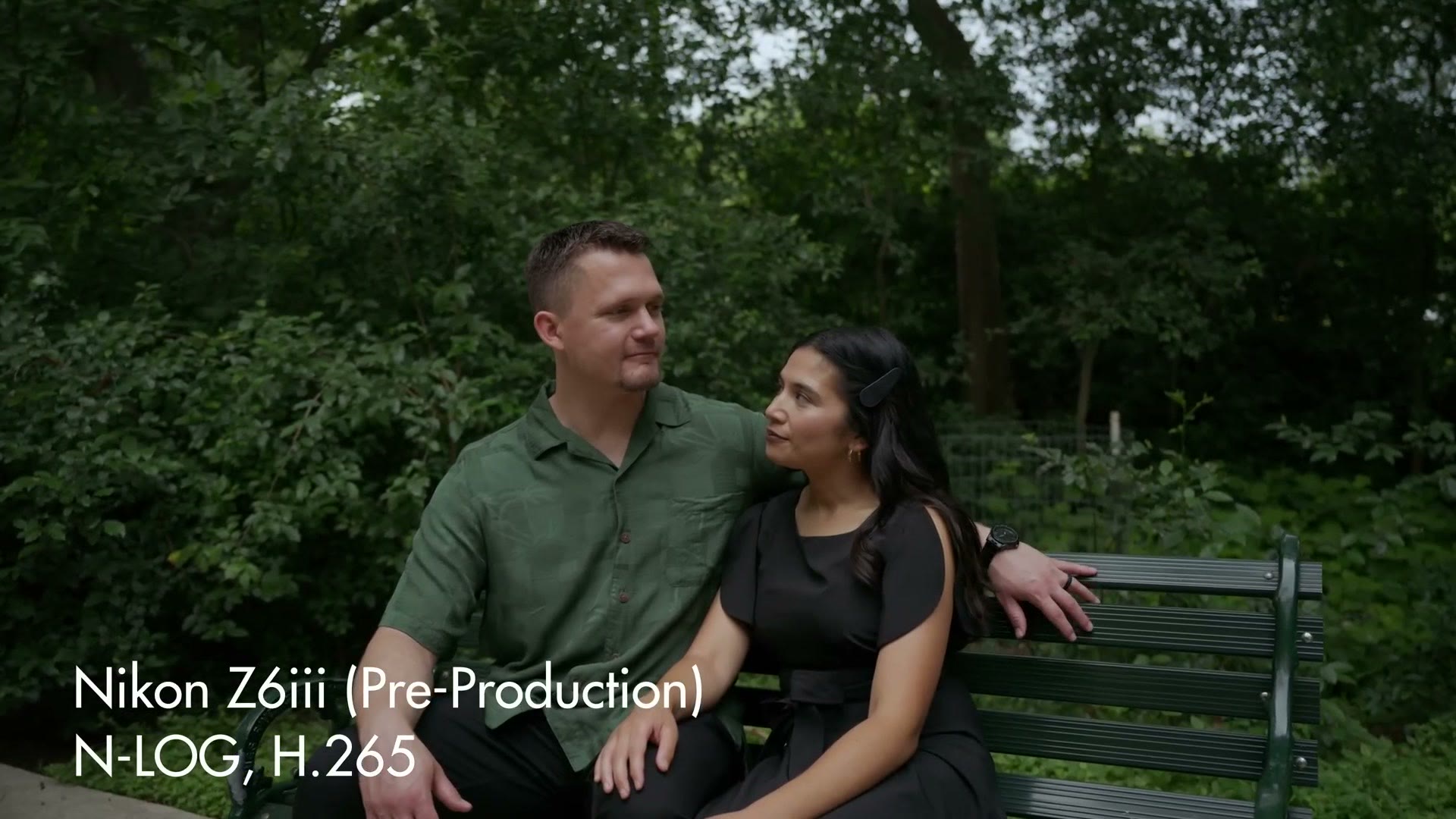
If you want to know the specific autofocus settings I recommend, I made a whole separate video on the best video autofocus settings for Nikon cameras.
Low Light Performance And Dual ISO
Low light is another area where this camera does quite well. This is a new sensor. It’s not like the Z8, which was essentially the same sensor as the Z9. This sensor is completely new, and whenever I tested it I was able to see that it appears to be a dual ISO sensor, meaning it looks clean at two different ISOs.
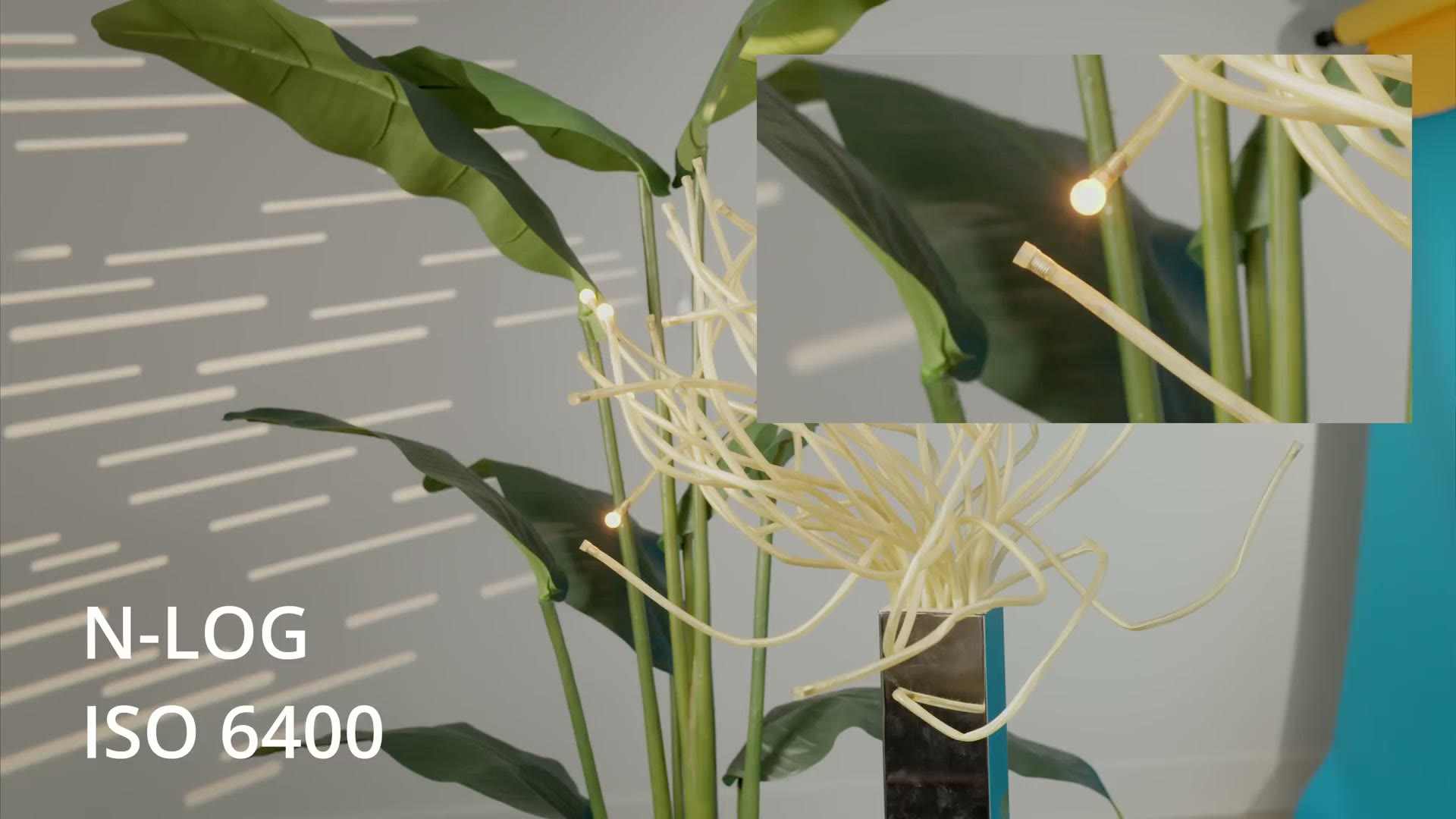
When filming in log, the sensor looks cleanest at the base ISO of 800, and then again when you hit the second base ISO of 6400. So if you stick to those two ISOs the camera is going to look its cleanest. But I’m happy to also say that if you want to push the ISO higher, the Z6 III will go all the way up to ISO 51,200, although I would not recommend it because it gets quite noisy. Instead, if you do need to increase the ISO, I’d feel comfortable using it up to about ISO 16,000 before it gets too noisy.
So I still think the Z6 III is quite usable for wedding filmmaking, and even at a dark wedding reception you should have no issues with noise in your video, even if you have to crank that ISO up pretty darn high.
IBIS Quality
In-body image stabilization is another feature Nikon put from the Z8 and Z9 into this camera, and in my experience it works well. It’s on par with, I would say, the a7S III’s active stabilization, which is good, but nowhere near close to the magic stabilization you get from something like the Panasonic GH7. So what I’m saying is, don’t throw away your gimbal with the Z6 III. You’re still going to want it for moving shots. But for handheld stuff, IBIS works great.
Audio Improvements
Another area Nikon made an upgrade is audio, with the Z6 III now supporting line-in 24-bit audio internally. This is good to see, because I’m a big fan of improved audio quality in any camera.
That said, I can’t help but feel that the recent announcement of the Panasonic GH7, with its ability to record internal 32-bit float audio, has taken a bit of the wind out of the Z6 III’s 24-bit sails, as it were, because 32-bit float gives you dramatically more control over adjusting the volume of your audio in post and can really keep you from losing audio that’s too quiet or too loud and peaking. Yes, you have to buy a separate accessory for the GH7 to enable internal 32-bit float, but that’s still a massive upgrade over 24-bit.
I’m really hoping that for the Z6 IV, hopefully in a few years, we’ll see internal 32-bit float audio. Heck, I want 32-bit float internal recording in all cameras from all manufacturers. Just make that happen across the board. It’s amazing. Let’s do it.
LUT Support
Let’s talk picture profiles. One of Nikon’s competitors, Panasonic, has been making some huge strides in the area of picture profiles and LUT support in their cameras, with cameras like the S9 and GH7 supporting 39 custom LUTs, plus giving you an ecosystem of tools you can use to create and customize those LUTs in camera.
The Z6 III unfortunately does not go nearly as far as those cameras, and actually doesn’t support LUTs at all internally. Bummer. Aside from a view assist feature, which adds some contrast and saturation to your preview of footage you filmed in N-Log on the back of the camera, there is no other LUT support to speak of, which is a bummer, and I hope Nikon expands on it in the future. Come on, be competitive with Panasonic.
And while we’re talking here, I want Sony to be competitive with Panasonic too. I want all cameras to have 32-bit float audio and amazing LUT support. Let’s just do that across the board for everything. We’re all going to benefit from it.
Dynamic Range And N-Log
Thankfully, in the area of dynamic range, I’m happy to tell you that while I haven’t done any scientific tests with an Xyla chart or anything like that, the Z6 III is, to my eye, no slouch. Whenever I tested filming in Nikon’s N-Log format, I found I had plenty of detail in my highlights and in my shadows.
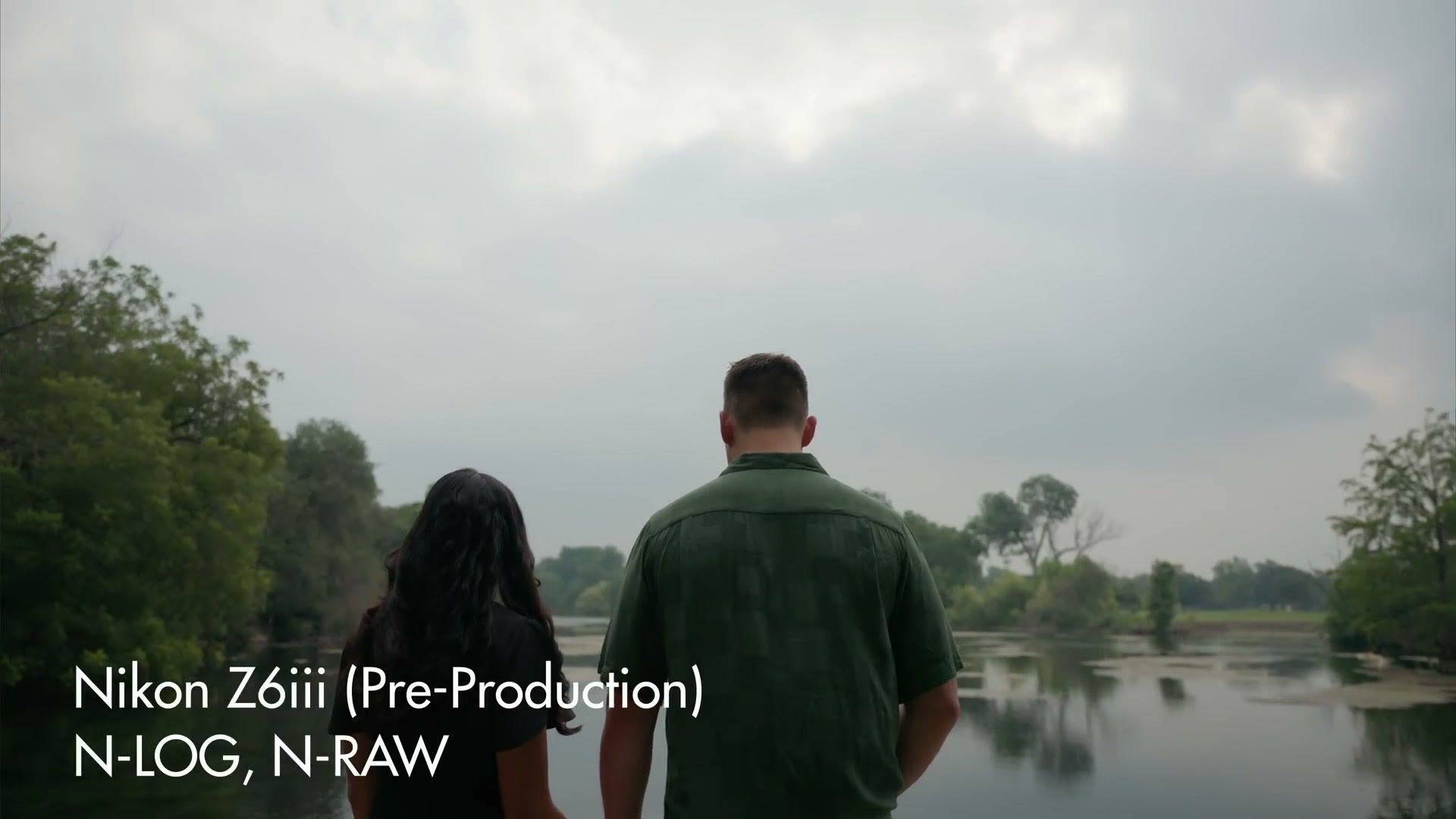
And I know I’ve talked about RAW a lot in this review, but filming all of your footage in it is really the icing on the cake, because you have so much latitude to save details in your highlights and shadows, and the amount of leeway you have to adjust the colors in this camera when filming in log and in RAW is really impressive. The colors look so gorgeous. My goodness.
This Camera Is Fantastic
So I think it’s fantastic to see Nikon take many of the great features of their Z8 and Z9 and put them into the Z6 III, which is significantly cheaper and very competitive with other cameras in its price range. For $2,500 you’re getting a fantastic full frame camera with stellar autofocus that also records internal RAW, which, as I said earlier and will say again, I love. I think once you film in RAW with this camera, it’s something you’re going to want to do all the time.
And hey, in case you missed the news, Nikon bought RED the camera company, which means you don’t have to worry about them getting sued over using internal RAW in this camera. Nope. Nikon just bought RED so they wouldn’t have to deal with that legal fight anymore. Crazy news.
Speaking of crazy, it’s also still crazy to me that Nikon does not support recording video to dual memory cards in this camera. That is really the biggest con I can think of with the Z6 III, and I’d totally understand if that’s a deal breaker for you. If it’s not, though, and you’re fine recording video to one memory card slot, which I know a lot of people still are, then you are going to love the Z6 III, because it’s one of the best bang for your buck full frame cameras you can buy today.
You can grab the Nikon Z6 III at Amazon or at B&H, and if you want the settings to go with it, here are the best video autofocus settings for Nikon cameras.
And if you’re a wedding filmmaker, or you’re considering getting started filming weddings and you’re struggling with booking a couple to film, I put together a free workshop that will show you how to book your next wedding.
Thanks so much for reading, and have a great day!