
Is iPhone Camera Control the Touch Bar all over again?
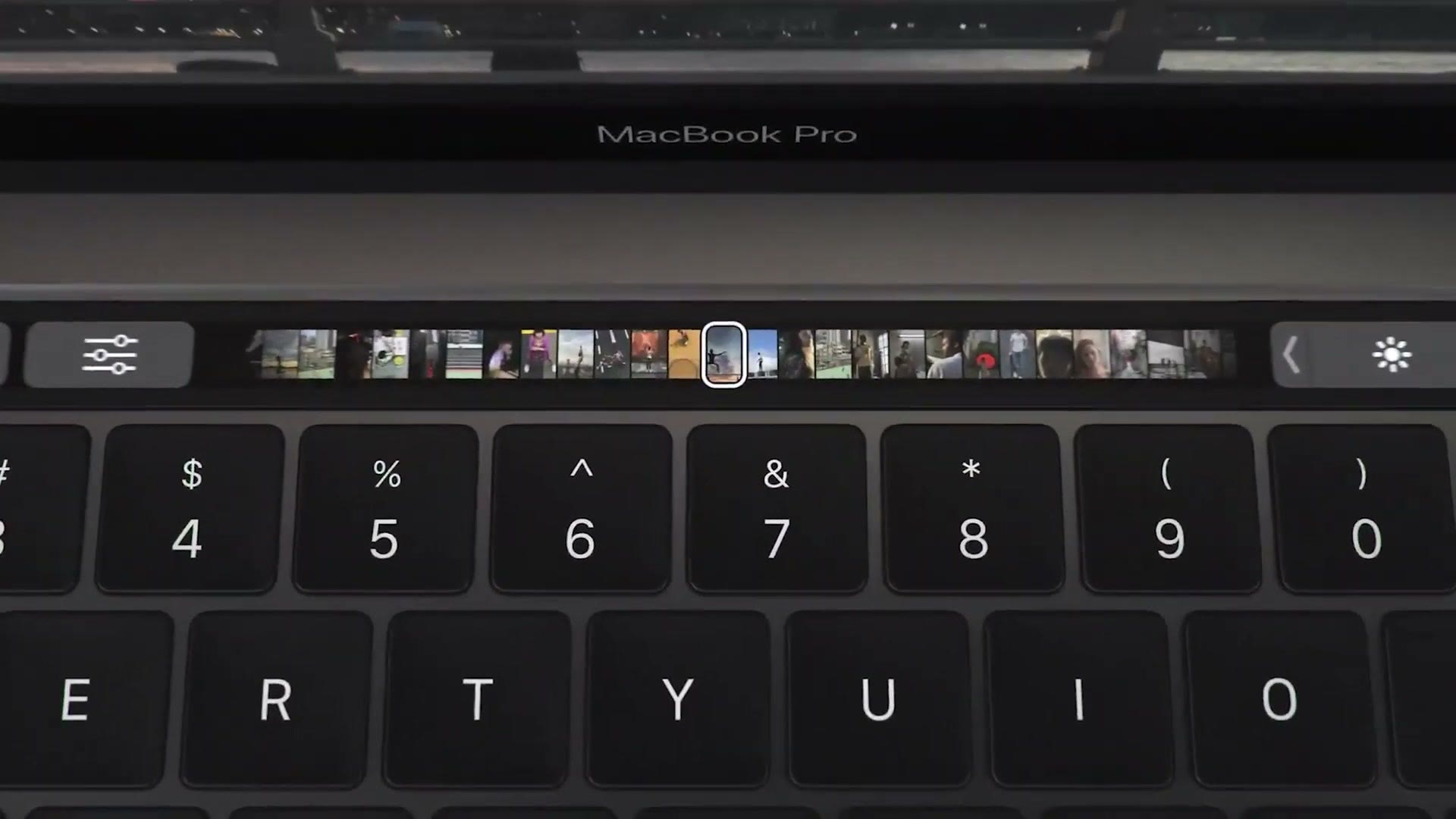
You remember the Touch Bar, right? The controversial replacement of the entire row of function keys on MacBooks that was supposed to revolutionize the way you change settings on your laptop, but instead ended up annoying enough people that Apple eventually killed it completely in 2023.
Well, if you think about it, Apple isn’t calling Camera Control on the new iPhones a button, because it isn’t just a button. It’s a capacitive sensor that you can slide your finger back and forth on. A bar that you can touch. A touch bar.
It’s back, baby.
But I want to look at it from the perspective of a filmmaker, because I’ve seen a ton of reviews for Camera Control now with a lot of hot takes where people don’t think it’s really useful. Here’s my hot take. If you’re a filmmaker, it’s actually perfect for you and you’re going to love it, regardless of whether you loved the Touch Bar on the older MacBooks or not.
The Biggest Difference From The Touch Bar
Whenever Apple released the Touch Bar, that was the only way you could change and access many settings quickly without needing to dive deep into your laptop’s menus. Want to change your brightness? You could either click through multiple menus to get to that setting, or do it faster with a Touch Bar that was kind of annoying to use and that replaced a perfectly usable button you already had on your previous laptop.
Camera Control is thankfully not like that. Yes, it’s a button that’s touch sensitive, but it’s not like Apple mapped the entire Control Center to it. Can you imagine? Instead of swiping down on the right of your phone to get to your settings, you’d have to go over to the touch bar, swipe down on it, then swipe up and down to adjust your brightness. That would be a nightmare. A huge pain.
Instead, Camera Control is only used to open your camera and adjust camera settings, and it’s only presented as an alternative to the touchscreen controls. It’s recessed and hidden enough on the side of the phone that if you never want to use it or think about it, you don’t have to. You can just use the touchscreen the way you always have and you’ll be fine.
Where The Complaints Are Fair
One of the complaints I do agree with is that any time you press it to take a photo, you’re going to shake your phone a little bit, which can introduce motion blur.

And depending on how you’re holding your phone, this button can be kind of awkward to press. I have an iPhone 16 Pro Max with decently sized hands and it still feels very weird to use Camera Control vertically. I’m also left handed, so if I’m holding it like this I have to kind of pinch it. That feels weird. Even right handed with the thumb, I don’t love it.
Why It’s Actually Great For Video
Camera Control arguably sucks for taking photos, especially vertical photos. Do you want to know where it doesn’t suck? Taking horizontal videos.
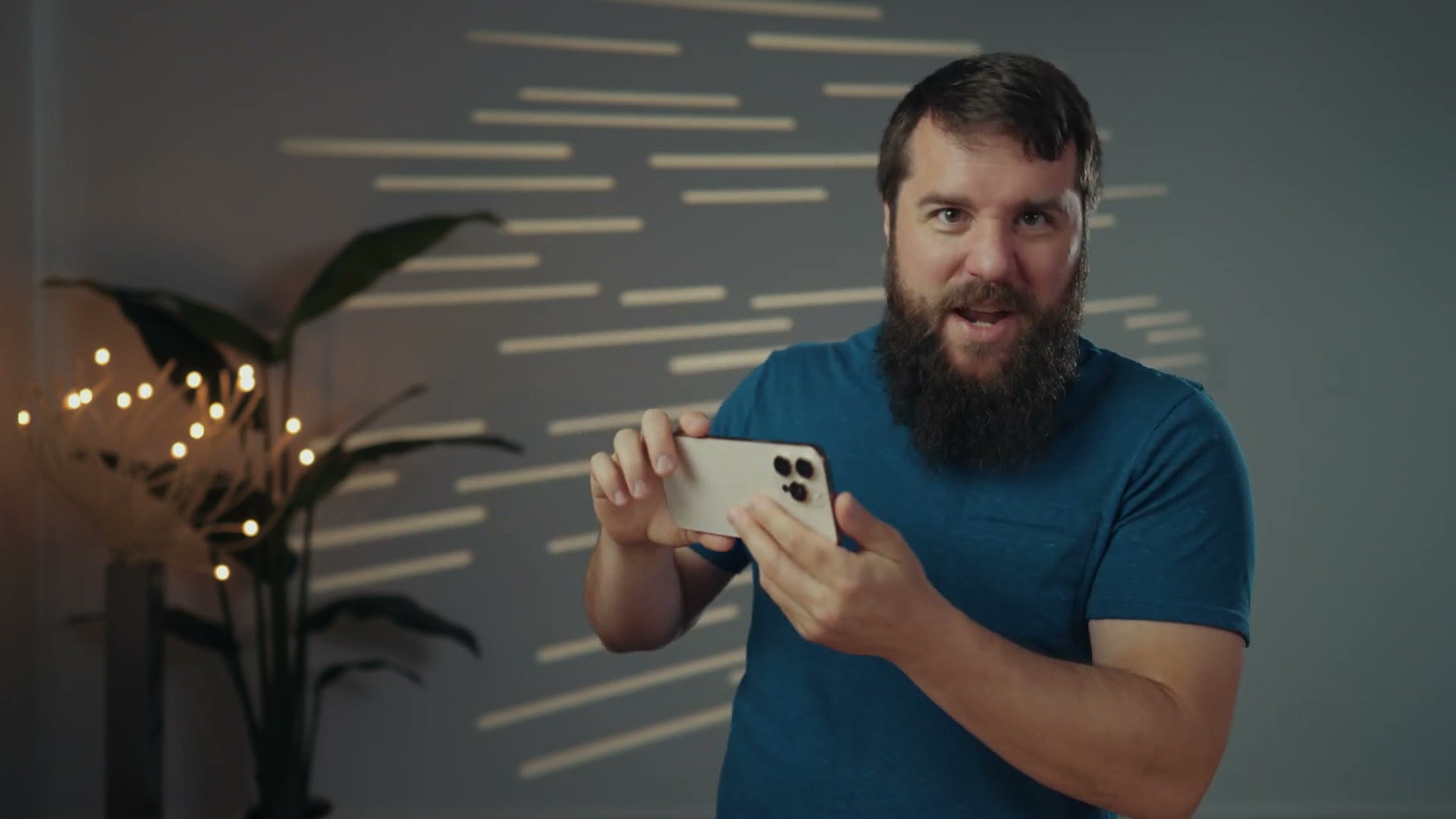
Once you rotate your phone sideways and start to hold it more like a traditional camera, with your left hand stabilizing the phone while your right hand grips it, your index finger is going to naturally rest right on the Camera Control button, just waiting for you to press it and start recording. It feels good.
And those complaints about blurry or shaky photos from pressing the button do not apply whenever you’re recording video. Even if a few frames at the start of your clip are shaky, that’s just the beginning. You’re probably going to trim it anyway, and you’ll be recording for a few seconds, so you don’t have to worry about camera shake either.
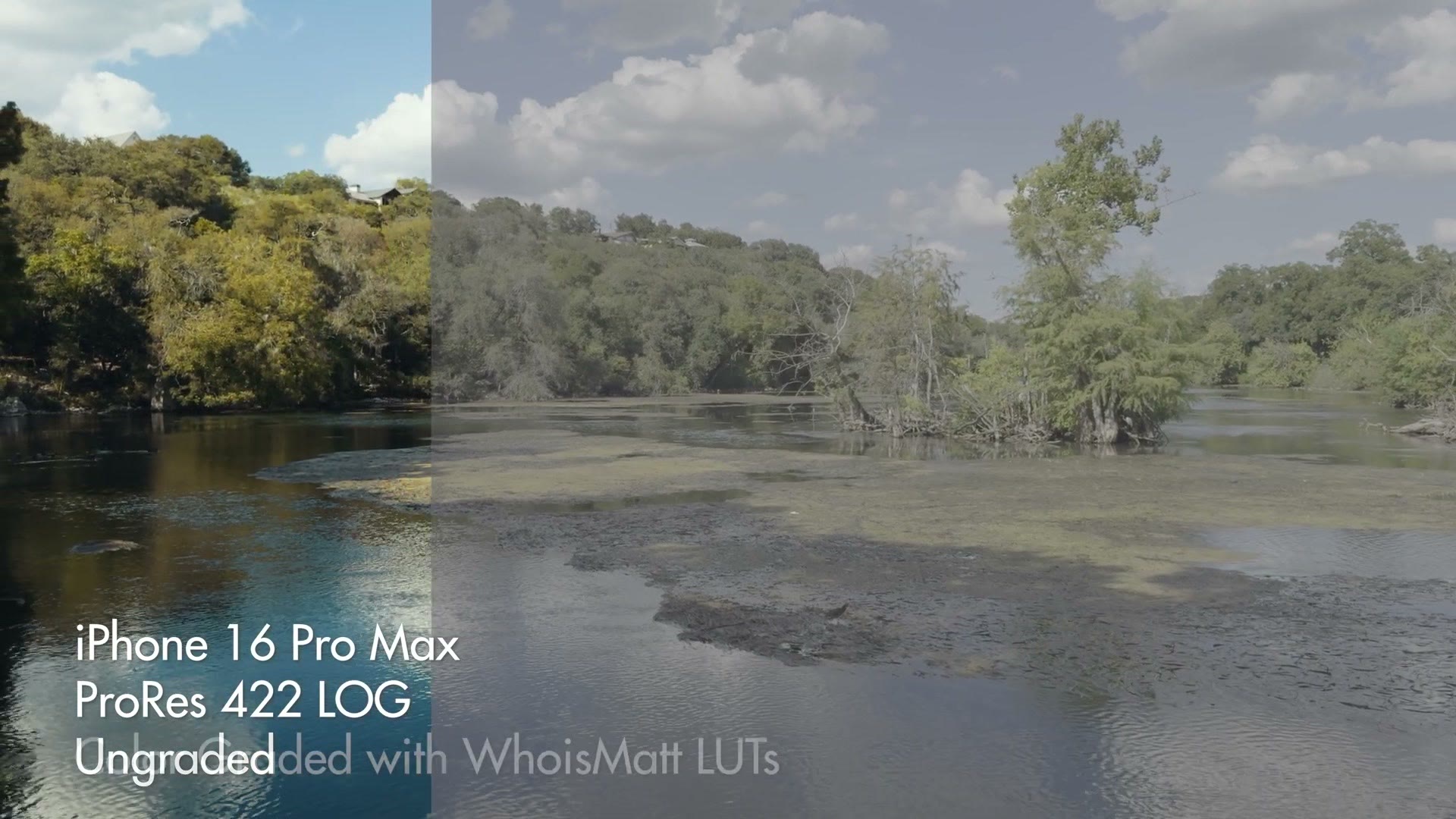
It’s kind of funny, right? We as filmmakers have been filming so many things vertically now because all of our clients want vertical social media videos, and I’ve spoken to so many friends of mine over the years who long for the days of filming horizontal videos. And now here comes Apple dropping a new phone with a feature that feels purpose built for recording horizontal video. It’s hilarious.
What I’m Waiting For
Personally, as a filmmaker, I’ve come to like Camera Control and I’m excited to see what Apple does with it.
I’m still waiting on more video recording apps to take advantage of the feature, but I’m really excited about the expandable options we could have, especially around using Camera Control to open a specific third party recording app and then change settings inside it. Because don’t get me wrong, the iPhone’s native camera app is great, but sometimes you want more control than it gives you, which is where something like the Blackmagic Camera app comes in. I’m excited to see what sort of custom features and controls we could get.
Have you tried Camera Control yet as a filmmaker? Do you agree with my hot take?
And while you’re here, my Edit Videos Like A Pro guide covers some of the biggest tips I have for improving your skills as a video editor, regardless of whether you’re editing footage you filmed with an iPhone or any other camera. It’s completely free.
Thanks so much for reading, and have a great day!