
Apple recently announced that over the next two years they are going to move away from Intel CPUs and AMD GPUs in their Macs and exclusively use their own custom ARM chips, which they call Apple silicon. Today I want to talk about what that means for video editors, and share three reasons why it’s such a big deal.
It doesn’t matter whether you use Final Cut, Premiere Pro, DaVinci Resolve or anything else. If you edit video on a Mac, this is going to affect you, so you need to be aware of what’s going on.
Reason One: Performance
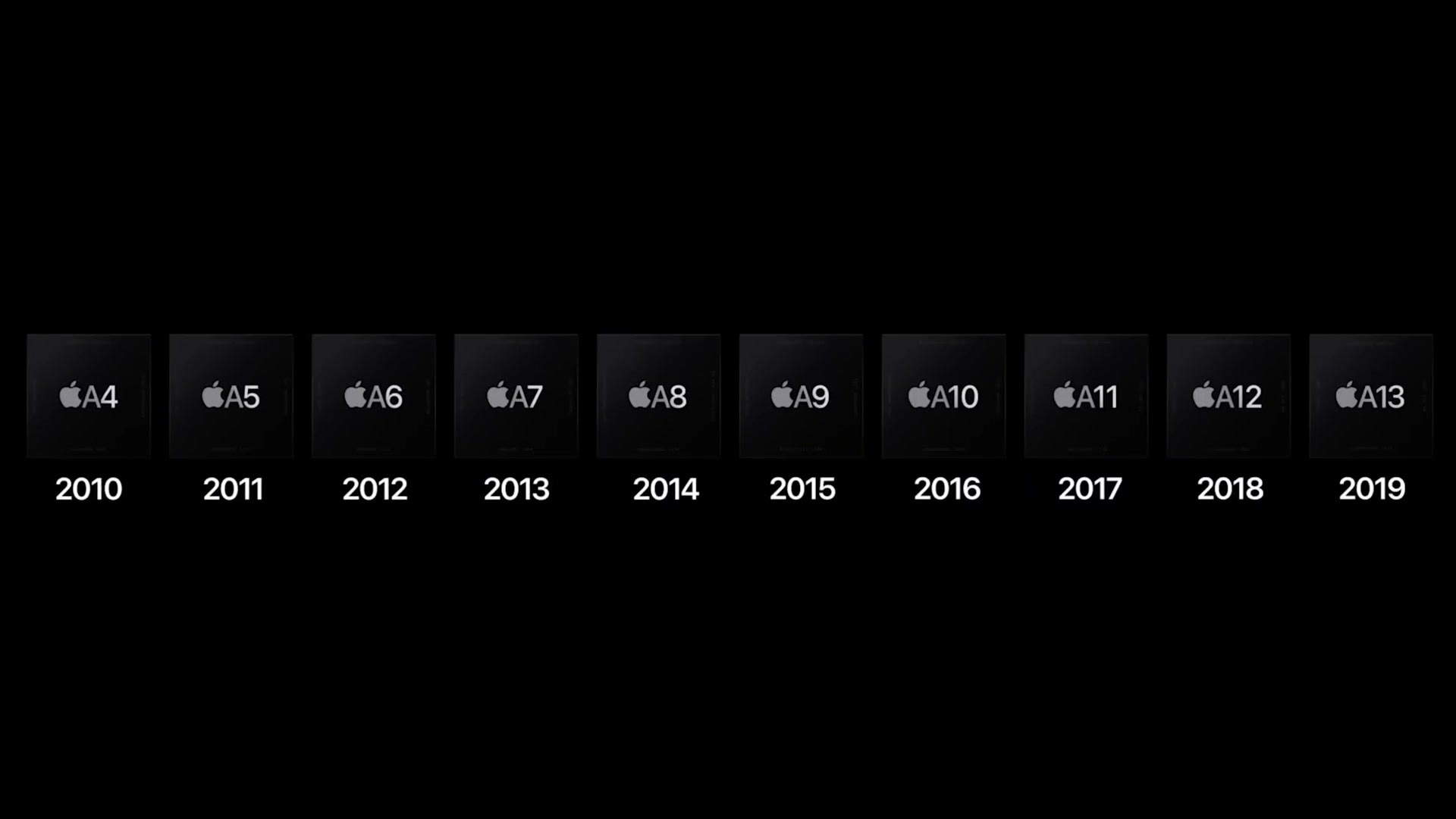
With the iPhone and iPad, Apple has been responsible for designing the CPU and GPU inside all the way back to the iPhone 4. Those chips have gotten consistently faster and more power efficient every single year, with the latest iPad processor rivaling Intel’s higher end parts.
With the MacBook, the iMac, the Mac Pro, all of them, Apple has been exclusively using Intel. Which means Apple doesn’t have control over that hardware, and while they’d probably love to be releasing newer and faster processors every year like they do on the iPad and iPhone, they can’t, because Intel has been very slow to improve their CPUs lately. So Apple has decided they don’t want to be tied to Intel anymore, and they’re going to take the same processor they use in the iPhone and iPad and put it in the Mac.
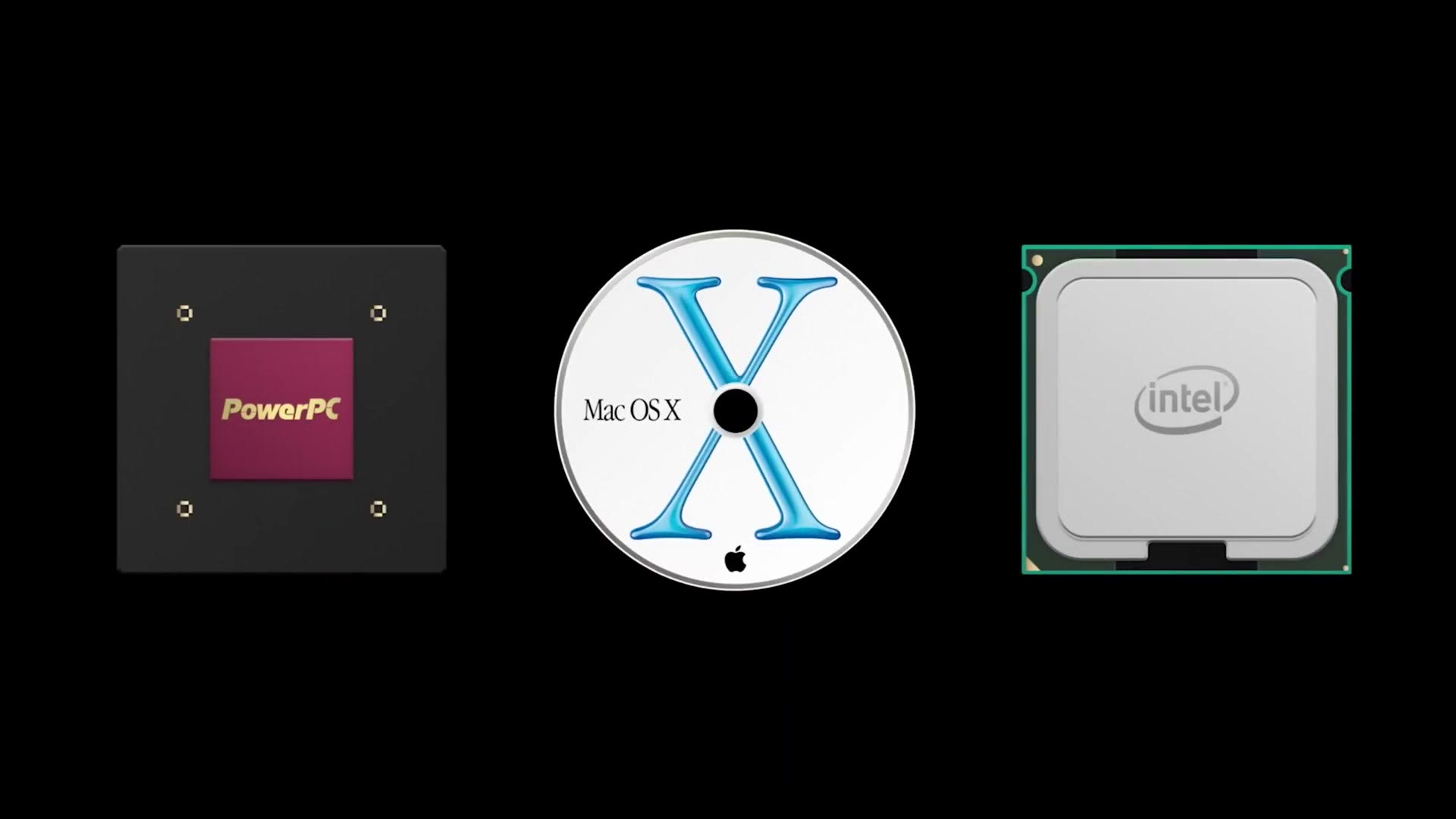
Thanks for the history lesson, Matt, but what does that mean for video editors? Allow me to speculate for a second and tell you what I think we’re going to see. Because Apple silicon is powerful while being efficient, you can expect faster video editing coupled with dramatically better battery life.
Remember how I said the iPad’s latest processor rivals Intel’s? It does that while sitting inside a super thin slab of metal that is mostly screen, with no fan. Now imagine putting that same processor into a MacBook Pro sized chassis, with fans and a lot more room to dissipate heat. It’s going to run faster and be more efficient than ever before. Imagine a laptop sized battery instead of an iPad sized one. We’re talking all day battery life even while editing 4K.
Although, knowing Apple and their love of thinness, we may not actually see much better battery life. We may just see a much thinner laptop. Regardless, we could be looking at a MacBook Air that can edit 8K raw without breaking a sweat. I can dream.
Reason Two: Support

All that performance sounds great, so let’s dial the speculation back and talk about what we do know. The second reason this is a big deal is support, as in which apps will actually work.
The first thing you need to know is that because Apple is going from Intel to their own silicon, all apps and basically all software have to be recreated for these new Macs. Yes, everything. All video editing software. If Apple just made this switch out of the blue, Premiere Pro isn’t working, DaVinci Resolve isn’t going to work, heck, even Final Cut Pro ain’t working.
Final Cut Pro
Now that I’ve terrified you, I have some good news. When Apple announced Apple silicon they also demoed Final Cut Pro working flawlessly on the new hardware. What’s more, they showed it playing back three streams of 4K with a color grade and other effects applied, perfectly smoothly. There was also a reframing effect powered by Apple’s neural engine, which is only available with Apple silicon. Pretty impressive. So Final Cut users are breathing a sigh of relief knowing their edits can continue as normal.
Premiere Pro, And Why I’m Skeptical
But what about Premiere Pro? Do you want the good news or the bad news first? Good news first.
During the presentation Apple showed off a software emulator called Rosetta 2, which they said should make current Intel Mac apps also work on Apple silicon. Which means that in an ideal world, Premiere Pro and DaVinci Resolve should work on these new machines. Great news, right?
Well, hold on. History has shown that emulated software is not nearly as fast or responsive as a native app, so we don’t know how well a video editing app is going to run under Rosetta 2. It’s probably going to end up slower and less responsive than native. I’m sorry I’m taking you on this emotional rollercoaster of good news then bad news. We’re going back up now.
Apple said in the presentation that Adobe is working on bringing their entire Creative Cloud suite to Apple silicon, and Apple even demonstrated working versions of Photoshop and Lightroom running very smoothly.
Back downhill. Here’s the bad news, and I’ll admit this is partly because I’m skeptical about Adobe’s software practices. There was no demo of Premiere Pro, or After Effects, or anything else from Adobe at Apple’s event. And going from Apple’s demos, there’s no way to tell whether the Lightroom and Photoshop they showed were the exact same versions, with all the features currently available on existing Macs.
Look at Adobe’s launch of the full version of Photoshop on the iPad and you may start to understand why I’m skeptical. That version launched without raw photo support, it lacked many of the effects photo editors rely on in the desktop version, and reviewers ranged from saying it isn’t great at best to it’s barely usable at worst.
My worry is that we’re going to see Macs with Apple silicon inside running a stripped down version of Premiere Pro and After Effects. If that happens, it could be years before Adobe adds back the features video editors have come to rely on. I could be wrong. I hope I’m wrong. I hope Adobe is working feverishly right now to bring full featured versions of all their apps to these Macs. But considering how many users feel Adobe is slow to fix bugs and crashes on even the regular versions of Premiere that run on Windows and macOS today, adding a whole new version of macOS they have to write for is not reassuring to me.
Everything Else
Lastly, what about DaVinci Resolve, or Sony Vegas, or any of the other video editing apps out there? Apple didn’t mention any of them in their presentation, but I’m hoping all of those companies are working on native versions.
So there are some really good looking things coming from a support standpoint, and there are also some scary things coming from a support standpoint. Those of you who edit in Final Cut Pro are probably going to love these new Macs. For everybody else editing in something different, have you considered building your own video editing PC?
Reason Three: Apps

Matt, you just finished talking about software support. What other apps are you talking about? Appetizers? No. Sorry, it’s dinner time right now. What I’m talking about is iOS and iPad apps.
One of the biggest announcements Apple made is that all iPhone and iPad apps will now run natively on macOS. So instead of an iOS App Store on your phone and a macOS App Store on your computer, imagine one unified store with apps that work across all of your devices.
What does that have to do with video editing? Think about how many video editing apps you use on your phone right now. If you’re like me, you probably have a lot. Imagine all of those being available on your Mac as well. Throw a quick color grade on a clip in VSCO. Use a stabilizer app on some shaky footage. What iPad video editing app do a lot of people love? LumaFusion. Now imagine it on your Mac, ready for you to do all your editing there instead of in any other program.
With Apple silicon, video editors just got access to hundreds if not thousands of video editing apps that are easy to use. This is huge.
Two Little Side Predictions
First, I am betting heavily that these new Macs are going to have a touchscreen. You cannot tell me they’re going to bring all of the iOS and iPad apps to a Mac and then make people use a mouse.
Second, compatibility goes both ways. Just like iOS and iPad apps now work on macOS, macOS apps will now work on iOS and iPadOS. Can you imagine a Final Cut Pro app on the iPad?
So Where Does That Leave Us?
Between enhanced performance, possibly sketchy support, and hundreds if not thousands of new apps available to video editors, this is going to be a really exciting couple of years.
Are you excited or nervous about this change, and what video editing software do you use? Leave me a comment and let me know.
Everything I Mentioned
- Build your own 4K video editing PC for $650
- Build your own 6K video editing PC for $1,400, if all this new Mac stuff is too crazy for you and you want to jump ship
- Learn wedding filmmaking
- WhoisMatt LUTs, which is what this footage was graded with
- Join the discussion in my Facebook group
And if you happen to be a wedding filmmaker like me, you probably want to book more couples and film more weddings. To help you out with that I made a free guide that walks you through practical steps you can take right now in your business, and you can download it here.
Scoring The Predictions
This was written in June 2020, days after Apple announced the transition and months before a single Apple silicon Mac existed. Everything above is speculation from a keynote. Since I made a lot of specific bets, here is how they actually turned out.
Performance: right, and then some. The first M1 Macs arrived that November and the gap was bigger than anyone editing video was expecting, in both speed and battery life. Apple did not just make a thinner laptop.
Rosetta 2: wrong, happily. I said history shows emulation is slow. Rosetta 2 turned out to be remarkably good, and plenty of people edited on Intel builds under it without much pain while they waited for native versions.
Adobe: wrong, also happily. This is the one I was most worried about, and Adobe did ship real native versions of Premiere Pro and After Effects rather than the stripped down iPad Photoshop situation I was afraid of. DaVinci Resolve went native quickly too.
iOS apps on the Mac: the weakest one. The capability shipped, but developers can opt their apps out of appearing on the Mac and a lot of them did, so the flood of hundreds or thousands of mobile editing apps never really arrived.
Touchscreen Macs: still waiting. Wrong so far, and it has been years.
Final Cut Pro on iPad: right. Apple shipped it, and it took a while, but it happened.